AWS Certified Security – Specialty (SCS-C03) Notes
- Organised by service, in 5 parts that follow the exam domains. Use the table of contents on the right.
- Each service starts with an At a glance box: what it is, the exam skills it’s tested under, and the course videos.
- ▶ #69 06:41 links open the course video at that moment. Everything without a ▶ link comes from AWS documentation.
- 💡 Exam tips boxes combine the instructor’s advice with keyword → answer tables.
- ⚠️ Updates since the videos boxes list where the course is outdated. Trust these for the exam, but verify in AWS docs.
- Collapsed boxes hold console demos, full policies and hands-on labs. Click to expand. Click any screenshot to zoom.
Source course: AWS Certified Security Specialty SCS-C03 Prep Course (Cybr, 152 videos)
Cybr’s free SCS-C03 course by Christophe Limpalair is built for the current exam version. Its goal is job-ready skills rather than memorising dumps. ▶ #1 01:44 It is not a beginner course: you’re expected to know IAM, EC2, VPC and S3 basics already. ▶ #1 03:22 It teaches in a multi-account lab setup, and the premium edition adds labs, quizzes and practice exams. ▶ #1 02:10
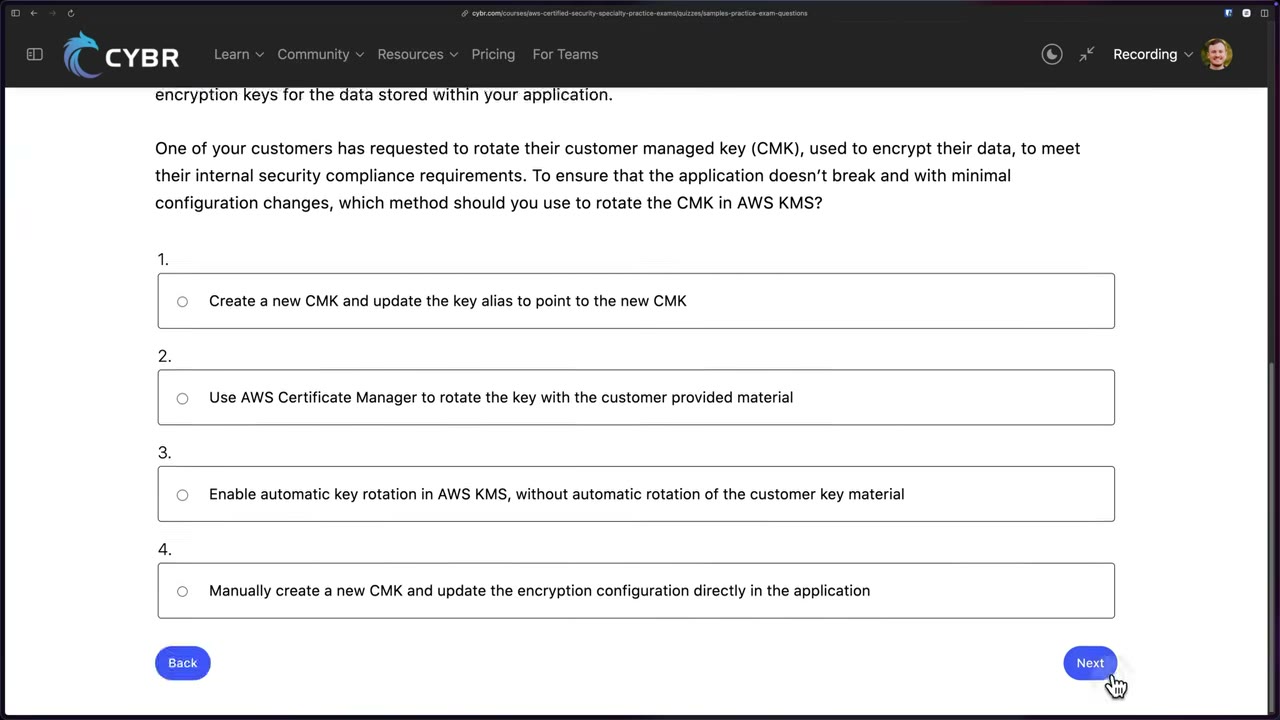
Answer: enable automatic (or on-demand) key rotation. The key ID/ARN stays the same and old key material is kept to decrypt old data, so the app needs zero changes. Creating a new key and repointing the alias (manual rotation) is only for keys that don’t support automatic rotation. ▶ #1 02:40
Exam at a glance
| Questions | 65: 50 scored + 15 unscored (unmarked, treat all as scored) |
| Passing score | 750 / 1000, compensatory (no per-domain minimum) |
| Question types | Multiple choice · multiple response · ordering (3–5 steps) · matching (3–7 pairs). Ordering/matching are all-or-nothing. |
| Guessing | No penalty, so never leave a blank |
| Target candidate | 3–5 years securing cloud workloads (a suggestion, not a prerequisite) |
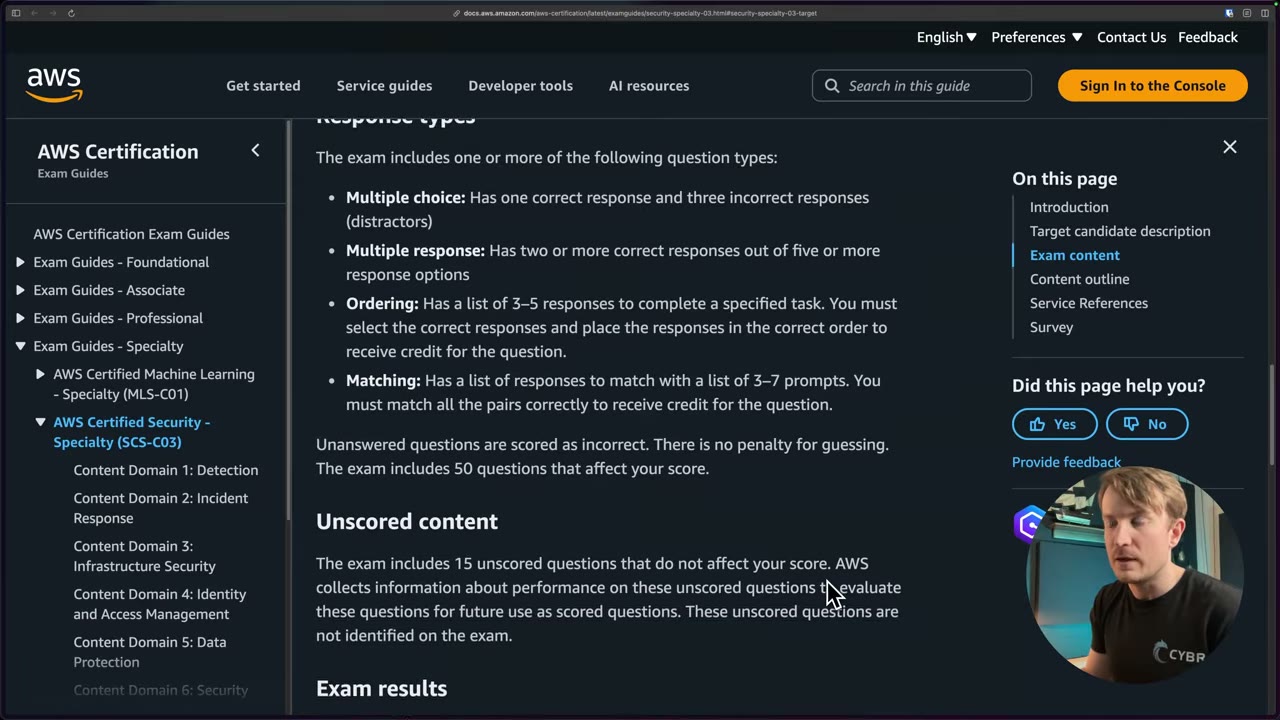
Out of scope: designing crypto algorithms, packet-level traffic analysis, managing end-user compute, training ML models. “Architect overall cloud deployments” is also listed as out of scope, but you will be asked how to chain services together. ▶ #2 00:52
| Domain | Weight | Tasks |
|---|---|---|
| D1 Detection | 16% | 1.1 monitoring & alerting · 1.2 logging · 1.3 troubleshoot monitoring/logging |
| D2 Incident Response | 14% | 2.1 design & test IR plan · 2.2 respond to events |
| D3 Infrastructure Security | 18% | 3.1 edge · 3.2 compute · 3.3 network |
| D4 Identity & Access Management | 20% | 4.1 authentication · 4.2 authorization |
| D5 Data Protection | 18% | 5.1 in transit · 5.2 at rest · 5.3 secrets & key material |
| D6 Foundations & Governance | 14% | 6.1 multi-account · 6.2 secure deployment · 6.3 compliance |
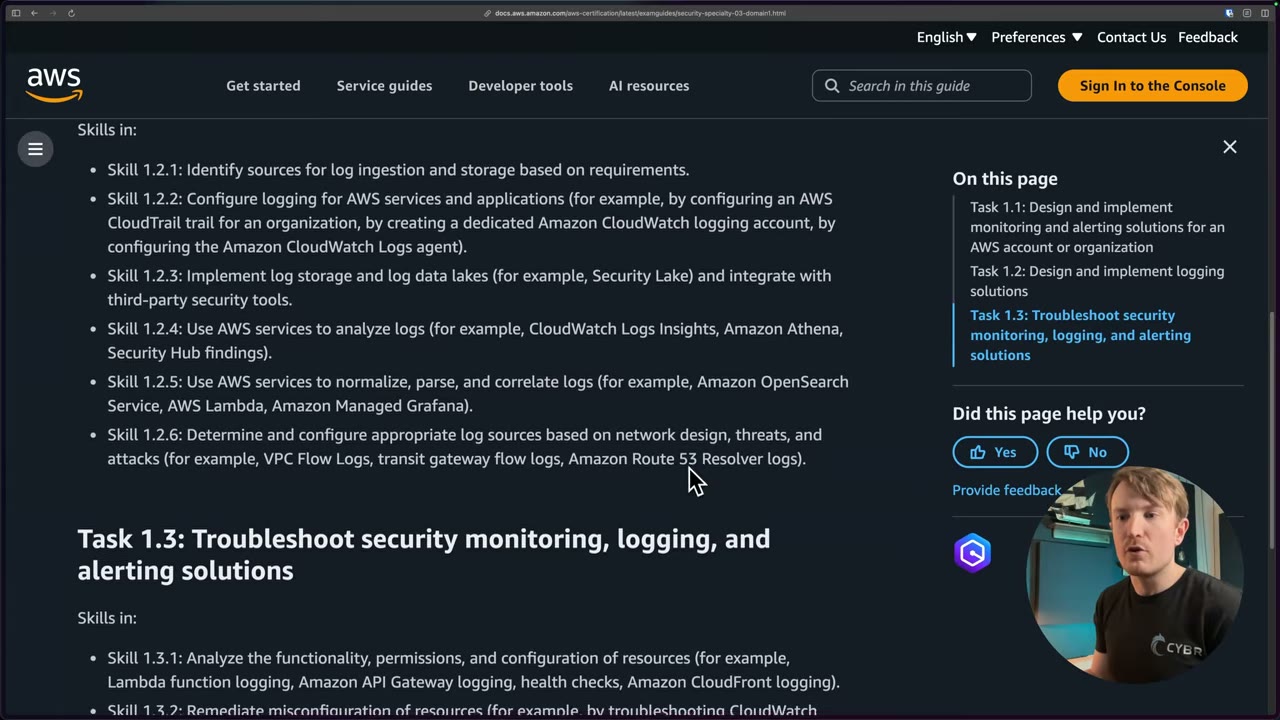
Skill IDs such as 1.1.3 mean Domain 1 → Task 1.1 → Skill 3 (“aggregate security and monitoring events”). Use the exam guide’s skill list as a checklist, and tick each one when you’re confident. ▶ #2 04:02 The service names in each skill’s “for example” list are strong hints of what the exam asks.
| Week | Videos | Part | Focus |
|---|---|---|---|
| 1 | 1–12, 32 | 1 | Organizations, SCP/RCP, Control Tower, root user |
| 2 | 13–31, 33–35, 135–136 | 1 | IAM evaluation logic, cross-account, Identity Center (heaviest domain) |
| 3 | 36–50, 87–89, 93–94 | 2 | Detection services, delegated-admin pattern |
| 4 | 106–120 | 2 | Logging pipelines, Security Lake, Athena |
| 5 | 51–73, 99, 108, 134, 139, 143, 149 | 4 | KMS, S3, secrets |
| 6 | 85, 100–105, 121–128, 133, 138, 140, 142, 145, 147, 151–152 | 3 | Edge, network, compute |
| 7 | 74–84, 86, 90–92, 95–98, 129–132, 137, 141, 144, 146, 148, 150 | 5 | Governance and incident response |
| 8 | — | all | Official practice exam, then re-read every 💡 Exam tips and ⚠️ Updates box |
Part 1 – Identity & Organizations
AWS Organizations (and AWS SRA)
Central management of many AWS accounts: one management account, member accounts grouped into OUs, consolidated billing, and organization policies (SCP, RCP, declarative, tag, backup, chat applications, AI opt-out). The AWS Security Reference Architecture (SRA) is AWS Prescriptive Guidance that says which account each security service should live in.
- Exam skills: deploy Organizations (6.1.1) · delegated admin (6.1.4) · Control Tower (6.1.2) · org policies SCP/RCP/AI opt-out/declarative (6.1.3) · central logging account (1.2.2) · aggregate security events (1.1.3) · blast radius (2.1.2)
- Videos: ▶ #3 Create and configure your AWS account · ▶ #5 Stop surprise AWS bills · ▶ #6 The AWS SRA project · ▶ #7 AWS Organizations
- Cost: accounts and Organizations cost nothing. Paid security services bill per account per Region.
Why multi-account, and why Organizations
- Accounts are the strongest isolation boundary in AWS. Separate accounts per environment/workload limit blast radius.
- Deploying and managing solutions across multiple AWS accounts is “one of the important themes to understand for your exam”. ▶ #6 00:00
- Practise in your own account (a brand-new one or a sandbox “completely removed from anything production”), with full control including AWS Organizations, not a shared corporate account. ▶ #3 00:00
- Multi-account behaviour of AWS Config, CloudFormation (StackSets) and GuardDuty is examinable and easier to remember by doing. ▶ #3 00:41
- Start with at least one practice account with an administrative IAM user, so you don’t use root for daily work. ▶ #3 00:59 The sign-up page asks for a “Root user email address” (used for account recovery and some administrative functions) and an “AWS account name”. ▶ #3 01:10
- Enable Organizations even for a single account: it unlocks functionality in other services, including IAM Identity Center. Sign in as the admin user → AWS Organizations → Create an organization (one click). ▶ #7 00:11
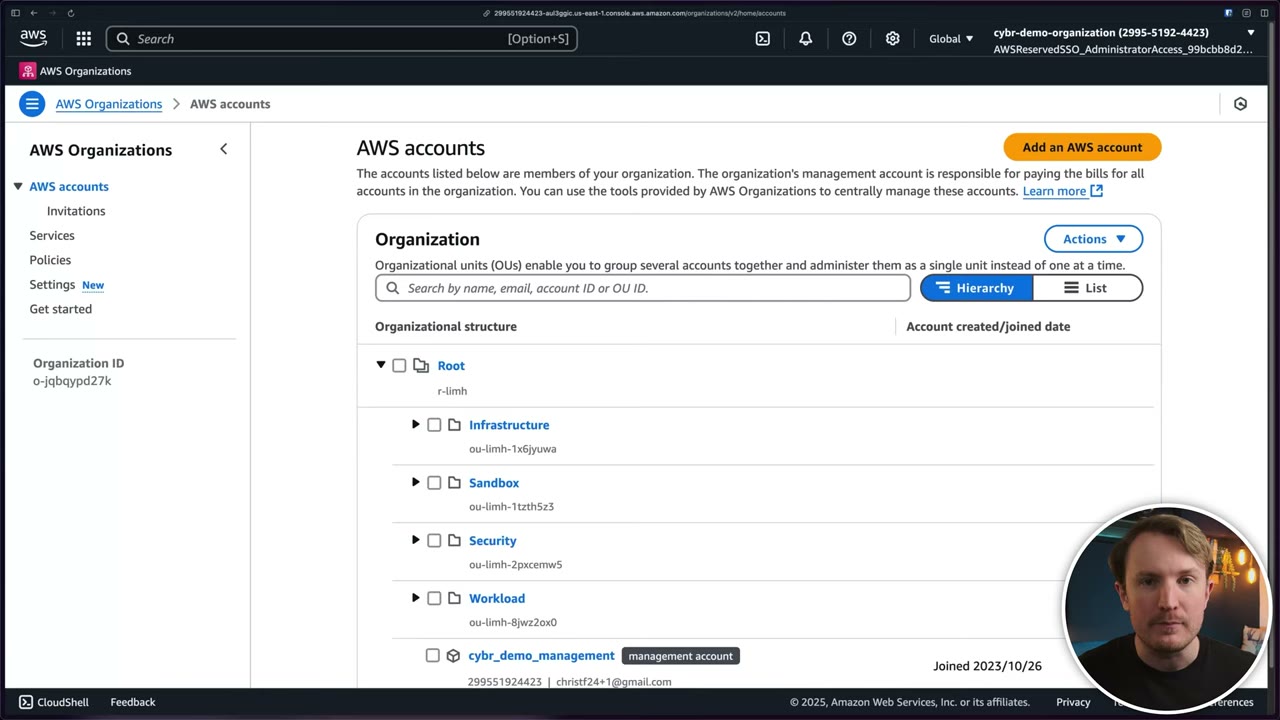
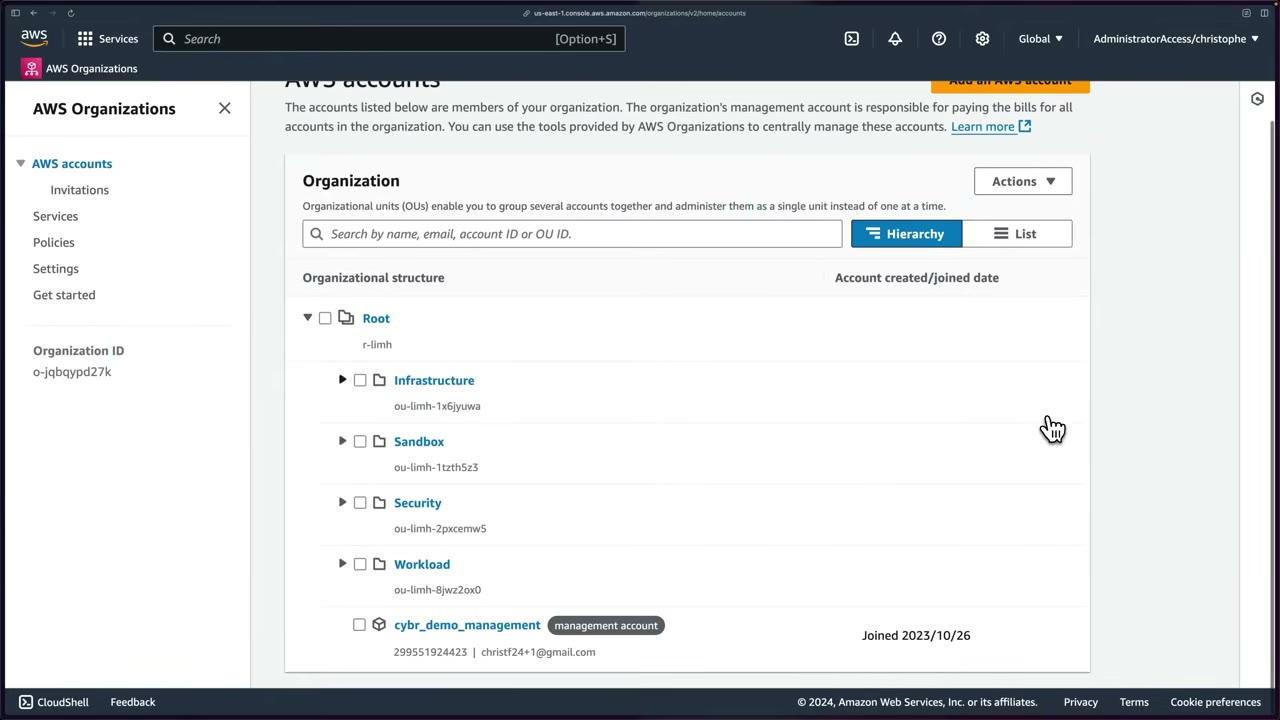
The demo org (▶ #3 00:25): Root (r-…) with OUs Infrastructure, Sandbox, Security, Workload, and the
management account cybr_demo_management, signed in via IAM Identity Center (AWSReservedSSO_AdministratorAccess_…).
Separate OUs let SCPs and delegated admin roles be applied per function.
The management account and delegation
- Management account = payer and root of trust. SCPs and RCPs do not restrict it. Keep workloads and people out of it.
- Minimize use and resources in it. If it is compromised “you’re going to have a very, very bad day”. ▶ #6 01:10 Some security features don’t apply to it. ▶ #6 01:21 Use it only to set things up, orchestrate and delegate. ▶ #6 01:30
- “Delegation in a nutshell is how you get things out of the management account.” ▶ #7 06:01
| Delegation type | What it does |
|---|---|
| Delegated administrator for AWS services | Register a member account (usually Security Tooling / Audit) as admin for GuardDuty, Security Hub, Config, Macie, Inspector, Detective, Access Analyzer, Firewall Manager, IAM Identity Center, etc. The standard answer to “manage security services centrally without using the management account”. ▶ #7 06:01 |
| Delegated administrator for AWS Organizations | A resource-based delegation policy lets a member account manage organization policies of the types and actions you allow. ▶ #7 06:01 |
Trusted access (aws organizations enable-aws-service-access) |
Lets a service perform actions in your organization: create roles, read accounts, root users, policies, OUs. The Services page shows which services are enabled and when. ▶ #7 01:51 AWS recommends enabling it from the other service’s console, so the service can do its own supporting setup. |
- Multi-account deployment patterns: Config rules/conformance packs to all accounts → organization conformance packs or CloudFormation StackSets with service-managed permissions. GuardDuty for all current and future accounts → delegated admin + auto-enable.
- Org trail: created in the management account or the CloudTrail delegated admin. Member accounts see it but cannot modify or delete it.
AWS SRA: OUs and accounts
The SRA gives prescriptive guidance for AWS security best practices, especially in multi-account architectures. ▶ #6 00:10 Its documentation (AWS Prescriptive Guidance → The AWS Security Reference Architecture) illustrates a three-tier web app (web → application → data tier) inside a full org. The PDF and a PowerPoint diagram source (.zip) can be downloaded to customize. ▶ #6 00:00 It contains all security services at publication time, though not every workload needs every one. For each it gives an overview and security purpose, recommended placement (account/OU), links to other services, and design considerations. ▶ #6 00:55 For now, focus on the OUs and account names. ▶ #6 00:51 An OU is a grouping (like a folder), not an account. ▶ #6 02:01
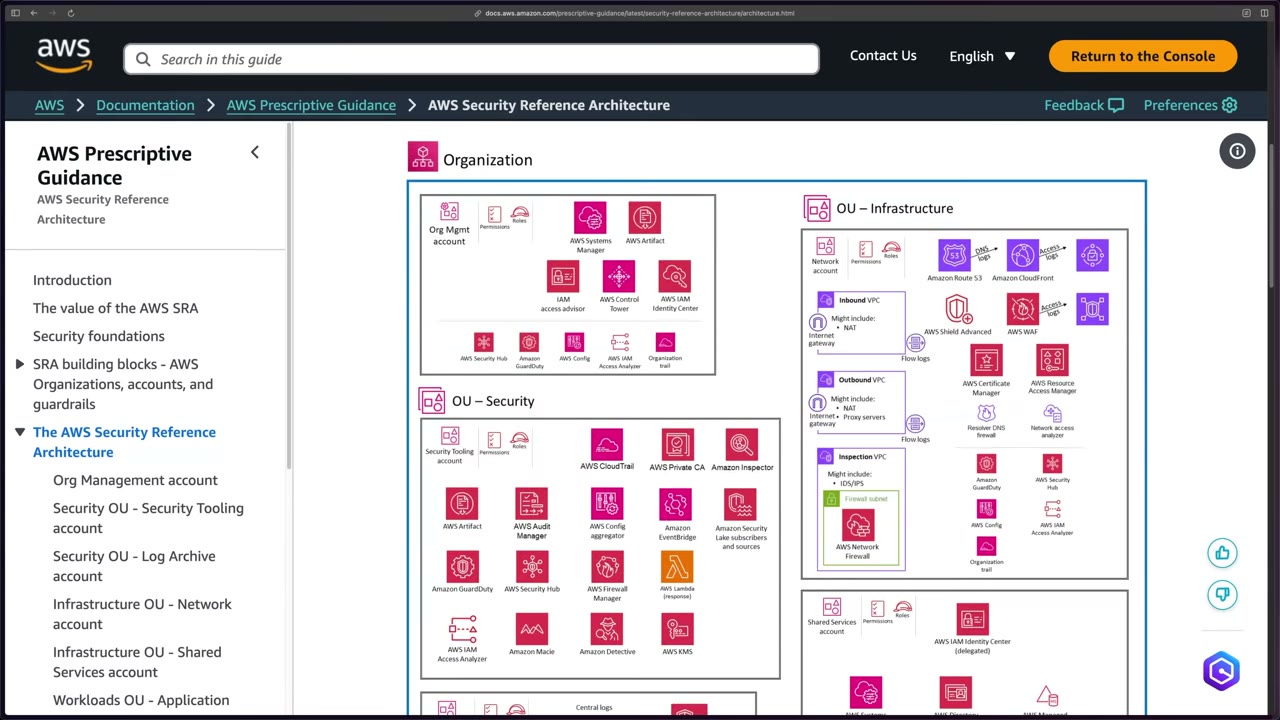
| OU | Account | What lives there |
|---|---|---|
| (root) | Org Management | Systems Manager, Artifact, IAM access advisor, Control Tower, IAM Identity Center, plus the everywhere services (Security Hub, GuardDuty, Config, IAM Access Analyzer, Organization trail). ▶ #6 01:01 |
| Security | Security Tooling | Runs and configures security services for the whole org: CloudTrail (org trail admin), Private CA, Inspector, Artifact, Audit Manager, Config aggregator, EventBridge, Security Lake subscribers and sources, GuardDuty, Security Hub, Firewall Manager, Lambda (response), IAM Access Analyzer, Macie, Detective, even KMS. Where the security team gets access. ▶ #6 02:40 Control Tower calls it Audit. |
| Security | Log Archive | Central S3 bucket for the CloudTrail organization trail, VPC Flow Logs, access logs (CloudFront, WAF), DNS logs (Route 53 Resolver query logs), plus Security Lake. ▶ #6 04:12 |
| Infrastructure | Network | Inbound VPC (IGW, NAT), Outbound VPC (NAT, proxy servers), each with flow logs. ▶ #6 06:52 Internet gateways, Route 53, CloudFront, WAF, Shield Advanced, ACM, RAM, Resolver DNS Firewall, Network Access Analyzer. ▶ #6 07:00 Inspection VPC (IDS/IPS) with a firewall subnet running AWS Network Firewall, which traffic passes through before reaching resources. ▶ #6 07:10 |
| Infrastructure | Shared Services | IAM Identity Center (delegated), Systems Manager, Directory Service, AWS Managed Microsoft AD. ▶ #6 07:30 |
| Workloads | Application (Prod/Non-prod) | The app itself. ▶ #6 05:31 |
| Sandbox, Suspended | Experimentation; closed or quarantined accounts. |
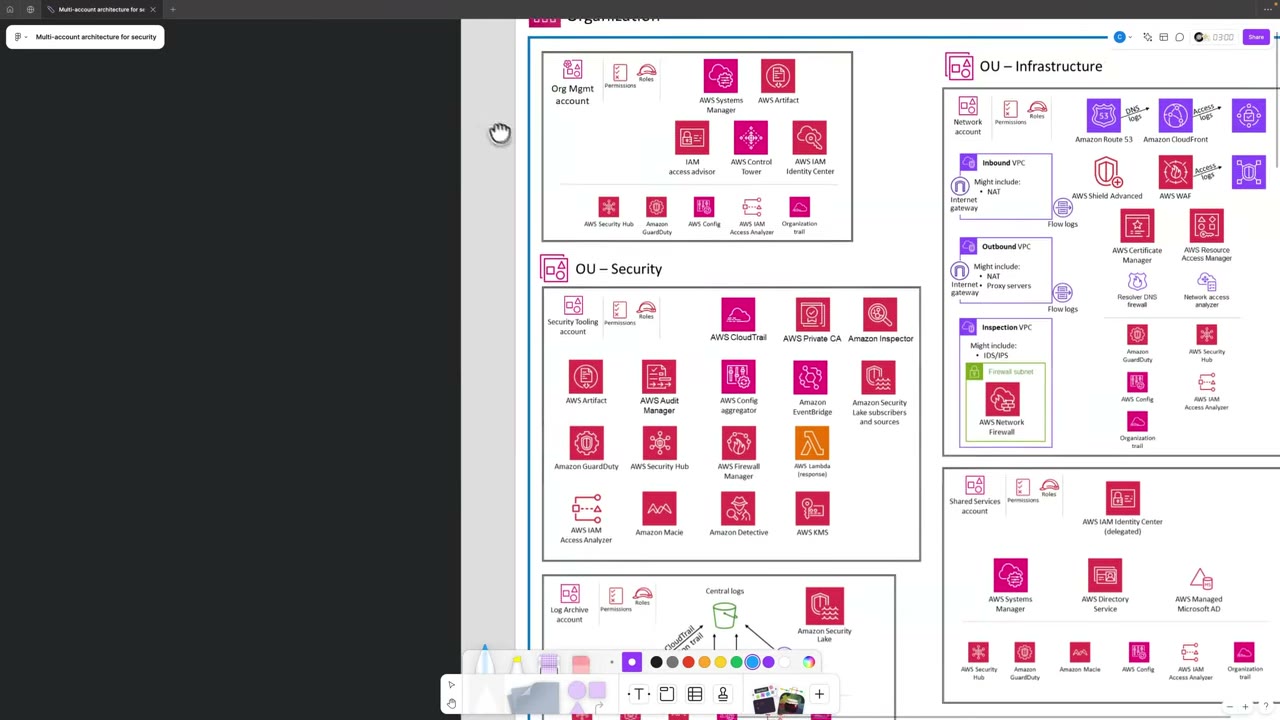
- Same logos in other accounts: the service runs in every account (collects data, monitors) and sends findings back to where it is configured, the Security Tooling account. Those accounts don’t manage it. ▶ #6 03:20
- Log Archive: lock it down to very few people and systems. Mostly systems pull data; humans should not modify logs. ▶ #6 04:40 Make logs immutable. For incident response, copy data out (e.g. to Security Tooling) and work there, not in Log Archive. ▶ #6 04:51
- Network pattern: Transit Gateway + centralized inspection VPC, shared with RAM.
- Shared Services / Identity Center: otherwise you manage identities from the management account. Delegate administration of Identity Center to Shared Services so that team signs in there, never into the management account. ▶ #6 07:52 Identity Center supports one delegated admin. Some tasks stay management-account-only (e.g. permission sets assigned to the management account).
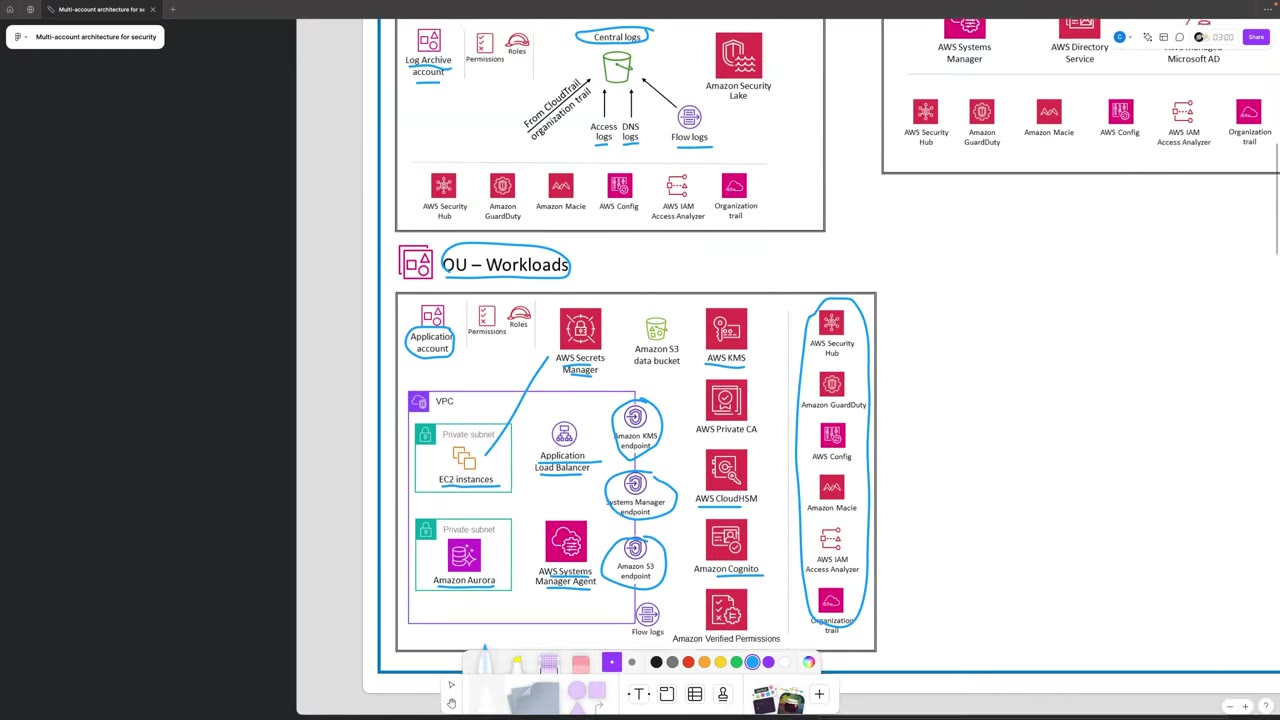
Application account: a VPC with EC2 in a private subnet behind an ALB, Aurora in a private subnet, Systems Manager Agent, VPC endpoints for KMS, Systems Manager and S3 (traffic stays private), and flow logs. ▶ #6 05:41 Supporting services: Secrets Manager (secrets read by EC2), an S3 data bucket, KMS, Private CA, CloudHSM, Cognito, Verified Permissions. ▶ #6 06:02 Some services repeat per account: you sometimes need KMS in an account even when it is centrally managed elsewhere. ▶ #6 06:12 The right-hand column (Security Hub, GuardDuty, Config, Macie, IAM Access Analyzer, Organization trail) gathers data from this account and reports to Security Tooling. ▶ #6 06:21
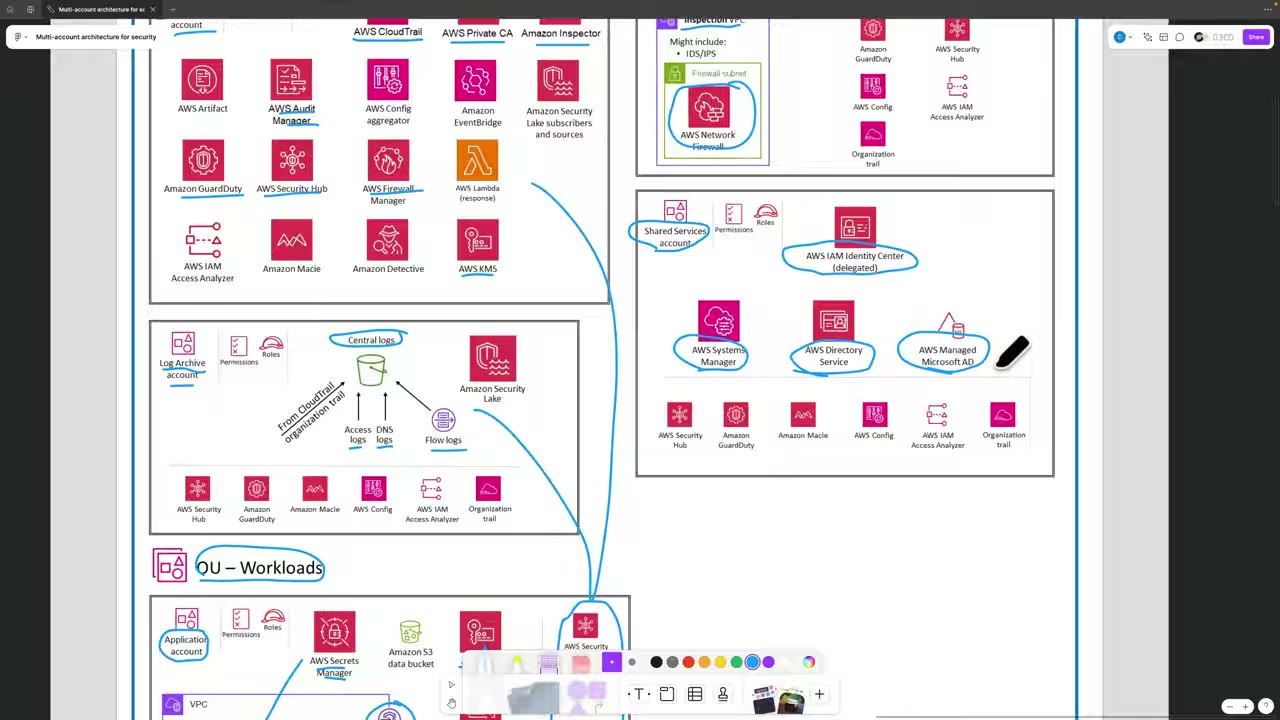
The SRA is “prescriptive guidance… not a requirement and not a hard rule”. Name or reshape OUs and accounts to fit your organization. ▶ #6 09:01 Its view is “baked into” the rest of the course, so don’t let the diagram overwhelm you. ▶ #6 08:41
Console tour: accounts, services, policies, settings
AWS accounts page lists the management account (ID, email) and members. Here you provision accounts, invite
existing ones, and create OUs. ▶ #7 01:20 Demo org: ID o-jqbqypd27k, Root r-limh. A banner offers Centralize root access
for member accounts → Enable in IAM (see the root user section).
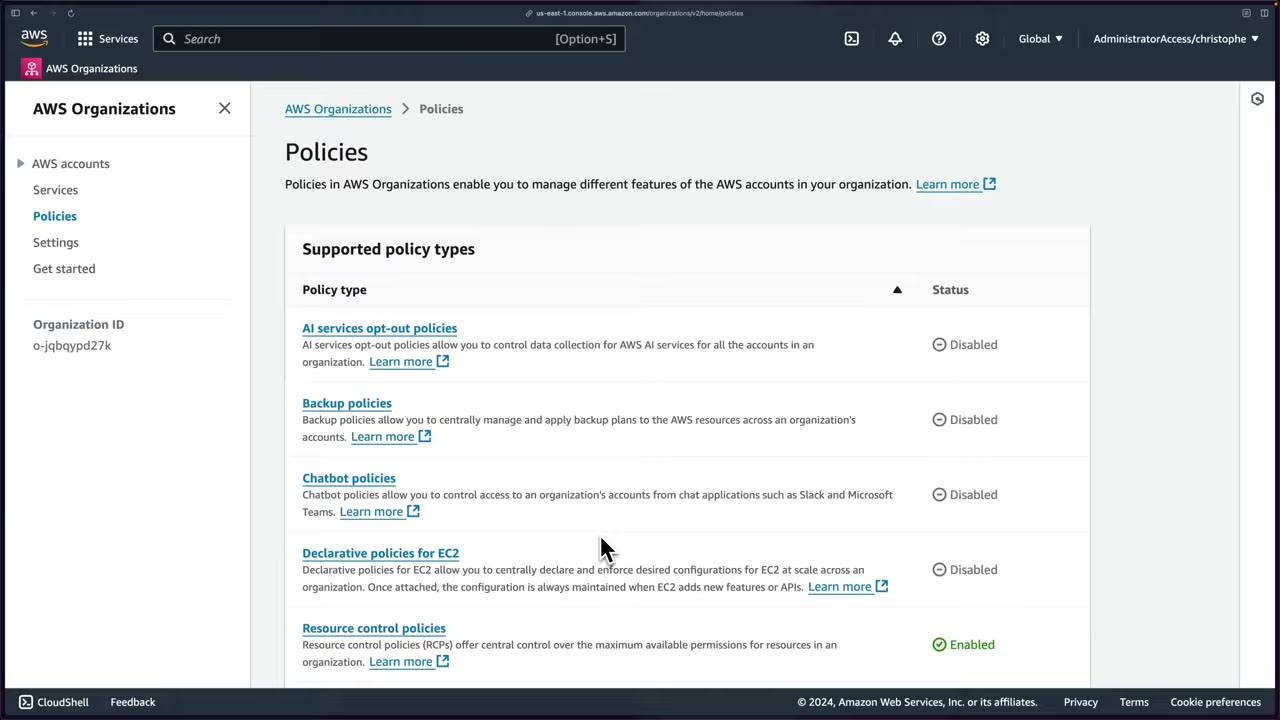
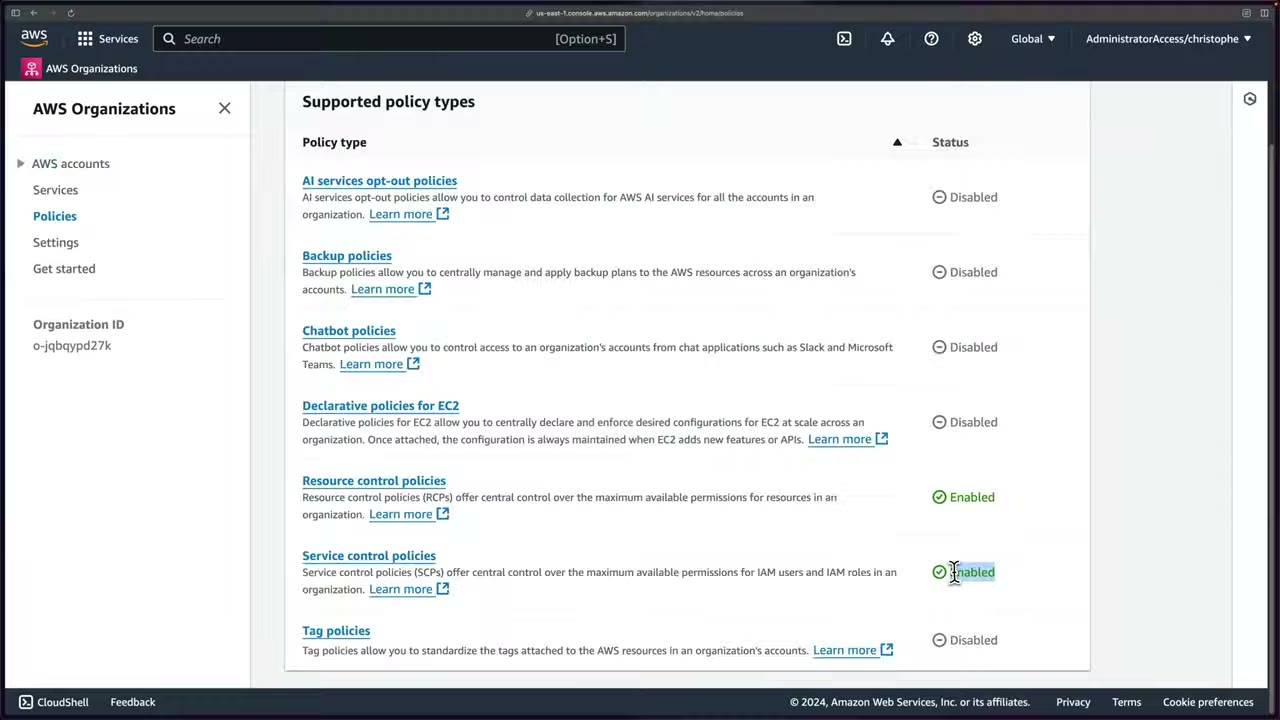
Policies page (each type must be enabled before use; in the demo only RCPs show Enabled): ▶ #7 02:20
| Policy type | What it does |
|---|---|
| Service control policies (SCPs) | Set the maximum allowed permissions for IAM users and roles in member accounts. ▶ #7 02:31 |
| Resource control policies (RCPs) | Like SCPs but protect resources (max permissions on resources). ▶ #7 02:51 |
| Declarative policies for EC2 | Enforce a desired configuration for EC2 across the org, maintained even when EC2 adds new features/APIs. ▶ #7 03:10 |
| AI services opt-out policies | Whether AWS AI services may store and use your content (e.g. Rekognition, CodeWhisperer, Transcribe). ▶ #7 03:30 |
| Backup policies | Org-wide backup plans via AWS Backup. ▶ #7 03:51 |
| Chatbot policies | Access to accounts from chat apps (Slack, Microsoft Teams). ▶ #7 04:10 |
| Tag policies | Enforce the format of allowed tag values to classify/track resources. ▶ #7 04:21 |
- Feature set must be All features (not consolidated billing only) to use SCPs, RCPs and the other policy types. ▶ #7 05:42
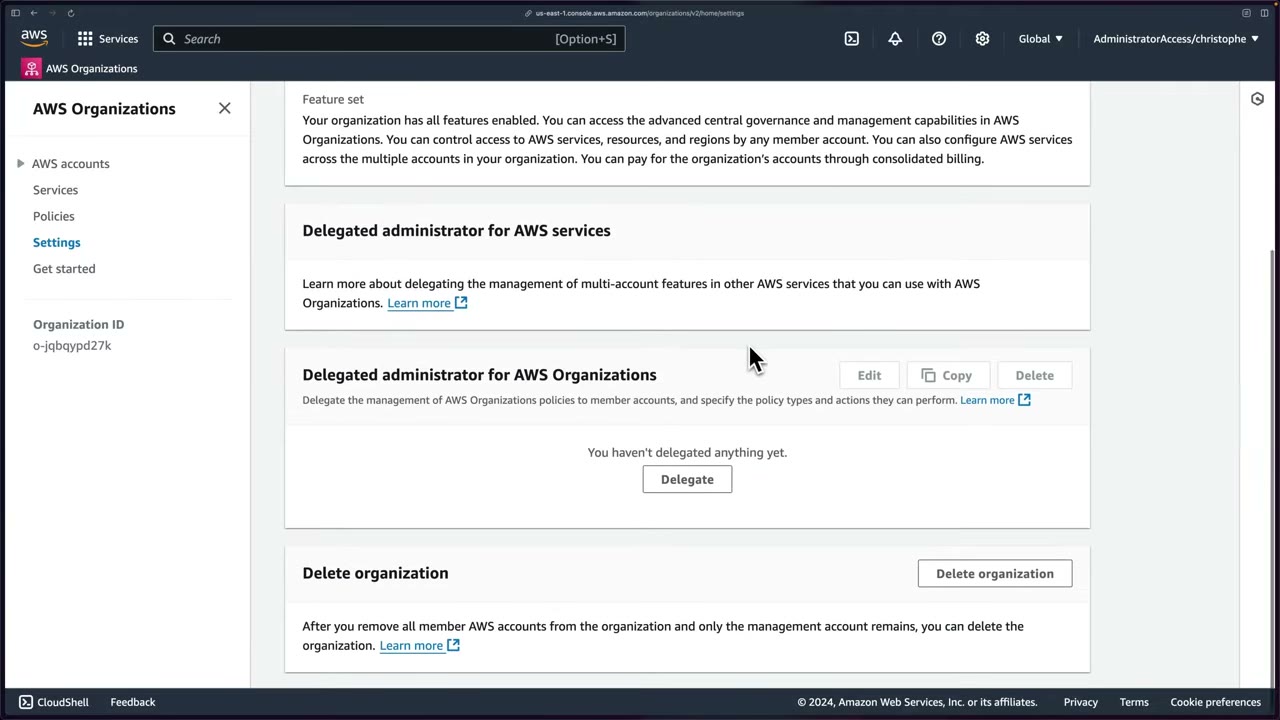
Settings page: org ID (used throughout the course), management account name and email, feature set, both delegated-admin sections, and Delete organization, possible only once all member accounts are removed. ▶ #7 06:11 The Get started page lists recommended steps (enable Identity Center, organize accounts into OUs, create policies, enable integrated services). ▶ #7 06:21
Creating accounts, OUs and OrganizationAccountAccessRole
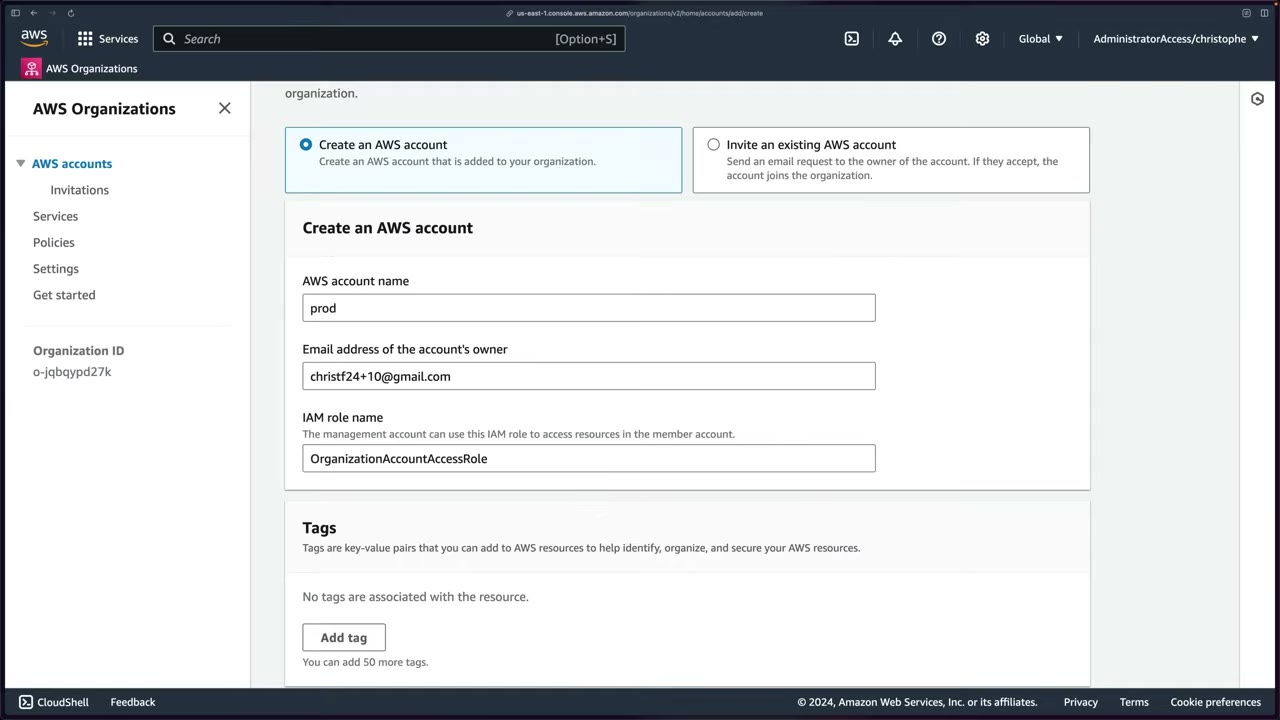
- Add an AWS account → Create an AWS account or Invite an existing AWS account. ▶ #7 07:30
- Each account needs a unique email (it is the root recovery path). Plus-addressing helps, e.g.
name+8@gmail.com. ▶ #7 07:50 OrganizationAccountAccessRole(default name, changeable) is created in every account the org creates, with admin rights, trusted by the management account. That’s how you jump between accounts. It is a high-privilege role. ▶ #7 08:21- New accounts land directly under Root. Select → Actions → Move → OU. ▶ #7 09:10
- To create an OU you must first select Root (or the parent OU), “kind of a weird quirk”. Names up to 128 characters. ▶ #7 09:50
- Invited accounts (by email or account ID; the owner must accept) don’t get the role, because Organizations had no access. Create it by hand. ▶ #7 10:50
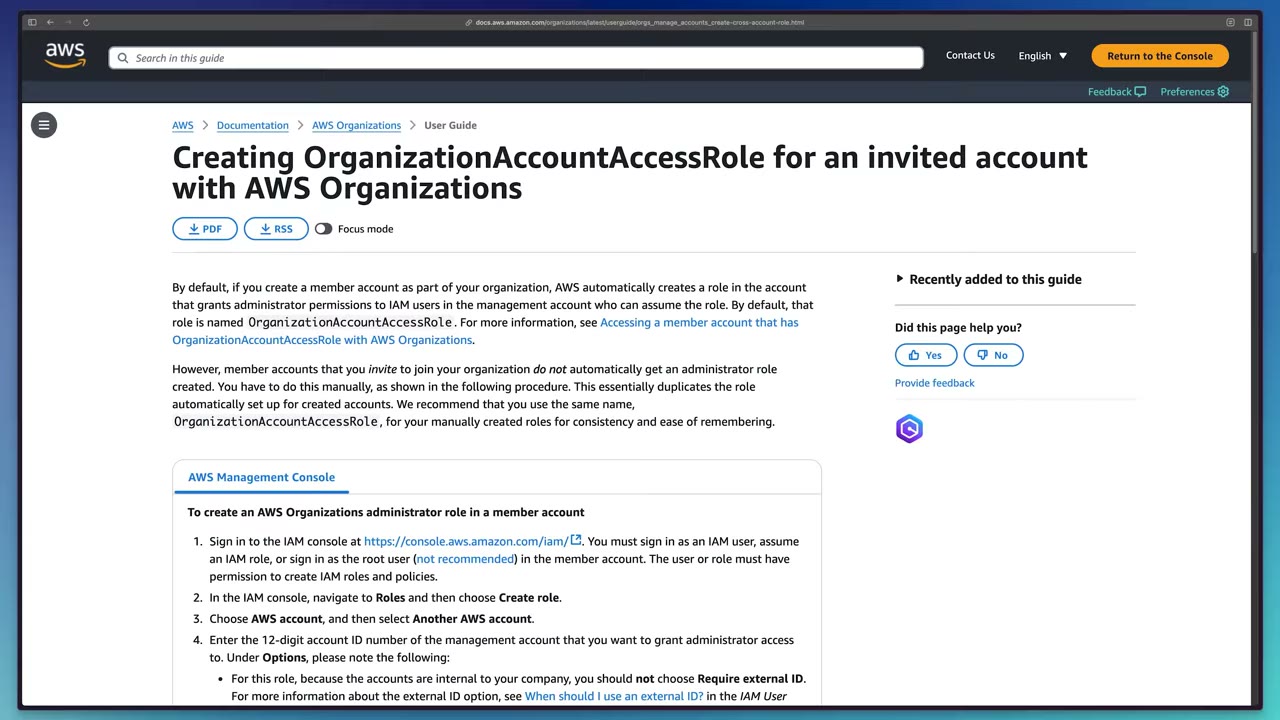
Creating the role in an invited account: IAM → Roles → Create role → AWS account → Another AWS account → the
management account ID → do not choose Require external ID (the accounts are internal) → attach AdministratorAccess
→ name it OrganizationAccountAccessRole for consistency.
- Organizations → AWS accounts (hierarchy view) → Services → Policies → Settings → Get started. ▶ #7 01:11
- Add an AWS account → Create an AWS account → name
network(central VPC stuff), email…+8@…, roleOrganizationAccountAccessRole→ Create AWS account. Creation takes up to about a minute. ▶ #7 07:30 - Refresh → select
network→ Actions → Move → Infrastructure. ▶ #7 09:30 - Select Root → Actions → Create new OU →
Workload→ Create organizational unit. ▶ #7 09:50 - Create
dev(+9) andprod(+10) accounts → move both into Workload. ▶ #7 10:10 - Instructor’s full layout: OUs Infrastructure, Sandbox, Security, Workload; accounts log archive, security tooling, sandbox examples, shared services. Replicating it is optional: accounts are free but add complexity. ▶ #7 07:01
Org condition keys
| Key | Use |
|---|---|
aws:PrincipalOrgID |
Resource policy: only principals in my org |
aws:PrincipalOrgPaths |
Only principals from accounts in specific OUs |
aws:ResourceOrgID |
Only resources in my org |
aws:ResourceOrgPaths |
Only resources in specific OUs |
S3 bucket policy that allows only principals from your org:
{
  "Effect": "Deny",
  "Principal": "*",
  "Action": "s3:*",
  "Resource": ["arn:aws:s3:::corp-logs", "arn:aws:s3:::corp-logs/*"],
  "Condition": { "StringNotEquals": { "aws:PrincipalOrgID": "o-a1b2c3d4e5" },
                 "Bool": { "aws:PrincipalIsAWSService": "false" } }
}
Billing guardrails: Budgets and anomaly detection
Create a budget right after securing root and before any lab in your own account. ▶ #5 00:00 Forgotten resources cause “surprise bill” stories. ▶ #5 00:41 Unexpected spend is also a security signal (e.g. crypto-mining). Alert before the limit, e.g. at about $4 for a $5 limit, so you can investigate in time. ▶ #5 01:00
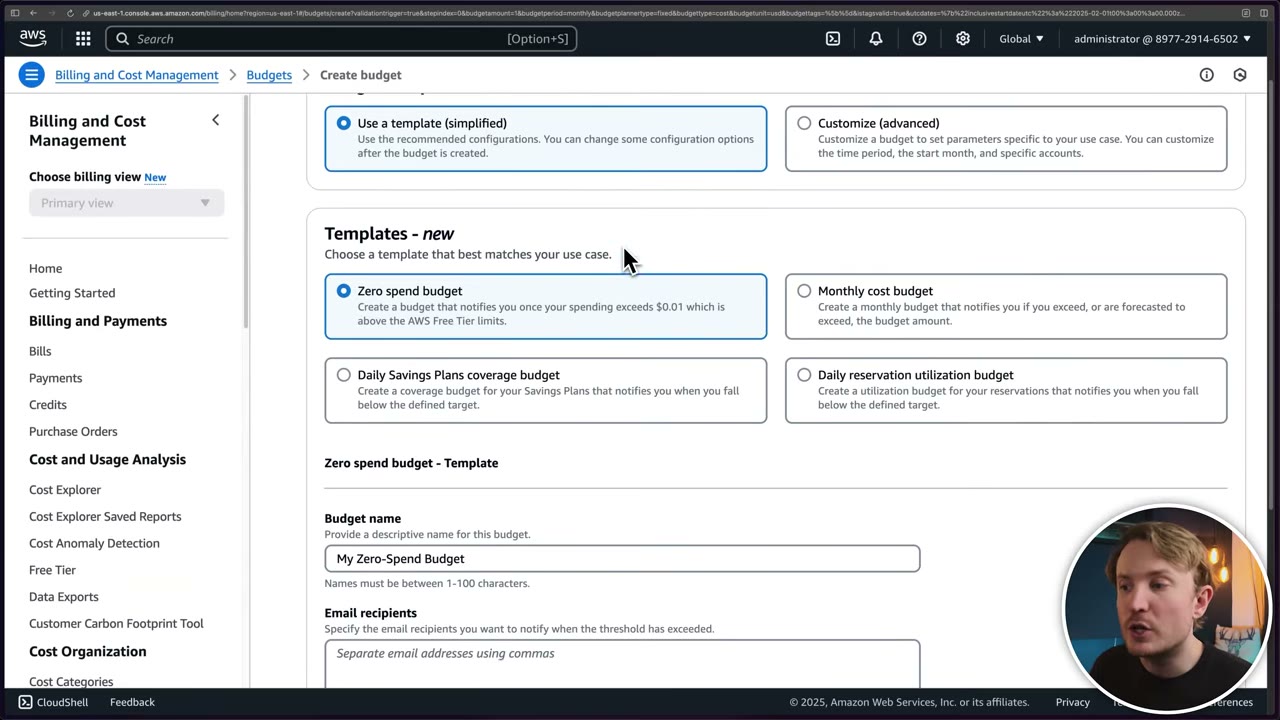
Budget setup: Use a template (simplified) vs Customize (advanced) (custom period, start month, specific accounts). ▶ #5 01:31
| Template | Notifies when |
|---|---|
| Zero spend budget | Spend exceeds $0.01, i.e. above Free Tier |
| Monthly cost budget | Actual 85%, actual 100%, forecasted 100% of the amount ▶ #5 01:50 |
| Daily Savings Plans coverage | Coverage falls below a target |
| Daily reservation utilization | RI utilization falls below a target |
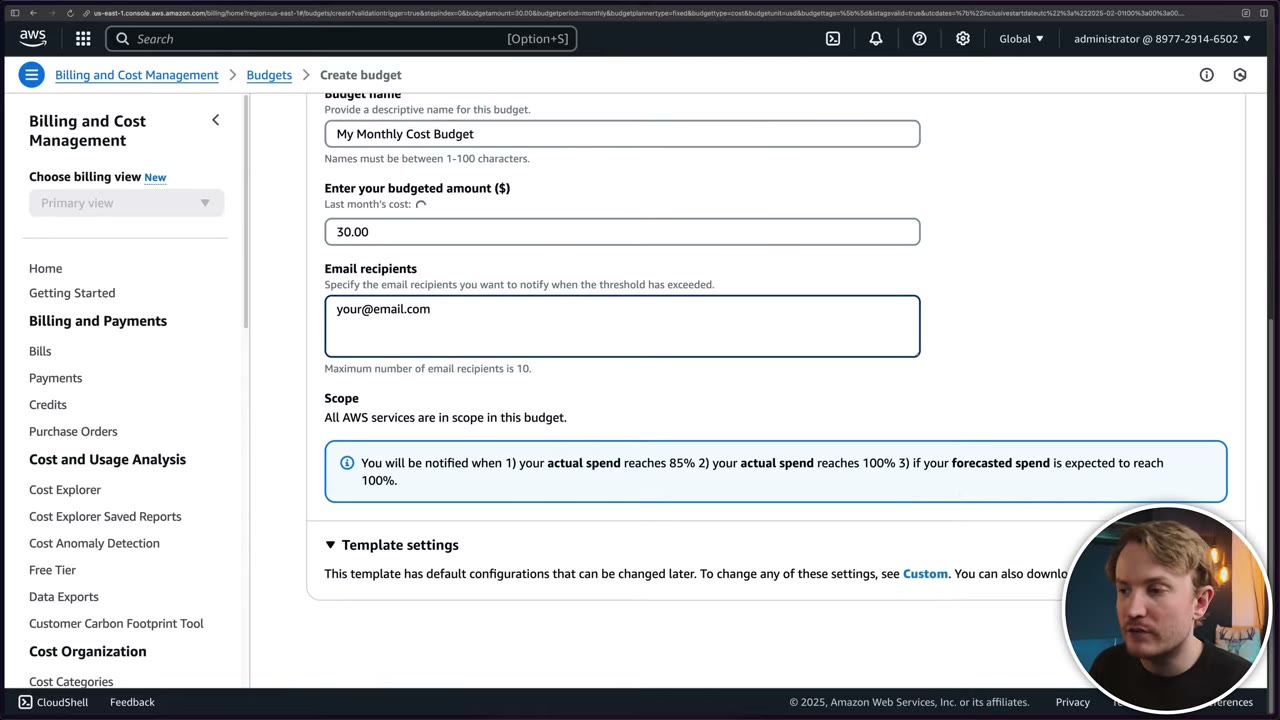
- A budget only notifies: email (up to 10 recipients) or SNS. Template settings can be changed later via Custom.
- Budget actions can act: apply an IAM policy or SCP, or stop specific EC2/RDS instances (needs an execution role).
- Cost Anomaly Detection = ML-based unusual-spend detection (per service, account, cost category).
- CloudWatch billing alarm: metric
EstimatedCharges, us-east-1 only, requires Receive Billing Alerts.
- Sign in as
administrator(works because root activated IAM access to Billing) → search Budgets → Create budget. ▶ #5 01:31 - Use a template (simplified) → Monthly cost budget. ▶ #5 01:40
- Name
My Monthly Cost Budget, amount30.00, email recipientyour@email.com, scope All AWS services. ▶ #5 01:50 - Create budget. “It really is that simple.” ▶ #5 02:00
From the instructor
- Multi-account deployment of Config, CloudFormation (StackSets) and GuardDuty is examinable: practise it. ▶ #3 00:41
- Don’t use root for daily work: create an administrative user. ▶ #3 01:00
- Management account: minimize use and resources, some security features don’t apply to it, use it to set up, orchestrate and delegate. ▶ #6 01:10
- Logs in Log Archive are immutable; analyse copies elsewhere during IR. ▶ #6 04:51
- Delegate Identity Center administration to Shared Services. ▶ #6 08:10
- SCPs set the maximum permissions for users/roles; RCPs are the resource-side equivalent. Both are “super important”. ▶ #7 02:31
OrganizationAccountAccessRoleexists in created accounts, not invited ones. ▶ #7 10:40
Keyword → answer
| If the question says… | Answer |
|---|---|
| Centrally manage security service X across all accounts, least privilege | Delegated admin in a security account, not the management account |
| Where to administer GuardDuty / Security Hub / Macie / Inspector / Detective / Config aggregator / Firewall Manager / Access Analyzer | Security Tooling (Control Tower: Audit) |
| Restrict resource access to principals in our org | Resource policy with aws:PrincipalOrgID |
| Allow access only from accounts in specific OUs | aws:PrincipalOrgPaths |
| New accounts automatically get the control | Attach the policy to the OU, not to accounts |
| Management account can’t switch into an invited account | Create OrganizationAccountAccessRole manually there |
| Want SCPs but org has consolidated billing only | Enable All features |
| Central, tamper-proof logs | Log Archive bucket: restrictive bucket policy, S3 Object Lock (compliance mode), versioning, SSE-KMS, SCP stopping members from stopping/deleting the org trail |
| Deploy Config rules to every account | Organization conformance packs / StackSets (service-managed) |
| Enable GuardDuty for all current and future accounts | Delegated admin + auto-enable |
| Stop resources automatically when spend hits a threshold | Budget actions |
| Detect unusual spend automatically | Cost Anomaly Detection, not a fixed budget |
| Sudden cost spike, EC2 in Regions we never use | Compromised credentials / crypto-mining. GuardDuty CryptoCurrency:EC2/BitcoinTool.B!DNS, Impact:EC2/BitcoinDomainRequest. Revoke keys, check CloudTrail, Region-deny SCP |
| Root email is an employee’s personal mailbox | Wrong: use a group-owned distribution list you control |
| Minimize blast radius | Separate accounts |
Real-world practice
- Start with AWS Control Tower for the Security OU, Log Archive and Audit accounts, org trail and guardrails, then extend toward the SRA (Infrastructure, Sandbox, Policy Staging, Suspended OUs from the Organizing Your AWS Environment whitepaper). Companion code:
aws-samples/aws-security-reference-architecture-examples. - Plan OUs by policy needs (Security, Infrastructure, Workloads Prod/Non-Prod, Sandbox, Suspended, Policy Staging), not by org chart.
- Vend accounts with Control Tower Account Factory/AFT or IaC (
aws_organizations_account), not console clicks. - Lock down
OrganizationAccountAccessRole: replace it with Identity Center permission sets, or guard it with an SCP so only break-glass principals can assume it. - Account email aliases go to a shared, monitored mailbox. Removing an account from the org needs standalone billing info. Closed accounts stay in the org (SUSPENDED) for 90 days.
- In Log Archive, give the security team read-only cross-account access (or query via Athena/Security Lake from Security Tooling). Writes come only from service principals. Lifecycle central logs to cheaper S3 classes.
- Prefer IAM Identity Center users over IAM users, even for the lab admin. Long-term IAM access keys are a top source of leaks.
- Create budgets in the management account (or a delegated billing account) per account/OU/cost-allocation tag, plus a zero-spend budget on sandbox accounts, before enabling paid security services (GuardDuty, Security Hub, Macie, Inspector bill per account per Region after trials). Pair with Region-deny SCPs and Cost Anomaly Detection.
- Budget data lags by hours (up to ~8–24 h): budgets are not real-time controls. The first two action-enabled budgets are free.
aws organizations create-organizational-unit --parent-id r-abcd --name Security
aws organizations register-delegated-administrator \
  --account-id 111122223333 --service-principal guardduty.amazonaws.com
aws guardduty enable-organization-admin-account --admin-account-id 111122223333
- Create an org with OUs
Security,Workloads/Prod,Workloads/DevandSandbox. - Register a member account as delegated admin for one service.
- Create a $30 monthly cost budget with email alerts.
- Cleanup: deregister the delegated admin, move the accounts out, delete the budget, and close the test accounts.
Service Control Policies (SCPs)
Organization policies that set the maximum permissions for IAM principals (users, roles, and the root user) in member accounts. They never grant permissions: an identity still needs an IAM policy that allows the action.
- Exam skills: org policies SCP/RCP (6.1.3) · Organizations (6.1.1) · manage root user credentials (6.1.5) · least privilege & boundaries (4.2.3) · analyze authorization failures (4.2.4) · troubleshoot authentication (4.1.3)
- Videos: ▶ #8 About SCPs · ▶ #9 Deploying SCPs · ▶ #10 Test SCPs so they don’t break production
- Limits: 5 SCPs attached per root / OU / account · 5,120 characters per policy
What SCPs are (and are not)
- Very similar to IAM policies in syntax and behaviour, with important differences. ▶ #8 00:20
- They do not replace IAM or resource-based policies and “don’t actually grant any access. They can only limit.” ▶ #8 00:30
- They give central control over the maximum available permissions for identities in member accounts, overriding IAM and resource-based policies set in those accounts: guardrails for IAM users and roles. ▶ #8 00:40
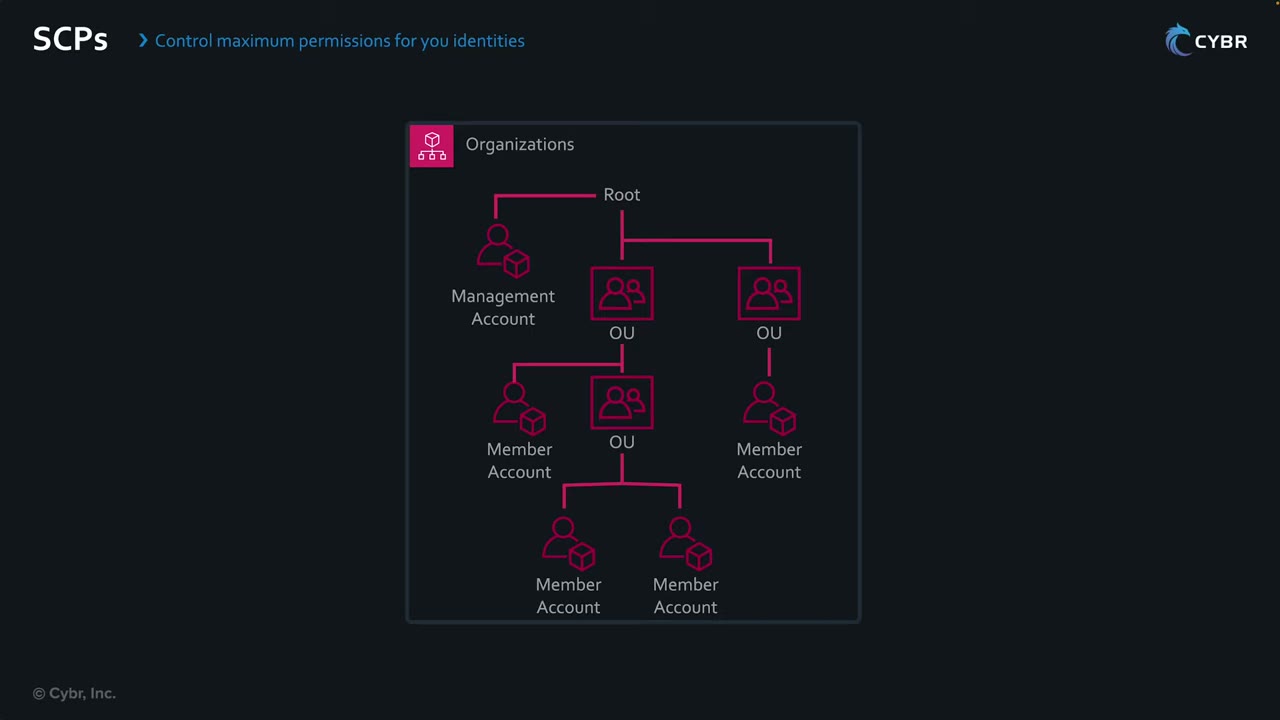
| Applies to | Does not apply to |
|---|---|
| All IAM users and roles in member accounts ▶ #8 06:30 | The management account, even when attached at Root ▶ #8 06:11 |
| The member account root user ▶ #8 06:30 | Service-linked roles (used by AWS services to act in member accounts) ▶ #8 06:41 |
| Nested OUs and accounts, including ones added later (inheritance) ▶ #8 07:21 | Users/roles in external accounts accessing your resources ▶ #8 06:52 |
- Hence “push things out of the management account”. ▶ #8 06:11
- SCPs don’t affect resource-based policies directly. Example: an S3 bucket in a member account grants cross-account access to account B. The SCP doesn’t restrict account B’s identities and doesn’t protect the bucket → use RCPs. ▶ #8 07:21
- SCP vs permissions boundary: SCP = whole account/OU, set centrally. Boundary = per IAM entity, used to safely delegate role creation.
FullAWSAccess and deny-by-default
Enable them in Organizations → Policies → Service control policies → Enable service control policies. Each policy type has its own enable button (e.g. Enable declarative policies for EC2). ▶ #8 01:11
- AWS then creates the managed SCP
FullAWSAccess(“allows access to every operation”):Effect: Allow,Action: "*",Resource: "*", an allow-all approach. ▶ #8 01:30 - Why it exists: at least one SCP must be attached at all times to root, every OU and every account, and SCPs are deny by default. Removing
FullAWSAccesswithout a replacement Allow blocks every action. ▶ #8 02:02 - Its Targets tab: attached to every account and OU, kept in sync automatically as accounts/OUs are added or removed. Don’t touch it. ▶ #8 02:31
- Start with no restrictions and add SCPs with explicit denies, which win over allows (like IAM). ▶ #8 02:50
| Strategy | How |
|---|---|
| Deny list (most common) | Keep FullAWSAccess and add Deny statements |
| Allow list | Remove FullAWSAccess; an Allow must then exist at every level (root → OU → account) |
- Policy name ≤ 128 chars, description ≤ 512 chars, optional tags. The console banner: “An SCP doesn’t grant permissions. You must still use IAM permission policies or resource policies to grant permissions.” ▶ #9 00:00
- Quotas: max 5 SCPs attached to the root, per OU and per account; max document size 5,120 characters including whitespace. Combine and structure SCPs creatively, and “double check” as these may change. ▶ #8 08:51 With only 5 per target you’ll run out quickly. ▶ #9 07:00
- Since 2025 SCPs support the full IAM policy language:
Condition,NotResourceand individual resource ARNs are allowed in Allow statements too.
Effective permissions
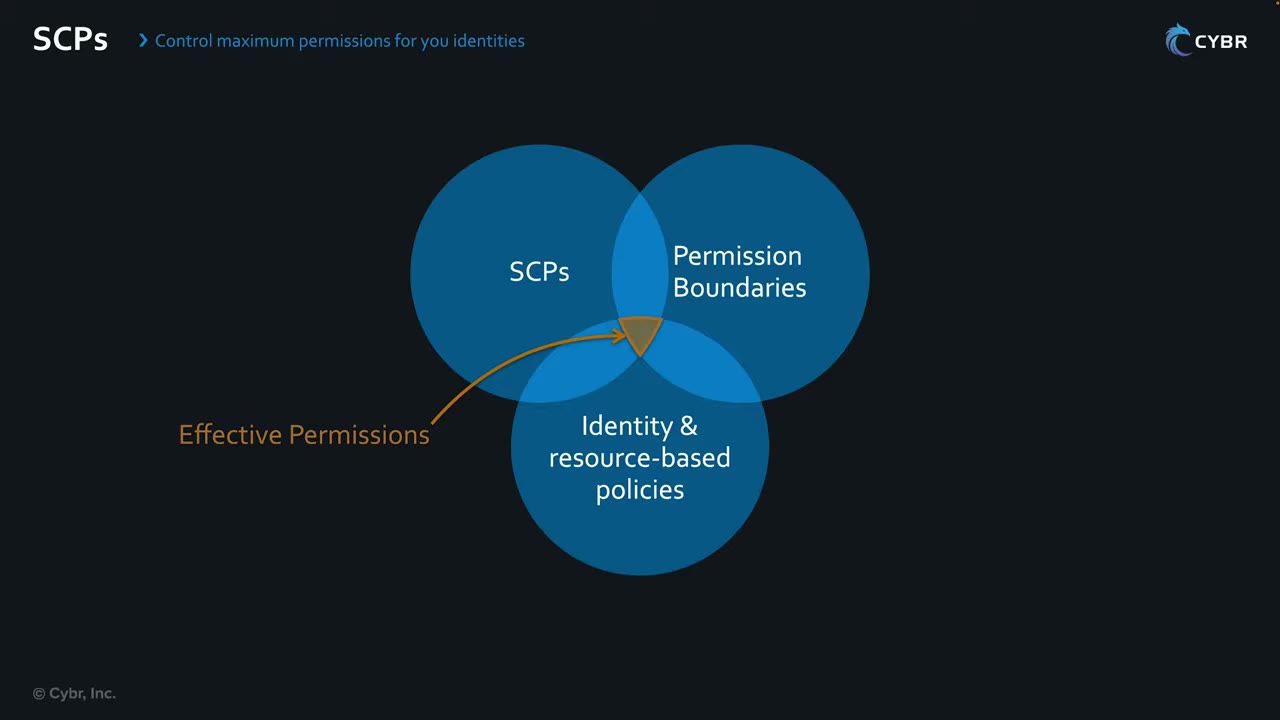
- Effective permissions = intersection of SCPs ∩ permissions boundaries ∩ identity/resource-based policies. ▶ #8 06:01 An action outside any one circle is denied.
- An explicit deny in the SCP wins even over an explicit allow in the member account. ▶ #8 05:50
- A new user/role with the
FullAWSAccessSCP in place still has no access until an IAM policy grants it. ▶ #8 07:51 - IAM allows + SCP doesn’t deny → allowed. IAM allows + SCP denies or doesn’t allow → denied, even for AdministratorAccess. ▶ #8 08:11
Policy logic reminders
NotAction+Deny= “deny everything except these”.NotAction+Allowgrants broadly. Don’t confuse them.- Condition operators (different keys) are ANDed. Values inside one key are ORed.
- Exemptions can use
aws:PrincipalTag/...instead ofaws:PrincipalArn, so roles can be exempted by tag without editing the SCP.
Example: restrict EC2 instance types in Sandbox
Name RestrictEC2ForSandbox, description “Deny all but specific small EC2 instances”. The editor looks like the IAM policy editor. ▶ #8 03:11
It denies ec2:RunInstances unless the instance type is a micro:
{
  "Version": "2012-10-17",
  "Statement": [
    {
      "Sid": "RequireMicroInstanceType",
      "Effect": "Deny",
      "Action": "ec2:RunInstances",
      "Resource": "arn:aws:ec2:*:*:instance/*",
      "Condition": {
        "StringNotEquals": {
          "ec2:InstanceType": ["t3.micro", "t2.micro"]
        }
      }
    }
  ]
}
- Scoping
Resourcetoinstance/*is needed becauseRunInstancesalso touches subnets, volumes, ENIs, etc., which have noec2:InstanceTypekey. - Anyone in Sandbox launching anything else (e.g.
2xlarge, even the smallernano) is denied. ▶ #8 03:50 - Created policy ARN
arn:aws:organizations::<mgmt-acct>:policy/o-…/service_control_policy/p-…, type Service control policy (customer managed). ▶ #8 04:18 - Targets → Attach → Sandbox OU (could be Infrastructure, Security, Workloads…). Selecting Root applies to every OU. ▶ #8 04:21
- UI gripe: selecting Root shows the management account as ticked. That is “very deceiving”: SCPs don’t apply to it. ▶ #8 04:40
- It trickles down to accounts and sub-OUs added later. Even an admin in a Sandbox account can’t launch other types. “That’s how powerful SCPs are.” ▶ #8 05:10
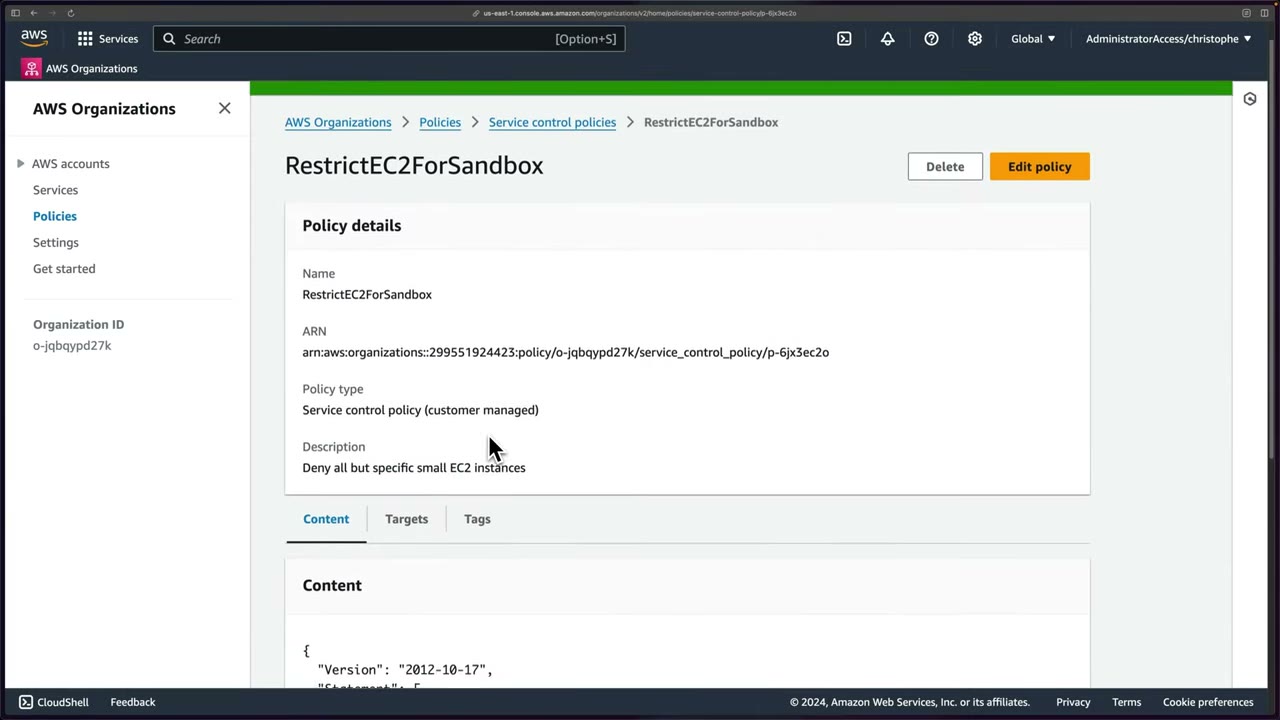
- Organizations → Policies → Service control policies (already Enabled) → open FullAWSAccess → Content (
Allow * *) → Targets (all OUs/accounts). ▶ #8 01:11 - Back → Create policy → name
RestrictEC2ForSandbox, description “Deny all but specific small EC2 instances” → paste the JSON → Create policy. ▶ #8 03:01 - Open the policy → Targets → Attach → tick Sandbox (untick Root/management) → Attach policy. ▶ #8 04:18
- Targets now shows the Sandbox OU (
ou-limh-1tzth5z3). ▶ #8 05:10
Common guardrail SCPs
Typical guardrails: deny leaving the org; deny disabling CloudTrail, GuardDuty, Config, Security Hub or Access Analyzer;
Region restriction with aws:RequestedRegion (exempt global services with NotAction); deny root user actions
(aws:PrincipalArn = arn:aws:iam::*:root); require IMDSv2 (ec2:MetadataHttpTokens); deny creating IAM access keys;
restrict instance types (ec2:InstanceType); protect security roles with aws:PrincipalArn. Opt-in Regions are disabled
by default, and an SCP can deny account:EnableRegion to keep them off. SCP examples live in the Organizations user guide: reuse them. ▶ #9 03:21
1. NeverLeaveMe — “Prevent member from leaving organization”. Once an account joins, it can’t leave on its own.
“That’s how basic a policy can be.” Attached at Root. ▶ #9 00:30
{
  "Version": "2012-10-17",
  "Statement": [
    { "Effect": "Deny", "Action": "organizations:LeaveOrganization", "Resource": "*" }
  ]
}
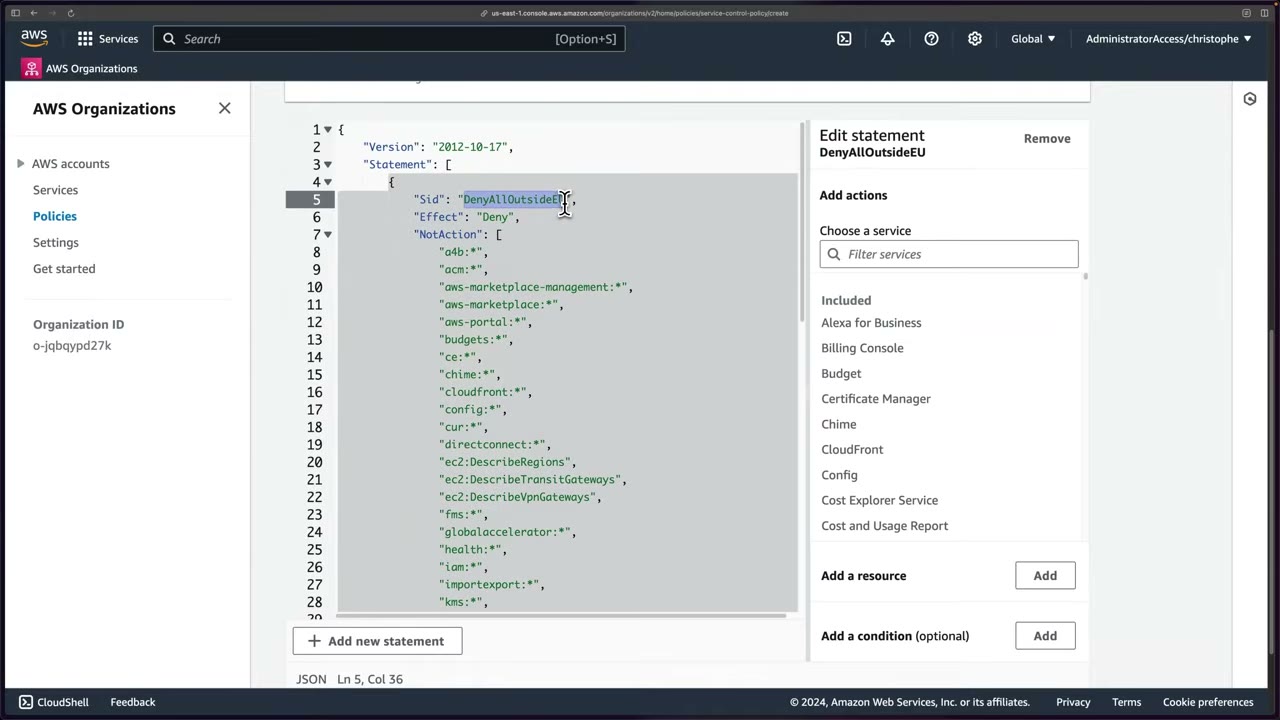
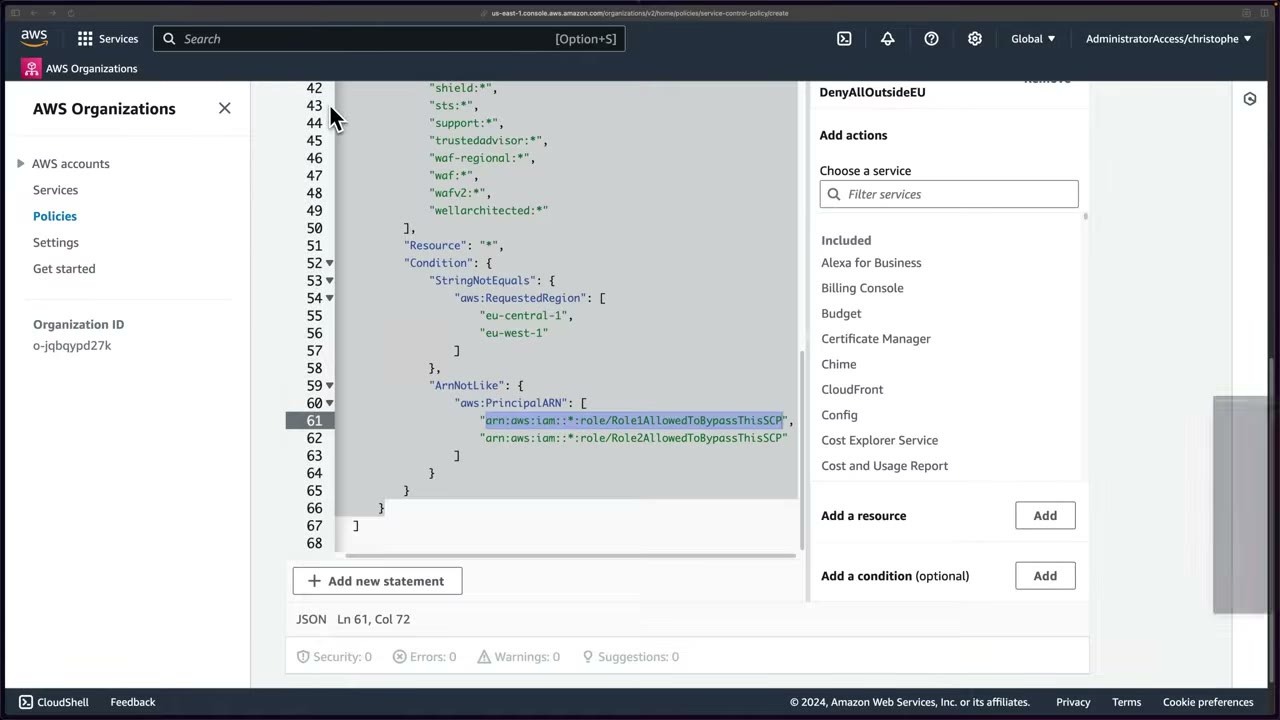
2. Region lockdown, AWS docs version (DenyAllOutsideEU) ▶ #9 01:51
- Uses
NotActioninstead ofAction: the list holds global services excluded from the restriction. ▶ #9 02:10 - Condition
StringNotEquals aws:RequestedRegion=eu-central-1,eu-west-1: change to your Regions. ▶ #9 02:41 - Plus
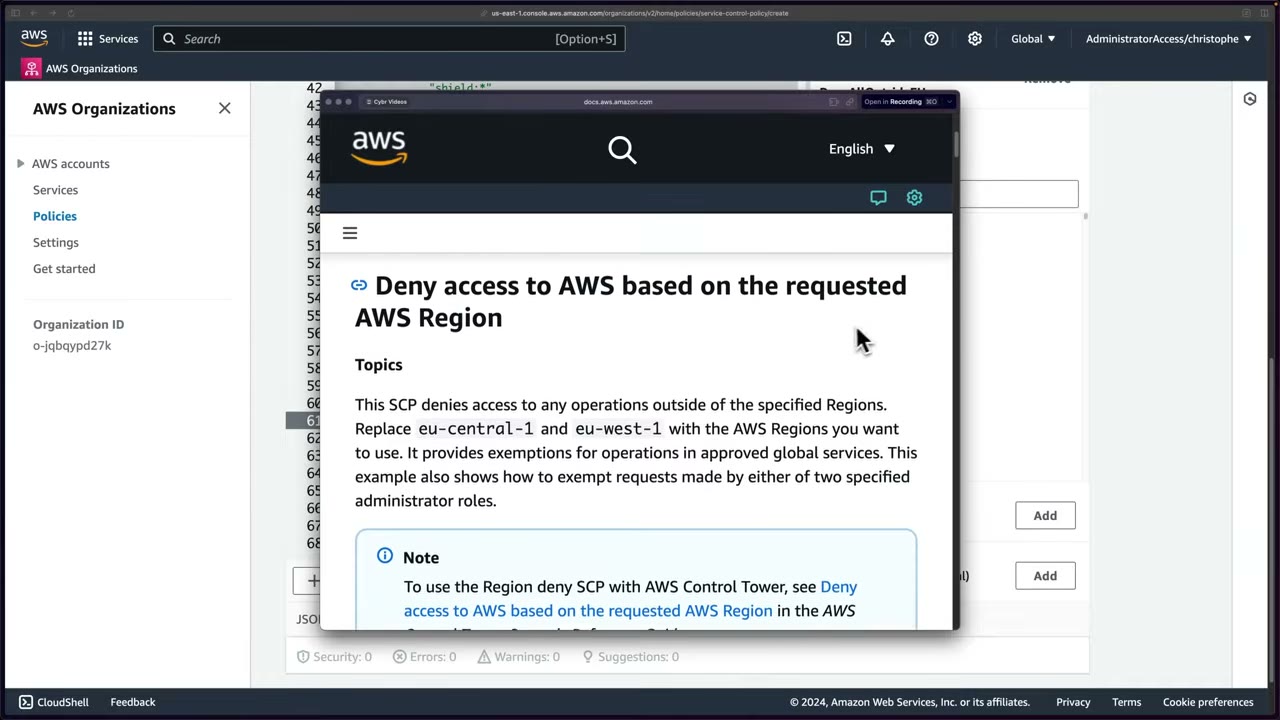
ArnNotLike aws:PrincipalARNexempting roles allowed to bypass the SCP. ▶ #9 03:02 The two conditions are ANDed: deny only if the Region is not approved and the caller is not an exempt role. - Source: Organizations User Guide → SCP examples → “Deny access to AWS based on the requested AWS Region”. With Control Tower, use its Region deny control instead. ▶ #9 03:12
{
  "Version": "2012-10-17",
  "Statement": [
    {
      "Sid": "DenyAllOutsideEU",
      "Effect": "Deny",
      "NotAction": [
        "a4b:*", "acm:*", "aws-marketplace-management:*", "aws-marketplace:*",
        "aws-portal:*", "budgets:*", "ce:*", "chime:*", "cloudfront:*", "config:*",
        "cur:*", "directconnect:*", "ec2:DescribeRegions", "ec2:DescribeTransitGateways",
        "ec2:DescribeVpnGateways", "fms:*", "globalaccelerator:*", "health:*", "iam:*",
        "importexport:*", "kms:*", "…",
        "shield:*", "sts:*", "support:*", "trustedadvisor:*", "waf-regional:*",
        "waf:*", "wafv2:*", "wellarchitected:*"
      ],
      "Resource": "*",
      "Condition": {
        "StringNotEquals": {
          "aws:RequestedRegion": ["eu-central-1", "eu-west-1"]
        },
        "ArnNotLike": {
          "aws:PrincipalARN": [
            "arn:aws:iam::*:role/Role1AllowedToBypassThisSCP",
            "arn:aws:iam::*:role/Role2AllowedToBypassThisSCP"
          ]
        }
      }
    }
  ]
}
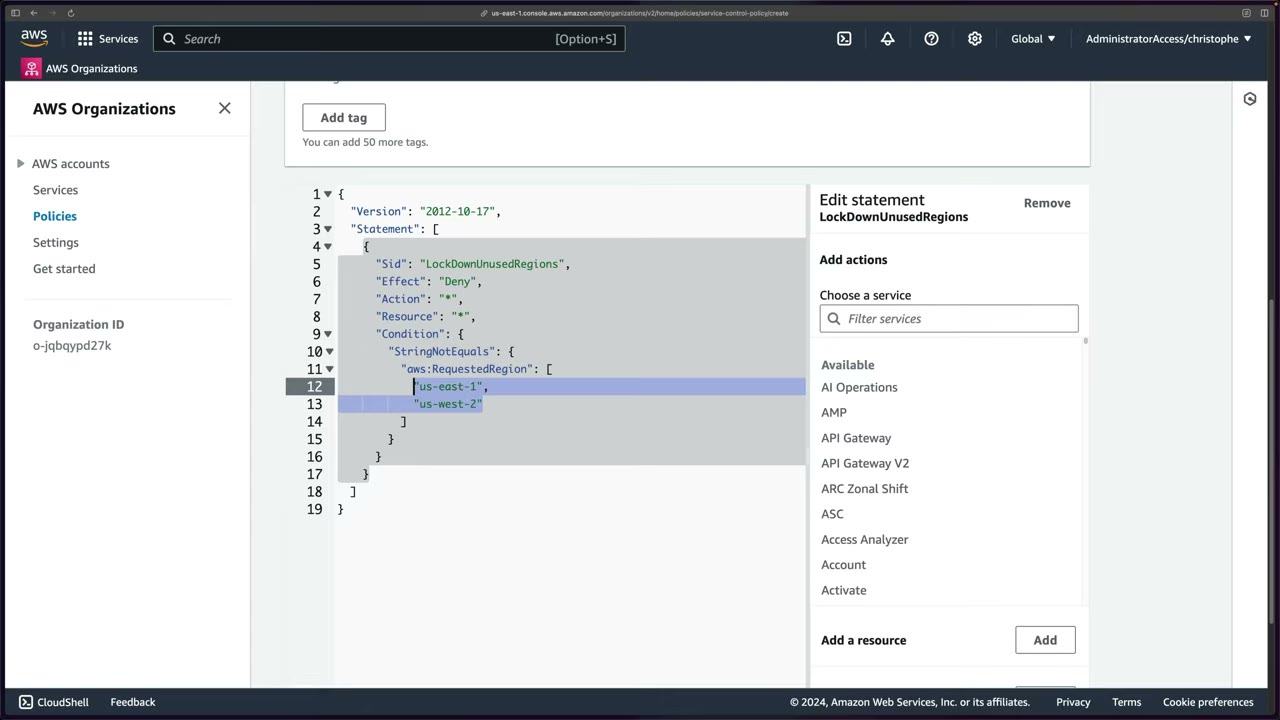
2b. LockDownUnusedRegions — the simplified version actually attached, to the Sandbox and Workload OUs: ▶ #9 04:00
{
  "Version": "2012-10-17",
  "Statement": [
    {
      "Sid": "LockDownUnusedRegions",
      "Effect": "Deny",
      "Action": "*",
      "Resource": "*",
      "Condition": {
        "StringNotEquals": {
          "aws:RequestedRegion": ["us-east-1", "us-west-2"]
        }
      }
    }
  ]
}
- Conditions can be combined like IAM, e.g. only small instances in us-east-1 but larger ones elsewhere. ▶ #9 04:20
- Region lockdown is easy in a sandbox but risky in a production org with hundreds of accounts: you must know which Regions are really used. ▶ #9 04:31
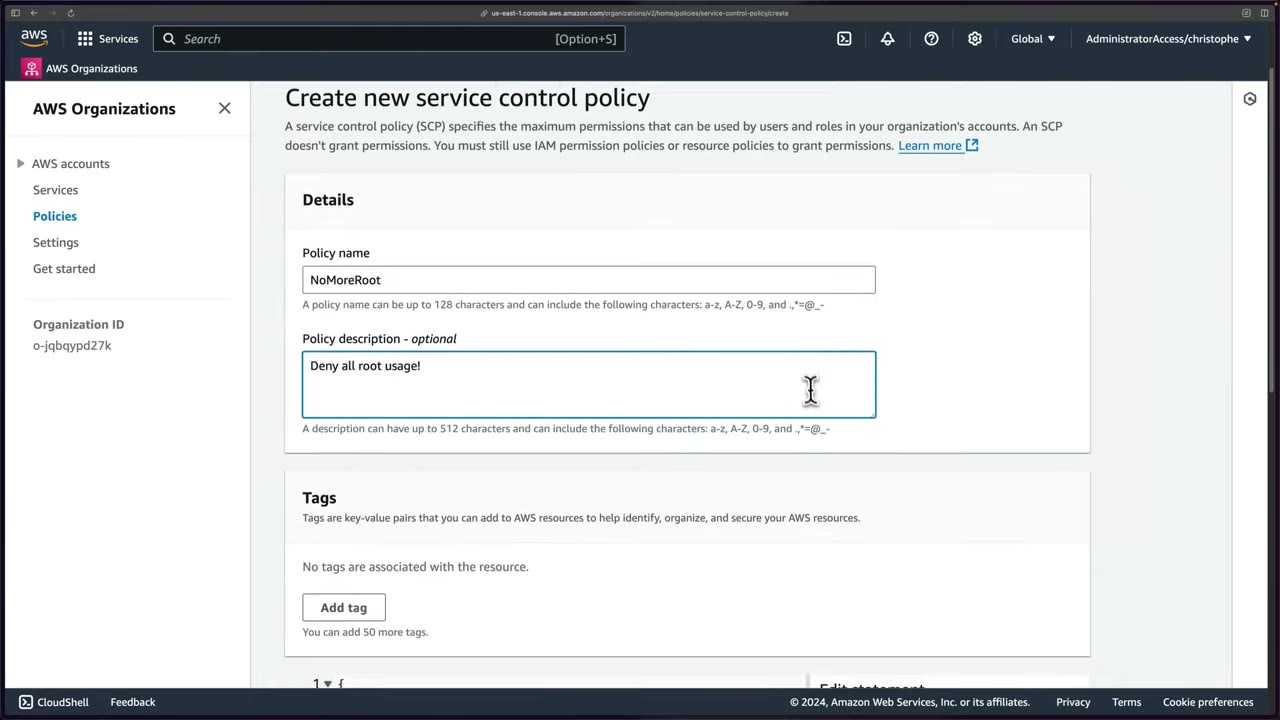
3. NoMoreRoot — “Deny all root usage!”. Deny all actions when the principal is a member-account root user. Attached at
Root so it trickles down. ▶ #9 06:22 “It doesn’t matter if I have admin privileges or even if I’m the root user in one of those accounts.” ▶ #9 07:22
{
  "Version": "2012-10-17",
  "Statement": [
    {
      "Effect": "Deny",
      "Action": "*",
      "Resource": "*",
      "Condition": { "ArnLike": { "aws:PrincipalArn": ["arn:aws:iam::*:root"] } }
    }
  ]
}
- The SCP list holds
FullAWSAccessandRestrictEC2ForSandbox. ▶ #9 00:00 - Create policy →
NeverLeaveMe→ paste JSON → Create → open → Targets → Attach → Root → Attach policy. ▶ #9 00:21 - Create policy →
LockDownUnusedRegions→ paste the docs example → replace it with the simple Region policy → Create → Attach to Sandbox + Workload. ▶ #9 01:41 - Create policy →
NoMoreRoot/ “Deny all root usage!” → paste JSON → Create → Attach to Root. ▶ #9 06:12 - Testing happens in the next lesson.
More real-world examples, a Region lock with a break-glass role and a security-baseline protection:
{
  "Version": "2012-10-17",
  "Statement": [{
    "Sid": "DenyOutsideApprovedRegions",
    "Effect": "Deny",
    "NotAction": ["iam:*", "organizations:*", "sts:*", "cloudfront:*", "route53:*",
                  "support:*", "budgets:*", "waf:*", "globalaccelerator:*"],
    "Resource": "*",
    "Condition": {
      "StringNotEquals": { "aws:RequestedRegion": ["ap-southeast-1", "us-east-1"] },
      "ArnNotLike": { "aws:PrincipalArn": "arn:aws:iam::*:role/BreakGlassAdmin" }
    }
  }]
}
{
  "Effect": "Deny",
  "Action": ["cloudtrail:StopLogging", "cloudtrail:DeleteTrail",
             "guardduty:DeleteDetector", "guardduty:DisassociateFromMasterAccount",
             "config:StopConfigurationRecorder", "organizations:LeaveOrganization"],
  "Resource": "*"
}
Testing SCPs and reading the denial
Get into the member account with OrganizationAccountAccessRole for now (Identity Center comes later). ▶ #10 00:10
From the management account: account menu → Switch role → Account ID + IAM role name, optional display name and colour. ▶ #10 00:20
Pick an account in the Sandbox OU, where most SCPs are attached. ▶ #10 00:32
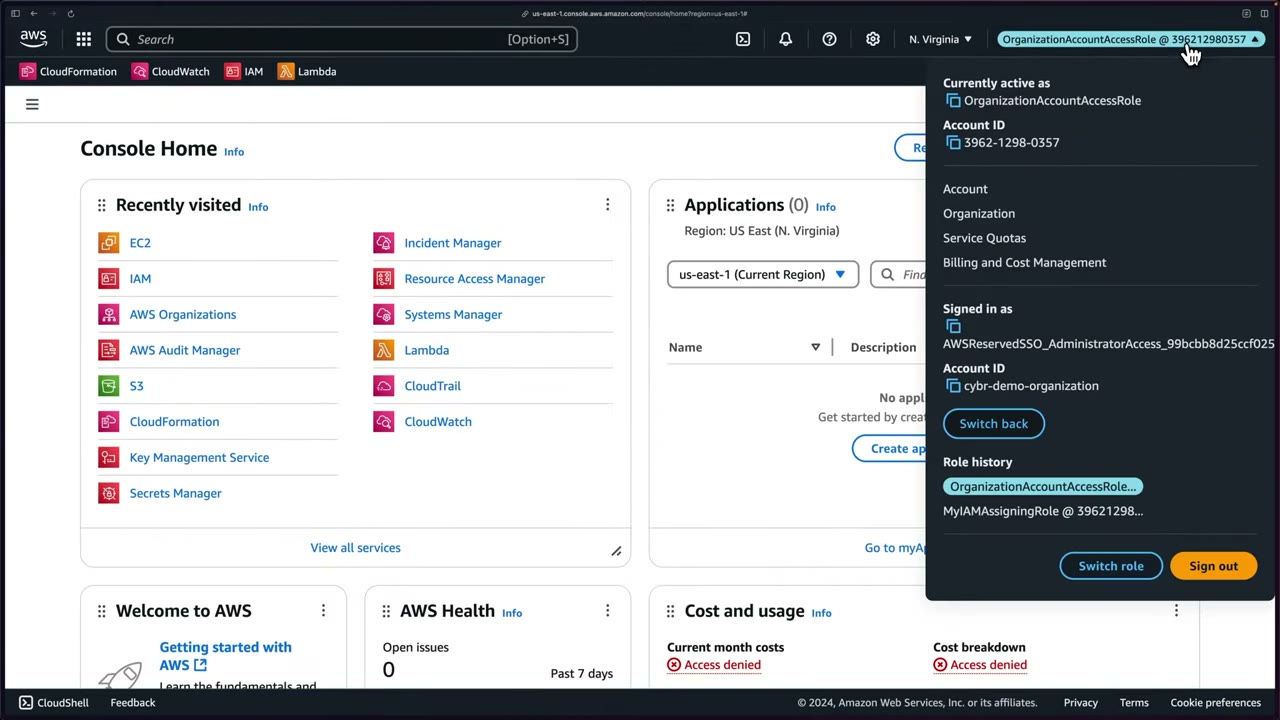
The header changes to OrganizationAccountAccessRole @ <account-id>. The menu shows Currently active as the role,
Signed in as the original identity (AWSReservedSSO_AdministratorAccess_… in cybr-demo-organization), Switch back
and Role history. ▶ #10 01:00 Cost and usage widgets show Access denied (the role has no billing access).
| Test | Result |
|---|---|
Launch t2.nano or t2.xlarge in N. Virginia (allowed Region) ▶ #10 01:30 |
Instance launch failed, explicit deny in an SCP ▶ #10 02:00 |
| Switch to ap-south-1 (Mumbai) ▶ #10 02:31 | Can’t even describe instances; red errors everywhere ▶ #10 02:41 |
| Open IAM while in ap-south-1 ▶ #10 03:00 | Works: IAM is global, so the Region SCP doesn’t block it ▶ #10 03:11 |
The error: “User: arn:aws:sts::396212980357:assumed-role/OrganizationAccountAccessRole/christophe is not authorized to perform: ec2:RunInstances on resource: arn:aws:ec2:us-east-1:396212980357:instance/* with an explicit deny in a service control policy. Encoded authorization failure message: …”. Launch log: Initializing requests ✓, Launch initiation ✗. ▶ #10 02:00
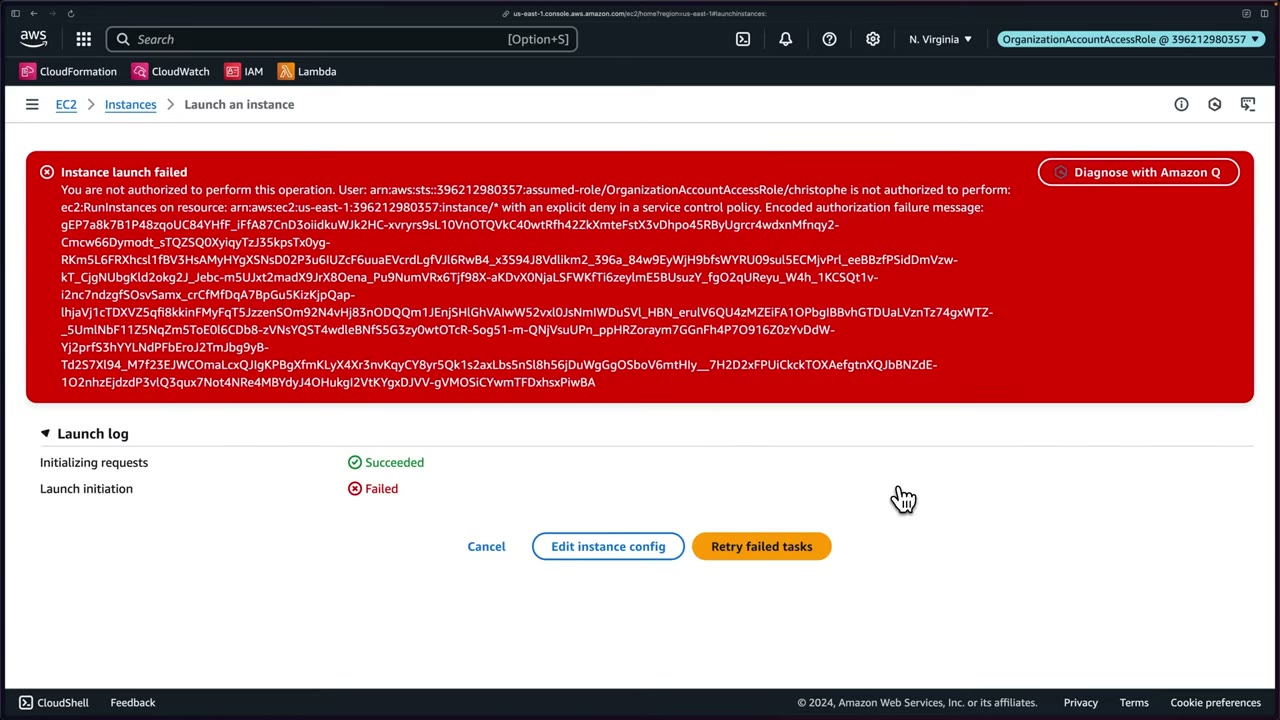
Read the caller ARN, the action, the resource, the reason, and the encoded authorization failure message. It is encoded “as a security measure”; decode it for more detail. ▶ #10 02:12
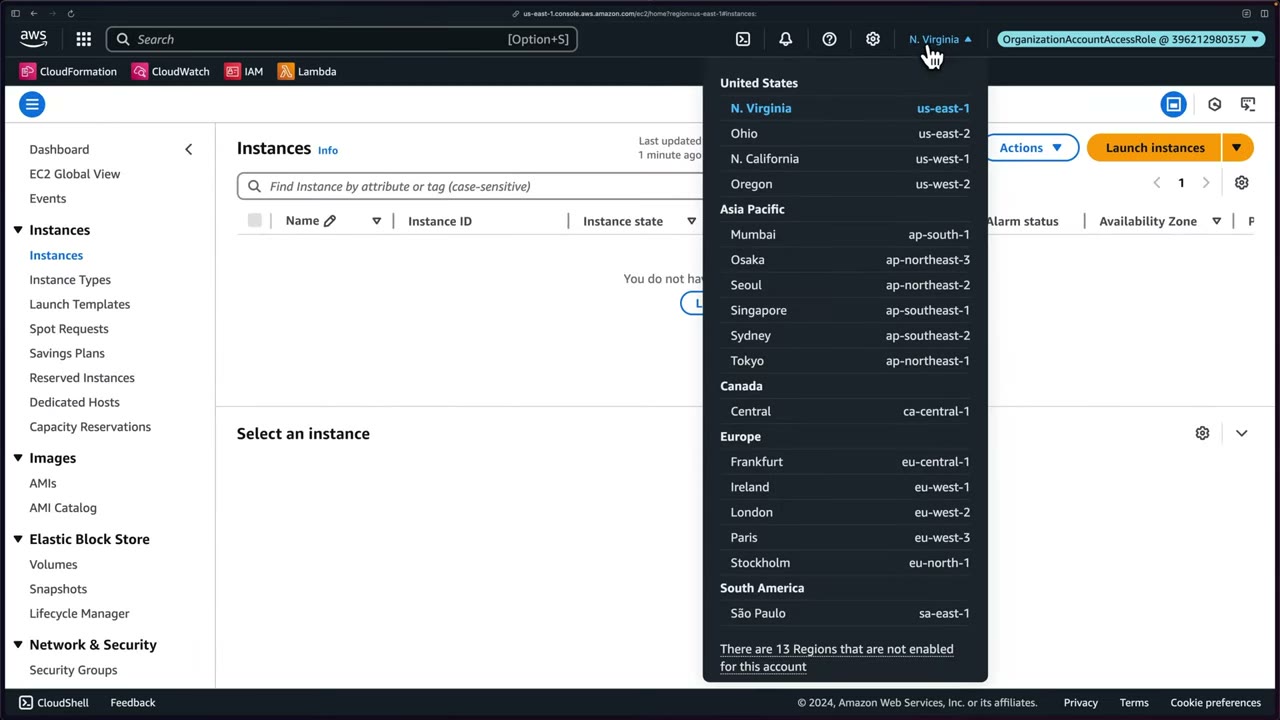
AccessDenied messages name the policy type: “with an explicit deny in a service control policy”, "…in a resource
control policy", "…because no identity-based policy allows…", "…in a permissions boundary", "…in a session policy".
Decode with aws sts decode-authorization-message (needs sts:DecodeAuthorizationMessage).
Safe rollout: test on a Sandbox / Policy Staging OU, check CloudTrail for AccessDenied with an SCP reason, then promote
OU by OU. The IAM Policy Simulator can include SCPs for member accounts. “In general you would want to test more thoroughly than this.” ▶ #10 03:31
- Management account → account menu → Switch role → Sandbox account ID, role
OrganizationAccountAccessRole, display name/colour → Switch Role. ▶ #10 00:20 - EC2 (us-east-1) → Launch instances → AMI Amazon Linux 2023 → type
t2.xlarge(ort2.nano) → no key pair → existing SG → Launch instance → explicit-deny error from the SCP. ▶ #10 01:30 - Region → Asia Pacific (Mumbai) ap-south-1 → the Instances page fails to list (explicit deny). ▶ #10 02:31
- Open IAM (Global) → works normally. ▶ #10 03:00
From the instructor
- SCPs “don’t actually grant any access. They can only limit.” ▶ #8 00:30
- Never remove
FullAWSAccesswithout a replacement Allow: everything would be blocked. ▶ #8 02:02 - Root-level attachment still does not cover the management account. ▶ #8 04:40
- Know: no effect on the management account, applies to root user, not to service-linked roles, not to external accounts (RCPs), inheritance, limits 5 / 5,120. ▶ #8 06:11
- Use
NotActionin Region-deny SCPs so global services aren’t blocked. ▶ #9 02:10 - Use a principal-ARN exception so specific roles can bypass the guardrail. ▶ #9 03:02
- The error says “explicit deny in a service control policy”: that tells you where to look. ▶ #10 02:00
- Verify that the guardrail blocks what it should and that global services still work. ▶ #10 03:21
Keyword → answer
| If the question says… | Answer |
|---|---|
| Admin in a member account can’t do X though IAM allows it | An SCP denies it (“explicit deny in a service control policy”) |
| SCP should restrict the management account | Impossible: move workloads out of it |
| Restrict a service-linked role with an SCP | Won’t work: SLRs are exempt |
| Everyone except the security team role must not change a guardrail | SCP Deny with StringNotLike aws:PrincipalArn exception |
| Region-deny SCP broke IAM / STS / CloudFront / Route 53 | NotAction to exempt global services; with Control Tower use its Region deny control |
| Prevent member accounts from leaving the org | Deny organizations:LeaveOrganization at Root |
| Restrict member-account root users | SCP with aws:PrincipalArn arn:aws:iam::*:root. Remove root credentials entirely → centralized root access |
Protect OrganizationAccountAccessRole / security roles |
SCP deny iam:* on the role ARN except a privileged principal |
| We removed FullAWSAccess and everything broke | SCPs are deny by default; an Allow must exist at every level |
| New user has FullAWSAccess SCP but can’t do anything | SCPs don’t grant: add an IAM policy |
| External account reads our bucket via its bucket policy; SCP didn’t stop it | SCPs don’t apply to external principals → RCP |
| Get details of an encoded AccessDenied message | sts decode-authorization-message |
| Test a new deny SCP without risking production | Staging OU or Policy Simulator |
- Since 2025 SCPs support the full IAM policy language, so
Condition,NotResourceand individual resource ARNs are allowed in Allow statements. “Allow statements in SCPs can’t have conditions” is outdated. LockDownUnusedRegions: the narration says “deny … whenever the requested region is us-east-1 or us-west-2”, but the on-screen operator isStringNotEquals, which denies every Region except those two (an allow-list, the usual intent). To block specific Regions useStringEquals. WithAction: "*"and no global-service exemption it could also break global services (IAM, STS, Organizations, CloudFront) whose calls resolve tous-east-1; here us-east-1 is allowed, so it works.- The
RestrictEC2ForSandboxandNoMoreRootJSON weren’t fully legible on screen. The versions above are the standard AWS-documented patterns matching the narration.
Real-world practice
- Test SCPs in a Policy Staging OU first. A bad deny at Root can stop every workload; the management account is unaffected, so you can always roll back from there.
- Before a Region lockdown, find which Regions each account really uses (Cost Explorer, CloudTrail Lake, IAM last accessed, Config). Roll out sandbox → non-prod → prod.
- Always exempt break-glass and automation roles (
AWSControlTowerExecution, StackSets roles,OrganizationAccountAccessRole, e.g.ArnNotLike aws:PrincipalArn arn:aws:iam::*:role/OrgAdmin) or automation breaks. - The 5-attachment and 5,120-char limits force consolidation: minify JSON, wildcard actions, put shared guardrails at Root and environment-specific ones at OUs.
- Keep SCPs in Git (Terraform
aws_organizations_policy+ attachments) with peer review. Validate with IAM Access Analyzer policy validation. - Automate an SCP test suite: assume a role in a test account per OU and run expected-allow / expected-deny API calls in CI after every change.
- After rollout, alert on CloudTrail
errorCode = AccessDeniedwitherrorMessagecontaining “service control policy” (metric filter or EventBridge). - For many accounts, use the Identity Center access portal or the console multi-session feature instead of per-browser switch-role history.
aws organizations create-policy --type SERVICE_CONTROL_POLICY \
  --name deny-region --content file://deny-region.json --description "Region lock"
aws organizations attach-policy --policy-id p-xxxx --target-id ou-xxxx-sandbox
aws sts decode-authorization-message --encoded-message <msg>
- Attach a Region-deny SCP and an instance-type SCP (
t2.micro/t3.microonly) to a Sandbox OU. - Switch role into a sandbox account and try to launch a
t2.xlarge. - Run
aws ec2 describe-instances --region eu-west-1. - Read the denial in CloudTrail, decode the message, and confirm IAM still works.
- Cleanup: detach and delete the policies.
Resource Control Policies (RCPs)
Organization policies that set the maximum permissions on resources in member accounts, whoever the caller is, including principals outside the org (other accounts and other organizations). The resource-side counterpart of SCPs and the basis of a data perimeter.
- Exam skills: org policies RCP (6.1.3) · Organizations (6.1.1) · cross-account resource policies (4.2.1) · correct unintended permissions (4.2.5) · secrets management (5.3.1)
- Videos: ▶ #11 Resource Control Policies (RCPs)
- Limits: like SCPs, up to 5 RCPs attached per target, 5,120 characters
SCP vs RCP
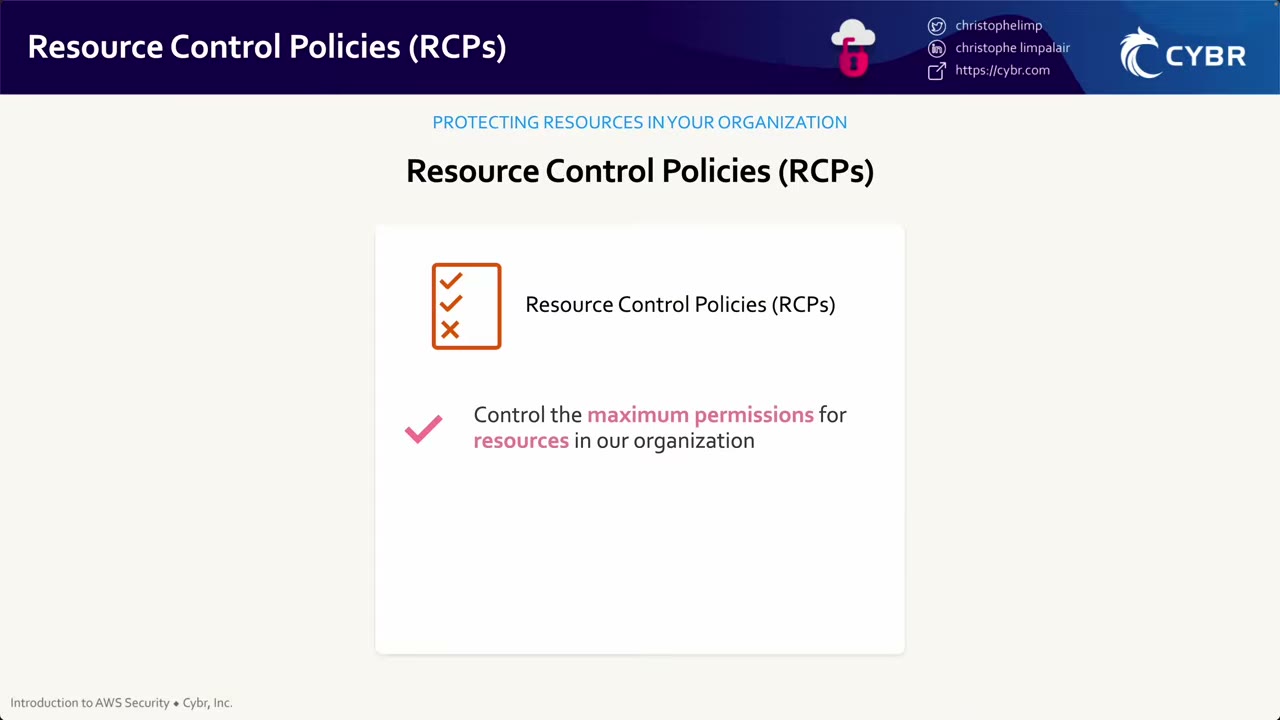
| SCP | RCP | |
|---|---|---|
| Caps | Maximum permissions of IAM users and roles in your org ▶ #11 00:00 | Maximum permissions on resources in your org ▶ #11 00:10 |
| Question it answers | “What can my principals do?” | “Who can touch my resources?” |
| Affects external principals | No | Yes |
| Grants permissions | Never | Never ▶ #11 00:30 |
| Default policy | FullAWSAccess |
RCPFullAWSAccess (can’t be detached or modified) |
- Use case: Secrets Manager secrets that must never be accessible by external AWS accounts. ▶ #11 00:21
- Supported at recording time: S3, STS (role trust), KMS, SQS, Secrets Manager. ▶ #11 00:51 Only these services are restricted, and the visual editor only lists them. ▶ #11 03:12
- They don’t apply to the management account’s resources or to service-linked roles / AWS services acting on your behalf.
- Custom RCPs are effectively Deny-only.
- Denial message: "…with an explicit deny in a resource control policy".
The data perimeter
| Perimeter | Tool | Key |
|---|---|---|
| Only trusted identities on my resources | RCP | aws:PrincipalOrgID |
| My principals only reach trusted resources | SCP | aws:ResourceOrgID |
| Only from expected networks | VPC endpoint policies | aws:SourceVpc / aws:SourceVpce |
Typical RCPs: deny access from outside the org (aws:PrincipalOrgID, with an exception for AWS service principals via
aws:PrincipalIsAWSService or aws:SourceOrgID), enforce aws:SecureTransport, require SSE-KMS on S3, confused-deputy
protection (aws:SourceOrgID / aws:SourceAccount). Use …IfExists operators so calls without the key (e.g. service
principals) aren’t denied by accident.
Cross-account evaluation order: explicit deny anywhere (SCP, RCP, resource, identity) → RCP allow chain → SCP allow chain → resource policy must allow → identity policy must allow (see the policy evaluation section).
Enabling RCPs and writing OrgPrincipalsOnly
Enable from the management account → Organizations → Policies: a banner “Introducing resource control policies
(RCPs) — Enable RCPs” may appear; otherwise Resource control policies → Enable. ▶ #11 01:12
That attaches the AWS managed RCPFullAWSAccess: “we’re not granting access with this, we’re just not denying access”.
Without it everything would be denied by default. Every account inherits it. ▶ #11 01:50
Create OrgPrincipalsOnly, “Only allow principals within our organization to access resources”. The focus is Secrets
Manager, but the pattern works for S3 etc. ▶ #11 02:41 The form says: “An RCP specifies the baseline permissions for
resources in your organization’s accounts. An RCP doesn’t grant permissions. Users and roles must still be granted
permissions with appropriate IAM permission policies, including resource-based policies for cross-account access to resources.”
Built in the visual editor: Secrets Manager → All actions, Effect Deny, Principal *, Resource *, and two conditions:
StringNotEqualsIfExistsaws:PrincipalOrgID= your org ID (o-jqbqypd27kin the demo). ▶ #11 04:02BoolIfExistsaws:PrincipalIsAWSService=false. ▶ #11 04:30
Meaning: deny everyone unless they belong to our organization, while not blocking AWS services (e.g. Secrets Manager rotation), which are not part of the org. ▶ #11 04:51
{
  "Version": "2012-10-17",
  "Statement": [
    {
      "Sid": "EnforceOrgIdentities",
      "Effect": "Deny",
      "Principal": "*",
      "Action": "secretsmanager:*",
      "Resource": "*",
      "Condition": {
        "StringNotEqualsIfExists": { "aws:PrincipalOrgID": "o-jqbqypd27k" },
        "BoolIfExists": { "aws:PrincipalIsAWSService": "false" }
      }
    }
  ]
}
The two conditions are ANDed: the deny applies only if the caller is outside the org and is not an AWS service principal.
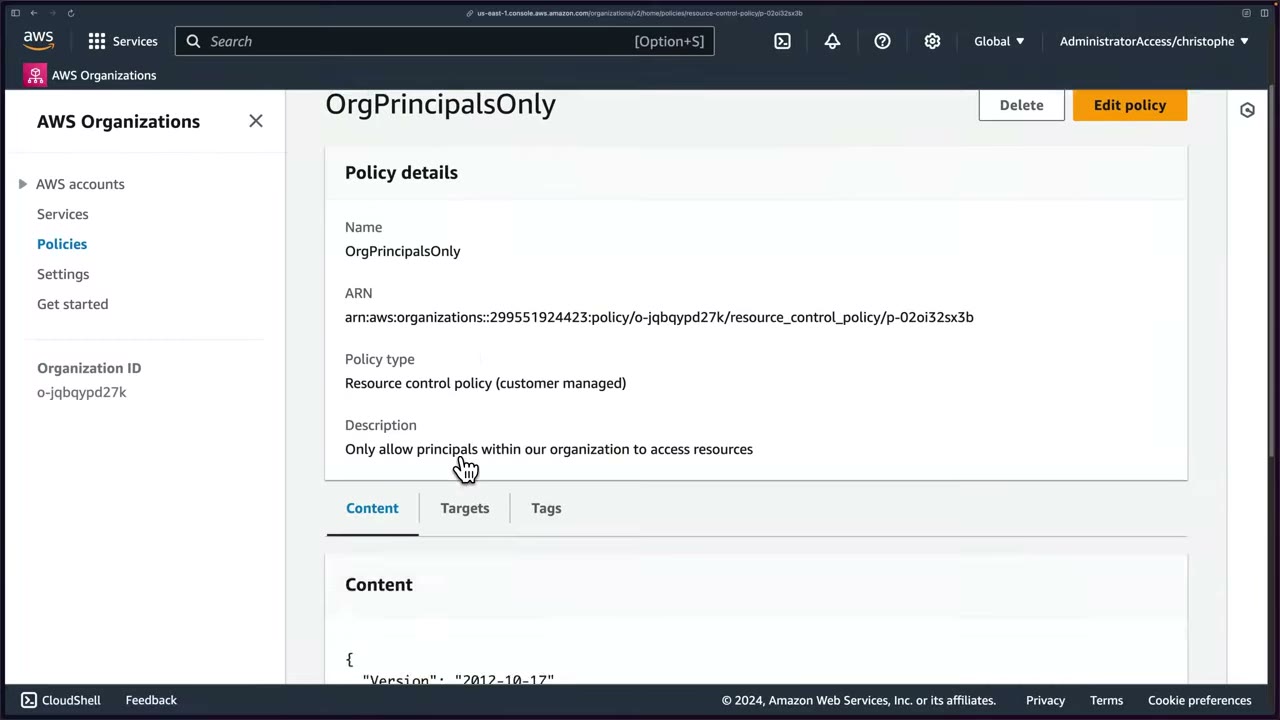
- Result: type Resource control policy (customer managed), ARN
arn:aws:organizations::<mgmt>:policy/o-…/resource_control_policy/p-…. Not attached yet. ▶ #11 05:30 - Targets shows Root → Infrastructure, Sandbox (Containers, Demo, Example accounts), Security, Suspended… Apply to all or to specific OUs/accounts. Don’t apply straight to production: test with one account, roll out gradually, monitor. ▶ #11 05:51
Demo: blocking a cross-org secret read
Setup ▶ #11 07:51
| Account | Role |
|---|---|
A = Demo (396212980357), in our org |
Holds the secret |
B = 272281913033, in a different organization |
Tries to read the secret |
| Management account | Only creates/attaches the RCP |
Create the secret in account A (N. Virginia): Store a new secret → Other type of secret → api_key = testingrcps. ▶ #11 09:02
The AWS managed key aws/secretsmanager won’t work cross-account, so a customer managed KMS key is needed. The old
testrcps key was scheduled for deletion and can’t be used to encrypt your secret, so a new one was made. ▶ #11 09:11
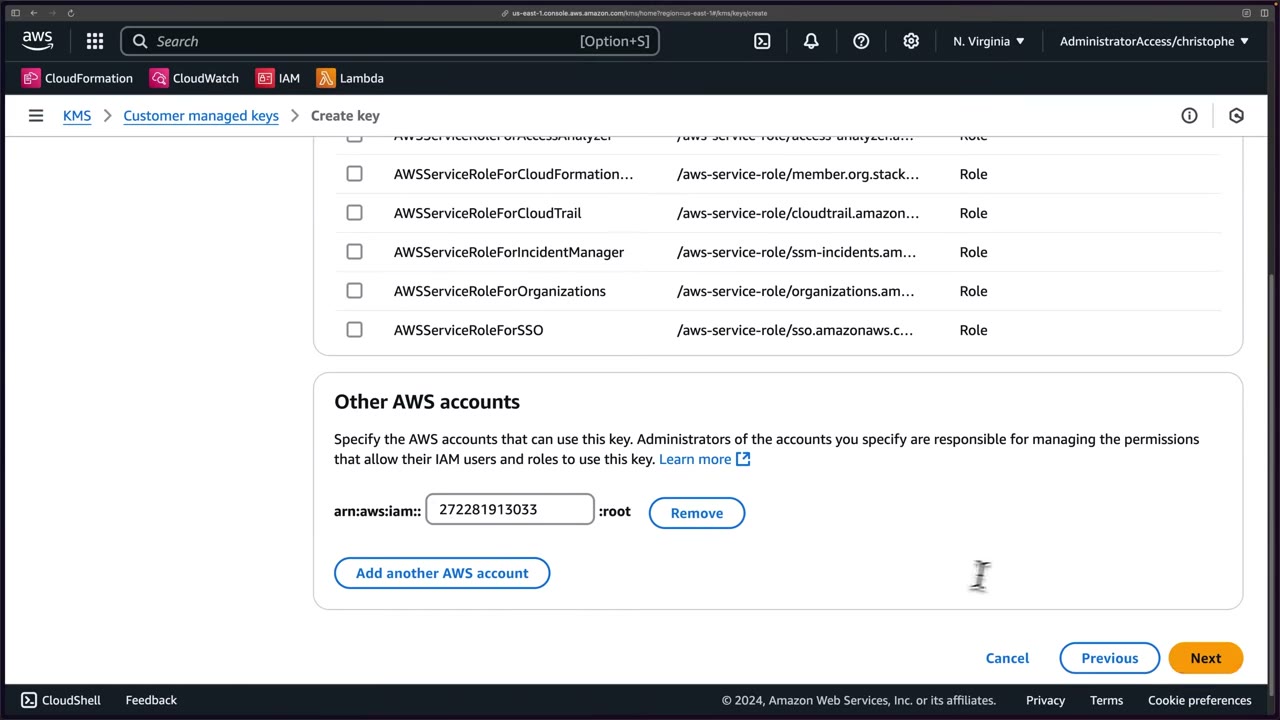
The external account’s admins must still grant their own principals kms:Decrypt via IAM. Secret name test/ApiKey/RCP. ▶ #11 10:21
Then Resource permissions → Edit with the deliberate “misconfiguration”: ▶ #11 11:01
{
  "Version": "2012-10-17",
  "Statement": [
    {
      "Sid": "AllowExternalAccountAccess",
      "Effect": "Allow",
      "Principal": { "AWS": "arn:aws:iam::272281913033:root" },
      "Action": [
        "secretsmanager:GetSecretValue",
        "secretsmanager:DescribeSecret"
      ],
      "Resource": "arn:aws:secretsmanager:us-east-1:396212980357:secret:*"
    }
  ]
}
In real life scope it to a specific secret ARN. ▶ #11 11:20
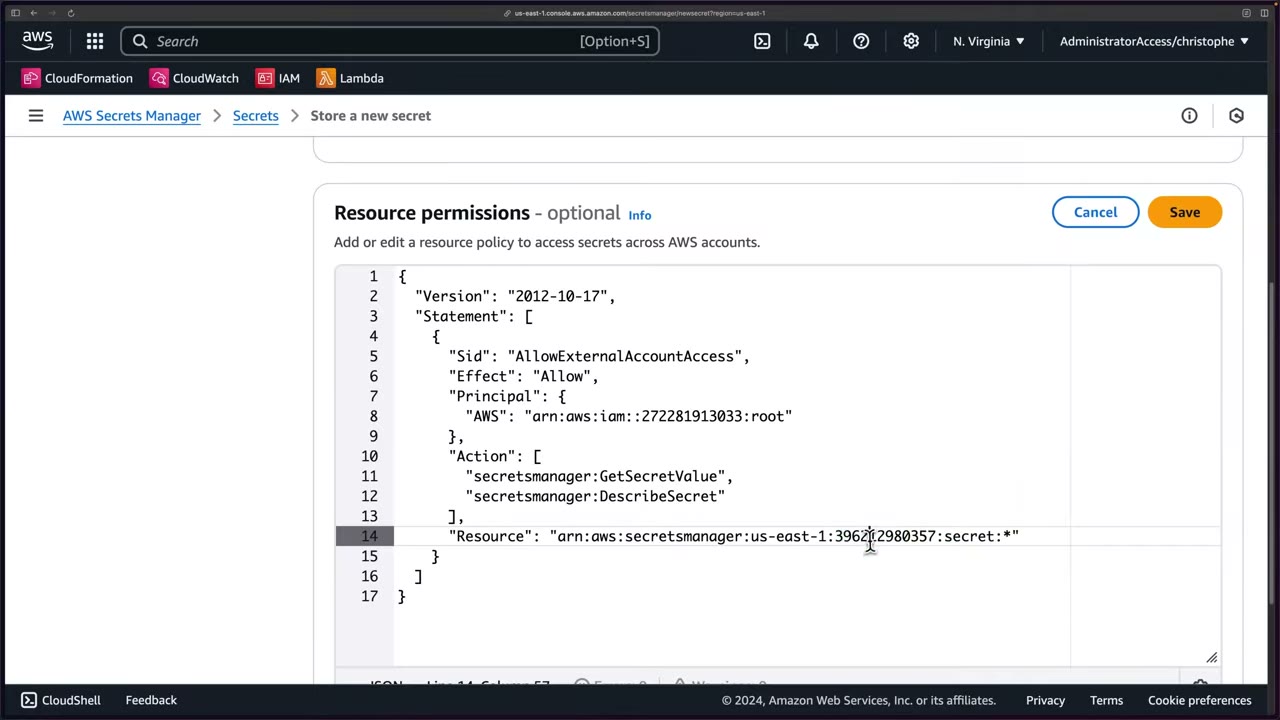
Before the RCP, account B (CLI profile sandbox = its Identity Center admin role) reads the secret: ▶ #11 11:50
aws sts get-caller-identity --profile sandbox
# "Account": "272281913033",
# "Arn": "arn:aws:sts::272281913033:assumed-role/AWSReservedSSO_AdministratorAccess_8a29b66590b9ccb6/christophe"

aws secretsmanager get-secret-value \
  --secret-id "arn:aws:secretsmanager:us-east-1:396212980357:secret:test/ApiKey/RCP-AmESHE" \
  --profile sandbox
# returns "SecretString": "{\"api_key\":\"testingrcps\"}"
- Cross-account secrets need the full ARN as
--secret-id. ▶ #11 12:22 - Cross-account and cross-organization access works. Treat it as a misconfiguration to fix. ▶ #11 12:50
After attaching the RCP to the Demo account, the same command fails: ▶ #11 13:52
An error occurred (AccessDeniedException) when calling the GetSecretValue operation:
User: arn:aws:sts::272281913033:assumed-role/AWSReservedSSO_AdministratorAccess_8a29b66590b9ccb6/christophe
is not authorized to perform: secretsmanager:GetSecretValue on resource:
arn:aws:secretsmanager:us-east-1:396212980357:secret:test/ApiKey/RCP-AmESHE
with an explicit deny in a resource control policy
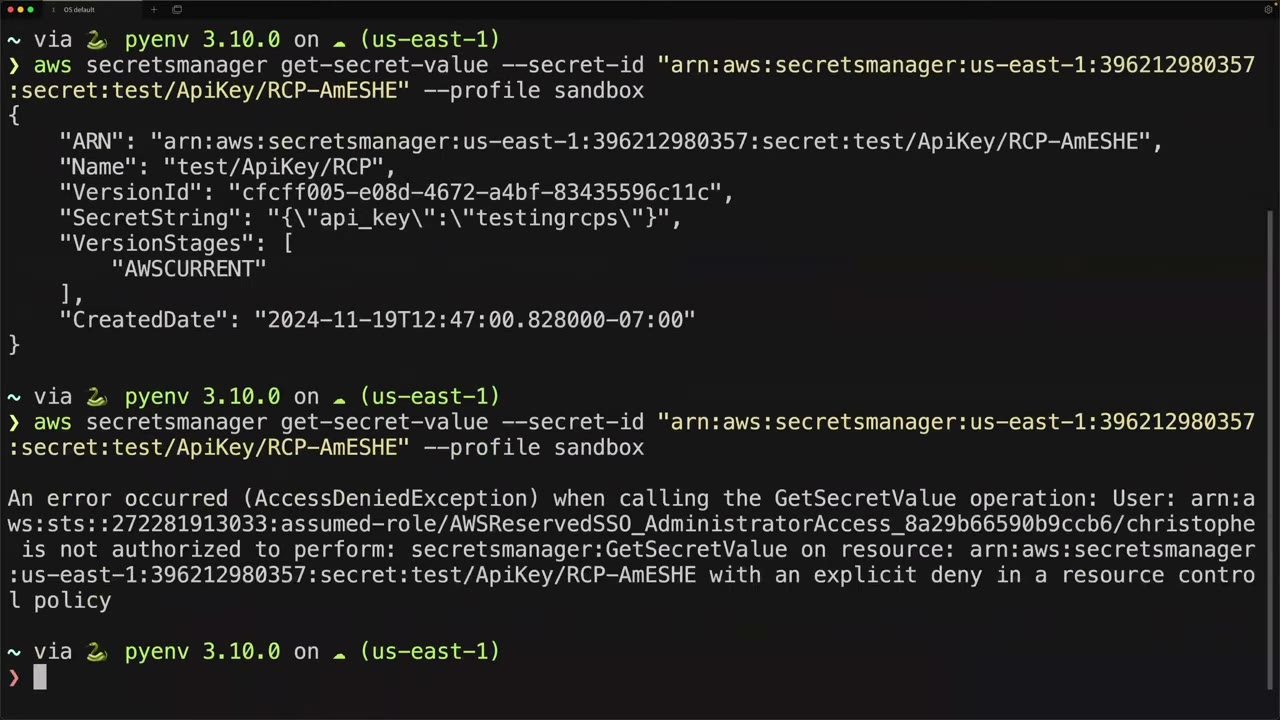
Even though the resource policy and the KMS key policy granted the external account, the RCP denies it: an extra layer against misconfigurations, insider threats and exfiltration to attacker-controlled accounts. ▶ #11 14:02 RCPs cover limited services but probably belong in your org: start small, test, then expand. ▶ #11 14:41
Cross-account access to a KMS-encrypted resource needs the resource policy and the KMS key policy and IAM in the caller’s account.
- Management account → Organizations → Policies → Enable RCPs →
RCPFullAWSAccessattached everywhere. ▶ #11 01:12 - Create policy
OrgPrincipalsOnly→ Secrets Manager / All actions / Deny / Principal*/ Resource*+StringNotEqualsIfExists aws:PrincipalOrgID+BoolIfExists aws:PrincipalIsAWSService false→ Create (don’t attach yet). ▶ #11 02:41 - Account A: KMS → Create key → Symmetric, Encrypt and decrypt, alias
testrcps2, default admins → Define key usage permissions → Other AWS accounts → Add another AWS account →arn:aws:iam::272281913033:root→ Review (Key specSYMMETRIC_DEFAULT, Origin AWS KMS, Single-Region) → Finish. ▶ #11 09:20 - Account A: Secrets Manager → Other type of secret
api_key=testingrcps→ refresh, picktestrcps2→ nametest/ApiKey/RCP→ resource policy allowing account B → no replication, no rotation → Store. Banner: “Attached resource policy to secret test/ApiKey/RCP successfully”. ▶ #11 08:50 - Account B (CLI, profile
sandbox):aws secretsmanager get-secret-value --secret-id <full ARN>→ success. ▶ #11 11:50 - Management account → Policies → Resource control policies →
OrgPrincipalsOnly→ Targets → Attach → Demo account3962…→ Attach policy. ▶ #11 13:12 - Account B: rerun →
AccessDeniedException … explicit deny in a resource control policy. ▶ #11 13:52
From the instructor
- RCPs “don’t give permissions. They just set the maximum permissions that can be granted for a resource.” ▶ #11 00:42
- Enabled and managed from the management account. ▶ #11 01:12
- Include an AWS service exception (
aws:PrincipalIsAWSService) or you’ll break services like Secrets Manager rotation. ▶ #11 05:00 - “If you’re thinking of applying it straight to production, don’t do that. Test it first.” ▶ #11 06:00
- Cross-account secrets require a customer managed KMS key. ▶ #11 09:11
- RCPs protect against misconfiguration, insider threats and exfiltration. ▶ #11 14:11
Keyword → answer
| If the question says… | Answer |
|---|---|
| No S3 bucket in the org may be accessed by external accounts, even with a permissive bucket policy | RCP (an SCP only limits your own principals) |
| Enforce TLS for all S3/KMS/SQS across the org centrally | RCP Deny when aws:SecureTransport = false |
| Secrets must never be readable externally, even if a secret policy is wrong | RCP on secretsmanager:* with aws:PrincipalOrgID |
| Our principals must not access resources outside our org | SCP with aws:ResourceOrgID, not an RCP |
| RCP broke Secrets Manager rotation / an AWS service | Missing aws:PrincipalIsAWSService (or aws:SourceOrgID) exception |
| External account can’t decrypt a shared secret | Secret uses the AWS managed key: re-encrypt with a CMK shared in its key policy |
- The supported-service list has grown: as of 2025 RCPs also cover Amazon ECR, OpenSearch Serverless, Cognito user pools, CloudWatch Logs and DynamoDB. Check the current list.
- The
OrgPrincipalsOnlyJSON wasn’t legible on screen. The version above matches the narration and AWS’s data-perimeter example. The instructor’s “and/or” wording is loose: IAM ANDs the two condition operators.
Real-world practice
- Typical RCP set (AWS data-perimeter-policy-examples repo): deny non-org principals on S3/KMS/Secrets Manager/SQS/STS (
sts:AssumeRole*on your roles), require TLS, confused-deputy protection for service principals. - Before attaching, inventory legitimate external access (vendors, partner accounts, CloudFront OAC, third-party SaaS) with IAM Access Analyzer external access findings, and add exceptions (
aws:PrincipalAccountor tag-based). - Start small: attach to one test account/OU, watch CloudTrail for
errorMessagecontaining “resource control policy”, then expand. Validate syntax with Access Analyzer policy validation.
{
  "Version": "2012-10-17",
  "Statement": [{
    "Sid": "EnforceOrgIdentities",
    "Effect": "Deny",
    "Principal": "*",
    "Action": ["s3:*", "sqs:*", "kms:*", "secretsmanager:*", "sts:AssumeRole"],
    "Resource": "*",
    "Condition": {
      "StringNotEqualsIfExists": { "aws:PrincipalOrgID": "o-a1b2c3d4e5" },
      "BoolIfExists": { "aws:PrincipalIsAWSService": "false" }
    }
  }]
}
aws organizations enable-policy-type --root-id r-abcd --policy-type RESOURCE_CONTROL_POLICY
aws organizations create-policy --type RESOURCE_CONTROL_POLICY --name org-perimeter --content file://rcp.json
- Attach an RCP that enforces TLS to a sandbox OU.
- Call S3 through an
http://endpoint (--endpoint-url http://s3.<region>.amazonaws.com) and confirm the deny. - Optional: repeat the cross-account secret test (customer managed KMS key + secret resource policy for another account) before and after an
OrgPrincipalsOnlyRCP. - Cleanup: detach the RCP, delete the secret and schedule key deletion.
Declarative policies, AI opt-out and other organization policies
The non-authorization Organizations policy types: declarative policies (service-enforced configuration baselines), AI services opt-out, tag, backup and chat applications policies.
- Exam skills: org policies SCP/RCP/AI opt-out/declarative (6.1.3) · organize resources with tags (6.2.2)
- Videos: none dedicated. The policy types are toured in ▶ #7 AWS Organizations (full notes under AWS Organizations, Part 1)
The policy types
| Policy type | What it does |
|---|---|
| Declarative policies (EC2 and related services) | A durable baseline configuration that the service enforces itself, so it holds even when new APIs or features appear. ▶ #7 03:10 Examples: block public AMI sharing, block public EBS snapshot access, VPC Block Public Access, default IMDSv2 settings, serial console access, allowed AMIs (“Allowed Images”). Can show a custom error message. |
| AI services opt-out | Stop AWS AI services (e.g. Rekognition, Transcribe, CodeWhisperer / Amazon Q) from storing or using your content to improve the service. ▶ #7 03:30 |
| Backup policies | Org-wide AWS Backup plans. ▶ #7 03:51 |
| Chat applications policies (formerly Chatbot) | Control access to accounts from Slack and Microsoft Teams through Amazon Q Developer in chat applications. ▶ #7 04:10 |
| Tag policies | Standardize tag keys, value case and allowed values. ▶ #7 04:21 |
- Each type must be enabled separately at the root before use (the Policies page shows Enabled/Disabled per type), and needs the All features feature set.
Declarative policy vs SCP
| SCP | Declarative policy | |
|---|---|---|
| Mechanism | Denies API calls | The service enforces a configuration state in the account |
| New APIs/features | Need new statements | Covered automatically, regardless of the API path |
Control Tower preventive controls can now be implemented as declarative policies (and RCPs) as well as SCPs.
AI opt-out, tags and backups
- AI opt-out is applied at the org root to cover all accounts. It is the answer to “ensure our data isn’t used to train AWS AI services”.
- Tag policies report non-compliance and can enforce on supported resource types. They don’t stop untagged creation on their own: use an SCP with
aws:RequestTag/aws:TagKeysfor that. - Backup policies + AWS Backup cross-account / cross-Region copies are the ransomware-resilience pattern.
AI opt-out for every service:
{ "services": { "default": { "opt_out_policy": { "@@assign": "optOut" } } } }
Keyword → answer
| If the question says… | Answer |
|---|---|
| No AMI or EBS snapshot can ever be shared publicly, across all accounts | Declarative policy |
| Require IMDSv2 / block VPC public access org-wide, enforced even when EC2 adds new APIs | Declarative policy for EC2 |
| Data must not be used for AWS AI model improvement | AI services opt-out policy |
| Enforce tag value formats across the org | Tag policy |
| Require a CostCenter tag at creation time | SCP Deny with Null: aws:RequestTag/CostCenter = true |
| Org-wide backup plans member accounts can’t skip | Backup policy |
Real-world practice
- Enable only the policy types you use, at the root, from IaC:
aws organizations enable-policy-type --root-id r-abcd --policy-type DECLARATIVE_POLICY_EC2
aws organizations enable-policy-type --root-id r-abcd --policy-type AISERVICES_OPT_OUT_POLICY
- Enable the AI opt-out policy type and attach the opt-out policy at the root.
- Check its effect in a member account:
aws organizations describe-effective-policy --policy-type AISERVICES_OPT_OUT_POLICY. - Cleanup: detach it.
AWS Control Tower
An orchestration layer over Organizations, IAM Identity Center, CloudTrail, Config, Service Catalog and CloudFormation. It sets up and governs a landing zone with best-practice guardrails, for new accounts or existing ones you enroll.
- Exam skills: Control Tower & custom controls (6.1.2) · Organizations (6.1.1) · org policies SCP (6.1.3) · detect and remediate noncompliance (6.3.1) · central logging account (1.2.2)
- Videos: ▶ #12 AWS Control Tower
- Cost: mainly Config recording, CloudTrail and S3 storage in Log Archive, not Control Tower itself
Why Control Tower, and its four features
Dozens, hundreds or thousands of accounts become a “management nightmare” without centralized, automated governance and account compliance tooling. ▶ #12 00:00 Control Tower lets you create new accounts or enroll existing ones following recommended best practices. ▶ #12 00:21
| Feature | What it is |
|---|---|
| Dashboard | Visibility of all your accounts and all your controls. ▶ #12 00:41 |
| Landing zone | Holds the OUs, accounts, users, etc. that you apply security controls to. ▶ #12 00:50 |
| Controls (formerly guardrails) | Rules applied to accounts, by behaviour and guidance level (below). ▶ #12 01:01 |
| Account Factory | Configurable templates that standardize and automate provisioning: the account vending machine, on demand or in batches, through Service Catalog. E.g. every new account automatically gets an admin role and a read-only role. ▶ #12 01:12 |
Related Account Factory options: Account Factory for Terraform (AFT) (GitOps) and Customizations for Control Tower (CfCT) for custom SCPs and StackSets.
What a landing zone sets up
- Two OUs: Security and Sandbox (required defaults; extend with more OUs per the SRA). ▶ #12 02:31
- Two shared accounts in the Security OU: Log Archive and Audit (security tooling). “Audit” can be renamed at creation, e.g. Security / Security Tooling. ▶ #12 02:51
- IAM Identity Center with preconfigured groups and SSO access, or a self-managed identity provider. ▶ #12 03:11
- Guardrail SCPs (
aws-guardrails-*). From then on manage them through Control Tower, not directly in Organizations. ▶ #12 03:22 They share the 5-SCP-per-target limit with your own SCPs. - All mandatory preventive controls. ▶ #12 03:32
- All mandatory detective controls. ▶ #12 03:42
- Controls apply to the whole organization except the management account, which can’t be governed that way. ▶ #12 03:42
- AWS resources in the accounts, e.g. AWS Config and an org CloudTrail trail. ▶ #12 03:52
Then you operate the environment from Control Tower. ▶ #12 04:02 CT aggregates CloudTrail and Config logs into Log Archive. Audit gets cross-account read/admin roles and SNS aggregate notifications for the security team.
Controls
| Behaviour | Implemented with | Effect | Example |
|---|---|---|---|
| Preventive | SCPs, RCPs, and now declarative policies | Stops the action | Disallow changes to the CloudTrail config CT created |
| Detective | AWS Config rules | Reports non-compliance on the dashboard | S3 bucket allows public read |
| Proactive | CloudFormation Hooks | Blocks non-compliant resources before provisioning | RDS instance without encryption in a template |
Guidance levels: mandatory, strongly recommended, elective. ▶ #12 01:01
Also: a Region deny control, data residency controls, and governed Regions.
Drift and enrolling existing accounts
- Accounts drift from best practices within months of use. Guardrails help prevent drift and give visibility into drifted accounts. ▶ #12 02:11
- Manual changes to CT resources cause drift: moving an account between OUs in Organizations, editing or detaching a CT SCP, deleting a CT role. Fix with Re-register OU or Repair landing zone.
- Existing org: enroll existing accounts or OUs. Accounts need the
AWSControlTowerExecutionrole.
Scope in this course
Control Tower is not deployed in the course: it hasn’t been “a very big part of the exam, or at least not this version”. Similar resources are built by hand for more hands-on experience. ▶ #12 04:10 Know the features, control types and guidance levels, landing-zone defaults and drift. (The video’s only frame is an empty title slide, so no diagram here.)
From the instructor
- Know the four features: dashboard, landing zone, controls, Account Factory. ▶ #12 00:30
- Know the control types (preventive/detective/proactive) and guidance levels (mandatory/strongly recommended/elective). ▶ #12 01:01
- Landing zone defaults: Security + Sandbox OUs, Log Archive + Audit accounts. ▶ #12 02:31
- After Control Tower, manage its SCPs through Control Tower. ▶ #12 03:22
Keyword → answer
| If the question says… | Answer |
|---|---|
| Prevent non-compliant resources from being created via CloudFormation | Proactive control |
| Least operational effort for a multi-account baseline | Control Tower, not hand-built Organizations, CloudTrail and Config |
| New accounts must automatically get baseline guardrails, logging and SSO | Control Tower + Account Factory |
| Detect, don’t block | Detective control (Config rule) |
| Custom SCPs/StackSets applied automatically to new accounts | CfCT, or AFT if Terraform |
| Someone moved an account / edited a CT-managed SCP and CT shows a problem | Drift → Re-register OU / Repair landing zone |
| Restrict Regions in a CT-managed org | CT Region deny control, not a hand-written SCP |
- Newer landing-zone versions let you opt out of Identity Center (self-managed IdP) and rename or skip the Sandbox OU. The Security OU + Log Archive + Audit core is unchanged.
- Preventive controls can now be implemented as declarative policies (and RCPs) as well as SCPs.
Real-world practice
- CT is the usual way to bootstrap an SRA-style landing zone. Enroll existing accounts by moving them into a registered OU.
- Don’t edit CT-managed SCPs in Organizations. Add your own alongside them.
- Apply landing-zone version updates deliberately; test in a non-prod org if possible.
- Costs come mainly from Config recording, CloudTrail and S3 storage in Log Archive, not from Control Tower itself.
aws controltower enable-control \
  --control-identifier arn:aws:controlcatalog:::control/EXAMPLEID \
  --target-identifier arn:aws:organizations::111122223333:ou/o-xxxx/ou-xxxx-prod
aws controltower list-enabled-controls --target-identifier <ou-arn>
Read-only lab (CT is costly to tear down):
- Explore the Control Catalog in the console.
- Filter by “proactive”.
- Map 3 controls to the services they rely on.
Root user and centralized root access
The root user has unrestricted access to its account. In an org, centralized root access (Nov 2024) lets you remove root credentials from member accounts and perform the few root-only tasks from a central account using short-lived root sessions.
- Exam skills: manage root credentials, MFA, break-glass (6.1.5) · delegated admin (6.1.4) · Organizations (6.1.1) · MFA (4.1.1) · temporary credentials (4.1.2) · prepare for incidents (2.1.2) · metrics and alerts (1.1.4)
- Videos: ▶ #4 Secure the root user · ▶ #32 Centrally managing root access
- Root sessions last at most 15 minutes and are scoped to one of 5 task policies
Root is not a day-to-day identity
After creating an account you are signed in as root. Root should never be used beyond initial setup or in very rare circumstances. ▶ #4 00:00 AWS publishes a list of tasks that require root user credentials; outside those, don’t use root at all. ▶ #4 00:10
Root-only tasks:
- Change account settings: account name, email, root password, root access keys.
- Restore IAM user permissions after a lock-out.
- Activate IAM user and role access to Billing information.
- Close the account. Change or cancel the AWS Support plan.
- Register as a seller in the Reserved Instance Marketplace.
- Configure S3 bucket MFA Delete.
- Edit/delete an S3 bucket policy or SQS queue policy that denies all principals (locked-out resource).
- Sign up for GovCloud. Some billing and tax-invoice settings.
Root can’t be restricted by IAM policies in its own account. Only SCPs restrict root, and only in member accounts.
The 10 root hardening steps (Well-Architected Security pillar)
The AWS Well-Architected Framework has six pillars (operational excellence, security, reliability, performance efficiency, cost optimization, sustainability). Its Security pillar gives the root guidance below. ▶ #4 00:31
| # | Step | Detail |
|---|---|---|
| 1 | Long, strong password | Set at creation or change it now; keep it in a password manager. ▶ #4 00:51 |
| 2 | No root access keys | A new account has none. If one was ever created, delete it immediately: “a huge no-no”. ▶ #4 01:10 |
| 3 | Enable MFA | Prefer hardware MFA (or passkey); software MFA still beats none. Up to 8 MFA devices on root: register backups. ▶ #4 01:34 |
| 4 | Accurate contact info | So AWS can reach you by phone or email if they detect something fishy. ▶ #4 02:00 |
| 5 | Secure the root email and phone | Anyone with access to them can reset the root password. ▶ #4 02:21 |
| 6 | Alert on all root activity | Not every user (too noisy), but root should never be used, so every use is worth an alert. ▶ #4 02:40 |
| 7 | Two-person rule | No single person holds both the credentials and the MFA. Skipped in the personal demo account. ▶ #4 03:10 |
| 8 | Use root only when absolutely necessary | “I know I’m a broken record… you need to listen.” ▶ #4 03:40 |
| 9 | Periodically verify | Root credentials still work, and alerting/monitoring wasn’t accidentally or purposely disabled. Calendar reminders or a process. ▶ #4 04:00 |
| 10 | IR playbook for root misuse | Covered later in the course. ▶ #4 04:20 |
AWS now enforces MFA for root on management and standalone accounts.
Quick check: the IAM Dashboard’s Security recommendations panel first showed 1 warning, “Add MFA for root user”,
and a green “Root user has no active access keys”. ▶ #4 01:12 After MFA it shows 0. Related controls: Config/Security
Hub CIS root-account-mfa-enabled, root-account-hardware-mfa-enabled, iam-root-access-key-check; GuardDuty
Policy:IAMUser/RootCredentialUsage.
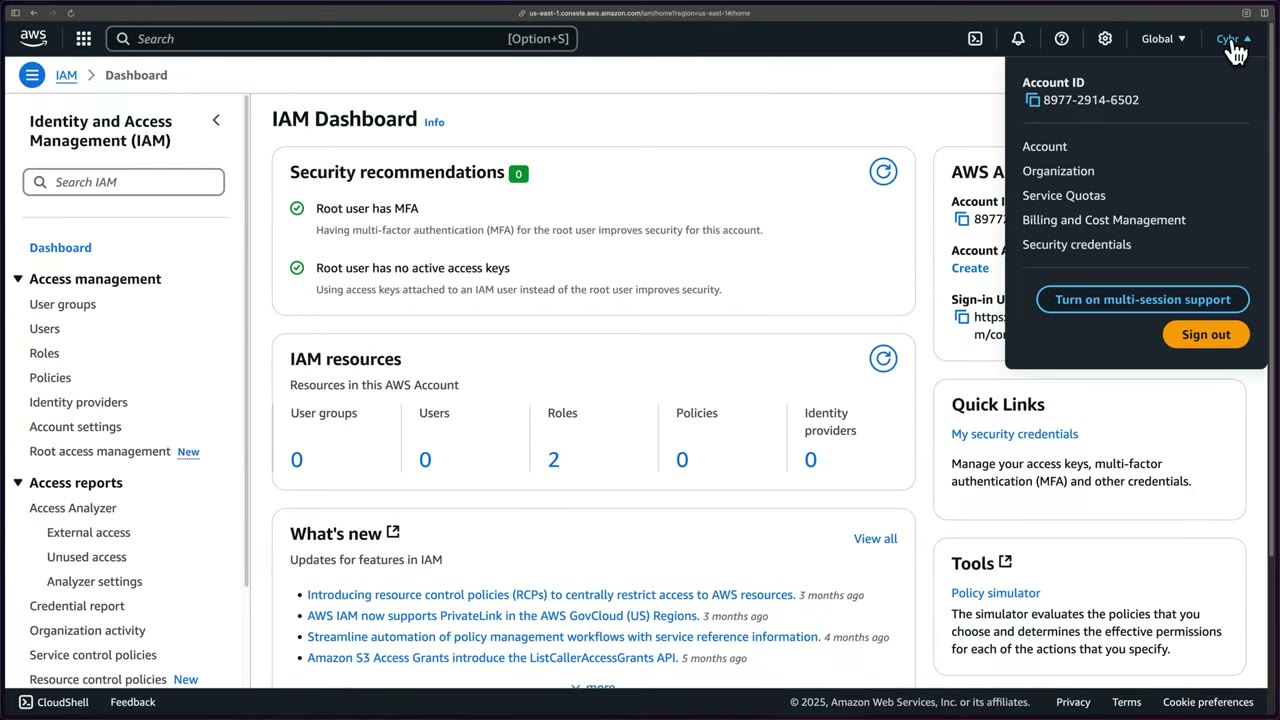
The account menu (top right) is where you reach Account (billing setting) and Security credentials (root MFA/keys).
Alerting on root use
The AWS sample repo aws-samples/aws-iam-root-user-activity-monitor (Terraform: hub.tf, provider.tf,
root-activity-monitor-module) deploys root alerting; it is covered later in the course. ▶ #4 02:40
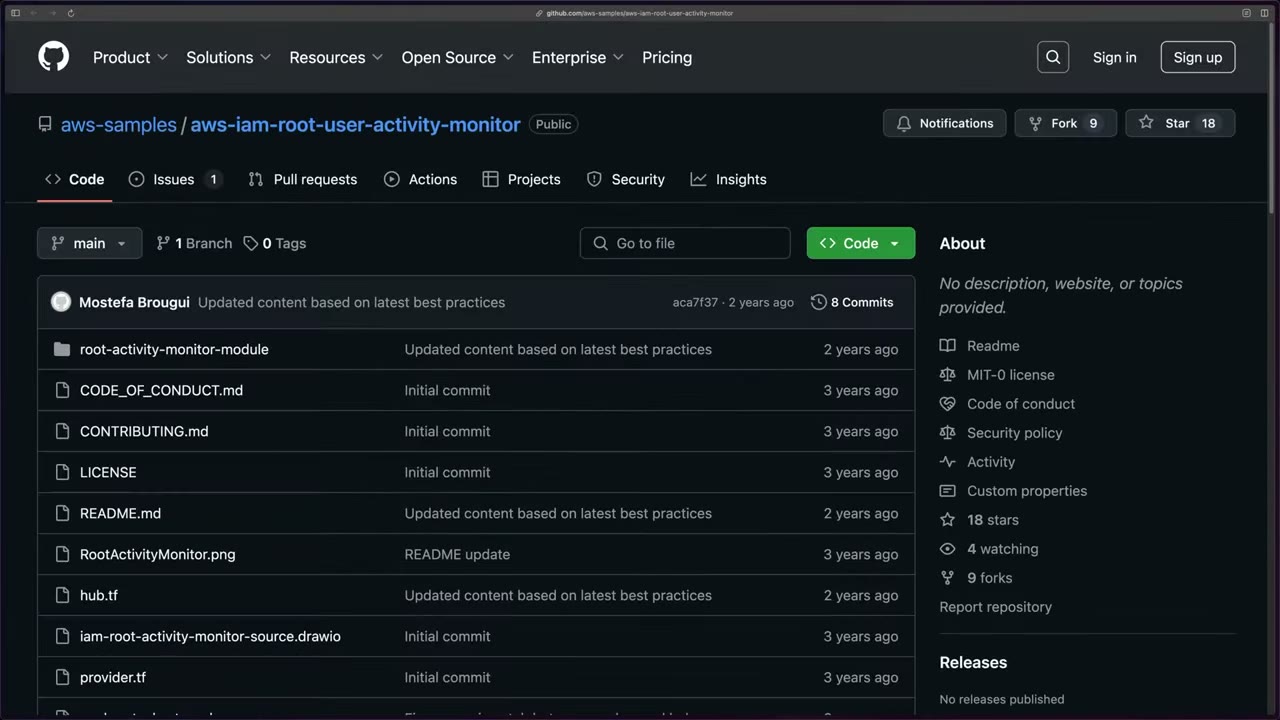
Its pattern: CloudTrail management events → EventBridge rule matching userIdentity.type = "Root" → SNS, deployed
hub-and-spoke across accounts. EventBridge pattern for root sign-in:
{ "detail-type": ["AWS Console Sign In via CloudTrail"],
  "detail": { "userIdentity": { "type": ["Root"] } } }
Alternatives: a CloudWatch Logs metric filter + alarm on the trail (CIS, older), or a GuardDuty / Security Hub control.
Billing access and the break-glass admin user
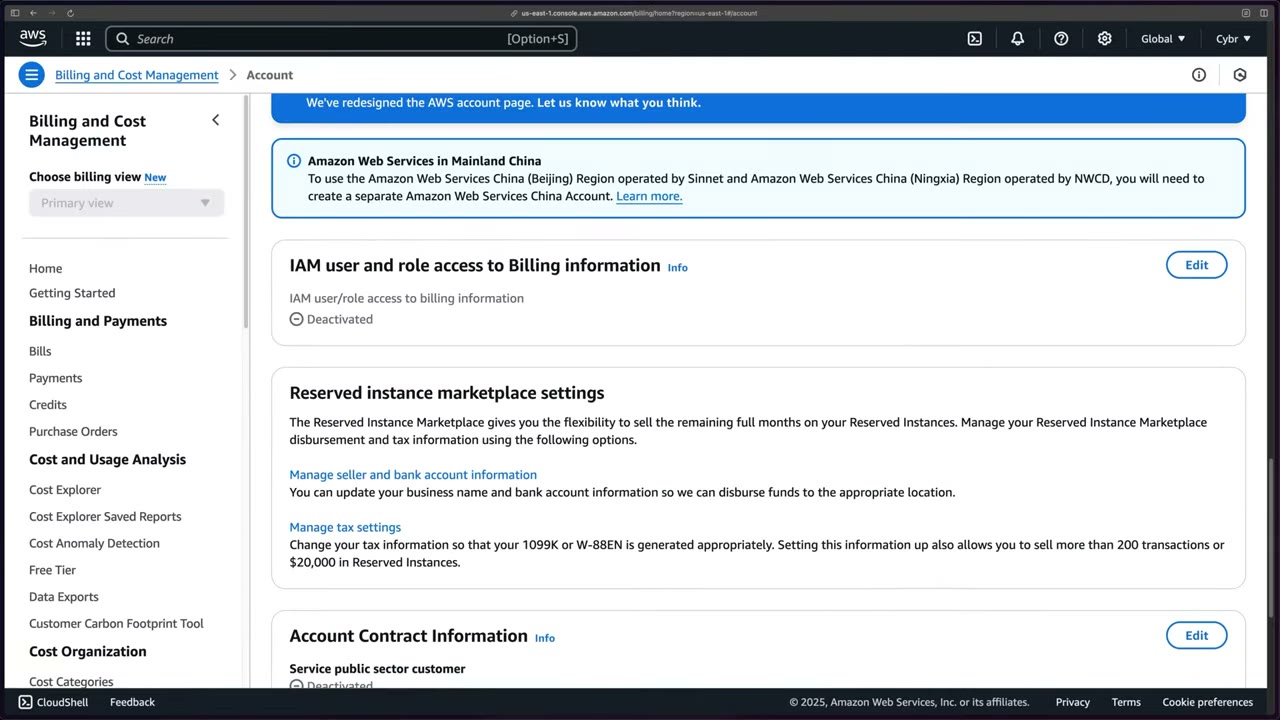
IAM access to Billing: as a security feature, IAM identities cannot see the billing console until root activates it. ▶ #4 04:41 Account menu → Account → IAM user and role access to Billing information (Deactivated) → Edit → Activate IAM Access → Update. ▶ #4 05:00 IAM users and roles with appropriate IAM permissions can then access billing. ▶ #4 05:21
Admin / break-glass IAM user: banners recommend IAM Identity Center, which the course uses later, but an admin is
needed now. ▶ #4 05:40 Keeping one IAM user in the management account is good anyway, for an outage of your IdP or
Identity Center: a break-glass user (“breaking the glass to reach the fire extinguisher”), named administrator or break-glass. ▶ #4 05:51
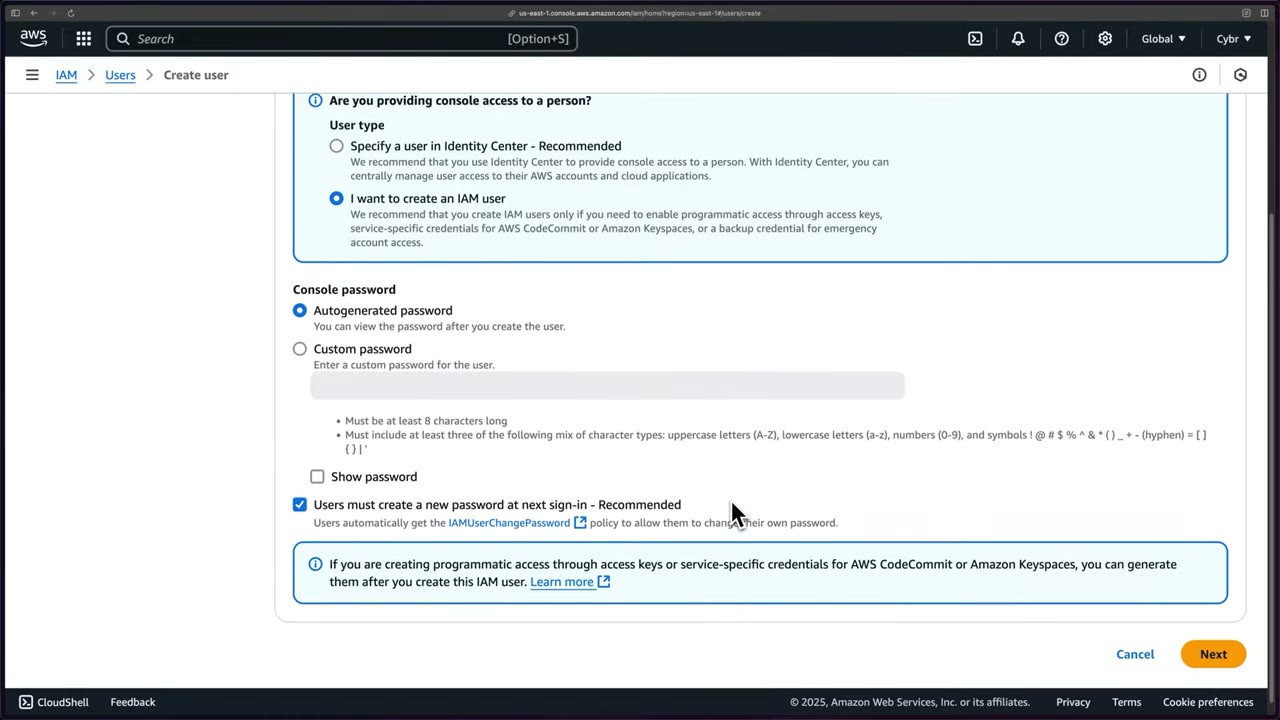
AWS recommends IAM users only for programmatic access keys, service-specific credentials (CodeCommit/Keyspaces), or a backup credential for emergency account access. Password rules: ≥ 8 characters, at least three of upper/lower/number/symbol.
Break-glass design: a small number of emergency principals (management account root with hardware MFA in a safe, or a dedicated break-glass IAM role/user excluded from SCPs), alerting on use, and regular testing.
- Signed in as root → IAM Dashboard: Security recommendations shows “Add MFA for root user”. ▶ #4 01:12
- Account menu → Security credentials → assign MFA device (fast-forwarded). Security recommendations → 0. ▶ #4 01:51
- Account menu → Account → IAM user and role access to Billing information → Edit → activate → Update. ▶ #4 05:00
- IAM → Users → Create user: name
administrator, Provide user access to the AWS Management Console ✓, I want to create an IAM user (not Specify a user in Identity Center – Recommended), Autogenerated password, Users must create a new password at next sign-in ✓ (auto-attachesIAMUserChangePassword). ▶ #4 06:21 - Permissions: Add user to group (recommended) vs Copy permissions vs Attach policies directly. Direct would be fine for one user, but groups are a good habit → Create group
administrators+ AdministratorAccess (1025 policies in the picker) → Create user. ▶ #4 06:41 - Retrieve password page: sign-in URL
https://<account-id>.signin.aws.amazon.com/console, user name, password (shown only once: Download .csv or Email sign-in instructions). ▶ #4 07:09 - Sign out of root, sign in as the admin: console shows
administrator @ <account-id>. Root is now only for root-only tasks and periodic checks. ▶ #4 07:10 - Enable MFA on the admin user too (forgotten in the original recording). ▶ #4 07:40
Centralized root access: why
Root actions in member accounts should be rare, but sometimes you need them. ▶ #32 00:00 Before this feature, every member account created by Organizations got an auto-generated root password nobody knew. To use root you had to do a password reset, then set up MFA. ▶ #32 00:20 Doing (and maintaining) that for dozens or hundreds of accounts isn’t practical. ▶ #32 00:30
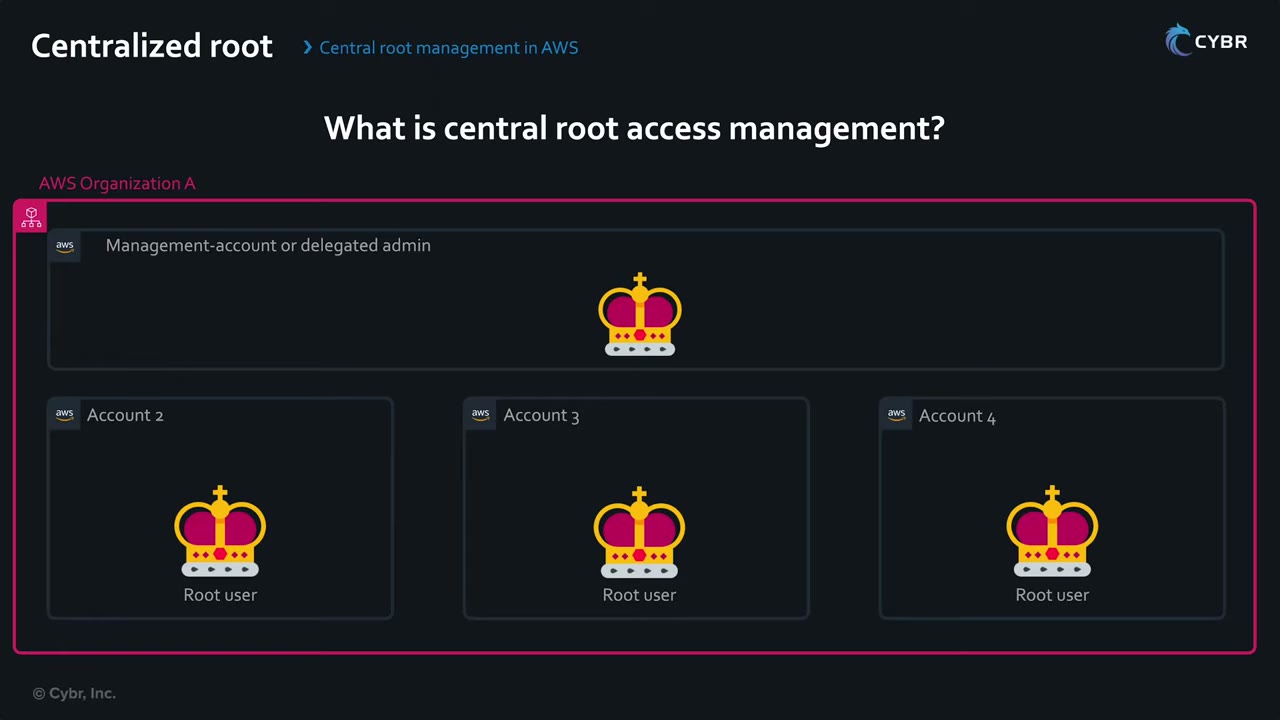
The central account holds the power to act as root in members, so member root users no longer need passwords or MFA.
- Remove long-term credentials from member-account root users. That also disables the “forgot password” recovery flow and removes the need to manage their MFA. ▶ #32 00:51
- When you need root, use a root session: short-term credentials that expire within 15 minutes, used like role credentials. ▶ #32 01:02
- Example: you locked yourself out of an S3 bucket with a policy that denies all principals. A root session fixes it. ▶ #32 01:21
- The management account’s root is not covered: protect it with a strong password + hardware MFA/passkey.
The two capabilities and five task policies
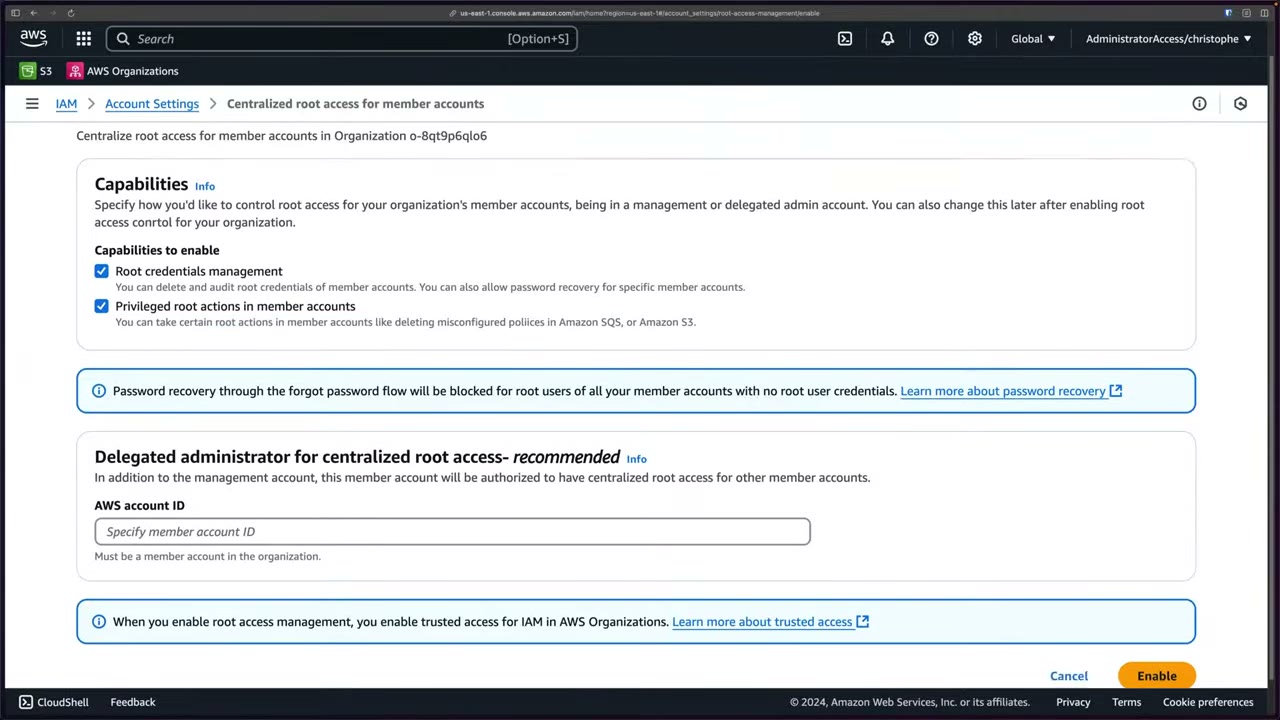
Enabling it (IAM → Root access management) turns on trusted access for IAM in AWS Organizations. ▶ #32 02:31
| Capability | What it does |
|---|---|
| Root credentials management | Delete and audit root credentials (password, access keys, MFA, signing certs) of member accounts; allow password recovery for specific accounts. New accounts are created without root credentials. |
| Privileged root actions in member accounts | Take certain root actions in members (delete misconfigured S3/SQS policies) via sts:AssumeRoot. |
- Both can be enabled later in IAM → Account settings. ▶ #32 03:01
- Delegated administrator for centralized root access — recommended: a member account, so you don’t rely on the management account. ▶ #32 03:10
- Banner: forgot-password recovery will be blocked for root users of all member accounts with no root credentials.
Root sessions are always scoped to one task: ▶ #32 01:30
| Task policy | What it allows |
|---|---|
IAMAuditRootUserCredentials |
Read-only view of root credential info and account info |
IAMCreateRootUserPassword |
Re-enable account recovery (password) without existing root credentials |
IAMDeleteRootUserCredentials |
Remove console password, access keys, signing certificates and MFA devices |
S3UnlockBucketPolicy |
Edit/delete an S3 bucket policy that denies all principals |
SQSUnlockQueuePolicy |
Same for an SQS queue policy |
Deleting member root credentials
The Root access management page looks like Organizations (OU tree) but lives in IAM, with a Root user credentials column (Present / Not present). ▶ #32 03:40 Accounts created before the launch (~November 15, 2024 per the instructor) show Present, and at recording time you deleted them account by account. ▶ #32 04:00
- Select the account → Take privileged action → Delete S3 bucket policy, Delete SQS queue policy or Delete root user credentials. ▶ #32 04:30
- The page shows Console password last used (9 months ago) and Access keys last used (Never used).
- Warning: root keys, password, signing certificates and MFA will be deleted; you can’t sign in as root; privileged root-only actions remain possible through root sessions; no recovery through forgot-password.
- Type
confirm→ Delete. ▶ #32 04:51
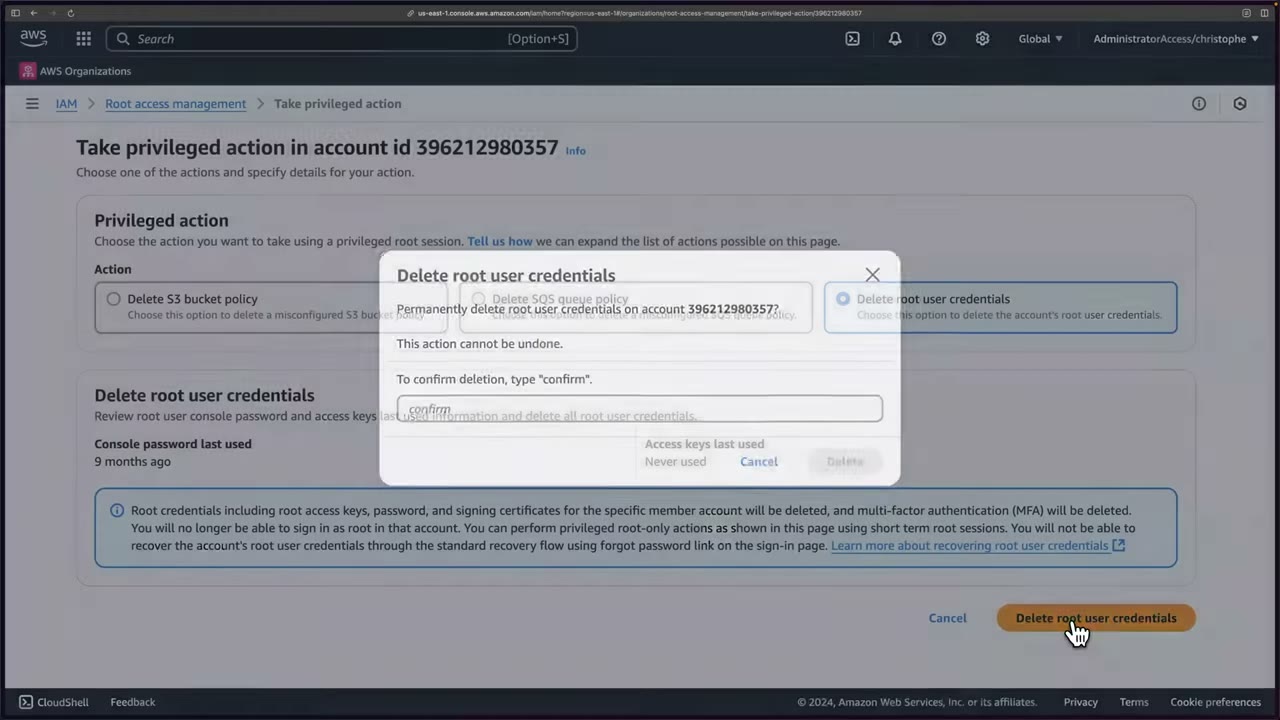
After deletion the column shows Not present and the third action becomes Allow password recovery: you can re-enable recovery if ever needed, but ideally use root sessions instead. ▶ #32 05:11
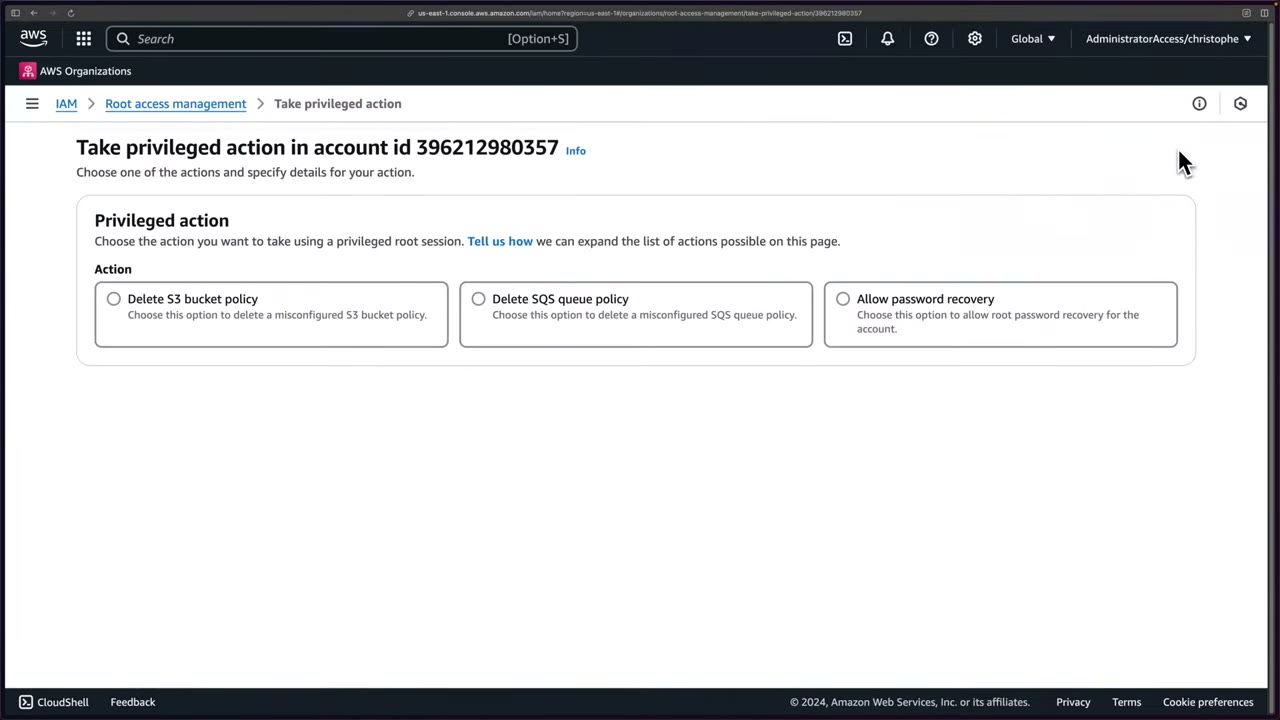
- Management account → IAM → Root access management (New). Intro (Improved security / Better compliance / Total control) → Enable. ▶ #32 02:20
- Leave both capabilities checked; leave delegated admin empty (skipped in the demo) → Enable. “Root access management enabled. You can now delete root user credentials for your member accounts from the Root access management page.” ▶ #32 03:28
- Open Root access management: OU tree (Infrastructure, Sandbox, Security, Suspended, Workloads + management account) with the Root user credentials column. ▶ #32 03:40
- Select the demo account → Take privileged action → Delete root user credentials → type
confirm→ Delete. “Root credentials deleted for AWS Account 396212980357.” Column → Not present. ▶ #32 04:30
AssumeRoot
New STS action AssumeRoot, via API or CLI. ▶ #32 05:40
| Parameter / rule | Value |
|---|---|
| Prerequisite | Centralized root access enabled |
| Endpoint | Regional STS endpoint only: the global endpoint is not supported |
DurationSeconds |
0–900, default 900 (15 min); higher values fail |
TargetPrincipal |
Member account ID (required) |
TaskPolicyArn |
One of the five task policies (required) |
| Response | Temporary access key ID, secret access key, session token |
| Who can call | Only the management account or the delegated admin, only against member accounts. Control with IAM on sts:AssumeRoot, scoped with sts:TaskPolicyArn |
| Audit | Logged in CloudTrail |
| CLI | ≥ 2.21.2 (upgrade from 2.21.1, e.g. brew upgrade awscli) ▶ #32 06:10 |
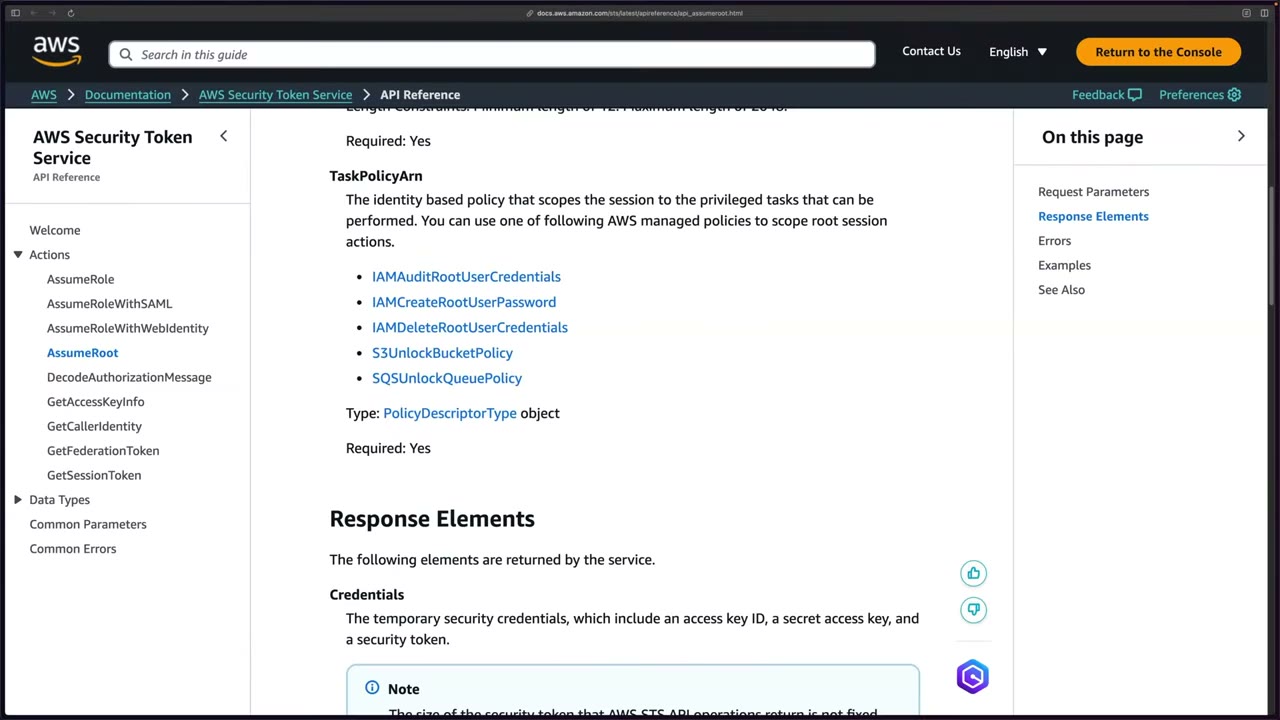
IAMAuditRootUserCredentials (first statement, from the docs on screen):
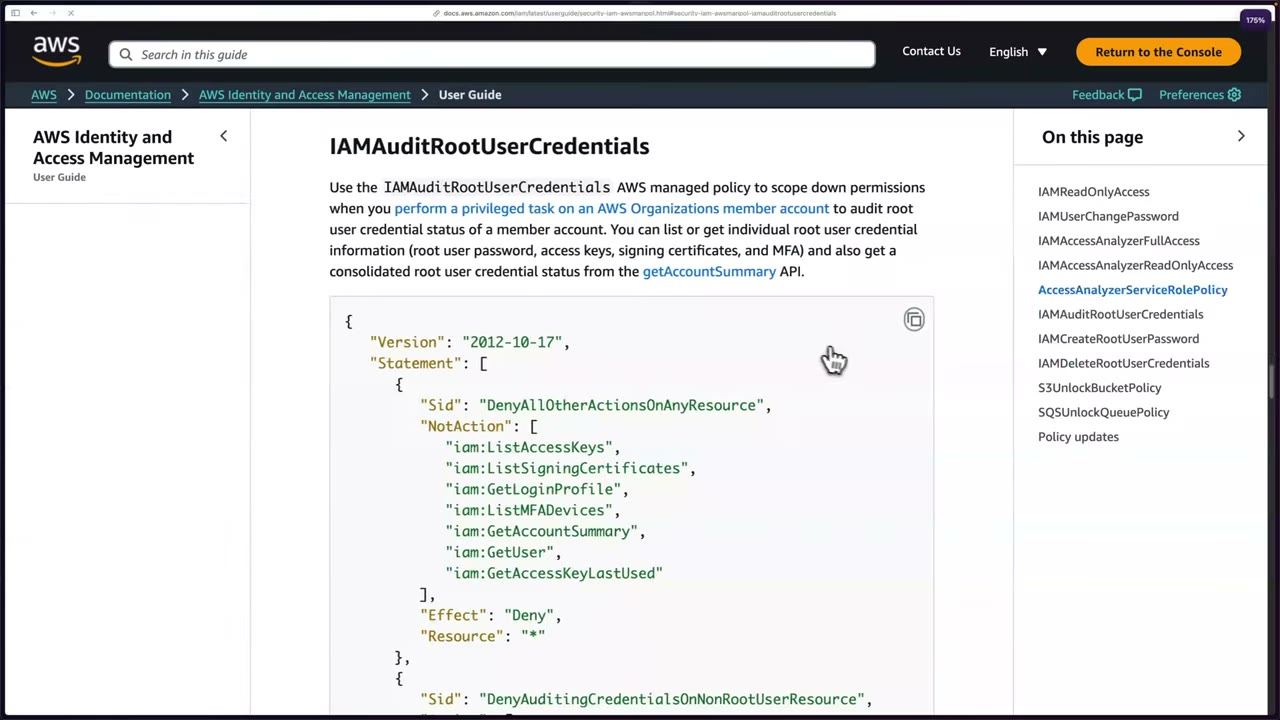
{
  "Version": "2012-10-17",
  "Statement": [
    {
      "Sid": "DenyAllOtherActionsOnAnyResource",
      "NotAction": [
        "iam:ListAccessKeys",
        "iam:ListSigningCertificates",
        "iam:GetLoginProfile",
        "iam:ListMFADevices",
        "iam:GetAccountSummary",
        "iam:GetUser",
        "iam:GetAccessKeyLastUsed"
      ],
      "Effect": "Deny",
      "Resource": "*"
    },
    {
      "Sid": "DenyAuditingCredentialsOnNonRootUserResource",
      …
    }
  ]
}
The pattern is Deny with NotAction: everything except the listed read calls is denied, and a second statement denies those calls on any non-root IAM user resource.
- With management account credentials (profile
cybrdemo), checkaws --version(2.21.2). The first attempt failed withError parsing parameter '--task-policy-arn': Expected: '=', received: 'EOF': the parameter is a structure and needsarn=. ▶ #32 06:30
aws sts assume-root \
  --target-principal 396212980357 \
  --task-policy-arn arn=arn:aws:iam::aws:policy/root-task/IAMAuditRootUserCredentials \
  --profile cybrdemo
{
  "Credentials": {
    "AccessKeyId": "ASIA…",
    "SecretAccessKey": "…",
    "SessionToken": "…",
    "Expiration": "2024-11-20T21:40:47+00:00"
  }
}
- Configure a profile with the temporary credentials. ▶ #32 08:40
aws configure --profile temproot            # access key id + secret
aws configure set aws_session_token <token> --profile temproot
aws sts get-caller-identity --profile temproot
# "Arn": "arn:aws:iam::396212980357:root"
- Run the allowed audit calls. ▶ #32 09:30
aws iam get-account-summary --profile temproot   # AccountPasswordPresent: 0, AccountAccessKeysPresent: 0
aws iam list-access-keys --profile temproot      # "AccessKeyMetadata": []
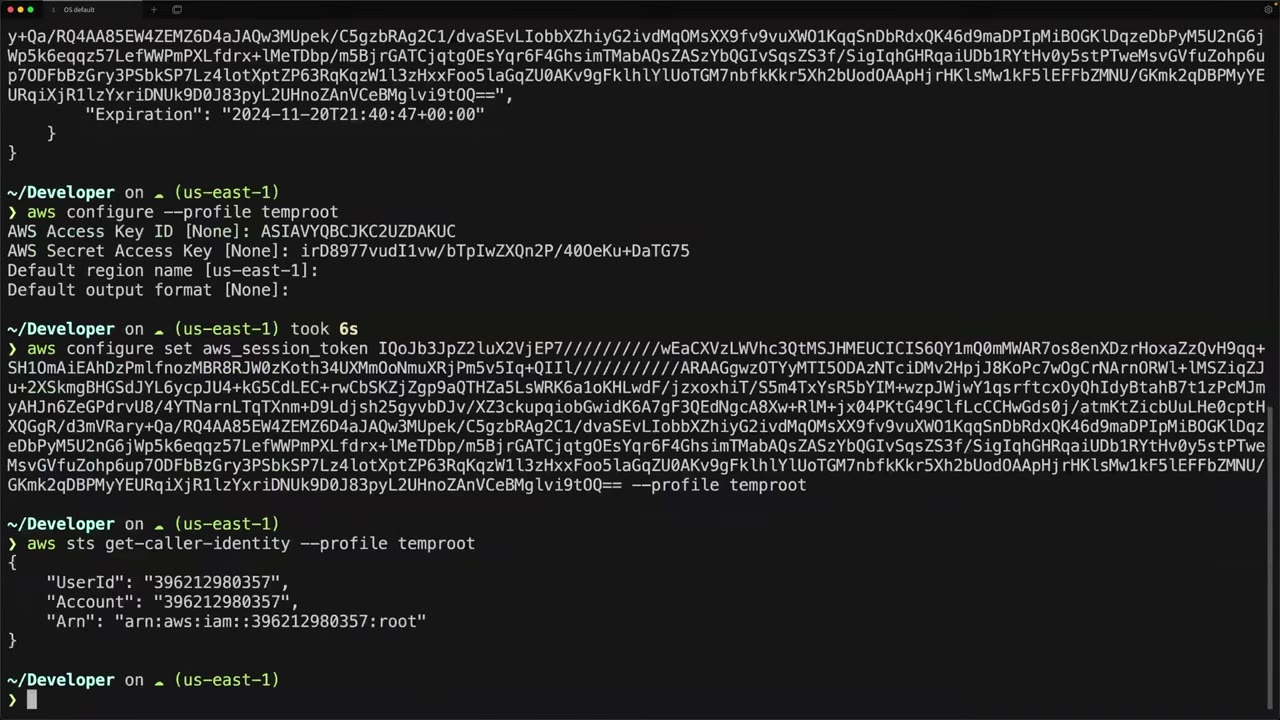
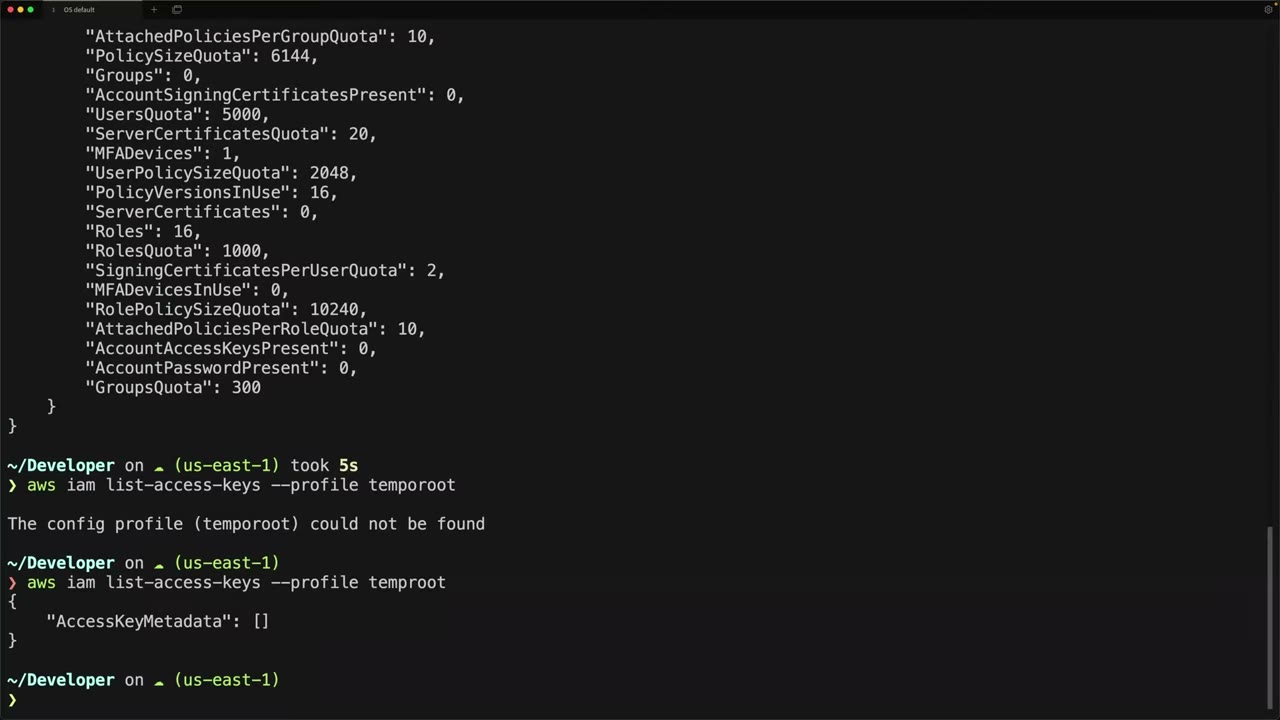
From the instructor
- “Root should never be used beyond the initial setup or in very rare circumstances.” ▶ #4 00:00
- Root access keys: “if you’ve ever created an access key for your root user, go ahead and delete it immediately.” ▶ #4 01:20
- Prefer hardware MFA for root. ▶ #4 01:34
- Whoever controls the root email/phone can reset the root password. ▶ #4 02:21
- Alert on every root sign-in/action. ▶ #4 02:40
- “Do not proceed without doing these steps and actually creating an admin account.” ▶ #4 03:51
- Keep one IAM break-glass user in the management account for IdP / Identity Center outages. ▶ #4 05:51
- Root session credentials last 15 minutes: “don’t wait up”. ▶ #32 09:11
- Recommended course of action: (1) remove remaining member root credentials, (2) decide on Privileged root actions (S3/SQS), (3) delegate root management to a member account, (4) lock down access, “almost no one should have access to it”, (5) monitor it “like a hawk”. ▶ #32 10:12
Keyword → answer
| If the question says… | Answer |
|---|---|
| Bucket policy denies all, including admins, in a member account | sts:AssumeRoot with S3UnlockBucketPolicy from the management/delegated account, not a support case |
| Remove long-term root credentials in 200 member accounts / stop managing root MFA at scale | Centralized root access, then delete root credentials |
| Detect root usage | EventBridge rule + SNS, a CloudWatch Logs metric filter + alarm (CIS, older), or GuardDuty / Security Hub |
| Prevent root in member accounts from doing X | SCP with aws:PrincipalArn arn:aws:iam::*:root (never affects the management account) |
| IAM admins can’t see billing despite billing permissions | Root must activate IAM user and role access to Billing information |
| Identity Center / IdP is down, admins locked out | Break-glass IAM user with MFA, stored securely, monitored, tested |
AssumeRoot fails against sts.amazonaws.com |
Use a Regional STS endpoint |
| Need a root task not in the five (close account, change support plan) | IAMCreateRootUserPassword to re-enable recovery, then use the root password |
- New accounts created in an org with root credentials management enabled have no root credentials. Existing ones can be cleaned up at scale by scripting
sts assume-rootwithIAMDeleteRootUserCredentials, thenDeleteLoginProfile,DeleteAccessKey,DeactivateMFADevice, etc. - AWS now enforces MFA for root on management and standalone accounts.
Real-world practice
aws-samples/aws-iam-root-user-activity-monitordeploys CloudTrail → EventBridge → SNS hub-and-spoke. Root alerts produce almost no noise, so route them to paging (PagerDuty/Slack), not email only. Also alert onAssumeRootevents.- Give each account a unique, group-owned root email alias (e.g.
aws+prod@company) on a shared mailbox with its own MFA. - Two-person rule: one custodian holds the root password, another the hardware MFA. Test the break-glass user and the root alert pipeline quarterly.
- Prefer Identity Center for humans. The break-glass IAM user has a strong password + MFA, no access keys, and an alarm on its sign-ins.
- Centralized root access rollout: delete remaining member root credentials (scriptable), decide on privileged root actions, delegate to a security account, give almost no one access, monitor closely. Write a break-glass runbook (who, from where, approval, alerting).
- If you also have a “deny all root” SCP, test whether it blocks the unlock tasks before relying on them for break-glass. Works alongside Control Tower: enable from the management account and delegate to the Audit account.
aws organizations enable-aws-service-access --service-principal iam.amazonaws.com
aws iam enable-organizations-root-credentials-management
aws iam enable-organizations-root-sessions

aws sts assume-root --target-principal 444455556666 \
  --task-policy-arn arn=arn:aws:iam::aws:policy/root-task/S3UnlockBucketPolicy
# then, with the returned credentials:
aws s3api delete-bucket-policy --bucket locked-bucket
- Enable centralized root access in a test org.
- Delete a member’s root credentials.
- Audit them with
IAMAuditRootUserCredentials:get-account-summaryshould showAccountPasswordPresent: 0. - Create the EventBridge root-login alert to an SNS email.
- Cleanup: delete the rule and topic.
IAM policies and policy evaluation logic
JSON documents (Effect / Action / Resource / Principal / Condition) that AWS evaluates on every request. Effective permissions are the intersection of every policy layer that applies, and an explicit Deny anywhere wins.
- Exam skills: least privilege, boundaries, session policies (4.2.3) · analyze authorization failures (4.2.4) · cross-account resource policies (4.2.1) · ABAC/RBAC (4.2.2) · correct unintended permissions (4.2.5) · temporary credentials & identity broker (4.1.2, 4.1.1) · SCP/RCP (6.1.3)
- Videos: ▶ #14 Managed vs inline · ▶ #15 Identity-based vs resource-based · ▶ #16 Permissions boundaries · ▶ #17 Session policies · ▶ #18 How AWS decides allow or deny
Policy types at a glance
| Type | Attached to | Grants? | Notes |
|---|---|---|---|
| Identity-based (AWS managed, customer managed, inline) | User, group, role | Yes | What the identity may do, in its own account or cross-account ▶ #15 00:11 |
| Resource-based | S3, KMS, SQS, SNS, Lambda, Secrets Manager, role trust policy… | Yes | Who may access the resource and with which actions ▶ #15 00:41 |
| Permissions boundary | User or role | No (cap) | Max permissions for one entity |
| SCP / RCP | Org root, OU, account | No (cap) | Org guardrails on principals / resources |
| Session policy | One role or federated session | No (cap) | Passed at AssumeRole / federation time |
| ACLs | S3 buckets/objects etc. | Yes | Legacy cross-account grants |
A policy can be as simple as allow-all (full admin if nothing else restricts it) or deny-all: ▶ #14 00:10
{
  "Version": "2012-10-17",
  "Statement": [{ "Effect": "Allow", "Action": "*", "Resource": "*" }]
}
{
  "Version": "2012-10-17",
  "Statement": [{ "Effect": "Deny", "Action": "*", "Resource": "*" }]
}
NotAction,NotResourceandNotPrincipalinvert matching.NotPrincipalwith Deny is error-prone. Prefer conditions onaws:PrincipalArn.- Groups cannot be principals in policies, can’t be nested and can’t be assumed. Roles are used for cross-account access.
Managed vs inline policies
Identities (users, groups, roles) get permissions from JSON policy documents, attached in two ways. ▶ #14 00:00
| Inline | Managed | |
|---|---|---|
| Relationship | Created for a single identity (users Mark and Jane each with their own), “permanently glued” to it ▶ #14 00:51 | Standalone; attach to many users, groups and roles at once and detach any time (“pluggable modules”) ▶ #14 02:11 |
| Reuse | None. Two people with the same job = two identical policies to maintain ▶ #14 01:10 | Edit once → applies to every attached identity, or swap one policy for another ▶ #14 03:00 |
| Lifecycle | Deleted with the principal; strict 1:1 | Customer managed: versioned (5 versions), can be rolled back |
| Size | Aggregate per user 2,048, role 10,240, group 5,120 characters | Max 6,144 characters |
| Verdict | Typically discouraged ▶ #14 01:10 | Preferred |
- Instead of per-user inline policies: share one managed policy, or better, put users in an IAM group with the policy so they inherit it. ▶ #14 01:41
- Roles are identities too, so all of this applies to roles. ▶ #14 05:01 An identity can have both managed and inline policies at once. ▶ #14 05:11
- Quota: up to 10 managed policies per user/role/group by default (adjustable to 20). Hitting limits → consolidate into customer managed policies.
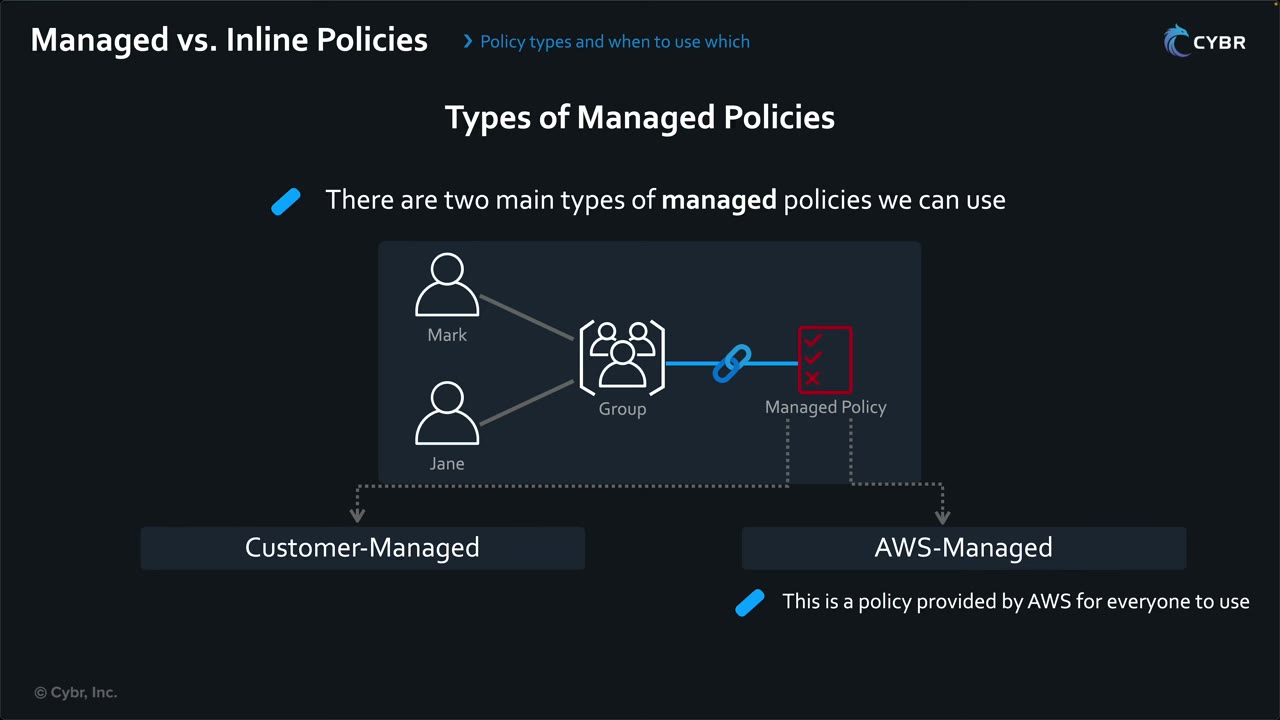
Changing or swapping the policy at the group updates both users.
| Managed type | Who creates it | Notes |
|---|---|---|
| Customer managed | You, in your account | Do whatever you want; can be created before you know who’ll use it (e.g., a CloudTrail read-only policy) ▶ #14 04:30 |
| AWS managed | AWS, available by default in every account | Listed in the AWS Managed Policy Reference Guide: AdministratorAccess, AmazonS3ReadOnlyAccess, AWSCloudTrail_ReadOnlyAccess. A great starting point but rarely an exact fit: copy and modify for least privilege ▶ #14 03:41 |
The ARN arn:aws:iam::aws:policy/AWSCloudTrail_ReadOnlyAccess has aws in the account field, which marks an AWS managed
policy. Policy version v1 (default): the default version is the one AWS evaluates on a request.
- AWS managed policies can change when AWS updates them (new actions added), which can silently broaden access. Customer managed policies change only when you change them.
- Job-function AWS managed policies (
ViewOnlyAccess,SecurityAudit,ReadOnlyAccess,PowerUserAccess, …) are common correct answers for auditors and security teams.
Identity-based vs resource-based policies
- Any policy attached to an IAM user, group or role is identity-based. ▶ #15 00:11
- A resource-based policy is attached to a resource (classic example: S3 bucket policy; also KMS key policies). ▶ #15 00:41
- EC2 instances do not support resource-based policies. Typical ones: S3 bucket policies, KMS key policies, IAM role trust policies, SQS/SNS policies, Secrets Manager secret policies, Lambda function policies, ECR repository policies, API Gateway resource policies, Backup vault policies.
- There are no managed resource-based policies. They are all inline, created by the customer, because each is designed for a specific resource. “You can expect to get tested on that on your exam.” ▶ #15 04:10
| Same account ▶ #15 01:00 | Cross-account ▶ #15 03:31 | |
|---|---|---|
| Needs | An Allow in either the identity or the resource policy, and no explicit deny | An Allow in both: identity policy in account A (plus its SCP, boundary, session policy) and resource policy in account B, or assume a role there |
| Example | Role reads an S3 bucket: identity policy grants read; the bucket policy allows or at least doesn’t deny. Even with no bucket policy, the identity policy is enough ▶ #15 01:21 | Identity in A, bucket in B. Both must allow: “an extra layer of security” ▶ #15 03:42 |
Evaluation walk-through ▶ #15 02:11: the identity policy allows all S3 buckets; the bucket policy denies all S3 access unless the request comes from a specific source IP range. AWS evaluates both together:
- Any matching explicit Deny → denied, regardless of allows. “Explicit denies always win over allows.” ▶ #15 02:31
- Otherwise at least one Allow in either policy → allowed. ▶ #15 02:50
- No allow and no deny → implicit deny. ▶ #15 03:10
So requests from outside the IP range are denied even though the identity policy allows S3.
KMS key policies and role trust policies are special: IAM policies alone are not enough unless the key or trust policy
delegates to the account ("Principal": {"AWS": "arn:aws:iam::111122223333:root"}).
Permissions boundaries
A managed policy attached to a user or role (not groups, not resources) that sets the maximum permissions its identity-based policies can grant. Like an SCP it grants nothing. Effective = identity ∩ boundary. ▶ #16 00:10 Main use: delegate responsibilities without risking privilege escalation, especially when people can create, modify or update users’ and roles’ permissions. ▶ #16 00:30
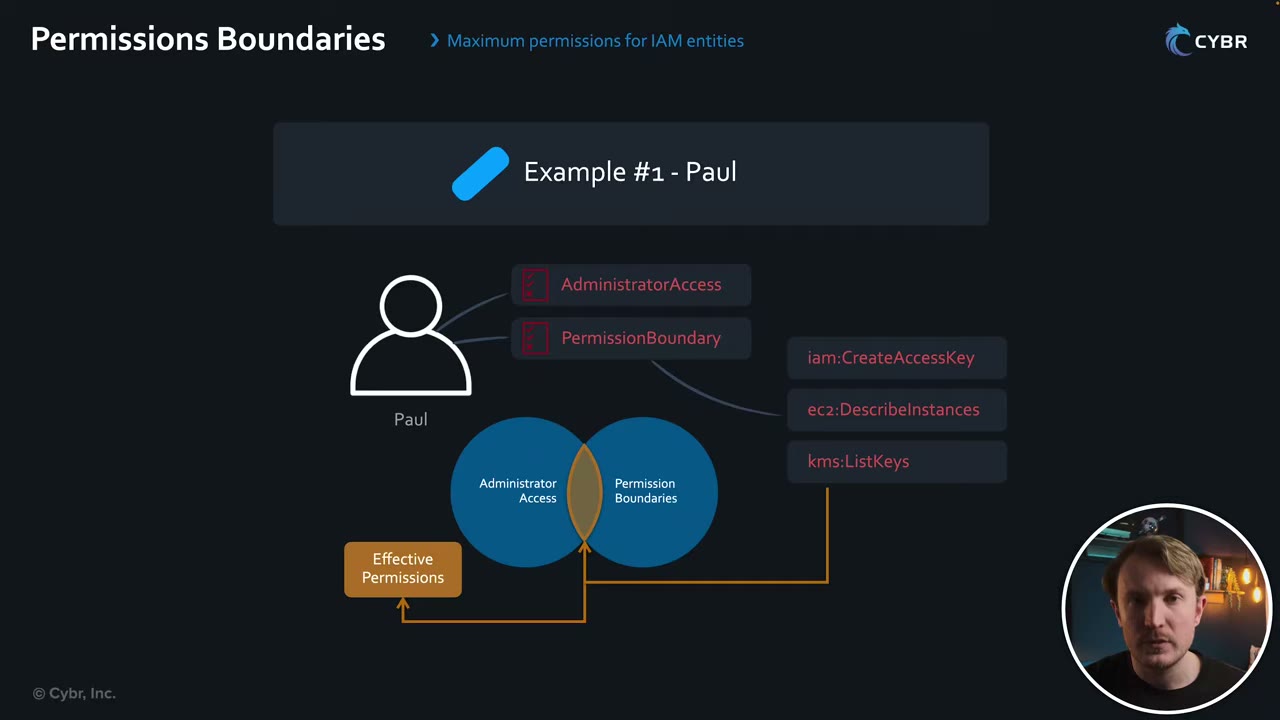
Paul has AdministratorAccess and a boundary allowing only iam:CreateAccessKey, ec2:DescribeInstances,
kms:ListKeys. He can do only those three actions; anything outside the boundary is implicitly denied. “That’s how
powerful IAM permission boundaries can be.” ▶ #16 01:00
Emma (delegated role creation) ▶ #16 01:41
- Emma, a senior developer, manages a team. Asking the security team for every new permission is a bottleneck that doesn’t scale.
- The security team lets her create roles her team can assume and attach permissions, only if
DevPermissionBoundaryPolicyis attached to each new or modified role. ▶ #16 02:01 - She can’t modify that boundary. The security team defines it, and it limits whoever assumes the roles (people or services). ▶ #16 02:30
- Enforce this with
iam:CreateRole+ conditioniam:PermissionsBoundary= boundary ARN. Restrict the delegate’sResourcewith a path (e.g.,role/app/*) so they can’t modify admin roles, and denyiam:DeleteUserPermissionsBoundary/iam:SetDefaultPolicyVersionon the boundary.
{
  "Version": "2012-10-17",
  "Statement": [
    { "Sid": "CreateRolesOnlyWithBoundary",
      "Effect": "Allow",
      "Action": ["iam:CreateRole", "iam:PutRolePolicy", "iam:AttachRolePolicy", "iam:PutRolePermissionsBoundary"],
      "Resource": "arn:aws:iam::111122223333:role/app/*",
      "Condition": { "StringEquals": {
        "iam:PermissionsBoundary": "arn:aws:iam::111122223333:policy/DevBoundary" } } },
    { "Sid": "NoBoundaryTampering",
      "Effect": "Deny",
      "Action": ["iam:DeleteRolePermissionsBoundary", "iam:DeleteUserPermissionsBoundary",
                 "iam:CreatePolicyVersion", "iam:SetDefaultPolicyVersion", "iam:DeletePolicy"],
      "Resource": ["arn:aws:iam::111122223333:policy/DevBoundary",
                   "arn:aws:iam::111122223333:role/*"] }
  ]
}
Boundary vs SCP: decide by scope ▶ #16 03:02
| SCP | Permissions boundary | |
|---|---|---|
| Where | Account/OU/org level, via Organizations | Inside one account, per user/role |
| Use when | Org-wide or account-wide mandate | Delegation for one or a few IAM entities |
| Scenario ▶ #16 03:41 | Restrict which instance types/sizes employees can launch in staging accounts, and in which Region | Dev accounts: team leads let members give roles to containerized apps for testing, but must limit what they can grant. Even if a member attaches an admin policy, the boundary restricts it while keeping flexibility ▶ #16 04:12 |
- Resource-based policies are not limited by the boundary when they grant access directly to the IAM user ARN (same account). If they grant to the role ARN or the account, the boundary applies (▶ #18 flow).
Session policies
Passed as a parameter when you programmatically (CLI/API) assume a role or get a federated user session. They only narrow that one session: effective = role (or federated user) identity policies ∩ session policy. They can’t elevate privileges. ▶ #17 00:00
- Passed in
AssumeRole,AssumeRoleWithSAML,AssumeRoleWithWebIdentityorGetFederationToken, notGetSessionToken. - Inline (
--policy, up to 2,048 characters) and/or up to 10 managed policy ARNs (--policy-arns). ▶ #17 01:52 - Apply only to role and federated sessions, never IAM users. Identity Center permission sets and the console’s “switch role” can’t pass them: it is a CLI/SDK feature.
- Two use cases: (1) limit your own permissions; (2) an identity broker limits a federated user’s credentials. ▶ #17 03:20 Very different from SCPs, RCPs, boundaries, identity/resource policies. ▶ #17 03:30
Scenario: Mike and the RDS databases ▶ #17 00:40
- Mike, a security administrator for Amazon RDS across accounts, has admin on both testing and production databases.
- He must maintain
testing-dbwithout accidentally touching production. ▶ #17 01:01 - He assumes the
RDSSecurityManagementrole and passes a session policy allowing only specific DB actions on the testing DB. ▶ #17 01:11 - For that session he can only perform those actions, although the role has admin on both. ▶ #17 01:42
Standard form (the on-screen command wasn’t captured in the video frames):
aws sts assume-role \
  --role-arn arn:aws:iam::111122223333:role/RDSSecurityManagement \
  --role-session-name mike-testing-db-maintenance \
  --policy file://testing-db-session-policy.json
{
  "Version": "2012-10-17",
  "Statement": [
    {
      "Effect": "Allow",
      "Action": [
        "rds:DescribeDBInstances",
        "rds:ModifyDBInstance",
        "rds:RebootDBInstance",
        "rds:CreateDBSnapshot"
      ],
      "Resource": "arn:aws:rds:us-east-1:111122223333:db:testing-db"
    }
  ]
}
Managed policy as the session policy ▶ #17 02:01:
aws sts assume-role --role-arn <role-arn> --role-session-name <name> \
  --policy-arns arn=arn:aws:iam::111122223333:policy/TestingDbMaintenance
Inline JSON on the command line:
aws sts assume-role --role-arn arn:aws:iam::111122223333:role/Ops \
  --role-session-name readonly-task \
  --policy '{"Version":"2012-10-17","Statement":[{"Effect":"Allow","Action":"s3:GetObject","Resource":"arn:aws:s3:::reports/*"}]}'
Classic identity broker (pre-Identity Center): the broker authenticates the user against AD, calls
GetFederationToken or AssumeRole with a session policy that scopes the user (e.g., only their S3 prefix
home/${user}/), and returns temporary credentials or a console sign-in URL.
How AWS decides: the evaluation flowchart
The full flow for a request made by an IAM role. You don’t need to memorize it, but it tells you which layer to check on an AccessDenied, and why effective permissions are the intersection of all layers. ▶ #18 05:00
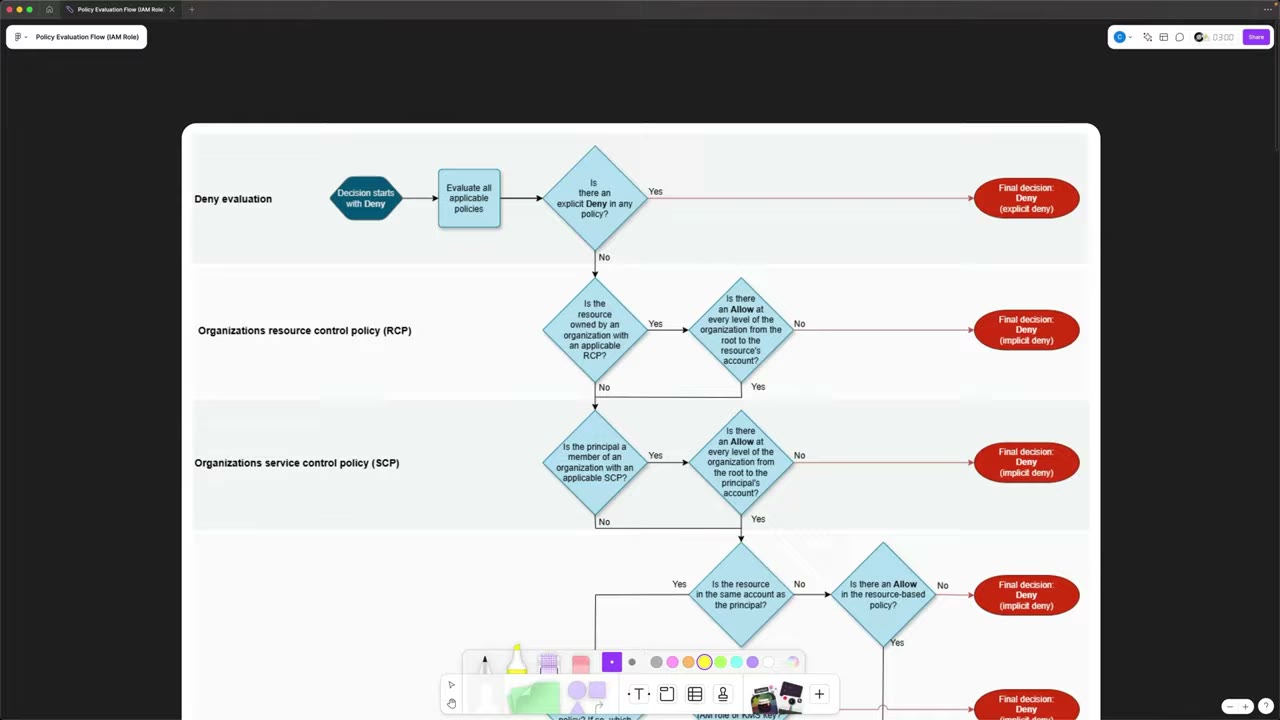
- Deny evaluation: start with Deny → evaluate all applicable policies → explicit Deny in any? → final Deny. “Explicit denies always win”, no matter how many allows. ▶ #18 00:20
- RCP: is the resource owned by an org with an applicable RCP? Then there must be an Allow at every level from root to the resource’s account (RCPs attach at root, OUs, accounts), else implicit deny. ▶ #18 00:40 That’s why enabling RCPs/SCPs creates the default
RCPFullAWSAccess/FullAWSAccesspolicies. ▶ #18 01:01 - SCP: is the principal in an org with an applicable SCP? Same rule, root → principal’s account. ▶ #18 01:22
- Resource-based policy (next image).
- Identity-based policy: does the principal have one, and does it Allow? No → implicit deny. ▶ #18 03:20
- Permissions boundary: if there is one, it must Allow; no boundary → skip. ▶ #18 03:41
- Session policy: only for federated users and role sessions; it must Allow → final Allow. Not a session → skip → Allow. ▶ #18 04:01
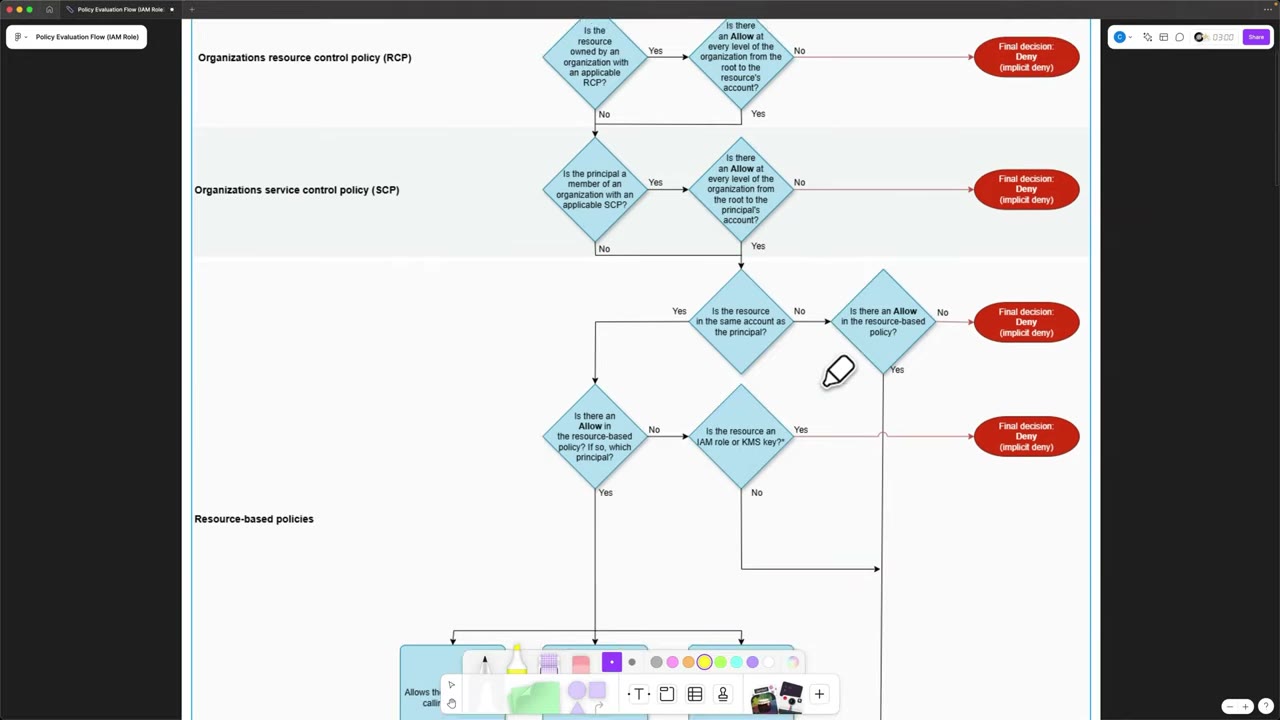
Resource-based layer ▶ #18 01:40
- Different account → the resource policy must Allow (else implicit deny), then continue to the identity-based flow: cross-account still needs the identity policy too. ▶ #18 01:50
- Same account, no Allow → is the resource an IAM role or KMS key? Yes → implicit deny (trust and key policies must allow even same-account). No → continue to identity policies. ▶ #18 02:20
- Same account, Allow → depends on who it names: ▶ #18 02:40
| Resource policy allows… | Next step |
|---|---|
| The session of the calling principal | Final Allow ▶ #18 02:52 |
| The role of the calling principal | Skips identity-based policies, goes to the boundary check (boundary and session policy still apply) ▶ #18 03:00 |
| The account of the calling principal | Goes through identity-based policies ▶ #18 03:10 |
| The IAM user ARN (user chart) | Final Allow |
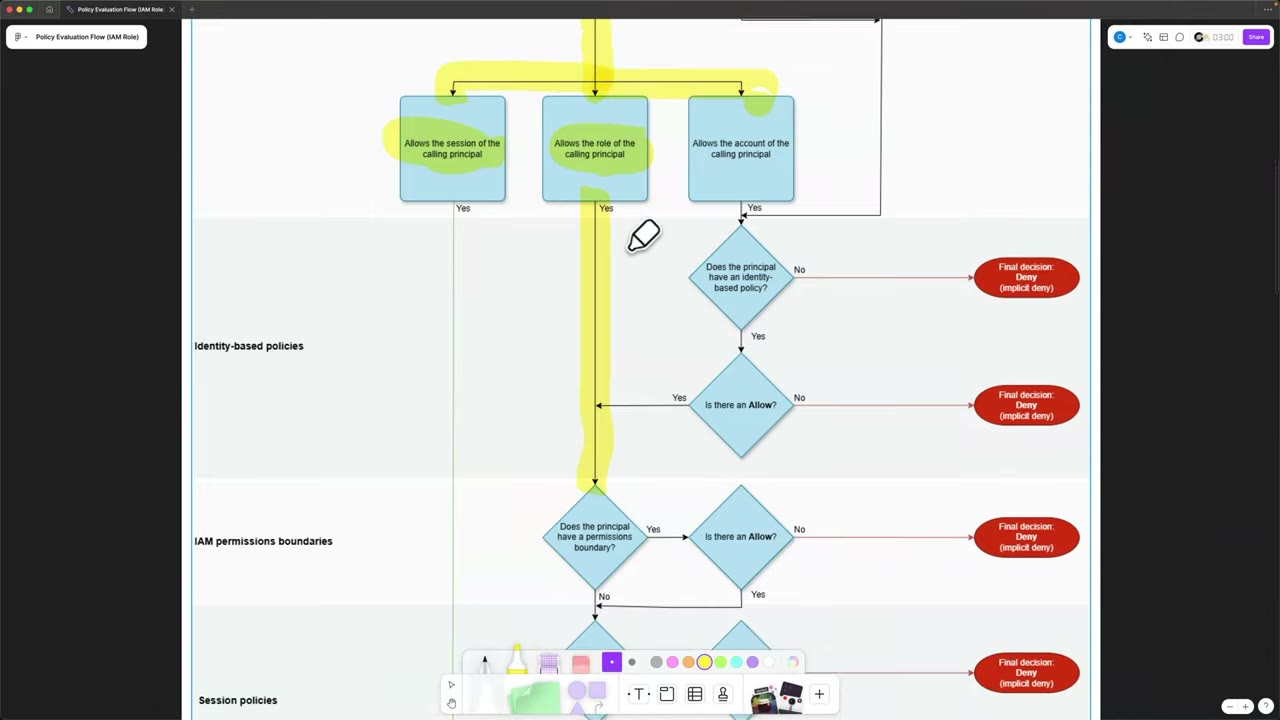
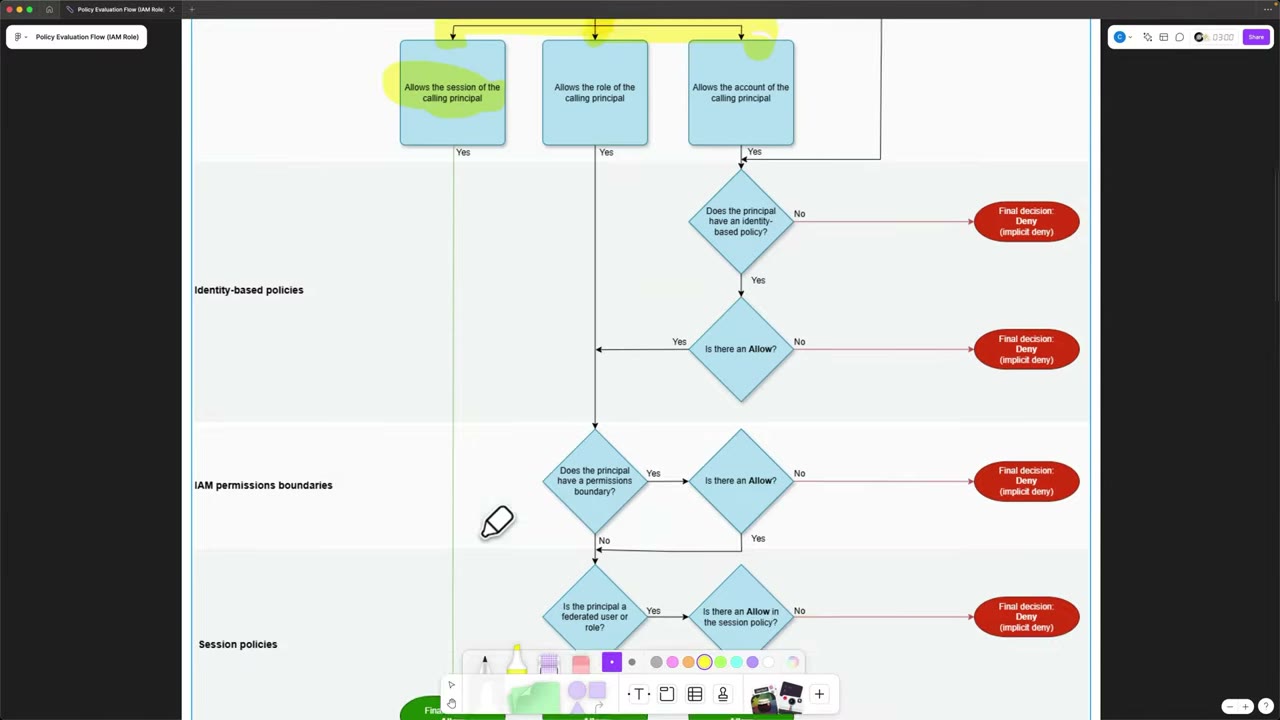
IAM user variant ▶ #18 04:30: RCPs and SCPs are the same, boundaries and identity policies about the same, the resource-based section differs slightly, and session policies are removed.
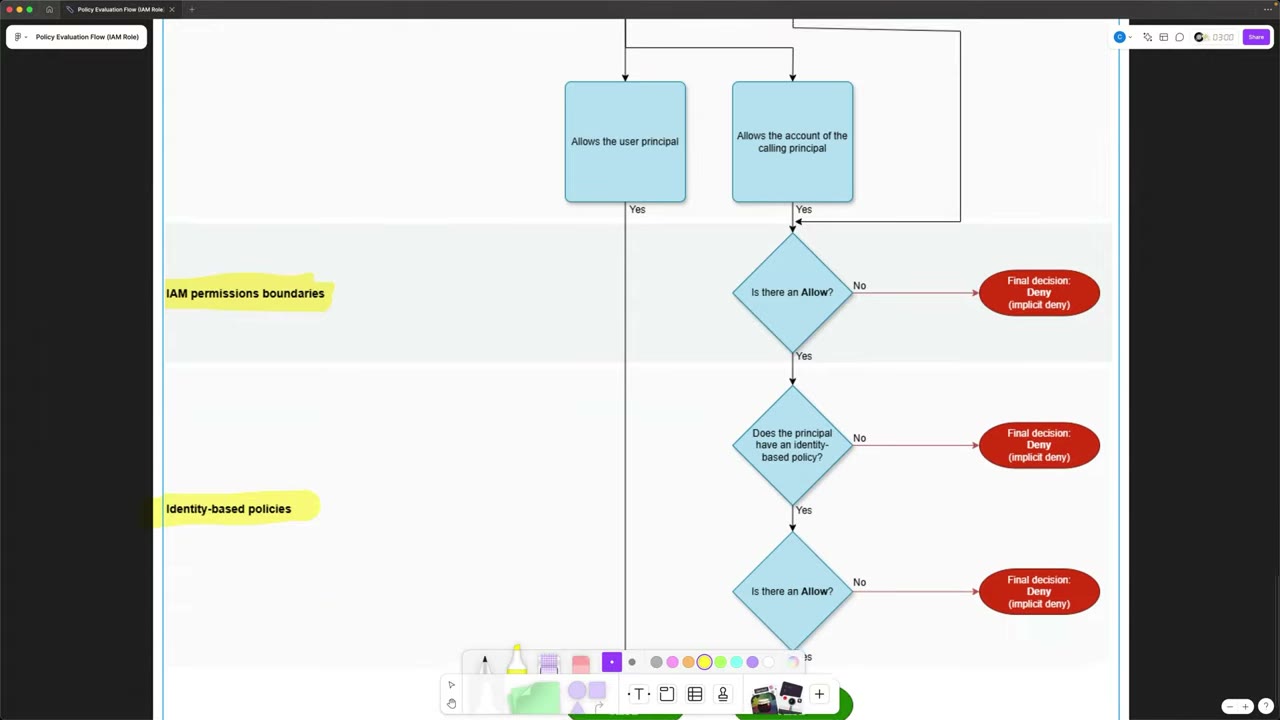
- A same-account resource policy that allows the user principal → final Allow.
- One that allows the account → permissions boundary → identity-based policy (must exist and allow) → Allow. ▶ #18 04:48
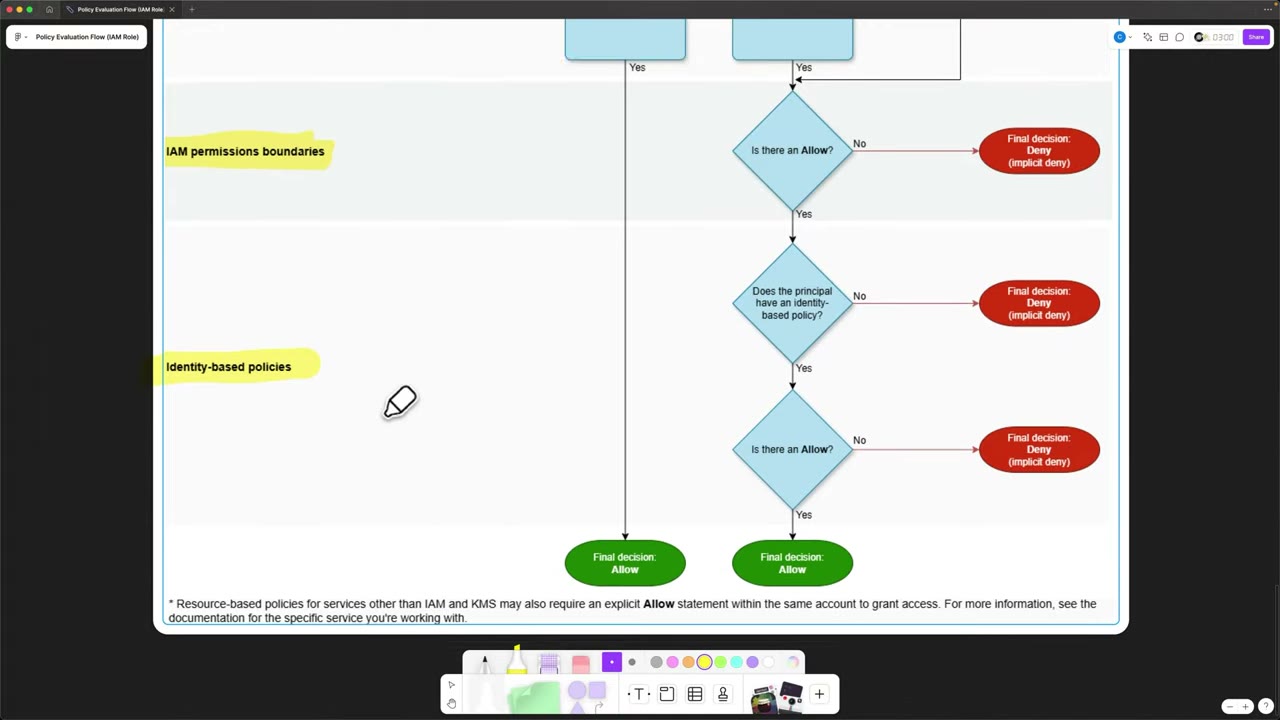
Footnote on the chart: “Resource-based policies for services other than IAM and KMS may also require an explicit Allow statement within the same account to grant access. For more information, see the documentation for the specific service you’re working with.”
Other rules that matter:
- Management account principals: SCPs don’t apply. Service-linked roles: SCPs and RCPs don’t apply.
- An explicit Deny in an SCP/RCP can’t be overridden by any allow in the account, including the member account root user.
- If a request gets past RCPs and SCPs, the problem is likely the resource policy, identity policy, boundary or session policy. ▶ #18 05:00 AWS makes all these decisions extremely quickly. ▶ #18 05:40
Troubleshooting AccessDenied
- Read the error first: it names the layer ("…explicit deny in a service control policy / resource control policy / identity-based policy / permissions boundary / session policy", or “…because no identity-based policy allows…” / “…no resource-based policy allows…”).
- Establish who the caller really is:
aws sts get-caller-identity, CloudTrailuserIdentity.arnwith the session name. Many “permission” bugs are wrong-role or wrong-account problems. - Check explicit deny, SCP or RCP, resource policy (bucket, key), permissions boundary, session policy, VPC endpoint policy.
- Cross-account: check four places: caller identity policy, caller’s SCP/boundary, resource policy, and (if encrypted) the KMS key policy in the resource account.
- Tools: IAM Policy Simulator (identity + boundary + SCP; resource policies for some services), IAM Access Analyzer (policy validation, custom policy checks), CloudTrail
errorCode/errorMessage,sts decode-authorization-message.
From the instructor
- Inline policies are discouraged because they can’t be reused; prefer groups + managed policies for people with the same job. ▶ #14 01:10
- AWS managed policies are a starting point: copy and tighten them for least privilege. ▶ #14 04:20
- Same account: identity or resource policy allow is enough. Cross-account: both must allow. ▶ #15 02:00
- Troubleshooting authorization questions are expected on the exam. ▶ #15 04:32
- Boundaries don’t grant access; they cap identity-based permissions. ▶ #16 00:21
- Decide by scope: org/account-wide → SCP; per-entity delegation inside an account → boundary. ▶ #16 03:11
- “Session policies cannot grant more access than the identity-based policy. So you can’t use them to elevate privileges.” ▶ #17 00:32
- RCPs and SCPs need an Allow at every level of the org. ▶ #18 01:01
- IAM roles and KMS keys need their own resource policy to allow, even in the same account. ▶ #18 02:20
- Session policies apply only to federated users and roles, never IAM users. ▶ #18 04:01
Keyword → answer
| If the question says… | Answer |
|---|---|
| IAM allows it but still AccessDenied | Explicit deny, SCP/RCP, resource policy, boundary, session policy, VPC endpoint policy. Read the error message |
| Let developers create roles without escalating privilege / delegate IAM admin safely | iam:CreateRole with iam:PermissionsBoundary = boundary ARN + deny editing/removing the boundary |
| Prevent anyone in the account/OU from… | SCP |
| Per-entity delegation inside one account | Permissions boundary |
| Restrict a single session further / temporarily restrict a highly privileged role for one task without changing it | Session policy |
| Policy reusable and auditable across many roles | Customer managed |
| Strict 1:1, deleted with the identity, can’t be attached elsewhere by mistake | Inline |
| Need control over exactly when permissions change | Customer managed (AWS managed can change) |
| Read-only access for auditors | SecurityAudit / ViewOnlyAccess job-function policies |
| Find over-permissive policies | Access Analyzer policy generation (from CloudTrail), last accessed info, unused access findings |
| Find resources shared outside the account/org | Access Analyzer external access findings |
| Boundary on a group | Not possible: boundaries apply to users and roles only, and never grant |
- The video narration lists an EC2 instance as an example of a resource-based policy. EC2 instances do not support resource-based policies.
- Earlier versions of these notes listed resource policy → boundary → session → identity. The flowchart in ▶ #18 evaluates identity-based policies before the boundary and session policy. The result (intersection) is the same, but use the flowchart order when walking through an AccessDenied.
- As drawn in ▶ #18, a session with no session policy passed is treated as “no restriction”. AWS docs evaluate session policies only when one was passed.
- RCPs were added to the evaluation logic in late 2024; AWS’s official flowchart (including the cross-account variant) is updated when new policy types appear.
Real-world practice
- Manage customer managed policies as code (Terraform/CloudFormation) and attach them to Identity Center permission sets, which accept AWS managed, customer managed (by name, must exist in each account) and one inline policy.
- Watch
ReadOnlyAccess: it allows reading data in some services (e.g.,s3:GetObject, DynamoDB items). For pure config viewing useViewOnlyAccessorSecurityAudit. - Inline policies are easy to miss in audits and IaC drift reviews. Inventory them with
aws iam get-account-authorization-details. - Bucket policies are the usual place for guardrails that apply to every caller: deny non-TLS (
aws:SecureTransport), deny outside VPC endpoint (aws:SourceVpce), deny outside org (aws:PrincipalOrgID), deny unencrypted puts. Identity policies stay least-privilege grants. - Be careful with
Deny+NotPrincipal/IP conditions in bucket policies: you can lock out even admins. Only root can then delete the bucket policy (or centralized rootsts:AssumeRootwith theS3UnlockBucketPolicytask). - Boundaries in self-service platforms: CI/CD pipelines or developers create roles via IaC, and the pipeline role’s policy requires the boundary on every role it creates (CDK:
PermissionsBoundary.of(stack).apply(...)). Keep the boundary broad enough for workloads (deny IAM/Organizations/billing and security-service tampering, allow app services) and version-control it: changing it affects every bounded role at once. - Boundaries + SCPs + Access Analyzer unused-access findings together approximate least privilege without blocking teams.
- Session policies suit automation that assumes a broad role but should touch one resource per run, and downscoping credentials handed to a less-trusted component (e.g., an app vending S3 credentials scoped to one tenant prefix). CloudTrail
AssumeRoleevents showrequestParameters.policy/policyArns, so you can audit which sessions were downscoped. Combine with source identity and a meaningful--role-session-name. - Keep AWS’s official Policy evaluation logic flowchart handy.
- Encode org guardrails as denies (SCP/RCP), grants as identity/resource allows, and delegation limits as boundaries. That separation keeps the evaluation chain predictable to debug.
- Create role
DevwithAdministratorAccessand a permissions boundary that allows onlys3:*andlogs:*. - Assume it and try
ec2:DescribeInstances: denied. - Simulate the same call in the IAM Policy Simulator.
- Cleanup: delete the role and the boundary policy.
IAM condition keys you actually use
The Condition block in identity- and resource-based policies allows or restricts a request based on its context (TLS,
MFA, tags, source network, org, calling service), beyond the action, resource and principal.
- Exam skills: design authorization controls, cross-account trust (4.2.1) · ABAC/RBAC, tag conditions (4.2.2) · least-privilege policies (4.2.3) · identity solutions, MFA (4.1.1) · require encryption in transit (5.1.1)
- Videos: ▶ #19 IAM policy conditions you’ll actually use
Why conditions
Sometimes specifying resources and principals isn’t enough: you need other favourable conditions before granting access. ▶ #19 00:12 Exam questions often ask which policy solves a problem, so you need to recognise what legitimate conditions look like. ▶ #19 00:21
Condition keys to know
| Key | Use |
|---|---|
aws:PrincipalOrgID / aws:PrincipalOrgPaths |
Allow only callers from your org or OU |
aws:ResourceOrgID |
Identity policy: only touch resources in your org (data perimeter) |
aws:SourceArn / aws:SourceAccount / aws:SourceOrgID |
Confused-deputy protection when an AWS service calls on your behalf |
aws:SecureTransport |
Deny when false → force TLS |
s3:TlsVersion |
Deny with NumericLessThan 1.2 → minimum TLS version |
aws:MultiFactorAuthPresent / aws:MultiFactorAuthAge |
Require MFA, or recent MFA (e.g., NumericLessThanEquals 3600). Use BoolIfExists carefully; the key is absent for long-term access keys |
aws:RequestedRegion |
Region restriction |
aws:PrincipalTag/<k> / aws:ResourceTag/<k> / aws:RequestTag/<k> / aws:TagKeys |
ABAC |
ec2:ResourceTag/<k> |
e.g., launch only AMIs tagged approved=true |
rds:DatabaseEngine / rds:DatabaseClass |
Allow only certain engines and instance classes |
aws:SourceIp |
Public IP only. Doesn’t work for traffic through a VPC endpoint |
aws:SourceVpce / aws:SourceVpc |
Restrict to a VPC endpoint or VPC |
aws:PrincipalArn |
Restrict to, or make exceptions for, specific roles (ArnEquals / ArnNotEquals) |
aws:PrincipalIsAWSService |
Exclude AWS service principals from perimeter denies |
aws:CalledVia / aws:ViaAWSService |
Request made by a service (e.g., CloudFormation) on the user’s behalf |
aws:CurrentTime / aws:EpochTime |
Time-window access |
sts:ExternalId |
Third-party cross-account role (confused deputy) |
kms:ViaService, kms:EncryptionContext:* |
Limit KMS key use to a service or context |
s3:x-amz-server-side-encryption / s3:x-amz-server-side-encryption-aws-kms-key-id |
Require SSE-KMS (with a specific key) on PutObject |
iam:PassedToService |
Limit iam:PassRole to one service |
- S3 now encrypts all new objects with SSE-S3 by default, so “deny unencrypted PUT” questions are usually about requiring SSE-KMS with a specific key.
Operators and evaluation rules
| Rule | Meaning |
|---|---|
...IfExists |
Passes when the key is missing |
Null |
Checks whether the key is present |
| Several values in one key | OR |
| Several keys / operators | AND |
ForAllValues / ForAnyValue |
For multi-valued keys like aws:TagKeys. ForAllValues with an empty set evaluates true → add a Null check |
ArnEquals / ArnLike |
Use ARN operators for ARNs rather than string operators where possible |
The MFA trap: Bool with aws:MultiFactorAuthPresent: "true" in an Allow fails closed for key-only callers. But a
Deny written as Bool … "false" fails open when the key is missing (long-term access-key calls have no key). For
deny statements use BoolIfExists … "false" so key-less requests are also denied.
{ "Effect": "Deny", "Action": ["iam:*", "ec2:TerminateInstances"], "Resource": "*",
  "Condition": { "BoolIfExists": { "aws:MultiFactorAuthPresent": "false" } } }
Six common condition patterns
1. Require TLS to access an S3 bucket
The bucket policy explicitly denies all S3 actions when the request does not use secure transport (HTTPS/TLS). This is the recommended way to enforce encrypted connections. ▶ #19 00:30
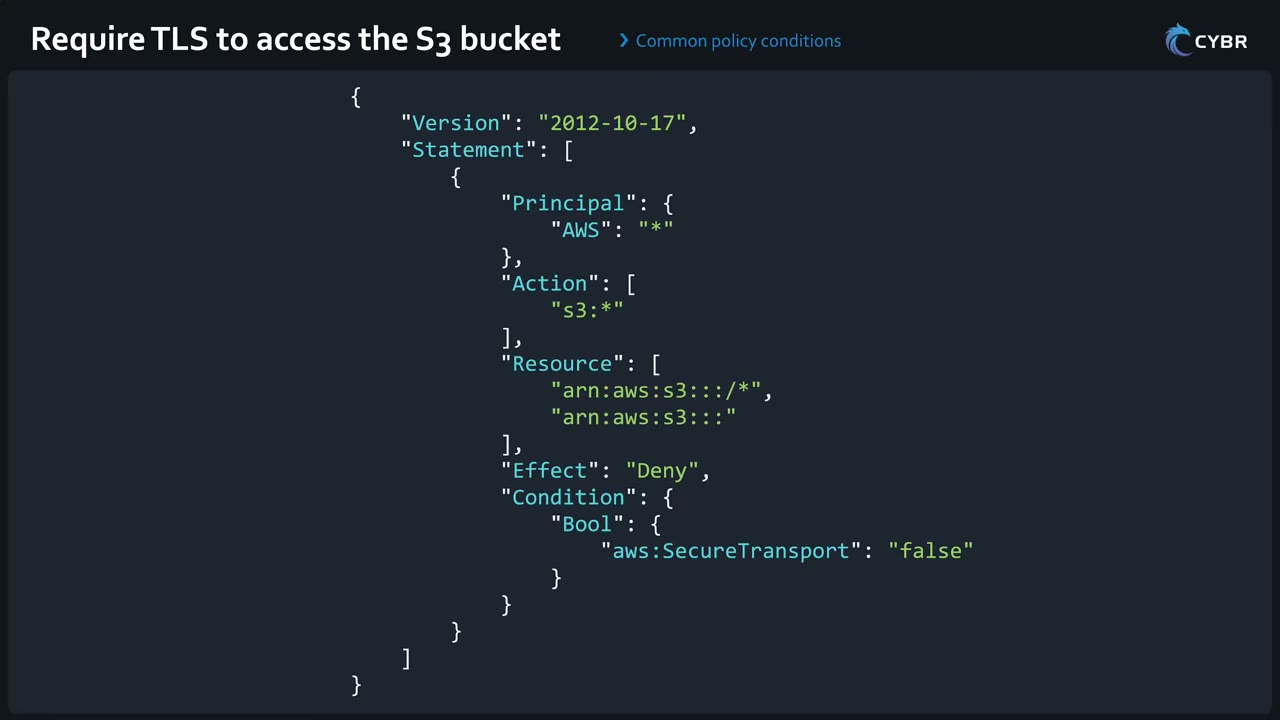
Both the bucket ARN (for bucket-level actions like ListBucket) and the object ARN (/*) are needed. The other five
examples were narrated over talking-head footage and weren’t on screen.
{
  "Version": "2012-10-17",
  "Statement": [
    {
      "Principal": { "AWS": "*" },
      "Action": ["s3:*"],
      "Resource": [
        "arn:aws:s3:::<bucket>/*",
        "arn:aws:s3:::<bucket>"
      ],
      "Effect": "Deny",
      "Condition": {
        "Bool": { "aws:SecureTransport": "false" }
      }
    }
  ]
}
Compact form for a bucket named data:
{ "Effect": "Deny", "Principal": "*", "Action": "s3:*",
  "Resource": ["arn:aws:s3:::data", "arn:aws:s3:::data/*"],
  "Condition": { "Bool": { "aws:SecureTransport": "false" } } }
For a minimum TLS version use s3:TlsVersion (NumericLessThan 1.2), not aws:SecureTransport.
2. Restrict access to a specific IAM role
To allow only specific principals (users or roles), use ArnEquals on aws:PrincipalArn with that principal’s
ARN. ▶ #19 01:01 Typical form, as a bucket-policy deny for everyone else:
{
  "Effect": "Deny",
  "Principal": "*",
  "Action": "s3:*",
  "Resource": ["arn:aws:s3:::<bucket>", "arn:aws:s3:::<bucket>/*"],
  "Condition": {
    "ArnNotEquals": { "aws:PrincipalArn": "arn:aws:iam::111122223333:role/AppRole" }
  }
}
3. Launch only approved AMIs
Allow ec2:RunInstances only if the AMI has tag key approved with value true. AMIs without the tag are
denied. ▶ #19 01:20 The second statement allows the other resources RunInstances touches.
{
  "Effect": "Allow",
  "Action": "ec2:RunInstances",
  "Resource": "arn:aws:ec2:*::image/ami-*",
  "Condition": {
    "StringEquals": { "ec2:ResourceTag/approved": "true" }
  }
},
{
  "Effect": "Allow",
  "Action": "ec2:RunInstances",
  "Resource": [
    "arn:aws:ec2:*:*:instance/*", "arn:aws:ec2:*:*:network-interface/*",
    "arn:aws:ec2:*:*:subnet/*", "arn:aws:ec2:*:*:security-group/*", "arn:aws:ec2:*:*:volume/*"
  ]
}
4. Allow only certain RDS engines and instance classes
StringEquals checks that users only create MySQL or Aurora MySQL databases with instance class db.t4g.large.
Any other value → creation fails. ▶ #19 01:41
{
  "Effect": "Allow",
  "Action": "rds:CreateDBInstance",
  "Resource": "*",
  "Condition": {
    "StringEquals": {
      "rds:DatabaseEngine": ["mysql", "aurora-mysql"],
      "rds:DatabaseClass": "db.t4g.large"
    }
  }
}
5. Assume a cross-account role only with MFA
Only allow users to assume a cross-account role if they authenticated with an MFA device. ▶ #19 02:12 Trust policy on the role:
{
  "Effect": "Allow",
  "Principal": { "AWS": "arn:aws:iam::444455556666:root" },
  "Action": "sts:AssumeRole",
  "Condition": { "Bool": { "aws:MultiFactorAuthPresent": "true" } }
}
CLI users get MFA-backed credentials with GetSessionToken (with MFA), then the aws:MultiFactorAuthPresent condition
passes.
6. Require recent MFA (MFA age)
NumericLessThanEquals on aws:MultiFactorAuthAge = 3600 (seconds = 1 hour): the user can deactivate their
MFA only if they signed in with MFA in the last hour. ▶ #19 02:31
{
  "Effect": "Allow",
  "Action": "iam:DeactivateMFADevice",
  "Resource": "arn:aws:iam::*:user/${aws:username}",
  "Condition": { "NumericLessThanEquals": { "aws:MultiFactorAuthAge": "3600" } }
}
Many more condition examples exist; these six are a refresher. ▶ #19 02:51
From the instructor
- Expect “which policy would solve the problem” questions; recognise valid conditions. ▶ #19 00:21
- Enforce HTTPS/TLS in S3 bucket policies. ▶ #19 00:41
- MFA can be required for cross-account role assumption, and MFA age can be enforced for sensitive actions. ▶ #19 02:12
Keyword → answer
| If the question says… | Answer |
|---|---|
aws:SourceIp restriction breaks after adding an S3 gateway endpoint |
aws:SourceVpce or aws:SourceVpc |
| Require MFA for sensitive API calls by CLI users | GetSessionToken with MFA + aws:MultiFactorAuthPresent condition |
| Deny-without-MFA statement doesn’t block access-key calls | Use BoolIfExists … "false", not Bool |
ForAllValues with an empty set evaluates true |
Add a Null check |
| Only allow deactivating MFA if signed in with MFA recently | NumericLessThanEquals aws:MultiFactorAuthAge 3600 |
| Third-party vendor assumes a role | sts:ExternalId |
| AWS service writes to my bucket/queue | aws:SourceArn / aws:SourceAccount |
| Require a minimum TLS version for S3 | s3:TlsVersion, not aws:SecureTransport |
| Only callers from my org may access | aws:PrincipalOrgID |
| Deny unencrypted uploads | Require SSE-KMS with s3:x-amz-server-side-encryption(-aws-kms-key-id) |
| Limit which service a role can be passed to | iam:PassedToService |
- The narration says “MySQL or MySQL” for the RDS engine example; it most likely means MySQL or Aurora MySQL.
- The policy JSON for patterns 2–6 is the standard form; only the TLS policy was on screen.
- S3 now encrypts all new objects with SSE-S3 by default.
- The “approved AMI” pattern is now better done with EC2 Allowed AMIs (account/declarative-policy setting) plus Image Builder golden AMIs, but tag-condition policies still appear in exam questions.
Real-world practice
- Put a TLS-only deny on every S3 bucket (AWS Config rule
s3-bucket-ssl-requests-only, Security Hub control S3.5). Do the same for SQS/SNS withaws:SecureTransport. - Self-service MFA policies (
iam:*MFADeviceon${aws:username}) with an MFA-required deny for everything else are the standard pattern for any remaining IAM users. - Use
BoolIfExistsin MFA deny statements so long-term access keys are covered.
- Add the TLS-deny statement to a test bucket.
- Run
aws s3 ls s3://bucket --endpoint-url http://s3.<region>.amazonaws.com: denied. - Run the same over HTTPS: allowed.
- Cleanup: delete the bucket.
IAM roles (trust policies, service roles, service-linked roles, instance profiles)
An identity with no long-term credentials. Principals listed in its trust policy assume it through STS and get temporary credentials (access key ID + secret access key + session token). Every role has both a trust policy (who may assume it) and permissions policies (what it can do).
- Exam skills: role trust policies (4.2.1) · temporary credentials (4.1.2) · IdP federation (4.1.1) · least privilege (4.2.3) · instance profiles, service and execution roles (3.2.2) · prepare access for incidents (2.1.2) · SCP limits (6.1.3)
- Videos: ▶ #13 What are IAM roles? · ▶ #20 Trusted entity types · ▶ #21 Creating a service role · ▶ #22 Service-linked roles
- AssumeRole session: default 1 hour, configurable 15 min – 12 h
IAM users vs IAM roles
- An IAM user represents you or other people who manage resources in an account. Credentials: username + password with a sign-in link for the console, and/or an access key for the CLI, scripts and API calls. ▶ #13 00:11
- Those are long-term credentials: they never expire unless changed manually or forced by rotation policies. Even then they typically live days to months, sometimes years, which is not ideal for security. ▶ #13 00:31
- Roles are like users only in that you give them permissions by attaching policies. ▶ #13 01:10
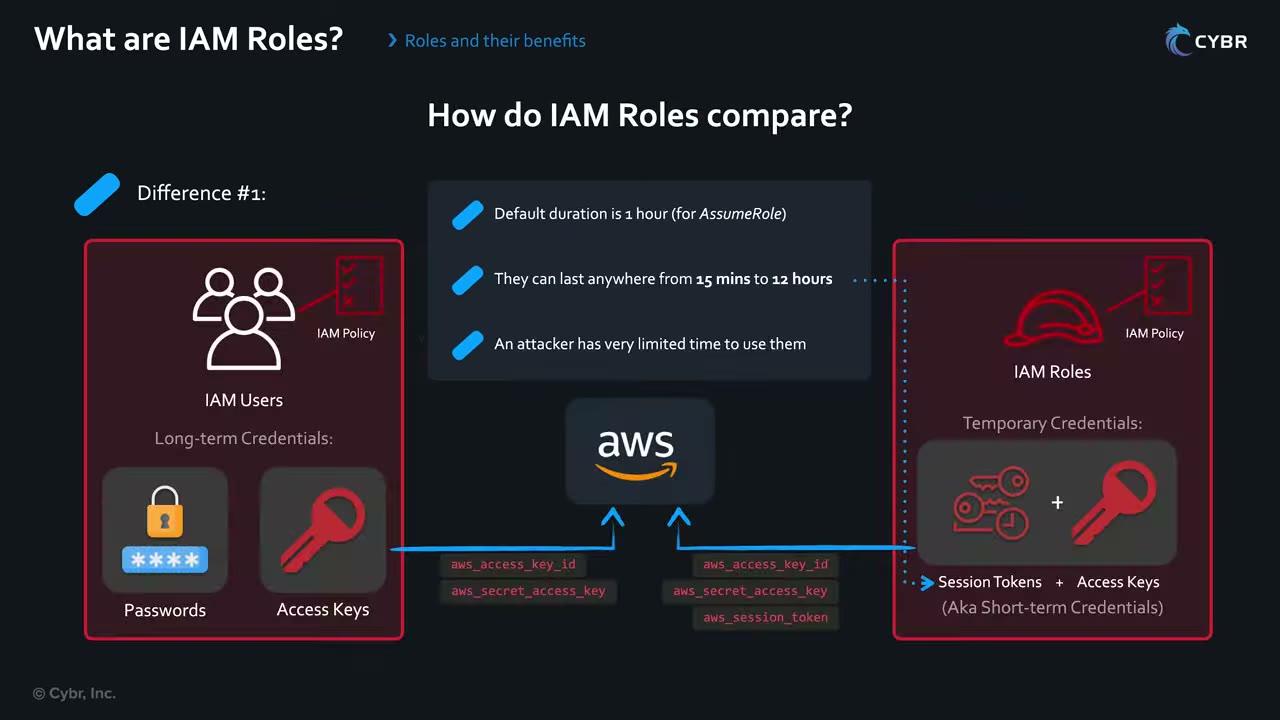
| IAM user | IAM role | |
|---|---|---|
| Credentials | Password and/or access keys (long-term) | No username/password; access keys with a session token that expires (short-term) ▶ #13 01:21 |
| API call carries | aws_access_key_id + aws_secret_access_key |
aws_access_key_id + aws_secret_access_key + aws_session_token. The key pair only works with its session token ▶ #13 01:41 |
| Lifetime | Until changed | AssumeRole default 1 hour, 15 minutes → 12 hours ▶ #13 02:10 |
| Used by | One person | Assumed by users or services ▶ #13 03:00 |
- Once expired, a session token can never be reused; you must get new credentials. An attacker who steals them has limited time: credentials committed to GitHub are useless the next day, unlike an IAM user’s long-term keys. ▶ #13 02:30
- Max session duration is a role setting (1–12 h, default 1 h). The caller requests
DurationSecondsup to that max. Role chaining (a role assuming another role) is capped at 1 hour regardless. Console sessions via federation: up to 12 h.
Roles are assumed (“hats” you wear for a task) ▶ #13 04:10
- Human: during an incident, an IR team member assumes a security analyst role with access only to services like CloudTrail and Amazon Athena. While in the role you give up your prior user’s permissions. You can switch back any time, or you fall back when the credentials expire unless renewed. ▶ #13 03:11
- Service: an EC2 instance running a web app that needs S3 data gets a role with S3 permissions and obtains temporary credentials automatically behind the scenes. ▶ #13 03:50
Benefits ▶ #13 04:20
- Least privilege with task-specific roles: prevents accidental deletions/modifications and makes attackers escalate privileges to do damage. ▶ #13 04:30
- Clear audit trail: a user assumes the analyst role for analysis, then a break-glass role for containment and eradication. Actions are logged separately per role, so it’s easy to trace what was done, when and by whom. ▶ #13 05:11
- Cross-account access (delegation): in multi-account orgs, users assume roles in other accounts for day-to-day tasks. ▶ #13 04:51
Trust policy vs permissions policy
Every role has two kinds of policy: ▶ #20 02:21
- Trust policy: a resource-based policy attached directly to the role that says who may assume it. Its Principal element names who or what. Confusing because roles are identities and resource-based policies usually aren’t associated with identities, but it is separate from the identity policies.
- Permissions policies: identity-based, saying what the role can do. ▶ #20 02:52
Who can assume a role ▶ #20 00:31
- IAM users.
- IAM Identity Center users (via the
AWSReservedSSO_*roles it creates in each member account). - Other roles: role chaining.
- AWS accounts (principals in them) → cross-account access.
- AWS services: EC2, CodeBuild, Lambda and many more.
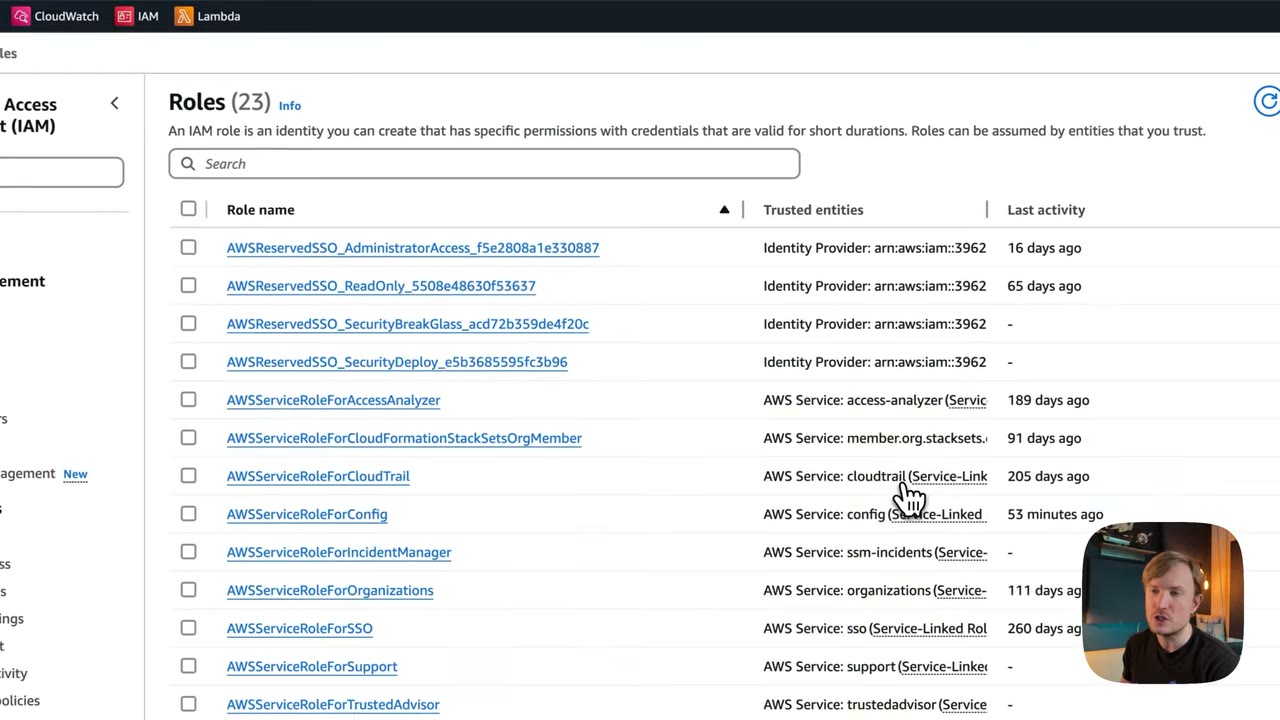
The Roles page (23 roles in the demo member account) shows each role’s trusted entity: ▶ #20 01:10
AWSReservedSSO_AdministratorAccess_…,_ReadOnly_…,_SecurityBreakGlass_…,_SecurityDeploy_…→ Identity Provider: arn:aws:iam:::saml-provider/… (Identity Center permission sets).AWSServiceRoleForAccessAnalyzer,…ForCloudTrail,…ForConfig,…ForIncidentManager,…ForOrganizations,…ForSSO,…ForSupport,…ForTrustedAdvisor,…ForCloudFormationStackSetsOrgMember→ AWS Service:(Service-Linked Role) .- “Last activity” helps spot unused roles.
Example: AWSServiceRoleForOrganizations (“Service-linked role used by AWS Organizations to enable integration of
other AWS services with Organizations”), path role/aws-service-role/organizations.amazonaws.com/, max session 1 hour.
It was created automatically with the member account. ▶ #20 01:21
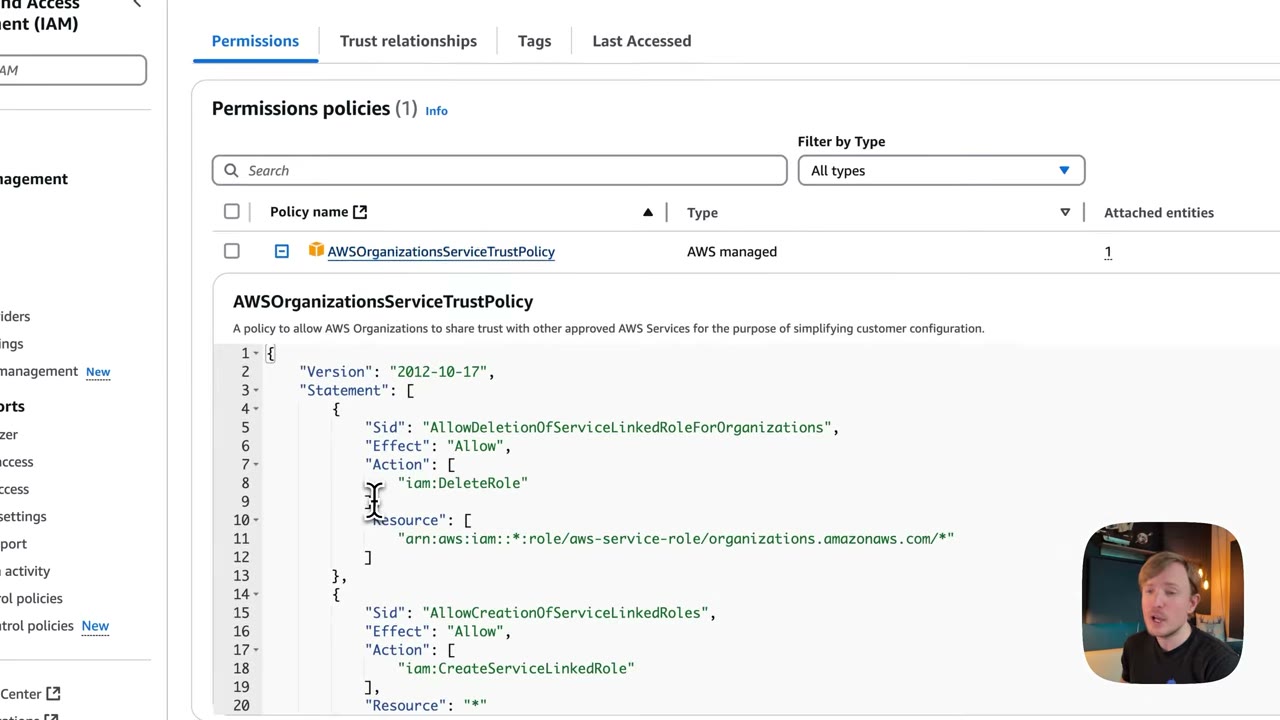
The Permissions tab holds the AWS managed AWSOrganizationsServiceTrustPolicy. Despite the name it is a
permissions policy (Sid, Effect, Action, Resource), e.g. iam:DeleteRole on
arn:aws:iam::*:role/aws-service-role/organizations.amazonaws.com/* and iam:CreateServiceLinkedRole on *. ▶ #20 01:31
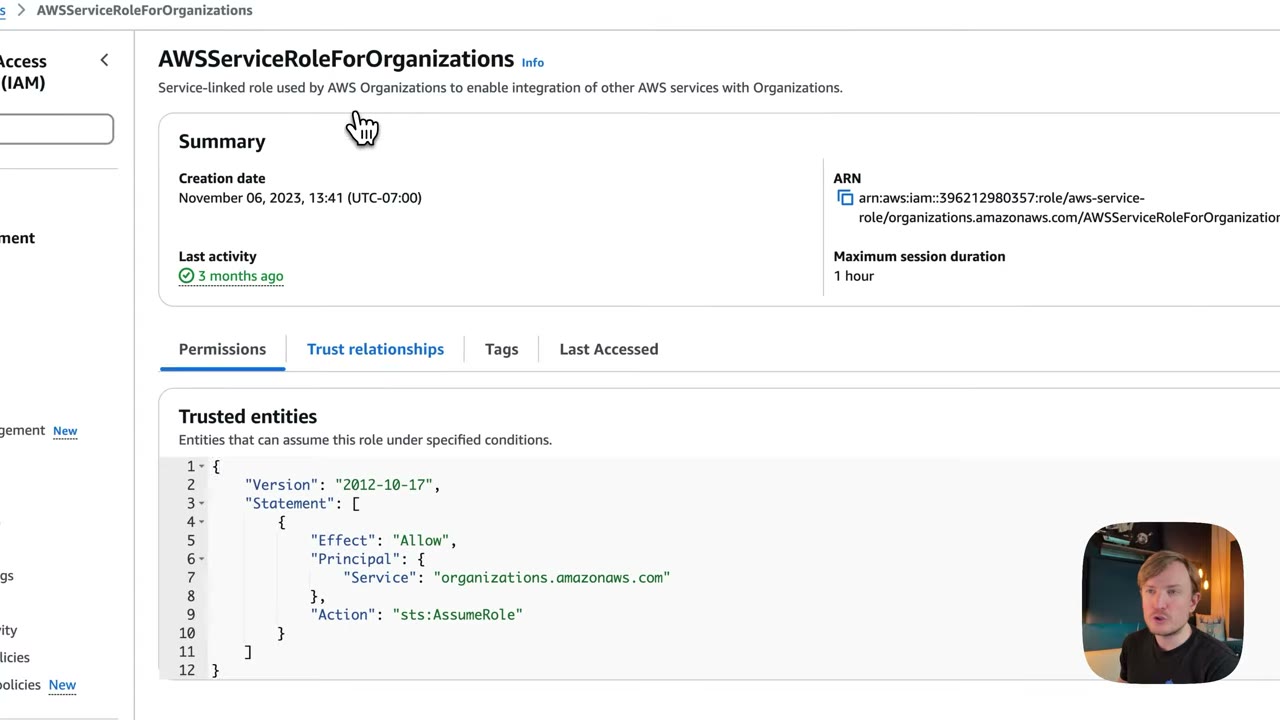
The Trust relationships tab looks similar but has a totally different purpose. No conditions here, though conditions are possible: ▶ #20 01:50
{
  "Version": "2012-10-17",
  "Statement": [
    {
      "Effect": "Allow",
      "Principal": {
        "Service": "organizations.amazonaws.com"
      },
      "Action": "sts:AssumeRole"
    }
  ]
}
Trusted entity types
In Create role you first pick a trusted entity type. Each one just generates a different Principal (and
action/conditions) in the trust policy. ▶ #20 04:02
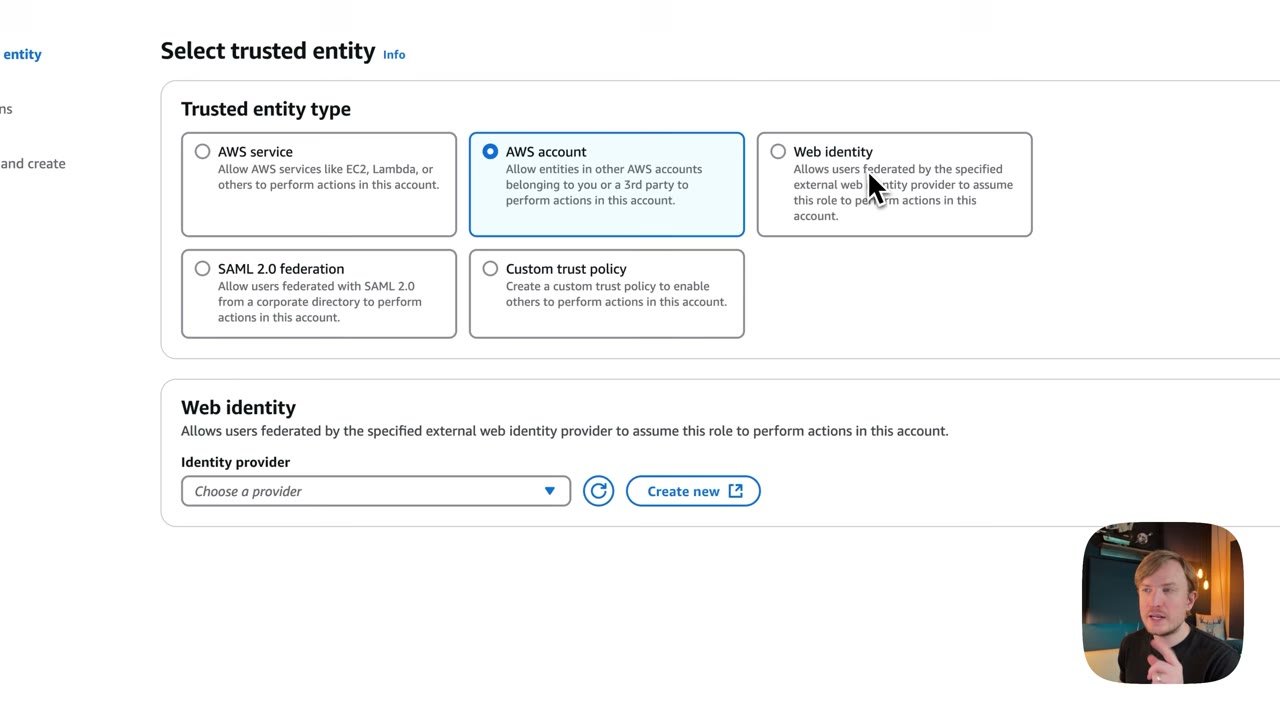
| Type | Use it for | Options shown |
|---|---|---|
| AWS service | A service (EC2, Lambda, CodeBuild, …) assumes the role and acts in this account | “Service or use case” dropdown listing all supporting services |
| AWS account | Entities in other AWS accounts, yours or third parties (contractors, monitoring services) | This account (auto-filled ID) or Another AWS account; Require external ID (“best practice when a third party will assume this role”, avoids the confused deputy) ▶ #20 05:02; Require MFA ▶ #20 05:11 |
| Web identity | Users federated by an external web IdP | Login with Amazon, Amazon Cognito, Facebook, Google, OIDC; “Create new” provider; optional conditions |
| SAML 2.0 federation | Users from a corporate directory via SAML 2.0 | Provider dropdown; access: programmatic only or programmatic and AWS Management Console; attribute/condition; sign-in endpoints (Regional / Non-Regional) |
| Custom trust policy | Edge cases, or when you just know the JSON | JSON editor with “Add actions for STS”, “Add a principal”, “Add a condition” |
- Web identity: a user logs in through Amazon Cognito and assumes the role to read S3 images from your mobile app. Create/configure the identity provider first, then optionally add conditions. ▶ #20 06:10
- SAML: a standard that lets an IdP authenticate users and pass identity information to a service provider, enabling SSO. In the demo the only provider is
AWSSSO_98f792794ae8bcbc_DO_NOT_DELETE, created by IAM Identity Center in every member account. You can create a separate one. ▶ #20 06:31
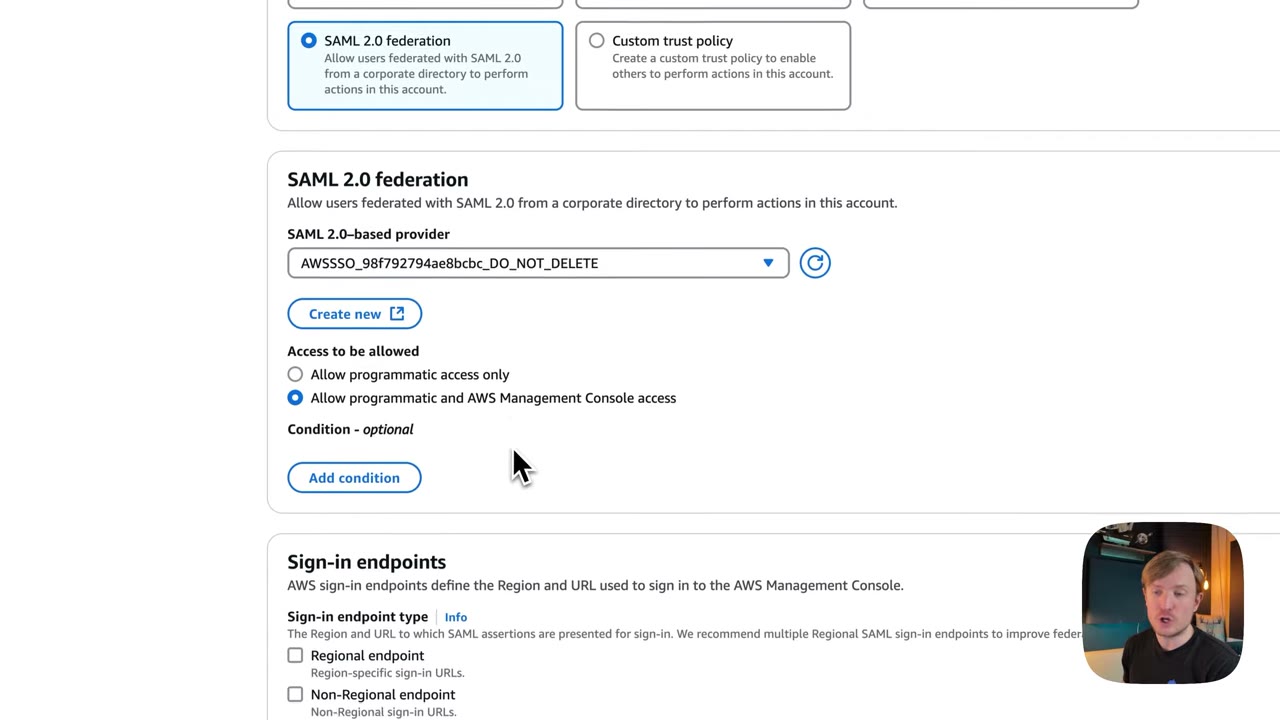
- Custom trust policy: a raw editor, sometimes faster than clicking. With CLI/API or IaC you must pass a custom trust policy anyway; the other types are console helpers that generate it. ▶ #20 08:30
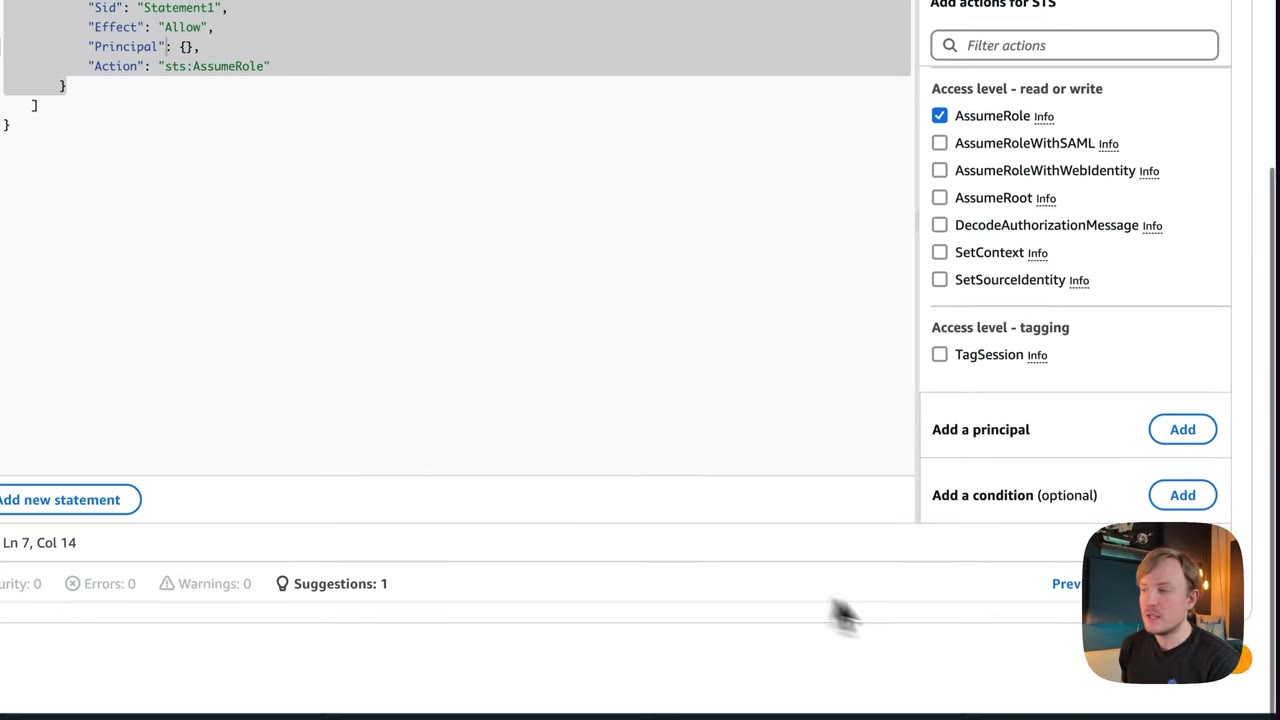
The editor’s STS actions: AssumeRole, AssumeRoleWithSAML, AssumeRoleWithWebIdentity, AssumeRoot,
DecodeAuthorizationMessage, SetContext, SetSourceIdentity, and (tagging) TagSession. Starting template: ▶ #20 07:41
{
  "Version": "2012-10-17",
  "Statement": [
    {
      "Sid": "Statement1",
      "Effect": "Allow",
      "Principal": {},
      "Action": "sts:AssumeRole"
    }
  ]
}
Principal type ↔ STS API
| Principal | API |
|---|---|
| AWS account / role / user | sts:AssumeRole |
SAML: {"Federated": "arn:aws:iam::<acct>:saml-provider/<name>"} |
sts:AssumeRoleWithSAML |
Web identity/OIDC: {"Federated": "cognito-identity.amazonaws.com"} or the OIDC provider ARN (GitHub Actions, EKS IRSA) |
sts:AssumeRoleWithWebIdentity |
sts:TagSessionmust be allowed in the trust policy when session tags are passed.- Trusting
"AWS": "arn:aws:iam::111122223333:root"means the whole account (any principal its admins allow). Name a specific role ARN for least privilege. - In trust policies, MFA =
"Bool": {"aws:MultiFactorAuthPresent": "true"}; external ID ="StringEquals": {"sts:ExternalId": "…"}.
- Member account → IAM → Roles → filter for
AWSServiceRoleForOrganizations→ open it. ▶ #20 01:10 - Permissions tab → expand
AWSOrganizationsServiceTrustPolicy(what the role can do). ▶ #20 01:31 - Trust relationships tab → the trust policy (who can assume it). ▶ #20 01:50
- Roles → Create role → step through each type: AWS service → use-case dropdown; AWS account → this/another account, external ID, MFA; Web identity → provider dropdown; SAML 2.0 → Identity Center provider, access level; Custom trust policy → editor. ▶ #20 04:02
Service roles and execution roles
A service role is a role you create and own, which an AWS service assumes to access other services on your behalf (e.g., Config, CodeBuild). An execution role is the Lambda or ECS task variant.
The service principal changes per service ▶ #21 00:20
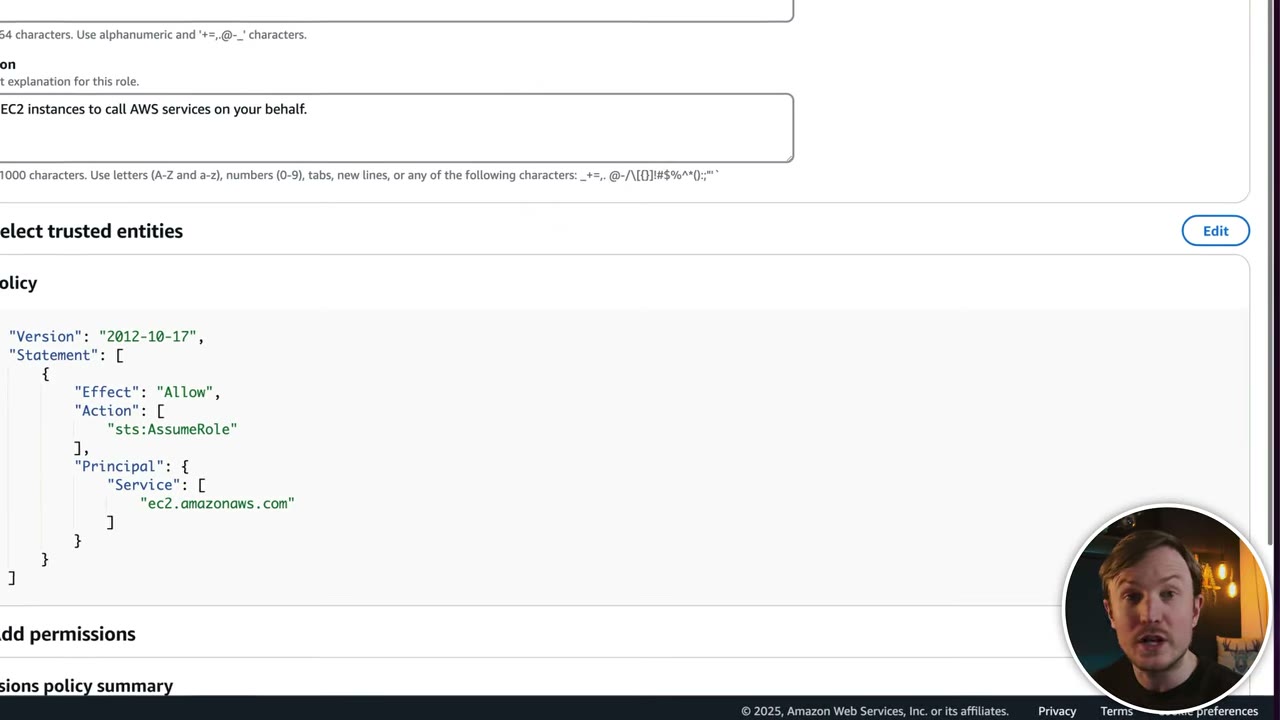
- Use case EC2 (other EC2 use cases exist, e.g. Spot Fleet) →
"Service": ["ec2.amazonaws.com"], default description “Allows EC2 instances to call AWS services on your behalf”. ▶ #21 00:30
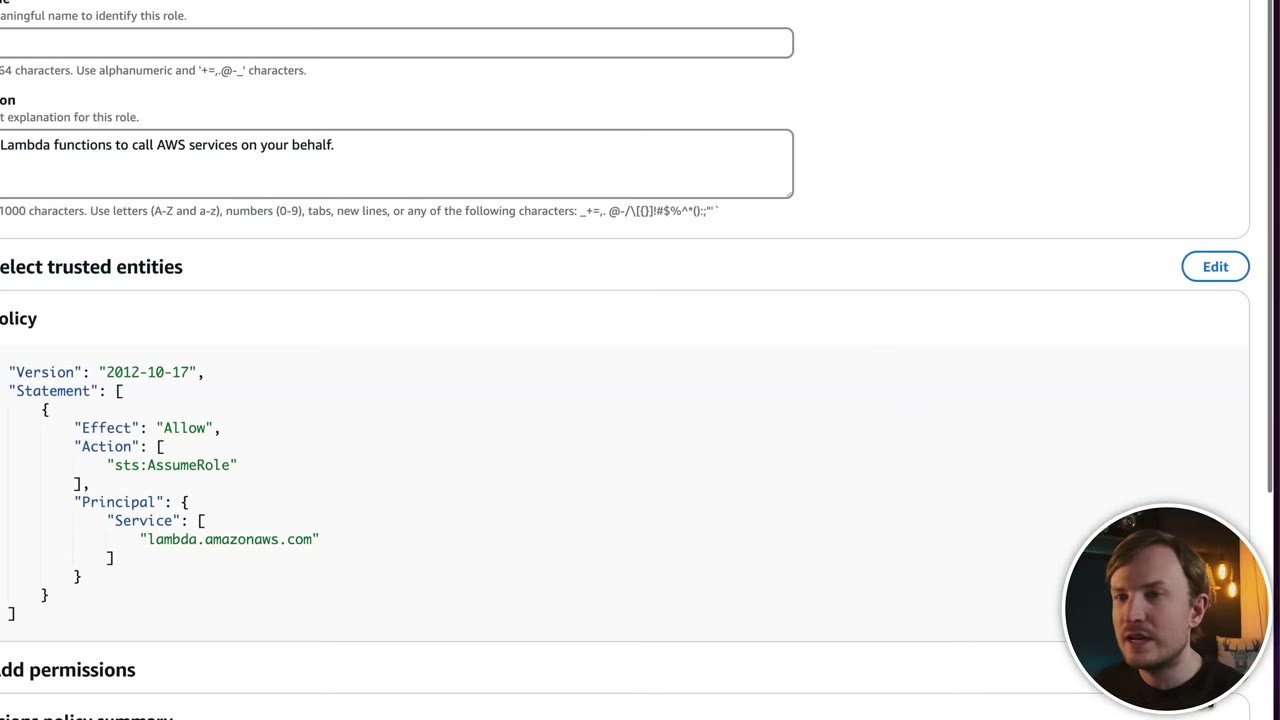
- Use case Lambda →
"Service": ["lambda.amazonaws.com"], “Allows Lambda functions to call AWS services on your behalf”. ▶ #21 01:01 The Organizations role hadorganizations.amazonaws.com: the principal is whatever service must assume the role.
{
  "Version": "2012-10-17",
  "Statement": [
    {
      "Effect": "Allow",
      "Action": ["sts:AssumeRole"],
      "Principal": { "Service": ["lambda.amazonaws.com"] }
    }
  ]
}
Permissions: AWSLambdaBasicExecutionRole ▶ #21 01:21
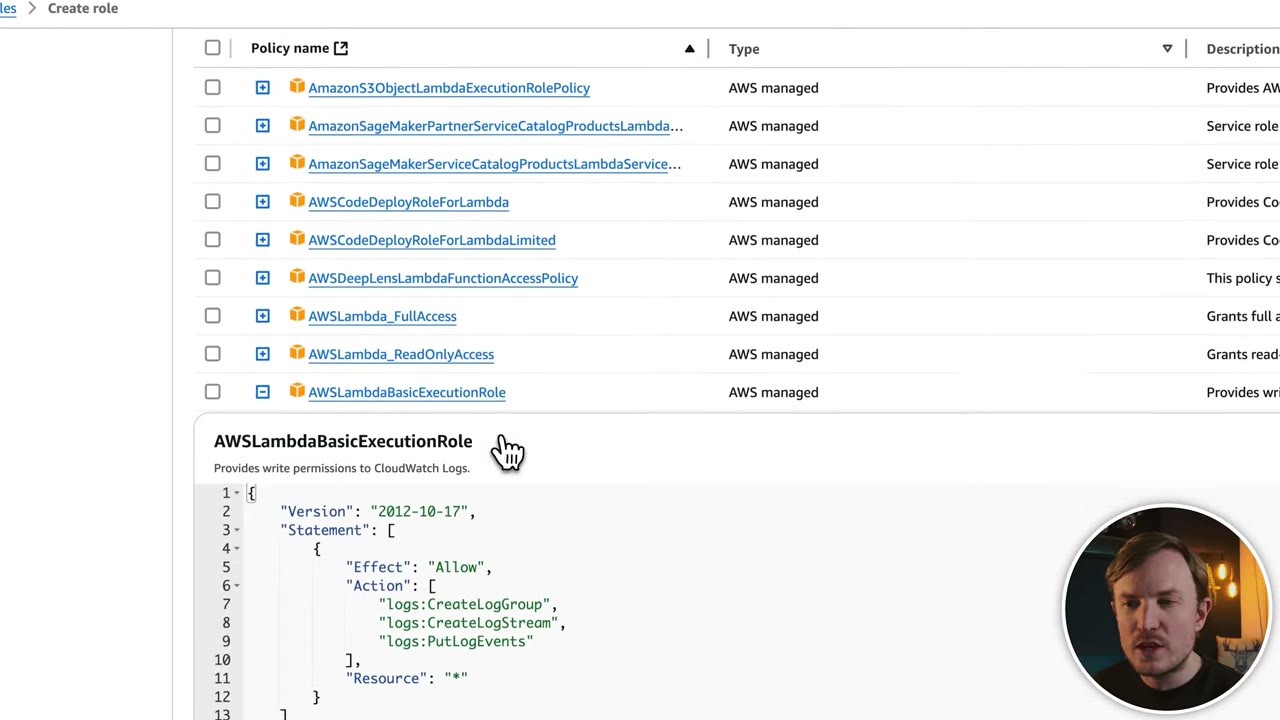
- Searching “lambda” in the 1,033 permission policies shows 21 matches:
AWSLambda_FullAccess,AWSLambda_ReadOnlyAccess,AWSLambdaBasicExecutionRole,AWSLambdaDynamoDBExecutionRole,AWSLambdaENIManagementAccess,AWSLambdaKinesisExecutionRole,AWSLambdaMSKExecutionRole,AWSLambdaRole, … AWSLambdaBasicExecutionRole(“Provides write permissions to CloudWatch Logs”):logs:CreateLogGroup,logs:CreateLogStream,logs:PutLogEventson*. ▶ #21 01:41- CloudWatch Logs basics: services write to log groups containing log streams; the service needs these three actions to create the group/stream and push events. ▶ #21 02:01
{
  "Version": "2012-10-17",
  "Statement": [
    {
      "Effect": "Allow",
      "Action": [
        "logs:CreateLogGroup",
        "logs:CreateLogStream",
        "logs:PutLogEvents"
      ],
      "Resource": "*"
    }
  ]
}
Using the role from Lambda ▶ #21 02:40
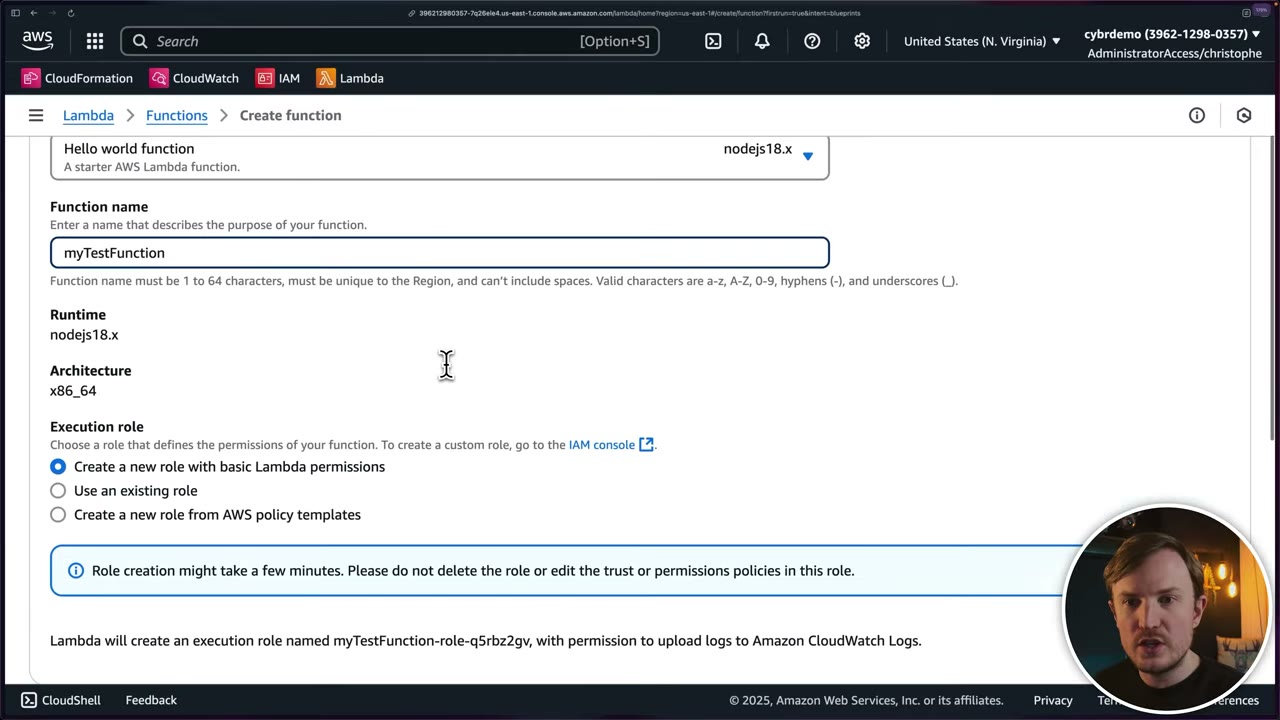
- Execution role options: Create a new role with basic Lambda permissions (default; creates
myTestFunction-role-xxxxwith permission to upload logs, i.e. what was just built by hand), Use an existing role, Create a new role from AWS policy templates. The console warns not to delete or edit the trust/permissions policies during creation. ▶ #21 03:00 - With Use an existing role, the dropdown showed only 3 roles although the account has 20+: the console only lists roles whose trust policy allows Lambda to assume them. ▶ #21 03:11
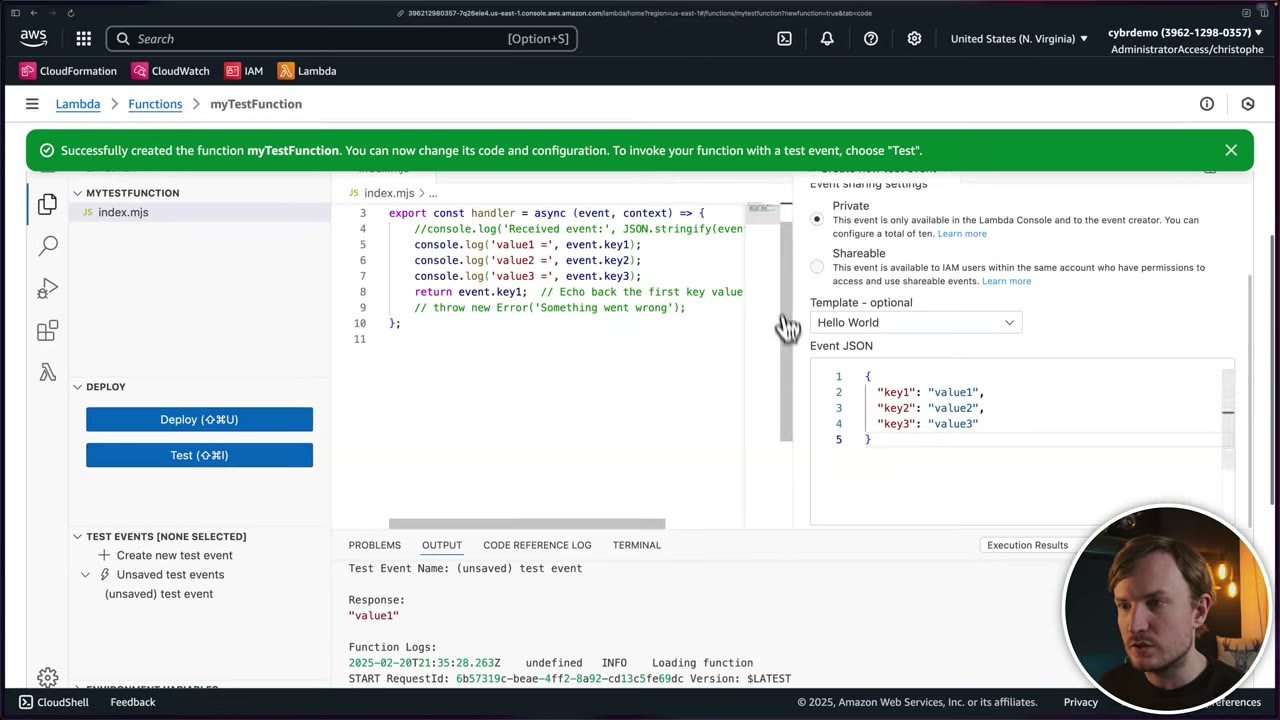
- No credentials in code: the blueprint only has
console.log(...)calls andreturn event.key1. The function gets temporary credentials through its role at run time. ▶ #21 03:41 This removes hard-coded credentials (passwords, API keys, secret access keys), e.g. keys committed to GitHub repos, which many organizations still do. ▶ #21 04:10 - Without the logs permissions in the role, the test would get AccessDenied. ▶ #21 05:01
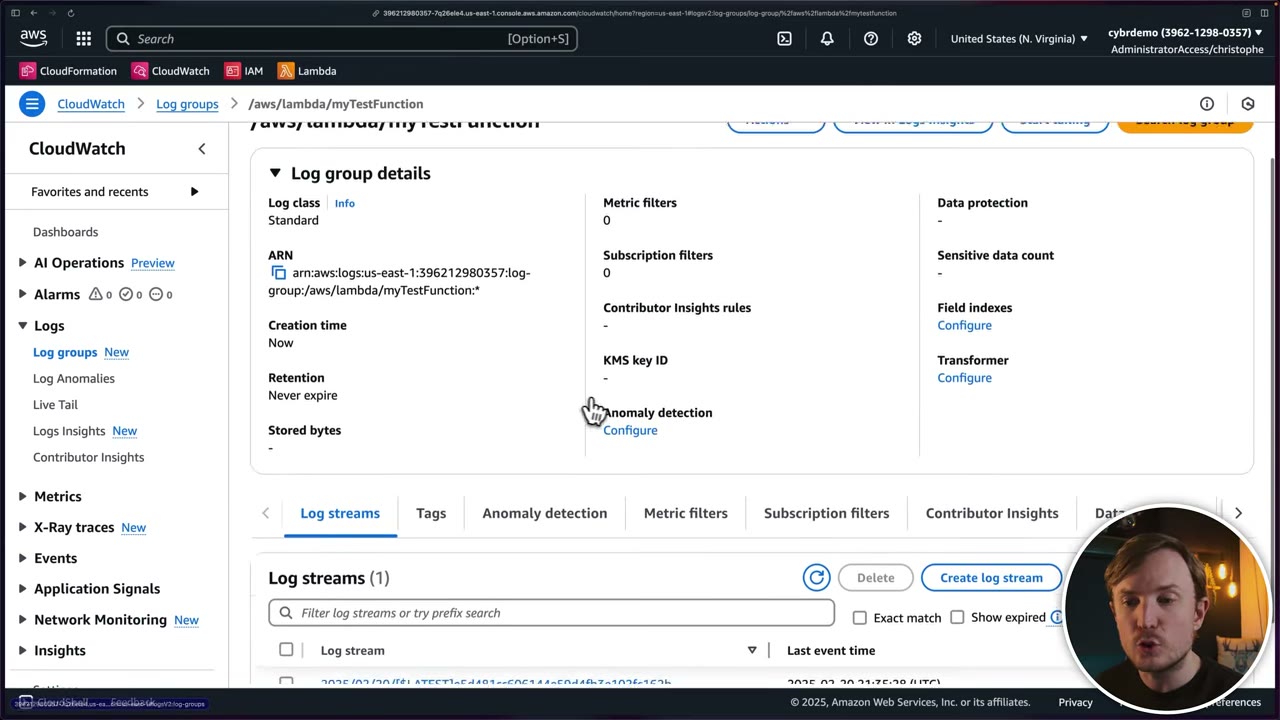
- Log group
/aws/lambda/myTestFunctionwith one log stream. Defaults: log class Standard, retention Never expire, no KMS key, no data protection. ▶ #21 05:10 - It works only because the trust policy lets Lambda assume the role and the permissions policy allows the Logs actions. ▶ #21 05:32
- IAM → Roles → Create role → AWS service → use case EC2 → pick any policy → review shows
ec2.amazonaws.comin the trust policy. Cancel. ▶ #21 00:30 - Repeat with Lambda → Next → search and select AWSLambdaBasicExecutionRole → Next → name
lambda-function-role(any name, default description) → Create role. ▶ #21 01:12 - Lambda → Create function → Use a blueprint → “Hello world function” (nodejs18.x; runtime doesn’t matter, “this exam does not focus on code at all”) → name
myTestFunction. ▶ #21 02:40 - Execution role Use an existing role →
lambda-function-role(only 3 roles listed) → Create function. ▶ #21 03:11 - Code tab → Test → test event
my test eventwith{"key1":"value1","key2":"value2","key3":"value3"}→ Status Succeeded, response"value1", plus function logs. ▶ #21 04:32 - Monitor → View CloudWatch logs →
/aws/lambda/myTestFunction→ log stream with the same lines. ▶ #21 05:10
- Lambda execution role ≠ Lambda resource-based policy: the execution role is what the function can do; the resource policy is who can invoke the function (S3, API Gateway, another account).
iam:PassRoleis required to hand a role to a service. Restrict it with the role ARN plusiam:PassedToService:
{ "Effect": "Allow", "Action": "iam:PassRole",
  "Resource": "arn:aws:iam::111122223333:role/app/web-ec2",
  "Condition": { "StringEquals": { "iam:PassedToService": "ec2.amazonaws.com" } } }
Service-linked roles (SLRs)
A special role linked to and owned by one AWS service, which assumes it to perform actions. Not the same as a service role. ▶ #22 00:10
| Service role | Service-linked role | |
|---|---|---|
| Created by | You | The service (e.g., automatically when you enable GuardDuty) |
| Permissions | You choose and edit | Predefined by AWS; can’t edit, can’t attach others, even as admin ▶ #22 00:20 |
| Trust | You write it | Predefined; usually only that service can assume it ▶ #22 01:10 |
| Name / path | Any | AWSServiceRoleFor<Service>, path /aws-service-role/<service-principal>/, label “(Service-Linked Role)” |
| Delete | Any time | Only after removing dependent resources or disabling the service ▶ #22 00:31 |
| SCPs / RCPs | Apply | Don’t apply |
| Pick when | Custom permissions needed | Service needs to act with AWS-defined permissions |
- Why: predefined with all required permissions to call other services, so setup is easier. ▶ #22 00:51
- SLRs are not meant to be reused between services or identities and can’t be, not meant for users to assume, and not for custom use cases. Their only purpose is to give that service what it needs. ▶ #22 04:41
- Creating one requires
iam:CreateServiceLinkedRole(usually implicit when you enable the service). To stop users enabling a service, denyiam:CreateServiceLinkedRolewith theiam:AWSServiceNamecondition, or deny the service’s actions via SCP. Some services allow a custom suffix (e.g.,AWSServiceRoleForAutoScaling_<suffix>) for multiple SLRs. - Enabling a service with Organizations trusted access often creates SLRs in every member account. CloudTrail records SLR calls with
userIdentity.type = AssumedRoleandinvokedBy = <service>.amazonaws.com.
Which services support SLRs ▶ #22 01:22
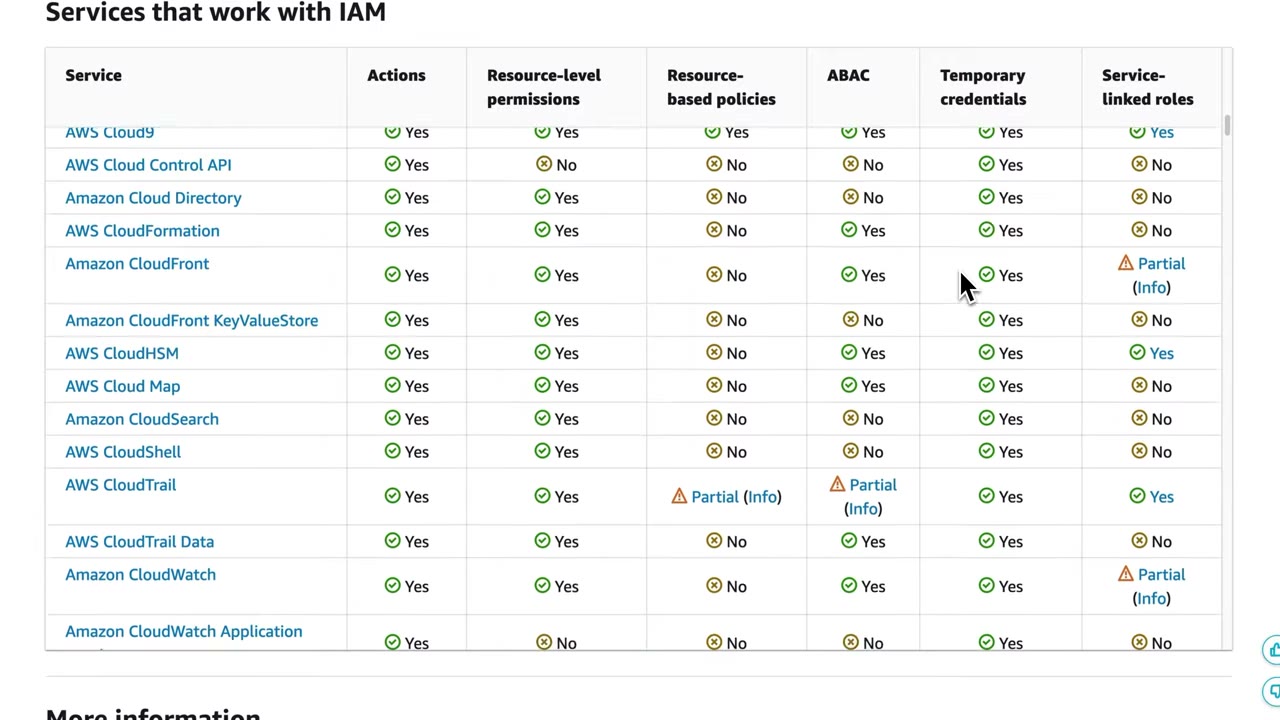
IAM docs → AWS services that work with IAM → columns Service, Actions, Resource-level permissions, Resource-based policies, ABAC, Temporary credentials, Service-linked roles (scroll right). Most services don’t; quite a few do, e.g. CloudTrail, CloudWatch Logs, AWS Config. In the frame: CloudHSM Yes, CloudTrail Yes, CloudFront Partial, CloudWatch Partial, API Gateway Yes, AppIntegrations Yes, Cloud9 Yes; CloudFormation, Cloud Map, CloudSearch, CloudShell No. ▶ #22 01:41
Recognising SLRs in the Roles list ▶ #22 02:10
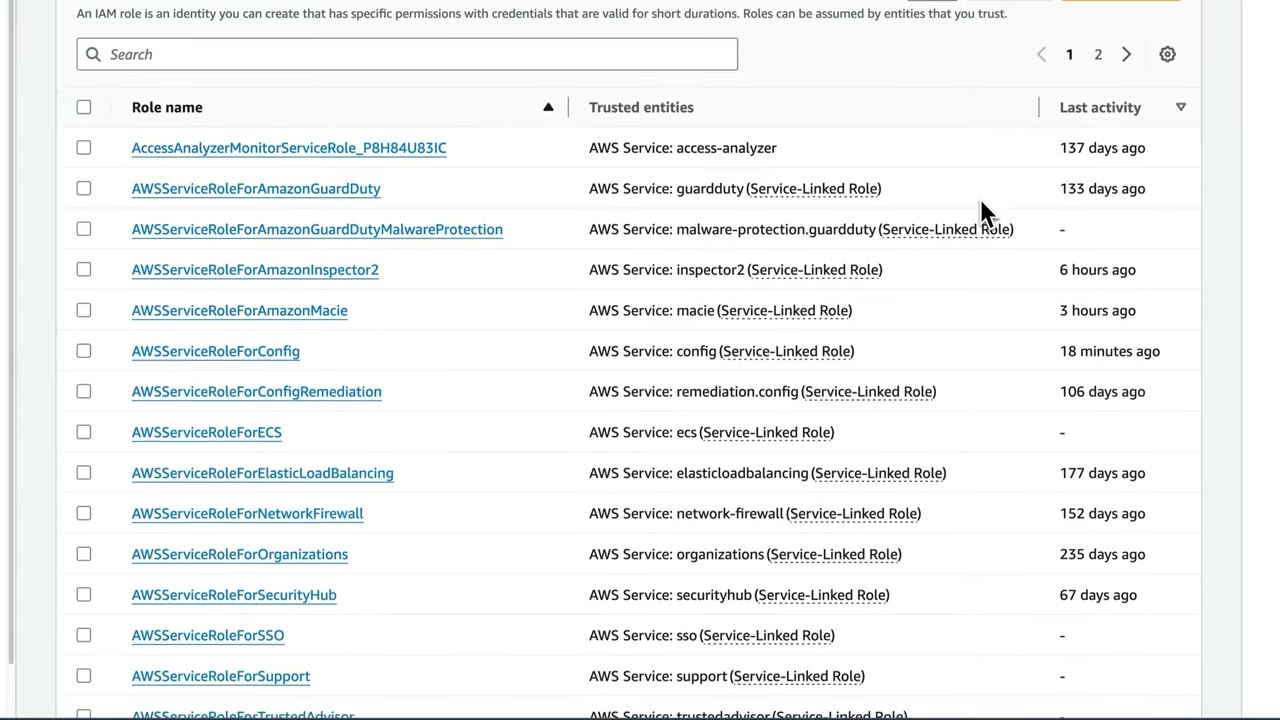
- Demo account (24 roles), mostly SLRs:
AWSServiceRoleForAmazonGuardDuty,…AmazonGuardDutyMalwareProtection,…AmazonInspector2,…AmazonMacie,…Config,…ConfigRemediation,…ECS,…ElasticLoadBalancing,…NetworkFirewall,…Organizations,…SecurityHub,…SSO,…Support,…TrustedAdvisor. - Contrast:
CloudTrailRoleForCloudWatchLogs,CloudTrailLake-us-east-1-CybrDemo,AccessAnalyzerMonitorServiceRole_…showAWS Service: cloudtrail/access-analyzerwithout the SLR label = ordinary service roles. ▶ #22 02:30 “Last activity” shows when each was last used.
Inspecting AWSServiceRoleForAmazonGuardDuty (“A service-linked role required for Amazon GuardDuty to access your
resources”, max session 1 hour) ▶ #22 02:40
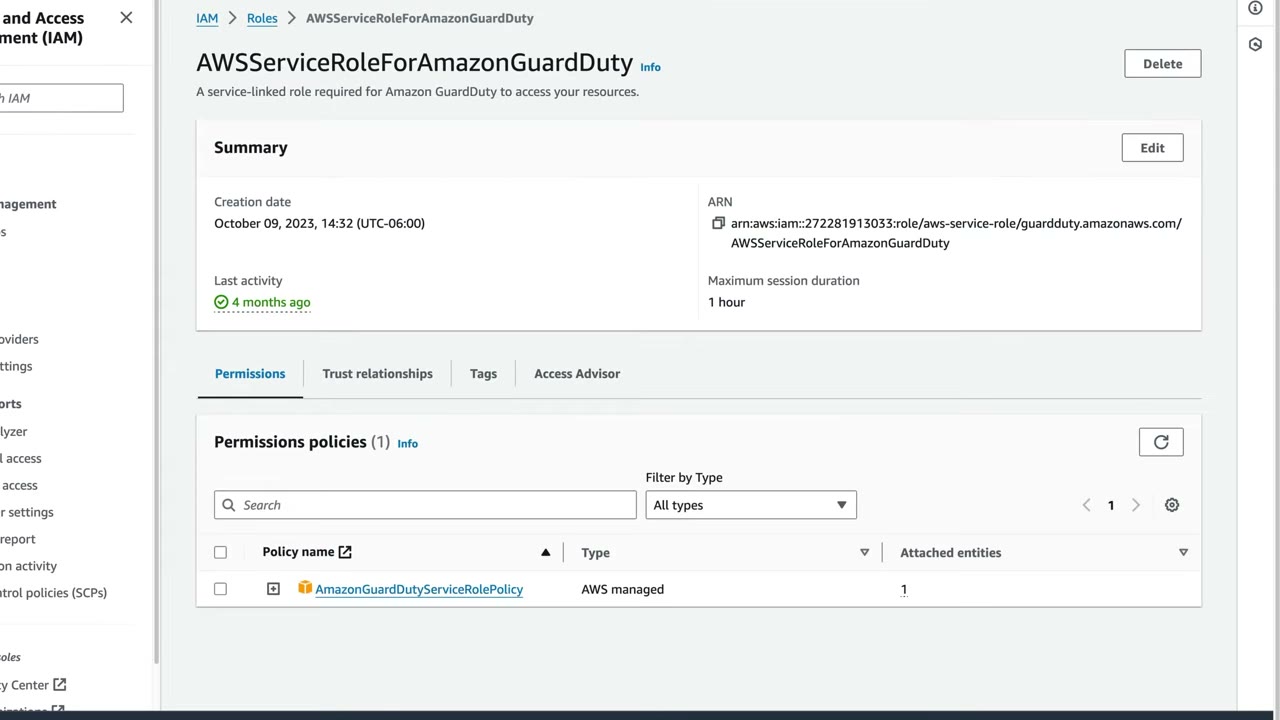
- ARN path:
arn:aws:iam::272281913033:role/aws-service-role/guardduty.amazonaws.com/AWSServiceRoleForAmazonGuardDuty=/aws-service-role/+ service namespace + role name. ▶ #22 02:50 - Permissions: one AWS managed policy
AmazonGuardDutyServiceRolePolicy(8 policy versions). You can’t add another policy or edit this one. ▶ #22 03:11
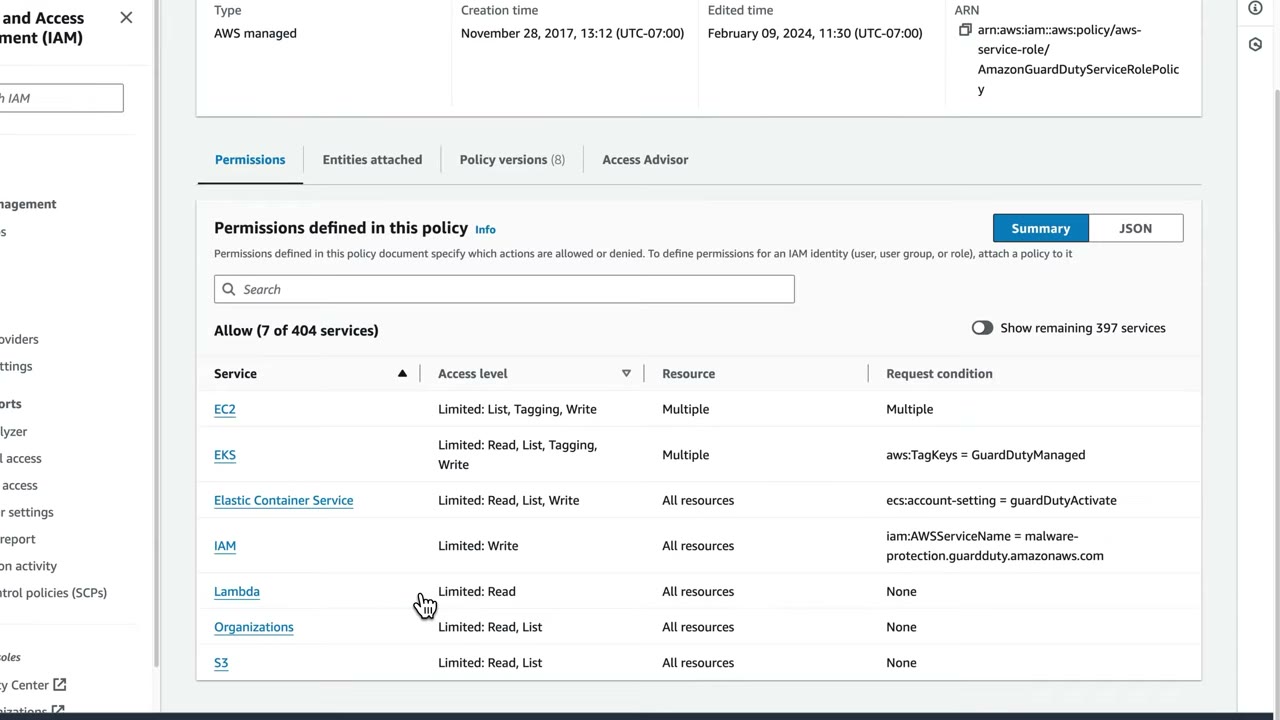
Summary: Allow 7 of 404 services: EC2 (Limited: List, Tagging, Write), EKS (Read, List, Tagging, Write; condition
aws:TagKeys = GuardDutyManaged), ECS (ecs:account-setting = guardDutyActivate), IAM (Limited: Write;
iam:AWSServiceName = malware-protection.guardduty.amazonaws.com, i.e. only creating the Malware Protection SLR), Lambda
(Read), Organizations (Read, List), S3 (Read, List).
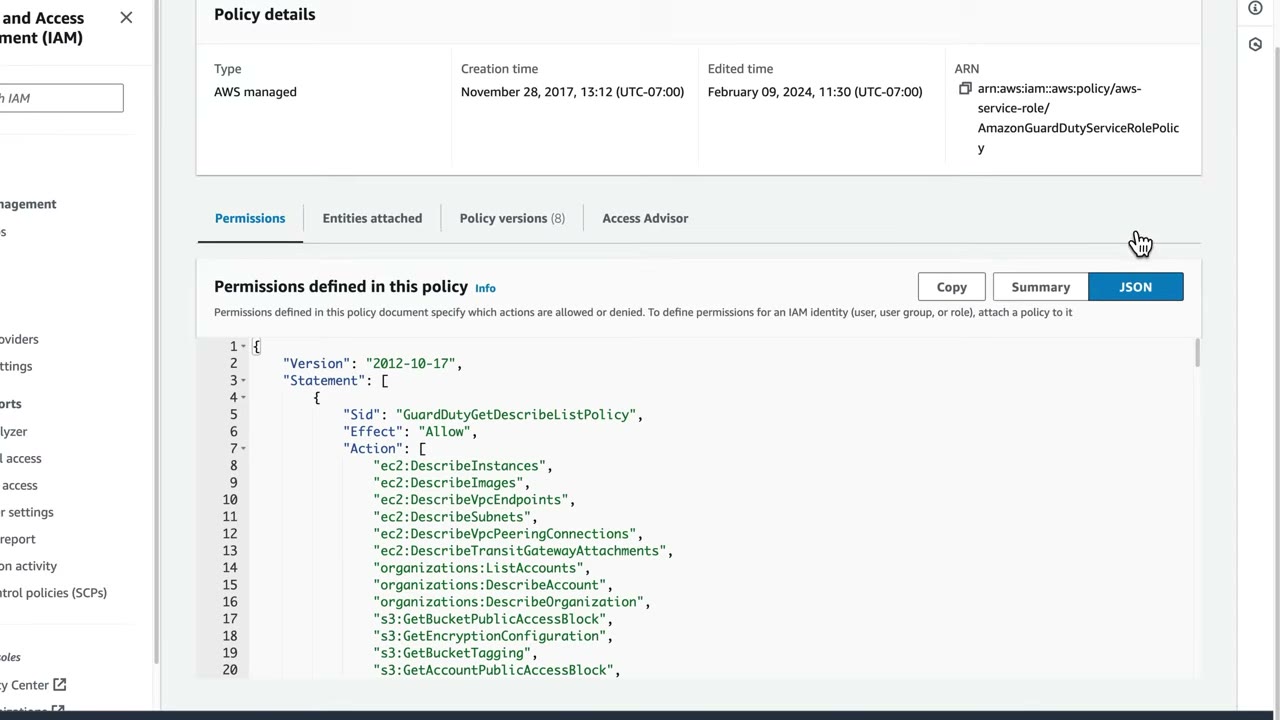
The JSON is a couple of hundred lines, starting with Sid: GuardDutyGetDescribeListPolicy, Effect: Allow, actions such
as ec2:DescribeInstances, ec2:DescribeImages, ec2:DescribeVpcEndpoints, ec2:DescribeSubnets,
ec2:DescribeVpcPeeringConnections, ec2:DescribeTransitGatewayAttachments, organizations:ListAccounts,
organizations:DescribeAccount, organizations:DescribeOrganization, s3:GetBucketPublicAccessBlock,
s3:GetEncryptionConfiguration, s3:GetBucketTagging, s3:GetAccountPublicAccessBlock, …
- Trust policy: only
guardduty.amazonaws.commay assume it. ▶ #22 03:30
{
  "Version": "2012-10-17",
  "Statement": [
    {
      "Effect": "Allow",
      "Principal": { "Service": "guardduty.amazonaws.com" },
      "Action": "sts:AssumeRole"
    }
  ]
}
You could build an identical role by hand, but the SLR, authored by AWS and created automatically when you enable GuardDuty, saves a lot of time. ▶ #22 03:51 You can’t delete it without disabling GuardDuty. ▶ #22 04:20
- Docs → AWS services that work with IAM → scroll right to Service-linked roles. ▶ #22 01:22
- IAM → Roles → identify SLRs by the name prefix and “(Service-Linked Role)” label; compare with the CloudTrail service roles. ▶ #22 02:01
- Open
AWSServiceRoleForAmazonGuardDuty→ check the ARN path → Permissions tab (can’t add/edit) → open the AWS managed policy → Summary and JSON. ▶ #22 02:40 - Trust relationships tab → only
guardduty.amazonaws.comcansts:AssumeRole. ▶ #22 03:30
Instance profiles, paths and session hygiene
- Instance profile: the container that attaches a role to EC2. Credentials come from IMDS (
169.254.169.254) and rotate automatically. Enforce IMDSv2 (HttpTokens=required) to block SSRF credential theft. The console creates the instance profile automatically; CLI/IaC must create it explicitly.
aws ec2 modify-instance-metadata-options --instance-id i-0abc \
  --http-tokens required --http-put-response-hop-limit 1
- Stolen instance credentials → GuardDuty
UnauthorizedAccess:IAMUser/InstanceCredentialExfiltration.OutsideAWS/.InsideAWS. Prevent with IMDSv2 and optionallyaws:EC2InstanceSourceVPC/aws:EC2InstanceSourcePrivateIPv4conditions. - IAM paths (
/app/,/security/) group roles so policies can targetarn:aws:iam::acct:role/app/*. Identity Center roles live under/aws-reserved/sso.amazonaws.com/. - Attribution across role hops:
sts:SourceIdentity(persists through role chaining) and session names; CloudTrailuserIdentity.sessionContext. - Revoking active role sessions: temporary credentials can’t be deleted. Use Revoke active sessions (inline deny with
aws:TokenIssueTime), deny via SCP/policy, or detach the instance profile and rotate. See the AWS STS section.
From the instructor
- Long-term credentials (passwords, access keys) are the core weakness roles were designed to overcome. ▶ #13 00:50
- Remember the numbers: 1 hour default, 15 min – 12 h for AssumeRole; expired session tokens can never be reused. ▶ #13 02:10
- Separate roles per IR phase (analyst vs break-glass) give a clean, attributable audit trail. ▶ #13 05:20
- Trust policy = who can assume; permissions policy = what it can do. Roles have both. ▶ #20 03:40
- With third parties, require an external ID to avoid the confused deputy; you can also require MFA. ▶ #20 05:02
- Service roles and service-linked roles are not the same: know the difference. ▶ #20 03:31
- With CLI/API/IaC you always supply a custom trust policy. ▶ #20 08:30
- Roles give temporary credentials, the fix for hard-coded keys in code and repos. ▶ #21 04:00
- Missing execution-role permissions → AccessDenied at run time; a role won’t show in a service’s picker if its trust policy doesn’t trust that service. ▶ #21 03:22
- SLRs can’t be edited, used by users or reused across services; delete only after removing dependents. Spot them by the
AWSServiceRoleForprefix, the label and the/aws-service-role/path. ▶ #22 02:10
Keyword → answer
| If the question says… | Answer |
|---|---|
| EC2 app needs S3 access, no keys on disk / hard-coded access keys in code | Instance profile role (Lambda execution role, ECS task role). Never keys in code, env vars or AMIs |
| On-prem workload needs AWS credentials | IAM Roles Anywhere |
| “Temporary credentials” | STS / roles / Identity Center |
| “Long-term credentials” | IAM users: rotate keys, use the credential report / Access Advisor to find stale ones |
| Stolen instance credentials used from outside AWS | GuardDuty InstanceCredentialExfiltration; prevent with IMDSv2 + aws:EC2InstanceSourceVPC |
| User can launch EC2 with an admin role (privilege escalation) | Tighten iam:PassRole |
| Lambda can’t write to DynamoDB | Execution role permissions, not the resource policy |
| Lambda logs missing in CloudWatch | Execution role lacks logs:CreateLogGroup/CreateLogStream/PutLogEvents |
| Need custom permissions for a service | Service role |
| Service must act with AWS-defined permissions | Service-linked role |
| Deny-all SCP but GuardDuty/Config still work | SLRs aren’t restricted by SCPs |
| Mobile app needs AWS access | Cognito identity pools (web identity), not embedded IAM user keys |
| Find roles trusting external accounts | IAM Access Analyzer |
| Role chaining session longer than 1 h fails | Chaining is capped at 1 hour |
- The GuardDuty SLR trust policy JSON is reconstructed from the narration; only
guardduty.amazonaws.comis trusted.
Real-world practice
- Most organizations now have zero IAM users except a break-glass user. Humans come in through IAM Identity Center (roles), workloads through service roles, CI/CD through OIDC federation (e.g., GitHub Actions →
AssumeRoleWithWebIdentity). Scope OIDC trust withsub/audconditions, or anyone using that IdP can assume the role. - Pre-create IR roles (
SecurityAnalystread-only with CloudTrail/Athena/Detective access,SecurityBreakGlassfor containment) in every account via StackSets, with MFA and alerts on assumption. - Keep role session duration as short as practical. 12-hour sessions are convenient but widen the exposure window of leaked credentials.
- Never delete the
AWSSSO_…_DO_NOT_DELETESAML provider orAWSReservedSSO_*roles by hand. Identity Center manages them; edit the permission set instead. - Add
aws:SourceAccount/aws:SourceArnconditions to service-principal trust policies where supported (cross-service confused deputy). Use SCPs to stop member accounts creating roles that trust arbitrary external accounts, and review trust policies with Access Analyzer. AWSLambdaBasicExecutionRoleusesResource: "*"; for least privilege scope it toarn:aws:logs:<region>:<acct>:log-group:/aws/lambda/<fn>:*. One role per function. Set log-group retention (default Never expire) and consider a KMS key.- Restrict
iam:PassRoleto specific role ARNs andiam:PassedToServiceconditions. - Don’t delete SLRs to “clean up”: deletion fails while resources exist, and you’ll break the service. The IAM console’s Delete role check lists the resources still using it.
- IaC for org-wide service enablement must handle SLRs that already exist (
iam:CreateServiceLinkedRoleerrors if present): useAWS::IAM::ServiceLinkedRoleor skip-if-exists logic. - Review AWS managed policy updates attached to SLRs (policy version history) in change management. AWS can add permissions when a service gains features.
- Minimal service-role trust policy for EC2:
{ "Version": "2012-10-17",
  "Statement": [{ "Effect": "Allow",
    "Principal": { "Service": "ec2.amazonaws.com" },
    "Action": "sts:AssumeRole" }] }
- Launch a t3.micro with an instance profile whose role allows
s3:ListAllMyBuckets. - Require IMDSv2 (
--http-tokens required). - On the instance, get a token (
curl -X PUT .../api/token) and fetch the role credentials with it. - Cleanup: terminate the instance, delete the role and the instance profile.
Cross-account access and the confused deputy
Giving a principal in one account access to resources in another, either by assuming a role there or through a resource-based policy, and protecting those trust relationships from being abused by a “confused deputy”.
Two cross-account patterns
| Assume a role in the target account | Resource-based policy | |
|---|---|---|
| How | Trust policy on the role (destination account B) names the source account or role; the source identity policy (account A) allows sts:AssumeRole on the role ARN |
Policy on the resource (S3, KMS, SQS, SNS, Lambda, Secrets Manager) allows the external principal, and its identity policy allows too |
| Caller’s identity | Gives up its original permissions for the session | Keeps its own identity and permissions |
| When needed | Default for humans and workloads | When the caller must read from A and write to B in one call (e.g., S3 copy) |
| Missing a side | AccessDenied on sts:AssumeRole |
AccessDenied on the resource call |
- Cross-account KMS: the key policy must allow the external account and the external principal needs an IAM Allow. Same for Secrets Manager plus the CMK that encrypts the secret (the default
aws/secretsmanagerkey can’t be shared, so use a CMK). - Within the same account, a trust policy naming the specific user ARN is enough on its own (it is a resource-based policy). Cross-account, the identity side must also allow.
Cross-account access with a role
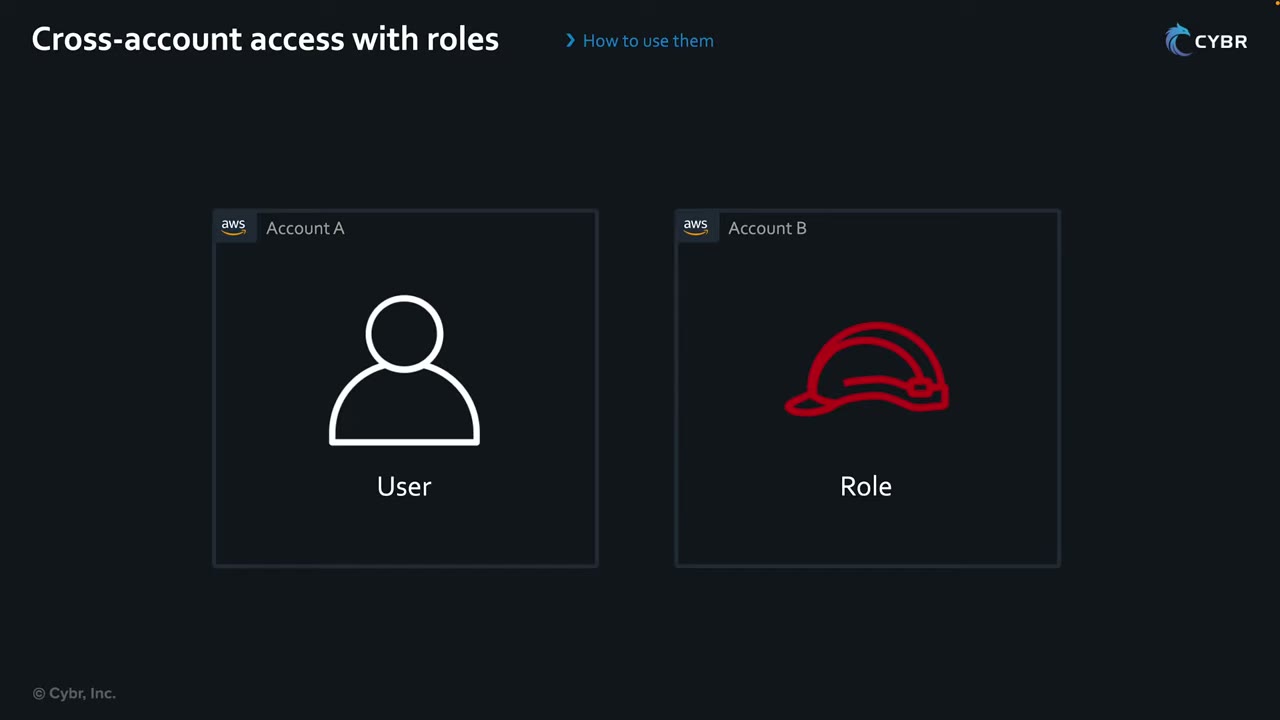
A user in account A needs resources in account B. Creating the same user in both accounts means two sets of
credentials. Instead, the user assumes a role in account B that grants access there. ▶ #23 00:11 The user gets no
credentials in B; it calls STS AssumeRole and receives temporary credentials for the role. Setup order: create the role
in B with the right trust policy, give the user in A permission to assume it, then test. ▶ #23 00:32
1. Create the role in account B ▶ #23 01:00
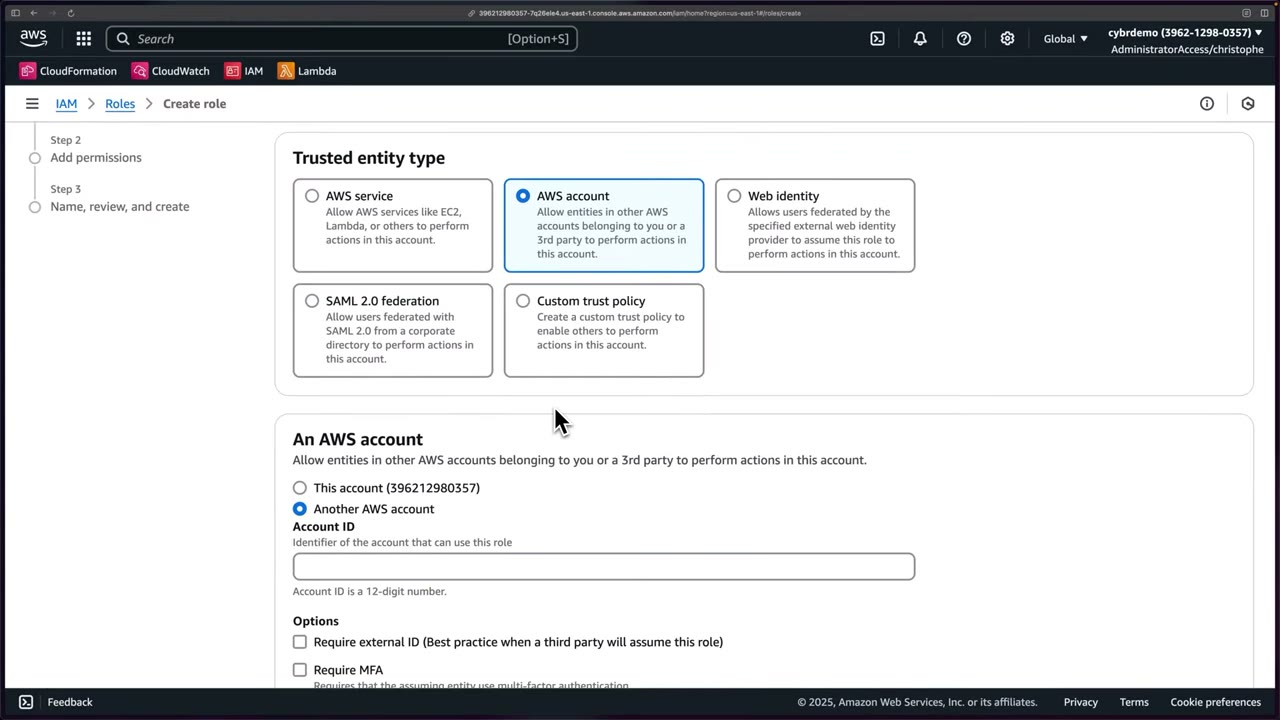
- Trusted entity AWS account → Another AWS account (not This account, which would put the current account ID in the trust policy) → paste account A’s 12-digit ID. ▶ #23 01:10
- Require external ID (“Best practice when a third party will assume this role”): not needed here, no third party. ▶ #23 01:31 Require MFA: the assuming entity must have authenticated with MFA. These options add
Conditionblocks (sts:ExternalId,aws:MultiFactorAuthPresent) to the trust policy. - Permissions: AWS managed AmazonECSFullAccess (demo only). Role name ECSFullAccess: remember it for the identity policy and the switch-role form. ▶ #23 01:51
- The review screen shows the principal as
AWS+ account A’s ID; after creation the Trust relationships tab showsarn:aws:iam::<accountA>:root. ▶ #23 02:22 The summary also shows Maximum session duration: 1 hour (default) and a “Link to switch roles in console”.
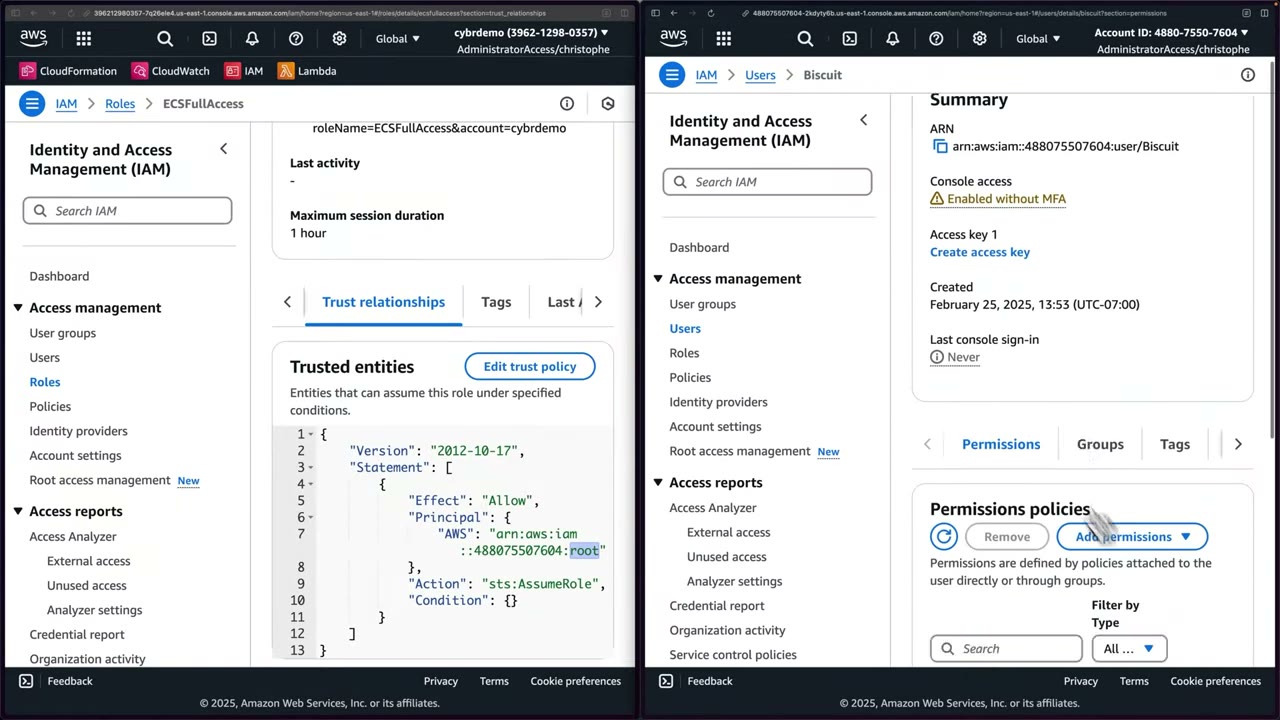
{
  "Version": "2012-10-17",
  "Statement": [
    {
      "Effect": "Allow",
      "Principal": {
        "AWS": "arn:aws:iam::488075507604:root"
      },
      "Action": "sts:AssumeRole",
      "Condition": {}
    }
  ]
}
The :root principal means any identity in account A whose own policies allow it can assume the role. Ideally be
more specific: not every identity in the other account should be able to. ▶ #23 02:41
2. Allow the user in account A to assume it ▶ #23 03:01
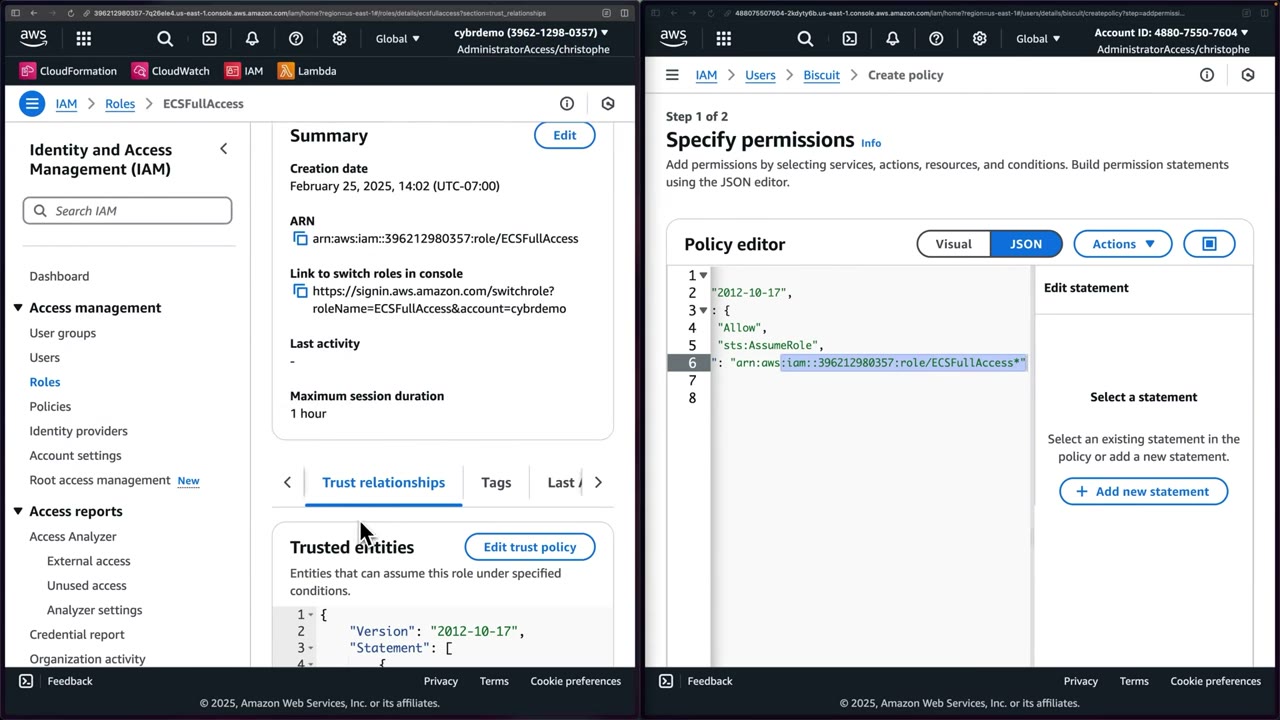
IAM user Biscuit (arn:aws:iam::488075507604:user/Biscuit, console access “Enabled without MFA”) has no permissions.
Add an inline policy allowing sts:AssumeRole on the role ARN (replace the placeholder 111122223333 with account
B’s ID); the policy name doesn’t matter. ▶ #23 03:23
{
  "Version": "2012-10-17",
  "Statement": {
    "Effect": "Allow",
    "Action": "sts:AssumeRole",
    "Resource": "arn:aws:iam::396212980357:role/ECSFullAccess"
  }
}
3. Switch role ▶ #23 04:20
- Console multi-session support: account menu → Add session, sign in as Biscuit. Several sessions can be active side by side.
- As Biscuit the console home shows Access denied widgets: expected, Biscuit only has
sts:AssumeRole. - Add session → Switch role: account B’s ID, role name
ECSFullAccess, a display color. ▶ #23 05:01
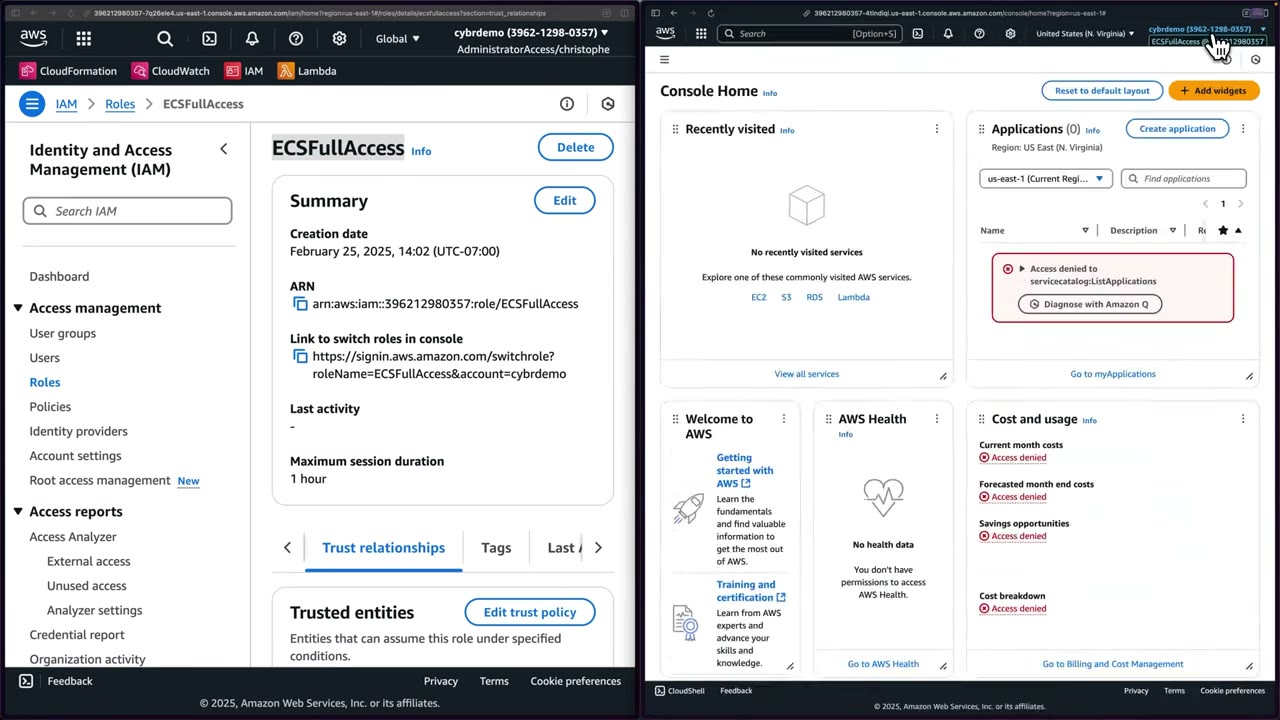
The header shows ECSFullAccess @ 3962…: Biscuit now operates in account B through the role and can use ECS. ▶ #23 05:31
- Two browser windows: account B
cybrdemo (3962-1298-0357)on the left, account A4880-7550-7604on the right, both as an admin SSO session. ▶ #23 00:40 - Account B: IAM → Roles → Create role → AWS account → Another AWS account → paste account A’s ID. Leave Require external ID and Require MFA unchecked → Next. ▶ #23 01:10
- Attach AmazonECSFullAccess, name the role ECSFullAccess, create. ▶ #23 01:51
- Open the role → Trust relationships to see the
:rootprincipal. ▶ #23 02:22 - Account A: IAM → Users → Biscuit → Add permissions → Create inline policy → JSON with
sts:AssumeRoleon the role ARN → name it → Create policy. ▶ #23 03:23 - Account menu → Add session → sign in as Biscuit in account A; switch the Region to N. Virginia. ▶ #23 04:31
- As Biscuit: Add session → Switch role → Account ID = B, role name =
ECSFullAccess, color = blue → Switch Role. ▶ #23 05:01 - Header shows
ECSFullAccess @ 3962…; open ECS: full access is available. ▶ #23 05:31
Recap: who needs what ▶ #23 06:02
| Policy | Where | Says |
|---|---|---|
| Trust policy | On the role being assumed, in the destination account (B) | Who or what can assume this role: at minimum a specific user/role in the other account, at maximum the whole account (:root) |
| Identity-based policy | On the user/role in the source account (A) | Allow sts:AssumeRole on the role ARN (here an inline policy on Biscuit) |
Both sides are required. “Remember the order in which this goes because you might get tested on that in your exam.” ▶ #23 06:11
What :root, sessions and CloudTrail tell you
:rootin a Principal ≠ the root user. It means “the account”: the account delegates the decision to its own IAM policies, so any principal in A withsts:AssumeRolepermission can assume the role. To restrict, name specific role ARNs, or keep:rootand add conditions likeaws:PrincipalOrgID,aws:PrincipalArn,aws:MultiFactorAuthPresent,sts:ExternalId,sts:SourceIdentity.- If a trusted role is deleted and recreated, the trust policy shows a unique principal ID (
AROA…) and breaks: re-save the trust policy. - Max session duration 1–12 h (default 1 h);
DurationSecondscan’t exceed it. Role chaining caps the session at 1 hour. - CloudTrail logs
AssumeRole(event sourcests.amazonaws.com) in both the caller’s account and the role’s account. Use it to trace who did what in B. - To revoke an assumed cross-account session: the role’s Revoke active sessions (inline deny with
aws:TokenIssueTimeless than now).
The confused deputy problem
A security issue where an entity without permissions coerces an entity that has them (the deputy) into performing an action it wouldn’t otherwise have performed. ▶ #24 01:30
The MonitoringCorp example ▶ #24 01:51
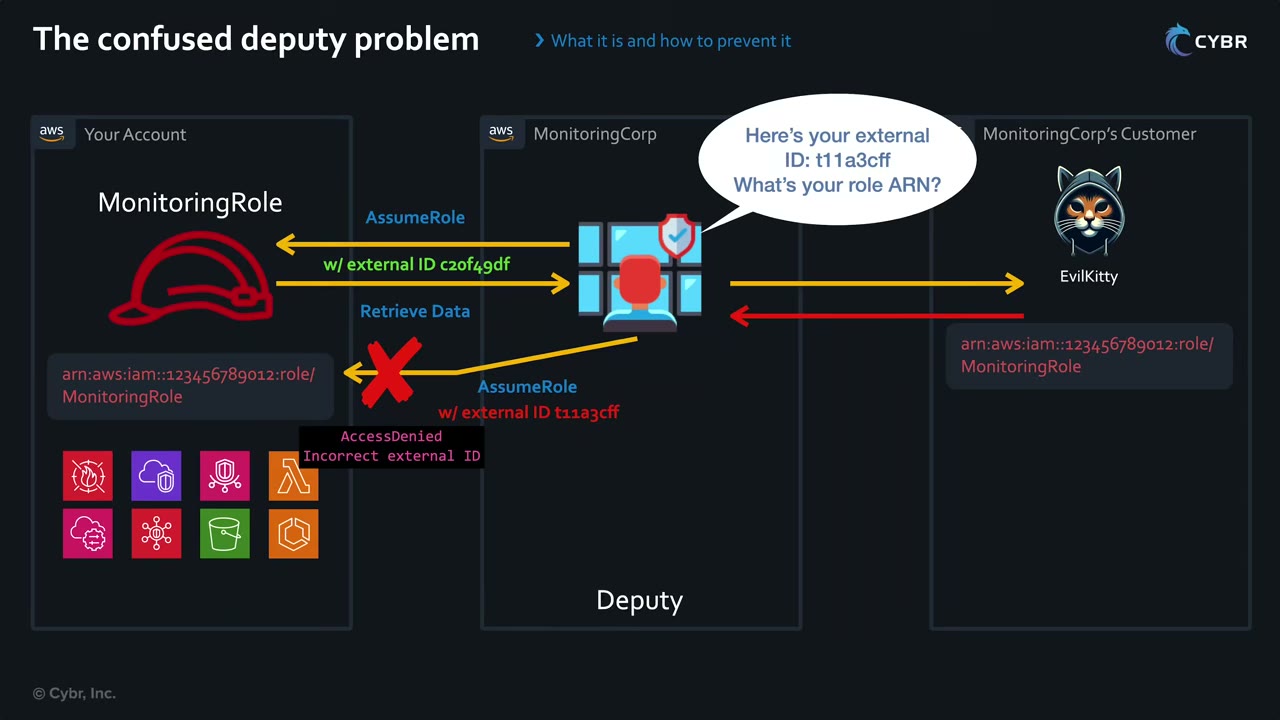
- Your account has MonitoringRole (
arn:aws:iam::123456789012:role/MonitoringRole) protecting your resources (GuardDuty, Lambda, S3…). A third party, MonitoringCorp, assumes it to monitor you: it is now a deputy acting on your behalf. ▶ #24 02:00 - MonitoringCorp signs up another, malicious customer, EvilKitty, who learns your role ARN through reconnaissance. ▶ #24 02:22
- During onboarding EvilKitty gives your role ARN to MonitoringCorp, claiming it is their own. ▶ #24 02:41
- Without an external ID, MonitoringCorp (which does have trust to your role) assumes it and shows your account’s data to EvilKitty: a complete inside look. The deputy is “confused”. ▶ #24 02:52
- With an external ID: legit calls use AssumeRole w/ external ID
c20f49df(yours) and retrieve data. MonitoringCorp told EvilKitty “Here’s your external ID:t11a3cff. What’s your role ARN?” When it calls AssumeRole on your role witht11a3cff, the condition doesn’t match, STS refuses credentials → AccessDenied: incorrect external ID, and the vendor investigates. ▶ #24 03:22
External ID for third parties
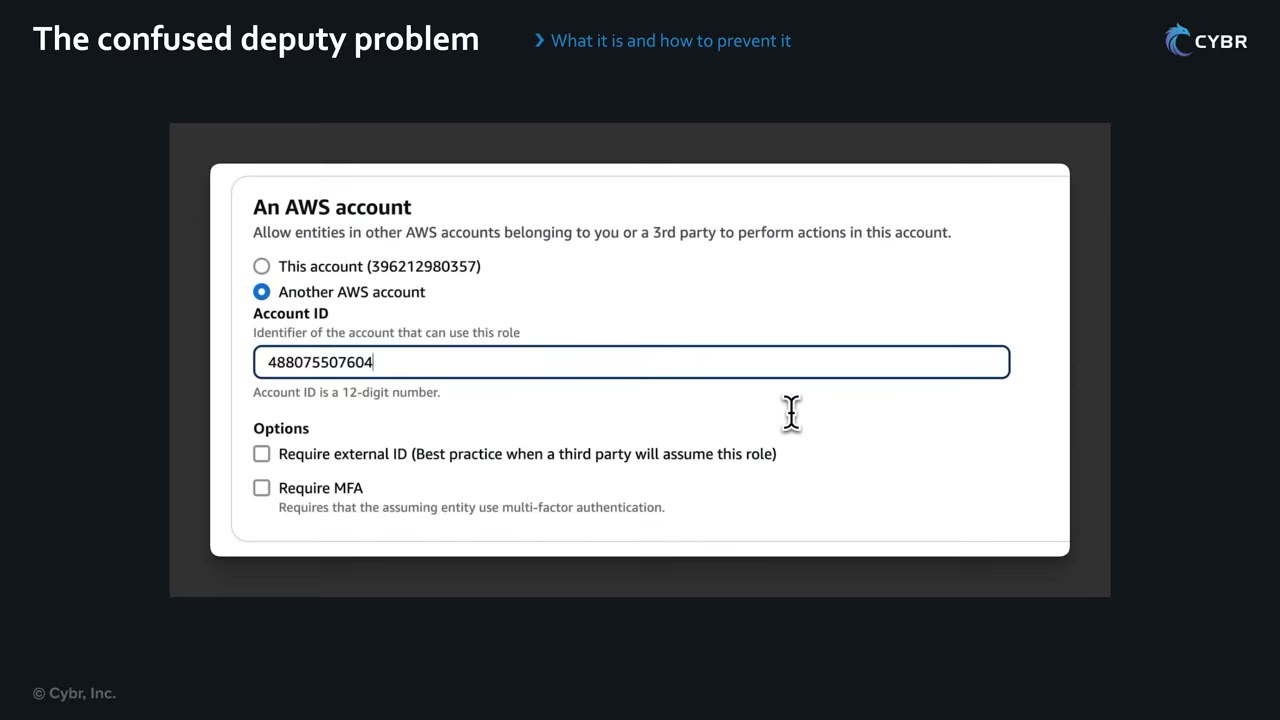
- Option Require external ID in Create role, added as a condition in the role’s trust policy. ▶ #24 00:00
- Use it for third parties, typically contractors or software services, that likely work with other customers too. Not needed for roles used by your own employees. ▶ #24 00:11
- It should be a completely random string generated by the third party, not by you, unique per customer, ideally different for each of your AWS accounts. ▶ #24 00:32
- Flow: ask the vendor for the string → paste it when creating the role (or set it via CLI/API) → the vendor must pass it on every AssumeRole, or the call fails. ▶ #24 00:50
- It is not a secret (not like a password, access key or API key). ▶ #24 01:11 Technically optional, but a recommended best practice because it prevents the confused deputy. ▶ #24 01:21
- External ID applies only to
sts:AssumeRolefrom another AWS principal. It is not used for web identity or SAML. - Most vendors (Datadog, Wiz, Snowflake, etc.) supply a CloudFormation template that already contains their account principal and your unique external ID.
{ "Effect": "Allow",
  "Principal": { "AWS": "arn:aws:iam::999988887777:root" },
  "Action": "sts:AssumeRole",
  "Condition": { "StringEquals": { "sts:ExternalId": "c7f1-unique-customer-id" } } }
aws sts assume-role --role-arn arn:aws:iam::222233334444:role/Auditor \
  --role-session-name audit --external-id c7f1-unique-customer-id
Checking at scale ▶ #24 04:10: how do you know which of thousands of roles across dozens or hundreds of accounts are vulnerable? First build an inventory of every third-party service with access (many orgs lack one), then review the roles they assume and verify each uses an external ID. ▶ #24 04:21 (The sponsor, Sonrai Security, showed a “Third Party Access” list: Cloudflare, Databricks, FireEye, KubeCost, NETSCOUT, Palo Alto Networks, SailPoint, ServiceNow… with accounts, last IAM access and Granted/Partially Blocked status. ▶ #24 04:31)
Cross-service confused deputy (AWS services)
When an AWS service acts on your resource (SNS → SQS, CloudTrail → S3, Config → S3), add aws:SourceArn and/or
aws:SourceAccount (or aws:SourceOrgID) in the resource policy, so another account can’t point the service at your
resource.
{ "Effect": "Allow", "Principal": { "Service": "sns.amazonaws.com" },
  "Action": "sqs:SendMessage", "Resource": "arn:aws:sqs:ap-southeast-1:111122223333:alerts",
  "Condition": { "ArnEquals": { "aws:SourceArn": "arn:aws:sns:ap-southeast-1:111122223333:sec-topic" } } }
| Deputy | Protection |
|---|---|
| Third-party SaaS assuming your role | sts:ExternalId in the trust policy |
| AWS service writing to your resource | aws:SourceArn / aws:SourceAccount / aws:SourceOrgID in the resource policy |
AccessDeniedonsts:AssumeRole→ check both the trust policy in B and the identity policy in A. Adding a resource policy to an S3 bucket in A is irrelevant for role assumption.- Trust policy has an
sts:ExternalIdor MFA condition the caller didn’t satisfy. - Trusted role was recreated → trust policy shows
AROA…; re-save it. - Requested
DurationSecondsabove the role’s max, or above 1 hour when role chaining. - Cross-account KMS/Secrets Manager error → secret uses the AWS managed key; re-encrypt with a CMK and grant the key policy + IAM.
From the instructor
- Know which policy goes where: you might get tested on the order. ▶ #23 06:11
- The trust policy says who or what can assume the role and lives on the role in the destination account. ▶ #23 06:20
- The identity in the source account also needs
sts:AssumeRolein an identity-based policy. ▶ #23 06:30 - Trusting the whole account (
:root) works, but ideally restrict to specific principals. ▶ #23 02:41 - External ID is for third parties, not internal employees. ▶ #24 00:11
- It must be generated by the third party, unique per customer (ideally per account), and is not a secret. ▶ #24 00:32
- Its purpose is to prevent the confused deputy problem. ▶ #24 01:21
Keyword → answer
| If the question says… | Answer |
|---|---|
| Third-party monitoring vendor needs read access to your account | Cross-account role with ExternalId, not IAM user keys |
| Prevent another customer of the vendor from accessing your account | sts:ExternalId condition |
| “Keep the external ID in Secrets Manager”, “rotate it like a password”, “generate it yourself” | Distractors: it isn’t a secret, and the vendor generates it |
| Cross-account AssumeRole fails | Trust policy in B and identity policy in A |
| S3 objects uploaded by account B unreadable by bucket owner A | Object Ownership = Bucket owner enforced (ACLs disabled) |
| Cross-account Secrets Manager fails with a KMS error | Re-encrypt with a CMK and grant the key policy |
| Revoke an assumed cross-account session | Role’s Revoke active sessions (aws:TokenIssueTime deny) |
| AWS service (SNS, CloudTrail, Config) writes to your resource | aws:SourceArn / aws:SourceAccount |
| Read from A and write to B in one call | Resource-based policy (caller keeps its identity) |
Real-world practice
- In AWS Organizations, people rarely use IAM users + switch role; they use IAM Identity Center permission sets. Cross-account roles are still the standard for workloads: CI/CD pipelines, central security tooling (a security account’s role assuming read-only roles in member accounts), log shipping, backup.
- Prefer trusting a specific role ARN over
:root, also for vendors where they document it. - Use a permissions boundary or SCP to stop people in the source account granting themselves
sts:AssumeRoleon arbitrary roles. - Inventory third-party trust with IAM Access Analyzer external access analyzers (org zone of trust) and check each role for an
sts:ExternalIdcondition. - Review vendor
AssumeRoleevents in CloudTrail; unexpectedAccessDeniedfrom a vendor may mean misconfiguration or an attempted confused-deputy attack.
- In account B create role
Auditortrusting account A with ansts:ExternalIdcondition. - From account A, assume it with
--external-id: succeeds. - Assume it without the ID: fails with AccessDenied.
- Cleanup: delete the role.
ABAC and RBAC
Two models for organizing permissions: by job function (RBAC) or by matching attributes (ABAC). In AWS the attributes are tags on the principal and on the resource.
- Exam skills: ABAC and RBAC strategies with tags/attributes (4.2.2) · least-privilege policies (4.2.3) · tagging strategy (6.2.2)
- Videos: ▶ #25 ABAC and RBAC for access control
- Most organizations use a hybrid of the two.
RBAC: role-based access control
RBAC uses roles (job functions) to decide access. An Engineering “role” authorizes engineering activities; a Finance “role” authorizes finance activities but not engineering. A user assigned to a role gets access to that role’s resources. ▶ #25 00:23
Two rows: Engineering “Role”: Engineering User → Permissions → Resources (ECS, Secrets Manager, Lambda). Finance “Role”: Finance User → Permissions → Resources (Cost Explorer / billing). The note “(not referring to IAM roles)” stresses that the “role” is a job function.
- “Role” means the person’s organizational role, not specifically an IAM role. In AWS you implement RBAC with IAM groups, by assuming IAM roles, or with permission sets. IAM roles are just one implementation. ▶ #25 00:40
- RBAC predates AWS: NIST notes it was formalized in 1992 by David Ferraiolo and Rick Kuhn and became ANSI/INCITS 359-2004 (revised 359-2012). ▶ #25 01:00
Benefits ▶ #25 01:20
- Easy to align with business logic: assign roles by department.
- A person can have multiple roles; mix and match.
- Easy to update: add access for a new resource to the role and everyone in it receives it.
- Easy to audit, because role permissions are clearly defined. ▶ #25 01:50
Downside: it grows complex quickly as people are added, and the number of policies grows with every new project or resource. At large scale it becomes a “nightmare”. ▶ #25 02:00
ABAC: attribute-based access control
ABAC uses attributes instead of roles. In AWS, attributes = tags (key/value pairs) that can be added to most
resources and to IAM principals. ▶ #25 02:20 Example: billing resources in S3 tagged billing = finance; users in the finance
department get the same tag. On each request AWS compares the tags and allows or denies. ▶ #25 02:30
ABAC can use attributes of resources and users, and also of the environment and application state. ▶ #25 03:02
The identity policy allows three actions on *, but only when the secret’s project tag equals the principal’s
project tag: ▶ #25 03:32
{
  "Effect": "Allow",
  "Action": [
    "secretsmanager:GetResourcePolicy",
    "secretsmanager:GetSecretValue",
    "secretsmanager:UpdateSecret"
  ],
  "Resource": "*",
  "Condition": {
    "StringEquals": {
      "secretsmanager:ResourceTag/project": "${aws:PrincipalTag/project}"
    }
  }
}
| Secret tag | User tag | Result |
|---|---|---|
project = cybrlabs |
project = cybrlabs |
Allowed |
project = cybrlabs |
project = cybrvideos |
Denied (no match → implicit deny) ▶ #25 04:00 |
Benefits ▶ #25 04:30
- Permissions scale easily and quickly, especially with many users and teams.
- New resources only need the right tags; access is granted automatically, with no constant updating of user permissions. ▶ #25 04:41
- Teams move faster, not blocked by permission changes. ▶ #25 04:51
- Granular permissions without a policy change for every new user or resource. ▶ #25 05:01
- You can still audit attributes to determine access.
- Tags also serve cost allocation and discovery: a user tagged
project = cybrlabsandcostcenter = 1234; the cost-center tag drives monthly spend reports per cost center. ▶ #25 05:21
Cost: it takes more thought and effort to set up correctly.
Condition keys and where principal tags come from
| Key | Matches |
|---|---|
aws:ResourceTag/<key> |
Tag on the resource. Service-specific forms: secretsmanager:ResourceTag, ec2:ResourceTag |
aws:PrincipalTag/<key> |
Tag on the calling user/role, or a session tag |
aws:RequestTag/<key> |
Tag being set in the request (force tagging on create) |
aws:TagKeys |
Tag keys being set in the request |
Principal tags come from:
- IAM user or role tags.
- Session tags passed in
AssumeRole, the SAML attributehttps://aws.amazon.com/SAML/Attributes/PrincipalTag:<key>, or IAM Identity Center attributes for access control.TransitiveTagKeyskeep tags through role chaining. - Cognito identity pools, which can map user attributes to principal tags.
Not every service or action supports resource-tag authorization. Check the Service Authorization Reference.
Protecting the tags
If users can change the tags, they can grant themselves access.
- Deny
iam:TagUser/TagRole/UntagRoleand resourceTagResource/UntagResource/ec2:CreateTagschanges to the ABAC keys for non-admins. - Require tags at creation with
aws:RequestTag. - Tag policies (Organizations) standardize tag keys and values but don’t enforce tagging on create by themselves.
Combine them with SCP
aws:RequestTagconditions.
RBAC vs ABAC
| RBAC | ABAC | |
|---|---|---|
| Grants by | Job function (group, role, permission set) | Matching principal tags and resource tags |
| Setup | Easier to implement initially | More thought and effort to set up correctly |
| Growth | Policy count grows with each project/resource | One policy covers new tagged resources |
| Flexibility | Less flexible | Flexible and fast-moving |
| Auditing | Easy: role permissions are clear | Harder to answer “who can access X?” |
| Best for | Small, stable orgs | Many teams/projects, fast-changing environments |
Most of the time use both (hybrid) to get the best of each. ▶ #25 06:02
From the instructor
- Don’t equate RBAC with IAM roles. RBAC is a general model; IAM roles and groups are ways to implement it. ▶ #25 01:10
- RBAC becomes a “nightmare” at scale, and that’s where ABAC comes in. ▶ #25 02:00
- ABAC attributes in AWS = tags. ▶ #25 02:20
- Hybrid is usually best: ABAC is harder to set up, RBAC is less flexible. ▶ #25 06:02
Keyword → answer
| If the question says… | Answer |
|---|---|
| Hundreds of projects, minimize policy updates as projects are added | ABAC with aws:PrincipalTag / aws:ResourceTag |
| New resources created constantly, avoid updating policies each time | ABAC |
| Department attribute from the corporate IdP should drive access | Session tags via SAML or Identity Center ABAC |
| User could re-tag a resource (or themselves) to gain access | Deny tag modification on that key |
| “RBAC” in the question | The general model, not only IAM roles |
Real-world practice
- Typical ABAC rollout: Identity Center permission sets + IdP attributes as session tags + resource tagging enforced by IaC (CloudFormation/Terraform default tags) + SCPs that deny untagged creates.
- ABAC cuts the policy count but makes “who can access X?” harder to answer. IAM Access Analyzer and tag inventories (Resource Groups Tagging API, AWS Config) help with auditing.
- Cost allocation tags must be activated in the Billing console before they appear in Cost Explorer/CUR.
- Example policy: start/stop EC2 only on instances with your
projecttag, and never change theprojecttag:
{
  "Version": "2012-10-17",
  "Statement": [
    { "Effect": "Allow",
      "Action": ["ec2:StartInstances", "ec2:StopInstances"],
      "Resource": "arn:aws:ec2:*:*:instance/*",
      "Condition": { "StringEquals": { "aws:ResourceTag/project": "${aws:PrincipalTag/project}" } } },
    { "Effect": "Deny",
      "Action": ["ec2:CreateTags", "ec2:DeleteTags"],
      "Resource": "*",
      "Condition": { "ForAnyValue:StringEquals": { "aws:TagKeys": ["project"] } } }
  ]
}
- Passing a session tag that survives role chaining:
aws sts assume-role --role-arn arn:aws:iam::111122223333:role/Dev \
  --role-session-name alice --tags Key=project,Value=alpha --transitive-tag-keys project
- Tag two EC2 instances
project=alphaandproject=beta. - Attach the start/stop ABAC policy above to a role.
- Assume the role with session tag
project=alphaand try stopping both instances. Only thealphaone stops. - Cleanup: terminate the instances.
IAM auditing tools (credential report, Access Advisor, Policy Simulator)
Built-in IAM tools to inventory credentials, see which permissions are actually used, and test policies without making real calls.
- Exam skills: analyze authorization failures (4.2.4) · identify and correct unintended permissions (4.2.5) · troubleshoot authentication (4.1.3) · root user management (6.1.5) · audit evidence (6.3.2)
- Videos: ▶ #33 IAM credentials report
- A credential report is cached for 4 hours, and the CLI returns it base64-encoded.
Credential report: what it answers
A manager asks for a report of all users in an AWS account, when they were created, whether they have credentials (passwords, access keys, MFA devices), and when passwords and access keys were last used. The answer is the IAM credential report, with no third-party tools needed. ▶ #33 00:21
- An account-wide CSV of every IAM user plus the root user: creation time, password status / last use / last change, MFA status, and status / rotation / last use of both access keys and both signing certificates.
- It is per account, not org-wide. For many accounts, run it through a cross-account role, or use Access Analyzer.
- Permissions: only
iam:GenerateCredentialReportis needed to generate it ▶ #33 00:31; downloading also needsiam:GetCredentialReport. - Use it for compliance checks such as “find users without MFA or with keys older than 90 days”, and to drive the migration away from IAM users and long-term keys toward Identity Center. ▶ #33 06:20
Generating and reading the report in the console
IAM → Access reports → Credential report (also linked from the dashboard). The page says: “The credentials report lists all your IAM users in this account and the status of their various credentials. After a report is created, it is stored for up to four hours.” ▶ #33 00:41
The 4-hour rule: you can only create a new report every 4 hours. Within that window you get the existing, possibly slightly outdated report, and the CLI behaves the same; there is no way around it. If the last one is older (5–7 hours), a fresh one is generated. ▶ #33 00:50
The demo account has only the <root_account> row (arn:aws:iam::299551924423:root). ▶ #33 01:22 Columns: ▶ #33 01:30
| Column(s) | Demo value / note |
|---|---|
user, arn, user_creation_time |
<root_account> |
password_enabled |
TRUE: root still has a password |
password_last_used, password_last_changed |
|
password_next_rotation |
not_supported for root |
mfa_active |
TRUE: important for root in a management account |
access_key_1_active |
FALSE |
access_key_1_last_rotated, _last_used_date, _last_used_region, _last_used_service |
same set for key 2 |
cert_1_active, cert_1_last_rotated, cert_2_active, cert_2_last_rotated |
signing certificates |
- No active access keys: good, especially for root. ▶ #33 02:02
- The root row always appears. It is great for verifying compliance, and you’d want to automate it on a schedule. ▶ #33 02:11
Credential report from the CLI
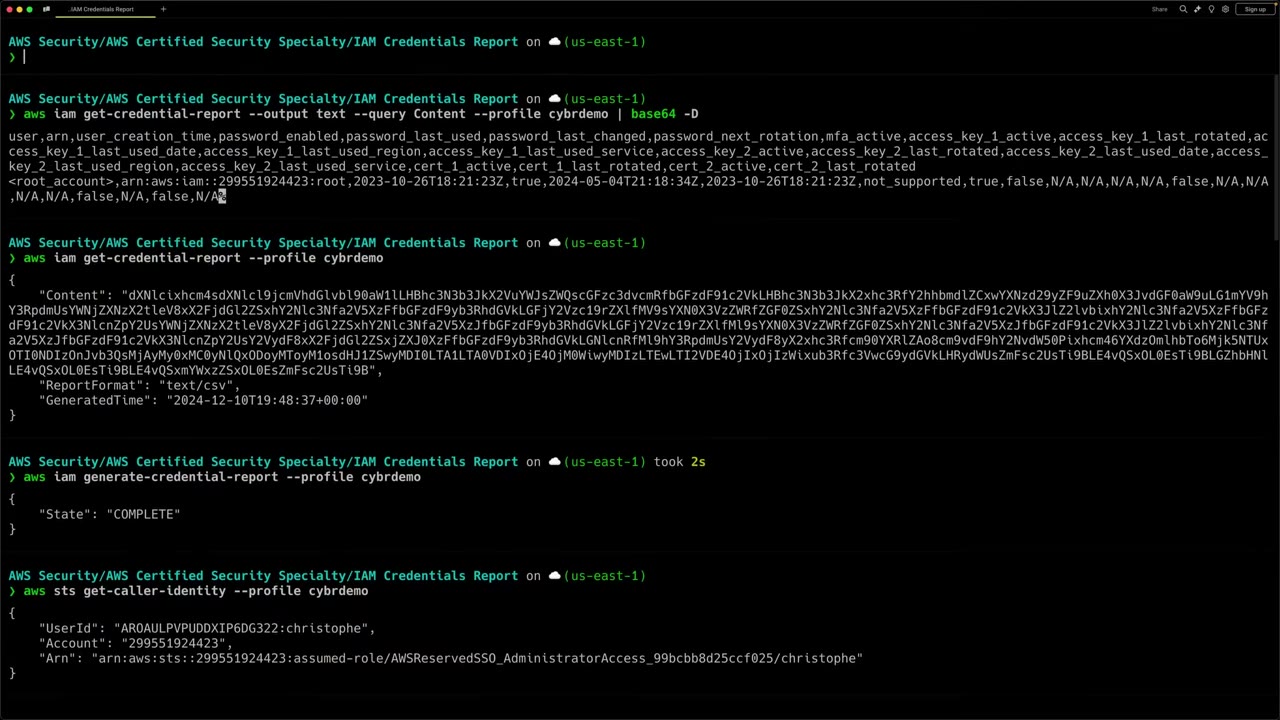
aws sts get-caller-identity --profile cybrdemoshowsAWSReservedSSO_AdministratorAccess_…/christophein 299551924423. ▶ #33 02:30aws iam generate-credential-reportreturns{"State": "COMPLETE"}because one exists from the past 4 hours. Otherwise it returnsState: STARTEDwith “No report exists. Starting a new report generation task.” It takes seconds, maybe a minute or two for big accounts. ▶ #33 02:40aws iam get-credential-reportreturns JSON withContent(gibberish),ReportFormat: "text/csv"andGeneratedTime. Despitetext/csv,Contentis base64-encoded. ▶ #33 03:20- Decode with
--output text --query Content | base64 -Dto get a readable but dense CSV. ▶ #33 03:50 - Pipe into awk to print one labelled line per field. Good for automation instead of downloading and processing the CSV. ▶ #33 04:32
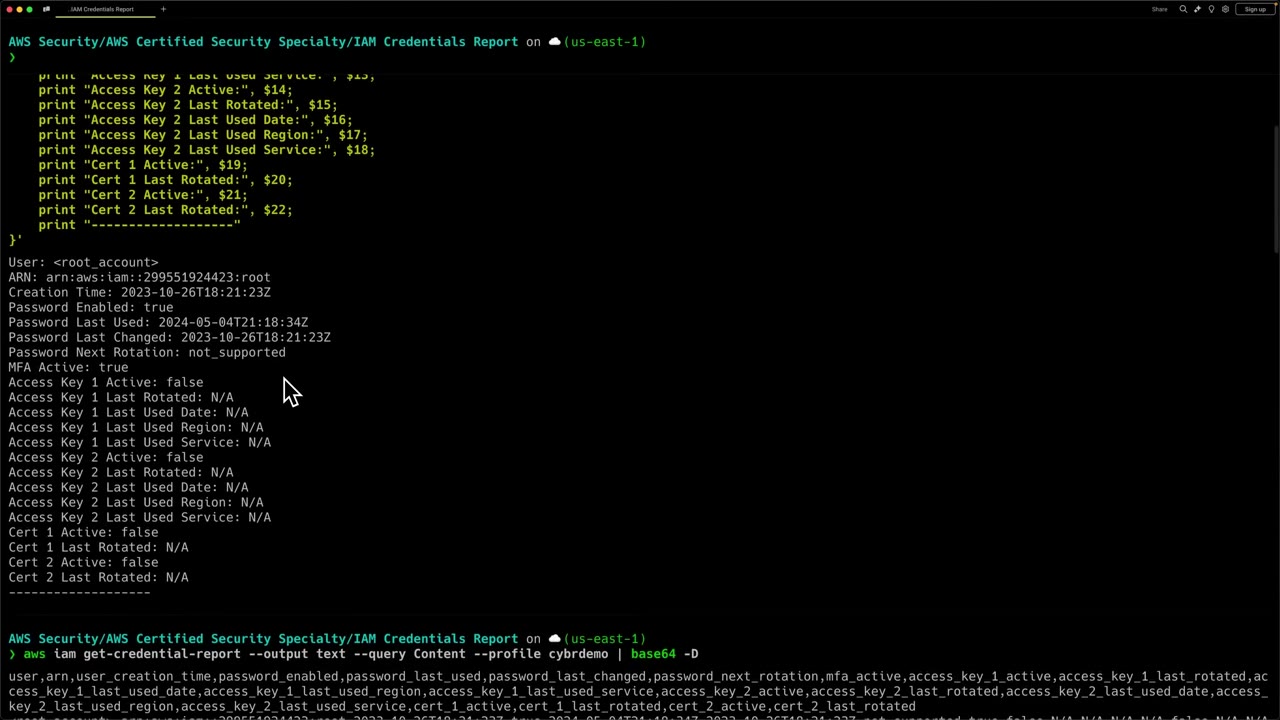
aws sts get-caller-identity --profile cybrdemo
aws iam generate-credential-report --profile cybrdemo
# { "State": "COMPLETE" }   (or "STARTED" + "No report exists. Starting a new report generation task.")
aws iam get-credential-report --profile cybrdemo
# { "Content": "dXNlcixhcm4s...", "ReportFormat": "text/csv", "GeneratedTime": "2024-12-10T19:48:37+00:00" }
aws iam get-credential-report --output text --query Content --profile cybrdemo | base64 -D   # macOS; Linux: base64 -d
# user,arn,user_creation_time,password_enabled,password_last_used,password_last_changed,password_next_rotation,mfa_active,
# access_key_1_active,access_key_1_last_rotated,access_key_1_last_used_date,access_key_1_last_used_region,
# access_key_1_last_used_service,access_key_2_active,...,cert_1_active,cert_1_last_rotated,cert_2_active,cert_2_last_rotated
# <root_account>,arn:aws:iam::299551924423:root,2023-10-26T18:21:23Z,true,2024-05-04T21:18:34Z,2023-10-26T18:21:23Z,
# not_supported,true,false,N/A,N/A,N/A,N/A,false,N/A,N/A,N/A,N/A,false,N/A,false,N/A
The awk step (partly visible on screen) is of the form:
aws iam get-credential-report --output text --query Content --profile cybrdemo | base64 -D | \
awk -F, 'NR>1 {
  print "User:", $1; print "ARN:", $2; print "Creation Time:", $3; print "Password Enabled:", $4;
  print "Password Last Used:", $5; print "Password Last Changed:", $6; print "Password Next Rotation:", $7;
  print "MFA Active:", $8; print "Access Key 1 Active:", $9; … print "Access Key 2 Active:", $14;
  print "Access Key 2 Last Rotated:", $15; print "Access Key 2 Last Used Date:", $16;
  print "Access Key 2 Last Used Region:", $17; print "Access Key 2 Last Used Service:", $18;
  print "Cert 1 Active:", $19; print "Cert 1 Last Rotated:", $20; print "Cert 2 Active:", $21;
  print "Cert 2 Last Rotated:", $22; print "-------------------"
}'
Finding unused permissions
- Last accessed information (Access Advisor) (
GenerateServiceLastAccessedDetails): per user, role, group or policy, which services and actions were last used. Use it to trim permissions. Organizations also shows last accessed data per OU or account, for SCP design. - IAM Access Analyzer unused access: org-wide findings for unused roles, keys, passwords and permissions (paid).
- AWS Config managed rules:
access-keys-rotated,iam-user-unused-credentials-check,mfa-enabled-for-iam-console-access,root-account-mfa-enabled,iam-root-access-key-check. Security Hub CIS/FSBP controls use the same signals.
Testing policies and troubleshooting denials
| Tool | Use |
|---|---|
| IAM Policy Simulator | Test identity policies, permissions boundaries, SCPs and some resource policies against chosen actions and resources, without real calls. CLI: aws iam simulate-principal-policy / simulate-custom-policy |
| CloudTrail | Filter errorCode = AccessDenied. Error messages now name the policy type that denied, e.g. “with an explicit deny in a service control policy” |
| Encoded authorization message | aws sts decode-authorization-message for EC2 and some other services |
Tool comparison
| Need | Tool |
|---|---|
| Who has which long-term credentials, and are they used? | Credential report |
| Which services/actions has this principal used? | Last accessed information (Access Advisor) |
| Unused access across the org | IAM Access Analyzer unused access |
| Continuous evaluation of keys/MFA | AWS Config rules, Security Hub |
| Will this policy allow the call? | Policy Simulator, Access Analyzer custom policy checks |
| Why was this call denied? | CloudTrail AccessDenied, decode-authorization-message |
From the instructor
- “If you need a report on users and … information related to their credentials, then you can use this IAM credentials report.” ▶ #33 06:11
- Reports can only be regenerated every 4 hours; within that window you get the cached one. ▶ #33 00:50
- CLI content is base64-encoded even though the format says
text/csv. ▶ #33 03:30 - Use it to help migrate off IAM users and long-term keys toward Identity Center. ▶ #33 06:20
Keyword → answer
| If the question says… | Answer |
|---|---|
| Report of all users, when created, whether they have passwords/keys/MFA, and when those were last used | Credential report (no third-party tool) |
| List all IAM users with access keys older than 90 days | Credential report, or Config rule access-keys-rotated for continuous evaluation |
| Remove unused permissions from a role | Last accessed data, IAM Access Analyzer unused access, or policy generation |
| Test a new policy before deploying | Policy Simulator or Access Analyzer custom policy checks |
| Why can’t I get a fresh credential report? | It’s cached for 4 hours |
Real-world practice
- Automate: a scheduled Lambda (EventBridge Scheduler) assumes a read role in each account, runs generate/get, decodes, writes to S3, and alerts on old or unused keys and users without MFA.
- With centralized root access management (Organizations) you can remove root credentials from member accounts; the
report then shows root
password_enabled=false. - A user with no password and no keys still exists as an identity. Delete unused users rather than just deactivating keys, and use the report to drive the migration from IAM users to Identity Center.
- Useful commands:
aws iam generate-credential-report && aws iam get-credential-report \
  --query Content --output text | base64 -d > cred-report.csv
aws iam simulate-principal-policy \
  --policy-source-arn arn:aws:iam::111122223333:role/Dev \
  --action-names s3:GetObject --resource-arns arn:aws:s3:::reports/q1.csv
aws sts decode-authorization-message --encoded-message <msg>
aws iam generate-service-last-accessed-details --arn arn:aws:iam::111122223333:role/Dev
- Generate the credential report, decode it, and filter for
mfa_active=false. - Simulate a denied call for a role with
simulate-principal-policy. - Make the real call, find the CloudTrail
AccessDeniedevent and compare it with the simulator result. - Cleanup: none needed.
AWS STS (temporary credentials)
The AWS Security Token Service issues short-lived credentials (access key ID starting ASIA… + secret key + session
token) for roles, federated users and MFA-protected sessions.
- Exam skills: issue temporary credentials (4.1.2) · troubleshoot authentication (4.1.3)
- Videos: no dedicated video. STS is covered in ▶ #13 and ▶ #20 (see IAM roles), ▶ #17 (see IAM policies and policy evaluation logic), ▶ #23 (see Cross-account access and the confused deputy), ▶ #28 and ▶ #31 (see AWS IAM Identity Center)
- Temporary credentials can’t be revoked individually: deny by issue time or remove permissions.
STS APIs
| API | Who calls | Notes |
|---|---|---|
AssumeRole |
IAM user or role | 15 min → the role’s max session (≤12 h, default 1 h). Role chaining is capped at 1 h |
AssumeRoleWithSAML |
SAML IdP users | Enterprise federation. Identity Center is preferred now; its roles trust a SAML provider |
AssumeRoleWithWebIdentity |
OIDC tokens (Cognito identity pool, EKS IRSA, GitHub Actions) | No AWS credentials needed to call |
GetSessionToken |
IAM user | MFA-protected API access. 15 min – 36 h (default 12 h). No session policy |
GetFederationToken |
IAM user | Custom federation broker, 15 min – 36 h. A session policy is required to grant anything |
AssumeRoot |
Management / delegated admin account | Root-only tasks in member accounts, 15 min |
Where the videos cover these:
- Temporary credentials, durations and the STS API per principal type: see IAM roles. ▶ #13 ▶ #20
- Session policies on
AssumeRole/GetFederationToken: see IAM policies and policy evaluation logic. ▶ #17 sts:AssumeRoleacross accounts: see Cross-account access and the confused deputy. ▶ #23AssumeRoleWithSAML,ASIA…keys and SSO profiles: see AWS IAM Identity Center. ▶ #28 ▶ #31
Recognizing temporary credentials
| Key ID prefix | Meaning |
|---|---|
ASIA… |
Temporary STS credentials (role session, Identity Center, GetSessionToken) |
AKIA… |
Long-term IAM user or root keys |
Useful in leaked-credential and CloudTrail questions.
sts:SourceIdentitysurvives role chaining and is recorded in CloudTrail, so you can see who really acted.sts:RoleSessionNamecan be enforced in trust policies.- Regional STS endpoints are preferred (lower latency, isolation). Regions that are disabled by default must be activated for STS.
Revoking sessions
Temporary credentials can’t be revoked one by one. The IAM console’s Revoke active sessions attaches an inline deny
policy AWSRevokeOlderSessions with aws:TokenIssueTime DateLessThan now:
{ "Effect": "Deny", "Action": "*", "Resource": "*",
  "Condition": { "DateLessThan": { "aws:TokenIssueTime": "2026-11-18T10:00:00Z" } } }
- Existing tokens stay valid until expiry, but every call they make is denied.
- Deleting the role also kills them.
- For an EC2 role compromise, also look at
aws:EC2InstanceSourceVPC-style conditions, detach the instance profile and rotate.
Keyword → answer
| If the question says… | Answer |
|---|---|
| Leaked temporary credentials of a role | Revoke active sessions (deny by aws:TokenIssueTime), then investigate. Rotating keys doesn’t apply |
| CLI user must use MFA | aws sts get-session-token --serial-number ... --token-code ... |
| Mobile app users need direct AWS access | Cognito identity pool → AssumeRoleWithWebIdentity |
| CI/CD (GitHub) without stored keys | OIDC provider + role with a token.actions.githubusercontent.com:sub condition |
| Developers need CLI access to many accounts without long-term keys | Identity Center + aws configure sso (see AWS IAM Identity Center) |
Access key ID starts with ASIA |
Temporary STS credentials, not an IAM user key |
Real-world practice
- GitHub Actions OIDC trust policy, scoped to one repo and branch:
{ "Effect": "Allow",
  "Principal": { "Federated": "arn:aws:iam::111122223333:oidc-provider/token.actions.githubusercontent.com" },
  "Action": "sts:AssumeRoleWithWebIdentity",
  "Condition": {
    "StringEquals": { "token.actions.githubusercontent.com:aud": "sts.amazonaws.com" },
    "StringLike": { "token.actions.githubusercontent.com:sub": "repo:my-org/my-repo:ref:refs/heads/main" } } }
- Assume a role and save the temporary credentials.
- In the IAM console, open the role and choose Revoke active sessions.
- Retry a call with the old credentials: it is denied.
- Cleanup: remove the inline deny policy
AWSRevokeOlderSessions.
AWS IAM Identity Center
Workforce SSO (successor to AWS SSO) to all accounts in the org and to SAML/OAuth apps. Users sign in once to the AWS access portal, see every account and permission set assigned to them, and get only temporary credentials. It is the recommended replacement for IAM users (keep IAM users only for break-glass).
- Exam skills: identity solutions, IdP integration, MFA (4.1.1) · temporary credentials (4.1.2) · troubleshoot authentication and permission sets (4.1.3) · ABAC and RBAC (4.2.2) · least privilege and boundaries (4.2.3) · deploy AWS Organizations (6.1.1) · delegated admin (6.1.4)
- Videos: ▶ #27 IAM users vs Identity Center users · ▶ #28 Enable Identity Center · ▶ #29 Delegating administration · ▶ #30 Permission sets from delegated admin · ▶ #31 Assuming Identity Center roles
- Two timers: permission set session (1–12 h, default 1 h) vs access portal session (default 8 h).
Why not IAM users
Up to this point the course used a single admin IAM user for console work. Before deploying resources in the multi-account setup, identity and access management must be set up properly. ▶ #27 00:00 IAM users “have a time and a place”, but they are not the best option for human identities. AWS best practice is a centralized identity provider using federation: either direct federation (IdP → IAM role via SAML/OIDC) or IAM Identity Center. ▶ #27 00:22
An IAM user works like a user on any other system: a username and password, optional MFA, and access keys for calling the AWS API. ▶ #27 01:21 Three problems:
| Problem | Why it hurts |
|---|---|
| Yet another set of credentials ▶ #27 01:42 | Every workforce member needs a brand-new account just for AWS, although they already have one in the corporate directory (e.g. Active Directory). They remember another password or, worse, reuse the corporate one, and re-authenticate when switching apps: frustrating, error-prone, less secure. Admins manage identities “all over the place”: a nightmare. ▶ #27 02:20 |
| Exists in only one account ▶ #27 02:30 | To give one person access to 20, 100 or 1,000 accounts you’d recreate the user in every account. The work-around, roles assumed cross-account, works and many orgs still use it, but has its own challenges and limits. ▶ #27 02:50 |
| Long-term access keys ▶ #27 03:01 | Keys never expire unless deactivated or deleted. They get stolen or found and used by a threat actor, potentially years later. Many past breaches came from leaked access keys. ▶ #27 03:21 |
The better approach: central IdP + federation
A centralized IdP lets you centrally manage workforce users, enforce authentication policies and control authorization. Users authenticate once to the IdP, then federate into other applications with one set of credentials: single sign-on (SSO). ▶ #27 03:50 Analogy: “Sign in with Google” on an unrelated website. Google authenticates you, tells the site, and shares some attributes; no new username/password/MFA per site. ▶ #27 04:01
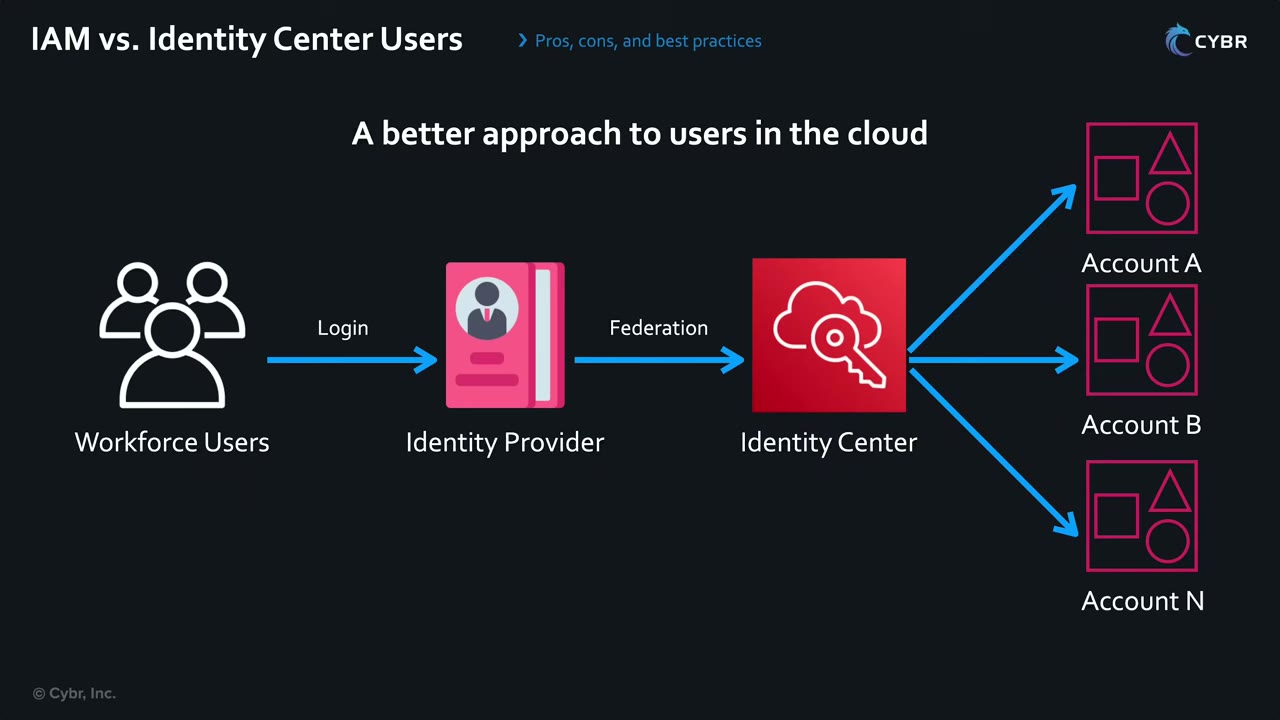
- Workforce Users → Login → Identity Provider (Entra ID, Okta, or Identity Center’s own directory). The only place users hold a password + MFA.
- Identity Provider → Federation → IAM Identity Center. The IdP asserts who the user is (SAML 2.0) and, typically, which groups they belong to.
- Identity Center → Account A, Account B … Account N. Based on assignments (user/group + permission set + account), it lets the user into each account with an IAM role it provisioned there. One identity, many accounts. ▶ #27 04:51
- The IdP is connected to the corporate directory, usually integrated with the HR system, so joiner/mover/leaver is handled automatically in one place. ▶ #27 04:50
- Instead of deploying users to 1,000 accounts, you assign users and groups to AWS accounts. Users see that access in a single AWS access portal and SSO into AWS accounts or other cloud apps. ▶ #27 05:20
- Assignable cloud applications: Office 365, Salesforce, and AWS managed apps such as Amazon WorkSpaces and SageMaker Studio. ▶ #27 05:40
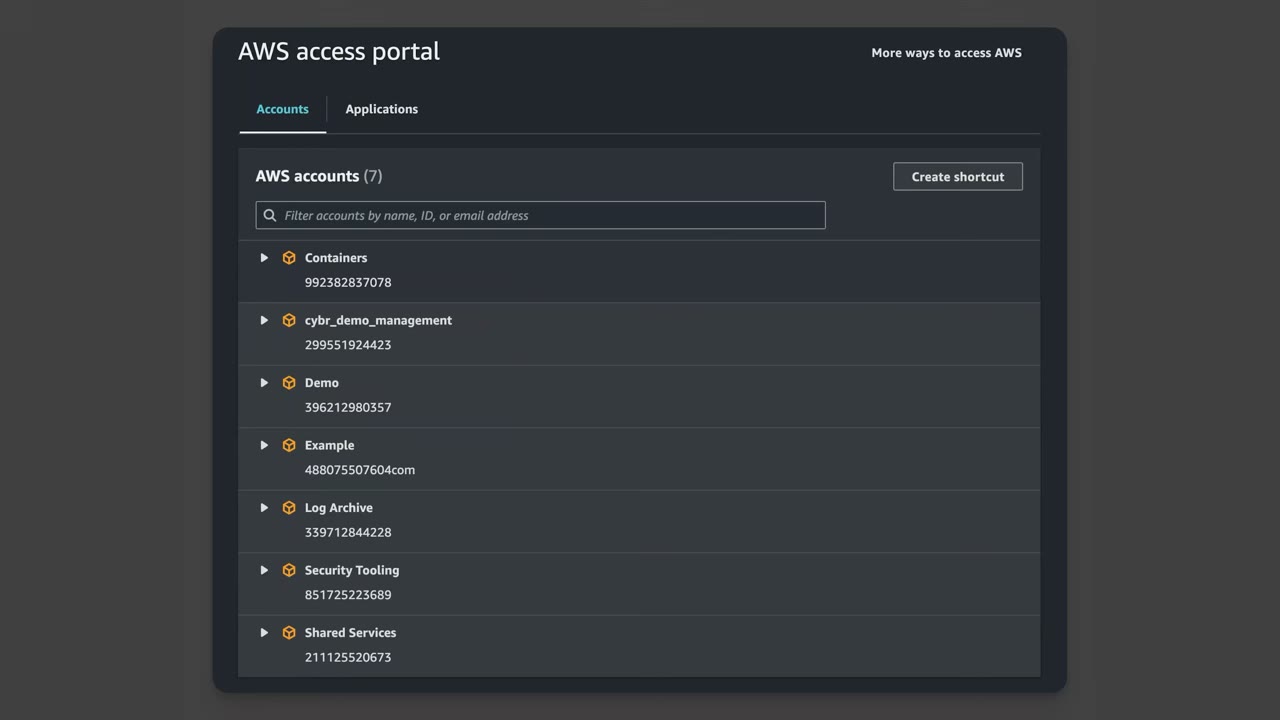
The portal has two tabs, Accounts and Applications. “AWS accounts (7)” has a filter box (name, ID or email) and a Create shortcut button. Accounts: Containers, cybr_demo_management, Demo, Example, Log Archive, Security Tooling, Shared Services. ▶ #27 05:36
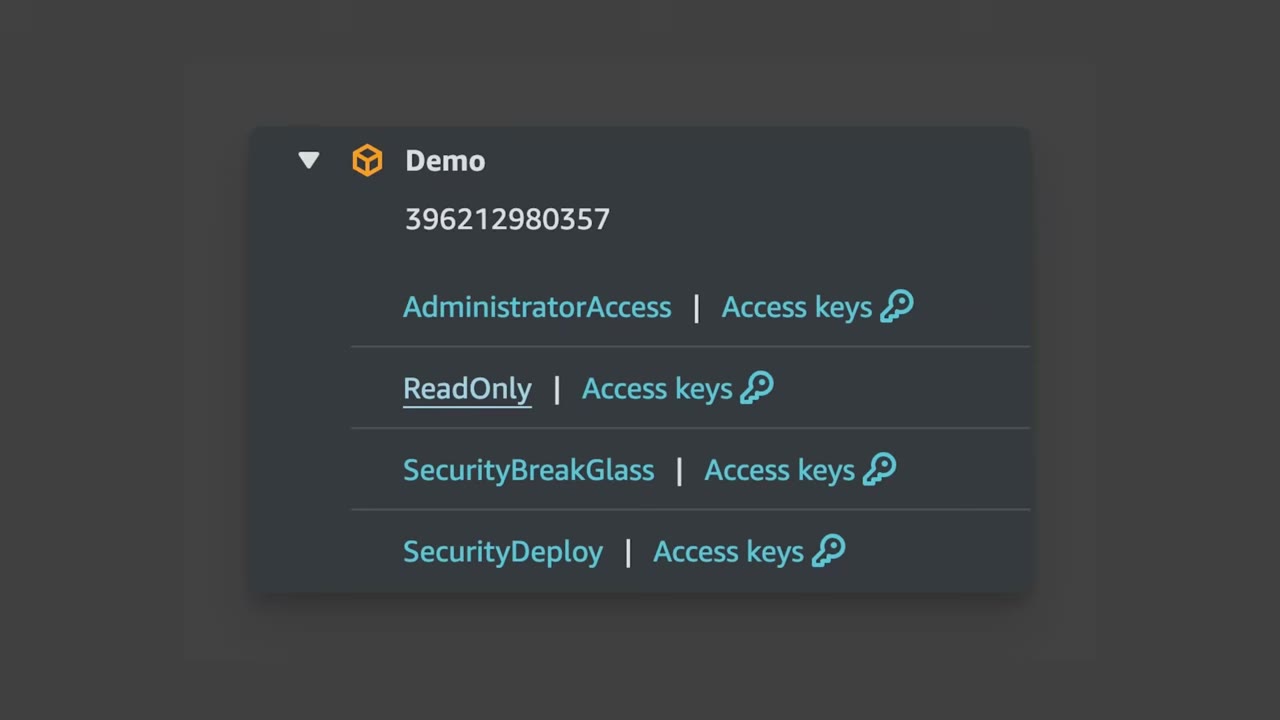
Expanding Demo shows the permission sets the user may use there: AdministratorAccess, ReadOnly, SecurityBreakGlass, SecurityDeploy. Clicking a name opens the console as that role; Access keys gives temporary credentials (key ID, secret, session token). Identity Center users don’t get long-term access keys. ▶ #27 06:01
The course keeps using both IAM users and Identity Center users because IAM-user questions still appear on the exam. Best practice: move to Identity Center except for emergency situations (break-glass). ▶ #27 07:20
Enabling Identity Center: instances and identity sources
IAM Identity Center replaces what used to be called AWS SSO: a service with an API for managing users and groups at scale. The instructor recommends it even for individuals, because it avoids duplicate users that already exist in a corporate directory, avoids long-term access keys, and makes multiple accounts easier to manage. ▶ #28 00:21
| Instance type | Scope |
|---|---|
| Organization instance | One per org, requires AWS Organizations, in one home Region. Lives in the management account because it provisions roles into every member account. Moving Regions means deleting and recreating it |
| Account instance | Single account, for AWS apps only |
Console → Identity Center → Enable. Without an organization, the dialog says “IAM Identity Center requires AWS Organizations” and offers Create AWS organization, which also enables Identity Center. ▶ #28 00:49 The first recommended step is Choose your identity source (Settings). ▶ #28 01:00
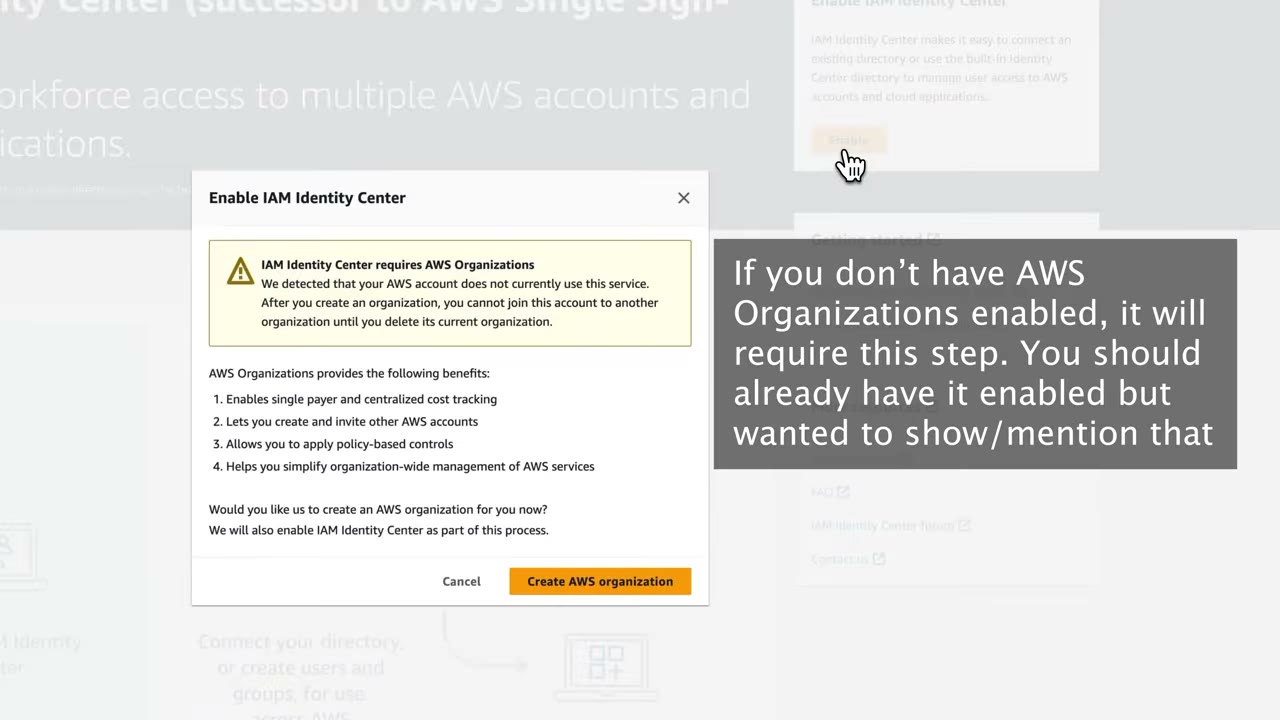
The warning adds: “After you create an organization, you cannot join this account to another organization until you delete its current organization.” Listed benefits: single payer / centralized cost tracking; create and invite accounts; policy-based controls; organization-wide service management.
Settings → Details: Instance ARN (arn:aws:sso:::instance/ssoins-…), Region (us-east-1), Delegated administrator (“No
account registered”), Identity Center enabled applications (“Enabled in member accounts”). ▶ #28 01:00
Settings → Identity source tab: Identity source: Identity Center directory · Authentication method: Password ·
Provisioning method: Direct · AWS access portal URL https://d-xxxxxxxxxx.awsapps.com/start (unique login URL) ·
Identity store ID. ▶ #28 01:31 The Actions menu has Customize AWS access portal URL (custom subdomain) and Change
identity source. ▶ #28 02:00
| Identity source | Notes |
|---|---|
| Identity Center directory | Built-in. Instructor’s choice for individual accounts |
| Active Directory | AWS Managed Microsoft AD or AD Connector (users stay on-prem, no sync) |
| External IdP (Okta, Entra ID…) | SAML 2.0 for sign-in + SCIM for automatic user/group provisioning. SCIM tokens last 1 year |
AD or an external IdP make more sense for organizations that already run one.
Settings → Management tab: delegate administration to a member account, or delete the Identity Center configuration. ▶ #28 03:52
Authentication: email OTP, MFA and sessions
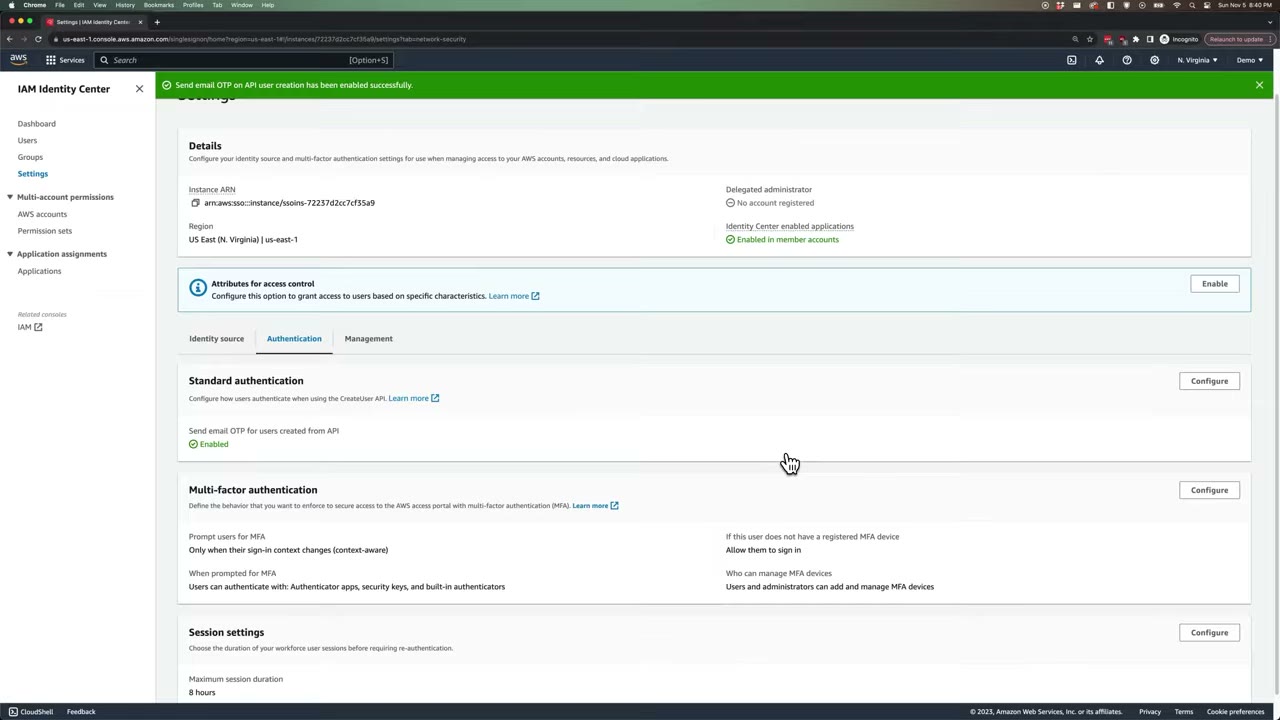
- Standard authentication → Send email OTP for users created from API. Users created with the Identity Store
CreateUserAPI have no password; this emails a one-time password at first sign-in. ▶ #28 02:40 - Multi-factor authentication, the instructor’s balance of security and UX: ▶ #28 03:11
| Setting | Recommended value |
|---|---|
| Prompt users for MFA | Only when their sign-in context changes (context-aware). Alternative: every sign-in |
| MFA types | Defaults: security keys / passkeys and built-in authenticators + authenticator apps |
| If a user has no registered MFA device | Require them to register an MFA device at sign in (default was Allow them to sign in) |
| Users can add and manage their own MFA devices | Greyed out (must stay on) once registration is required |
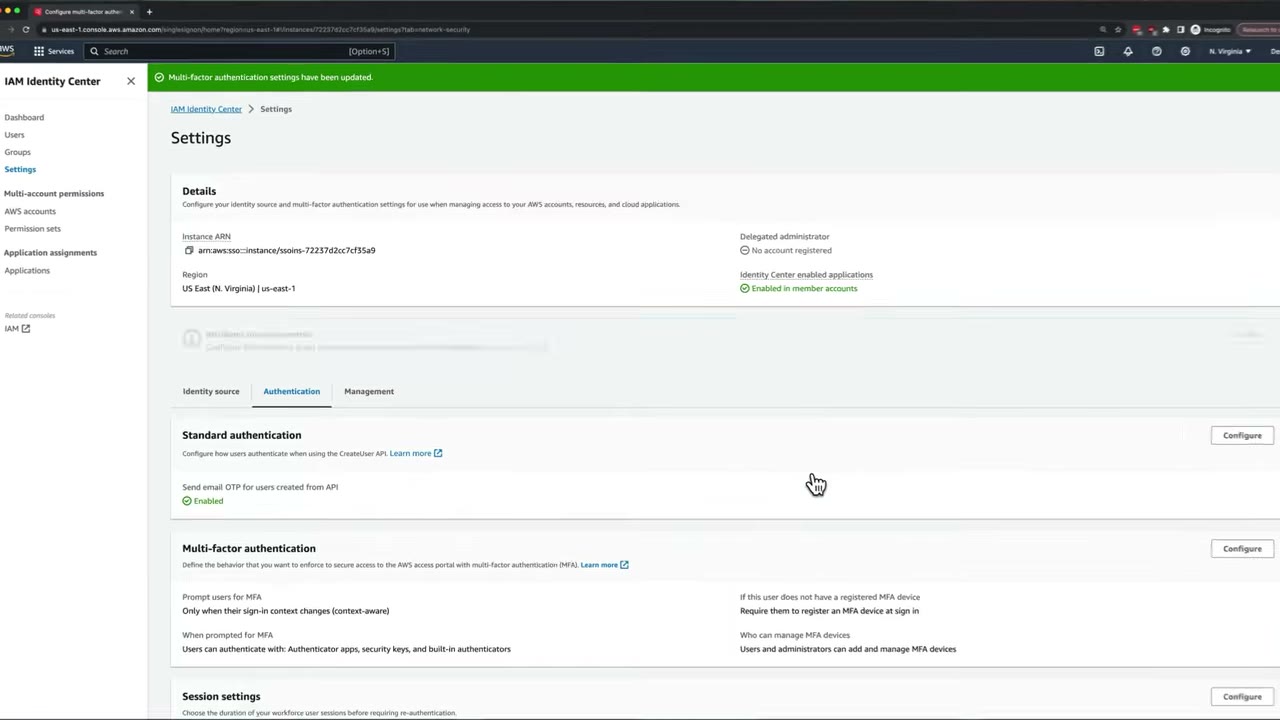
- MFA is enforced at the portal sign-in, not per account in the IAM role.
- Session settings: maximum access portal session (default 8 hours) before re-authentication. The SSO token lasts as long as the portal session. This is separate from the permission set session duration (role session in an account, 1–12 h, default 1 h).
Users, groups and invitations
Create permission sets first, so you can assign right away. ▶ #28 04:02
- Groups → Create group (
AdministratorAccess). You can then grant the group permissions to accounts or apps. ▶ #28 05:12 - Users → Add user: username, how the user gets the password (email, or a one-time password you share), email, first/last/display name; optional contact methods, job info, address, preferences, additional attributes → add to a group → Add. The email link is valid for up to 7 days. ▶ #28 05:51
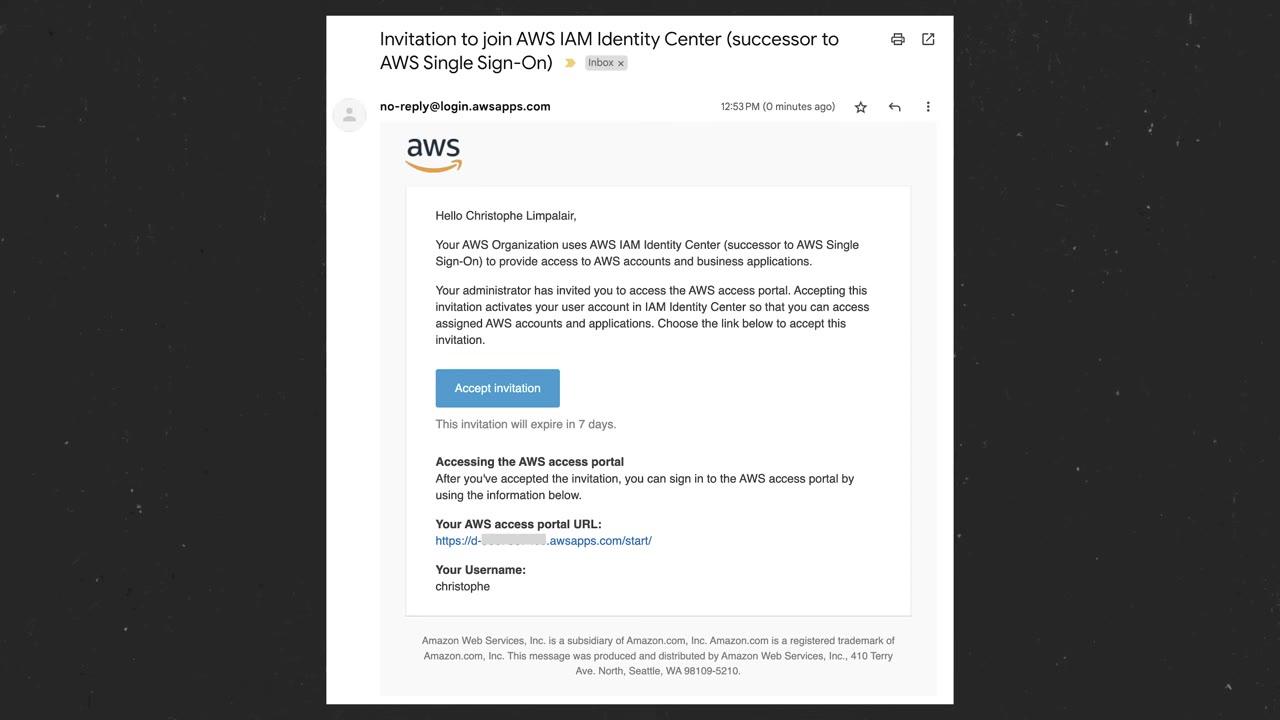
The email “Invitation to join AWS IAM Identity Center (successor to AWS Single Sign-On)” comes from
no-reply@login.awsapps.com. ▶ #28 06:32 Accept → New user sign up → set password → sign in → register an MFA
device (enforced by the setting above). ▶ #28 06:40 The access portal then lists the accounts the user can access (here
1: Demo); each permission set has a Management console link and a Command line or programmatic access link. The UI
has changed slightly since, but the flow is identical. ▶ #28 06:51
- Console → IAM Identity Center → Enable (create an Organization if prompted).
- Settings → Identity source: keep Identity Center directory; note the access portal URL; optionally Actions → Customize AWS access portal URL.
- Settings → Authentication → Standard authentication → Configure → tick Send email OTP → Save.
- Settings → Authentication → Multi-factor authentication → Configure: Prompt = Only when sign-in context changes; types = security keys/built-in + authenticator apps; no device = Require them to register an MFA device at sign in → Save changes.
- Permission sets → Create permission set → Predefined → AdministratorAccess → session duration 1 hour, relay state blank → Create.
- Groups → Create group
AdministratorAccess. - AWS accounts → select the account → Assign users or groups → the group → permission set AdministratorAccess → Submit. Repeat for every permission set. ▶ #28 05:30
- Users → Add user (username, email, names) → add to the group → Add. The user receives an invite (valid 7 days).
- User: Accept invitation → set password → register MFA → portal shows account Demo → AdministratorAccess.
- Management console signs in as
AdministratorAccess/Demo. ▶ #28 10:11
Permission sets
A permission set is a template: a collection of permissions, defined by policies, plus session duration and relay state, that you assign to users or groups on specific accounts. ▶ #30 01:30 Create permission set offers two types: ▶ #30 01:51
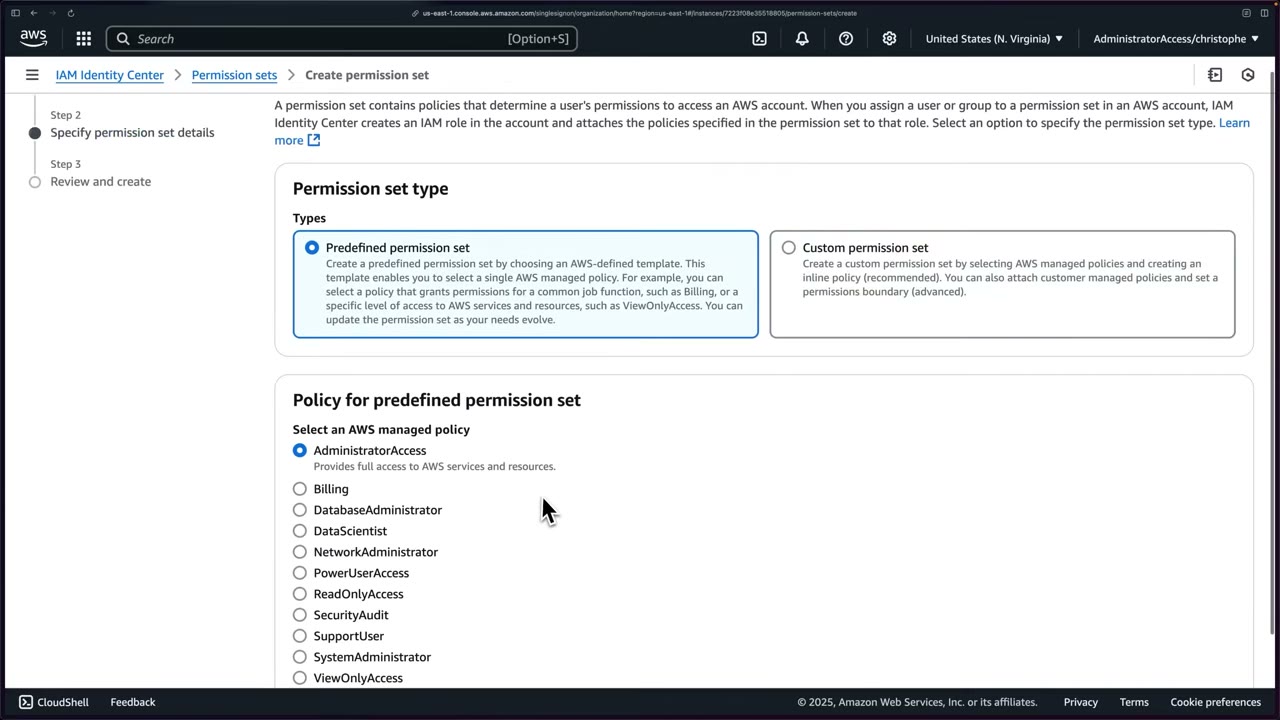
| Type | Contents |
|---|---|
| Predefined | One AWS managed job-function policy: AdministratorAccess, Billing, DatabaseAdministrator, DataScientist, NetworkAdministrator, PowerUserAccess, ReadOnlyAccess, SecurityAudit, SupportUser, SystemAdministrator, ViewOnlyAccess |
| Custom | Like creating an IAM role (▶ #30 02:01): AWS managed + customer managed policies (up to 10 managed combined), one inline policy, optional permissions boundary |
It is the same trade-off as AWS managed vs custom IAM policies. ▶ #28 04:02
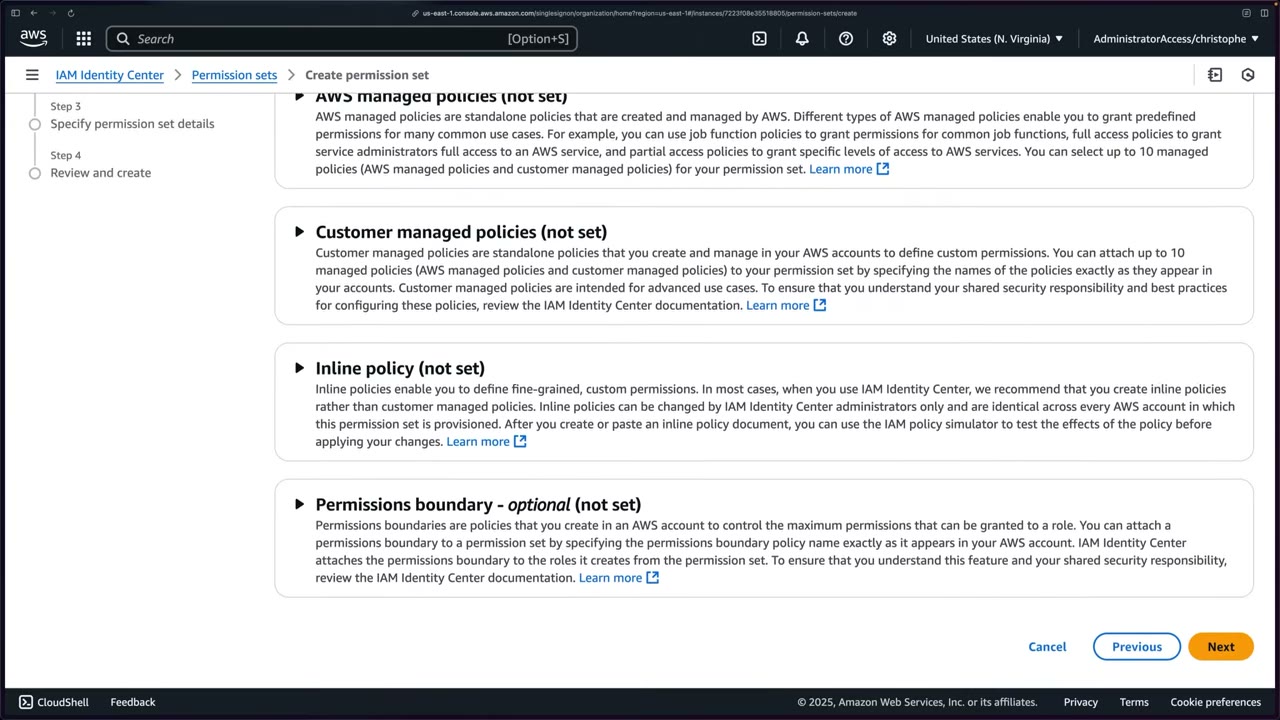
- Customer managed policies and boundaries are referenced by name (and path) and must exist with that exact name in every target account, otherwise provisioning fails.
- Inline policy: the console says “In most cases … we recommend that you create inline policies rather than customer managed policies”. They are identical in every account and changeable only by Identity Center admins.
- Permissions boundary (optional): customer managed (by name) or AWS managed, attached to the roles created from the set. ▶ #30 02:21
Permission set details ▶ #30 02:41
- Name, Description.
- Session duration: minimum and default 1 hour; the role can go up to 12 hours.
- Relay state: URL to redirect the user after sign-in, e.g. send an “EC2 read-only” set straight to the EC2 dashboard instead of Console Home. Optional. ▶ #30 02:51 ▶ #28 04:50
Assignment and auto-provisioning
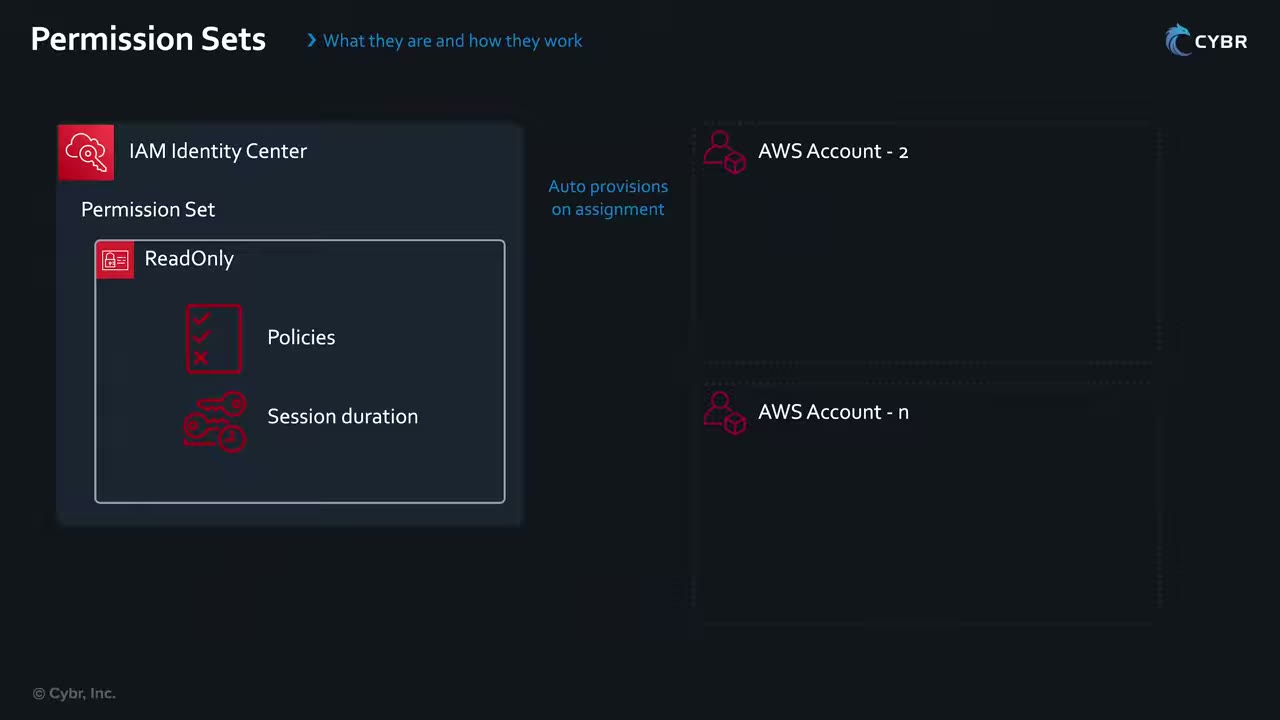
Assigning a permission set to a user/group on an account automatically provisions the IAM role and the SAML IdP in that account. They are immutable except through Identity Center, and it works the same for one account or N. ▶ #30 04:22 A later slide contrasts this with plain IAM roles, which need CloudFormation (StackSets) to reach each account.
- AWS accounts → organization tree (Root → Infrastructure → network, Shared Services; Sandbox; Security; Workload) → select one or more accounts → Assign users or groups. ▶ #30 03:21
- After Submit: “We reprovisioned your AWS account successfully and applied the updated permission set to the account”. ▶ #30 04:11
- Edits to a permission set must be re-provisioned to the accounts before users see them.
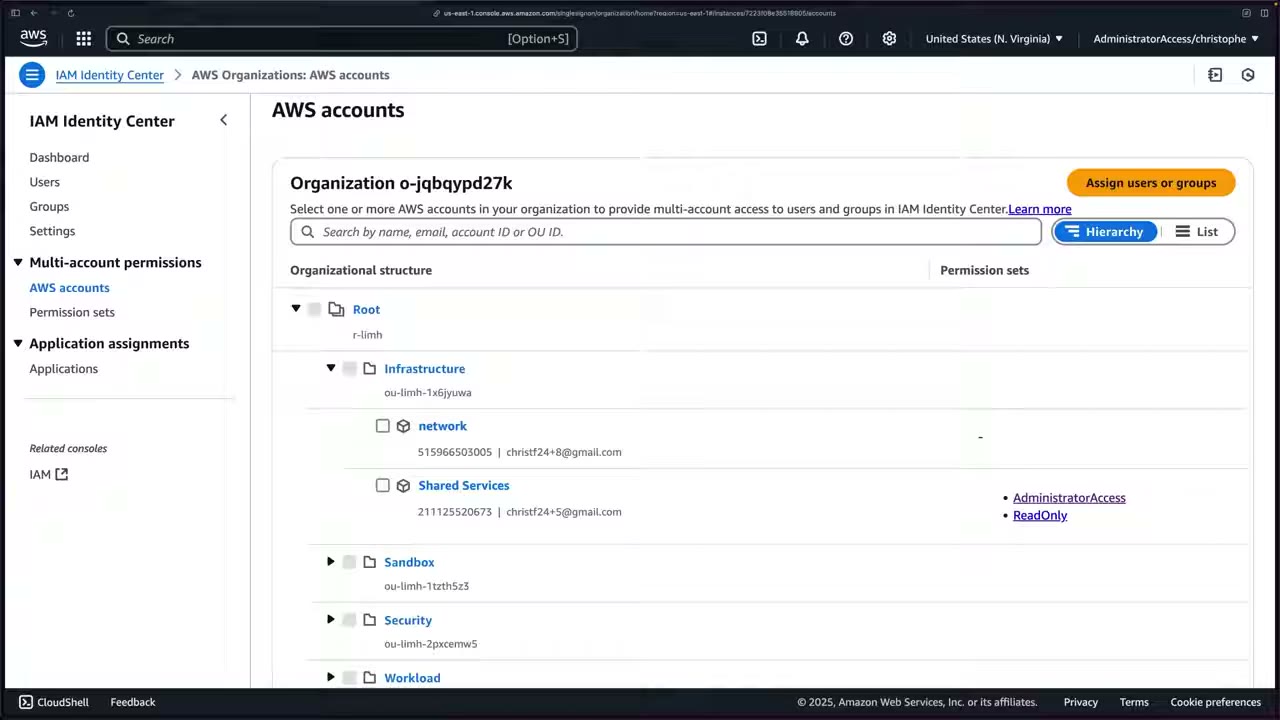
The provisioned role and SAML provider
In Shared Services (211125520673) IAM shows 0 users, 0 groups, 9 roles, 1 identity provider. ▶ #30 04:50 Roles start with
AWSReservedSSO_: AWSReservedSSO_AdministratorAccess_… and AWSReservedSSO_ReadOnly_51a1842ffd23ef14. ▶ #30 05:01
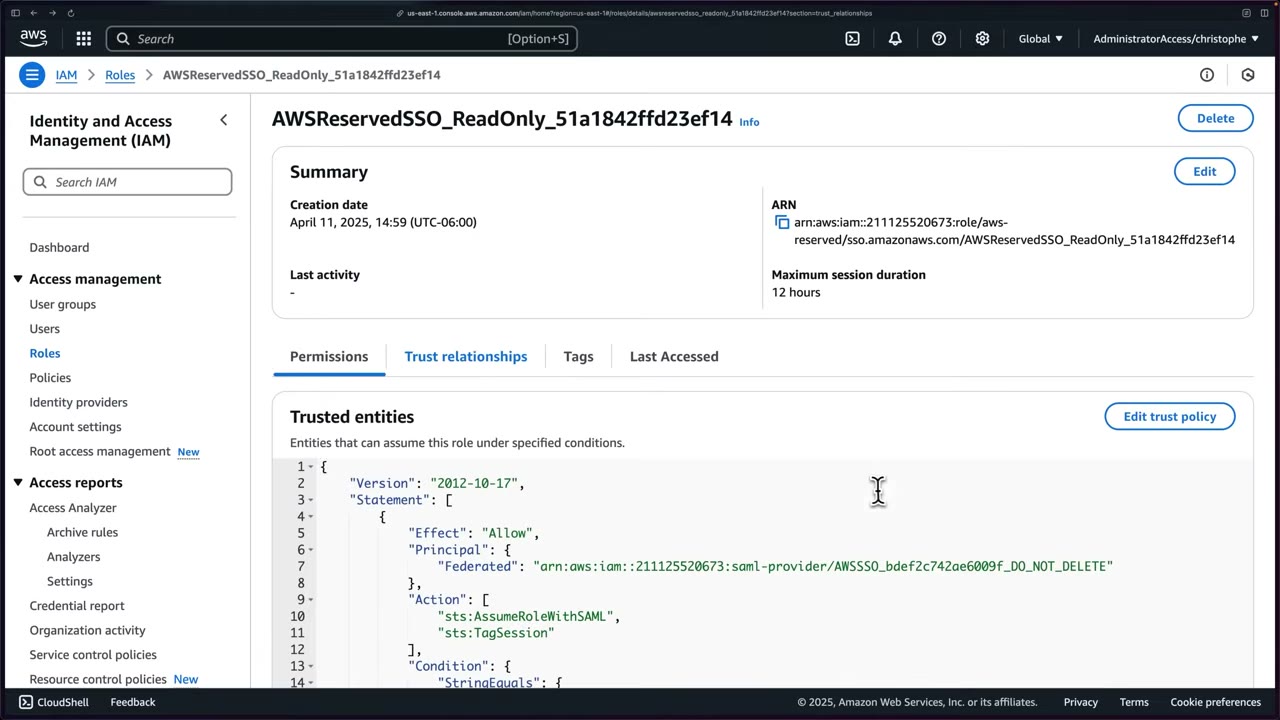
- Special path in the ARN:
arn:aws:iam::211125520673:role/aws-reserved/sso.amazonaws.com/AWSReservedSSO_ReadOnly_51a1842ffd23ef14. ▶ #30 05:11 - Permissions: ReadOnlyAccess (AWS managed job function), auto-attached from the predefined set. ▶ #30 05:32
- Maximum session duration: 12 hours.
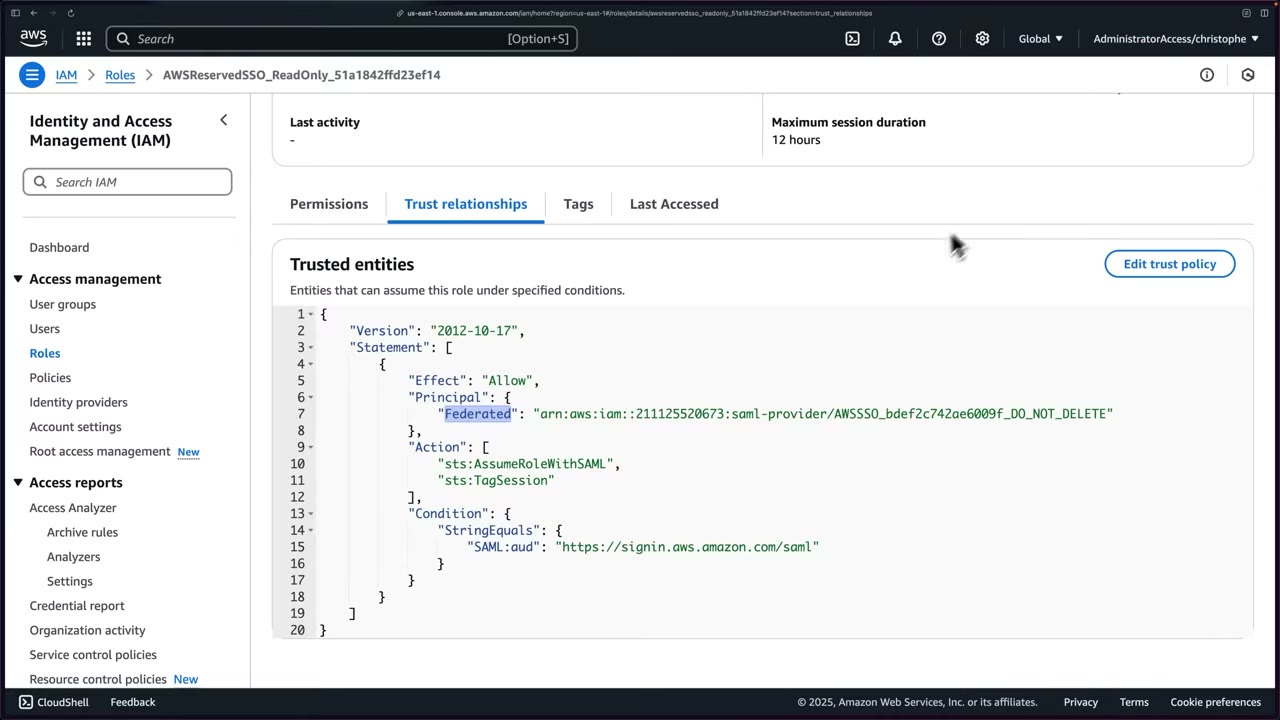
The trust policy: ▶ #30 05:40
{
  "Version": "2012-10-17",
  "Statement": [
    {
      "Effect": "Allow",
      "Principal": {
        "Federated": "arn:aws:iam::211125520673:saml-provider/AWSSSO_bdef2c742ae6009f_DO_NOT_DELETE"
      },
      "Action": [
        "sts:AssumeRoleWithSAML",
        "sts:TagSession"
      ],
      "Condition": {
        "StringEquals": {
          "SAML:aud": "https://signin.aws.amazon.com/saml"
        }
      }
    }
  ]
}
The condition checks that the SAML audience in the SAML response matches the AWS SAML federation endpoint. ▶ #30 06:10 You could build something similar manually: IAM → Create role → trusted entity SAML 2.0 federation. ▶ #30 06:32
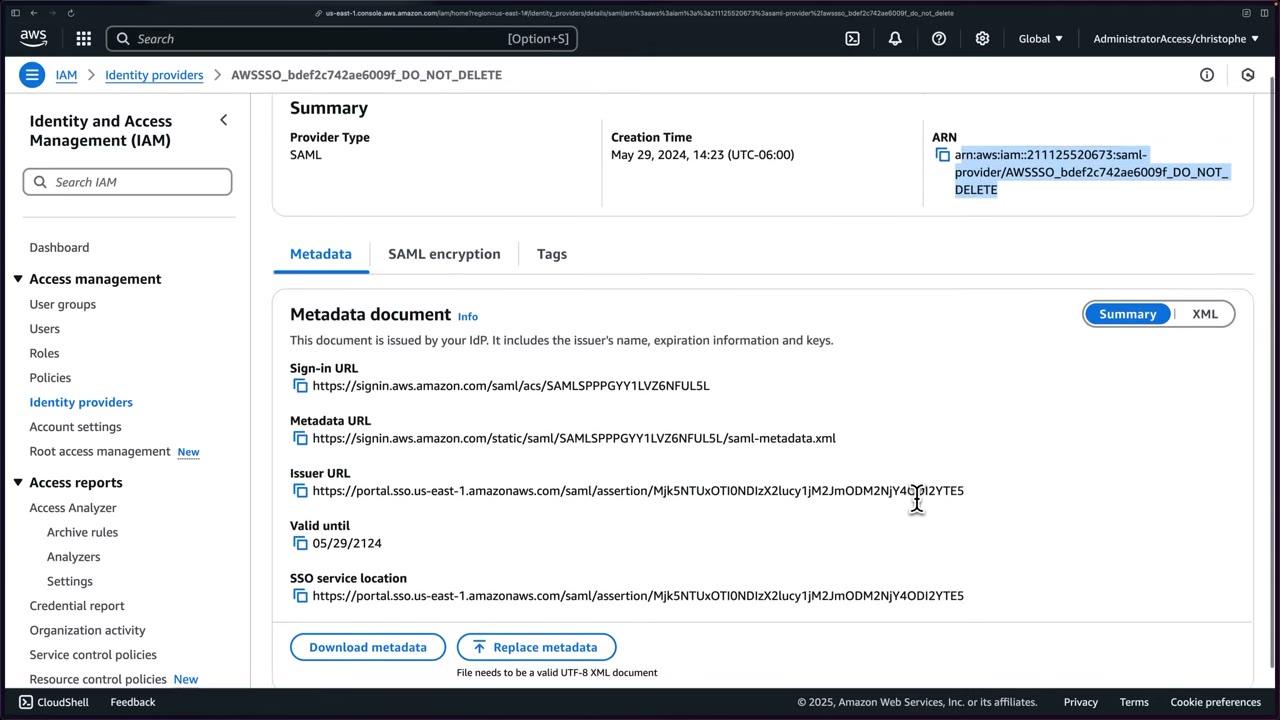
IAM → Identity providers shows AWSSSO_bdef2c742ae6009f_DO_NOT_DELETE, type SAML: exactly the provider named in
the trust policy. ▶ #30 07:00 Its page has the ARN arn:aws:iam::211125520673:saml-provider/AWSSSO_bdef2c742ae6009f_DO_NOT_DELETE,
Metadata (sign-in URL https://signin.aws.amazon.com/saml/acs/SAMLSP…, metadata URL, issuer URL
https://portal.sso.us-east-1.amazonaws.com/saml/assertion/…, valid until 05/29/2124, SSO service location),
Download/Replace metadata, SAML encryption settings and Tags. All auto-created (May 29 2024). ▶ #30 07:11 Because the
trust policy allows sts:AssumeRoleWithSAML, users get temporary credentials from STS by assuming the role with SAML.
▶ #30 07:40
Identity Center roles vs regular IAM roles ▶ #30 08:51
| IAM roles | Identity Center–provisioned roles |
|---|---|
| Created in each account by you (ideally with IaC, e.g. CloudFormation StackSets) | Deployed automatically when a permission set is assigned to an account |
| Modifiable via console/CLI/API | Owned and managed by Identity Center; modifying them any other way errors |
| Trust policy can name IAM users, roles, services, IAM SAML/OIDC federated users | Can only be assumed through Identity Center: not by IAM users, service accounts, or IAM-federated users (≠ Identity Center federated users) |
| Trust policy editable | Trust policy not editable: the console looks editable but you get AccessDenied |
They are still IAM roles, just with more restrictions, which is a security benefit. ▶ #30 10:01 Understanding this shapes how you grant access, when to choose Identity Center vs plain IAM roles, and how IdPs work in AWS. ▶ #30 10:10
Delegated administration
The organization instance always resides in the management account, because it must provision, deprovision and update roles across all member accounts. ▶ #29 00:10 Delegating administration to a member account lets you manage most configuration outside the management account. ▶ #29 00:22 Best practice because it limits the number of people who need management-account access and limits dangerous actions against the instance. ▶ #29 00:30
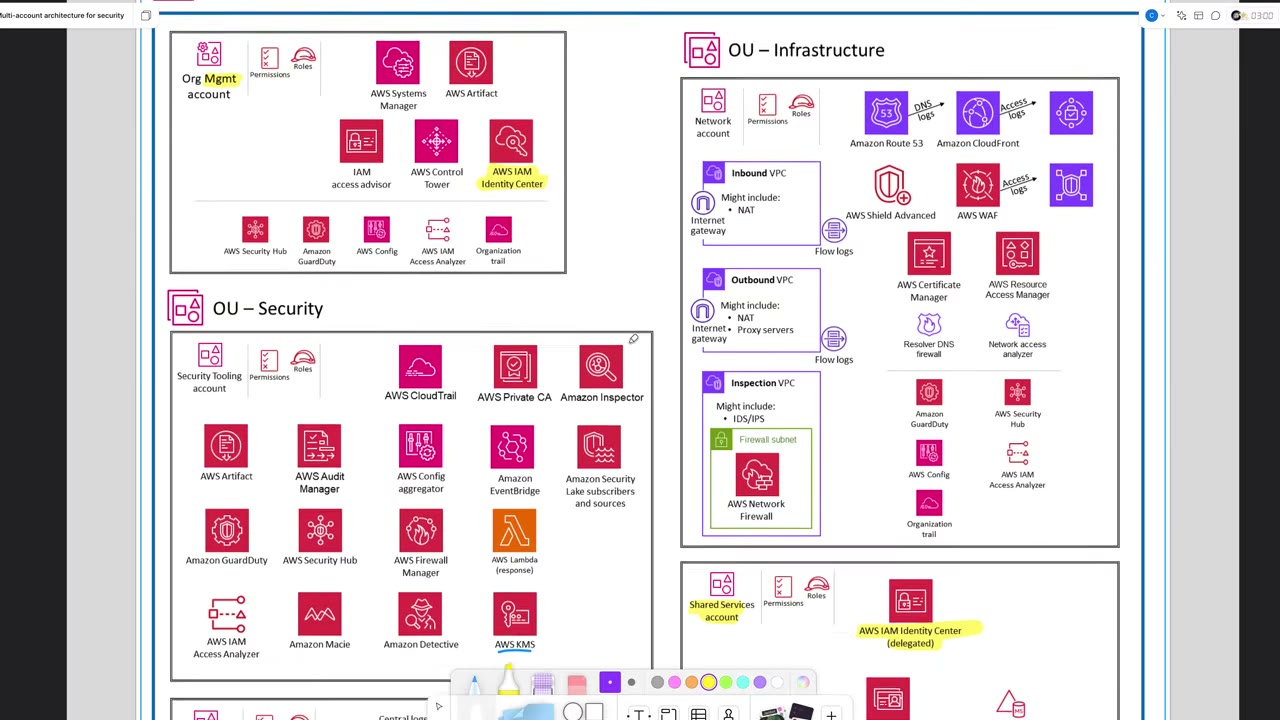
In the AWS Security Reference Architecture, AWS IAM Identity Center sits in the Org Mgmt account (with Systems Manager, Artifact, IAM access advisor, Control Tower, plus Security Hub/GuardDuty/Config/Access Analyzer/org trail), and AWS IAM Identity Center (delegated) in the Shared Services account (OU – Infrastructure, with Systems Manager, Directory Service, Managed Microsoft AD). ▶ #29 00:00 Other blocks: OU – Security with the Security Tooling account (CloudTrail, Private CA, Inspector, Artifact, Audit Manager, Config aggregator, EventBridge, Security Lake, GuardDuty, Security Hub, Firewall Manager, Lambda response, Access Analyzer, Macie, Detective, KMS) and OU – Infrastructure with the Network account (inbound / outbound / inspection VPCs, Network Firewall, Route 53, CloudFront, Shield Advanced, WAF, ACM, RAM, Resolver DNS firewall, Network Access Analyzer).
What the delegated admin can and cannot do
| Can | Cannot |
|---|---|
| Manage users, groups, permission sets and assignments for member accounts | Modify, delete or assign permission sets provisioned to the management account ▶ #30 00:31 |
| See the same users, groups, permission sets, accounts and OUs “just as if I’m in my management account” ▶ #29 03:10 | Assign users to the management account |
| Delete the Identity Center configuration ▶ #29 00:51 | |
| Change the delegated admin |
- Only one delegated admin per instance, registered from the management account. If one is registered you only see Deregister account. ▶ #29 02:31
- Trying to delete AdministratorAccess from the delegated admin gives “cannot delete permission sets provisioned in the management account”; in assignments it is greyed out with “cannot assign permission sets provisioned in management account”. To deploy admin access there you’d need a separate admin set created in the delegated admin. ▶ #30 03:41
- That is a security benefit: the delegated admin pushes the rest of the org’s permission sets without being able to tamper with the management account’s access. ▶ #30 00:51
Recommended order ▶ #30 01:01
- Set up Identity Center in the management account.
- Create one or two admin-level permission sets for your most important users there.
- Delegate administration to a member account.
- Create, deploy and manage all remaining permission sets from the delegated admin account.
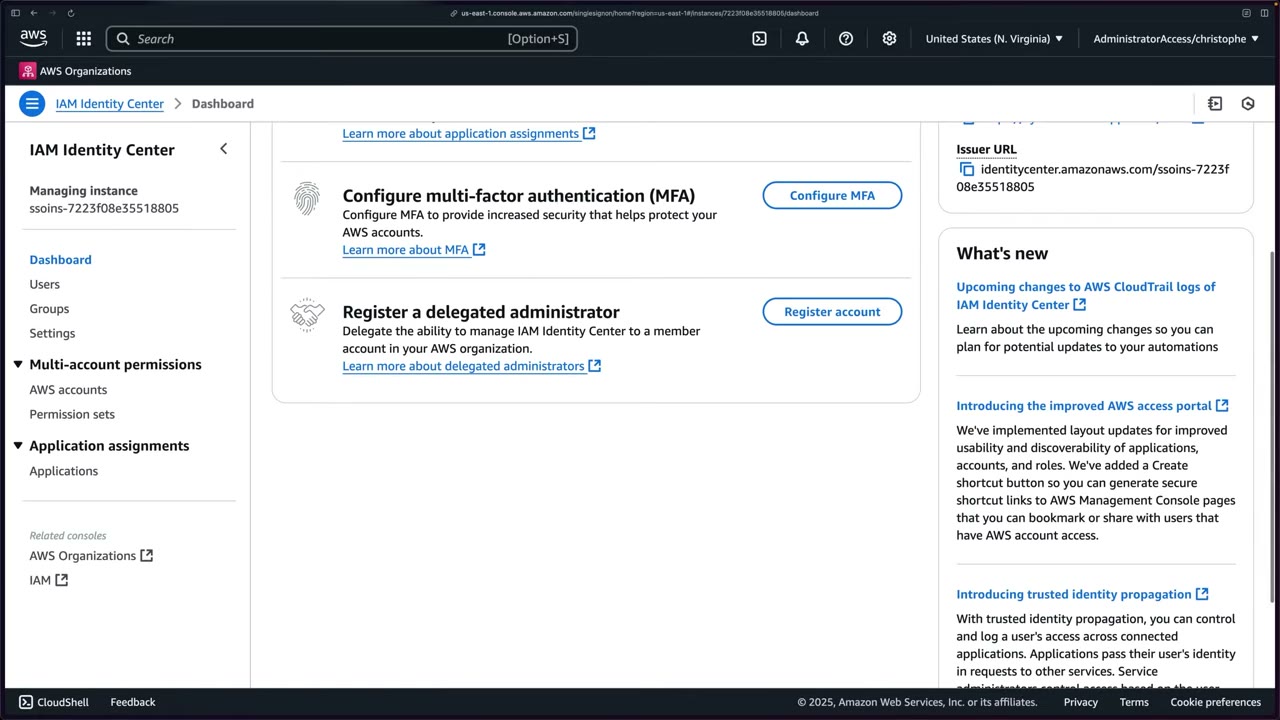
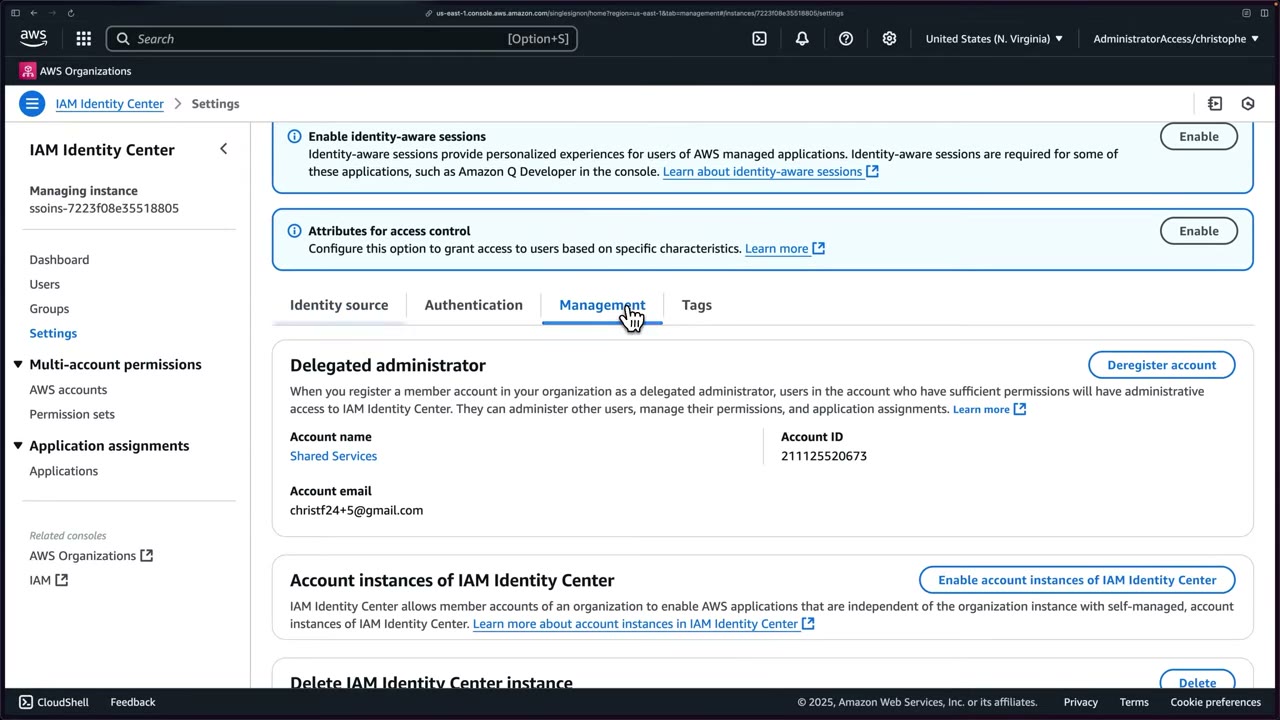
The Management tab also shows Attributes for access control (ABAC), Enable identity-aware sessions, Account instances of IAM Identity Center (lets member accounts create standalone account instances for AWS apps) and Delete IAM Identity Center instance.
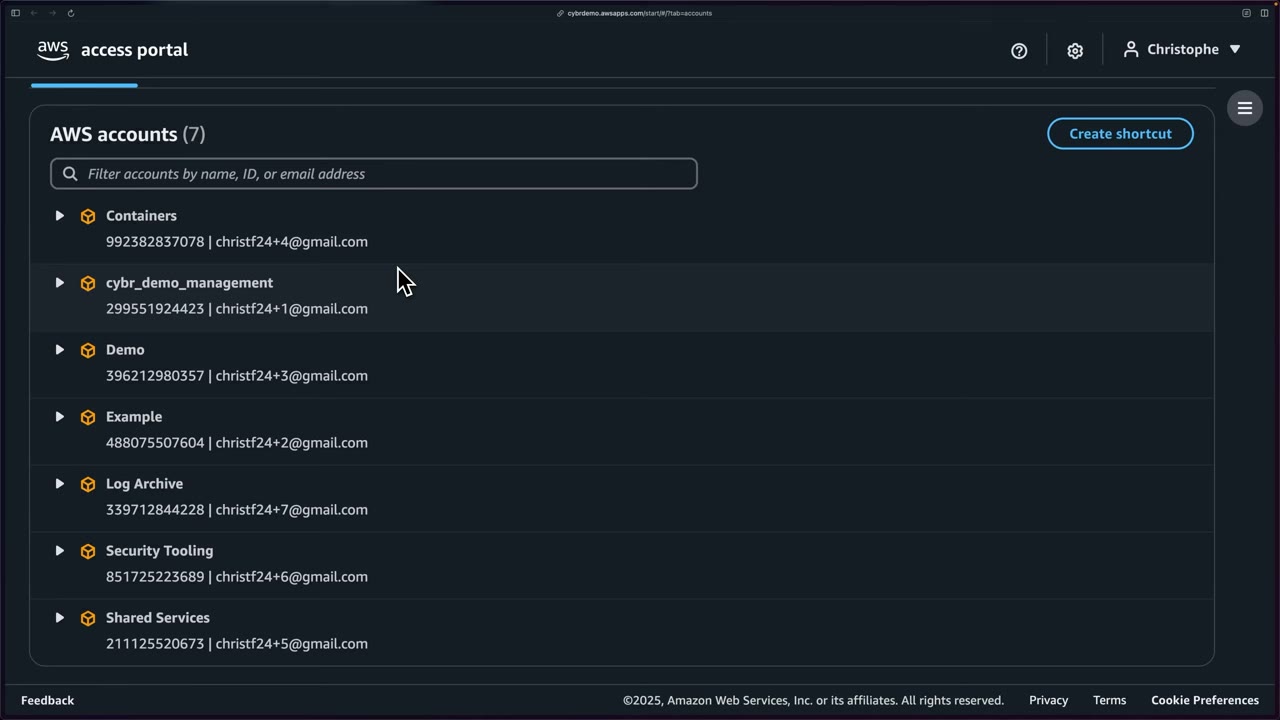
- Sign in with the AdministratorAccess permission set, not the IAM user, via the access portal URL (e.g.
https://cybrdemo.awsapps.com/start). ▶ #29 01:21 Lost the URL? Sign in with the IAM user and open Identity Center: it is in the dashboard’s Settings summary. ▶ #29 01:40 - The portal lists 7 accounts. Copy the Shared Services account ID (
211125520673). ▶ #29 01:50 - Expand cybr_demo_management → AdministratorAccess for a console session. ▶ #29 02:00
- Identity Center → Dashboard → Register a delegated administrator → Register account → enter the account ID. Alternative: Settings → Management → Delegated administrator. ▶ #29 02:12
- Settings header shows Delegated administrator: Registered account: Shared Services. ▶ #29 02:50
- Access portal → Shared Services → AdministratorAccess → Identity Center: users, groups, permission sets, accounts and OUs are manageable from here. ▶ #29 03:00
- In Shared Services: Identity Center → Permission sets → select AdministratorAccess → Delete → error (provisioned in the management account). ▶ #30 00:31
- Create permission set → look at Custom (managed / customer managed / inline / boundary) → back → Predefined → ReadOnlyAccess → Next. ▶ #30 01:40
- Name
ReadOnly, optional description, session duration, relay state → Next → Create → “The permission set “ReadOnly” was successfully created”. ▶ #30 03:02 - AWS accounts → check Shared Services (could also check network) → Assign users or groups → the admin access group (contains user Christophe) → permission set ReadOnly (AdministratorAccess greyed out) → Next → Submit. Shared Services now lists AdministratorAccess and ReadOnly. ▶ #30 04:11
- IAM → Roles →
AWSReservedSSO_ReadOnly_…→ Permissions (ReadOnlyAccess) → Trust relationships. ▶ #30 05:01 - IAM → Identity providers →
AWSSSO_…_DO_NOT_DELETE→ Metadata / SAML encryption / Tags. ▶ #30 06:51
CLI access with aws configure sso
Assuming Identity Center roles from the CLI differs from assuming roles created directly in IAM, and is much easier. ▶ #31 00:00 The CLI obtains and refreshes short-term role credentials automatically.
Where to get the start URL: Identity Center dashboard Settings summary (AWS access portal URL), or run
aws sso login --profile <existing-profile>, which prints Successfully logged into Start URL:
https://cybrdemo.awsapps.com/start/. ▶ #31 00:30 The first time, the browser asks you to Allow access (OIDC
authorization with PKCE: oidc.us-east-1.amazonaws.com/authorize … code_challenge_method=S256 … scopes=sso:account:access).
▶ #31 00:51
The portal’s credential options (Access keys / “Command line or programmatic access”):
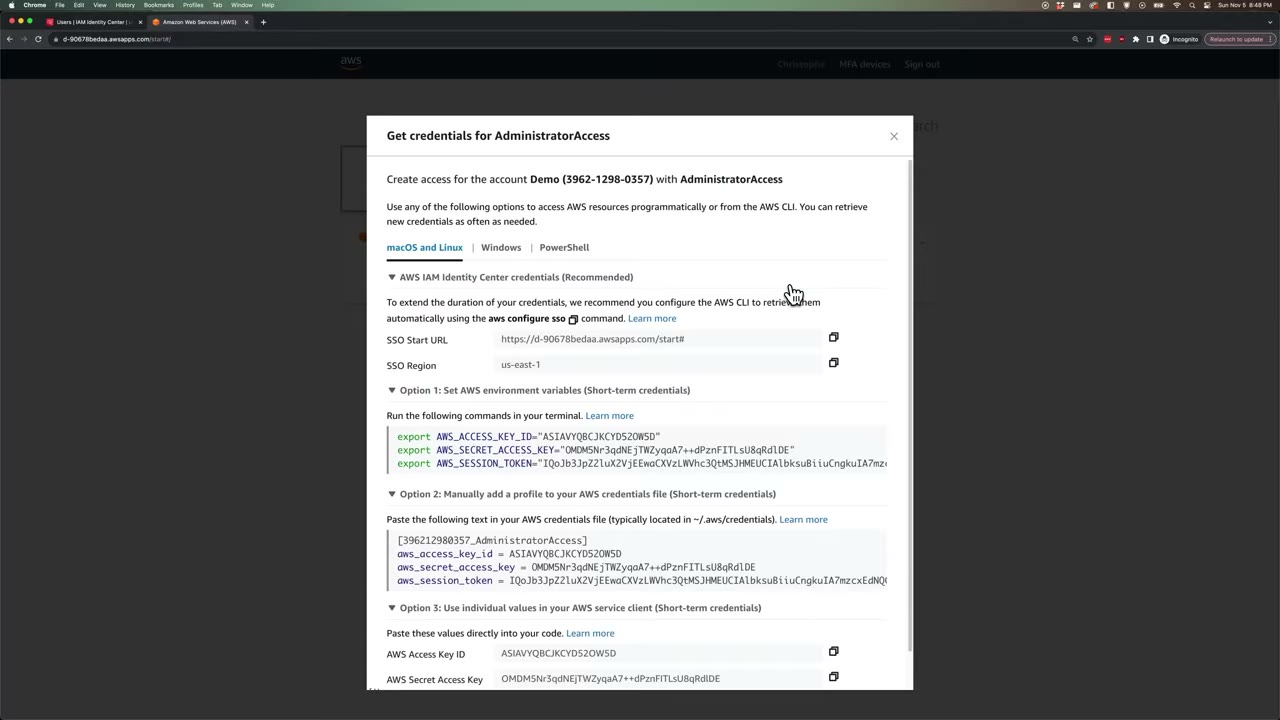
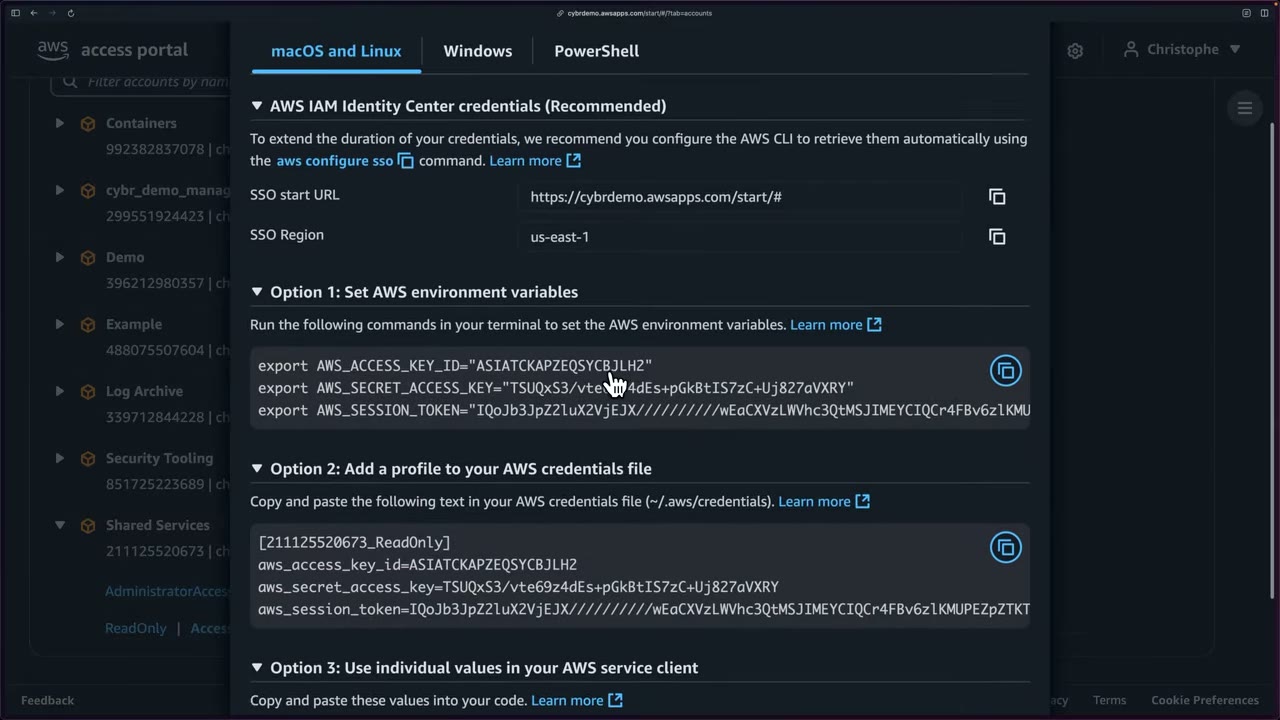
| Option | What it is | Verdict |
|---|---|---|
| AWS IAM Identity Center credentials (Recommended) | aws configure sso with the SSO start URL and SSO Region. “To extend the duration of your credentials, we recommend you configure the AWS CLI to retrieve them automatically” ▶ #31 01:51 |
Best, most fluid. The CLI fetches and refreshes credentials (“some magic behind the scenes”) |
| Option 1: environment variables | export AWS_ACCESS_KEY_ID / AWS_SECRET_ACCESS_KEY / AWS_SESSION_TOKEN (ASIA…) ▶ #31 05:10 |
Short-term; move away from it |
| Option 2: credentials file profile | ~/.aws/credentials under [211125520673_ReadOnly] ▶ #31 05:21 |
Short-term; move away from it |
| Option 3: values in an AWS service client | Hard-coding | “You should almost never be doing this”, even in CI/CD. Use IAM Roles Anywhere or roles ▶ #31 05:30 |
Dialog tabs: macOS and Linux / Windows / PowerShell. ▶ #28 07:21 Short-term credentials have an access key ID starting
ASIA (temporary) instead of AKIA (long-term), plus an expiring session token. ▶ #28 10:50
aws configure sso needs AWS CLI v2 (check with aws help, exit with q). ▶ #28 07:41 Prompts: SSO session name,
SSO start URL, SSO Region, SSO registration scopes (default sso:account:access). Scopes are the permissions an OAuth
client requests on behalf of the user (OAuth 2.0, RFC 6749 §3.3). ▶ #28 08:21
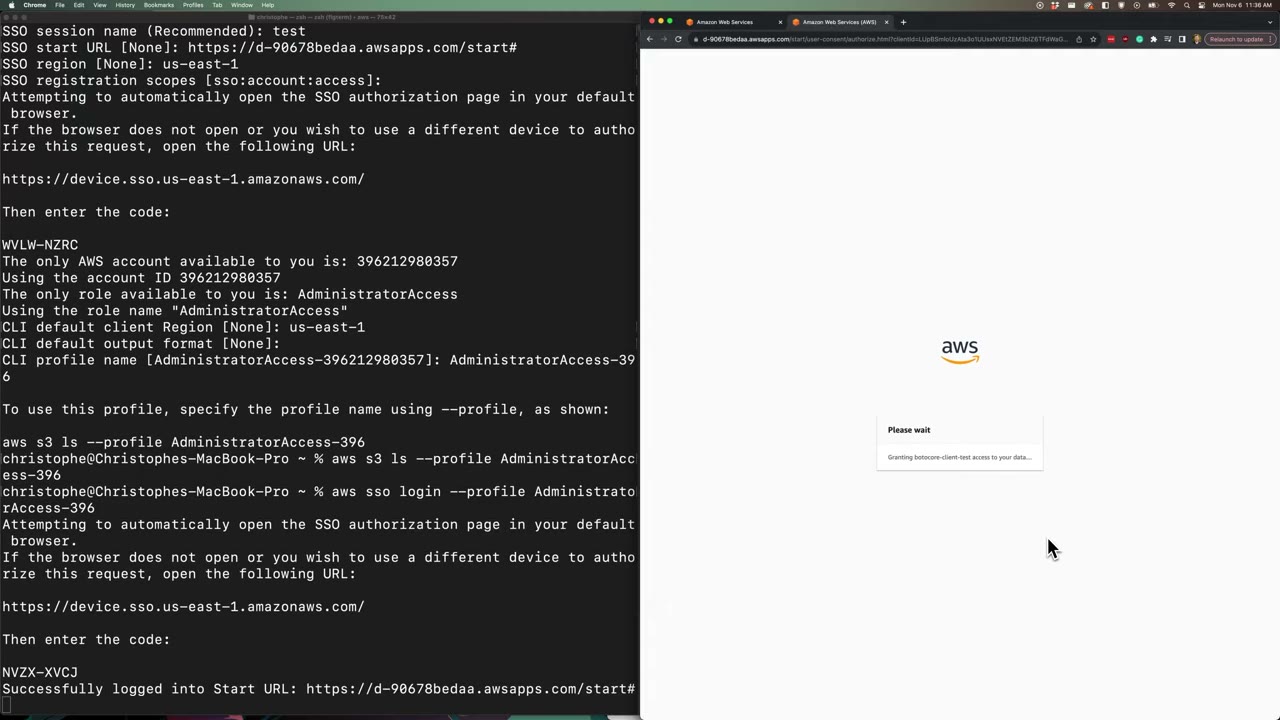
- The CLI opens a browser. The code in the terminal must match the code in the browser. If not, something is wrong: don’t proceed. Then Allow “botocore-client-test” access. ▶ #28 08:50
- With one account and one role, the CLI picks them automatically. With more, it lists them (“There are 7 AWS accounts available to you”, “There are 2 roles available to you”). ▶ #31 03:31
- You can create profiles per permission set / per role; the profile name is arbitrary. ▶ #31 02:40
aws s3 ls --profile …returns nothing (no buckets) and, importantly, no AccessDenied, so it works. ▶ #28 09:31aws sso login --profile …re-authenticates, refreshes expired credentials and prints the start URL. ▶ #28 09:51- No long-term access key was ever created, yet CLI access works. You can later switch the identity source to AD or another IdP to use existing corporate identities. ▶ #28 10:20
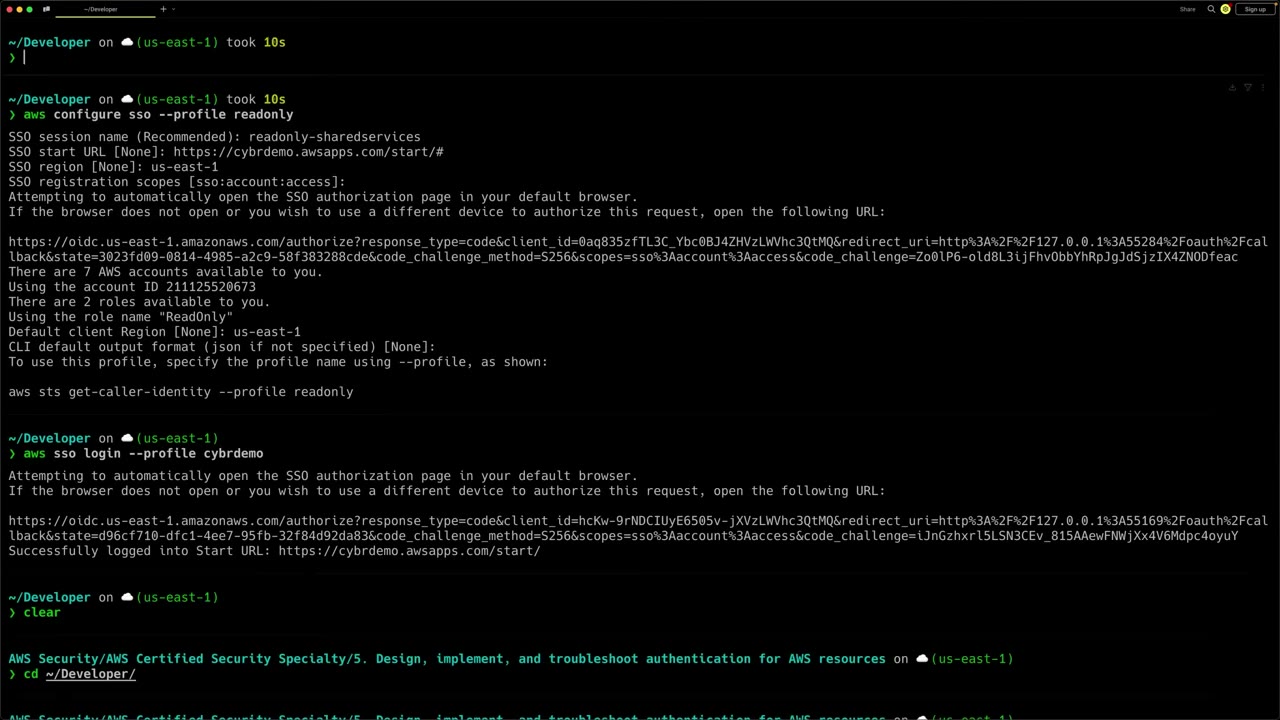
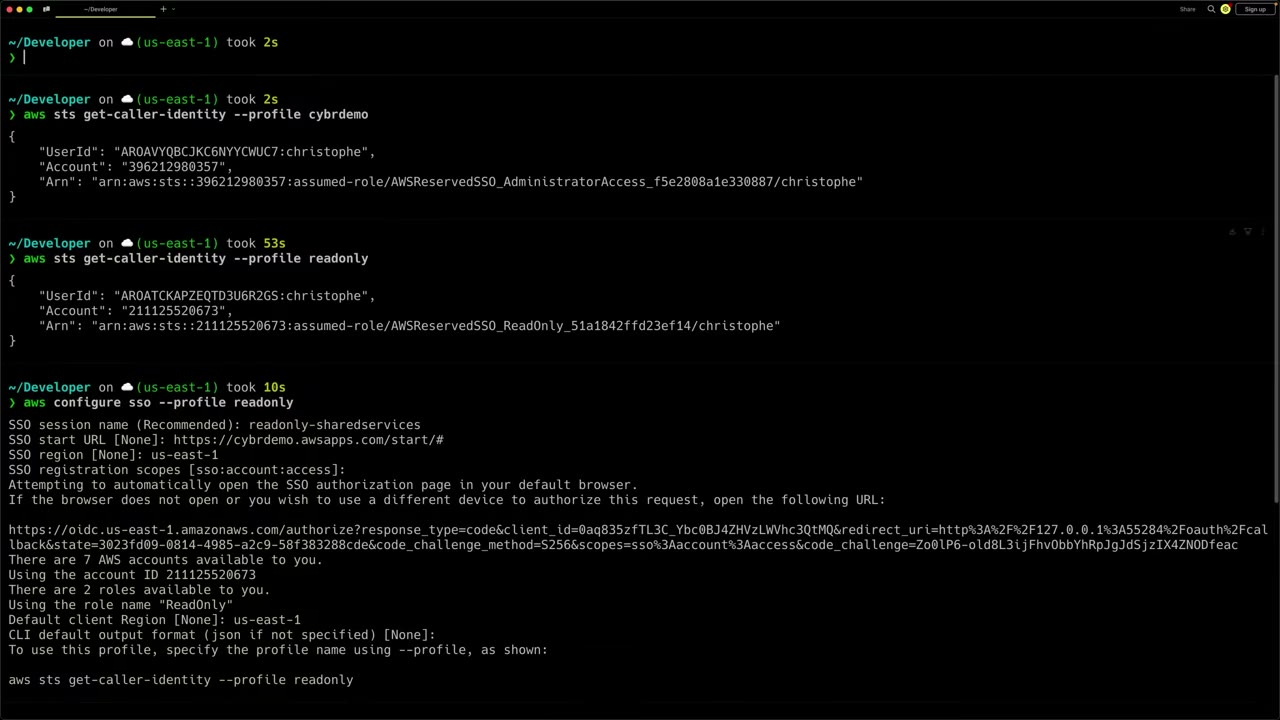
--profile readonly→arn:aws:sts::211125520673:assumed-role/AWSReservedSSO_ReadOnly_51a1842ffd23ef14/christophe. ▶ #31 04:00--profile cybrdemo→arn:aws:sts::396212980357:assumed-role/AWSReservedSSO_AdministratorAccess_f5e2808a1e330887/christophe. The instructor first thought it was the management account, but it’s the Demo account; you could configure another profile for the management account. ▶ #31 04:21- The role session name is the Identity Center username (
christophe).
First profile (▶ #28):
aws help                       # confirm CLI v2 installed (q to exit)
aws configure sso
# SSO session name (Recommended): test
# SSO start URL [None]: https://d-90678bedaa.awsapps.com/start#
# SSO region [None]: us-east-1
# SSO registration scopes [sso:account:access]:
# ...open https://device.sso.us-east-1.amazonaws.com/ and enter the code: WVLW-NZRC
# The only AWS account available to you is: 396212980357
# The only role available to you is: AdministratorAccess
# CLI default client Region [None]: us-east-1
# CLI default output format [None]:
# CLI profile name [AdministratorAccess-396212980357]: AdministratorAccess-396
aws s3 ls --profile AdministratorAccess-396
aws sso login --profile AdministratorAccess-396
# Successfully logged into Start URL: https://d-90678bedaa.awsapps.com/start#
Short-term credentials shown by the portal (Option 1 / Option 2), for account Demo (3962-1298-0357):
export AWS_ACCESS_KEY_ID="ASIAVYQBCJKCYD52OW5D"
export AWS_SECRET_ACCESS_KEY="…"
export AWS_SESSION_TOKEN="IQoJb3JpZ2luX2VjE…"
[396212980357_AdministratorAccess]
aws_access_key_id = ASIAVYQBCJKCYD52OW5D
aws_secret_access_key = …
aws_session_token = IQoJb3JpZ2luX2VjE…
ReadOnly profile in Shared Services (▶ #31 03:12):
aws sso login --profile cybrdemo          # shows start URL, refreshes SSO token
aws configure sso --profile readonly
#   SSO session name (Recommended): readonly-sharedservices
#   SSO start URL [None]: https://cybrdemo.awsapps.com/start/#
#   SSO region [None]: us-east-1
#   SSO registration scopes [sso:account:access]:
#   -> browser: Allow access
#   -> choose account: Shared Services (211125520673)
#   -> choose role: ReadOnly
#   Default client Region [None]: us-east-1
#   CLI default output format [None]:
# To use this profile: aws sts get-caller-identity --profile readonly
aws sts get-caller-identity --profile readonly
# {
#   "UserId": "AROATCKAPZEQTD3U6R2GS:christophe",
#   "Account": "211125520673",
#   "Arn": "arn:aws:sts::211125520673:assumed-role/AWSReservedSSO_ReadOnly_51a1842ffd23ef14/christophe"
# }
aws sts get-caller-identity --profile cybrdemo
# Arn: arn:aws:sts::396212980357:assumed-role/AWSReservedSSO_AdministratorAccess_f5e2808a1e330887/christophe
What aws configure sso writes to ~/.aws/config (the cached SSO token lives in ~/.aws/sso/cache/):
[profile readonly]
sso_session = readonly-sharedservices
sso_account_id = 211125520673
sso_role_name = ReadOnly
region = us-east-1

[sso-session readonly-sharedservices]
sso_start_url = https://cybrdemo.awsapps.com/start/#
sso_region = us-east-1
sso_registration_scopes = sso:account:access
ABAC with attributes for access control
Attributes for access control (Settings banner → Enable) pass user attributes (department, cost center) into the
session as principal tags (sts:TagSession). ▶ #28 01:20 Example from the docs: choose the Department attribute and write
a permission-set policy that grants S3 access only when the user’s department matches the bucket’s department tag, using
aws:PrincipalTag/... conditions. See ABAC and RBAC (Part 1).
- CloudTrail events from
sso.amazonaws.com/signin.amazonaws.com. - Is the permission set provisioned? Re-provision after edits.
- Is the SCIM token expired? Tokens last 1 year.
- Customer managed policy or boundary missing (by exact name and path) in the target account → provisioning fails.
- Someone edited an
AWSReservedSSO_*role in IAM → it fails or reverts; change the permission set instead. - “Error loading SSO Token: Token … does not exist / expired” →
aws sso login --profile X. - Wrong account or role → check
sso_account_id/sso_role_namein~/.aws/config.
From the instructor
- “While IAM users have a time and a place, they’re not the best option for human identities. Instead, it’s AWS best practice to rely on a centralized identity provider using federation.” ▶ #27 00:11
- Access keys are long-term and never expire unless deactivated or deleted; leaked keys caused many breaches. ▶ #27 03:10
- “Questions related to IAM users can still appear on the exam”: know both models. Move to Identity Center except for emergency situations. ▶ #27 07:20
- Identity Center “prevents you from having to use long-term access keys for your users.” ▶ #28 00:31
- Recommended MFA: context-aware prompting + require registration at sign-in, “a good balance between maximum security and user experience.” ▶ #28 03:11
- When the device code in the terminal and the browser don’t match, “something is definitely wrong and I would not proceed.” ▶ #28 09:00
- Temporary keys start with
ASIAand have a session token; long-term keys start withAKIA. ▶ #28 10:50 - Create permission sets before users and groups. ▶ #28 04:02
- The instance stays in the management account; administration is delegated (Shared Services in the SRA) to reduce people in the management account and dangerous actions. ▶ #29 00:30
- Delegated admin can’t delete the configuration or touch management-account permission sets: a good thing. ▶ #29 00:51 ▶ #30 03:50
- Identity Center auto-provisions the IAM role and SAML IdP; they’re immutable outside Identity Center, can’t be assumed by IAM users / service accounts / IAM-federated users, and their trust policies can’t be edited. ▶ #30 09:20
- Don’t confuse IAM federated users with Identity Center federated users. ▶ #30 09:40
- Use
aws configure sso: longer-lived, auto-refreshed credentials. Avoid env vars, the credentials file and especially hard-coding. ▶ #31 05:50
Keyword → answer
| If the question says… | Answer |
|---|---|
| Workforce access to 50 accounts with corporate Okta credentials, least effort | Identity Center + external IdP (SAML + SCIM) |
| Workforce users, corporate directory, SSO to multiple accounts | Identity Center |
| Customers / end users of a web or mobile app | Amazon Cognito, not Identity Center |
| Eliminate long-term credentials for developers using the CLI | Identity Center + aws configure sso / aws sso login |
| Workloads outside AWS need credentials | IAM Roles Anywhere; GitHub/GitLab pipelines → OIDC federation (AssumeRoleWithWebIdentity) |
SAML IdP → IAM role per account (AssumeRoleWithSAML) |
Direct federation: still valid, but configured in every account; Identity Center centralizes it |
| Changed a permission set but users don’t see the change | Re-provision the permission set to the accounts |
Admin edits an AWSReservedSSO_* role in IAM and it fails/reverts |
Change the permission set instead |
| Delegated admin can’t edit a permission set | It is assigned to the management account |
| Minimize management-account access while a team manages SSO users and permission sets | Register a delegated administrator for Identity Center |
| Access based on department/cost-center attribute from the IdP | Attributes for access control + aws:PrincipalTag conditions |
| Users from on-prem AD, no sync to cloud | AD Connector as identity source |
| Match Identity Center roles in SCPs/resource policies | aws:PrincipalArn like arn:aws:iam::*:role/aws-reserved/sso.amazonaws.com/AWSReservedSSO_ReadOnly_* (include the path or wildcard it) |
| Legit remaining IAM-user use | Break-glass, and tools that only accept access keys (then MFA, rotation, alert on use) |
| Leaked access key | Deactivate it, review CloudTrail for the key ID, rotate, check for persistence (new users/keys/roles) |
- Newer CLI versions use the OAuth PKCE authorization-code flow for
aws sso loginby default. The device authorization flow shown in ▶ #28 (codes in terminal and browser must match) is used with--use-device-code. Device-code phishing is a real attack technique. - The access portal UI has changed slightly since the recording; the flow is the same.
Real-world practice
- Enable Identity Center from the management account, then delegate administration so day-to-day admins don’t touch the management account. Assign access by groups synced from the IdP via SCIM, so HR-driven deprovisioning removes AWS access automatically.
- Prefer an external IdP (Entra ID, Okta) + SCIM in production. With the Identity Center directory, enforce MFA and use groups exclusively for assignments.
- Avoid assigning AdministratorAccess broadly. Build role-based permission sets (ReadOnly, Developer, SecurityAudit, BreakGlass) with short session durations for privileged sets.
- Break-glass that doesn’t depend on Identity Center: a few IAM users or root with hardware MFA in the management account, credentials in a sealed process, every sign-in alerting via EventBridge/CloudTrail. Keep management-account permission sets managed only from the management account.
- Protect the delegated admin account with SCPs, since it can grant admin into nearly every member account. Monitor
sso.amazonaws.com/sso-directoryCloudTrail events (CreatePermissionSet,CreateAccountAssignment,AttachManagedPolicyToPermissionSet) for privilege escalation. - Manage permission sets as code (Terraform
aws_ssoadmin_*, CloudFormationAWS::SSO::PermissionSet) in the delegated admin account; drift is a common audit finding. Deploy referenced customer managed policies with StackSets first. - Never delete
AWSSSO_*_DO_NOT_DELETEproviders orAWSReservedSSO_*roles. SCPs commonly deny IAM changes onaws-reserved/*paths for non-Identity-Center principals. - CloudTrail attribution: sign-in shows
AssumeRoleWithSAML; actions in member accounts appear asAssumedRoleAWSReservedSSO_<set>_<hash>/<username>(session name = Identity Center username). UseuserIdentity.sessionContextoronBehalfOfto map back to the user. - Tools like
aws-vault,grantedorsaml2awsbuild on SSO profiles; most orgs generatesso-sessionprofiles from the account list. Credentials copied from the portal are temporary but leak into shell history and files, and the~/.aws/sso/cachetoken is itself a credential: protect developer laptops. - Find and remove legacy IAM users with the credential report, Access Analyzer unused-access findings, and an SCP or Config
rule that blocks
iam:CreateUser/iam:CreateAccessKeyoutside approved paths. - Permission sets from the CLI:
aws sso-admin create-permission-set --instance-arn $INST --name SecurityAudit \
  --session-duration PT4H
aws sso-admin attach-managed-policy-to-permission-set --instance-arn $INST \
  --permission-set-arn $PS --managed-policy-arn arn:aws:iam::aws:policy/SecurityAudit
aws sso-admin create-account-assignment --instance-arn $INST --permission-set-arn $PS \
  --target-id 444455556666 --target-type AWS_ACCOUNT \
  --principal-type GROUP --principal-id <group-id>
aws configure sso   # CLI profile backed by Identity Center
- Enable Identity Center and create group
SecOps. - Assign a
ReadOnlyAccesspermission set to one account for that group. - Sign in through the access portal.
- Find the
AWSReservedSSO_*role and theAWSSSO_*_DO_NOT_DELETEprovider in IAM of that account. - Cleanup: remove the assignment and the permission set.
IAM Roles Anywhere
Lets workloads outside AWS (on-prem servers, containers, other clouds, on-prem CI/CD) get temporary AWS credentials by presenting an X.509 certificate, instead of using long-term access keys. Released in 2022.
- Exam skills: authorization controls incl. Roles Anywhere (4.2.1) · temporary credentials (4.1.2) · keys & certificates, Private CA (5.3.5)
- Videos: ▶ #26 IAM Roles Anywhere
The problem it solves
Roles are the preferred way to grant access, but before 2022 workloads outside AWS had no good way to use them. The options were long-term credentials (access keys) or building a secure on-prem ↔ AWS connection. ▶ #26 00:00
| Use | When |
|---|---|
| IAM Roles Anywhere | Workloads outside AWS that have (or can get) X.509 certificates from a PKI |
| IAM Identity Center | Humans, not workloads |
| IAM role attached directly | Workloads running in AWS |
OIDC web identity federation (AssumeRoleWithWebIdentity) |
CI/CD that issues OIDC tokens (GitHub Actions, GitLab); no certificates needed (see ▶ #31) |
How trust works: CA, trust anchor, profile, role
Roles Anywhere uses public key infrastructure (PKI) to establish trust between your AWS account and the CA that issues certificates to your on-prem workloads. The workload exchanges an X.509 certificate for temporary credentials. ▶ #26 00:31
| Component | What it is |
|---|---|
| Trust anchor | Your CA registered in Roles Anywhere: AWS Private CA, or an external CA certificate bundle you upload ▶ #26 01:10 |
| Profile | Which roles can be assumed, session settings, optional session policies |
| Role | Its trust policy allows the principal rolesanywhere.amazonaws.com |
- Existing PKI → reuse your own CA. No CA → create one with AWS Private CA to issue and manage private certificates. ▶ #26 01:10
- ACM is mentioned for public TLS certificates, but Roles Anywhere needs certificates from your trust-anchor CA, typically private ones. Public ACM certificates are not used to authenticate here.
Authentication flow
- The application sends an authentication request to Roles Anywhere containing: ▶ #26 01:42
- (a) its public key, encoded in the certificate
- (b) a signature made with the matching private key
- (c) the role it wants to assume
- Roles Anywhere validates the signature with the public key, then checks the certificate was issued by a trust anchor configured in the account. ▶ #26 02:11
- On success it creates a role session by calling AWS STS, the same as
aws sts assume-rolefrom the CLI. ▶ #26 02:20 - The application receives temporary credentials and uses AWS as if it were running inside AWS. ▶ #26 02:40
It is an ordinary STS session, so CloudTrail shows it like any assumed-role session. Use the source identity / session tags to trace which certificate was used.
Setup in three steps
Setup is more involved than other options. ▶ #26 02:52
- Initial configuration: create a trust anchor, set the trust policy of the role Roles Anywhere will assume, and define a profile (which roles can be assumed, session settings). ▶ #26 02:52
- Provision certificates: install the CA-signed X.509 certificate (and its private key) on the servers, applications or containers outside AWS.
- Use Roles Anywhere: configure the credential helper tool (
aws_signing_helper) with the AWS SDK/CLI so credentials are fetched automatically. ▶ #26 03:31
Role trust policy: allow rolesanywhere.amazonaws.com with sts:AssumeRole, sts:TagSession and
sts:SetSourceIdentity, narrowed by certificate attributes (aws:PrincipalTag/x509Subject/CN) or aws:SourceArn = the
trust anchor ARN.
{ "Effect": "Allow",
  "Principal": { "Service": "rolesanywhere.amazonaws.com" },
  "Action": ["sts:AssumeRole", "sts:TagSession", "sts:SetSourceIdentity"],
  "Condition": {
    "StringEquals": { "aws:PrincipalTag/x509Subject/CN": "onprem-app-01" },
    "ArnEquals": { "aws:SourceArn": "arn:aws:rolesanywhere:ap-southeast-1:111122223333:trust-anchor/TA_ID" } } }
The credential helper
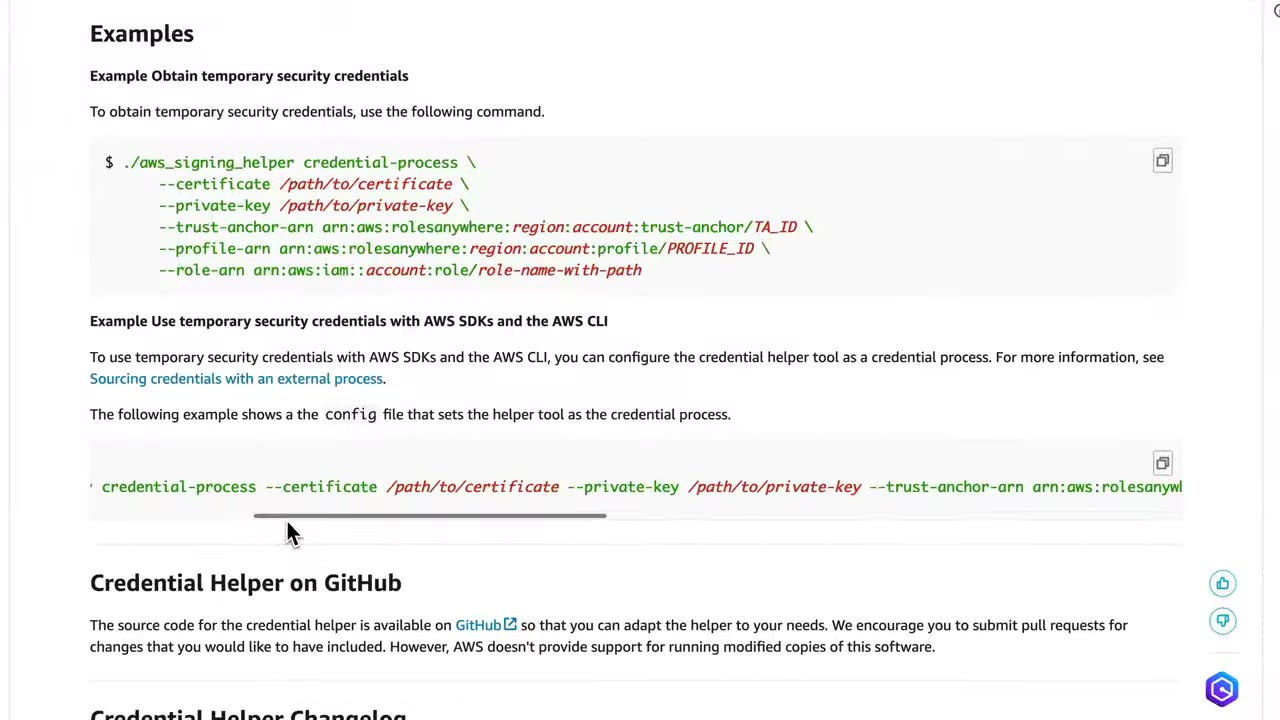
aws_signing_helper credential-process takes --certificate, --private-key, --trust-anchor-arn, --profile-arn
and --role-arn. It signs the request with the private key, calls the Roles Anywhere endpoint, and prints session
credentials in the format the CLI/SDK credential_process expects. ▶ #26 03:41
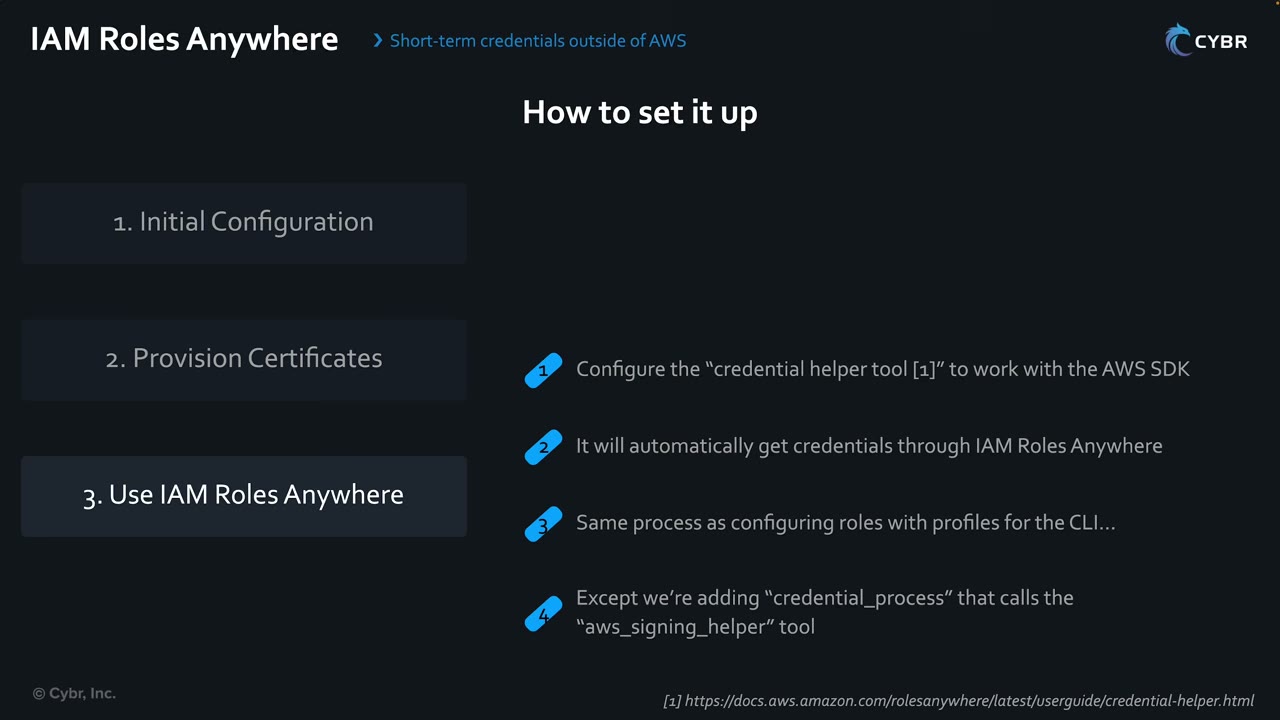
- Configure the credential helper to work with the AWS SDK.
- It then gets credentials through Roles Anywhere automatically.
- It is the same process as configuring role profiles for the CLI…
- …except you add a
credential_processline that callsaws_signing_helper. ▶ #26 03:31
./aws_signing_helper credential-process \
    --certificate /path/to/certificate \
    --private-key /path/to/private-key \
    --trust-anchor-arn arn:aws:rolesanywhere:region:account:trust-anchor/TA_ID \
    --profile-arn arn:aws:rolesanywhere:region:account:profile/PROFILE_ID \
    --role-arn arn:aws:iam::account:role/role-name-with-path
# ~/.aws/config
[profile onprem]
credential_process = ./aws_signing_helper credential-process --certificate /path/to/certificate --private-key /path/to/private-key --trust-anchor-arn arn:aws:rolesanywhere:… --profile-arn arn:aws:rolesanywhere:… --role-arn arn:aws:iam::…:role/…
Real-world variant:
[profile onprem]
credential_process = aws_signing_helper credential-process \
  --certificate /etc/pki/app.crt --private-key /etc/pki/app.key \
  --trust-anchor-arn <ta-arn> --profile-arn <profile-arn> --role-arn <role-arn>
Protecting keys and revoking access
- “Anyone who gets access to your private keys can access your role.” The private key must be protected and reachable only by authorized people/systems. ▶ #26 04:10
- Revocation: import a CRL into Roles Anywhere. Disabling the trust anchor or profile stops all new sessions.
- Revoke one server: add its certificate to the CRL, or tighten the trust policy condition on its CN.
From the instructor
- Protect the private key: whoever holds it can assume your role. ▶ #26 04:10
- Temporary credentials needed outside AWS, e.g. for CI/CD pipelines → IAM Roles Anywhere. ▶ #26 04:21
Keyword → answer
| If the question says… | Answer |
|---|---|
| On-prem app uses IAM user access keys; eliminate long-term credentials | IAM Roles Anywhere |
| On-prem servers need AWS access without long-term access keys | IAM Roles Anywhere |
| Workloads already have X.509 certificates from an internal PKI | IAM Roles Anywhere |
| Hard-coded credentials in a service client / on-prem CI | IAM Roles Anywhere, not IAM user keys (see ▶ #13, ▶ #27, ▶ #31) |
| CI/CD supports OIDC (GitHub Actions, GitLab) | Web identity federation (AssumeRoleWithWebIdentity), no certificates |
| Revoke one server’s access | Add its cert to the CRL, or tighten the trust policy condition on the CN |
- Pipelines in GitHub/GitLab usually use OIDC federation (
AssumeRoleWithWebIdentity) rather than Roles Anywhere. Roles Anywhere fits when the workload has certificates, not OIDC tokens. - Public ACM certificates (mentioned in the video) are not what authenticates to Roles Anywhere. Certificates must come from your trust-anchor CA, typically private.
- Trust policy actions, CRL import, CloudTrail tracing and certificate-attribute conditions above are additions from the AWS docs, not covered in the video.
Real-world practice
- Store private keys in a TPM/HSM or the OS keystore where possible.
aws_signing_helpersupports PKCS#11 and TPM-backed keys. - Use short-lived certificates with automated renewal, scope each profile to specific roles, and use session policies on the profile to cap permissions further.
- Restrict the trust policy to specific certificate subjects (CN/OU) so one leaked cert from the same CA can’t assume every role.
- Create a local CA with openssl.
- Register it as a trust anchor, create a role (trust policy above) and a profile.
- Issue a client certificate from the CA.
- Get credentials with
aws_signing_helper credential-processand runaws sts get-caller-identity --profile onprem. - Cleanup: delete the trust anchor, profile and role.
Amazon Cognito
Customer identity and access management (CIAM) for the end users of your web and mobile apps: sign-up, sign-in, social login, profile and custom attributes, and access to AWS resources. Not for your workforce (that’s IAM Identity Center).
- Exam skills: identity solutions for app users, MFA (4.1.1) · temporary credentials (4.1.2) · troubleshoot Cognito authentication (4.1.3) · ABAC and RBAC with identity pools (4.2.2)
- Videos: ▶ #35 Amazon Cognito
- Free tier: 50,000 active users per month. Federation via OIDC or SAML 2.0.
The end-user problem
So far the course covered workforce identities. Customers/end users signing up for and into your web or mobile apps need Amazon Cognito. ▶ #35 00:10 End-user management needs: ▶ #35 00:20
- sign-up,
- sign-in and the authentication process,
- social login (reuse social media credentials),
- profile management, including custom attributes,
- permissions: control what end users can access. ▶ #35 00:40
Cognito supports all of these: it adds sign-up, sign-in and access control to web and mobile apps, and can handle tokens from external IdPs like Facebook and Google. ▶ #35 00:51 The product page: “Implement secure, frictionless customer identity and access management that scales”. ▶ #35 00:14
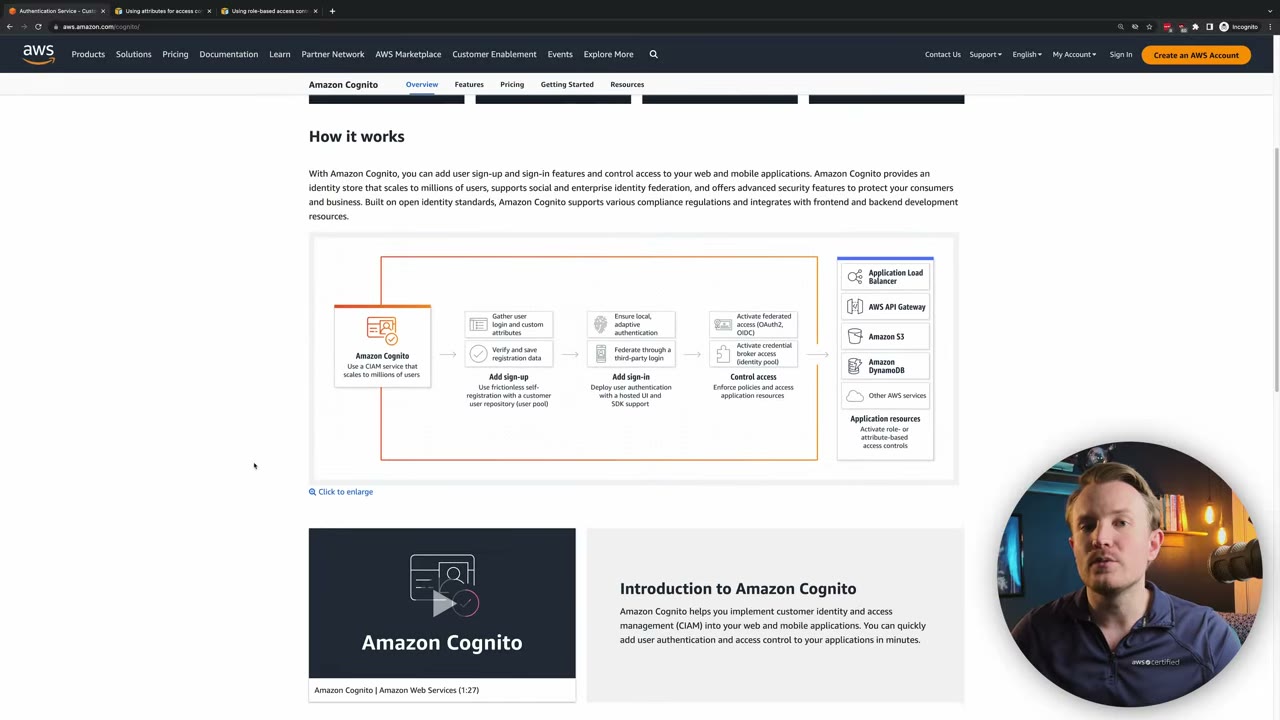
- Add sign-up: gather login and custom attributes, verify and save registration data (self-registration into a user pool).
- Add sign-in: local/adaptive authentication, federation through third-party login; hosted UI and SDK.
- Control access: federated access with OAuth2/OIDC, and credential-broker access via an identity pool.
- Application resources: ALB, API Gateway, S3, DynamoDB and other AWS services, with role- or attribute-based access control.
User pools vs identity pools
| User pool ▶ #35 01:20 | Identity pool ▶ #35 02:10 | |
|---|---|---|
| Job | Authentication: a user directory | Authorization to AWS: federated identities |
| Sign-in | Directly, or via Facebook, Google, Apple, Amazon, or any OpenID Connect / SAML IdP | Takes a token from a user pool, social IdP or SAML |
| Output | JWTs: ID, access and refresh tokens | Temporary AWS credentials via STS AssumeRoleWithWebIdentity |
| Notes | Every user gets a directory profile in the pool however they sign in ▶ #35 01:32. Hosted UI / managed login | Authenticated and unauthenticated (guest) roles |
User pool features ▶ #35 01:41
- Different user pools for different types of users, to simplify permissions.
- MFA (TOTP, SMS, email), including phone and email verification.
- Compromised credentials checks and account takeover protection.
- Fully customizable sign-in UI. ▶ #35 02:01
- Protects API Gateway (Cognito authorizer) and ALB (
authenticate-cognitoaction).
Tokens
| Token | Holds |
|---|---|
| ID token | Identity claims |
| Access token | Scopes, for APIs |
| Refresh token | Gets new ID/access tokens |
APIs must verify the signature, iss, aud/client_id and exp.
How they work together
- The user logs in to your app via social sign-in, an OIDC or SAML IdP, or a custom auth method.
- The user pool authenticates the user and returns authentication tokens. ▶ #35 02:31
- The user needs AWS services, e.g. objects in an S3 bucket.
- The identity pool exchanges the user pool tokens for AWS credentials. ▶ #35 02:41
- Those credentials access AWS services according to the assigned permissions and policies. ▶ #35 02:50
Benefits: you don’t worry about how end users securely reach AWS resources in the backend, and there are no hard-coded credentials. ▶ #35 03:01
ABAC with identity pools
Cognito reads user attributes from corporate IdPs or social sign-ins and can map them to principal tags referenced in IAM permissions policies. ▶ #35 03:31
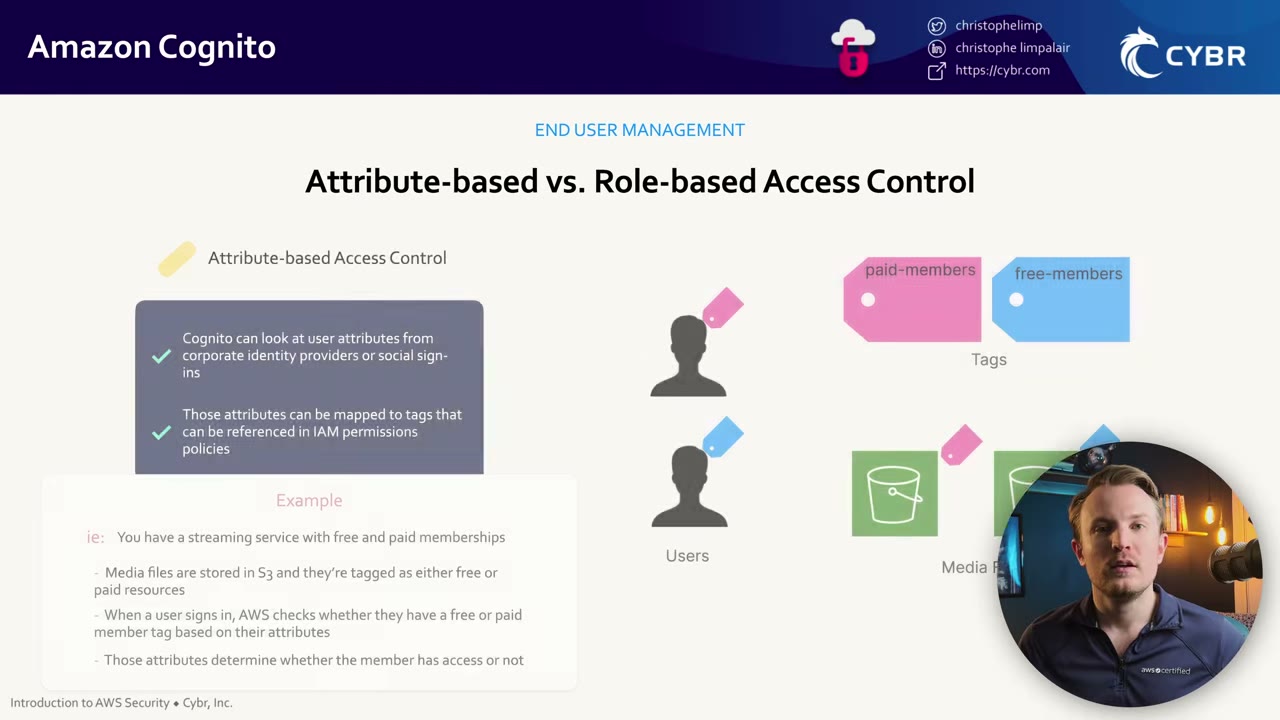
AWS docs example (Using attributes for access control, “the Amazon Cognito identity pools implementation of ABAC”): a streaming service with free and paid memberships. Media files in S3 are tagged free or paid. At sign-in the user’s membership attribute becomes a principal tag, and the IAM policy allows premium content only when the tags match. This simplifies access control greatly. ▶ #35 03:41
RBAC with identity pools
Permissions per user are controlled through IAM roles; different users get different access depending on their role. ▶ #35 04:31
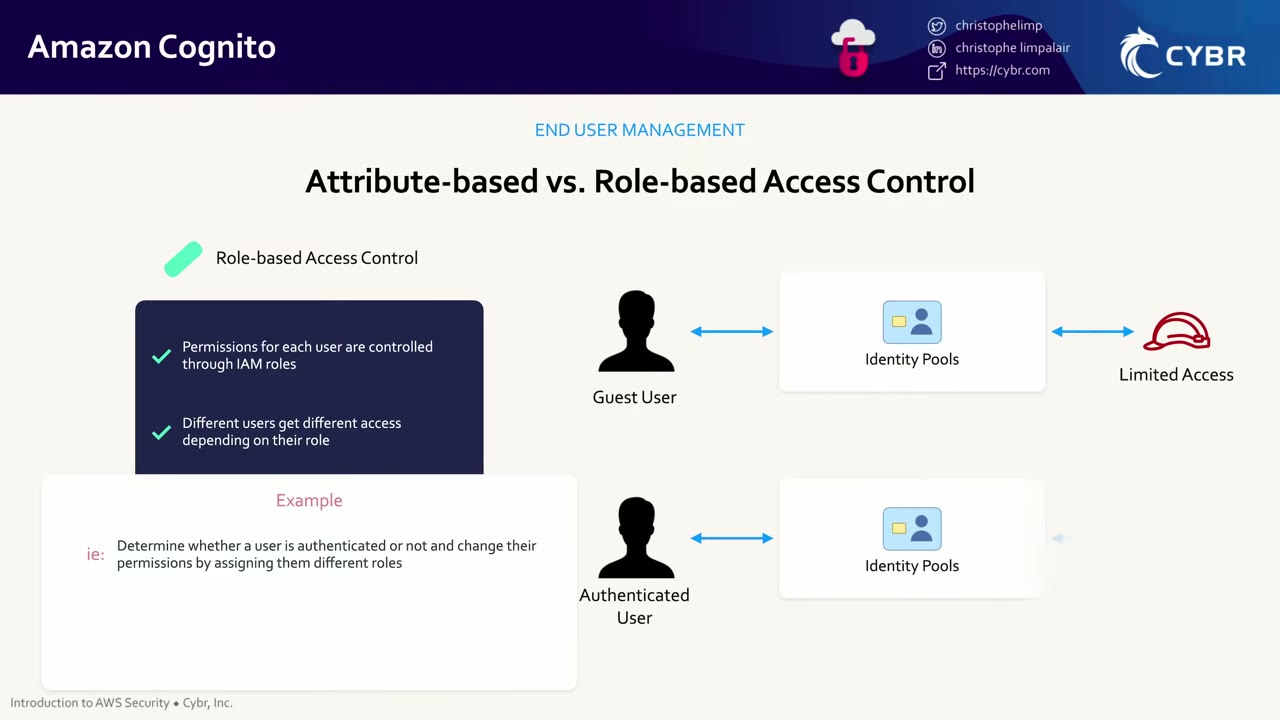
- Guest (unauthenticated) user → identity pool → role with limited access.
- Authenticated user → identity pool → a different role with more access. ▶ #35 04:40
- AWS docs (Using role-based access control): you can define rules that choose the role from claims in the user’s ID token, a default authenticated role, and a role for unauthenticated guests. Roles must have a trust policy so only Cognito can assume them for your identity pool. ▶ #35 04:52
{
  "Version": "2012-10-17",
  "Statement": [
    {
      "Sid": "",
      "Effect": "Allow",
      "Principal": { "Federated": "cognito-identity.amazonaws.com" },
      "Action": "sts:AssumeRoleWithWebIdentity",
      "Condition": {
        "StringEquals": {
          "cognito-identity.amazonaws.com:aud": "us-east-1:12345678-corner-cafe-123456790ab"
        },
        "ForAnyValue:StringLike": {
          "cognito-identity.amazonaws.com:amr": "authenticated"
        }
      }
    }
  ]
}
Keep both conditions:
cognito-identity.amazonaws.com:aud= your pool ID. Without it, any identity pool can assume the role.cognito-identity.amazonaws.com:amr=authenticated(orunauthenticatedfor the guest role).
Security features and troubleshooting
- Threat protection: compromised-credential detection, adaptive authentication (blocks or adds MFA on risky sign-ins), account-takeover protection. Requires the Plus feature tier.
- AWS WAF web ACL on the user pool.
- Lambda triggers: pre sign-up, pre token generation, post authentication.
- Disable unauthenticated (guest) access unless needed; if enabled, give that role minimal permissions.
- CloudTrail logs Cognito management and some auth events.
- App client settings: callback URL, OAuth flows, client secret.
- Token expiry.
- Identity pool role trust policy:
audmust be the right pool ID,amrmust match authenticated/unauthenticated.
From the instructor
- Cognito = end users / customers of web and mobile apps. ▶ #35 00:10
- User pools authenticate (directory, tokens); identity pools give temporary AWS credentials. ▶ #35 01:12
- Identity pools avoid hard-coding credentials in apps. ▶ #35 03:11
- Access via identity pools can be ABAC (attributes → tags) or RBAC (roles for guest vs authenticated). ▶ #35 03:20
Keyword → answer
| If the question says… | Answer |
|---|---|
| Mobile users upload directly to their own S3 prefix, without embedding keys | Identity pool role with ${cognito-identity.amazonaws.com:sub} in the resource ARN |
| Block sign-ins with leaked passwords | Cognito threat protection (compromised credentials, Plus tier) |
| Authenticate users for a web app; sign-up/sign-in, social login, MFA for customers | User pool |
| Give app users AWS credentials | Identity pool |
| Protect API Gateway / ALB with user login | User pool authorizer / ALB authenticate-cognito |
| Workforce SSO to AWS accounts | IAM Identity Center, not Cognito |
| Guest access abused | Disable unauthenticated access or minimize the guest role |
- What were called “advanced security features” (compromised credentials, adaptive authentication, account takeover protection) are now threat protection and require the Plus feature tier.
Real-world practice
- Per-user S3 prefix from an identity pool role:
{ "Effect": "Allow", "Action": ["s3:GetObject", "s3:PutObject"],
  "Resource": "arn:aws:s3:::app-uploads/${cognito-identity.amazonaws.com:sub}/*" }
- Enforce TOTP MFA on a user pool:
aws cognito-idp set-user-pool-mfa-config --user-pool-id ap-southeast-1_abc \
  --software-token-mfa-configuration Enabled=true --mfa-configuration ON
- Use separate user pools per tenant or per app tier only when isolation requires it; otherwise use groups/attributes.
- Use Lambda triggers (pre sign-up, pre token generation, post authentication) for custom validation, claim enrichment and anti-abuse.
- Enable CloudTrail data events / user-pool log export for auth events and feed them into security monitoring.
- Common incident: overly broad identity pool roles (e.g.
s3:*on a bucket) abused by anyone who can obtain a guest identity.
- Create a user pool with TOTP MFA.
- Create an identity pool linked to it, with an authenticated role (trust policy with
aud+amr). - Sign in through the hosted UI and exchange the tokens for AWS credentials.
- Cleanup: delete both pools.
AWS Directory Service
Many organizations manage identities with Microsoft Active Directory. AWS Directory Service offers several ways to run or connect Microsoft AD with AWS services: a real AD hosted by AWS, a proxy to on-prem AD, or a cheap Samba-based directory.
- Exam skills: identity solutions & IdP integration, MFA (4.1.1) · troubleshoot Directory Service (4.1.3) · hybrid communication (3.3.3)
- Videos: ▶ #34 AWS Directory Service (slides only, no demo)
The three directory options
AWS Directory Service provides multiple ways of setting up and running Microsoft AD with AWS services. ▶ #34 00:11
| Option | What it is | Use when |
|---|---|---|
| AWS Managed Microsoft AD | Real Windows AD hosted by AWS (2 DCs, multi-AZ) | AD-aware apps in AWS (EC2, RDS for SQL Server, WorkSpaces, FSx for Windows, Identity Center), trusts with on-prem AD, group policy, schema extensions, multi-Region replication (Enterprise), sharing to other accounts |
| AD Connector | Proxy that redirects authentication to on-prem AD; stores nothing in the cloud | Use existing on-prem identities for Identity Center, WorkSpaces, console; needs VPN/DX and a service account |
| Simple AD | Samba 4–based, small, low cost, LDAP-compatible | Basic LDAP / domain join; no trusts, no MFA |
AWS Managed Microsoft AD
An actual Microsoft AD hosted in the AWS cloud. ▶ #34 00:21 Use it to:
- create a managed Microsoft AD in your cloud environment;
- deploy new apps or migrate existing AD-aware workloads to AWS; ▶ #34 00:42
- integrate with directory-aware AWS services: Amazon EC2, Amazon RDS for SQL Server, Amazon WorkSpaces and IAM Identity Center; ▶ #34 00:50
- create and manage users, groups and roles to control access to directory-aware workloads and AWS services. ▶ #34 01:00
Trusts are Managed AD only: one-way or two-way, forest or external. A typical setup is a one-way trust where the AWS domain trusts on-prem, so on-prem users access AWS resources.
aws ds create-microsoft-ad --name corp.example.com --password '***' --edition Standard \
  --vpc-settings VpcId=vpc-123,SubnetIds=subnet-a,subnet-b
aws ds create-trust --directory-id d-123 --remote-domain-name onprem.example.com \
  --trust-password '***' --trust-direction "One-Way: Outgoing" --trust-type Forest \
  --conditional-forwarder-ip-addrs 10.0.0.10
AD Connector
- Uses your existing on-premises Microsoft AD to access AWS apps and services. ▶ #34 01:13
- Redirects authentication requests from AWS to on-prem AD: it acts as a proxy. ▶ #34 01:21
- Fits when you only need on-prem users to sign in to AWS apps/services with existing AD credentials. ▶ #34 01:30
- Benefits: no directory data stored in the cloud, keep existing identity management processes, still provide SSO to the workforce, simpler control of access to AWS resources. ▶ #34 01:42
Simple AD
- Low-scale, low-cost directory with basic AD compatibility. ▶ #34 02:02
- Supports Samba 4–compatible applications, and LDAP for LDAP-aware apps. ▶ #34 02:11
- Supports only a limited subset of Managed Microsoft AD features. E.g. no multi-factor authentication, which can be a deal breaker. ▶ #34 02:30
MFA and related identity services
- MFA: Managed AD and AD Connector support RADIUS MFA. Simple AD does not.
- Amazon Cognito: for SaaS, mobile and web apps that need a scalable directory to manage/authenticate their users, and/or social login. Covered in its own lesson. ▶ #34 02:50
- Amazon Cloud Directory: organizes directory objects into hierarchies (reporting structure, team locations around the world, project membership), as a managed service that scales without infrastructure. ▶ #34 03:30
- DNS and conditional forwarders.
- Security group ports: 53, 88, 389, 445, 636…
- Service account permissions for AD Connector.
- Network connectivity (VPN/DX) to on-prem domain controllers.
From the instructor
- Managed Microsoft AD = AD hosted in AWS; integrates with EC2, RDS for SQL Server, WorkSpaces, Identity Center. ▶ #34 00:31
- AD Connector = proxy to on-prem AD; nothing stored in the cloud. ▶ #34 01:21
- Simple AD = cheap, basic, Samba 4/LDAP, no MFA. ▶ #34 02:02
- Customer/social identities for apps → Cognito. ▶ #34 02:50
Keyword → answer
| If the question says… | Answer |
|---|---|
| On-prem AD stays the single source, no directory data in AWS | AD Connector |
| Need a trust relationship with the on-prem forest | Managed Microsoft AD (Simple AD and AD Connector can’t) |
| Existing on-prem AD and AWS-hosted AD-aware workloads that must keep working if the link is down | Managed Microsoft AD + forest trust |
| Small, cheap, basic LDAP/Linux/Samba directory, no MFA or trusts | Simple AD |
| Workforce SSO to many AWS accounts using AD identities | IAM Identity Center with Managed Microsoft AD or AD Connector as identity source |
| Add MFA to AD sign-in for WorkSpaces | RADIUS on Managed AD or AD Connector |
| Customer / social login for a web or mobile app | Amazon Cognito |
- Amazon Cloud Directory is a niche/legacy service and is unlikely to matter on SCS-C03. Focus on Managed Microsoft AD, AD Connector, Simple AD, Cognito and Identity Center.
Real-world practice
- Most enterprises connect Identity Center to an external IdP (Entra ID/Okta) via SAML + SCIM instead of AD directly. Directory Service is mostly used for Windows workloads (EC2 domain join, FSx for Windows, WorkSpaces, RDS SQL Server).
- Use SSM
AWS-JoinDirectoryServiceDomainor seamless domain join for EC2. - Enable directory log forwarding to CloudWatch Logs for security monitoring of Managed Microsoft AD.
Read-only, because Managed AD has an hourly cost:
- Open the Directory Service console’s create wizard.
- Compare the three options and note which features are greyed out for Simple AD.
- Cleanup: none, as long as you don’t create a directory.
Amazon Verified Permissions
A managed fine-grained authorization service for your own applications. Policies are written in Cedar and
stored in a policy store. The app calls IsAuthorized (or IsAuthorizedWithToken with a Cognito or OIDC token) and
gets Allow or Deny.
- Exam skills: authorization controls incl. Verified Permissions (4.2.1)
- Videos: none in the course (knowledge-based section)
How it works
- It decouples authorization logic from application code: central policies, an audit trail in CloudTrail, and the ability to analyze policies.
- Cedar supports RBAC (principal in a group) and ABAC (attributes and context), with a schema for validation.
- Integrates with Cognito user pools as the identity source and with API Gateway (Lambda authorizer).
permit (
  principal in MyApp::Group::"doctors",
  action == MyApp::Action::"viewRecord",
  resource
) when { resource.department == principal.department };
aws verifiedpermissions is-authorized --policy-store-id ps-123 \
  --principal entityType=MyApp::User,entityId=alice \
  --action actionType=MyApp::Action,actionId=viewRecord \
  --resource entityType=MyApp::Record,entityId=r-42
Verified Permissions vs IAM
| IAM | Verified Permissions | |
|---|---|---|
| Controls access to | AWS resources (S3, KMS, EC2…) | Your app’s resources (documents, orders, patient records) |
| Policy language | IAM JSON policies | Cedar |
| Called by | AWS services on every API call | Your application (IsAuthorized) |
Keyword → answer
| If the question says… | Answer |
|---|---|
| App needs fine-grained, per-record permissions managed centrally, without hard-coding logic | Verified Permissions (Cedar) |
| Control which IAM role can call S3 | That’s IAM, not Verified Permissions |
Real-world practice
- Use the Cognito user pool as the identity source and
IsAuthorizedWithToken, so the app passes the token instead of building principal entities itself. - Keep app authorization out of code: one policy store per application, policies versioned and reviewed like code.
- Create a policy store from the sample PhotoFlash template.
- Test allow and deny decisions in the console’s test bench.
- Cleanup: delete the policy store.
IAM Access Analyzer
Uses automated reasoning to find who has access to what (external, internal and unused access) and to validate policies before you deploy them. It is detective, not preventive.
- Exam skills: cross-account resource policies (4.2.1) · least-privilege policies (4.2.3) · analyze authorization failures (4.2.4) · correct unintended permissions (4.2.5) · delegated admin (6.1.4) · IaC with StackSets (6.2.1)
- Videos: ▶ #135 Unused access · ▶ #136 Multi-account deployment · (▶ #55 Access Analyzer for S3 is in the S3 notes)
- Cost: external access analysis free; unused access $0.20 per IAM user/role per month
Analyzer types
| Analyzer | Finds | Cost |
|---|---|---|
| External access | Resources shared outside the zone of trust (account or organization) | Free |
| Internal access | Who inside your org can reach critical resources | |
| Unused access | Unused roles, unused access keys and passwords, unused service/action permissions over a tracking period (default 90 days, range 1–365) | $0.20 per IAM user/role per month |
- External access covers S3 buckets and directory buckets, IAM role trust, KMS keys, Lambda functions/layers, SQS, SNS, Secrets Manager, EBS/RDS snapshots, ECR, EFS, DynamoDB tables/streams.
- Unused access can suggest a least-privilege policy (recommendations). Finding types: Unused IAM role, Unused IAM user access key, Unused IAM user password, Unused permission.
- Creating any analyzer creates a service-linked role. ▶ #135 02:30
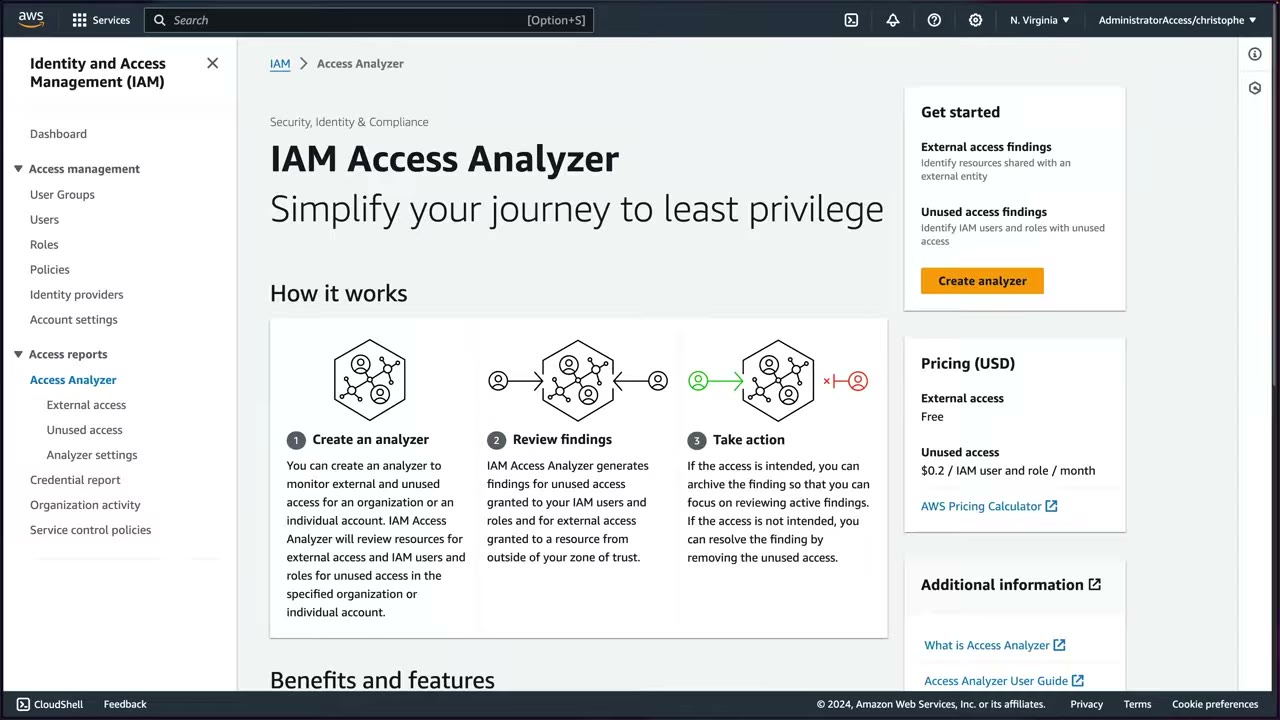
The getting-started page (IAM → Access reports → Access Analyzer, sub-items External access, Unused access, Analyzer settings) shows How it works: ▶ #135 00:11
- Create an analyzer to monitor external and unused access for an organization or account.
- Review findings: unused access granted to IAM users/roles, and external access to resources from outside your zone of trust.
- Take action: archive intended access, or resolve by removing unused access.
Unused access analyzer
Tracking period: default 90 days, configurable. It flags access not used for longer than the period: a role used 80 days ago isn’t flagged, one used 94 days ago is. The choice is the organization’s; the instructor prefers shorter, to catch unused roles, keys and passwords before 3 months pass. The demo uses 30 days. ▶ #135 01:10
Region: can’t be changed. “IAM Access Analyzer monitors all IAM users and roles in your accounts. Unused access findings do not change based on Region.” ▶ #135 02:00 Pricing is based on the number of IAM roles and users per analyzer per month per Region.
- Selected accounts: the current account, or the whole AWS Organization (not shown in the demo).
- Service access: a service-linked role is created in the current account (View permission details shows role name, trusted entity, permissions). ▶ #135 02:30
- The initial scan takes a few minutes (~5). No findings? Check the configuration and whether any keys/credentials/roles were actually inactive for the period. ▶ #135 03:00
- IAM → Access Analyzer → Unused access → Create analyzer (or from the getting-started page). ▶ #135 00:40
- Findings type: External access analysis vs Unused access analysis → choose unused.
- Name: keep the pre-populated
UnusedAccess-ConsoleAnalyzer-<uuid>. - Tracking period: 30 days; current account; review the service-linked role; tags optional → Create analyzer.
- Analyzer starts with 0 findings. Wait ~5 minutes → refresh → 2 findings. ▶ #135 03:00
- Open the
OrganizationAccountAccessRolefinding → review recommendations → Export finding (JSON) → view Add archive rule options (finding type = Unused IAM role, resource owner account ≠ …) → cancel. - Manage analyzer → Delete analyzer. ▶ #135 07:21
Unused access findings: delete, archive, export
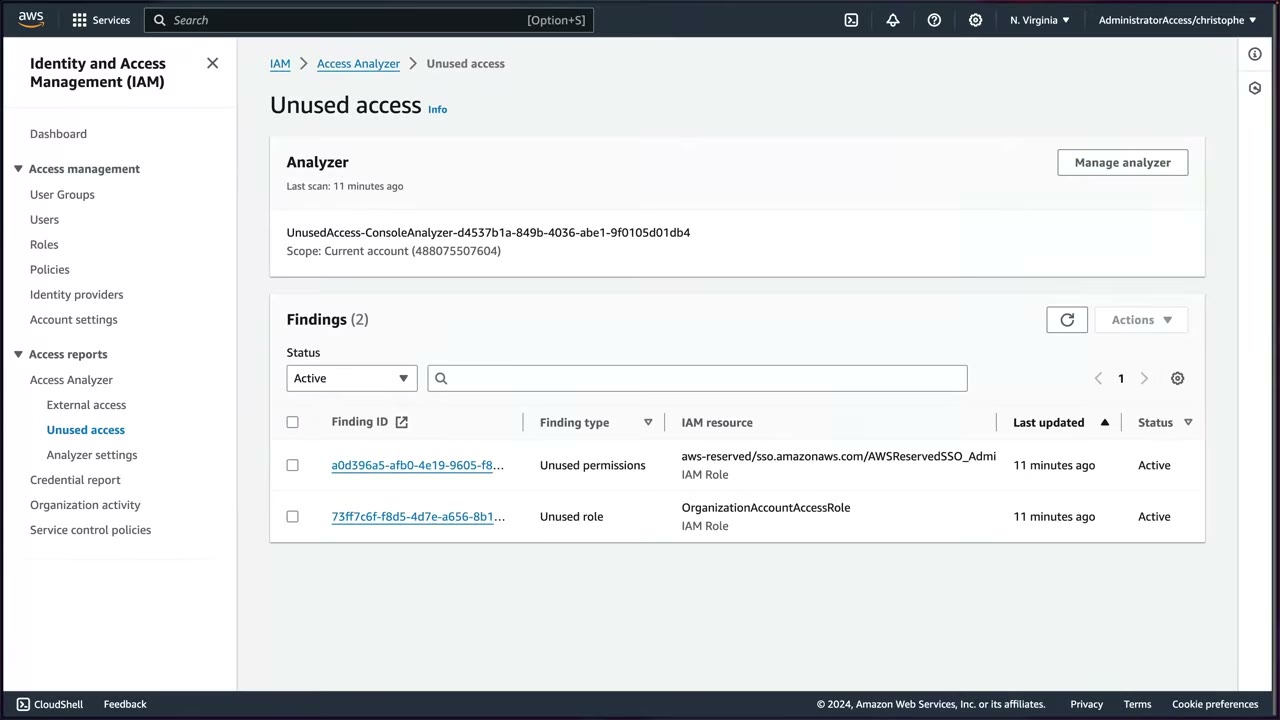
Columns: Finding ID, Finding type (e.g. Unused permissions, Unused role), IAM resource (name + type),
Last updated, Status (Active/Archived), with a status filter (Active). Demo findings:
aws-reserved/sso.amazonaws.com/AWSReservedSSO_Admin… (IAM role) → Unused permissions, and
OrganizationAccountAccessRole → Unused role. ▶ #135 03:42
- Definitely not needed → delete the resource (e.g. the role). ▶ #135 04:11
- Expected to be unused for long periods → archive (checkbox → Actions → Archive, or from the finding page; the Intended unused IAM role toggle). ▶ #135 04:20
The finding page shows finding ID, type, resource name/type, ARN, Last used: 2 months ago, status, last scan, and Recommendations: Step 1 review the role’s details, Step 2 delete the IAM role. Export finding gives JSON with analyzedAt, createdAt, resource ARN, resource type (role), resource owner account, status, updatedAt, finding type and recommended steps. ▶ #135 04:11
Archive rules
Use them when many similar findings should be handled the same way. ▶ #135 05:42
| Part | Values |
|---|---|
| Filter keys | error, finding ID, finding type, resource, resource owner account, resource type |
| Conditions | equals / not equals / contains |
| Finding type values (unused) | Unused IAM role, Unused IAM user access key, Unused IAM user password, Unused permission |
- Example: finding type = Unused IAM role AND resource owner account ≠ X, e.g. to exclude roles from a specific account in an org-wide analyzer. ▶ #135 05:42
- A preview lists the findings matching the criteria before you create the rule.
- The Analyzer settings page lists the archive rules per analyzer and has Create archive rule.
Clean-up: remediate findings, then Unused access → Manage analyzer → Delete analyzer to stop the cost. Deleting stops analysis and loses its findings. ▶ #135 07:30
Multi-account deployment and zone of trust
Following the Security Reference Architecture (SRA), delegate to the Security Tooling account, but you must start in the management account. ▶ #136 00:00
- Management account → IAM → Access Analyzer → Analyzer settings → Delegated administrator – optional → enter the Security Tooling account ID. (Demo: administrator = management account
299551924423; delegated admin851725223689, with Change/Remove.) ▶ #136 00:10 - Sign in to the Security Tooling account and open Access Analyzer.
- Create analyzer → External access analysis (“scans the resources within the zone of trust”), not Unused access (“scans IAM users and roles within selected organization or account”). ▶ #136 01:10
- Region (US East – N. Virginia): “You should enable Access Analyzer in each Region where you use resources.” Name auto-generated
ExternalAccess-ConsoleAnalyzer-<uuid>. - Zone of trust = the boundary within which resource sharing is acceptable: Current organization (
o-jqbqypd27k) or Current account (which defeats the purpose here). ▶ #136 01:51
With the organization as zone of trust: ▶ #136 02:01
- Resources shared between accounts in the organization are trusted.
- Findings are generated only for resources accessible from outside the organization. E.g. an S3 bucket configured for public access is flagged.
Behind the scenes: ▶ #136 03:21
- A trust relationship is created between AWS Organizations and IAM Access Analyzer.
- A service-linked role is created in every account in the organization. ▶ #136 03:41
- That role lets Access Analyzer interact with resources on your behalf; it then continuously monitors resources and their policies for access from outside the org.
After Create analyzer: success, “Last scan: –”, zone of trust shown; findings take a few minutes.
External access findings: archive or resolve
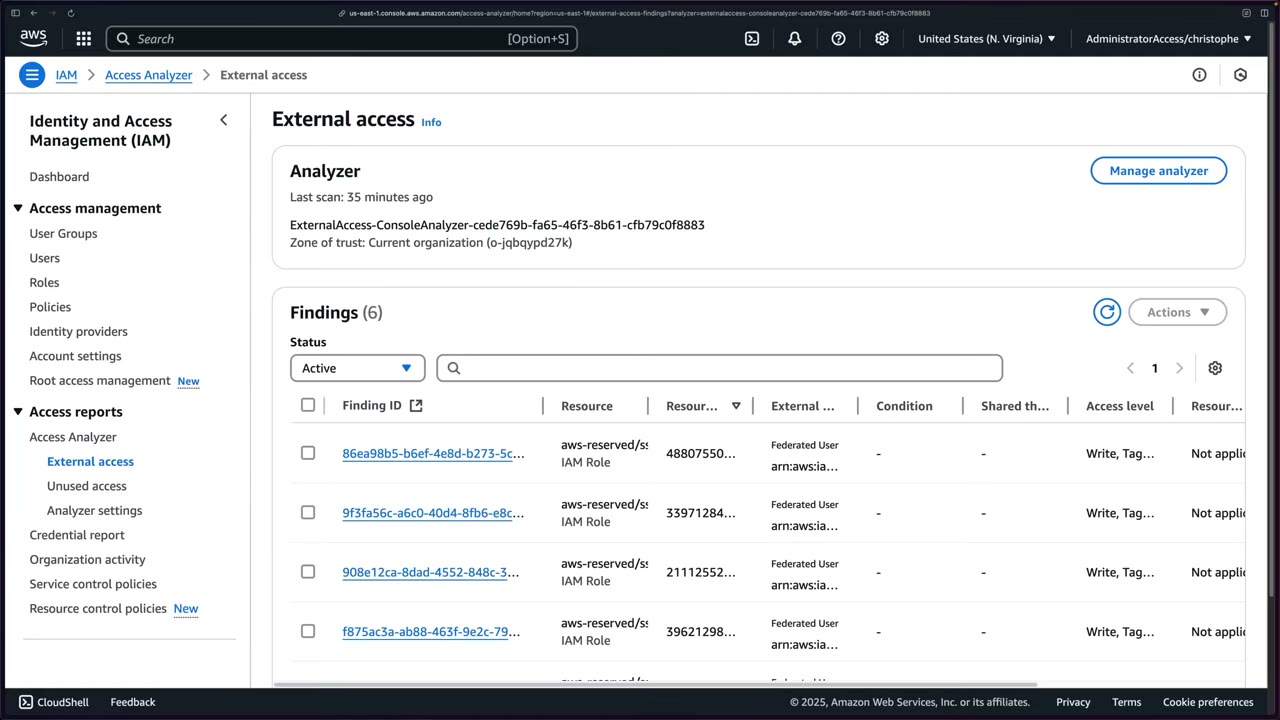
Demo with an earlier analyzer: 6 findings. ▶ #136 04:51 Columns:
- Finding ID, Resource (e.g.
aws-reserved/sso.amazonaws.com/AWSReservedSSO_…IAM roles), Resource owner account - External principal (here Federated User: the IAM Identity Center SAML provider)
- Condition, Shared through (blank here), Access level (Write, Tagging…)
- Resource control policy (RCP) restriction (Not applicable), Last updated, Status
Actions: Export, Archive, or remediate by modifying the resource policy, using an RCP, or setting up automated remediation or notifications. ▶ #136 05:52
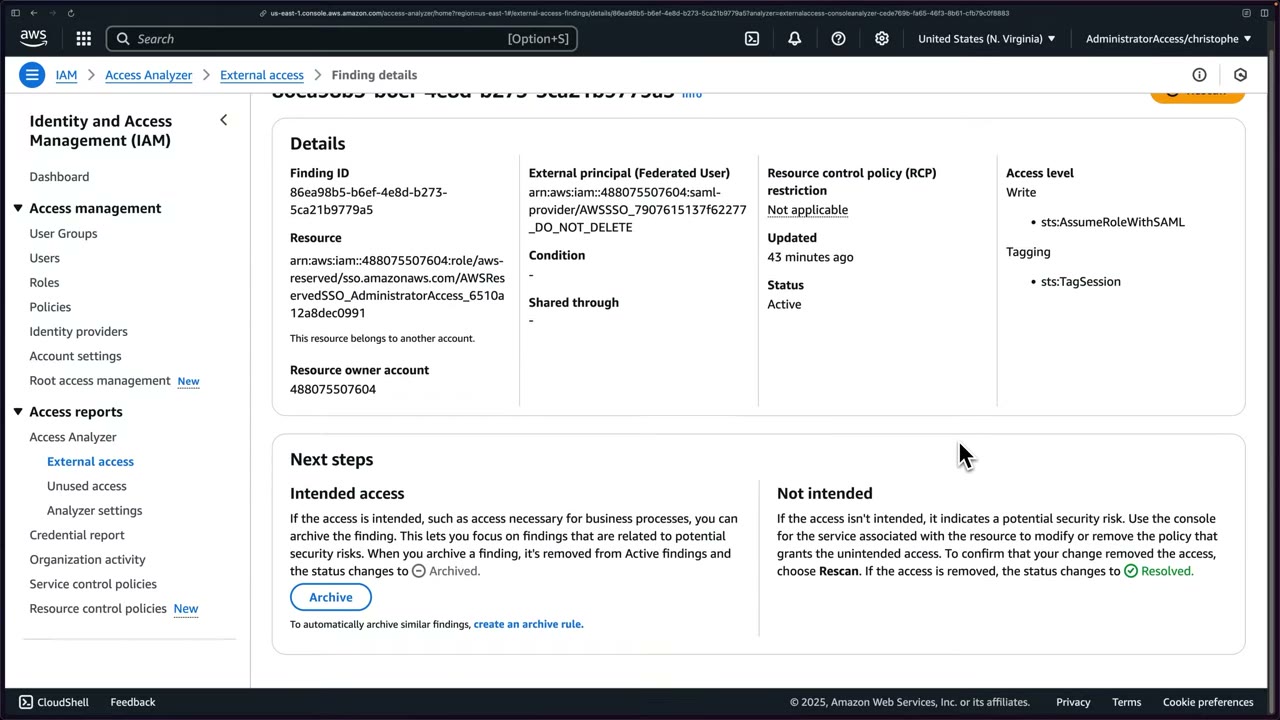
Finding details: external principal arn:aws:iam::488075507604:saml-provider/AWSSSO_…_DO_NOT_DELETE, resource
…:role/aws-reserved/sso.amazonaws.com/AWSReservedSSO_AdministratorAccess_…. Access level expanded: Write →
sts:AssumeRoleWithSAML, Tagging → sts:TagSession. ▶ #136 06:31
| Decision | Action | Resulting status |
|---|---|---|
| Intended access | Archive, or an archive rule for similar findings | Archived |
| Not intended | Modify/remove the granting policy → Rescan | Resolved |
The demo archives the SSO roles (intended), so the list drops to 5 under the default Active filter. Filter Archived / Resolved / All to see others; you can also unarchive and rescan. ▶ #136 06:31
- Management account → IAM → Access Analyzer → Analyzer settings → Delegated administrator = Security Tooling account ID.
- Sign in to the Security Tooling account → Access Analyzer → Create analyzer.
- Findings type External access analysis; Region us-east-1; default name; Zone of trust: Current organization → Create analyzer.
- Wait for the scan → External access → review findings → open one → Archive (intended SSO role trust).
- Switch Region to us-east-2 → no analyzer → deploy per Region via StackSets.
- EventBridge rules on Access Analyzer findings → SNS / Lambda / CloudWatch Logs / Security Hub.
Regions and notifications
| Analyzer | Region scope |
|---|---|
| External access | Regional: one in us-east-1 only sees resources in us-east-1; us-east-2 shows no analyzer ▶ #136 07:42 |
| Unused access | Created in one Region, analyzes IAM users and roles globally ▶ #135 02:00 |
- For full coverage, create external analyzers in every Region where you have resources, ideally with CloudFormation StackSets. Unused access analyzers can be deployed multi-account the same way. ▶ #136 07:42
- IAM roles are global, so role-trust findings appear in every Region’s external analyzer. Use archive rules to cut the duplicates.
- Access Analyzer sends an event to EventBridge for each finding by default. Rules route to SNS (email/SMS), Lambda (automated remediation or enrichment), CloudWatch Logs and Security Hub (centralized findings). ▶ #136 09:01
Policy validation, generation and custom checks
- Policy validation: 100+ checks (errors, security warnings, suggestions), in the console policy editor and the API.
- Policy generation: builds a least-privilege policy from CloudTrail activity of a role or user.
- Custom policy checks for CI/CD:
CheckNoNewAccess(does the new policy grant more than the reference?),CheckAccessNotGranted(does it grant these sensitive actions?),CheckNoPublicAccess. - Preview access shows findings for a policy before you apply it (S3, KMS, IAM role, SQS, Secrets Manager…).
- Access Analyzer for S3 in the S3 console uses the same analyzer and can block all public access from a finding (▶ #55, S3 notes).
aws accessanalyzer create-analyzer --analyzer-name org-external --type ORGANIZATION
aws accessanalyzer create-analyzer --analyzer-name org-unused --type ORGANIZATION_UNUSED_ACCESS \
  --configuration '{"unusedAccess":{"unusedAccessAge":90}}'
aws accessanalyzer validate-policy --policy-type IDENTITY_POLICY --policy-document file://p.json
aws accessanalyzer check-no-new-access --policy-type IDENTITY_POLICY \
  --existing-policy-document file://old.json --new-policy-document file://new.json
aws accessanalyzer check-access-not-granted --policy-type IDENTITY_POLICY \
  --policy-document file://new.json --access '[{"actions":["iam:PassRole","s3:DeleteBucket"]}]'
From the instructor
- Default tracking period is 90 days, configurable. ▶ #135 01:10
- Unused access analysis isn’t Region-specific; it covers all Regions. ▶ #135 02:00
- A service-linked role is required, and with an org analyzer it is created in all org accounts. ▶ #136 03:41
- Delete if not needed; archive if expected to be unused. Archive rules auto-handle similar findings, e.g. excluding an account. ▶ #135 05:42
- Unused access analysis costs money; deleting the analyzer loses its findings. ▶ #135 07:30
- Delegate to the Security Tooling account per the SRA, from the management account. ▶ #136 00:10
- Zone of trust = organization → only access from outside the org is flagged. ▶ #136 02:01
- External access analyzers are Regional: one per Region, use StackSets. ▶ #136 07:42
- Findings go to EventBridge by default. ▶ #136 09:12
Keyword → answer
| If the question says… | Answer |
|---|---|
| Find any S3 bucket or KMS key shared with external accounts across the org | Org-level external access analyzer (delegated admin, every Region) |
| Block sharing outside the org | RCPs / SCPs with aws:PrincipalOrgID / aws:ResourceOrgID (Access Analyzer only detects) |
| Fail the pipeline if a policy change grants new permissions | check-no-new-access in CI |
| Least-privilege policy from what the role actually used | Policy generation from CloudTrail |
| Find roles not used in 90 days / IAM roles unused for 60 days across all accounts, minimal effort | Org-level unused access analyzer with that tracking period |
| S3 bucket public access review in the S3 console | Access Analyzer for S3 |
| Remediated finding | Resolved (intended access = Archived) |
| Analyzer shows nothing for resources in another Region | External analyzers are Regional: create one there |
- Region scope corrected after ▶ #135/#136: external access analyzers are Regional, while the unused access analyzer is created in one Region but analyzes IAM users and roles globally.
- The unused access tracking period range is 1–365 days.
- Preview access lets you see findings for a policy before applying it.
Real-world practice
- Expect unused findings on break-glass and
OrganizationAccountAccessRole-type roles. Create archive rules for those by name/path rather than deleting them. - Cost scales with identities: $0.20 × (users + roles) × accounts per month. Large orgs with many service roles should budget or scope. External access is free, so always enable it.
- Don’t auto-delete roles: tag-and-disable first (remove trust or attach a deny), wait a grace period, then delete. Some roles are used rarely (DR, yearly jobs). Lambda automation can disable unused keys after N days.
- Feed unused-permission recommendations into IaC PRs so least privilege sticks.
- Deploy analyzers with a service-managed StackSet targeting the delegated admin account in all enabled Regions, and use a Config rule or Security Hub control to detect Regions without an analyzer.
- Create org-wide archive rules for expected cross-account principals (e.g. the Identity Center SAML provider, known partner accounts) to keep the Active list meaningful.
- Pipe findings through Security Hub and route by account owner tags. S3 public access and KMS cross-account findings should page someone.
- Create an account-level external access analyzer.
- Add a bucket policy that allows another account, and watch the finding appear.
- Add a
check-no-new-accessstep to a local script and run it against an old/new policy pair. - Cleanup: delete the bucket and the analyzer.
Part 2 – Detection & Logging
Which detection service? (most-tested comparison)
The exam’s favourite question shape: several detection services sound alike, and the keyword in the question decides the answer. This page compares them side by side and shows the delegated-administrator pattern they all share.
- Exam skills: aggregate security events (1.1.3) · metrics, alerts & dashboards (1.1.4) · automated assessments (1.1.5) · validate findings, assess scope (2.2.3) · root cause analysis (2.2.5) · scan compute for vulnerabilities (3.2.3) · delegated admin (6.1.4)
- Videos: none in the course (knowledge-based; facts cross-checked against ▶ #36, ▶ #43, ▶ #46, ▶ #48, ▶ #49)
- Memory hook: GuardDuty = threats, Inspector = vulnerabilities, Macie = S3 data, Detective = root cause, Security Hub = single pane + compliance standards, Config = configuration state/history, Trusted Advisor = account best-practice checklist.
Side-by-side comparison
| Service | Answers the question | Data it looks at | Output | Agent? |
|---|---|---|---|---|
| GuardDuty | “Is something malicious happening right now?” (threat detection) | Foundational: CloudTrail management events, VPC Flow Logs, Route 53 DNS logs (its own independent streams). Optional plans: S3 (data events), EKS audit, Runtime, Malware (EC2/S3), RDS logins, Lambda network | Threat findings (Recon:, UnauthorizedAccess:, CryptoCurrency: …) |
No (only Runtime Monitoring uses an agent) |
| Inspector | “Which workloads have known CVEs / exposed ports?” (vulnerability management) | EC2 packages, ECR images, Lambda dependencies, your own Lambda code (code scanning), network reachability | Vulnerability findings, Inspector score, SBOM | SSM agent for EC2 (or agentless snapshot scan) |
| Macie | “Where is sensitive data in S3, and is the bucket exposed?” | S3 objects + bucket policies/ACLs | Sensitive-data findings + policy findings | No |
| Detective | “What is the root cause / blast radius of this finding?” (investigation) | Behavior graph of CloudTrail, Flow Logs, GuardDuty findings, EKS audit logs + Security Hub findings | Visualizations, finding groups, investigations | No (needs GuardDuty on ≥ 48 h) |
| Security Hub CSPM | “What is my overall security posture?” (aggregation + compliance checks) | Findings from the services above + its own control checks (via Config) | Normalized findings (ASFF), security score | No (needs Config) |
| Config | “What did this resource look like, and is it compliant?” | Resource configuration items | Config history, rule compliance, remediation | No |
| Trusted Advisor | “Am I following basic AWS best practices in this account?” ▶ #36 | Account configuration across 6 categories | Check status (red / yellow / green), weekly email | No |
Keyword map from the videos
| If the question says… | Answer |
|---|---|
| Detect threats | GuardDuty ▶ #43 |
| CVE / package vulnerabilities on EC2, ECR, Lambda | Inspector ▶ #48 |
| Investigate / root cause / visualize / scope of compromise | Detective ▶ #46 |
| Aggregate & prioritize findings / compliance posture / mini SIEM | Security Hub CSPM ▶ #49 |
| Query raw logs | Athena / CloudWatch Logs Insights / CloudTrail Lake ▶ #41 |
| Patch the vulnerabilities | SSM Patch Manager |
| Basic best-practice checklist for one account | Trusted Advisor ▶ #36 |
Two “Security Hubs”
| Security Hub CSPM | AWS Security Hub (unified, GA late 2025) | |
|---|---|---|
| What | The original service: standards, controls, findings | Sits on top of GuardDuty, Inspector, Security Hub CSPM and Macie |
| Output | ASFF findings, security score | Correlated exposures / attack paths in OCSF |
See ▶ #49.
Delegated administrator pattern
Applies to GuardDuty, Security Hub, Detective, Inspector, Macie, Config, Security Lake, Access Analyzer, Firewall Manager, CloudTrail and CloudWatch Logs centralization.
| Done from | Step |
|---|---|
| Management account | Register a security/audit account as delegated admin (Organizations trusted access, EnableOrganizationAdminAccount) ▶ #47 |
| Delegated admin | Enable member accounts and turn on auto-enable for new accounts ▶ #47 |
- Most of these services are Regional: delegate and enable in every Region you use (or use Security Hub central configuration).
- Don’t run security tooling from the management account (SRA best practice).
- The course uses one Security Tooling account as delegated admin for every security service. The Detective console even recommends the account that is already GuardDuty/Security Hub admin. ▶ #47
- The Log Archive account only stores data. ▶ #40 Exception: CloudWatch Logs centralization makes Log Archive both delegated admin and destination. ▶ #106
- Manage membership through Organizations, not invitations. Org members can’t disable or leave the service themselves, which stops an attacker in a member account from turning detection off. ▶ #44
Keyword → answer
| If the question says… | Answer |
|---|---|
| Malicious activity, compromised credentials, crypto-mining | GuardDuty |
| Known CVEs, exposed ports, SBOM | Inspector |
| PII / sensitive data in S3 | Macie |
| Root cause, blast radius, visualize related activity | Detective (needs GuardDuty ≥ 48 h) |
| Single pane of glass, CIS / FSBP compliance score | Security Hub CSPM (needs Config) |
| Configuration history, “was this compliant last week?” | Config |
| New accounts must get the service automatically | Delegated admin + auto-enable |
| Member account must not be able to turn detection off | Membership via Organizations, not invitations |
AWS CloudTrail
Records API activity (who, what, when, from where) across an account or a whole organization. It is the audit log behind every incident-response and authentication-troubleshooting question, and one of the first places to look in any investigation.
- Exam skills: log sources & storage (1.2.1) · analyze logs (1.2.4) · troubleshoot logging config & permissions (1.3.1) · fix missing logs (1.3.2) · logs as forensic artifacts (2.2.1) · search & correlate logs (2.2.2) · delegated admin (6.1.4)
- Videos: ▶ #37 About CloudTrail · ▶ #38 Management, data and Insights events · ▶ #39 3 ways of recording data · ▶ #40 Organization trail · ▶ #41 CloudTrail Lake for IR · (▶ #114 Athena with CloudTrail → see Amazon Athena + AWS Glue)
- Defaults of a new account: management events only, 90-day Event history, no trails, no data events, no Insights events.
What CloudTrail records
- View, search, download, archive, analyze and respond to account activity across a single Region, multiple Regions or multiple accounts. ▶ #37 00:00
- It records AWS API calls made from the console, SDKs, CLI and AWS services, plus non-API events such as console sign-in: practically every action in your AWS infrastructure. ▶ #37 00:11
- Use it to audit accounts and to monitor simple or large, complex environments for suspicious or dangerous actions. If something weird happens (security or operational), CloudTrail should be one of the first, if not the first, places you investigate. ▶ #37 00:50
Questions it answers: who took this action and when? What resources did they access or modify? What events happened in a given time frame? Changing an EC2 instance in the console still calls the AWS API, so it is logged. Each record holds the caller identity, time, source IP address, request parameters and response elements. ▶ #37 01:21
Defaults are limited (“a very important topic to understand”): a new account logs management events only, keeps them 90 days in Event history, and has no trails, no data events and no Insights events. To keep data longer you create a trail. ▶ #37 01:50
High-value events to track: ▶ #37 02:30
| Event | Why |
|---|---|
| Console sign-ins (success and failure) | Spot brute-force attempts and after-hours logins, confirm every login uses MFA. “Your console is your most critical asset.” ▶ #37 02:40 |
| Root logins | Root should almost never be used. Alert on any root login. ▶ #37 03:01 |
| Security group changes | Even an accidental change can open a hole. Route changes through change management. ▶ #37 03:20 |
| NACL and route table changes | Unauthorized changes can be indicators of compromise; even intentional ones can weaken your posture. ▶ #37 03:41 |
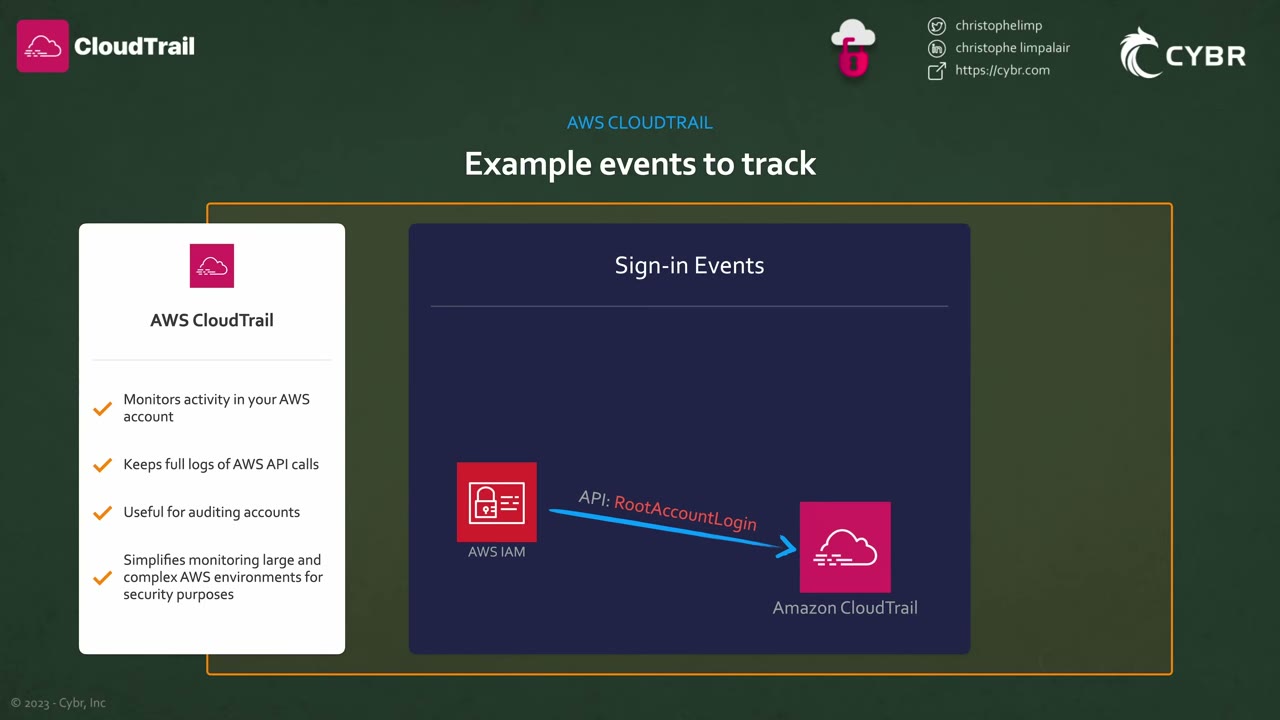
The slide labels the root sign-in “API: RootAccountLogin”. The real event is ConsoleLogin (event source
signin.amazonaws.com) with userIdentity.type = "Root", additionalEventData.MFAUsed, and
responseElements.ConsoleLogin = Success/Failure.
Event types: management, data, Insights, network activity
Management events are on by default and many people think they log more than they do. Without data events an incident can leave you completely blind, and enabling logging afterwards only shows now and the future: you can’t see back in time. ▶ #38 00:10
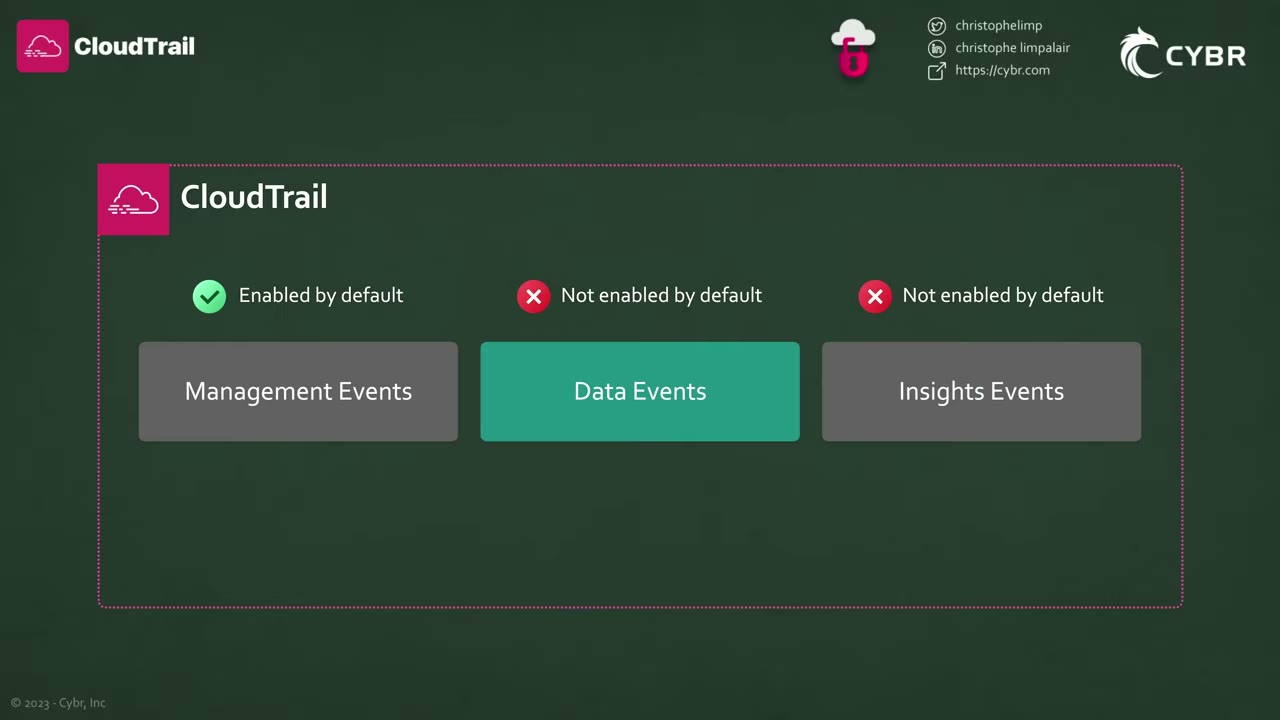
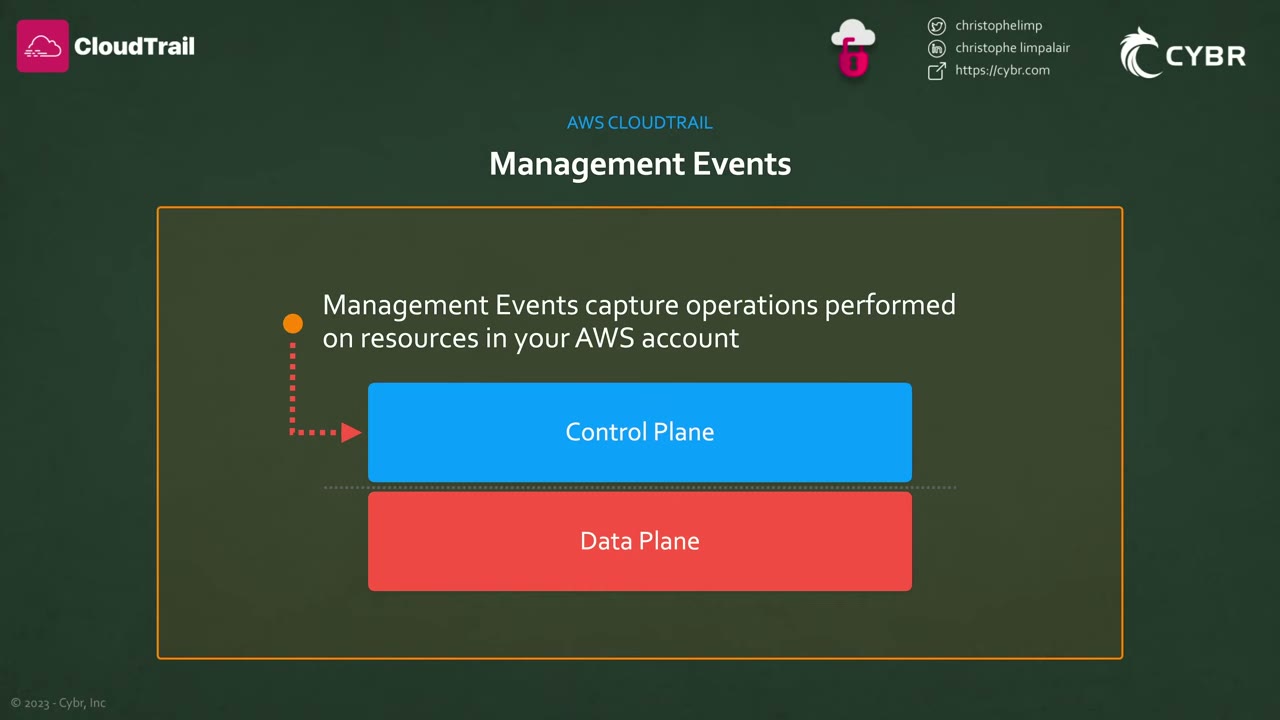
| Management events | Data events | Insights events | Network activity events | |
|---|---|---|---|---|
| Plane | Control plane: create, read, update, delete, list resources ▶ #38 01:01 | Data plane: operations on or within a resource, high volume ▶ #38 03:21 | Anomalies in API call volume / error rate ▶ #38 05:30 | API calls passing through VPC endpoints, including calls denied by the endpoint policy |
| Default | On | Off ▶ #38 03:01 | Off ▶ #38 06:41 | Off |
| Cost | First copy per Region free (pay S3 storage); extra copies charged | Charged | Charged | Charged |
Management events examples: IAM AttachRolePolicy (configuring security), EC2 CreateDefaultVpc (registering devices),
EC2 CreateSubnet (routing rules), CloudTrail CreateTrail (setting up logging), plus CreateUser, PutBucketPolicy,
ConsoleLogin. ▶ #38 01:40 They can be logged as Read, Write or both. Exclude AWS KMS events / exclude RDS
Data API events cut noise (KMS Decrypt/GenerateDataKey are high-volume management events).
Non-API events are also management events: ▶ #38 02:10
- AWS service events: created by an AWS service, not by your request to a public API.
eventType=AwsServiceEvent, e.g. KMS automatically rotating a customer managed key (RotateKey,invokedBy: "AWS Internal"). ▶ #38 02:21 - Console sign-in events: successful or failed sign-in as IAM user or root, root changing its password or MFA settings, etc. ▶ #38 02:31
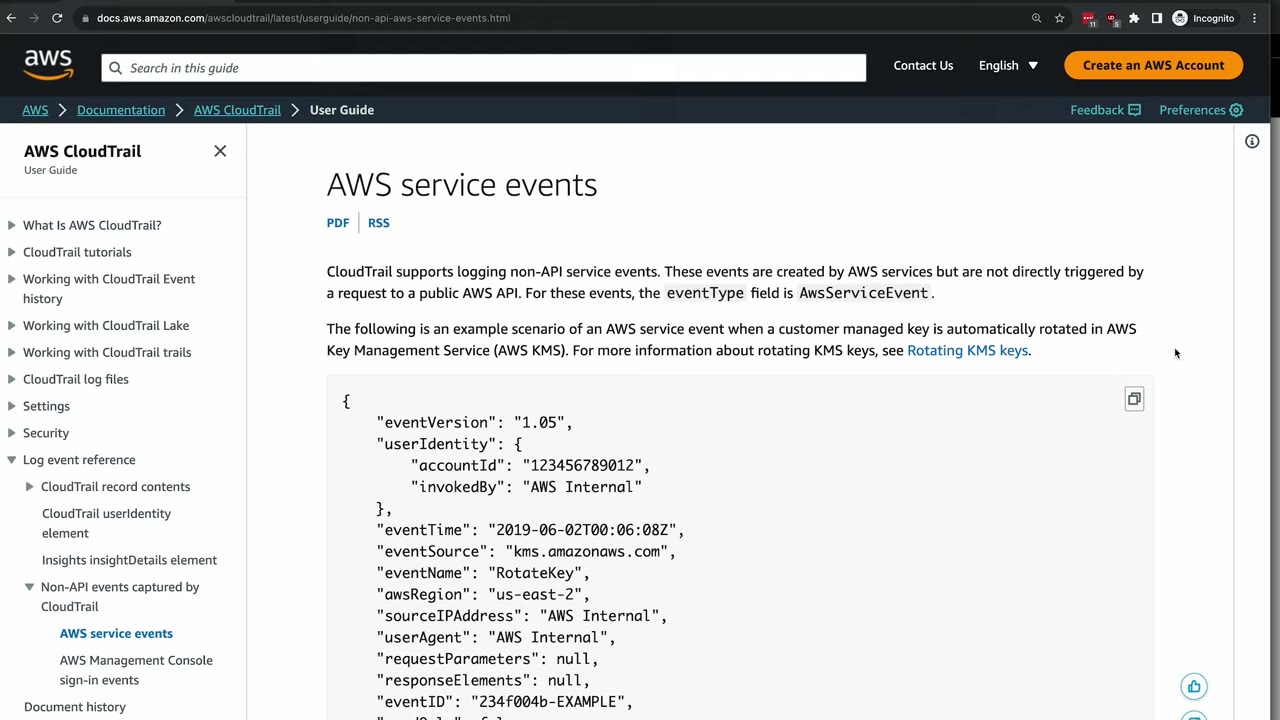
{
  "eventVersion": "1.05",
  "userIdentity": { "accountId": "123456789012", "invokedBy": "AWS Internal" },
  "eventTime": "2019-06-02T00:06:08Z",
  "eventSource": "kms.amazonaws.com",
  "eventName": "RotateKey",
  "awsRegion": "us-east-2",
  "sourceIPAddress": "AWS Internal",
  "userAgent": "AWS Internal",
  "requestParameters": null,
  "responseElements": null,
  "eventID": "234f004b-EXAMPLE",
  …
}
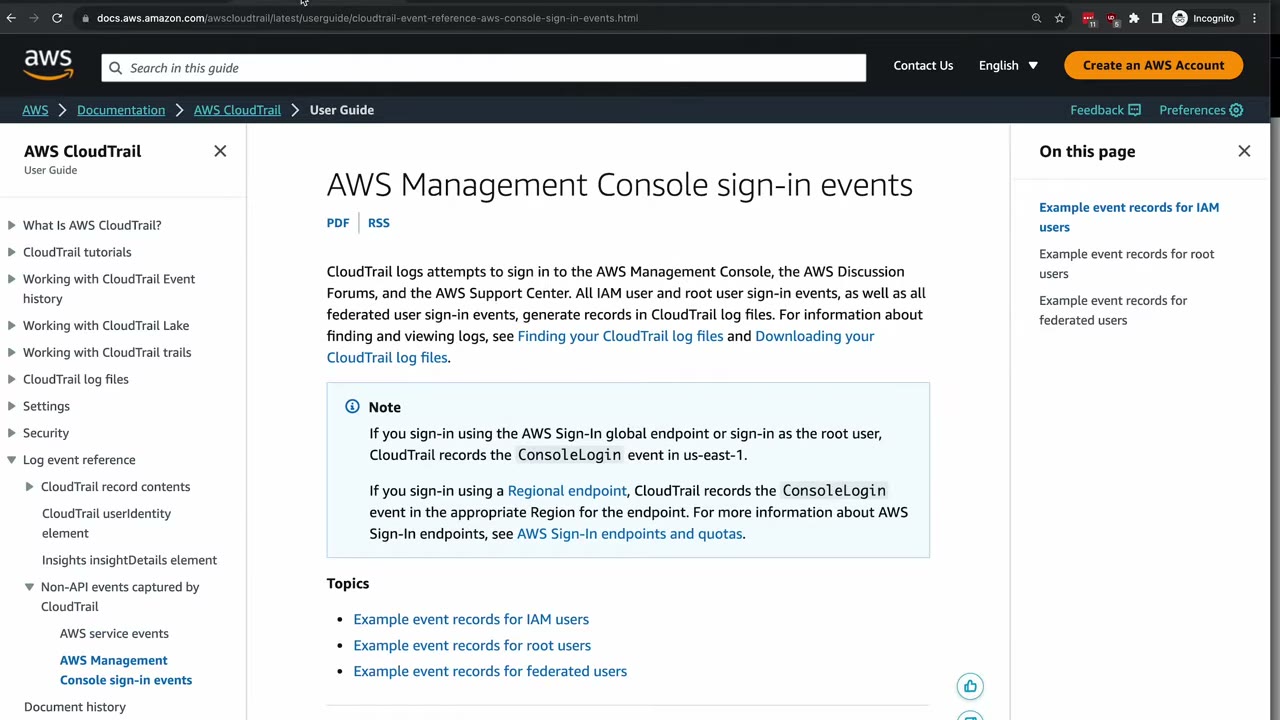
Sign-in via the global endpoint or as root records ConsoleLogin in us-east-1; sign-in via a Regional endpoint
records it in that Region. Other global services (IAM, STS, CloudFront) are also logged as global service events in us-east-1.
Data events are ignored entirely unless configured, because AWS charges more for them. ▶ #38 03:01 AWS can change the list; check the docs. Examples: ▶ #38 03:40
- DynamoDB:
PutItem,DeleteItem,UpdateItem - Lambda: function execution via
Invoke - S3:
GetObject,PutObject,DeleteObject - CloudTrail:
PutAuditEventson a CloudTrail Lake channel
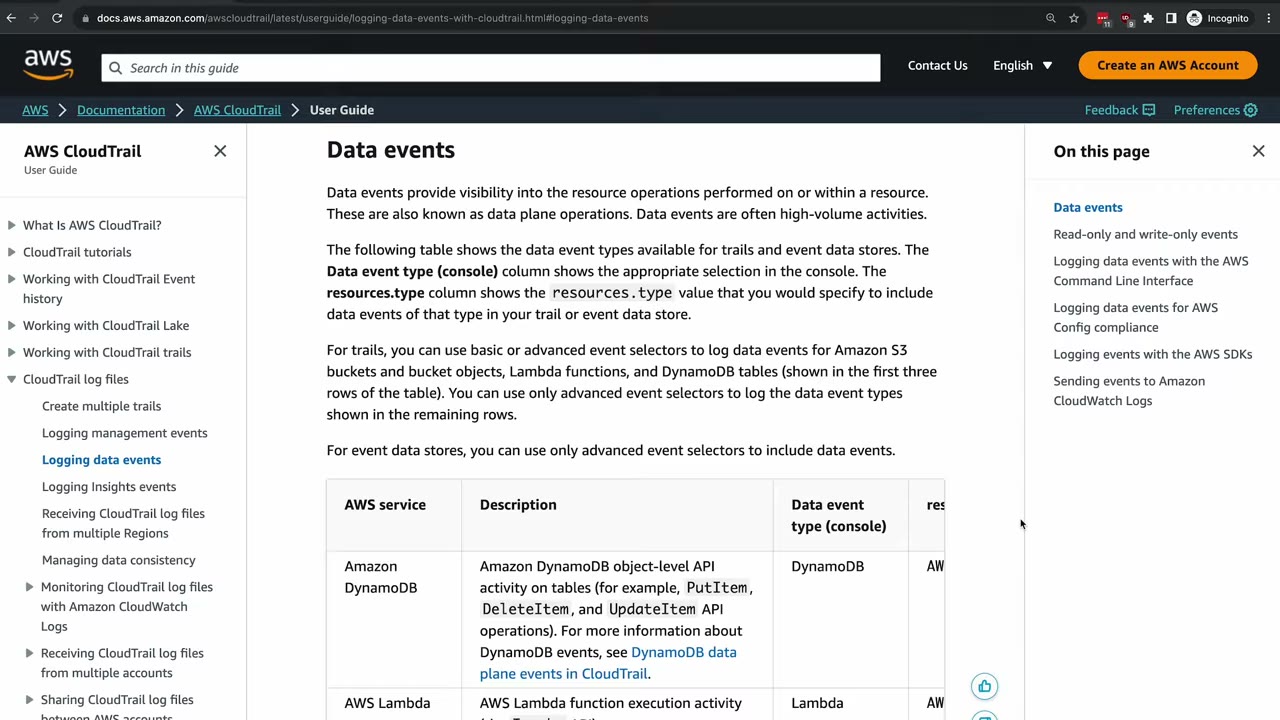
Selectors: trails can use basic or advanced event selectors for S3, Lambda and DynamoDB; every other data event type needs advanced event selectors. Event data stores use only advanced selectors. Use advanced selectors to filter, e.g. only one bucket or only writes.
The S3 split (know which level is which): ▶ #38 04:21
| Level | Event type | Actions |
|---|---|---|
| Account | Management | DeleteAccountPublicAccessBlock, GetAccountPublicAccessBlock, PutAccountPublicAccessBlock |
| Bucket | Management (logged by default) | CreateBucket, DeleteBucket, PutBucketPolicy, PutBucketPublicAccessBlock, PutBucketVersioning, PutBucketReplication, PutBucketObjectLockConfiguration, … (the OPTIONS object CORS preflight also counts as bucket-level) |
| Object | Data (must be enabled) | CopyObject, DeleteObject, GetObject, ListObjects, PutObject, … |
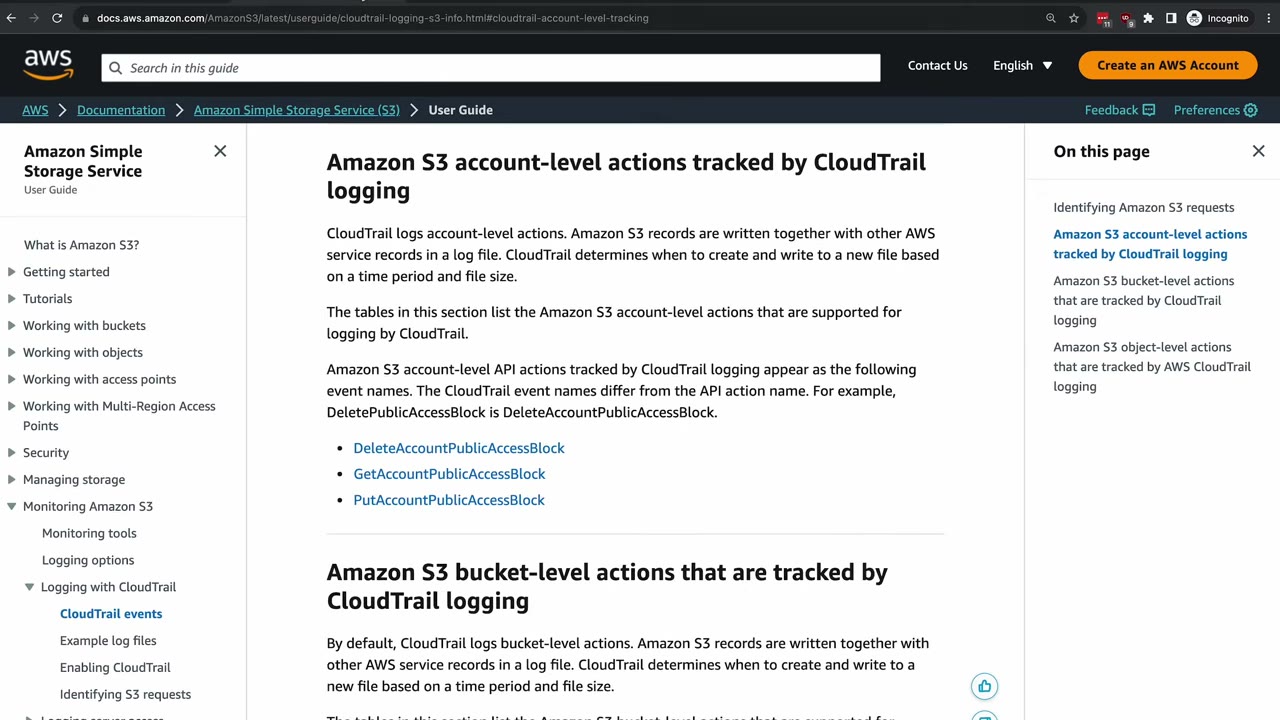
Scenario: exfiltrated sensitive S3 data with only management events logged means you could completely miss it and have nothing to investigate. The trade-off is cost, an organizational decision. ▶ #38 05:00
Insights events continuously analyze management events, build a baseline of normal patterns, and fire when call volume or error rate leaves it. ▶ #38 05:41
- Two types: ApiCallRateInsight (on write management events) and ApiErrorRateInsight (on management events, read and write). A baseline period (up to ~36 hours) is needed first.
- Example: normally 1–2
AccessDeniederrors on IAMCreateUserper 7 days, then suddenly ~15 per minute. CloudTrail writes one Insights event at the start of the unusual activity and one at the end. ▶ #38 05:50 - Each gives the associated API, error code, incident time and statistics. ▶ #38 06:30
- Delivered to the trail’s S3 bucket only when unusual activity is detected (management and data events are continuous). ▶ #38 06:50
- View them in the console, send them to CloudWatch Logs, or match them with an EventBridge rule for email/SMS. ▶ #38 07:02
Network activity events let the VPC owner see who uses its VPC endpoints, including denied calls.
Three ways to record: Event history, trails, CloudTrail Lake
| Event history ▶ #39 00:11 | Trails ▶ #39 00:51 | CloudTrail Lake ▶ #39 02:20 | |
|---|---|---|---|
| Setup | On by default, none needed | You create it | You create an event data store (EDS) |
| Content | Management events only, per Region | Management, data and Insights events | Management and data events, Config configuration items, Audit Manager evidence, non-AWS events (integrations: on-prem VMs, containers, SaaS) |
| Retention | 90 days, can’t be extended | As long as you keep the S3 objects | Up to ~10 years |
| Tamper-proof | Immutable | Use integrity validation | Immutable |
| Access | Console search/download, LookupEvents API |
S3, optionally CloudWatch Logs and EventBridge ▶ #39 01:50 | SQL queries, Lake dashboards (widgets backed by SQL queries) |
| Cost | Free | First copy of management events free (pay S3 storage); data events charged ▶ #39 02:01 | Ingestion + storage + data scanned; “gets expensive with a lot of data” ▶ #39 03:52 |
- Create a trail to keep management events beyond 90 days and to capture data and Insights events, which Event history never records. ▶ #39 01:10
- Lake can import existing CloudTrail logs from S3 into an EDS. Event selectors control exactly which data is stored, and queries can filter on many more fields than Event history’s simple lookup.
- Free tier: Event history (management events, last 90 days, console or
lookup-eventsAPI). Lake: a 30-day trial with up to 5 GB ingested, 5 GB scanned, storage free during the trial. ▶ #39 03:57
SELECT eventTime, useridentity.arn, awsRegion
FROM event_data_store_ID
WHERE awsRegion IN ('us-east-1', 'us-west-2')
  AND eventName = 'ConsoleLogin'
This lists who logged into the console, and when, in two Regions.
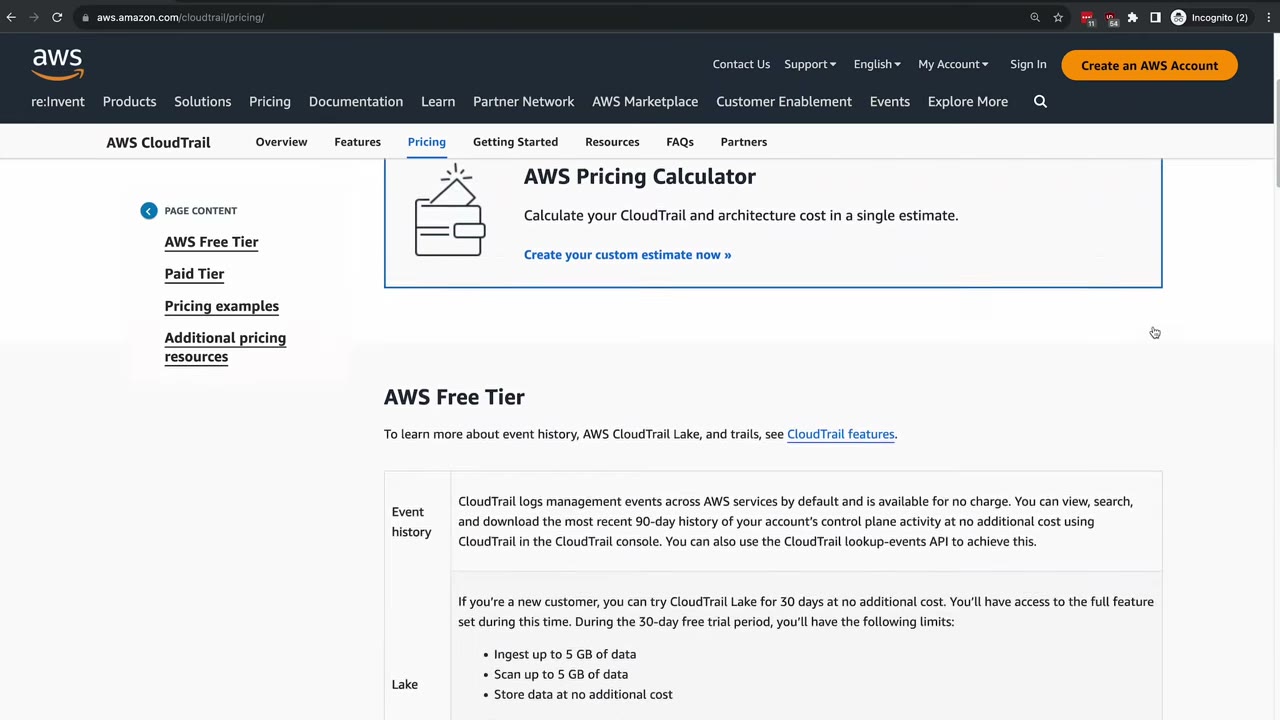
Not real-time. CloudTrail typically delivers events within an average of about 5 minutes of the API call, and this is
not guaranteed (see the CloudTrail SLA). There is always a delay between an attacker’s API call and your alert. ▶ #39 05:00
For near-real-time reaction use EventBridge (detail-type: "AWS API Call via CloudTrail"). Read-only Get/List/Describe
calls are not delivered to EventBridge by default.
Trail settings that matter
- Multi-Region trail is the default and the recommended choice. A trail created in the console is always multi-Region. Event history is per Region, so activity in an unused Region needs a multi-Region trail.
- Log file integrity validation: hourly digest files (SHA-256 hash chain, RSA-signed) in a
CloudTrail-Digest/folder next toCloudTrail/. Verify withaws cloudtrail validate-logs. This proves logs weren’t modified or deleted, so they hold up as forensic evidence. “Definitely important.” ▶ #40 09:02 - Encryption: SSE-S3 by default. Use SSE-KMS for separation of duties (the console enables it by default for new trails). The key policy must allow
cloudtrail.amazonaws.comtokms:GenerateDataKey*(condition onaws:SourceArn/kms:EncryptionContext:aws:cloudtrail:arn), and readers needkms:Decrypt. - CloudTrail → CloudWatch Logs: needs an IAM role that CloudTrail assumes (
logs:CreateLogStream,logs:PutLogEvents). This enables metric filters and alarms (see Amazon CloudWatch).
Organization trail
One org-wide trail sends every account’s logs to one central S3 bucket in the Log Archive account, per the AWS Security Reference Architecture (SRA). ▶ #40 00:10 In the course build this is step 3, after enabling Organizations and creating the member accounts. ▶ #40 00:35 In production use infrastructure as code or AWS Control Tower; the click-through is for learning. ▶ #40 00:51
- Created from the management account or a delegated admin. It logs every member account. Members can see it but cannot modify or delete it. S3 prefix:
AWSLogs/<org-id>/<account-id>/…. - Delegated admin = Security Tooling (you administer CloudTrail there), data = Log Archive. Don’t make Log Archive the delegated admin. ▶ #40 02:21
- The trail is owned by the management account even when the delegated admin creates it, so the bucket policy’s
aws:SourceArnuses the management account ID, not the Security Tooling ID. ▶ #40 05:12 - CloudWatch Logs delivery can’t be configured for an org trail in the console (as delegated admin). Use the API/CLI. ▶ #40 09:02
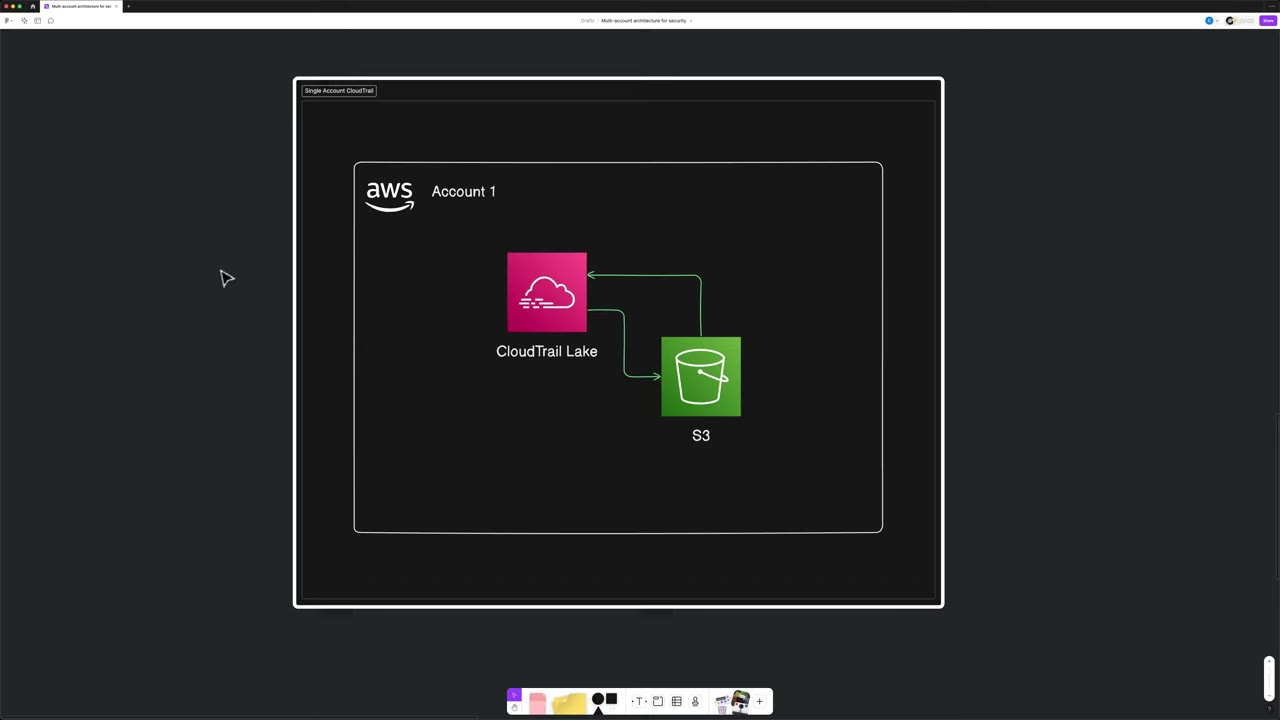
The log bucket (Log Archive): general purpose, Object Ownership: ACLs disabled (bucket owner enforced, the default), Block all public access on. Recommended for production but skipped in the demo: versioning, SSE-KMS default encryption and Object Lock. ▶ #40 03:40
Bucket policy: three statements, all for principal cloudtrail.amazonaws.com, each with aws:SourceArn = the trail ARN
arn:aws:cloudtrail:us-east-1:<MANAGEMENT-account-id>:trail/<trail-name>: ▶ #40 04:10
| Sid | Action | Resource |
|---|---|---|
| AWSCloudTrailAclCheck | s3:GetBucketAcl |
The bucket ARN (bucket-level) |
| AWSCloudTrailWrite | s3:PutObject + s3:x-amz-acl = bucket-owner-full-control |
arn:aws:s3:::<bucket>/AWSLogs/<management-account-id>/* (object-level, so /…/*) |
| AWSCloudTrailOrganizationWrite | s3:PutObject + same ACL condition |
arn:aws:s3:::<bucket>/AWSLogs/<org-id>/*: this is where the organization ID goes |
The trail name in the ARN (demo: org-management-events, meaning management events only) is a placeholder for a trail that
doesn’t exist yet; it must match the name you give the trail later. The aws:SourceArn condition prevents confused-deputy
use of the bucket by other trails. Bucket-owner-enforced (ACLs disabled) makes the ACL condition harmless.
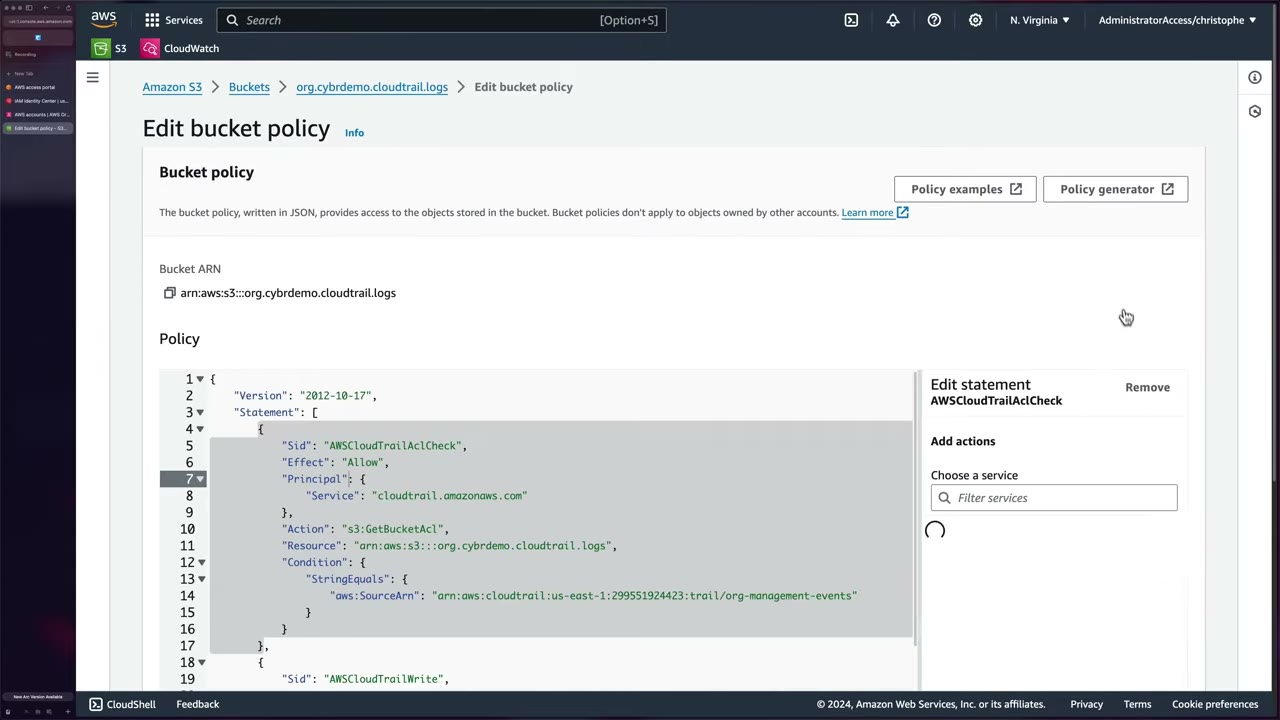
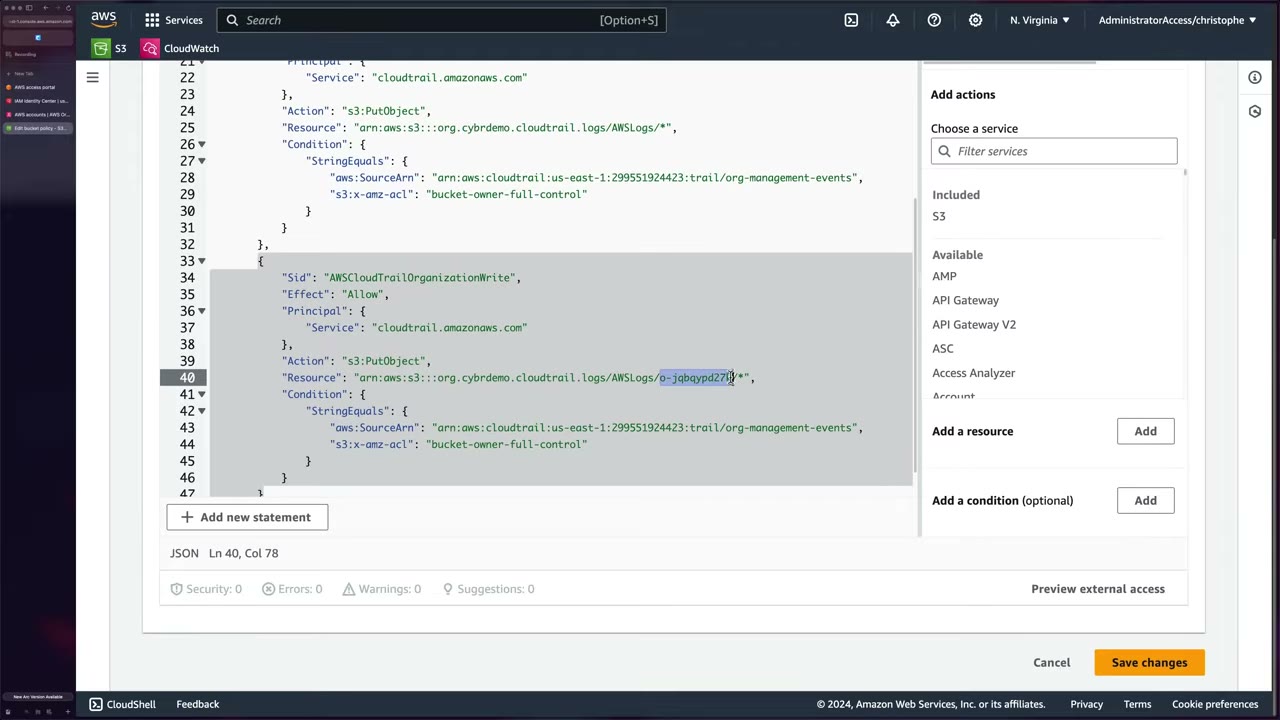
Management account 299551924423, org o-jqbqypd27k.
{
  "Version": "2012-10-17",
  "Statement": [
    {
      "Sid": "AWSCloudTrailAclCheck",
      "Effect": "Allow",
      "Principal": { "Service": "cloudtrail.amazonaws.com" },
      "Action": "s3:GetBucketAcl",
      "Resource": "arn:aws:s3:::org.cybrdemo.cloudtrail.logs",
      "Condition": {
        "StringEquals": {
          "aws:SourceArn": "arn:aws:cloudtrail:us-east-1:299551924423:trail/org-management-events"
        }
      }
    },
    {
      "Sid": "AWSCloudTrailWrite",
      "Effect": "Allow",
      "Principal": { "Service": "cloudtrail.amazonaws.com" },
      "Action": "s3:PutObject",
      "Resource": "arn:aws:s3:::org.cybrdemo.cloudtrail.logs/AWSLogs/*",
      "Condition": {
        "StringEquals": {
          "aws:SourceArn": "arn:aws:cloudtrail:us-east-1:299551924423:trail/org-management-events",
          "s3:x-amz-acl": "bucket-owner-full-control"
        }
      }
    },
    {
      "Sid": "AWSCloudTrailOrganizationWrite",
      "Effect": "Allow",
      "Principal": { "Service": "cloudtrail.amazonaws.com" },
      "Action": "s3:PutObject",
      "Resource": "arn:aws:s3:::org.cybrdemo.cloudtrail.logs/AWSLogs/o-jqbqypd27k/*",
      "Condition": {
        "StringEquals": {
          "aws:SourceArn": "arn:aws:cloudtrail:us-east-1:299551924423:trail/org-management-events",
          "s3:x-amz-acl": "bucket-owner-full-control"
        }
      }
    }
  ]
}
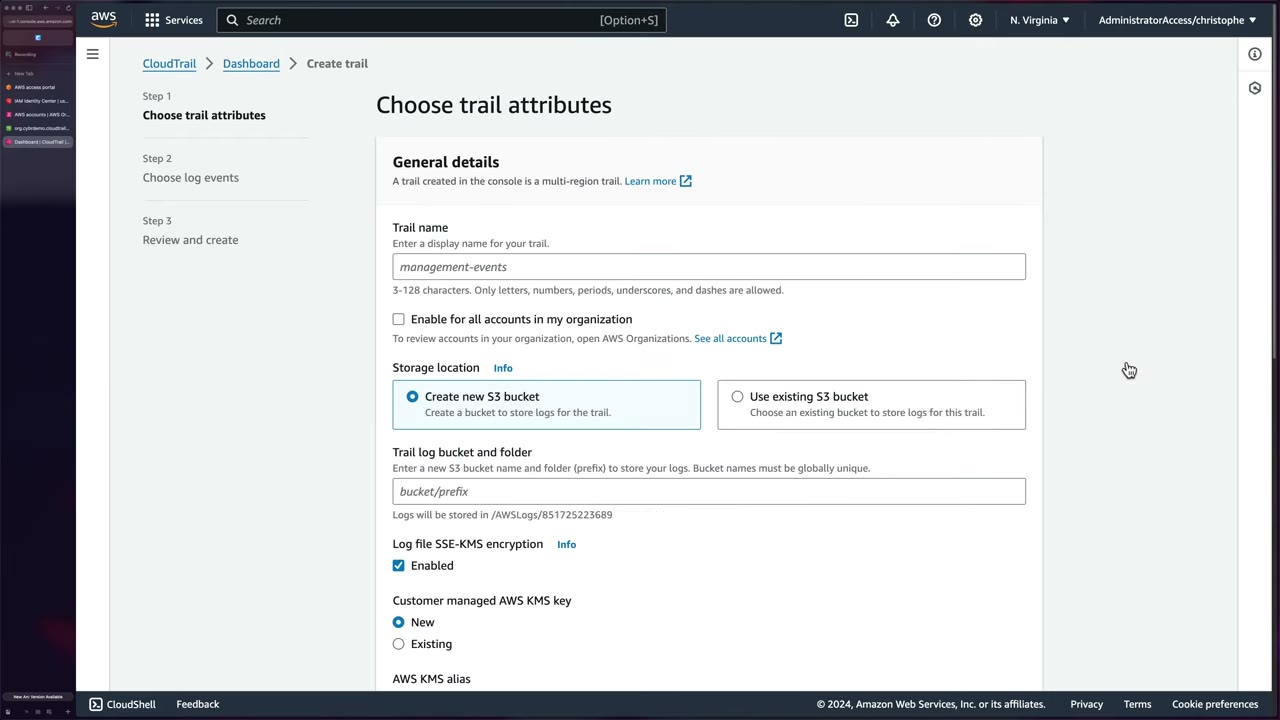
Create-trail options: Enable for all accounts in my organization is only available because the account is the
delegated admin (or the management account). Storage: Use existing S3 bucket. An optional prefix goes in front of the
AWSLogs/ directory. Log file SSE-KMS encryption needs a KMS key/alias (not enabled in the demo). ▶ #40 07:40 The demo
trail org-management-events is multi-Region, enabled for all accounts, management events only (KMS and RDS Data API
events not excluded), no data or Insights events.
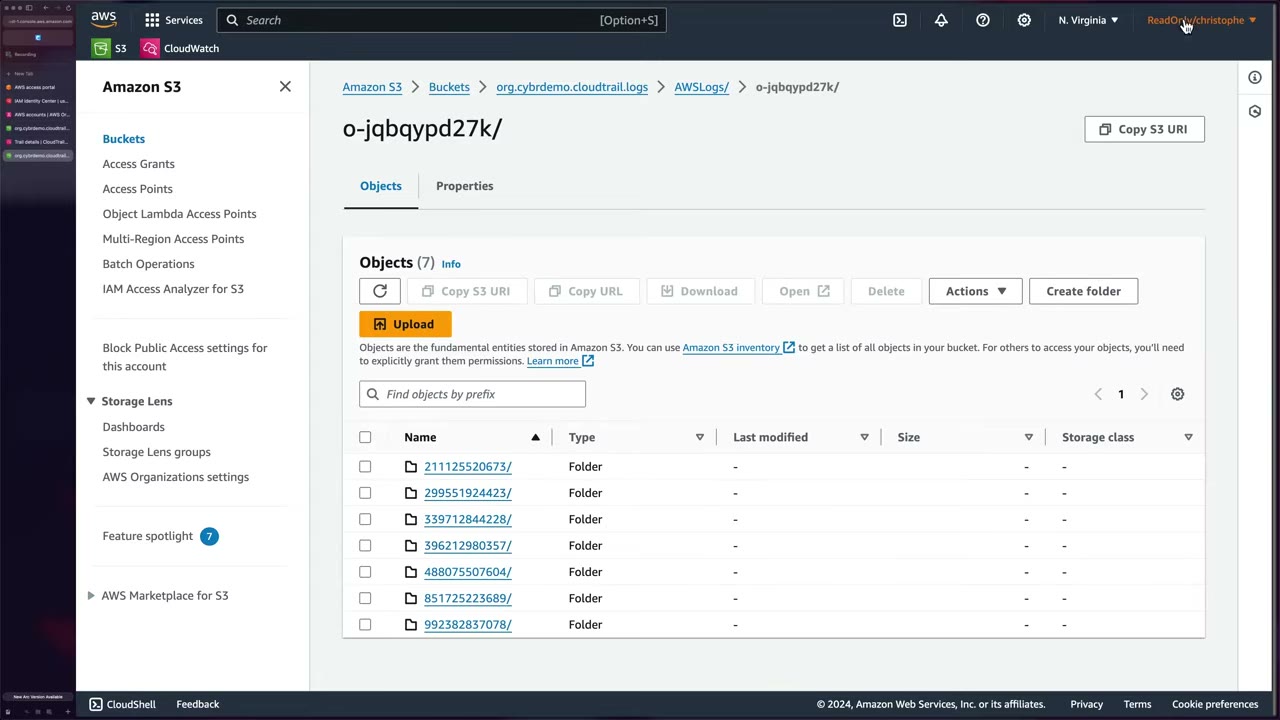
Resulting layout: AWSLogs/<management-account-id>/ and AWSLogs/<org-id>/<each-account-id>/. Each account has
CloudTrail/ (compressed .json.gz log files) and CloudTrail-Digest/ (for log file validation), both split by
Region / year / month / day. ▶ #40 09:50 No more logging into 10–20 accounts: feed this one bucket to a SIEM or to
CloudTrail Lake.
- Access portal → copy the Security Tooling account ID (851725223689). ▶ #40 01:22
- Management account → CloudTrail → Settings → Delegated administrator → Register administrator → paste the Security Tooling ID.
- Organizations console → copy the org ID (
o-xxxxxxxxxx). ▶ #40 02:38 - Log Archive → S3 → Create bucket (general purpose, e.g.
org.cybrdemo.cloudtrail.logsin us-east-1, ACLs disabled, block all public access). ▶ #40 03:00 - Bucket → Permissions → Bucket policy → paste the 3-statement policy, replacing bucket name, management account ID, trail name and org ID. ▶ #40 04:10
- Security Tooling → CloudTrail → Create trail → enable for all accounts → use existing bucket → (optional prefix, SSE-KMS) → log file validation on → management events → create. ▶ #40 07:40
- Log Archive with the ReadOnly permission set → S3 → confirm
AWSLogs/<org-id>/<account-id>/CloudTrail/<region>/<yyyy>/<mm>/<dd>/*.json.gz. ▶ #40 09:50
If the AWSLogs/... folders don’t appear, the trail or the bucket policy is wrong: check the source ARN
(management account ID + exact trail name) and the bucket ARN / resource paths. Any mistake means CloudTrail can’t
write. ▶ #40 11:40
CloudTrail Lake for incident response
Use Lake for org-wide IR searches with SQL, without building an Athena pipeline: query 3, 100 or 1,000 accounts at once instead of chasing logs across 50 accounts during a time-sensitive incident. ▶ #41 11:10 It can be federated to the Glue Data Catalog for Athena (Lake query federation). Homework from the instructor: do the same centrally with Athena; it is mostly about getting permissions right. ▶ #41 11:50
Lake workflow (“How it works” panel): create event data stores → run SQL queries (results kept 7 days) → optionally add integrations (partner apps, containers, VMs, databases) → optionally copy trail events into Lake. ▶ #41 00:31
| Pricing option | Recommended when | Retention |
|---|---|---|
| One-year extendable | < 25 TB ingested per month | First year included, extendable to max 10 years |
| Seven-year | > 25 TB per month | 7 years included, can’t go past 7 |
You can’t switch an existing store between them. Billing is on uncompressed data ingested. ▶ #41 00:51
Creating an organization event data store (from Security Tooling with AdministratorAccess; ReadOnly can’t create resources): ▶ #41 00:21
- Choose events: CloudTrail events, management events (data events optional). ▶ #41 01:10
- Enable for all accounts in my organization makes it org-wide. The copy-trail-events option becomes greyed out when you select it. ▶ #41 01:20
- Ingest events: keep ingesting new events beyond the copy. For IR, leave it on if the attack is ongoing; otherwise typically just import past events. ▶ #41 01:40
- All Regions (single Region is an option for cost); management events Read and Write. ▶ #41 02:01
- Deleting a store takes days (pending deletion, 7-day window), so the demo store is named
IncidentResponse2. Termination protection is on by default. ▶ #41 00:31
The EDS ARN (arn:aws:cloudtrail:us-east-1:299551924423:eventdatastore/107d0eb7-…) is in the management account even
though the delegated admin created it. Retention 366 days, no customer managed KMS key, Lake query federation off.
Gotcha 1: copying trail events into an org EDS must be done from the management account. The delegated admin can’t do it (an AWS limitation at recording time; the instructor suspects it may be lifted). ▶ #41 03:01
- Management account → event data store → Event copy status → Copy trail events. ▶ #41 03:31
- The org trail’s default path covers only that account’s logs, so choose Enter S3 URI and trim it to the org ID level:
s3://org.cybrdemo.cloudtrail.logs/AWSLogs/o-jqbqypd27k/. ▶ #41 03:50 - Time range (e.g. last 6 months) depends on how much data you need and want to pay for. ▶ #41 04:20 Only events within the EDS retention period are copied (90-day retention → nothing older than 90 days).
- Create a new role (recommended), named with prefix
CloudTrailLake-us-east-1-(CloudTrailLake-us-east-1-incidentresponse). ▶ #41 04:41
{
  "Version": "2012-10-17",
  "Statement": [
    {
      "Effect": "Allow",
      "Principal": { "Service": "cloudtrail.amazonaws.com" },
      "Action": ["sts:AssumeRole"],
      "Condition": {
        "StringEquals": { "aws:SourceAccount": "299551924423" },
        "ArnLike": { "aws:SourceArn": "arn:aws:cloudtrail:*:299551924423:eventdatastore/*" }
      }
    }
  ]
}
Note the confused-deputy protections aws:SourceAccount and aws:SourceArn.
Gotcha 2: the tight Log Archive bucket policy blocks the role. The copy retries for a minute or two and fails with
InvalidImportSourceException: Access denied. Verify that the IAM role policy, S3 bucket policy, and KMS key policy have
adequate permissions. ▶ #41 05:10 Check exactly those three, as the error says.
Fix: ▶ #41 06:01
- IAM → Roles → copy the new role’s ARN. ▶ #41 06:12
- Log Archive (AdministratorAccess) → S3 → bucket → Permissions → Edit bucket policy. Above the existing CloudTrail statements, allow the role
s3:ListBucket,s3:GetBucketAcl,s3:GetObjecton the bucket and its objects. ▶ #41 06:32 - Save. Back in the management account, redo Copy trail events with Use existing role → “Successfully created import request”. ▶ #41 07:32
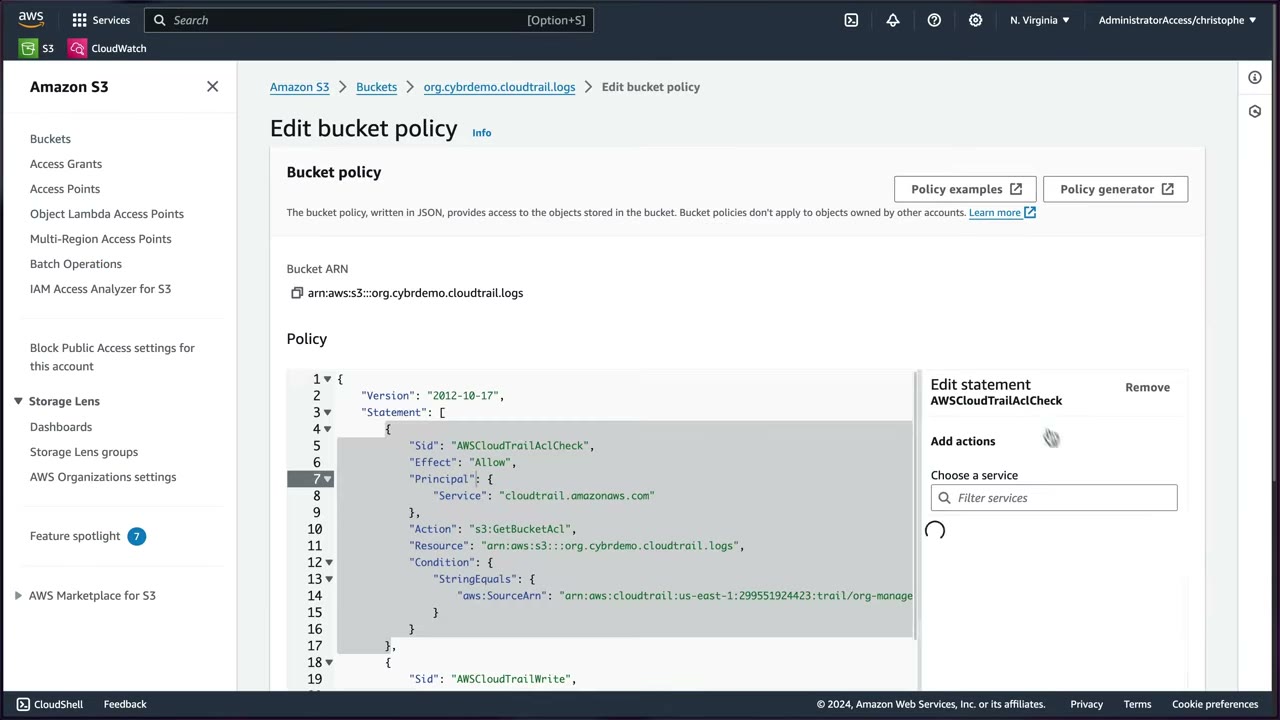
{
  "Sid": "AllowCloudTrailLakeImport",
  "Effect": "Allow",
  "Principal": { "AWS": "arn:aws:iam::299551924423:role/CloudTrailLake-us-east-1-incidentresponse" },
  "Action": ["s3:ListBucket", "s3:GetBucketAcl", "s3:GetObject"],
  "Resource": [
    "arn:aws:s3:::org.cybrdemo.cloudtrail.logs",
    "arn:aws:s3:::org.cybrdemo.cloudtrail.logs/*"
  ]
}
(Reconstructed from the narration; the template was not fully on screen.)
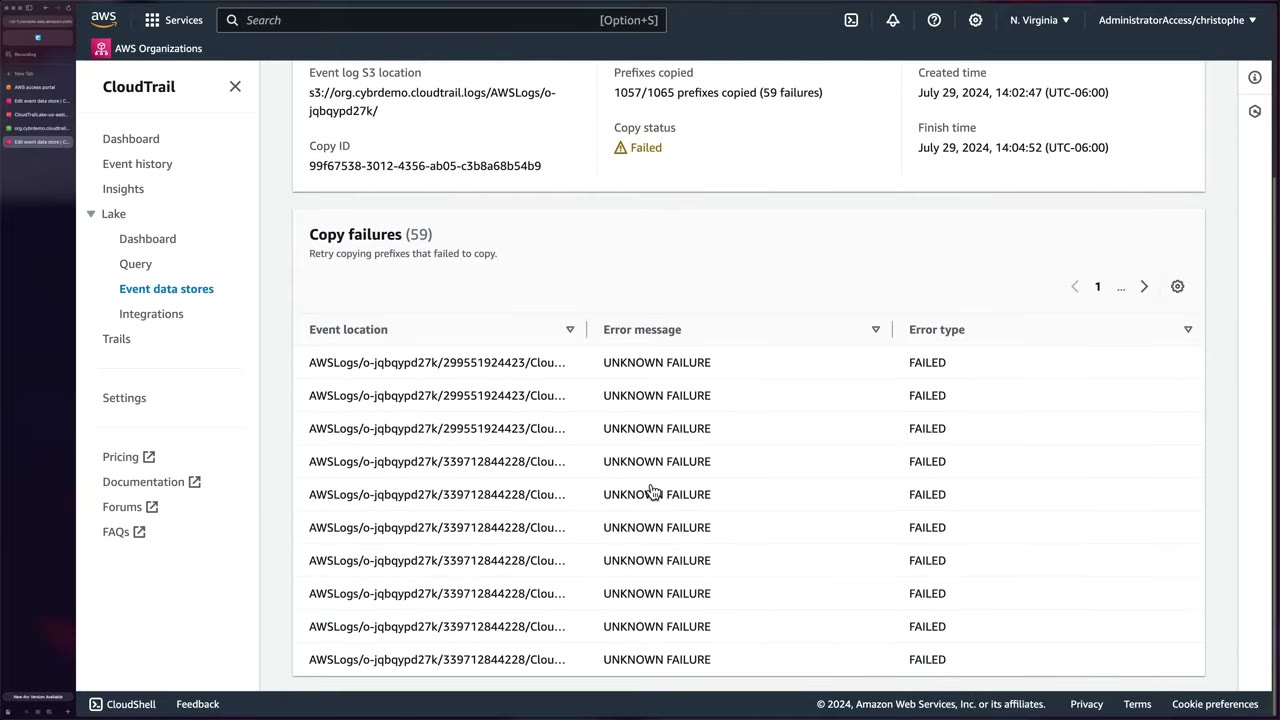
The import ended 1057/1065 prefixes copied (59 failures), status Failed, with “UNKNOWN FAILURE” on some prefixes. The instructor attributes it to other changes he was making; most data was copied. “Things don’t always go smoothly.” ▶ #41 08:31
Querying the whole organization: from Security Tooling (queries need more than ReadOnly; ideally a least-privilege
query-only role) → Lake → Query → select the store. ▶ #41 09:10 The AI query generator (Preview) writes SQL from a
prompt such as “I want to see the latest accessdenied error messages, and what the eventName was as well as which accountId
it occurred in”. Then adjust the time filter and LIMIT. ▶ #41 09:41
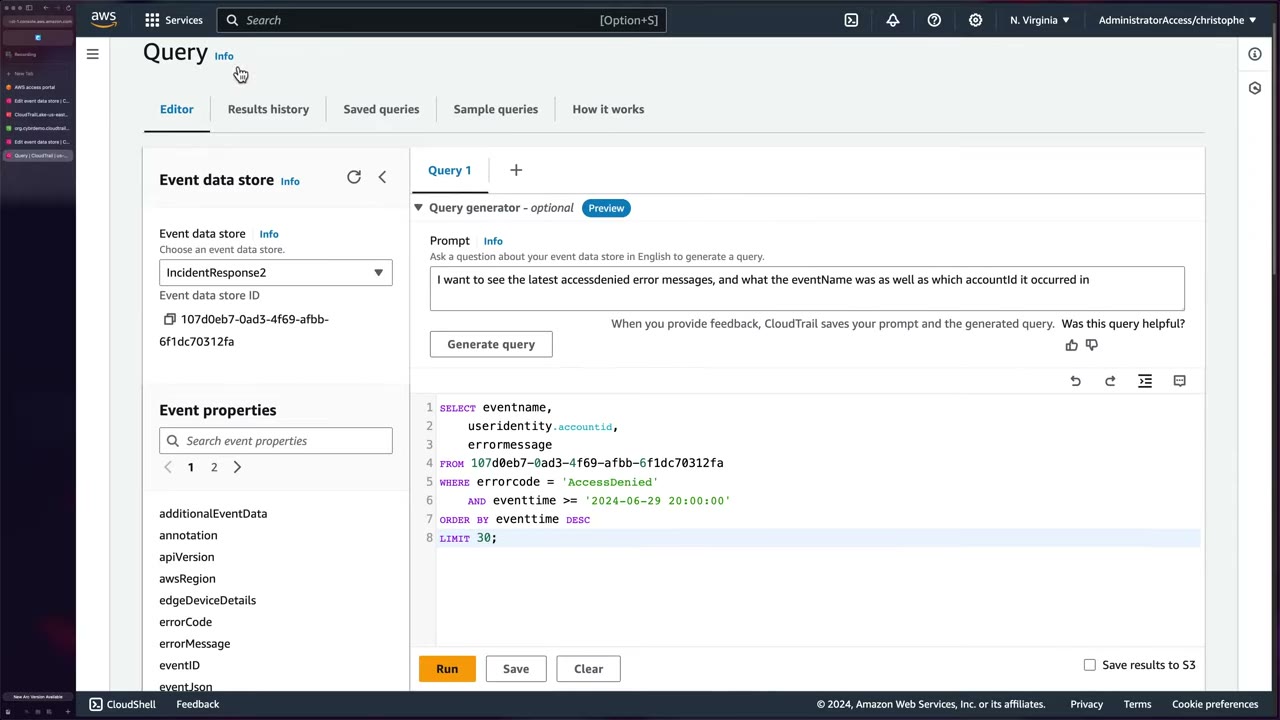
SELECT eventname,
       useridentity.accountid,
       errormessage
FROM 107d0eb7-0ad3-4f69-afbb-6f1dc70312fa
WHERE errorcode = 'AccessDenied'
  AND eventtime >= '2024-06-29 20:00:00'
ORDER BY eventtime DESC
LIMIT 30;
The FROM target is the event data store ID.
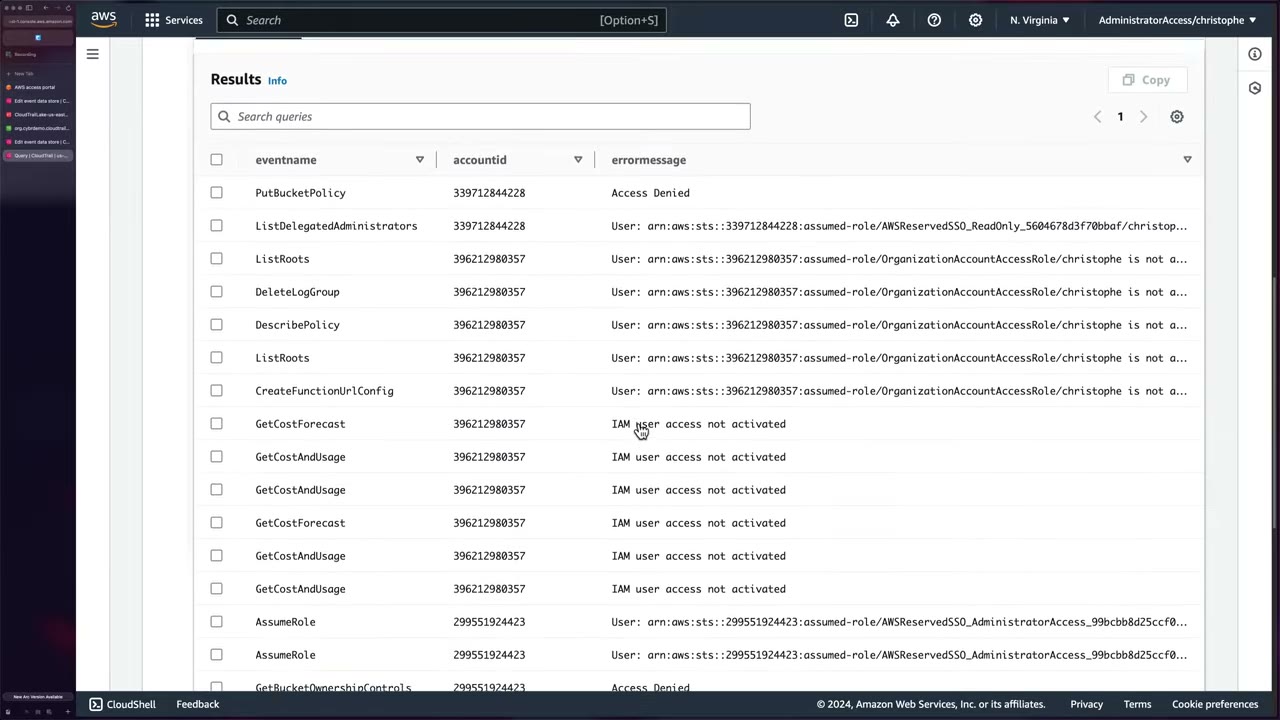
The 30 rows come from multiple accounts: e.g. PutBucketPolicy Access Denied in Log Archive;
ListRoots/DeleteLogGroup/CreateFunctionUrlConfig denied for OrganizationAccountAccessRole in Demo; GetCostAndUsage
“IAM user access not activated”. ▶ #41 10:30
- Access portal → Security Tooling → AdministratorAccess → CloudTrail → Lake → Event data stores → Create event data store. ▶ #41 00:21
- Name
IncidentResponse2, one-year extendable pricing, defaults, no Lake query federation → Next. ▶ #41 00:51 - CloudTrail events → management events → Enable for all accounts in my organization → (optional) ingest events → Read + Write → Next → Create. ▶ #41 01:10
- No copy option → switch to the management account → same store → Copy trail events. ▶ #41 03:21
- Source Enter S3 URI up to
AWSLogs/<org-id>/, last 6 months, delivery = the store, Create a new role → Copy events → confirm the pricing warning. ▶ #41 03:50 - AccessDenied → copy the role ARN → in Log Archive add the bucket policy statement for the role. ▶ #41 06:01
- Management account → copy again with the existing role → monitor copy status. ▶ #41 07:32
- Security Tooling → Lake → Query → select the store → query generator → Generate → adjust → Run → review cross-account results. ▶ #41 09:10
Missing logs: troubleshooting
- Trail
IsLogging = false(someone calledStopLogging). Check withget-trail-status. - The S3 bucket policy doesn’t allow
cloudtrail.amazonaws.coms3:PutObject(withaws:SourceArn), or the prefix is wrong. For an org trail the usual mistake is the source ARN (must use the management account ID + exact trail name) or the bucket ARN / resource paths. ▶ #40 11:40 - The KMS key policy doesn’t allow CloudTrail, or readers lack
kms:Decrypt(logs exist but can’t be read). - The trail is single-Region and the activity happened elsewhere.
- Data events were never enabled, or an advanced event selector filters them out.
- The CloudWatch Logs delivery role is missing or broken.
- An SCP or bucket policy denies the write.
- Lake copy/import fails (
InvalidImportSourceException) → IAM role policy, S3 bucket policy, KMS key policy. ▶ #41 05:10
From the instructor
- CloudTrail should be among the first places you investigate suspicious activity. ▶ #37 00:50
- Defaults: management events only, 90-day Event history, no trails. ▶ #37 01:50
- Management events ≠ everything; turning on data events after an incident won’t show the past. ▶ #38 00:30
- S3 exfiltration with only management events → nothing to investigate. ▶ #38 05:00
- Event history is free, default, immutable, 90 days, management events only. ▶ #39 00:11
- “CloudTrail is not considered to be real-time logging”: about 5 minutes on average, not guaranteed. ▶ #39 05:00
- Delegated admin = Security Tooling, data = Log Archive. ▶ #40 02:21
- Bucket policy source ARN uses the management account ID. ▶ #40 05:12
- Enable log file validation; org-trail CloudWatch Logs can’t be set in the console. ▶ #40 09:02
- Copying trail events into an org event data store requires the management account. ▶ #41 03:01
- Tight Log Archive bucket policies block the Lake import role; add an explicit statement for it. ▶ #41 05:10
- Use admin or a dedicated query role; ReadOnly can’t create stores or run queries in this setup. ▶ #41 09:10
Keyword → answer
| If the question says… | Answer |
|---|---|
| Prove logs were not tampered with | Log file integrity validation (+ S3 Object Lock / MFA delete on the bucket) |
| Who downloaded this S3 object? | Data events for S3. If neither data events nor S3 server access logs were on, you can’t look back: enable them now (GuardDuty S3 Protection findings may give partial evidence) |
| Who changed the bucket policy / disabled Block Public Access? | Management events, in Event history for 90 days even with no trail |
| Lambda invocations, DynamoDB item reads, S3 object reads | Data events. CreateFunction, CreateTable, PutBucketPolicy → management events |
Spike in TerminateInstances or AccessDenied errors |
CloudTrail Insights |
| Member-account admins must not stop logging | Organization trail + SCP denying cloudtrail:StopLogging / DeleteTrail |
| Query a year of org API activity with SQL, minimal setup | CloudTrail Lake |
| Cheapest for occasional queries over S3 logs | Athena |
| Near-real-time on log groups, short term | CloudWatch Logs Insights |
| Keep logs 7 years for compliance | Trail to S3 + lifecycle to Glacier (+ Object Lock), or a Lake EDS with long retention |
| Real-time alert when root logs in | EventBridge rule on ConsoleLogin with userIdentity.type = Root (or metric filter + alarm on a trail sent to CW Logs) |
| Detect within seconds/minutes | EventBridge on CloudTrail events, or GuardDuty, not querying S3 logs (~5 min delivery) |
| Attacker acted in an unused Region, nothing in Event history | Event history is per Region → multi-Region trail |
| Which principals used our VPC endpoint, including denied calls | Network activity events |
| Copy trail events to an org EDS, option greyed out | Do it from the management account |
- There is no API called
RootAccountLogin(as the #37 slide suggests). The event isConsoleLogin(sourcesignin.amazonaws.com) withuserIdentity.type = "Root"andresponseElements.ConsoleLogin = Success/Failure. - At ▶ #38 04:51 the instructor says you’d “create a trail and then create an event data store” to log data events. You need either a trail (data event selectors → S3) or a CloudTrail Lake event data store, not both.
- Insights types, corrected: ApiCallRateInsight works on write management events; ApiErrorRateInsight on read and write management events.
- AWS’s own org-trail bucket policy template scopes the
AWSCloudTrailWritestatement toAWSLogs/<management-account-id>/*; the demo uses the broaderAWSLogs/*. - The “copy trail events only from the management account” restriction was an AWS limitation at recording time and may change.
Real-world practice
# Org trail, multi-Region, KMS-encrypted, integrity validation on
aws cloudtrail create-trail --name org-trail --s3-bucket-name org-ct-logs-<acct> \
  --is-organization-trail --is-multi-region-trail --enable-log-file-validation \
  --kms-key-id arn:aws:kms:ap-southeast-1:<acct>:key/<id>
aws cloudtrail start-logging --name org-trail

# S3 data events only for write calls on one sensitive bucket
aws cloudtrail put-event-selectors --trail-name org-trail --advanced-event-selectors '[
 {"Name":"S3 writes on pii bucket","FieldSelectors":[
  {"Field":"eventCategory","Equals":["Data"]},
  {"Field":"resources.type","Equals":["AWS::S3::Object"]},
  {"Field":"readOnly","Equals":["false"]},
  {"Field":"resources.ARN","StartsWith":["arn:aws:s3:::pii-bucket/"]}]}]'

# Verify integrity for a time window
aws cloudtrail validate-logs --trail-arn <trail-arn> --start-time 2026-11-01T00:00:00Z
CloudTrail Lake query, “everything a compromised access key did”:
SELECT eventTime, eventSource, eventName, awsRegion, sourceIPAddress, errorCode
FROM <event-data-store-id>
WHERE userIdentity.accessKeyId = 'AKIAEXAMPLE'
  AND eventTime > '2026-11-01 00:00:00'
ORDER BY eventTime;
- Production layout: org trail → central Log Archive bucket (Object Lock, deny delete, KMS key owned by Log Archive). The Security/Audit account gets read-only access. An SCP blocks
StopLogging,DeleteTrail,UpdateTrailandPutEventSelectors. - Harden the log bucket: SSE-KMS with a dedicated key, versioning + Object Lock (compliance mode) or at least MFA delete, lifecycle to Glacier, deny
s3:DeleteObjectand policy changes except from a break-glass role, and log access to the bucket itself. ▶ #40 03:40 - Control Tower already creates an org trail into the Log Archive bucket. Don’t build a second one without reason; duplicate management-event copies are billed.
- Data-event baseline: S3 data events on sensitive buckets (or all writes + reads on sensitive prefixes) and Lambda data events on critical functions, filtered with advanced selectors to control cost. Make sure Security Lake / SIEM ingest includes data events if detections rely on them.
- Insights is cheap relative to data events and catches credential-stuffing-like spikes of
AccessDeniedfrom compromised keys. - Org-trail CloudWatch Logs delivery is usually configured once (CLI/IaC) in the management account, so the log group lives there, not in Log Archive. Many teams stream from S3 into a SIEM instead.
- Pre-build the org event data store (or Athena tables) before an incident. Creating and importing during one costs time, and imports can partially fail (59 failed prefixes in the demo). ▶ #41 08:31
- Give IR a dedicated query role with only
cloudtrail:StartQuery,GetQueryResults,DescribeQuery,ListEventDataStores(a permission set in Security Tooling). Save common IR queries: root activity,ConsoleLoginfailures,CreateAccessKey,PutBucketPolicy,StopLogging, activity by access key ID. - GuardDuty consumes CloudTrail management events (and S3 data events with S3 Protection) without you needing a trail. Still keep your own trail for evidence.
- Create a single-account, multi-Region trail with integrity validation, and send it to CloudWatch Logs.
- Upload an object to a bucket with S3 data events enabled, then find the
PutObjectevent in S3 after ~5 minutes. - Run
validate-logs. - (Org, ▶ #40, ▶ #41) Register Security Tooling as CloudTrail delegated admin, create the Log Archive bucket + 3-statement policy, create the org trail, then build an org event data store and run a cross-account
AccessDeniedquery. - Cleanup:
delete-trail, then empty and delete the bucket and log group, and the event data store (disable termination protection, then delete).
Amazon CloudWatch (Metrics, Alarms, Logs, Logs Insights, Agent)
AWS’s monitoring and observability service: metrics, alarms, dashboards, log storage and analytics for AWS services, EC2 (via the agent) and on-premises servers. It is the alerting backbone and the usual first log destination.
- Exam skills: metrics, alerts & dashboards for anomalies (1.1.4) · configure service/app logging (1.2.2) · analyze logs (1.2.4) · fix missing logs / agent config (1.3.2) · search & correlate logs (2.2.2) · instance profiles & roles (3.2.2) · lifecycle & retention (5.2.3) · delegated admin (6.1.4)
- Videos: ▶ #42 About CloudWatch · ▶ #106 Centralized CloudWatch logging · ▶ #107 Unified CloudWatch agent · (▶ #108 Logs data protection → file 04)
- Cost trap: log groups never expire by default. Set retention.
CloudWatch vs CloudTrail
CloudWatch tracks applications and infrastructure through logs and performance metrics, across cloud and on-premises. ▶ #42 00:02 Collected data is stored historically and used for events and alarms, querying and anomaly detection. ▶ #42 00:22
| CloudWatch | CloudTrail | |
|---|---|---|
| Purpose | Performance & operational monitoring | API activity logging & audit trails |
| Questions | Is my app healthy? Is my code erroring or slow? Why did my Lambda crash? | Who deleted my S3 bucket? Who accessed S3 objects? What changed in my security group, when, by whom? |
| Focus | Metrics, logs, operational data | User activity, compliance & governance logging |
Know this distinction for the exam. ▶ #42 00:50
Core features and integrations
Service integrations (depth varies): ▶ #42 02:01
- Lambda: execution logs, metrics, timeouts.
- ECS/EKS: Container Insights, cluster metrics.
- RDS: detailed database performance metrics.
- API Gateway: access/execution logs, latency metrics.
- Systems Manager: Session Manager session logs, Automation execution visibility.
- Network Firewall: firewall metrics and logs. ▶ #42 02:10
- EC2 sends only basic metrics by default. For OS-level metrics and logs install the CloudWatch agent, which uploads logs automatically. Then you can run Insights queries, export to S3, feed your SIEM. ▶ #42 03:00
Core functionality: ▶ #42 03:51
| Feature | What it gives you |
|---|---|
| Metrics | Time-series data points: CPU utilization, memory usage, request counts, network throughput; custom metrics for gaps ▶ #42 03:51 |
| Logs | Application, AWS service and custom logs in log groups, queried with Logs Insights (SQL-like, pattern matching, statistics) ▶ #42 04:20 |
| Traces (X-Ray) | Technically separate, now deeply integrated: end-to-end request tracing, e.g. API Gateway → Lambda → DynamoDB, to find bottlenecks (or a developing attack) ▶ #42 04:51 |
| Application Signals | Automatic insights: Lambda cold starts, API latency spikes, DB connection issues (“something weird is going on, check this out”) ▶ #42 05:51 |
| Network monitoring | Unusual traffic patterns, connectivity debugging, network performance ▶ #42 06:11 |
| Alarms (“super important”) | Watch metrics, act when thresholds are crossed ▶ #42 06:20 |
| Insights | Container Insights (ECS/EKS), Lambda Insights, Database Insights, Application Insights, EC2 resource health ▶ #42 07:30 |
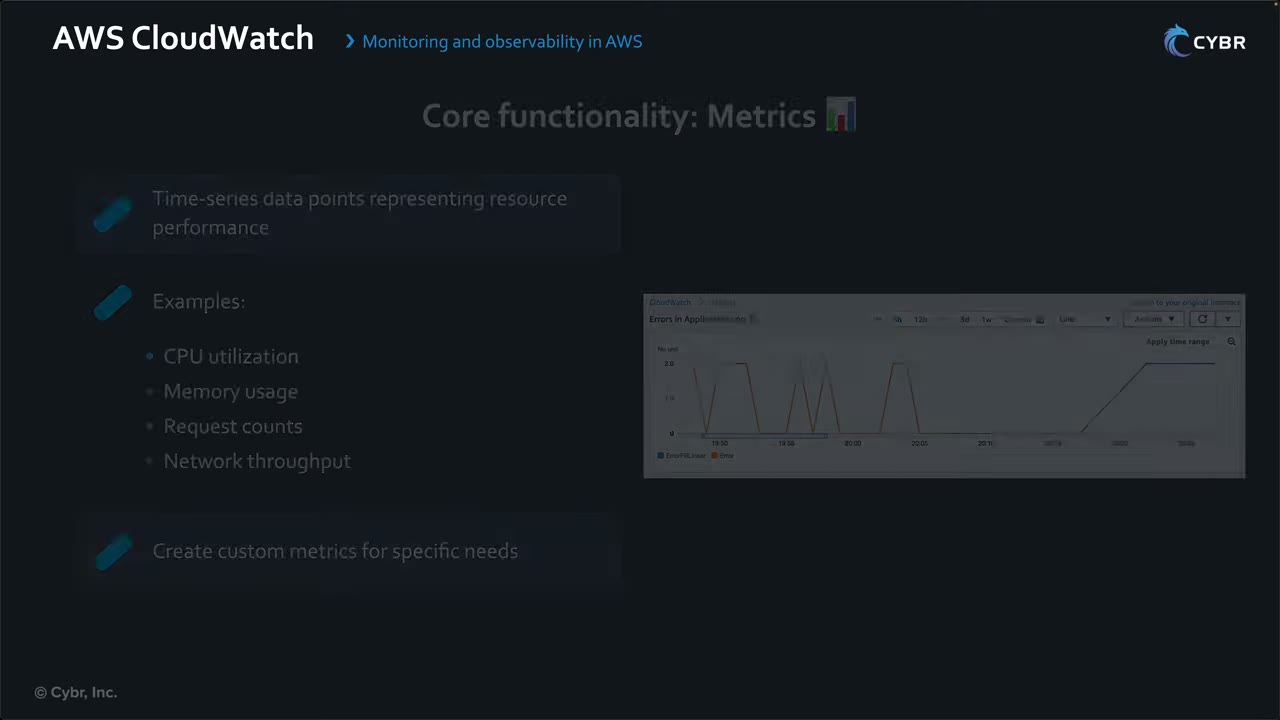
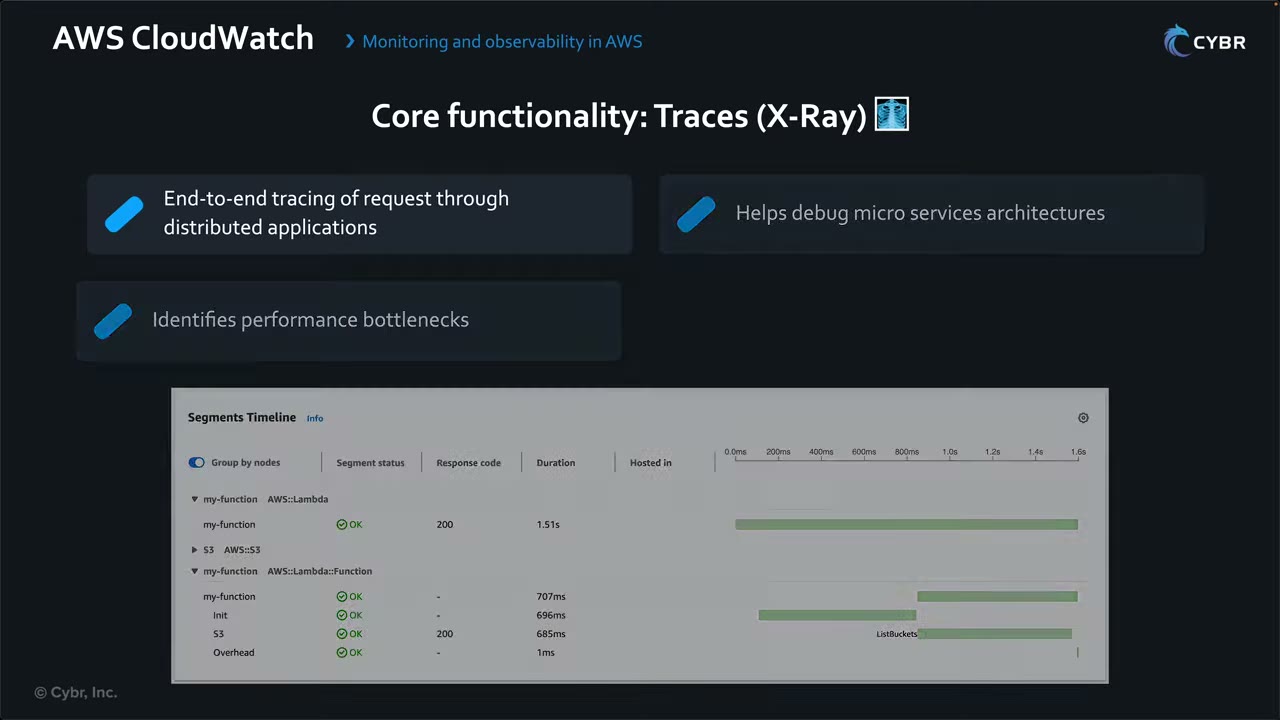
The X-Ray timeline shows exactly where time is spent: Init 696 ms, the function 707 ms, an S3 ListBuckets call 685 ms.
Operational scenario: a slow-API alarm fires → Application Insights identifies the slowdown → X-Ray traces it to one microservice → Container Insights checks if the ECS cluster is resource-constrained → CloudWatch Logs gives the service’s detailed logs. The cause could just as well be security-related. ▶ #42 08:10
Alarms, metric filters and security detections
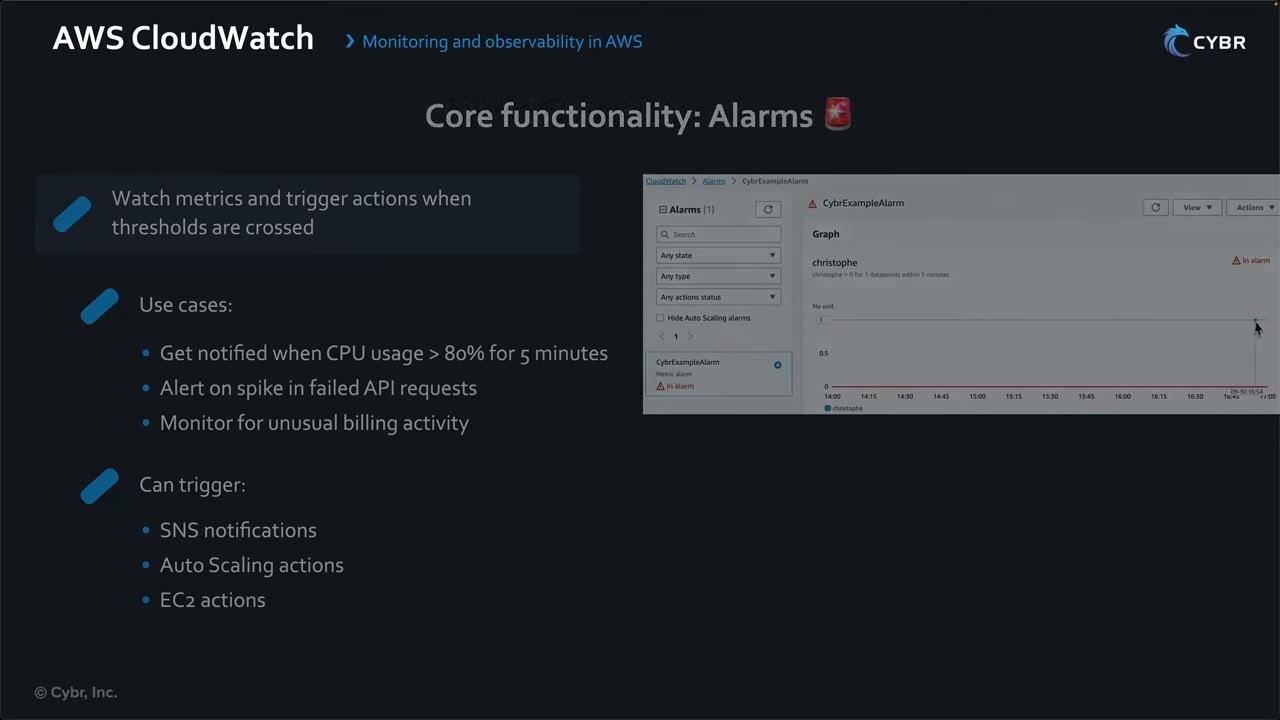
- Alarm use cases: CPU > 80% for 5 minutes; a spike in failed API requests (possible attack); billing visibility. Actions: SNS, Auto Scaling, EC2 actions, service-specific actions; integrate with EventBridge to route/transform, SQS, etc. ▶ #42 06:20
- A metric filter turns a log pattern into a custom metric; an alarm on that metric notifies SNS (or triggers EC2/Auto Scaling/SSM actions).
- Classic CIS pattern: CloudTrail → CW Logs → metric filter → alarm → SNS for root login, unauthorized API calls, console login without MFA, IAM policy changes, CloudTrail config changes, SG/NACL changes, and so on. EventBridge rules are the alternative for near-real-time single events.
- Logs Insights is an ad-hoc query language over log groups (
fields | filter | stats | sort) and can query several log groups at once. It is not an alerting tool. - Anomaly detection bands on metrics, or log anomaly detection on log groups, when there’s no known baseline.
Security use cases: ▶ #42 08:51
- Alarms on suspicious API calls: repeated failed logins (especially root/admin), many unauthorized API requests. ▶ #42 09:01
- VPC Flow Logs to CloudWatch to detect unusual traffic patterns. ▶ #42 09:10
- Dashboards for security metrics: failed root authentications, encryption errors. ▶ #42 09:22
- Logs Insights to investigate incidents, e.g. tracking an attacker across services. ▶ #42 09:30
Data exfiltration detection: ▶ #42 09:41
- Send VPC Flow Logs to CloudWatch Logs.
- Create a metric filter for unusual outbound data transfer.
- Alarm when the metric spikes.
- Alarm → SNS → security team.
Log groups: retention, encryption, data protection
- Retention: the default is Never expire. Set it per log group (1 day to 10 years). Many compliance frameworks need ~1 year; no need to keep logs forever unless required. The instructor calls this both a cost tip and an exam tip: CloudWatch “can get expensive fast”. ▶ #42 10:11 Archive cheaply to S3 (export task or Firehose). Enforce retention org-wide with the Config rule
cw-loggroup-retention-period-checkor automation. - Encryption: logs are always encrypted. Use a customer KMS key with
associate-kms-key; the key policy must allowlogs.<region>.amazonaws.com, with akms:EncryptionContext:aws:logs:arncondition. - Data protection policies mask sensitive data (PII, credentials) in log events; unmasking needs
logs:Unmask(skill 5.3.4, ▶ #108 in file 04).
Streaming and cross-account access
- Subscription filters: real-time stream of log events to Kinesis Data Streams, Firehose, Lambda or OpenSearch. Max 2 subscription filters per log group; fan out via Kinesis if you need more.
- Cross-account streaming uses a destination (wrapping a Kinesis stream or Firehose) in the central account, with a destination access policy allowing the source accounts or the org.
- Cross-account observability: a monitoring account plus source accounts linked via Observability Access Manager (OAM) sinks and links. One account can view metrics, logs and traces of many accounts without copying them.
| Need | Use |
|---|---|
| Copy logs from all accounts, least overhead | Centralization rules (below) |
| Analysts only view/query other accounts’ telemetry | OAM cross-account observability |
| Stream in near real time to a custom pipeline (S3, OpenSearch, SIEM) | Subscription filter → cross-account destination → Kinesis/Firehose |
Org-wide log centralization
Native centralization rules copy log groups from source accounts and Regions into one destination account, the same idea as an org CloudTrail trail delivered to Log Archive, but for CloudWatch Logs. ▶ #106 00:00 It works with AWS Organizations to collect logs into one repository. ▶ #106 00:10
“CloudWatch only copies raw log data to your destination. Source account configurations and policies are not applied to centralized logs.” Set retention, data protection, etc. directly in the destination account.
Step 1: management account, trusted access + delegated admin ▶ #106 00:21
- CloudWatch → Setup → Settings → Organization tab. ▶ #106 00:30
- You can’t register a delegated admin until trusted access is on. ▶ #106 00:41
- Turn on trusted access: lets Organizations grant other AWS services permission to read information about the org and its accounts. It creates the service-linked role
AWSServiceRoleForObservabilityAdmin. Only the management account can do this. ▶ #106 00:50 - Register delegated administrator → the Log Archive account, which is both delegated admin and destination. ▶ #106 01:11 Delegated admins can deploy CloudWatch features to all accounts or specific OUs; the management account cannot limit them to specific OUs.
- Result: status On, delegated administrators 1 of 1.
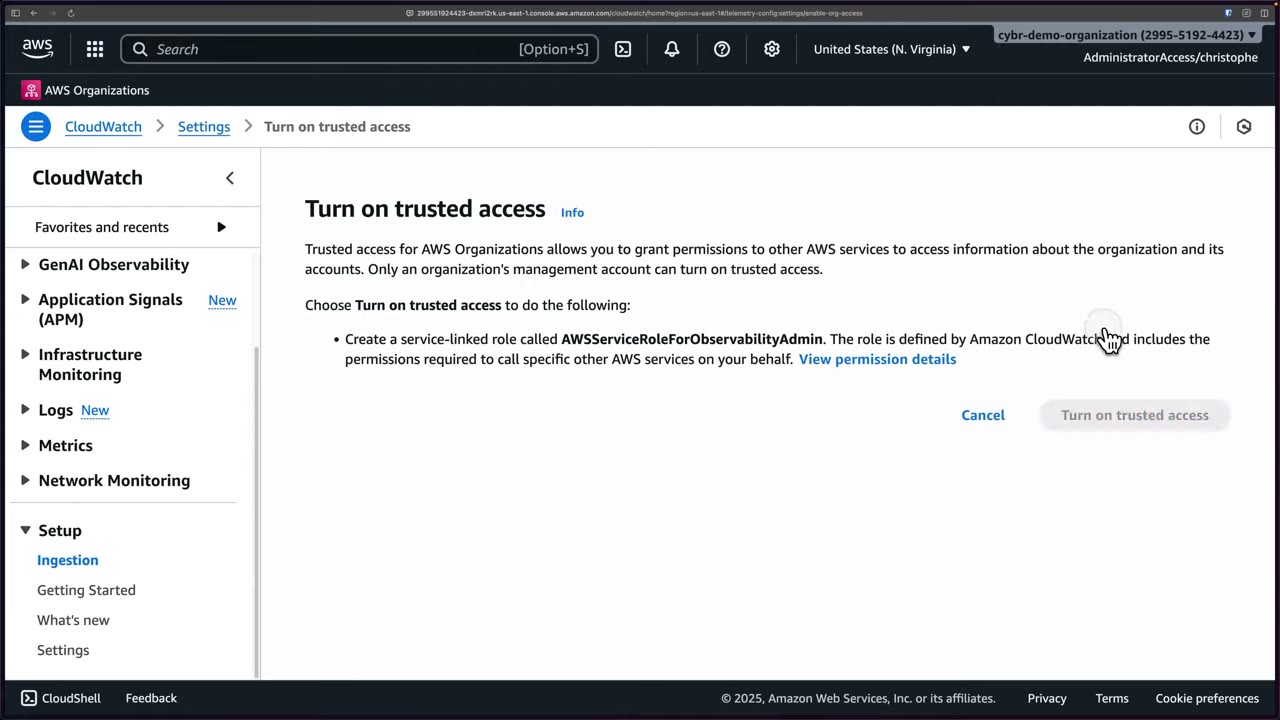
Step 2: delegated admin (Log Archive), create a rule. Sign in via the IAM Identity Center access portal → CloudWatch → Setup → Settings → Organization → Configure rule. ▶ #106 01:41 Without the delegated-admin registration this page errors. ▶ #106 01:50
| Rule step | Options |
|---|---|
| 1. Source ▶ #106 02:01 | Rule name (e.g. workload-accounts). Source accounts in Builder or Editor mode, filtered by account ID, OU ID, org ID, email, name. Filters are dynamic: “This rule updates automatically as changes occur in your AWS Organization”. Source Regions: one or more (demo us-east-1) ▶ #106 03:30 |
| 2. Destination ▶ #106 03:41 | Destination account (Log Archive) and Region (us-east-1). Usually match source and destination Region to cut latency and cost ▶ #106 03:50; choose the Region with most log volume to avoid throttling against the centralization quota. Backup Region (optional): a synchronized copy in another Region of the destination account for Regional outages, at extra cost ▶ #106 04:01 |
| 3. Telemetry ▶ #106 04:20 | All log groups (auto-updates as log groups come and go) or filter by name, prefix, keyword. “Log groups with identical names will be merged” in the destination |
| 4. Review | A service-linked role is created automatically in the destination account to read Organizations information |
The instructor collected OU IDs (Infrastructure, Security, Workloads; Sandbox optional) from the management account, e.g.
filter OrganizationalUnitId = 'ou-limh-8jwz2ox0', and complained the picker shows OU IDs without names. ▶ #106 02:21
KMS-encrypted source log groups (“very confusing”; docs and console didn’t match at recording time): ▶ #106 04:41
| Option | Result |
|---|---|
| 1. Centralize with AWS KMS key | Source log groups using a customer managed key are centralized and encrypted with a destination CMK whose ARN you supply. Its key policy must allow CloudWatch Logs, or centralization fails ▶ #106 05:13 |
| 2. Centralize without AWS KMS key | Centralized, but the destination uses CloudWatch’s default server-side encryption (AES-GCM). Data is always encrypted either way ▶ #106 05:40 |
| 3. Do not centralize | Those log groups are filtered out ▶ #106 06:10 |
KMS is best practice; the demo picks option 2 to skip key setup. ▶ #106 06:21
Rule health: status Healthy or Unhealthy in the console and API. Unhealthy means it hit an error; troubleshoot the configuration. ▶ #106 06:52
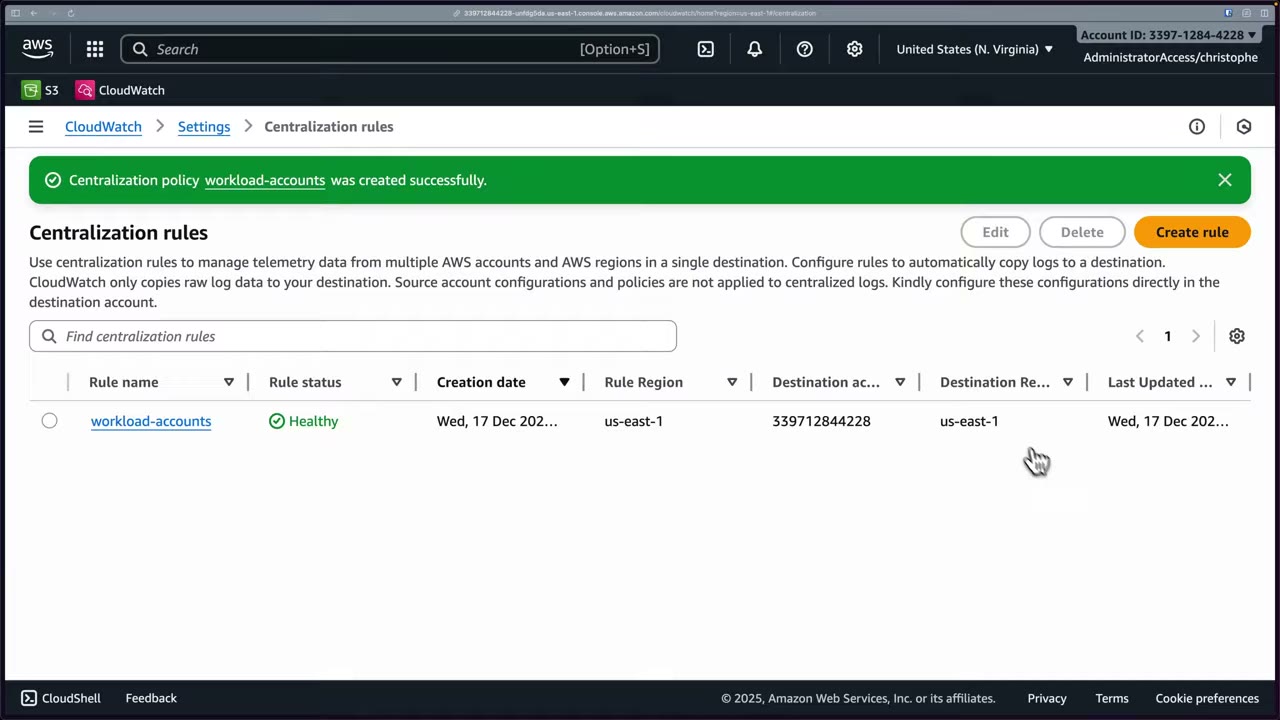
CloudTrail events for auditing and troubleshooting (be aware, don’t memorize): ▶ #106 07:02
CreateCentralizationRuleForOrganization: new ruleUpdateCentralizationRuleForOrganization: rule modifiedDeleteCentralizationRuleForOrganization: rule deletedGetCentralizationRuleForOrganization: rule details retrievedListCentralizationRulesForOrganization: rules listed
Use them to audit configuration changes and correlate with performance issues or replication failures.
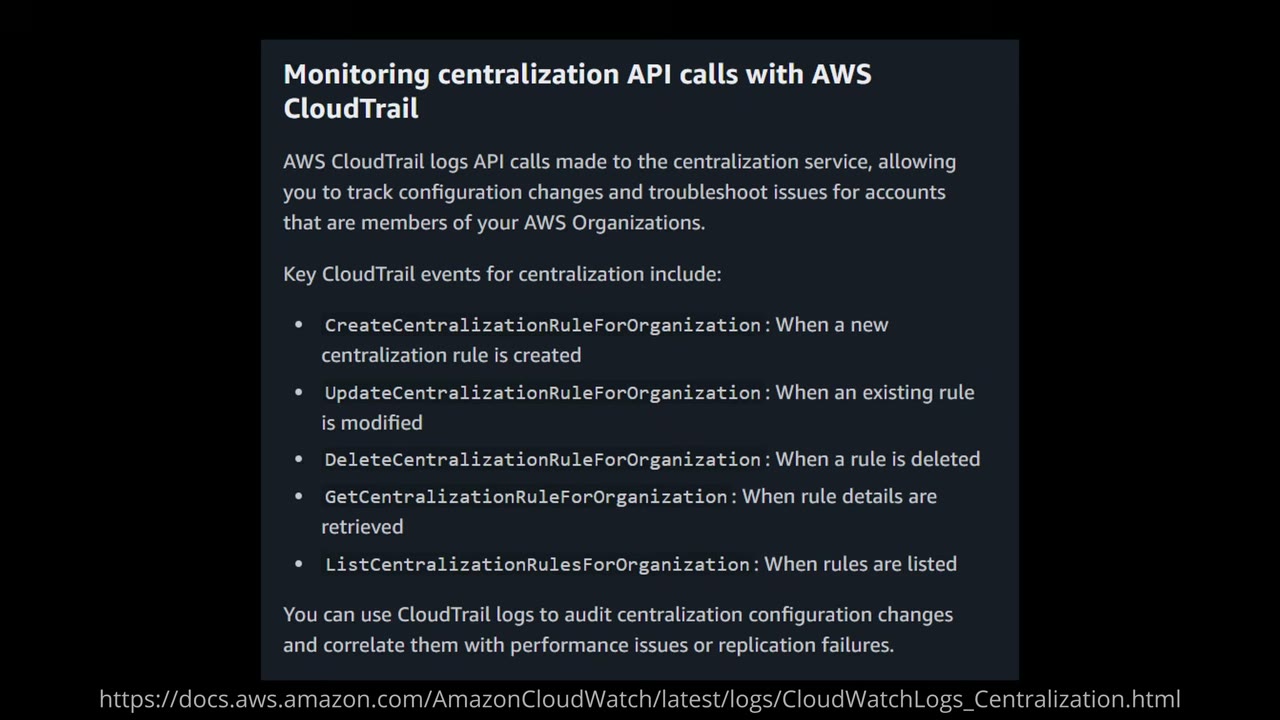
Validation: more rules were created for the other OUs. In a member account (Containers) the CLI writes a test event to
/cybr/demo-centralization. ▶ #106 07:30 In Log Archive → Logs → Log Management, the same log group and stream appear
after a refresh, with log class Standard, retention Never expire, no KMS key, deletion protection Off. ▶ #106 08:10 Rules
can cover the whole org, specific OUs or single accounts, e.g. exclude noisy dev accounts. ▶ #106 08:40
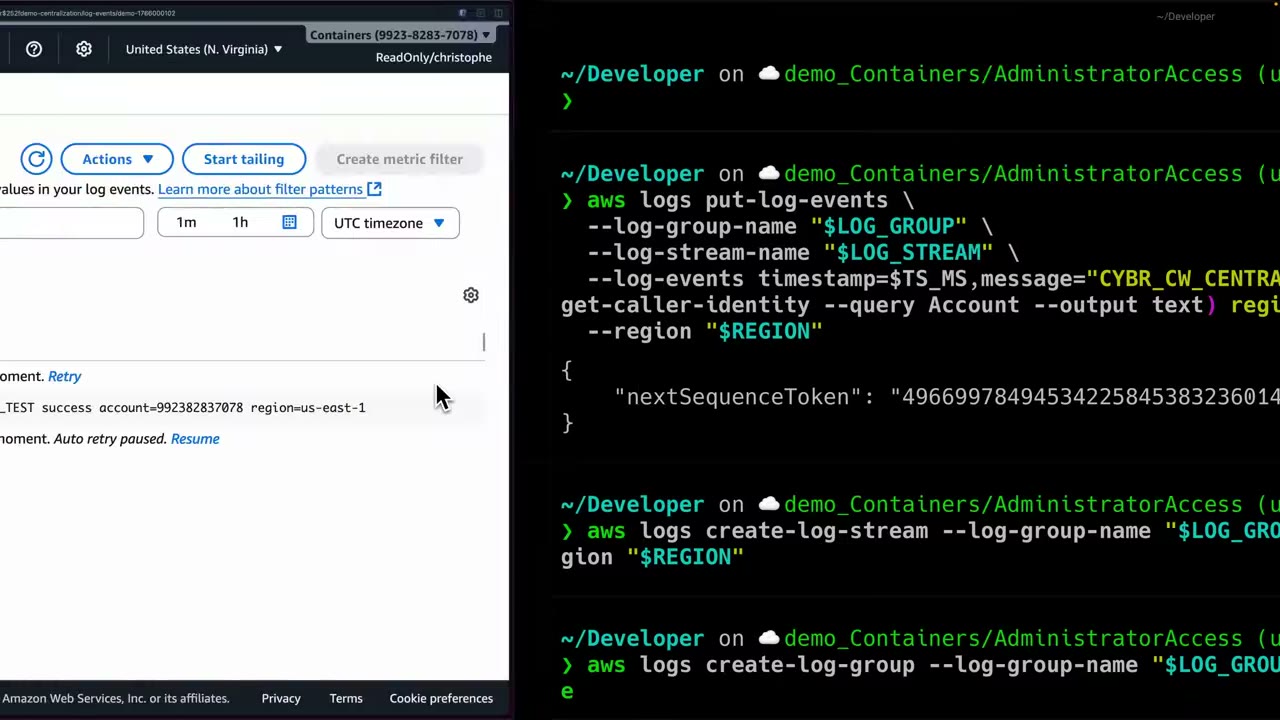
- Management account → CloudWatch → Setup → Settings → Organization → Turn on trusted access. ▶ #106 00:50
- Register delegated administrator → Log Archive account. ▶ #106 01:11
- Access portal → Log Archive → CloudWatch → Settings → Organization → Configure rule. ▶ #106 01:41
- Rule
workload-accounts; sourceOrganizationalUnitId = '<workloads OU>'; source Region us-east-1. - Destination: Log Archive, us-east-1; no backup Region.
- Telemetry: all log groups; KMS option 2 (centralize without KMS in destination).
- Review → Create → status Healthy. Repeat for the Infrastructure and Security OUs. ▶ #106 06:42
- In a member account, write a test event:
REGION=us-east-1
LOG_GROUP="/cybr/demo-centralization"
LOG_STREAM="demo-$(date +%s)"
TS_MS=$(python - <<'PY'
import time
print(int(time.time()*1000))
PY
)

aws logs create-log-group --log-group-name "$LOG_GROUP" --region "$REGION" 2>/dev/null || true
aws logs create-log-stream --log-group-name "$LOG_GROUP" --log-stream-name "$LOG_STREAM" --region "$REGION"
aws logs put-log-events \
  --log-group-name "$LOG_GROUP" \
  --log-stream-name "$LOG_STREAM" \
  --log-events timestamp=$TS_MS,message="CYBR_CW_CENTRALIZATION_TEST success account=$(aws sts get-caller-identity --query Account --output text) region=$REGION" \
  --region "$REGION"
# returns {"nextSequenceToken": "…"}
- Log Archive → Logs → Log Management → refresh →
/cybr/demo-centralizationwith the same stream is there. ▶ #106 08:10
Unified CloudWatch agent
Why it’s needed: out of the box EC2 ships no application logs, OS logs or detailed system metrics. Default metrics are only CPU utilization and CPU credit usage, high-level disk read/write operations, basic networking, status checks and a few more. ▶ #107 00:11 That’s too limited for production: when something breaks inside the instance you must log in and investigate by hand. ▶ #107 00:40
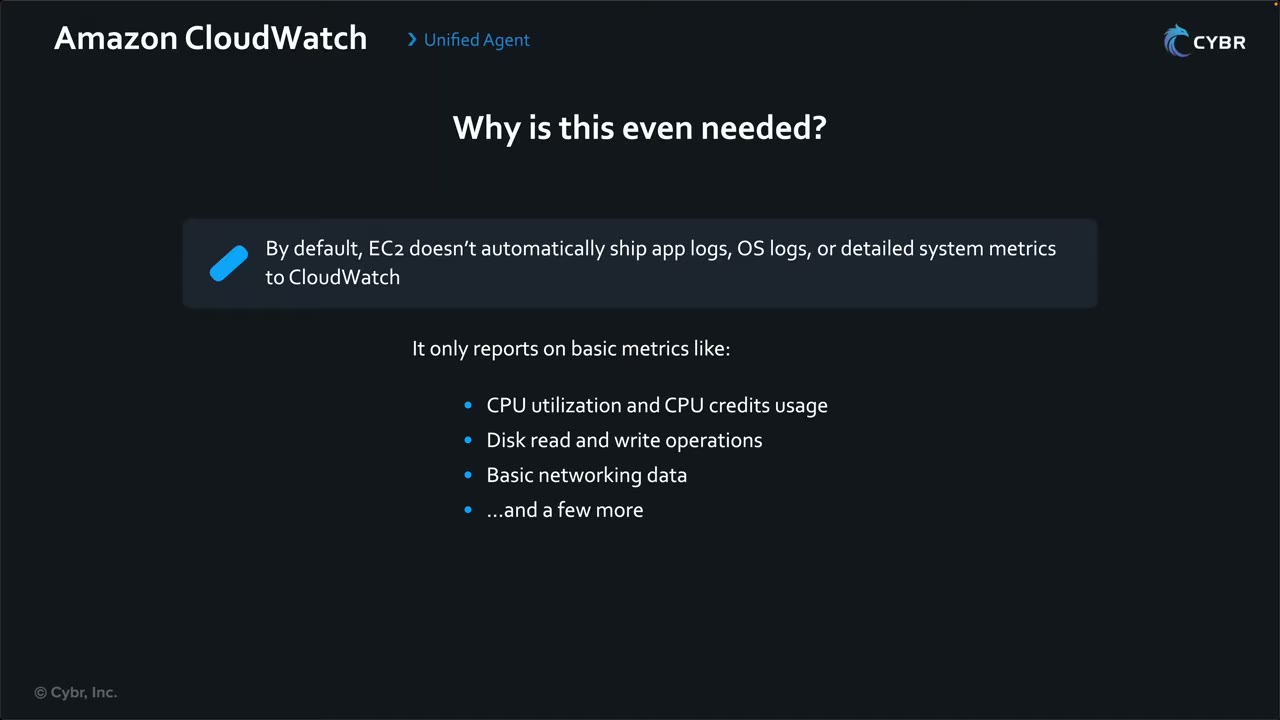
What the agent provides: ▶ #107 00:52
- Collects application and system log files, and OS metrics like memory, disk and swap usage. ▶ #107 01:00
- Sends everything to CloudWatch Logs and Metrics, so alarms, Logs Insights, etc. work on it.
- One JSON config format for Linux, Windows and macOS, reusable across the fleet. ▶ #107 01:22 No need to log into the instance once configured.
- Works on EC2, on-premises servers and containers, collecting metrics, logs and traces. ▶ #107 01:40
- The old CloudWatch Logs agent (awslogs) is deprecated; exam answers use the unified agent.
Architecture: ▶ #107 01:52
- The agent runs on the instance.
- It reads a local JSON config file or fetches it from SSM Parameter Store (
AmazonCloudWatch-*). ▶ #107 02:00 - It assumes the IAM role of the instance profile. ▶ #107 02:12
- It pushes logs and metrics to CloudWatch.
Installation options: ▶ #107 02:31
- Manually on the server. The demo uses Amazon Linux 2023, whose repos already contain the package. ▶ #107 03:01
- AWS Systems Manager: Run Command / Distributor package
AmazonCloudWatchAgent(AWS-ConfigureAWSPackage). - CloudWatch Observability EKS add-on or Helm chart.
- On-premises servers, new instances via CloudFormation, Workload Detection in the CloudWatch console.
- Fleets: SSM Run Command / State Manager with
AWS-ConfigureAWSPackage(install) andAmazonCloudWatch-ManageAgent(apply config from Parameter Store). Storing config in Parameter Store is best practice for fleets. - On-premises:
-m onPremisewith IAM user credentials, or better SSM hybrid activation / IAM Roles Anywhere for temporary credentials.
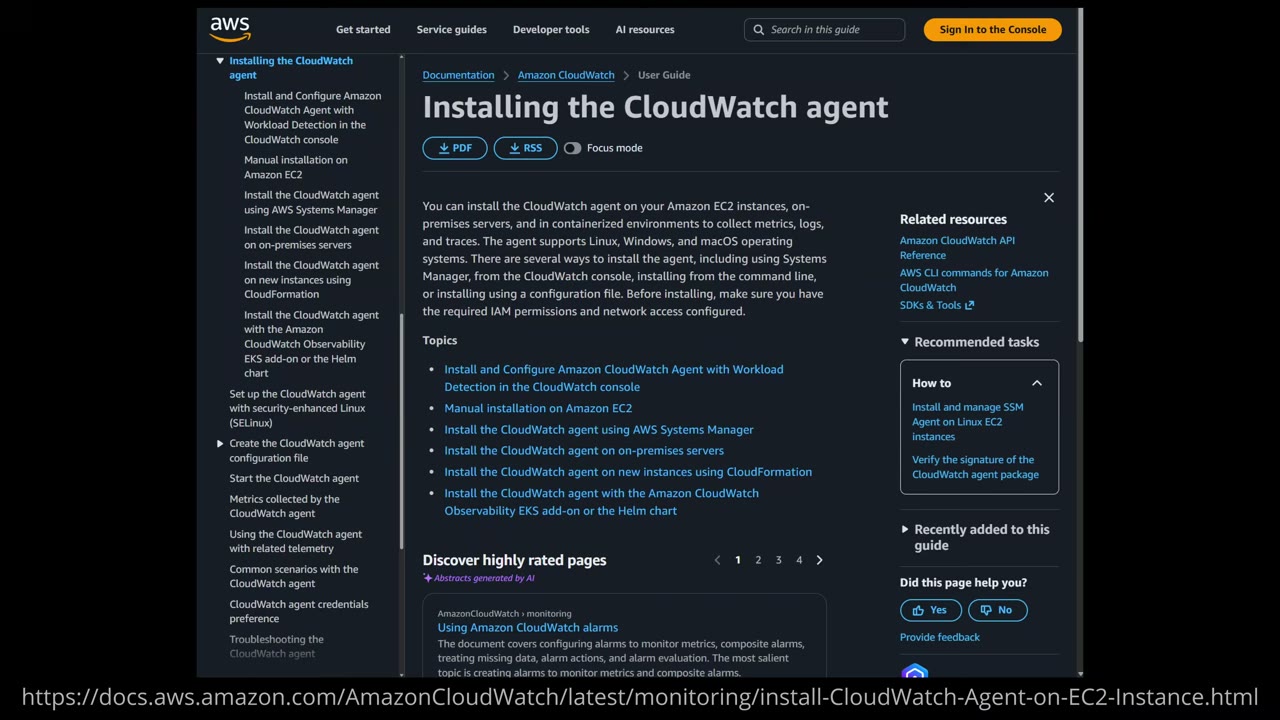
IAM: the instance role carries the AWS managed policy CloudWatchAgentServerPolicy (“Permissions required to use
AmazonCloudWatchAgent on servers”), which lets the agent push logs and metrics. ▶ #107 03:20 It also allows
ssm:GetParameter on AmazonCloudWatch-*, so configs in Parameter Store must use that prefix. Writing configs to Parameter
Store from the wizard needs CloudWatchAgentAdminPolicy instead.
Install: connect with EC2 Instance Connect as ec2-user (not root) ▶ #107 03:40, then sudo yum install amazon-cloudwatch-agent (package amazon-cloudwatch-agent-1.300060.1-1.amzn2023.x86_64, 79 MB). Install creates the group and
user cwagent, which the agent runs as. ▶ #107 04:10
Configuration wizard (sudo /opt/aws/amazon-cloudwatch-agent/bin/amazon-cloudwatch-agent-config-wizard) generates the
JSON telling the agent what to collect, where, and as which user. The choices are not critical for the exam. ▶ #107 04:50
| Question | Demo answer |
|---|---|
| OS / host / user | linux (also windows, darwin) / EC2 (not on-premises) / cwagent ▶ #107 05:00 |
| StatsD daemon | No. StatsD is a lightweight daemon on a local UDP/TCP port that receives custom application metrics ▶ #107 05:11 |
| collectd · host metrics · per-core CPU · EC2 dimensions · aggregate EC2 dimensions | No · yes · no · yes · yes |
| Collection interval | 60 seconds (default) ▶ #107 05:33 |
| Metric set | Basic (memory and disk usage) · Standard (chosen: adds CPU, more memory/disk, swap) · Advanced (adds detailed CPU, disk and network statistics) ▶ #107 05:40 |
| Import old CloudWatch Logs agent config | None to import ▶ #107 06:20 |
| Monitor log files | Yes: path /var/log/myapp.log, log group ec2-app-logs, log group class Standard (CloudWatch Logs classes, not S3 storage classes), stream {instance_id}/myapp (default is the instance ID), retention option 2 = 1 day ▶ #107 06:31 |
| X-Ray traces | No ▶ #107 07:21 |
| Store config in SSM Parameter Store | No in the demo, but best practice when the template is reused across many instances ▶ #107 07:31 |
The wizard shows the generated JSON (what you could have written by hand) ▶ #107 06:00 and saves it to
/opt/aws/amazon-cloudwatch-agent/bin/config.json (“Edit it manually if needed”). ▶ #107 07:50
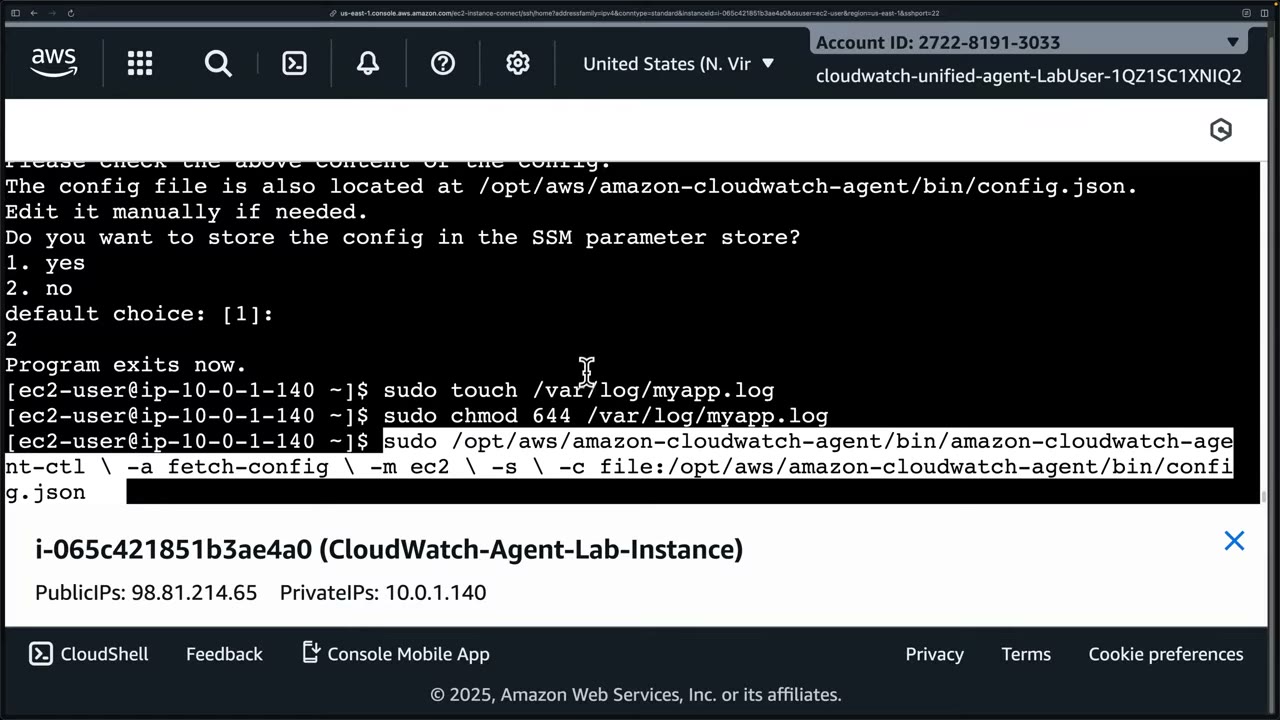
Start the agent: ▶ #107 08:00
sudo touch /var/log/myapp.log
sudo chmod 644 /var/log/myapp.log

sudo /opt/aws/amazon-cloudwatch-agent/bin/amazon-cloudwatch-agent-ctl \
  -a fetch-config \
  -m ec2 \
  -s \
  -c file:/opt/aws/amazon-cloudwatch-agent/bin/config.json
| Flag | Meaning |
|---|---|
-a fetch-config |
Load a configuration ▶ #107 08:31 |
-m ec2 |
Mode EC2 (vs onPremise) ▶ #107 08:40 |
-s |
(Re)start the agent after loading; used with fetch-config, append-config, remove-config ▶ #107 08:51 |
-c file:<path> |
Config source; for Parameter Store -c ssm:<parameter-name> |
-l |
Log level (INFO, DEBUG, WARN, ERROR, OFF) for set-log-level |
The browser terminal mangled the backslash continuations, so the instructor typed it on one line. ▶ #107 09:00 Output:
config validation first/second phase succeeded, “Trying to detect region from ec2”, writes
/opt/aws/amazon-cloudwatch-agent/etc/amazon-cloudwatch-agent.toml, and creates the systemd symlink for
amazon-cloudwatch-agent.service.
Verify: ▶ #107 09:41
sudo systemctl status amazon-cloudwatch-agent
# ● amazon-cloudwatch-agent.service - Amazon CloudWatch Agent
#    Loaded: … enabled …
#    Active: active (running) since …

echo "$(date) - Test message from CloudWatch agent lab" | sudo tee -a /var/log/myapp.log
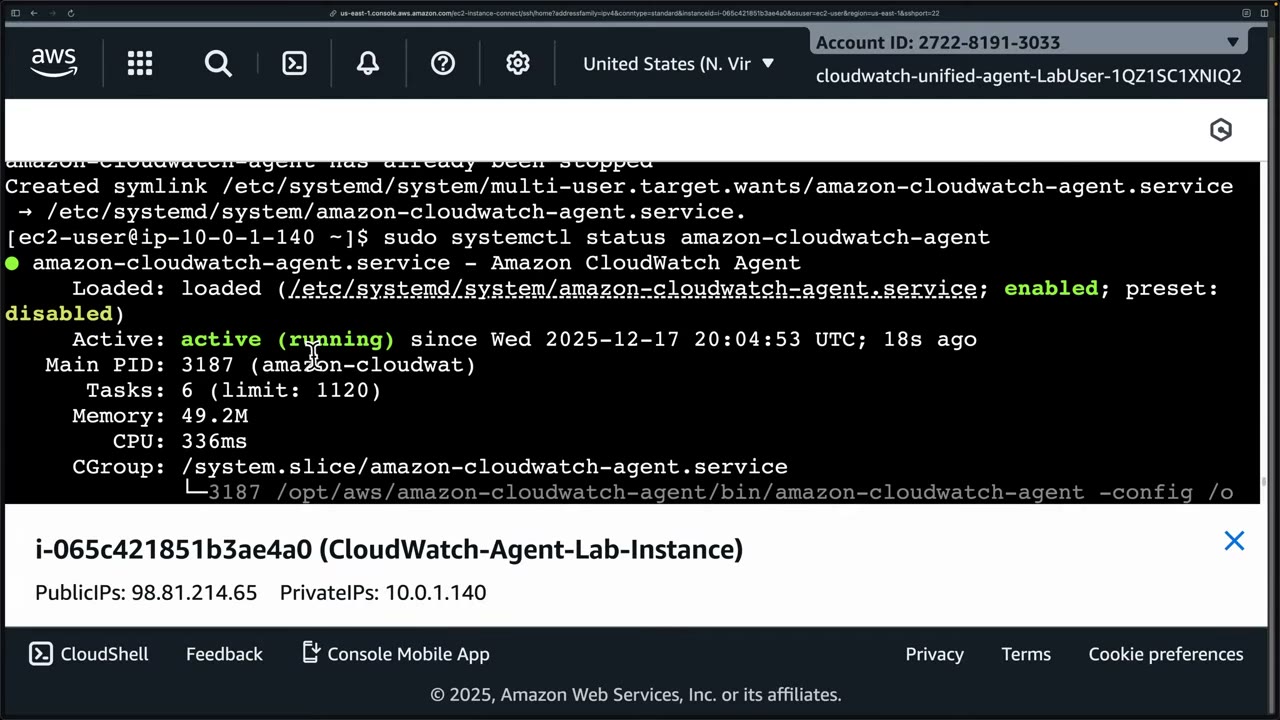
CloudWatch → Logs → Log Management → filter ec2 → ec2-app-logs → stream i-…/myapp shows the test message
(can take a minute, usually fast). ▶ #107 10:41 You now see OS and app logs without logging into the instance (no Instance
Connect, Session Manager or SSH). ▶ #107 11:10
- EC2 instance
CloudWatch-Agent-Lab-Instance(t2.micro, Amazon Linux) with an instance role carryingCloudWatchAgentServerPolicy. ▶ #107 03:10 - Connect → EC2 Instance Connect → user
ec2-user. ▶ #107 03:40 sudo yum install amazon-cloudwatch-agent→ creates thecwagentuser/group. ▶ #107 04:10- Run the wizard with the answers above. ▶ #107 04:21
- Create
/var/log/myapp.log(chmod 644socwagentcan read it). ▶ #107 08:00 - Start with
amazon-cloudwatch-agent-ctl -a fetch-config -m ec2 -s -c file:…/config.json. systemctl status→ active (running). ▶ #107 09:41- Append a test line; find it in CloudWatch Logs under
ec2-app-logs/i-…/myapp. ▶ #107 10:41
| Symptom | Cause |
|---|---|
| No logs/metrics at all | Instance profile missing CloudWatchAgentServerPolicy, or the agent isn’t running (amazon-cloudwatch-agent-ctl -a status, systemctl status amazon-cloudwatch-agent) |
| Works in a public subnet, not a private one | No route to the CloudWatch endpoints → add VPC interface endpoints logs and monitoring (or NAT) |
| Some files missing | Wrong file_path in the config, or cwagent can’t read the file (e.g. chmod 644) |
| Config changes ignored | Config not re-fetched: -a fetch-config -c ssm:<param> or -c file:<path>, with -s to restart |
| Need error details | /opt/aws/amazon-cloudwatch-agent/logs/amazon-cloudwatch-agent.log |
From the instructor
- Know CloudWatch vs CloudTrail: performance/operations vs API audit. ▶ #42 00:40
- EC2 gives basic metrics only; install the CloudWatch agent for logs, memory, disk. ▶ #42 03:00
- Alarms are “super important”. ▶ #42 06:20
- Logs never expire by default → set retention policies: a cost tip and an exam tip. ▶ #42 10:11
- Trusted access must be on before you can register a delegated admin; it creates
AWSServiceRoleForObservabilityAdmin. ▶ #106 00:41 - Make Log Archive the delegated admin and destination. ▶ #106 01:21
- Match source and destination Region for latency/cost; a backup Region adds cost. ▶ #106 03:50
- With a destination CMK, its key policy must allow CloudWatch Logs or centralization fails. ▶ #106 05:13
- Watch rule health and the centralization CloudTrail events; no need to memorize the names. ▶ #106 07:02
- Memory, disk space, swap and log files need the agent. ▶ #107 01:00
- Config in Parameter Store is best practice for fleets; the agent uses the instance profile role. ▶ #107 07:31
- The agent also works on-premises, hybrid and in containers, on Linux/Windows/macOS. ▶ #107 11:30
Keyword → answer
| If the question says… | Answer |
|---|---|
| Memory / disk utilization for EC2 | CloudWatch agent (not a built-in metric) |
| Stream logs from 50 accounts into one place in near real time | Subscription filter → cross-account destination → Kinesis/Firehose → S3/OpenSearch |
| Least operational overhead to collect/copy CW logs from all accounts | Org-level centralization rule with a delegated admin |
| Analysts only need to view/query other accounts’ logs | OAM cross-account observability |
| Third subscription filter on a log group fails | 2-filter limit; fan out via Kinesis |
| Alert when a specific error string appears in logs | Metric filter + alarm (Logs Insights is ad-hoc) |
| Dedicated logging account (1.2.2) | Central Log Archive account receiving CloudTrail, Config, Flow Logs and centralized CW logs |
| Can’t register a CloudWatch delegated admin | Trusted access isn’t on yet (management account only) |
| Centralized log groups keep logs forever / PII not masked centrally | Retention and data protection policies aren’t copied; set them in the destination |
| Centralization fails for KMS-encrypted log groups | Destination CMK key policy doesn’t allow CloudWatch Logs |
| Unknown baseline for a metric / log volume | Anomaly detection on metrics or log anomaly detection on log groups |
| Root login alarm via CloudWatch | CloudTrail → CW Logs → metric filter → alarm → SNS |
| Detect exfiltration from flow logs | Flow logs → CW Logs → metric filter on outbound bytes → alarm → SNS |
- The KMS options for centralization were “very confusing” at recording time because the docs and the console didn’t match. Check the current console wording; the three behaviours (with destination CMK, without KMS, don’t centralize) are what matter.
- X-Ray is now presented inside CloudWatch, though it is technically a separate service.
Real-world practice
# CIS: alarm on root account usage (trail already sends to log group CloudTrail/org)
aws logs put-metric-filter --log-group-name CloudTrail/org --filter-name RootUsage \
  --filter-pattern '{ $.userIdentity.type = "Root" && $.userIdentity.invokedBy NOT EXISTS && $.eventType != "AwsServiceEvent" }' \
  --metric-transformations metricName=RootUsage,metricNamespace=CISBenchmark,metricValue=1
aws cloudwatch put-metric-alarm --alarm-name RootUsage --namespace CISBenchmark --metric-name RootUsage \
  --statistic Sum --period 300 --evaluation-periods 1 --threshold 1 \
  --comparison-operator GreaterThanOrEqualToThreshold --alarm-actions arn:aws:sns:...:security-alerts

aws logs put-retention-policy --log-group-name CloudTrail/org --retention-in-days 365
Logs Insights, “top AccessDenied callers in the last 24h” (CloudTrail log group):
fields @timestamp, userIdentity.arn, eventSource, eventName, errorCode
| filter errorCode like /AccessDenied|UnauthorizedOperation/
| stats count(*) as denials by userIdentity.arn, eventName
| sort denials desc
| limit 20
VPC Flow Logs in CW Logs, “rejected traffic by source”:
filter action = "REJECT" | stats count(*) as hits by srcAddr, dstPort | sort hits desc | limit 20
- Biggest cost drivers are ingestion (per GB) and unbounded retention. Use the Infrequent Access log class for rarely queried logs and export/archive to S3 for the long term. ▶ #42 10:22
- Centralize security-relevant logs (CloudTrail, VPC Flow Logs, Route 53 Resolver logs, WAF logs) in the Log Archive account / Security Lake rather than leaving them per account.
- Alarm fatigue: route alarms through EventBridge → incident tooling with dedupe, and use composite alarms.
- Centralization copies data, so you pay ingestion/storage twice (plus any backup Region). Shorten retention in source accounts. ▶ #106 04:01
- Protect centralized log groups with SCPs denying
logs:DeleteLogGroupandlogs:PutRetentionPolicyexcept for a break-glass role. Alert onDeleteCentralizationRuleForOrganization(an attacker disabling collection). - Merged log groups from many accounts are hard to attribute. Name log streams by account or embed the account ID, and use the Logs Insights
@logfield. - Bake the agent and a baseline config into the golden AMI (Image Builder) and pull role-specific config from Parameter Store at boot. ▶ #107 07:31
- Private subnets: interface endpoints for
logs,monitoringandssmavoid NAT costs and internet egress. - Collect security-relevant OS logs (
/var/log/secure,/var/log/audit/audit.log, the Windows Security event log), not just app logs, and forward them to the central log account.
- Send the trail to CW Logs and create the RootUsage filter and alarm.
- Log in as root, confirm the alarm fires and the SNS email arrives.
- Install the agent on an EC2 instance (manually as in ▶ #107, or through SSM), ship
/var/log/myapp.log, then remove the IAM policy and watch the agent log errors. - (Org, ▶ #106) Turn on trusted access, register a delegated admin, create a centralization rule for one OU, write a test event in a member account and find it in the destination.
- Cleanup: delete the alarm, filter, log groups, centralization rule and instance.
Amazon EventBridge
Serverless event router. AWS services (GuardDuty, Security Hub, Config, CloudTrail API calls, Health…) emit events to the default event bus, rules match patterns and send the events to targets. Not a security service itself, but the glue of every automated detection → response flow: event-driven security. ▶ #45 00:20
- Exam skills: aggregate security events (1.1.3) · metrics, alerts & dashboards (1.1.4) · normalize & correlate logs (1.2.5) · response runbooks (2.1.1) · automated remediation (2.1.4) · mask sensitive data (5.3.4) · IaC & noncompliance detection (6.2.1, 6.3.1)
- Videos: ▶ #45 Amazon EventBridge · ▶ #87 Monitoring Config with EventBridge · ▶ #88 Customizing and monitoring rules · ▶ #89 Transforming events
- Limits: 5 targets per rule (console) · input transformer up to 100 variables · retry defaults 24 h / 185 attempts
Building blocks: buses, pipes, rules
EventBridge is a serverless service for building event-driven applications: one thing emits an event, something else responds to it. ▶ #45 00:20 GuardDuty (and other services) integrate with it to either act on an issue or send a notification. ▶ #45 00:00
Five main features: event buses, pipes, rules, schedules (Scheduler), schema registries. ▶ #45 00:41
| Block | What it does |
|---|---|
| Event bus | Router that receives events and delivers them to targets. Many sources in, zero to many targets out, can transform on delivery. ▶ #45 00:53 |
| Pipe | Point-to-point: one single source → one single target, optional processing. A pipe can send to a bus, which fans out. ▶ #45 01:21 |
| Rule | What action to take when an event matches the rule’s event pattern; routes the event to the target. ▶ #45 01:50 Type = event pattern (reacts to events) or schedule (cron-like). ▶ #45 03:51 |
- Every account has a default event bus, created by AWS with the account. AWS service events go directly there. ▶ #45 01:12
- You can add custom buses and partner buses for SaaS sources. ▶ #45 03:30
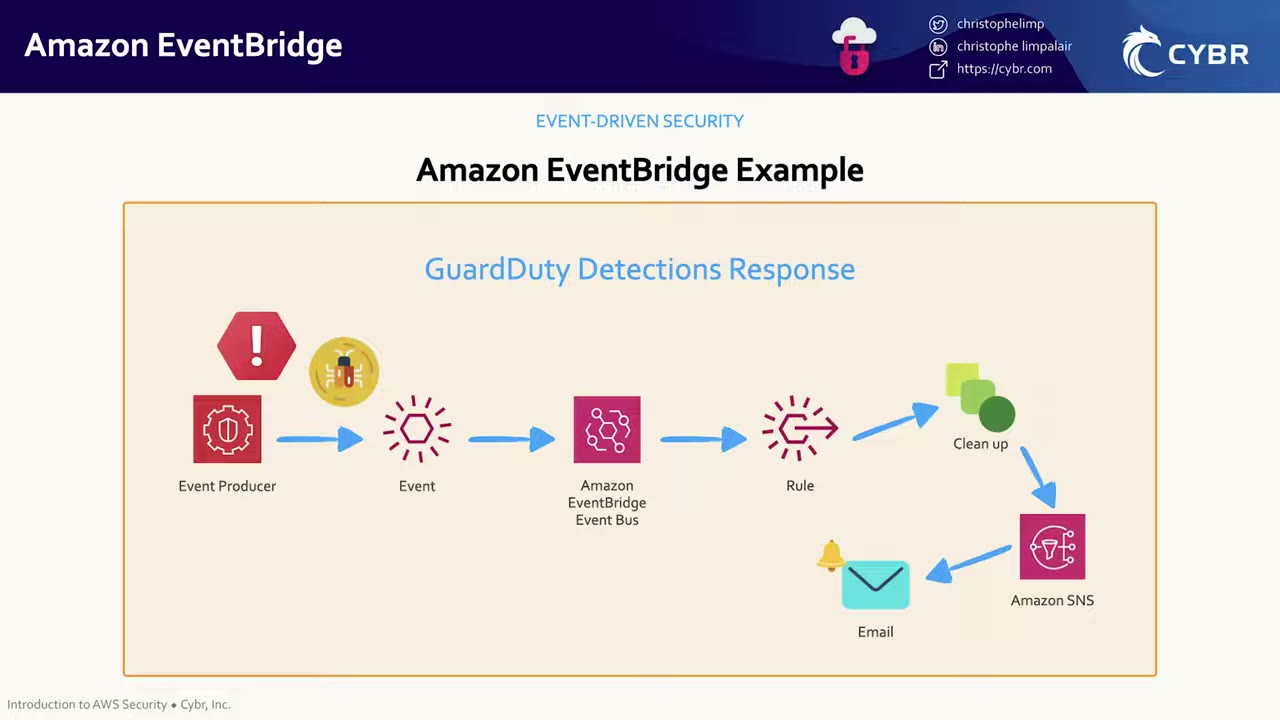
“GuardDuty Detections Response” (event-driven security):
- Event producer (GuardDuty) detects a threat and emits an event (the finding).
- The event lands on the EventBridge event bus (the default bus for AWS service events).
- A rule with a matching event pattern picks it up.
- The rule’s targets act: a clean-up action (e.g. Lambda / SSM Automation remediation) and/or Amazon SNS.
- SNS delivers an email to the subscriber.
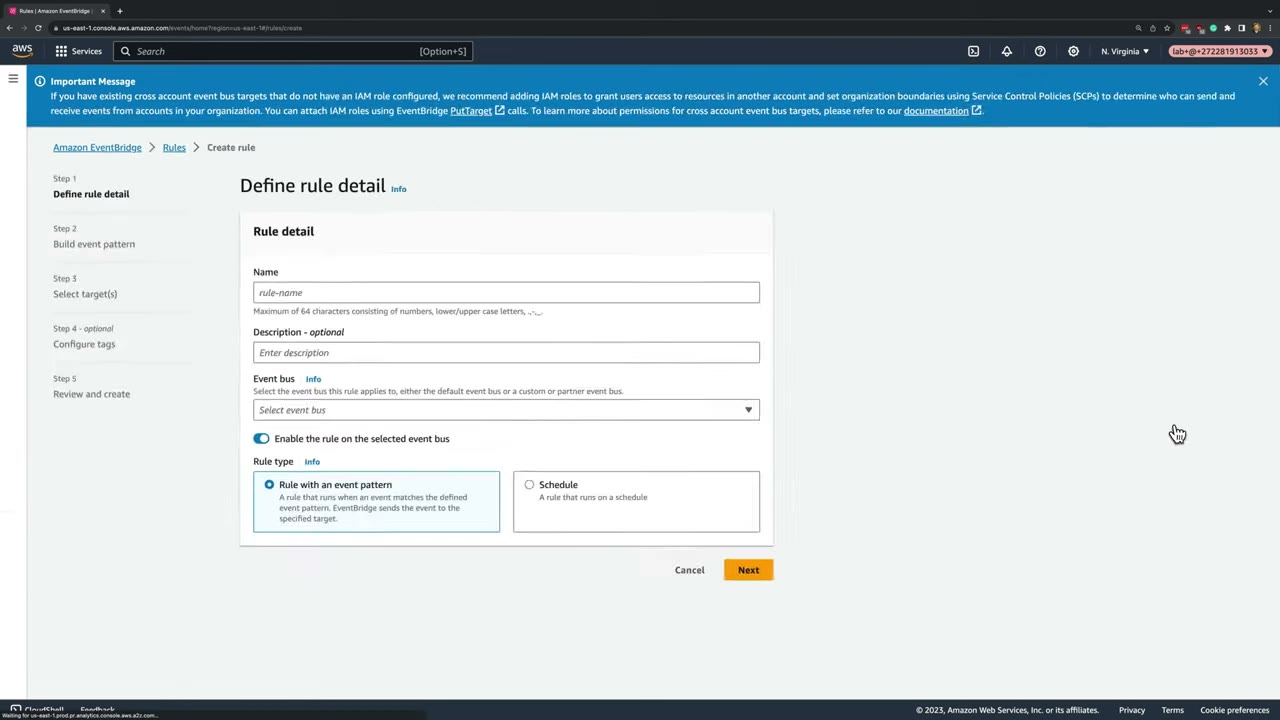
Rule wizard step 1: name (max 64 chars: numbers, letters, ., -, _), optional description, Event bus (default /
custom / partner), Enable the rule on the selected event bus, and Rule type. The banner recommends IAM roles for
cross-account event bus targets and SCPs to bound who can send/receive events in the organization.
Event patterns and common sources
Patterns match on source, detail-type and detail.*, with prefix, anything-but, exists, numeric ranges and wildcards.
| Source | detail-type | Notes |
|---|---|---|
aws.guardduty |
GuardDuty Finding |
|
aws.securityhub |
Security Hub Findings - Imported / Security Hub Findings - Custom Action |
|
aws.config |
Config Rules Compliance Change |
Filter newEvaluationResult.complianceType: NON_COMPLIANT |
aws.config |
Config Configuration Item Change |
messageType: ConfigurationItemChangeNotification, filter on configurationItem.resourceType (e.g. AWS::S3::Bucket) |
| (service) | AWS API Call via CloudTrail |
Needs a trail with logging on. Read-only API events need rule state ENABLED_WITH_ALL_CLOUDTRAIL_MANAGEMENT_EVENTS |
aws.signin |
AWS Console Sign In via CloudTrail |
- Event source options: AWS events or EventBridge partner events · Other (custom events, partner sources, more than one source) · All events, which captures everything and can get expensive. ▶ #87 02:10
- For S3 configuration changes detected by Config, the source is Config, not S3 (pick Config, not AppConfig). ▶ #87 03:52
- Pattern creation methods: Use schema / Use pattern form / Custom pattern (JSON editor). ▶ #87 03:31
- Config change events reach EventBridge only if the Config recorder records that resource type, in that Region.
- Service events such as GuardDuty’s are Regional: you need a rule per Region, or aggregate first (GuardDuty delegated admin per Region, Security Hub cross-Region aggregation).
Always test the pattern against a sample event before creating the rule. ▶ #87 06:20 AWS provides samples (for Config:
“Config Rules Compliance Change”, “Config Rules Re-evaluation Status”), or use Enter my own. ▶ #87 02:43 The course’s
sample is in the Cybr GitHub repo Cybr-Inc/aws-security-specialty → EventBridge/sample-event-s3-bucket.json. Required
fields: id, account, source, time, region, resources, detail-type. The sample shows source: aws.config, resources: [bucket ARN], detail.messageType and detail.configurationItemDiff.changedProperties (e.g. encryption config CREATE,
versioning status UPDATE). Test pattern gives green success; a non-S3 sample fails (red). ▶ #87 06:01
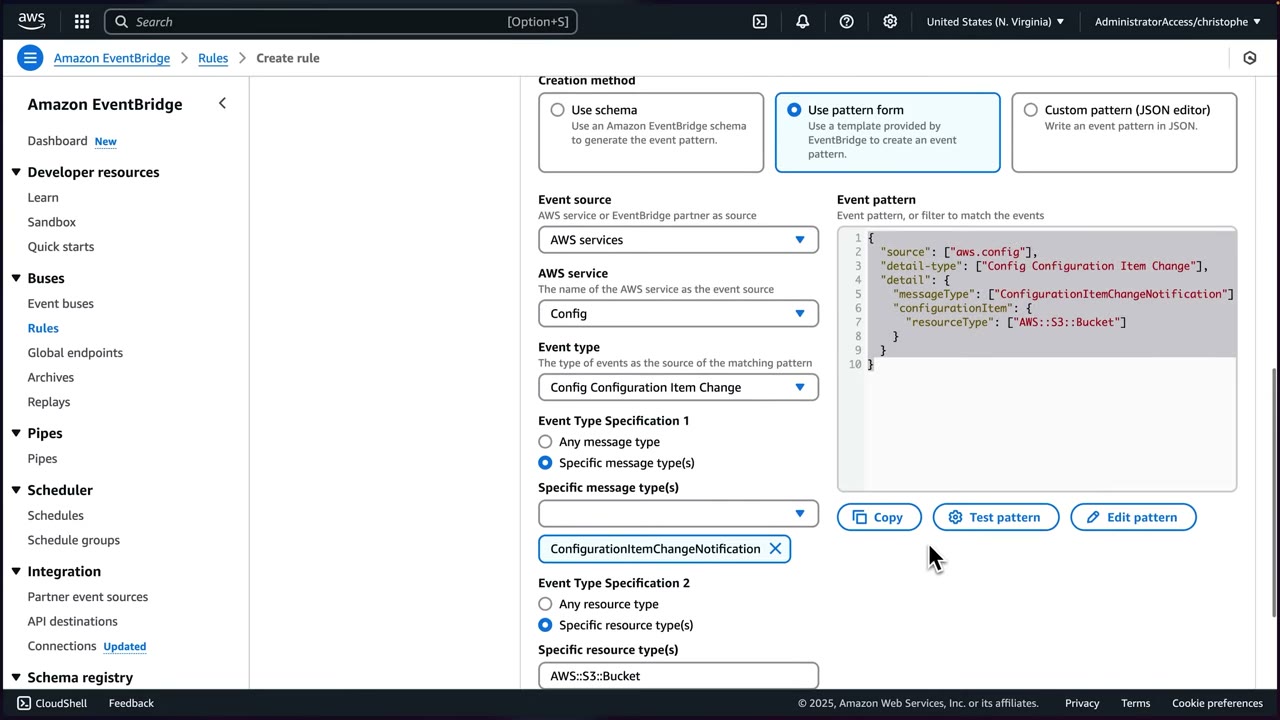
Pattern form for the S3 rule: AWS services → Config → Config Configuration Item Change → specific message type
ConfigurationItemChangeNotification (fires when a resource Config evaluates changes) ▶ #87 04:20 → specific resource type
AWS::S3::Bucket (could be AWS::EC2::Instance, etc.; see “Supported Resource Types for AWS Config”, updated monthly)
▶ #87 04:40 → Any resource ID (all buckets). ▶ #87 05:12 The generated JSON is the filter; in production deploy it as
infrastructure as code. ▶ #87 05:40
{
  "source": ["aws.config"],
  "detail-type": ["Config Configuration Item Change"],
  "detail": {
    "messageType": ["ConfigurationItemChangeNotification"],
    "configurationItem": {
      "resourceType": ["AWS::S3::Bucket"]
    }
  }
}
Narrowing the pattern to cut alert fatigue
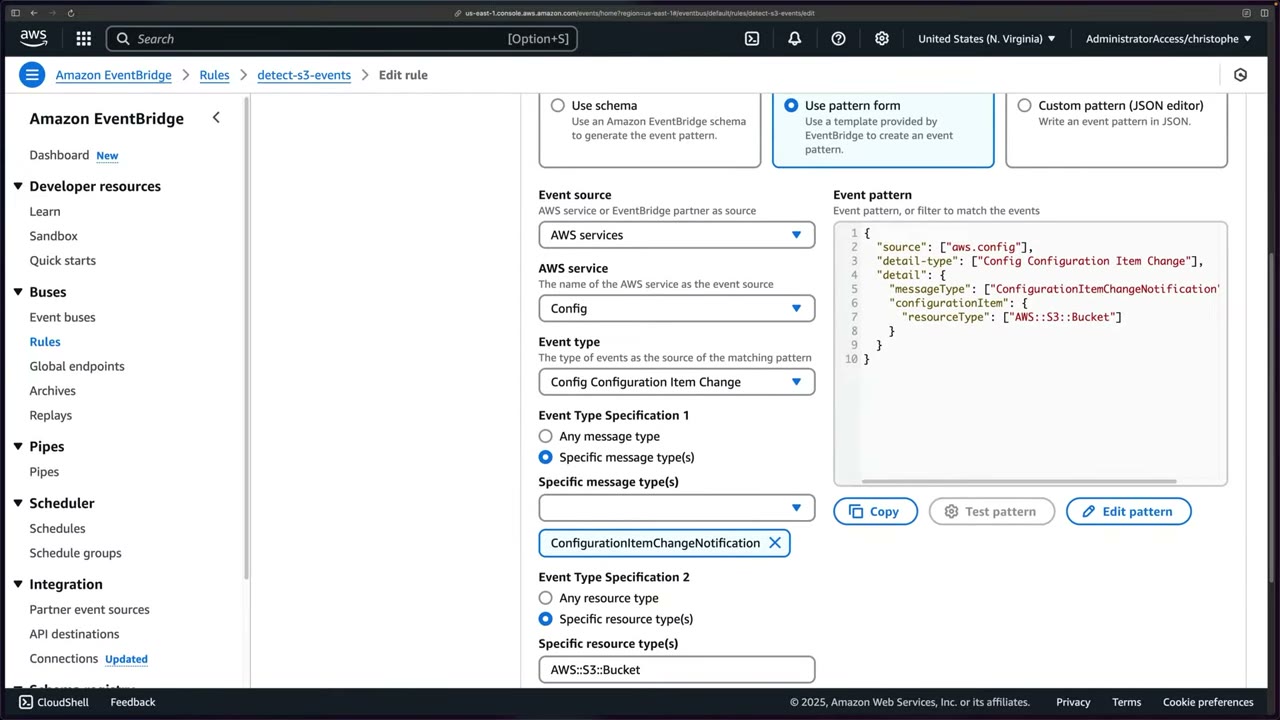
The original pattern matches anything about S3 buckets from Config. That floods the security team, “which means that
they will end up ignoring them.” ▶ #88 00:40 Fix: add a second block under detail, configurationItemDiff →
changeType: ["UPDATE"]. ▶ #88 01:01
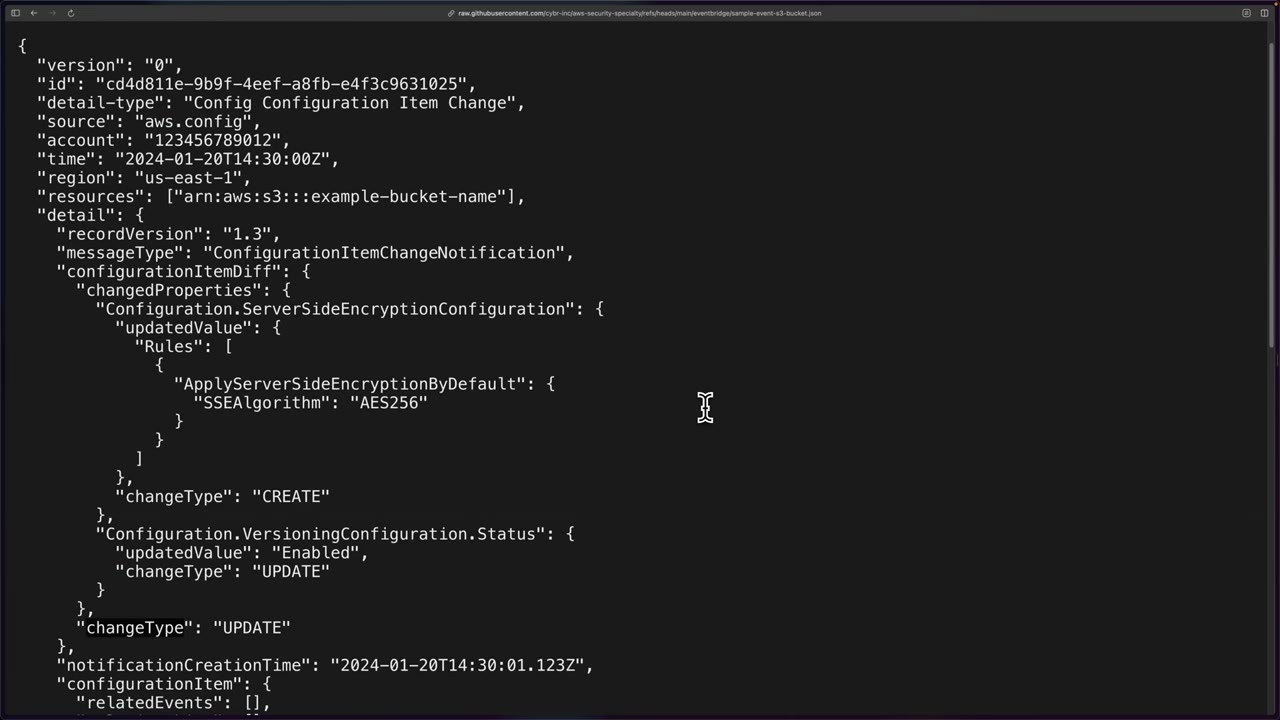
Find the field to filter on by reading a sample event: it contains detail.configurationItemDiff.changeType (UPDATE)
and detail.configurationItem.resourceType (AWS::S3::Bucket). ▶ #88 01:24 Each changed property has its own
changeType; the top-level one is what the new pattern filters on. Fields in different blocks are ANDed, so the rule now
fires only for updates to S3 bucket configuration items. ▶ #88 01:55
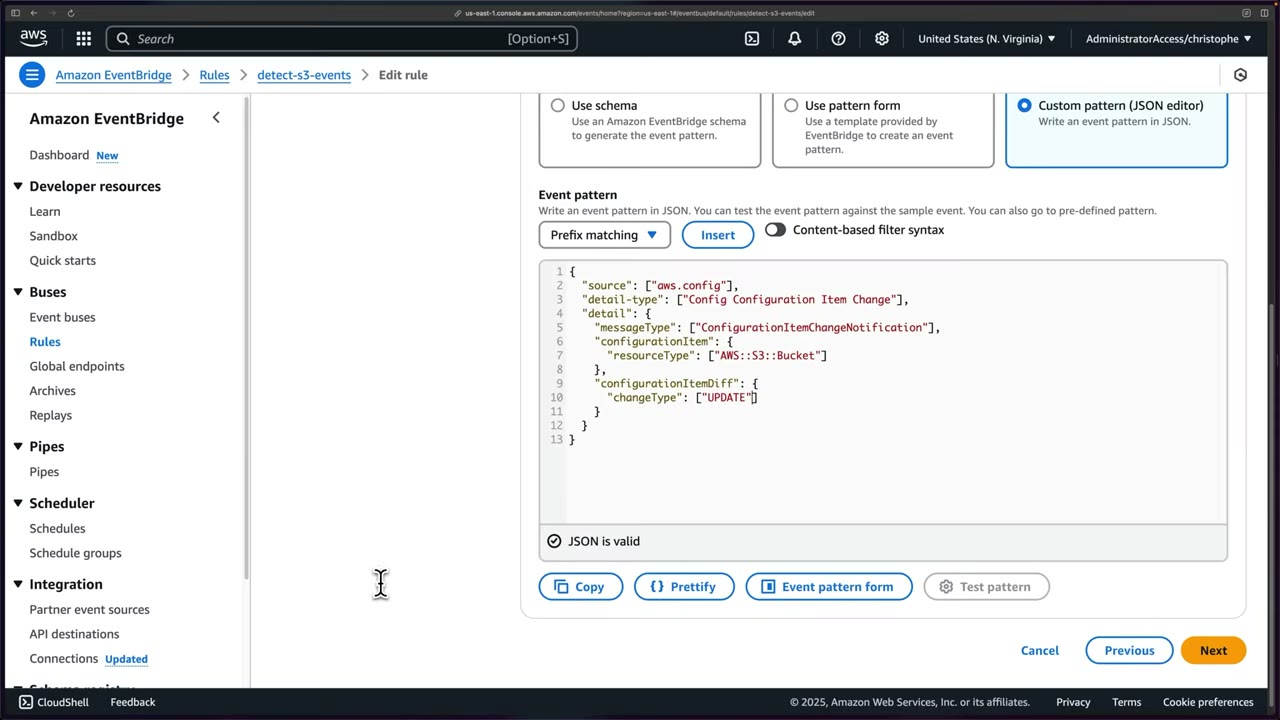
{
  "source": ["aws.config"],
  "detail-type": ["Config Configuration Item Change"],
  "detail": {
    "messageType": ["ConfigurationItemChangeNotification"],
    "configurationItem": {
      "resourceType": ["AWS::S3::Bucket"]
    },
    "configurationItemDiff": {
      "changeType": ["UPDATE"]
    }
  }
}
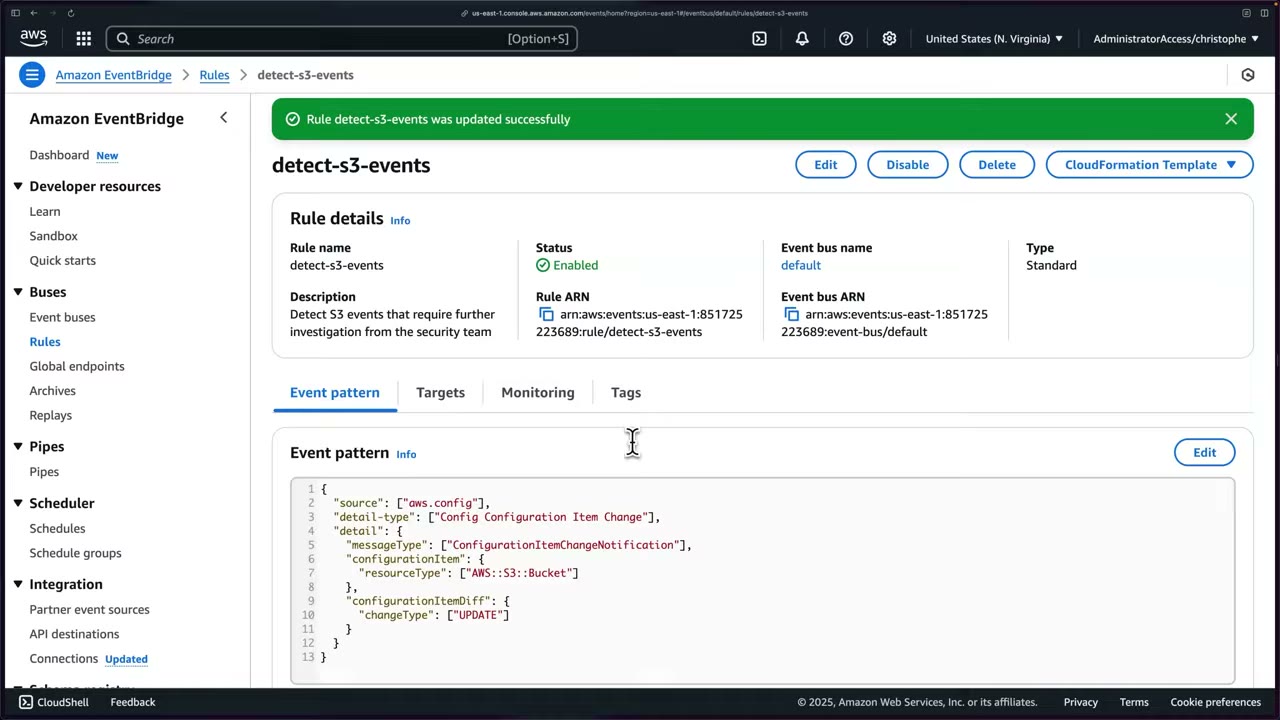
The same filtered pattern is what the input-transformer lesson starts from. ▶ #89 01:35
Severity filter example (only High GuardDuty findings): "detail": {"severity": [{"numeric": [">=", 7]}]}.
- EventBridge → Rules →
detect-s3-events→ Edit. - Switch to the JSON editor and add the
configurationItemDiffblock above. ▶ #88 01:01 - Next → Skip to review and update → Update rule. ▶ #88 02:00
Targets and permissions
- Target types: EventBridge event bus (another account’s/Region’s bus), EventBridge API destination (SaaS / HTTP endpoint), or AWS service. ▶ #87 06:31
- AWS service targets: Lambda, SNS, SQS, Step Functions, SSM Automation / Run Command, Kinesis, ECS task, API destinations (3rd-party HTTP, e.g. a SIEM or chat), and another event bus (cross-account / cross-Region).
- The console shows a limit of 5 targets per rule. ▶ #87 06:31 A bus allows multiple targets, so you can add more later. ▶ #45 05:00
| Target | How EventBridge gets permission |
|---|---|
| Lambda, SNS, SQS | Resource-based policy on the function/topic/queue allowing events.amazonaws.com (ideally with aws:SourceArn = rule ARN) |
| Step Functions, Kinesis, SSM Automation, ECS tasks, API destinations, cross-account buses | An IAM role (RoleArn) that EventBridge assumes |
- The console configures target permissions for you; with CLI/SDK/CloudFormation you must do it yourself.
- In the console prefer Use execution role (recommended) → Create a new role for this specific resource (
Amazon_EventBridge_Invoke_Sns_<id>) over one shared role, even if you end up with many roles. ▶ #87 07:10 - Encrypted SNS topic with a customer managed KMS key: the key policy must allow
events.amazonaws.comkms:GenerateDataKey/kms:Decrypt. The most common reason notifications to an encrypted topic silently fail. - An SNS email subscription must be confirmed or nothing arrives. ▶ #45 03:00
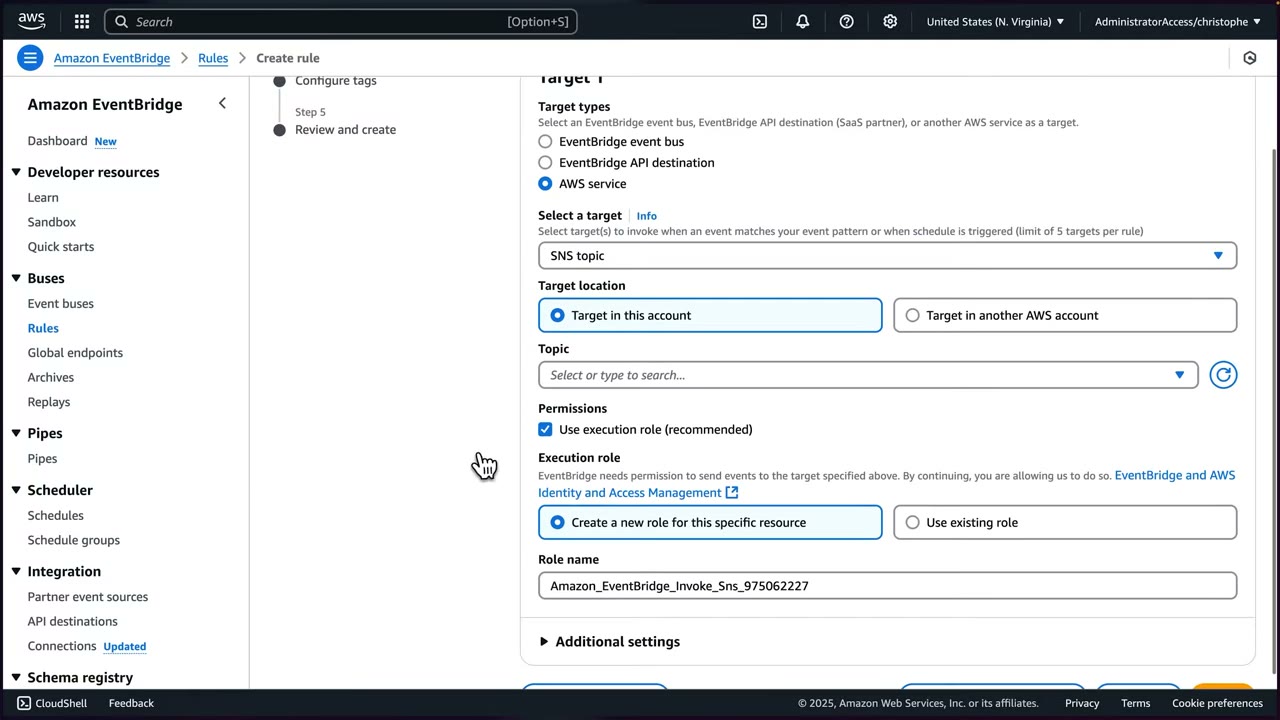
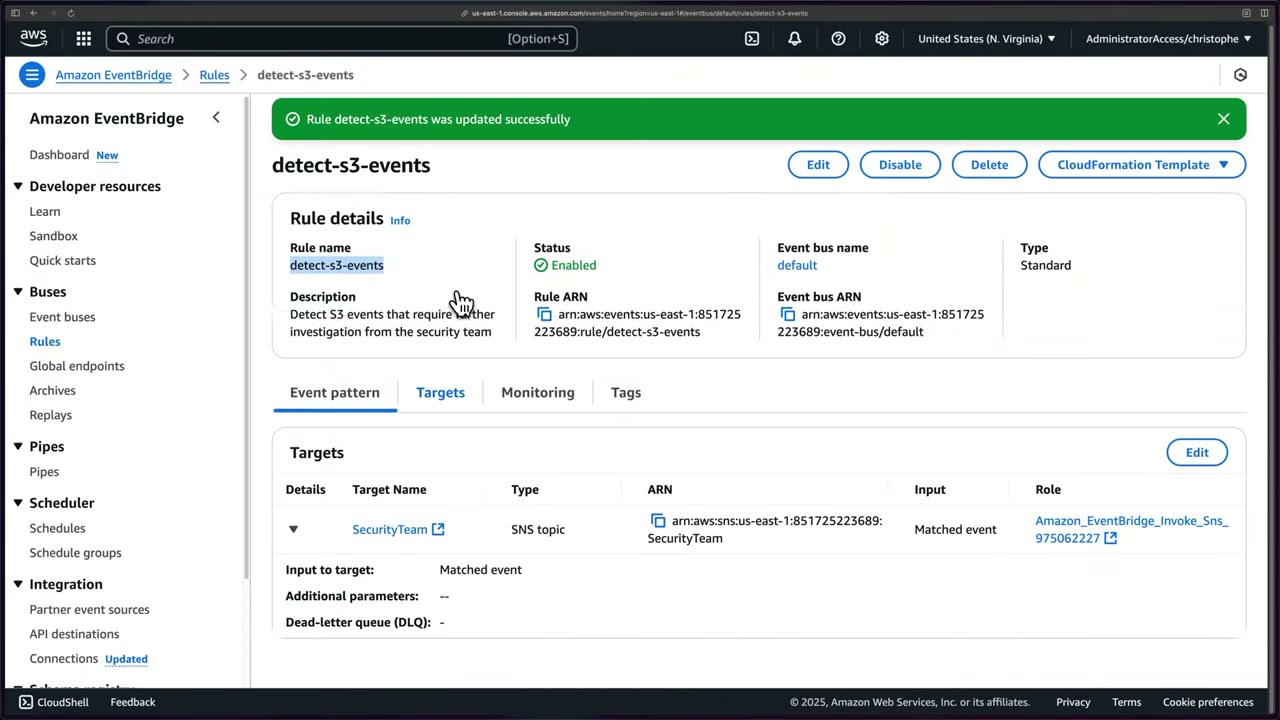
The Targets tab of the finished rule: SNS topic SecurityTeam receives the matched event, the console attached
Amazon_EventBridge_Invoke_Sns_…, and no dead-letter queue is configured.
Input transformer: readable, safe payloads
Raw events are complex and verbose, hard to understand quickly in a notification. ▶ #89 00:00 What you actually want in an
alert: source/account (multi-account), time, Region, resource name and what happened (changeType: UPDATE). Details can
be checked in logs later. ▶ #89 00:52
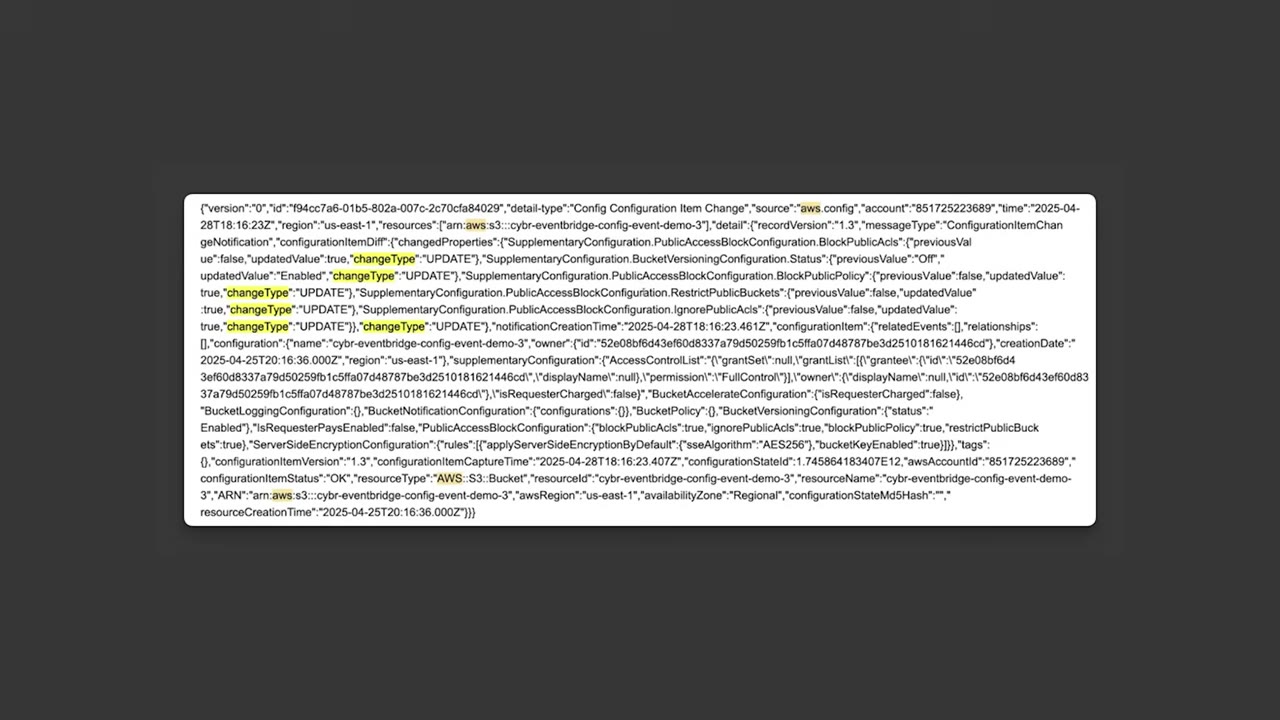
Configure target input options (on the target, under Additional settings): ▶ #89 02:00
- Matched events (whole event, the default; that’s why the full JSON dump arrives) ▶ #89 01:31
- Part of the matched event (a JSON path)
- Constant (JSON text)
- Input transformer → Configure input transformer
The transformer: ▶ #89 02:10
- Input path (
InputPathsMap): key-value pairs defining variables via JSON path, up to 100 variables. - Template (
InputTemplate): string or JSON passed to the target, with<variable>placeholders that must match the variable names. - Sample event (optional) → Enter my own, then Generate output previews the result. ▶ #89 03:50
- Reserved variables:
<aws.events.rule-arn>,<aws.events.rule-name>,<aws.events.event.ingestion-time>,<aws.events.event>. - Configured per target, not per rule, so each target can get a different payload. ▶ #89 05:30
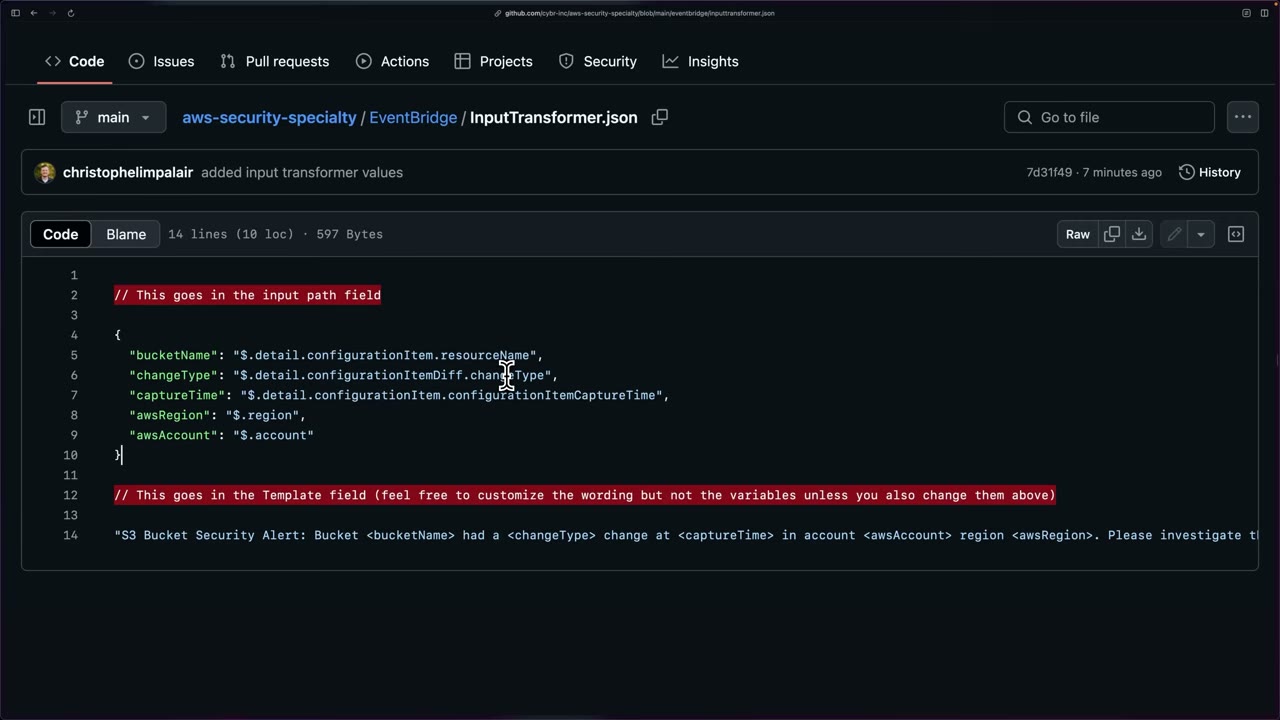
The course’s EventBridge/InputTransformer.json plucks 5 fields (bucket name, change type, capture time, Region, account)
and injects them into a sentence: ▶ #89 03:13
{
  "bucketName": "$.detail.configurationItem.resourceName",
  "changeType": "$.detail.configurationItemDiff.changeType",
  "captureTime": "$.detail.configurationItem.configurationItemCaptureTime",
  "awsRegion": "$.region",
  "awsAccount": "$.account"
}
"S3 Bucket Security Alert: Bucket <bucketName> had a <changeType> change at <captureTime> in account <awsAccount> region <awsRegion>. Please investigate this change."
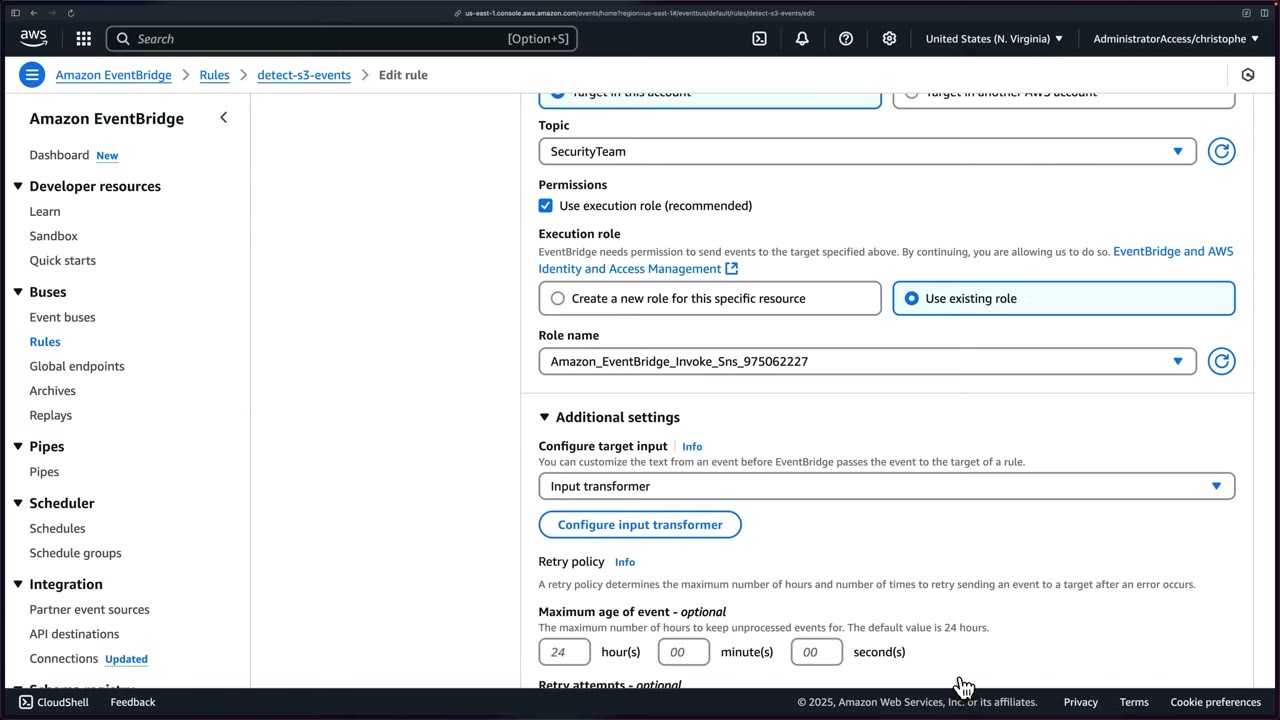
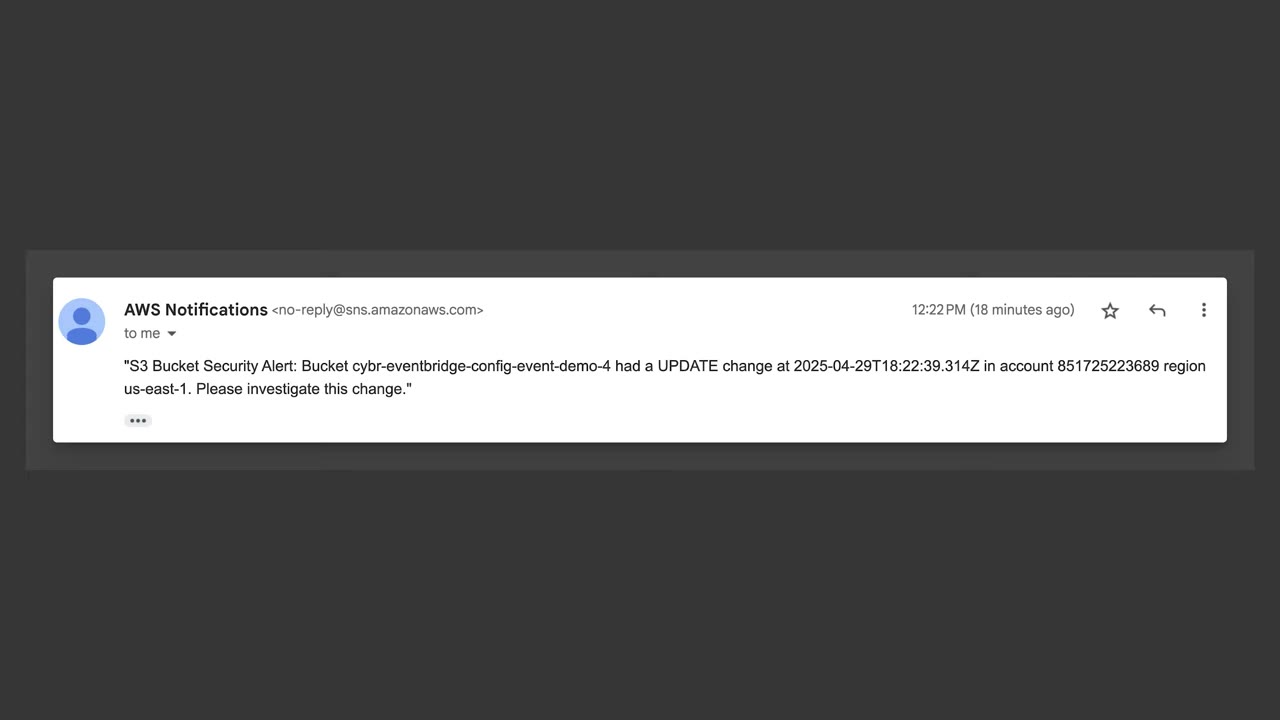
Result: "S3 Bucket Security Alert: Bucket cybr-eventbridge-config-event-demo-4 had a UPDATE change at 2025-04-29T18:22:39.314Z in account 851725223689 region us-east-1. Please investigate this change." ▶ #89 04:50 Compared
with the raw email (e.g. a versioning Enabled → Suspended dump) it is “much more actionable” and cuts alert noise and
alert fatigue. ▶ #89 05:00
When to use input transformation: ▶ #89 05:50
- Human-readable notifications (SNS email to the security team).
- Target payload requirements: normalize inputs from different source events into the format a target expects.
- Filter out sensitive or unnecessary information before it reaches certain targets: “a really important use case, be sure to remember this one”. ▶ #89 06:11 Other PII/PHI options: CloudWatch Logs data protection, SNS message data protection, Macie.
- Combine information from multiple parts of the event into a more logical structure. ▶ #89 06:41
In CloudFormation the transformer sits on the target (Targets[].InputTransformer.InputPathsMap / InputTemplate), in
the repo file S3BucketConfigChangeMonitorInputTransformer.yml. ▶ #89 05:10 Shape (reconstructed; the YAML was not shown
in detail):
Targets:
  - Arn: !Ref SecurityTeamTopic
    Id: SecurityTeamSNS
    InputTransformer:
      InputPathsMap:
        bucketName: $.detail.configurationItem.resourceName
        changeType: $.detail.configurationItemDiff.changeType
        captureTime: $.detail.configurationItem.configurationItemCaptureTime
        awsRegion: $.region
        awsAccount: $.account
      InputTemplate: '"S3 Bucket Security Alert: Bucket <bucketName> had a <changeType> change at <captureTime> in account <awsAccount> region <awsRegion>. Please investigate this change."'
- EventBridge → Rules →
detect-s3-events→ Targets → Edit → Next to Select target(s). No new rule needed. ▶ #89 01:31 - SNS target
SecurityTeam(existing execution role) → Additional settings → Configure target input: Input transformer → Configure input transformer. ▶ #89 02:00 - Sample event: Enter my own → paste the sample S3 Config event.
- Paste the input path and template from
InputTransformer.json→ Generate output → Confirm. ▶ #89 03:50 - Skip to Review and update → Update rule. ▶ #89 04:10
- Because the rule filters UPDATE only, modify an existing bucket: S3 →
cybr-eventbridge-config-event-demo-4→ Permissions → Block public access → Edit → enable → confirm. About 1 minute later the readable email arrives.
Reliability and monitoring
- Retry policy per target: defaults maximum age of event 24 hours and 185 retry attempts.
- Dead-letter queue: none / SQS queue in this account / SQS queue in another account (standard SQS only).
- The rule page’s Monitoring tab embeds the rule’s CloudWatch metrics for free. ▶ #88 02:11
- Metrics: MatchedEvents, Invocations, TriggeredRules, FailedInvocations, plus latency, throttling and retry attempts. ▶ #88 02:24
- View metrics in CloudWatch: customize graphs, query with SQL (Metrics Insights) and create alarms, e.g. when matched events spike. ▶ #88 02:53
- The CloudFormation Template button (top right of the rule page) exports a rule as a template.
- Archive & Replay re-processes past events, useful after fixing a broken rule.
- MatchedEvents = 0 → the pattern is wrong (or a typo). Test it with the console’s Test pattern or the
TestEventPatternAPI. - FailedInvocations > 0 → target permissions: the SNS topic / SQS queue policy or Lambda resource policy must allow
events.amazonaws.com, or the RoleArn for role-based targets. - KMS-encrypted SNS topic → the key policy must allow
events.amazonaws.comto use the key. - SNS email subscription still Pending confirmation. ▶ #45 08:10
- Config events missing → the Config recorder isn’t recording that resource type in that Region.
- Check the DLQ. Malformed input templates (bad quoting) also show up as failed invocations.
Cross-account, cross-Region and IaC
- Cross-account: the source account’s rule targets the central account’s bus ARN. The central bus resource policy allows
events:PutEventsfrom the source accounts (oraws:PrincipalOrgID). AWS recommends IAM roles for cross-account bus targets and SCPs to bound who can send/receive events. - EventBridge gives near-real-time reactions to Config events, including cross-account events. ▶ #87 00:00 Config aggregators give views only; they don’t emit events.
- Deploy rules as IaC so the same detection exists in every account. ▶ #88 03:32
The course template S3BucketConfigChangeMonitor.yml (repo Cybr-Inc/aws-security-specialty/EventBridge) creates an
AWS::Events::Rule (the UPDATE-filtered pattern) targeting the SecurityTeam SNS topic (a parameter with a default
ARN), and an IAM role that events.amazonaws.com can assume with sns:Publish on the topic. ▶ #88 03:50 Deploying it
gives the same pattern and target with a different rule name. To reuse it, change the default parameter to your account ID
and topic name. Config must already be enabled. ▶ #88 04:46
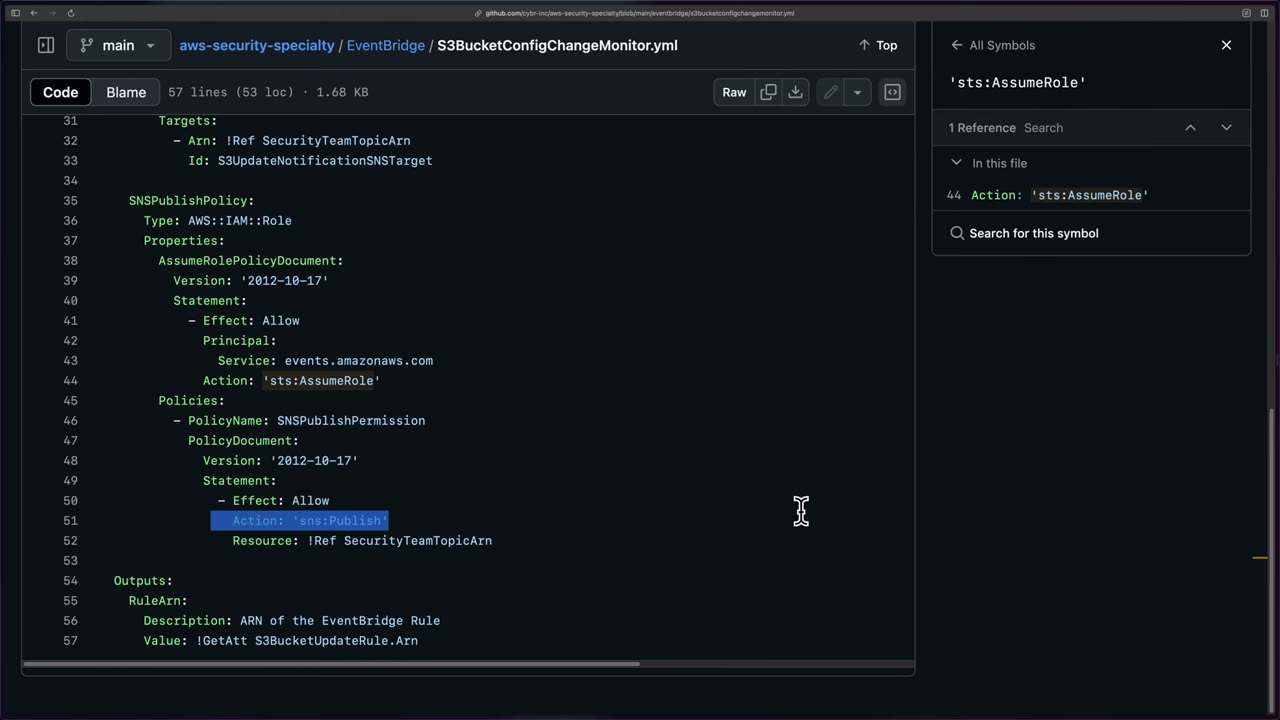
AWSTemplateFormatVersion: '2010-09-09'
Description: 'CloudFormation template to create EventBridge Rule that monitors S3 bucket updates via AWS Config and sends notifications to an existing SNS topic'
Parameters:
  SecurityTeamTopicArn:
    Type: String
    Description: ARN of the existing SecurityTeam SNS Topic
    Default: arn:aws:sns:us-east-1:<account-id>:SecurityTeam
Resources:
  S3BucketUpdateRule:
    Type: AWS::Events::Rule
    Properties:
      Name: S3BucketUpdateNotificationRule
      Description: Rule to detect S3 bucket updates from AWS Config notifications
      State: ENABLED
      EventPattern:            # lines 17–30 scrolled past on screen; same pattern as the JSON above
        source: [aws.config]
        detail-type: [Config Configuration Item Change]
        detail:
          messageType: [ConfigurationItemChangeNotification]
          configurationItem:
            resourceType: [AWS::S3::Bucket]
          configurationItemDiff:
            changeType: [UPDATE]
      Targets:
        - Arn: !Ref SecurityTeamTopicArn
          Id: S3UpdateNotificationSNSTarget
  SNSPublishPolicy:
    Type: AWS::IAM::Role
    Properties:
      AssumeRolePolicyDocument:
        Version: '2012-10-17'
        Statement:
          - Effect: Allow
            Principal:
              Service: events.amazonaws.com
            Action: 'sts:AssumeRole'
      Policies:
        - PolicyName: SNSPublishPermission
          PolicyDocument:
            Version: '2012-10-17'
            Statement:
              - Effect: Allow
                Action: 'sns:Publish'
                Resource: !Ref SecurityTeamTopicArn
Outputs:
  RuleArn:
    Description: ARN of the EventBridge Rule
    Value: !GetAtt S3BucketUpdateRule.Arn
Demo: GuardDuty finding → SNS email
Goal: email every time GuardDuty finds a potential threat. ▶ #45 02:11
The email contains just five formatted fields plus a URL straight to the finding: “You have a severity 5 GuardDuty finding type Backdoor:EC2/Spambot in the us-east-1 region. Finding Description: …”. ▶ #45 08:22
SNS topic and subscription
- SNS → Topics → Create topic: name
GuardDuty, type Standard, rest default → Create. ▶ #45 02:32 - Create subscription → Protocol Email → your address. ▶ #45 02:51
- Status is Pending confirmation: click the confirmation link in the AWS email before anything arrives. ▶ #45 03:00
EventBridge rule
- EventBridge → Rules → Create rule: name
guardduty-threats(description recommended). ▶ #45 03:11 - Event bus default, keep “Enable the rule on the selected event bus”, rule type Rule with an event pattern. ▶ #45 03:30
- Event source AWS events or EventBridge partner events. ▶ #45 04:01
- Sample event (optional): search “GuardDuty Finding”. Creation method Use pattern form. ▶ #45 04:20
- Event source AWS services → GuardDuty → GuardDuty Finding, generating
{"source": ["aws.guardduty"], "detail-type": ["GuardDuty Finding"]}. - Targets: AWS service → SNS topic →
GuardDuty. ▶ #45 05:00 - Additional settings → Configure target input: Matched events → Input transformer → Configure input transformer, to make the JSON readable. ▶ #45 05:20
- Paste an input path extracting severity, finding ID, finding type, region, finding description and a template; Generate output previews it → Confirm. ▶ #45 05:51 The exact text wasn’t legible on screen; a typical version:
{
  "severity": "$.detail.severity",
  "Finding_ID": "$.detail.id",
  "Finding_Type": "$.detail.type",
  "region": "$.region",
  "Finding_description": "$.detail.description"
}
"You have a severity <severity> GuardDuty finding type <Finding_Type> in the <region> region." "Finding Description:" "<Finding_description>." "For more details open the GuardDuty console at https://console.aws.amazon.com/guardduty/home?region=<region>#/findings?search=id%3D<Finding_ID>" - Leave retry (24 h / 185) and no DLQ, skip tags → Create rule.
guardduty-threatsshows Enabled. ▶ #45 06:26
Test
- Generate one sample finding, not the console’s “Generate sample findings” (100+ findings would flood your inbox). GuardDuty must be enabled in that Region. ▶ #45 06:41
- Open CloudShell in the same Region as GuardDuty: ▶ #45 07:00
aws guardduty list-detectors aws guardduty create-sample-findings \ --detector-id <detector-id> \ --finding-types Backdoor:EC2/Spambot - The finding appears in GuardDuty; the email arrives within seconds to a minute. If not, check the SNS subscription was confirmed. ▶ #45 07:50
Demo: Config detects S3 bucket changes → SNS
Scenario: S3 buckets hold sensitive customer data and changes should be rare, so any bucket configuration change must email the security team’s monitored mailbox. Built in the security tooling account. ▶ #87 00:30 EventBridge receives the event and invokes a target action: send notifications, capture event info, take corrective action, initiate other events. ▶ #87 00:50
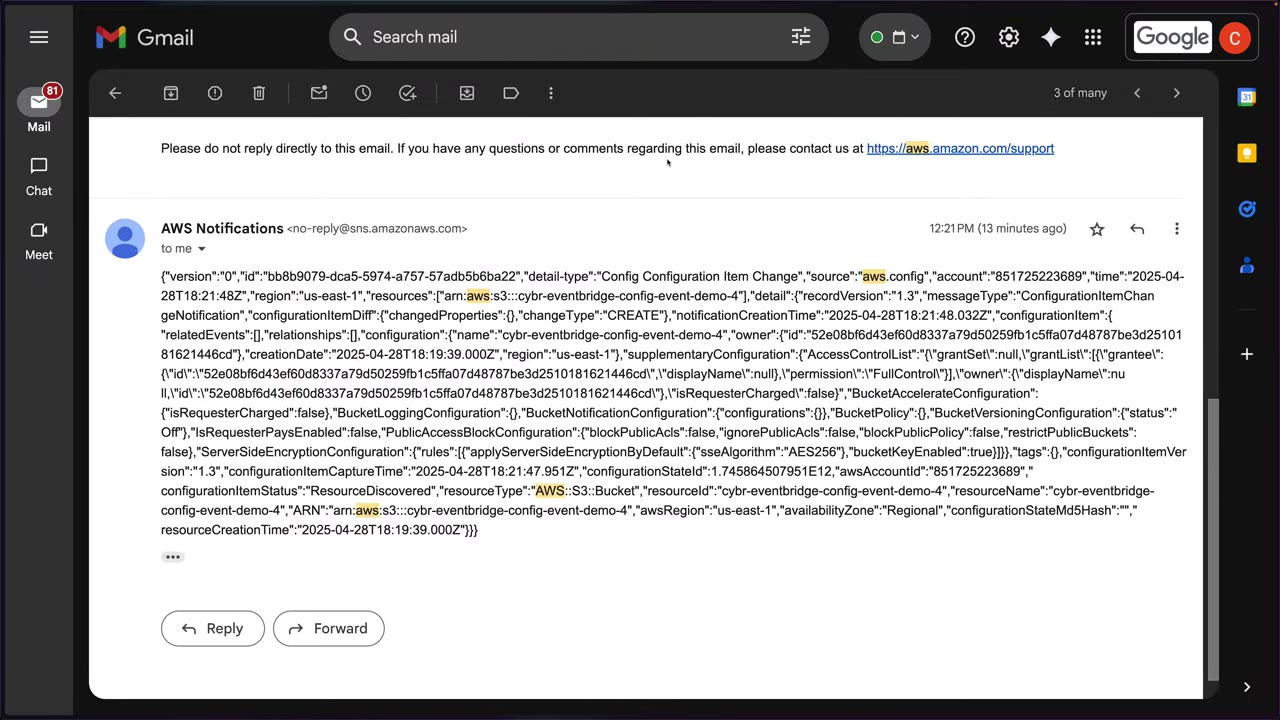
- CREATE email:
"changeType":"CREATE",configurationItemStatus":"ResourceDiscovered", full bucket configuration. ▶ #87 08:50
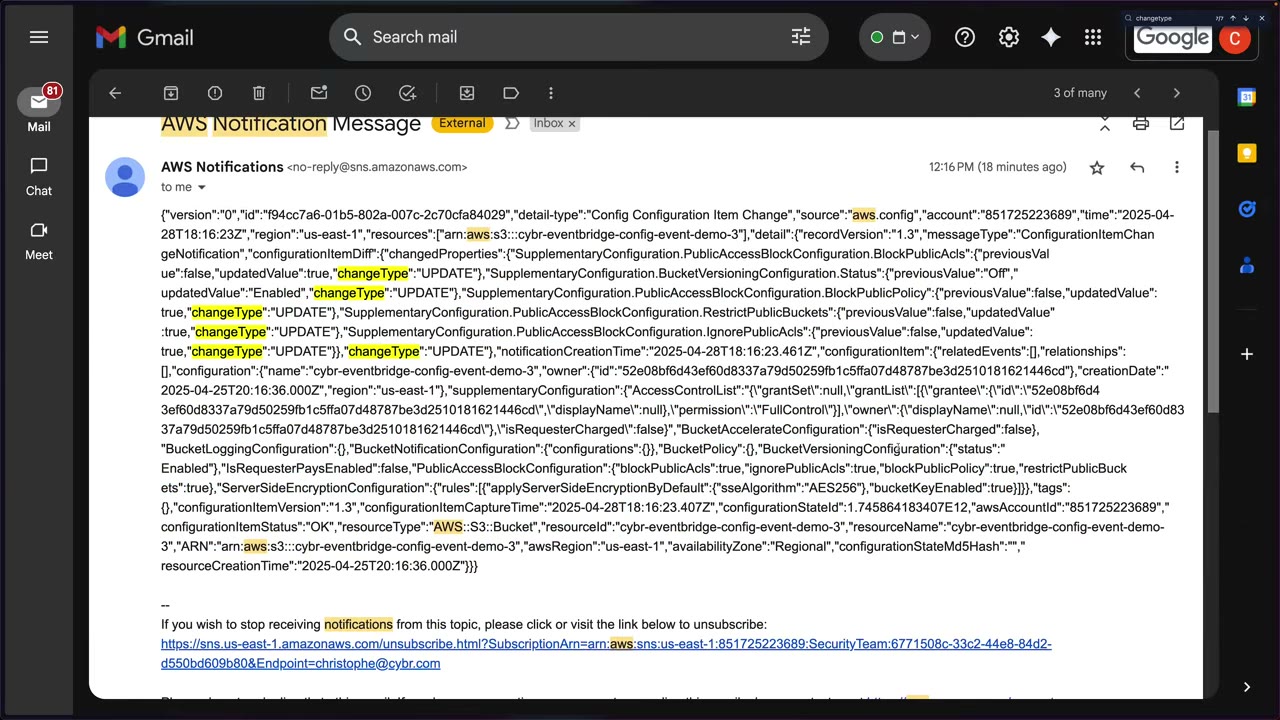
- UPDATE email:
changedPropertiesper field withpreviousValue/updatedValueandchangeType: UPDATE, e.g.SupplementaryConfiguration.PublicAccessBlockConfiguration.BlockPublicAcls. ▶ #87 09:10 The UPDATE email shown comes from an earlier test bucket (…-demo-3) where values wentfalse → true(BPA enabled, versioning Off → Enabled). - Emails (“AWS Notification Message” from
no-reply@sns.amazonaws.com) are the unfiltered raw event; filtering, metrics and IaC come next (#88, #89). ▶ #87 09:30
- EventBridge → Rules → Create rule: name
detect-s3-events, description “Detect S3 events that require further investigation from the security team”. ▶ #87 01:20 - Event bus default (normally you’d separate buses), keep the rule enabled, Rule type: Rule with an event pattern. ▶ #87 01:50
- Event source AWS events; sample event → Enter my own → paste the repo sample. ▶ #87 02:43
- Pattern form: AWS services / Config / Config Configuration Item Change / ConfigurationItemChangeNotification / AWS::S3::Bucket / Any resource ID → Test pattern (success). ▶ #87 06:01
- Target: AWS service → SNS topic
SecurityTeam(this account; create it if needed and refresh), create a new execution role → leave input (Matched events), retry and DLQ default → skip tags → Create. ▶ #87 06:31 - Confirm the email subscription if the topic is new. ▶ #87 07:41
- S3: create bucket
cybr-eventbridge-config-event-demo-4(SSE-S3, Bucket Key on) → CREATE event. ▶ #87 07:51 - Permissions → Block public access → uncheck Block all public access → Save → type
confirm(“this is a stupid idea”) → UPDATE event. Notifications can take a minute or two. ▶ #87 08:21
From the instructor
- EventBridge is how GuardDuty and other services get automation: act on the issue or send a notification. ▶ #45 00:00
- Every account has a default event bus; AWS service events go there directly. ▶ #45 01:12
- Pipes for single source → single target; buses for many sources → many targets. ▶ #45 01:21
- Confirm the SNS email subscription, a classic reason notifications don’t arrive. ▶ #45 03:00
- Create a single sample finding via CLI, not the console bulk generator (100+ emails); CloudShell in the same Region as GuardDuty. ▶ #45 06:41
- “All events” as the source can get expensive. ▶ #87 02:30
- The source for S3 configuration changes is Config, not S3. ▶ #87 03:52
- Build in the console to learn, deploy patterns via IaC in production. ▶ #87 05:50
- Always test the pattern with a sample event. ▶ #87 06:20
- Prefer a dedicated execution role per target over a shared one. ▶ #87 07:10
- Broad patterns cause alert fatigue; filter to what matters (e.g. only
UPDATE). ▶ #88 00:40 - Every rule gets CloudWatch metrics for free; alarm on spikes or failures. ▶ #88 03:11
- Input transformer turns busy events into clear, actionable messages and reduces alert noise. ▶ #89 00:11 It is per target. ▶ #89 05:30
- Remember the sensitive-data filtering use case. ▶ #89 06:21 EventBridge + reshaping/filtering event content → input transformation. ▶ #89 06:52
Keyword → answer
| If the question says… | Answer |
|---|---|
| Auto-remediate when GuardDuty finds X | EventBridge rule → Lambda / SSM Automation / Step Functions |
| Notify the security team when GuardDuty / Security Hub / Inspector / Macie / Config finds X | EventBridge rule on the default bus → SNS |
| Only alert on High severity | Filter in the pattern: "severity": [{"numeric": [">=", 7]}] |
| Rule matches, but Lambda never runs | Missing Lambda resource policy for events.amazonaws.com, or a pattern typo. Check FailedInvocations and the DLQ |
| SNS target receives nothing | Topic policy for events.amazonaws.com, KMS key policy if encrypted, confirmed email subscription |
| Rule never triggers | MatchedEvents = 0 → fix the pattern (Test pattern / TestEventPattern) |
| Centralize findings from all accounts in near real time | Cross-account event bus (or Security Hub aggregation). Config aggregators don’t emit events |
| Readable email instead of JSON | Input transformer |
| Only alert on UPDATE changes | Event pattern (filters which events) |
| Remove fields / strip PII / readable message before the target | Input transformer (reshapes content); also CloudWatch Logs / SNS message data protection, Macie |
| Near-real-time alert when a resource becomes noncompliant | Config Rules Compliance Change with newEvaluationResult.complianceType: NON_COMPLIANT. Config’s SNS delivery channel sends everything (noisy) |
| Alert on S3 bucket changes, with caller identity, fastest | CloudTrail management events (aws.s3, PutBucketPublicAccessBlock, DeleteBucketPolicy). Config events give the state diff but take minutes |
| Delayed repeat notifications for the same GuardDuty finding | GuardDuty finding publishing frequency (6 h default; 15 min / 1 h) |
- The course’s
S3BucketConfigChangeMonitor.ymlrole is never attached to the target (noRoleArn), so it is unused. For SNS, SQS and Lambda targets EventBridge uses no role: the topic’s resource-based policy must allowevents.amazonaws.comtosns:Publish, ideally withaws:SourceArn= the rule ARN. Roles are for Kinesis, Step Functions, ECS tasks, SSM Automation, API destinations and cross-account buses. If deliveries from this template fail, check the topic policy and look for a FailedInvocations spike. - The GuardDuty input transformer text in #45 wasn’t legible on screen; the JSON shown above is a typical reconstruction. The #89 CloudFormation target shape is also reconstructed.
Real-world practice
- Use AWS User Notifications or Amazon Q Developer in chat apps (AWS Chatbot) for Slack/Teams instead of raw email in production.
- Manage rules with IaC (CloudFormation StackSets / Terraform) across all accounts and Regions; console rules drift. Or send events from every account to a central security event bus (cross-account bus + bus policy) and keep the rules there.
- Deduplicate: GuardDuty re-emits updated findings (count increments), so ticketing should key on the finding ID.
- Pricing: AWS service events on the default bus are free to deliver; custom/partner events and cross-account delivery are charged per million events.
- Configure a DLQ and alarm on
FailedInvocations > 0for every security rule. A silently broken notification path is worse than a noisy one. - Config event latency is minutes, not seconds. For sensitive buckets use preventive controls (account-level S3 Block Public Access + SCP/RCP) and keep EventBridge alerting as the detective backup. Combine with Config managed rules (e.g.
s3-bucket-public-read-prohibited) to get compliance state as well as change notifications. - Useful alert fields: account alias, console deep link, who made the change (from CloudTrail-based rules). Several targets per rule can each have their own transformer: a terse SNS email plus the full event to Lambda or an S3 archive.
{
  "source": ["aws.guardduty"],
  "detail-type": ["GuardDuty Finding"],
  "detail": { "severity": [{ "numeric": [">=", 7] }] }
}
aws events put-rule --name gd-high --event-pattern file://gd-high.json
aws events put-targets --rule gd-high --targets '[{"Id":"sns","Arn":"arn:aws:sns:...:security-alerts",
 "InputTransformer":{"InputPathsMap":{"type":"$.detail.type","acct":"$.account","sev":"$.detail.severity"},
 "InputTemplate":"\"GuardDuty <type> severity <sev> in account <acct>\""}}]'
# Central bus accepts events from the whole org
aws events put-permission --event-bus-name central-sec --action events:PutEvents \
  --principal "*" --statement-id org --condition Type=StringEquals,Key=aws:PrincipalOrgID,Value=o-xxxx
- Create the
gd-highrule above, then generate one sample finding from CloudShell in the GuardDuty Region (aws guardduty create-sample-findings --detector-id <id> --finding-types Backdoor:EC2/Spambot) and receive the transformed email. Don’t use the console bulk generator (100+ findings). - Create a
detect-s3-eventsrule onConfig Configuration Item ChangeforAWS::S3::Bucket→ SNS, toggle Block Public Access on a bucket, then add an input transformer and compare the emails. - Cleanup: remove the targets, delete the rules, the SNS topic and the execution roles.
Amazon GuardDuty
Managed, Regional threat detection. It continuously monitors for compromised accounts, anomalous behavior and malware using ML anomaly detection, malware scanning and threat intelligence over AWS log sources, and prioritizes the findings so you act on them in the console, through EventBridge workflows, or with Lambda auto-remediation. ▶ #43 00:00
- Exam skills: aggregate security events (1.1.3) · alerts for anomalies (1.1.4) · automated remediation (2.1.4) · validate findings & scope (2.2.3) · scan compute for vulnerabilities (3.2.3) · Organizations & delegated admin (6.1.1, 6.1.4)
- Videos: ▶ #43 About GuardDuty · ▶ #44 Delegating and centralizing GuardDuty
- 30-day free trial · findings kept 90 days (export for longer)
Data sources: foundational vs protection plans
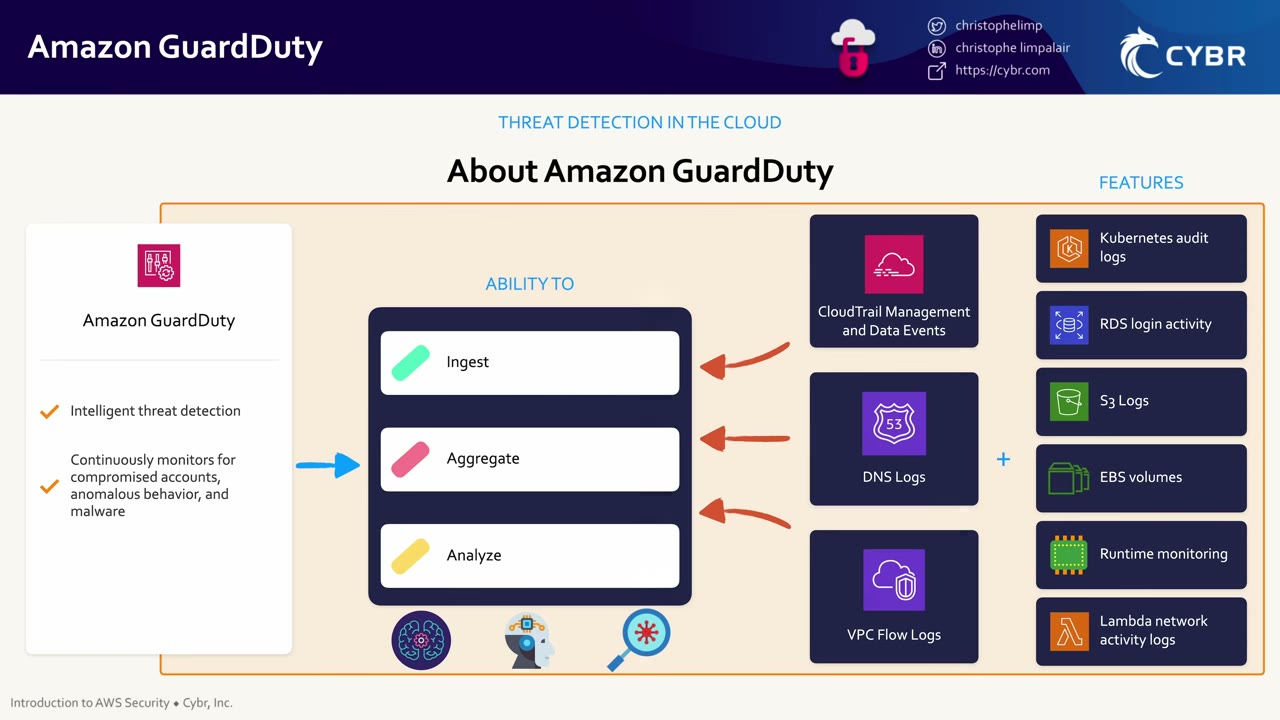
GuardDuty can ingest, aggregate and analyze information from many AWS data sources. ▶ #43 00:10 Because CloudTrail tracks all API calls, it has visibility into just about everything happening in the account. ▶ #43 00:20 Detection methods: ML anomaly detection, malware scanning, threat intelligence. ▶ #43 00:52 It helps you identify and prioritize threats instead of drowning in random data. ▶ #43 01:00
Foundational sources (always on, no setup): CloudTrail management events, VPC Flow Logs, Route 53 DNS logs.
- GuardDuty reads independent copies, so you don’t need to enable trails or Flow Logs yourself, and disabling them doesn’t affect GuardDuty. Enabling GuardDuty also doesn’t create those logs for you to query.
- DNS findings only work if instances use the Amazon-provided resolver.
Protection plans (opt-in), shown as “features” on the slide (EKS audit logs, RDS login activity, S3 logs, EBS volumes, Runtime monitoring, Lambda network activity logs): ▶ #43 00:30
| Plan | What it analyzes |
|---|---|
| S3 Protection | CloudTrail S3 data events: exfiltration, anomalous access, disabled block public access |
| EKS Protection (Audit Log Monitoring) | Kubernetes audit logs (control-plane activity), consumed directly from the EKS control plane via an independent, duplicative stream. No setup, no effect on your own EKS logging config. ▶ #43 02:20 |
| Runtime Monitoring | A GuardDuty security agent (managed via SSM / EKS add-on / ECS Fargate sidecar) for OS-level events (file access, process execution, network connections) on EKS, ECS (incl. Fargate) and EC2. 30+ runtime finding types |
| Malware Protection for EC2 | Agentless: takes EBS snapshots and scans them when a suspicious finding fires (also on demand) |
| Malware Protection for S3 | Scans newly uploaded objects in chosen buckets. Usable without enabling GuardDuty fully |
| RDS Protection | Anomalous login activity on Aurora / RDS |
| Lambda Protection | Network activity of Lambda functions (crypto mining, C2) |
Extended Threat Detection correlates multiple signals into attack-sequence findings (critical severity).
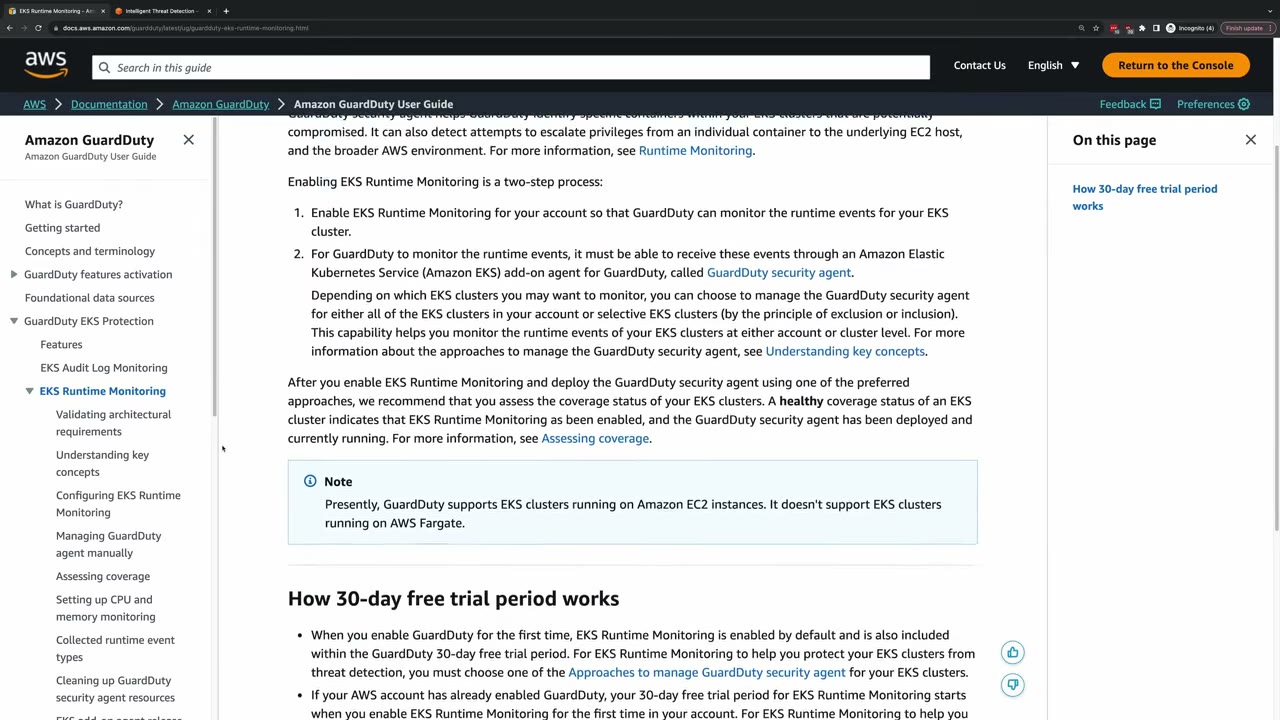
Runtime Monitoring enablement is two steps: enable the feature for the account, then deploy the GuardDuty security agent (EKS add-on) to all or selected clusters, automatically or per cluster with inclusion/exclusion tags. Then check coverage status (“healthy”). ▶ #43 02:20 The doc page also explains the 30-day free trial behavior.
What it detects: findings
Example detections: ▶ #43 01:30
- Compromised credentials from unusual API activity. ▶ #43 01:30
- S3 data exfiltration: unusual geolocation, or S3 security controls disabled. ▶ #43 01:42
- Access from known malicious IP addresses (threat intel). ▶ #43 01:51
- Lambda threats like unauthorized crypto mining or traffic to known threat-actor servers (C2). ▶ #43 02:00
- Malware on EBS volumes attached to EC2 or container workloads. ▶ #43 02:11
- EKS control-plane and runtime threats. ▶ #43 02:20
Finding type format: ThreatPurpose:ResourceType/ThreatFamily.Mechanism!Artifact
| Finding type | Meaning |
|---|---|
UnauthorizedAccess:EC2/SSHBruteForce |
SSH brute force |
CryptoCurrency:EC2/BitcoinTool.B!DNS |
Crypto mining (seen in DNS) |
Recon:EC2/PortProbeUnprotectedPort |
Port probe on an open port |
UnauthorizedAccess:IAMUser/InstanceCredentialExfiltration.OutsideAWS |
Instance role creds used outside AWS |
Policy:IAMUser/RootCredentialUsage |
Root used |
Policy:S3/BucketBlockPublicAccessDisabled |
S3 BPA turned off |
Stealth:IAMUser/CloudTrailLoggingDisabled |
Trail logging stopped |
Discovery:S3/…, Exfiltration:S3/…, Impact:…, Backdoor:EC2/C&CActivity.B, Backdoor:EC2/Spambot, Trojan:… |
Other families |
- Severity: Low / Medium / High (plus Critical for attack sequences).
Tuning: IP lists and suppression rules
| Control | Effect | Limit |
|---|---|---|
| Trusted IP list | No findings for these IPs | 1 per account per Region |
| Threat IP list | Generate findings when these IPs are seen | Up to 6 |
| Suppression rule | Auto-archive findings matching filter criteria (expected noise, e.g. a vulnerability scanner hitting port probes). Findings still exist but don’t alert |
- In an org, only the administrator account manages IP lists, and they apply to members.
Acting on findings
Detailed findings in the console, integration into event management / workflow systems, and AWS Lambda to automatically remediate or prevent. ▶ #43 01:10
- Findings are automatically published to EventBridge: new findings within ~5 minutes. Also sent to Security Hub and Detective.
- Optional export to an S3 bucket (KMS-encrypted; the bucket policy and key policy must allow
guardduty.amazonaws.com). - Updated findings frequency: 15 min / 1 h / 6 h (default), editable on the Settings page. ▶ #44 00:30
- GuardDuty keeps findings only 90 days; export for longer retention.
- GuardDuty detects; it doesn’t investigate. Root cause → Amazon Detective. Single view across Regions → Security Hub cross-Region aggregation.
- Suspend keeps findings and config. Disable deletes all findings.
Typical response: GuardDuty finding → EventBridge → Step Functions: isolate the instance (forensic SG), snapshot EBS, tag it, notify (see Amazon EventBridge, this part, and the remediation sections in Part 5).
Multi-account: delegated admin and auto-enable
Delegated admin + auto-enable is set per Region. Use the same delegated admin account in every Region.
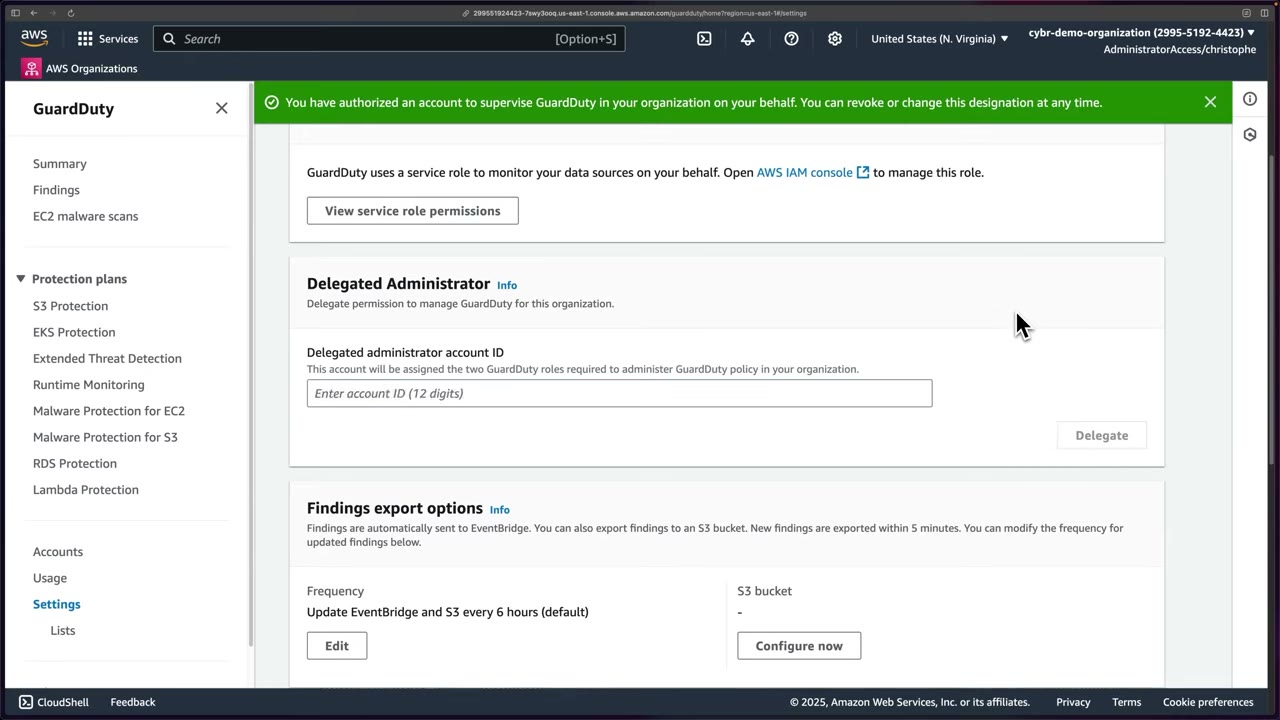
1. Delegate from the management account. GuardDuty → Settings → Delegated Administrator → enter the 12-digit Security Tooling account ID → Delegate. If you don’t see the option, you’re in the wrong account. ▶ #44 00:10
- Screen text: “This account will be assigned the two GuardDuty roles required to administer GuardDuty policy in your organization.” Banner: “You have authorized an account to supervise GuardDuty in your organization on your behalf. You can revoke or change this designation at any time.”
- Toggle “Allow delegated administrator to attach relevant permissions to enable Malware Protection for member accounts”: an org decision, enabled in the demo. ▶ #44 00:30
- The same page shows Findings export options: EventBridge automatically, optional S3, new findings within 5 minutes, updated findings every 6 hours by default.
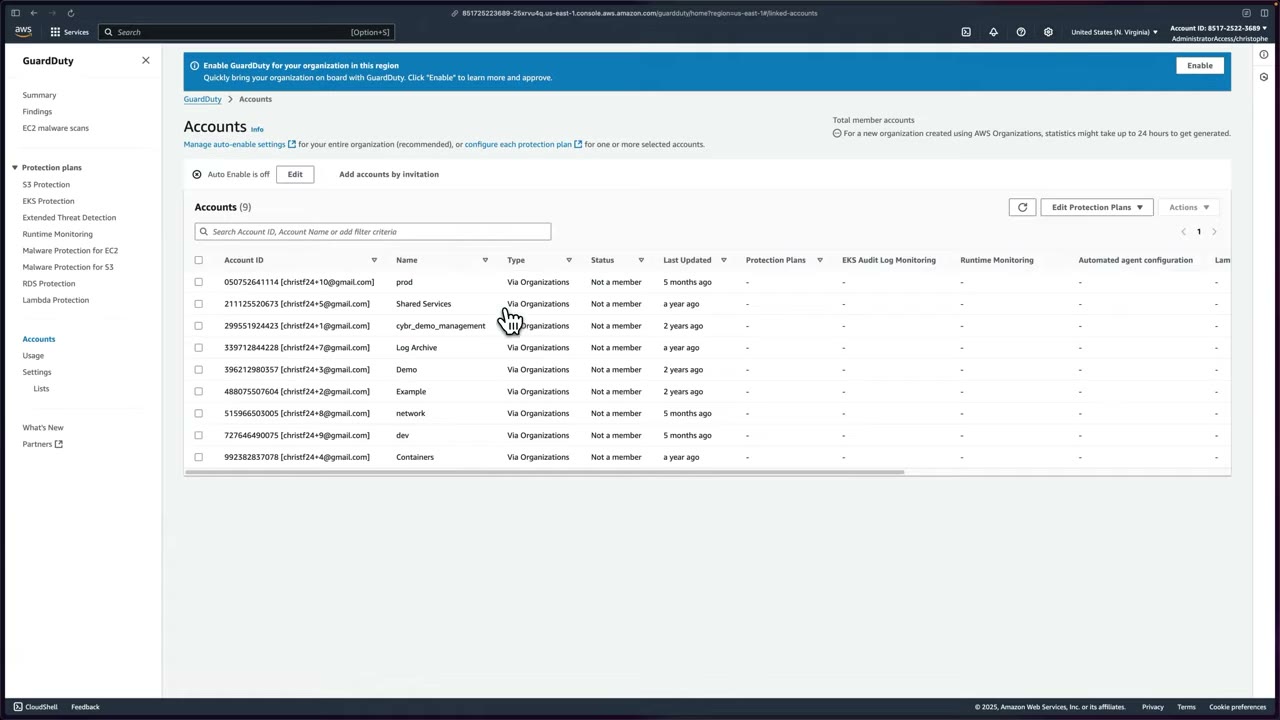
2. Manage from the delegated admin. In Security Tooling → GuardDuty (same Region) → confirm it’s enabled; Settings no longer offers delegation. ▶ #44 01:01 The Accounts page lists all org accounts (prod, Shared Services, cybr_demo_management, Log Archive, Demo, Example, network, dev, Containers) with Type Via Organizations and Status Not a member, under the banner “Enable GuardDuty for your organization in this region”. ▶ #44 01:11
- Add accounts by invitation exists, but there’s no real use case: manage membership through AWS Organizations. ▶ #44 01:20
- Edit Protection Plans: choose plans for selected accounts (auto-enable all / disable all per plan). ▶ #44 01:31
- Actions: invite, resend invitations, suspend, re-enable, disassociate, delete accounts; mostly ignore and manage via Organizations. ▶ #44 01:40
3. Auto-enable. Options: ALL (new + existing), NEW, NONE, plus which protection plans to auto-enable. Choosing plans: maybe no RDS, maybe no runtime monitoring yet; likely S3 Protection; EKS if you run EKS; Malware Protection for EC2; Lambda network activity monitoring. The demo enables S3 Protection and Lambda Protection. ▶ #44 02:10
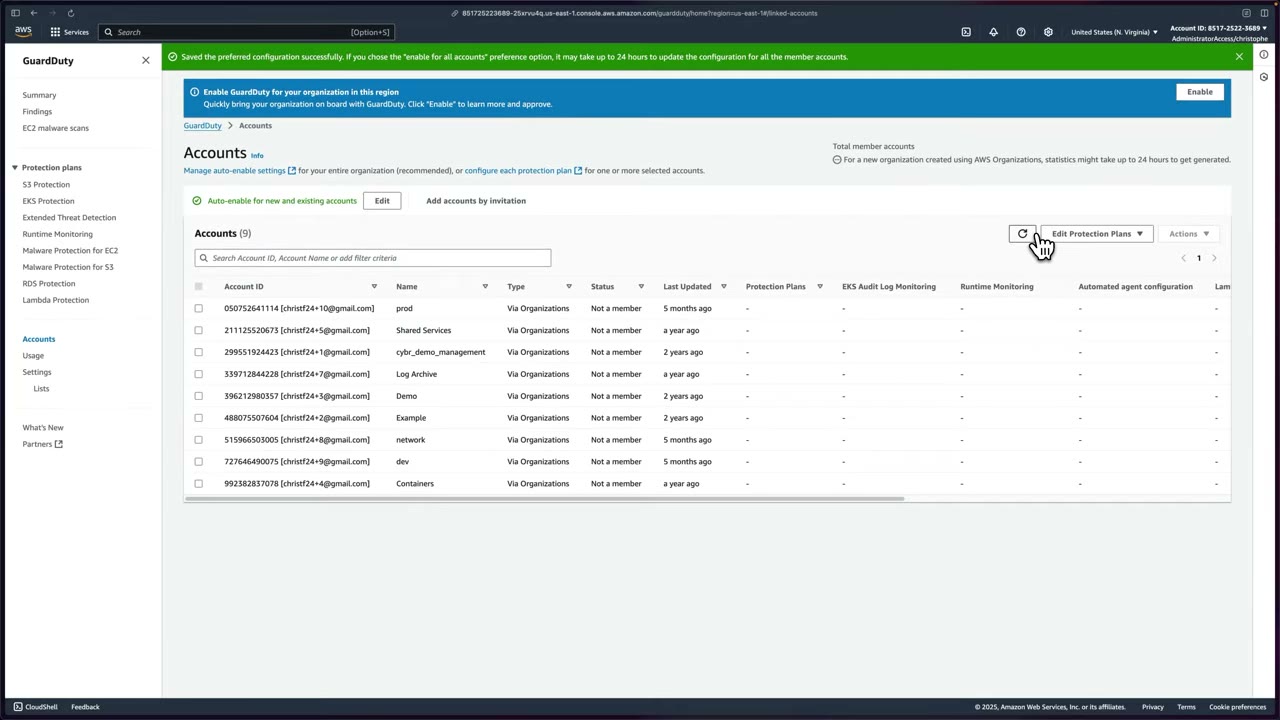
Banner: “If you chose the ’enable for all accounts’ preference option, it may take up to 24 hours to update the configuration for all the member accounts.” ▶ #44 02:52
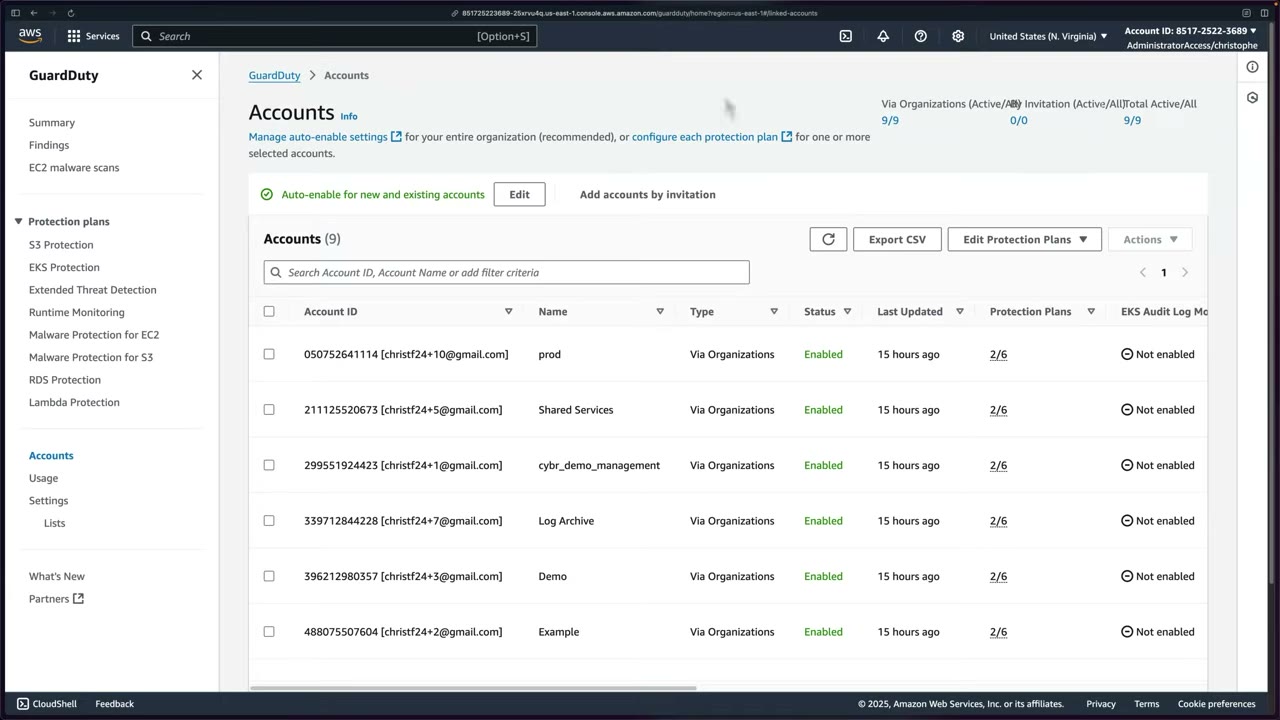
After ~24 hours: Via Organizations (Active/All) 9/9, Invitation 0/0; every account Enabled with Protection Plans 2/6; EKS Audit Log Monitoring and Runtime Monitoring Not enabled, Lambda network activity monitoring and S3 Protection enabled; a per-account breakdown shows whether it’s managed via Organizations. ▶ #44 03:00
Rules of the org setup:
- Use Organizations, not invitations. The management account must also be enabled as a member.
- Members managed by the delegated admin cannot disable/suspend GuardDuty or change protection plans.
- Management account → GuardDuty → Settings → Delegated Administrator → Security Tooling account ID → Delegate. ▶ #44 00:10
- Toggle “Allow delegated administrator to attach relevant permissions to enable Malware Protection for member accounts”. ▶ #44 00:41
- Security Tooling → GuardDuty (same Region) → Accounts. ▶ #44 01:01
- Auto-enable → Edit → Enable for all accounts → select S3 Protection + Lambda Protection → Save changes. ▶ #44 02:10
- Wait (up to 24 h) → refresh → verify Status Enabled and Protection Plans 2/6 per account. ▶ #44 02:52
From the instructor
- GuardDuty = threat detection from CloudTrail, DNS and VPC Flow Logs + optional features. ▶ #43 00:10
- It uses ML, malware scanning and threat intel, and prioritizes findings. ▶ #43 00:52
- Response options: console, workflow integration, Lambda auto-remediation. ▶ #43 01:10
- Delegate from the management account; if the option is missing you’re in the wrong account. ▶ #44 00:20
- The Malware Protection permission toggle for the delegated admin is an org decision. ▶ #44 00:41
- Don’t use invitation-based membership; use Organizations. ▶ #44 01:20
- Auto-enable can take ~24 hours to reach all accounts. ▶ #44 02:52
Keyword → answer
| If the question says… | Answer |
|---|---|
| Detect crypto mining / C2 / compromised instance credentials, least overhead | GuardDuty |
| Network threat detection without enabling VPC Flow Logs | GuardDuty (independent stream) |
| Scan EC2 for malware without an agent | Malware Protection for EC2 |
| Scan uploaded files in S3 | Malware Protection for S3 |
| Container runtime threats (reverse shell, privilege escalation) | Runtime Monitoring |
| Pentest / scanner generating noise | Suppression rule (or trusted IP list) |
| GuardDuty not detecting in eu-west-1 | It’s Regional: enable it there too |
| No DNS-based findings | Instances use a non-AWS resolver; GuardDuty only sees Route 53 Resolver DNS logs |
| New accounts must automatically have GuardDuty | Delegated admin + auto-enable (per Region) |
| Stop an attacker in a member account turning GuardDuty off | Org-managed membership + SCP denying guardduty:Delete*, Disassociate*, UpdateDetector, etc. |
| Investigate the finding / root cause | Detective |
| Single view across Regions | Security Hub cross-Region aggregation |
- The #43 slide lists “CloudTrail management and data events” as foundational. S3 data events are only analyzed with S3 Protection, an opt-in plan.
- The #43 doc snapshot said EKS Runtime Monitoring supported EKS on EC2 only, not Fargate. Today ECS on Fargate is supported; EKS on Fargate still is not.
- In #44 the narration says “head over to Security Hub”, but the screen shows GuardDuty → Settings. Delegation is done in GuardDuty; Security Hub has its own, separate delegation.
Real-world practice
- Enable org-wide in all Regions, even unused ones (attackers like unused Regions). Keep cost down by choosing protection plans per OU / account type (e.g. Runtime Monitoring only for prod EKS/ECS).
- Automate delegation + auto-enable across all Regions with CloudFormation StackSets or Control Tower / Landing Zone tooling.
- Export findings to S3 (KMS-encrypted) for long-term retention.
- IR runbook by severity: High → page; Medium → ticket; Low → weekly review.
- Route findings: EventBridge in the Security Tooling account → SNS/Slack/ticketing; Security Hub for central triage.
# From management account
aws guardduty enable-organization-admin-account --admin-account-id <security-acct>
# From delegated admin, each Region
aws guardduty update-organization-configuration --detector-id <id> --auto-enable-organization-members ALL \
  --features '[{"Name":"S3_DATA_EVENTS","AutoEnable":"ALL"},{"Name":"RUNTIME_MONITORING","AutoEnable":"ALL"}]'
aws guardduty create-filter --detector-id <id> --name scanner-noise --action ARCHIVE \
  --finding-criteria '{"Criterion":{"type":{"Eq":["Recon:EC2/PortProbeUnprotectedPort"]},
   "resource.instanceDetails.tags.value":{"Eq":["vuln-scanner"]}}}'
- Enable GuardDuty (30-day free trial) and run
create-sample-findingswith a single finding type (e.g.Backdoor:EC2/Spambot) to avoid 100+ samples. - Read the finding JSON (
resource,service.action), create a suppression rule, then wire it to EventBridge. - Org: delegate to the Security Tooling account, set auto-enable for all accounts with S3 + Lambda Protection, and check the Accounts page the next day.
- Cleanup: disable the detector (this deletes findings).
AWS Security Hub CSPM
Cloud security posture management. Three jobs: run automated best-practice control checks against standards, aggregate and prioritize findings from AWS and third-party tools in one normalized view (ASFF), and enable automated remediation. ▶ #49 00:51 “Not a SIEM replacement, but a sort of mini SIEM.” ▶ #49 02:21
- Exam skills: aggregate security events (1.1.3) · alerts & dashboards (1.1.4) · automated regular assessments (1.1.5) · analyze logs (1.2.4) · automated remediation (2.1.4) · validate findings (2.2.3) · Organizations & delegated admin (6.1.1, 6.1.4) · detect & remediate noncompliance (6.3.1)
- Videos: ▶ #49 About Security Hub CSPM · ▶ #50 Delegating and centralizing Security Hub CSPM
- Requires AWS Config recording · 30-day free trial · findings kept ~90 days
Security Hub CSPM vs the new Security Hub
AWS launched a new Security Hub a couple of months before recording. The original is now called Security Hub CSPM, which is what the course uses. ▶ #49 00:00 The new one was in early preview at recording, so the instructor waited before covering it. ▶ #49 00:30
| Security Hub CSPM (classic) | Security Hub (new, unified) | |
|---|---|---|
| Console tagline | “Automated security checks across your AWS environment” | “Detect, prioritize, and respond to critical cloud security issues faster” |
| Does | Standards, controls, insights, automation rules, cross-Region aggregation | Sits on top of GuardDuty, Inspector, Security Hub CSPM and Macie; correlates signals into exposures and attack paths |
| Finding format | ASFF | OCSF (like Security Lake) |
What it does and how it works
Problem it solves: everything so far was decentralized and hard to manage at scale. ▶ #49 01:10
- Automated security checks across your environment: FSBP plus industry benchmarks like CIS and PCI. ▶ #49 01:40
- Consolidated, prioritized findings from GuardDuty, Config, Systems Manager, Inspector, Firewall Manager, IAM Access Analyzer, AWS Health, Macie and integrated partner solutions. ▶ #49 01:20
- Take action: custom actions, send findings to ticketing, chat, email or automated remediation via EventBridge. With a SOAR it can enrich findings and send them to a ticketing system to start SOAR workflows; same with a SIEM. ▶ #49 01:50
Pricing (per account, per Region, per month; 2023 figures on the slide):
- Security checks: first 100,000 $0.0010/check, 100,001–500,000 $0.0008, 500,001+ $0.0005.
- Finding ingestion: first 10,000 free, then $0.00003/finding. Updates to Security Hub’s own check findings are free.
- AWS Config is billed separately and is often the hidden cost driver.
Enabling: AWS Config and standards
AWS Config must be enabled (resource recording) for standards and controls, otherwise you may have issues. ▶ #49 02:40
- Recording must be on in all accounts and all Regions where you use standards. Config is billed separately; you can Download a CloudFormation template to deploy it as a StackSet.
- Config must also record global resources (IAM) in one Region.
- Enabling standards grants Security Hub service-linked roles (CloudWatch, SNS, Config, CloudTrail). Enabling AWS integrations grants permission to import findings from enabled AWS services.
Standards (defaults when enabling in the console: FSBP v1.0.0 + CIS v1.2.0):
| Standard | Default on? |
|---|---|
| AWS Foundational Security Best Practices (FSBP) v1.0.0 | Yes |
| CIS AWS Foundations Benchmark v1.2.0 | Yes |
| CIS AWS Foundations Benchmark v1.4.0 | No |
| NIST SP 800-53 Rev 5 | No |
| PCI DSS v3.2.1 | No |
| AWS Resource Tagging standard | No |
- The security score is calculated over time and depends entirely on the standards you select; research each one. ▶ #49 03:11
- Results take up to 2 hours after enabling; until then controls show “No data”. ▶ #49 03:31
- Settings → General: turn on Consolidated control findings (one finding per control instead of one per standard) and Auto-enable new controls in enabled standards.
Each control is backed by a Config rule. Example: [IAM.1] IAM policies should not allow full “*” administrative
privileges: related requirements PCI DSS 7.2.1, CIS 1.2.0/1.22, CIS 1.4.0/1.16, NIST 800-53 AC-2, AC-3, AC-5, AC-6…;
category Protect > Secure access management; severity High; resource type AWS::IAM::Policy; Config rule
iam-policy-no-statements-with-admin-access; schedule type: Change triggered; parameter
excludePermissionBoundaryPolicy: true.
Console tour
| Section | What’s there |
|---|---|
| Summary | Enabled standards with passed/failed checks and % score; resources with the most failed checks; findings by Region (Critical/High/Medium/Low); findings from integrations (GuardDuty, Inspector, Macie…). ▶ #49 03:41 |
| Controls | Details of failed controls. ▶ #49 04:11 |
| Security standards | Enabled standards and others available. ▶ #49 04:21 |
| Insights | Pre-created managed insights grouping important findings; create custom insights. ▶ #49 04:30 |
| Findings | Filter, select and set a workflow status to track investigation. ▶ #49 04:41 |
| Integrations | Which services/third parties send findings in, or receive findings out. ▶ #49 05:00 |
| Automations | Automation rules that update findings. ▶ #49 05:30 |
| Settings | Multiple accounts (Organizations), Region aggregation, custom actions to EventBridge, usage (monthly cost), general settings, and where you disable Security Hub. ▶ #49 06:01 |
Right after enabling the score is “–” and standards show 0 passed / 0 failed. The Summary prompts “View findings across multiple Regions – use finding aggregation to replicate findings from linked Regions to a single aggregation Region” (Configure finding aggregation), with insight charts of new findings over time by provider and by severity.
Integrations
Every integration has a direction: it sends findings in, receives findings out, or both. AWS integrations are
enabled automatically when the service is on. Third-party findings come in via the BatchImportFindings API.
| Direction | Examples |
|---|---|
| Sends findings to Security Hub | AWS Config (CSPM/CMDB, “Accepting findings / Stop accepting findings”), Firewall Manager, GuardDuty, AWS Health, IAM Access Analyzer, Inspector, Macie, SSM Patch Manager |
| Receives findings | Audit Manager (GRC), AWS Chatbot (→ Amazon Chime, Microsoft Teams, Slack), Detective (network forensics, investigations), Security Lake, Trusted Advisor |
| Receives and updates | SSM OpsCenter and Explorer (SOAR), Jira Service Management |
Atlassian Jira Service Management (and Cloud): “Security Hub findings will automatically create issues in Jira Service Management, and JSM updates those findings in Security Hub if they are updated within the issue.” Activation: purchase a subscription and follow the configuration instructions. ▶ #49 05:20 Partners shown include 3CORESec, Alert Logic, Aqua Security.
Findings, workflow and insights
- Format: ASFF (AWS Security Finding Format).
- Workflow status: NEW / NOTIFIED / RESOLVED / SUPPRESSED. The finding’s History tab records who changed it and when: an audit trail. ▶ #49 08:21
- Record state (ACTIVE / ARCHIVED) and compliance status (PASSED / FAILED) are separate fields.
- Insights: managed insights group important findings; you can create custom ones.
- Findings are kept ~90 days: export via EventBridge / Security Lake for long-term storage.
Example finding: “Ensure IAM password policy requires minimum password length of 14 or greater”. MEDIUM; “Password
policies are, in part, used to enforce password complexity requirements… recommended that the password policy require a
minimum password length 14”; related requirements CIS v1.2.0/1.9, CIS v1.4.0/1.8; Workflow status: New; Record
state: ACTIVE; Compliance status: FAILED; product Security Hub, company AWS; resource type AwsAccount; an
Investigate in Amazon Detective link and a Remediation link to the controls documentation. Other findings in the
list: SNS topics should be encrypted at rest using KMS, S3 buckets should have event notifications enabled, S3 server access
logging enabled, Athena workgroups encrypted at rest.
- Security Hub landing → Go to Security Hub (30-day trial). ▶ #49 02:32
- Enable page: ensure AWS Config is on; keep default standards (FSBP v1.0.0, CIS v1.2.0) → Enable Security Hub. ▶ #49 02:40
- Tour Summary, Controls, Security standards, Insights, Findings, Integrations (search “ji” → Jira integrations), Automations, Settings. ▶ #49 03:41
- After time passes, the Summary shows a calculated security score. ▶ #49 06:30
- Findings → sort by severity, most critical first → open “Ensure IAM password policy requires minimum password length of 14 or greater”. Side panel: details and History tabs; finding ID, account, severity label, affected resources, Detective link, remediation link. ▶ #49 06:50
- Remediation doc: CIS recommends a minimum length of 14; a complexity policy increases resiliency against brute-force logins. ▶ #49 07:30
- IAM → Account settings → Password policy → Edit → Custom → set minimum length (the instructor used 20) → Save changes. IAM’s default: minimum length 8, at least three of uppercase/lowercase/numbers/non-alphanumeric, never expires, not identical to account name/email. ▶ #49 07:50
- Back in Security Hub → finding → Workflow status → Resolved. The History tab shows when it was detected, the workflow changes, who changed it and when. ▶ #49 08:12
Automation rules, custom actions and EventBridge
| Mechanism | What it does | Trigger |
|---|---|---|
| Automation rules | Modify findings at ingest: change severity, set workflow to SUPPRESSED, add notes, user-defined fields. No Lambda needed. Run before EventBridge and don’t remediate resources | Automatic, on criteria |
| Custom actions | Console button that sends selected findings/insights to EventBridge as Security Hub Findings - Custom Action |
Analyst, on demand |
Security Hub Findings - Imported |
Every finding goes to EventBridge: the standard hook for automated remediation (AWS “Automated Security Response on AWS” solution) | Automatic, every finding |
Why automation rules: the same finding may be low for a sandbox but critical for a business-critical workload, so you suppress, re-score or annotate based on business context. ▶ #49 05:30
Cross-Region aggregation and multi-account
- Cross-Region aggregation: choose an aggregation (home) Region; findings, insights and control status from linked Regions replicate there.
- Multi-account is different: a delegated admin via Organizations.
- Central configuration: configuration policies define which standards/controls are enabled across accounts, OUs and Regions from one place. It replaces the older local configuration (auto-enable for new accounts only).
The management account’s Summary shows the banner “Central configuration is now available – use configuration policies to configure Security Hub across multiple Regions, accounts, and OUs.” Security score 85% (294 of 344 controls passed); CIS v1.2.0: 10 passed / 27 failed / 24%. Left nav: Summary / Controls / Security standards; Insights / Findings / Integrations; Management (Automations, Custom actions); Settings (General, Regions, Configuration – New, Usage). Widget “Assets with the most findings” by resources / accounts / applications.
Step 1: delegate from the management account. Settings → General → Delegated Administrator → paste the 12-digit Security Tooling account ID → Delegate. It can be removed at any time. ▶ #50 00:12
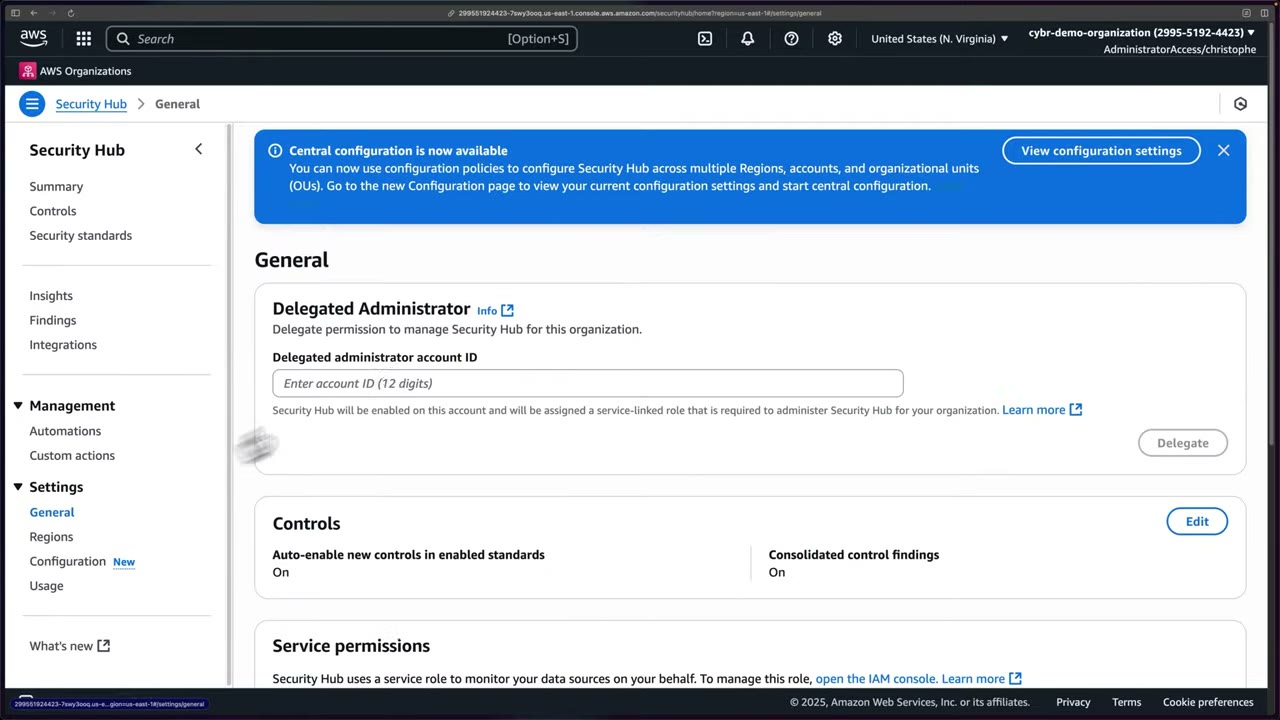
- The delegated account gets Security Hub enabled and a service-linked role required to administer Security Hub for the organization.
- The same General page shows Controls settings (Auto-enable new controls in enabled standards: On, Consolidated control findings: On), plus Service permissions and Resource policies.
Step 2: start central configuration in the delegated admin. Switch to Security Tooling (IAM Identity Center access portal, admin access) → Security Hub → Settings → Configuration. ▶ #50 00:30
The overview shows Local configuration: “limited access to security settings for your organization, for new accounts only” (Security Hub: disable in new accounts; default standards: enable in new accounts). “When you switch, configuration policies replace the limited configuration settings for new organization accounts.” → Start central configuration. ▶ #50 00:51
- Home Region: us-east-1 (N. Virginia). ▶ #50 00:51
- Linked Regions: option to link all available Regions (31 at the time); not done in the demo, but probably a good idea depending on where you operate. ▶ #50 01:01
- Checkbox to automatically link future Regions as AWS launches them; unchecked in the demo. ▶ #50 01:11
- Central configuration also turns on cross-Region aggregation, with the home Region as the aggregation Region.
Step 3: configure the organization. ▶ #50 01:31
Wizard: 1 Designate delegated administrator → 2 Centralize organization → 3 Configure organization → 4 Review and apply. “How central configuration works”: Centralize (home Region + linked Regions where policies apply), Configure (policies for the whole org or specific accounts/OUs), Manage (create/edit policies as the org evolves).
| Configuration type | Result |
|---|---|
| Use the AWS recommended configuration across my entire organization (chosen in the demo) | Enable FSBP v1, all new and existing controls in it, all org accounts use the same configuration ▶ #50 01:51 |
| Customize my Security Hub configuration | Choose standards, controls, control parameters, target accounts/OUs |
| I’m not ready to configure yet | Only the delegated admin has Security Hub on; no standards or controls; create a policy later |
Heads-up shown: AWS Config resource recording must be enabled, since Security Hub uses Config heavily behind the scenes. ▶ #50 02:10 Central configuration does not enable Config: deploy it separately (StackSets / Control Tower).
Step 4: review and apply. Review: 1 Region, no linked Regions, Security Hub enabled with FSBP and all controls → tick I’ve reviewed this policy overview → Create policy and apply. ▶ #50 02:30 Result: configuration policy 01, viewable and editable, applied from the delegated admin in the home Region to the entire organization. ▶ #50 02:41
- The overview shows counters for Policies and Failed policies, and tabs Organization (structure → policy → status → last updated, Re-apply policy), Policies, Invitation accounts.
- With the custom option you can target specific accounts or OUs, create more policies and change coverage over time. ▶ #50 03:00
- Policies are inherited down the OU tree. An account/OU can be self-managed or get a different policy. Invited (non-org) accounts can’t be centrally configured.
- Allow ~24 hours for data to gather. ▶ #50 03:31
- Management account → Security Hub → Settings → General → enter the Security Tooling account ID → Delegate → “Successfully delegated admin”. ▶ #50 00:12
- Access portal → Security Tooling (AdministratorAccess) → Security Hub. ▶ #50 00:30
- Settings → Configuration → Start central configuration. ▶ #50 00:41
- Home Region us-east-1; don’t link all Regions; uncheck auto-link future Regions → Confirm. ▶ #50 00:51
- Configuration type AWS recommended (FSBP, all controls, all org accounts) → Next. ▶ #50 01:41
- Review → acknowledge → Create policy and apply → configuration policy 01 created. ▶ #50 02:30
- Config not enabled, or not recording that resource type, in that account/Region.
- Config not recording global resources (IAM) in one Region.
- Less than 2 hours since enabling (24 hours for an org rollout).
- Configuration policy Failed: SCPs blocking
securityhub:*, a Region denied by SCP, or Config missing.
From the instructor
- Use Security Hub CSPM (the original); the new “Security Hub” is a different service. ▶ #49 00:12
- Security Hub is not a SIEM replacement but a “mini SIEM” / CSPM. ▶ #49 02:21
- AWS Config is required for standards and controls. ▶ #49 02:40
- The security score depends entirely on the standards you select. ▶ #49 03:11
- Up to 2 hours before check results appear. ▶ #49 03:31
- Automation rules suppress, re-score severity or add notes based on business context. ▶ #49 05:30
- Workflow status changes are recorded in History (who/when): an audit trail. ▶ #49 08:21
- Delegate from the management account; manage from the security tooling delegated admin. ▶ #50 00:12
- Central configuration makes it easier to deploy everywhere; local configuration is limited. ▶ #50 00:51
- Consider linking all Regions you operate in, plus future Regions. ▶ #50 01:01
- Policies can target the whole org, specific OUs or specific accounts. ▶ #50 03:00
Keyword → answer
| If the question says… | Answer |
|---|---|
| Single dashboard of GuardDuty + Inspector + Macie findings across all accounts and Regions | Security Hub delegated admin + cross-Region aggregation |
| Controls show no data / failed to evaluate | Config not enabled (or not recording that type) in that account/Region; record global resources (IAM) in one Region |
| Lower the severity of a known-accepted finding automatically | Automation rule |
| Analyst clicks a button to quarantine | Custom action → EventBridge → Lambda / Step Functions |
| Automatic response for every finding | EventBridge on Security Hub Findings - Imported |
| Continuous CIS compliance checking | Security Hub CIS standard (Config conformance packs are the alternative) |
| Every existing and new account in all Regions has Security Hub with FSBP | Central configuration policy at the root, linked Regions + auto-link new Regions |
| Configuration policy shows Failed | SCPs blocking securityhub:*, a Region denied by SCP, or Config missing |
| Control requires CloudTrail in each account but you use an org trail | Disable that control (or rely on consolidated findings) to keep the score meaningful |
| Finding format | Security Hub CSPM = ASFF; Security Lake and the new Security Hub = OCSF |
- The new AWS Security Hub went GA in late 2025. It sits on top of GuardDuty, Inspector, Security Hub CSPM and Macie and correlates their signals into exposures and attack paths (OCSF). Security Hub CSPM keeps the standards, controls and ASFF findings. Expect exam questions on CSPM features; C03 may also reference the unified Security Hub.
- Pricing on the #49 slide is from 2023; check current rates.
Real-world practice
- Delegate to the security tooling account (same account as the GuardDuty / Detective / Inspector admin), use central configuration, aggregate into your home Region, and pipe findings to the SIEM / ticketing via EventBridge.
- Separate policies per OU: e.g. prod gets FSBP + CIS + PCI, sandbox gets FSBP only with noisy controls disabled. Write automation rules to downgrade known-accepted risks instead of disabling controls org-wide.
- Config recording is the hidden cost driver. Consider periodic recording or excluding high-churn resource types in non-prod.
- Linked Regions should mirror your SCP-allowed Regions. Disable global-resource controls (IAM, CloudFront) in non-home Regions or rely on consolidated control findings to avoid duplicates.
- Track MTTR via workflow status (NEW → NOTIFIED → RESOLVED / SUPPRESSED). Auditors like the History trail.
- Password-policy controls only matter if you still have IAM users; prefer Identity Center and no IAM users.
aws securityhub enable-organization-admin-account --admin-account-id <security-acct>
aws securityhub create-finding-aggregator --region-linking-mode ALL_REGIONS   # in home Region
aws securityhub create-automation-rule --rule-name suppress-dev-s3-logging --rule-order 1 \
  --criteria '{"ProductName":[{"Value":"Security Hub","Comparison":"EQUALS"}],
   "ComplianceSecurityControlId":[{"Value":"S3.9","Comparison":"EQUALS"}],
   "ResourceTags":[{"Key":"env","Value":"dev","Comparison":"EQUALS"}]}' \
  --actions '[{"Type":"FINDING_FIELDS_UPDATE","FindingFieldsUpdate":{"Workflow":{"Status":"SUPPRESSED"},
   "Note":{"Text":"Accepted risk for dev","UpdatedBy":"secops"}}}]'
- Enable Security Hub CSPM with FSBP (Config must be on) and wait for scores.
- Open the failed CIS control “IAM password policy minimum length 14”, fix it in IAM → Account settings, set the finding to Resolved and read the History tab.
- Make a bucket public, watch the S3 control fail, then fix it and watch it pass.
- Org: delegate to the Security Tooling account and create the AWS-recommended central configuration policy.
- Cleanup: disable Security Hub and the Config recorder.
Amazon Detective
Investigation and root cause analysis. Detective builds a behavior graph linking entities (IAM users/roles, IPs, EC2, EKS, S3) and their activity over time. In AWS’s words it provides “security investigation visualization, which helps you triage security findings, investigate incidents, and track down threats”. ▶ #46 03:10
- Exam skills: aggregate security events (1.1.3) · search & correlate logs (2.2.2) · validate findings, assess scope (2.2.3) · root cause analysis (2.2.5) · Organizations (6.1.1) · delegated admin (6.1.4)
- Videos: ▶ #46 Amazon Detective · ▶ #47 Delegating and centralizing Detective
- Prerequisite: GuardDuty enabled for ≥ 48 hours. Retention: up to 1 year. Trial: 30 days.
What Detective does
Detective consolidates findings so you investigate the whole security event, not isolated findings. ▶ #46 02:21
- Simplifies log collection and data extraction, and reduces the steps needed to investigate and spot anomalies.
- Builds behavior graphs made of nodes and edges from all sources. ▶ #46 02:40
- Calculates baselines and visualizes them against the scope time, to flag anomalies such as an abnormal increase in failed API calls. During an incident that tells you what’s going on, what’s affected and where to focus. ▶ #46 02:51
- Finding groups correlate related findings into one investigation. Investigations for IAM entities summarize indicators of compromise (TTPs mapped to MITRE ATT&CK).
- It does not generate threat findings itself (GuardDuty does) and does not remediate.
- Further reading: re:Inforce talk “Using Amazon Detective to improve security investigations” (
youtube.com/watch?v=vd_VHg6-xWc). ▶ #46 03:10
Data sources
Once enabled, Detective collects everything automatically, with no action on your part. ▶ #46 01:20
| Source package | Contents |
|---|---|
| Detective core (can’t be disabled) | GuardDuty findings, VPC Flow Logs, CloudTrail logs |
| EKS audit logs (optional) | Amazon EKS audit logs |
| AWS security findings (via Security Hub) | Security Hub, Inspector, IAM Access Analyzer, Firewall Manager, SSM Patch Manager, IoT Device Defender, Macie, AWS Health ▶ #46 01:31 |
Optional integration with Security Lake gives access to raw logs. Like GuardDuty, Detective reads an independent, duplicate stream of flow logs and CloudTrail directly from AWS, so you don’t need to enable those logs yourself. ▶ #46 01:50
Cost angle: because Detective pulls flow log data itself, the instructor suggests you might even disable your own VPC flow log collection to offset cost, unless you need to store the logs differently or longer than Detective keeps them (he believes one year). Many organizations don’t enable flow logs because of cost and data volume, and Detective helps them. ▶ #46 02:01 See the warning box below: this is usually a bad idea.
Enabling Detective: prerequisite, trial and pricing
GuardDuty must be enabled for at least 48 hours before you can enable Detective. If you can’t enable it, that’s probably why. ▶ #46 00:31
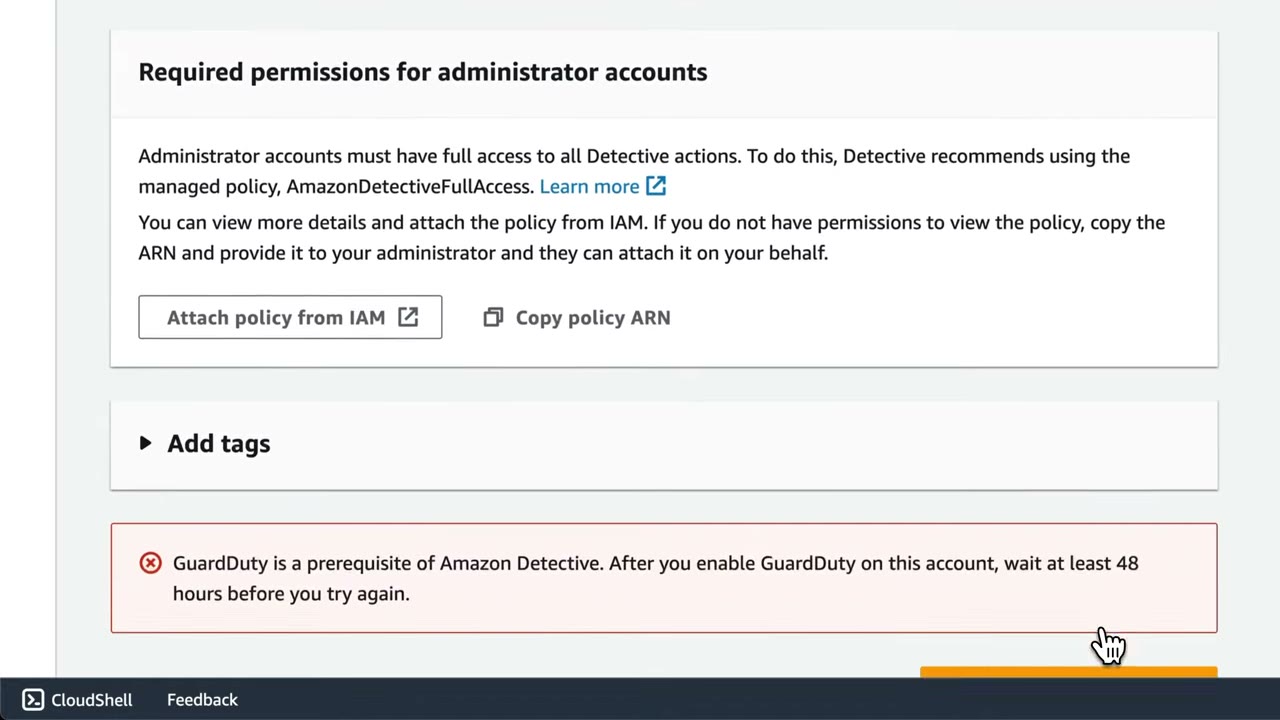
The enable page lists Required permissions for administrator accounts: full access to all Detective actions, via the
managed policy AmazonDetectiveFullAccess. The key fact is the red error: “GuardDuty is a prerequisite of Amazon
Detective. After you enable GuardDuty on this account, wait at least 48 hours before you try again.” Give analysts
AmazonDetectiveInvestigatorAccess instead of full access.
- 30-day free trial; be aware of pricing if you leave it on. ▶ #46 00:20
- Data population: up to 24 hours for initial extraction. In practice some data appears in ~10 minutes, but not all, and a quiet demo account shows little. ▶ #46 00:51
Pricing: per behavior graph ID, per month, per Region, by ingested log volume: ▶ #46 00:20
| Monthly ingestion | Price per GB |
|---|---|
| First 0–1,000 GB | $2.00 |
| Next 4,000 GB (to 5,000 GB) | $1.00 |
| Next 5,000 GB (to 10,000 GB) | $0.50 |
| Over 10,000 GB | $0.25 |
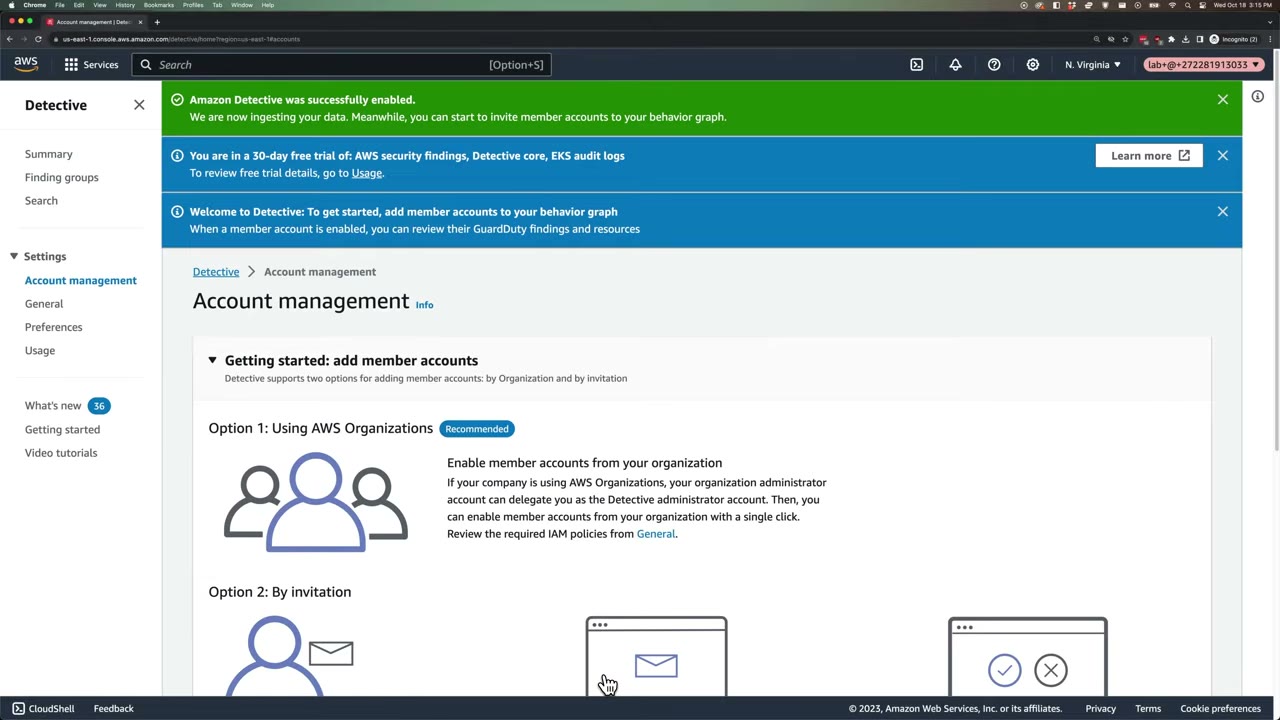
After enabling: “We are now ingesting your data… invite member accounts to your behavior graph.” The banner shows the 30-day trial covers the three source packages. Two ways to add members: Option 1: AWS Organizations (Recommended), where the management account delegates a Detective administrator that enables members with one click, and Option 2: By invitation. ▶ #46 00:40
- GuardDuty → Findings → open a finding (demo:
[SAMPLE] Backdoor:EC2/Spambot, Medium, instancei-99999999). Hover Investigate with Detective for a high-level summary and links; clicking opens Detective, which only shows data if Detective is already enabled. ▶ #46 00:00 - Detective landing page → Get started. Review admin permissions (
AmazonDetectiveFullAccess) → Enable. If GuardDuty is < 48 h old you get the prerequisite error. ▶ #46 00:31 - The Account management page appears (add members via Organizations or invitation); skipped → Summary. ▶ #46 00:40
- Summary is mostly empty / loading at first (“Loading finding groups. This may take a few minutes.”). ▶ #46 00:51
- Settings menu: Account management, General, Preferences, Usage. Left nav: Summary, Finding groups, Search.
Investigating: summary, finding groups, entity profiles
| Summary panel | Shows |
|---|---|
| Finding groups | Entities and findings from the same underlying activity: severity, title, observed tactics, accounts, entities, findings |
| Roles and users with the most API call volume | Principal, account, 7-day trend, success/failure counts |
| EC2 instances with the most traffic volume | Top talkers |
All panels are bounded by a scope time window. Pivot straight from GuardDuty / Security Hub findings with the Investigate with Detective link.
Example flow: GuardDuty UnauthorizedAccess:IAMUser/InstanceCredentialExfiltration.OutsideAWS → open in Detective →
role profile → “API calls by IP” and “newly observed geolocations” → scope which resources were touched → decide
containment (revoke sessions; see the incident response notes).
Multi-account: delegated admin and auto-enable
Delegate from the management account. When you enable Detective there, the console detects your security tooling account and recommends delegating to it; you can accept or enter another account number. ▶ #47 00:00 AWS recommends Detective admin = GuardDuty admin.
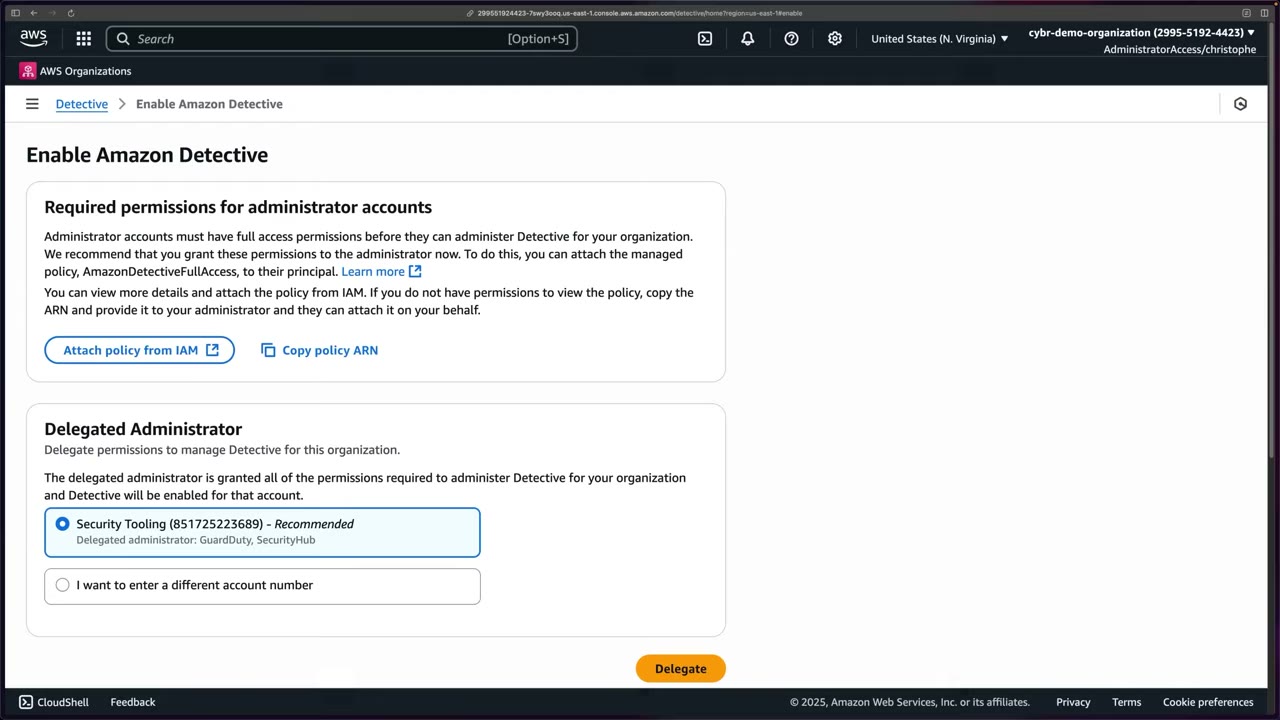
- The page shows the required permissions (
AmazonDetectiveFullAccess, or copy the policy ARN) and Delegated Administrator: “The delegated administrator is granted all of the permissions required to administer Detective for your organization and Detective will be enabled for that account.” ▶ #47 00:20 - Option selected: Security Tooling (851725223689) – Recommended; Delegated administrator: GuardDuty, SecurityHub → Delegate. A collapsible Enable Detective for this account section sits below.
- If you enabled Detective in one account without delegating, delegate later from Settings, as with GuardDuty. ▶ #47 00:31
- The delegated admin must be the same account in every Region.
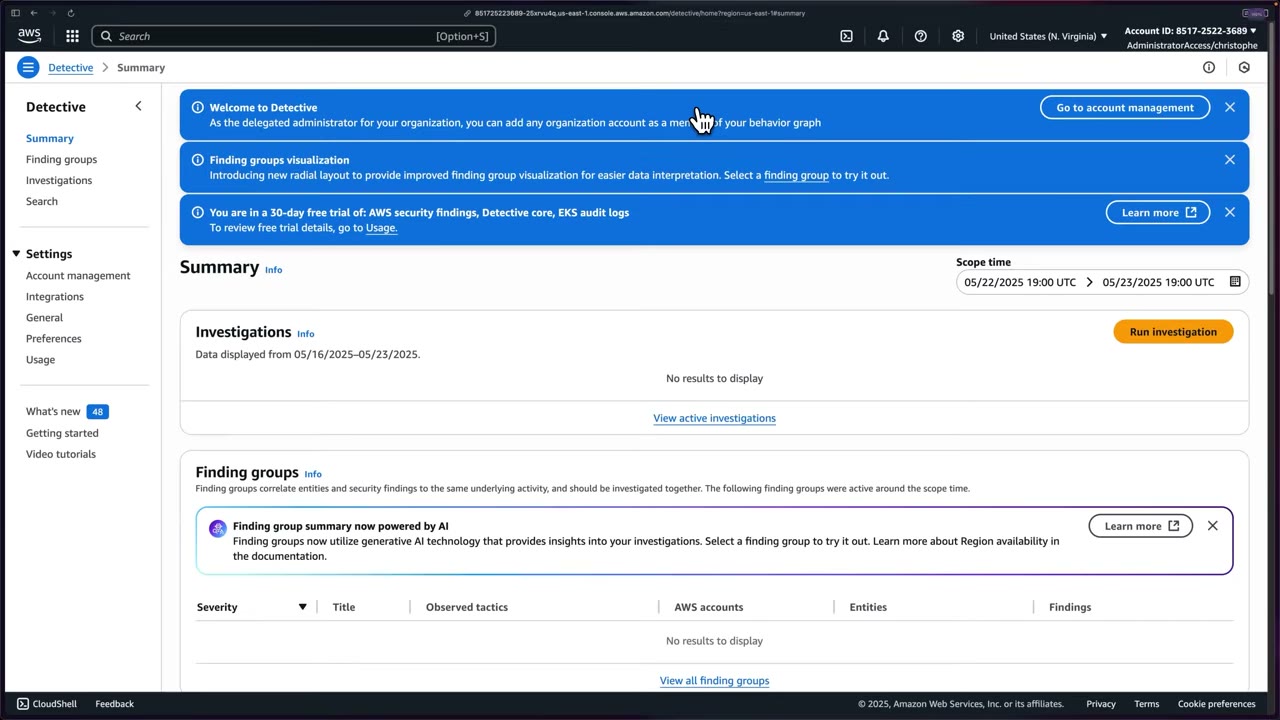
In the Security Tooling account: “As the delegated administrator for your organization, you can add any organization account as a member of your behavior graph.” ▶ #47 00:57 The newer console adds Investigations (with Run investigation) and Integrations in the left nav, a radial layout for finding groups, and generative-AI finding group summaries.
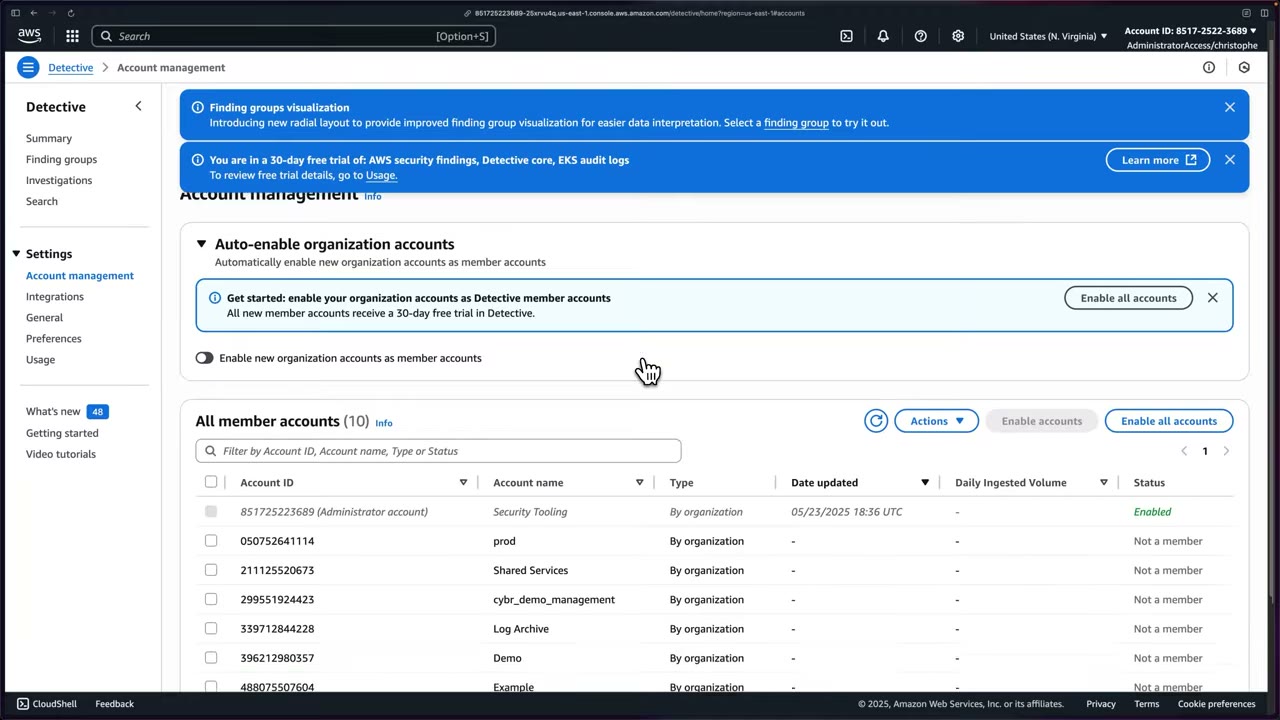
Account management columns: Account ID, Account name, Type (By organization), Date updated, Daily ingested volume, Status. Only Security Tooling (Administrator account) is Enabled; prod, Shared Services, management, Log Archive, Demo, Example… are Not a member. Options: ▶ #47 01:08
- Select accounts → Enable accounts.
- Actions → invite non-org accounts (max 1,200 members per behavior graph; org accounts join with no acceptance).
- Enable all accounts (banner or list button).
- Toggle Enable new organization accounts as member accounts (auto-enable). ▶ #47 01:30
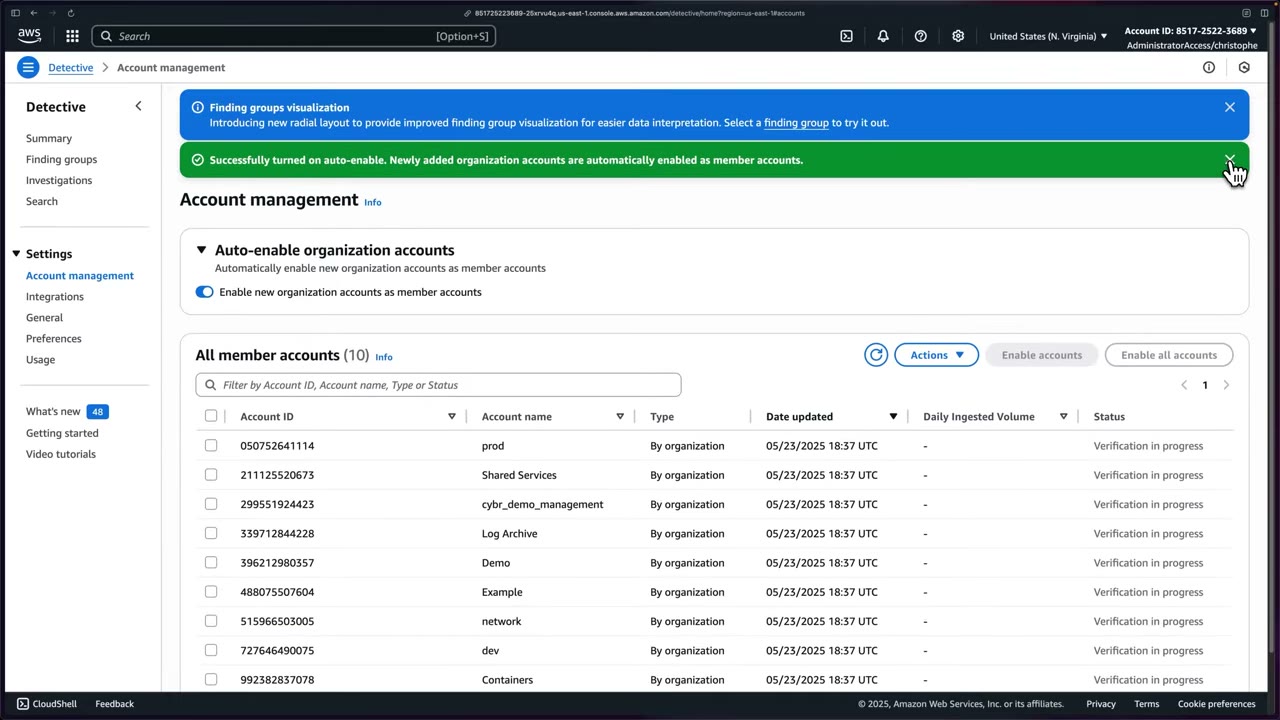
“Successfully turned on auto-enable. Newly added organization accounts are automatically enabled as member accounts.” All nine accounts move to Verification in progress, then Enabled, and ingestion begins. ▶ #47 01:41 Note the management account is enrolled as a member too. Each member adds ingestion cost, and every new member gets its own 30-day trial. ▶ #47 01:50 End state: Detective across the whole organization for present and future accounts. ▶ #47 02:01
- Management account → Detective → Enable Amazon Detective → Delegated Administrator: select Security Tooling (Recommended) → Delegate. ▶ #47 00:00
- Sign in to Security Tooling → Detective → Summary shows the delegated-admin banner → Go to account management. ▶ #47 00:50
- Account management → Enable all accounts. ▶ #47 01:20
- Toggle Enable new organization accounts as member accounts on. ▶ #47 01:30
- Members show Verification in progress, then Enabled; ingestion begins. ▶ #47 01:41
CLI equivalent:
aws detective enable-organization-admin-account --account-id <security-acct>
aws detective update-organization-configuration --graph-arn <graph-arn> --auto-enable
From the instructor
- “You have to have Amazon GuardDuty enabled for at least 48 hours before you can enable Detective.” ▶ #46 00:31
- Initial extraction can take up to 24 hours. ▶ #46 00:51
- Detective = security investigation visualization for triage, investigation and threat tracking. ▶ #46 03:10
- Watch pricing after the 30-day trial. ▶ #46 00:20
- Keep all security services in the same tooling account; the console recommends the GuardDuty/Security Hub admin. ▶ #47 00:00
- Turn on auto-enable so new org accounts are enrolled automatically. ▶ #47 01:30
Keyword → answer
| If the question says… | Answer |
|---|---|
| Root cause / who else did this IP talk to / what did this role do before and after the finding | Detective |
| Visualize relationships between IPs, roles, instances / scope of compromise | Detective |
| Investigate / triage a GuardDuty finding | Detective |
| Raw log search with SQL | CloudTrail Lake / Athena (visual entity investigation → Detective) |
| Can’t enable Detective | GuardDuty not enabled for 48 h in that account/Region |
| Investigate findings across all accounts from one place | Delegated admin + auto-enable, not per-account enablement |
| Generate threat findings / remediate | Not Detective: GuardDuty / automation |
- Disabling your own VPC Flow Logs because Detective collects them (▶ #46 02:01) is usually a bad idea. Detective’s data is for investigation in its own UI, not a log archive: you can’t export raw flow logs from it for compliance, Athena queries or third-party SIEMs. Detective retains up to 1 year of history in the behavior graph.
- The newer console adds generative-AI finding group summaries, a radial layout, Investigations and Integrations (▶ #47).
Real-world practice
- Enable GuardDuty org-wide first, then Detective from the same delegated admin with auto-enable for new accounts. Automate with the APIs or a Control Tower customization.
- Cost scales with CloudTrail/flow-log volume. Watch the Usage page and the per-member daily ingested volume during the trial. Exclude sandbox accounts if cost matters, but document the gap.
- In an IR runbook, Detective is the “scope and impact” step before containment.
- Keep your own CloudTrail org trail and flow logs in the Log Archive account. Detective complements them, it doesn’t replace them.
- With GuardDuty on for 48 h, enable Detective and open a sample finding.
- Explore the entity profile panels.
- In an org: delegate to the Security Tooling account, enable all accounts and turn on auto-enable (▶ #47).
- Cleanup: disable Detective (
aws detective delete-graph).
Amazon Inspector
Automated, continuous vulnerability management for EC2, container images in ECR and Lambda. It looks for known software vulnerabilities (CVEs) and unintended network exposure, and rescans automatically on change.
- Exam skills: metrics, alerts & dashboards (1.1.4) · automated assessments (1.1.5) · scan compute for vulnerabilities (3.2.3) · patch compute (3.2.4) · pipeline vulnerability scanning (3.2.6) · unnecessary network access (3.3.5) · delegated admin (6.1.4)
- Videos: ▶ #48 Amazon Inspector · related: ▶ #102 hardening, ▶ #138 Patch Manager, ▶ #147 code vulnerability tools
- Trial: 15 days. Cost is per instance / image / function per month.
What Inspector does
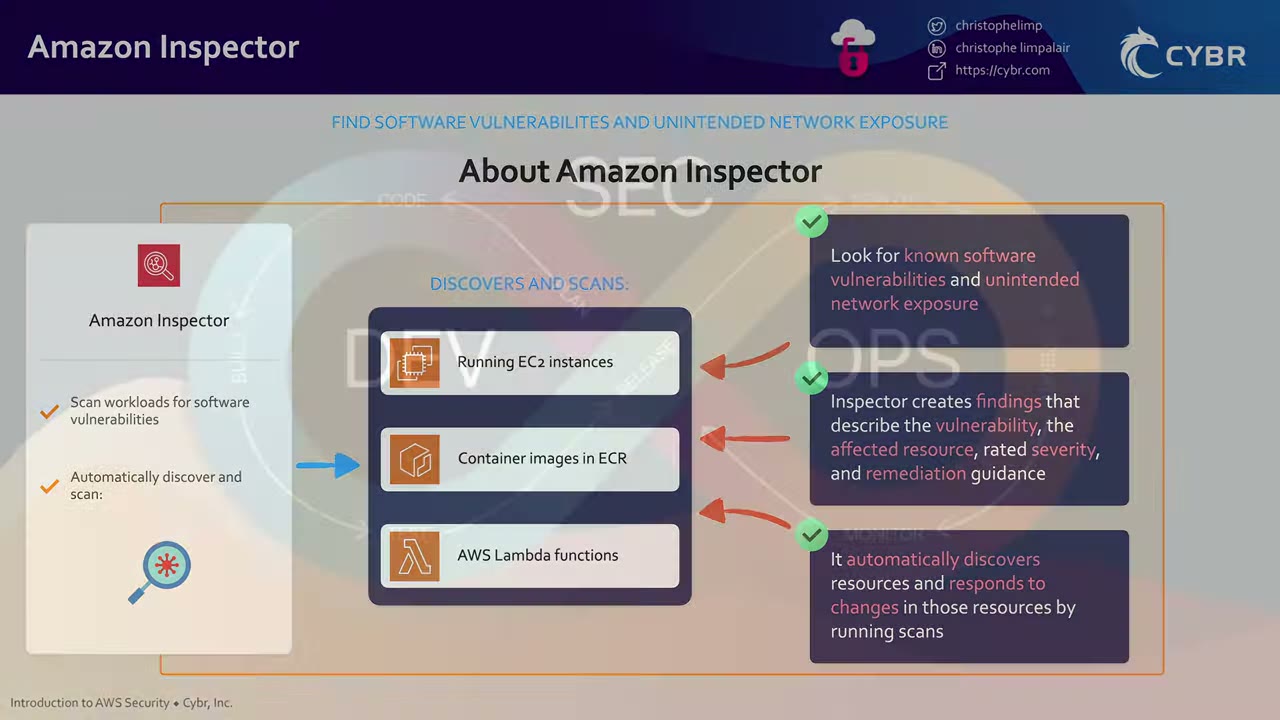
- Automatically discovers and scans running EC2 instances, container images in ECR and Lambda functions. ▶ #48 00:12
- Looks for known software vulnerabilities and unintended network exposure. ▶ #48 00:12
- Each finding describes the vulnerability, the affected resource, the severity and remediation guidance. ▶ #48 00:20
- No manual scheduling: it responds to changes by rescanning, e.g. when you install a new package or patch on EC2, or a new relevant CVE is published. ▶ #48 00:32
- In DevSecOps it sits on top of SAST scans in the build pipeline, on the operate and monitor side of the lifecycle. ▶ #48 01:02
What gets scanned, and how
| Resource | Mode | Notes |
|---|---|---|
| EC2 | Agent-based via the SSM Agent | Instance must be SSM-managed: agent + instance profile with AmazonSSMManagedInstanceCore + connectivity to SSM endpoints |
| EC2 | Agentless via EBS snapshots | “Hybrid” mode scans instances without SSM |
| EC2 | Network reachability | Which ports are reachable from the internet / outside the VPC through IGW, SG, NACL and ELB paths. No agent needed |
| EC2 | CIS benchmark scans | OS configuration, on-demand or scheduled, SSM-managed instances |
| ECR | Enhanced scanning (Inspector) | Continuous rescans when new CVEs appear; OS + language packages; configurable rescan duration (e.g. lifetime, 30/180 days) |
| ECR | Basic scanning | ECR’s own on-push-only scan |
| Lambda | Standard scanning | Package dependencies only. Does not scan your function code ▶ #48 04:50 |
| Lambda | Code scanning | Your own code (injection, hard-coded secrets…). Activated separately in Account management ▶ #48 05:10 |
| CI/CD | Pipeline image scans | Jenkins/TeamCity plugins, inspector-sbomgen + ScanSbom API |
Console tour and scoring
Get started → 15-day free trial → Activate Inspector. Activation creates a service-linked role and activates this account only. With no resources the dashboard is empty. ▶ #48 01:11
| Console area | What it’s for |
|---|---|
| Findings | All findings ranked by severity, or by vulnerability, instance, container image, container repository, Lambda function ▶ #48 01:41 |
| Export SBOMs | Software bill of materials (third-party libraries, dependencies) in CycloneDX or SPDX to S3, KMS-encrypted ▶ #48 01:50 |
| Suppression rules | Hide accepted findings, reducing noise and false positives ▶ #48 02:10 |
| Account management | “Really important”: what is activated per account, and activate more ▶ #48 02:30 |
| Vulnerability database search | Check whether Inspector covers a CVE ID (CVE-<year>-<id>) ▶ #48 02:51 |
| General settings / Usage | EC2 and ECR scanning settings; cost usage |
The 2023 banners announce deep inspection of EC2, Lambda code scanning GA, and enhanced vulnerability intelligence (malware kits, MITRE ATT&CK mapping, CISA KEV date, EPSS score, public exploit evidence).
Inspector risk score = CVSS adjusted with environment context (network exposure, exploitability).
Searching CVE-2023-5586 (NULL pointer dereference in gpac) shows severity (NVD), CVSS v2/v3, detection platforms,
CWE-476, EPSS score 0.00043, vendor dates, and Vulnerability intelligence (Amazon: targets, last known public
exploit; CISA: remediation action, date added to catalog). View findings jumps to findings for that CVE. You can copy a
newly published CVE from a list like Tenable’s “Newest CVEs” and paste it. ▶ #48 02:51
Lambda: standard vs code scanning
The key gotcha: standard scanning checks the application package dependencies of your function, not your function code, so it would not find a hard-coded credential. ▶ #48 04:50 Code scanning scans your own code using Amazon CodeGuru detectors (Python detector library: e.g. Hardcoded credentials, Hardcoded IP address). ▶ #48 03:50
Account management tabs: Accounts / Instances / Container repositories / Container images / Lambda functions. The demo account shows EC2 scanning Activated, ECR scanning Activated, Lambda scanning: Activated standard scan (Deactivated code scan). The Activate dropdown turns on code scanning. A banner links a GitHub CLI script to enable Inspector across all accounts and Regions. ▶ #48 02:30
The finding panel: runtime PYTHON_3_11, version $LATEST, package type ZIP, finding summary 1 Critical;
CWE-798 – Hardcoded credentials; finding ARN arn:aws:inspector2:us-east-1:…:finding/…; description (credentials in
source can leak even after removal because version control retains old versions); Severity Critical; Type Code
Vulnerability; detector Hardcoded credentials; Rule ID; tags #secrets #security #owasp-top10; Fix available:
Yes; file path lambda_function.py; exact code location; suggested remediation. ▶ #48 05:41
Suggested remediation: use environment variables or AWS profiles, delete and rotate the secret key, and monitor CloudWatch for unexpected activity. Lambda should get permissions from its execution role, never access keys. ▶ #48 06:22
- Inspector → Get started → Activate Inspector (15-day trial). ▶ #48 01:11
- Account management → Activate → enable Lambda standard scanning + Lambda code scanning. ▶ #48 02:30
- Vulnerability database search → paste
CVE-2023-5586→ details shown. ▶ #48 02:51 - Lambda → Create function → Author from scratch → name
vulnLambda→ runtime Python 3.11 → defaults → Create. ▶ #48 03:11 - Replace the code in Code source with the vulnerable code, then Deploy: ▶ #48 03:40
import boto3 def lambda_handler(event, context): # Noncompliant: uses hardcoded secret access key. sample_key = "AjWnyxxxxx45xxxxZxxxX7ZQxxxxYxxx1xYxxxxx" boto3.session.Session(aws_secret_access_key=sample_key) return { 'statusCode': 200, 'body': sample_key } - Back on the dashboard: Lambda functions 100% (1/1) coverage. Clicking 100% opens Settings → Account management → Lambda functions, where the function appears under standard scanning and, below, code scanning (actively monitored). ▶ #48 04:31
- Data can take hours (up to 24 h) to show up. ▶ #48 05:20
- Click the function → overview → Critical finding CWE-798 Hardcoded credentials with code location and remediation. ▶ #48 05:41
Acting on findings
- Inspector publishes each finding to Amazon EventBridge for near-real-time automation (as with GuardDuty), and to AWS Security Hub. ▶ #48 06:52
- Suppression rules hide accepted findings.
- Inspector finds vulnerabilities; SSM Patch Manager fixes them (▶ #138).
aws inspector2 enable --resource-types EC2 ECR LAMBDA LAMBDA_CODE --account-ids <acct>
aws inspector2 list-findings --filter-criteria '{"severity":[{"comparison":"EQUALS","value":"CRITICAL"}],
  "findingStatus":[{"comparison":"EQUALS","value":"ACTIVE"}]}' --query 'findings[].title'
aws inspector2 create-sbom-export --report-format CYCLONEDX_1_4 \
  --s3-destination bucketName=sbom-bucket,keyPrefix=sbom,kmsKeyArn=<key>
Multi-account
- Delegated admin + auto-enable, per Region. Max 10,000 member accounts per delegated admin.
- Activating in the console activates this account only. ▶ #48 01:11
- Inspector Classic (assessment templates, rules packages, Inspector agent) is legacy. v2 (
inspector2) is current, so answers mentioning “assessment templates” are old-style.
- Is it an SSM managed instance? SSM Agent installed and running.
- Instance profile includes
AmazonSSMManagedInstanceCore. - Network route to the SSM endpoints (VPC interface endpoints or NAT).
- Otherwise turn on agentless (snapshot-based) scanning.
- Just activated? Findings and coverage can take up to 24 h.
From the instructor
- Inspector scans EC2, ECR images, Lambda automatically and rescans on change (new package/patch, new CVE). ▶ #48 00:40
- Lambda standard scanning does not scan your function code, only dependencies. Enable code scanning for code-level issues like hard-coded credentials. ▶ #48 04:50
- Account management is “really important”: check what’s activated. ▶ #48 02:30
- Never hard-code credentials; Lambda gets permissions from its execution role. ▶ #48 06:42
- Findings → EventBridge (near-real-time automation) and Security Hub. ▶ #48 06:52
- Findings can take up to 24 h to fully render. ▶ #48 05:41
Keyword → answer
| If the question says… | Answer |
|---|---|
| Continuously find CVEs on EC2/ECR/Lambda, least overhead | Inspector (not GuardDuty) |
| Malicious activity / sensitive data in S3 | GuardDuty / Macie |
| EC2 not showing in Inspector coverage | Not an SSM managed instance (no agent, missing role, no route to SSM), or turn on agentless scanning |
| Which instances have SSH open to the internet, without an agent | Network reachability findings |
| Produce an SBOM for audit | Inspector SBOM export (CycloneDX / SPDX) |
| Fix the vulnerabilities | SSM Patch Manager (Inspector only finds them) |
| Inspector didn’t flag a hard-coded secret in Lambda | Only standard scanning is on; activate Lambda code scanning |
| Findings / coverage not visible yet | Data can take up to 24 h |
| Question mentions “assessment templates” / “rules packages” | Inspector Classic (legacy) |
- Lambda code scanning was originally powered by Amazon CodeGuru detectors (▶ #48). AWS has since wound down CodeGuru Security and launched Inspector code security (repo scanning for SAST, SCA and IaC via GitHub/GitLab integrations). Check current console naming; the code-level vs dependency-level split is unchanged.
Real-world practice
- Use suppression rules sparingly and document why (e.g. vulnerable package not in the runtime path). Auditors ask.
- Route Critical/High findings through EventBridge → ticketing (Jira/ServiceNow) and auto-trigger Patch Manager for EC2. For ECR findings, rebuild images rather than patching running containers.
- Cost is per instance/image/function per month. Dev accounts with many short-lived images get pricey, so tune the ECR rescan duration.
- Secrets in code: pair Inspector with pre-commit scanning (gitleaks) and Secrets Manager. Rotate any key that reached a repo, even if deleted.
- Hardening and code-scanning tooling are covered in the hardening (▶ #102) and code vulnerability tools (▶ #147) notes.
- Launch an old AMI (e.g. outdated Amazon Linux) as an SSM-managed instance, enable Inspector and review the CVEs.
- Activate Lambda standard + code scanning, deploy a function with a hard-coded secret key, and find the CWE-798 finding (▶ #48).
- Run Patch Manager
AWS-RunPatchBaseline, then watch the findings close. - Cleanup: terminate the instance, delete the function and disable Inspector.
AWS Trusted Advisor
Account-level best-practice checking, enabled in every account by default: part is free, a paid support plan unlocks many more checks. ▶ #36 00:00 It is not threat detection: threats → GuardDuty; continuous compliance with custom rules → AWS Config; aggregated security posture → Security Hub.
- Exam skills: metrics, alerts & dashboards (1.1.4) · automated assessments (1.1.5) · detect & remediate noncompliance (6.3.1) · best practices / Well-Architected (6.3.3)
- Videos: ▶ #36 AWS Trusted Advisor
Six check categories
Trusted Advisor scans your account and gives recommendations across six categories. The instructor says to memorize these six: they may appear on this exam and certainly on other AWS exams. ▶ #36 00:20
- Cost optimization
- Performance
- Security
- Fault tolerance
- Service limits (quotas)
- Operational excellence
Free vs paid support plans
| Support plan | What you get |
|---|---|
| Basic / Developer | Core security checks + service quotas: S3 bucket permissions, security groups with unrestricted (specific) ports, IAM use, MFA on root, public EBS / RDS snapshots |
| Business / Enterprise On-Ramp / Enterprise | All checks in all categories, the Trusted Advisor API (via the AWS Support API), EventBridge integration, and the organizational view (management account, trusted access in Organizations) ▶ #36 02:12 |
Trusted Advisor Priority (Enterprise) surfaces prioritized recommendations from your TAM.
Recommendations dashboard
- Checks summary at the top: Action recommended (red), Investigation recommended (yellow), Checks with excluded items, with counts per category. Buttons Refresh all checks and Download all checks. ▶ #36 00:51
- Left nav: the six categories plus Preferences (Manage Trusted Advisor, Notifications).
- Demo: 0 action recommended, 1 investigation recommended (Security).
- Checks refresh automatically, or you refresh them manually.
Example check: Security Groups – Specific Ports Unrestricted. “Checks security groups for rules that allow unrestricted access (0.0.0.0/0) to specific ports”; “1 of 31 security group rules allow unrestricted access to a specific port”; last updated 14 hours ago. ▶ #36 01:00
Expanding a check shows Alert criteria, Recommended action, Additional resources and the affected
resources: Region us-east-1, SG launch-wizard-1 (sg-0dcaa608ac68e2ed5), tcp, from port 435. ▶ #36 01:11 Recommended
fixes:
- restrict the CIDR;
- manage SGs at scale with Firewall Manager;
- use Systems Manager Session Manager instead of opening SSH 22 / RDP 3389.
If an item is acceptable, Exclude & Refresh it; otherwise fix the resource. ▶ #36 01:30
Security category and Security Hub
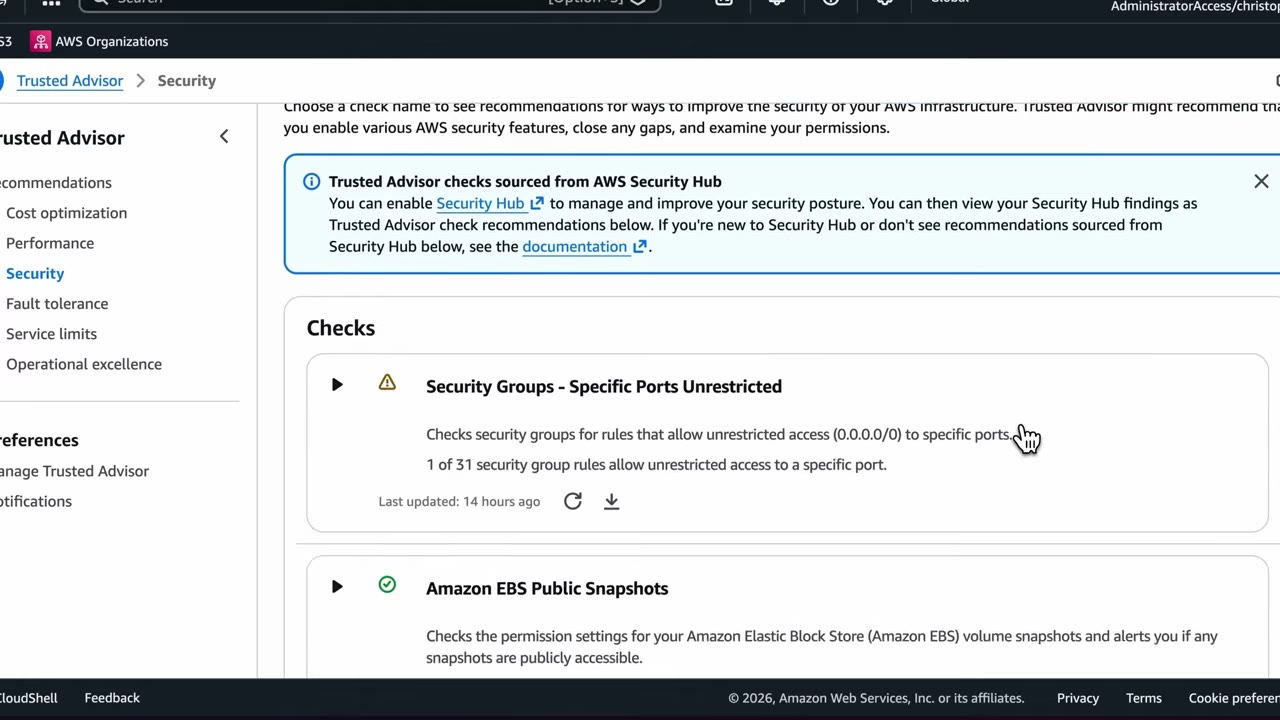
Free security checks shown in the demo: ▶ #36 01:40
- Security Groups – Specific Ports Unrestricted
- Amazon EBS Public Snapshots
- Amazon RDS Public Snapshots
- Amazon S3 Bucket Permissions
- MFA on Root Account (“MFA is enabled on the root account”)
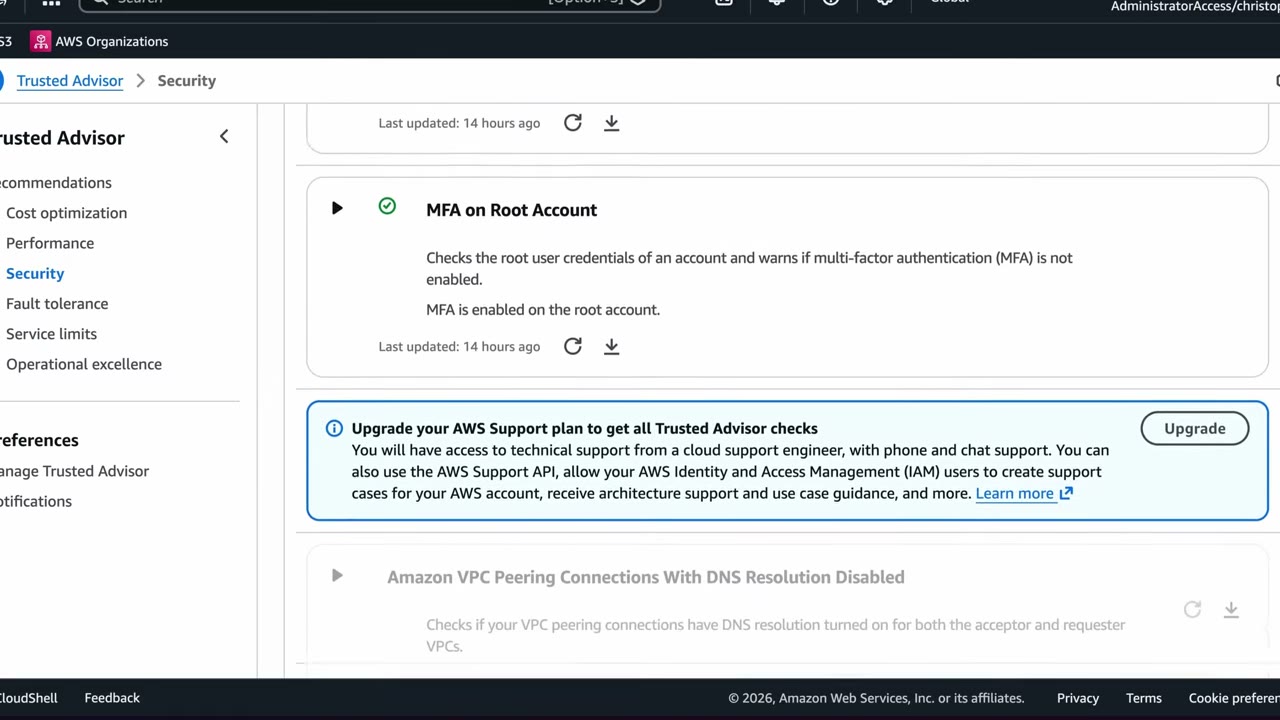
Many more checks are greyed out (e.g. “Amazon VPC Peering Connections With DNS Resolution Disabled”) on the free plan. ▶ #36 02:01 The upgrade banner lists technical support, the AWS Support API, IAM users can create cases, and all Trusted Advisor checks.
The banner “Trusted Advisor checks sourced from AWS Security Hub”: enable Security Hub to see its findings as Trusted Advisor check recommendations.
Exposed access keys: Trusted Advisor detects access keys found on public code repositories, with an EventBridge
alert. AWS also attaches the AWSCompromisedKeyQuarantine policy to the user.
- Console → Trusted Advisor → Recommendations. ▶ #36 00:40
- Expand Security Groups – Specific Ports Unrestricted → read alert criteria / recommended action / flagged resources → optionally Exclude & Refresh. ▶ #36 01:00
- Left nav → Security → list of free checks, greyed-out paid checks. ▶ #36 01:30
- Preferences → Notifications → select the security contact → Save preferences (weekly email). ▶ #36 02:31
Notifications and EventBridge automation
Weekly email: Preferences → Notifications → choose recipients from the account’s alternate contacts: billing, operations, security (the demo has only a security contact) → Save preferences. ▶ #36 02:41 You then get an email with recommendations once per week after Trusted Advisor refreshes (or after a manual refresh on the free tier). ▶ #36 02:50
EventBridge detects check status changes (e.g. green → red) and invokes targets. ▶ #36 03:01 Trusted Advisor events are delivered in us-east-1.
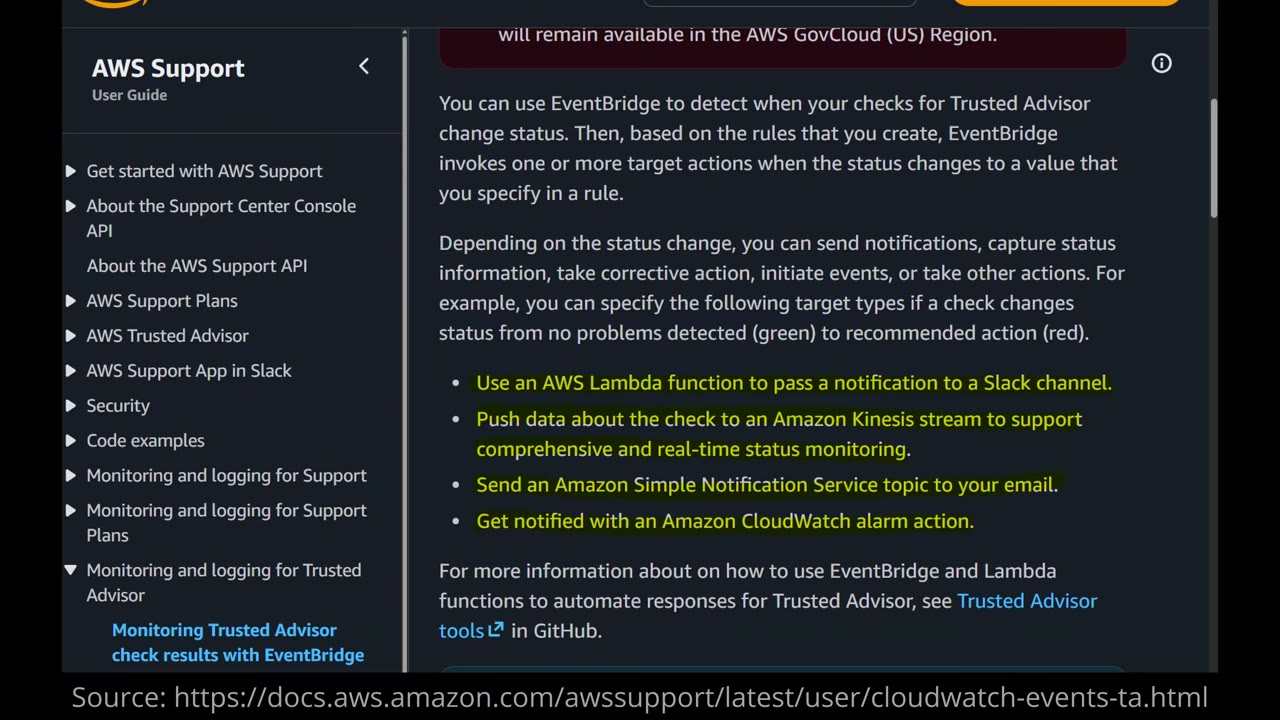
Docs examples: ▶ #36 03:22
- Lambda function → notification to a Slack channel
- push check data to a Kinesis stream for real-time monitoring
- SNS topic → email
- CloudWatch alarm action
More examples: “Trusted Advisor tools” on GitHub. The instructor says a paid support plan is needed for EventBridge rules on Trusted Advisor. ▶ #36 03:41
From the instructor
- Memorize the six categories. ▶ #36 00:31
- Free tier = limited checks (SG ports unrestricted, EBS/RDS public snapshots, S3 bucket permissions, MFA on root). Paid support plans unlock all checks + API. ▶ #36 01:52
- Weekly email notifications to billing/operations/security contacts. ▶ #36 02:41
- EventBridge integration for automated responses, needing a paid plan. ▶ #36 03:41
Keyword → answer
| If the question says… | Answer |
|---|---|
| Check for open SG ports / public snapshots / root without MFA, no extra cost, account-level | Trusted Advisor (deeper, continuous, org-wide → Security Hub / Config) |
| Alert when an access key is exposed on GitHub | Trusted Advisor exposed-keys check (+ AWSCompromisedKeyQuarantine) → EventBridge → rotate the key |
| Avoid outages from hitting quotas | Service limits category, with Service Quotas + CloudWatch alarms |
| Trusted Advisor report across all member accounts | Organizational view (Business+ support) |
| All checks / API access / EventBridge automation | Upgrade to a paid support plan |
| Centralized security findings across accounts | Security Hub, not Trusted Advisor |
- AWS is folding security checks into Security Hub (the console already shows checks “sourced from AWS Security Hub”). For centralized security findings, Security Hub is the better answer.
Real-world practice
- Exclusions are per check per resource. Document why (e.g. a public web SG on 443) to avoid alert fatigue.
- Set alternate contacts (security / operations / billing) in every account via Organizations, so Trusted Advisor notifications and AWS security emails reach a monitored mailbox.
- For “SG specific ports unrestricted”: restrict the CIDR, manage SGs at scale with Firewall Manager, and use Session Manager instead of opening SSH 22 / RDP 3389.
- Open Trusted Advisor → Recommendations, review the free security checks, and set the security contact for weekly notifications.
- Open SSH to
0.0.0.0/0on a test SG, refresh checks, and watch “Security Groups – Specific Ports Unrestricted” turn yellow/red. - Cleanup: remove the rule (or delete the SG).
Amazon Macie
A data security service that discovers sensitive data in S3 with machine learning and pattern matching, and evaluates S3 bucket security posture (public, unencrypted, shared outside the org).
- Exam skills: sensitive data classification · mask sensitive data (5.3.4) · alerts & dashboards for anomalies (1.1.4) · log sources & storage (1.2.1) · automated remediation (2.1.4) · delegated admin (6.1.4) · tagging (6.2.2)
- Videos: ▶ #93 About Amazon Macie · ▶ #94 Deploying Amazon Macie
- Scope: S3 only. Regional: enable it per Region.
What Macie finds, and where
Finding sensitive data across terabytes in S3 by hand is very hard. Macie automates it. ▶ #93 00:00
| Level | What Macie does |
|---|---|
| Bucket | On first enablement, inventories all S3 buckets in the account and flags risks: unencrypted, publicly accessible, shared outside your organization. ▶ #93 00:21 |
| Object | Analyzes individual objects for PII (names, credit card numbers, social security numbers…) and for sensitive data types you define. ▶ #93 00:40 ▶ #93 01:00 |
- S3 only. Sensitive data in CloudWatch Logs → Logs data protection policies. In SNS → message data protection (see file 04). PII in DynamoDB/RDS → not Macie.
- SSE-KMS objects: the key policy must allow Macie’s service-linked role to
kms:Decrypt, or the objects are skipped. - Macie can’t read client-side-encrypted data or objects encrypted with SSE-C.
Detection building blocks
| Building block | What it is |
|---|---|
| Managed data identifiers | Built-in detectors: PII (names, addresses, passports, national IDs), financial (credit cards), credentials (AWS secret keys, private keys) |
| Custom data identifiers | Regex plus optional keywords, ignore words and match distance (e.g. employee IDs) |
| Allow lists | Text or regex Macie should ignore. Reduces false positives (e.g. test SSNs) ▶ #94 03:30 |
Discovery modes: automated discovery vs jobs
| Automated sensitive data discovery | Sensitive data discovery jobs | |
|---|---|---|
| How | Continuous daily sampling across the estate | One-time or scheduled, targeted full scans |
| Output | A sensitivity score per bucket, at low cost | Findings for the scoped objects |
| Scope | Whole estate | Bucket list, bucket criteria, tags, prefix, object criteria |
| Default | On by default for new accounts | You create them |
- “Automatically detect PII in all buckets across accounts at low cost” → automated discovery from the delegated admin, not one-time jobs.
- Job bucket scope: Select specific buckets (a fixed list) or Specify bucket criteria (filter rules, e.g. Account ID eq …, re-evaluated on each run as the inventory changes). ▶ #94 02:01
- Scheduled vs one-time: in real life use scheduled jobs so scans run regularly “and not just when someone is thinking about doing it”. One-time is for the demo. ▶ #94 02:20
- Sampling depth trades coverage against cost: 100% is fine for tiny data but can be cost-prohibitive on terabytes. ▶ #94 02:41
- Object include/exclude criteria save time and money on large data. ▶ #94 02:50
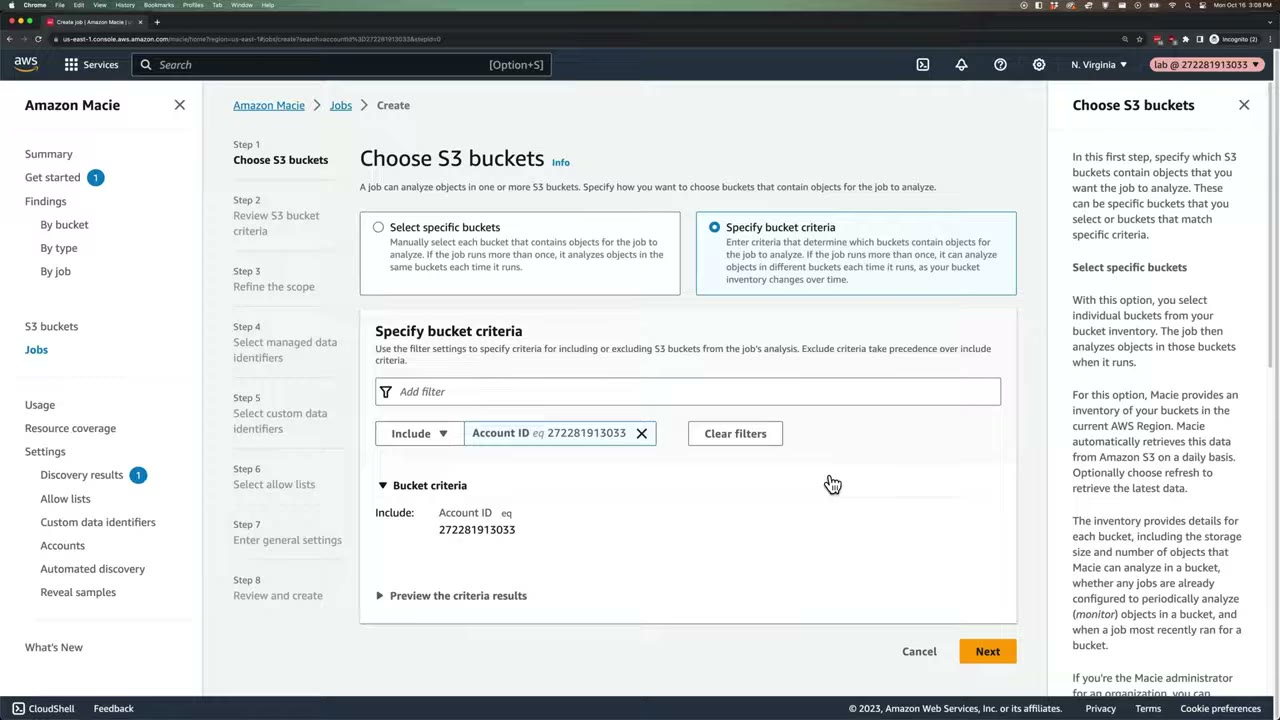
The left nav shows Findings (by bucket/type/job), S3 buckets, Jobs, Discovery results, Allow lists, Custom data identifiers, Accounts, Automated discovery and Reveal samples. The bucket-criteria example is Include Account ID eq 272281913033.
Findings and discovery results
| Finding type | Examples |
|---|---|
| Policy findings (bucket posture) | Policy:IAMUser/S3BucketPublic, S3BucketSharedExternally, S3BucketEncryptionDisabled, S3BlockPublicAccessDisabled, S3BucketReplicatedExternally |
| Sensitive data findings | SensitiveData:S3Object/Personal, /Financial, /Credentials, /CustomIdentifier, /Multiple |
- Findings are kept ~90 days and published to EventBridge and Security Hub. ▶ #94 04:10
- Discovery results (detailed records for every object scanned) must go to an S3 bucket encrypted with a KMS key you configure, for long-term retention. The key is a symmetric customer managed key whose key policy allows Macie. ▶ #94 04:20
- For longer retention of findings or a SIEM feed → EventBridge → Firehose/S3, or the Security Hub integration.
- Reveal samples shows the actual sensitive values from a finding (needs the KMS key configured). Restrict it with IAM, because it exposes the data itself.
Multi-account setup and automation
- Feed Macie data from every account into one central administrator account for an overall posture view. ▶ #93 01:10
- Delegate Macie administration to the security tooling account, and auto-enable new members (per Region). ▶ #93 01:21
- Store findings in a central S3 bucket in the log archive account, encrypted with a KMS key. ▶ #93 01:31
- Send findings to EventBridge and Security Hub to start automated remediation where it makes sense: ▶ #93 01:41
- EventBridge → Jira, Slack, email. Destinations can be outside AWS. ▶ #93 02:00
- Lambda tags buckets that contain sensitive data, and the tags drive permission policies (ABAC), cost analysis, etc. ▶ #93 02:12
- QuickSight visualizes findings for the team and management. ▶ #93 02:32
- Step Functions for other workflows. ▶ #93 02:40
Deploying Macie and running a job (single account)
The demo creates a bucket with two files of fake sensitive data, enables Macie and runs one discovery job. ▶ #94 00:00
customers.txtholds customer names + credit card numbers;ssn.csvholds names + US social security numbers. ▶ #94 00:21
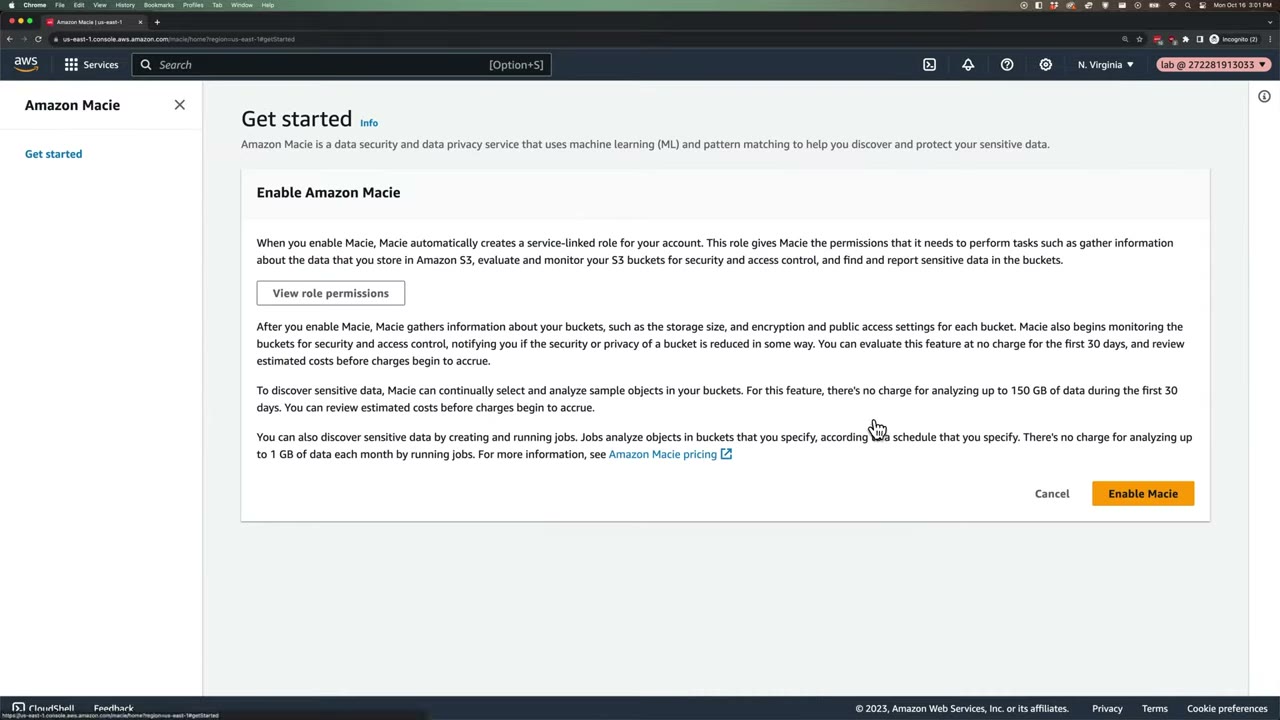
Enabling Macie starts a 30-day free trial and creates a service-linked role that gathers S3 information, evaluates and monitors buckets for security and access control, and finds and reports sensitive data. ▶ #94 00:51
| Pricing item | Free allowance |
|---|---|
| Bucket inventory / monitoring | First 30 days |
| Automated sensitive data discovery | Up to 150 GB in the first 30 days |
| Discovery jobs | Not in the trial. First 1 GB analyzed per month per account is free ▶ #94 01:32 |
Charges are based on buckets evaluated, objects monitored for automated discovery, and data inspected.
- S3 → Create bucket
cybr-test-macie(us-east-1, defaults) → uploadcustomers.txtandssn.csv. ▶ #94 00:00 - Macie console → Get started → Enable Macie. The Summary dashboard’s initial scan takes 1–2 minutes and finds all buckets in the account (all accounts if enabled org-wide). ▶ #94 01:01
- Get started recommends analyzing buckets for sensitive data and analyzing public buckets → Create job under analyze buckets. ▶ #94 01:20
- Step 1: Select specific buckets → the test bucket. Step 2: review → Next. ▶ #94 02:01
- Step 3: One-time job, sampling depth 100%, no object criteria. ▶ #94 02:20
- Step 4: managed data identifiers Recommended. Step 5: no custom identifiers. Step 6: no allow lists. ▶ #94 03:10
- Step 7: name
cybr-macie-test(optional description/tags). Step 8: review the cost estimate. It should be $0; if not, check bucket selection and data volume. Submit. ▶ #94 03:52 - A banner warns that no repository for sensitive data discovery results is configured. ▶ #94 04:10
- Refresh until the status is no longer “Active (Running)”. It took ~15 minutes. ▶ #94 04:30
- Show findings → two High-severity findings, one per file, with exact file and location, how much sensitive data, and what type (credit card vs SSN). ▶ #94 05:00
- If a job fails → Show CloudWatch logs. ▶ #94 04:52
Next steps after the demo: configure the long-term results bucket, then automate (EventBridge → Jira/Slack/email, tag sensitive buckets with Step Functions or Lambda, visualize with QuickSight). ▶ #94 05:21
From the instructor
- Macie is the answer for discovering sensitive data (PII) in S3 at scale. ▶ #93 00:00
- Delegate Macie admin to the security tooling account. Findings bucket in log archive, KMS-encrypted. ▶ #93 01:21
- Findings → EventBridge / Security Hub for automated remediation, including non-AWS tools. ▶ #93 01:41
- Prefer scheduled jobs in real environments. ▶ #94 02:20
- Sampling depth trades coverage vs cost. Use include/exclude criteria on large data. ▶ #94 02:41
- Check the job’s cost estimate before submitting. ▶ #94 03:52
- Configure a discovery results repository in S3: Macie only keeps data 90 days. ▶ #94 04:20
- Failed jobs → CloudWatch logs. ▶ #94 04:52
Keyword → answer
| If the question says… | Answer |
|---|---|
| Find PII / credit card numbers in S3 across 200 accounts | Macie delegated admin + automated discovery |
| Macie skipped objects | KMS key policy doesn’t allow Macie, or objects are client-side encrypted / SSE-C / unsupported formats |
| Company-specific ID format | Custom data identifier |
| Keep classification evidence > 90 days | Configure the discovery results repository (S3 + KMS) |
| Discovery results aren’t written | KMS key policy or bucket policy doesn’t allow Macie |
| PII in CloudWatch Logs | CloudWatch Logs data protection policies |
| PII in SNS messages | SNS message data protection |
| A Macie job failed | Check the job’s CloudWatch logs (Show CloudWatch logs) |
- The #94 demo is from 2023 (older console, single account). Current best practice: enable Macie through the Organizations delegated admin, use automated discovery by default, and keep jobs for targeted or scheduled deep scans.
- Automated sensitive data discovery is now on by default for new accounts.
Real-world practice
- Enable Macie via the Organizations delegated administrator and turn on auto-enable for new member accounts. It is Regional, so enable it in every Region you use.
- Cost has several dimensions (bucket inventory per bucket, objects monitored, GB inspected) and scales with bytes inspected. Use automated discovery for coverage and targeted jobs for high-risk buckets. Use include/exclude criteria and sampling on big data lakes, and exclude log/archive buckets that don’t need scanning.
- Macie findings in Security Hub land in ASFF/OCSF format, so one pipeline (EventBridge → Step Functions/Lambda) handles Macie and the other detectors.
- Route
SensitiveData:*findings via EventBridge to a ticket queue. - Remediation workflow: tag the bucket
data-classification=sensitive(orconfidential) to drive ABAC and SCP guardrails, check encryption / public access / Object Lock, notify the data owner. Avoid auto-deleting data.
aws macie2 enable-organization-admin-account --admin-account-id <security-acct>
aws macie2 create-custom-data-identifier --name employee-id --regex 'EMP-[0-9]{6}' \
  --keywords employee staff --maximum-match-distance 50
aws macie2 create-classification-job --job-type ONE_TIME --name pii-scan \
  --s3-job-definition '{"bucketDefinitions":[{"accountId":"<acct>","buckets":["customer-data"]}]}'
- Upload a CSV with fake credit card numbers and a fake AWS key, then run a one-time job.
- Review the
SensitiveData:S3Object/Multiplefinding. - Cleanup: delete (cancel) the job, delete the bucket, and disable Macie.
Amazon Security Lake
A managed service that centralizes, normalizes and stores security data in an S3 data lake in your own account, across accounts and Regions. Logs are converted to OCSF (Open Cybersecurity Schema Framework) in Apache Parquet, managed through Lake Formation + Glue. It has no analytics of its own: subscribers analyze the data.
- Exam skills: aggregate security events (1.1.3) · log data lakes & 3rd-party integration (1.2.3) · normalize, parse & correlate logs (1.2.5) · OCSF / 3rd-party integrations (3.1.4) · search & correlate logs (2.2.2) · lifecycle & retention (5.2.3) · delegated admin / RAM sharing (6.1.4, 6.2.4)
- Videos: ▶ #116 Amazon Security Lake · ▶ #117 Enable Security Lake · ▶ #118 Querying with Athena
- Data ownership: the data stays in your S3 buckets (unlike CloudTrail Lake, which is AWS-managed storage)
What it is and what it collects
Security Lake centralizes security data across your AWS environment, and also accepts data from outside AWS: on-premises, SaaS providers, other clouds and third-party sources. ▶ #116 00:00 ▶ #116 00:11
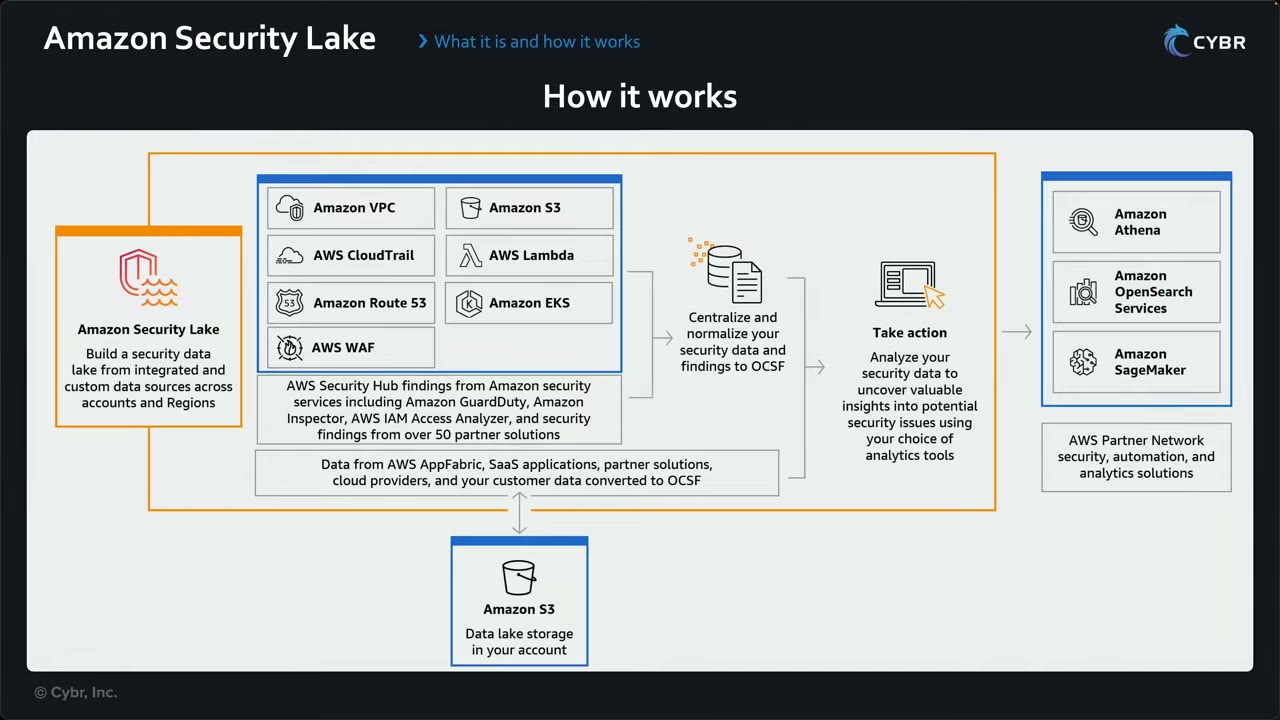
- Inputs: Amazon VPC, CloudTrail, Route 53, AWS WAF, S3, Lambda, EKS. Below them, Security Hub findings (GuardDuty, Inspector, IAM Access Analyzer, 50+ partner solutions), and AppFabric / SaaS / partner / cloud / customer data converted to OCSF.
- Centralize and normalize your security data and findings to OCSF.
- Store in Amazon S3: data lake storage in your account.
- Take action: analyze with your choice of tools (Athena, OpenSearch Service, SageMaker) or AWS Partner Network security, automation and analytics solutions.
Native AWS sources (collected out of the box): ▶ #116 00:22
| Source | Notes |
|---|---|
| CloudTrail management events | Collected by Security Lake itself, no trail required |
| CloudTrail data events (S3, Lambda) | S3 data events are high-volume |
| VPC Flow Logs | Collection managed by Security Lake |
| Route 53 Resolver (VPC Resolver) query logs | Collection managed by Security Lake |
| AWS WAFv2 logs | High-volume |
| EKS audit logs | Kubernetes API activity |
| Security Hub findings | Carry GuardDuty, Inspector, IAM Access Analyzer and partner findings ▶ #116 00:53. Security Hub must be enabled to get them |
Plus AWS AppFabric, SaaS apps, partner solutions, cloud providers and customer data. ▶ #116 01:05
Custom sources (3rd-party / on-prem) must already be in OCSF Parquet before they are added to the lake. A Glue crawler/role is used for custom sources. ▶ #116 01:45
Normalization: Parquet + OCSF
- On ingest, Security Lake partitions the data and converts it to Apache Parquet (open-source, column-oriented, efficient compression/encoding) and OCSF, an open-source, vendor-agnostic schema (a Linux Foundation project since Nov 2024). ▶ #116 01:15
- Result: more storage- and query-efficient, compatible with other tools, stored in S3. ▶ #116 01:35
- OCSF is the answer whenever a question says “normalize logs from many sources into a common schema” or “ingest third-party data in a standard format” (3.1.4).
Common OCSF fields for queries:
| OCSF field | CloudTrail equivalent |
|---|---|
api.operation |
eventName |
api.service.name |
eventSource |
actor.user.uid / actor.user.name |
userIdentity |
src_endpoint.ip |
sourceIPAddress |
cloud.account.uid |
account ID |
api.response.error |
errorCode |
time_dt |
event time (timestamp) |
Table naming: amazon_security_lake_table_<region>_<source>_<version>, e.g. ..._cloud_trail_mgmt_2_0,
..._vpc_flow_2_0, ..._route53_2_0, ..._sh_findings_2_0, ..._eks_audit_2_0, ..._lambda_execution_2_0,
..._s3_data_2_0. Filter on partition columns (accountid, region, eventday) to cut data scanned.
Security Lake as an orchestrator
One place to configure instead of jumping between services. When enabled it creates and uses these on your behalf, which matters for IAM permissions and cost: ▶ #116 02:00 ▶ #116 02:19
| Service | Role in Security Lake |
|---|---|
| Amazon S3 | Stores the data: the data lake itself (one bucket per Region) |
| AWS Lake Formation | Maps, governs and shares the data |
| AWS Glue | Data Catalog: schemas and table definitions |
| Amazon EventBridge + SNS | Event routing; notifies subscribers when objects are written |
| AWS Lambda | ETL, especially for third-party sources |
| Amazon SQS | Event-driven processing / notifications |
Subscribers: data access vs query access
Security Lake has no analysis tools. Analyze with Athena (SQL), OpenSearch (search and visualization), SageMaker, or partner query engines. ▶ #116 03:27 ▶ #116 03:35 Subscribers consume the data in one of two ways: ▶ #116 03:52
| Data access (S3) | Query access (Lake Formation) | |
|---|---|---|
| How | Notified when new objects land in S3, via an HTTPS endpoint or by polling an SQS queue; reads S3 objects directly ▶ #116 04:00 | Queries Lake Formation tables directly, shared cross-account ▶ #116 04:20 |
| Typical consumer | A SIEM such as Splunk | Analysts using Athena, Redshift or OpenSearch |
| Extra setup | None | Accept a RAM share, create a resource link, grant Lake Formation permissions |
- Subscriber access is granted per source: ingesting a source doesn’t decide who can consume it. ▶ #117 05:00
- A subscriber is created with the consumer account ID + external ID. The external ID is appended to the RAM share name and protects the subscriber role against the confused deputy problem. ▶ #117 06:51
Multi-account, Regions and retention
- Delegated admin: set from the Organizations management account. The course delegates to the Log Archive account. Enable for all accounts and auto-enable new ones. ▶ #117 00:00
- Rollup Regions: Security Lake is Regional. Contributing Regions replicate into a rollup Region for central querying or data residency (your choice). You can’t pick a rollup Region unless two or more Regions are enabled. ▶ #116 05:05 ▶ #117 03:11
- Retention and storage tiering are set per Region at setup: transition to cheaper S3 storage classes over time, or expire after a set period. That controls cost while keeping enough for compliance and investigations. It is S3 lifecycle under the hood. ▶ #116 04:35
Security Lake is enabled org-wide by the management account or the delegated administrator, not from a member account.
Enabling Security Lake for the organization
At recording time there was a 15-day free trial per account (from first ingestion). Check current pricing. ▶ #117 00:10
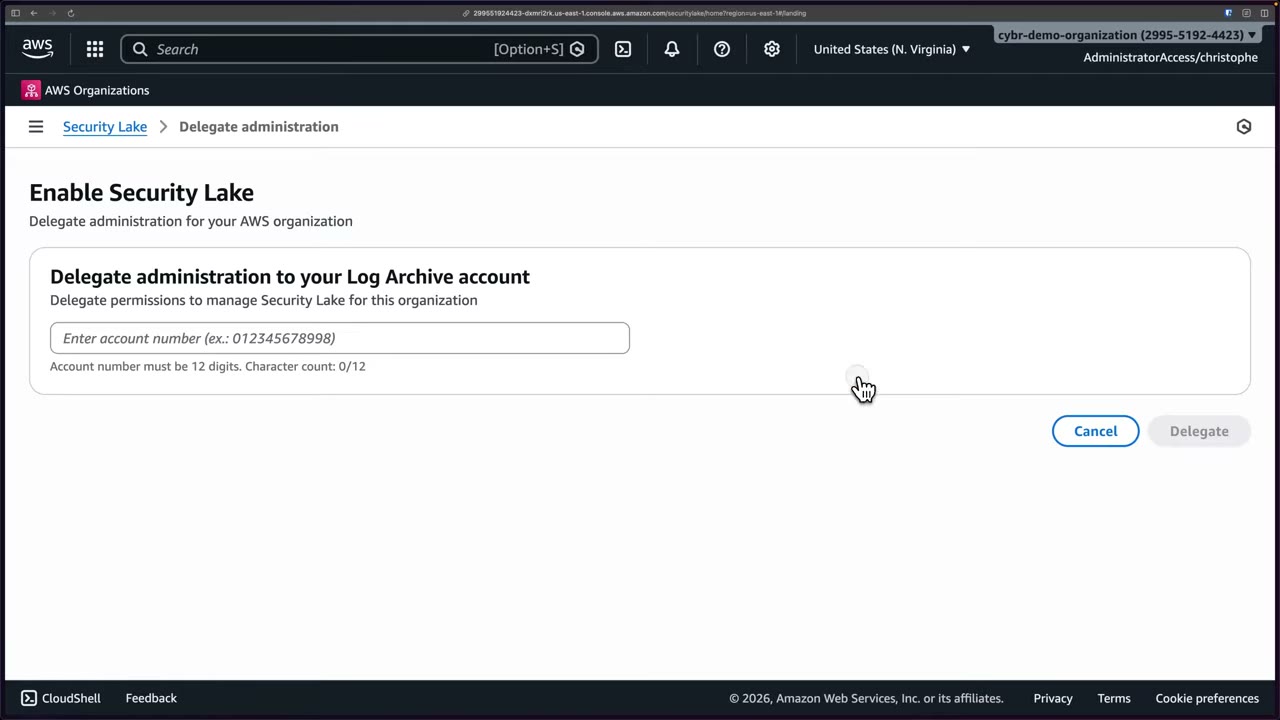
Wizard step 1: define the collection objective. Data is encrypted with S3 managed keys. Choose Ingest the AWS default sources (Recommended) or Ingest specific AWS sources. All sources are version 2.0. ▶ #117 01:00
| Source | Default? | Note |
|---|---|---|
| CloudTrail – Management events | Recommended | Management operations |
| CloudTrail – Lambda data events | Recommended | Lambda API incl. console/code calls |
| EKS Audit Logs | Recommended | Kubernetes API activity |
| Route 53 | Recommended | DNS queries from VPC resources |
| Security Hub | Recommended | Security findings |
| VPC Flow Logs | Recommended | IP traffic to/from ENIs |
| CloudTrail – S3 data events | No | High volume data → higher cost ▶ #117 01:30 |
| AWS WAF | No | High volume data |
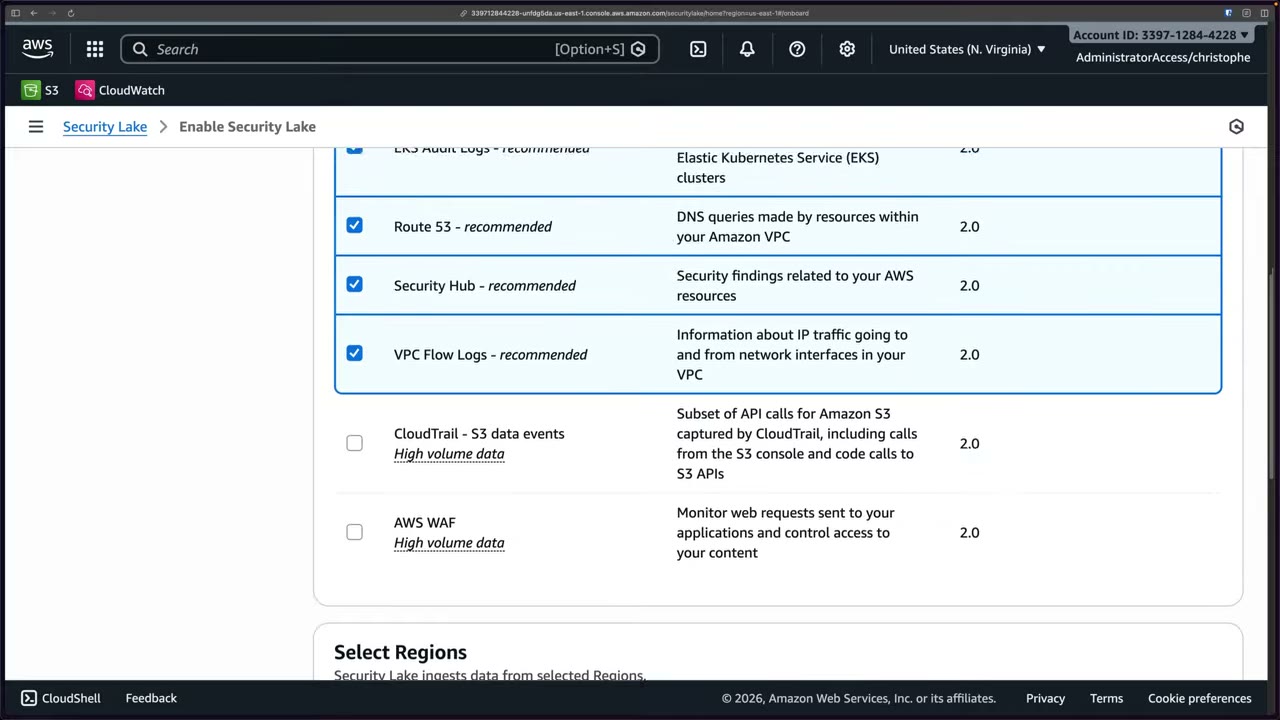
Wizard step 2: define the target objective. Optional rollup Regions (disabled in the demo: “Cannot select rollup Regions without enabling two or more Regions”) and optional storage classes: default S3 Standard, with transitions such as Standard-IA after N days. ▶ #117 03:00 ▶ #117 03:31
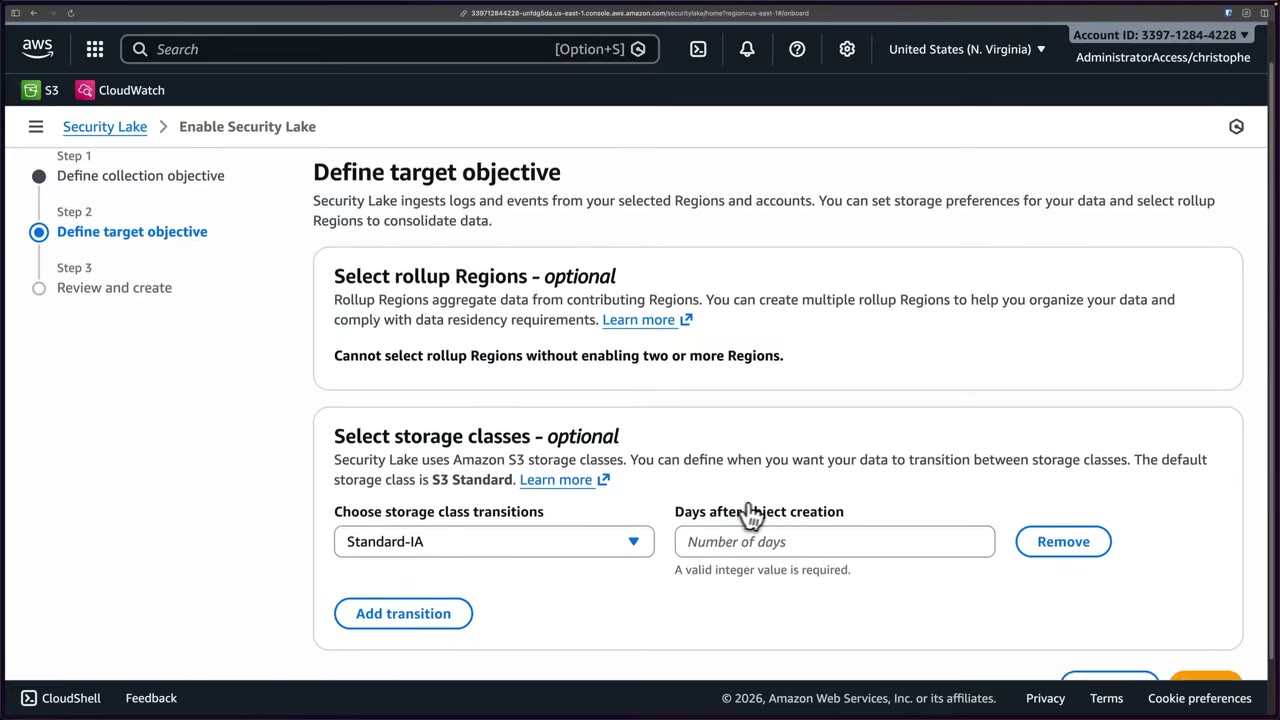
- Management account → Security Lake → Get started → “Delegate administration to your Log Archive account” → enter the 12-digit account ID (from the access portal) → Delegate. Banner: “
is now the delegated administrator of Security Lake”. ▶ #117 00:21 - Log Archive account → Security Lake → Get started → Ingest specific AWS sources: demo picks CloudTrail management events, Security Hub, VPC Flow Logs (Lambda and EKS deselected). ▶ #117 01:41
- Regions: all supported (recommended) or specific. Demo: US East (N. Virginia) only. ▶ #117 02:01
- Accounts: all accounts in the org / specific accounts / this account. Demo: all accounts + automatically enable for new accounts. ▶ #117 02:22
- Service access: let the wizard create and use a new service role unless you have one. Add tags in production. ▶ #117 02:42
- No rollup Regions, no storage transitions → Review and create. “Turning on Security Lake” takes a minute or two per Region. ▶ #117 03:51
- Summary page → orange banner “Register Security Lake managed buckets with Lake Formation for improved permission management” (all Regions) → Register buckets → “Successfully registered buckets”. ▶ #117 04:22
- Sources page shows Enabled/Disabled per source: CloudTrail mgmt Enabled, Lambda Disabled, EKS Disabled, Route 53 Disabled, Security Hub Enabled… ▶ #117 04:40
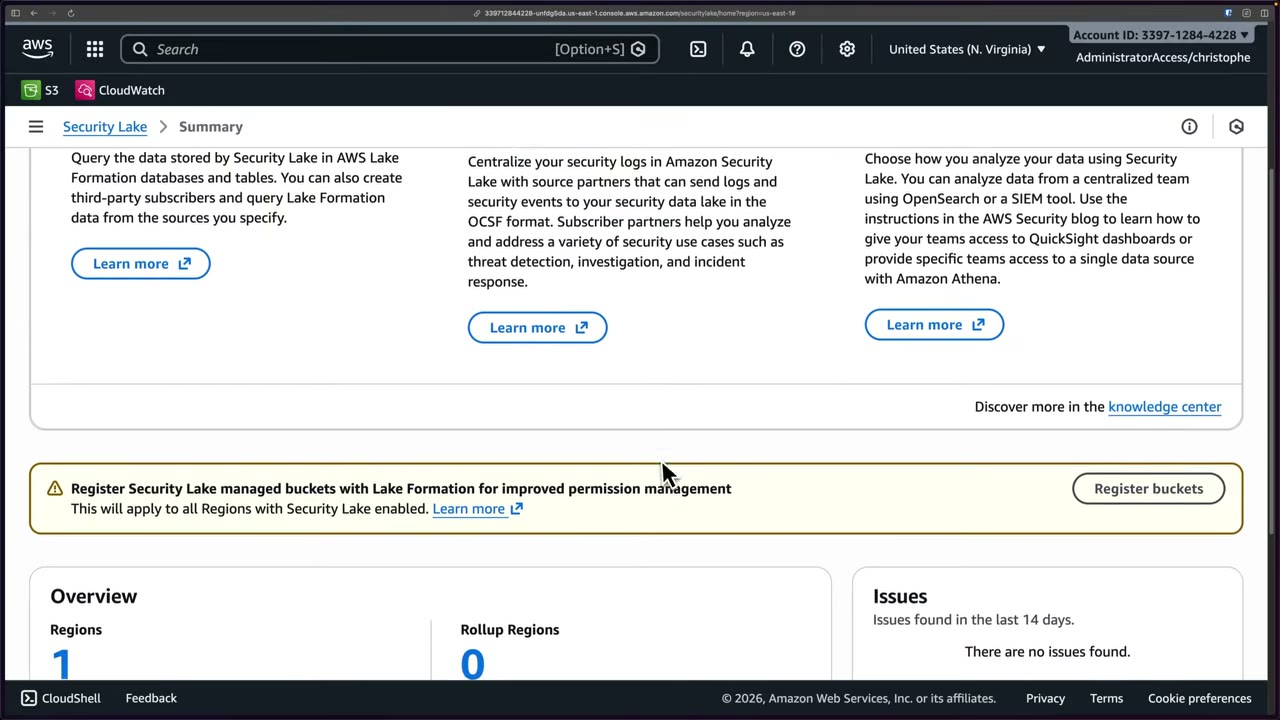
The Summary page has Get started cards: Run queries (Lake Formation databases/tables, third-party subscribers), Integrate partners (source partners sending logs in OCSF; subscriber partners for threat detection, investigation, IR) and Visualize data (OpenSearch, SIEM, QuickSight via Athena). Overview: Regions 1, Rollup Regions 0, Issues (last 14 days) none. Left nav: Summary, Sources, Subscribers, Regions, Custom sources, Issues, Accounts; Settings: General, Rollup Regions, Usage. ▶ #117 04:11
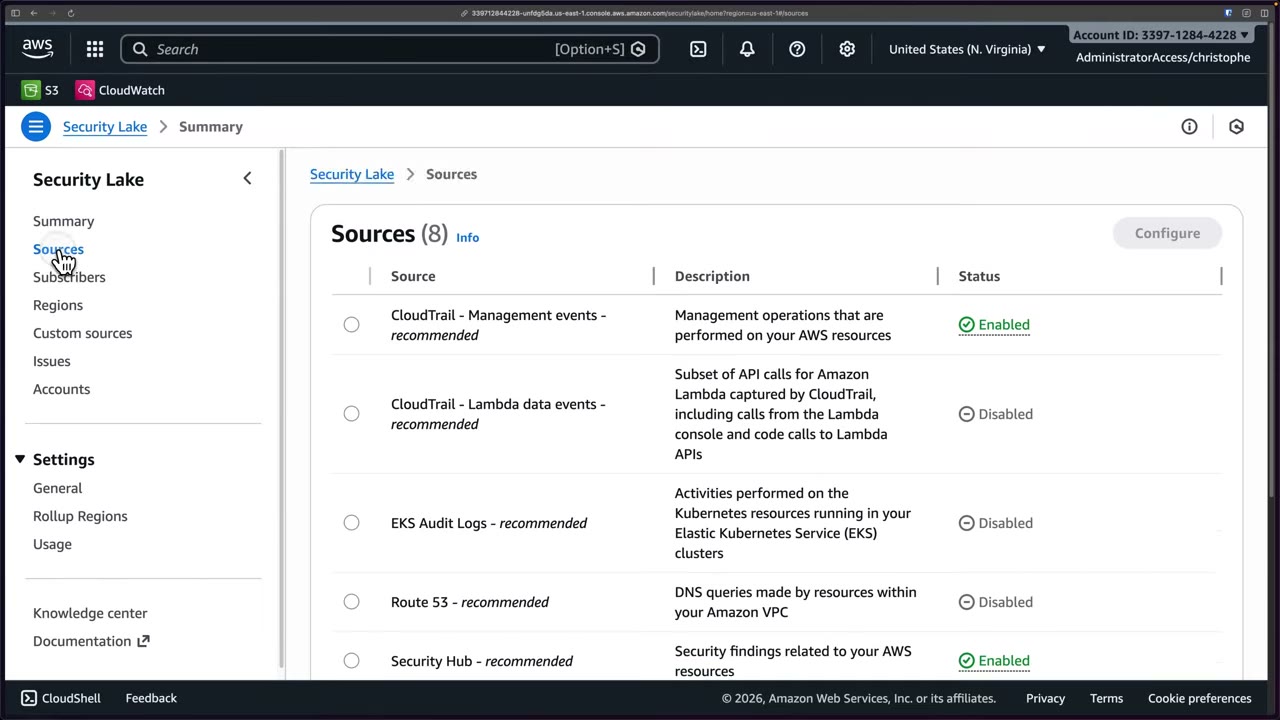
Creating a query-access subscriber
Sources → CloudTrail – Management events → Configure shows Enable/Disable, Version v2.0 (Latest), “Disable all other source versions” and Regions. The banner “Update subscriber settings” reminds you that ingestion doesn’t decide who can consume the data. Grant per source, or repeat for all sources to the same subscriber. ▶ #117 04:52 ▶ #117 05:12
- Subscribers page warning: “Before updating your subscriber’s source versions, make sure the subscriber supports the new version.” ▶ #117 05:30
- Subscriber name
security-tooling-subscriber, description “query CloudTrail events”. The Region is fixed: the subscriber can only access data in this Region. ▶ #117 05:41 - Data access method: S3 (data access: notified as new objects land, via HTTPS endpoint or SQS polling, reads objects directly) or Lake Formation (query access: queries tables, usually with Athena). Choose Lake Formation. ▶ #117 05:54 ▶ #117 06:11
- Notice: Lake Formation access requires accepting a resource share in AWS RAM and setting up cross-account table sharing in the Lake Formation console. ▶ #117 06:41
- Subscriber credentials: Security Tooling Account ID + External ID (a unique value agreed with the subscriber, appended to the RAM share name, also used for role trust). Demo used random hex
5f3a9c2d8b1e4c0. ▶ #117 07:01 - Sources: All log and event sources, or Specific → CloudTrail only. ▶ #117 07:20
- Create → “Subscriber security-tooling-subscriber was created”, access method Lake Formation, sources (1). ▶ #117 07:51
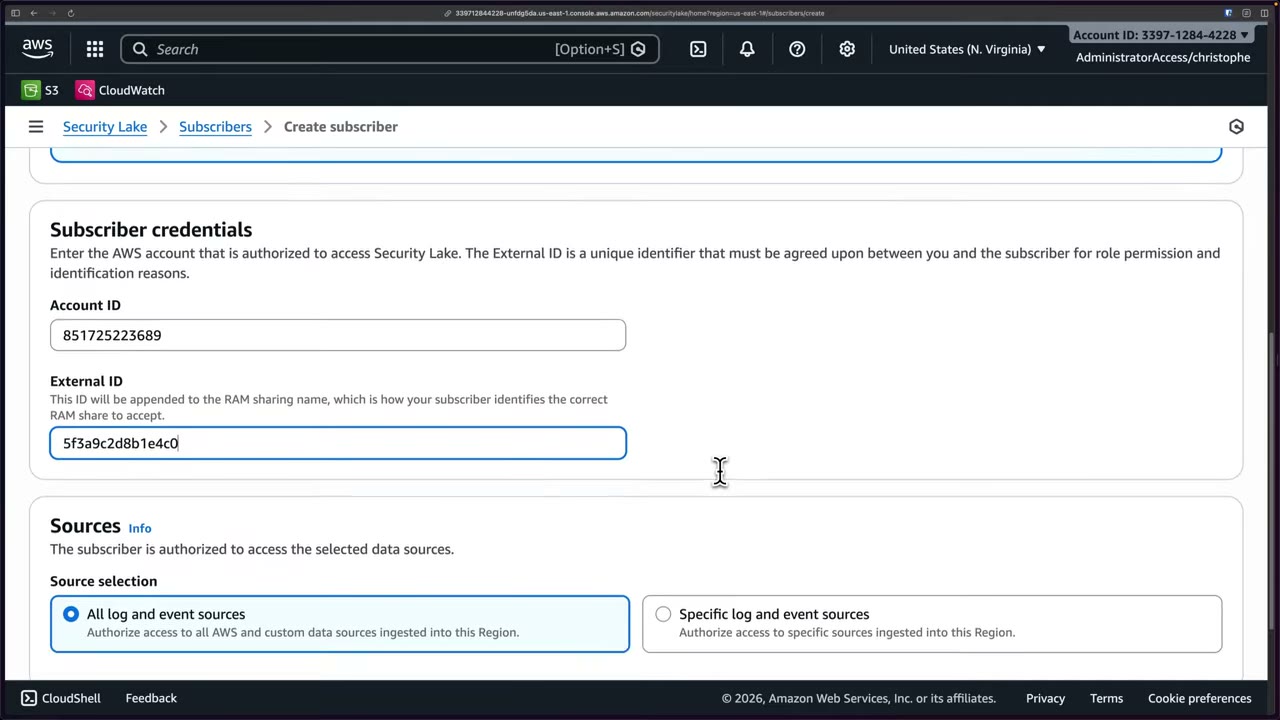
Gap in the automated setup: RAM shares were created, but at recording time the setup didn’t grant permissions on the database itself, so queries would fail. Possibly fixed since. Fix it in the Log Archive account. ▶ #117 07:52
- Log Archive account → AWS Lake Formation → Data permissions (12 permissions already exist) → Grant. ▶ #117 08:20
- Principal type: Principals (not “Principals by attributes”).
- Principals: External accounts → paste the Security Tooling account ID and press Enter. Clicking doesn’t add it (UI quirk). ▶ #117 08:50
- Resources: Named Data Catalog resources (not LF-Tags) → catalog = this account → Database = the Security Lake database. No tables/views needed (already configured). ▶ #117 09:11
- Permissions: Describe only → Grant → “Granting catalog permissions to ARNs:
”. ▶ #117 09:21 - Security Tooling account → RAM → Shared with me → Resource shares: two shares, one with tables/views (from subscriber creation) and one for the database. ▶ #117 09:50
- Normally you must Accept them (select → Accept resource share). Here they were already Active (auto-accepted, unexpected). ▶ #117 10:01
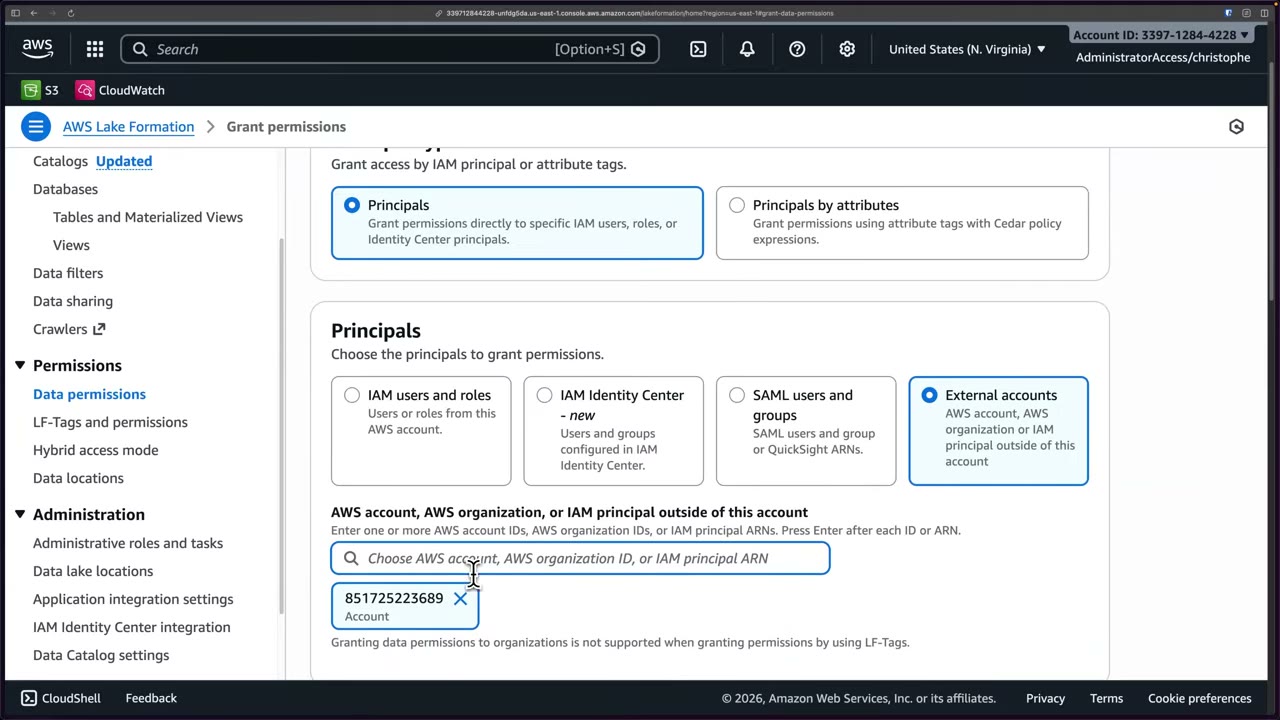
Querying cross-account with Athena: resource links
Even with the database shared via RAM, Athena cannot query databases/tables across accounts by default. You need a resource link: a pointer in your local Data Catalog to a database (or table) owned by another account. Create one per table, or one for the database. ▶ #118 00:31 ▶ #118 00:41 ▶ #118 00:51 ▶ #118 01:01
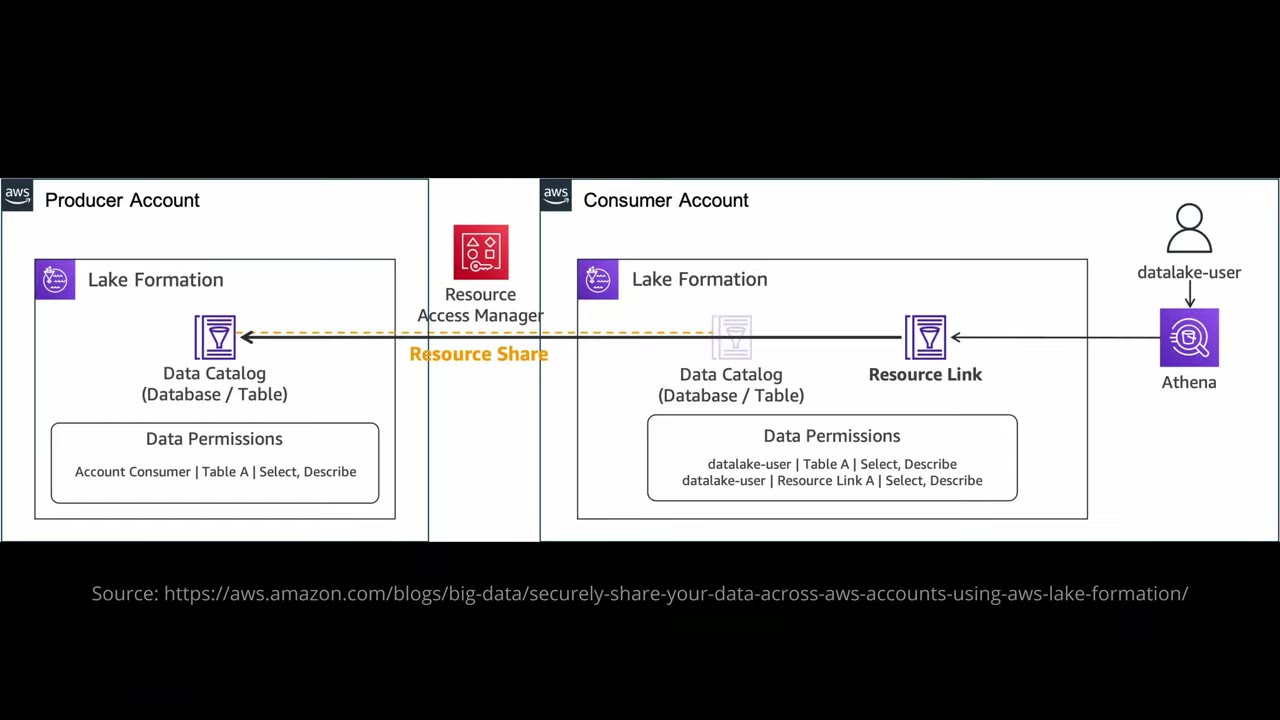
- Producer account: Lake Formation Data Catalog (database/table) with data permissions “Account Consumer | Table A | Select, Describe”.
- Resource Access Manager carries a resource share to the consumer account, where the shared catalog object appears (greyed).
- The consumer creates a Resource Link pointing to it.
- The consumer grants its local
datalake-userSelect, Describe on Table A and Select, Describe on Resource Link A. Two grants: on the target and on the link. datalake-userqueries through Athena → resource link → shared table → producer data.
Cross-account query access checklist:
- Producer grants the consumer account Describe on the database and Select/Describe on tables (add the database Describe grant in Lake Formation → Data permissions if missing).
- Consumer accepts the RAM share.
- Consumer Lake Formation admin creates a resource link.
- Consumer grants its IAM principals Describe on the resource link and Select on the target table.
- Athena workgroup with a query result location.
The two shares are LakeFormation-V4-EN2T8B3XCL and LakeFormation-V4-PP8QQOJX7A-5f3a9c2d8b1e4c0. The external ID
appended to the name is how the subscriber identifies the right share. ▶ #118 00:00
The Lake Formation console’s resource-link flow was buggy (selecting the shared database required Enter, which acted as Cancel), so the link is created with the Glue CLI, run with the Security Tooling profile: ▶ #118 01:21 ▶ #118 02:10
aws glue create-database --database-input '{
    "Name": "security_lake_link",
    "TargetDatabase": {
      "CatalogId": "<log-archive-account-id>",
      "DatabaseName": "amazon_security_lake_glue_db_us_east_1"
    }
  }' --profile "demo_Security-Tooling…"
- Be in the Security Tooling account and the right Region. RAM → Shared with me → confirm both Lake Formation shares are Active. ▶ #118 00:00
- Lake Formation is a separate service from Security Lake. First visit: “Welcome to Lake Formation” → initial administrative users and roles → Add myself → Get started. In production be more selective. Result: Data lake administrators (1/1) = the
AWSReservedSSO_AdministratorAccess_…role, access Full; catalog creatorsIAMAllowedPrincipals. ▶ #118 00:10 ▶ #118 00:21 - Data Catalog → Databases (2): the shared
amazon_security_lake_glue_db_us_east_1with Catalog ID = Log Archive account (3397…), Lake Formation permissions “All users”, plus the localdefault. If the shared one isn’t visible yet, just use the Log Archive account ID as the catalog ID. ▶ #118 01:40 - Run the
aws glue create-databasecommand above → refresh →security_lake_linkwith shared resource owner = Log Archive. Allow ~30 s to propagate. ▶ #118 02:32 ▶ #118 02:50 - Athena: a first visit may offer SageMaker Unified Studio; choose Athena → Get started. ▶ #118 03:01
- Data source AwsDataCatalog, database
security_lake_link→ Tables (1):amazon_security_lake_table_us_east_1_cloud_trail_mgmt_2_0. Only CloudTrail because the subscriber was scoped to that source; more sources would add more tables. ▶ #118 03:21 ▶ #118 03:30 - Query settings must have a result location (
s3://aws-athena-query-results-<account>-us-east-1/from the Athena lesson). They also show Execution controls: data scanned limit, min/max DPU per query. ▶ #118 04:00 - Run
SELECT * FROM "security_lake_link"."amazon_security_lake_table_us_east_1_cloud_trail_mgmt_2_0" LIMIT 10;→ Completed in 1.951 s, 14.62 KB scanned, 10 OCSF rows such as{product={version=1.11, name=CloudTrail, vendor_name=AWS, feature={name=Management}}, event_code=AwsApiCall, …}. ▶ #118 04:31 ▶ #118 04:51
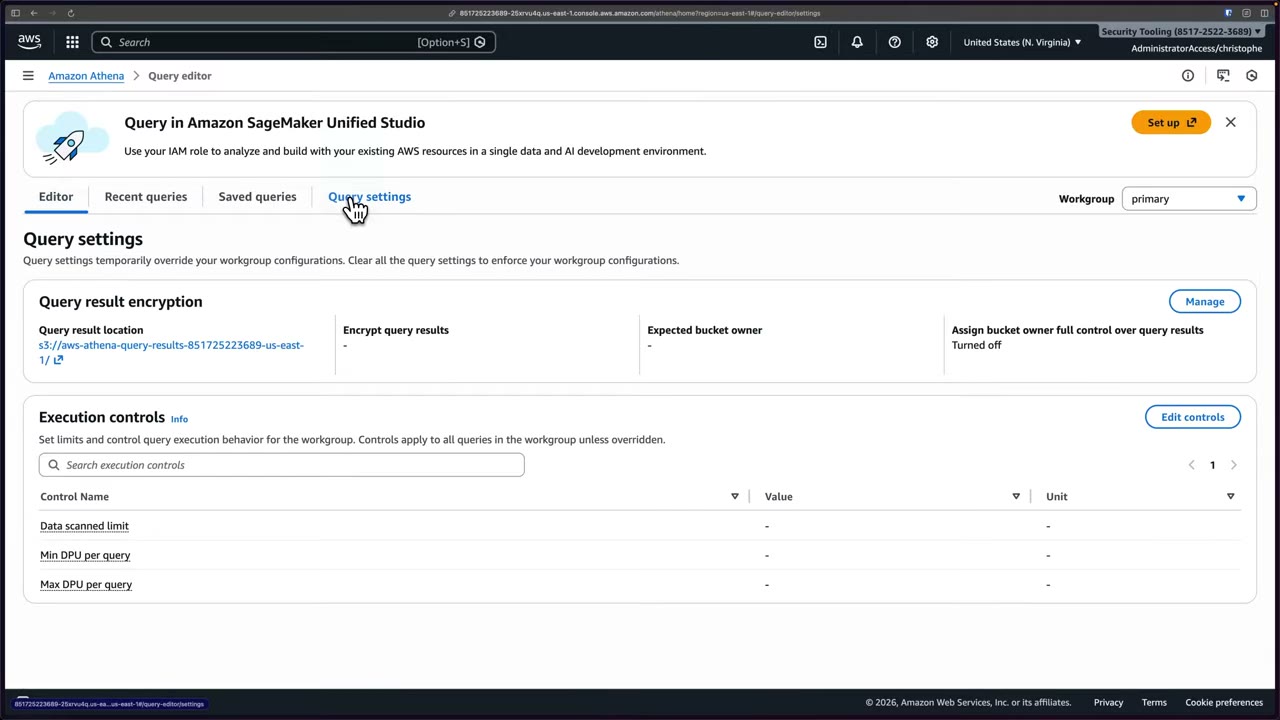
The table’s OCSF columns include metadata (product version/name/vendor/feature, event_code, uid, profiles,
version), time (bigint), time_dt (timestamp), cloud (region, provider), api (response error/message/data,
operation, version, service name, request data/uid), dst_endpoint (svc_name) and actor (user type/name/uid/uid_alt/
account uid/credential_uid, session created_time_dt/is_mfa/issuer, invoked_by, idp name). ▶ #118 03:21
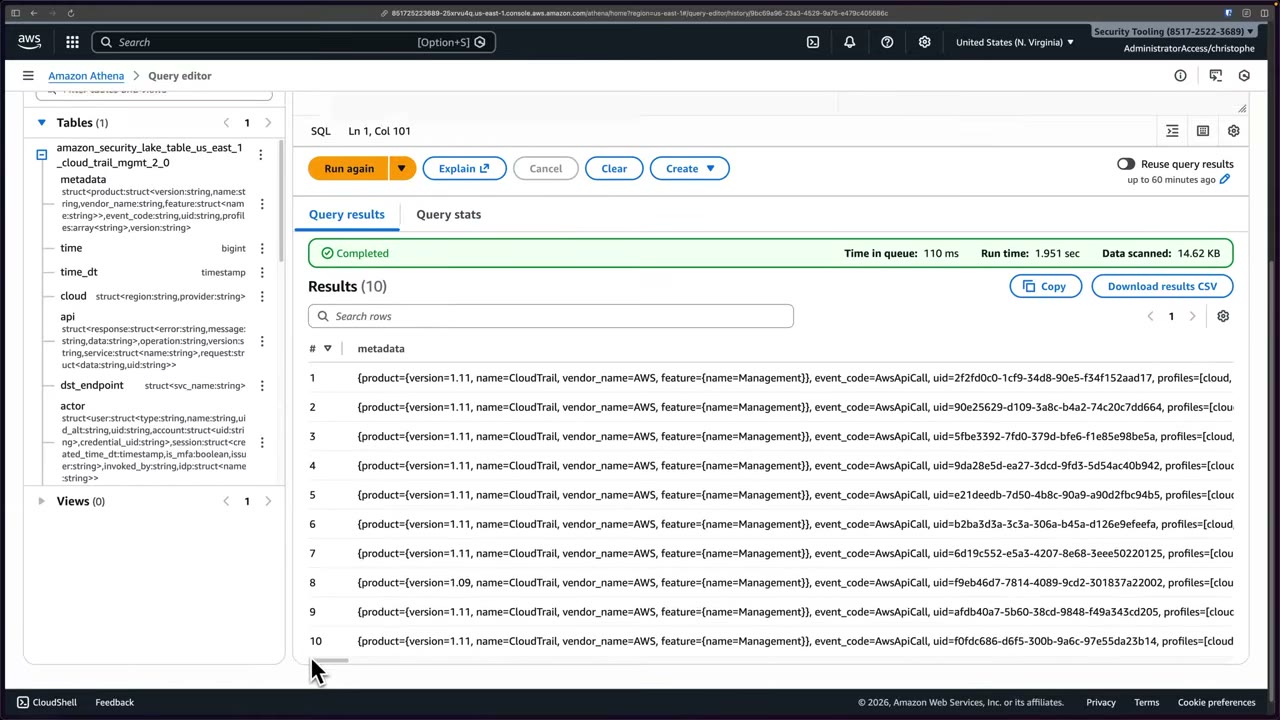
Why it matters: multi-account CloudTrail → Security Lake in Log Archive → shared with Security Tooling → queried with Athena. The security team never needs access to the Log Archive account, and gets continuous access for operational and security troubleshooting and incident response, for CloudTrail, Security Hub, VPC Flow Logs, EKS, Route 53 and more. ▶ #118 05:02 ▶ #118 05:31 ▶ #118 05:41
From the instructor
- “If you have a question on the exam that’s related to running Security Lake across your Regions, remember that you can do this with rollup Regions.” ▶ #116 05:23
- Typical themes: centralizing security data across accounts, Regions and sources (incl. on-prem); normalizing to OCSF stored as Parquet in S3; consuming via Athena, OpenSearch or subscribers. ▶ #116 05:31
- “A service that aggregates, normalizes, and stores security data at scale across an organization” → Security Lake. ▶ #116 06:02
- Security Lake creates other services for you, which affects IAM permissions and cost. ▶ #116 02:20
- Delegate admin to the Log Archive account from the management account. ▶ #117 00:10
- CloudTrail S3 data events and WAF logs are high-volume and raise cost. ▶ #117 01:30
- Enable for all accounts and auto-enable new accounts to avoid gaps. ▶ #117 02:31
- Subscriber access is per source: ingestion ≠ consumption permission. ▶ #117 05:00
- Query access = Lake Formation (Athena); data access = S3 objects + SQS/HTTPS notifications. ▶ #117 06:01
- Lake Formation subscribers must accept a RAM share; the console may miss the database Describe grant. ▶ #117 07:52
- RAM sharing alone isn’t enough: Athena needs a resource link for cross-account databases. ▶ #118 00:41
- The Lake Formation console was buggy; the Glue CLI works. Athena still needs a query result location. ▶ #118 01:30 ▶ #118 04:00
Keyword → answer
| If the question says… | Answer |
|---|---|
| Centralize and normalize security logs from all accounts + 3rd-party into a standard schema, keep data ownership | Security Lake |
| Normalize logs into a common schema / 3rd-party data in a standard format | OCSF |
| Give a SIEM vendor access to raw files; least overhead to feed a SIEM in another account | Data access subscriber (SQS notifications) |
| Analyst account runs SQL from another account | Query access subscriber (Lake Formation) + RAM + Athena resource links |
| Shared via RAM but Athena can’t see/query the database | Create a Lake Formation resource link in the consumer account |
| Athena error “Insufficient Lake Formation permission(s)” | Grant in Lake Formation, not the S3 bucket policy |
| Run across Regions / consolidate to one Region / data residency | Rollup Regions |
| Storage/normalization of logs vs findings/posture | Security Lake vs Security Hub |
| Investigate relationships between entities | Detective |
- Security Lake doesn’t always enable the underlying services: it collects CloudTrail events itself (no trail needed) and manages VPC Flow Logs / Route 53 collection, but Security Hub must be enabled to get findings.
- The missing database-level Describe grant seen in #117 may be fixed in newer consoles. Verify it in Lake Formation → Data permissions anyway.
- The 15-day free trial and the SageMaker Unified Studio prompt in Athena reflect the console at recording time. Check current pricing.
Real-world practice
- Cost drivers: per-GB ingestion/normalization (VPC Flow Logs, S3/Lambda data events and WAF can be very large), S3 storage, Athena scans. Start with a narrow set of sources and Regions. Use rollup Regions and lifecycle/expiration to control storage cost.
- Typical layout: Log Archive = Security Lake delegated admin; Security Tooling = query subscriber (Athena) and/or SIEM subscriber (data access via SQS).
- Lake Formation permissions are the usual pain point for teams used to IAM/S3 policies. Check database Describe, table Select, RAM share acceptance and resource links in the subscriber account.
- Automate resource links and grants with CloudFormation (
AWS::Glue::DatabasewithTargetDatabase,AWS::LakeFormation::PrincipalPermissions) so every new source/table is queryable without console work. - Enforce a data scanned limit in the analysts’ Athena workgroup.
- If the subscriber is a SIEM rather than humans, prefer the S3 + SQS data access subscriber. Resource links are for SQL/Athena consumers.
- Lock down the Security Lake S3 buckets and the Lake Formation admin role with SCPs so workload accounts, and even admins, can’t tamper with the lake.
-- Query subscriber: who called DeleteBucket in the last 7 days (OCSF CloudTrail table)
SELECT time_dt, actor.user.uid, api.operation, src_endpoint.ip, cloud.account.uid
FROM amazon_security_lake_glue_db_ap_southeast_1.amazon_security_lake_table_ap_southeast_1_cloud_trail_mgmt_2_0
WHERE api.operation = 'DeleteBucket'
  AND time_dt > current_timestamp - interval '7' day;

-- AccessDenied calls in the last day, through the resource link from #118
SELECT time_dt, actor.user.name, api.operation, src_endpoint.ip
FROM "security_lake_link"."amazon_security_lake_table_us_east_1_cloud_trail_mgmt_2_0"
WHERE api.response.error = 'AccessDenied'
  AND time_dt > current_timestamp - INTERVAL '1' DAY
LIMIT 100;
- Enable Security Lake in one Region with CloudTrail + VPC Flow Logs.
- Run the queries above in Athena (create a resource link if you query from another account).
- Cleanup: disable Security Lake, then delete the S3 bucket and Glue database it created (check retention first).
Amazon Athena + AWS Glue
Athena is serverless SQL over data where it already lives (mainly S3), priced per data scanned. The Glue Data Catalog stores table definitions (schema + location + format) and Glue crawlers infer schemas. Together they are the standard “query logs in S3” answer: Athena = query engine, Glue Data Catalog = metastore, S3 = storage.
- Exam skills: analyze logs (1.2.4) · normalize, parse & correlate logs (1.2.5) · search & correlate logs for IR (2.2.2) · log data lakes (1.2.3) · troubleshoot logging permissions (1.3.1) · cross-account resource policies (4.2.1) · IaC (6.2.1)
- Videos: ▶ #113 About Athena · ▶ #114 Athena with CloudTrail logs · ▶ #115 About AWS Glue (▶ #118 Querying Security Lake with Athena is under Amazon Security Lake)
- Cost: $5 per TB scanned (at recording time)
What Athena is
- Serverless, marketed as petabyte scale. ▶ #113 00:00
- Data can be on-premises, in a data lake, or in cloud storage. Athena queries across many sources through Federated Query connectors. ▶ #113 00:21
- Integrates with ML frameworks and visualization tools such as QuickSight. ▶ #113 00:40
- Query language is SQL, like CloudTrail Lake’s. ▶ #113 00:51
- Three steps: point to your data source → run SQL queries → analyze the results. ▶ #113 01:00
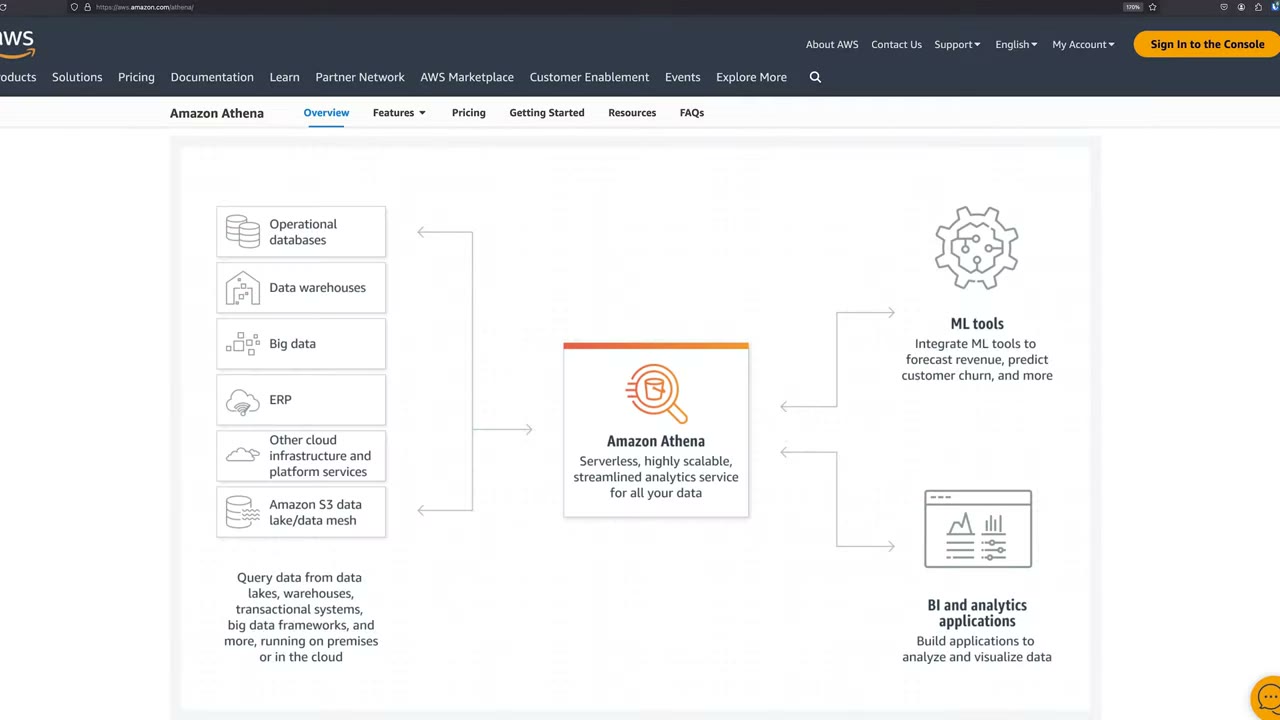
Athena reads from operational databases, data warehouses, big data, ERP, other cloud services and the S3 data lake/data mesh (“on premises or in the cloud”), and returns results to ML tools (forecast revenue, predict churn) and BI apps.
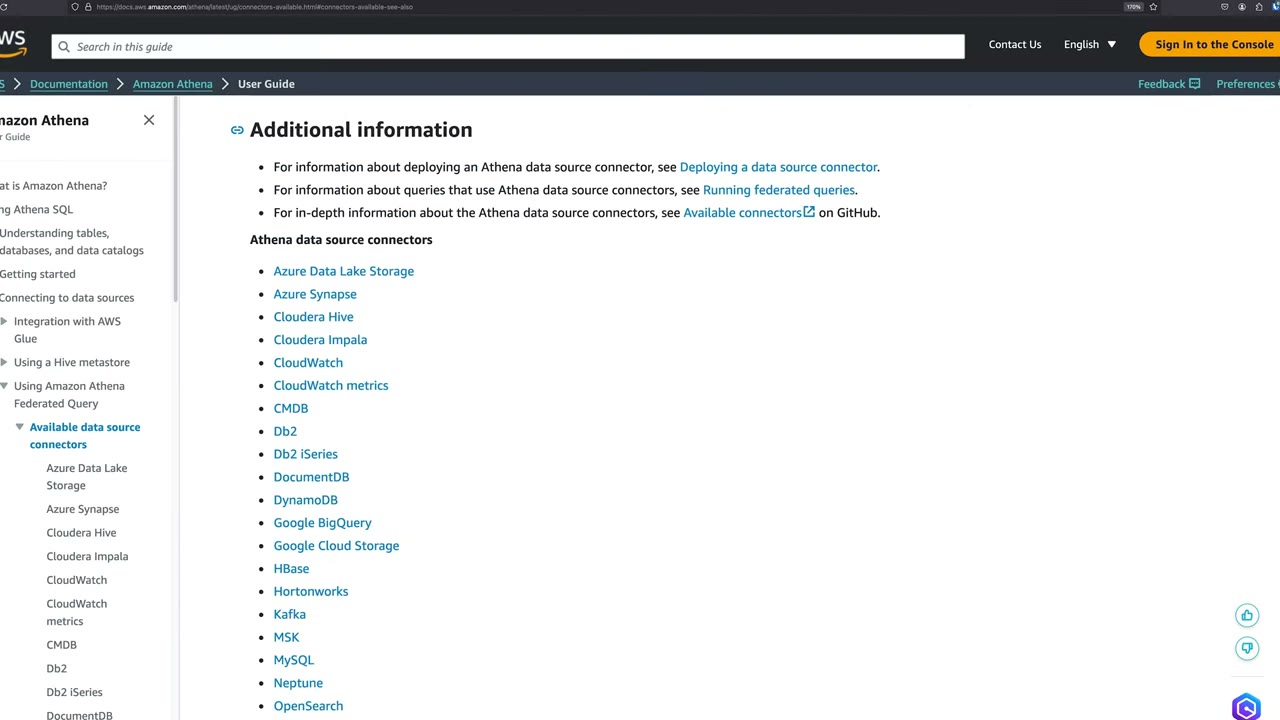
Connectors include Azure Data Lake Storage, Azure Synapse, Cloudera Hive/Impala, CloudWatch, CloudWatch metrics, CMDB, Db2, DocumentDB, DynamoDB, Google BigQuery, Google Cloud Storage, HBase, Hortonworks, Kafka, MSK, MySQL, Neptune, OpenSearch… ▶ #113 00:30
CloudTrail Lake vs Athena
The process is very similar, but pricing differs: Athena is $5 per TB scanned, while CloudTrail Lake can be a lot more expensive if you’re not careful. ▶ #113 01:10 ▶ #113 01:21 ▶ #113 01:30
| CloudTrail Lake | Athena | |
|---|---|---|
| Focus | CloudTrail data; other sources supported but less mature ▶ #113 01:40 | Any source; more mature ▶ #113 01:51 |
| Cross-source queries | Limited | Yes: e.g. VPC flow logs + CloudTrail, even on-premises data ▶ #113 02:01 |
| Storage | Its own event data store; doesn’t read the trail’s S3 data ▶ #113 02:20 | No new data store; reads the trail data in S3 ▶ #113 02:31 |
| Cost model | Ingestion + retention + query (can be high) | $5/TB scanned + S3 storage |
| Good for | Simpler setups, simplicity and focus ▶ #113 02:41 | Large orgs with many sources, or when Lake is cost-prohibitive ▶ #113 02:50 |
Since Nov 26, 2023, CloudTrail Lake data is available for zero-ETL analysis in Athena: enable data federation on the event data store, CloudTrail creates Glue Data Catalog resources and registers the data with Lake Formation, where you choose which users/roles can query it. Queries are charged at Athena pricing, data at CloudTrail Lake pricing. You can correlate Lake activity logs with app/traffic logs in S3 and visualize with QuickSight and Amazon Managed Grafana, so you can use both if budget allows. ▶ #113 02:50
Creating an Athena table for CloudTrail
CloudTrail → Event history has two buttons: Create Athena table and Query in Lake. Create Athena table
generates the CREATE EXTERNAL TABLE DDL for a trail bucket. The table definition lands in the Glue Data Catalog
(database default, classification cloudtrail). ▶ #114 00:10 The VPC Flow Logs console also offers an Athena
integration (CloudFormation).
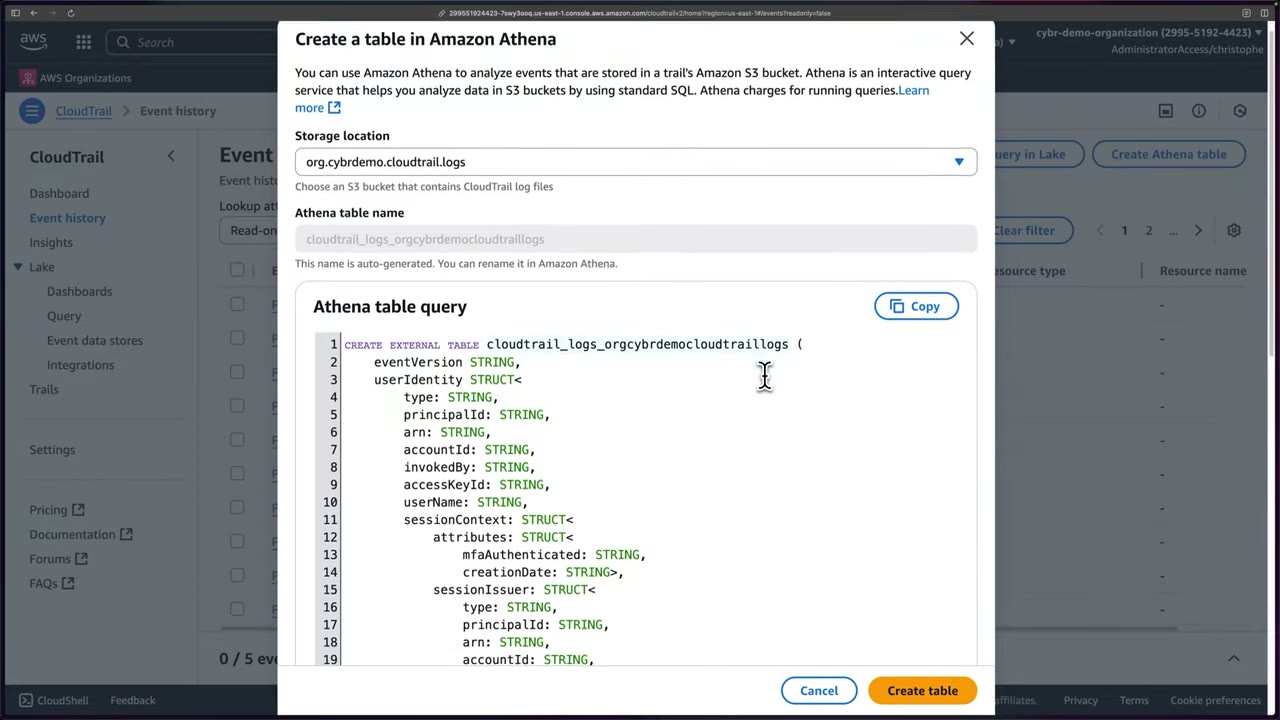
- Storage location: the S3 bucket with CloudTrail logs. The demo picks the organization trail bucket
org.cybrdemo.cloudtrail.logsthat all accounts feed into. ▶ #114 00:32 - Selecting the bucket regenerates the SQL for an external table, named
cloudtrail_logs_orgcybrdemocloudtraillogs(can be renamed in Athena). ▶ #114 01:01 - The DDL maps CloudTrail fields into columns:
eventVersion,userIdentity STRUCT<type, principalId, arn, accountId, invokedBy, accessKeyId, userName, sessionContext STRUCT<attributes STRUCT<mfaAuthenticated, creationDate>, sessionIssuer STRUCT<…>>>, pluseventSource,eventName,awsRegion,sourceIpAddress, etc. ▶ #114 01:20 ▶ #114 01:31 - At the bottom: a COMMENT, ROW FORMAT (CloudTrail SerDe), Hadoop OUTPUT FORMAT and LOCATION = the bucket path. Not exam-relevant detail. ▶ #114 01:42
- Create table → “Successfully created Athena table … open the Amazon Athena console. Athena charges for running queries.” ▶ #114 02:11
CREATE EXTERNAL TABLE cloudtrail_logs_orgcybrdemocloudtraillogs (
    eventVersion STRING,
    userIdentity STRUCT<
        type: STRING,
        principalId: STRING,
        arn: STRING,
        accountId: STRING,
        invokedBy: STRING,
        accessKeyId: STRING,
        userName: STRING,
        sessionContext: STRUCT<
            attributes: STRUCT<mfaAuthenticated: STRING, creationDate: STRING>,
            sessionIssuer: STRUCT<type: STRING, principalId: STRING, arn: STRING, accountId: STRING, userName: STRING>,
            ec2RoleDelivery: STRING,
            webIdFederationData: STRUCT<federatedProvider: STRING, attributes: MAP<STRING,STRING>>>>,
    eventTime STRING,
    eventSource STRING,
    eventName STRING,
    awsRegion STRING,
    sourceIpAddress STRING,
    userAgent STRING,
    errorCode STRING,
    errorMessage STRING,
    requestParameters STRING,
    responseElements STRING,
    …
)
COMMENT 'CloudTrail table for <bucket> bucket'
ROW FORMAT SERDE 'org.apache.hive.hcatalog.data.JsonSerDe'   -- older versions: com.amazon.emr.hive.serde.CloudTrailSerde
STORED AS INPUTFORMAT 'com.amazon.emr.cloudtrail.CloudTrailInputFormat'
OUTPUTFORMAT 'org.apache.hadoop.hive.ql.io.HiveIgnoreKeyTextOutputFormat'
LOCATION 's3://<bucket>/AWSLogs/<account-id>/CloudTrail/'
TBLPROPERTIES ('classification'='cloudtrail');
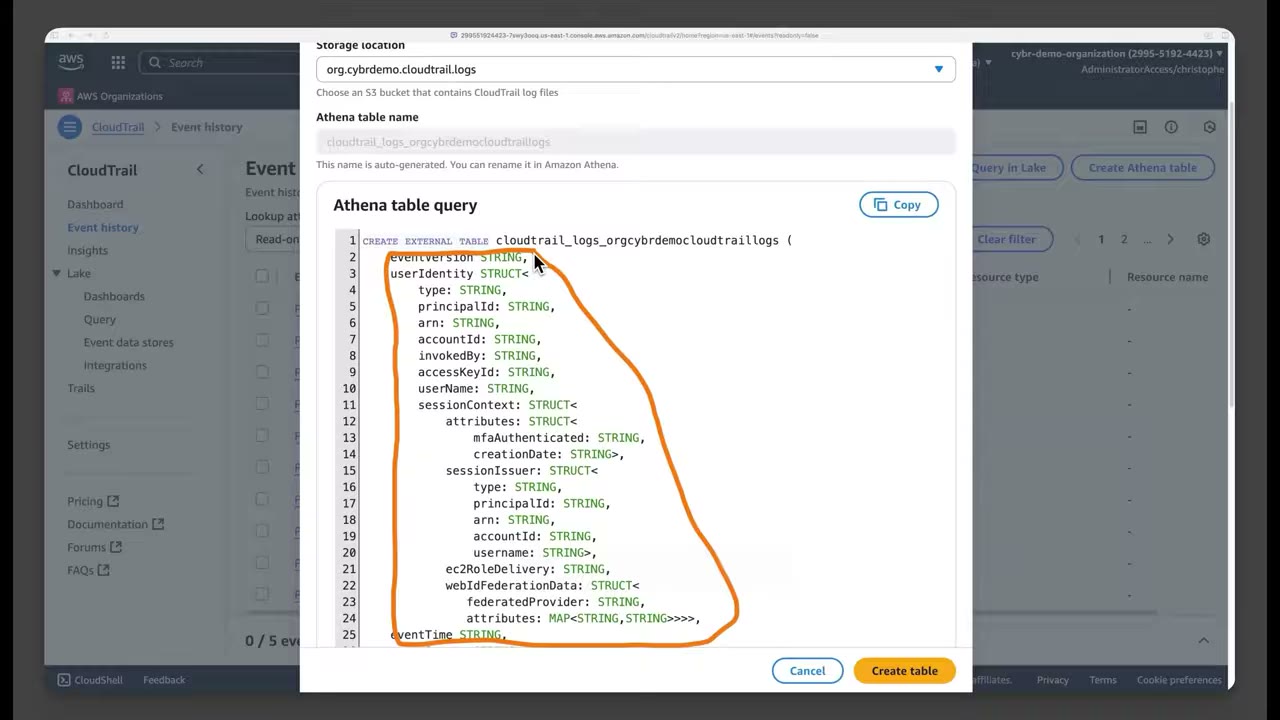
Query result location and the query editor
Before the first query Athena needs an S3 query result location: it reads from S3 and stores query results in S3. ▶ #114 02:31 ▶ #114 02:41
Edit settings → Manage settings → Query result location and encryption: ▶ #114 02:52
| Setting | Value / meaning |
|---|---|
| Location of query result | aws-athena-query-results-<account-id>-us-east-1, auto-created by Athena when the table was created ▶ #114 03:00 |
| Expected bucket owner | Optional ▶ #114 03:20 |
| Assign bucket owner full control | For result buckets owned by another account |
| Encrypt query results | Optional: SSE-S3, SSE-KMS or CSE-KMS (client-side with KMS) ▶ #114 03:30 |
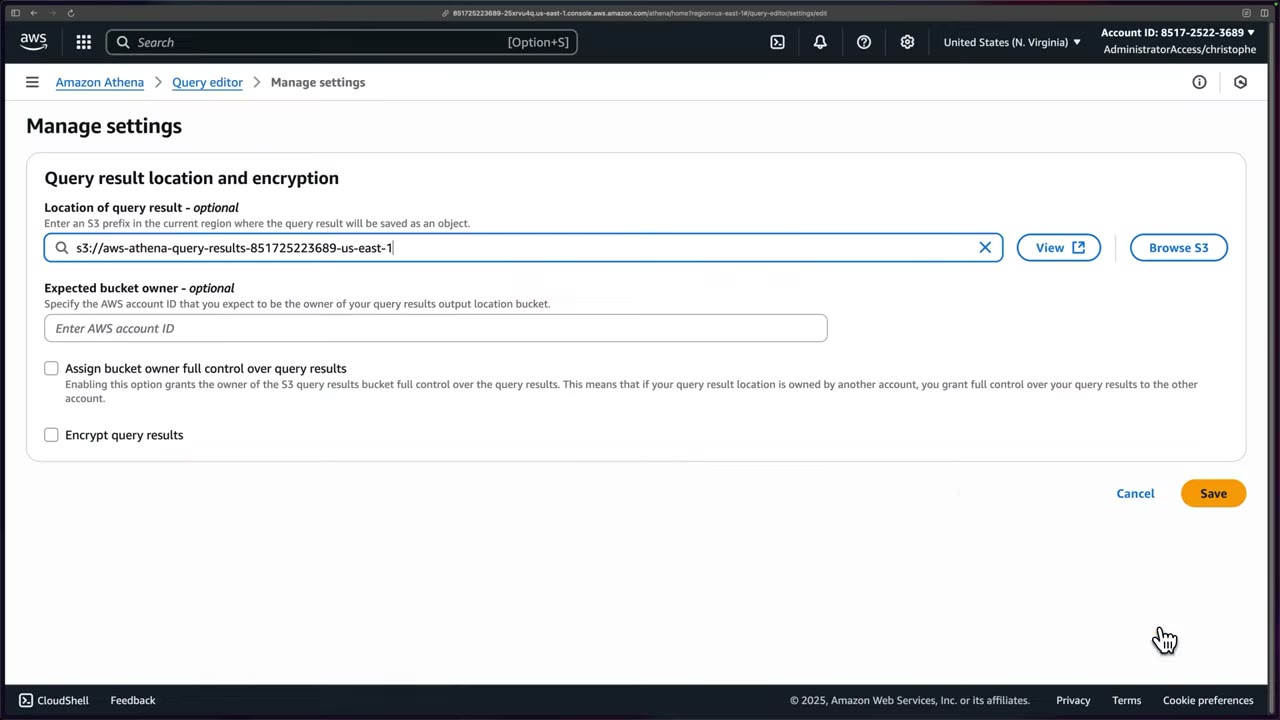
The editor has tabs Editor, Recent queries, Saved queries, Settings, and workgroup primary. The data
panel shows data source AwsDataCatalog, database default, and the CloudTrail table. The table menu offers
Preview table, Generate table DDL (data definition language), insert into editor, delete table and view
properties. ▶ #114 04:00 ▶ #114 04:12 Preview table generates: ▶ #114 04:32
SELECT * FROM "default"."cloudtrail_logs_orgcybrdemocloudtraillogs" limit 10;
Recent queries keeps the history (including failed runs); Saved queries holds queries you rerun often. ▶ #114 07:10 ▶ #114 07:30
Troubleshooting cross-account queries
Problem 1: AccessDenied on s3:ListBucket. The query runs in the Security Tooling account but the bucket is in
the Log Archive account: ▶ #114 04:40 ▶ #114 04:50
com.amazonaws.services.s3.model.AmazonS3Exception: User: arn:aws:sts::<security-tooling-acct>:assumed-role/AWSReservedSSO_AdministratorAccess_…/christophe
is not authorized to perform: s3:ListBucket on resource: "arn:aws:s3:::org.cybrdemo.cloudtrail.logs"
because no resource-based policy allows the s3:ListBucket action (Service: Amazon S3; Status Code: 403; Error Code: AccessDenied …)
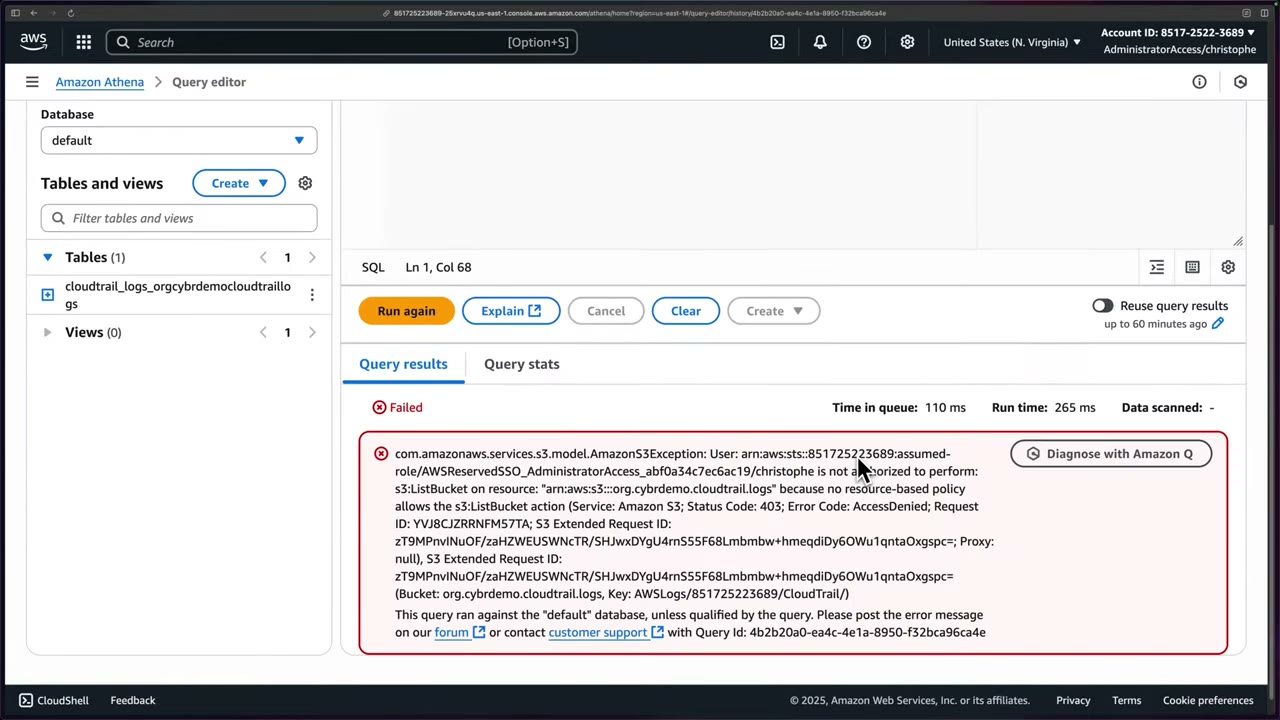
Cross-account → the bucket policy must grant access (here s3:ListBucket). The fix was applied off-camera. ▶ #114 05:02
Athena uses the caller’s credentials, so the bucket policy must allow that principal/account (s3:ListBucket on the
bucket, s3:GetObject on objects), and with SSE-KMS the key policy must allow kms:Decrypt for that role.
Problem 2: the table covers only one account. The org trail layout is
org.cybrdemo.cloudtrail.logs/AWSLogs/o-jqbqypd27k/<account-id>/…, one folder per member account (10 accounts). The
generated table pointed at a single account’s path. ▶ #114 05:31 ▶ #114 05:40
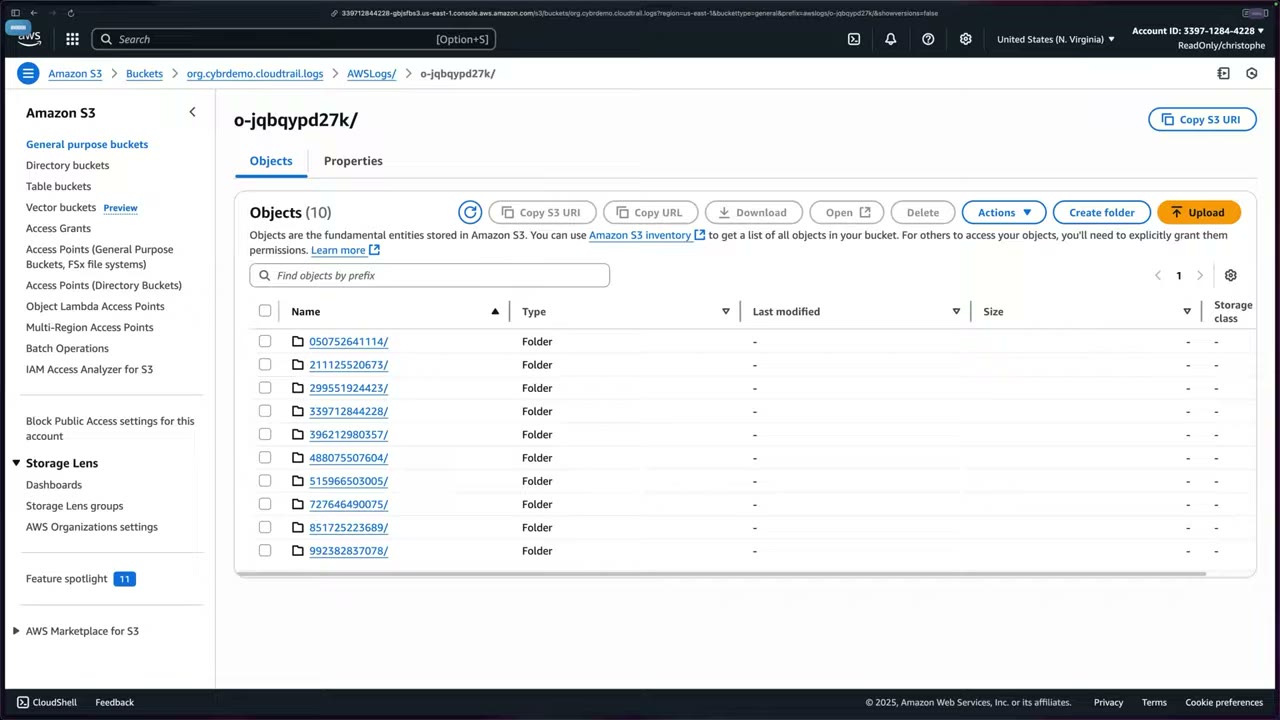
Point it at the org prefix: ▶ #114 06:00
ALTER TABLE cloudtrail_logs_orgcybrdemocloudtraillogs
  SET LOCATION 's3://org.cybrdemo.cloudtrail.logs/AWSLogs/o-jqbqypd27k/'
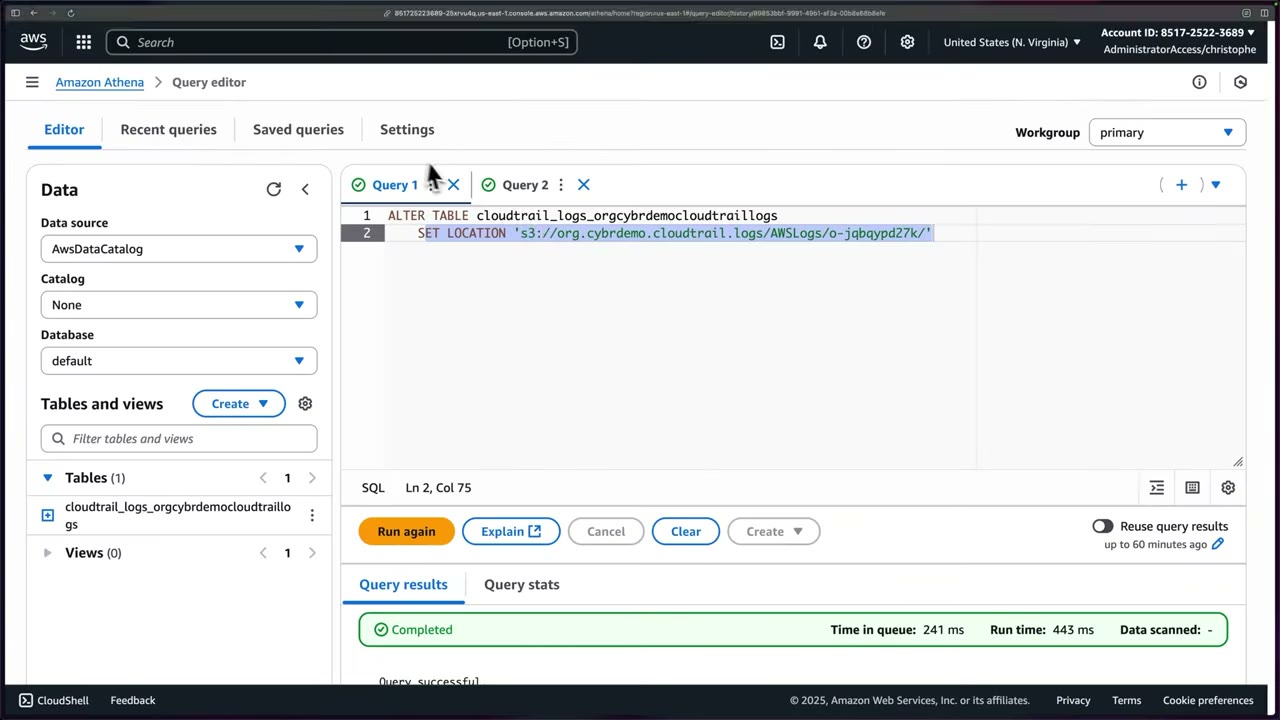
Re-running the preview: Completed, queue 110 ms, run time 15.685 s, 51.12 KB scanned, 10 results. ▶ #114 06:20
Columns include eventversion, useridentity, eventtime, eventsource, eventname, awsregion, sourceipaddress.
Sample rows: sts.amazonaws.com AssumeRole, kinesis.amazonaws.com ListStreams, s3.amazonaws.com GetBucketAcl,
ec2.amazonaws.com DescribeNetworkInsightsAccessScopes, mostly from config.amazonaws.com / securityhub.amazonaws.com. ▶ #114 06:31
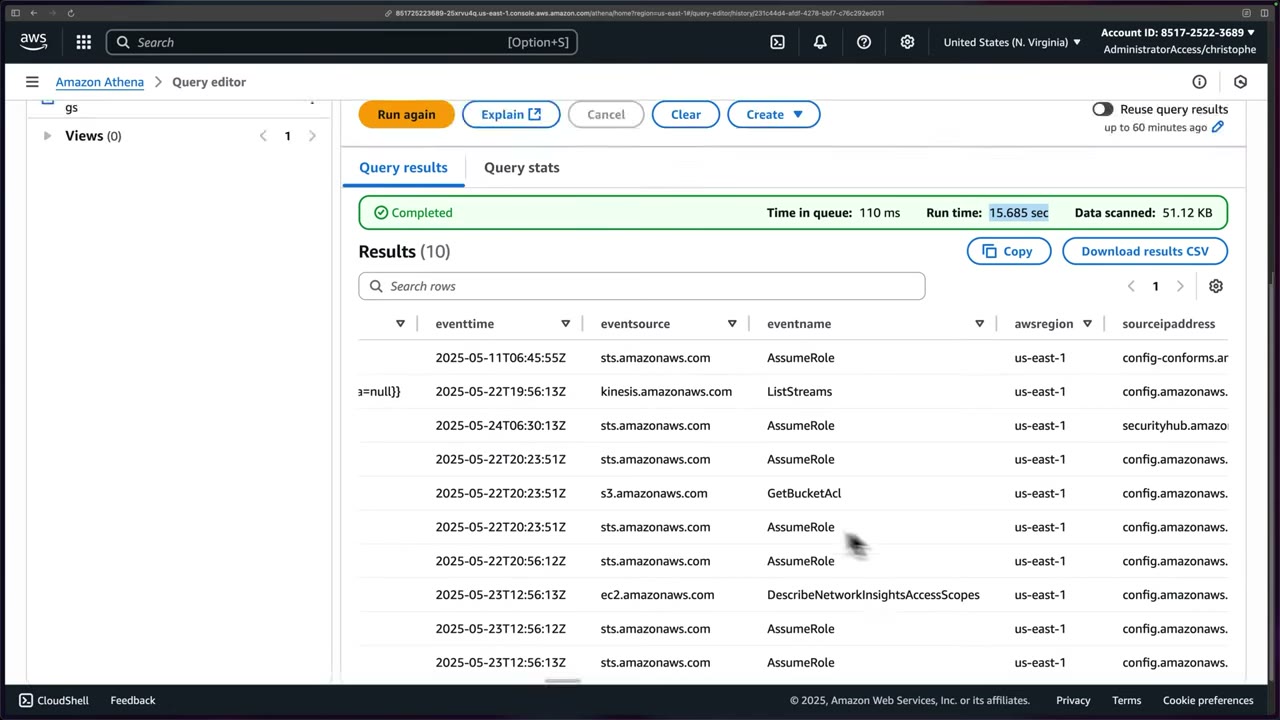
Select only the columns you need instead of *: ▶ #114 06:50
SELECT eventtime, eventsource, eventname, awsregion
FROM "default"."cloudtrail_logs_orgcybrdemocloudtraillogs"
LIMIT 10;
- CloudTrail (Security Tooling account) → Event history → Create Athena table → bucket
org.cybrdemo.cloudtrail.logs→ Create table. - Open Athena → Edit settings → result location
aws-athena-query-results-…→ Save. - Editor → table menu → Preview table → AccessDenied (
s3:ListBucket, cross-account). - Update the Log Archive bucket policy to allow the Security Tooling principal.
ALTER TABLE … SET LOCATION 's3://…/AWSLogs/<org-id>/'.- Re-run the preview → 10 results.
- Review Recent queries / Saved queries.
- IAM on the caller:
athena:*query actions andglue:GetTable/GetDatabase/GetPartitions(or Lake Formation grants). - S3
ListBucket/GetObjecton the log bucket. Cross-account → bucket policy. - KMS
Decrypton the trail’s key. Cross-account → key policy. - S3
PutObjecton the query results bucket. - “Table not found” or zero rows → the Glue table’s location/partitions (an org trail table may cover one account only).
AWS Glue: the catalog behind Athena
Glue is a serverless data integration service that gives three things: ▶ #115 00:21 ▶ #115 00:36
- Discover and organize data (Data Catalog, crawlers).
- Transform, prepare and clean data for analysis (ETL jobs: Visual ETL, notebooks).
- Build and monitor data pipelines (workflows/orchestration, job run monitoring).
Security use case: take data from many sources, infer a schema, then query it with Athena. ▶ #115 00:55 The console landing page has tiles Prepare your account for AWS Glue (default IAM role), Catalog and search for datasets (Data Catalog, Crawlers) and Move and transform data (Zero-ETL integrations, ETL jobs). Left nav: ETL jobs, Data Catalog tables, Data connections, Workflows, Zero-ETL integrations, Data Catalog → Databases / Tables / Stream schema registries / Connections / Crawlers / Classifiers / Catalog settings. ▶ #115 00:04
The CloudTrail “Create Athena table” button silently used Glue: the table definition lives in Glue → Data Catalog →
Tables (database default, location s3://org.cybrdemo..., classification cloudtrail). ▶ #115 01:20 “Glue told
Athena where the logs were, how they were formatted, and what fields existed.” ▶ #115 01:30
- The table page shows Schema (24 columns), Partitions, Indexes, Column statistics and Data quality. Actions → edit the table, Edit schema or Edit schema as JSON. ▶ #115 01:48
- View data warns “You will be taken to Athena to preview data, and you will be charged separately for Athena queries.” ▶ #115 02:01
- Glue jobs transform/normalize logs (ETL). Crawlers keep the catalog in sync and add partitions for new prefixes.
- The Data Catalog can be encrypted (metadata encryption with KMS), and connection passwords too. Lake Formation adds fine-grained (column/row) permissions.
When you touch Glue directly (console one-click setups usually hide it): ▶ #115 02:05
| Situation | Why |
|---|---|
| Infrastructure as code | You must define the Glue database and tables in templates for Athena to work ▶ #115 02:21 |
| Multiple data sources | Managing how they are cataloged ▶ #115 02:35 |
| Manual schema management | Something broke or the schema must change after the fact ▶ #115 02:45 |
- Recap: CloudTrail → Event history → Create Athena table → pick the log bucket → Create table. ▶ #115 01:11
- AWS Glue → Data Catalog tables → the CloudTrail table is under database
default. ▶ #115 01:23 - Click the table → details/schema; Actions offers edit table / edit schema. ▶ #115 01:48
- View data → dialog → Proceed opens Athena (charged per query). ▶ #115 02:01
Performance, cost and security
- Partition projection: Athena computes partitions (Region / year / month / day) from table properties. No
MSCK REPAIR TABLEor crawler runs, and queries are faster and cheaper on huge log buckets. - Cost/perf: filter on partition columns, select only needed columns, use columnar formats (Parquet/ORC with compression; Security Lake already uses Parquet), and set workgroup data-scanned limits.
- Workgroups enforce the query result location, result encryption (SSE-KMS) and per-query data-scanned limits.
- The caller needs S3 read on the log bucket,
kms:Decrypton the log key, and Glue catalog permissions (or Lake Formation grants). - Common security queries:
errorcode IN ('AccessDenied','UnauthorizedOperation'),useridentity.type = 'Root',eventname = 'ConsoleLogin' AND responseelements LIKE '%Failure%',eventname IN ('StopLogging','DeleteTrail','PutBucketPolicy','DisableKey'), activity of oneuseridentity.accesskeyid.
From the instructor
- Athena costs $5 per TB scanned; CloudTrail Lake can be much more expensive. ▶ #113 01:21
- Lake = CloudTrail-focused, own data store, simpler. Athena = any source, reads trail data in S3 in place, more mature. ▶ #113 01:40
- Simple setup → Lake; many sources or cost-sensitive → Athena; both possible since late 2023. ▶ #113 02:41
- Use Create Athena table in CloudTrail Event history to get the DDL automatically. ▶ #114 00:10
- The DDL internals (SerDe, Hadoop formats) are not exam-relevant. ▶ #114 01:42
- Athena needs an S3 query results location; results can be encrypted with SSE-S3/SSE-KMS/CSE-KMS. ▶ #114 02:41
- Cross-account queries need the bucket policy to grant access. ▶ #114 05:02
- For an org trail, point the table at
AWSLogs/<org-id>/to include all accounts. ▶ #114 06:00 - “This exam is not very heavy on data analysis at all”, beyond troubleshooting and IR investigations: keep Glue high-level. Glue is “the behind-the-scenes service” for Athena over S3 logs. ▶ #115 02:55 ▶ #115 03:00
Keyword → answer
| If the question says… | Answer |
|---|---|
| Ad-hoc SQL over months of CloudTrail/ALB/Flow logs in S3, cheapest, serverless | Athena |
| Queries scan too much / new days missing from the table | Partition projection |
| Athena Access Denied on encrypted CloudTrail logs | Missing kms:Decrypt on the trail’s KMS key |
Athena in Security Tooling gets AccessDenied s3:ListBucket on the Log Archive bucket |
Cross-account bucket policy grant |
| Athena returns “table not found” or zero rows | Check the Glue table location/partitions (org trail location covers one account) |
| Infer a schema automatically / add partitions for new prefixes | Glue crawler (prefer partition projection for CloudTrail/ALB/Flow Logs) |
| Near-real-time dashboards / full-text search | OpenSearch |
| SQL over large historical logs | Athena |
| Normalized OCSF security data lake | Security Lake (queried via Athena/Lake Formation) |
Real-world practice
- Pattern: Log Archive owns the bucket; Security Tooling runs Athena with read-only cross-account access (bucket policy scoped with
aws:PrincipalArn/aws:PrincipalOrgID), and the KMS key policy grants decrypt to the same principals. Never grant write/delete. - Keep a security “hunting” workgroup with enforced result encryption, a bytes-scanned limit, and saved queries for CloudTrail (AccessDenied spikes, root activity,
ConsoleLoginfailures), VPC flow logs (REJECTs, egress to rare IPs) and S3 access logs. - Without partitions, one query over years of org-wide CloudTrail can scan many TB. Partition projection is the usual fix. For heavy use, convert CloudTrail JSON to Parquet (Glue job / CTAS) or use Security Lake (OCSF Parquet).
- Define the Glue database/table (with partition projection) in CloudFormation/Terraform (
AWS::Glue::Database,AWS::Glue::Table), not via the console button. - Schema drift: CloudTrail adds fields over time (e.g.
tlsDetails). Update the Glue schema or use the AWS-published DDL. - For an organization trail, the generated table covers one account:
ALTER TABLE … SET LOCATIONtoAWSLogs/<org-id>/.
CREATE EXTERNAL TABLE cloudtrail_logs (
  eventversion STRING,
  useridentity STRUCT<type:STRING, principalid:STRING, arn:STRING, accountid:STRING, accesskeyid:STRING>,
  eventtime STRING, eventsource STRING, eventname STRING, awsregion STRING,
  sourceipaddress STRING, useragent STRING, errorcode STRING, errormessage STRING,
  requestparameters STRING, responseelements STRING
)
PARTITIONED BY (region STRING, dt STRING)
ROW FORMAT SERDE 'org.apache.hive.hcatalog.data.JsonSerDe'
STORED AS INPUTFORMAT 'com.amazon.emr.cloudtrail.CloudTrailInputFormat'
OUTPUTFORMAT 'org.apache.hadoop.hive.ql.io.HiveIgnoreKeyTextOutputFormat'
LOCATION 's3://org-ct-logs/AWSLogs/o-xxxx/111122223333/CloudTrail/'
TBLPROPERTIES (
  'projection.enabled'='true',
  'projection.region.type'='enum',
  'projection.region.values'='us-east-1,ap-southeast-1',
  'projection.dt.type'='date',
  'projection.dt.format'='yyyy/MM/dd',
  'projection.dt.range'='2025/01/01,NOW',
  'projection.dt.interval'='1', 'projection.dt.interval.unit'='DAYS',
  'storage.location.template'='s3://org-ct-logs/AWSLogs/o-xxxx/111122223333/CloudTrail/${region}/${dt}'
);

-- Console logins without MFA
SELECT eventtime, useridentity.arn, sourceipaddress
FROM cloudtrail_logs
WHERE eventname = 'ConsoleLogin'
  AND json_extract_scalar(additionaleventdata, '$.MFAUsed') = 'No'   -- add additionaleventdata STRING column
  AND dt >= '2026/11/01';

-- VPC Flow Logs (S3, default format): top talkers to port 22
SELECT srcaddr, count(*) AS flows FROM vpc_flow_logs
WHERE dstport = 22 AND action = 'ACCEPT' AND day >= '2026/11/10'
GROUP BY srcaddr ORDER BY flows DESC LIMIT 20;
- Create the projected CloudTrail table above, then run the queries.
- Cleanup: drop the table, the workgroup and the results bucket.
Amazon OpenSearch Service
Managed OpenSearch (open-source, Apache-2.0, GitHub opensearch-project) for fast, near-real-time search,
correlation and dashboards over large volumes of logs: a SIEM-like use case. AWS runs the clusters so you focus on
indexing and querying. Includes a Security Analytics plugin with detection rules.
- Exam skills: analyze logs (1.2.4) · normalize, parse & correlate logs (1.2.5) · metrics, alerts & dashboards for anomalies (1.1.4) · search & correlate logs for IR (2.2.2)
- Videos: ▶ #119 Amazon OpenSearch
- Uses: log analytics, security analytics, application search, near-real-time dashboards over constantly changing data
What it is and how it works
- A search and analytics engine for fast querying over large volumes of data. ▶ #119 00:00
- OpenSearch is open-source; Amazon OpenSearch Service is AWS-managed and paid. ▶ #119 00:12
- Common uses: log analytics, security analytics, application search, near-real-time dashboards, especially search/filter over constantly changing data like security data. ▶ #119 00:20
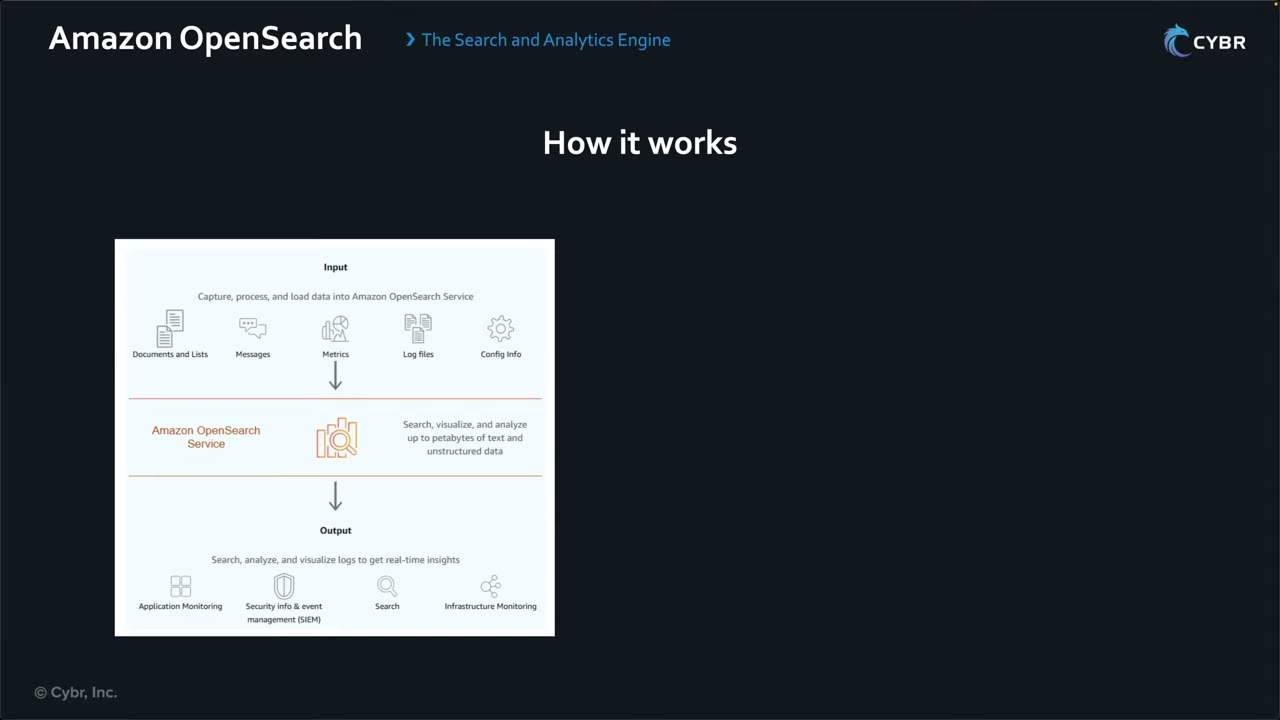
- Input: documents/lists, messages, metrics, log files, config info (“capture, process, and load data”). Sources include Security Lake, CloudWatch, nginx, Apache and many more. ▶ #119 00:41
- OpenSearch Service: search, visualize and analyze up to petabytes of text and unstructured data, giving it “just enough structure”. ▶ #119 01:12
- Output: application monitoring, feeding SIEMs, in-app search, infrastructure monitoring. OpenSearch does much of the heavy lifting. ▶ #119 01:20 ▶ #119 01:40
Deployment options
The console Get started offers the Observability use case (creates an optimized workspace in OpenSearch UI), Create an OpenSearch UI without a use case, and three Quick create tiles. Pricing differs by option. ▶ #119 01:51 ▶ #119 02:10
| Managed cluster (“domain”) | Serverless collection | |
|---|---|---|
| Tagline | “Deploy a fully-managed, secure OpenSearch cluster in minutes” | “Eliminate infrastructure management with on-demand Serverless collections” ▶ #119 02:01 |
| You manage | Version, VPC, IAM roles, node types/sizes (price, availability) and storage ▶ #119 03:00 | No node sizes ▶ #119 03:40 |
| Network | VPC access (recommended) / dual stack | Public or private, but you don’t pick the VPC ▶ #119 04:11 |
| Security | Domain access policy, fine-grained access control, KMS, node-to-node encryption, HTTPS | Encryption, network and data access policies |
Ingestion pipelines (“Ingest, transform, and route data to domains or Serverless collections at scale”) feed both, e.g. create a serverless collection, then a pipeline into it. ▶ #119 02:10 ▶ #119 02:22
Managed cluster = “domain”
AWS uses domain to mean a managed cluster deployment. Create domain configures node types and storage. Creation method: Easy create (Multi-AZ with standby, change later) or Standard create (all options). ▶ #119 02:30 ▶ #119 02:50
| Easy create setting | Value |
|---|---|
| Engine | OpenSearch 3.3 (latest) |
| Availability | 3-AZ with standby |
| Data nodes | r8g.large.search ×3 (Active 2, Standby 1) |
| Storage | EBS gp3 300 GiB |
| Dedicated master | m7g.large.search ×3 |
| Network | VPC access (recommended) / dual stack |
| Access | Fine-grained access control |
| Encryption | “HTTPS for all traffic to the domain” |
AWS manages the complexity, but you still control node sizes and placement. ▶ #119 03:21
Serverless collection
| Collection type | Use |
|---|---|
| Time series | Large volumes of semi-structured machine-generated data/events in near real time → typical for security logs ▶ #119 03:50 |
| Search | Full-text search powering applications |
| Vector search | Embeddings, semantic/similarity search |
- Deployment type: Enable redundancy (active replicas) is the default for production; disable it to cut cost at the expense of availability. ▶ #119 04:01
- Encryption with an AWS owned key or a customer managed key. ▶ #119 04:01
- Serverless = higher-level configuration, less management. ▶ #119 04:20
- Console Serverless → Security: Authentication, Data access policies, Encryption policies, Network policies; plus Data lifecycle policies and VPC endpoints.
Domain security
- VPC access (no public endpoint).
- Fine-grained access control: index-, document- and field-level roles.
- Resource-based domain access policy.
- Dashboards authentication via Cognito or SAML / IAM Identity Center.
- Encryption at rest (KMS), node-to-node encryption, HTTPS required (TLS policy).
Getting data in: ingestion options
| Path | Notes |
|---|---|
| CloudWatch Logs subscription filter | To OpenSearch directly, or via Lambda/Firehose |
| Firehose → OpenSearch | Managed delivery, optional S3 backup |
| OpenSearch Ingestion pipelines | Data Prepper based, from S3/SQS, Kinesis, Kafka, HTTP/OTel |
| Direct query (zero-ETL) | Query Security Lake / S3 / CloudWatch data in place instead of ingesting it |
Ingestion pipelines copy data into indexes for faster search; direct query avoids the copy.
Creating a pipeline: drawer → Ingestion → Pipelines → Create pipeline → Visual pipeline (guided wizard) or Configuration editor (code). ▶ #119 08:00 ▶ #119 08:10 There are 47 blueprints, grouped by use case (contextual search, custom processing, DLQ replay, GeoIP, log analytics, migration, observability, security analytics, streaming, zero-ETL) and by service. ▶ #119 08:21
Blueprint examples: ALB access logs, Apache logs, CloudTrail logs (enriches CloudTrail logs pulled from an SQS queue), Lambda custom enrichment, ELB access logs, GeoIP enrichment for VPC Flow Logs / WAF access logs, log aggregation with conditional routing, logs to metrics, Kinesis Data Streams, MSK/Kafka, RDS/Aurora CDC, OpenTelemetry logs/metrics/traces, S3 logs (SQS notifications), S3 scan, Security Lake S3 Parquet OCSF, Transit Gateway Flow Logs, VPC Flow Logs, WAF logs. ▶ #119 08:40 Then query, visualize and build alerts. ▶ #119 08:52
Dashboards, UI and analytics plugins
| OpenSearch Dashboards | OpenSearch UI | |
|---|---|---|
| Deployment | Bundled with each domain or serverless collection ▶ #119 04:33 | Separate, cloud-hosted, created independently ▶ #119 04:51 |
| Scope | That single deployment | Multiple data sources: several domains, serverless collections, CloudWatch, Security Lake, S3 ▶ #119 05:00 |
- Security analysts use them for incident response, threat hunting and general security/ops queries. ▶ #119 05:10
- Query languages: DQL, Lucene, PPL, SQL.
- Security Analytics plugin = Sigma-rule detections and correlation. Alerting plugin sends notifications (SNS, Slack, webhooks) on query monitors.
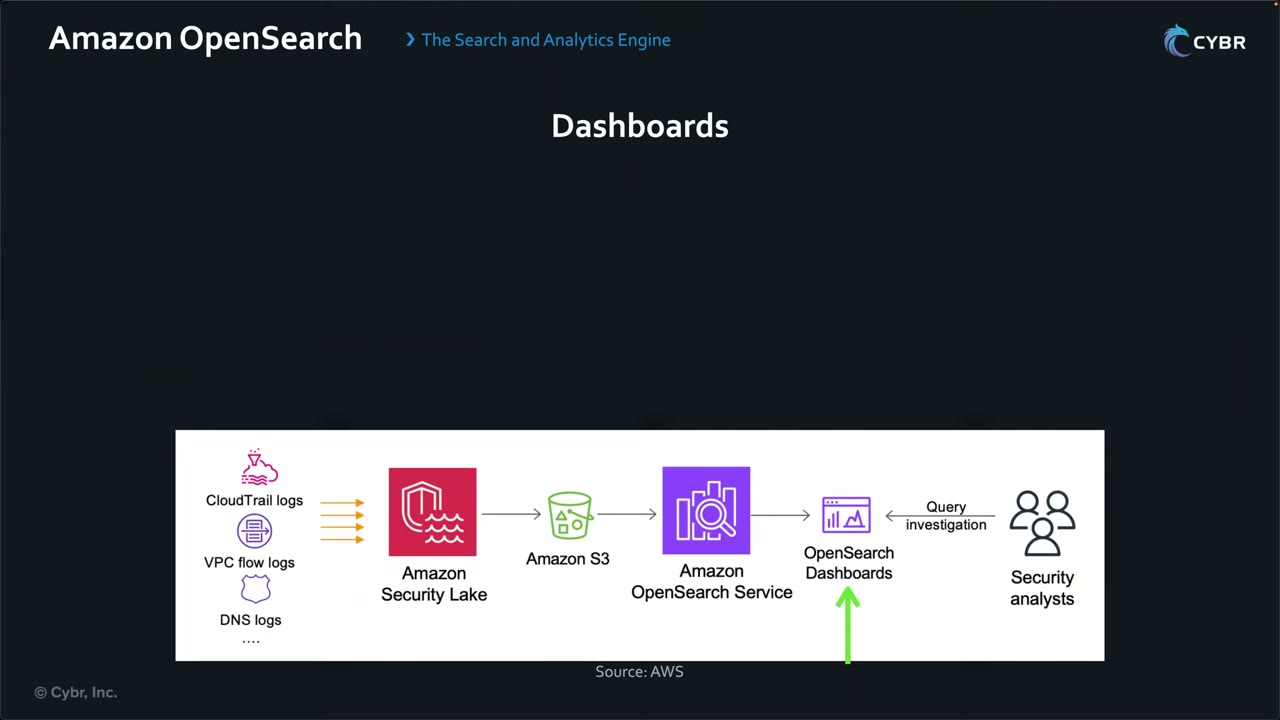
AWS reference flow: CloudTrail logs, VPC flow logs, DNS logs → Security Lake → S3 → OpenSearch Service → OpenSearch Dashboards ← queries and investigations by security analysts.
Connecting Security Lake (zero-ETL)
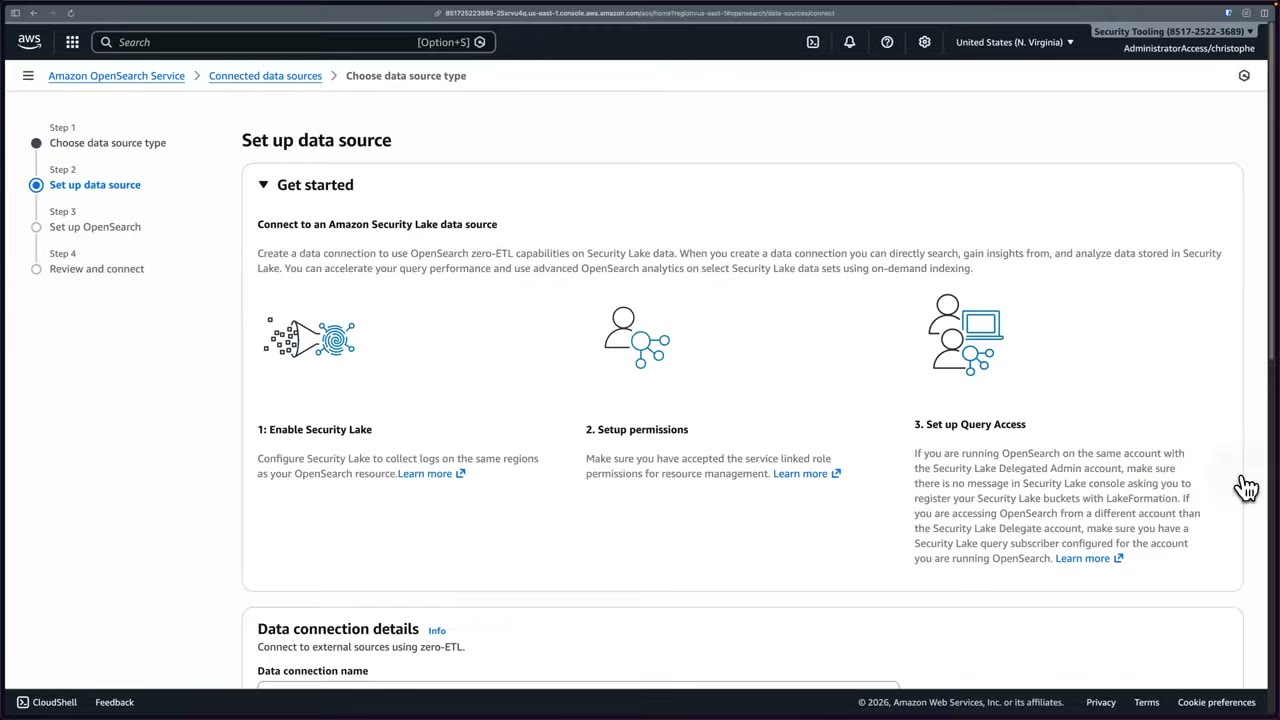
Prerequisites: ▶ #119 05:41
- Enable Security Lake in the same Regions as the OpenSearch resource.
- Set up permissions (accept the service-linked role).
- Set up query access: if OpenSearch runs in a different account from the Security Lake delegated admin, you need a Security Lake query subscriber for that account (see Amazon Security Lake, #117).
- Central management → Connected data sources → Connect new data source. Type: CloudWatch Logs or Security Lake → Security Lake. ▶ #119 05:20 ▶ #119 05:30
- Data connection name
security_lake_connection; create a new role; Glue database =security_lake_link(the resource link from #118). ▶ #119 05:51 - Next → Next → Review → Connect. Stay on the page; it takes ~5 minutes. Banner: “Data connection created successfully”. ▶ #119 06:01 ▶ #119 06:11
- Overview: Start exploring logs (Discover → Explore logs), Create dashboard, and prebuilt templates: VPC flow logs (flows over time, top talkers, MB/packets; VPC v2), WAF logs (total requests, by terminating action, top countries), CloudTrail logs (events over time, by account ID, event APIs). Connection details: type Amazon Securitylake, IAM role
DSRoleOS-…; OpenSearch resource: a collection (AWS owned key). ▶ #119 06:22 - Explore logs → the URL switches to
application-opensearchui-…: this is OpenSearch UI. Discover: select data, query with DQL/Lucene/PPL/SQL. Menu: Overview, Discover, Dashboards, Visualizations; Manage workspace: details, collaborators, data sources, index patterns, assets, sample data. ▶ #119 06:40 ▶ #119 07:00 - Back in the console → Create dashboard: type VPC flow logs / WAF logs / CloudTrail logs / Network Firewall, name, description, Glue database, refresh interval (e.g. 15 min), Regions, account IDs. ▶ #119 07:31
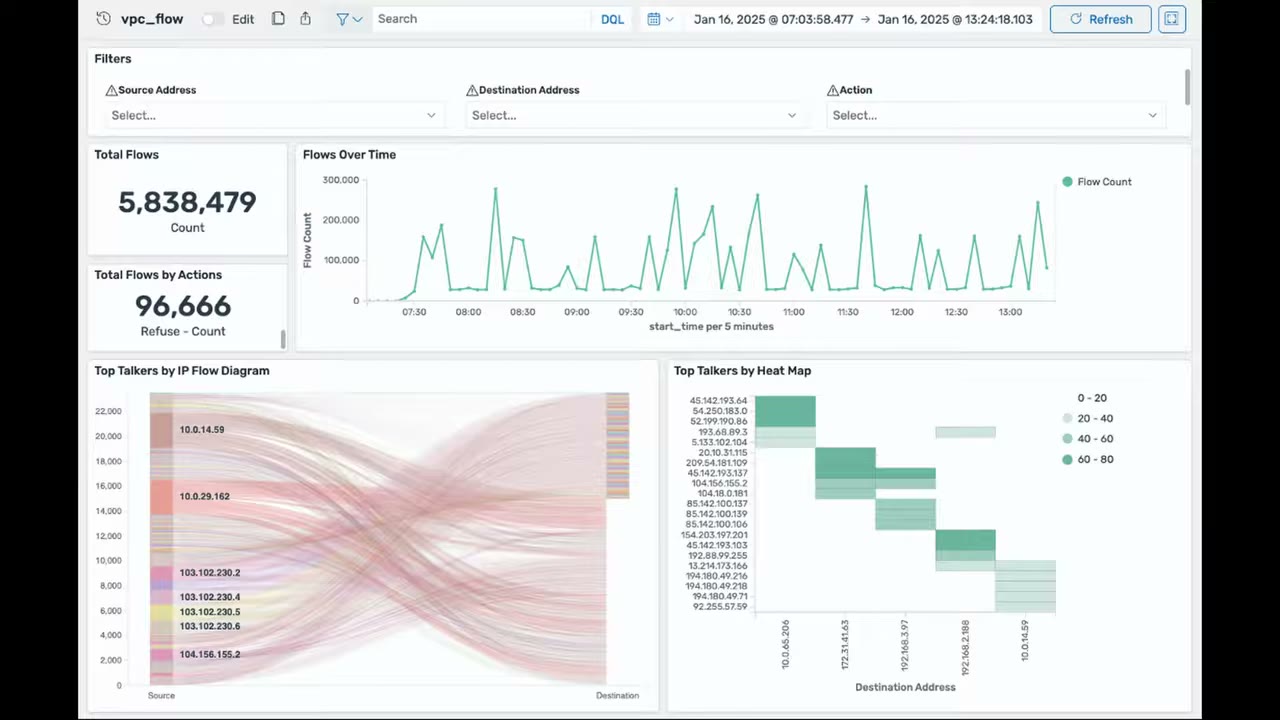
The example VPC flow logs dashboard shows Total Flows 5,838,479; Total Flows by Actions (Refuse count 96,666); Flows Over Time; Top Talkers by IP Flow Diagram (Sankey source → destination); Top Talkers by Heat Map; filters for source/destination address and action. ▶ #119 07:52
From the instructor
- Domain = managed cluster (you size nodes); serverless collection = no node management; time series type for logs. ▶ #119 02:30 ▶ #119 03:50
- OpenSearch Dashboards (per deployment) vs OpenSearch UI (standalone, multi-source). ▶ #119 04:33
- Security Lake can be a zero-ETL source for OpenSearch. ▶ #119 05:30
- Exam scenarios: search/analyze large volumes of security logs, an analytics engine that integrates with Security Lake, dashboards for operational and security data → OpenSearch. ▶ #119 09:01
- Caution: “dashboards” could also point to Grafana, depending on context and answer options. ▶ #119 09:10
- Querying raw data in S3 with SQL → Athena, not OpenSearch. ▶ #119 09:31
Keyword → answer
| If the question says… | Answer |
|---|---|
| Near-real-time full-text search and dashboards of logs, correlate across sources | OpenSearch |
| Occasional SQL over S3, cheapest | Athena |
| Restrict analysts to certain indices/fields | Fine-grained access control |
| Search/analyze large volumes of security logs; analytics engine integrated with Security Lake | OpenSearch |
| Dashboards for operational and security data | OpenSearch or Managed Grafana (Grafana visualizes many sources without storing data). Read the options |
| OpenSearch in another account must read Security Lake | Security Lake query subscriber for that account |
Real-world practice
- Pipeline: CloudWatch Logs (multi-account) → subscription → Firehose → OpenSearch (VPC domain, FGAC). Keep a raw copy in S3 via Firehose backup.
- Indexing everything is expensive. Keep hot data in OpenSearch for days/weeks (UltraWarm/cold storage, ISM policies) and the long tail in S3/Security Lake, queried via Athena or direct query.
- Run OpenSearch in the Security Tooling account, VPC-only, with SAML via IAM Identity Center for analysts.
- Production SIEM sizing: 3 dedicated masters, Multi-AZ with standby. Alarm on
ClusterStatus.red, JVM pressure and free storage.
Amazon Managed Grafana
The fully managed version of open-source Grafana: AWS provisions, scales, patches and maintains it, and you build dashboards that query, correlate and visualize metrics, logs and traces from many sources in one view. It queries sources live and is not a log store.
- Exam skills: metrics, alerts & dashboards for anomalies (1.1.4) · correlate logs (1.2.5) · identity solutions, SAML IdP (4.1.1) · private access via VPC endpoints (5.1.2)
- Videos: ▶ #120 Amazon Managed Grafana
- Login: IAM Identity Center or SAML only. No IAM users
What it is
- A fully managed data visualization service to query, correlate and visualize operational metrics, logs and traces from multiple sources. ▶ #120 00:00
- Grafana is open source (AGPL-3.0): “the open-source platform for monitoring and observability”, with visualizations, dynamic dashboards, metric/log exploration, alerting (Slack, PagerDuty, VictorOps, OpsGenie) and mixed data sources per query. ▶ #120 00:10
- Managed Grafana handles provisioning, scaling, patching and maintenance. ▶ #120 00:21
- Use cases: operational dashboards, security monitoring, application performance monitoring, container observability, especially multiple sources in one unified view. ▶ #120 00:30
Pair it with Security Lake / Athena / OpenSearch / Prometheus for storage and analytics.
Workspaces, authentication and permissions
A workspace is “a logically isolated Grafana server”: name, description, Grafana version, tags. ▶ #120 01:00
Authentication: IAM Identity Center (successor to AWS SSO) and/or SAML. Only these two: you cannot use IAM users. ▶ #120 01:10 ▶ #120 01:21
- The console requires at least one method. Identity Center must be enabled before you continue; SAML is finished after the workspace is created.
- Enabling Identity Center creates a user, but you still must assign users to the workspace.
- Grafana roles are Admin / Editor / Viewer, assigned to Identity Center users/groups or mapped from SAML assertion attributes.
Permission type: the workspace uses an IAM role to read data sources. ▶ #120 01:21
| Service managed | Customer managed | |
|---|---|---|
| Role | AWS creates a workspace role with policies for each data source you select | You create your own IAM role (from suggested policies) |
| Org-wide | Org mode deploys roles into OUs via CloudFormation StackSets | Cross-account data sources: assume a role per data source |
| Use when | Quick setup | Least privilege or custom cross-account setups |
Service-managed scope: current account or organization. ▶ #120 02:11 Data sources: CloudWatch, OpenSearch, Prometheus (Amazon Managed Service for Prometheus), Timestream, Redshift, Athena, IoT SiteWise, X-Ray. ▶ #120 02:31 Notification channel: Amazon SNS. ▶ #120 02:40
Other workspace settings
- Outbound VPC connection (optional): connects the workspace to a VPC in the same account/Region to reach private data sources without the public internet. It creates a service-linked role to manage ENIs. ▶ #120 01:32
- Grafana alerting on/off. ▶ #120 01:32
- Plugin management: discover/install/update extra plugins. Core already includes the Prometheus and CloudWatch plugins. ▶ #120 01:41
- Network access control: open access or restricted access. ▶ #120 01:51
Change security groups/subnets only via the UpdateWorkspace API (manual ENI changes can break the workspace), and
keep at least 15 free IP addresses per subnet. Otherwise config changes fail, the workspace can’t receive security
updates/patches, and in rare cases it loses availability entirely.
- Step 1 – workspace details: name, description, Grafana version, tags. ▶ #120 01:00
- Step 2 – configure settings: authentication (IAM Identity Center and/or SAML), permission type (service or customer managed), optional outbound VPC connection, Grafana alerting, plugin management, network access control (open/restricted). ▶ #120 01:10
- Step 3 – service-managed permission settings: current account or organization; data sources (CloudWatch, OpenSearch, Prometheus, Timestream, Redshift, Athena, IoT SiteWise, X-Ray); notification channel SNS. ▶ #120 02:11
- Step 4 – review and create (not created in the demo). ▶ #120 02:50
Example dashboards
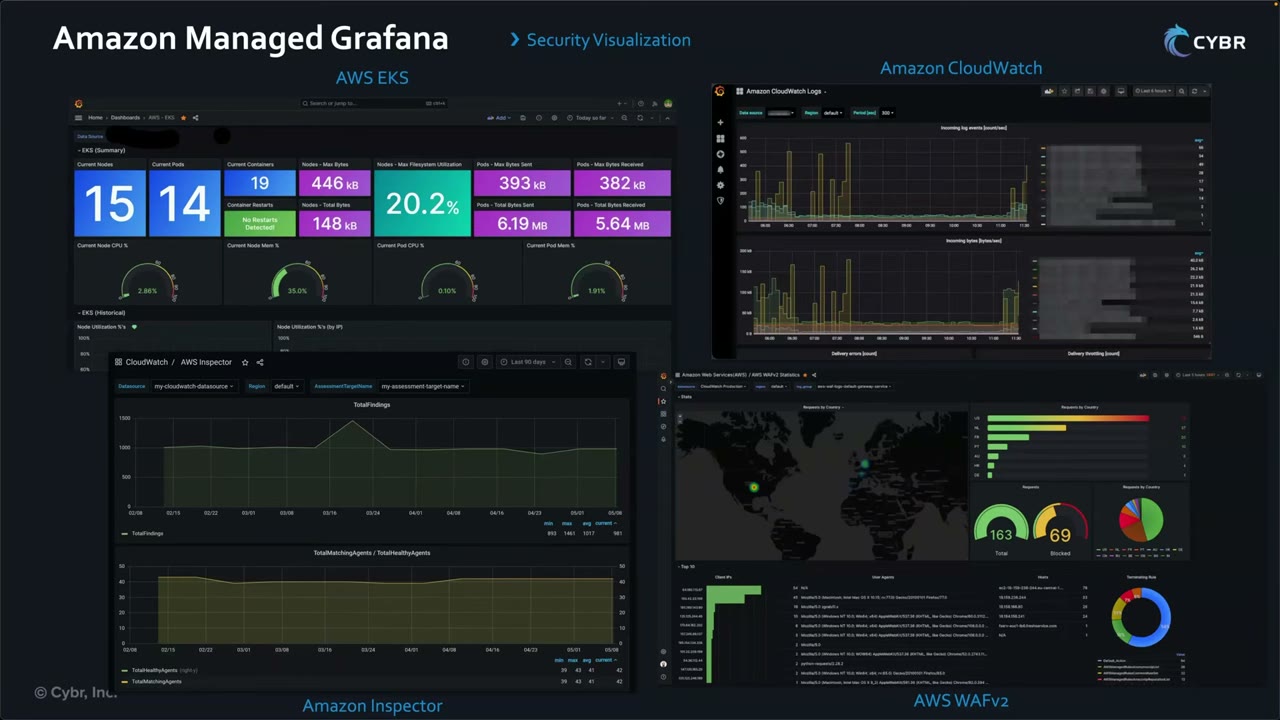
| Dashboard | Shows |
|---|---|
| AWS EKS | Nodes, pods, containers, CPU/memory gauges |
| Amazon CloudWatch Logs | Incoming log events and bytes |
| Amazon Inspector | TotalFindings over time, TotalMatchingAgents vs TotalHealthyAgents |
| AWS WAFv2 | Requests by country map, total vs blocked gauges (163/69), top IPs/user agents, terminating rules |
Private access with interface VPC endpoints
An interface VPC endpoint (powered by AWS PrivateLink) lets you reach Managed Grafana without an internet gateway, NAT instance or VPN. ▶ #120 03:22 ▶ #120 03:31 There are two types: ▶ #120 03:51
| Endpoint type | Plane | Keeps private |
|---|---|---|
| Service endpoints | Control plane | Administrative API calls: create/delete workspaces, update configuration, any Grafana management ▶ #120 04:00 |
| Workspace endpoints | Data plane | Users’ browser traffic to dashboards. Create one per workspace you want private ▶ #120 04:32 |
Layer on top:
- Network access control (NAC) on the workspace: restrict which hosts can reach it (IP prefix lists, VPC endpoint IDs). ▶ #120 04:51
- Endpoint policies (IAM resource policies) on the VPC endpoints. ▶ #120 05:02
- Combined, these give defense in depth. ▶ #120 05:10
From the instructor
- You don’t need setup details: know Grafana’s role in the stack and when to use it. ▶ #120 05:20
- Scenarios: visualize security data from multiple sources in one dashboard; operational dashboards from CloudWatch, X-Ray, OpenSearch and others; integrate Grafana with an existing SAML IdP. ▶ #120 05:32
- Workspace auth = IAM Identity Center or SAML only; no IAM users. ▶ #120 07:00
- Core plugins include Prometheus and CloudWatch. ▶ #120 01:41
- Service endpoints (control plane) vs workspace endpoints (data plane, one per workspace), plus NAC and endpoint policies. ▶ #120 03:51
Keyword → answer ▶ #120 06:00
| If the question says… | Answer |
|---|---|
| “Grafana”, multi-source visualization and dashboards | Managed Grafana |
| Fast search and log analytics with indexing | OpenSearch |
| Query data in S3 with SQL | Athena |
| CloudWatch-native dashboards, no multi-source need | CloudWatch dashboards (enough at smaller scale) |
| Single dashboard of security metrics from CloudWatch + Athena + OpenSearch, multiple accounts, SSO login | Managed Grafana |
| Dashboard empty for a data source | Workspace IAM role lacks permission for that data source/account |
| Log in to Grafana with IAM users | Not possible: IAM Identity Center or SAML |
| Dashboards reachable without internet | Workspace endpoint |
| Keep admin API calls inside the VPC | Service endpoint |
Real-world practice
- Restrict workspace network access with prefix lists + VPC endpoint IDs so dashboards are reachable only from corporate networks/VPN. Use
aws:SourceVpceconditions in endpoint/resource policies. - Put security dashboards (GuardDuty / Inspector / WAF / Security Hub metrics) in a workspace owned by the Security Tooling account, with read-only data source roles.
- Grafana API keys / service account tokens: short TTL, stored in Secrets Manager, rotated.
- Grafana Enterprise plugins (e.g. Splunk, ServiceNow, Datadog data sources) need an Enterprise upgrade on the workspace.
VPC Flow Logs
Metadata (no payload) about IP traffic to and from ENIs: who talked to whom, on which port and protocol, how much, and whether it was accepted or rejected. Created on a VPC, subnet or ENI.
- Exam skills: network log sources (1.2.6) · choose log sources & storage (1.2.1) · configure service logging (1.2.2) · analyze logs (1.2.4) · troubleshoot logging permissions (1.3.1) · logs as forensic artifacts (2.2.1) · search & correlate logs (2.2.2)
- Videos: ▶ #109 Amazon VPC Flow Logs
- Key limits: not real-time (1 or 10 min aggregation), can’t be edited after creation
Scope, filter, interval and destinations
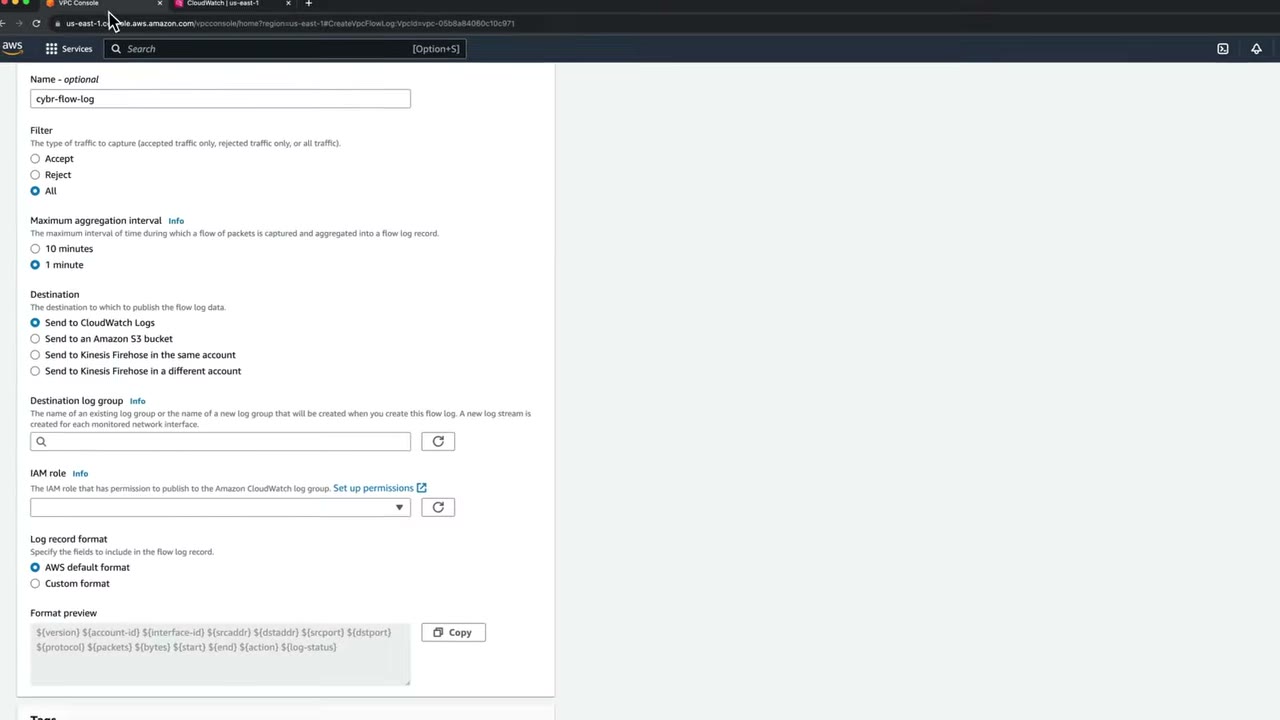
| Setting | Options | Notes |
|---|---|---|
| Resource | VPC, subnet or ENI | VPC console → select VPC → Actions → Create flow log ▶ #109 00:10 |
| Filter | Accept, Reject or All | All is recommended for security and network troubleshooting ▶ #109 00:20 |
| Max aggregation interval | 10 minutes (default) or 1 minute | The window in which a flow is aggregated into one record. 1 min produces many more records (cost) ▶ #109 00:42 |
| Destination | CloudWatch Logs, S3, Firehose (same account), Firehose (different account) | S3 can use Parquet + Hive-compatible partitions ▶ #109 01:10 |
| Record format | AWS default or custom | Custom fields raise the format version above 2 ▶ #109 03:21 |
- Recommendation: 10 minutes unless you really need 1. The demo uses 1 minute only to avoid waiting. ▶ #109 01:00
- You can’t edit a flow log after creation. To change settings, create a new one and delete the old one. ▶ #109 03:51
- Data takes a few minutes to appear (longer with 10-min aggregation). It is not real-time. ▶ #109 03:32
Permissions: CloudWatch Logs vs S3
| Destination | What’s needed |
|---|---|
| CloudWatch Logs | An IAM role that trusts vpc-flow-logs.amazonaws.com and allows logs:CreateLogGroup, CreateLogStream, PutLogEvents, DescribeLogGroups, DescribeLogStreams. The creating user needs iam:PassRole |
| S3 | No role. The bucket policy must allow delivery.logs.amazonaws.com |
The role lets VPC Flow Logs create log groups and streams and put log events into CloudWatch. ▶ #109 03:01
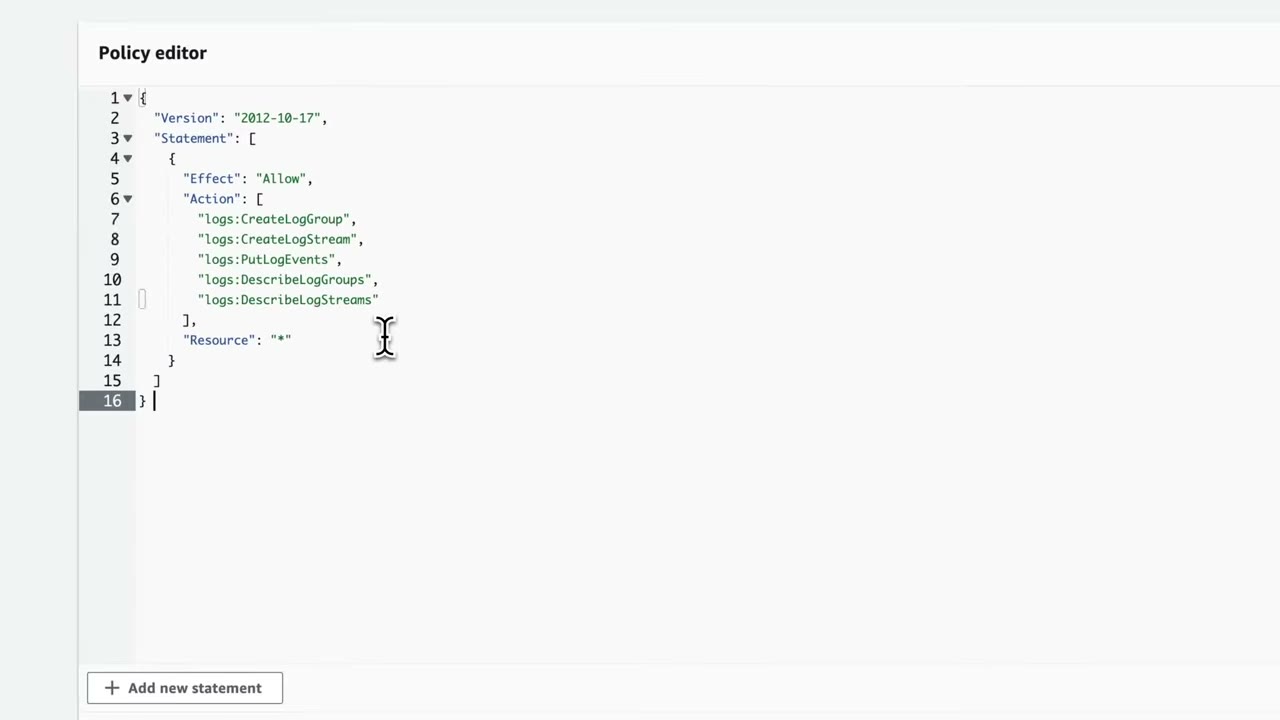
Permissions policy (CreatePutDescribeCloudWatchLog): ▶ #109 02:32
{
  "Version": "2012-10-17",
  "Statement": [
    {
      "Effect": "Allow",
      "Action": [
        "logs:CreateLogGroup",
        "logs:CreateLogStream",
        "logs:PutLogEvents",
        "logs:DescribeLogGroups",
        "logs:DescribeLogStreams"
      ],
      "Resource": "*"
    }
  ]
}
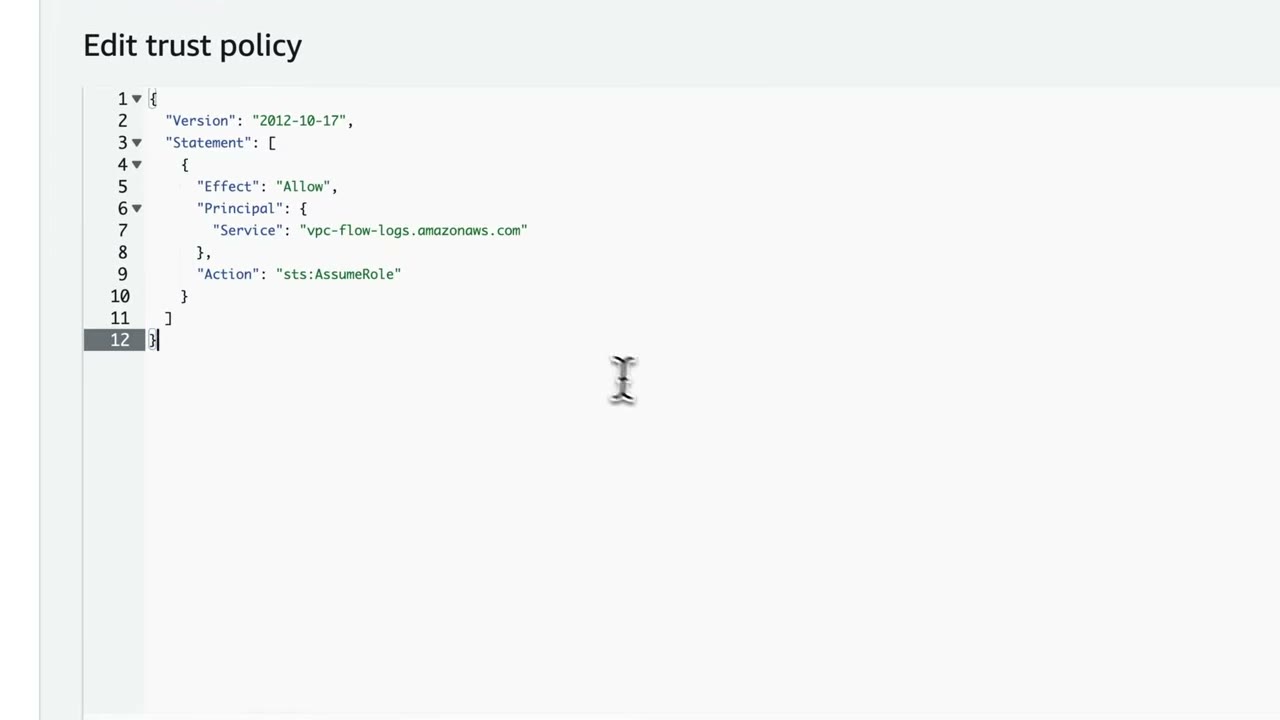
Trust policy: replace the placeholder EC2 principal with the flow logs service. ▶ #109 02:51
{
  "Version": "2012-10-17",
  "Statement": [
    {
      "Effect": "Allow",
      "Principal": { "Service": "vpc-flow-logs.amazonaws.com" },
      "Action": "sts:AssumeRole"
    }
  ]
}
- VPC console → select the VPC → Actions → Create flow log. Name
cybr-flow-log, filter All, interval 1 minute, destination CloudWatch Logs. ▶ #109 00:10 - CloudWatch → create log group
vpc-flow-logswith retention 1 month (you’d probably want more), then refresh the dropdown and select it. ▶ #109 01:31 ▶ #109 02:00 - IAM role → Set up permissions: IAM → Create role → AWS service → use case EC2 (just to get through the wizard) → no permissions → name
VPCFlowLogCloudWatch→ Create. ▶ #109 02:01 ▶ #109 02:11 - Add permissions → Create inline policy → JSON → the policy above. ▶ #109 02:32
- Trust relationships → Edit trust policy → principal
vpc-flow-logs.amazonaws.com. ▶ #109 02:51 - Back in the form: select the role, AWS default format → Create flow log. The VPC Flow logs tab shows the ID, destination, role ARN, interval and status Active. ▶ #109 03:40
- CloudWatch → log group → one log stream per ENI (e.g.
eni-0b18827b2252ec65a-all) with ACCEPT and maybe REJECT records, depending on security groups and NACLs. ▶ #109 04:10 ▶ #109 04:20 - Logs Insights → sample queries (see below). ▶ #109 05:12
- Cleanup: delete the flow log (it keeps generating lots of logs and cost), optionally the log group. ▶ #109 06:30
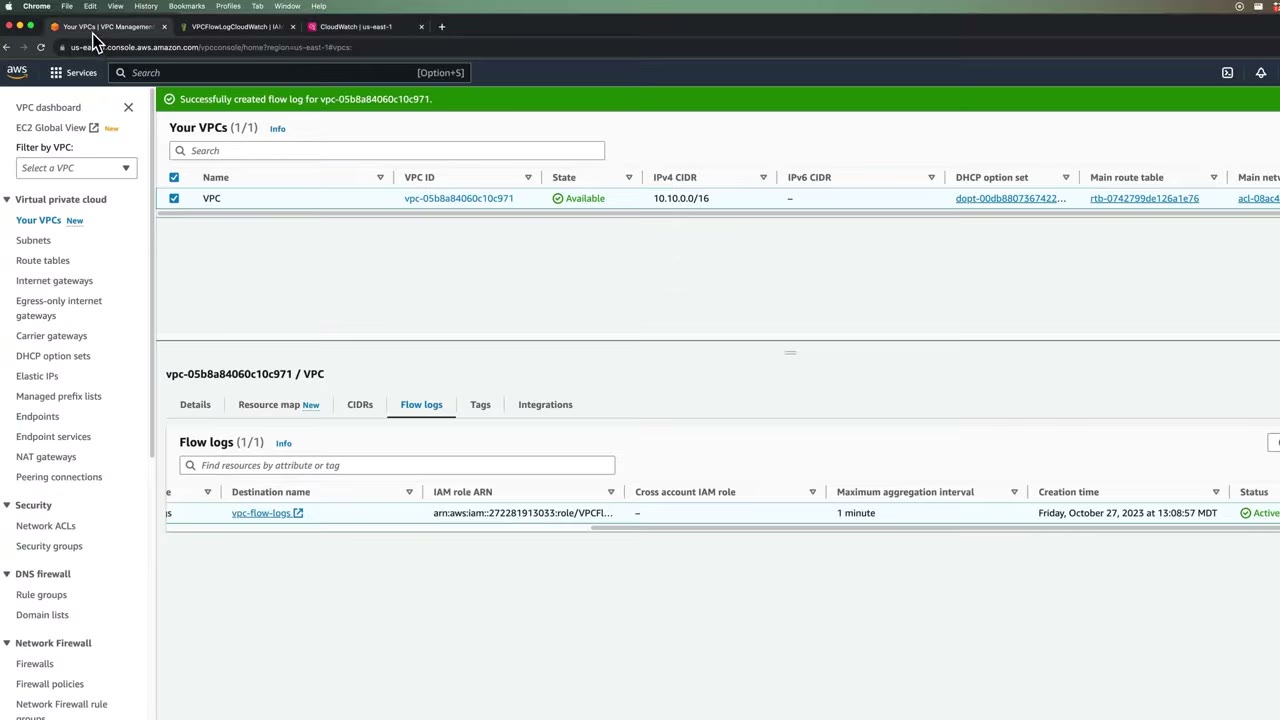
Reading a record
Default (v2) format:
${version} ${account-id} ${interface-id} ${srcaddr} ${dstaddr} ${srcport} ${dstport} ${protocol} ${packets} ${bytes} ${start} ${end} ${action} ${log-status}
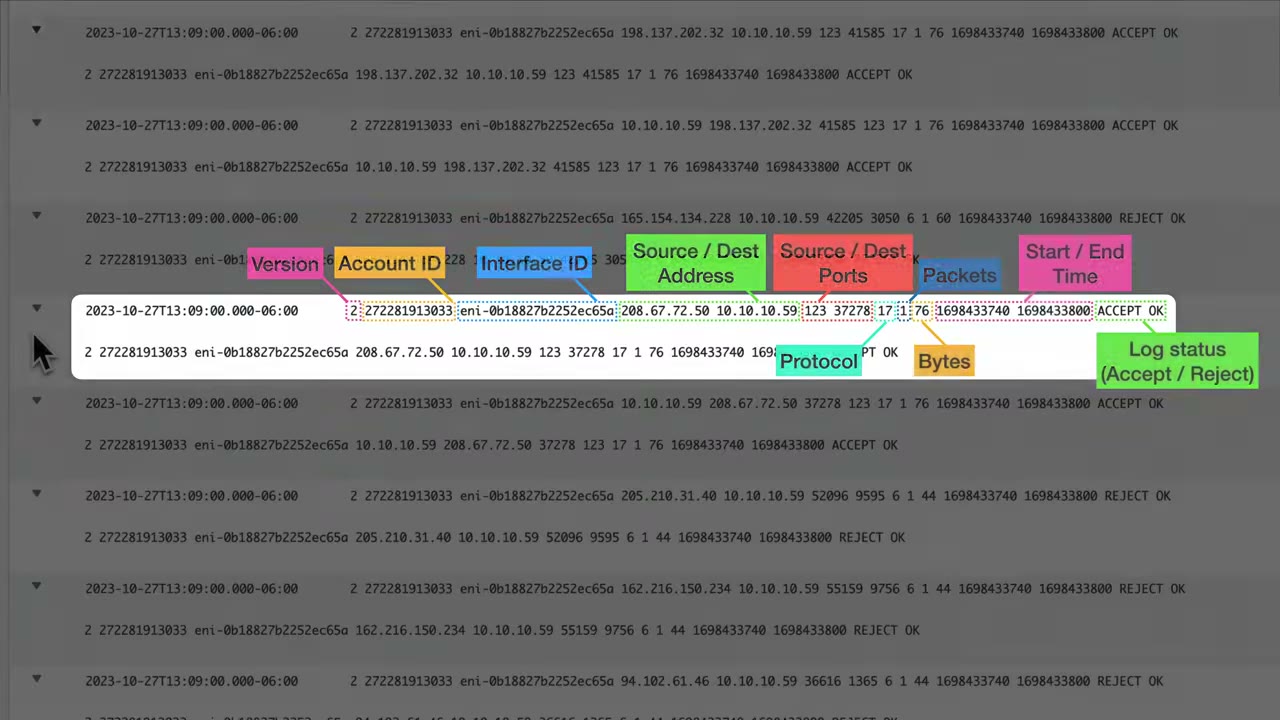
Records are space-separated strings: ▶ #109 04:32
| Field | Example | Meaning |
|---|---|---|
| version | 2 |
Flow log format version |
| account-id | 272281913033 |
Account owning the ENI |
| interface-id | eni-0b18827b2252ec65a |
Network interface |
| srcaddr / dstaddr | 208.67.72.50 / 10.10.10.59 |
Source / destination IP |
| srcport / dstport | 123 / 37278 |
Ports |
| protocol | 17 |
IANA number (6 = TCP, 17 = UDP, 1 = ICMP) |
| packets | 1 |
Packets in the window |
| bytes | 76 |
Bytes in the window |
| start / end | 1698433740 / 1698433800 |
Unix epoch seconds |
| action | ACCEPT / REJECT |
Allowed or denied by SG/NACL |
| log-status | OK |
OK, NODATA, SKIPDATA |
Custom format fields worth knowing:
vpc-id,subnet-id,instance-idtcp-flagspkt-srcaddr/pkt-dstaddr: the original IPs behind NAT / ELBflow-direction,traffic-pathpkt-src-aws-service
ACCEPT / REJECT logic: security groups are stateful, so a REJECT on the return leg usually points to a NACL (stateless) missing an ephemeral-port rule. A REJECT on the inbound record with no outbound record → blocked by the SG or NACL inbound.
What flow logs don’t capture
- Traffic to the Amazon DNS server (use Route 53 Resolver query logs). Traffic to your own DNS server is logged.
- Instance metadata
169.254.169.254and Amazon Time Sync169.254.169.123. - DHCP and traffic to the VPC router’s reserved IP.
- Windows license activation.
- Traffic mirrored by Traffic Mirroring.
- Traffic between an endpoint ENI and an NLB ENI.
- Packet contents. Need payload → VPC Traffic Mirroring (packet-level analysis itself is out of scope) or Network Firewall logs.
Analyzing flow logs
Even minutes of data is a lot. Weeks of production VPC traffic is impossible to browse without a log aggregator/analytics platform or SIEM. ▶ #109 05:00
| Tool | When |
|---|---|
| CloudWatch Logs Insights | Interactive, short-term; built-in sample queries ▶ #109 05:12 |
| S3 (Parquet, Hive partitions) + Athena | Analysis at scale, long retention |
| Security Lake (OCSF) | Normalized, org-wide |
| GuardDuty | Analyzes flow logs as a foundational source without you enabling them |
| Transit Gateway flow logs | Traffic through TGW attachments |
Logs Insights → select the vpc-flow-logs log group → Queries tab → VPC flow logs samples. ▶ #109 05:20 ▶ #109 05:31
“Top 20 source IP addresses with highest number of rejected requests” returns source address + rejection count, ▶ #109 05:51
roughly:
filter action="REJECT"
| stats count(*) as numRejections by srcAddr
| sort numRejections desc
| limit 20
Top talkers by bytes (“Showing 10 of 66 records matched”): ▶ #109 06:10
stats sum(bytes) as bytesTransferred by srcAddr, dstAddr
| sort bytesTransferred desc
| limit 10
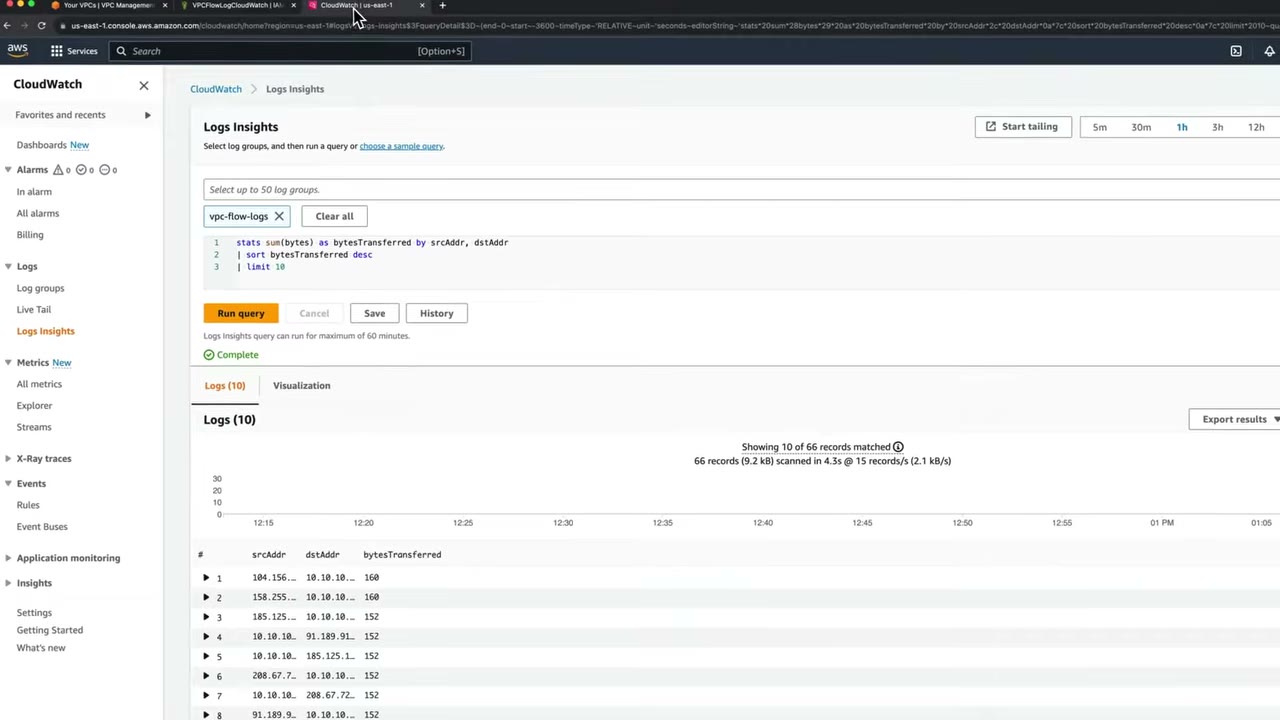
From the instructor
- Filter All is recommended for security and troubleshooting. ▶ #109 00:31
- Default aggregation is 10 minutes; 1 minute generates many more records. ▶ #109 00:51
- Four destinations: CloudWatch Logs, S3, Firehose same account, Firehose cross-account. ▶ #109 01:10
- The IAM role must trust the flow logs service and allow
logs:Create*/PutLogEvents/Describe*. ▶ #109 03:01 - You can’t edit a flow log; recreate it to change settings. ▶ #109 03:51
- Use Logs Insights (or a SIEM) to make flow logs usable. ▶ #109 05:12
- Turn flow logs off when not needed. ▶ #109 06:30
Keyword → answer
| If the question says… | Answer |
|---|---|
| Which IPs talked to a compromised instance | Flow Logs (ENI or subnet) → Athena / Logs Insights |
| Original client IP behind a NAT/NLB | Custom format with pkt-srcaddr |
| DNS lookups missing from flow logs | Expected: use Route 53 Resolver query logs |
| Inbound accepted but outbound response rejected | NACL outbound ephemeral ports |
| Flow log created but no data in CloudWatch | Role trust policy (vpc-flow-logs.amazonaws.com) or permissions wrong, or log group in another Region |
| Flow log to S3 has no data | Bucket policy for delivery.logs.amazonaws.com |
| Change the interval / format of an existing flow log | Create a new one, delete the old one |
| Need packet payload | VPC Traffic Mirroring |
Real-world practice
- Org-wide: enforce flow logs on all VPCs with the AWS Config rule
vpc-flow-logs-enabled+ SSM remediation (or Control Tower / Firewall Manager-style automation). Deliver directly to a central S3 bucket in the Log Archive account (cross-account bucket policy). - S3 delivery is much cheaper than CloudWatch Logs for long-term retention. Use CloudWatch only for short-term interactive analysis.
- Scope the role’s
logs:actions to the specific log group ARN rather than*in production. - 1-minute aggregation helps incident response but multiplies cost. Switch to it only during investigations (by recreating the flow log).
aws ec2 create-flow-logs --resource-type VPC --resource-ids vpc-0abc --traffic-type ALL \
  --log-destination-type s3 --log-destination arn:aws:s3:::central-flowlogs/ \
  --max-aggregation-interval 60 \
  --destination-options FileFormat=parquet,HiveCompatiblePartitions=true,PerHourPartition=true \
  --log-format '${version} ${account-id} ${vpc-id} ${subnet-id} ${instance-id} ${interface-id} ${srcaddr} ${dstaddr} ${srcport} ${dstport} ${protocol} ${packets} ${bytes} ${start} ${end} ${action} ${tcp-flags} ${pkt-srcaddr} ${pkt-dstaddr} ${flow-direction} ${log-status}'
- Enable flow logs to CloudWatch Logs, curl an instance from outside, then block it with a NACL.
- Run the Logs Insights REJECT query.
- Cleanup: delete the flow log and the log group.
Transit Gateway Flow Logs
The TGW-level equivalent of VPC flow logs: IP traffic to and from a transit gateway, so one place shows traffic between VPCs, to/from on-prem over VPN or Direct Connect, and across TGW peering, including cross-account attachments.
- Exam skills: network log sources (1.2.6) · configure service logging (1.2.2) · alerts on anomalies (1.1.4) · correlate logs (1.2.5) · Network Firewall (3.3.1) · network segmentation (3.3.4)
- Videos: ▶ #110 Transit Gateway Flow Logs
- Scope: a transit gateway or a single TGW attachment
Transit Gateway in one minute
- A Regional virtual router connecting multiple VPCs, in the same account or across accounts. ▶ #110 00:00
- Also connects on-premises networks through VPN connections or Direct Connect gateways. ▶ #110 00:11
- Without TGW you build a mesh of VPC peering, which gets complicated fast and has more limitations. With TGW each VPC attaches once and the TGW routes between them. ▶ #110 00:20 ▶ #110 00:41
- Shared across accounts with AWS RAM, common in multi-account organizations. ▶ #110 01:02
- Security value: a central point to control traffic between network segments and to monitor it with flow logs. ▶ #110 01:10
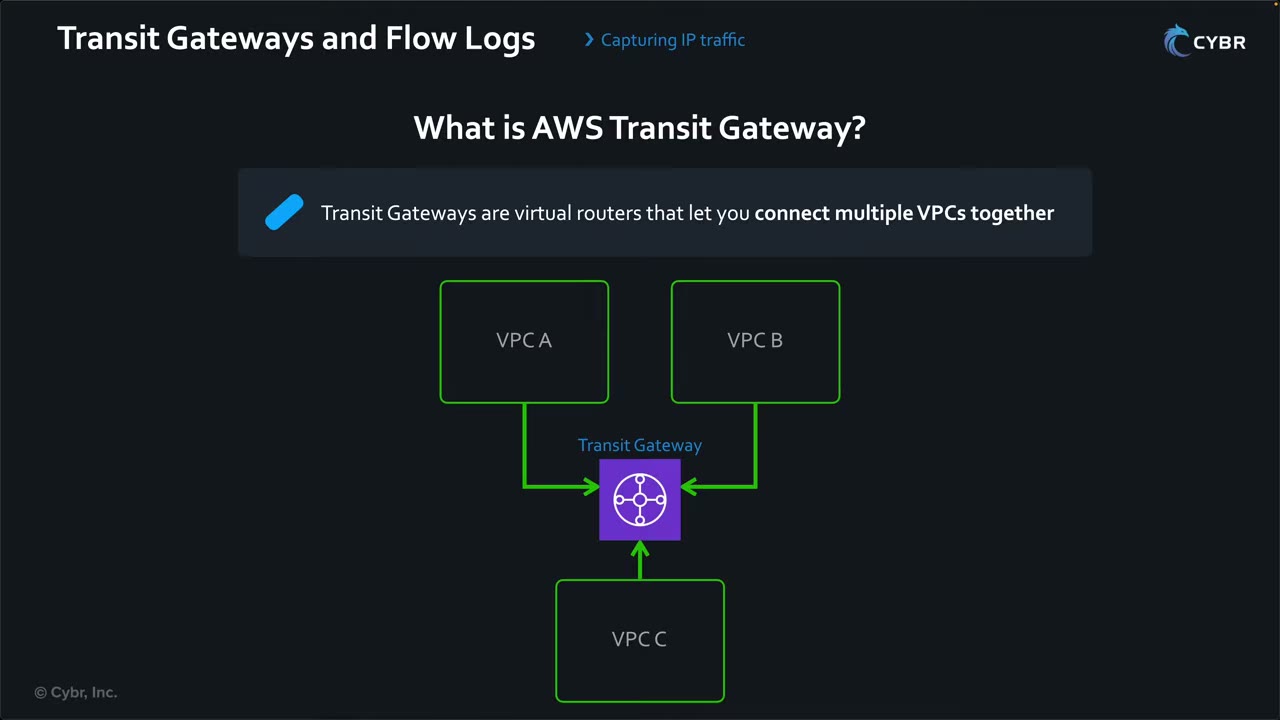
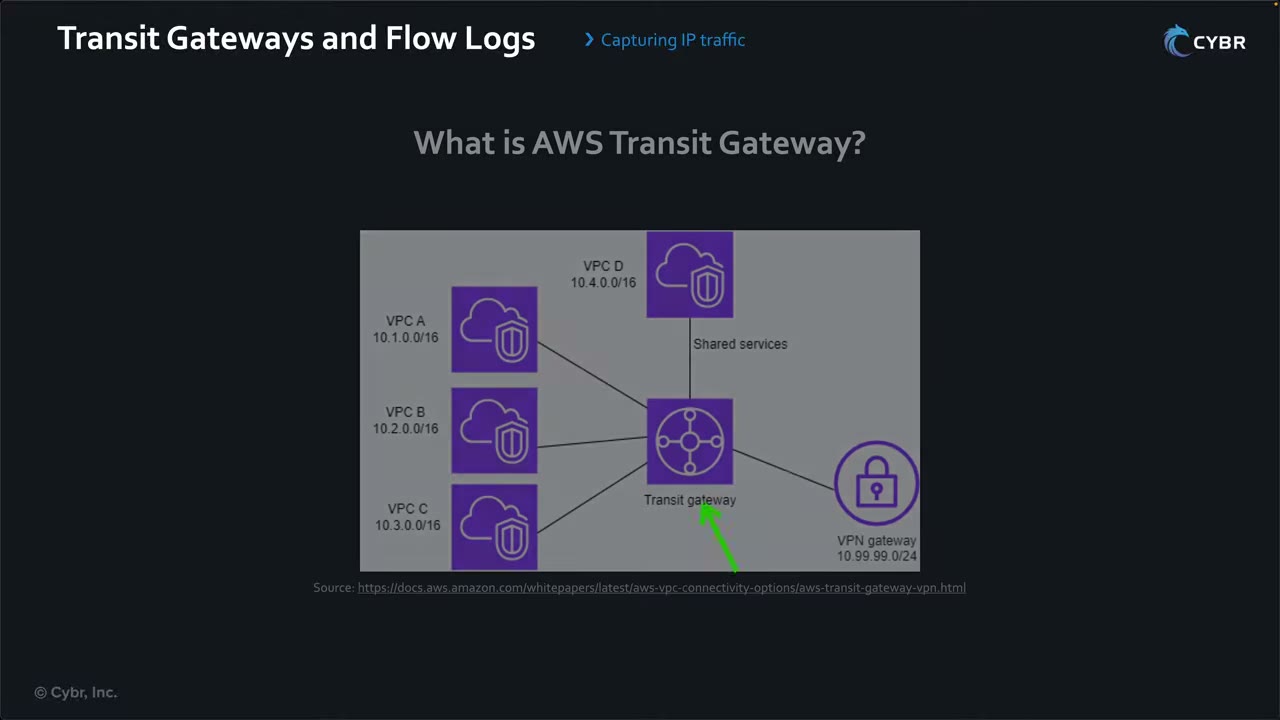
Every inter-VPC and hybrid flow passes the TGW, which is why TGW flow logs see it all.
What TGW flow logs capture
- IP traffic to and from the transit gateway. ▶ #110 01:22
- Visibility between VPCs, between on-prem and AWS over VPN or Direct Connect, and across TGW peering connections. ▶ #110 01:31
- “Who’s talking to whom across your networks”: spot unusual traffic patterns and investigate incidents. ▶ #110 01:51
- One place for east-west visibility in a hub-and-spoke network.
Record fields (know what’s available; you don’t need to memorize them): ▶ #110 02:00
| Group | Fields |
|---|---|
| Identity | tgw-id, tgw-attachment-id, tgw-src-vpc-id, tgw-dst-vpc-id (+ VPC account IDs) |
| Location | tgw-src-subnet-id / tgw-dst-subnet-id, tgw-src-eni / tgw-dst-eni (attachment ENIs), tgw-src-az-id / tgw-dst-az-id, region |
| Pairing | tgw-pair-attachment-id (egress or ingress attachment, depending on direction) |
| Traffic | tcp-flags (e.g. 19 = SYN-ACK+FIN, 3 = SYN+FIN), flow-direction (ingress / egress), pkt-src-aws-service / pkt-dst-aws-service (AMAZON, CLOUDFRONT, DYNAMODB, EC2, ROUTE53, S3…) |
| Drops | packets-lost-no-route, packets-lost-blackhole, packets-lost-mtu-exceeded, packets-lost-ttl-expired |
Each field has a Parquet data type and a version number (4–6).
Setup and destinations
- Create the transit gateway. ▶ #110 02:32
- Enable flow logs on the TGW (or an attachment).
- Choose a destination.
- Configure the log format: default or custom with specific fields. ▶ #110 02:52
- Set up analysis tools (Athena, CloudWatch Logs Insights, a SIEM) to make it actionable. ▶ #110 03:00
| Destination | Strengths | Watch out |
|---|---|---|
| Amazon S3 | Large volumes, cheap long-term storage, later ingestion into other tools ▶ #110 04:00 | Cross-account encrypted delivery needs a customer managed KMS key with a key policy, not an AWS managed key ▶ #110 04:10 |
| CloudWatch Logs | Near real-time: Logs Insights, metric filters → metrics → alarms ▶ #110 04:40 | Much higher cost than S3, but fewer moving parts ▶ #110 04:51 |
| Data Firehose (formerly Kinesis Data Firehose) | Streams to e.g. OpenSearch | Minor on the exam (“a question or two”) ▶ #110 03:30 |
For cross-account S3 delivery (e.g. to Log Archive), the bucket policy and key policy must allow
delivery.logs.amazonaws.com, with aws:SourceAccount / aws:SourceArn conditions against the confused deputy.
Scenario: alarm on SSH crossing the TGW
Policy: SSH (port 22) must never traverse the TGW; all admin access goes through Session Manager (port 443). ▶ #110 05:11
- Send TGW flow logs to CloudWatch Logs.
- Create a metric filter matching entries with destination port 22; each match increments a custom metric. ▶ #110 05:21
- Alarm when the metric > 0 → immediate visibility of SSH between VPCs, which could be a compromised instance or a policy violation. Either way it must be addressed. ▶ #110 05:40
A metric filter for space-delimited records could look like this (field order must match your actual log format):
[version, resource_type, account_id, tgw_id, tgw_attachment_id, tgw_src_vpc_account_id, tgw_dst_vpc_account_id, tgw_src_vpc_id, tgw_dst_vpc_id, tgw_src_subnet_id, tgw_dst_subnet_id, tgw_src_eni, tgw_dst_eni, tgw_src_az_id, tgw_dst_az_id, tgw_pair_attachment_id, srcaddr, dstaddr, srcport, dstport=22, ...]
Related controls: Session Manager for admin access, and a Config / Security Hub control for security groups open on 22.
Analysis services fed from S3
| Service | Role ▶ #110 06:01 |
|---|---|
| Athena | SQL over logs in S3 for investigations and reporting ▶ #110 06:11 |
| QuickSight (being rebranded Quick Suite; the exam may still say QuickSight) | Dashboards from Athena results ▶ #110 06:20 |
| Third-party SIEMs | Export logs to external security tools ▶ #110 06:30 |
| OpenSearch Service | Full-text search and dashboards ▶ #110 06:40 |
| Security Hub | Correlate flow log findings with other security data ▶ #110 06:50 |
| Managed Grafana | Dashboards combining TGW flow logs with Athena, CloudWatch, OpenSearch and more ▶ #110 07:01 |
An example Grafana dashboard for TGW data was shown. ▶ #110 07:10 These services are covered in their own sections. ▶ #110 07:21
Observe vs block: network function attachments
Flow logs only observe. To block traffic between VPCs use TGW route table segmentation (separate route tables, blackhole routes), NACLs/SGs, or Network Firewall.
A network function attachment connects AWS Network Firewall directly to a Transit Gateway. ▶ #110 07:31 ▶ #110 07:40
- Traffic is inspected as it flows through the TGW, policies apply consistently, and routing rules direct traffic through the firewall. ▶ #110 07:50
- No separate inspection VPC, which removes complexity and some latency. ▶ #110 08:01
- AWS creates and manages the infrastructure: Gateway Load Balancer endpoints, one per AZ, in a service-managed buffer VPC, with appliance mode on automatically and multi-AZ HA.
- Least operational overhead compared with an inspection VPC + GWLB, or Network Firewall in an inspection VPC.
From the instructor
- You don’t need to memorize TGW flow log fields; know the format and what data is there. ▶ #110 02:00
- S3 cross-account delivery needs a customer managed KMS key with a key policy, not an AWS managed key. ▶ #110 04:10
- CloudWatch Logs = near real-time + alarms but higher cost; S3 = cheap, long-term, feeds other tools. ▶ #110 03:52
- Firehose is minor on the exam. QuickSight may appear under its old name. ▶ #110 03:30 ▶ #110 06:20
- Typical scenarios: visibility between VPCs in a multi-account org; detect unusual cross-VPC communication; investigate an incident between two VPCs; audit all traffic on the network backbone for compliance. ▶ #110 08:21
- Inspect at the TGW without a separate inspection VPC → network function attachment + Network Firewall. ▶ #110 08:50
Keyword → answer ▶ #110 09:02
| If the question says… | Answer |
|---|---|
| Traffic within a single VPC, traffic to/from ENIs | VPC Flow Logs |
| Traffic between VPCs, VPN, Direct Connect at the TGW | TGW Flow Logs |
A specific attachment, tgw-attachment-id |
TGW Flow Logs |
| Centrally log inter-VPC traffic of 100 VPCs without per-VPC flow logs | TGW Flow Logs |
| Why are packets between VPC A and B dropped at the TGW | TGW flow logs packets-lost-blackhole / no-route (route table issue) |
| Alert immediately whenever SSH crosses the TGW | TGW flow logs → CloudWatch Logs → metric filter dstport=22 → alarm > 0 |
| Inspect at the TGW without managing an inspection VPC | Network function attachment + Network Firewall |
Real-world practice
- In a hub-and-spoke network account, enable TGW flow logs centrally rather than relying on every workload team’s VPC flow logs. It covers all inter-VPC and hybrid traffic in one place.
- Use Parquet + hourly partitions for S3 delivery to cut Athena scan cost.
- CloudWatch metric filters on high-volume flow logs get expensive. Consider S3 + scheduled Athena queries, or Security Lake + a SIEM for detection rules.
- Share the TGW via RAM to the organization/OUs and disable auto-accept of attachments, so new VPCs can’t join without the network team’s approval.
Route 53 Resolver Query Logs
Route 53 VPC Resolver (old name Route 53 Resolver; both can appear on the exam) answers DNS for every VPC at the reserved VPC+2 address. Query logging records the DNS lookups made by VPC resources, on-prem queries through inbound endpoints, outbound-forwarded queries and DNS Firewall actions: a key source for C2, DNS tunneling and IR timelines.
- Exam skills: network log sources (1.2.6) · choose log sources & storage (1.2.1) · search & correlate logs (2.2.2) · validate findings, scope & impact (2.2.3) · hybrid communication (3.3.2)
- Videos: ▶ #111 Amazon Route 53 Resolver query logs
- Destinations: CloudWatch Logs, S3 or Firehose. Shared to other accounts with RAM
Route 53 and the VPC Resolver
- Route 53 is AWS’s DNS service: domain registration, DNS routing, health checking. ▶ #111 00:00
- VPC Resolver handles DNS for resources in your VPC and is automatically available in every VPC at a reserved address. ▶ #111 00:10
What it resolves: ▶ #111 00:30
- AWS internal names such as
ec2messages.us-east-1.amazonaws.com,ec2.us-east-1.amazonaws.com,ec2.amazonaws.com, plus private hosted zones. - Public domain names via recursive lookups against public name servers. ▶ #111 00:53
- Hybrid DNS with Resolver endpoints + conditional forwarding rules between on-prem and VPCs. ▶ #111 01:00
The VPCs list in the console shows per VPC: rules, outbound/inbound endpoints, query logging status (e.g. “Not set up”), query logging configs and DNS Firewall rule groups.
Hybrid DNS flows
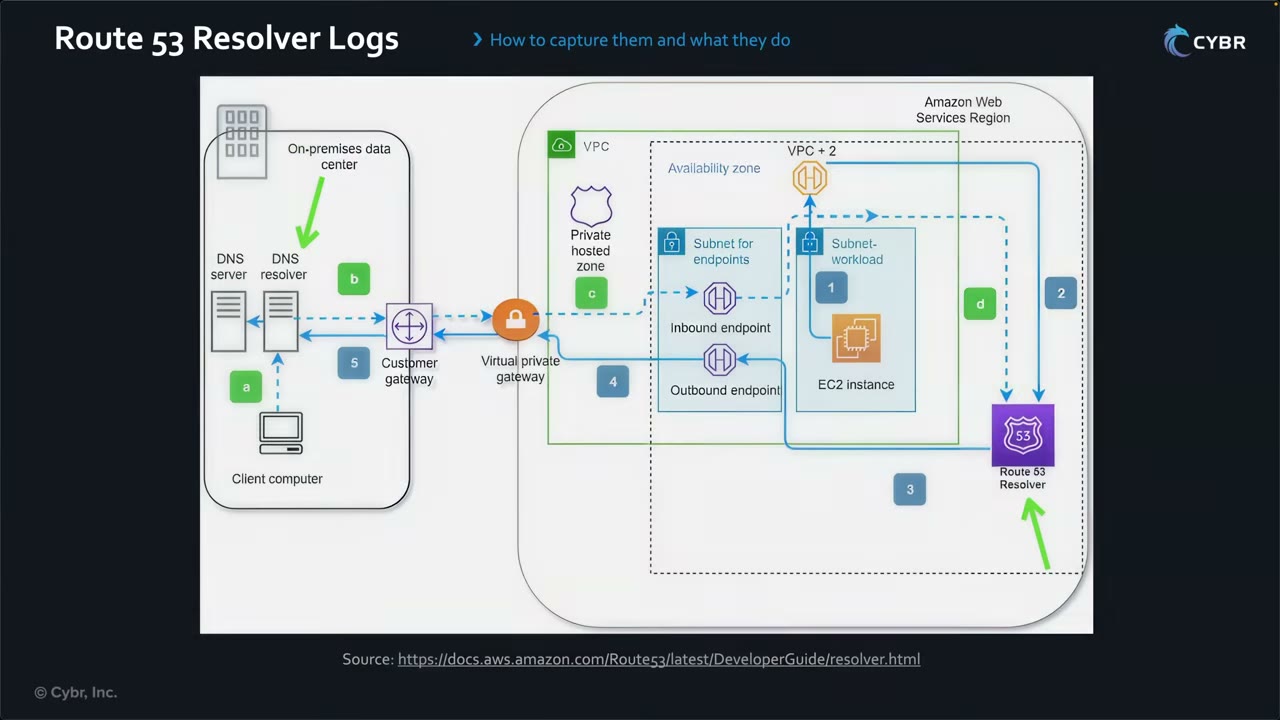
VPC → on-prem (numbered flow):
- An EC2 instance in the workload subnet queries the VPC Resolver at VPC+2.
- The query goes to Route 53 Resolver.
- A forwarding rule matches an on-prem domain, so Resolver sends it to the outbound endpoint.
- The outbound endpoint forwards it over the virtual private gateway (VPN) or Direct Connect.
- The customer gateway delivers it to the on-prem DNS resolver.
On-prem → VPC (lettered flow):
- a. A client computer queries the on-prem DNS resolver.
- b. The resolver forwards to the inbound endpoint IPs over the VPN.
- c. The inbound endpoint passes it to Route 53 Resolver.
- d. Resolver answers from the private hosted zone (or AWS/public DNS).
Query logging captures the VPC-originated queries, the inbound-endpoint queries and the outbound-forwarded queries.
What query logs capture
Query logging captures DNS queries made by resources in your VPCs, for security and troubleshooting. ▶ #111 01:21 ▶ #111 01:32 Logged query types: ▶ #111 01:51
- Queries that originate in VPCs you configure, and their responses.
- Queries from on-premises resources using an inbound Resolver endpoint.
- Queries that use an outbound Resolver endpoint for recursive resolution.
- Queries that hit Resolver DNS Firewall rules that block, allow or monitor domain lists. ▶ #111 02:00
Fields (no need to memorize): ▶ #111 02:22
| Field | Example |
|---|---|
| Region | Where the VPC was created |
| VPC ID | Where the query originated |
| Source IP + instance ID | The querying instance |
| Timestamp | When the query was first made |
| Query name | prod.cybr.com |
| Record type | A, AAAA, … |
| Response code | NOERROR, NXDOMAIN, … |
| Response data | The IP returned |
| DNS Firewall rule action | If applicable ▶ #111 03:00 |
Caching caveat: resolvers cache queries, so logging captures only unique queries, not every answer served from cache. ▶ #111 03:10
Blind spots and scope:
- Instances using a custom DNS server (not AmazonProvidedDNS) are invisible to Resolver query logs and to GuardDuty DNS analysis.
- VPC Flow Logs don’t capture traffic to the Amazon DNS server, so Resolver query logs are the only VPC DNS record.
- Different from public hosted zone query logging, which logs internet queries to your public zone and goes only to CloudWatch Logs in
us-east-1.
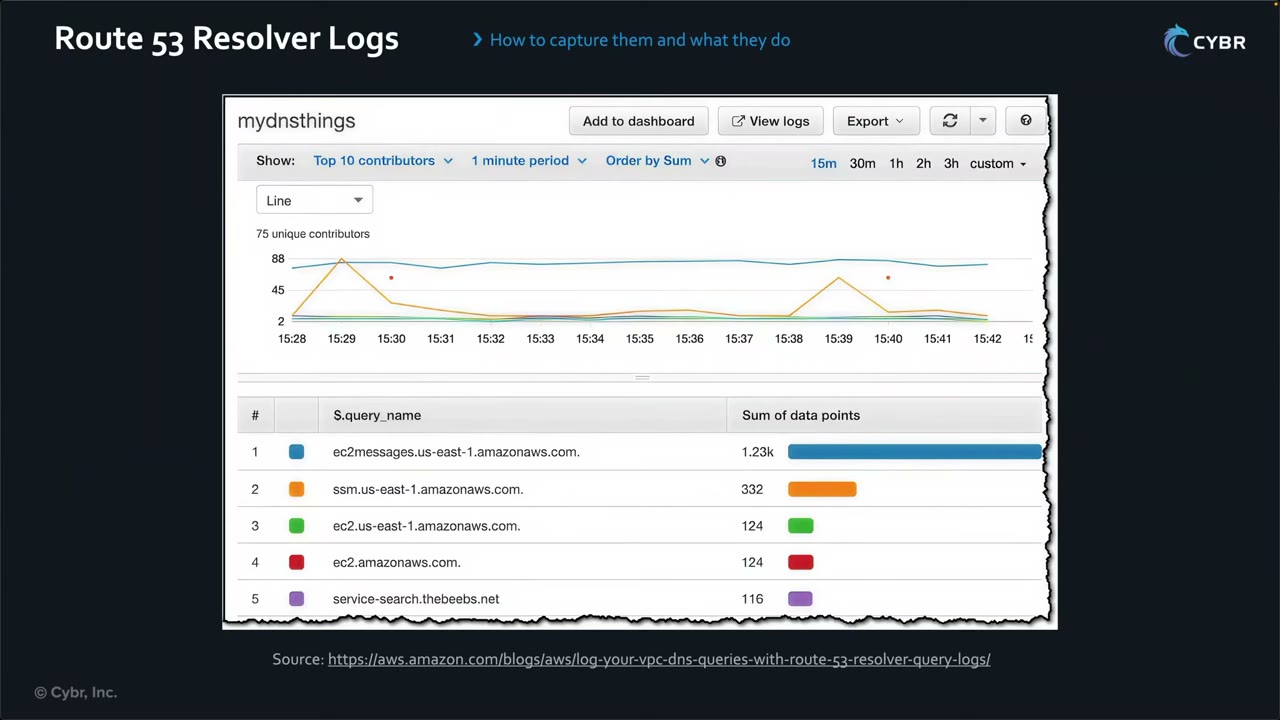
Example dashboard (AWS blog, CloudWatch Contributor Insights “mydnsthings”, 75 unique contributors): top query_name
values ec2messages.us-east-1.amazonaws.com 1.23k, ssm.us-east-1.amazonaws.com 332, ec2.us-east-1.amazonaws.com
124, ec2.amazonaws.com 124, service-search.thebeebs.net 116. SSM agent traffic dominates; outliers stand out.
Destinations
Configure query logging: a name, a destination, then associate the VPCs to log. ▶ #111 03:30
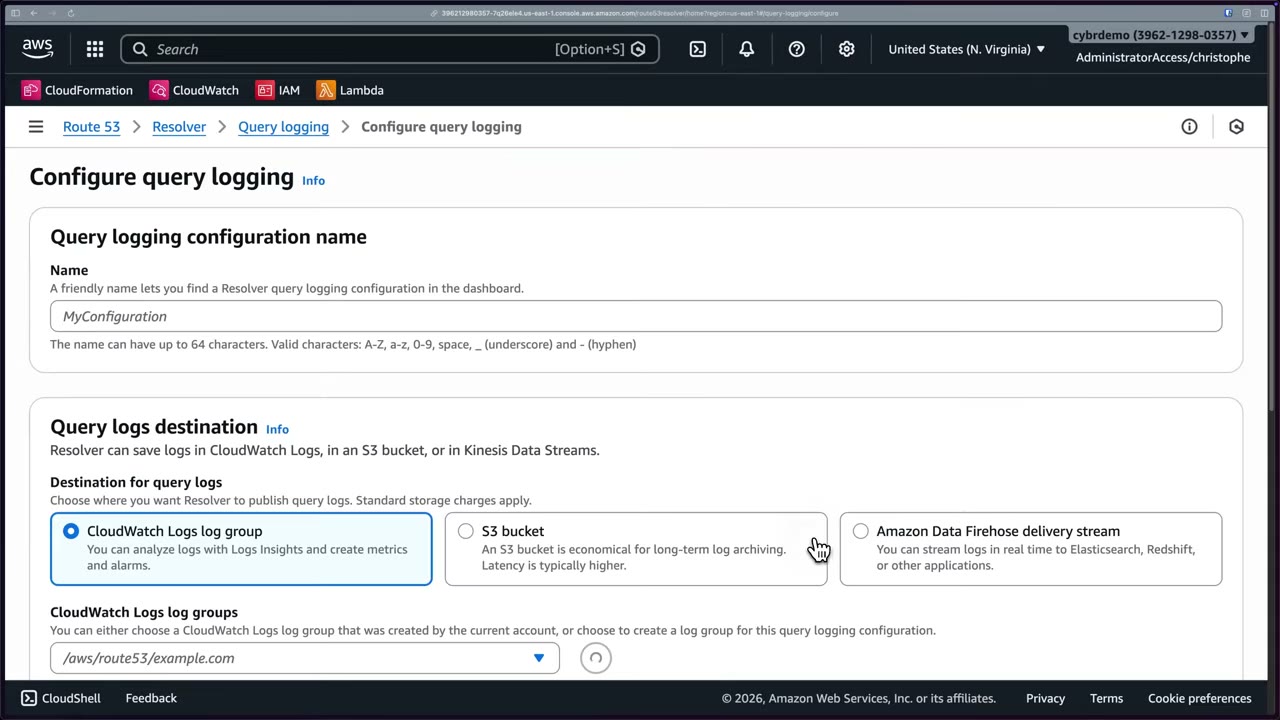
| Destination | Use |
|---|---|
| CloudWatch Logs log group | Logs Insights, metrics and alarms ▶ #111 03:30 |
| S3 bucket | Long-term, high-throughput, cheaper (“economical for long-term log archiving; latency is typically higher”), feeds other tools ▶ #111 03:42 |
| Data Firehose stream (formerly Kinesis Firehose) | Real-time streaming to OpenSearch, Redshift, etc. ▶ #111 03:51 |
The console description still says “Kinesis Data Streams” in one place. Share a config to other accounts with RAM.
aws route53resolver create-resolver-query-log-config --name vpc-dns \
  --destination-arn arn:aws:logs:...:log-group:/dns/queries
aws route53resolver associate-resolver-query-log-config --resolver-query-log-config-id <id> --resource-id vpc-0abc
Why DNS logs matter for security
| Use | What to look for |
|---|---|
| Detect C2 traffic ▶ #111 04:10 | Malware on an instance almost always contacts its C2 server (not always, for sophisticated malware), starting with a DNS lookup. Look for known-malicious or suspicious newly registered domains; integrate threat-intel feeds to auto-flag them ▶ #111 04:50 |
| DNS tunneling exfiltration ▶ #111 05:00 | Data encoded in queries to attacker domains: unusually long queries, a sudden spike to one domain, domains on threat-intel lists ▶ #111 05:10 |
| IR and forensics ▶ #111 05:30 | “What did this compromised resource talk to?” A timeline of every lookup → breach scope, start time, domains contacted, attacker intent, possibly attribution ▶ #111 05:41 |
Related services: GuardDuty, DNS Firewall, Security Lake
- GuardDuty analyzes VPC DNS logs automatically (only for instances using the AWS resolver), with no logging config from you:
Backdoor:EC2/C&CActivity.B!DNS,Trojan:EC2/DNSDataExfiltration,CryptoCurrency:EC2/BitcoinTool.B!DNS. - Route 53 Resolver DNS Firewall blocks or alerts on domain lists, e.g. to stop DNS exfiltration or C2 lookups. Use AWS managed lists (malware, botnet C2, aggregate threat list) or custom lists. BLOCK responds NXDOMAIN / NODATA / override. Firewall Manager deploys DNS Firewall rule groups org-wide (6.2.3).
- Security Lake ingests Resolver query logs natively (OCSF DNS activity class).
From the instructor
- Both names (Route 53 Resolver, Route 53 VPC Resolver) may appear on the exam. ▶ #111 00:10
- Field names don’t need to be memorized. ▶ #111 02:22
- Logging captures unique queries only; cached answers aren’t logged again. ▶ #111 03:20
- Exam scenarios: detect an EC2 instance talking to a C2 server; visibility into DNS queries across VPCs; instances querying unauthorized domains; log DNS activity for compliance and forensics. ▶ #111 06:02
Keyword → answer
| If the question says… | Answer |
|---|---|
| DNS visibility, DNS-based threats ▶ #111 06:40 | Resolver query logs |
| Traffic between resources (not DNS level) | VPC Flow Logs or TGW Flow Logs |
| Which instance resolved a malicious domain | Resolver query logs (Flow Logs don’t capture Amazon DNS traffic) |
| Block resolution of known-bad domains | DNS Firewall |
| Detect C2 / DNS exfiltration without managing logs | GuardDuty |
| Keep and query the raw DNS logs | Query logging |
Real-world practice
- Central pattern: one query logging config per Region in the network/security account, shared via RAM, delivering to an S3 bucket in the Log Archive account. Hunt with Athena.
- Hunting queries: long
query_namevalues, high-entropy subdomains, high NXDOMAIN rates (DGA malware), queries to newly registered domains, TXT record volume spikes. - Volume can be high (SSM and EC2 messages endpoints dominate). S3 is the cost-effective destination for retention; use CloudWatch only for short-term alerting.
S3 Server Access Logs vs CloudTrail S3 Data Events
S3 server access logging records detailed per-request information for a bucket and delivers it, best effort, to a separate target bucket in the same Region and account. CloudTrail S3 data events are the reliable, paid, identity-rich alternative.
- Exam skills: choose log sources & storage (1.2.1) · configure service logging (1.2.2) · analyze logs (1.2.4) · troubleshoot logging permissions (1.3.1) · logs as forensic artifacts (2.2.1)
- Videos: ▶ #112 Amazon S3 Server Access Logs
- Cost: access logs are free (you pay for storage); data events are charged per event
Access logs vs data events
| S3 server access logs | CloudTrail data events | |
|---|---|---|
| Cost | Free (pay for storage) | Per-event charge |
| Delivery | Best effort, can be hours late | Reliable, ~5 min, also EventBridge / CloudTrail Lake |
| Detail | HTTP status, bytes, referrer, turnaround time, also unauthenticated requests | Full IAM identity, request parameters, works with org trails |
| Destination | A bucket in the same Region and same account, SSE-S3 only (no SSE-KMS default encryption on the target), no Object Lock default retention | Trail bucket (any account), SSE-KMS supported |
| Best for | Cheap access auditing, billing/traffic analysis | Security investigation, compliance, automation |
Enabling server access logging
- Create the target (log) bucket
cybr-lab-access-logsand the source bucketcybr-lab-examplewith defaults: ACLs disabled (recommended), Object Ownership = Bucket owner enforced, Block all public access ON, default encryption SSE-S3 with bucket key. ▶ #112 00:00 ▶ #112 00:20 - Source bucket → Properties → Server access logging → Edit → Enable. ▶ #112 00:30
- Target bucket: logs are not stored in the same bucket. Type
s3://bucket/prefixor Browse S3 →cybr-lab-access-logs. ▶ #112 01:01 ▶ #112 01:11 - The target is only selectable if it’s in the same Region and owned by the same account. ▶ #112 01:21
- Save changes → “Successfully edited server access logging”. ▶ #112 01:31
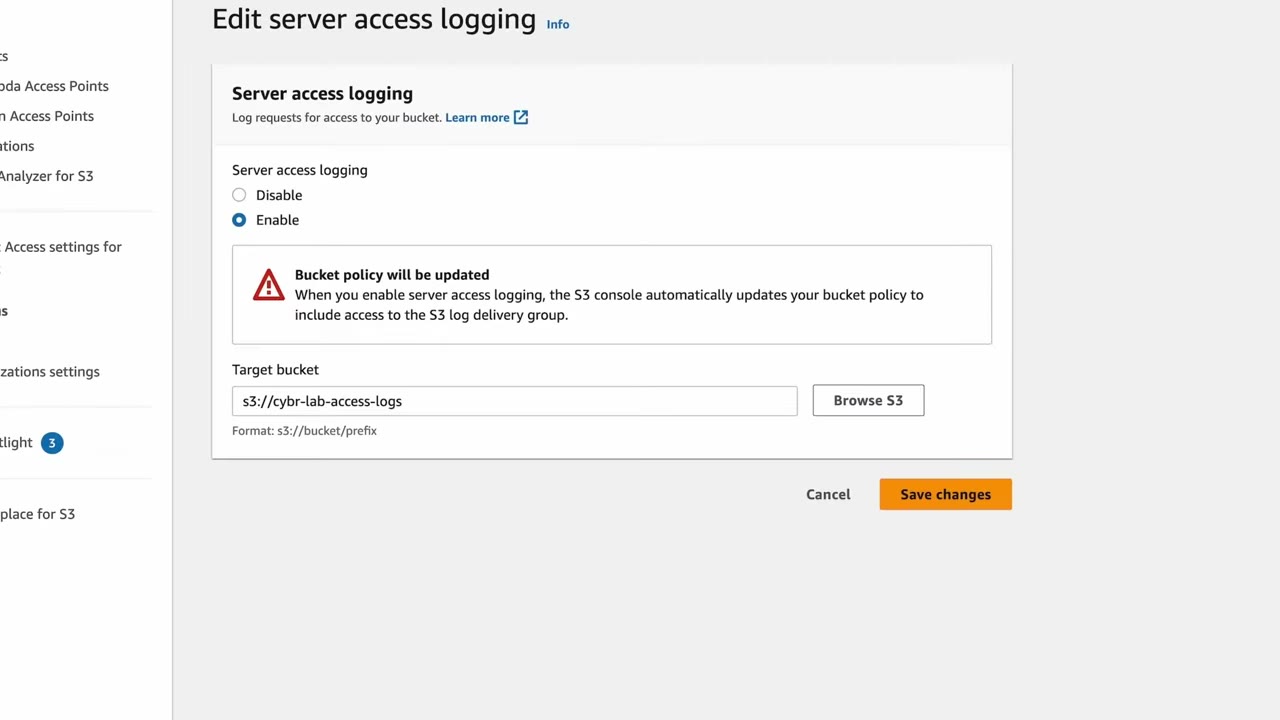
The console warns: “Bucket policy will be updated — When you enable server access logging, the S3 console automatically updates your bucket policy to include access to the S3 log delivery group.” ▶ #112 00:41 Via API/CLI you must add that policy yourself. ▶ #112 00:50
Never point access logs at the same bucket: that creates an infinite logging loop. Optional date-based
partitioning of log keys (DestinationPrefix][SourceAccountId/SourceRegion/[SourceBucket]/YYYY/MM/DD/...)
makes Athena queries easier.
The target bucket policy
On the target bucket → Permissions → Bucket policy, the console created: ▶ #112 02:00
{
  "Version": "2012-10-17",
  "Id": "S3-Console-Auto-Gen-Policy-1687926064414",
  "Statement": [
    {
      "Sid": "S3PolicyStmt-DO-NOT-MODIFY-1687926064253",
      "Effect": "Allow",
      "Principal": { "Service": "logging.s3.amazonaws.com" },
      "Action": "s3:PutObject",
      "Resource": "arn:aws:s3:::cybr-lab-access-logs/*"
    }
  ]
}
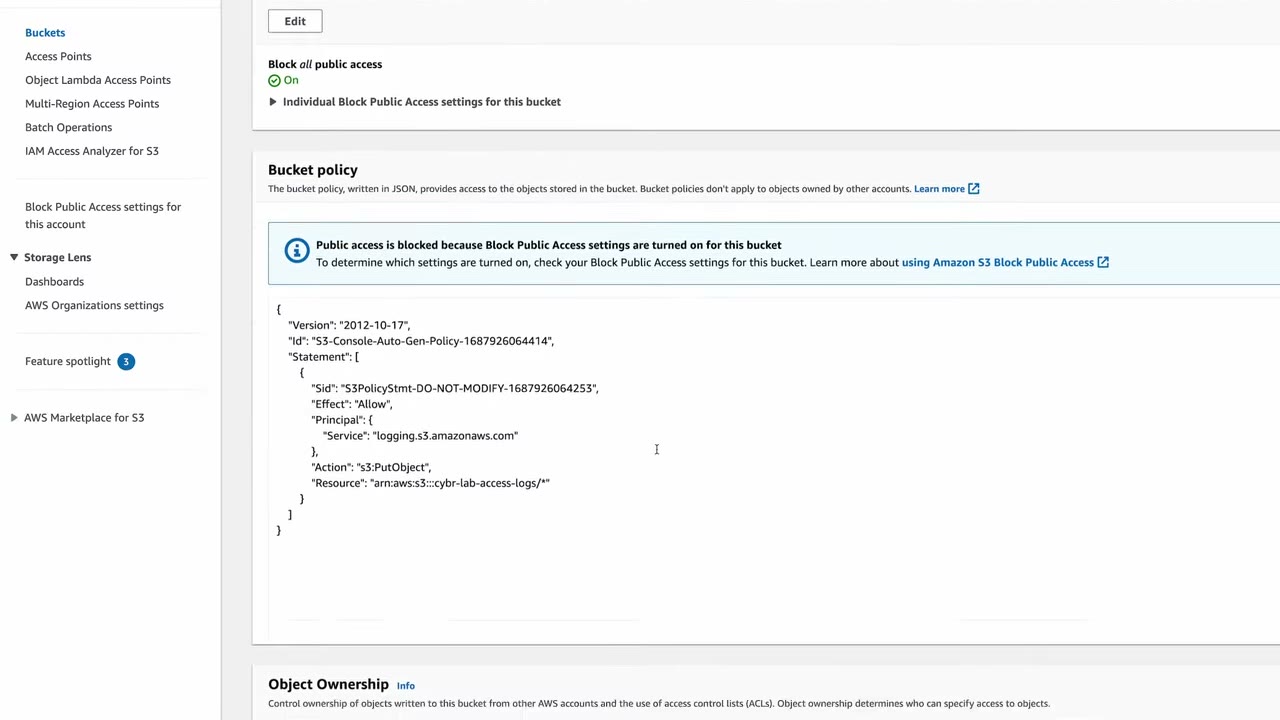
- Effect Allow, principal
logging.s3.amazonaws.com, actions3:PutObject, resource = the log bucket’s objects. ▶ #112 02:10 - The target also has Block all public access ON and ACLs disabled: objects are owned by this account and access is controlled only by bucket and IAM policies. ▶ #112 02:31
- With Bucket owner enforced, the legacy Log Delivery group ACL no longer works, so the grant must be in the bucket policy.
- Add
aws:SourceArn(source bucket ARN) andaws:SourceAccountconditions to prevent confused-deputy log injection.
Best-effort delivery
- Delivery is best effort (AWS’s own words). Most records arrive within a few hours, but a record may arrive late or not at all, and is rarely duplicated. “Not meant to be a complete accounting of all requests.” ▶ #112 03:00
- Status changes take effect over time: requests in the hour after enabling may or may not be logged. After changing the target, some logs may still go to the old target for the next hour. ▶ #112 03:10
- If nothing shows after a few hours, wait and make more requests, or look for misconfiguration. ▶ #112 03:21
- After uploads, the target filled with many small objects (~600 B each) named like
2023-06-28-00-15-02-25D9DE36DC6D53E. ▶ #112 03:30
- The target bucket policy must allow
logging.s3.amazonaws.com(s3:PutObject). The console adds it; API/CLI setups must add it. - Bucket owner enforced → the legacy Log Delivery group ACL doesn’t work; use the bucket policy.
- Target uses SSE-KMS default encryption → not supported (SSE-S3 only).
- Target is in another Region or account.
- Object Lock default retention on the target, or requester pays.
- Simply the best-effort delay right after enabling (up to hours).
Reading a log record
You don’t need to memorize the fields, just recognize the format in an exam snippet. ▶ #112 03:40
79a59df900b949e55d96a1e698fbacedfd6e09d98eacf8f8d5218e7cd47ef2be cybr-lab-example [16/Jan/2026:00:00:38 +0000] 192.0.2.3 79a59df900b949e55d96a1e698fbacedfd6e09d98eacf8f8d5218e7cd47ef2be 3E57427F3EXAMPLE REST.GET.VERSIONING - "GET /cybr-lab-example?versioning HTTP/1.1" 200 - 113 - 7 - "-" "S3Console/0.4" - s9lzHYrFp76ZVxRcpX9+5cjAnEH2ROuNkd2BHfIa6UkFVdtjf5mKR3/eTPFvsiP/XV/VLi31234= SigV4 ECDHE-RSA-AES128-GCM-SHA256 AuthHeader cybr-lab-example.s3.us-west-1.amazonaws.com TLSV1.2 arn:aws:s3:us-west-1:123456789012:accesspoint/example-AP Yes

… A1206F460EXAMPLE REST.GET.BUCKETPOLICY - "GET /cybr-lab-example?policy HTTP/1.1" 404 NoSuchBucketPolicy 297 - 38 - "-" "S3Console/0.4" - … SigV4 ECDHE-RSA-AES128-GCM-SHA256 AuthHeader cybr-lab-example.s3.us-west-1.amazonaws.com TLSV1.2 - Yes

… DD6CC733AEXAMPLE REST.PUT.OBJECT s3-dg.pdf "PUT /cybr-lab-example/s3-dg.pdf HTTP/1.1" 200 - - 4406583 41754 28 "-" "S3Console/0.4" - … SigV4 ECDHE-RSA-AES128-SHA AuthHeader cybr-lab-example.s3.us-west-1.amazonaws.com TLSV1.2 - Yes
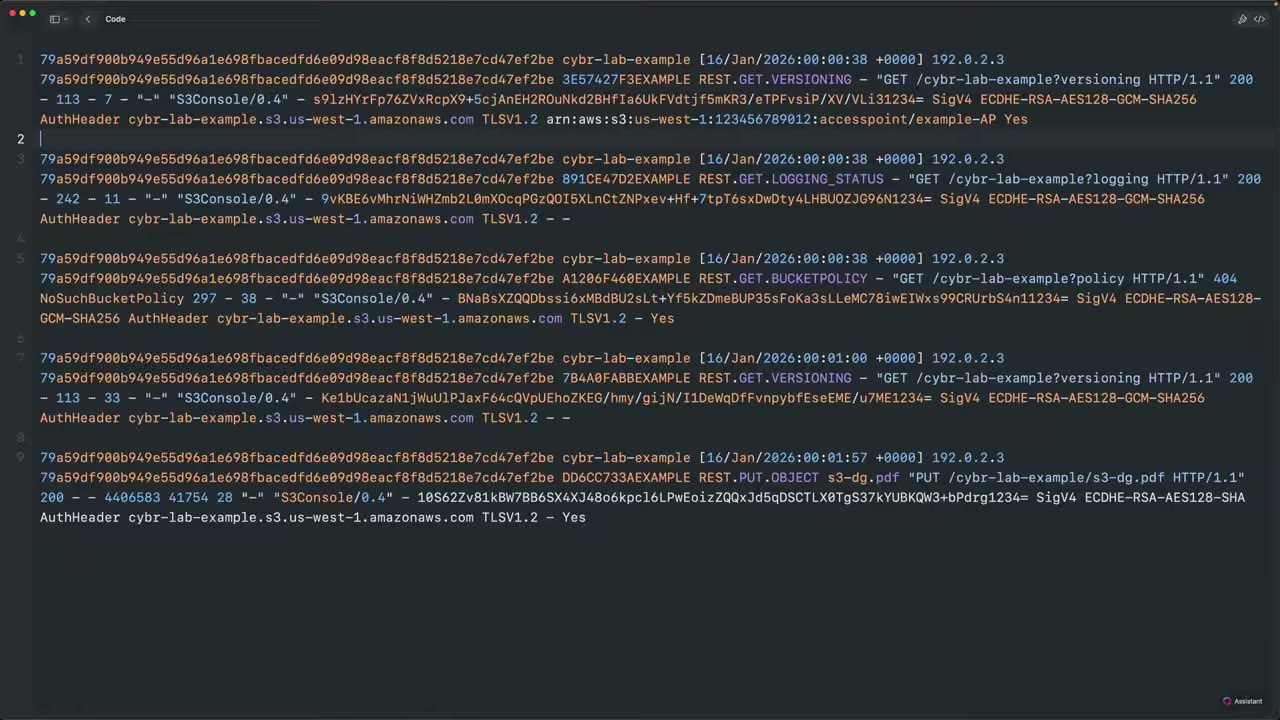
| # | Field | Example / note |
|---|---|---|
| 1 | Bucket owner | Canonical user ID of the owning account ▶ #112 04:00 |
| 2 | Bucket | cybr-lab-example |
| 3 | Time | [16/Jan/2026:00:00:38 +0000] |
| 4 | Remote IP | 192.0.2.3. Behind a firewall/proxy/NAT the real origin is masked, so the same IP may repeat ▶ #112 04:21 |
| 5 | Requester | Canonical ID; here the same as the owner, but can differ ▶ #112 04:32 |
| 6 | Request ID | 3E57427F3EXAMPLE |
| 7 | Operation | REST.GET.VERSIONING, REST.GET.LOGGING_STATUS, REST.GET.BUCKETPOLICY, REST.PUT.OBJECT ▶ #112 04:50 |
| 8 | Key | Object name (s3-dg.pdf) or - ▶ #112 05:12 |
| 9 | Request-URI | "GET /cybr-lab-example?versioning HTTP/1.1" ▶ #112 05:20 |
| 10 | HTTP status | 200, 404 ▶ #112 05:30 |
| 11 | Error code | NoSuchBucketPolicy |
| 12 | Sizes and timing | Bytes sent, object size, total time, turn-around time, referer |
| 13 | User agent | S3Console/0.4 ▶ #112 05:42 |
| 14 | Version ID, Host ID | |
| 15 | Signature version | SigV4 ▶ #112 05:51 |
| 16 | TLS details | Cipher suite ECDHE-RSA-AES128-GCM-SHA256, auth type AuthHeader, host header, TLS version TLSV1.2 ▶ #112 06:02 |
| 17 | Access point ARN | arn:aws:s3:us-west-1:123456789012:accesspoint/example-AP, else - |
| 18 | ACL required | Yes / - |
For deeper detail: Amazon S3 → Logging and monitoring → Log record fields. ▶ #112 06:11 Query the logs with Athena (regex SerDe table) for 403s, specific IPs or deletions.
- Create
cybr-lab-access-logsandcybr-lab-examplewith defaults. cybr-lab-example→ Properties → Server access logging → Edit → Enable → Browse S3 →cybr-lab-access-logs→ Save.cybr-lab-access-logs→ Permissions → review the auto policy, Block Public Access and Object Ownership.- Upload objects to the source, come back hours later: log files appear in the target.
- Open a log file and read the fields.
From the instructor
- The console auto-updates the target bucket policy; via API you must do it manually. ▶ #112 00:50
- Logs go to a different bucket in the same Region and same account. ▶ #112 01:01
- Delivery is best effort; status changes aren’t instantaneous; it can take hours. ▶ #112 03:00
- Remote IP may be a proxy/NAT IP. ▶ #112 04:21
- Don’t memorize fields; recognize the format. ▶ #112 03:40
Keyword → answer
| If the question says… | Answer |
|---|---|
| Logs aren’t arriving | Target bucket policy must allow logging.s3.amazonaws.com, or target uses SSE-KMS default encryption (unsupported) |
| Access logs pointed at the source bucket itself | Infinite logging loop: use a separate bucket |
| Guaranteed, complete record for compliance / trigger automation | CloudTrail data events |
| Cheapest per-request access audit, incl. unauthenticated requests | S3 server access logs |
| Prevent confused-deputy log injection into the log bucket | aws:SourceArn + aws:SourceAccount conditions on the target bucket policy |
Real-world practice
- Multi-account: server access logs can’t go straight to a Log Archive bucket (same-account requirement). Replicate them with S3 Replication, or prefer CloudTrail data events delivered by the org trail.
- Apply lifecycle rules on the log bucket: many small log objects add up in request and storage costs.
- AWS Config rule
s3-bucket-logging-enabled/ Security Hub control S3.9 flags buckets without access logging.
Service Logging Troubleshooting (ELB, CloudFront, API Gateway, Lambda)
Where each service writes its logs, and the usual reason those logs are missing.
Logging options and why logs go missing
| Service | Logging options | Common reason logs are missing |
|---|---|---|
| ALB / NLB / CLB | Access logs to S3 (off by default). ALB connection logs (mTLS). NLB access logs only for TLS listeners | Bucket policy doesn’t allow the ELB log-delivery principal for that Region. Target bucket uses SSE-KMS (only SSE-S3 is supported) |
| CloudFront | Standard logs (S3; the newer version also CloudWatch Logs / Firehose). Real-time logs → Kinesis Data Streams | Legacy S3 delivery needs the bucket ACLs enabled (Object Ownership not “bucket owner enforced”). The distribution is global, so metrics are in us-east-1 |
| API Gateway | Execution logs and access logs (custom format) to CloudWatch Logs. X-Ray tracing | REST API: the account-level CloudWatch Logs role ARN isn’t set in API Gateway settings. Logging isn’t enabled on the stage |
| Lambda | stdout/stderr → CloudWatch Logs /aws/lambda/<fn> automatically |
Execution role lacks logs:CreateLogGroup / CreateLogStream / PutLogEvents (AWSLambdaBasicExecutionRole). The log group’s KMS key policy doesn’t allow Logs |
| EC2 / on-prem | CloudWatch agent | See the CloudWatch agent troubleshooting table (Amazon CloudWatch section) |
Keyword → answer
| If the question says… | Answer |
|---|---|
| API Gateway REST logs don’t appear even though logging is enabled on the stage | Set the CloudWatch role ARN at the API Gateway account level |
| ALB access logs not delivered to an encrypted bucket | Target must use SSE-S3, not SSE-KMS; bucket policy must allow the Regional ELB principal |
| CloudFront standard logs not delivered to S3 | Enable bucket ACLs (Object Ownership not bucket owner enforced) |
| CloudFront metrics missing in your Region | Look in us-east-1 |
| Lambda writes no logs | Execution role missing logs:* write permissions (AWSLambdaBasicExecutionRole) or KMS key policy on the log group |
Quick recap: log source → where to look
A one-table map from “what do I need to see?” to the log source that records it.
- Exam skills: choose log sources & storage (1.2.1) · search & correlate logs (2.2.2)
- Videos: none in the course
Log source map
| Need to see… | Source |
|---|---|
| Who made an API call | CloudTrail management events |
| Who read/wrote an S3 object / invoked Lambda | CloudTrail data events (or S3 access logs) |
| IP-level traffic in a VPC | VPC Flow Logs |
| Traffic between VPCs via TGW | TGW Flow Logs |
| DNS lookups from instances | Route 53 Resolver query logs |
| HTTP requests to an app | ALB access logs / CloudFront logs / WAF logs / API Gateway access logs |
| OS / application logs | CloudWatch agent → CloudWatch Logs |
| Configuration history of a resource | AWS Config |
| Container / K8s API activity | EKS control plane audit logs |
Part 3 – Infrastructure & Network
Amazon VPC security (Security Groups, NACLs, segmentation)
Two built-in L3/L4 filters: security groups on ENIs and network ACLs on subnets. Segmentation comes from how you lay out subnets, route tables, VPCs and Transit Gateway (TGW) route tables.
- Exam skills: network controls: SG, NACL, Network Firewall (3.3.1) · network segmentation (3.3.4) · contain, eradicate, recover (2.2.4)
- Videos: ▶ #132 EC2 incident containment (other part) · see also ▶ #100 under Amazon EC2 hardening (SG created by the launch wizard) · ▶ #152 under Hybrid connectivity (VPC peering, Transit Gateway)
Security groups vs network ACLs
| Security Group | Network ACL | |
|---|---|---|
| Attached to | ENI (instance, ENI-based endpoint, Lambda in VPC, RDS…) | Subnet |
| State | Stateful: return traffic allowed automatically | Stateless: you must allow return traffic, including ephemeral ports |
| Rules | Allow only | Allow and Deny |
| Evaluation | All rules evaluated together | Lowest rule number first, first match wins |
| Default (new custom) | Inbound: none · Outbound: all | Custom NACL denies everything. The default NACL allows everything |
| References | Can reference other SGs (including peered VPC SGs in the same Region) | CIDRs only |
- Ephemeral ports: Linux clients use 32768–60999, Windows 49152–65535, and ELB/NAT GW use 1024–65535. If you allow inbound 443 on a NACL, the outbound rule must allow 1024–65535 back to the client.
- Block a specific IP: use a NACL deny rule. Security groups have no deny.
- Tier-to-tier access: a DB SG inbound rule that references the app SG ID instead of a CIDR.
Segmentation: subnets, north/south and east/west
- Isolated subnet: no route to an IGW or NAT. It reaches AWS services through VPC endpoints only.
- North/south is internet ↔ VPC traffic (IGW, ALB, WAF, Network Firewall at the edge).
- East/west is VPC ↔ VPC or subnet ↔ subnet traffic (SGs, TGW route-table segmentation, Network Firewall in an inspection VPC).
- AWS SRA layout: a dedicated Network account owns the TGW, Network Firewall and egress VPC, with workload VPCs attached through TGW.
Connecting VPCs: peering, Transit Gateway, PrivateLink
| VPC peering | Transit Gateway | PrivateLink | |
|---|---|---|---|
| Best for | Two VPCs, small setup, cheap | Many VPCs plus on-prem sites (hub-and-spoke) | Another account needs one service, not your network |
| Transitive | No | Yes, controlled by TGW route tables | N/A (one service only) |
| Cost | No hourly cost, only data transfer | Hourly per attachment + data | Hourly per endpoint + data |
- Peering limits: no overlapping CIDRs, no transitive routing, no edge-to-edge routing (a VPC can’t use its peer’s IGW, NAT or VPN). ▶ #152
- TGW segmentation: use several TGW route tables (prod / dev isolation, shared services, an inspection VPC with Network Firewall). TGW Flow Logs give visibility (1.2.6). Share a TGW cross-account with RAM.
Incident containment with SGs and NACLs
When you change an SG, existing tracked connections keep flowing. For containment, swap in an isolation SG and add a NACL: NACLs are stateless, so existing flows are cut. Keep the instance for forensics; do not terminate it. ▶ #132
SG=$(aws ec2 create-security-group --group-name ir-isolation --description "IR isolation" \
      --vpc-id vpc-0abc --query GroupId --output text)
aws ec2 revoke-security-group-egress --group-id $SG \
      --ip-permissions '[{"IpProtocol":"-1","IpRanges":[{"CidrIp":"0.0.0.0/0"}]}]'
aws ec2 modify-instance-attribute --instance-id i-0123 --groups $SG
Keyword → answer
| If the question says… | Answer |
|---|---|
| Deny a single malicious IP | NACL deny (or WAF IP set if the traffic comes through ALB/CloudFront) |
| Instance can send a request but gets no response, SG looks correct | NACL is missing outbound ephemeral ports |
| Allow only the app tier to reach the DB | DB SG inbound rule that references the app SG ID, not a CIDR |
| Isolate a compromised EC2 and keep it for forensics | Isolation SG with no rules, plus a NACL to cut tracked connections. Do not terminate |
| Private subnet must reach S3 without internet | Gateway endpoint, no NAT |
| VPC1 peered with VPC3, VPC3 with VPC2, but VPC1 can’t reach VPC2 | Peering is non-transitive. Add a direct peering, or move to Transit Gateway |
| Two VPCs, small setup, cheap | VPC peering |
| Many VPCs plus on-prem sites | Transit Gateway |
| Another account only needs one of your services | PrivateLink |
Real-world practice
- Use the AWS SRA Network account pattern: TGW, Network Firewall and egress VPC owned centrally.
- Security groups with
0.0.0.0/0on 22/3389 are flagged by Security Hub (EC2.13/EC2.14), the Config rulerestricted-ssh, Trusted Advisor and GuardDuty brute-force findings. Fix them quickly. - Keep an isolation SG ready (see the CLI above) so containment is one command.
- Launch two EC2 instances in a private subnet. Give the DB instance an SG rule that only allows the app SG.
- Add a NACL that allows inbound 22 but not outbound ephemeral ports, and watch SSH fail. Fix the outbound rule.
- Cleanup: terminate the instances, then delete the SGs and the NACL.
AWS Network Firewall
Managed, stateful L3–L7 firewall for a VPC. It is deployed as firewall endpoints in dedicated subnets, and traffic is steered to it by route tables.
- Exam skills: network controls: SG, NACL, Network Firewall (3.3.1) · network segmentation (3.3.4) · central policy enforcement with Firewall Manager (6.2.3)
- Videos: none in the course · see also ▶ #80 Firewall Manager (other part) · ▶ #152 under Hybrid connectivity (inspection VPC on Transit Gateway)
Rule groups and evaluation
| Stateless rule groups | Stateful rule groups | |
|---|---|---|
| Order | Evaluated first, in priority order | After stateless; strict order (recommended) or default action order |
| Matching | 5-tuple, like a NACL | Suricata engine: Suricata-compatible IPS rules, domain lists, 5-tuple stateful rules |
| Actions | Pass, drop, or forward to stateful | Pass, drop, alert |
- Domain filtering builds egress allow-lists such as “only allow
*.amazonaws.comandgithub.com”. It checks HTTP Host / TLS SNI only, with no TLS decryption by default. - TLS inspection is a separate configuration and needs a certificate in ACM.
- Logs: alert and flow logs, sent to S3, CloudWatch Logs or Firehose.
{
  "RulesSource": {
    "RulesSourceList": {
      "TargetTypes": ["TLS_SNI", "HTTP_HOST"],
      "Targets": [".amazonaws.com", "github.com"],
      "GeneratedRulesType": "ALLOWLIST"
    }
  }
}
Pair this with a stateful default action of aws:drop_established (strict order) so anything not on the list is dropped.
Deployment models
| Model | How it works |
|---|---|
| Centralized inspection | An inspection VPC attached to TGW. Turn on TGW appliance mode on the inspection VPC attachment to keep flows symmetric across AZs. ▶ #152 |
| Distributed | One firewall per VPC; IGW ingress routing points to the firewall endpoint |
Enforce the same firewall policy in every account with a Firewall Manager Network Firewall policy. ▶ #80
Network Firewall vs WAF vs security groups
| Network Firewall | AWS WAF | Security group | |
|---|---|---|---|
| Scope | Any protocol at VPC level, including egress filtering and IPS | HTTP(S) only | Per ENI |
| Attaches to | VPC subnets via route tables | CloudFront, ALB, API GW, AppSync, Cognito, App Runner, Verified Access | ENI |
| Rule type | Stateless + stateful (Suricata) | Web ACL rules | Allow list |
Keyword → answer
| If the question says… | Answer |
|---|---|
| Restrict outbound internet to approved domains for all VPCs | Network Firewall domain list stateful rule in a central egress/inspection VPC |
| IDS/IPS signatures, or “Suricata” | Network Firewall stateful rules (or GWLB with a third-party appliance) |
| Asymmetric routing drops traffic through the inspection VPC | Enable appliance mode on the TGW attachment |
| Enforce the same firewall policy in every account | Firewall Manager Network Firewall policy |
| Security team must see decrypted traffic | Network Firewall TLS inspection (or GWLB with appliances), not tricks with ALB termination |
Real-world practice
- Default-deny egress: domain allow-list +
aws:drop_establishedin strict order (see the rule group above). - If a security team needs to see decrypted traffic, use Network Firewall TLS inspection (or GWLB with appliances) instead of tricks with ALB termination.
- Deploy a firewall in a test VPC with a domain allow-list.
- From a private instance,
curl https://github.comworks andcurl https://example.comfails. - Read the alert log.
- Cleanup: delete the firewall, then the policy, then the rule groups (firewall endpoints are billed hourly).
VPC Endpoints & AWS PrivateLink
Private connectivity from a VPC to AWS services or to endpoint services, without an IGW, NAT or public IPs. Traffic stays on the AWS network.
- Exam skills: secure and private access: PrivateLink, VPC endpoints (5.1.2) · network segmentation (3.3.4) · resource policies (4.2.1) · analyze authorization failures (4.2.4)
- Videos: ▶ #151 VPC Endpoints and AWS PrivateLink
The problem: AWS APIs over the internet
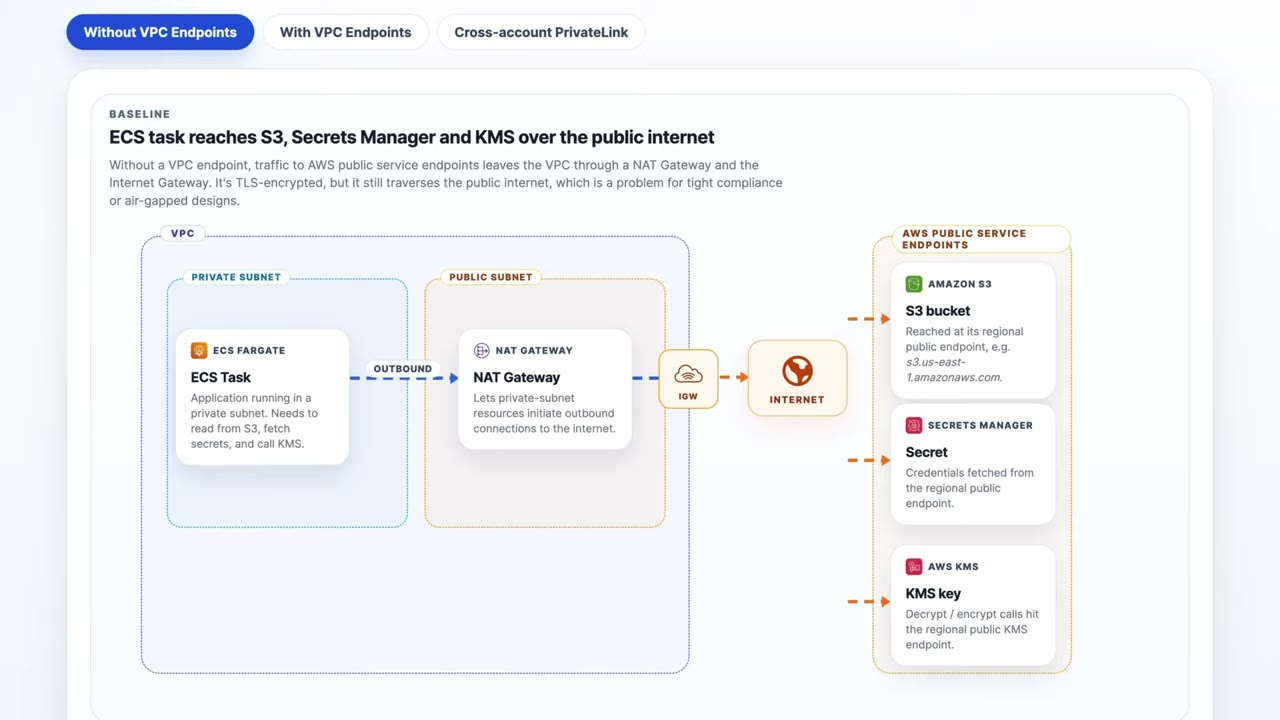
Without endpoints, an ECS task in a private subnet goes NAT Gateway (public subnet) → IGW → internet → AWS
public service endpoints (S3 s3.us-east-1.amazonaws.com, Secrets Manager, KMS). It is TLS-encrypted but crosses the
public internet: “a problem for tight compliance or air-gapped designs.” ▶ #151 00:00
VPC endpoints are “private entry points from your VPC into an AWS service”. Traffic goes over Amazon’s private network, with no IGW or NAT gateway required (a bonus: NAT gateways get expensive), which reduces exposure. ▶ #151 00:40
Gateway vs interface endpoints
| Gateway endpoint | Interface endpoint (PrivateLink) | |
|---|---|---|
| Services | S3 and DynamoDB only | Most AWS services (e.g. KMS, also S3 and DynamoDB), your own NLB-backed services, Marketplace |
| Mechanism | Prefix list entry in route tables; instances send traffic for those services via the endpoint automatically. Does not use PrivateLink | ENI with a private IP in your subnet, plus private DNS. Powered by PrivateLink |
| Cost | Free | Hourly per AZ + per GB |
| Reachable from on-prem / peered VPC | No (same-Region only) | Yes (through DX/VPN/TGW) |
| Security | Endpoint policy | Endpoint policy + security group (allow 443 from clients) |
Gateway endpoints: S3 + DynamoDB, route tables, no PrivateLink. Interface endpoints: most services, private IP, PrivateLink. ▶ #151 01:00
- Private DNS makes the default service hostname (for example
kms.us-east-1.amazonaws.com) resolve to the endpoint’s private IPs. - Services that need several endpoints:
| Service | Endpoints |
|---|---|
| SSM | ssm, ssmmessages, ec2messages |
| ECR | ecr.api, ecr.dkr + the S3 gateway endpoint (image layers) |
| CloudWatch Logs | logs |
| STS | sts |
| Secrets Manager | secretsmanager |
Endpoint policies: the third gate
An endpoint policy is a resource-style policy on the endpoint. It limits what can be done through the endpoint
(for example only your org’s buckets with aws:ResourceOrgID). It does not grant permissions. The default policy
allows full access. Both endpoint types support it, as an extra layer on top of IAM. ▶ #151 00:40
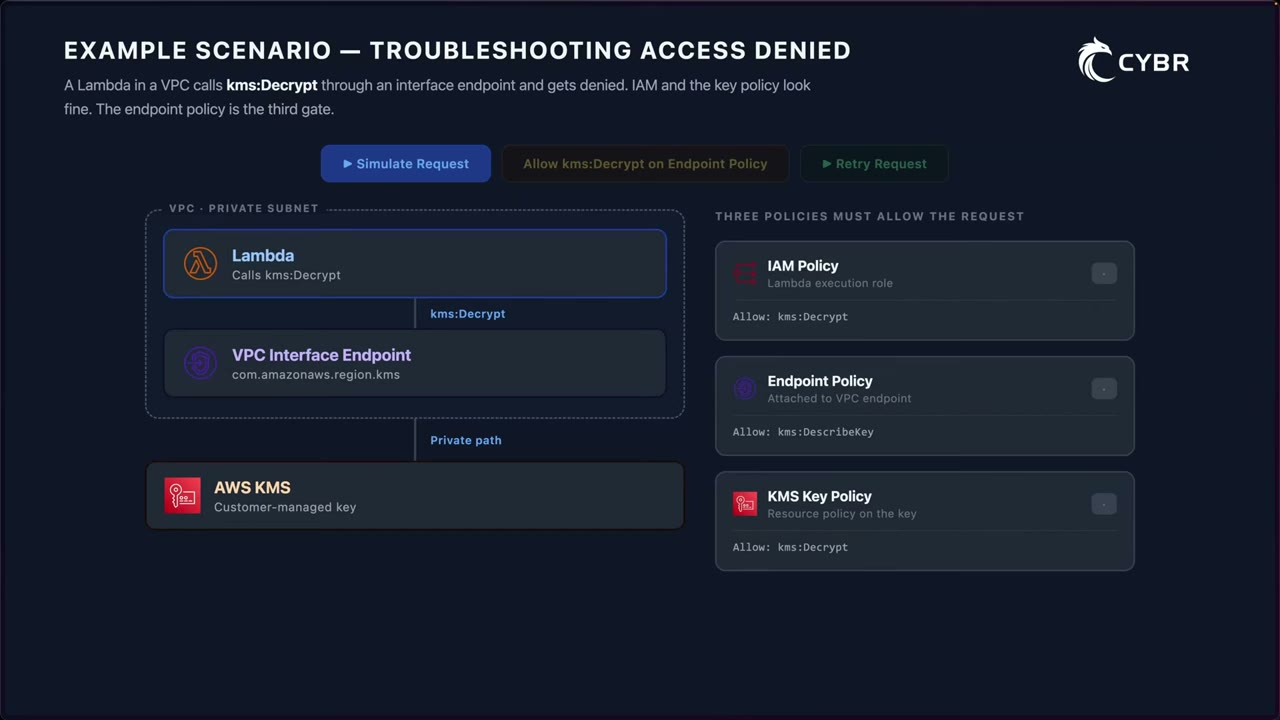
Scenario: a Lambda in a private subnet calls kms:Decrypt on a customer managed key through the interface
endpoint com.amazonaws.<region>.kms. ▶ #151 02:17 All three policies must allow it:
| Policy | Allows | Result |
|---|---|---|
| IAM policy (Lambda execution role) | kms:Decrypt |
✓ |
| Endpoint policy (on the VPC endpoint) | only kms:DescribeKey |
✗ |
| KMS key policy | kms:Decrypt |
✓ |
The result is AccessDenied: the request is stopped at the endpoint and “doesn’t even get all the way to the KMS key
policy.” Add kms:Decrypt to the endpoint policy and the retry succeeds. When troubleshooting AccessDenied through an
endpoint, always check the endpoint policy, the resource policy (e.g. key policy) and the identity policy. ▶ #151 03:00
{
  "Statement": [{
    "Effect": "Allow", "Principal": "*", "Action": "s3:*", "Resource": "*",
    "Condition": { "StringEquals": { "aws:ResourceOrgID": "o-exampleorgid" } }
  }]
}
Bucket policies that require the endpoint
| Condition key | Matches | Note |
|---|---|---|
aws:SourceVpce |
The endpoint ID | Works for gateway and interface endpoints |
aws:SourceVpc |
The VPC ID | |
aws:SourceIp |
Public source IP | Does not work through a VPC endpoint (private source). Use aws:VpcSourceIp for the private IP |
A deny on aws:SourceVpce also blocks console access to the bucket from outside the VPC. Remember this “locked
myself out” scenario, and exempt an admin role with aws:PrincipalArn.
{
  "Version": "2012-10-17",
  "Statement": [{
    "Sid": "DenyNotFromVPCE",
    "Effect": "Deny",
    "Principal": "*",
    "Action": "s3:*",
    "Resource": ["arn:aws:s3:::secure-bucket", "arn:aws:s3:::secure-bucket/*"],
    "Condition": {
      "StringNotEquals": { "aws:SourceVpce": "vpce-0a1b2c3d4e5f" },
      "ArnNotLike": { "aws:PrincipalArn": "arn:aws:iam::111122223333:role/BreakGlassAdmin" }
    }
  }]
}
AWS PrivateLink and cross-account service sharing
PrivateLink is the technology that powers interface endpoints: private connectivity between VPCs and AWS services without exposing data to the internet. It is also how many AWS Marketplace third-party services connect, so traffic to the vendor stays inside AWS. ▶ #151 04:00 Mental model: VPC endpoints = entry points, PrivateLink = the underlying technology. The exam may use the two terms interchangeably. ▶ #151 05:02
Endpoint service: the provider exposes an NLB or GWLB; the consumer creates an interface endpoint. The provider can require acceptance and allow-list principals. It works with overlapping CIDRs, is one-way (consumer → provider), and neither VPC gets broad access to the other.
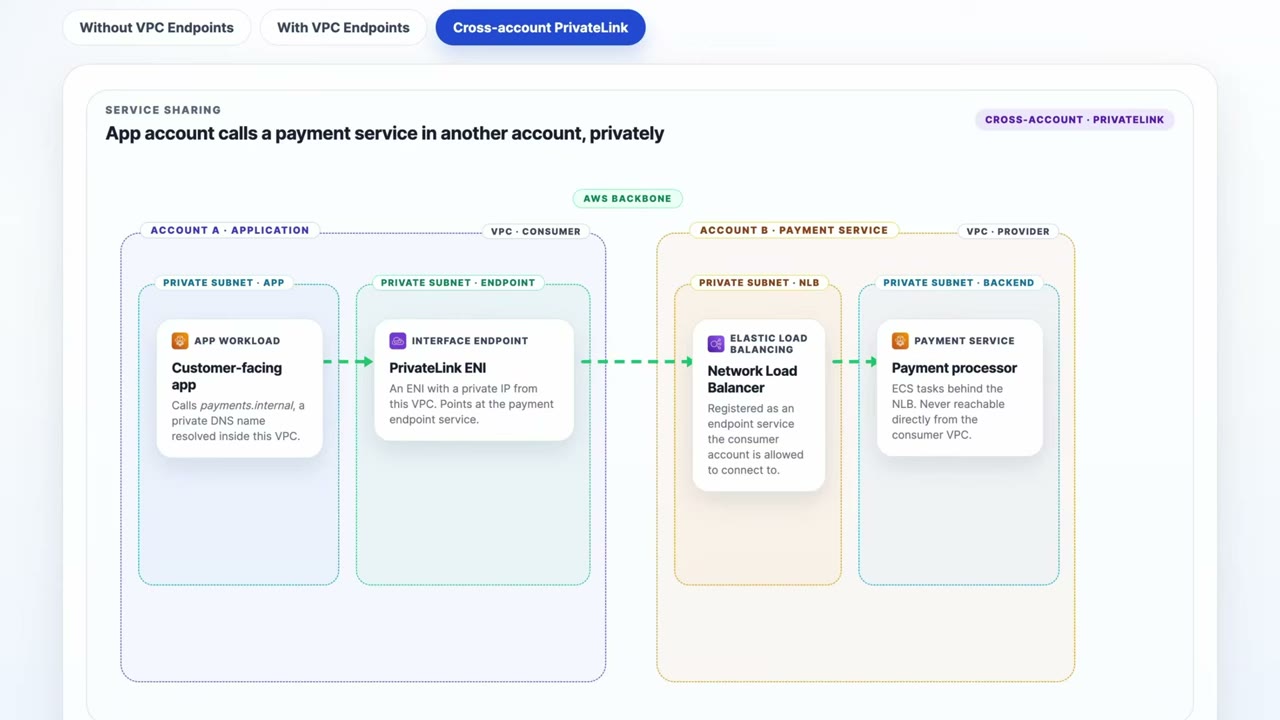
Scenario: cross-account payment service. ▶ #151 05:12
- Account A (consumer VPC): the customer-facing app calls
payments.internal(private DNS resolved in the VPC). - That resolves to an interface endpoint: a PrivateLink ENI with a private IP pointing at the payment endpoint service.
- Traffic flows over the AWS backbone: no internet, no VPC peering.
- Account B (provider VPC): a Network Load Balancer registered as an endpoint service that Account A is allowed to connect to.
- The payment processor ECS tasks sit behind the NLB and are never directly reachable from the consumer VPC.
This is least privilege for sharing services between accounts or teams. ▶ #151 05:50
From the instructor
- Gateway endpoints: S3 + DynamoDB, route tables, no PrivateLink. Interface endpoints: most services, private IP, PrivateLink. ▶ #151 01:00
- Endpoint policies are an extra gate. Check them when troubleshooting AccessDenied, alongside key and identity policies. ▶ #151 03:00
- PrivateLink is also used for Marketplace third-party services. ▶ #151 04:21
- VPC endpoint and PrivateLink may be used interchangeably on the exam. ▶ #151 05:02
- Cross-account service sharing without internet or peering → PrivateLink endpoint service (NLB) + interface endpoint. ▶ #151 05:50
Keyword → answer
| If the question says… | Answer |
|---|---|
| S3 from a private subnet, cheapest, no internet | Gateway endpoint |
| S3 from on-prem over Direct Connect privately | Interface endpoint for S3 (gateway endpoints are not reachable from on-prem) |
| Only allow access to the bucket from our VPC | Bucket policy Deny with StringNotEquals aws:SourceVpce |
| Prevent data exfiltration to buckets in other accounts | Endpoint policy using aws:ResourceOrgID / s3:ResourceAccount |
| Expose a service to another account without peering, overlapping CIDRs | PrivateLink (NLB + endpoint service) |
Lambda in a private subnet gets AccessDenied on kms:Decrypt, IAM role and key policy both allow it |
The endpoint policy on the kms interface endpoint is missing the action |
| Compliance forbids traffic to AWS APIs over the internet, even with TLS (NAT → IGW path) | VPC endpoints |
aws:SourceIp condition stops working after adding an endpoint |
Use aws:SourceVpce / aws:VpcSourceIp |
Real-world practice
- Centralize interface endpoints in a shared-services VPC, reached through Transit Gateway with Route 53 Resolver / private hosted zones, to cut per-VPC endpoint costs.
- Build a data perimeter from endpoint policies + bucket policies + SCPs/RCPs (
aws:PrincipalOrgID,aws:ResourceOrgID). Test with IAM Access Analyzer and the CloudTrailvpcEndpointIdfield. - Removing NAT gateways after adding endpoints is a security and cost win, but check every dependency first (package repositories, third-party APIs).
- Create a gateway endpoint for S3 in a private-subnet VPC.
- Apply the “deny not from VPCE” bucket policy above.
- Upload from the instance: it succeeds. Upload from your laptop: it fails.
- Cleanup: remove the bucket policy first (or you lose access), then delete the endpoint and the bucket.
Hybrid connectivity (Site-to-Site VPN, Direct Connect, MACsec, Client VPN, Transit Gateway)
Ways to connect on-prem data centers, other clouds, remote employees, contractors and other accounts’ VPCs to AWS. Each service solves a different variant of the problem. ▶ #152 00:00
- Exam skills: secure hybrid connectivity: VPN, Direct Connect, MACsec (3.3.2) · hybrid communication requirements (3.3.3) · network segmentation (3.3.4) · Client VPN, Verified Access (5.1.2) · encryption in transit (5.1.1)
- Videos: ▶ #152 AWS Hybrid and Remote Connectivity
Options and encryption at a glance
| Option | Encrypted? | Notes |
|---|---|---|
| Site-to-Site VPN | Yes, IPsec | Over the internet. 2 tunnels per connection. Terminates on VGW or TGW (customer gateway on your side). Quick to set up. Bandwidth and latency depend on your internet link |
| Direct Connect (DX) | No by default | Private dedicated link through a DX location, consistent latency, never touches the internet. Weeks to months to provision, expensive |
| DX + MACsec | Yes, L2 (802.1AE) | Only on dedicated connections at 10/100/400 Gbps on supported locations. Encrypts hop-by-hop between your router and the AWS DX router |
| DX + VPN (IPsec over DX) | Yes, L3 end-to-end | Use a public VIF, or a transit VIF with private IP VPN to TGW |
| Client VPN | Yes, TLS (OpenVPN-based) | Remote users get full network-level access. Mutual cert, AD, or SAML federation. Authorization rules per CIDR/group |
| Verified Access | Yes (HTTPS) | Zero-trust, per-application access by identity + device posture, no VPN (see AWS Verified Access) |
IPsec encrypts all traffic in the tunnel at the network layer. TLS protects one application at a time. ▶ #152 04:50
Connecting people: Client VPN vs Verified Access
PrivateLink and endpoints connect resources; Client VPN connects people. ▶ #152 00:50
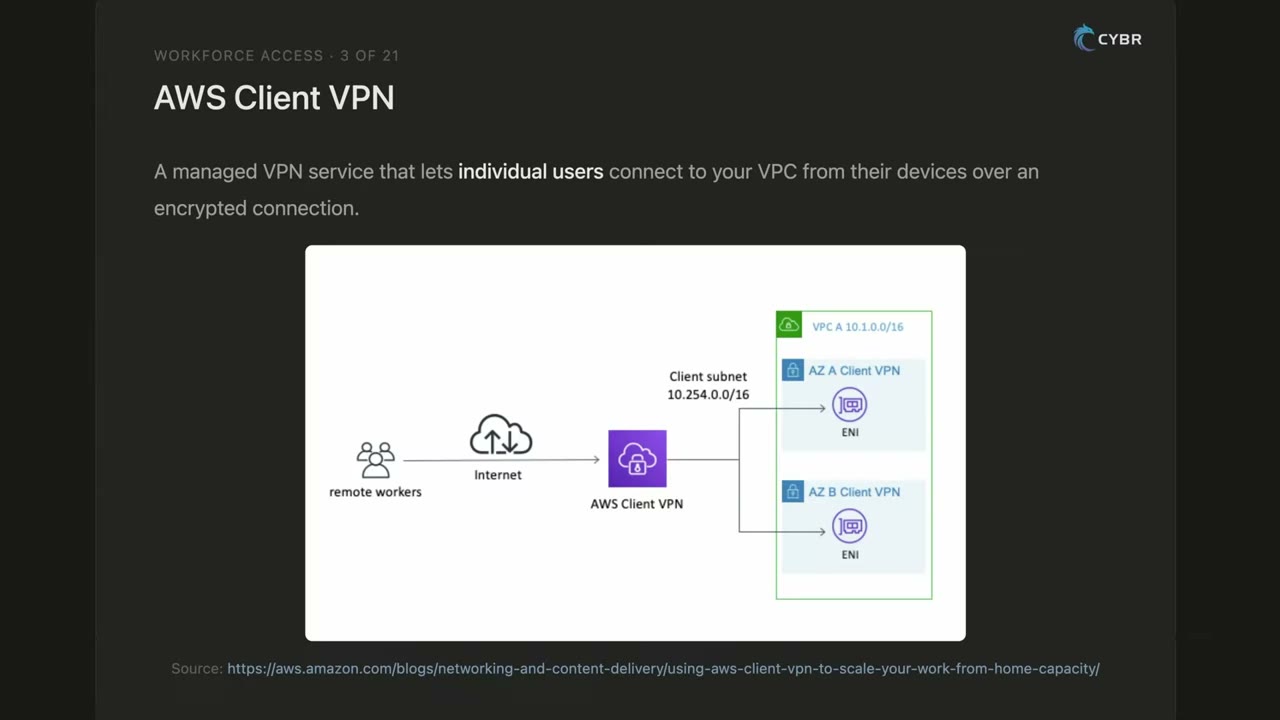
AWS Client VPN is a managed VPN that lets individual users connect from their devices to a VPC over an encrypted connection, like a traditional corporate VPN run by AWS. ▶ #152 00:50
- You configure a Client VPN endpoint. Authentication: Active Directory, certificates (mutual) or SAML identity providers. Users install a VPN client.
- Once connected, users reach private VPC resources as if they were on the network.
- Authorization rules + security groups limit which networks users reach. Split-tunnel is optional. Connection logs go to CloudWatch Logs. The client CIDR must not overlap the VPC CIDR.
- Fit: remote teams needing internal apps, databases or services that should not be publicly exposed.
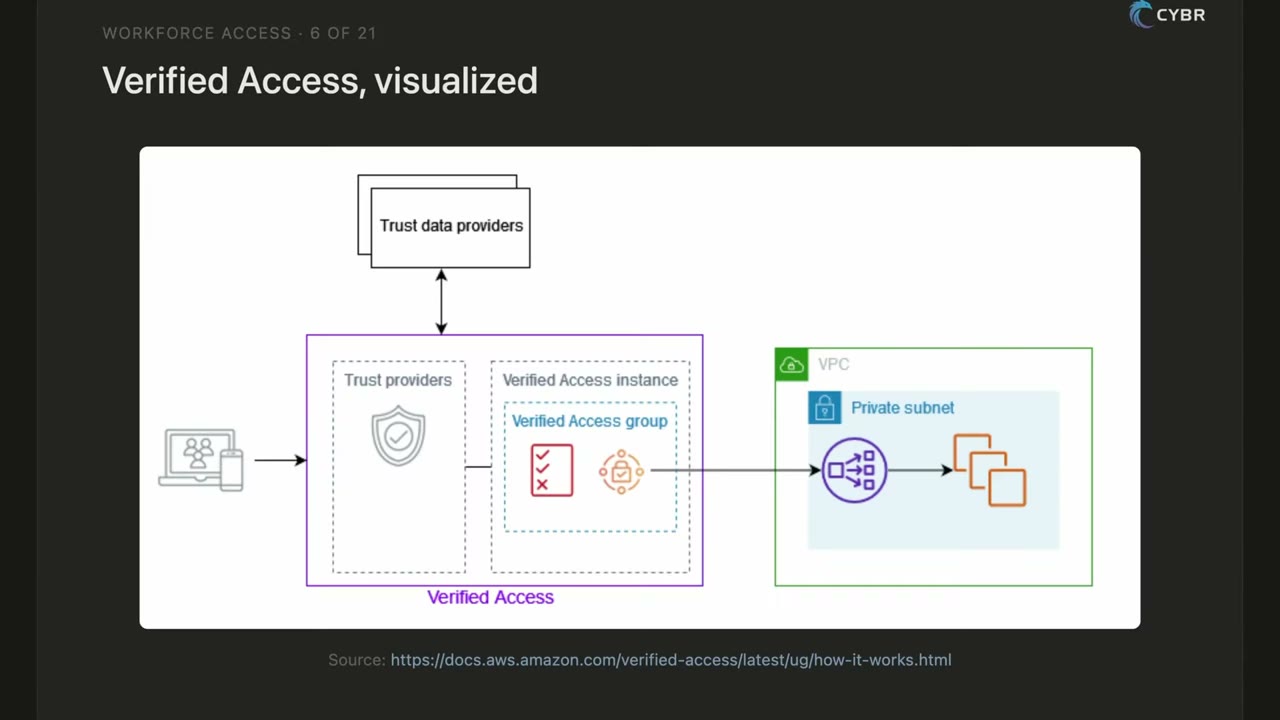
AWS Verified Access is the modern, zero-trust take on the same problem. Instead of full network-level access, it grants access to specific applications, one at a time, based on identity and device. ▶ #152 02:01
- The user hits an internal web app.
- Verified Access evaluates trust providers fed by trust data providers: identity (e.g. Okta or IAM Identity Center) and device security state (third-party device management tools).
- If the checks pass, the user reaches that app only, nothing else in the network. No broad network access, no VPN tunnel.
Fit: organizations moving away from VPNs, zero trust, contractors/external users who need one specific internal tool.
Network to network: Site-to-Site VPN vs Direct Connect
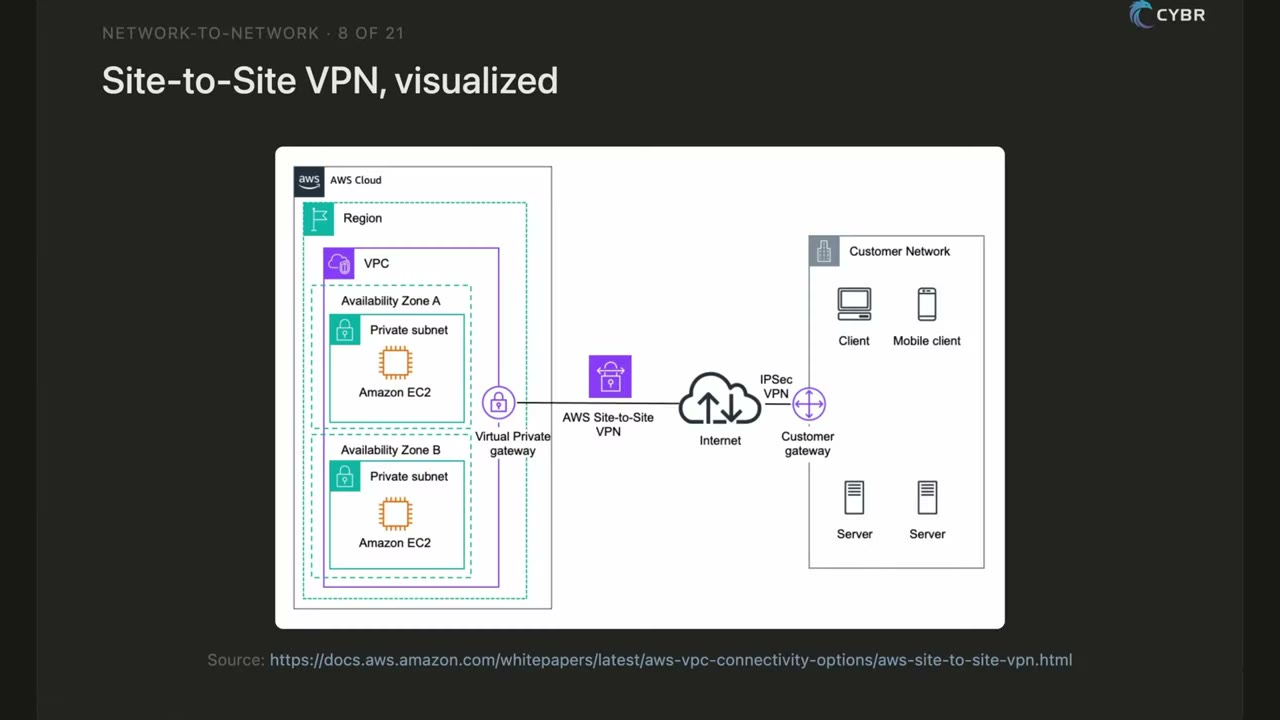
Site-to-Site VPN is an encrypted tunnel between your on-prem network and your VPC over the public internet. ▶ #152 03:44
- AWS side: virtual private gateway (or TGW). Customer side: customer gateway (physical device or software).
- Uses IPsec, which encrypts all traffic through the tunnel at the network layer.
- Static or BGP routing. Accelerated VPN uses Global Accelerator. About 1.25 Gbps per tunnel; use ECMP across several tunnels on a TGW for more.
- Quick to set up; bandwidth and latency depend on your internet connection.
- Fit: hybrid connectivity needed quickly, or cost-sensitive without dedicated throughput.
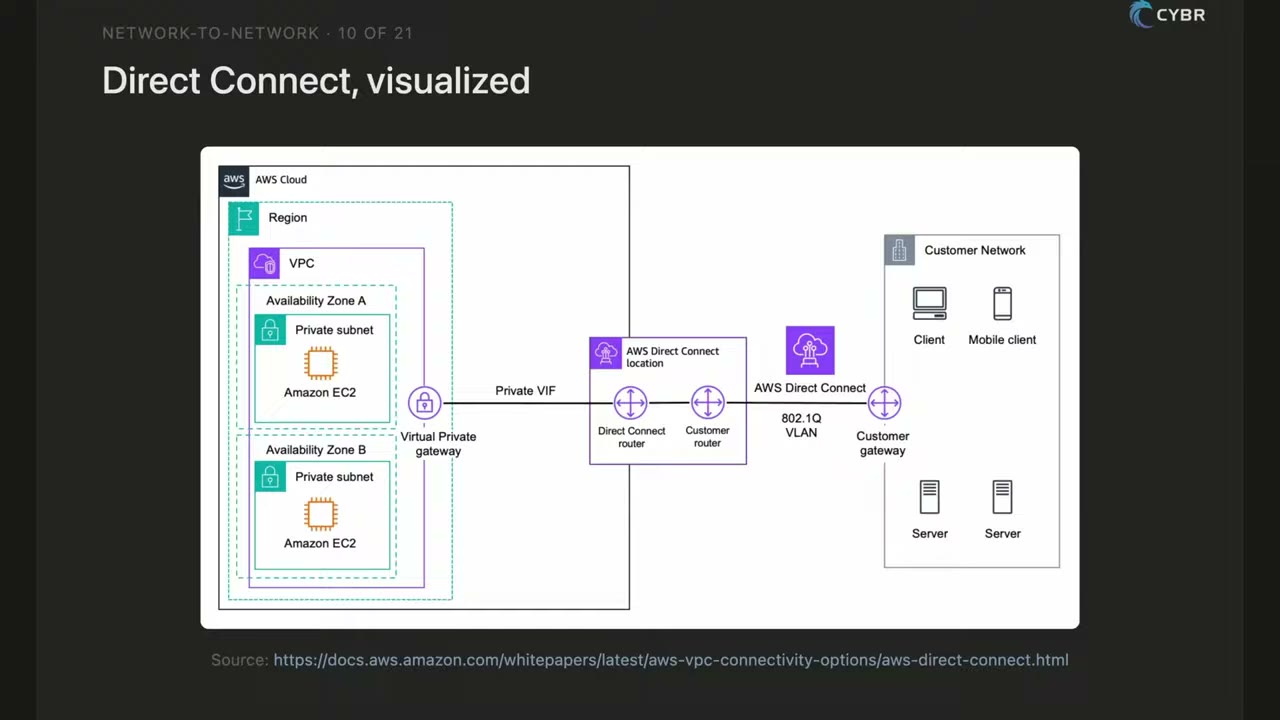
Direct Connect is a dedicated private connection between your facility and AWS via a Direct Connect location (a colocation facility with AWS networking gear). ▶ #152 05:21
- Path: customer gateway → 802.1Q VLAN → customer router + Direct Connect router at the DX location → private VIF → virtual private gateway → VPC.
- Traffic never touches the public internet: lower, more consistent latency, higher throughput, predictable performance. Good for compliance requirements that forbid internet transit.
- Trade-offs: complex, slow (physical infrastructure), much more expensive than VPN.
- Fit: large-scale data transfer, strict performance and compliance.
- Not encrypted by default: add MACsec (dedicated connections, L2) or IPsec VPN over DX.
| DX virtual interface | Goes to |
|---|---|
| Private VIF | A VPC through VGW / DX Gateway |
| Public VIF | AWS public endpoints such as S3 |
| Transit VIF | TGW through a DX Gateway |
Resilience: the common pairing is Direct Connect primary + Site-to-Site VPN failover if the DX link goes down (“deep pockets required”), or two DX connections at two locations. ▶ #152 05:21
Many networks: Transit Gateway
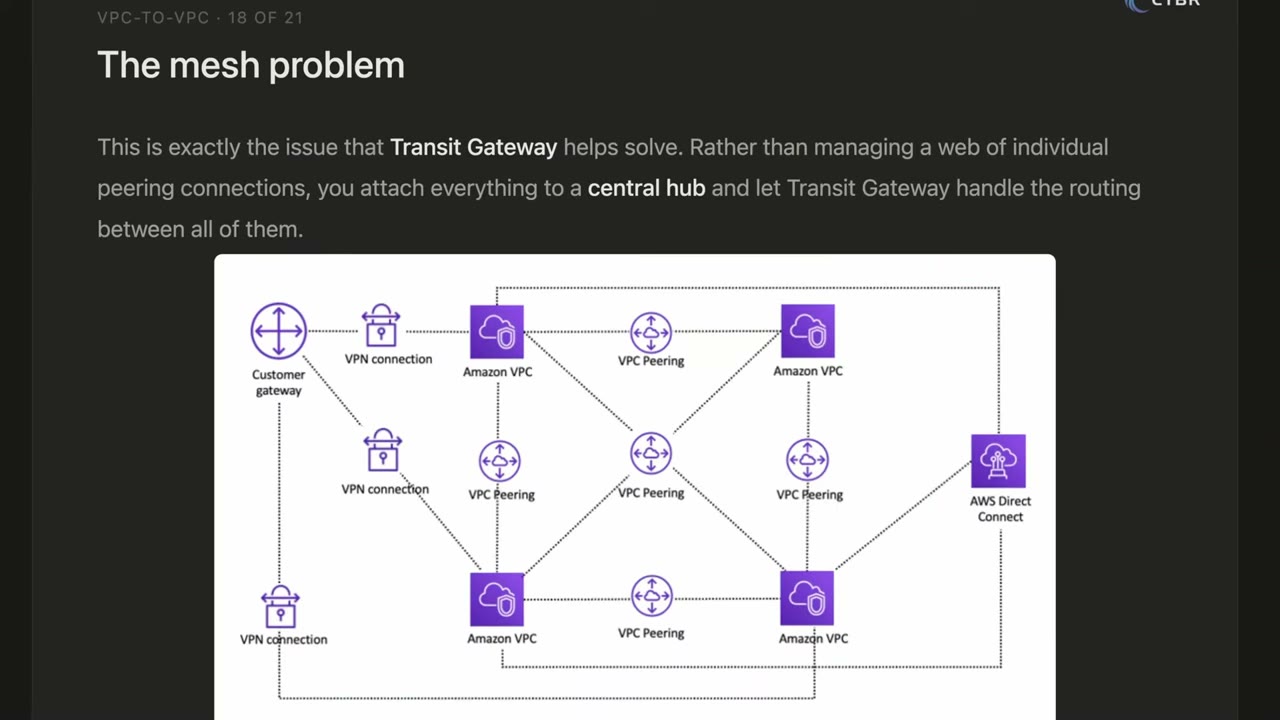
Problem: dozens of VPCs, several on-prem sites, several VPNs and DX. Without TGW you’d need peering between every pair. ▶ #152 07:21
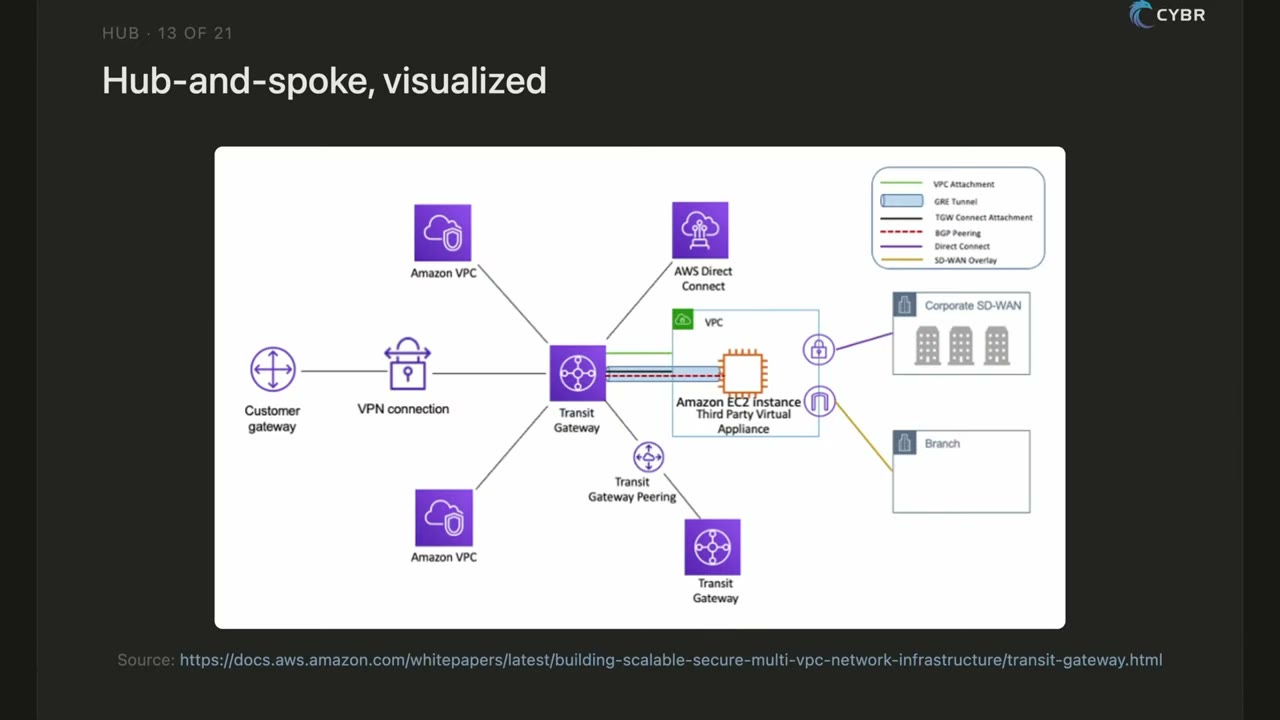
Transit Gateway is a central hub / regional router. ▶ #152 07:21
- Attachments: VPCs, Site-to-Site VPNs, Direct Connect (via DX Gateway + transit VIF), SD-WAN appliances (TGW Connect, GRE/BGP), TGW peering.
- Routes traffic with TGW route tables you define. Hub-and-spoke design that scales to thousands of VPCs.
- A DX Gateway can associate with TGWs in several Regions.
- Scenario hint: multiple VPCs + multiple on-prem locations all communicating → Transit Gateway.
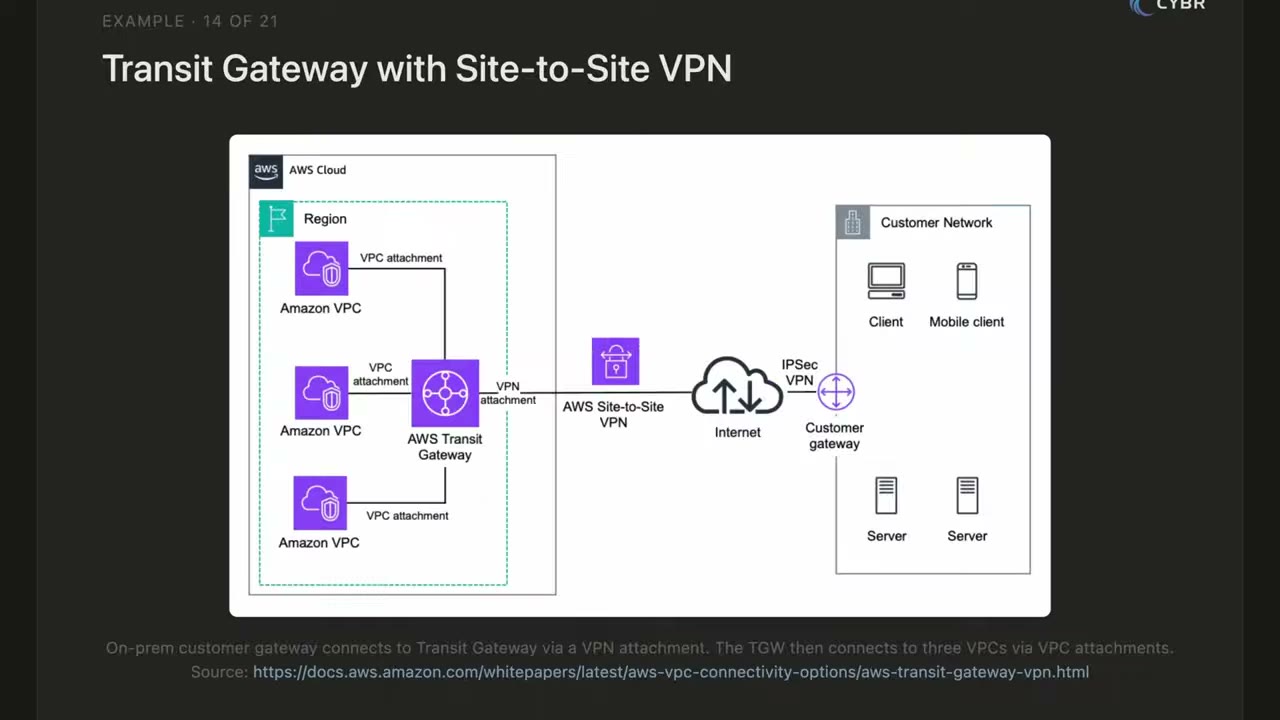
Example 1, TGW + Site-to-Site VPN: customer gateway → IPsec over the internet → VPN attachment on the TGW → three VPCs via VPC attachments. ▶ #152 07:21
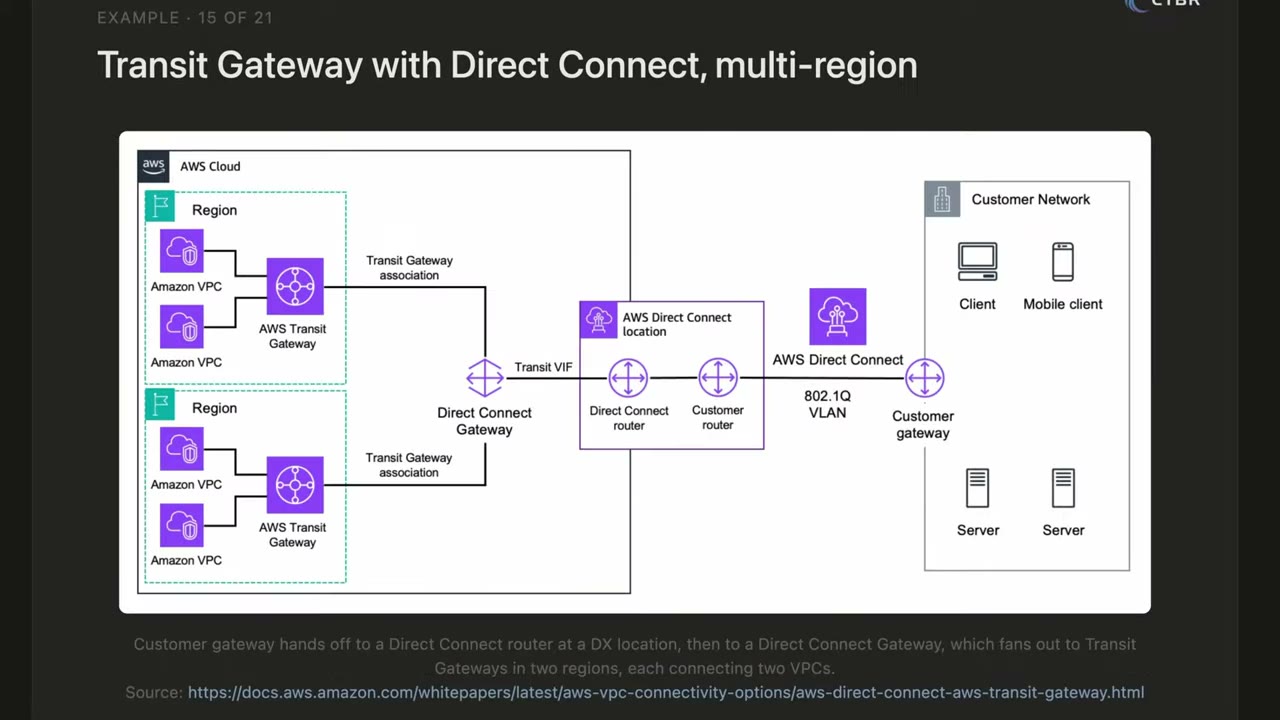
Example 2, TGW + Direct Connect, multi-Region: ▶ #152 07:21
- Customer gateway → DX location → transit VIF.
- Direct Connect Gateway.
- Transit Gateway associations to TGWs in two Regions.
- Two VPCs on each TGW. On-prem clients privately reach all four VPCs without the public internet.
VPC peering
A direct private link between two VPCs using private IPs: no internet, no gateway, no VPN tunnel. It works cross-account (e.g. your account ↔ a third party’s). It was the main way to connect VPCs before TGW. ▶ #152 10:50
- Still great for simple cases: cheap, only data transfer, no hourly cost.
- Non-transitive: VPC1↔VPC3 and VPC3↔VPC2 does not let VPC1 talk to VPC2; you need a direct VPC1↔VPC2 peering. At scale it becomes a complex mesh: hard to manage, with security issues. ▶ #152 11:31
- Rule of thumb: two (or a handful of) VPCs → peering, many VPCs → Transit Gateway.
Which service for which scenario
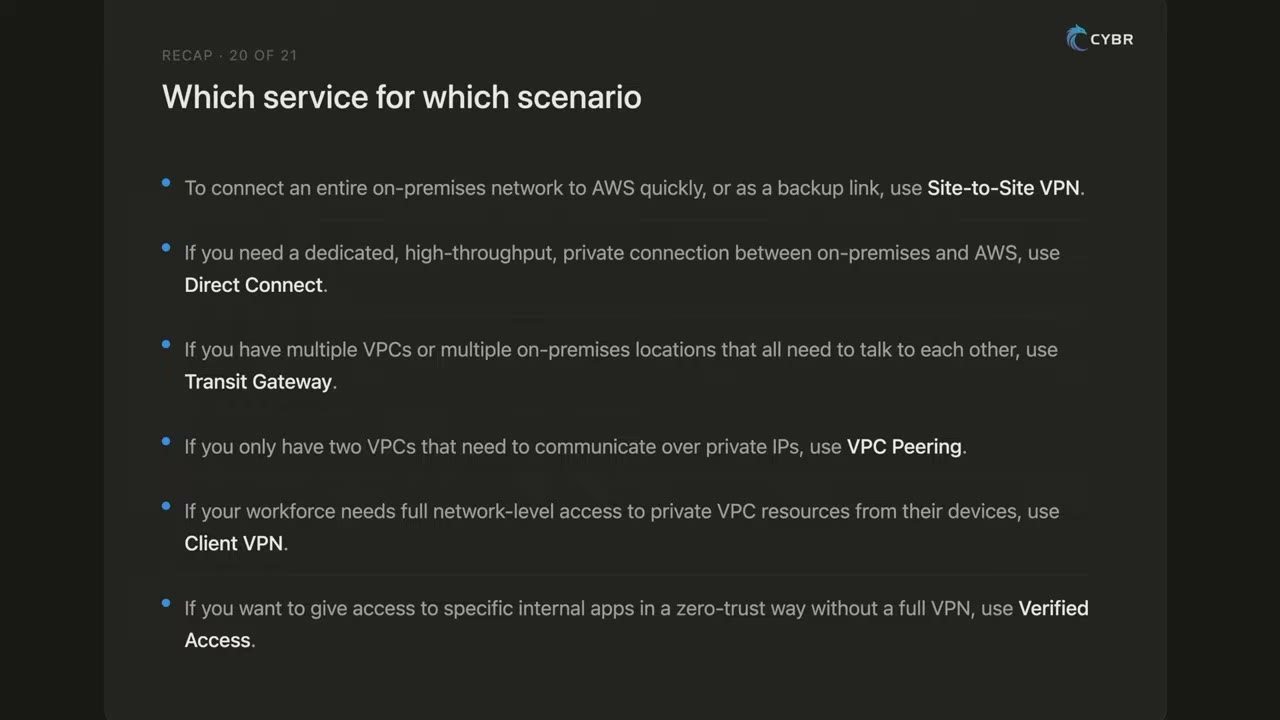
| Scenario | Service |
|---|---|
| Connect a whole on-prem network quickly, cheaply, or as backup | Site-to-Site VPN |
| Dedicated, high-throughput, private, consistent latency on-prem ↔ AWS | Direct Connect |
| Multiple VPCs and multiple on-prem sites all talking | Transit Gateway |
| Two VPCs, private IPs, small setup | VPC peering |
| Workforce needs full network-level access from devices | Client VPN |
| Specific internal apps, zero trust, contractors, no VPN | Verified Access |
Services combine: Client VPN for some users + Verified Access for others; DX primary + VPN backup. ▶ #152 14:11
From the instructor
- Use the decision table above. ▶ #152 13:12
- Services combine: Client VPN + Verified Access; DX primary + VPN backup. ▶ #152 14:11
- IPsec encrypts all tunnel traffic at the network layer; TLS is per application. ▶ #152 04:50
- VPC peering is non-transitive. ▶ #152 11:31
Keyword → answer
| If the question says… | Answer |
|---|---|
| Direct Connect must be encrypted | MACsec (dedicated connection, L2) or IPsec VPN over DX. Plain DX is not encrypted |
| Fastest way to get encrypted connectivity | Site-to-Site VPN |
| Remote employees need access to VPC resources | Client VPN, or Verified Access if it’s per-app zero trust without a network-level VPN |
| DX primary with a backup path | DX + Site-to-Site VPN failover |
| Share one service with another account, not the network | PrivateLink, not peering or TGW |
| Many VPCs + on-prem sites, central routing | Transit Gateway |
Real-world practice
- Terminate on a TGW in the Network account and share the TGW through RAM. Use TGW route tables to keep on-prem → prod separate from on-prem → dev.
- Send Client VPN connection logs to CloudWatch Logs. Use SAML (Identity Center or your IdP) with group-based authorization rules.
- Typical enterprise: DX at 2 locations + VPN backup → DX Gateway → TGW per Region → inspection VPC → spokes, with centralized egress and endpoints.
- Replace legacy contractor VPN with Verified Access to reduce lateral movement. Keep Client VPN for admin network access with SAML + MFA.
- DX lead time can be weeks to months: start with VPN, migrate later.
- TGW charges per attachment-hour and per GB processed. Peering is cheaper for high-volume VPC pairs.
- Read the docs only for DX (it can’t be built in a lab).
- Optionally create a Client VPN endpoint with mutual-cert auth and connect with the AWS VPN client.
- Cleanup: delete the endpoint (billed per association-hour).
AWS Verified Access
Zero-trust access to internal applications without a VPN. Every request is evaluated against identity and device posture using Cedar policies. A user who passes the checks reaches that one app only, not the rest of the network.
- Exam skills: hybrid communication requirements (3.3.3) · identify unnecessary network access (3.3.5) · secure and private access (5.1.2)
- Videos: see also ▶ #152 02:01 under Hybrid connectivity (Verified Access part)
Building blocks
Instance → trust providers (user + device) → groups (shared policy) → endpoints (ALB, ENI, NLB, network CIDR, RDS)
- Trust providers evaluate data from trust data providers: an identity provider (IAM Identity Center or an OIDC IdP such as Okta) and a device management tool (for example Jamf, CrowdStrike, JumpCloud).
- Originally HTTP(S) apps only. It now also supports non-HTTP (TCP) endpoints. Check the current docs.
- Access logs can go to CloudWatch Logs, S3 or Firehose (OCSF format). AWS WAF can be attached.
- Policies are written in Cedar, for example:
permit(principal, action, resource) when { context.idc.groups has "..." && context.jamf.risk == "LOW" };
Verified Access vs Client VPN vs Verified Permissions
| Verified Access | Client VPN | Verified Permissions | |
|---|---|---|---|
| Gives | Access to one application at a time | Full network-level access, as if the user is on the VPC | Fine-grained authorization inside your own app |
| Decision based on | User identity and device posture | VPN authentication | Cedar policies evaluated by your app |
Verified Access and Client VPN can be combined: Client VPN for admins, Verified Access for everyone else.
Keyword → answer
| If the question says… | Answer |
|---|---|
| Remove VPN, per-application access based on user identity and device posture | Verified Access |
| Fine-grained authorization inside my own app using Cedar | Verified Permissions (see the IAM section), not Verified Access |
| Contractors / external users need one internal tool only | Verified Access |
| “Zero trust”, “device posture”, “no VPN”, “per-application” | Verified Access |
Real-world practice
- Put internal admin tools (Grafana, internal wikis) behind Verified Access with Identity Center + device trust. Log to CloudWatch for audit.
- Moving contractors off the legacy VPN to Verified Access cuts lateral-movement risk.
- Create a Verified Access instance with Identity Center as the trust provider.
- Add a group and an ALB endpoint for a small test app.
- Cleanup: delete the endpoint, group, instance and trust provider (billed hourly per app).
VPC Network Access Analyzer (and Inspector reachability)
Analyzes network configuration (no traffic is sent) to find paths that match a Network Access Scope you define, for example “any path from an IGW to a database subnet”. It looks at IGWs, route tables, NACLs, SGs and ENIs. In the console it sits under Network Manager → Security and governance.
- Exam skills: identify unnecessary network access (3.3.5) · network segmentation (3.3.4) · network controls (3.3.1) · evaluate compliance of resources (6.3)
- Videos: ▶ #133 VPC Network Access Analyzer
- Pricing: per ENI analyzed per analysis, so schedule runs (e.g. EventBridge Scheduler + Lambda) rather than running continuously
What it does (and what it doesn’t)
Network Access Analyzer (NAA) identifies network configurations that provide unintended access by analyzing reachability paths. It does not look at traffic: it is preventive detection of misconfigurations. ▶ #133 05:21
| Tool | Question it answers | Style |
|---|---|---|
| Network Access Analyzer | “Could traffic flow?” Any unintended access paths matching a scope (compliance) | Static, scope-driven, no packets sent |
| Reachability Analyzer | Can this single source → destination pair connect? (troubleshooting) | Static, no packets sent |
| VPC Flow Logs | “Did traffic flow / who connected?” Raw traffic as it happens | Captured records for later analysis |
| Amazon Inspector network reachability | Which EC2 ports are reachable from the internet (through IGW, ELB, etc.) | Continuous, per instance |
- NAA supports multi-account analysis through AWS Organizations (delegated admin).
- Scenario answers may offer both NAA and Flow Logs: pick based on what is being asked. ▶ #133 05:31
Network Access Scopes
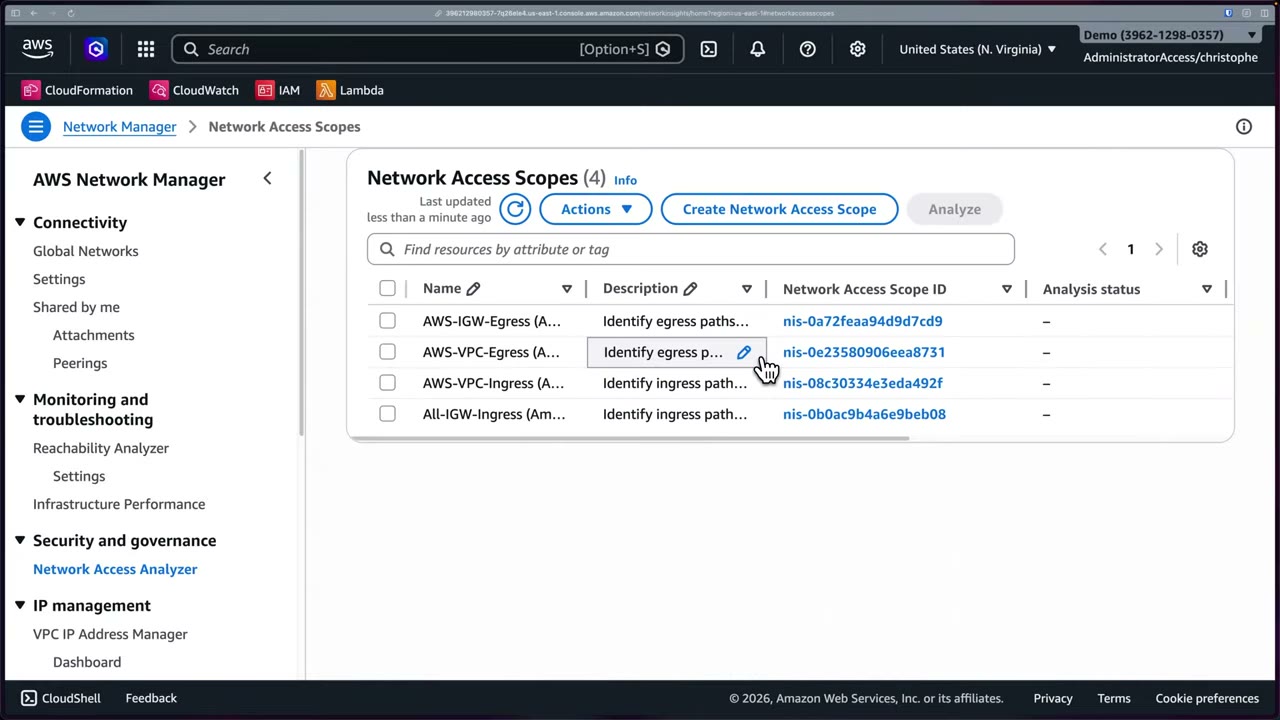
Four Amazon-created scopes: ▶ #133 00:51
| Scope | Finds |
|---|---|
| AWS-IGW-Egress | Egress paths (from gateways, VPC endpoints, VPNs…) to internet gateways |
| AWS-VPC-Egress | Egress paths from your VPCs |
| AWS-VPC-Ingress | Ingress paths into your VPCs from sources (IGW, peering, VPN, endpoints…) |
| All-IGW-Ingress | “Identify ingress paths from Internet Gateways to all Network Interfaces” |
Custom scopes are JSON with MatchPaths and ExcludePaths (each with Source / Destination /
ThroughResources), or start from a console template. ▶ #133 04:01
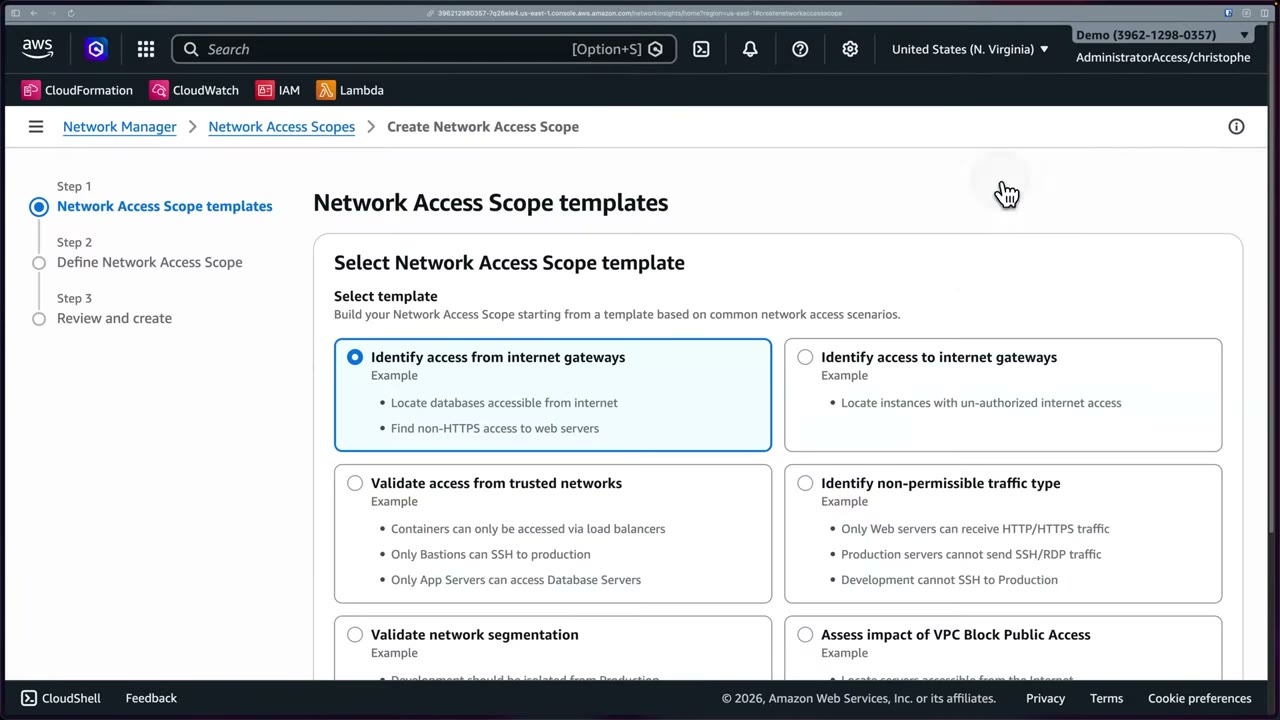
| Template | Examples |
|---|---|
| Identify access from internet gateways | Locate databases accessible from the internet; find non-HTTPS access to web servers |
| Identify access to internet gateways | Locate instances with unauthorized internet access |
| Validate access from trusted networks | Containers only via load balancers; only bastions can SSH to production; only app servers reach DB servers |
| Identify non-permissible traffic type | Only web servers receive HTTP/HTTPS; production can’t send SSH/RDP; development can’t SSH to production |
| Validate network segmentation | Development isolated from production |
| Assess impact of VPC Block Public Access | |
| Empty template | Start from scratch |
Then set a name/description and match conditions: resource selections/types (e.g. internet gateway), traffic type (source/destination address, ports, protocol), etc. → Review → Create → Analyze the same way. ▶ #133 04:01
Reading a finding
Each finding shows the full path hop by hop, with the exact NACL rule and SG rule that allow it, which is what makes remediation fast.
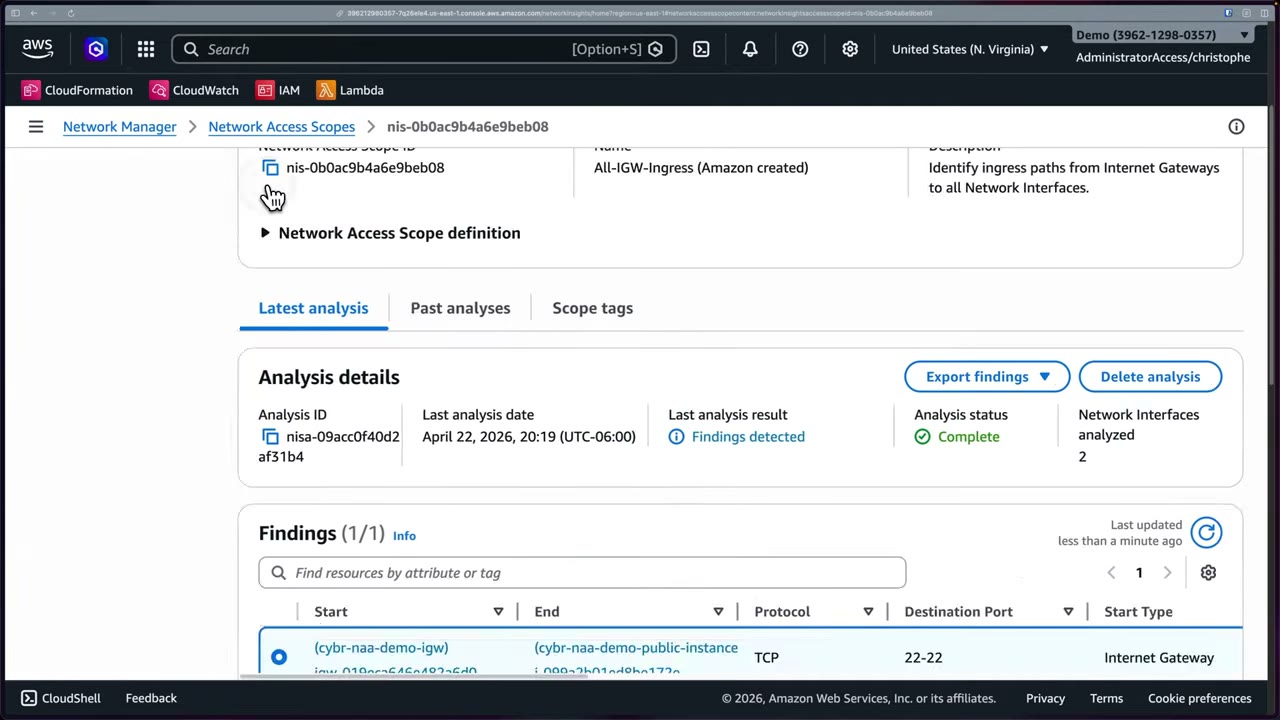
Demo finding (All-IGW-Ingress on a VPC with public/private subnets and two EC2 instances): ▶ #133 02:21
- Start
cybr-naa-demo-igw(Internet Gateway) → Endcybr-naa-demo-public-instance, protocol TCP, destination port 22–22, end subnetcybr-naa-demo-public, start/end VPCcybr-naa-demo-vpc.
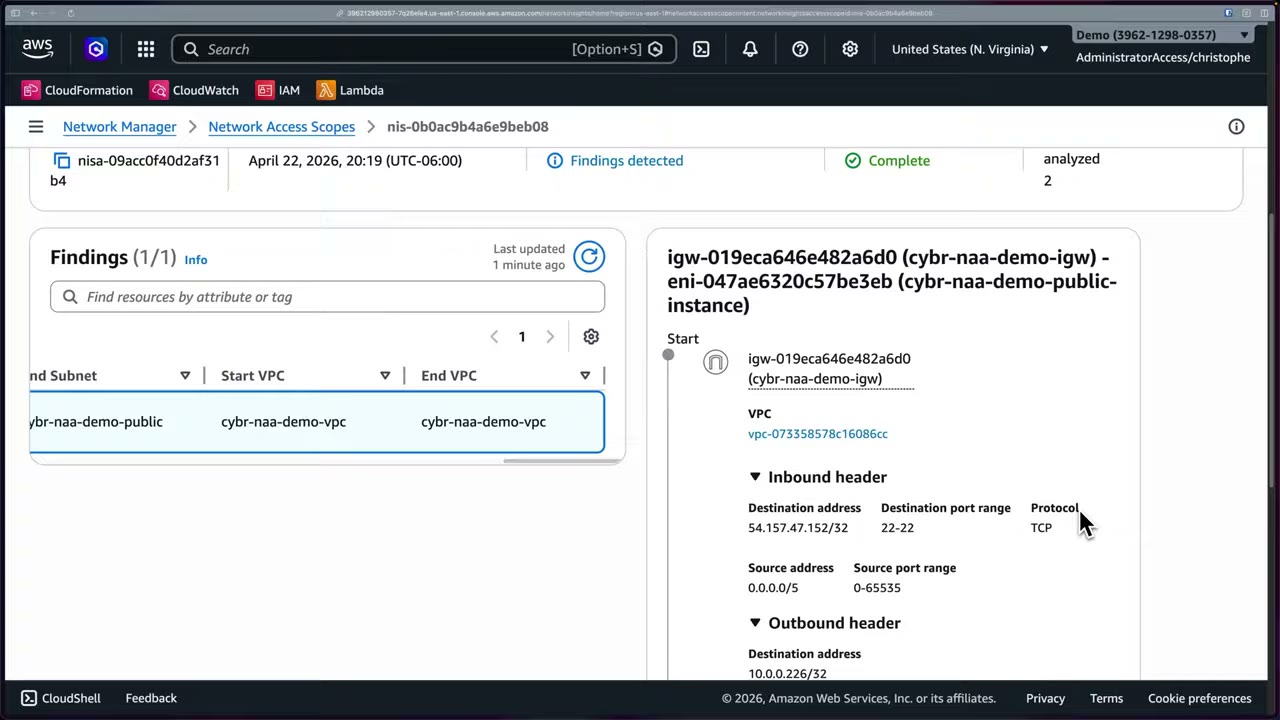
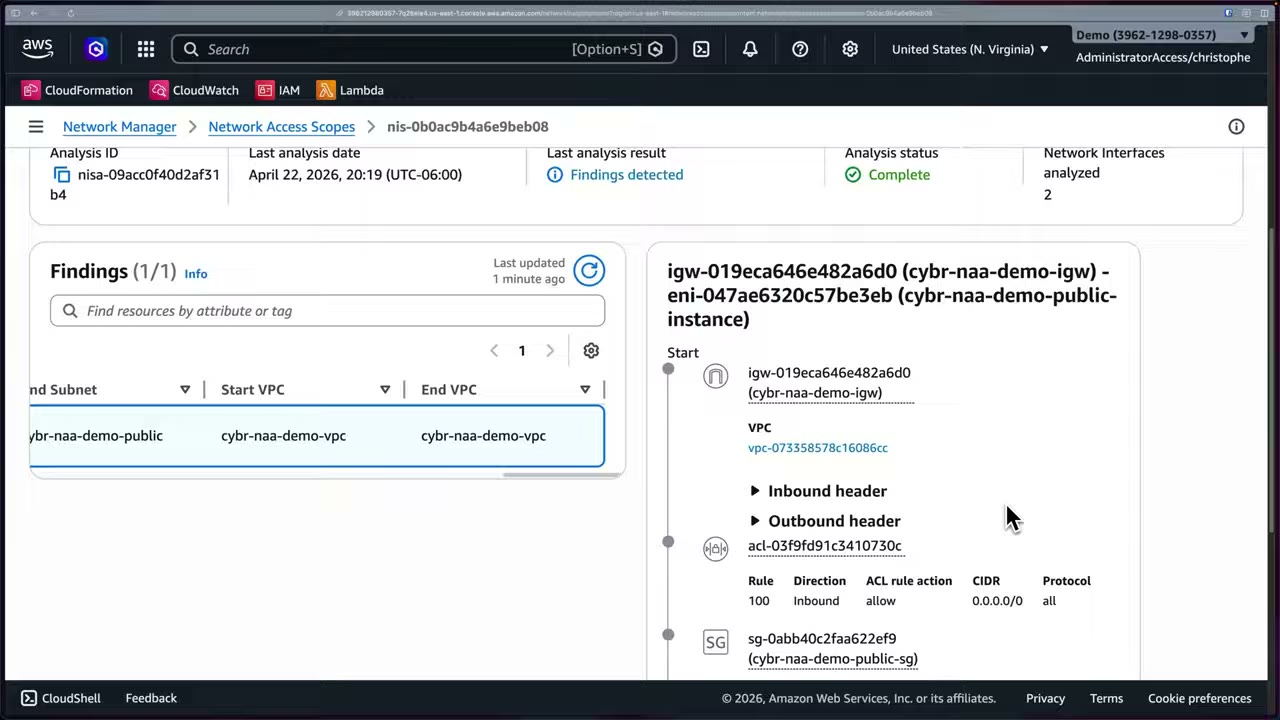
Path details, hop by hop:
- Start:
igw-019eca646e482a6d0invpc-073358578c16086cc. - Inbound header: destination
54.157.47.152/32(public IP), port 22, TCP; source0.0.0.0/5, ports 0–65535. Outbound header (after NAT by the IGW): destination10.0.0.226/32(private IP). - NACL
acl-03f9fd91c3410730c: rule 100, inbound, allow, 0.0.0.0/0, all. - Security group
sg-0abb40c2faa622ef9(cybr-naa-demo-public-sg): open CIDR for port 22. - End: the EC2 instance (ENI
eni-047ae6320c57be3eb).
Real workflow: fix the SG, re-run the analysis, confirm the finding is gone. The before/after analyses also give you an audit trail. ▶ #133 03:41
- Search Network Manager → Security and governance → Network Access Analyzer → Get started (creates the 4 Amazon-created scopes). Network Manager also hosts Reachability Analyzer, Infrastructure Performance, Cloud WAN, TGW Network Manager and VPC IPAM. ▶ #133 00:11
- The demo account has a pre-deployed VPC with public subnets, a private subnet and two EC2 instances (plus the default VPC, hence “2 VPCs”).
- Select All-IGW-Ingress → Analyze (“can take several minutes”). ▶ #133 01:51
- About a minute later: Analysis status Complete, Network interfaces analyzed: 2, Last analysis result: Findings detected. Options: Export findings, Delete analysis; tabs Latest analysis / Past analyses / Scope tags.
- Latest analysis → Findings → select the IGW → public instance finding → inspect the inbound/outbound headers, NACL rule and SG rule.
- Remediate the SG → re-analyze → the finding is gone.
- Create Network Access Scope → template (e.g. Identify access from internet gateways) → match conditions → review → create → analyze.
aws ec2 start-network-insights-access-scope-analysis \
  --network-insights-access-scope-id nis-0abc
aws ec2 get-network-insights-access-scope-analysis-findings \
  --network-insights-access-scope-analysis-id nisa-0def
From the instructor
- Network Access Analyzer = config analysis for unintended access; VPC Flow Logs = actual traffic. Know which one a scenario needs. ▶ #133 05:31
- Use findings + re-analysis as an audit trail of remediation. ▶ #133 03:50
Keyword → answer
| If the question says… | Answer |
|---|---|
| Prove no database is reachable from the internet across VPCs | Network Access Analyzer |
| Why can’t instance A connect to instance B | Reachability Analyzer |
| Continuous alerts on EC2 with open ports exposed to the internet | Inspector network reachability |
| Find configurations that would allow unintended access | Network Access Analyzer |
| See the traffic that actually happened | VPC Flow Logs |
| Dev must be isolated from prod / only bastions can SSH to prod | Custom Network Access Scope (segmentation / trusted-network templates) |
Real-world practice
- Encode the segmentation policy as custom scopes (dev ↛ prod, only bastion → SSH, DBs not from IGW). Run them after every network change in CI/CD and fail the pipeline on new findings.
- Use
ExcludePathsto allow-list intended exposure (for example a public ALB on 443) so findings stay actionable. - Export findings to S3 / Security Hub workflows. Pair with Config rules (
restricted-ssh,vpc-sg-open-only-to-authorized-ports) for continuous coverage.
- Run the built-in All-IGW-Ingress scope on a test VPC with a public EC2 instance and read the finding path.
- Fix the SG, re-run, and confirm the finding is gone.
- Cleanup: nothing to clean up except the analysis.
Elastic Load Balancing (ALB / NLB / GWLB)
Managed load balancers: a single entry point in front of a pool of EC2 instances or containers that distributes requests, health-checks targets and scales itself. They are often where TLS ends and WAF is attached.
- Exam skills: encryption in transit: ELB security policies (5.1.1) · health checks and metrics/alarms (1.1.2, 1.1.4) · configure and analyze logs (1.2.2, 1.2.4) · troubleshoot logging (1.3.1) · edge security (3.1.1, 3.1.2) · network controls (3.3.1)
- Videos: ▶ #103 Elastic Load Balancers · ▶ #104 Health checks and encryption · ▶ #105 Logging and metrics
How ELB works and why it is a security control
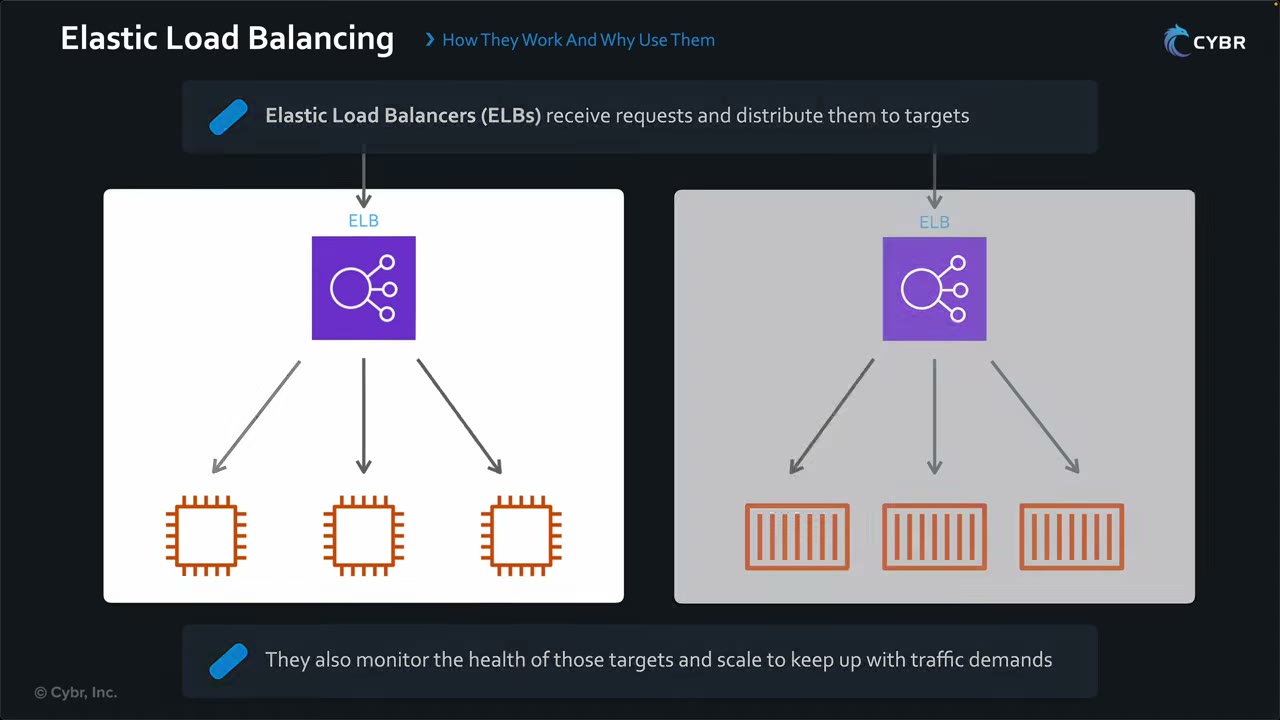
- A single point of entry that balances load across web/application servers (EC2 instances or containers). ▶ #103 00:00
- Monitors target health and routes only to healthy targets. Scales automatically, with no infrastructure to manage. ▶ #103 00:11
- A request arrives, the LB inspects it and picks a target with the configured algorithm, e.g. round robin (1 → 2 → 3 → back to 1). ▶ #103 00:31
- ELB + Auto Scaling (Auto Scaling grows or shrinks the instance count with load) gives business continuity: requests spread over several servers, and a pool of servers means one failure causes no outage. ▶ #103 01:11
ELB as a first line of defense: ▶ #103 01:51
- Single point of entry into VPC resources, so a smaller attack surface. It can sit behind CloudFront: properly configured, an attacker only sees the CloudFront IP/DNS name. Even if the ELB hostname/IP leaks, the EC2 instance IPs stay hidden. ▶ #103 02:00
- Instance/container security groups accept traffic only from the load balancer (reference the ELB’s SG) instead of wide IP ranges and ports. ▶ #103 02:40
- DDoS resilience: with Auto Scaling the pool grows during an attack and shrinks afterward; the ELB scales too. ▶ #103 02:50
- AWS WAF attaches to the LB (or to CloudFront) to block common attacks, including the OWASP Top 10 and layer 7 DDoS. ▶ #103 03:10 Shield Standard (free) is on automatically. ▶ #103 03:31
Shield Advanced protects ALB, CLB, NLB (through EIPs), CloudFront, Route 53 and Global Accelerator. Route 53 health checks on the ALB are used by Shield Advanced.
Load balancer types
“ELB” is the service, not a load balancer type. ▶ #103 03:41 The four types are ALB, NLB, GWLB and the previous-generation Classic Load Balancer (CLB), which works at layers 4 and 7. ▶ #104 03:31
| ALB | NLB | GWLB | |
|---|---|---|---|
| Layer | L7 HTTP/HTTPS/gRPC | L4 TCP/UDP/TLS | L3 (GENEVE 6081) |
| TLS | Terminates (HTTPS listener) | TLS listener terminates, or TCP passthrough for end-to-end TLS | No |
| WAF | Yes | No | No |
| SG | Yes | Yes (optional, newer) | No |
| mTLS verification | Yes | No | No |
| Typical use | Web apps, auth with Cognito/OIDC | Static IP, extreme performance, PrivateLink provider | Inline third-party appliances (firewalls/IDS) |
WAF on an NLB or a Classic LB is not possible.
Target groups and health checks
Console: EC2 → Load Balancing → Target groups → Create target group. Health checks live on the target group. ▶ #104 00:12
| Setting | Options |
|---|---|
| Target type | Instances, Lambda function, IP addresses, or an Application Load Balancer (an ALB as the target of another LB, “inception”) ▶ #104 00:30 |
| Protocol/port | Default HTTP : 80; HTTPS : 443 encrypts LB → target traffic ▶ #104 01:01 |
| IP address type / VPC | IPv4 or IPv6; “both your load balancer and the targets need to be in the same VPC” ▶ #104 04:00 |
| Protocol version | HTTP1, HTTP2, gRPC ▶ #104 04:10 |
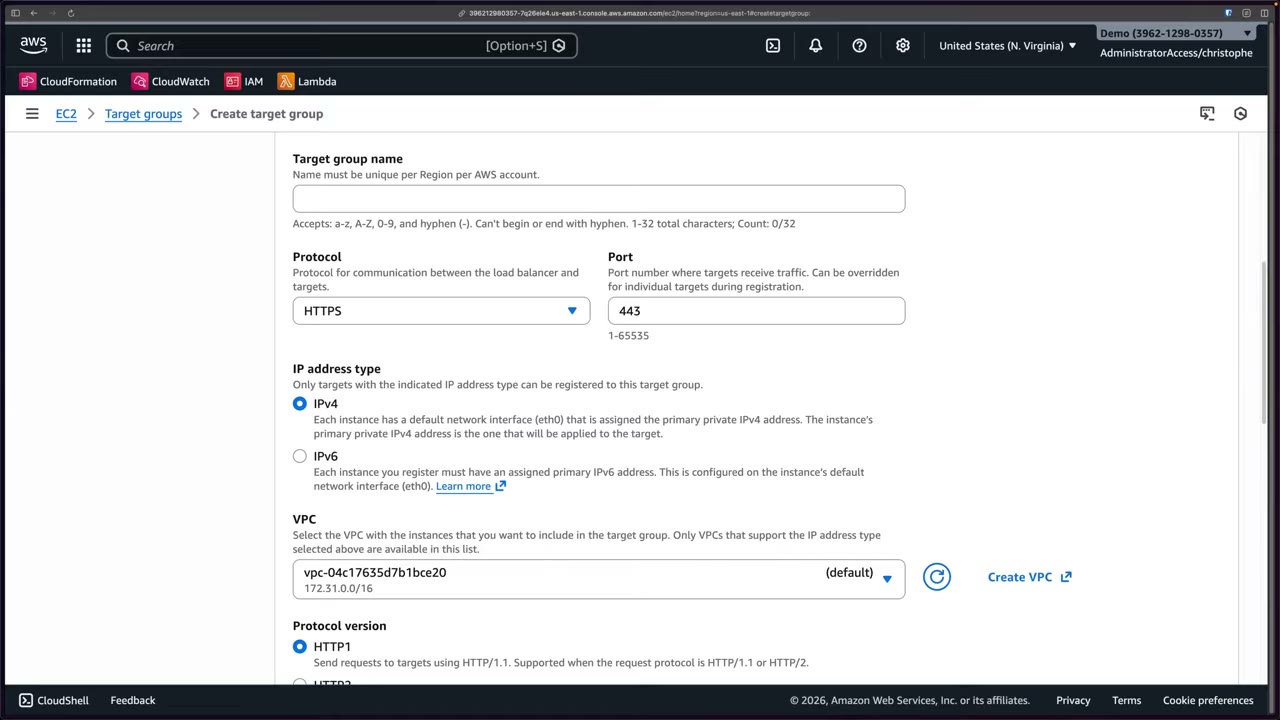
Health checks: the LB periodically asks each target “are you still working?” by requesting a configured path. ▶ #104 04:21
A success code → healthy. No response or an error code → unhealthy, and the LB stops sending traffic to it. ▶ #104 04:41
Health check protocol is HTTP or HTTPS. Advanced settings: health check port (traffic port or override), healthy
threshold, unhealthy threshold, timeout (s), interval (s), success codes (e.g. 200). ▶ #104 04:52
TLS placement: terminate, re-encrypt or pass through
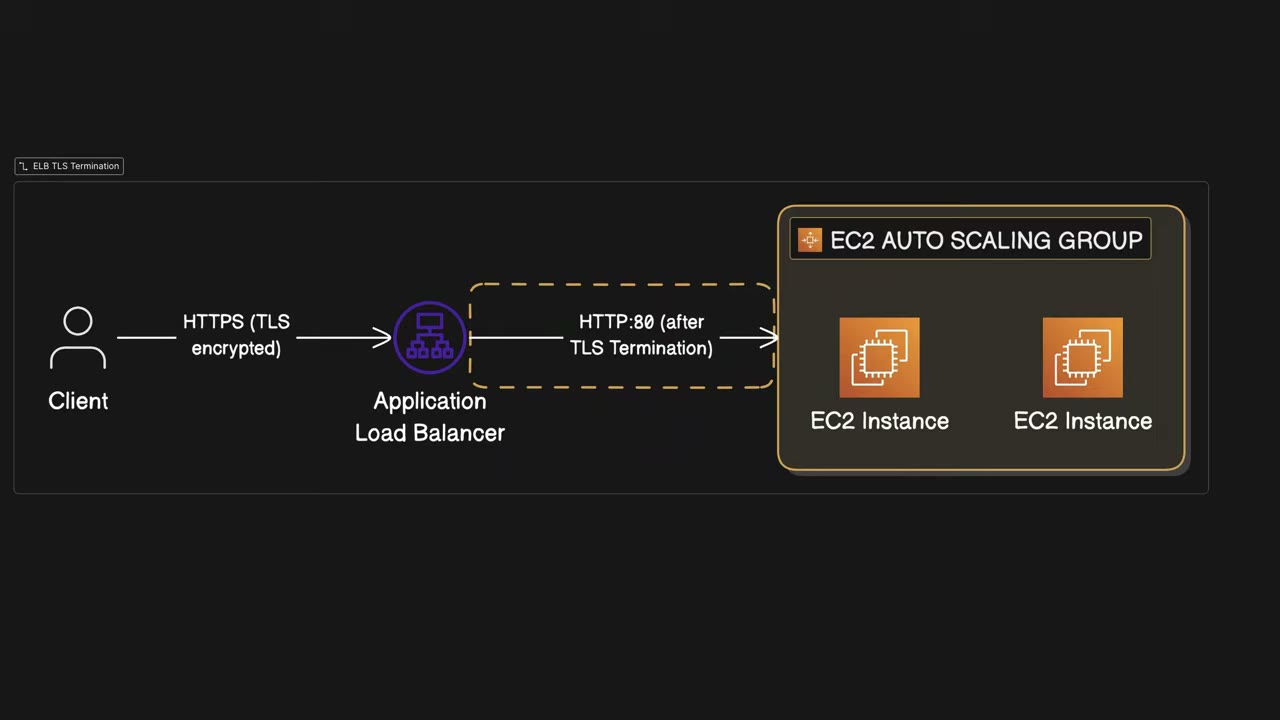
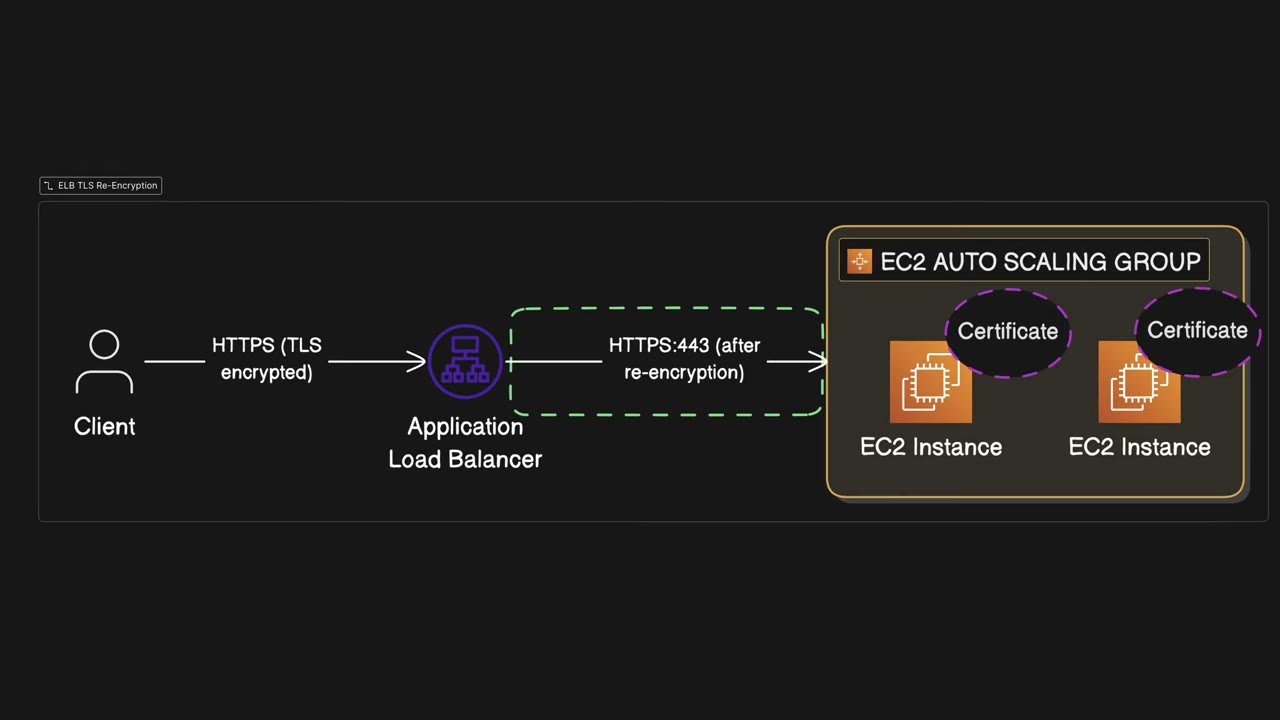
| Option | How | Trade-off |
|---|---|---|
| 1. Termination / SSL offloading | Target group HTTP:80. Client → LB is HTTPS; the LB decrypts and forwards over HTTP:80 without re-encryption ▶ #104 01:21 | No certificates on targets; plaintext hop inside the VPC |
| 2. Re-encryption | Target group HTTPS:443. The LB decrypts, then re-encrypts to targets ▶ #104 02:01 | Certificates on targets, extra CPU load (they encrypt/decrypt all traffic) ▶ #104 02:10. Keeps ALB features (WAF, path routing) |
| 3. Pass-through / end-to-end | Encrypted traffic reaches targets without the LB decrypting it. Only NLB or CLB (deprecated), with a TCP listener on 443 ▶ #104 03:20 | Needed when the instance must terminate TLS itself (strict end-to-end or backend mTLS) |
The load balancer does not validate target certificates: self-signed or even expired certificates work. ▶ #104 02:30 That is acceptable because the LB and targets are in a VPC and traffic between them is authenticated at the packet level, so there is no MITM/spoofing risk. Organizations use this to avoid managing thousands of backend certificates. ▶ #104 02:40
Listeners, security policies and certificates
Console: EC2 → Load balancers → Create load balancer → Application Load Balancer. ▶ #104 05:11
- Scheme: Internet-facing (e.g. web servers) or Internal (e.g. app servers/databases behind private subnets). ▶ #104 05:31
- IP address type; network mapping (same VPC + AZs where LB nodes are deployed); security groups. ▶ #104 05:50
- Listeners default to HTTP:80. ▶ #104 06:00 HTTP → HTTPS redirect: on the HTTP:80 listener set the action Redirect to URL with port 443, then add a second HTTPS:443 listener. ▶ #104 06:10
- Pre-routing action on the HTTPS listener: none, Authenticate user with OIDC or Amazon Cognito, or validate JWTs, then forward to target group. ▶ #104 06:42 The ALB passes
x-amzn-oidc-*headers to targets. - Also turn on
routing.http.drop_invalid_header_fieldsand desync mitigation (defensive/strictest).
Security policy: when a client connects over HTTPS, the security policy decides which protocols and ciphers the LB accepts. ▶ #104 07:10
- TLS 1.0 and 1.1 have known vulnerabilities; use them only for legacy clients. ▶ #104 07:20
- AWS now recommends post-quantum (PQ) TLS policies. Console default:
ELBSecurityPolicy-TLS13-1-2-Res-PQ-2025-09 (Recommended). ▶ #104 07:30 Another TLS 1.2+ example:ELBSecurityPolicy-TLS13-1-2-2021-06. - Categories also include FIPS policies (FIPS with classic cryptography for TLS 1.3/1.2/1.1/1.0) and other classic-cryptography policies, some kept for legacy clients. ▶ #104 07:42
- Changing the policy needs no app change.
Certificates: source From ACM (usually preferred), From IAM, or Import certificate (e.g. one created locally). ▶ #104 08:20 SNI lets one HTTPS listener serve many ACM certificates.
- ACM certs are Regional: an ALB cert must be in the ALB’s Region (CloudFront: us-east-1).
- ACM public certs can’t be exported to targets (exportable public certs are a newer, paid option). For target certs use self-signed, ACM Private CA, or exportable certs.
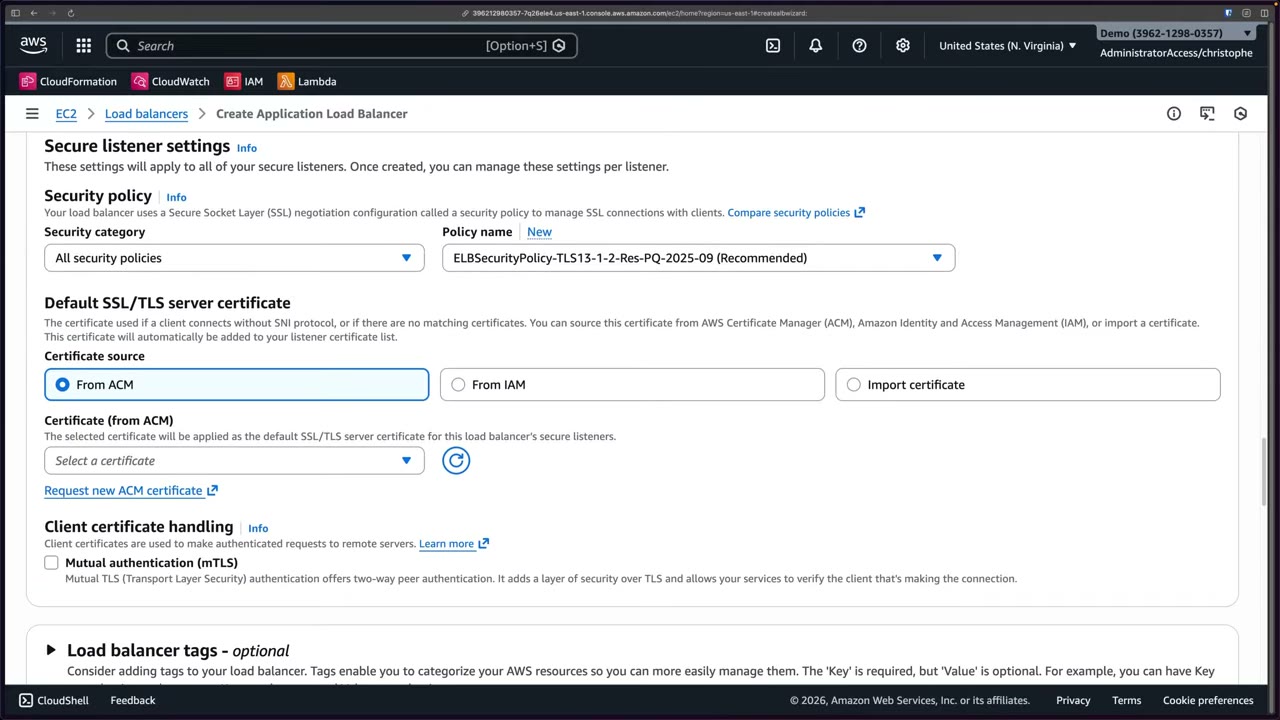
Mutual TLS (mTLS)
Normal TLS is one-way: the client verifies the server. With mTLS both sides verify each other; the client also presents a certificate. ▶ #104 08:50 Classic use case: a fleet of IoT devices with a unique certificate per device instead of API keys, tokens or passwords. ▶ #104 09:01
| Mode | What the ALB does ▶ #104 09:20 |
|---|---|
| Passthrough | Sends the whole client certificate chain to the targets as HTTP headers (X-Amzn-Mtls-Clientcert); targets decide whether to trust it |
| Verify with trust store | The ALB validates the client certificate against a trust store (CA bundle), then TLS is established |
Service integrations at creation
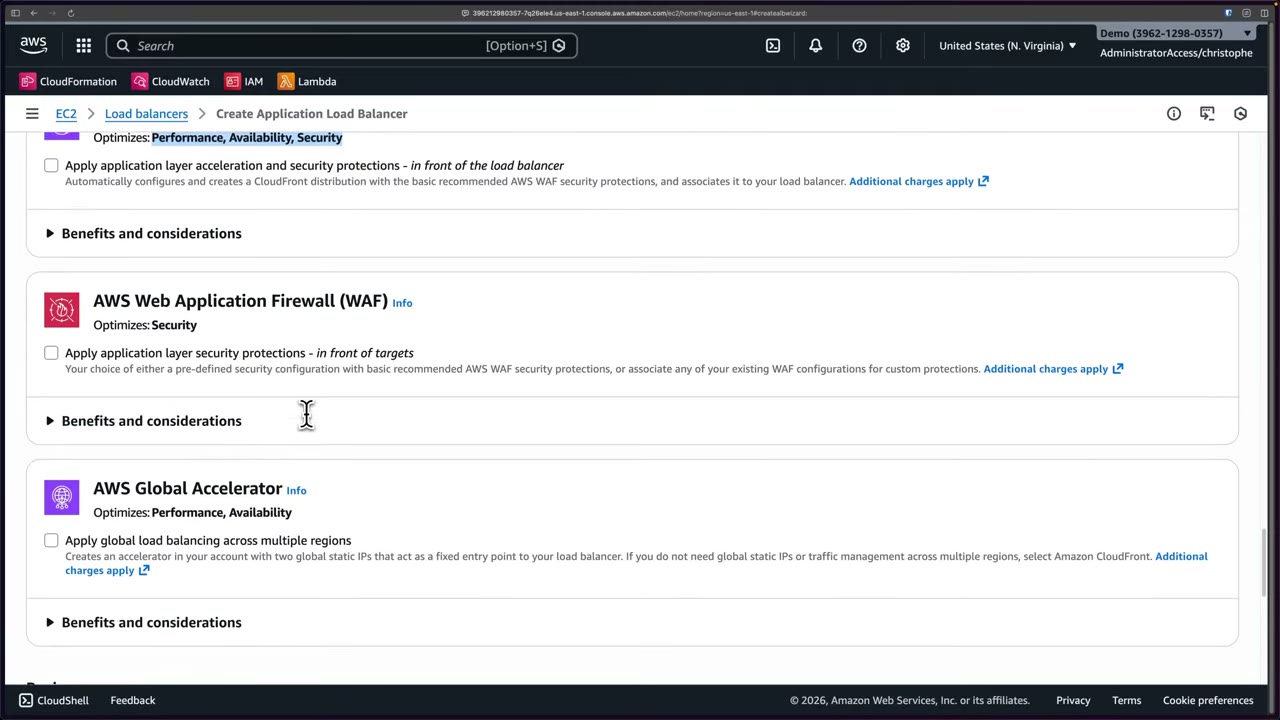
Optional at ALB creation, each with additional charges: ▶ #104 09:51
- Amazon CloudFront + AWS WAF (new): in front of the LB; optimizes performance, availability and security (most cost).
- AWS WAF only: in front of the targets; pre-defined basic recommended protections or an existing WAF config.
- AWS Global Accelerator: two global static IPs as a fixed entry point; performance and availability.
- EC2 → Target groups → Create target group; pick the target type (instances/Lambda/IP/ALB).
- Change the protocol from HTTP:80 to HTTPS:443 for re-encryption; choose IPv4, the VPC and the protocol version.
- Configure the health check protocol and path; open advanced settings (port, thresholds, timeout, interval, success code
200). The target group is not actually created. - EC2 → Load balancers → Create → ALB; set name, scheme, IP type, VPC/AZs, security group.
- Listener HTTP:80 → action Redirect to URL, port 443. Add listener HTTPS:443 → pre-routing action none (options: OIDC/Cognito, JWT) → forward to target group.
- Choose the security policy (recommended PQ TLS 1.3/1.2 policy; FIPS and legacy options listed).
- Certificate source From ACM (none existed in the account).
- Show the mTLS checkbox (passthrough vs trust store), then the optional CloudFront/WAF/Global Accelerator integrations and the summary.
Recap: health checks route around failed targets; security policies define protocols and ciphers; TLS configuration is where encryption is handled (terminate, re-encrypt, or pass through with an NLB). ▶ #104 10:30
Logging: access logs vs connection logs
Both log types are disabled by default, written per LB node every 5 minutes, compressed and uploaded to Amazon S3. The S3 bucket needs the right bucket policy. ▶ #105 01:01
| Access logs ▶ #105 00:11 | Connection logs ▶ #105 02:50 | |
|---|---|---|
| Records | Requests: client IP, request path, response codes, timestamps, latency | TLS connections: client IP and port, listener port, TLS cipher and protocol, handshake latency, connection status, client certificate details ▶ #105 03:01 |
| Focus | Traffic patterns | Encryption of the connection ▶ #105 03:31 |
| Use for | Attacks, WAF tuning, compliance, latency | TLS / mTLS troubleshooting |
| NLB | Only for TLS listeners | None (use VPC Flow Logs for NLB visibility) |
Access logs in more detail:
- Example entry: an HTTPS request arriving on 443, forwarded to the backend target on port 80. You don’t need to memorize the format, just be familiar with it. ▶ #105 00:41
- Object names include date/time, account ID, Region, load balancer name, so you can find logs by time frame, account and Region. ▶ #105 01:21
- Investigating attacks / unusual traffic: raw data on brute-force login attempts or vulnerability scanning. ▶ #105 01:41 Use it to fine-tune AWS WAF rules without affecting legitimate users. ▶ #105 02:01
- Compliance: regulations often require retention of who accessed what and when. ▶ #105 02:10
- Troubleshooting: slow responses → check the latency fields to see if the delay is at the LB or the backend, and for which requests. ▶ #105 02:31
- Access logs are best effort. For guaranteed request logging with matched-rule info, use WAF logs. ALB also adds
X-Forwarded-For; NLB preserves the source IP (or Proxy Protocol v2).
Connection logs in more detail (a newer feature):
- The demo example was an HTTPS:443 listener with mTLS verify mode enabled. ▶ #105 03:21
- TLS troubleshooting: handshake failures from clients on an old protocol your security policy disallows, cipher mismatch, or with mTLS a client presenting an invalid certificate. ▶ #105 03:41
- Delivered to the S3 bucket you configure, every 5 minutes per node; the bucket policy must allow it. ▶ #105 04:12
Downstream analysis: query and visualize both log types with CloudWatch, Athena, OpenSearch Service, etc. ▶ #105 04:31 CloudTrail records the ELB API calls.
- Bucket policy is missing the ELB log delivery permissions: principal
logdelivery.elasticloadbalancing.amazonaws.com(newer Regions) or the Regional ELB account ID (older Regions),s3:PutObjecton the prefix. - The bucket must be in the same Region as the LB.
- The bucket uses SSE-KMS, which is not supported for ALB access logs. Use SSE-S3.
- Logging was never enabled (it’s off by default).
CloudWatch metrics and alarms
ELB sends metrics to CloudWatch automatically: request counts, active connection counts, healthy vs unhealthy host
counts, latency. ▶ #105 04:51 Useful metric names: UnHealthyHostCount, HealthyHostCount, TargetResponseTime,
HTTPCode_ELB_5XX_Count, HTTPCode_Target_5XX_Count, RejectedConnectionCount, ClientTLSNegotiationErrorCount.
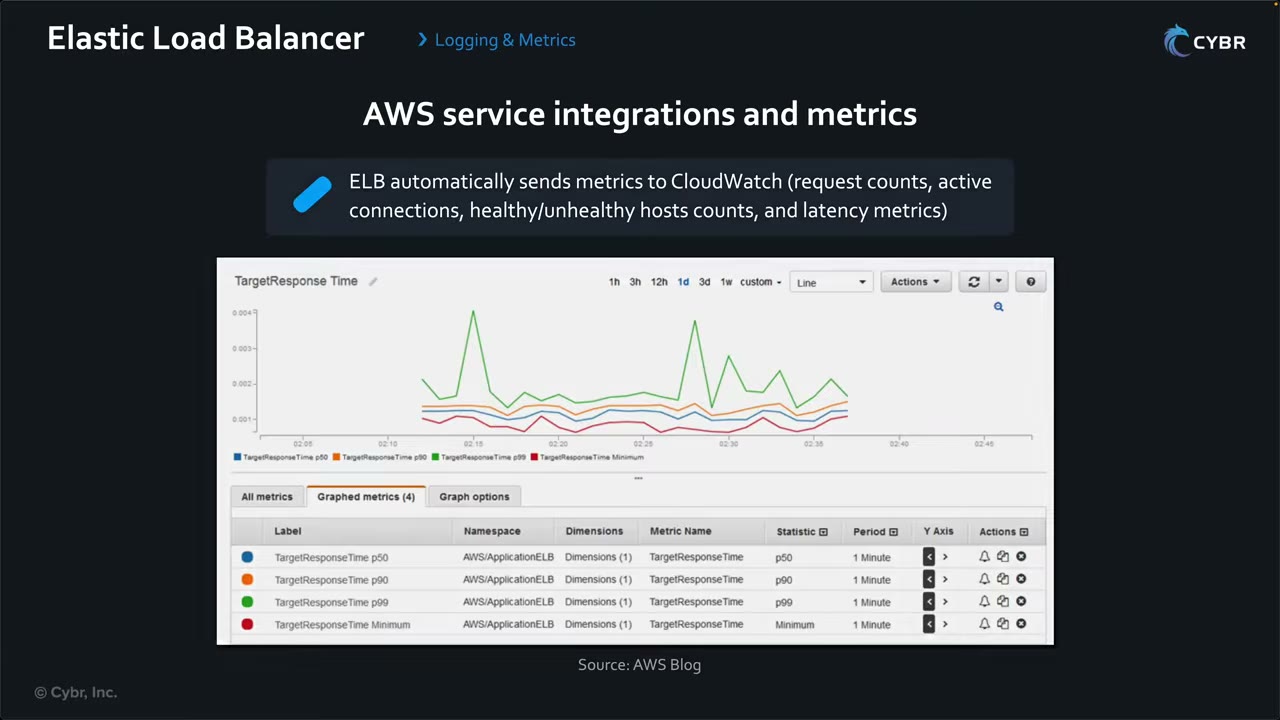
Alarms: ▶ #105 05:01
- UnHealthyHostCount > 0 → alert as soon as any target fails.
- Average latency spikes → a networking problem, a DoS attack, etc. ▶ #105 05:11
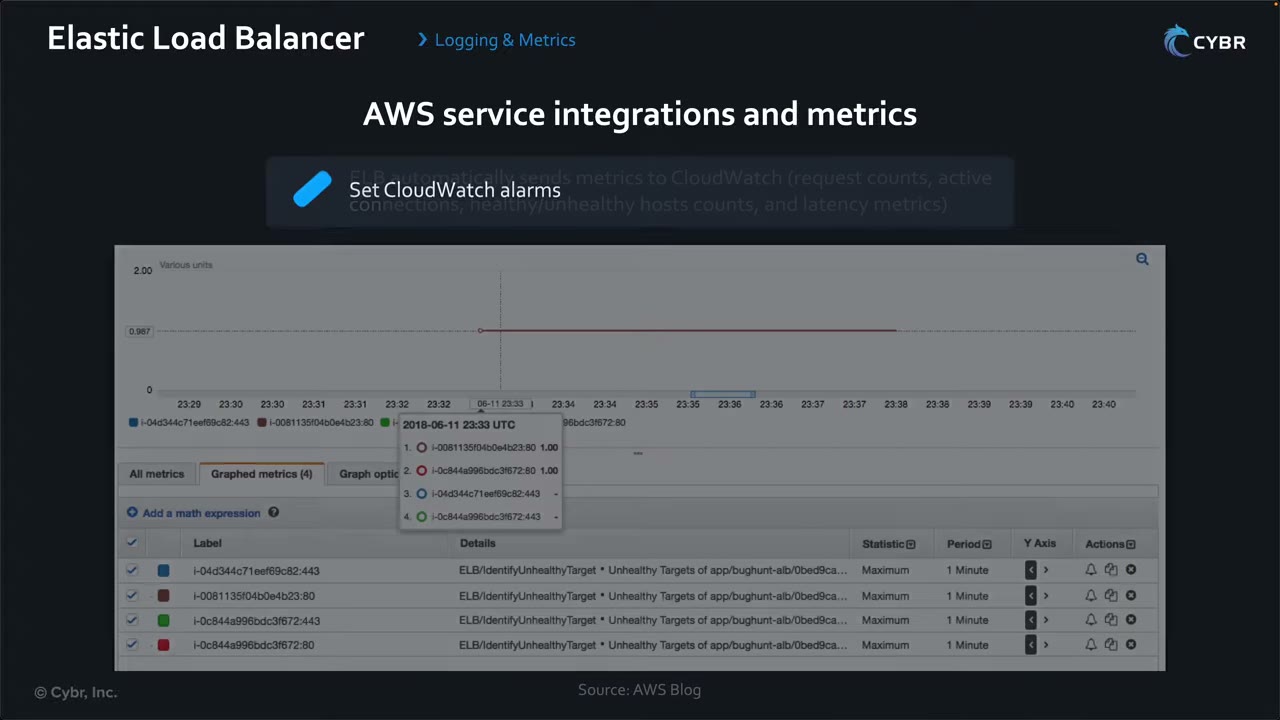
Combine alarms (near real time) with access/connection logs (detail) to correlate metrics with specific requests. ▶ #105 05:30 Metrics tell you something is wrong; logs tell you why.
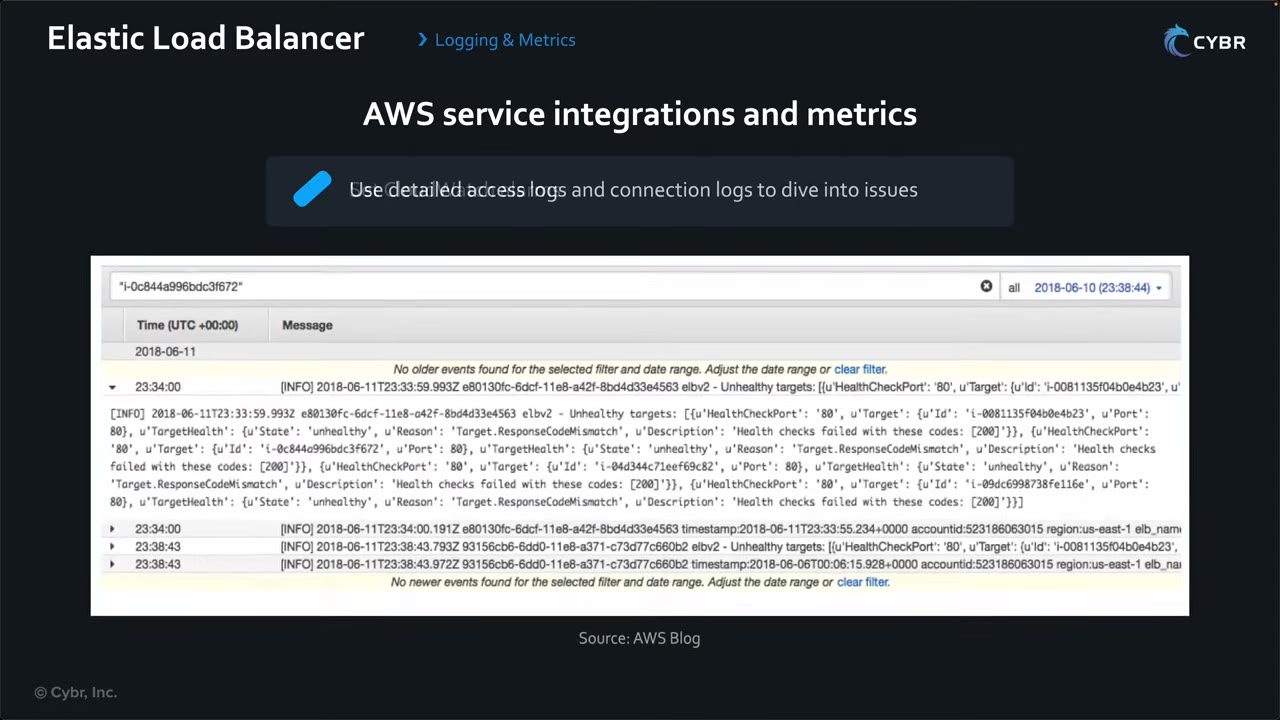
The log detail above shows going from a metric alarm to the per-target reason: HealthCheckPort: '80',
State: 'unhealthy', Reason: 'Target.ResponseCodeMismatch', Description: 'Health checks failed with these codes: [200]'.
- Health check path, port and success code match what the app actually returns.
- The targets’ SG allows the LB SG on the health check port.
- Look at the per-target reason (e.g.
Target.ResponseCodeMismatch) in the target health details or logs.
From the instructor
- ELB is one of the first lines of defense: single entry point, hidden backend IPs, SG-to-SG restriction, scaling against DDoS, WAF attachment point. ▶ #103 01:51
- ELB is not itself a load balancer type; know the four types. ▶ #103 03:47
- Know the three TLS options and their trade-offs: termination, re-encryption (certs on targets, extra load), pass-through (NLB/CLB only). ▶ #104 10:41
- The ALB does not validate backend certificates; self-signed/expired are fine because in-VPC traffic is authenticated at the packet level. ▶ #104 02:30
- Avoid TLS 1.0/1.1 unless legacy clients require them; AWS recommends PQ TLS policies. ▶ #104 07:20
- Use ACM as the usual certificate source. ▶ #104 08:31
- mTLS = two-way verification; an IoT fleet with per-device certs is the classic use case. ▶ #104 09:01
- Know both access logs and connection logs and when to use which. ▶ #105 05:50
- Both are disabled by default and need an S3 bucket with correct permissions. ▶ #105 04:20
- Set CloudWatch alarms on ELB metrics for both ELBs and their targets. ▶ #105 06:01
Keyword → answer
| If the question says… | Answer |
|---|---|
| Must use TLS 1.2 or higher with strong ciphers | Change the listener security policy (no app change). FIPS requirement → FIPS policy |
| End-to-end encryption, keep the certificate on the instance | NLB with TCP passthrough (or ALB HTTPS target group if re-encryption is acceptable) |
| Encrypted all the way but still need ALB features (WAF, path routing) | ALB re-encryption |
| Insert a third-party firewall appliance transparently | GWLB + GWLB endpoints |
| Need client IPs | Enable access logs (off by default). ALB adds X-Forwarded-For; NLB preserves source IP (or Proxy Protocol v2) |
| Access logs not delivered | Bucket policy missing ELB log delivery permissions, or bucket uses SSE-KMS (use SSE-S3) |
| Instances must only receive traffic from the load balancer | Backend SG inbound source = ALB SG ID, instances in private subnets |
| Users bypass CloudFront and hit the ALB | ALB SG allows only the CloudFront prefix list com.amazonaws.global.cloudfront.origin-facing and/or a secret custom header checked by a listener rule or WAF. Newer: CloudFront VPC origins with an internal ALB |
| WAF on an NLB or Classic LB | Not possible |
| Clients fail to connect after changing the TLS policy | Connection logs (tls_protocol, tls_cipher, failure reason) |
| Find IPs brute-forcing /login | Access logs in S3 + Athena, then a WAF rate-based rule or IP set |
| Unhealthy targets / health checks fail | Path, port, success code; target SG allows the LB SG on the health check port |
| Alert as soon as any target fails | CloudWatch alarm on UnHealthyHostCount > 0. Latency spikes can point to a DoS |
| Per-device certificate authentication (IoT) | ALB mTLS (verify mode with a trust store) |
- The video says the LB and targets must be in the same VPC. That is true for instance targets; IP targets can be in a peered VPC, across Transit Gateway, or on-premises (via Direct Connect/VPN).
- The video says connection logs have an entry per HTTP request. Per AWS docs, connection logs record each TLS connection attempt (successful or failed), not each request. That is why they show failed handshakes that never produce a request.
Real-world practice
- Turn on deletion protection on ALBs. Migrate remaining Classic LBs: they lack WAF, modern TLS policies and auth actions.
- Enforce HTTPS-only with Config rules such as
alb-http-to-https-redirection-checkandelb-tls-https-listeners-only. Catch LBs without logging withelb-logging-enabled(+ Security Hub control) and SSM Automation remediation. - Security policy upgrades can break old clients. Check
tls_protocol/tls_cipherin connection or access logs before dropping ciphers. - mTLS trust stores: keep CA bundles in S3, load revocation lists (CRLs), and log client cert info with connection logs.
- Send all LB logs to a central log-archive bucket (cross-account bucket policy + Object Ownership “bucket owner enforced”), catalog with Glue/Athena or ingest into Security Lake / OpenSearch / SIEM. Use lifecycle rules (for example Glacier after 90 days).
- Alarm on
HTTPCode_ELB_4XX/5XXspikes andClientTLSNegotiationErrorCountas cheap early-warning security signals.
aws elbv2 modify-listener --listener-arn $LISTENER \
  --ssl-policy ELBSecurityPolicy-TLS13-1-2-2021-06
aws elbv2 modify-load-balancer-attributes --load-balancer-arn $ALB --attributes \
  Key=access_logs.s3.enabled,Value=true Key=access_logs.s3.bucket,Value=elb-logs-123 \
  Key=routing.http.drop_invalid_header_fields.enabled,Value=true
- Create an ALB with an HTTPS listener (ACM cert), an HTTP→HTTPS redirect, access logs, connection logs and a TLS 1.3 policy.
- Test with
nmap --script ssl-enum-ciphers -p 443. - Add an alarm on
UnHealthyHostCount > 0. - Cleanup: delete the ALB, target group, alarm, cert and log bucket.
Amazon EC2 hardening (IMDSv2, AMIs, Image Builder, admin access)
Securing instances and images: hardened images built at build time, least-privilege roles, no SSH keys, and protected instance metadata.
- Exam skills: hardened AMIs and container images (3.2.1) · instance profiles, service and execution roles (3.2.2) · scan compute for vulnerabilities (3.2.3) · automated patching (3.2.4) · secure admin access (3.2.5) · analyze authorization failures (4.2.4) · share resources (6.2.4)
- Videos: ▶ #100 Launch and connect to EC2 instances · ▶ #102 Hardening EC2 AMIs and container images · see also ▶ #101 under AWS Systems Manager (Session Manager)
- Cost: EC2 Image Builder itself is free; you pay for the build resources (EC2 instances, S3 storage)
Launching an instance: the security-relevant settings
A foundational lab launches an Amazon Linux 2023 instance (t2.micro) with a new RSA key pair in a public subnet and connects two ways. Several settings along the way matter for security. ▶ #100 00:00
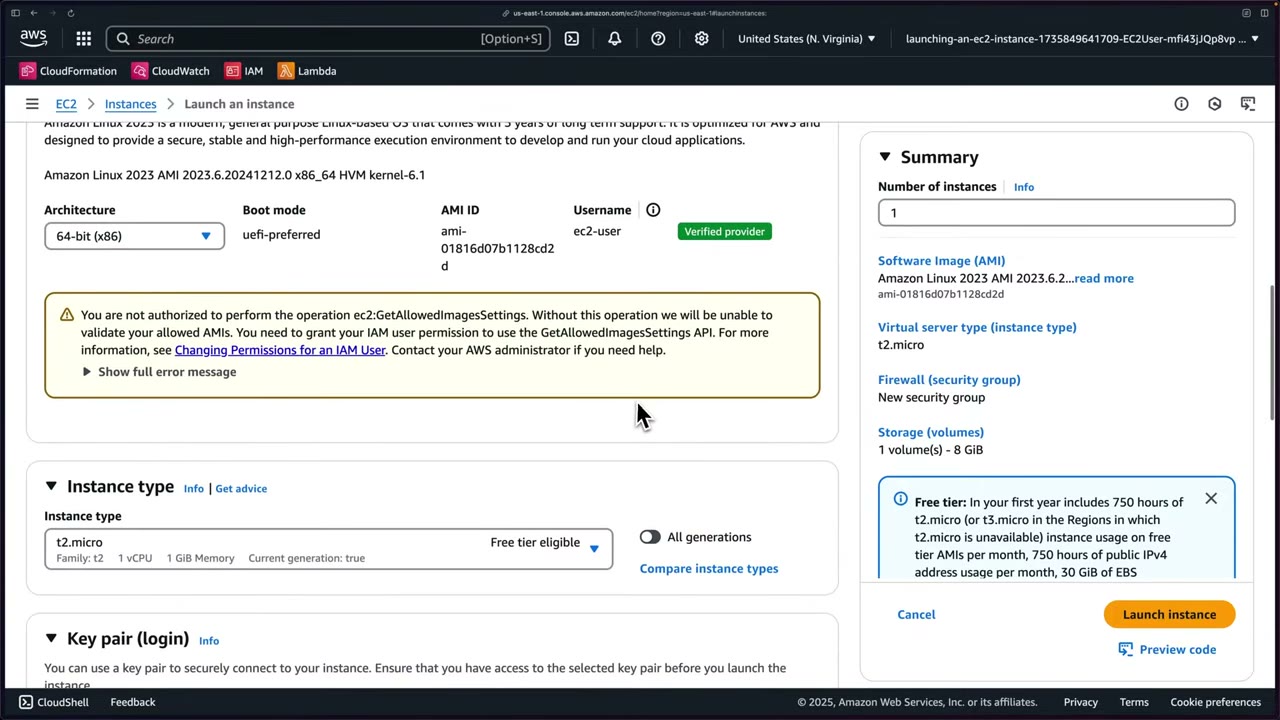
| Setting | What the demo shows |
|---|---|
| AMI | Template with a preconfigured OS + packages, from AWS or vendors (SUSE, Red Hat…). Quick Start: Amazon Linux, macOS, Ubuntu, Windows, Red Hat, SUSE, Debian. Chose Amazon Linux 2023 (64-bit x86, uefi-preferred, free tier eligible, “Verified provider”) ▶ #100 00:31 |
| Default username | Baked into the AMI: ec2-user for Amazon Linux; Ubuntu and others differ ▶ #100 01:10 |
| Instance type | Dictates performance/cost, e.g. t2.micro = 1 vCPU, 1 GiB. GPU types can be very expensive. Labs: t2.micro or t3.micro ▶ #100 01:30 |
| Key pair | Don’t pick “Proceed without a key pair” if you need SSH. Name myfirstinstance, type RSA (recommended) or ED25519 (not supported for Windows), format .pem (OpenSSH) or .ppk (PuTTY); downloads automatically ▶ #100 02:10 |
| Network | VPC VPC Public Subnets, subnet …public-a, Auto-assign public IP: Enable, or the instance is hard to reach ▶ #100 02:55 |
| Security group | New launch-wizard-1: Allow SSH from Anywhere (0.0.0.0/0) / My IP / custom range. HTTP/HTTPS unchecked ▶ #100 03:20 |
| Storage | Default 1 × 8 GiB gp3 root volume (3000 IOPS), shown as "(Not encrypted)". Backup info relates to Data Lifecycle Manager policies by tag ▶ #100 03:58 |
The instructor uses SSH from Anywhere “but that’s really not best practice”. The console warns: “Rules with source of 0.0.0.0/0 allow all IP addresses… We recommend setting security group rules to allow access from known IP addresses only.” ▶ #100 03:41
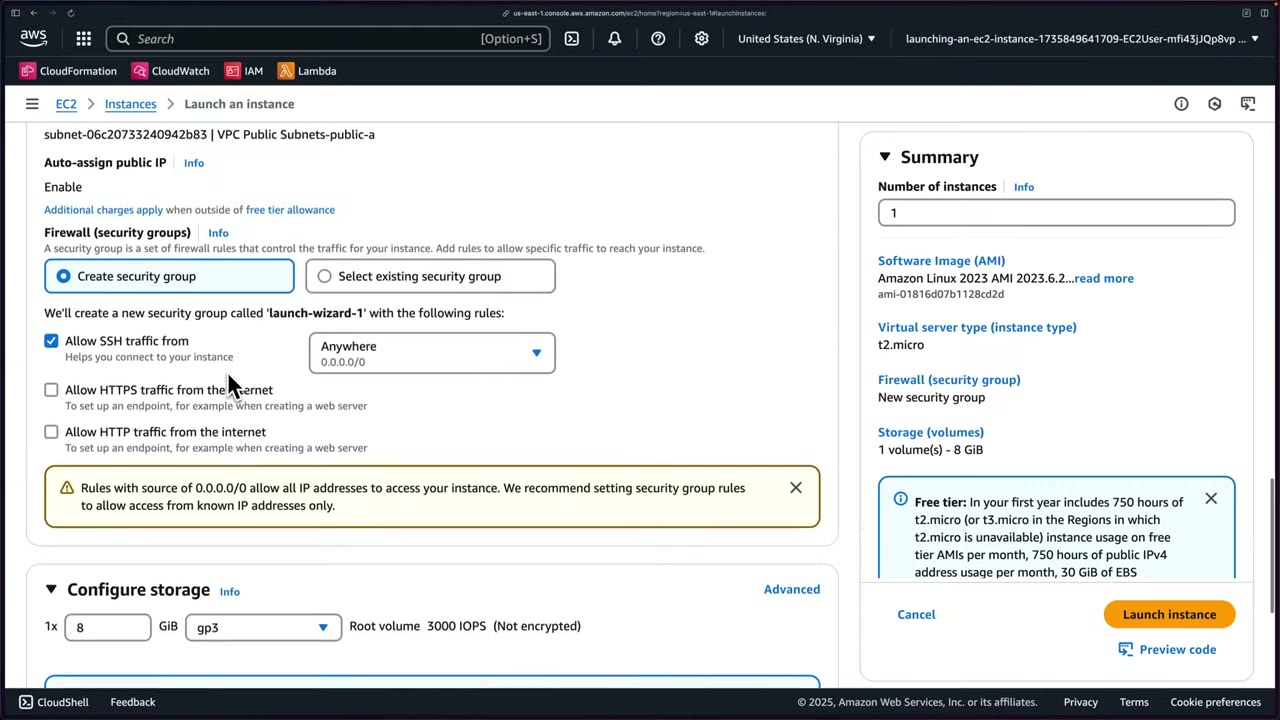
- The root volume is unencrypted because EBS encryption by default (per Region) is off. Turn it on, and enforce it with the SCP condition
ec2:Encryptedor a declarative policy (see Amazon EBS encryption). - The
ec2:GetAllowedImagesSettingswarning comes from Allowed AMIs (account setting / declarative policy), which limits which AMI providers can be discovered and launched. - Use termination protection on critical hosts, and don’t put secrets in user data.
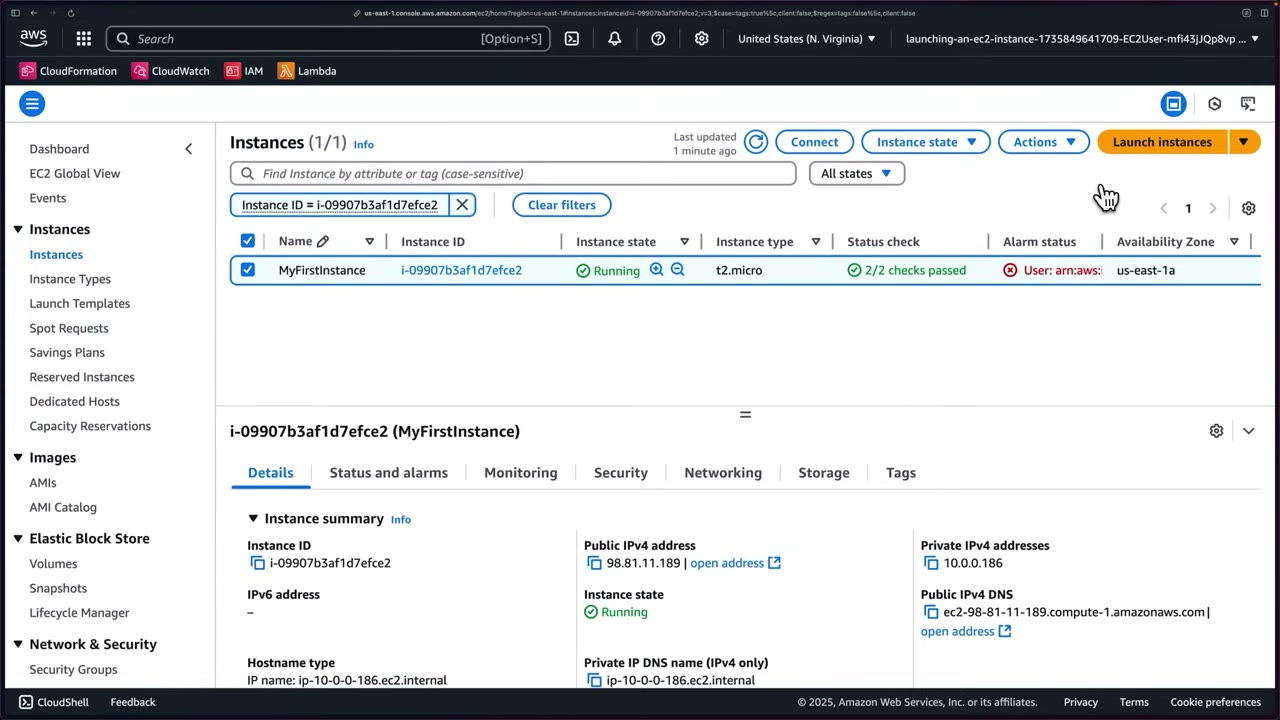
After Launch instance, wait for Instance state: Running and Status check 2/2 checks passed (AWS background health checks). ▶ #100 04:58 The Instance state menu has stop, reboot and terminate; Actions has connect, details, manage state, security groups, networking, image, monitoring and troubleshooting. ▶ #100 05:10
Reading AccessDenied messages
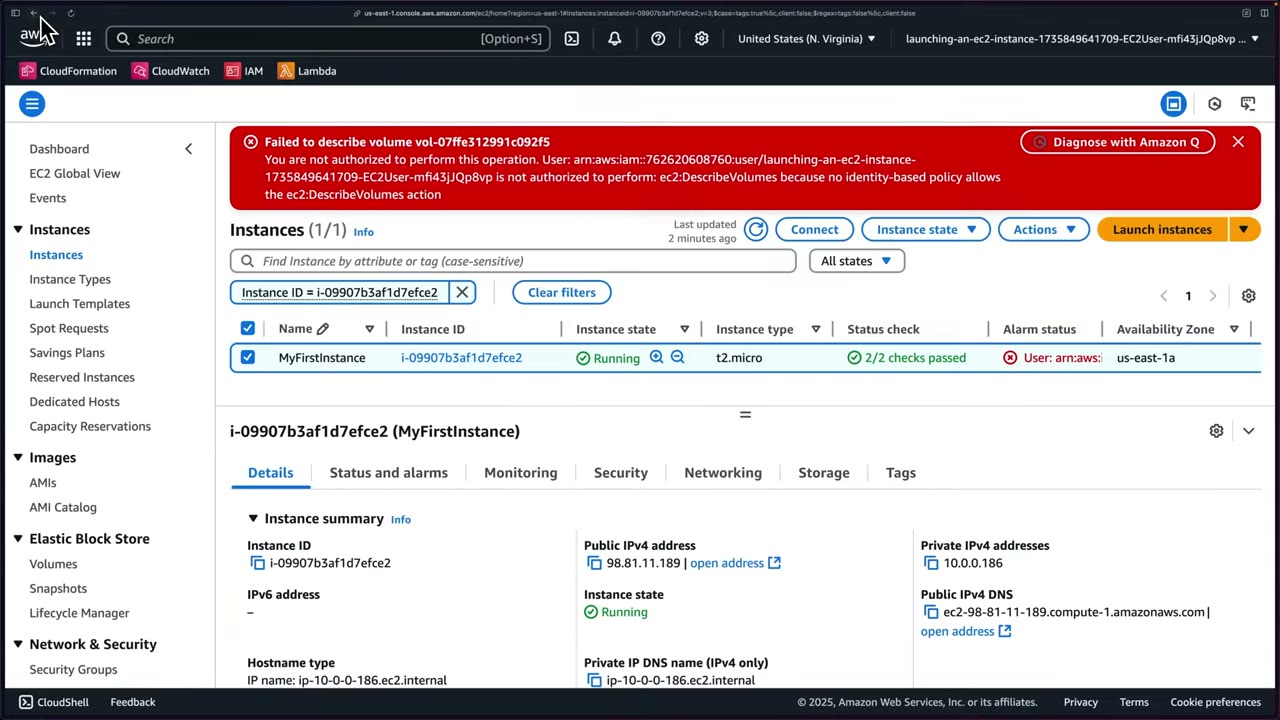
The lab user gets a red banner: “not authorized to perform ec2:DescribeVolumes because no identity-based policy allows the ec2:DescribeVolumes action”. ▶ #100 04:50
| Message says… | Meaning |
|---|---|
| “because no identity-based policy allows” | Implicit deny in identity policies |
| “with an explicit deny in a service control policy” | An SCP blocks it |
Admin access: Session Manager, Instance Connect, SSH, Serial Console
Connect options in the console: EC2 Instance Connect, Session Manager, SSH client, EC2 serial console. ▶ #100 05:30
| Method | How it works | Notes |
|---|---|---|
| Session Manager | Agent-based shell through SSM | No inbound port, no bastion, no keys. Logged (see AWS Systems Manager) ▶ #101 |
| EC2 Instance Connect | Pushes a temporary SSH key for 60 seconds through IAM (ec2-instance-connect:SendSSHPublicKey) |
Browser-based terminal, no SSH key handling. Still needs port 22 open, from the Region’s EC2_INSTANCE_CONNECT prefix list / IP range, not 0.0.0.0/0. For private subnets use the EC2 Instance Connect Endpoint |
| SSH client | Long-lived key pair | chmod 400 the key, then ssh -i |
| EC2 Serial Console | Serial port access | For broken boot or networking. Off by default, enabled per account |
Ranking for exam answers: Session Manager > Instance Connect > long-lived key pairs + bastion.
Instance Connect: username ec2-user, public IPv4 prefilled → Connect → a browser-based terminal. The demo runs pwd,
whoami, cd .., ls -l. ▶ #100 06:11
SSH client, when the browser option can’t or shouldn’t be used: ▶ #100 06:41
cd ~/Downloads
chmod 400 "myfirstinstance.pem"
ssh -i "myfirstinstance.pem" ec2-user@ec2-98-81-11-189.compute-1.amazonaws.com
You can use the public IPv4 or the public IPv4 DNS name. ▶ #100 07:00 The first connection asks you to verify the host
fingerprint → yes. Creating files in some directories needs your home dir or sudo. ▶ #100 08:00
- EC2 → Instances → Launch instances → Name
MyFirstInstance→ AMI Amazon Linux 2023 → t2.micro. - Key pair → Create new key pair
myfirstinstance, RSA, .pem. - Network: public subnet, auto-assign public IP Enable, create an SG allowing SSH (Anywhere for the demo), no HTTP/HTTPS.
- Storage: 8 GiB gp3 default. Advanced details skipped → Launch instance → success with an instance ID. ▶ #100 04:31
- Wait for Running + 2/2 checks → Connect → EC2 Instance Connect (
ec2-user) → Connect. - In a local terminal:
chmod 400the key andssh -ias shown above.
IMDSv2: protecting instance credentials
IMDSv2 uses a session token (PUT, then GET with the token) and a hop limit. It defends against SSRF credential theft. Ways to enforce it:
| Where | How |
|---|---|
| Per instance or launch template | --http-tokens required |
| Account default per Region | modify-instance-metadata-defaults |
| Organization guardrail | SCP/IAM condition ec2:MetadataHttpTokens = required on RunInstances |
| Credential usage | Condition key ec2:RoleDelivery ≥ 2.0 |
| Detection | Config rule ec2-imdsv2-check |
- Hop limit 2 for containers on EC2 that need IMDS (the extra network hop). Keep 1 to block containers.
- If credentials were stolen, GuardDuty raises
InstanceCredentialExfiltration.
# Enforce IMDSv2 on an existing instance
aws ec2 modify-instance-metadata-options --instance-id i-0123 \
  --http-tokens required --http-put-response-hop-limit 1 --http-endpoint enabled
# Account default for new launches in this Region
aws ec2 modify-instance-metadata-defaults --http-tokens required
SCP that denies launches without IMDSv2:
{
  "Effect": "Deny",
  "Action": "ec2:RunInstances",
  "Resource": "arn:aws:ec2:*:*:instance/*",
  "Condition": { "StringNotEquals": { "ec2:MetadataHttpTokens": "required" } }
}
Roles on compute
| Compute | Role mechanism |
|---|---|
| EC2 | Instance profile (the container for the role) |
| Lambda | Execution role |
| ECS | Task role (app permissions) vs task execution role (pull image, get secrets, write logs) |
| EKS | IRSA or EKS Pod Identity |
| Any service acting for you | Service role (for example the Config role) |
Hardening images at build time
Hardening shrinks the attack surface of an image before it reaches staging or production. ▶ #102 00:11 Typical actions: ▶ #102 00:21
- Remove unnecessary packages, software and services.
- Apply OS and software-dependency patches.
- Enforce secure configuration baselines, including removing default users.
- Install security agents (monitoring, host firewalls, etc.).
- Apply CIS Benchmarks or other custom hardening scripts.
- Prevent credential and secret leaks inside images.
- Ensure consistency and repeatability across environments.
Key principle: controls are applied during image creation, not after instances/containers are running. ▶ #102 00:55 That gives immutable infrastructure: you don’t SSH in to fix things by hand; you update the image and redeploy across the fleet, so every instance or container starts in a known secure state. ▶ #102 01:08
Golden AMI pattern: build → scan (Inspector) → approve → share. ec2:ImageId conditions or the Allowed AMIs
declarative policy limit what can be launched.
Container image hardening: minimal base image, non-root user, no secrets in layers, ECR scanning (basic, or enhanced with Inspector), immutable tags, image signing (Signer/Notation).
EC2 Image Builder pipelines
A managed service (free; you pay for build EC2 instances and S3 storage) that lets you: ▶ #102 01:41
- define how images are built with image recipes,
- run validation and test steps,
- produce versioned, immutable AMIs,
- scan images for known vulnerabilities through Amazon Inspector,
- distribute hardened AMIs across Regions and accounts.
“Define everything once, build an image, test and scan it, then deploy it however many times you need.” ▶ #102 02:11
The 7 pipeline stages: ▶ #102 02:21
| # | Stage | Details |
|---|---|---|
| 1 | Pipeline details / build schedule ▶ #102 02:25 | Schedule builder (default: weekly at the current time, UTC, e.g. “every Week on Thursday at 18:00 UTC”), CRON expression, or Manual. Dependency updates: run on schedule, or run at the scheduled time only if there are dependency updates (needs semantic versioning x.x.x for components and “latest” for the base image) |
| 2 | Recipe ▶ #102 02:41 | Existing or new. A recipe can’t be modified after creation; create a new version. Output type: AMI or Docker image |
| 3 | Base image ▶ #102 02:52 | Managed images (yours, shared with you, or AWS), AWS Marketplace images, custom AMI (AMI ID or an SSM Parameter Store parameter with an AMI ID; SSM Agent must be pre-installed), Import base image (from a VM). OS: Amazon Linux, Windows, Ubuntu, CentOS… Origin: Quick start (Amazon-managed) or Images owned by me |
| 4 | Components ▶ #102 03:03 | Build components (patch, remove packages, configure services) and test components (validate security requirements before distribution). YAML definition documents |
| 5 | Workflow ▶ #102 03:23 | Build workflow (e.g. build-image/x.x.x, or skip) and test workflows (several test groups in parallel, or skip) |
| 6 | Infrastructure ▶ #102 03:30 | Instance type, VPC, SGs, IAM role (EC2InstanceProfileForImageBuilder), key pair; Terminate instance on failure = Enabled |
| 7 | Distribution ▶ #102 03:44 | Other Regions and accounts, especially within your organization |
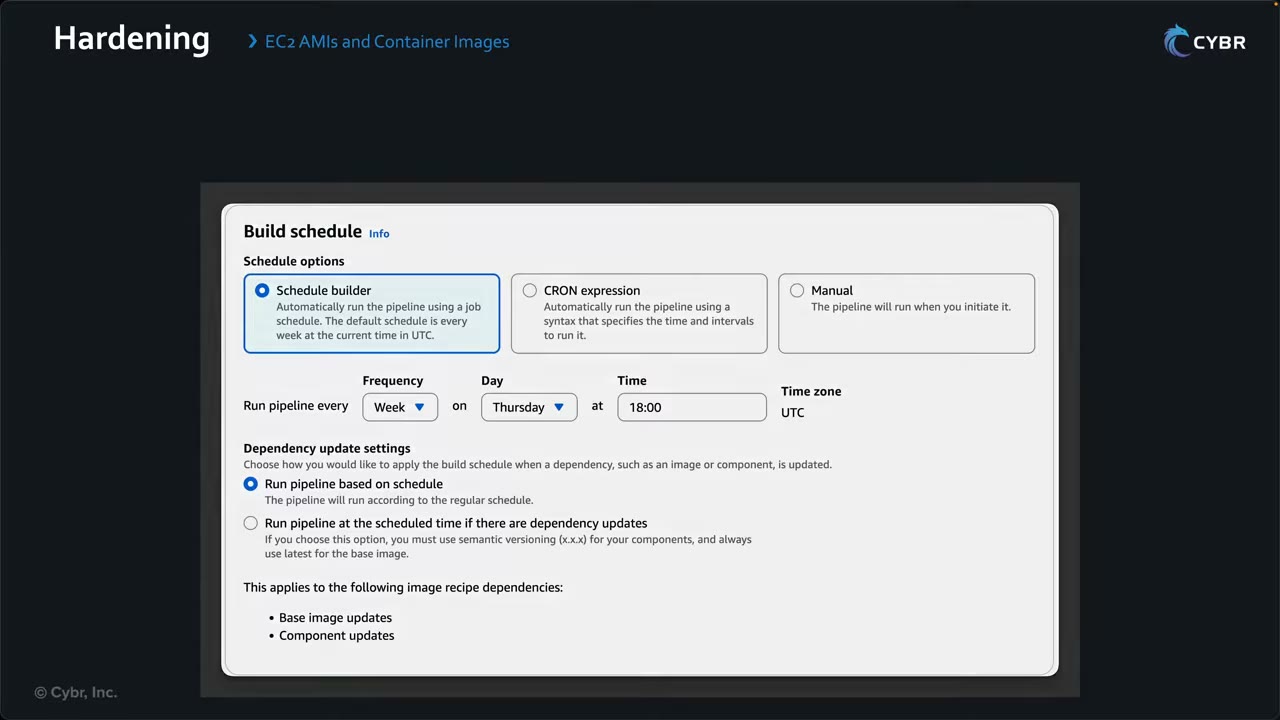
“Only if updates” is how you get automatic re-hardening when AWS releases a patched base AMI.
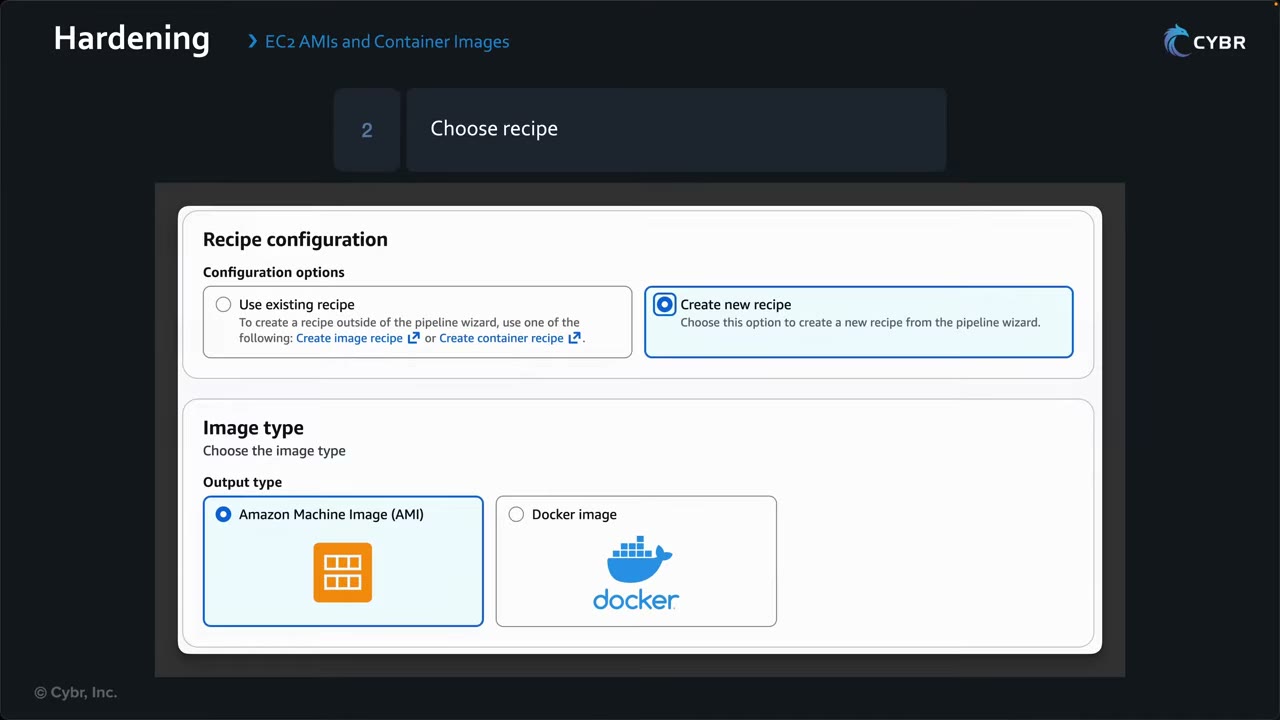
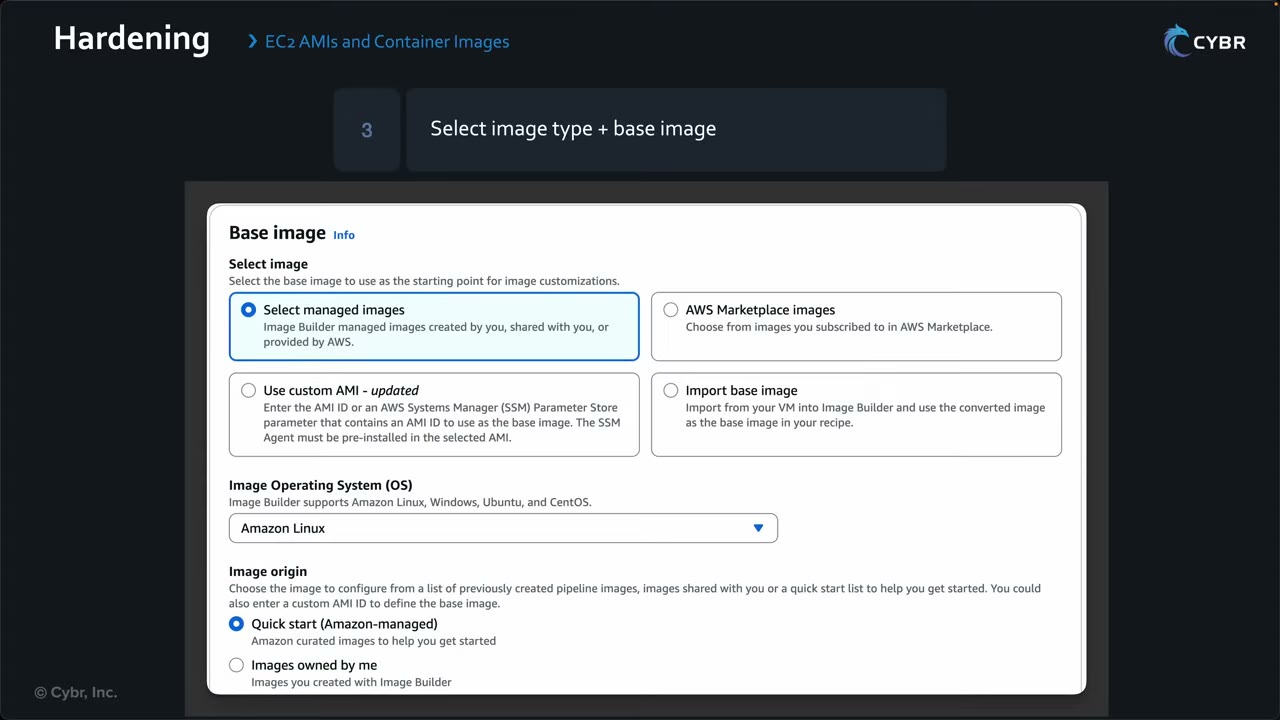
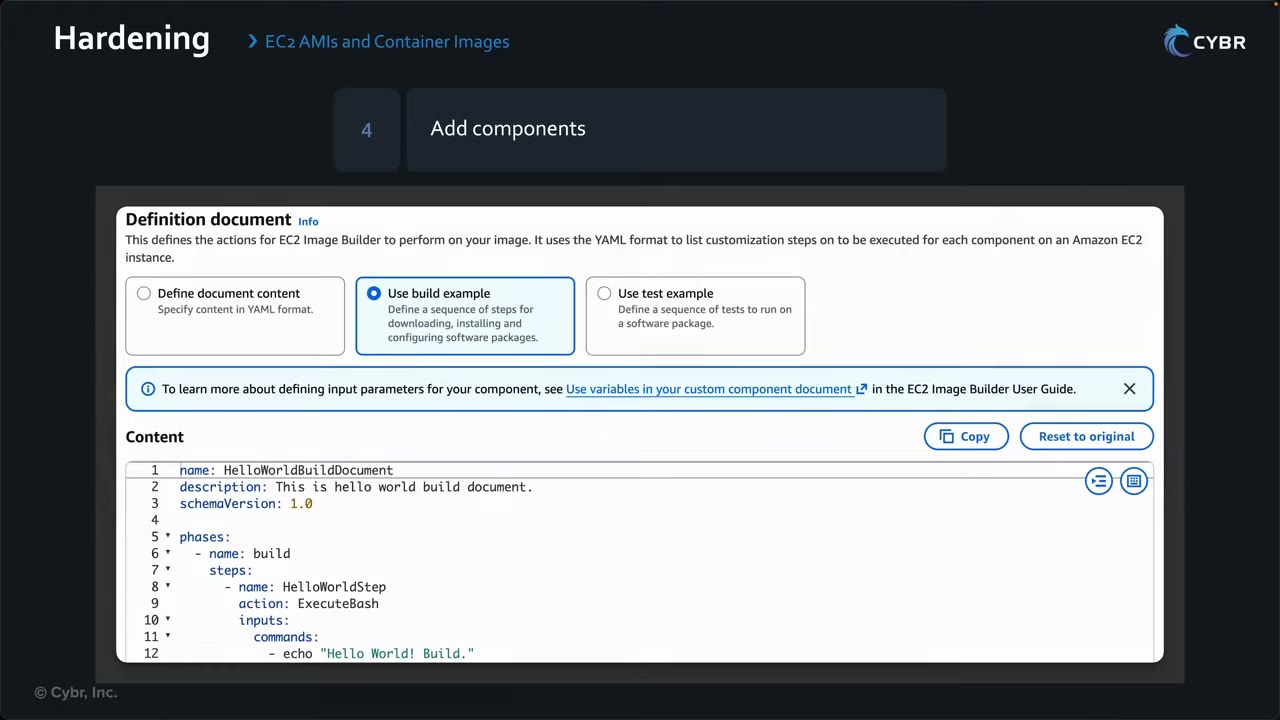
name: HelloWorldBuildDocument
description: This is hello world build document.
schemaVersion: 1.0

phases:
  - name: build
    steps:
      - name: HelloWorldStep
        action: ExecuteBash
        inputs:
          commands:
            - echo "Hello World! Build."
Real hardening components replace the echo with patch, package-removal and CIS scripts. A component can have build,
validate and test phases.
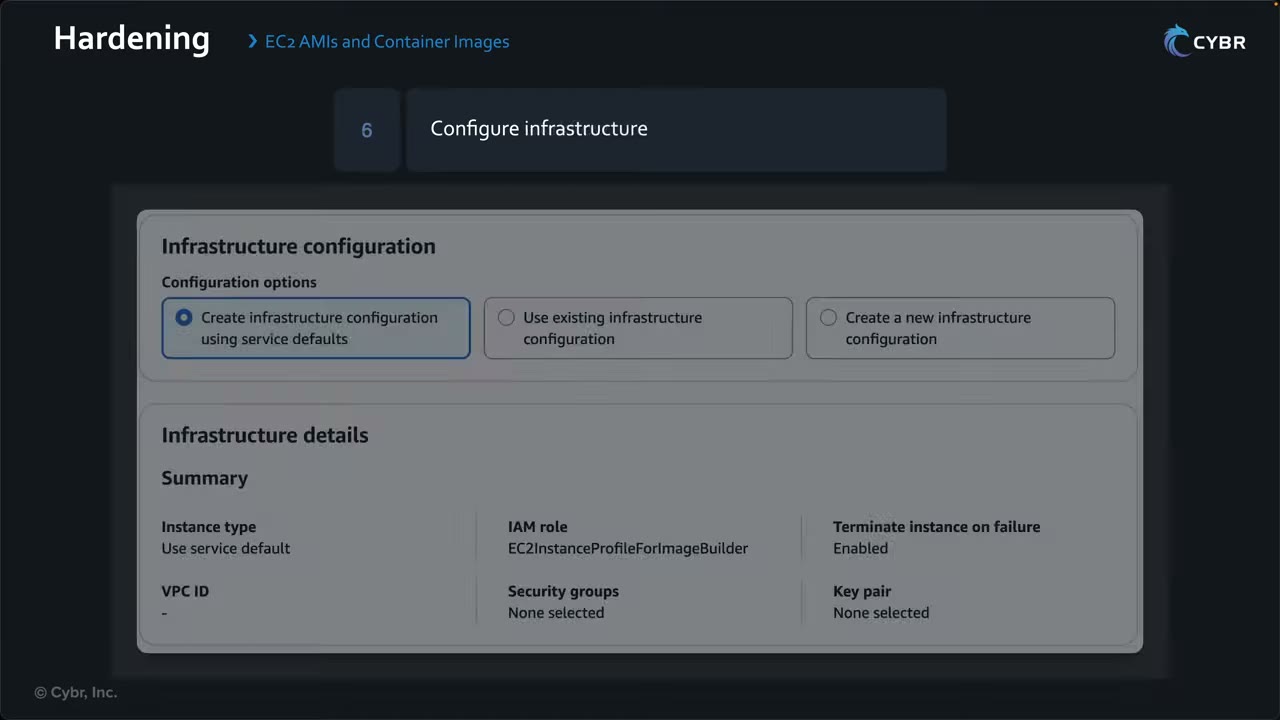
Image Builder integrations and distribution
Systems Manager: ▶ #102 03:58
- Image Builder installs the SSM Agent if the base image lacks it, and runs it on the build/test instances. ▶ #102 04:01
- Instance configuration → SSM agent: “Remove SSM agent after pipeline execution” (unchecked = the agent stays in the output image). If you provide user data, the agent must already be installed or be installed by that user data.
- During the build it records OS name/version and packages with versions using SSM Inventory, a useful record of what is in each image. ▶ #102 04:22
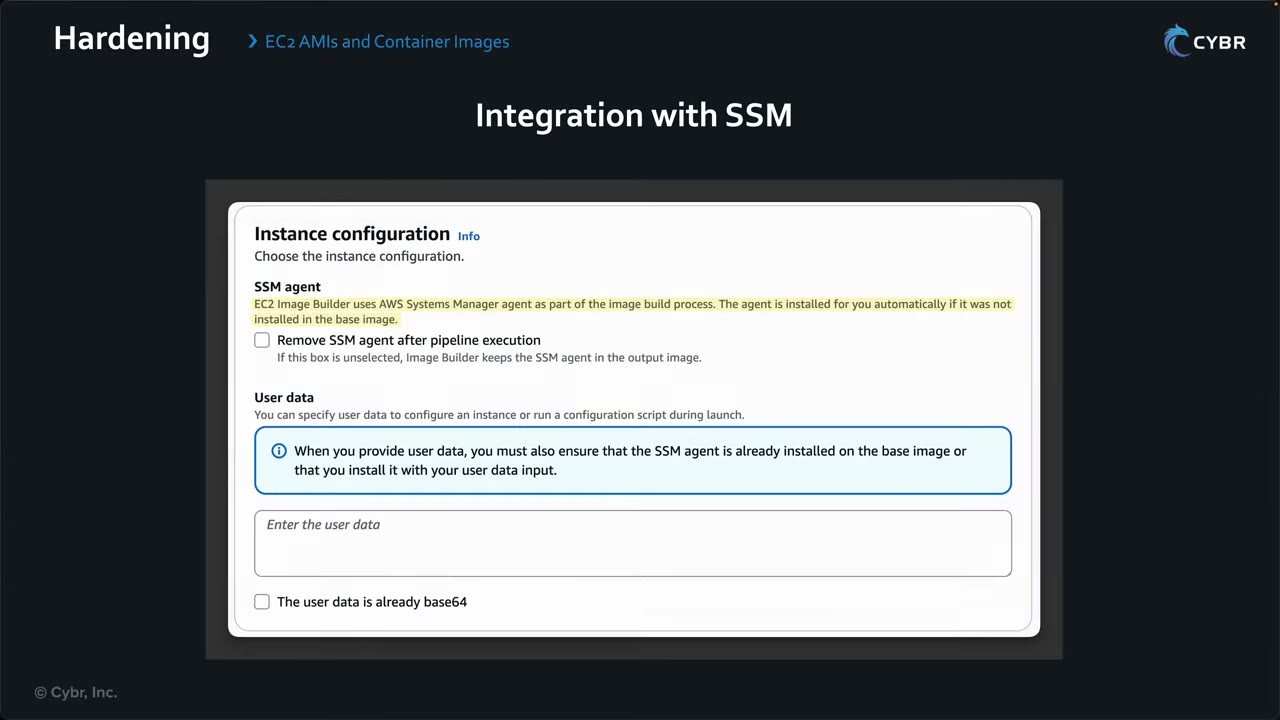
Amazon Inspector: with scanning enabled, Inspector scans the built image for CVEs and gives a findings report. ▶ #102 04:41
- Console: Security overview → Security scanning settings shows EC2 and ECR security scanning status (“Not enabled” in the demo).
- Steps: (1) open the Amazon Inspector account management page, (2) select account(s) and enable the scan types, (3) for existing pipelines use Actions → Enable security findings.
- Inspector has its own cost and, once activated, is on for all services in the account, not just Image Builder.
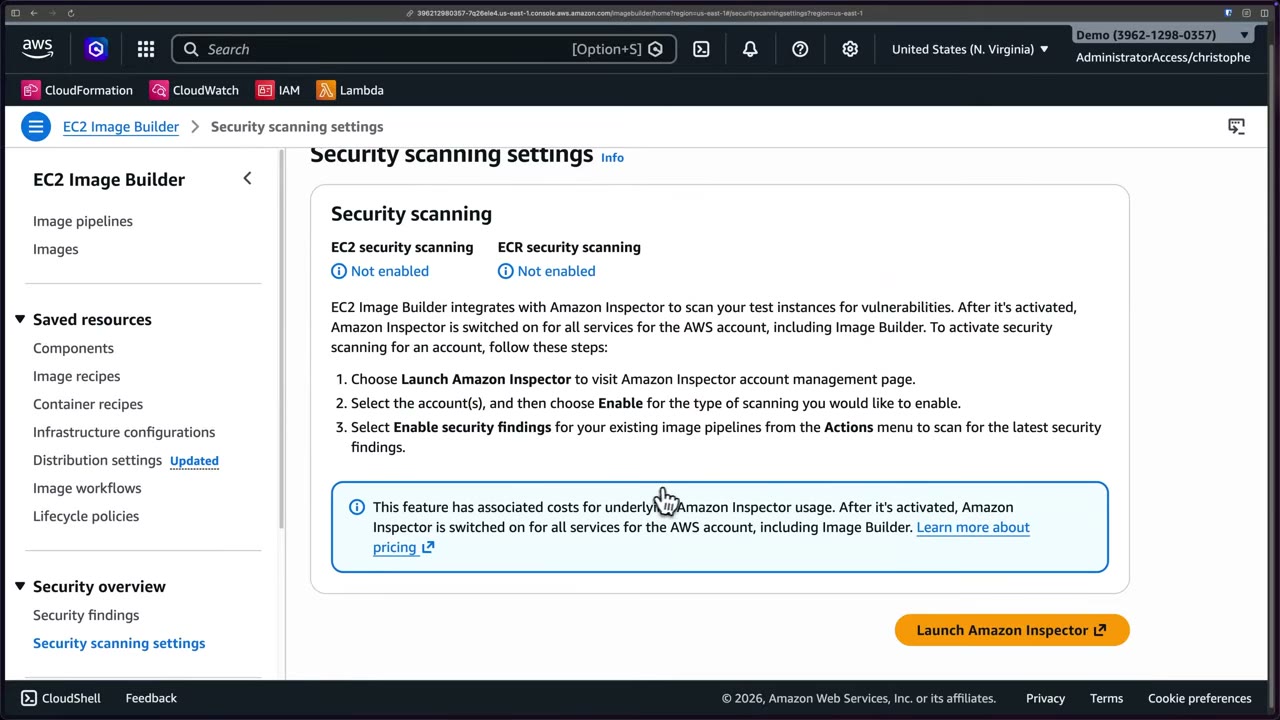
Distribution: once the AMI passes tests and scanning, Image Builder can automatically: ▶ #102 05:04
- copy the AMI to multiple Regions (with a per-Region KMS key),
- share it with target AWS accounts,
- set launch permissions (Private by default; account IDs, Organization ARNs, OU ARNs),
- apply tags for tracking and governance.
It works for single-account or multi-account, multi-Region architectures. ▶ #102 05:20
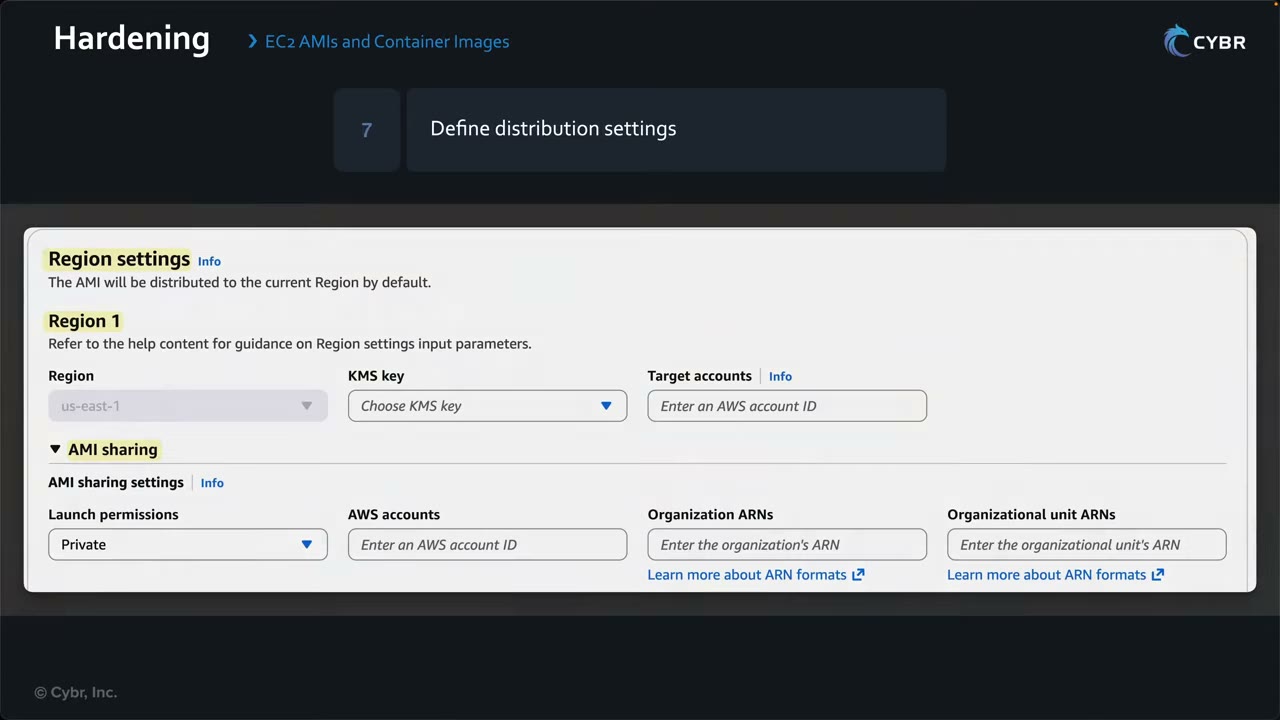
Sharing an encrypted AMI cross-account: the recipient needs access to the customer managed KMS key. AMIs
encrypted with the AWS managed aws/ebs key can’t be shared.
Container images: same process with Docker image as the output type. ▶ #102 05:30 Base images come from Docker Hub or Amazon ECR; the hardened image is stored in ECR and deployed on ECS, EKS or anywhere containers run. ▶ #102 05:51
From the instructor
- Note the AMI’s default username (
ec2-userfor Amazon Linux; different for Ubuntu, CentOS, etc.). ▶ #100 01:20 - SSH from Anywhere is demo-only, “really not best practice”; restrict to your IP or corporate range. ▶ #100 03:41
- Without an auto-assigned public IP the instance is much harder to reach. ▶ #100 03:10
- Instance Connect avoids handling SSH keys. ▶ #100 05:41
- The key file must be
chmod 400before SSH. ▶ #100 07:00 - “If you’re presented with a scenario related to hardening container or EC2 images, I want you to immediately think EC2 Image Builder.” ▶ #102 06:00
- Remember the stages and how useful Image Builder is for multi-account architectures. ▶ #102 06:11
- Harden at build time, not runtime: update the image and redeploy rather than SSH-ing in. ▶ #102 01:10
Keyword → answer
| If the question says… | Answer |
|---|---|
| SSRF stole instance credentials | Enforce IMDSv2 (+ hop limit); find stolen creds with GuardDuty InstanceCredentialExfiltration |
| No new instance may launch without IMDSv2 across the org | SCP using ec2:MetadataHttpTokens |
| Admin access without open ports or bastions, with full session audit | Session Manager |
| Instance won’t boot and has no network | EC2 Serial Console |
| Automate monthly hardened AMI builds with CIS benchmarks | EC2 Image Builder |
| Golden / CIS-hardened AMI distributed to all accounts | Image Builder pipeline + distribution to Organization/OU ARNs |
| Scan the AMI for CVEs before distribution | Image Builder + Inspector integration (or test components) |
| Continuous scanning of running instances / ECR images | Amazon Inspector directly |
| Rebuild when AWS releases a new base AMI | Schedule with run only if dependency updates, or an EventBridge/SNS trigger on new AMIs |
| Stop teams launching unapproved AMIs | Not Image Builder: Allowed AMIs, an SCP on ec2:ImageID / ec2:Owner, or Config approved-amis-by-id / approved-amis-by-tag |
| Container on ECS needs S3 access | Task role, not the execution role |
| SSH in to harden by hand | Anti-pattern |
Real-world practice
- No key pairs in production: Session Manager with an instance profile (
AmazonSSMManagedInstanceCore) in private subnets. If SSH is required, use Instance Connect Endpoint and short-lived keys. - Terminate lab instances and delete unused key pairs and security groups to cut attack surface and cost.
- “Image factory” account: runs the pipelines, distributes to OUs, and publishes the latest AMI ID to an SSM Parameter Store parameter that workload launch templates reference.
- Use Image Builder lifecycle policies to deprecate/delete old AMIs and snapshots. Build on AWS-managed STIG/CIS components (or Marketplace CIS Hardened Images) instead of writing scripts from scratch.
- Build instances need outbound access (or VPC endpoints for SSM, S3, …) to fetch packages. Give them a dedicated SG and a minimal instance profile.
- Inspector in Image Builder covers the build image only. Keep Inspector continuous scanning on running workloads, because new CVEs appear after the build.
- Launch an instance with IMDSv1 allowed and
curlthe metadata endpoint. Enforce v2 and confirm the plain GET fails while the token flow works. - Build one AMI with an Image Builder recipe that uses a CIS component.
- Cleanup: terminate the instance, deregister the AMI, delete its snapshots and the pipeline.
AWS Systems Manager (compute operations)
The fleet management toolset for AWS, hybrid and multicloud nodes: manage resources securely and at scale, and take
manual or automated actions for routine operations or incident response. It needs the SSM Agent, an instance
role with AmazonSSMManagedInstanceCore (or Default Host Management Configuration), and network access to the SSM
endpoints.
- Exam skills: automated patching with Patch Manager (3.2.4) · secure admin access with Session Manager (3.2.5) · instance profiles and service roles (3.2.2) · State Manager assessments (1.1.5) · runbooks and automatic remediation (2.1.1, 2.1.4) · Parameter Store secrets (5.3.1) · detect and remediate noncompliance (6.3.1)
- Videos: ▶ #85 About AWS Systems Manager · ▶ #101 SSM Session Manager · ▶ #138 SSM Patch Manager and Run Command
- Cost: depends entirely on which features you use. Fleet Manager and Patch Manager are free for EC2; on-prem nodes in the advanced tier are billed per instance-hour
The four feature groups
SSM manages resources on AWS and in multicloud/hybrid environments. You can create resource groups, see aggregated data per group, and act on it. Features fall into four core groups. ▶ #85 00:11
| Group | Features |
|---|---|
| Operations Management ▶ #85 00:50 | Explorer: operational health aggregated across accounts and Regions. OpsCenter: view, investigate and resolve OpsItems centrally (Security Hub findings can create them; runbooks attached). Incident Manager: incident information for the team; automated action on a CloudWatch alarm or EventBridge event; runs response plans and SSM Automation runbooks ▶ #85 01:11 |
| Application Management ▶ #85 01:40 | Application Manager: CloudFormation stacks, ECS and EKS clusters. AppConfig: deploy configs to EC2, containers, Lambda, mobile apps, IoT, on-prem; update, validate, deploy ▶ #85 02:02. Parameter Store: config data and secrets instead of hardcoding, integrated with KMS (SecureString), with access control ▶ #85 02:20 |
| Change Management ▶ #85 02:50 | Automation: runbooks that can run Python or PowerShell, triggered by events or scheduled in a maintenance window ▶ #85 03:01. Change Manager: request, approve, implement and report changes ▶ #85 03:11. Maintenance Windows: schedule admin tasks that could affect availability ▶ #85 03:31 |
| Node Management ▶ #85 03:40 | Fleet Manager: browse an instance’s file system without SSH ▶ #85 03:51. Session Manager: jump into an instance quickly and securely during an incident ▶ #85 04:01. Patch Manager: OS and software patches ▶ #85 04:10. Also Run Command, State Manager, Inventory, Compliance, Hybrid Activations, Distributor |
Takeaway: pair SSM with AWS Config to track configuration and take automated action on unwanted changes, keeping resources compliant without giving many team members direct access. ▶ #85 04:22
Managed nodes and connectivity
A node is managed only when: ▶ #138 00:20
- the SSM Agent is installed and running (preinstalled on some AMIs; otherwise install it or bake it into your image), and
- it has credentials: an IAM instance profile (or hybrid activation role) with
AmazonSSMManagedInstanceCore, or Default Host Management Configuration (DHMC).
DHMC makes every EC2 instance in the account/Region managed through the role
AWSSystemsManagerDefaultEC2InstanceManagementRole, which the SSM service assumes (needs an IMDSv2-capable agent). ▶ #101 01:52
Fleet Manager’s classic page shows a banner: “You may have unmanaged Amazon EC2 instances … enable Default Host
Management Configuration”. ▶ #138 01:17
- “Fleet” = EC2 instances plus edge devices plus on-premises servers and VMs (hybrid via Hybrid Activations). Fleet Manager is free (“Advanced-instances tier pricing still applies”).
- Unmanaged nodes are typically legacy EC2 instances lacking permissions, the agent, or connectivity to SSM.
Private subnets without internet reach SSM through VPC endpoints, or a NAT gateway. ▶ #101 02:31
| Endpoint | Why |
|---|---|
ssm, ssmmessages, ec2messages (interface) |
Core SSM / Session Manager |
kms (interface) |
KMS-encrypted sessions |
logs (interface) |
Session logs to CloudWatch Logs |
| S3 (gateway) | S3 logs, patch content |
The endpoint SG must allow 443 from the instances.
- The instance profile is missing
AmazonSSMManagedInstanceCore(or DHMC isn’t enabled). - The SSM Agent isn’t installed or running.
- No route to the SSM endpoints: add the interface endpoints (or a NAT gateway).
- SG egress 443 is blocked, or the endpoint SG doesn’t allow 443 from the instance.
- IMDS access is blocked (the agent needs it for credentials).
Session Manager: replacing SSH and bastions
Traditional SSH + bastion: admins SSH first to a bastion host / jump box (hardened, reachable publicly or from the admin network), then onward to the target. ▶ #101 00:11 Drawbacks: ▶ #101 00:30
- Manage SSH keys for everyone: thousands of users = thousands of keys.
- Open inbound ports.
- Configure, deploy, manage and pay for the bastion.
Session Manager: ▶ #101 01:01
- IAM policies control who can access which instances and what they can do.
- No inbound ports, no SSH keys.
- Sessions can be encrypted with KMS (session data between the instance and your local machine; the instance role needs
kms:Decrypt) and logged to CloudWatch Logs and/or S3. ▶ #101 02:51 - It is a Regional service. ▶ #101 01:40 The SSM service talks to the SSM Agent, which runs commands and sends output back. ▶ #101 02:12
- Connect from the AWS console or your terminal; it looks like a normal terminal. ▶ #101 03:10
Access control and settings:
- IAM
ssm:StartSession, scoped by tag conditions (ssm:resourceTag/...). Restrict to specific session documents (SSM-SessionManagerRunShell) and allowssm:TerminateSessiononly on your own sessions (${aws:username}). - Session preferences (
SSM-SessionManagerRunShell) set logging, KMS, run-as user and idle timeout. - CloudTrail records
StartSessionbut not the commands. Commands are only in the session logs. - Port forwarding (
AWS-StartPortForwardingSession,AWS-StartPortForwardingSessionToRemoteHost) replaces bastions for RDP/DB access. - Just-in-time node access (unified console): removes standing permissions; operators request access to EC2, hybrid and multicloud nodes (“zero standing privileges”). ▶ #138 01:12
aws ssm start-session --target i-0123 \
  --document-name AWS-StartPortForwardingSession \
  --parameters portNumber=3389,localPortNumber=13389
Patch Manager: baselines, policies and Patch now
Patch Manager scans managed nodes (EC2, edge devices, on-prem servers/VMs) against a patch baseline and optionally installs missing patches, automating updates and continuously validating compliance. Console tagline: “Manage patch compliance across the organization”, monitored account by account. ▶ #138 00:00
| Concept | What it does |
|---|---|
| Patch baseline | Which patches are approved: auto-approve after N days, by severity/classification, approved/rejected lists. You need a custom baseline to include non-security updates or block a specific patch |
| Patch groups | Tag Patch Group or PatchGroup links instances to a baseline (the legacy method) |
| Maintenance windows | Schedule the runs |
AWS-RunPatchBaseline |
The document that does the work, in Scan or Install mode; RebootOption RebootIfNeeded / NoReboot |
| Patch policies (Quick Setup) | Cover a single account/Region up to the whole organization across accounts and Regions |
Scenario: keep EC2s “as up to date as possible without creating unnecessary downtime.” ▶ #138 03:41
Creating a patch policy: Patch Manager → Create patch policy → Quick Setup → Customize Patch Manager configuration options. ▶ #138 03:52
| Setting | Demo / default |
|---|---|
| Name | Up to 113 characters, case sensitive, A-Z a-z 0-9 _ space -. Demo: example-patch-policy |
| Scanning and installation ▶ #138 04:31 | Scan (compare installed patches to the approved list) or Scan and install (automatic remediation). Demo: scan only; install “requires quite a bit more effort” |
| Schedule | Recommended default: scan daily at 1:00 AM UTC, or custom |
| Patch baselines | Recommended (AWS default per OS) or custom |
| Patching log storage | S3; unchecked in the demo, but “in production you would definitely want to do that” ▶ #138 05:10 |
| Target Regions / nodes | Current or selected Regions; all managed nodes, resource groups / tags, or manual |
| Rate control | Run on 10% of nodes at a time; fail if errors exceed 2% |
| Instance profile options ▶ #138 05:51 | “Add required IAM policies to existing instance profiles”: attaches AmazonSSMManagedInstanceCore and aws-quicksetup-patchpolicy-baselineoverrides-s3 to existing profiles (profiles are created for instances without one). Unchecked → configure them yourself “or your patching operations will fail” |
| Local deployment roles ▶ #138 05:59 | Create new IAM local deployment roles, or use existing ones (e.g. from IaC) |
The Quick Setup warning banner said many Regions were not accessible, likely an SCP Region restriction. The result is a
configuration manager (arn:aws:ssm-quicksetup:us-east-1:<acct>:configuration-manager/…), type Patch Manager 2.6.
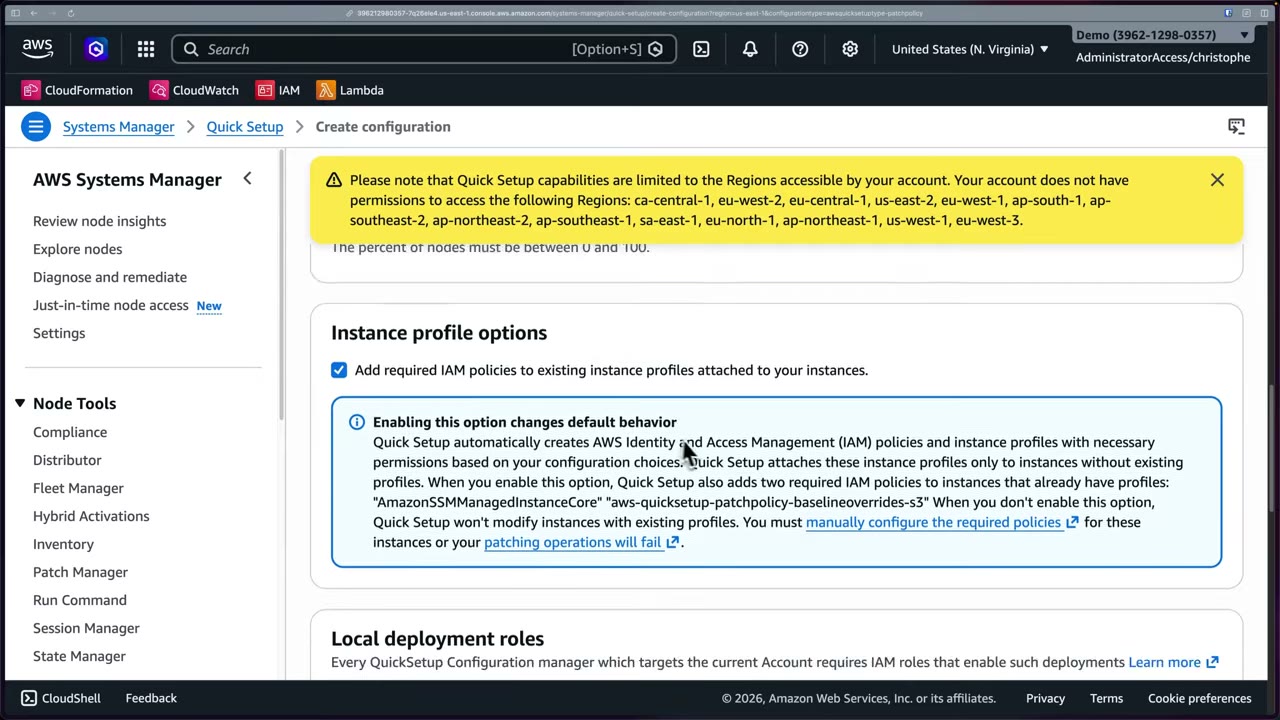
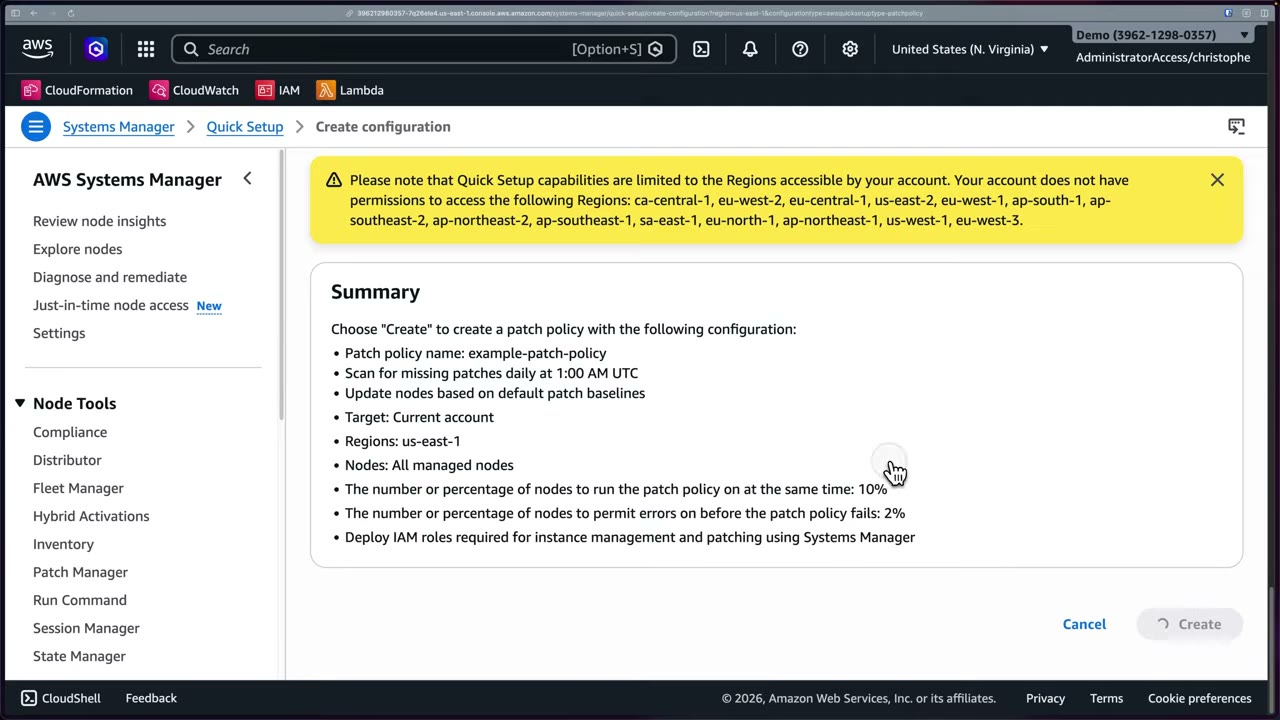
What Quick Setup really did: it deploys CloudFormation StackSets, e.g.
StackSet-AWS-QuickSetup-PatchPolicy-LA-<code>-… and AWS-QuickSetup-PatchPolicy-LocalDeploymentRolesStack. Resources:
admin/deployment roles, an S3 bucket, IAM policies and State Manager associations. That’s why it takes
minutes. Run it from the management account or a delegated admin, targeting OUs and Regions. ▶ #138 06:40
Patch now bypasses the schedule for an on-demand Scan or Scan and install, on all instances or chosen
targets, with S3 log storage, a reboot option and lifecycle hooks (SSM documents run at points such as before
install or after reboot). It uses AWS-recommended concurrency/error thresholds and runs as the State Manager association
AWS-PatchNowAssociation. ▶ #138 07:51
Scan and install does no application health checks by default. On larger fleets use lifecycle hooks so you can validate and revert; automatic patching can cause outages (“a deal breaker”). Rebooting can cause downtime, so choose the reboot option deliberately. ▶ #138 09:30
Patch compliance reporting
Dashboard tabs: Dashboard, Compliance reporting, Patch baselines, Patches, Patch groups, Settings. ▶ #138 08:15
- Amazon EC2 instance management: 100% managed by SSM.
- Compliance summary: 66% compliant, 1 of 3 nodes “Other noncompliant” (categories: Compliant, Critical noncompliant, High noncompliant, Other noncompliant).
- Noncompliance counts → “Nodes with missing patches: 1” → Compliance reporting (filter
Missing count > 0) → node → Patch summary (23) filteredState = Missing. - Per-patch columns: Name, State, Classification (e.g. Security), Severity, Compliance level, Patch configuration name/type, Baseline ID. Use them to prioritize important security patches. ▶ #138 09:00
- Reports can be exported to S3. Patch compliance also shows in SSM Compliance and Security Hub.
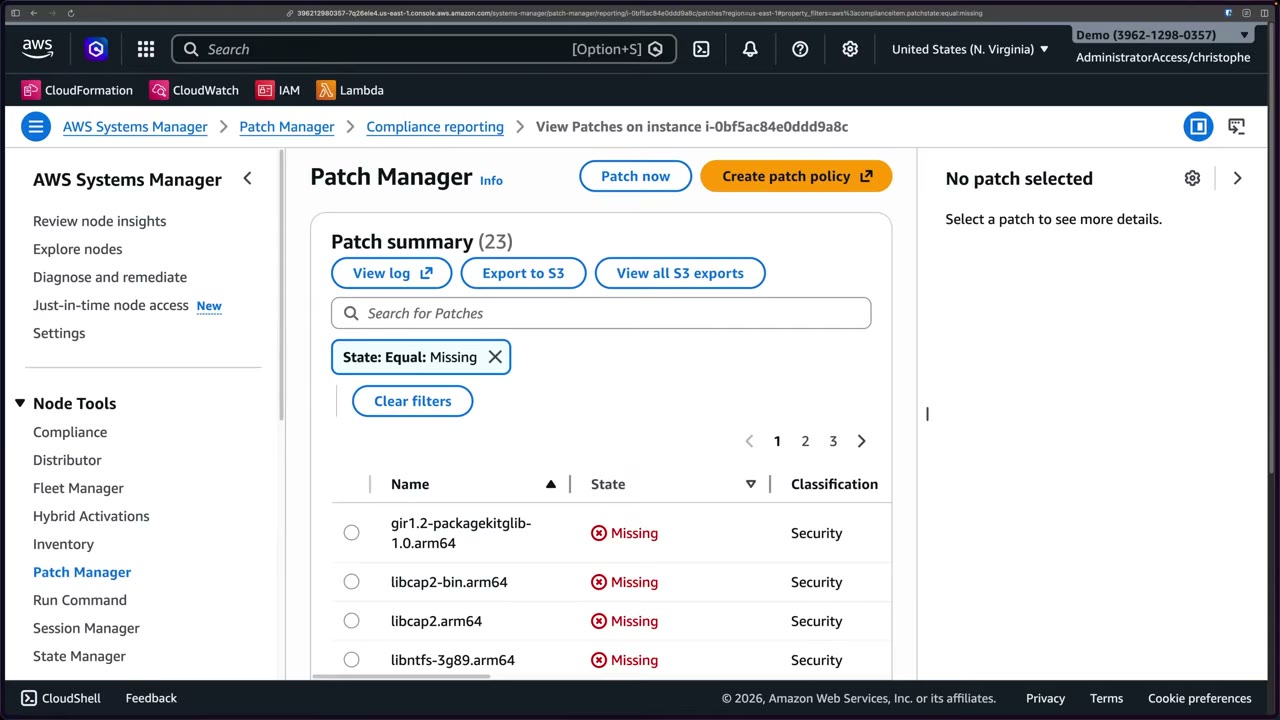
Export to Security Hub: Patch Manager → Settings → enable export of patch compliance findings to AWS Security Hub; findings flow as they are generated. “Definitely want to have enabled.” ▶ #138 12:51
Run Command, State Manager, Inventory and the execution chain
| Feature | What it does |
|---|---|
| Run Command | Runs a document on many instances at once, with rate and error controls. Output to S3/CloudWatch. No SSH |
| State Manager | Keeps instances in a desired state on a schedule (associations), e.g. keep the CloudWatch agent installed or enforce a config |
| Inventory | Collects installed software and config; sync to S3 (Resource Data Sync) and query with Athena |
Execution chain: Patch Manager → State Manager association → Run Command. ▶ #138 10:42
- The execution ID page (State Manager → Association → Execution) lists targets: Resource ID, type
ManagedInstance, Status, Detailed status (Pending/InProgress/Success), last execution date, Output link. - Concurrency in action: one instance in progress at a time. With a thousand instances you’d raise concurrency.
- Output → Run Command page: step
PatchWindows(the step name inAWS-RunPatchBaseline, used for all OSes), status Success, response code 0, start/finish time, and downloadable output/error logs showing whether each action ran or was skipped, why, and any errors.
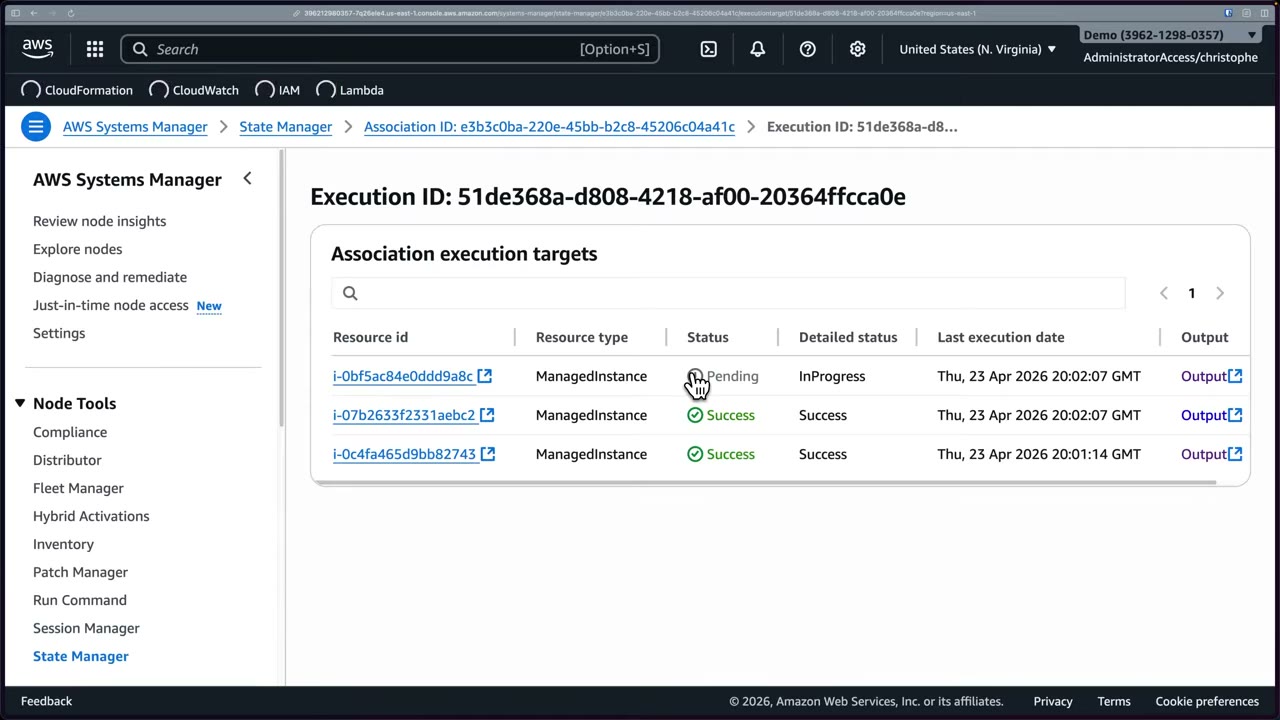
Run Command is not just for patching: it runs any command on nodes and logs the output.
aws ssm send-command --document-name AWS-RunPatchBaseline \
  --targets Key=tag:PatchGroup,Values=prod --parameters Operation=Scan \
  --max-concurrency 20% --max-errors 5%
- Systems Manager → Fleet Manager → Get started; enable the new unified console (“enable the new experience” vs “customize configuration”; it creates IAM roles and takes a few minutes); refresh → 3 managed nodes. ▶ #138 01:12
- The new left nav: Review node insights, Explore nodes, Diagnose and remediate, Just-in-time node access (New), Settings, then Node Tools (Compliance, Distributor, Fleet Manager, Hybrid Activations, Inventory, Patch Manager, Run Command, Session Manager, State Manager). Node insights: 3 nodes, all managed (2 Amazon Linux, 1 Ubuntu), SSM Agent version per node, OS breakdown. ▶ #138 02:20
- Patch Manager → Create patch policy (Quick Setup). Name
example-patch-policy; Scan only; recommended schedule and baselines; uncheck S3 logging; current Region; all managed nodes; default rate control; check Add required IAM policies to existing instance profiles; Create and use new IAM local deployment roles; Create → acknowledge “Quick Setup Deployment roles are being created” (first time only; don’t leave the page). - CloudFormation: inspect the Quick Setup StackSets (roles, S3 bucket, policies, associations).
- Patch Manager → Patch now → Scan, all instances → 66% compliant, one node missing 23 security patches.
- Patch now → Scan and install (warning about health checks / lifecycle hooks; reboot option) → Patch now.
- Open the execution ID → association targets (page refreshes every 3 s) → Output → Run Command output logs; refresh until Success.
- Patch Manager → Settings → enable export of patch compliance findings to Security Hub.
Automation and Config remediation
Automation runbooks (e.g. AWS-StopEC2Instance, AWSSupport-*) are used for auto-remediation from Config or
EventBridge. A Config remediation action is an SSM Automation document (e.g. AWS-EnableS3BucketEncryption,
AWS-DisablePublicAccessForSecurityGroup). Automatic remediation needs an automation assume role with permission to
fix the resource; retries are configurable.
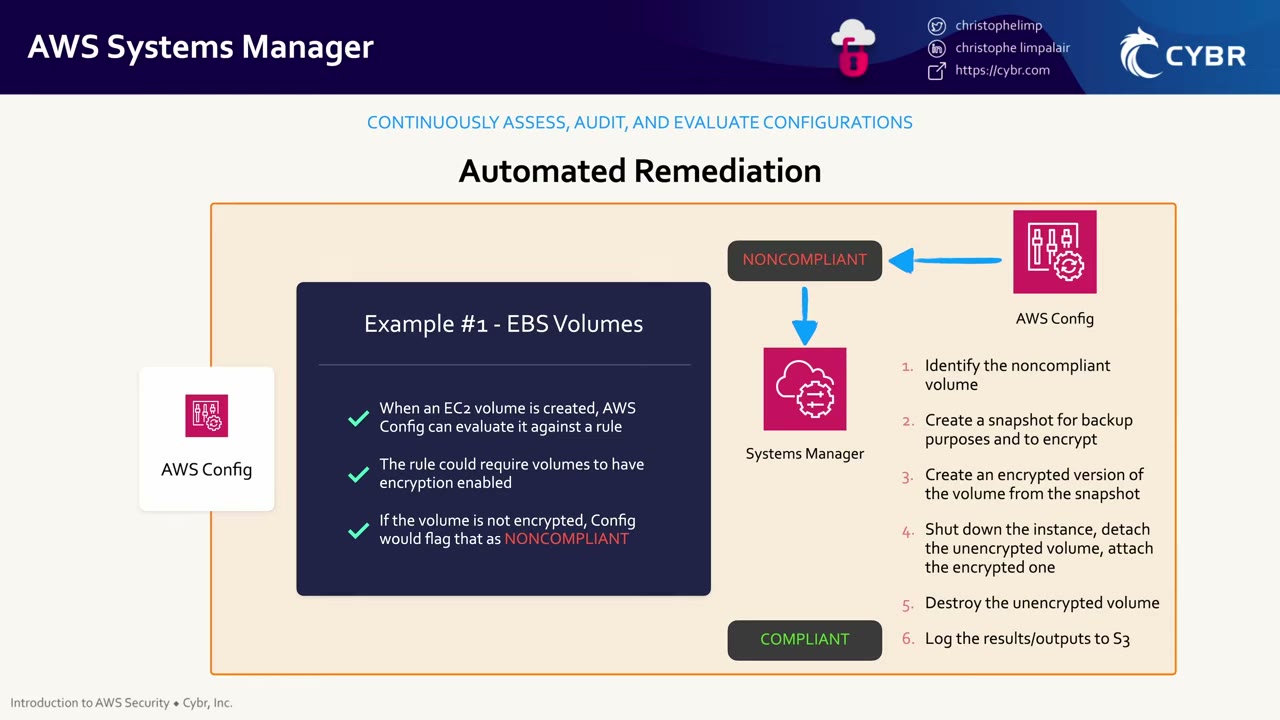
Example from the previous lesson: enforcing EBS encryption with Config + SSM. ▶ #85 00:00
- Config evaluates a new EBS volume against a rule requiring encryption → NONCOMPLIANT.
- SSM identifies the noncompliant volume.
- Creates a snapshot (backup + source for encryption).
- Creates an encrypted volume from the snapshot.
- Shuts down the instance, detaches the unencrypted volume, attaches the encrypted one.
- Destroys the unencrypted volume.
- Logs results/outputs to S3 → COMPLIANT.
Encrypting an existing EBS volume always means snapshot → encrypted volume → swap (no in-place encryption), and it
causes downtime. Prevent the problem with EBS encryption by default and an SCP/declarative policy on
ec2:CreateVolume with ec2:Encrypted.
Parameter Store vs Secrets Manager
Don’t store secrets in plaintext or hardcode them: use Parameter Store (KMS-encrypted). ▶ #85 02:31
| Parameter Store | Secrets Manager | |
|---|---|---|
| Encryption | SecureString with KMS | KMS |
| Rotation | No native rotation | Built-in |
| Cross-account / cross-Region | No resource policies, no replication | Resource policies + replication |
| Cost / structure | Cheaper, hierarchical | Per secret + API calls |
See AWS Secrets Manager (Part 4).
From the instructor
- SSM + AWS Config = know what’s running and keep it compliant with automated action on unwanted change, without handing out direct access. ▶ #85 04:22
- Don’t hardcode secrets: use Parameter Store (KMS-encrypted). ▶ #85 02:31
- Incident Manager is triggered by CloudWatch alarms / EventBridge and runs response plans + Automation runbooks. ▶ #85 01:20
- “Unless the question explicitly rules it out or requires traditional SSH, I would probably assume they’re wanting Systems Manager Session Manager”: least privilege, auditing, keyless access. ▶ #101 03:31
- Private instances need VPC endpoints (or NAT) to reach SSM. ▶ #101 02:31
- Nodes need the SSM Agent and a proper instance profile, or they show up unmanaged. ▶ #138 01:01
- In production, write patch logs to S3 and create instance-profile/deployment roles with IaC. ▶ #138 05:10
- Scan-and-install does no health checks by default; use lifecycle hooks on large fleets. ▶ #138 09:41
- Rebooting can cause downtime: choose reboot behavior deliberately. ▶ #138 10:11
- Tune concurrency for large fleets or patching takes forever. ▶ #138 11:00
- Enable the Security Hub export of patch compliance findings. ▶ #138 13:10
- “Systems Manager is a beast of a service”: focus on what’s on the exam. ▶ #138 13:42
Keyword → answer
| If the question says… | Answer |
|---|---|
| Instance not in Fleet Manager / Session Manager fails | Missing instance profile permission, agent not running, or no route to SSM endpoints. Also SG egress 443 and IMDS |
| Audit every command an admin ran | Session Manager logging to S3/CloudWatch (CloudTrail alone is not enough) |
| Instance access, nothing else stated / no SSH keys, no open ports, no bastion | Session Manager |
| Patch only prod on Sunday 2am with critical patches after 7 days | Baseline + patch group + maintenance window |
| Ensure the agent/config stays installed | State Manager association |
| Patch EC2 + on-prem servers on a schedule and report compliance | Patch Manager |
| Find CVEs in packages / apply the fix | Inspector / Patch Manager |
| Patch without unnecessary downtime | Maintenance windows, low concurrency, lifecycle hooks, deliberate reboot option |
| Prove patch compliance to auditors | Config ec2-managedinstance-patch-compliance-status-check + Security Hub (SSM.1/SSM.2) / Audit Manager |
| Don’t hardcode secrets in config | Parameter Store SecureString (Secrets Manager if rotation is needed) |
| Auto-remediate an unencrypted EBS volume found by Config | Config rule + SSM Automation (snapshot → encrypted copy → swap); causes downtime |
- Incident Manager was closed to new customers in 2025 (existing customers continue). Exam questions may still name it; newer designs use CloudWatch investigations / OpsCenter.
Real-world practice
- Use DHMC to make SSM org-wide without per-instance profiles. Run Automation cross-account/cross-Region from a central account, and scope the automation role tightly (it can change production).
- The EBS swap remediation stops the instance. For stateful workloads, notify and schedule in a maintenance window instead of auto-remediating.
- Once Session Manager works, remove 22/3389 from SGs and add an SCP/Config rule to catch regressions. Enforce logging and KMS centrally through Session Manager preferences deployed with StackSets or Quick Setup.
- Interface endpoints cost per AZ per hour. Share them through a central endpoint VPC + Route 53 Resolver / private hosted zones.
- Write patch logs to S3 in production (log-archive bucket with SSE-KMS), create instance-profile and deployment roles with IaC, aggregate compliance in Security Hub in the security-tooling account.
- Canary rollouts: low concurrency first, tight error threshold, lifecycle hooks that drain from the load balancer and run health checks. For ASG workloads, replacing instances from a fresh Image Builder AMI is often safer than in-place patching.
- In Control Tower environments, SCP Region restrictions cause Quick Setup’s “Regions not accessible” warning.
- Turn on Session Manager logging to CloudWatch with a KMS key.
- Open a session, run
whoami, and find it in the log group. - Create a Quick Setup patch policy (Scan only), run Patch now, and follow the execution from State Manager to the Run Command output.
- Cleanup: delete the patch policy configuration (and its StackSets), the log group, schedule the KMS key for deletion, terminate the instance.
AWS IoT policies (brief)
IoT devices authenticate with X.509 certificates, and an IoT policy attached to the certificate decides what each device may do.
Device identity and IoT policies
- Devices authenticate with X.509 certificates (mutual TLS). An IoT policy (JSON, attached to the certificate) authorizes
iot:Connect,iot:Publish,iot:Subscribeandiot:Receive. - Use policy variables such as
${iot:Connection.Thing.ThingName}so each device can only use its own topics and client ID.
{
  "Effect": "Allow",
  "Action": "iot:Publish",
  "Resource": "arn:aws:iot:us-east-1:111122223333:topic/devices/${iot:Connection.Thing.ThingName}/telemetry"
}
Auditing and firmware integrity
- AWS IoT Device Defender audits configurations (for example overly permissive policies) and detects anomalous device behavior.
- AWS Signer signs IoT firmware so devices only run trusted code. ▶ #140
Keyword → answer
| If the question says… | Answer |
|---|---|
| Each device must only publish to its own topic | IoT policy with ${iot:Connection.Thing.ThingName} |
| Detect overly permissive IoT policies | Device Defender audit |
| Devices must only run firmware from a trusted publisher | AWS Signer code signing for IoT |
Real-world practice
- One certificate per device, and a single policy using thing-name variables instead of one policy per device.
Optional.
- Register one thing with a certificate.
- Test publish permissions with the MQTT test client.
AWS Signer (code signing)
Fully managed code-signing service that proves code is unaltered and comes from a trusted publisher. Signing profiles hold the signing material, and AWS manages the certificates and keys. Supported: AWS Lambda, container images (OCI) via Notation, and AWS IoT firmware.
- Exam skills: data integrity: digital code signing (5.2.2) · secure container images (3.2.1) · vulnerability tools in a pipeline (3.2.6) · least-privilege policies (4.2.3)
- Videos: ▶ #140 Code Signing with AWS Signer
- Cost: no additional charge
Signing profiles
Console tagline: “Ensuring trust and integrity of your code”. Signer validates code against a digital signature to confirm it is unaltered and from a trusted publisher. ▶ #140 00:00
| Concept | Meaning |
|---|---|
| Signing profile | How code is signed (“groups of trusted publishers … analogous to digital signing certificates”). Has a profile version and a versioned ARN |
| Signing job | Applying a signature to one specific artifact (asynchronous) |
Creating a profile: ▶ #140 00:52
- Name
lambdasignerprofile. - Signing platform: AWS Lambda or Notation for container registries (OCI).
- Signature validity period: default 135 months, range 1 day to 135 months. After expiry, services that enforce validation no longer trust the signature.
- Tags (production).
- Result: profile ARN
arn:aws:signer:us-east-1:<acct>:/signing-profiles/lambdasignerprofile, profile version (e.g.K5YHi1jnyR), versioned profile ARN…/lambdasignerprofile/K5YHi1jnyR, status Active. Actions: Cancel profile, Revoke profile.
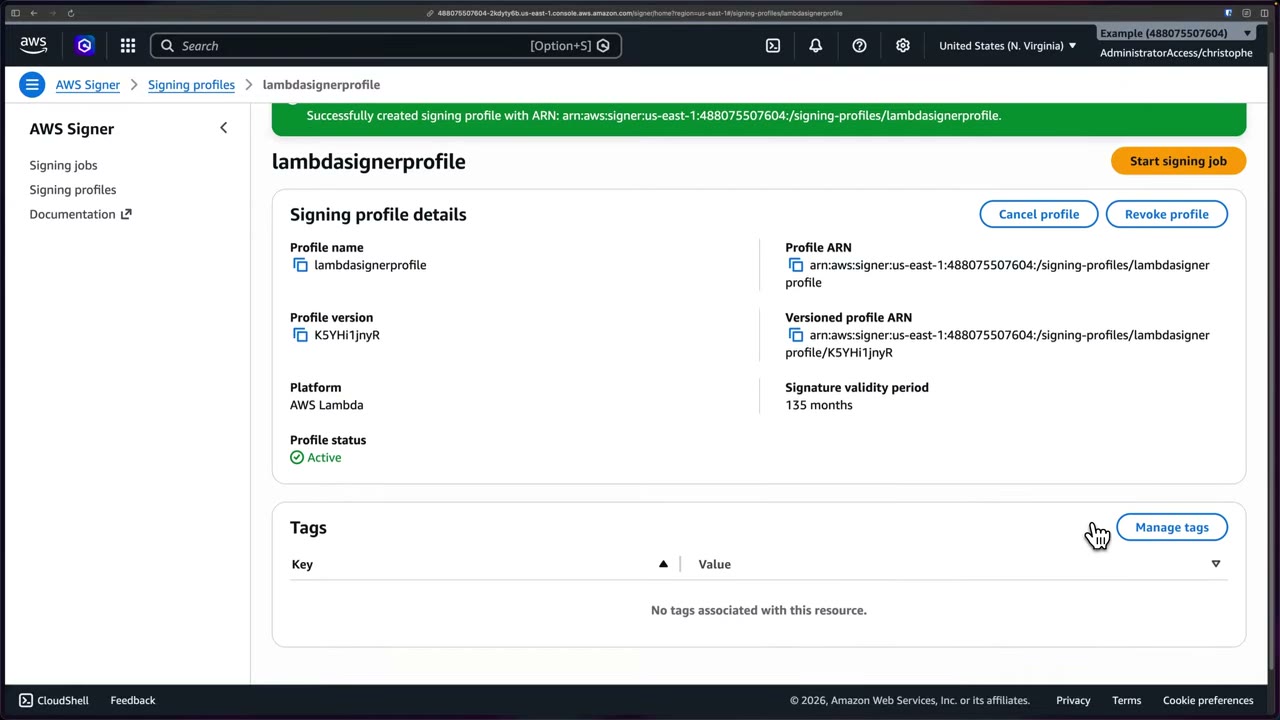
Signer manages the code-signing certificates and public/private keys behind the scenes; you never handle them. To bring your own certificates you’d go through AWS Certificate Manager. ▶ #140 01:50
Signing jobs
“A signing job is an asynchronous process … Starting a job through the console is only supported for AWS Lambda Platform.” ▶ #140 02:10
| Input | Value |
|---|---|
| Signing profile | lambdasignerprofile |
| Code asset source | S3 URI of the unsigned code (only ZIP assets) + object version, so the bucket must be versioned. Demo: bucket cybr-signer-artifacts-…, object unsigned/hello-lambda.zip (a hello-world Lambda) |
| Signature destination | S3 path with prefix; object name = prefix + signing job ID. The demo reuses the same bucket; production might separate unsigned and signed buckets |
On screen: “Only buckets in current region are displayed. Cross region signing is not supported.” The job succeeded
almost instantly; S3 then held the original unsigned ZIP and a new signed <job-id>.zip.
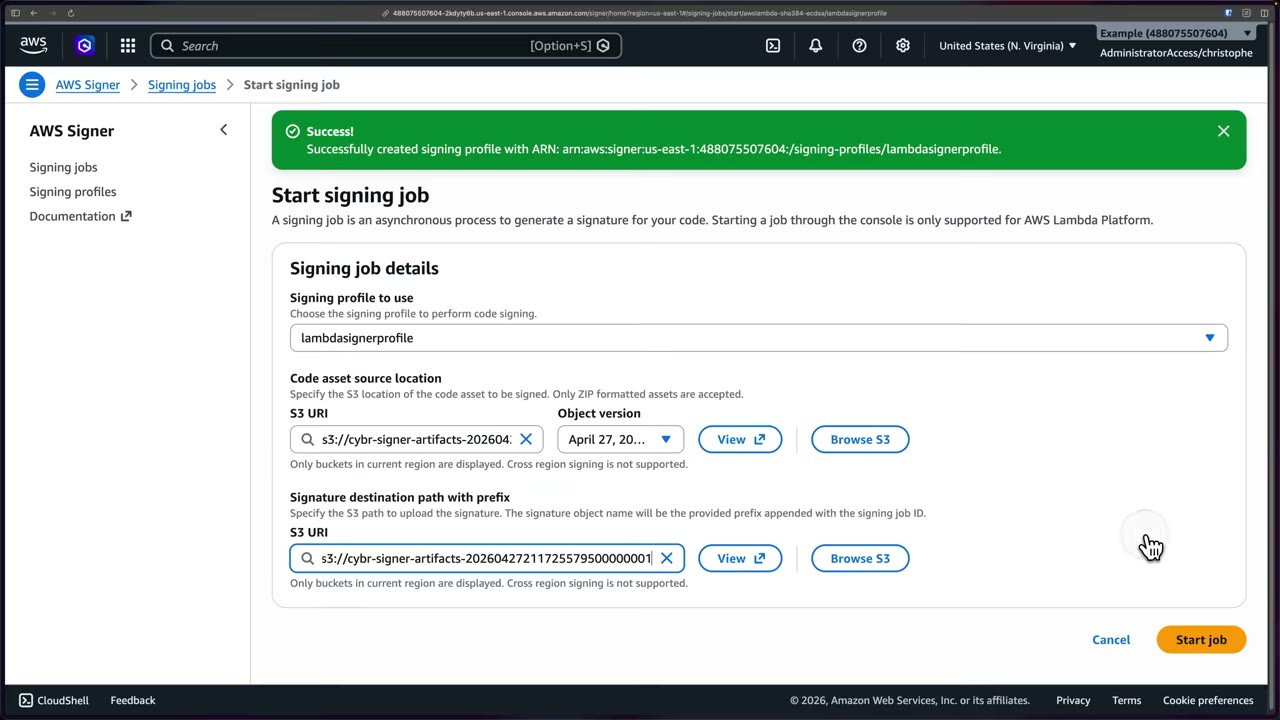
What happened: ▶ #140 04:32
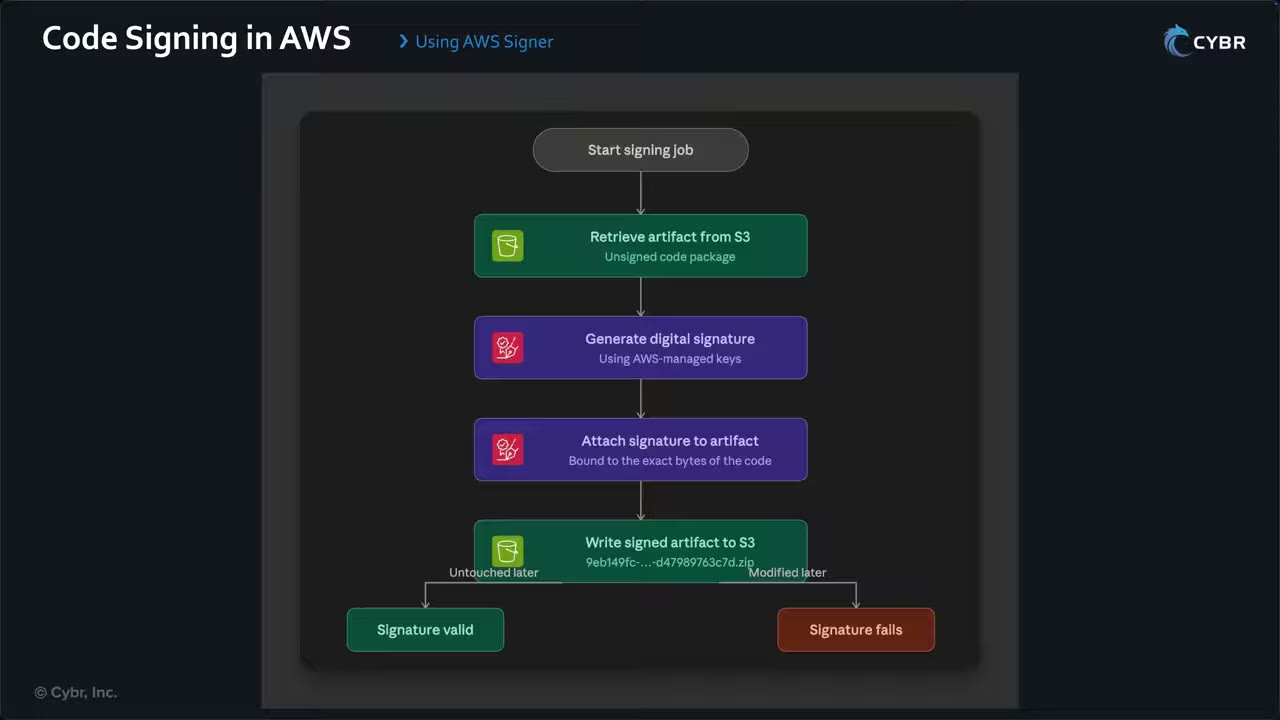
- Start the signing job.
- Retrieve the unsigned artifact from S3.
- Generate a signature with AWS-managed keys.
- Attach the signature, bound to the exact bytes.
- Write the signed artifact (
<job-id>.zip) to S3.
If the artifact is modified later, the signature no longer matches: “that’s the whole point”. It is proof the code has not changed since signing.
Lambda code signing configuration
Lambda → Code signing configurations → Create: description, signing profile version ARN(s) (the allowed publishers; you can list several), and a signature validation policy: ▶ #140 05:20
| Policy | Behavior |
|---|---|
| Warn | Allow the deployment and log a warning |
| Enforce | Block deployment/updates when code is unsigned or tampered, signed by an unapproved profile, or the signature is expired or revoked. “The strictest thing you can apply” |
Attach it: Function → Configuration → Code signing → Edit → refresh → select config → Save. The Code tab then says: “Your function is configured to use code signing. Upload a signed .zip file or enter the Amazon S3 URL of a signed .zip file.”
- Lambda layers must also be signed when the function enforces code signing.
- Lambda code signing does not apply to container-image Lambda functions (those use ECR image signing).
- Enforce code signing org-wide with the SCP/IAM condition
lambda:CodeSigningConfigArnonlambda:CreateFunction.
Enforcement test: ▶ #140 07:42
- Uploading the unsigned
hello-lambda.zipfails: “Lambda cannot deploy the function. The function or layer might be signed using a signature that the client is not configured to accept. Check the provided signature for arn:aws:lambda:…:function:cybr-signer-hello.” - Uploading from the Amazon S3 location of the signed object succeeds. The Code tab shows “Your function has signed code and can’t be edited inline.” The package grew from 413 bytes to 3.1 kB because of the embedded signature.
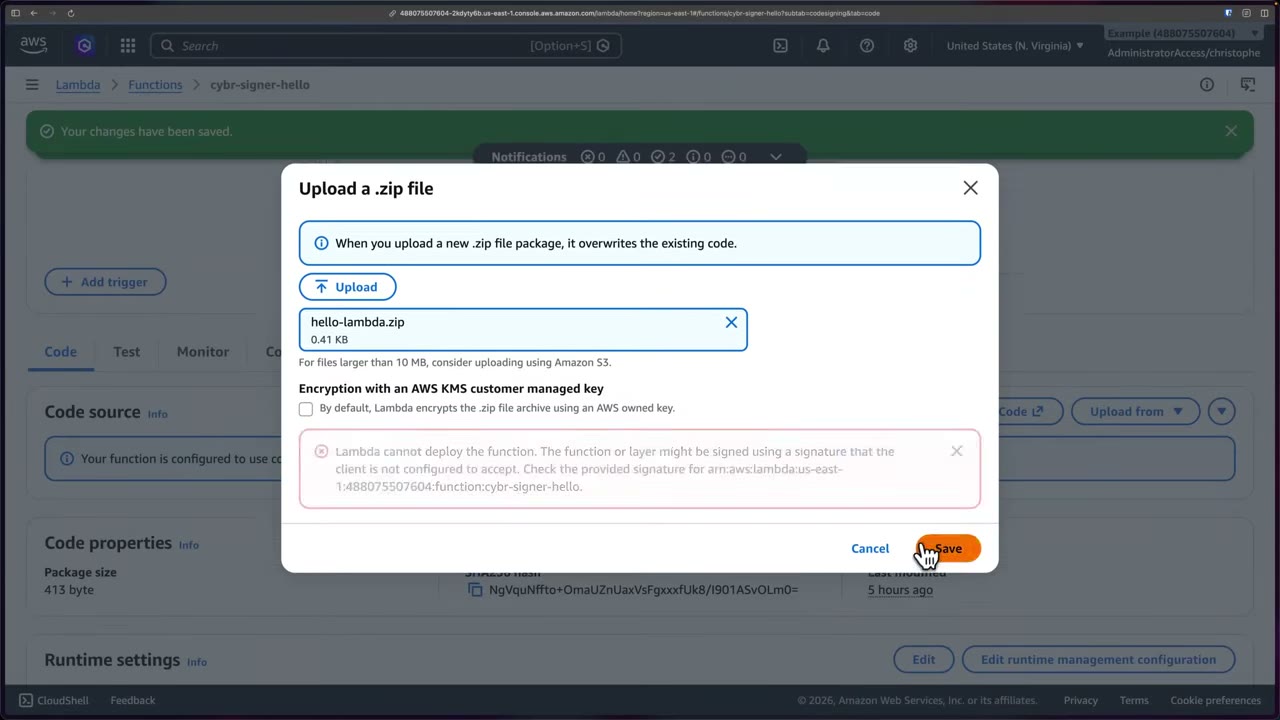
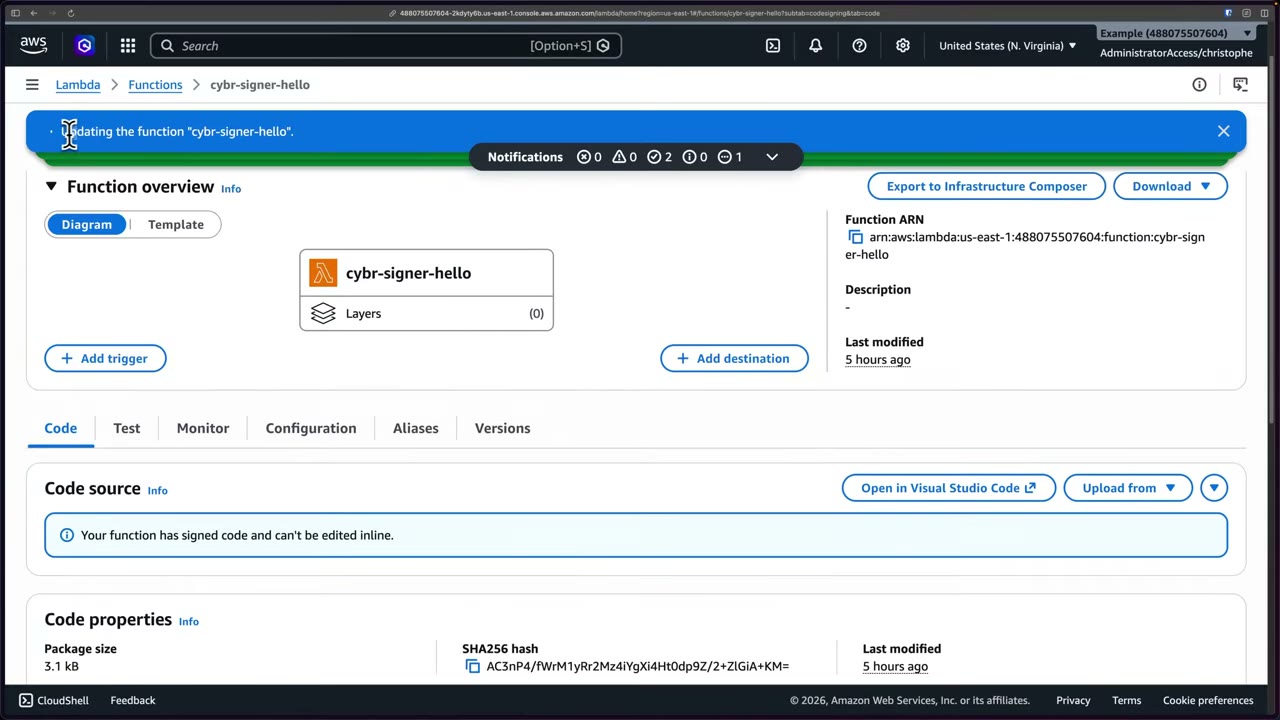
Side note in the upload dialog: Encryption with an AWS KMS customer managed key. By default Lambda encrypts the .zip archive with an AWS owned key, which is “important to understand … for the exam”. ▶ #140 08:40
- Signer → Signing profiles → Create: name
lambdasignerprofile, platform AWS Lambda, validity 135 months → Create. - Start signing job: profile
lambdasignerprofile; sources3://cybr-signer-artifacts-…/unsigned/hello-lambda.zip+ version; destinations3://cybr-signer-artifacts-…/→ Start job → Succeeded. - S3: the signed object
<job-id>.zipappears; copy its S3 URI. - Lambda → Code signing configurations → Create: signing profile version ARN, validation policy Enforce.
- Function
cybr-signer-hello(Python 3.13) → Configuration → Code signing → Edit → choose config → Save. - Code → Upload from → .zip file (unsigned) → Save → blocked.
- Upload from → Amazon S3 location → paste the signed URL → Save → succeeds.
aws signer put-signing-profile --profile-name lambdasignerprofile \
  --platform-id AWSLambda-SHA384-ECDSA \
  --signature-validity-period value=135,type=MONTHS
aws signer start-signing-job --profile-name lambdasignerprofile \
  --source 's3={bucketName=BUCKET,key=unsigned/hello-lambda.zip,version=VERSION}' \
  --destination 's3={bucketName=BUCKET,prefix=signed/}'
aws lambda create-code-signing-config \
  --allowed-publishers SigningProfileVersionArns=arn:aws:signer:...:/signing-profiles/lambdasignerprofile/VERSION \
  --code-signing-policies UntrustedArtifactOnDeployment=Enforce
aws lambda put-function-code-signing-config --function-name cybr-signer-hello \
  --code-signing-config-arn arn:aws:lambda:...:code-signing-config:csc-...
Signing in CI/CD
The pipeline uploads the package → starts a signing job through the API → deploys the signed code to Lambda. Lambda checks that the signature matches an allowed profile and the code is unaltered, which prevents rogue code being uploaded. ▶ #140 09:20
Revocation and lifecycle
Signing profiles can be revoked; signatures made after a revocation date are then invalid.
| API | Effect |
|---|---|
RevokeSignature |
Revokes one signing job’s signature |
RevokeSigningProfile |
Revokes a profile version from an effective time: signatures made after it are invalid, earlier ones stay valid |
CancelSigningProfile |
Stops new signing; existing signatures stay valid |
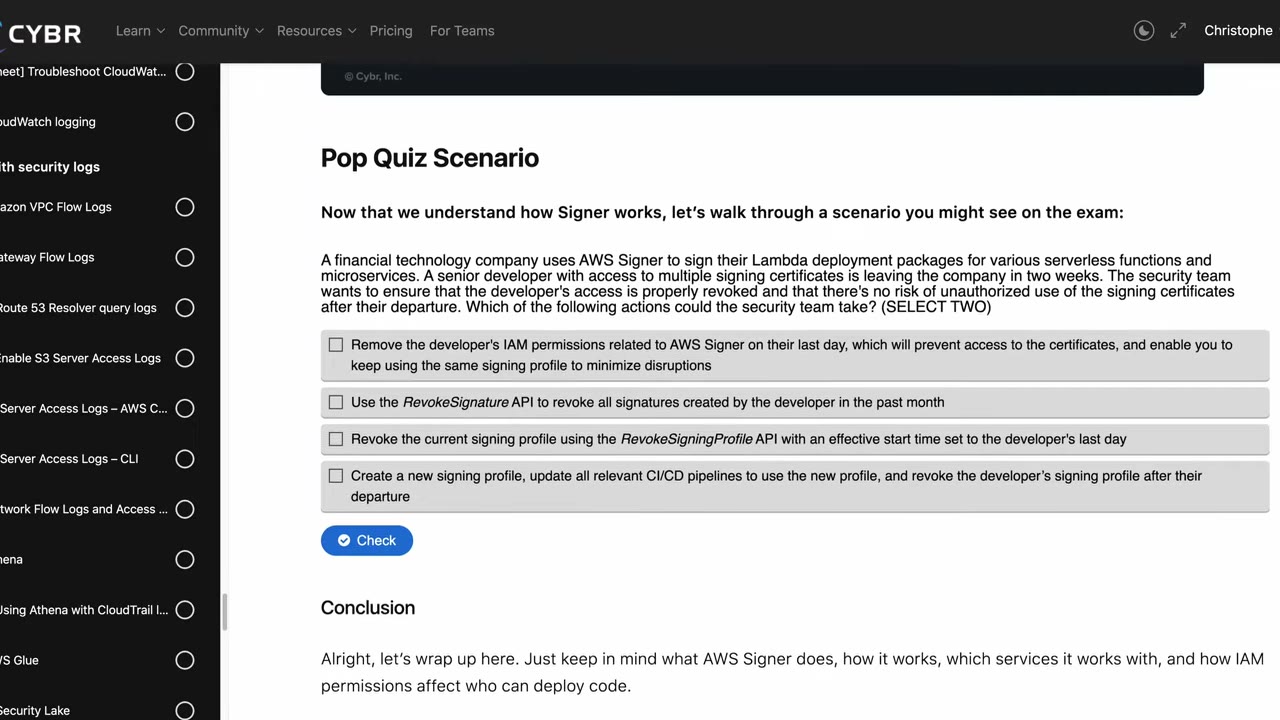
Pop quiz: a developer with access to the signing profile leaves in two weeks. Two actions that stop unauthorized use
after they leave: RevokeSigningProfile with an effective time of their last day, and create a new signing
profile, switch CI/CD to it, revoke the old one. Removing IAM permissions alone is not enough, and RevokeSignature
targets one job, not everything a user signed. Know “how IAM permissions affect who can deploy code”. ▶ #140 10:51
Container images and IoT
Other supported services: ▶ #140 10:02
- AWS IoT: sign firmware so devices only run trusted code.
- Container images in Amazon ECR via the Notation CLI (CNCF Notary Project; AWS contributes alongside CNCF, Docker and Microsoft). Know it exists; deep detail is unlikely on the exam.
- The developer builds and pushes the image.
- Notation signs it.
- The image and signature are pushed to the registry (ECR).
- A Kubernetes admission controller (e.g. Kyverno, Gatekeeper or Ratify on EKS) validates the signature.
- Deploy if signed, reject if unsigned.
Other integrity mechanisms on the exam: S3 Object Lock, CloudTrail log file validation, checksums.
From the instructor
- Validity range 1 day–135 months; expired signatures aren’t trusted where validation is enforced. ▶ #140 01:22
- Enforce blocks code signed by an unapproved profile, or with an expired/revoked signature; Warn only warns. ▶ #140 06:11
- Lambda encrypts deployment ZIPs with an AWS owned key by default; you can choose a KMS customer managed key. ▶ #140 08:40
- Integrate signing into CI/CD via the API. ▶ #140 09:20
- Signer also covers IoT firmware and ECR container images via Notation; don’t go deep on Notation. ▶ #140 10:02
- “Know what AWS Signer does, how it works, which services it works with, and how IAM permissions affect who can deploy code.” ▶ #140 10:51
Keyword → answer
| If the question says… | Answer |
|---|---|
| Only deploy Lambda code approved by the security team | Signer + Lambda code signing config (Enforce) |
| Verify container images weren’t tampered with before running on EKS | Signer/Notation signatures + admission verification |
| Developer with signing access leaves; stop unauthorized use afterwards (pick two) | RevokeSigningProfile with effective time = last day, and new profile + switch CI/CD + revoke the old one |
| Warn vs Enforce | Warn allows the deploy and logs; Enforce blocks |
| Require code signing on every new Lambda in the org | SCP on lambda:CreateFunction with lambda:CodeSigningConfigArn |
| Integrity of log files | CloudTrail log file validation |
| Immutable objects | S3 Object Lock |
Real-world practice
- Separate duties: only the pipeline role may call
signer:StartSigningJobwith the production profile (signer:ProfileVersion/ resource-level permissions); developers can’t sign directly. - Use separate profiles per environment or team, so a compromise can be revoked narrowly.
- Keep signed and unsigned buckets separate, versioned and restricted. CloudTrail records
StartSigningJoband LambdaUpdateFunctionCodefor audit. - Roll out with Warn first and watch CloudWatch/CloudTrail; Enforce failures break deploys.
aws signer put-signing-profile --profile-name prodLambda --platform-id AWSLambda-SHA384-ECDSA
aws lambda create-code-signing-config \
  --allowed-publishers SigningProfileVersionArns=<profile-version-arn> \
  --code-signing-policies UntrustedArtifactOnDeployment=Enforce
- Sign a Lambda zip with
aws signer start-signing-job. - Attach an Enforce config, then try to deploy an unsigned zip and see it rejected.
- Deploy the signed zip from S3 and see it succeed.
- Cleanup: delete the function, the config and the profile (cancel it).
Pipeline code scanning (Inspector, CodeGuru, Amazon Q Developer / Kiro)
Shift-left tools that find vulnerabilities in code, dependencies and IaC before deployment, at different SDLC stages: in the IDE before commit (Q Developer / Kiro) and in the repository after commit (Inspector code security).
Scan types and where each tool fits
| Term | Finds |
|---|---|
| SAST | Flaws in source code |
| SCA | Known CVEs in open-source dependencies |
| IaC | Misconfigurations in CloudFormation/Terraform/CDK |
| DAST | Runtime testing: not offered by these services |
| Tool | SDLC stage | What it does |
|---|---|---|
| Amazon Q Developer / Kiro | In the IDE, before commit | SAST, IaC, SCA, secrets, code quality, with suggested fixes |
| Amazon Inspector code security | In the repository, after commit | SAST + IaC + SCA on PR/push and weekly |
Inspector CI/CD scan (inspector-sbomgen, inspector-scan API) |
In the pipeline build | Scan images/SBOMs before pushing |
| Amazon CodeGuru | Repository / runtime | ML code review (Reviewer) and performance (Profiler); being retired |
IDE scanning and repository scanning are complementary, not alternatives: overlap exists, so use both at different stages. ▶ #147 05:21 Gate the pipeline: fail the build when severity is ≥ HIGH, and send findings to Security Hub. Complementary IaC checks: cfn-lint, cfn-guard (policy as code), CloudFormation Hooks, Config proactive rules (6.2.1).
Amazon Inspector: compute and pipeline scanning
Inspector (see Amazon Inspector, ▶ #48) scans EC2, ECR images and Lambda functions (packages + Lambda code scanning).
- EC2: agent-based (via SSM) or agentless (snapshot) scanning, plus CIS scans.
- ECR: on push + continuous (ECR enhanced scanning).
- SBOM export, and CI/CD plugins (Jenkins, TeamCity, GitHub Actions).
- Inspector SBOM generator / CI/CD integration:
inspector-sbomgen+ theinspector-scanAPI scan images inside a pipeline, before the push.
# In CI: generate SBOM and scan with Inspector
inspector-sbomgen container --image myapp:build -o sbom.json
aws inspector-scan scan-sbom --sbom file://sbom.json --output-format CYCLONE_DX_1_5
Fail the job if the result has critical or high findings.
Inspector code security (repository scanning)
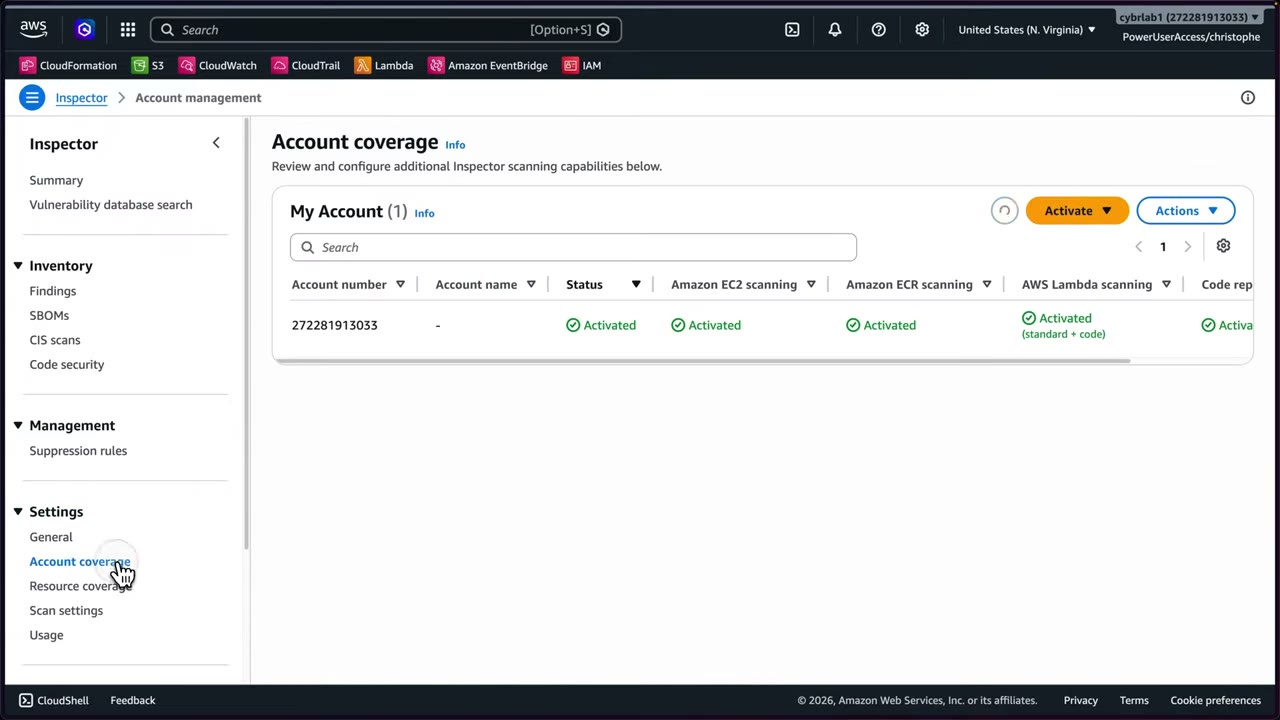
Enable Inspector (trial ~15 days) → Settings → Account coverage → Activate → Code repository scanning → Submit. The demo account shows EC2, ECR, Lambda (standard + code) and code repository scanning all Activated. It can be enabled across the organization. ▶ #147 00:20
Inventory → Code security workflow: Connect (authorize Inspector in your SCM platform: GitHub or GitLab) → Configure scanning (which repos, when, how) → Remediate (review findings).
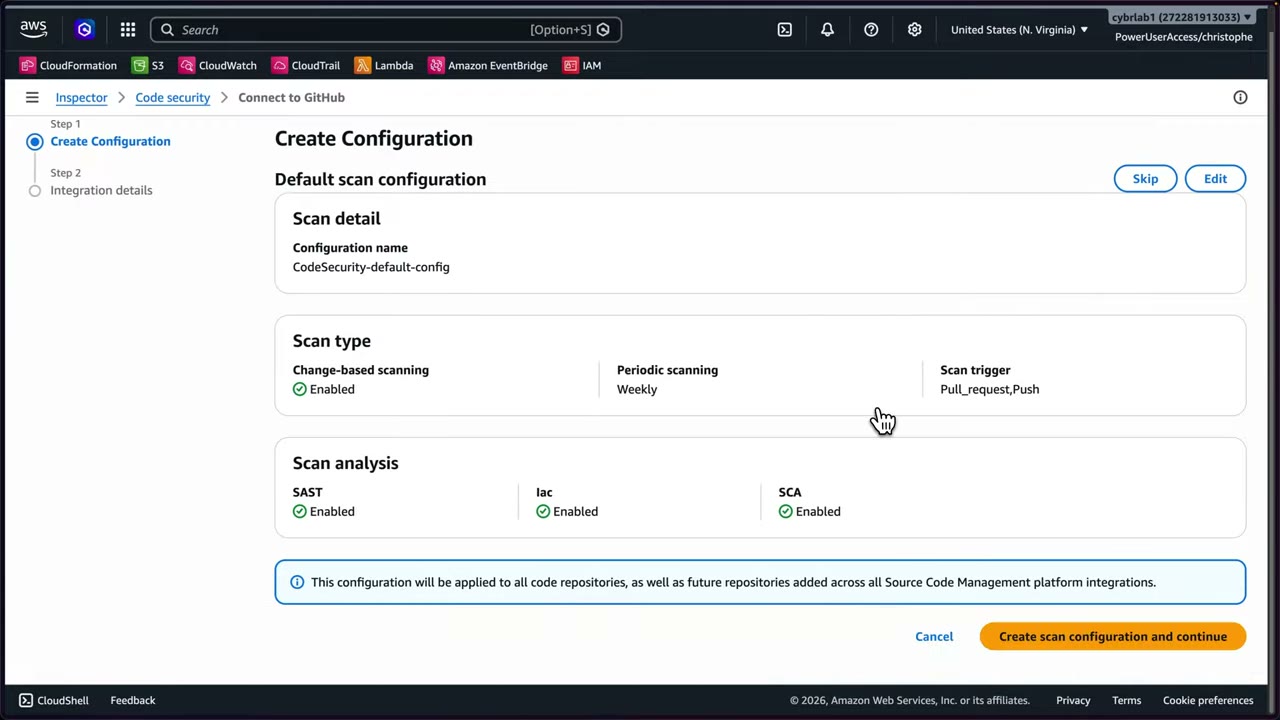
Default scan configuration CodeSecurity-default-config:
| Setting | Value |
|---|---|
| Change-based scanning | Enabled |
| Periodic scanning | Weekly |
| Scan trigger | Pull_request, Push |
| Scan analysis | SAST, IaC, SCA: all Enabled |
| Scope | “applied to all code repositories, as well as future repositories added across all SCM platform integrations” |
Findings come with remediation recommendations. ▶ #147 01:30
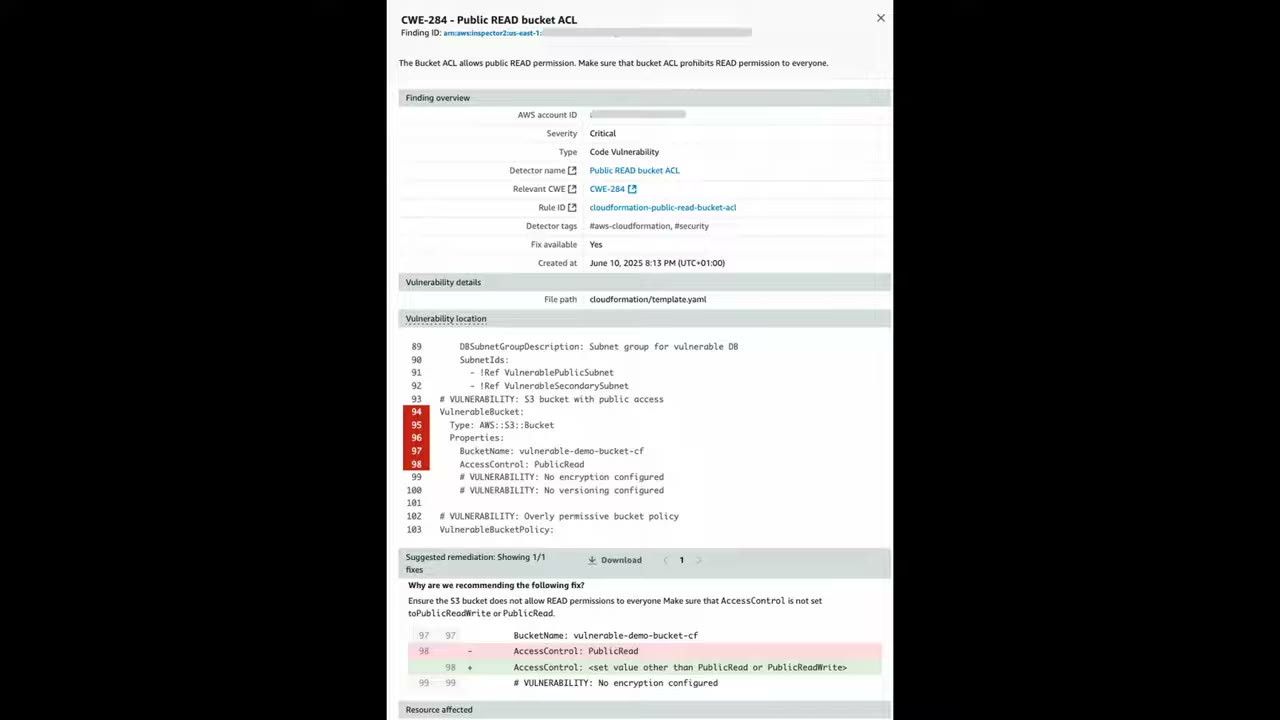
Example finding: CWE-284 – Public READ bucket ACL, severity Critical, type Code Vulnerability, rule
cloudformation-public-read-bucket-acl, file cloudformation/template.yaml lines 94–98, with a suggested diff that
replaces PublicRead with a non-public value. The flagged snippet:
# VULNERABILITY: S3 bucket with public access
VulnerableBucket:
  Type: AWS::S3::Bucket
  Properties:
    BucketName: vulnerable-demo-bucket-cf
    AccessControl: PublicRead      # fix: value other than PublicRead / PublicReadWrite
    # VULNERABILITY: No encryption configured
    # VULNERABILITY: No versioning configured
The Inspector summary also promotes the new AWS Security Hub (risk correlation, attack path visualization, unified pricing including Security Hub CSPM, GuardDuty and Inspector).
Amazon Q Developer → Kiro (IDE scanning)
Naming was confusing at recording time: Amazon Q (GenAI assistant), Amazon Q Developer, and clicking Q Developer leads to Kiro. AWS appears to be merging Q Developer into Kiro; here “Q Developer” = “Kiro”. ▶ #147 02:11
- Kiro = “Agentic AI development from prototype to production”: an agentic AI IDE based on VS Code, spec-driven development, per-user subscription. Comparable to VS Code/Windsurf/Cursor plus CLI agents (Claude Code, Gemini CLI, Codex, OpenCode): “basically Cursor and OpenCode combined.”
- Features: IDE, agent hooks, specs, agent steering, MCP servers, Powers (e.g. API testing, design, AWS native integrations, Snyk for code security, Aikido scanning, New Relic, OpenSearch, Aurora PostgreSQL…), agent sessions (“vibe” or spec mode, design before coding), model selection across providers (credit costs) or auto, VS Code extensions.
- Q Developer security scans run in the IDE and on project files (SAST, secrets detection, IaC issues), with suggested fixes (
/review). - Security relevance: native or third-party tooling runs SAST, IaC, SCA, finds exposed secrets before commit, and reviews code quality against org standards, while developers write code. ▶ #147 05:21
Amazon CodeGuru (Reviewer, Profiler, Security)
“Uses machine learning and automated reasoning to detect security and quality issues in your application code and provide guidance on remediation.” ▶ #147 05:40
| Component | What it does |
|---|---|
| CodeGuru Profiler | Operational/performance issues, e.g. methods consuming the most CPU/time |
| CodeGuru Reviewer | Connects to repos (GitHub, CodeCommit, Bitbucket, GitHub Enterprise) and evaluates code against best practices; what you’d add to CI/CD for code security recommendations |
| CodeGuru Security | SAST (and secrets) for code in CI/CD. Still named in the exam guide |
“CodeGuru Reviewer no longer supports the creation of new repository associations.” As of November 7, 2025 only existing associations work. Alternatives: code reviews with Amazon Q Developer, code scans with Amazon Inspector. It may or may not appear on the exam: know it exists and what it does, but don’t plan to use it in production. ▶ #147 06:51
- Inspector → Settings → Account coverage → Activate → Code repository scanning → Submit.
- Inventory → Code security → Connect to → GitHub → review the default scan configuration (change-based + weekly, PR/push triggers, SAST/IaC/SCA) → Create scan configuration and continue.
- Review sample findings with remediation (CloudFormation public-read bucket).
- Search “Q Developer” → lands on the Kiro page; Kiro IDE tour (powers, specs, hooks, models, extensions).
- CodeGuru → Reviewer → associate repository → notice that new associations are blocked.
From the instructor
- Inspector Code Security provides SAST + IaC + SCA with remediation guidance. ▶ #147 01:30
- Q Developer/Kiro scanning happens in the IDE before commit (including secrets); Inspector after commit. They are complementary. ▶ #147 05:21
- CodeGuru Reviewer: know it exists, but it doesn’t accept new customers. ▶ #147 06:51
- “Make sure you understand their differences and when to use which.” ▶ #147 07:10
Keyword → answer
| If the question says… | Answer |
|---|---|
| Scan container images in the CI pipeline before pushing | Inspector CI/CD scan (sbomgen) |
| Scan images after the push | ECR enhanced scanning (Inspector) |
| Developers want security findings in the IDE | Amazon Q Developer (Kiro) |
| Scan Lambda code (not just dependencies) for injection flaws | Inspector Lambda code scanning |
| Scan code, dependencies and IaC in the repository / pipeline | Inspector code security (or CodeGuru Security if it’s an option and Inspector isn’t) |
| Find exposed secrets before commit | Pre-commit hooks (git-secrets / gitleaks), Q Developer; then rotate the secret with Secrets Manager |
| Runtime / DAST testing | Not provided by these services |
- Amazon CodeGuru Security was discontinued in November 2025; AWS directs customers to Inspector code security. It is still named in the exam guide, so know what it did.
- CodeGuru Reviewer accepts no new repository associations since 7 Nov 2025; AWS points to Q Developer code reviews and Inspector code scans.
- Q Developer is being merged into Kiro. A console banner says Kiro endpoints move to the
kiro.devdomain; organizations with firewall allowlists must update by May 15, 2026.
Real-world practice
- Gate merges on Inspector code findings with severity ≥ High through PR checks; send findings to Security Hub for central triage.
- IDE scanning is cheap shift-left, but developers can skip plugins; repository-level scanning is the enforceable control.
- Track AWS service deprecations (CodeGuru, CodeCommit for new customers) when designing pipelines.
- Run
inspector-sbomgenon an old image (for examplepython:3.7) and count the CVEs. - Optionally connect a test GitHub repo with a public-read S3 bucket in a CloudFormation template to Inspector code security and read the finding.
- Cleanup: disconnect the repo integration.
Generative AI security (OWASP Top 10 for LLM, Bedrock Guardrails, SageMaker AI)
Controls that protect LLM applications from prompt injection, data leakage and misuse. SageMaker AI = build, train and deploy your own models (you secure the whole ML lifecycle). Amazon Bedrock = serverless access to third-party foundation models, protected mainly with Guardrails.
- Exam skills: guardrails for generative AI, OWASP Top 10 for LLM (3.2.7) · least-privilege policies (4.2.3) · secure and private access (5.1.2) · mask sensitive data (5.3.4) · AI services opt-out policies (6.1.3)
- Videos: ▶ #145 GenAI Security Controls in AWS and OWASP Top 10
OWASP Top 10 for LLM applications (2025)
Source: OWASP GenAI Security Project (genai.owasp.org/llm-top-10, version 2025 dated Nov 18, 2024). Newer versions may reorder the list. You don’t need to deep-dive each risk; you need to map scenarios to AWS controls. ▶ #145 00:00
| # | Risk | One-liner | AWS controls |
|---|---|---|---|
| LLM01 | Prompt Injection | User/indirect input alters the model’s behavior | Guardrails prompt-attack filter, input validation, least-privilege tools |
| LLM02 | Sensitive Information Disclosure | PII, secrets, proprietary data leak via outputs | Guardrails PII filters, Macie on training-data buckets, KMS |
| LLM03 | Supply Chain | Compromised models, datasets, plugins, packages | SageMaker model registry/approval, ECR image scanning (Inspector), signed artifacts |
| LLM04 | Data and Model Poisoning | Tampered pre-training, fine-tuning or embedding data | Data lineage, Clarify, Model Monitor, S3 Object Lock/versioning on datasets, model evaluations |
| LLM05 | Improper Output Handling | Output passed downstream without validation/sanitization (XSS, SQLi, RCE) | Treat output as untrusted: encode/validate |
| LLM06 | Excessive Agency | Agent has too many tools/permissions/autonomy | Least-privilege IAM roles for agents/action groups, human approval (Step Functions), AgentCore Policy |
| LLM07 | System Prompt Leakage | Secrets or logic in system prompts exposed | Keep secrets out of prompts |
| LLM08 | Vector and Embedding Weaknesses | RAG store access-control gaps, embedding inversion, poisoning | Per-tenant access control on vector stores |
| LLM09 | Misinformation | Hallucinations relied on as fact | Contextual grounding checks, evaluations |
| LLM10 | Unbounded Consumption | Denial of wallet/service via excessive inference | Bedrock quotas, API Gateway throttling / WAF rate rules, budgets |
Amazon SageMaker AI: securing your own models
Use the SageMaker AI console, not the broader “SageMaker” unified studio dashboard; they are two different consoles. ▶ #145 01:22 With SageMaker AI you build, train and deploy your own models, so you secure the full ML lifecycle: prepare data → build (Studio notebooks) → train & tune → deploy & manage.
- Notebook instances (ML compute for data scientists’ prototyping) belong in secure VPCs with flow logs, security groups, NACLs, firewalls, VPC endpoints / PrivateLink; no direct internet access; root access disabled. ▶ #145 01:52
- Network isolation for training jobs, inter-container traffic encryption, KMS for volumes and outputs.
| Tool | Purpose |
|---|---|
| Data Wrangler | Prepare/analyze data and identify potential bias early |
| Clarify | Detect bias in datasets and models; explain model predictions |
| Model Monitor | Continuously monitor production models; alerts on data drift, model quality and feature attribution drift |
These map back to OWASP risks such as poisoning and misinformation.
Amazon Bedrock: models, API keys and the console
Serverless access to pre-trained models from third parties (Anthropic, Meta, AI21, Amazon, Cohere, DeepSeek, Google, MiniMax, Mistral, Moonshot… on screen). The instructor mentions OpenAI models being added (previously Azure-only). ▶ #145 03:30
| Console section | Contents |
|---|---|
| Discover | Overview, Quickstart, Model catalog (“over 100 foundation models”), API keys |
| Labs | Quotas, Compare models |
| Test | Playground, Watermark detection (was an image generated by Titan Image Generator?), Tokenizer |
| Infer | Cross-Region inference, batch inference, custom model on-demand, provisioned throughput |
| Tune | Custom models, prompt routers, imported models |
- API keys: Bedrock lets you create them, but you must manage them. The instructor recommends IAM instead. ▶ #145 04:40
- Restrict model access with
bedrock:InvokeModelon specific model ARNs, and SCPs to limit which models or Regions are allowed. - Playground: pick a model (e.g. Anthropic → Claude Haiku 3.5), chat or single-prompt mode, and compare mode to compare models before deployment. ▶ #145 05:31
Bedrock Guardrails
Guardrails filter harmful or unwanted content, block specific topics, detect and redact PII, and control what the model may generate: boundaries around model behavior without modifying the model. They apply to model input and output. ▶ #145 05:00
| Policy | What it does |
|---|---|
| Content filters | Hate, insults, violence, sexual, misconduct, prompt attack |
| Denied topics | Block specific topics/categories |
| Word filters | Custom words, including profanity |
| Sensitive information filters | PII block or mask, custom regex |
| Contextual grounding checks | Against hallucination; relevance for RAG |
| Automated reasoning checks | Validate outputs against rules |
- Workflow: Create (configure filters) → Test with different inputs → Deploy a version (snapshot) used at inference or attached to an agent.
ApplyGuardrailapplies a guardrail to any model, including ones outside Bedrock.- Account-level enforcement: “applied across all Bedrock inference calls in this Region even when no guardrail is specified in the request”. Organization-level enforced guardrails also exist.
- Enforce use of a guardrail with the IAM condition key
bedrock:GuardrailIdentifier.
aws bedrock create-guardrail --name app-guard \
  --content-policy-config 'filtersConfig=[{type=PROMPT_ATTACK,inputStrength=HIGH,outputStrength=NONE}]' \
  --sensitive-information-policy-config 'piiEntitiesConfig=[{type=EMAIL,action=ANONYMIZE}]' \
  --blocked-input-messaging "Request blocked." --blocked-outputs-messaging "Response blocked."
Model evaluations
Assess → Evaluations: ▶ #145 05:58
| Type | Options |
|---|---|
| Automatic | Programmatic (model + metrics you select) or LLM as a judge (a pre-trained model scores responses) |
| Human | AWS managed work team or bring your own work team (up to 2 models compared, custom metrics) |
Evaluations help identify potential poisoning or other behavior that deviates from expectations.
AgentCore and excessive agency
AgentCore is the Bedrock sub-feature for building and operating agents: Harness, CLI, SDK, built-in tools (Browser, Code Interpreter), Gateway, Identity, Memory, Policy, Registry, Runtime, Observability, Evaluations. ▶ #145 06:30
Cybr lab “Bedrock AgentCore Privilege Escalation via Code Interpreters”: a limited user invokes a misconfigured custom code interpreter that runs Python/shell with the interpreter’s IAM role rather than the user’s credentials, leading to S3 exfiltration and control-plane access. Lessons: least-privilege execution roles, and Sandbox (not Public) network mode.
- Excessive agency in general: least-privilege IAM roles for Bedrock Agents and Lambda action groups; require human confirmation for destructive actions.
Data protection and governance
- Bedrock does not use your prompts or data to train base models, and doesn’t share them with model providers.
- Use VPC interface endpoints (PrivateLink) for Bedrock (
bedrock-runtime) and KMS keys for custom models and knowledge bases. - CloudTrail logs the API calls. Model invocation logging to S3/CloudWatch is opt-in and records prompts and responses, so protect that log.
- Unbounded consumption: throttling, quotas, WAF rate limits on the API in front of the model.
- Org governance: SCPs limit which models or Regions are allowed. Use the AI services opt-out policy (see AWS Organizations, Part 1) for AI services that use content to improve the service.
From the instructor
- Use the SageMaker AI console, not the generic SageMaker one. ▶ #145 01:31
- With SageMaker you secure the full ML lifecycle; notebooks belong in secure VPCs. ▶ #145 01:52
- Prefer IAM over Bedrock API keys. ▶ #145 04:50
- Focus on Guardrails, Playground and Evaluations; Guardrails most of all. ▶ #145 05:00
- Scenario mapping: custom model → SageMaker AI; existing model, no infra → Bedrock; bias → Clarify/Data Wrangler; harmful content/PII redaction → Bedrock Guardrails. ▶ #145 07:11
Keyword → answer
| If the question says… | Answer |
|---|---|
| Build and train your own custom model | SageMaker AI (+ its security features) |
| Use an existing model without managing infrastructure | Bedrock |
| Detect bias in training data or a model | SageMaker Clarify / Data Wrangler |
| Filter harmful content or redact PII from model output | Bedrock Guardrails |
| Chatbot must not reveal PII in answers | Guardrails sensitive information filter (mask/block) |
| Users try “ignore previous instructions” | Guardrails prompt attack filter + input validation + separate system prompts from user input |
| Agent can delete resources it shouldn’t | Excessive agency → least-privilege action-group roles + confirmation |
| Keep Bedrock traffic off the internet | VPC interface endpoint for bedrock-runtime |
| Production model accuracy degrades as input data changes | SageMaker Model Monitor |
| Every Bedrock call in the account must use a guardrail | Account-level enforcement, or bedrock:GuardrailIdentifier condition |
Real-world practice
- Treat LLM output as untrusted input to downstream systems: encode/validate before rendering or executing.
- Put RAG vector stores behind per-tenant access control; metadata filters alone are not authorization.
- Log every invocation (with masking) and alarm on token-usage spikes per principal.
- Scope agent tool roles per tool, with session tags / ABAC tying actions to the end user rather than one shared powerful role.
- Create a guardrail (e.g. with the CLI above).
- Test it in the Bedrock console playground with a prompt-injection string and an email address in the prompt.
- Cleanup: delete the guardrail.
Amazon CloudFront
A CDN that caches static and dynamic content at hundreds of edge locations (plus Regional Edge Caches) close to users. It is also the edge security layer: where you terminate TLS, run WAF and Shield, and protect and hide origins. ▶ #121 00:10
- Exam skills: edge strategy (3.1.1) · edge protection: headers, OAC, field-level encryption (3.1.2) · edge rules: geo, rate limit (3.1.3) · encryption in transit (5.1.1) · client vs server-side encryption (5.2.1) · mask sensitive data (5.3.4) · CloudFront logs (1.2.1, 1.2.2, 1.2.4, 1.3.1, 2.2.2) · resource policies & authorization failures (4.2.1, 4.2.4)
- Videos: ▶ #121 CloudFront · ▶ #122 Origin Access Control · ▶ #123 Security headers · ▶ #124 Logging · ▶ #125 Field-level encryption
- Remember: custom-domain ACM certificates and CloudFront WAF web ACLs live in us-east-1
How CloudFront works: edge locations and origins
The latency problem: an S3 bucket with images/videos that rarely change is hosted in us-west-2 (Oregon), but half the users are in India. Every request travels to Oregon and back; even over fiber you can’t beat the speed of light, so India users get a slower experience than users in the Americas. ▶ #121 00:20
CDNs solve this with points of presence (edge locations). AWS has hundreds of them, and their job is to cache content closer to users. CloudFront caches the static content at an edge location in Delhi, so India users fetch the homepage from a server a few miles away. ▶ #121 01:20
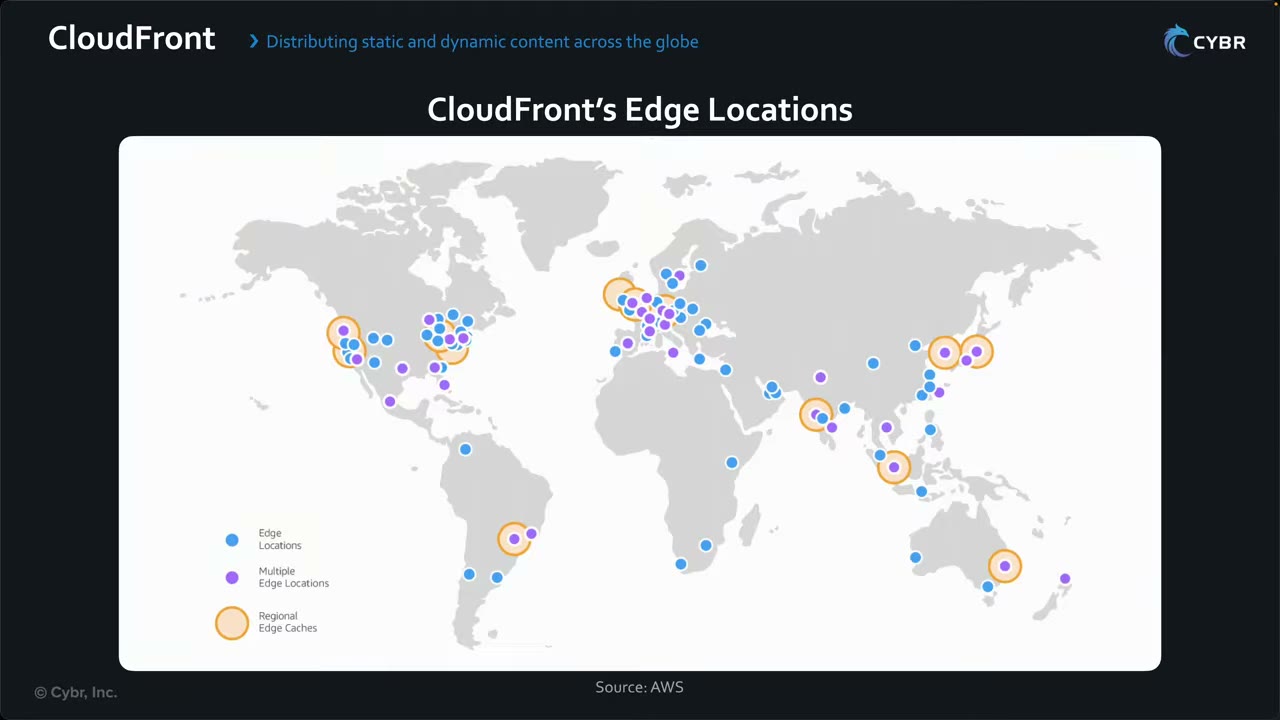
| Map symbol ▶ #121 01:27 | Meaning |
|---|---|
| Blue dots | Single edge locations |
| Purple dots | Cities with multiple edge locations |
| Orange circles | Regional Edge Caches: a larger mid-tier cache between edge locations and the origin. An edge miss asks the regional cache before the origin, raising the cache hit ratio and reducing origin load |
Note the coverage in India (Mumbai/Delhi area, a regional edge cache near Mumbai): the reason the India users get low latency.
Origins (the backend) can be: ▶ #121 02:01
- Amazon S3, one or more EC2 instances, containers, a load balancer, Amazon API Gateway, AWS Lambda (function URLs)
- Any HTTP server, even one not hosted on AWS (custom origin)
In the create-distribution wizard the origin types are: ▶ #122 01:01
| Origin type | Use |
|---|---|
| Amazon S3 | Static assets (files, images, SPAs) |
| Elastic Load Balancing | Dynamic websites, web services, APIs |
| API Gateway | REST APIs |
| Elemental MediaPackage | VOD / live streaming (not needed for the exam) |
| VPC origin | Private VPC resources such as EC2 or ALB; only on the Business plan (greyed out on Free) |
| Other | Any publicly resolvable URL, on or off AWS |
Four security benefits at the edge
- AWS Shield integration: protection against DoS. Shield Standard is included automatically at no extra cost and handles the most common network and transport layer (L3/L4) attacks. ▶ #121 02:31
- AWS WAF: attach a web ACL to filter malicious traffic before it reaches the origin: block SQL injection and cross-site scripting (XSS), and add another layer of DoS protection. ▶ #121 02:51
- HTTPS: encrypt traffic viewer ↔ edge and edge ↔ origin. Bring your own TLS certificate or let AWS Certificate Manager (ACM) manage it. ▶ #121 03:11
- Origin hiding: attackers see only CloudFront’s edge network, not the backend IP, so they can’t directly target the EC2 instance or load balancer. ▶ #121 03:31 This only works if the origin is locked down so attackers can’t reach it directly (see OAC below).
Encryption in transit settings
| Setting | Controls |
|---|---|
| Viewer protocol policy | Viewer ↔ edge: Redirect HTTP→HTTPS or HTTPS only |
| Origin protocol policy | Edge ↔ origin: HTTPS only |
| Security policy | Minimum TLS version for viewers (e.g. TLSv1.2_2021) |
| Certificate | Custom-domain certificates must be in ACM in us-east-1, regardless of where the origin lives |
Origin lockdown and other edge controls
- S3 → OAC + bucket policy.
- Custom origin (ALB) → the CloudFront managed prefix list (
com.amazonaws.global.cloudfront.origin-facing) in the ALB security group, plus a secret custom header checked by an ALB rule or WAF. Newer alternative: VPC origins for private ALB/NLB/EC2. - WAF web ACLs for CloudFront are global scope (created in us-east-1). Regional web ACLs (ALB, API Gateway, Cognito, AppSync, App Runner, Verified Access) are separate. See AWS WAF (▶ #126) for WAF from the CloudFront Security tab, core protections, monitor mode and rate limiting on a distribution.
- Geo restriction: allow-list or block-list countries at distribution level. For more granular rules, use a WAF geo match.
- Detection: Security Hub control CloudFront.13 (S3 origins should use OAC), plus other CloudFront.* controls.
Pricing plans and what they gate
Creating a distribution starts with Choose a plan: Free ($0), Pro ($15), Business ($200), Premium ($1,000/month), or Pay as you go. ▶ #122 00:21
- All plans include global CDN, WAF, DDoS protection, DNS, TLS certificate, log ingestion and serverless edge compute; no overage charges; blocked requests and DDoS attacks never count against the usage allowance; data transfer from AWS origins (S3, ALB, API Gateway) to CloudFront is waived.
| Plan | Adds |
|---|---|
| Free | 1M requests / 100 GB per month; always-on DDoS protection, WAF against common web threats, IP-based rate limiting, geographic blocking, serverless edge compute, free TLS certificate, 5 GB S3 |
| Pro | Protections for WordPress/PHP/SQL databases, header-based threat filtering, edge key-value store, logging (“Available with the Pro plan”), 50 GB S3 |
| Business | Advanced DDoS protection, bot management and analytics, regex-based threat filtering, JavaScript challenge, custom caching rules, private origins within VPC, mutual TLS (origin), uptime SLA |
| Premium | High-speed origin routing, origin load reduction, automatic origin failover, mutual TLS (viewer) |
| Pay as you go | Pay per traffic/features across CloudFront, WAF, Route 53, S3, CloudWatch Logs. For > 50 TB or > 500M requests, features not in plans, or custom rates |
Origin Access Control (OAC) for private S3 origins
The goal: a fully private S3 bucket (Block Public Access on, no bucket policy) reachable only through one
distribution. ▶ #122 00:00 The demo bucket cybr-cf-oac-demo-… in us-east-1 holds cybr_logo_280x80.png, index.html,
lessons/ and premium/ (with a secret.txt used for access-control demos). ▶ #122 01:48
- Under Settings, check Allow private S3 bucket access to CloudFront – Recommended. CloudFront updates the bucket policy so the bucket is reachable only when the request is on behalf of the distribution that contains the S3 origin. ▶ #122 02:22
- Origin settings Customize exposes Enable origin mutual TLS (Business plan), Add custom header (sent on every request to the origin), Origin Shield (Premium plan), Connection attempts (1–3, default 3) and connection timeout (default 10 s).
- Cache settings: Use recommended cache settings tailored to serving S3 content.
- Enable security: WAF is enabled by default at no additional charge on the Free plan. It protects against common OWASP Top 10 vulnerabilities and blocks IPs known as threats from Amazon’s internal threat intelligence. More features need the Business plan. ▶ #122 03:22
- Review notice: “Because you granted CloudFront access to your origin, CloudFront can write and update S3 bucket policies that restrict access to your S3 origin to CloudFront.” ▶ #122 04:01
The bucket policy CloudFront writes: principal is the service cloudfront.amazonaws.com, action only
s3:GetObject, resource bucket/*, and condition AWS:SourceArn = the exact distribution ARN. That grants this one
distribution access and no one else (confused-deputy safe). ▶ #122 07:40
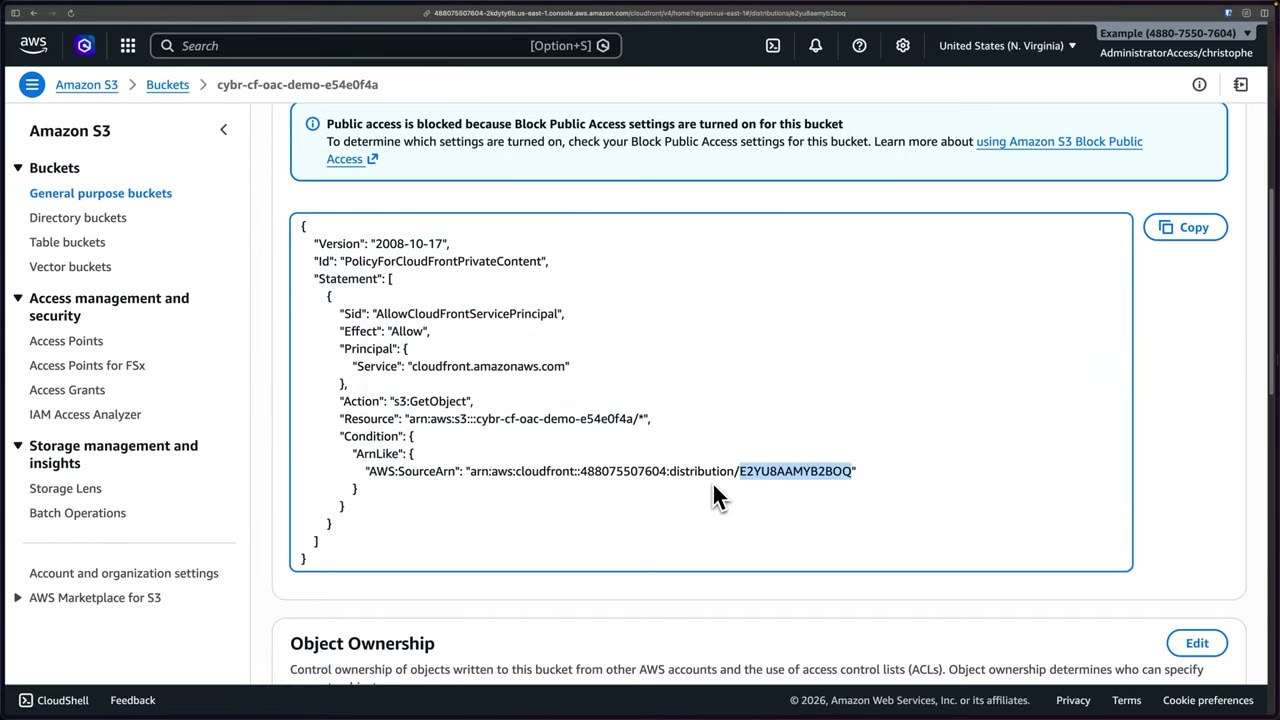
{
  "Version": "2008-10-17",
  "Id": "PolicyForCloudFrontPrivateContent",
  "Statement": [
    {
      "Sid": "AllowCloudFrontServicePrincipal",
      "Effect": "Allow",
      "Principal": { "Service": "cloudfront.amazonaws.com" },
      "Action": "s3:GetObject",
      "Resource": "arn:aws:s3:::cybr-cf-oac-demo-e54e0f4a/*",
      "Condition": {
        "ArnLike": {
          "AWS:SourceArn": "arn:aws:cloudfront::488075507604:distribution/E2YU8AAMYB2BOQ"
        }
      }
    }
  ]
}
SSE-KMS caveat. The demo bucket uses SSE-S3. With SSE-KMS and a customer managed key, the KMS key policy must also allow CloudFront to decrypt; updating the bucket policy alone is not enough. ▶ #122 08:40
- Key policy statement: principal
Service: cloudfront.amazonaws.com, actionkms:Decrypt(pluskms:Encrypt,kms:GenerateDataKey*if uploading via PUT), conditionStringEquals AWS:SourceArn= distribution ARN. - The AWS managed
aws/s3key cannot be used with OAC, because its key policy can’t be edited. Use a customer managed key.
OAI is legacy. Origin Access Identity is the older mechanism: not best practice, lacks OAC’s security features and needs workarounds. A scenario that mentions OAI → migrate OAI to OAC. ▶ #122 09:20
| OAC (recommended) | OAI (legacy) | |
|---|---|---|
| Regions | All S3 buckets in all Regions, incl. opt-in Regions launched after December 2022 | Not the newer opt-in Regions |
| SSE-KMS | Yes | No |
| Dynamic requests (PUT, DELETE) | Yes | No |
| Principal in bucket policy | Service principal cloudfront.amazonaws.com + AWS:SourceArn (SigV4-signed requests) |
Canonical user / arn:aws:iam::cloudfront:user/CloudFront Origin Access Identity XXXX |
- OAC does not work with an S3 static website endpoint (website endpoints are custom, public origins). If the scenario needs the website endpoint, restriction is a secret Referer/custom header + bucket policy condition, which is weaker. Prefer the REST endpoint + OAC + default root object (or a CloudFront Function for subdirectory index).
- OAC also exists for Lambda function URLs and MediaStore/MediaPackage origins. Private ALB/NLB/EC2 origins use VPC origins.
Default root object and verifying the edge
Opening https://d2ts285fzghw2y.cloudfront.net/ returns S3’s XML AccessDenied: CloudFront doesn’t know which object
to return for /, while /index.html already works. Fix: Edit settings → Default root object = index.html (no
leading slash), “the object to return when a viewer requests the root URL (/) instead of a specific object”. ▶ #122 04:30
- Saving redeploys. The Last modified timestamp changing tells you it is done.
- The same page shows Supported HTTP versions (HTTP/2 on, HTTP/3 optional), IPv6 on, and Viewer mutual authentication (mTLS) (Premium plan).
Proving requests go through CloudFront: DevTools (F12) → Network → first request → Headers. ▶ #122 06:31
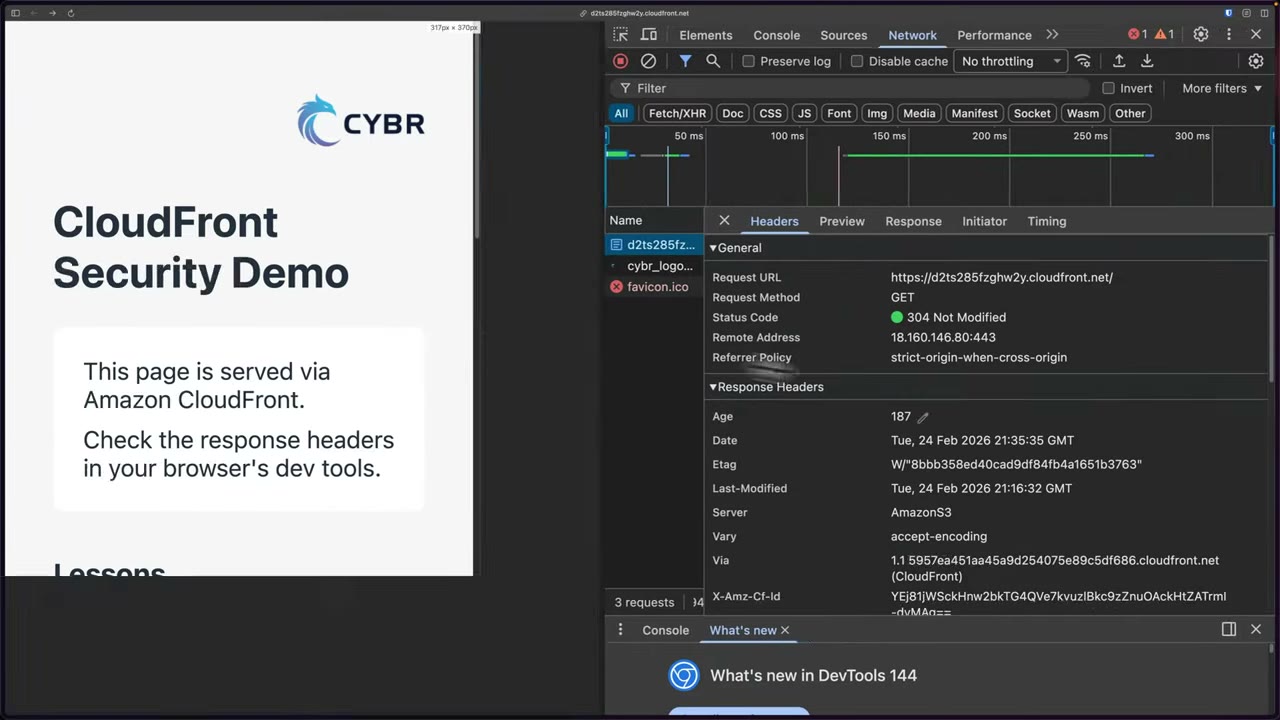
- Remote address
18.160.146.80:443is a CloudFront IP. Server: AmazonS3reveals the origin type;Via: 1.1 ….cloudfront.net (CloudFront),X-Amz-Cf-Id,Age: 187.X-Cache: Hit from cloudfrontshows the object came from the edge cache without going back to S3. Repeated refreshes keep hitting the cache unless content is dynamic.
- CloudFront → Distributions → Create distribution → plan Free → Next. ▶ #122 00:40
- Name
cybr-demo-s3(stored as a tag), type Single website or app (vs Multi-tenant architecture for SaaS). Skip the optional Route 53 managed domain (CloudFront could provision a TLS certificate for you). ▶ #122 00:47 - Origin type Amazon S3 → Browse S3 →
cybr-cf-oac-demo-e54e0f4a(origin domaincybr-cf-oac-demo-e54e0f4a.s3.us-east-1.amazonaws.com), origin path empty. - Check Allow private S3 bucket access to CloudFront; recommended origin and cache settings → Next.
- Enable security: leave the default WAF protections (free) → Next → Review (Billing Free, Grant CloudFront access to origin = Yes, Origin Shield = No, connection attempts 3, timeout 10) → Create. Deployment takes ~15 minutes.
- Open the distribution domain →
AccessDenied. Edit → Default root objectindex.html→ Save → wait for redeploy → page loads. - DevTools → Network → confirm
X-Cache: Hit from cloudfront,Server: AmazonS3. - S3 → bucket → Permissions → a bucket policy you didn’t write is now present (shown above).
Signed URLs and signed cookies
| Signed URL | Signed cookies | |
|---|---|---|
| Protects | One file (or an RTMP/download link) | Many files without changing URLs (e.g. HLS video segments, a members area) |
- Use trusted key groups (public key in CloudFront, private key with the signer). Prefer key groups over the legacy root-user CloudFront key pairs.
- S3 presigned URL vs CloudFront signed URL: an S3 presigned URL uses the signer’s IAM credentials and goes straight to S3. A CloudFront signed URL goes through the edge (cache, WAF).
Security headers with response headers policies
By default CloudFront returns no security headers. ▶ #123 01:12 A response headers policy injects them into every response at the edge, without touching application code or the origin. ▶ #123 06:51
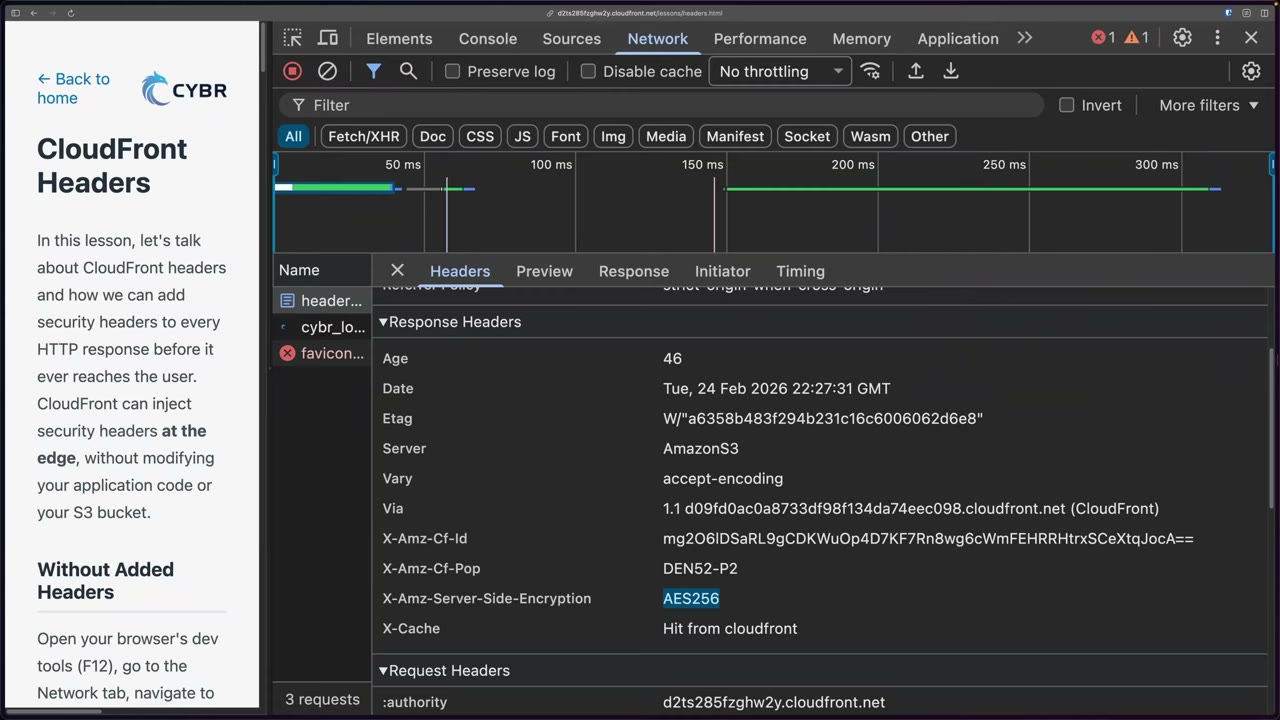
Vanilla response for lessons/headers.html: Age, Date, ETag, Server: AmazonS3 (backend origin),
Vary: accept-encoding, Via: 1.1 ….cloudfront.net (CloudFront), and CloudFront-injected X-Amz-Cf-Id, X-Amz-Cf-Pop
(e.g. DEN52-P2, the Denver edge POP), X-Amz-Server-Side-Encryption: AES256 (object is SSE-S3 encrypted) and
X-Cache: Hit from cloudfront. ▶ #123 00:51
Attach a policy: distribution → Behaviors → select Default (*) → Edit → Response headers policy. Applying it to the default behavior covers every path; to cover only some paths, create a new behavior with a path pattern and attach it there. ▶ #123 01:31 ▶ #123 06:01
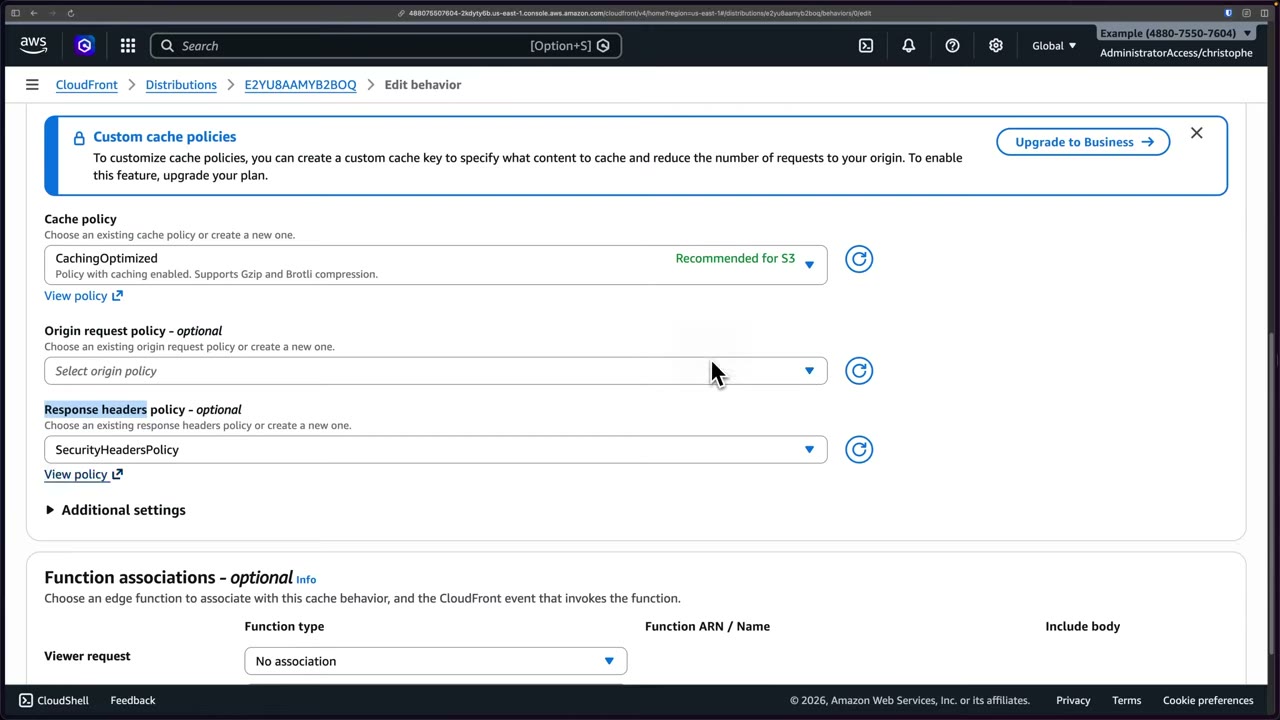
Managed policies in the dropdown: SimpleCORS, CORS-With-Preflight, CORS-with-preflight-and-SecurityHeadersPolicy,
CORS-and-SecurityHeadersPolicy, and SecurityHeadersPolicy (“adds a set of security headers to every response”).
CORS itself is covered in Amazon S3 CORS (▶ #56).
View policy shows what SecurityHeadersPolicy injects: ▶ #123 02:31
| Header | Value / note | Protects against |
|---|---|---|
Strict-Transport-Security |
max-age=31536000 (1 year, in seconds) |
Downgrade / SSL stripping (with viewer protocol policy Redirect HTTP→HTTPS) |
X-Content-Type-Options |
nosniff |
MIME sniffing |
X-Frame-Options |
SAMEORIGIN |
Clickjacking (or CSP frame-ancestors) |
Referrer-Policy |
strict-origin-when-cross-origin |
Referrer leakage |
X-XSS-Protection |
1; mode=block. Deprecated, not very useful, doesn’t hurt ▶ #123 02:50 |
Legacy XSS filter |
Content-Security-Policy |
Field present but left blank in the managed policy | XSS, injection (custom policy only) |
You don’t need to memorize each header, but you must know CloudFront adds them per the policy. ▶ #123 03:00
- Other fields on the Edit behavior page: Cache policy
CachingOptimized(recommended for S3; supports Gzip and Brotli), Origin request policy (optional), Function associations (viewer request etc.). Custom cache policies require Business on the flat-rate plan. - After Save changes: “The default cache behavior was updated”, Last modified shows Deploying. The Behaviors table shows
Managed-SecurityHeadersPolicy, viewer protocol policyRedirect HTTP to HTTPS, cache policyManaged-CachingOptimized. ▶ #123 03:51
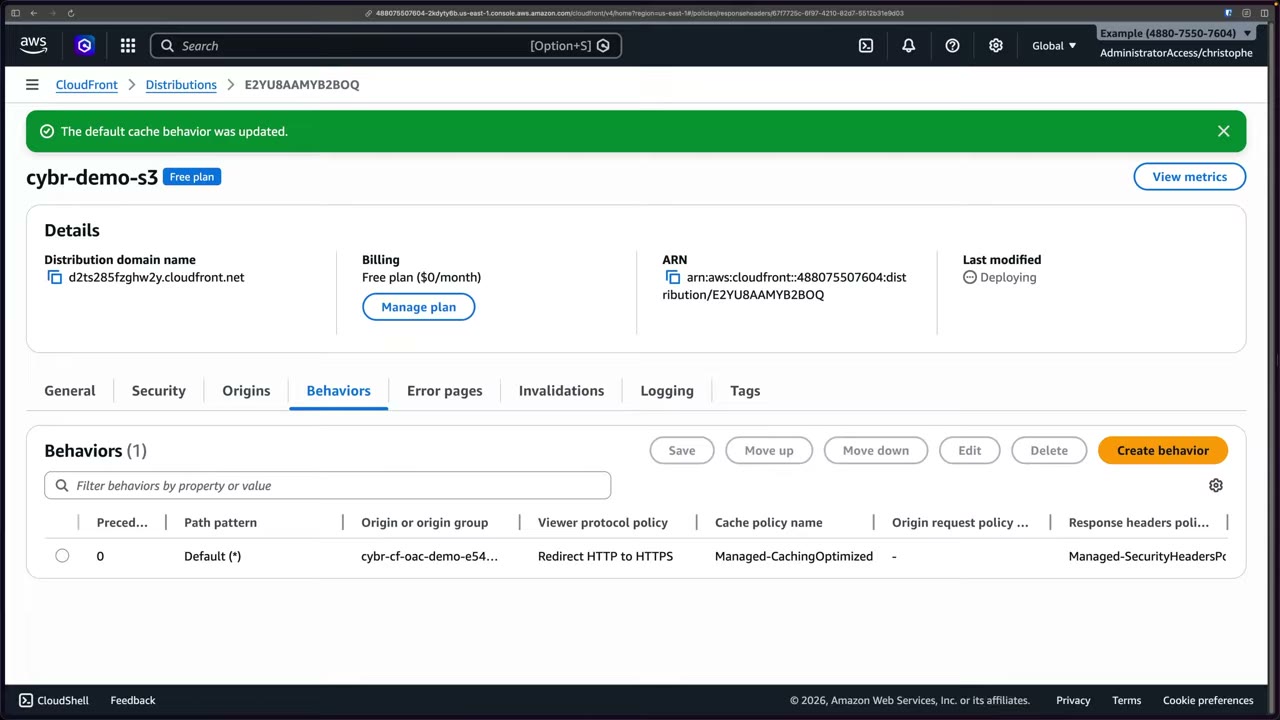
After redeploy and refresh: referrer-policy, strict-transport-security, x-xss-protection, x-frame-options,
x-content-type-options appear. ▶ #123 05:20
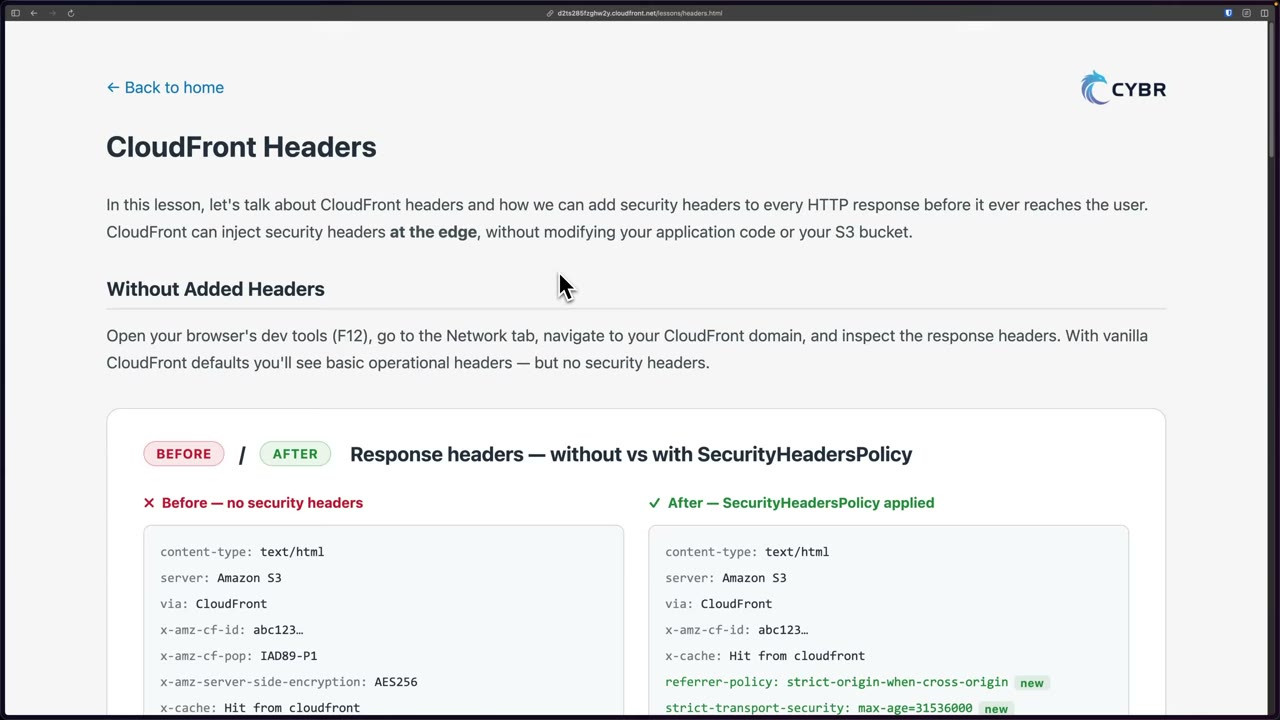
Three policy families under CloudFront → Policies, each with a “Custom policies” section: ▶ #123 04:00
- Cache (e.g.
CachingDisabled,CachingOptimized,CachingOptimizedForUncompressedObjects,UseOriginCacheControlHeaders,UseOriginCacheControlHeaders-QueryStrings, Amplify and Elemental-MediaPackage policies) - Origin request
- Response headers
Managed vs custom response headers policy ▶ #123 06:10
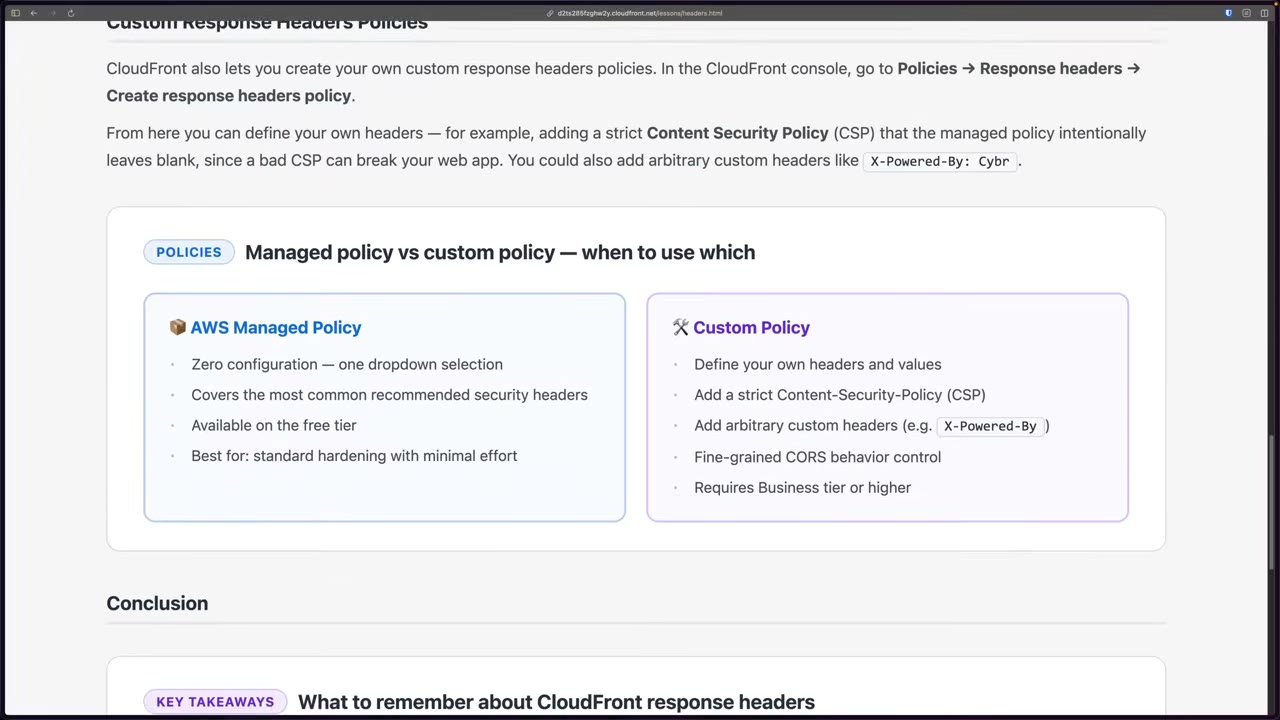
| Managed | Custom | |
|---|---|---|
| Effort | Zero config, almost no impact | More control, more risk |
| Headers | Common recommended set; intentionally leaves CSP blank, since a bad CSP can break your app | Own headers/values, strict Content Security Policy, arbitrary headers like X-Powered-By: Cybr, fine-grained CORS ▶ #123 04:32 |
| Plan | Available on Free | Not on Free; Business or higher on flat-rate plans |
| Risk | Low | Can break applications: test first ▶ #123 06:40 |
- Security headers protect against common web attacks such as clickjacking and cross-site scripting.
- Response headers policies can also remove headers (e.g. strip
Server) and addServer-Timing. - For dynamic header logic (per user/request) use CloudFront Functions (viewer response) or Lambda@Edge (origin response).
- Open the page through CloudFront, DevTools → Network → refresh → inspect response headers (no security headers). ▶ #123 00:10
- CloudFront → distribution
cybr-demo-s3→ Behaviors → selectDefault (*)→ Edit. - Response headers policy →
SecurityHeadersPolicy→ (View policy to inspect) → Save changes. - Wait for Deploying to finish, refresh the page, confirm the new headers.
- Optional: Policies → Response headers → Create response headers policy → custom CORS / security headers / custom header
X-Powered-By: Cybr(not possible on the Free plan).
Logging
By default, CloudFront doesn’t store any detailed access logs. For visibility into who accesses the distribution, what they request and which response codes are returned, enable logging. ▶ #124 00:10
| Log type | Use |
|---|---|
| Standard logs (access logs) | Best for security/forensics ▶ #124 00:30 |
| Real-time logs | Performance analysis, live dashboards. Delivered to Kinesis Data Streams (then Firehose/Lambda/OpenSearch) within seconds, with a sampling rate: the answer for near real-time detection at the edge. Usually more expensive |
| CloudTrail | CloudFront API calls (who changed the distribution), not access logs |
| WAF logs | Separate, aws-waf-logs- prefix |
Two generations of standard logging
| Legacy standard logging | Standard logging v2 | |
|---|---|---|
| Destinations | S3 only | CloudWatch Logs (vendedlogs), S3, Firehose |
| Format | TSV | JSON / plain / W3C / Parquet, field selection |
| Requirements | Bucket must have ACLs enabled (awslogsdelivery gets FULL_CONTROL); fails with Object Ownership = Bucket owner enforced |
Configured via CloudWatch Logs delivery APIs; v2 to CloudWatch Logs is configured in us-east-1 |
- Plan requirement: the demo’s second distribution is on Pro ($15/month), because logging is not available on the Free flat-rate plan. On the Logging tab, real-time logging requires contract or pay-as-you-go pricing and is not available on Pro. ▶ #124 00:55
- Destination choice: CloudWatch Logs is easy to query and alarm on but “can get quite expensive”. S3 is much cheaper: store everything in S3 and push a subset to CloudWatch Logs only for an investigation. Firehose is the third option. ▶ #124 02:10
- If no prefix is specified, CloudFront uses
AWSLogs/<account-ID>/CloudFront. ▶ #124 01:51
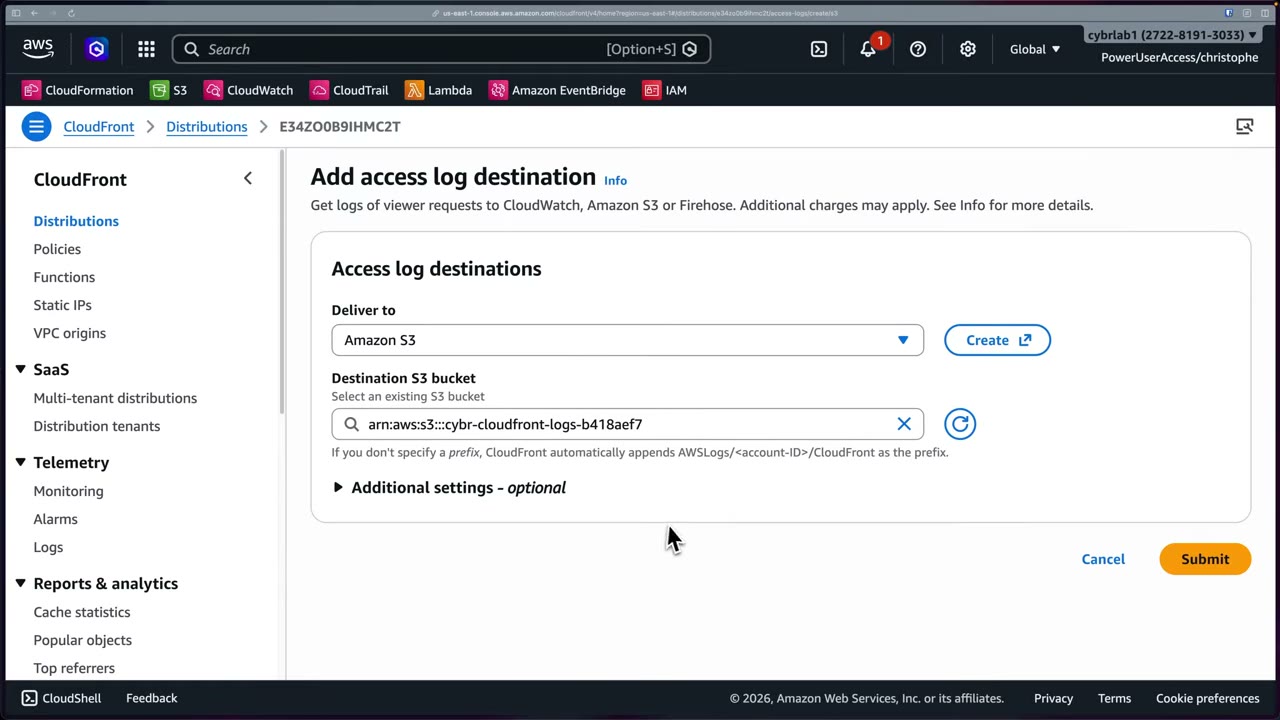
- Field selection: 33 fields selected by default, not all (e.g.
timestampandDistributionIdare unchecked). Defaults includedate,time,x-edge-location,sc-bytes,c-ip,cs-method,cs(Host),cs-uri-stem,sc-status… Logs get large quickly, so deselect fields not needed for security (e.g. port, time-to-first-byte). Additional settings also offer output format and partitioning (Hive-compatible paths). ▶ #124 03:00
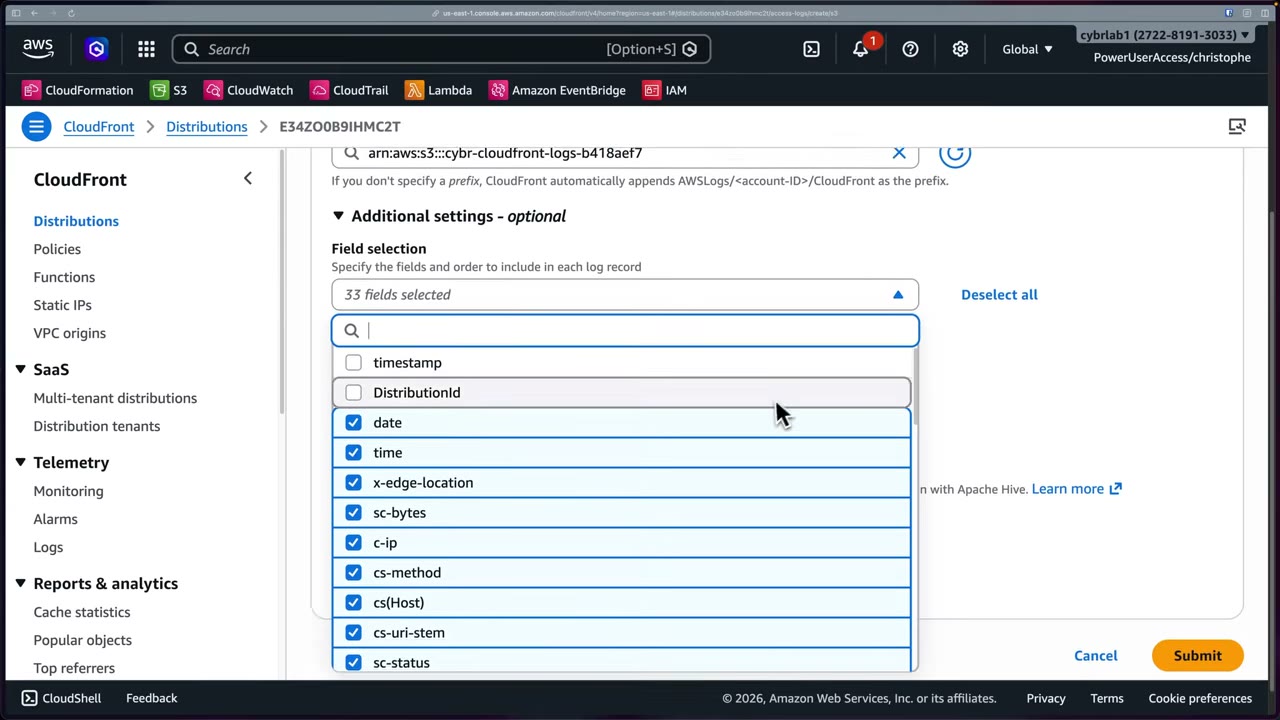
- Delivery delay: logs take ~5–10 minutes. Prefixes appear first, objects later, e.g.
AWSLogs/272281913033/CloudFront/E34ZO0B9IHMC2T.2026-02-25-20.4e2b0bf1.gz(2.3 KB). ▶ #124 04:02
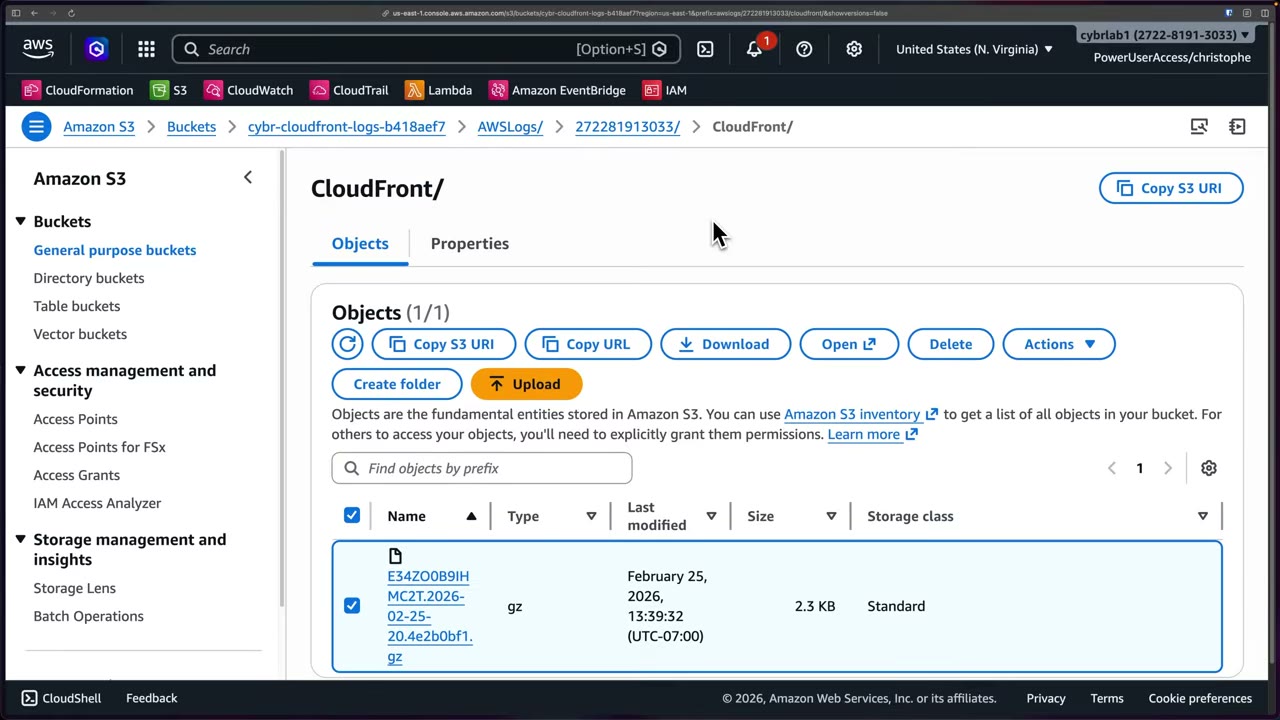
Reading the log for security
Each line is a JSON record. ▶ #124 05:10 You don’t need to memorize the fields for the exam. ▶ #124 05:30
| Field | Why it matters |
|---|---|
sc-status |
HTTP status (304, 403, 200, 404). A burst of 403s/404s in a short time can indicate enumeration, directory brute forcing or bot scripts ▶ #124 05:40 |
cs-uri-stem |
Requested path, e.g. /favicon.ico → 403 (no favicon exists), /, /premium/secret.txt ▶ #124 06:51 |
c-ip |
Client IP: usually the first thing to look at, especially for many errors in succession ▶ #124 07:21. With another proxy in front, check x-forwarded-for |
cs(User-Agent) |
Script, bot, scanner or browser (demo: Mozilla/Macintosh Chrome 145). Easily spoofed and randomized, but unusual agents are still a signal ▶ #124 07:41 |
Other visible fields: x-edge-location (DEN52-P2), x-edge-result-type (Hit/Miss/Error), x-edge-request-id,
cs-protocol (https), ssl-protocol (TLSv1.3), ssl-cipher (TLS_AES_128_GCM_SHA256), cs-protocol-version
(HTTP/2.0), fle-status / fle-encrypted-fields (field-level encryption), x-forwarded-for, c-port, cs(Referer),
cs(Cookie), time-to-first-byte, sc-content-type.
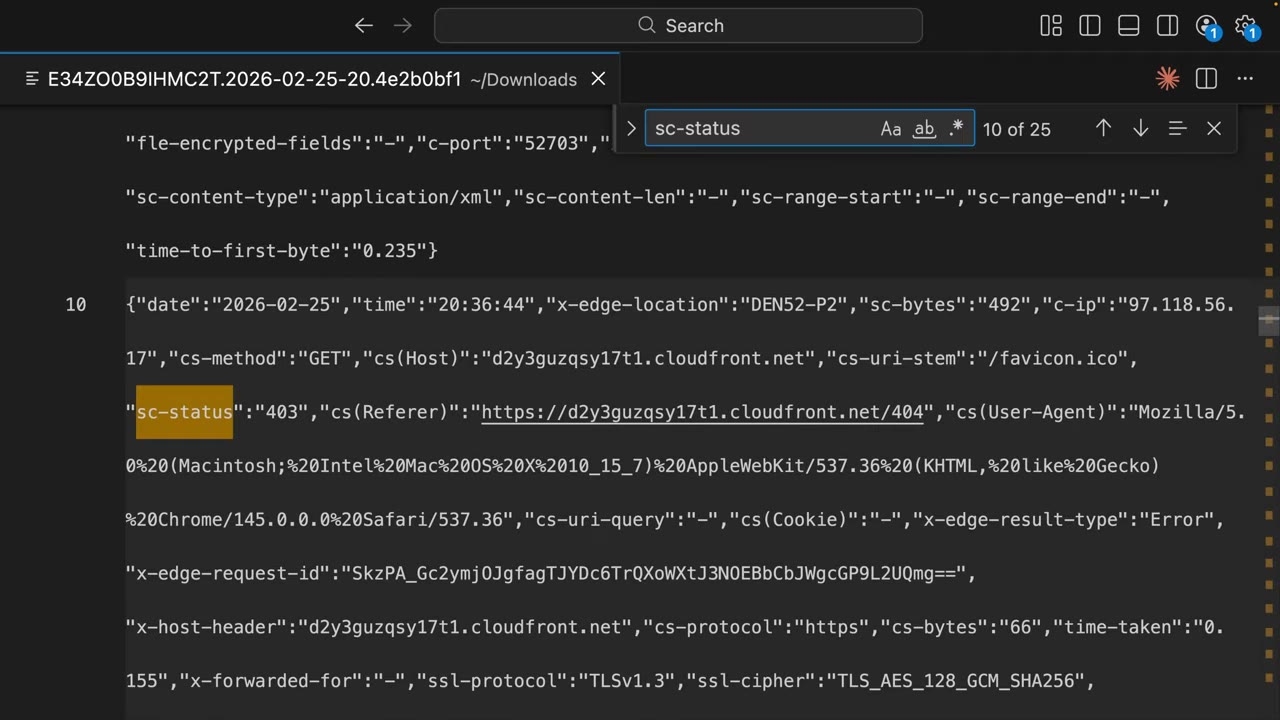
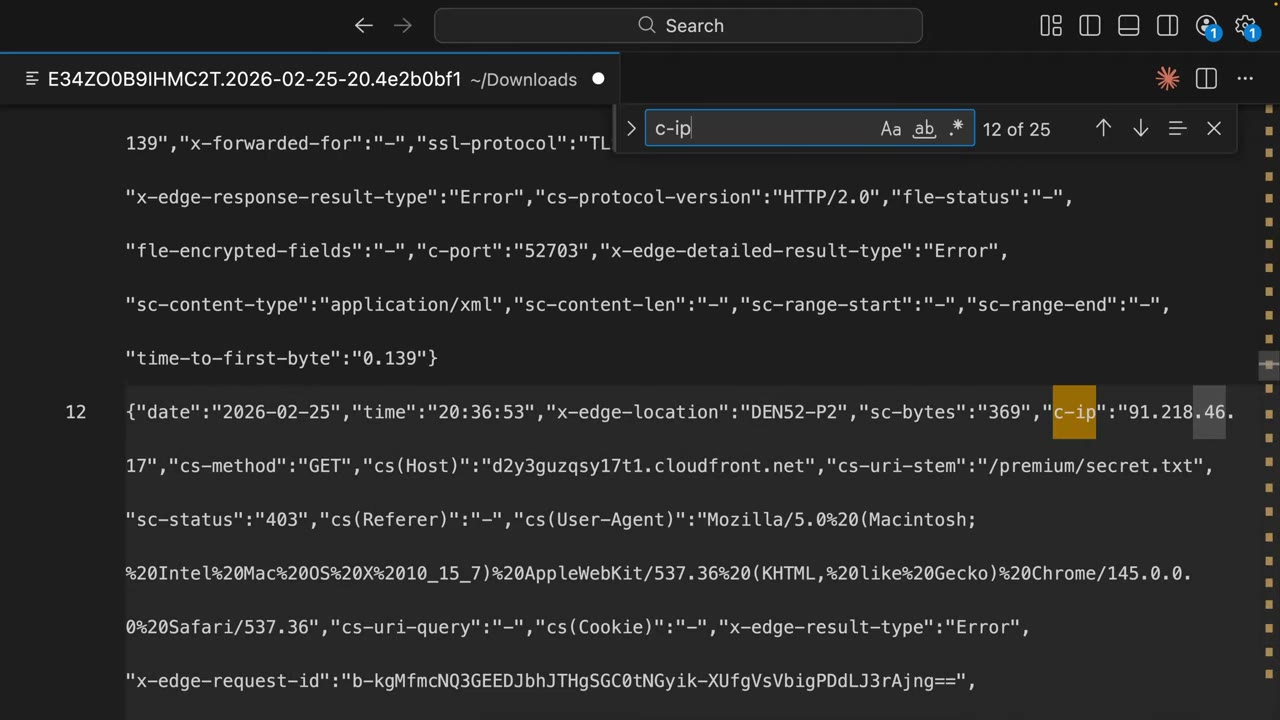
Querying at scale instead of downloading files: ▶ #124 08:21
- Amazon Athena: SQL directly on S3. AWS documents a ready-made
CREATE TABLE; partition projection on date keeps queries cheap. - CloudWatch Logs (costly).
- A SIEM for correlation, or other security tools from the course.
- The log bucket may be in another Region/account (central log archive). Enable SSE, lifecycle to Glacier, Object Lock for integrity.
- CloudFront → distribution
E34ZO0B9IHMC2T(Pro plan) → Logging tab → Create access log delivery (“Get logs of viewer requests to CloudWatch, Amazon S3 or Firehose. Additional charges may apply.”). ▶ #124 01:51 - Deliver to Amazon S3, bucket
arn:aws:s3:::cybr-cloudfront-logs-b418aef7(empty), leave additional settings (33 fields) → Submit. - Generate traffic:
/repeatedly,/404(AccessDenied 403, since no 404 page exists),/premium/secret.txt(403). ▶ #124 04:02 - Wait 5–10 min → S3
AWSLogs/<acct>/CloudFront/→ download the.gz, extract, open in an editor. - Search for
sc-status,cs-uri-stem,c-ip,cs(User-Agent).
Field-level encryption (FLE)
FLE encrypts specific POST/PUT form fields at the edge with an RSA public key, so they stay encrypted through every downstream hop. Only servers with the private key can read them. ▶ #125 00:00
- Without FLE the sensitive data is plain text at every touchpoint between the user and the backend (TLS terminates at each hop).
- With FLE data is encrypted at the edge close to the user; CloudFront forwards it and nothing else that processes it can read it. ▶ #125 00:31
- TLS only protects data in transit; it doesn’t stop an application or service from seeing plain text once received. FLE protects specific fields end to end. ▶ #125 09:50
- Asymmetric: CloudFront holds only the public key and never needs to decrypt. The app decrypts with the private key via the AWS Encryption SDK. ▶ #125 10:11
- FLE ≠ KMS: no KMS keys, just customer-managed RSA key pairs + the Encryption SDK. It is also different from signed URLs/cookies (content access control, which also uses public keys/key groups) and from origin custom headers (shared secret to lock the origin).
Use cases: credit card numbers / payment data, US Social Security numbers, health information via a web form (HIPAA), and any data you don’t want visible in logs, memory, to employees, contractors or third parties (monitoring, tracking, error tracking tools the data flows through). ▶ #125 01:01
Setup: three steps ▶ #125 02:00
- Public key under Key management → Public keys (the demo reuses the key from the signed URLs/cookies lesson). CloudFront only encrypts, so it only gets the public key.
- Encryption profile under Security → Field-level encryption → Profiles: name, public key name, provider name (free text, but must be reused at decrypt time), and the field names to encrypt, e.g.
ssn, credit card number, date of birth. CloudFront does not encrypt the whole request; everything else passes through normally. ▶ #125 03:11 - Configuration (Configurations tab): choose the encryption profile ID, then associate the configuration with a cache behavior. ▶ #125 03:51
Requirements ▶ #125 05:11
- Viewer protocol policy = Redirect HTTP to HTTPS or HTTPS only (TLS required).
- Allowed HTTP methods include POST/PUT (you’re submitting form data).
- A non-S3 origin: FLE can’t be used with an Amazon S3 origin. ▶ #125 04:30 If the FLE option isn’t shown on the behavior, one of these is missing.
- Limits: up to 10 fields per profile, RSA 2048-bit public key, form body up to ~10 KB (
application/x-www-form-urlencoded). Field name patterns are case-sensitive and support a wildcard prefix. - FLE protects only traffic that goes through CloudFront. Lock the origin down (Lambda URL with OAC +
AWS_IAMauth, ALB with prefix list/secret header) so clients can’t skip encryption.
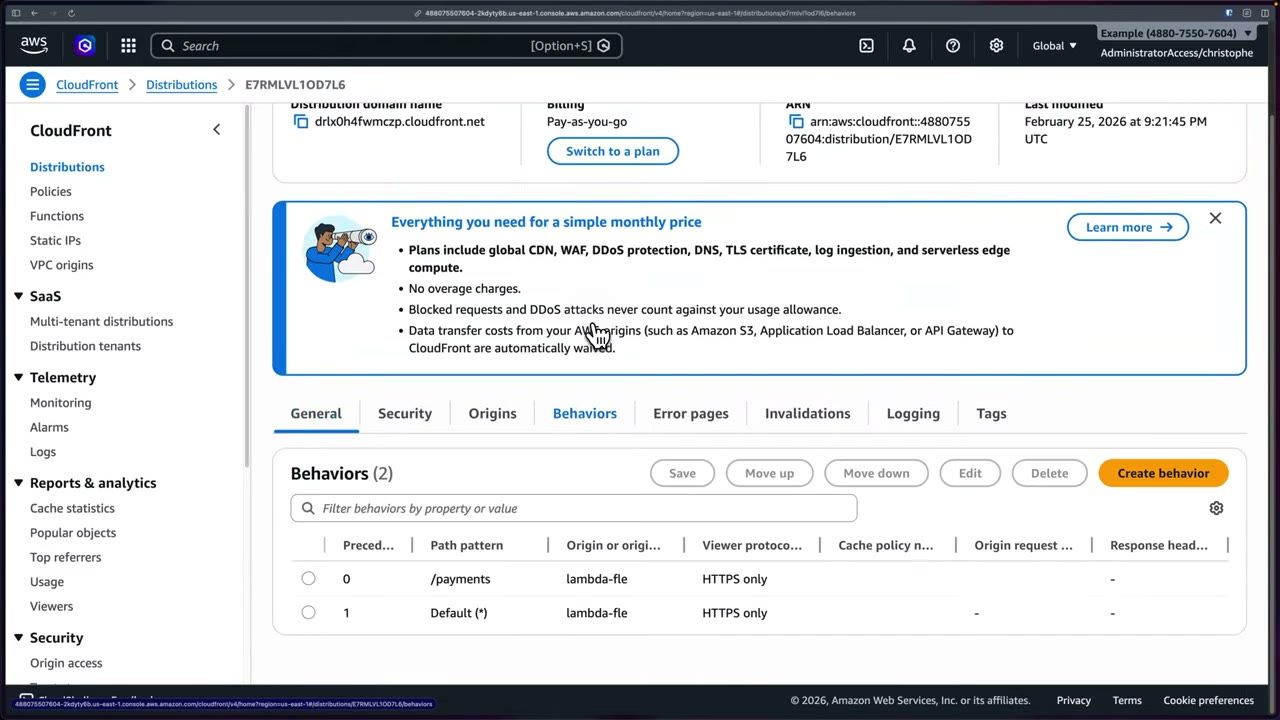
The demo distribution E7RMLVL1OD7L6 (“cybr fle demo”) is pay-as-you-go, with a Lambda function URL origin
running a Python handler that echoes the received POST fields as JSON. Behaviors /payments (precedence 0) and
Default (*) both use origin lambda-fle with viewer protocol HTTPS only. ▶ #125 04:22
Flow ▶ #125 06:11
- The user submits a form at
/payments. - CloudFront encrypts the specified fields at the edge with your public key.
- The encrypted payload is forwarded to the origin (Lambda).
- The origin decrypts the sensitive fields with the private key. Without it, nothing downstream sees them in plain text.
Test results ▶ #125 06:51
- Bypassing CloudFront (curl straight to the Lambda URL): the response echoes
name: Aliceand the SSN in plain text; only TLS protects it. The function’s canned message says “Notice the SSN field is already encrypted”, but here it isn’t. ▶ #125 07:11 - Through CloudFront (
https://drlx0h4fwmczp.cloudfront.net/payments):nameandemailreadable,ssnis a long base64 ciphertext. ▶ #125 08:20
Decrypting at the origin ▶ #125 09:01
- CloudFront encrypts with the AWS Encryption SDK; the ciphertext is base64-encoded.
- The origin base64-decodes the field, then decrypts with the Encryption SDK.
- Decryption must use the same PROVIDER_NAME (from the profile) and KEY_NAME (public key name).
- Store the private key somewhere secure the backend can access (the docs suggest an offline HSM, distributing only the public key to dev teams). The exam doesn’t require implementation details.
- Key management → Public keys: reuse
cybr-demo-key(RSA 2048 public key, PEM). ▶ #125 02:00 - Security → Field-level encryption → Profiles → Create encryption profile: name
cybr-demo, public keycybr-demo-key, providercybr-app, fieldssn→ Create. ▶ #125 02:41 - Configurations → Create configuration: encryption profile ID =
cybr-demo, other settings default → Create (configPVRHWNQGXU2Y8). ▶ #125 03:51 - Distribution
E7RMLVL1OD7L6→ Behaviors →/payments→ Edit → confirm HTTPS only + POST/PUT allowed → Additional settings → Field-level encryption = the config → Save → Deploying. ▶ #125 05:11 - Test directly and via CloudFront:
# Direct to Lambda function URL (bypasses CloudFront) - SSN in plain text
curl -X POST https://<lambda-url-id>.lambda-url.us-east-1.on.aws/ \
  -H "Content-Type: application/x-www-form-urlencoded" \
  -d "name=Alice&email=alice@example.com&ssn=123-45-6789"

# Through CloudFront - SSN encrypted
curl -X POST https://drlx0h4fwmczp.cloudfront.net/payments \
  -H "Content-Type: application/x-www-form-urlencoded" \
  -d "name=Alice&email=alice@example.com&ssn=123-45-6789"
Response through CloudFront:
{
  "message": "Request received at origin. Notice the SSN field is already encrypted — CloudFront encrypted it before forwarding.",
  "fields": {
    "name": "Alice",
    "email": "alice@example.com",
    "ssn": "AYABeLjc9pHbsKnr6z1aFx5D7TwAAAABAAdDeWJyQXBwAA1jeWJyLWRlbW8ta2V5…qpGA="
  }
}
Scenarios that point to FLE ▶ #125 09:41
- CloudFront → ALB → multiple microservices; credit card numbers must never be visible in intermediate services, logs or memory; only the payment service decrypts.
- The app team can’t trust downstream systems (reverse proxies, WAF logging, debugging tools) but must collect highly sensitive PII via a public web form.
- Compliance requires specific POST body parameters to stay encrypted through the whole application stack, not just TLS in transit.
- Reduce blast radius: if an origin server is compromised, the form fields stay encrypted unless the attacker also gets the private key.
AccessDeniedat/but/index.htmlworks → default root object missing.AccessDeniedon every object → bucket policy / OAC / KMS key policy. “My first two thoughts would be the bucket policy or the KMS key policies.” ▶ #122 09:01- SSE-KMS objects fail → OAC (not OAI) + CloudFront in the key policy of a customer managed key (not
aws/s3). - 403 only on missing keys → S3 returns 403 instead of 404 when the caller lacks
s3:ListBucket. - S3 website endpoint origin → OAC doesn’t apply; use the REST endpoint.
- Logs stopped after enabling Bucket owner enforced → legacy standard logging needs ACLs; switch to v2 or re-enable ACLs.
From the instructor
- Shield Standard comes with CloudFront automatically and at no extra cost. ▶ #121 02:31
- WAF on CloudFront filters traffic before it reaches the origin. ▶ #121 02:51
- CloudFront hides the origin only if attackers can’t reach the origin directly. ▶ #121 03:31
- With OAC the bucket stays private: Block Public Access on, access only via the distribution. ▶ #122 02:30
- Distribution getting access denied → think bucket policy or KMS key policy. ▶ #122 09:01
- With SSE-KMS + a customer managed key, updating the bucket policy is not enough. ▶ #122 08:40
- OAI is not best practice; a scenario with OAI → migrate to OAC. ▶ #122 09:20
- WAF on the Free plan gives OWASP Top 10 protection and Amazon threat-intel IP blocking. ▶ #122 03:30
- “Response headers policies are applied at the edge, which means that no changes are required at the origin.” ▶ #123 06:51
X-XSS-Protectionis deprecated; a custom CSP may break apps, so test first. ▶ #123 02:50 ▶ #123 06:40- Default = no access logs. Standard logs for security, real-time logs for performance. CloudWatch Logs as a destination gets expensive; S3 is cheaper. ▶ #124 00:10 ▶ #124 02:10
- Many 403/404s in a short period → enumeration / brute force / bots. User-Agent can be spoofed. ▶ #124 06:30 ▶ #124 07:50
- FLE: no S3 origin, needs HTTPS + POST/PUT, CloudFront holds only the public key. ▶ #125 04:30 ▶ #125 05:21
- FLE keywords: PII never visible in intermediate services, logs, memory; untrusted downstream systems; POST body encrypted through the whole stack; blast radius if origin compromised. ▶ #125 10:41
Keyword → answer
| If the question says… | Answer |
|---|---|
| S3 origin with SSE-KMS behind CloudFront returns 403 | OAC (not OAI) + CloudFront in the KMS key policy (customer managed key, not aws/s3) |
| Scenario uses OAI, wants best practice | Migrate OAI to OAC |
AccessDenied at / only |
Default root object |
| Restrict premium content to paying users, many files | Signed cookies |
| Protect one downloadable file | Signed URL |
| Users must not bypass CloudFront to reach the ALB | SG with the CloudFront prefix list + custom header validation (or VPC origin) |
| Sensitive form field stays encrypted until a specific microservice | Field-level encryption |
| Use KMS to encrypt specific form fields at the edge | FLE is still the CloudFront-native answer |
| Add HSTS/CSP/X-Frame-Options without changing app code | Response headers policy (not Lambda@Edge, the pre-2021 answer) |
| Per-request / per-user dynamic headers | CloudFront Functions / Lambda@Edge |
| Hide origin server info | Response headers policy that removes Server |
| ACM cert not visible in CloudFront | It must be in us-east-1 |
| Global users, high latency, static content in one Region | CloudFront |
| Non-HTTP (TCP/UDP) global acceleration with static anycast IPs | Global Accelerator |
| CloudFront logs stopped after enabling Bucket owner enforced | Legacy logging depends on ACLs; switch to v2 or re-enable ACLs |
| Near real-time detection at the edge | Real-time logs → Kinesis Data Streams |
| Who changed the distribution | CloudTrail |
| Block whole countries for the distribution | Geo restriction (granular: WAF geo match) |
- The managed
SecurityHeadersPolicysets HSTSmax-age=31536000,X-Content-Type-Options: nosniff,X-Frame-Options: SAMEORIGIN,X-XSS-Protection: 1; mode=block,Referrer-Policy: strict-origin-when-cross-origin, and no CSP value (the CSP field is intentionally blank). CSP comes only from a custom policy. - CloudFront’s flat-rate pricing plans (Free/Pro/Business/Premium, late 2025) gate features: logging needs Pro; bot management, JS challenge, VPC origins and origin mTLS need Business; viewer mTLS and origin failover need Premium. For exam questions assume the classic pay-as-you-go model, where all features are available. The logging-requires-Pro restriction applies only to flat-rate plans.
Real-world practice
{
  "Sid": "AllowCloudFrontOAC",
  "Effect": "Allow",
  "Principal": { "Service": "cloudfront.amazonaws.com" },
  "Action": "s3:GetObject",
  "Resource": "arn:aws:s3:::static-site/*",
  "Condition": { "StringEquals": {
    "AWS:SourceArn": "arn:aws:cloudfront::111122223333:distribution/EDFDVBD6EXAMPLE" } }
}
Architecture and origins
- Even static-only sites benefit from CloudFront for security: TLS termination with modern ciphers, response headers policies, geo restriction, WAF, and S3 stays fully private.
- Cache behaviors per path (
/api/*no-cache,/static/*long TTL) let one distribution front both dynamic and static origins. - CloudFront data transfer out is usually cheaper than direct S3/EC2 internet egress, and AWS origin → CloudFront transfer is free: security and cost goals align.
- Watch for origin bypass: a public ALB DNS name or public S3 website endpoint leaks around CloudFront. Audit with Config rules / Security Hub controls (e.g. CloudFront.13).
- Manage the bucket policy in IaC yourself rather than letting the console overwrite it. The console’s “write and update bucket policies” option can clobber other statements.
- Cross-account: the bucket and distribution may be in different accounts. The bucket policy
SourceArnsimply points to the other account’s distribution ARN. - Add a
Denyfor non-TLS (aws:SecureTransport=false) and keep account-level Block Public Access on so a mistaken public policy is rejected. - Check which pricing plan a distribution is on before designing around a gated feature (logging, mTLS, VPC origins, bot control).
Headers
- Each “Origin override” toggle in a response headers policy decides whether CloudFront overwrites a header the origin already sent. Set it deliberately.
- Roll out CSP with
Content-Security-Policy-Report-Onlyfirst, collect violations, then enforce. HSTS withincludeSubDomains; preloadis effectively irreversible: confirm every subdomain supports HTTPS. - Keep one hardened custom response headers policy in IaC shared by all distributions. Security Hub/Config don’t check header policies, so add a custom Config or cfn-guard rule if it’s a standard.
Logging
- Send CloudFront logs to the central Log Archive account and analyze via Athena or Security Lake. CloudFront isn’t a native Security Lake source: ingest as a custom OCSF source, or rely on WAF logs, which are native.
- Log cost control: fewer fields, Parquet output, Hive-style partitions, lifecycle rules. A busy distribution can produce TBs of logs per month.
- CloudFront’s default CloudWatch metrics give 4xx/5xx error-rate alarms without any log delivery: cheap first-line detection.
FLE
- Keep the private key in Secrets Manager or an HSM (CloudHSM) and decrypt only in the one service that needs it. That is what shrinks PCI DSS scope.
- Key rotation = new public key + new profile/config; support both private keys during the transition.
- Test latency and body-size limits. Downstream logging/WAF/APM now see ciphertext, so move validation (e.g. SSN format checks) into the decrypting service.
- Create a private S3 bucket and a CloudFront distribution with OAC.
- Set the default root object to
index.html. - Attach the managed
SecurityHeadersPolicyand check the headers (X-Cache, HSTS, etc.) withcurl -I. - Optionally enable standard log delivery to an S3 bucket and inspect
sc-status/c-ipafter requesting a missing path. - Cleanup: disable the distribution, delete it, then delete the buckets.
AWS WAF
Managed web application firewall: a web ACL of L7 rules for HTTP(S) requests, no software to install, with out-of-the-box managed rule sets. It integrates natively with many AWS resources and is often the first line of defense in front of CloudFront/ALB. ▶ #127 00:00
- Exam skills: edge protection, OWASP Top 10 (3.1.2) · edge rules: geo, rate limit, fingerprinting (3.1.3) · third-party WAF rules (3.1.4) · metrics, alerts, dashboards (1.1.4) · configure logging (1.2, 1.2.2) · central policy enforcement (6.2.3)
- Videos: ▶ #126 WAF and rate limiting · ▶ #127 AWS WAF
- Capacity: 1,500 WCU included per web ACL, up to 5,000 at extra cost
What WAF protects and its building blocks
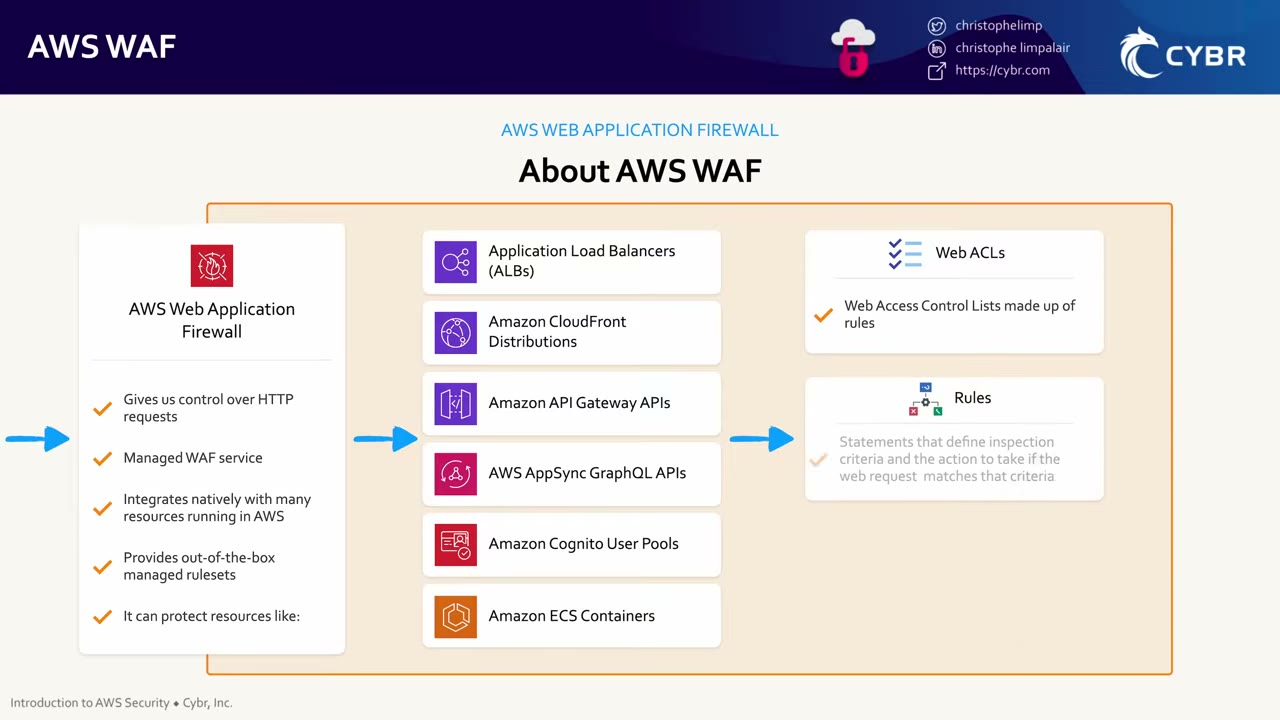
Attaches to: CloudFront, ALB, API Gateway (REST), AppSync GraphQL APIs, Cognito user pools, App Runner, Verified Access and Amplify. ▶ #127 00:21 Does not attach to: NLB, Classic LB, API Gateway HTTP/WebSocket APIs, or directly to EC2 or ECS.
| Component | What it is ▶ #127 00:40 |
|---|---|
| Web ACL | Web access control list made up of rules, plus a default action |
| Rule | A statement defining inspection criteria + the action when a request matches |
| Rule group | Reusable group of rules. AWS managed rules are delivered as rule groups; also Marketplace or your own |
- One web ACL per resource; one web ACL can protect many resources.
- A web ACL for CloudFront must be created with scope CLOUDFRONT in us-east-1. Regional web ACLs must be in the resource’s Region.
- Capacity (WCU) is related to pricing: 1,500 WCU included, up to 5,000 with extra cost. Examples: IP reputation 25, Core rule set 700, Known bad inputs 200, a rate-based rule 2.
- Body inspection: by default only the first 16 KB (CloudFront) / 8 KB (regional resources) of the body is inspected; more costs extra. ▶ #126 03:51 Configure oversize handling, or large payloads bypass inspection.
Recorded in the older WAFv2 console. AWS is transitioning the UI; concepts are the same for the exam. ▶ #127 01:11
- AWS WAF → Web ACLs → Create web ACL: name
cybr-demo, description, CloudWatch metric name, resource type = CloudFront distributions or Regional resources (ALB, API Gateway, AppSync, Cognito…), Region us-east-1 (must match the resource’s Region). Associating resources can be done later. - Add rules → Add managed rule groups → AWS managed rule groups. Paid groups are at the top (account takeover prevention, Bot Control); free groups include Admin protection, Amazon IP reputation list, Known bad inputs, SQL database.
- Toggle Add to web ACL on Amazon IP reputation list → Add rules. It consumes 25 WCU (instructor: “25 out of 1500”; the screen shows
25/5000 WCUswith “The total WCUs for a web ACL can’t exceed 5000. Using over 1500 WCUs affects your costs”). - Default action Allow; optional custom header and token domains → Next. ▶ #127 02:52
- Set rule priority → Next; Configure metrics (defaults) → Next; Review → Create web ACL. ▶ #127 03:40
- Web ACL page tabs: Overview (requests per 5-minute period, sampled requests), Rules, Bot Control, Associated AWS resources, Custom response bodies (customize Block responses), Logging and metrics, CloudWatch Log Insights; Download web ACL as JSON. ▶ #127 04:10
- Open Rules → the managed group details: each action shows only “Use action defined in the rule”, so check the docs for the real actions. ▶ #127 04:41
- Explore Bot Control, Application integration, IP sets, Regex pattern sets, Rule groups, AWS Marketplace.
- Cleanup: Web ACLs → select → Delete (type “delete”) to stop charges. ▶ #127 07:41
Default action, rule actions and priority
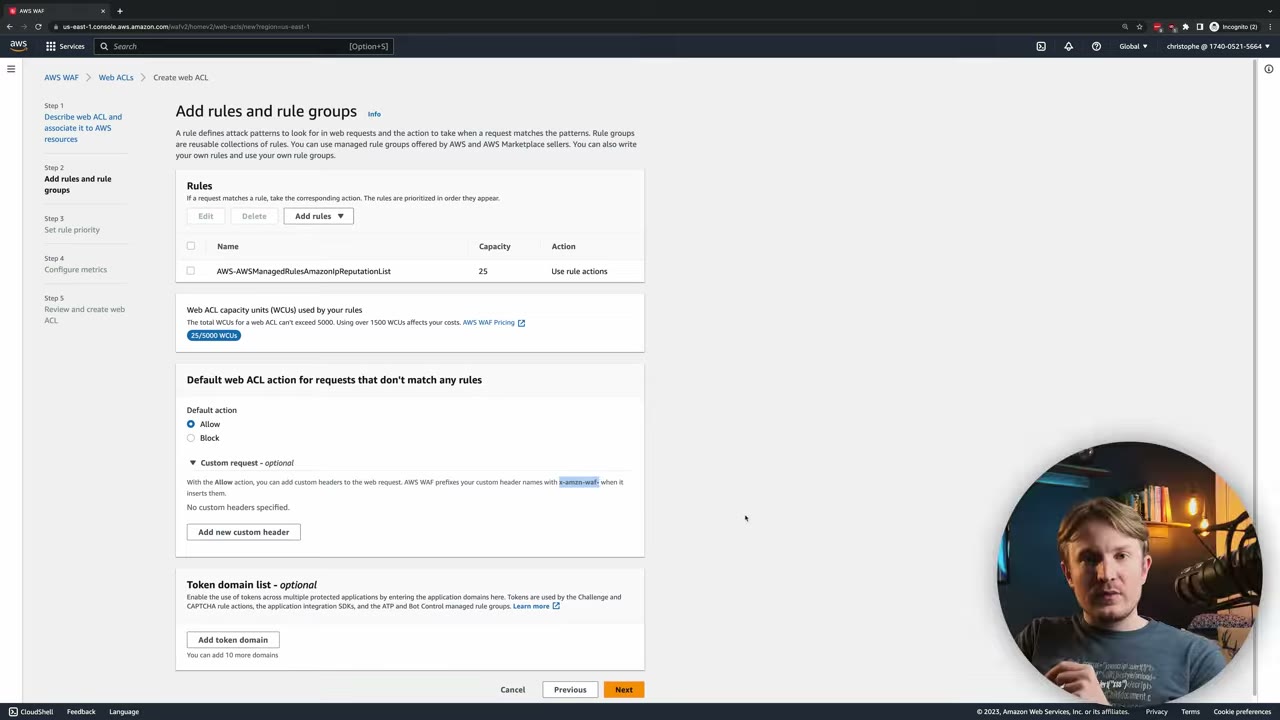
- Default action for requests that match no rule: Allow (or Block). ▶ #127 02:52
- Optional custom request header on allowed requests. WAF prefixes the name with
x-amzn-waf-. - Token domain list: when WAF challenges a suspected bot (CAPTCHA/Challenge) and it passes, the token is accepted on up to 10 listed application domains so the client isn’t re-challenged. Tokens are used by Challenge, CAPTCHA, the application integration SDKs, and the ATP/Bot Control groups.
| Action | Effect ▶ #127 05:42 |
|---|---|
| Block | Stops the request, returns HTTP 403 Forbidden by default (custom response codes/bodies possible) |
| Allow | Permits the request |
| Count | Counts but neither allows nor blocks; evaluation continues. Use it to track how often a type of request occurs, insert custom headers and add labels that later rules can match |
| CAPTCHA / Challenge | Checks whether the requester is a bot |
- A request enters WAF and the rule group
AWSManagedRulesAmazonIPReputationList. - Rule 1 (Block) → 403. Rule 2 (Block) → 403.
- Rule 3 (Count) → counted, not blocked; evaluation continues and it can add headers/labels for other rules.
Priority matters. Rules are evaluated in order and the first matching terminating action (Allow/Block/CAPTCHA/ Challenge) decides. If a higher-priority rule blocks a request, a lower Count rule never sees it. To count before blocking/allowing, give the Count rule higher priority. ▶ #127 06:30
Managed rule groups
AWS Managed Rules: Core rule set (CRS, OWASP Top 10 coverage), Known bad inputs, SQL database, Admin protection, Linux/Windows/PHP, Amazon IP reputation list, Anonymous IP list. Paid: Bot Control, Account Takeover Prevention (ATP) for login pages, Account Creation Fraud Prevention (ACFP). Managed groups are versioned: pin versions in production and test new ones in Count.
The IP reputation rules use the source IP address of the web request origin. Behind proxies/load balancers that is
the last proxy, not the client. They are based on Amazon internal threat intelligence, useful to block IPs
associated with bots or other threats. ▶ #127 04:41 Each rule adds a label such as awswaf:managed:aws:amazon-ip-list:….
| Group (WCU) | Rule | Matches | Default action |
|---|---|---|---|
AWSManagedRulesAmazonIpReputationList (25) |
AWSManagedIPReputationList |
IPs identified as bots | Block |
AWSManagedReconnaissanceList |
IPs performing reconnaissance against AWS resources | Block | |
AWSManagedIPDDoSList |
IPs actively engaging in DDoS | Count | |
AWSManagedRulesAnonymousIpList (50) |
AnonymousIPList, HostingProviderIPList |
VPNs, proxies, Tor nodes, hosting providers |
Other features ▶ #127 06:51
- Bot Control (paid; not enabled in the demo due to cost).
- Application integration: intelligent threat integration SDKs (JavaScript/mobile) for extra telemetry and better bot detection with ATP/Bot Control; CAPTCHA integration.
- IP sets (collections of IPs/ranges to reference in rules, with forwarded-IP config when behind a proxy), regex pattern sets, your own rule groups.
- Geo match rules. Labels let one rule act on another rule’s match, e.g. count with a managed group, then block only if label X and path
/admin. - JA3/JA4 fingerprint matching identifies TLS clients (bots) even when IPs rotate. Available on CloudFront and ALB.
AWS Marketplace rule groups: e.g. F5 API Security / Bot Protection / CVE rules, Cyber Security Cloud OWASP sets, Fortinet, GeoGuard, Imperva, Cloudbric, and “OWASP Top 10 – The Complete Ruleset” (Fortinet). A good starting point for OWASP Top 10 coverage. ▶ #127 07:20
WAF in CloudFront: core protections and monitor mode
- Distribution
E67BQWIBIB3FC(pay-as-you-go, Lambda origin from the FLE lesson) → Security tab → “Blocked requests are stopped before they reach your web servers.” Core protections: Enabled; Advanced DDoS protection: Not enabled. If core protections are off, it’s a single button to enable. ▶ #126 00:20 - Core protections auto-create a web ACL with three AWS managed rule groups, in priority order:
AWS-AWSManagedRulesAmazonIpReputationList,AWS-AWSManagedRulesCommonRuleSet,AWS-AWSManagedRulesKnownBadInputsRuleSet. You can add a fourth (custom) rule here.
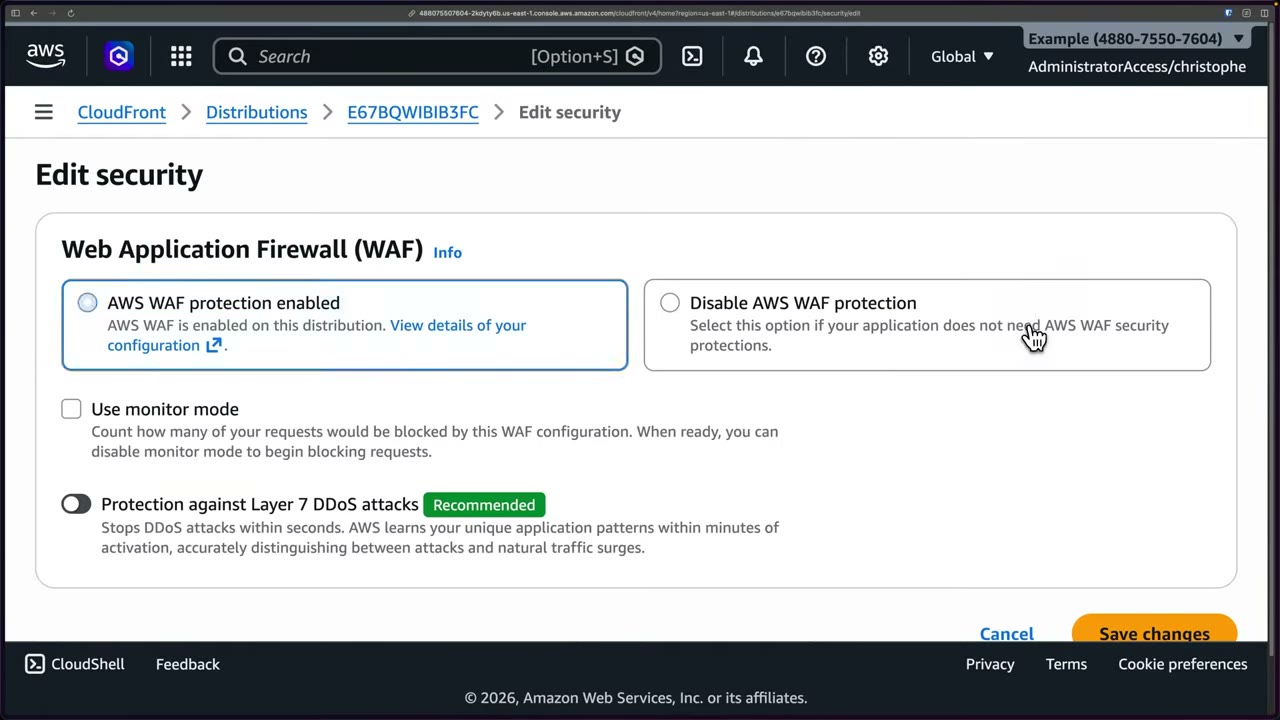
Manage protections → Edit security ▶ #126 01:11
- AWS WAF protection enabled vs Disable AWS WAF protection.
- Use monitor mode: “Count how many of your requests would be blocked by this WAF configuration. When ready, you can disable monitor mode to begin blocking requests.” All rules effectively Count. Use it in production so misconfigured rules don’t drop legitimate traffic, then turn it off to start blocking. ▶ #126 01:30
- Protection against Layer 7 DDoS attacks (Recommended): “Stops DDoS attacks within seconds. AWS learns your unique application patterns within minutes of activation, accurately distinguishing between attacks and natural traffic surges.” Shield-style automatic application-layer mitigation.
- View details of your configuration opens the WAF & Shield console.
Three console generations: WAF Classic, the “current” console, and the new console with protection packs (web ACLs). The instructor switches to the new one “for future proofing”. ▶ #126 03:01
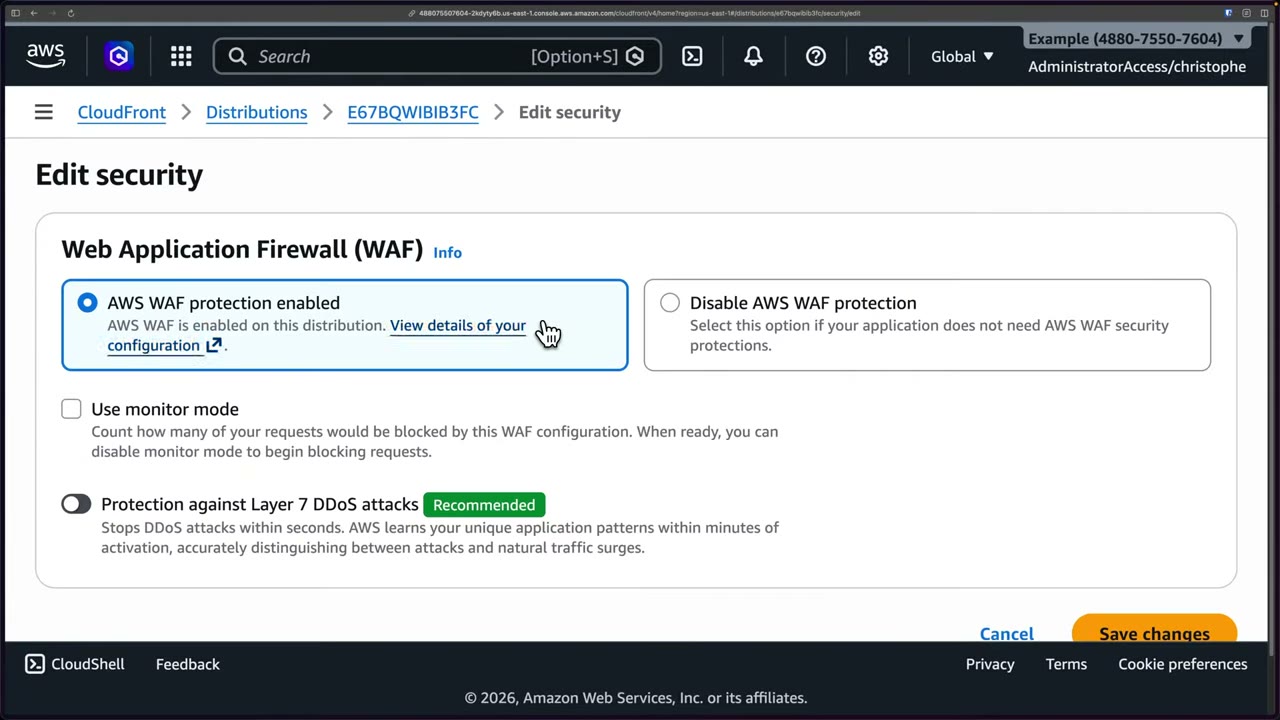
- Web ACL
CreatedByCloudFront-e60700a3, ARNarn:aws:wafv2:us-east-1:<acct>:global/webacl/…, auto-created with the distribution. Tabs: Traffic overview, Rules, Associated AWS resources, Custom response bodies… The dashboard shows action totals, top 10 rules, a bot detection sample, client devices and attack types. A banner says top insights need a CloudWatch Logs logging destination. ▶ #126 02:10 - New console: Resources and protection packs (web ACLs), region scope CloudFront (Global) and Regional. Two packs, both
CreatedByCloudFront-…, one per distribution. Columns: Rules, Resources, Dashboard, AI traffic, Sampled requests, Logging & metrics. - Verify the right pack via Manage resources. One is for
E2YU8AAMYB2BOQ, the Free plan distribution: “This WAF configuration is included as part of your CloudFront pricing Free plan… you are not able to add or remove resources from a distribution with a flat-rate Free plan”. The correct one showsE67BQWIBIB3FC – cybr fle demo. - Manage details: ARN, scope, capacity (WCU) and tags.
Rate-based rules
A rate-based rule counts requests per aggregation key over an evaluation window and blocks while the key is over the limit, with a delay of a few seconds, so not exactly at the threshold. ▶ #126 06:12
| Setting | Values |
|---|---|
| Limit | 10 – 2,000,000,000 ▶ #126 05:21 |
| Evaluation window | 60, 120, 300 (default), 600 s (1–10 minutes in the console) |
| Aggregation key | Source IP; forwarded IP header (e.g. X-Forwarded-For behind a proxy/CDN); custom keys (header, cookie, query string/argument, URI path, HTTP method, label namespace, JA3/JA4 fingerprint…); or count all |
| Scope-down | Optional statement, e.g. only /login |
| Action | Block, Challenge, CAPTCHA or Count, optional custom response |
Use cases: block automation, scripts, bots, aggressive AI crawlers, and brute force on login endpoints. ▶ #126 08:21 API Gateway throttling works per API key/stage, not per IP.
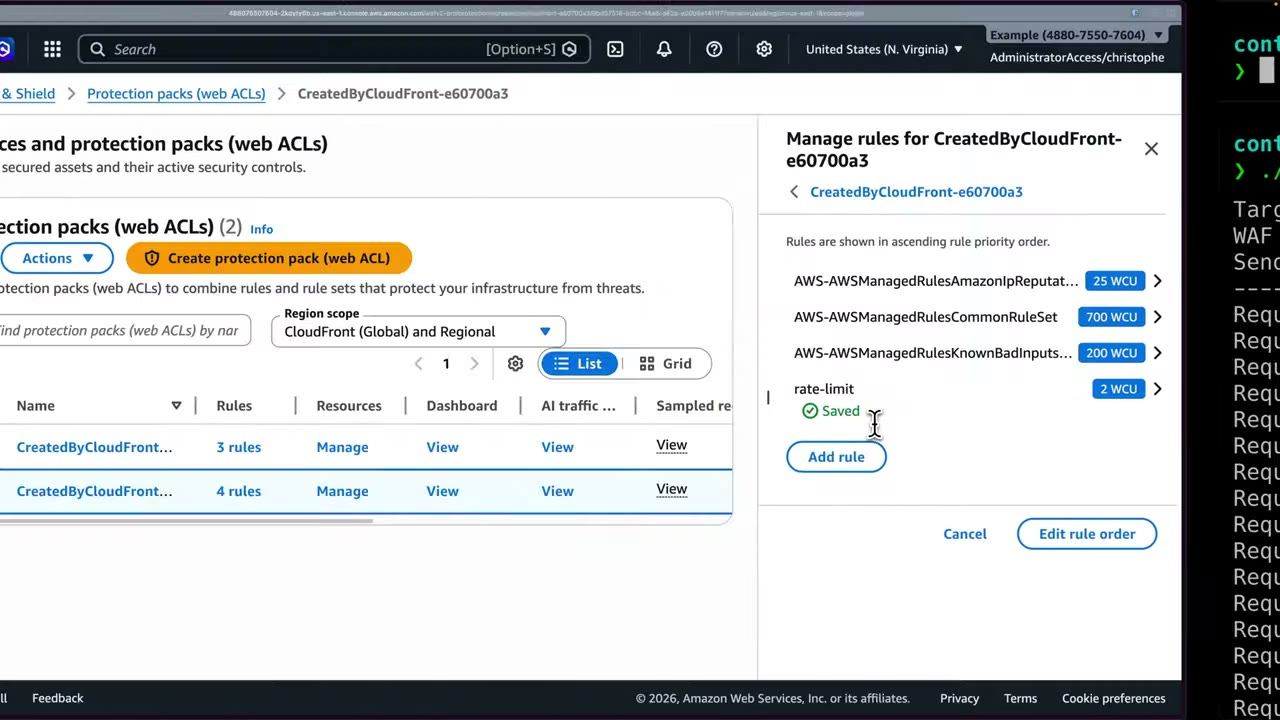
- In the new WAF console select the pack whose Manage resources lists
E67BQWIBIB3FC. ▶ #126 04:41 - Manage rules → Add rule → Custom rule (other choices: AWS managed rule groups, AWS Marketplace rule groups).
- Custom rule types: IP-based (single IP or range), Geo-based, Rate-based (“block IPs that exceed request limits that you set to prevent things like brute force attacks”) and Custom. Pick Rate-based.
- Name
rate-limit, action Block, rate limit 10 (the minimum), evaluation window 5 minutes: “if a specific IP exceeds 10 requests within a 5-minute window, block the subsequent requests.” - Aggregate on Source IP address, consider all requests, optional custom response → Add rule. It shows 2 WCU and deploys in about 30 s.
- Run
test-rate-limit.sh(below) twice. ▶ #126 07:10 First run: all 20 → HTTP 200 (the rule needs a few seconds to act; blocking may start after ~20 requests rather than exactly 10). Second run: all 20 → HTTP 403 “BLOCKED by WAF” (Allowed 0 | Blocked 20). Blocking lasts until the rate drops below the limit in the 5-minute window. - View dashboard → 40 requests, 20 allowed / 20 blocked.
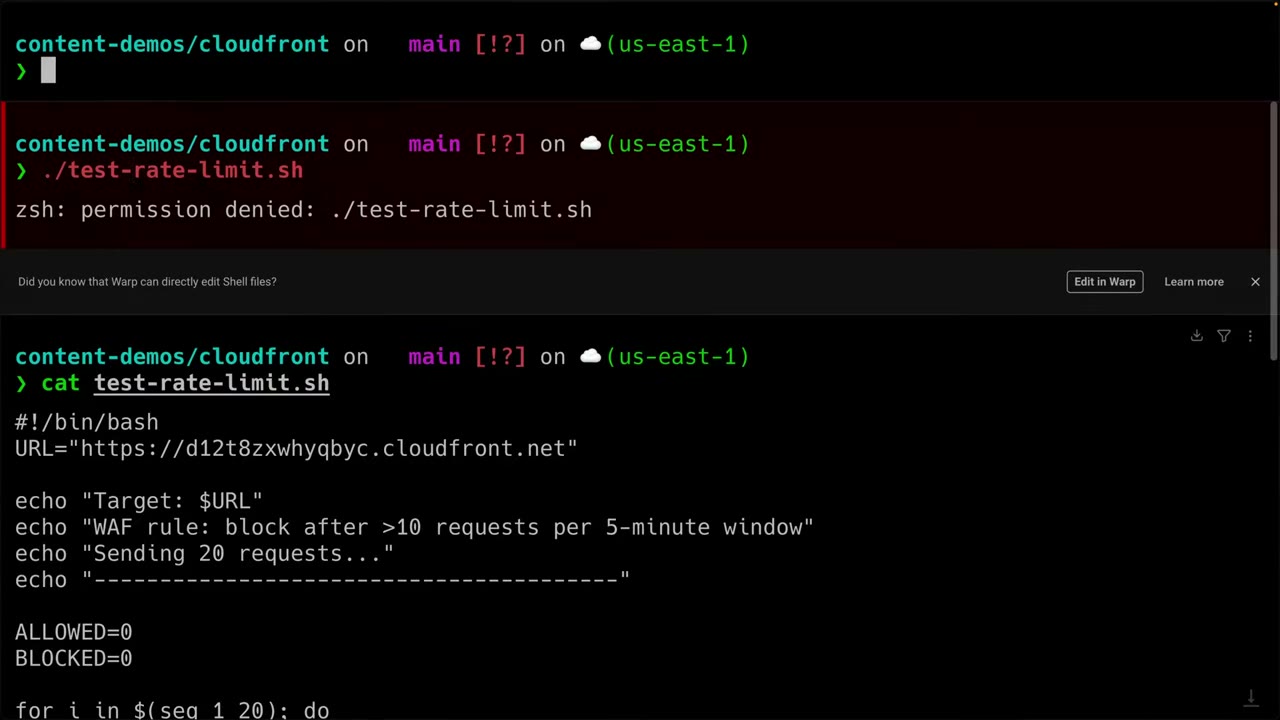
#!/bin/bash
URL="https://d12t8zxwhyqbyc.cloudfront.net"

echo "Target: $URL"
echo "WAF rule: block after >10 requests per 5-minute window"
echo "Sending 20 requests..."
echo "----------------------------------------"

ALLOWED=0
BLOCKED=0

for i in $(seq 1 20); do
  STATUS=$(curl -s -o /dev/null -w "%{http_code}" "$URL")

  if [ "$STATUS" = "403" ]; then
    BLOCKED=$((BLOCKED + 1))
    echo "Request $i: HTTP $STATUS  <-- BLOCKED by WAF"
  else
    ALLOWED=$((ALLOWED + 1))
    echo "Request $i: HTTP $STATUS"
  fi

  sleep 0.3
done

echo "----------------------------------------"
echo "Allowed: $ALLOWED  |  Blocked: $BLOCKED"
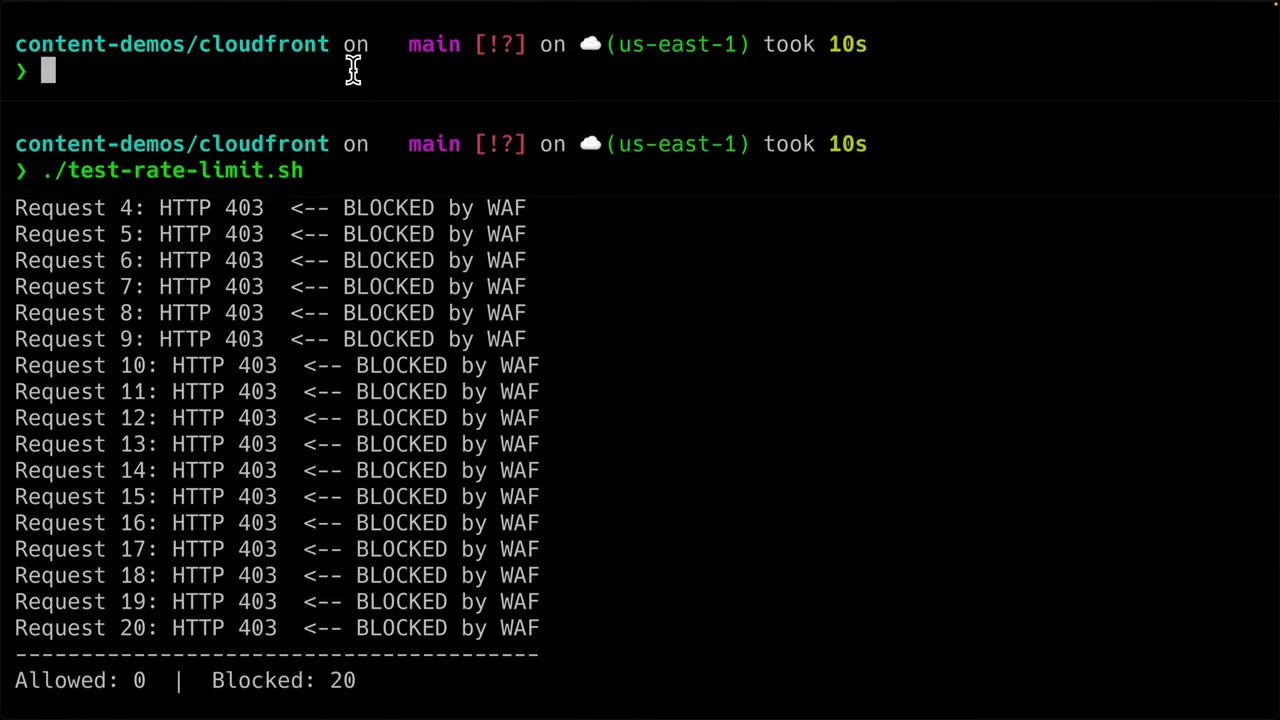
{
  "Name": "RateLimitApi",
  "Priority": 1,
  "Action": { "Block": {} },
  "Statement": {
    "RateBasedStatement": {
      "Limit": 1000,
      "EvaluationWindowSec": 300,
      "AggregateKeyType": "IP",
      "ScopeDownStatement": {
        "ByteMatchStatement": {
          "SearchString": "/api",
          "FieldToMatch": { "UriPath": {} },
          "TextTransformations": [{ "Priority": 0, "Type": "NONE" }],
          "PositionalConstraint": "STARTS_WITH"
        }
      }
    }
  },
  "VisibilityConfig": { "SampledRequestsEnabled": true, "CloudWatchMetricsEnabled": true, "MetricName": "RateLimitApi" }
}
Logging, metrics and dashboards
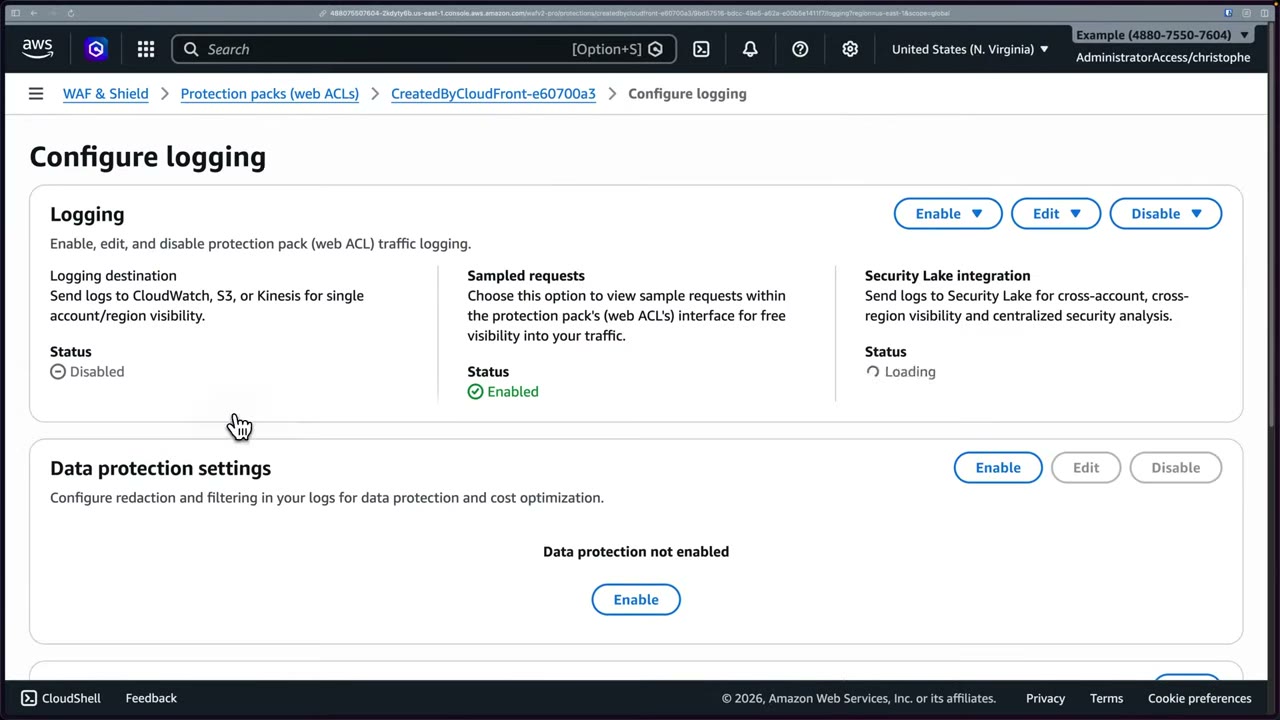
Configure logging for the protection pack: ▶ #126 08:51
- Logging destination: CloudWatch Logs, S3, or Kinesis Data Firehose (“single account/region visibility”). Names must start with
aws-waf-logs-. Disabled by default. - Sampled requests: enabled by default, free visibility in the console.
- Security Lake integration: cross-account, cross-Region, centralized analysis.
- Data protection settings: redact or filter fields (PII) in logs, for data protection and cost optimization. ▶ #126 09:21 Logging filters keep, e.g., only blocked requests.
- CloudWatch metrics are published automatically per rule metric name → create alarms, e.g. on the new rate-limit rule.
- Actions: Manage custom response bodies, View dashboard, View AI traffic analysis, View sampled requests. ▶ #126 09:51
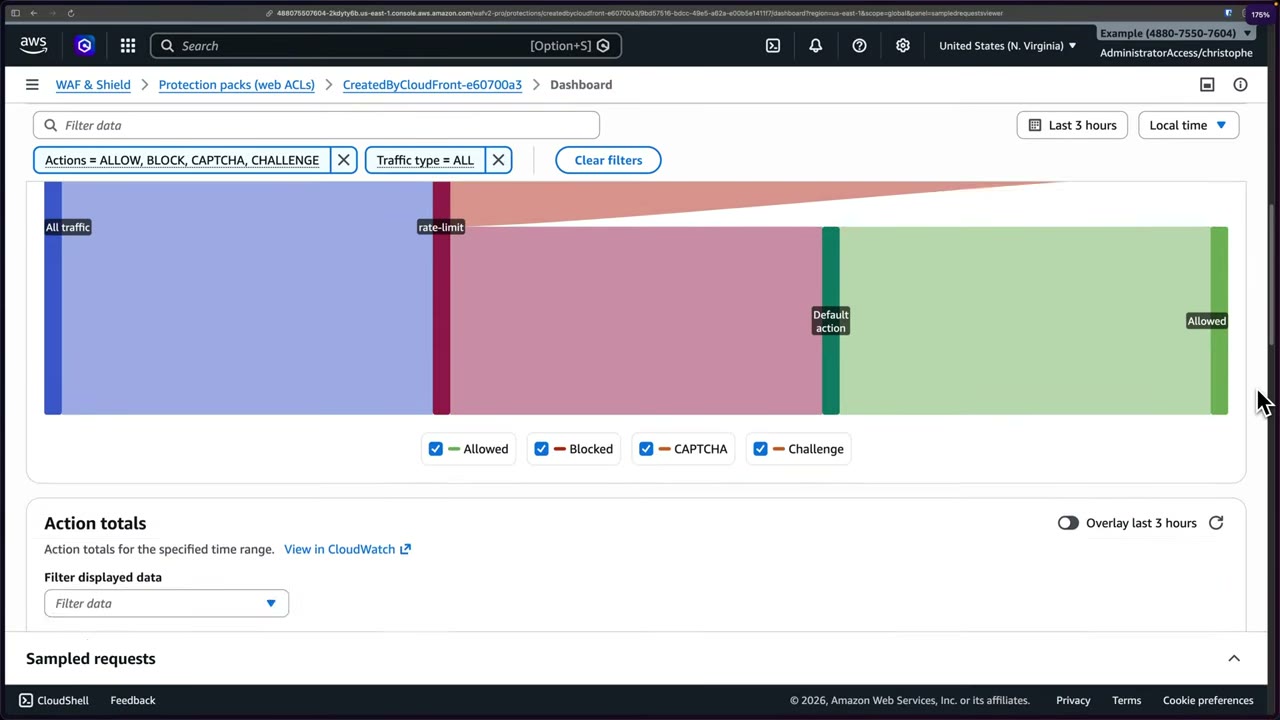
Dashboard and AI traffic ▶ #126 10:01
- AI crawlers flood websites/APIs with non-human requests: either block/limit them or scale backend resources. A dedicated AI traffic analysis dashboard tracks them.
- “Add recommended rules based on your traffic insights”: AWS Threat Intelligence looks at the previous 2 weeks of allowed traffic (vulnerable application traffic, allowed bots, allowed DDoS sources, allowed IP reputation traffic, allowed anonymous IP traffic).
- Summary: 40 total requests, 20 allowed, 20 blocked. Widgets are embedded CloudWatch metrics (View on CloudWatch): traffic by country, device type, attack type, top 10 countries, rule characteristics, bot activity, anti-DDoS metrics.
- In the Sankey view, requests enter, the rate-limit rule terminates the blocked share, and the rest reaches the web ACL default action (Allow).
Central management and related services
- For one rule set across all accounts, use Firewall Manager (requires AWS Organizations + AWS Config).
- See also Amazon CloudFront (WAF included with distributions, ▶ #121, ▶ #122), AWS Shield (WAF vs Shield, ▶ #128) and Amazon API Gateway (CloudFront + WAF in front of API Gateway, ▶ #142).
- Logs not arriving → destination name is missing the
aws-waf-logs-prefix. - Count rule never sees requests → a higher-priority terminating rule already blocked them; raise the Count rule’s priority.
- Rate limit on an ALB behind CloudFront blocks everyone or never triggers → aggregate by forwarded IP, not source IP (all traffic looks like CloudFront edge IPs).
- Large uploads not inspected → body beyond 16 KB / 8 KB; configure oversize handling.
- Can’t associate with a CloudFront distribution → web ACL must be scope CLOUDFRONT in us-east-1.
From the instructor
- Use monitor mode (Count) first in production so misconfigured rules don’t drop legitimate traffic. ▶ #126 01:30
- Rate-based rules don’t block at exactly the threshold; there’s a delay of a few seconds. ▶ #126 07:42
- Rate limiting is effective against automation, bots, brute force on login endpoints and noisy AI crawlers. ▶ #126 08:21
- WAF log data protection settings can redact/filter sensitive fields and reduce cost. ▶ #126 09:21
- Count doesn’t allow or block; it continues evaluation and can add headers/labels. ▶ #127 05:52
- Block returns HTTP 403 Forbidden. ▶ #127 06:20
- Rule priority determines what gets counted vs blocked. ▶ #127 06:30
- Marketplace has OWASP Top 10 rule sets: a good starting point. ▶ #127 07:20
- WAF is often the first line of defense in front of CloudFront/ALB. ▶ #127 08:01
- Delete web ACLs after labs to stop charges. ▶ #127 07:41
Keyword → answer
| If the question says… | Answer |
|---|---|
| Protect against SQLi/XSS on ALB | WAF with managed Core/SQL database rule groups (or custom SQLi/XSS match statements) |
| Throttle each client IP to N requests | Rate-based rule (API Gateway throttling is per API key/stage, not per IP) |
| Brute force on /login from many IPs | Rate-based rule with a URI-path scope-down + ATP |
| Bots rotate IPs | Bot Control and/or JA3/JA4 aggregation; sophisticated bots → Bot Control (targeted) + CAPTCHA/Challenge |
| Credential stuffing on /login | ATP managed rule group |
| Fake account creation | ACFP |
| Block an IP list | IP set + rule |
| Block countries | Geo match (or CloudFront geo restriction for a whole-distribution allow/deny list) |
| WAF in front of an NLB | Not possible. CloudFront + WAF in front, or Network Firewall |
| WAF on an API Gateway HTTP API | Not supported; CloudFront + WAF in front |
| WAF logs aren’t arriving | Missing the aws-waf-logs- prefix |
| Rate limit behind CloudFront blocks everyone / never triggers | Aggregate by forwarded IP |
| Count rule never sees requests | Raise the Count rule’s priority |
| Same rules in every account | Firewall Manager |
- The #127 slide lists “ECS containers”: WAF does not attach to ECS directly. ECS services are protected through the ALB (or API Gateway) in front of them.
- The “protection packs” console and CloudFront “core protections” / L7 DDoS toggles are 2025 console changes. The API objects are still WAFv2
WebACLs.
Real-world practice
- Manage WAF centrally with Firewall Manager policies across all accounts/distributions: a shared baseline (managed groups + rate limit) plus per-app rule groups.
- Tune managed groups by overriding noisy rules to Count (e.g. CRS
SizeRestrictions_BODYon upload endpoints) rather than disabling the whole group. - Ship WAF logs to S3 and query with Athena, or natively into Security Lake (WAF v2 logs are a supported source) for org-wide hunting.
- Use custom response bodies to return a friendly error page with a request ID for support.
- Watch costs: per web ACL, per rule, per million requests, plus paid groups (Bot Control, ATP, ACFP) priced per request. Delete lab web ACLs.
- Attach a web ACL with the Core rule set and the
/apirate rule above to an ALB (or a CloudFront distribution with a 10-requests/5-min rule, as in ▶ #126). - Hit it with
ab -n 2000or thetest-rate-limit.shloop and watch it get blocked (403). - Query the logs in CloudWatch Logs Insights.
- Cleanup: disassociate the web ACL, then delete the web ACL and the log group.
AWS Shield (Standard vs Advanced)
Managed DDoS protection with continuous attack detection and automatic mitigation, in two tiers. Standard is free and automatic for L3/L4 on every account. Advanced is paid and adds L7, health-based detection, reporting and the 24/7 Shield Response Team. ▶ #128 00:00
- Exam skills: edge security strategy (3.1.1) · edge protection: Shield Advanced (3.1.2) · prepare for incidents: Shield Advanced protections (2.1.2)
- Videos: ▶ #128 AWS Shield Advanced
- Cost: Advanced is $3,000/month per org subscription with a 1-year commitment, plus data transfer fees. “It’s expensive for a reason.” ▶ #128 01:50
- Rule of thumb: Shield = DDoS (packet-level); WAF = other web application attacks (request-level), with some overlap at L7. ▶ #128 01:40
WAF vs Shield
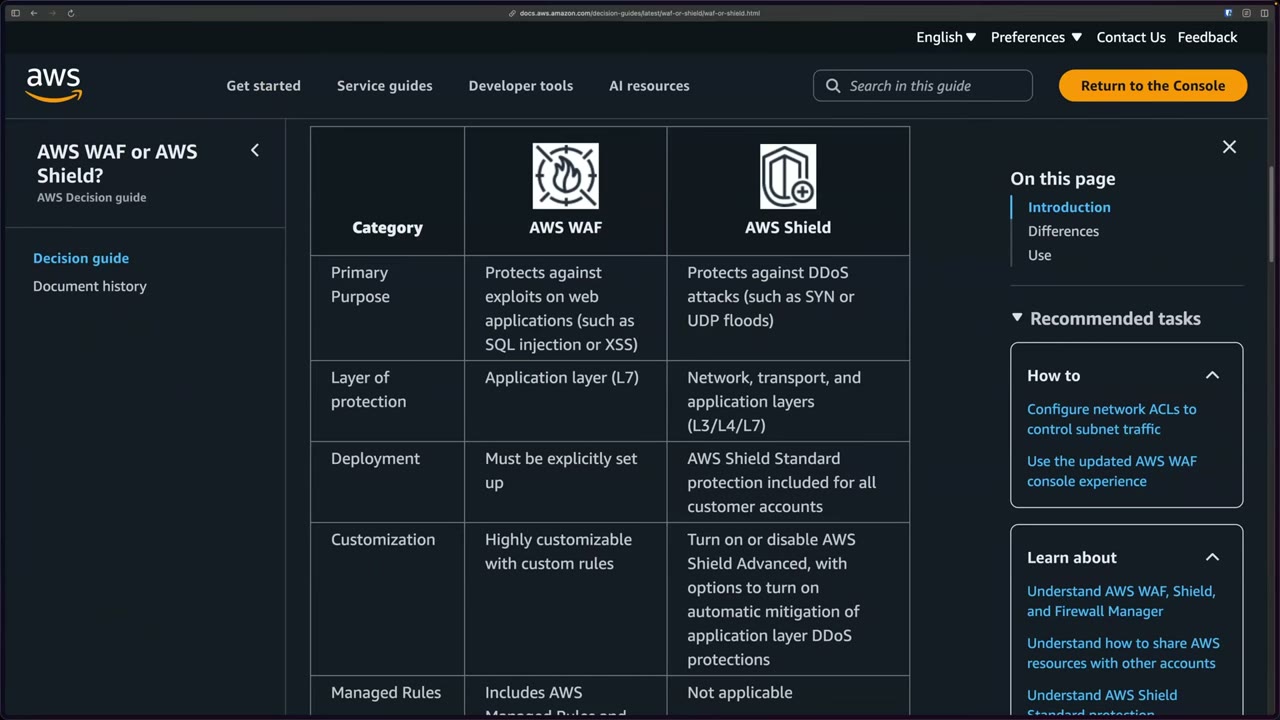
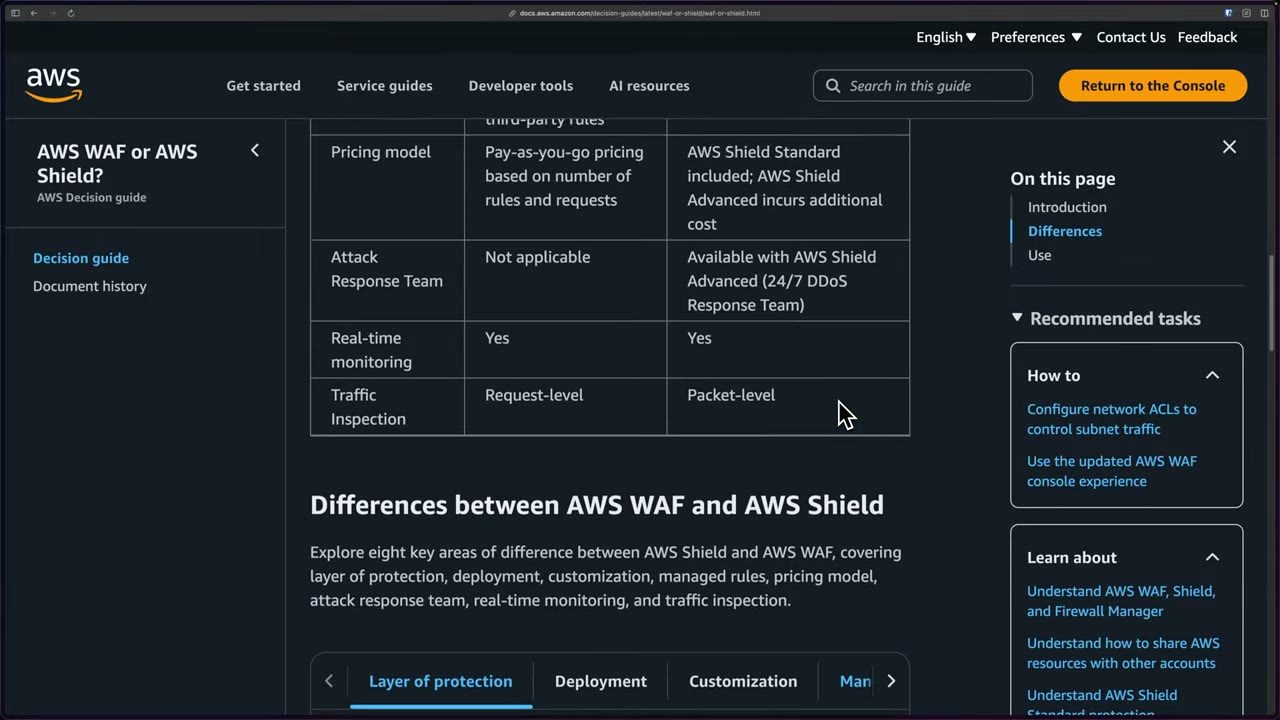
The AWS decision guide “AWS WAF or AWS Shield?”: ▶ #128 00:21
| Category | AWS WAF | AWS Shield |
|---|---|---|
| Primary purpose | Exploits on web apps (SQLi, XSS) | DDoS (SYN or UDP floods) |
| Layer | Application (L7) | Network, transport and application (L3/L4/L7) |
| Deployment | Must be explicitly set up | Shield Standard included for all customer accounts |
| Customization | Highly customizable with custom rules | Turn on/disable Shield Advanced, with option for automatic application-layer DDoS mitigation |
| Managed rules | AWS Managed Rules and third-party rules | Not applicable |
| Pricing | Pay-as-you-go (rules + requests) | Standard included; Advanced additional cost |
| Attack response team | Not applicable | Shield Advanced (24/7 DDoS Response Team) |
| Real-time monitoring | Yes | Yes |
| Traffic inspection | Request-level | Packet-level |
High level: Shield = DDoS; WAF = other web application attacks, with some overlap at L7. ▶ #128 01:40
Standard vs Advanced
Both tiers do network flow monitoring. Everything else in the right column is Advanced only. ▶ #128 02:10
| Standard | Advanced | |
|---|---|---|
| Cost | Free, always on, nothing to configure ▶ #128 04:31 | $3,000/month + data transfer, 1-year commitment ▶ #128 01:50 |
| Layers | L3/L4 (SYN floods, UDP reflection) | L3/L4/L7 (with WAF): automated application (L7) traffic monitoring, adaptive L3/L4 mitigation, L7 anomaly detection |
| Resources | All | CloudFront, Route 53 hosted zones, Global Accelerator, ALB, CLB, EC2/NLB Elastic IPs |
| Customization | Standardized protections | Custom detections/mitigations based on your application |
| Shield Response Team (SRT, formerly DRT) | No | Yes, 24/7 (needs Business/Enterprise Support). The main reason for the price; suits enterprises |
| Cost protection | No | Yes: credits for scaling charges caused by DDoS (e.g. Auto Scaling ramp-up after an attack) |
| Automatic L7 mitigation | No | Yes: creates WAF rules automatically |
| Health-based detection | No | Yes: uses Route 53 health checks to detect faster and more accurately |
| Visibility | Network flow monitoring | + CloudWatch metrics, attack analysis and detailed reporting |
| WAF / Firewall Manager cost | Normal | WAF requests and Firewall Manager included for protected resources |
Advanced features in detail:
- EC2 is protected through its Elastic IP; NLB via its EIPs.
- Automatic application layer DDoS mitigation creates and manages rate-based or WAF rules in a web ACL you associate. It requires a web ACL on the resource and can run in Count or Block.
- Health-based detection requires associating Route 53 health checks (also required for proactive engagement). It reduces false positives and speeds detection.
- Cost protection covers spikes in EC2, ELB, CloudFront, Global Accelerator and Route 53 charges due to DDoS. The resource must be protected during the attack.
- CloudWatch metrics:
DDoSDetected,DDoSAttackBitsPerSecond,DDoSAttackPacketsPerSecond,DDoSAttackRequestsPerSecond→ alarm + SNS. Shield events also go to EventBridge and Security Hub. - Firewall Manager can apply Shield Advanced protections across the org. Its Shield Advanced policy type auto-protects new resources.
Shield Advanced setup and the SRT
Standard is included and on by default: nothing to do. Advanced has three steps on the Overview page: ▶ #128 04:21
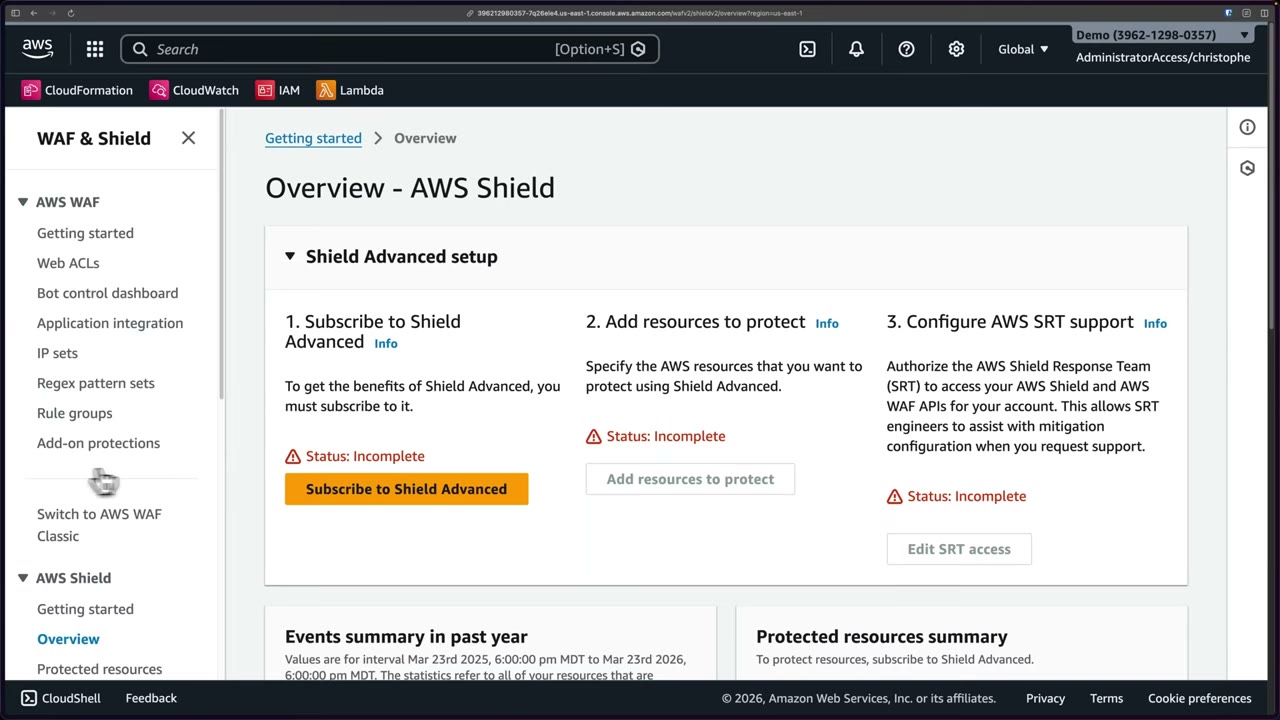
- Subscribe to Shield Advanced.
- Add resources to protect explicitly (e.g. Route 53 hosted zones, load balancers…).
- Configure AWS SRT support: “Authorize the AWS Shield Response Team (SRT) to access your AWS Shield and AWS WAF APIs for your account… to assist with mitigation configuration when you request support.”
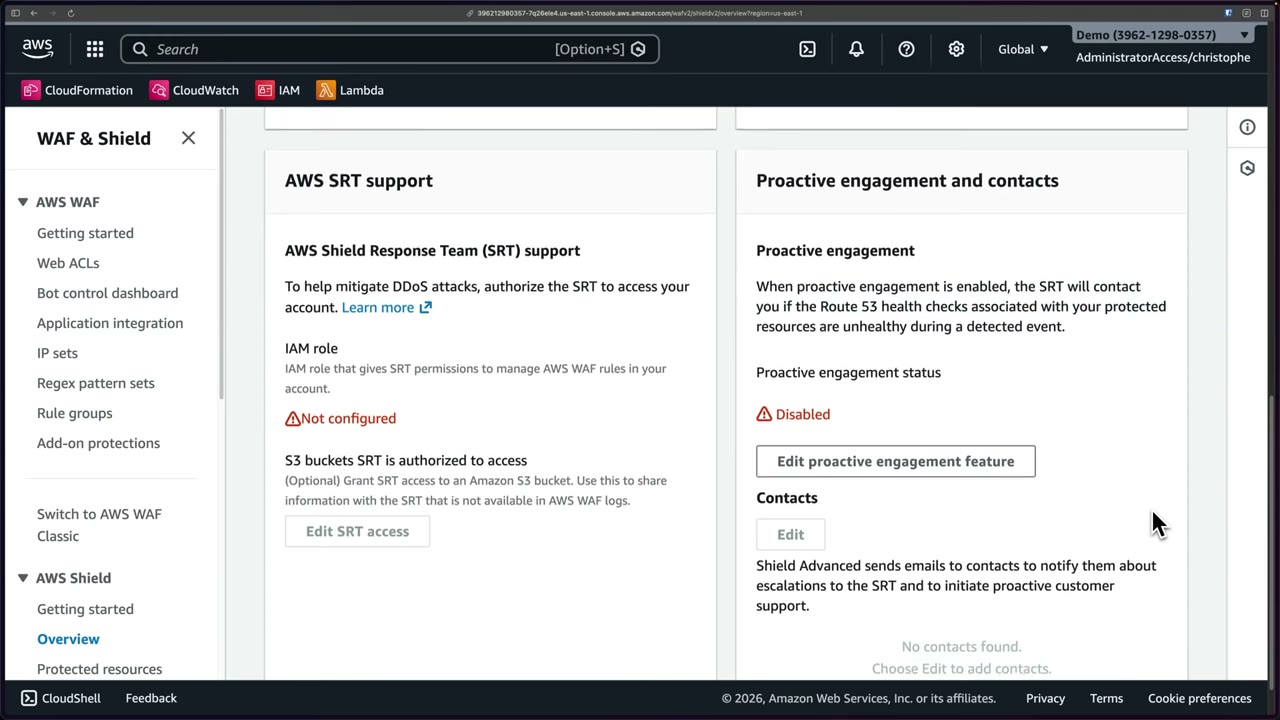
- SRT access: an IAM role with
AWSShieldDRTAccessPolicy, trusted bydrt.shield.amazonaws.com, that the SRT is authorized to assume. It lets the SRT manage AWS WAF rules in your account (hands-on help). Optionally grant the SRT access to S3 buckets to share information not in WAF logs, e.g. flow logs. ▶ #128 05:00 - Proactive engagement and contacts: when enabled, the SRT contacts you if the Route 53 health checks associated with your protected resources are unhealthy during a detected event. Shield Advanced emails your listed contacts about escalations to the SRT. ▶ #128 05:20
- The Overview also shows an Events summary in past year (total events, largest bit rate, largest packet rate) and a Protected resources summary (CloudFront distributions, load balancers, Elastic IP addresses, …).
aws shield create-protection --name alb-prod \
  --resource-arn arn:aws:elasticloadbalancing:...:loadbalancer/app/prod/abc
aws shield associate-drt-role --role-arn arn:aws:iam::111122223333:role/ShieldDRTAccess
aws shield associate-health-check --protection-id <id> \
  --health-check-arn arn:aws:route53:::healthcheck/<hc-id>
Global threat dashboard
Across all AWS customers: “a sampling of the most significant attacks that AWS is monitoring and mitigating for customers on Amazon EC2, Amazon CloudFront, Elastic Load Balancing, and Amazon Route 53.” ▶ #128 05:51
- Period selector (Last two weeks). Example summary: 599 Mpps largest packet attack, 922 Gbps largest bit rate, SYN flood most common vector, threat level Normal, 70,112 total attacks.
- Daily events chart, plus charts for the largest packet/s (Mpps), bit/s (Gbps) and request/s (Krps) events.
- Useful as threat intelligence, e.g. noticing an elevated threat level.
DDoS-resilient architecture
- CloudFront/Global Accelerator + Route 53 at the edge, WAF rate-based rules, Auto Scaling, Shield Advanced for critical apps, and a minimal attack surface (private subnets, security groups).
- See also Amazon CloudFront (Shield Standard included with CloudFront, ▶ #121) and AWS WAF (CloudFront L7 DDoS protection toggle, ▶ #126).
From the instructor
- “AWS Shield is for DDoS, AWS WAF is for other types of web application attacks.” ▶ #128 01:40
- Shield Standard: included for all accounts, nothing to configure. ▶ #128 04:31
- Reasons to pay for Advanced: SRT, cost protection, customizable protection, more visibility incl. CloudWatch metrics. ▶ #128 04:10
- The SRT needs an IAM role to manage your WAF rules; proactive engagement uses Route 53 health checks. ▶ #128 05:00
- Coverage: EC2, CloudFront, ELB, Route 53. ▶ #128 07:02
Keyword → answer
| If the question says… | Answer |
|---|---|
| DDoS on an EC2 instance with an Elastic IP, need expert help | Shield Advanced on the EIP + SRT |
| Reimbursement for scaling costs during an attack | Shield Advanced cost protection |
| SRT needs to modify our WAF rules | Create the DRT access role (AWSShieldDRTAccessPolicy) |
| Faster, more accurate detection / SRT should call us proactively | Associate Route 53 health checks (health-based detection, proactive engagement) |
| SQLi / XSS | WAF, not Shield |
| SYN / UDP flood | Shield (Standard already covers it) |
| Automatic L7 mitigation not happening | Associate a web ACL with the protected resource |
| Protect every new resource in all accounts with Shield Advanced | Firewall Manager Shield Advanced policy |
- The video frames the subscription as per account (or org via Firewall Manager). The subscription is per organization: the payer account’s subscription covers member accounts.
- The DDoS Response Team (DRT) is now called the Shield Response Team (SRT). API names and the managed policy still say DRT (
associate-drt-role,AWSShieldDRTAccessPolicy).
Real-world practice
- Only buy Shield Advanced for internet-facing, revenue-critical workloads. If you do, subscribe once at the org level and protect everything relevant (the cost is flat).
- Pre-create Route 53 health checks that reflect real app health (e.g. a calculated health check on ALB 5xx rate + latency) so detection and SRT engagement work.
- Rehearse the SRT runbook: who calls AWS Support, who approves WAF changes, how DRT access is granted. Keep the role pre-provisioned: you won’t want to create IAM roles mid-attack.
- Shield Standard already absorbs most L3/L4 floods for CloudFront/Route 53. The bigger real-world risk is L7 HTTP floods, which need WAF rate-based rules even without Advanced.
Docs only, since Advanced costs a lot.
- Go through the Shield console “Getting started” flow without subscribing.
- Look at the global threat dashboard.
- Cleanup: nothing to delete.
Amazon S3 CORS
A bucket configuration (Permissions → Cross-origin resource sharing) that tells browsers which other origins may make cross-origin requests to the bucket, e.g. a web app on one domain loading images, JSON/config or static content from S3.
- Exam skills: edge protection incl. S3 CORS (3.1.2) · troubleshoot authentication/authorization (4.1.3) · analyze authorization failures (4.2.4)
- Videos: ▶ #56 S3 CORS
- “Not going to be a big part of the exam”, but recognize the symptoms. ▶ #56 02:40
What CORS is and what it is not
- Cross-origin resource sharing controls which external origins (domains, applications, other clients) can make browser-based requests to your S3 buckets. ▶ #56 00:00
- It matters when the bucket stores assets a web app loads directly in the browser: images, JSON or config files, static website content. ▶ #56 00:22
- It is a browser security feature that S3 also enforces at the service level. ▶ #56 00:30
- Access is still decided by IAM policies, bucket policies, access points, ACLs or presigned URLs. ▶ #56 00:41 For cross-origin requests S3 evaluates the CORS configuration in addition and returns 403 Forbidden if the origin isn’t allowed, even if other authorization passes. ▶ #56 00:51
- CORS does not grant access and is configured independently from Block Public Access and the bucket policy: it doesn’t make anything public.
- Non-browser clients (curl, SDKs) ignore CORS entirely. Never rely on CORS to protect data.
Example: a web app on cybr.com loads images from my-bucket.s3.amazonaws.com, a different origin, so it is a
cross-origin request. ▶ #56 01:13 Without a CORS rule the browser blocks the request even if IAM permissions are
correct. It is a separate evaluation meant to protect you. ▶ #56 01:33
Symptoms: a browser console error (Firefox/MDN example) “No ‘Access-Control-Allow-Origin’ header present”, and S3 403 Forbidden errors. ▶ #56 01:51
Configuring a CORS rule
S3 → select bucket → Permissions tab → scroll to Cross-origin resource sharing (CORS) → Edit → add a rule. ▶ #56 02:12 After saving, the browser sees the rule and can retrieve the assets. ▶ #56 02:30
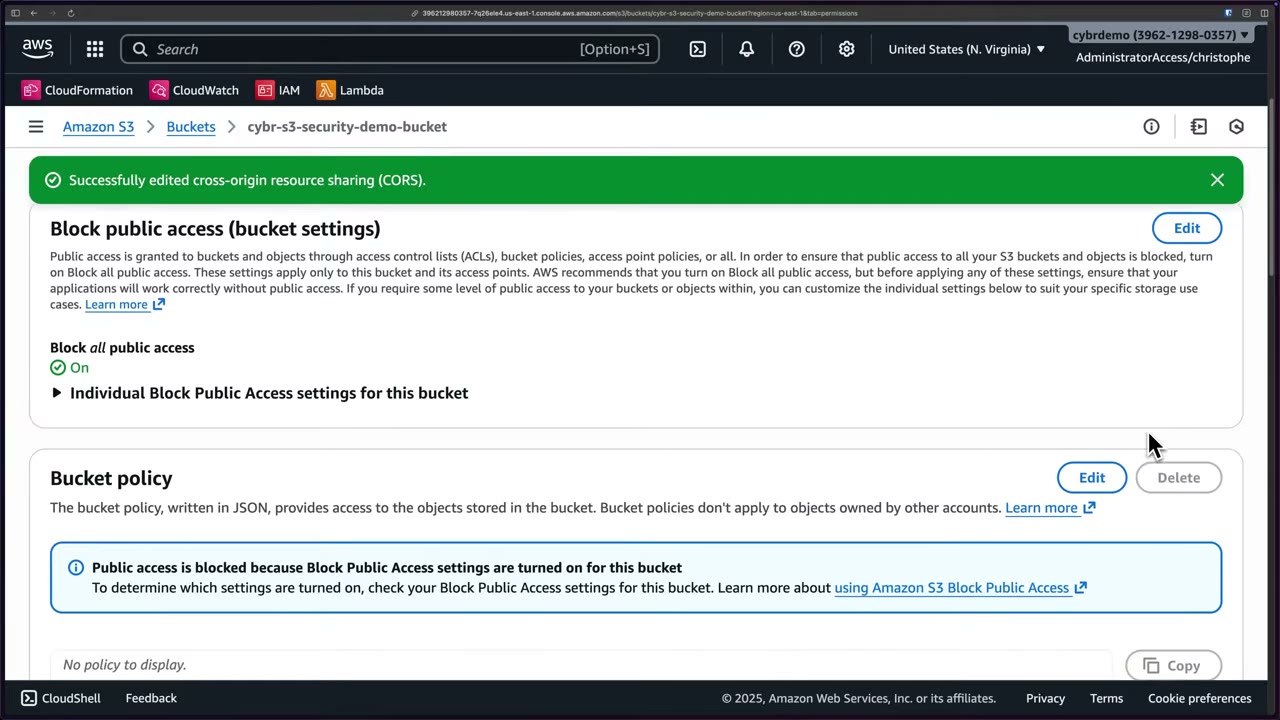
The same tab shows Block all public access: On and “Public access is blocked because Block Public Access settings are turned on for this bucket”, with no policy. CORS is configured independently from BPA and the bucket policy.
| Field | Meaning |
|---|---|
AllowedOrigins |
Exact origins, or with one * wildcard |
AllowedMethods |
GET, PUT, POST, DELETE, HEAD |
AllowedHeaders |
Headers allowed in the preflight Access-Control-Request-Headers |
ExposeHeaders |
Response headers the browser script may read (e.g. ETag) |
MaxAgeSeconds |
How long the browser caches the preflight result |
ID |
Optional rule name |
- Max 100 rules; the first matching rule wins.
- Avoid
"AllowedOrigins": ["*"]with sensitive data or credentialed requests. Use exact origins. A wildcard on a bucket with sensitive data can enable reads from any site a logged-in user visits (when combined with cookie auth via CloudFront). - Browser direct uploads with presigned PUT/POST need CORS allowing
PUT/POSTand the needed headers (Content-Type,x-amz-*).
A typical rule for the cybr.com scenario (the slide’s rule wasn’t legible in the video):
[
  {
    "AllowedOrigins": ["https://cybr.com"],
    "AllowedMethods": ["GET", "HEAD"],
    "AllowedHeaders": ["*"],
    "ExposeHeaders": ["ETag"],
    "MaxAgeSeconds": 3000
  }
]
CORS behind CloudFront and API Gateway
- Behind CloudFront, forward the
Origin(andAccess-Control-Request-*) headers with an origin request policy (e.g.CORS-S3Origin), or set CORS in a response headers policy, so CloudFront caches per origin. Otherwise you get intermittent CORS errors from cached responses. - See also Amazon CloudFront (managed CORS response headers policies, ▶ #123) and Amazon API Gateway (CORS on HTTP APIs, ▶ #142).
From the instructor
- Think CORS configuration on the bucket when you see: “no Access-Control-Allow-Origin header present”, S3 403 Forbidden on cross-origin requests, or “app hosted on one domain can’t load assets from an S3 bucket”. ▶ #56 02:50
- Not a big part of the exam, but know what it is. ▶ #56 02:40
Keyword → answer
| If the question says… | Answer |
|---|---|
“No ‘Access-Control-Allow-Origin’ header” when JS on www.example.com loads from the assets bucket |
Add a CORS rule on the assets bucket (the bucket being called, not the caller) |
| S3 403 Forbidden on cross-origin requests / app on one domain can’t load assets from S3 | CORS configuration on the bucket |
| Browser CORS error but 200 in the network tab | CORS config |
| 403 AccessDenied with an XML body | IAM / bucket policy / KMS / Block Public Access problem, not CORS |
- Precisely, S3 returns 403 to a preflight
OPTIONSrequest with no matching rule (“CORSResponse: This CORS request is not allowed”). For simple GETs S3 may still return the object but withoutAccess-Control-Allow-Origin, and the browser blocks the page’s script from reading it. CORS is not an access control: non-browser clients (curl, SDKs) ignore it entirely.
Real-world practice
[{
  "AllowedOrigins": ["https://app.example.com"],
  "AllowedMethods": ["GET", "PUT"],
  "AllowedHeaders": ["*"],
  "ExposeHeaders": ["ETag"],
  "MaxAgeSeconds": 3000
}]
- Apply with
aws s3api put-bucket-cors --bucket assets --cors-configuration file://cors.json(the CLI wraps the list as{"CORSRules":[...]}). - Keep CORS origins in IaC per environment (dev/stage/prod domains). Typos in scheme or port (
httpvshttps,:3000) are the usual bug. - S3 website and REST endpoints both honor CORS. Test with
curl -i -X OPTIONS -H "Origin: https://cybr.com" -H "Access-Control-Request-Method: GET" <url>. - Prefer serving assets via CloudFront under the same domain (path-based) to avoid CORS entirely.
- Host a small HTML page on one origin that
fetch()es an object from another bucket. - See the CORS error in the browser console.
- Add a CORS rule on the called bucket and reload.
- Cleanup: delete both buckets.
Amazon API Gateway
Managed API front door (REST, HTTP and WebSocket APIs, plus private REST APIs reachable only from a VPC) with its own authentication, authorization, throttling and logging. Preferred over exposing Lambda directly: a public function URL has no rate limiting and an exposed endpoint. ▶ #142 00:00
- Exam skills: edge strategy (3.1.1) · edge protection (3.1.2) · edge rules: rate limiting (3.1.3) · authentication strategies (4.1) · authorization controls, resource policies (4.2.1) · configure/troubleshoot logging (1.2.2, 1.3.1) · encryption in transit & private access (5.1.1, 5.1.2)
- Videos: ▶ #142 API Gateway security
- Default account throttle: burst 5,000 / rate 10,000 rps, shared by all APIs in the Region
Why not call Lambda directly
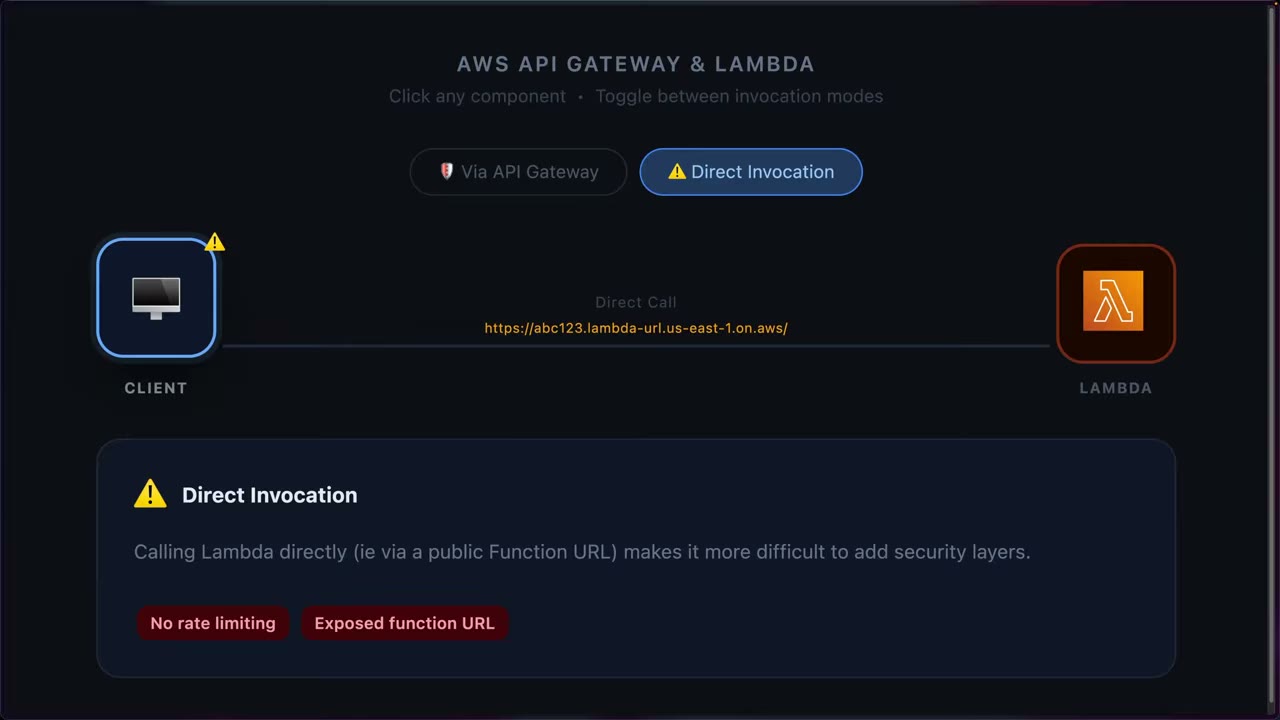
- Direct invocation (console, CLI, or a public Function URL like
https://abc123.lambda-url.us-east-1.on.aws/) is fine for testing and internal automation, but makes it hard to add security layers: no rate limiting, exposed function URL. ▶ #142 00:00 - API Gateway gives clients a stable, well-defined API without knowing the backend, and much more security control. ▶ #142 00:12 The course diagram’s “Via API Gateway” toggle inserts API Gateway between client and Lambda.
API types
| Type | Backends | Notes |
|---|---|---|
| HTTP API | Lambda, HTTP | OIDC, OAuth 2.0, native CORS; simple and standard |
| WebSocket API | Lambda, HTTP, AWS services | Real-time apps: chat, live dashboards |
| REST API | Lambda, HTTP, AWS services | Full-featured REST |
| REST API Private | Lambda, HTTP, AWS services | Only accessible from within a VPC |
▶ #142 01:12 The demo uses an HTTP API.
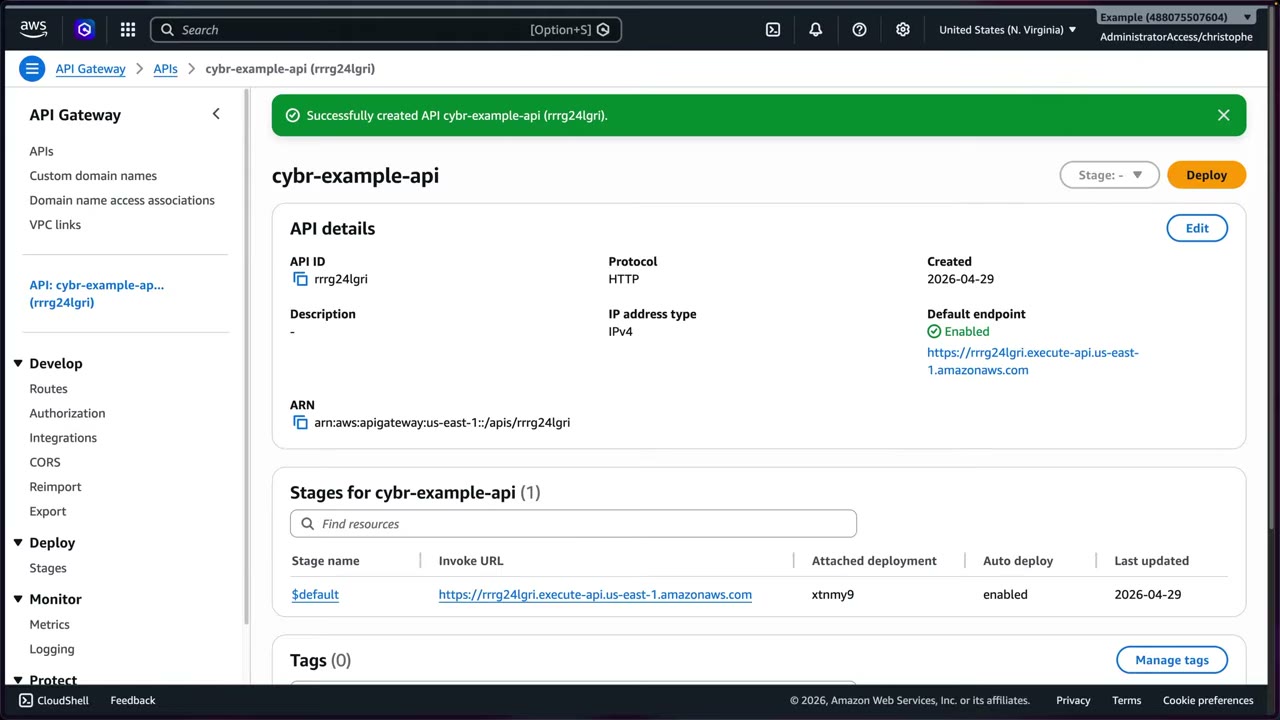
- Routes are “an HTTP method and a resource path” (GET, POST, PUT, PATCH, HEAD, OPTIONS, DELETE, or ANY). You can route different methods/paths to different functions, giving a single responsibility per Lambda. ▶ #142 02:21
- Stages (optional): dev/test/prod. The demo uses
$defaultwith auto-deploy. - Private API: only reachable through an interface VPC endpoint (
execute-api). Combine it with a resource policy that limits the VPC endpoint.
- API Gateway → Create API → HTTP API → Build. Name
cybr-example-api, IP address type IPv4. ▶ #142 02:21 - Integration: Lambda (others like HTTP; some types are greyed out and only configurable after creation). Pick the pre-deployed hello-world Lambda, payload version 2.0 (recommended for new functions).
- Add route
GET /hello→ Lambda target. Stages:$defaultwith auto-deploy. Review and create. - Result: API ID
rrrg24lgri, protocol HTTP, default endpointhttps://rrrg24lgri.execute-api.us-east-1.amazonaws.com. - Authorization: inspect the IAM (built-in), JWT and Lambda authorizer options; leave the route unauthenticated. ▶ #142 04:31
- Review CORS, route metrics and throttling defaults. ▶ #142 06:01
- Call
https://rrrg24lgri.execute-api.us-east-1.amazonaws.com/hello→{"message": "Hello, World!"}. Without logging there’s no visibility into who requested what. ▶ #142 08:42 - Create log group
cybr-example-api, enable access logging with the JSON template (minus source IP), call the API, view the log stream. ▶ #142 09:22
Authentication and authorization
Develop → Authorization → Attach authorizers to routes / Manage authorizers. ▶ #142 04:31
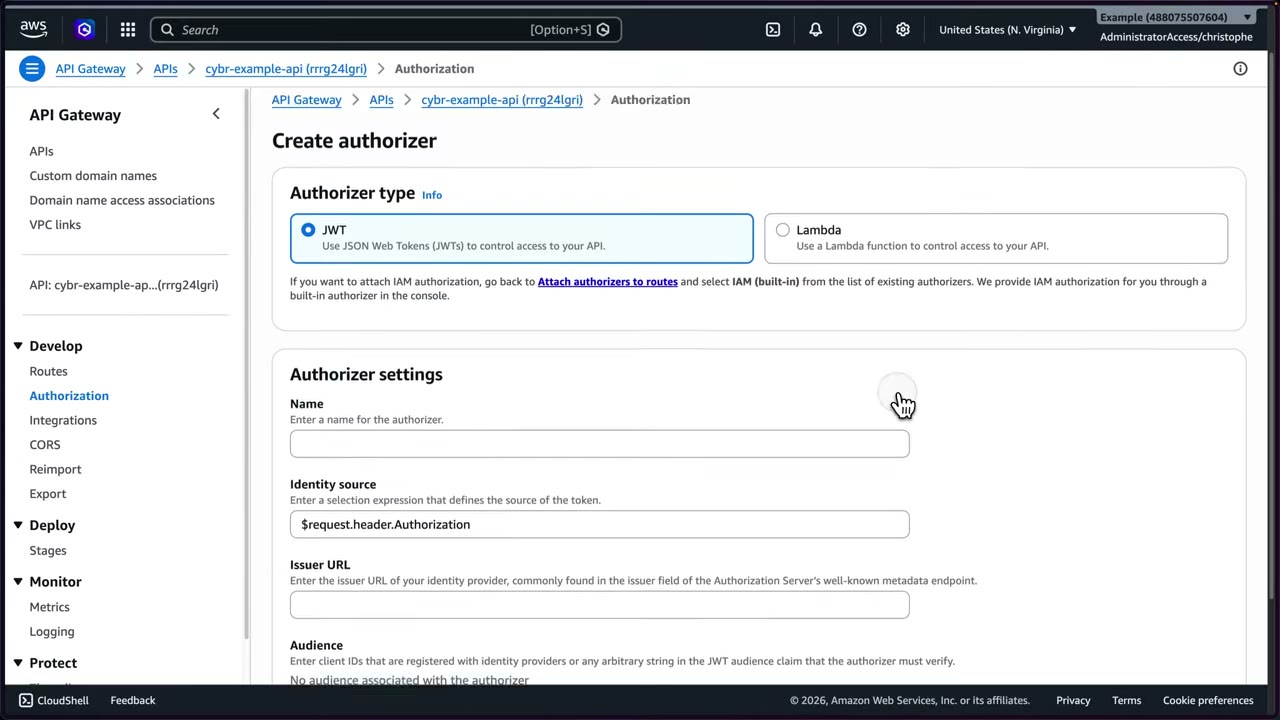
| Authorizer | Use for | Details |
|---|---|---|
| IAM (SigV4) | Internal automation / service-to-service | Built in with every account. AWS principals; cross-account through a resource policy ▶ #142 04:51 |
| Cognito user pool (REST) / JWT (HTTP) | Public consumers (web, mobile apps) | JWT authorizer accepts any OIDC issuer. Settings: Name, Identity source $request.header.Authorization, Issuer URL (from the IdP’s well-known metadata), Audience (client IDs / aud claim) ▶ #142 05:12 |
| Lambda authorizer | Custom access control that needs compute | Token or request based, returns an IAM policy; result can be cached (TTL) ▶ #142 05:42 |
- IAM is chosen separately as the built-in authorizer; the create dialog offers JWT vs Lambda.
- The demo leaves the public
/helloroute without authorization. A real public API would use JWT. - API keys are not authentication. They are for usage plans.
- Resource policies (REST only): allow or deny by source IP, VPC (
aws:SourceVpc), VPC endpoint (aws:SourceVpce) or account, e.g. restrict to a corporate CIDR. They are required for private APIs. - mTLS on custom domain names, with a trust store in S3 (B2B client-certificate auth). Disable the default
execute-apiendpoint so clients can’t bypass the custom domain/mTLS (or CloudFront/WAF). - CORS is configurable natively on HTTP APIs: which other origins browsers may load resources from, same concept as with S3 and CloudFront. ▶ #142 06:01
{
  "Version": "2012-10-17",
  "Statement": [
    { "Effect": "Allow", "Principal": "*", "Action": "execute-api:Invoke", "Resource": "execute-api:/*" },
    { "Effect": "Deny", "Principal": "*", "Action": "execute-api:Invoke", "Resource": "execute-api:/*",
      "Condition": { "StringNotEquals": { "aws:SourceVpce": "vpce-0a1b2c3d4e5f" } } }
  ]
}
Throttling and usage plans
“One of the best ways of reducing your costs and preventing abuse”: bots, threat actors driving up costs, or accidental runaway clients. ▶ #142 07:21
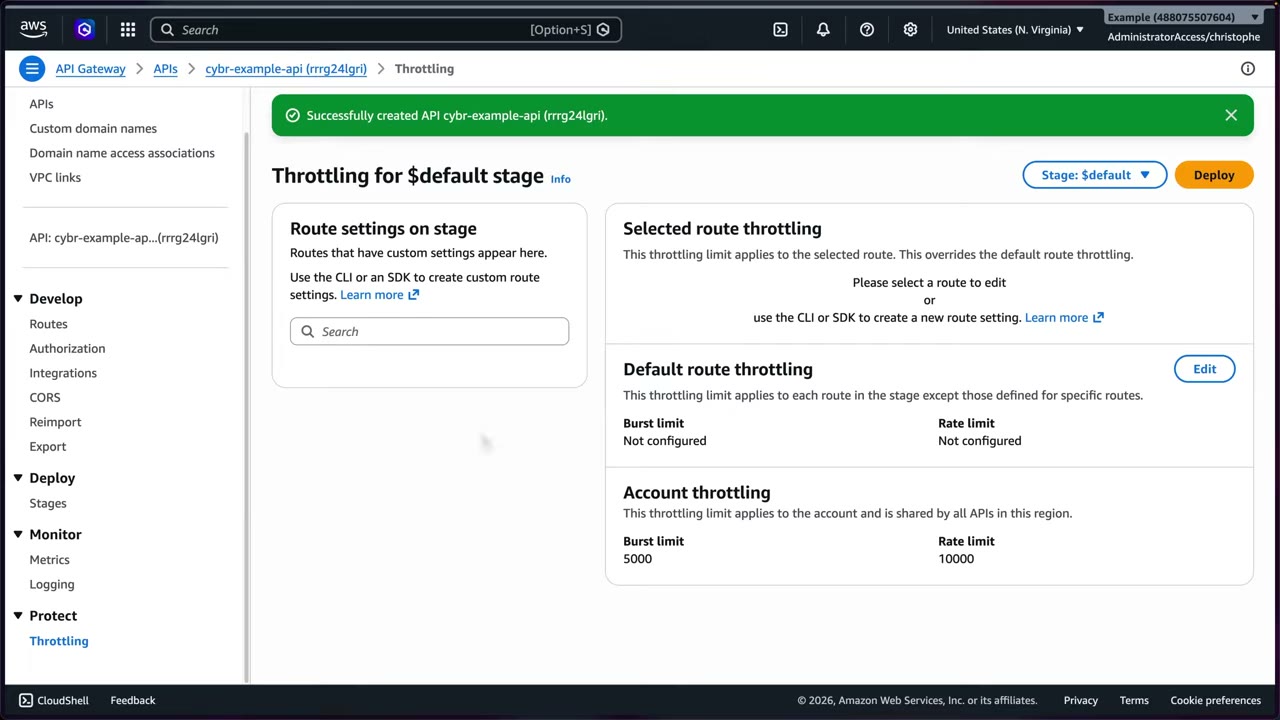
| Level | Scope |
|---|---|
| Account throttling | “Applies to the account and is shared by all APIs in this Region”: Burst 5000, Rate 10000 |
| Default route throttling | Each route in the stage. Not configured by default |
| Selected route throttling | Overrides the default for one route |
| Route settings on stage | Custom per route via CLI/SDK |
| Usage plans + API keys (REST) | Per client |
- Set default route limits lower than the account limit when you run several APIs. Limit increases can be requested but raise cost/abuse risk. ▶ #142 08:21
- Throttled requests get 429 Too Many Requests. 403 = auth / WAF / resource-policy denial.
Logging and monitoring
- Metrics (Monitor → Metrics): select stage; route settings on stage, selected route metrics, default route metrics. Detailed route metrics incur CloudWatch fees. ▶ #142 06:32
- Access logs: “Access logs are written for every API request. The format can be customized before it gets written to CloudWatch Logs.” Extra cost, but you want visibility into who is accessing what. ▶ #142 07:00 Without it you can’t tell who’s making requests. ▶ #142 09:00
- Execution logs (REST) can contain full request/response bodies (sensitive data). Use access logs for audit and mask data.
- REST APIs need an account-level IAM role for CloudWatch (the
apigatewayservice role ARN in settings). X-Ray tracing is optional.
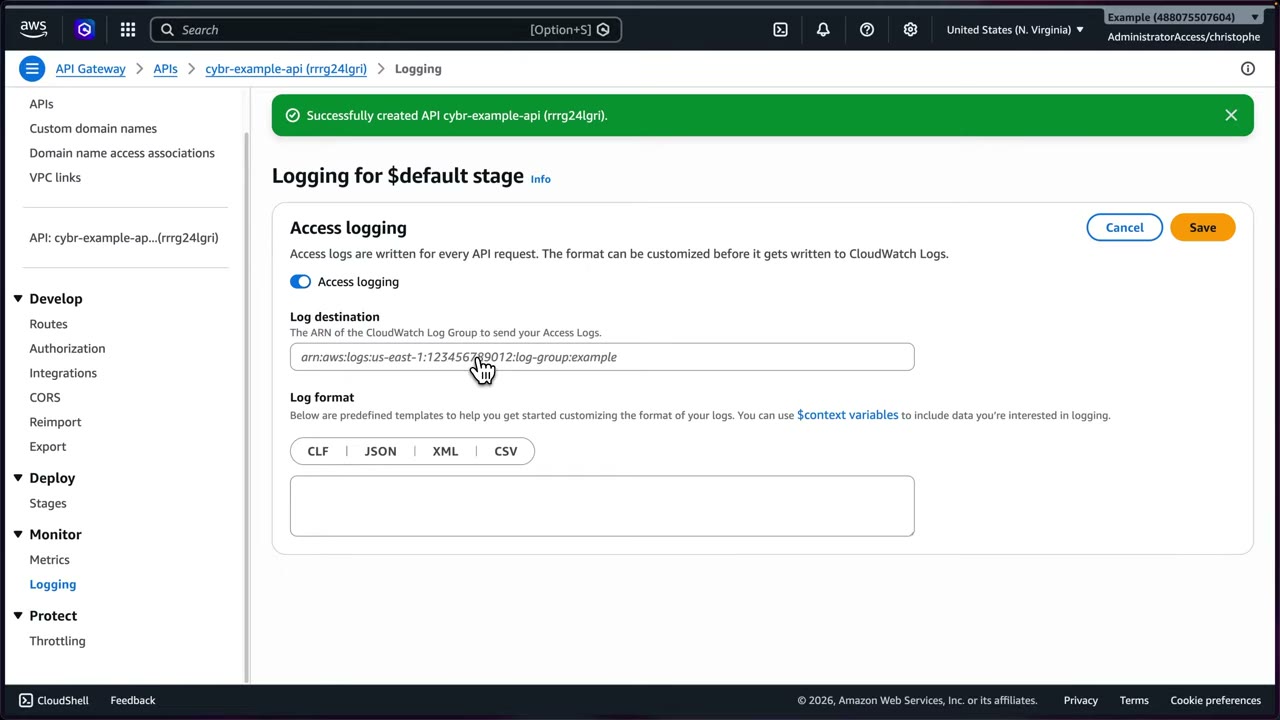
Enabling access logging: ▶ #142 09:22
- Logging → Edit → toggle Access logging.
- Create CloudWatch log group
cybr-example-api(retention 1 day for the demo, log class Standard). The instructor notes he “should have followed standard naming” (a prefix like/aws/apigateway/…); it works anyway. - Paste the log group ARN as Log destination (remove the trailing
:*). - Log format templates: CLF, JSON, XML, CSV, using
$contextvariables. He chose JSON and removed$context.identity.sourceIpto hide his IP. - Call the API a few times. Within about a minute a log stream appears with requestId, requestTime, httpMethod, routeKey, status, protocol, responseLength.
Logs can then be shipped to a SIEM or other tools for security visibility.
JSON access-log template (approximately as the console provides it):
{ "requestId":"$context.requestId", "ip": "$context.identity.sourceIp",
  "requestTime":"$context.requestTime", "httpMethod":"$context.httpMethod",
  "routeKey":"$context.routeKey", "status":"$context.status",
  "protocol":"$context.protocol", "responseLength":"$context.responseLength" }
Private backends: VPC links
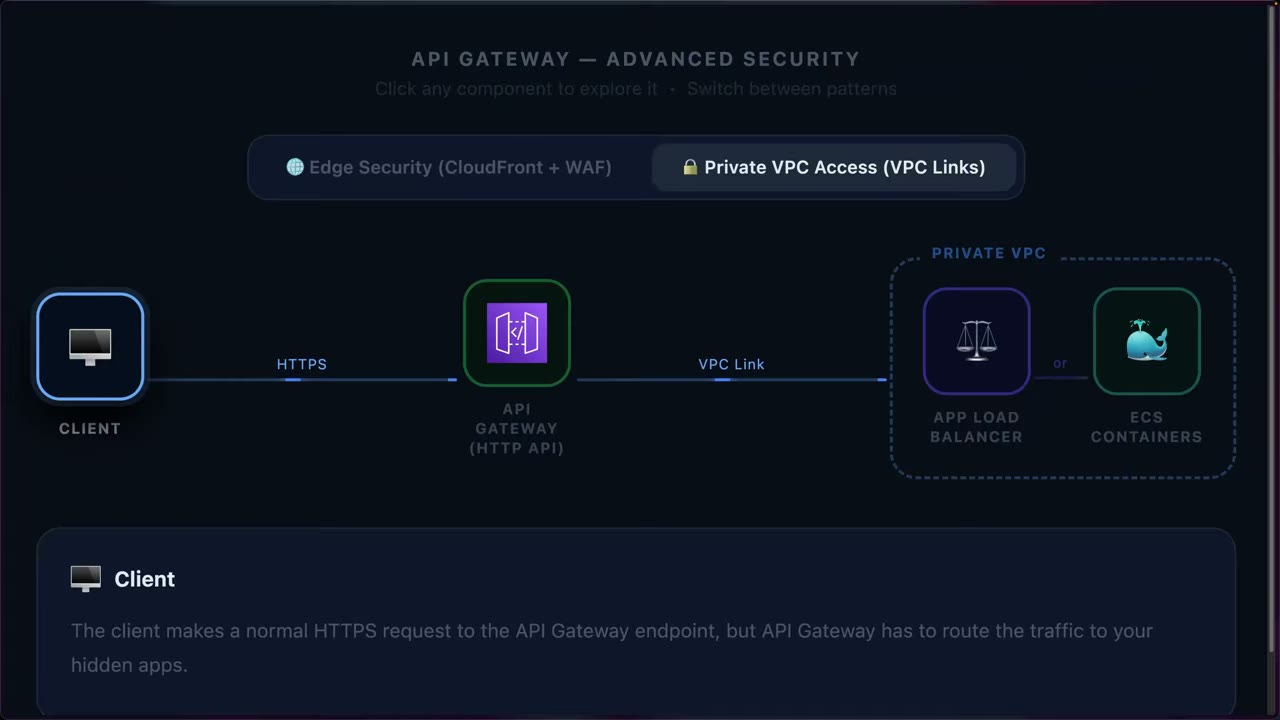
Problem: an API in front of private resources (ALB, ECS containers) inside a VPC. How do you route traffic there? ▶ #142 12:10
- Client → HTTPS → API Gateway (HTTP API).
- API Gateway → VPC link → the private VPC.
- VPC link → ALB or ECS tasks (Fargate or EC2 launch types). Backends stay private. ▶ #142 12:41
- “Old way”: a REST API using a VPC endpoint / NLB to bridge. With HTTP APIs the VPC link needs no VPC endpoint or NLB. “Be aware that they exist.”
- Alternatively, API Gateway can present a client certificate to the backend.
Edge security: CloudFront + WAF
- Put CloudFront in front of API Gateway: global edge locations, DDoS protection (Shield Standard, or Advanced if upgraded), HTTPS/TLS offloading, caching, geo-restriction. ▶ #142 13:21
- Add AWS WAF for more advanced protections than API Gateway alone, e.g. rate-based rules beyond normal throttling.
- WAF attaches to REST API stages only, not HTTP or WebSocket APIs. For an HTTP API, put CloudFront + WAF in front.
- Layering: client → CloudFront/WAF → API Gateway controls (authorizers, throttling) → Lambda. By the time traffic reaches Lambda it has been filtered end to end.
- To prevent bypassing CloudFront: disable the default endpoint, use a custom-header secret checked by WAF/authorizer, or a private origin.
From the instructor
- Avoid exposing Lambda directly; API Gateway adds security control. ▶ #142 00:12
- IAM authorizer → internal/service-to-service; JWT → public web/mobile clients; Lambda authorizer → custom logic needing compute. ▶ #142 04:51
- Enable access logging for visibility. ▶ #142 07:00
- Throttling reduces cost and abuse; default account limits burst 5,000 / rate 10,000 shared by all APIs; set route defaults lower. ▶ #142 07:21
- VPC links reach a private ALB/ECS without a VPC endpoint or NLB. ▶ #142 12:41
- CloudFront + WAF in front of API Gateway adds edge DDoS protection, TLS offload, caching, geo-restriction and WAF rate-based rules. ▶ #142 13:21
Keyword → answer
| If the question says… | Answer |
|---|---|
| API reachable only from inside the VPC | Private REST API + VPC endpoint + resource policy |
| Validate JWT from a third-party IdP cheaply | HTTP API JWT authorizer |
| Custom logic or non-JWT tokens | Lambda authorizer |
| Service-to-service / internal automation calls | IAM authorizer (SigV4) |
| API keys used for security | Wrong. Use IAM/Cognito/Lambda authorizers; API keys are for usage plans |
| No logs in CloudWatch for a REST API | Set the CloudWatch role ARN in API Gateway account settings and enable stage logging |
| SQLi protection on the API | AWS WAF on the REST API stage; on an HTTP API → CloudFront + WAF in front |
| Public Lambda function URL abused, no rate limiting | Put API Gateway (throttling, authorizers) in front |
| Expose private ALB / ECS tasks through an API without making them public | VPC link |
| Clients bypass the mTLS custom domain | Disable the default execute-api endpoint |
| Sensitive data showing up in API logs | Access logs (selected $context fields) rather than full execution logging |
| 429 errors | Throttled (account/stage/route/usage-plan limit) |
- VPC link history: REST API VPC links (v1) required an NLB; HTTP API VPC links (v2) target ALB, NLB or Cloud Map (so ECS on Fargate/EC2 via ALB or Cloud Map). AWS has since added VPC link v2 support for REST APIs too. Don’t confuse this with a private REST API, which is reached from a VPC via an
execute-apiinterface endpoint.
Real-world practice
- Front-door pattern: Route 53 → CloudFront (WAF, Shield Advanced) → API Gateway (authorizer, throttling) → Lambda with a least-privilege execution role.
- Ship access logs to a central logging account via subscription filter → Firehose → S3/OpenSearch/Security Lake. Name log groups with a standard prefix (e.g.
/aws/apigateway/…). - Use per-stage throttling and per-client usage plans to contain noisy tenants. Alarm on 4XX/5XX and
Countmetrics. - Lambda authorizer result caching (TTL) trades latency against revocation speed.
- Create a REST API with a Cognito authorizer. Test with and without a token.
- Enable access logs (JSON format).
- Optionally build the ▶ #142 HTTP API (
GET /hello→ Lambda) with access logging and a lowered default route throttle. - Cleanup: delete the APIs, the user pool and the log groups.
Part 4 – Data Protection
Encryption decision table (keyword → answer)
A one-page map from the wording of an exam question to the encryption or data-protection service it points at. Domain 5 (18%) is the core of data protection. Some services also appear in D1 (monitoring keys), D2 (backups and recovery) and D3 (TLS at the edge).
- Exam skills: encryption at rest (5.2.1) · key management & custom key stores (5.3.2) · secrets & rotation (5.3.1) · encryption in transit (5.1.1) · backup protection (5.2.4)
- Videos: none in the course (see the service pages that follow)
Where the key lives and who controls it
| If the question says… | Answer |
|---|---|
| “Least operational overhead”, no key-control requirement | SSE-S3 / AWS-owned or AWS managed key |
| “Audit who used the key”, “control key policy”, “cross-account”, “disable key on demand” | KMS customer managed key |
| “Single-tenant HSM”, “FIPS 140-3 Level 3 under customer control”, “AWS must not have access”, PKCS#11 / JCE / Oracle TDE / SSL offload | CloudHSM (direct) |
| KMS integration with S3/EBS and key material inside your own HSM cluster; “customer-managed HSM”, “dedicated cryptographic hardware on AWS” | KMS CloudHSM custom key store |
| “Keys must stay outside AWS”, “hold your own key (HYOK)”, regulator demands on-prem key manager, “revoke AWS access from outside” | KMS external key store (XKS). If the question says on-prem, think XKS, not CloudHSM |
| “Generate key material ourselves”, “must be able to delete key material immediately”, “set an expiry” | KMS key with imported key material (BYOK) |
| “Same key usable in several Regions”, DR, global tables, client-side encrypt in one Region and decrypt in another | KMS multi-Region keys |
| “Rotate keys without changing application code” (manual rotation) | Re-point a KMS alias to the new key |
S3 and client-side options
| If the question says… | Answer |
|---|---|
| “Two independent layers of encryption” on S3 | DSSE-KMS |
| “Customer supplies the key on every request, AWS must not store it” | SSE-C (HTTPS required) |
| “Data encrypted before it leaves the client”, “AWS never sees plaintext” | Client-side encryption (AWS Encryption SDK / S3 Encryption Client) |
| “Reduce KMS request cost / throttling on S3” | S3 Bucket Keys |
Secrets, certificates and guardrails
| If the question says… | Answer |
|---|---|
| “Rotate DB password automatically” | Secrets Manager rotation |
| “Rotate with no downtime” | Secrets Manager alternating-users rotation |
| “Store config / non-rotating string cheaply”, hierarchy | Parameter Store (SecureString for secrets) |
| “Prevent any external account from reading our secrets even if a resource policy is misconfigured” | RCP with aws:PrincipalOrgID |
| “Internal services, mTLS, private PKI” | AWS Private CA |
Immutability, backups and PII
| If the question says… | Answer |
|---|---|
| “Write-once-read-many (WORM)”, “even root cannot delete” | S3 Object Lock compliance mode / Backup Vault Lock compliance |
| “Protect backups from ransomware / compromised account” | AWS Backup Vault Lock + cross-account copy / logically air-gapped vault |
| “Hide PII in logs / messages” | CloudWatch Logs data protection policy / SNS message data protection |
AWS KMS
The core managed, Regional key service, backed by FIPS-validated HSMs (AWS-managed, multi-tenant, keys logically isolated per customer). KMS keys never leave KMS unencrypted. Services use envelope encryption: KMS encrypts a data key, and the data key encrypts the data.
- Exam skills: encryption at rest, KMS vs CloudHSM (5.2.1) · imported material & external key stores (5.3.2, 5.3.3) · keys across Regions (5.3.5) · key policies & cross-account (4.2.1) · least privilege, ABAC (4.2.3, 4.2.2) · key alerts & logging (1.1.4, 1.2.2) · detect/remediate noncompliance (6.3.1)
- Videos: ▶ #61 AWS KMS · ▶ #62 Key lifecycle · ▶ #63 Cross-account & multi-Region keys · ▶ #64 Aliases · ▶ #65 Creating a symmetric key · ▶ #66 Imported key material · ▶ #67 Monitoring keys · ▶ #68 EBS volume encryption
- Cost: $1/month per customer managed key (prorated hourly) + ~$0.03 per 10,000 requests; 20,000 free requests/month
What KMS is and the three key types
- KMS is the core key management service in AWS for controlling and managing encryption keys. ▶ #61 00:00
- It uses hardware security modules (HSMs) behind the scenes to store and protect keys. ▶ #61 00:10
- You could run your own key management (on-prem or a third-party cloud), but KMS is usually the fastest and simplest. ▶ #61 00:10
- KMS stores and manages logical keys called AWS KMS keys. ▶ #61 00:42
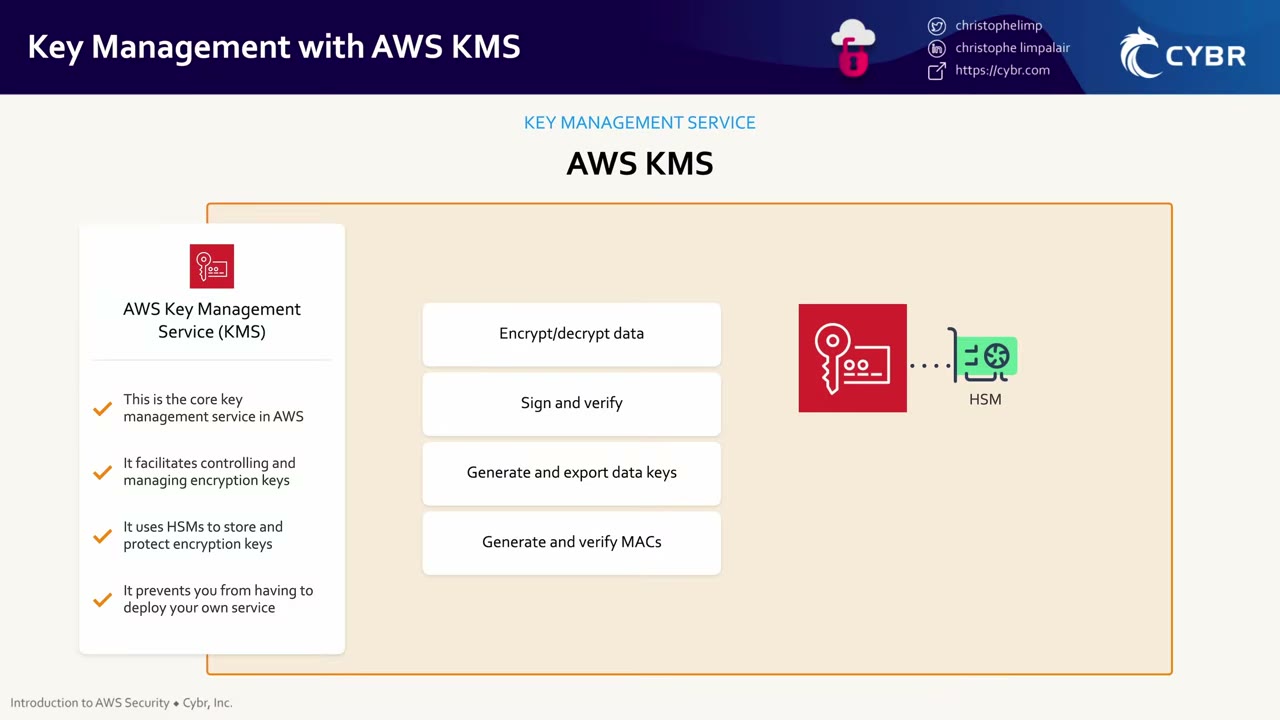
Cryptographic operations KMS offers:
- Encrypt/decrypt data.
- Sign and verify (asymmetric keys).
- Generate and export data keys (envelope encryption).
- Generate and verify MACs (HMAC keys).
Keys never leave the HSMs in plaintext.
Key types by owner ▶ #61 00:52
| AWS owned | AWS managed (aws/s3, aws/ebs…) |
Customer managed | |
|---|---|---|---|
| Created by | AWS | AWS on your behalf | You |
| Visible in your account | No | Yes | Yes |
| Usage | AWS internal only | One specific AWS service only | Controlled by you (key policy / IAM) |
| Key policy editable | No visibility | No (managed by AWS) | Yes |
| Delete | n/a | Cannot be deleted | Can delete (scheduled) |
| Rotation | AWS decides | Automatic every year, mandatory | Optional automatic + on-demand |
| Cross-account | n/a | No | Yes |
| Cost | Free | No monthly fee | Monthly fee + requests |
- AWS owned keys are created and used only by AWS for internal encryption. You see no key policy or usage. Not relevant to the course. ▶ #61 01:41
- AWS managed keys can’t be deleted, edited, rotated manually, or have your own aliases attached.
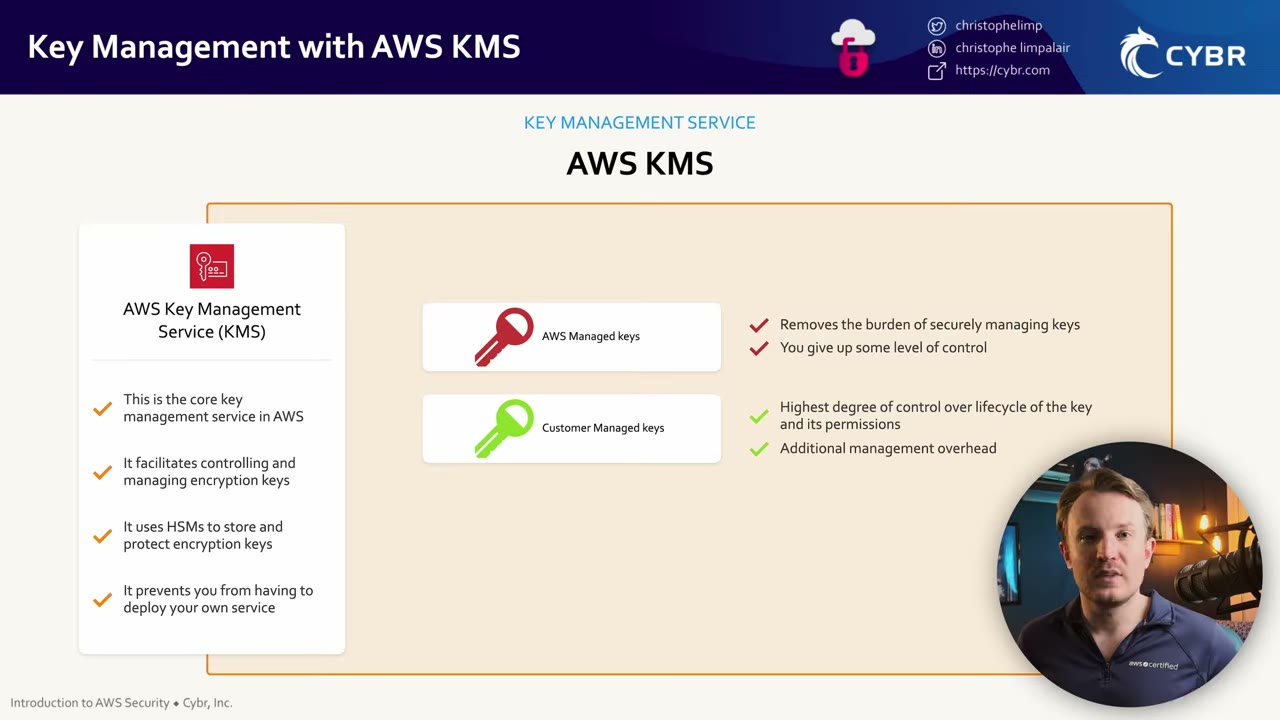
Control vs overhead: customer managed keys give the highest degree of control over lifecycle and permissions, but more management overhead. AWS managed keys remove the burden of managing keys, but you give up some control over something very sensitive. ▶ #61 02:01 Choose based on operational needs and the sensitivity of the data. ▶ #61 02:31
HSM tenancy: by default the HSMs are managed by AWS and shared among customers. Other customers’ keys may be in the same HSM but are logically isolated. ▶ #61 06:20 For higher requirements, AWS CloudHSM gives you your own dedicated HSM cluster, and you are responsible for generating, storing, importing, exporting and managing keys. ▶ #61 06:31 Or integrate your own key management solution with AWS. ▶ #61 06:50 (See AWS CloudHSM, Part 4.)
Creating a key: specs, origins, Regionality and cost
Properties fixed at creation (key spec, key usage, origin, Regionality can’t be changed later): ▶ #62 01:51
| Property | Options |
|---|---|
| Key spec | Symmetric SYMMETRIC_DEFAULT (AES-256-GCM, the default and the only spec most AWS services accept; SM4 in China Regions) · asymmetric RSA / ECC (encrypt/decrypt or sign/verify; the public key can be downloaded) · HMAC |
| Key usage | ENCRYPT_DECRYPT, SIGN_VERIFY, or GENERATE_VERIFY_MAC ▶ #62 02:10 |
| Origin | AWS_KMS (default, AWS generates material) · EXTERNAL (imported) · AWS_CLOUDHSM (CloudHSM key store) ▶ #62 02:41 · EXTERNAL_KEY_STORE (XKS) |
| Key policy | Every key has one. Custom is recommended, otherwise a default key policy is attached ▶ #62 03:00 |
For a customer managed key, KMS generates the key material inside an HSM, via the CreateKey API or the console. ▶ #62 01:32
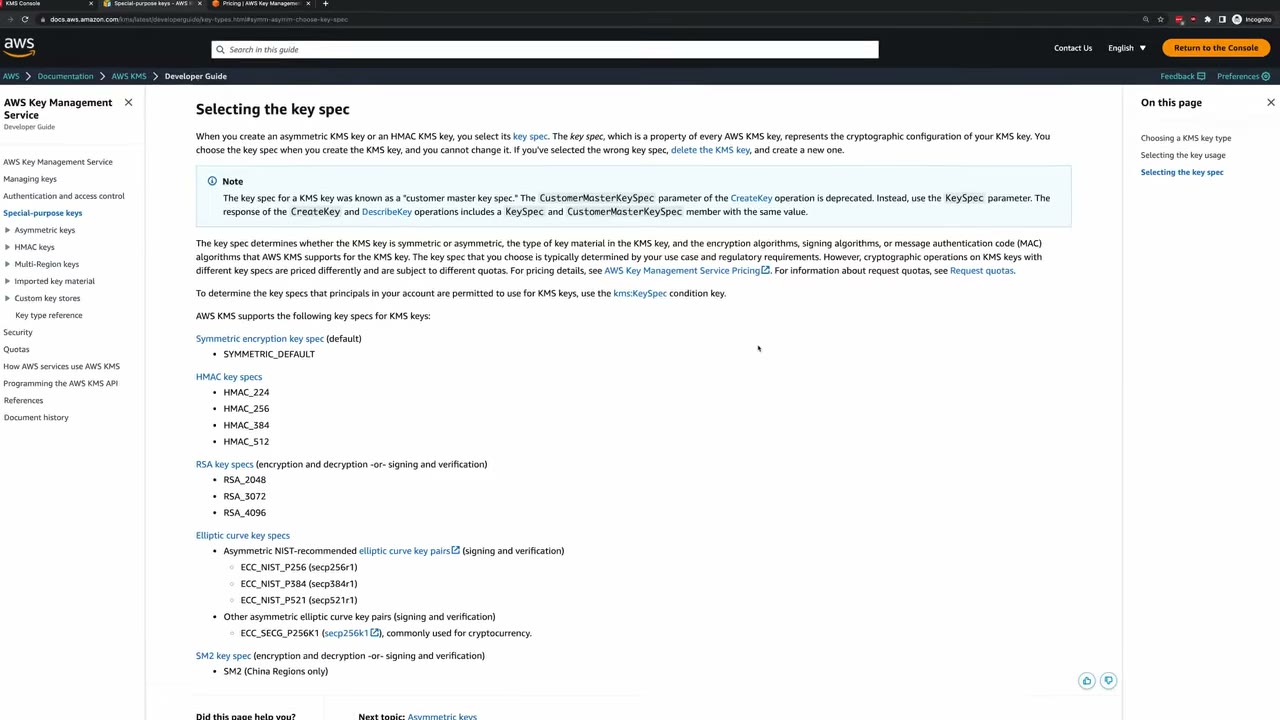
- RSA keys: encrypt/decrypt or sign/verify. ECC_NIST_P256/P384/P521 and
ECC_SECG_P256K1: sign/verify (the last one for cryptocurrency). SM2: China Regions only. - The key spec can’t be changed after creation. The condition key
kms:KeySpecrestricts which specs principals can create. - The old name was “customer master key spec”:
CustomerMasterKeySpecis deprecated in favour ofKeySpec.
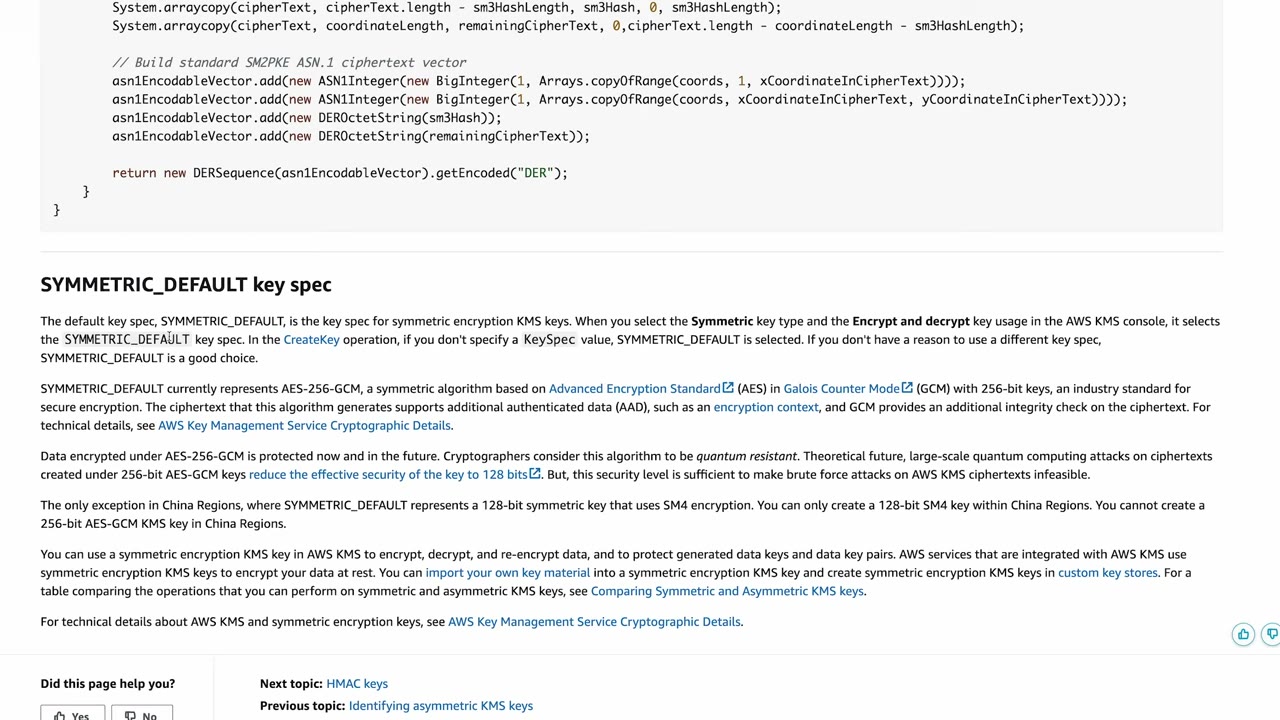
SYMMETRIC_DEFAULT = AES-256-GCM: AES in Galois/Counter Mode with 256-bit keys, an industry standard. ▶ #65 07:01 Ciphertext supports additional authenticated data (AAD) such as an encryption context, and GCM adds an integrity check. AES-256-GCM is considered quantum resistant (effective security drops to 128 bits, still infeasible to brute-force). Symmetric keys can have imported key material and can live in custom key stores.
The create-key wizard ▶ #65 00:51
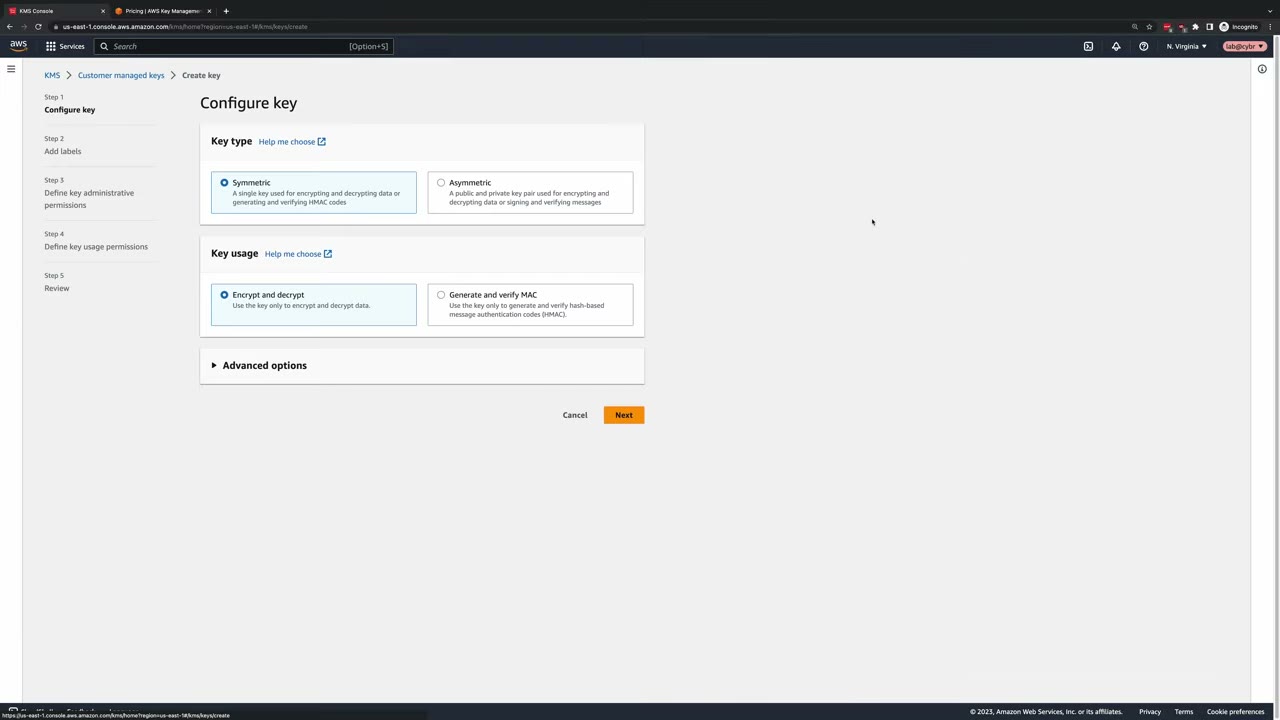
- Region first: a single-Region key lives in the Region selected in the console, and that “can’t be changed once it’s created”. Check the Region selector (demo: N. Virginia, us-east-1). ▶ #65 00:32
- Key type: Symmetric (one key encrypts and decrypts, or generates/verifies HMAC) vs Asymmetric (public/private pair for encrypt/decrypt or sign/verify). Many AWS services that integrate with KMS require symmetric encryption keys. ▶ #65 00:51
- Key usage: Encrypt and decrypt (default) or Generate and verify MAC (HMAC only). ▶ #65 01:10
- Key material origin (Advanced options): ▶ #65 01:31
| Origin | Who creates/holds the key material |
|---|---|
| KMS (recommended, default) | AWS KMS creates and manages it |
| External (Import key material) | You generate it yourself (e.g. on your own computer) and import it |
| AWS CloudHSM key store | KMS creates it inside your CloudHSM cluster (extra CloudHSM cost) |
| External key store | It stays in an external key manager outside AWS. It is not imported: KMS calls out to it |
- Regionality: single-Region vs multi-Region. Multi-Region costs $1/month per key per Region (N Regions = N dollars a month, which adds up with hundreds of keys), and copies in several Regions make compliance, access control and auditing harder. The demo keeps single-Region. ▶ #65 02:40
- Labels: alias = display name (demo
cybr-key-example). Fill in description and tags for real keys. ▶ #65 03:20 - Key administrative permissions (“very important”): who can administer the key through the KMS API and console. Demo: user Kristoff, with Allow key administrators to delete this key left checked. ▶ #65 03:40
- Key usage permissions: who may use the key in cryptographic operations. A user can need usage rights without admin rights. Demo: user Julia. ▶ #65 04:00
- Other AWS accounts: add an account ID. That account’s administrators can then grant their own users/roles use of the key. ▶ #65 04:21
The generated key policy ▶ #65 04:38
- The account root principal gets
kms:*on*: full access, which delegates to IAM. ▶ #65 04:48 - Key administrator Kristoff gets the admin actions (Create*, Describe*, Enable*, List*, Put*, Update*, Revoke*, Disable*, Get*, Delete*, TagResource, UntagResource, ScheduleKeyDeletion, CancelKeyDeletion…).
- Key user Julia gets
kms:Encrypt,kms:Decrypt,kms:ReEncrypt*,kms:GenerateDataKey*,kms:DescribeKey: all usage actions. ▶ #65 05:01 - Julia also gets
kms:CreateGrant,kms:ListGrants,kms:RevokeGrantfor attaching persistent resources, with"Bool": {"kms:GrantIsForAWSResource": "true"}. ▶ #65 05:22 That condition lets integrated AWS services (e.g. EBS) create grants on Julia’s behalf, but stops Julia from creating arbitrary grants directly. ▶ #65 05:40
{
  "Version": "2012-10-17",
  "Id": "key-consolepolicy-3",
  "Statement": [
    { "Sid": "Enable IAM User Permissions", "Effect": "Allow",
      "Principal": { "AWS": "arn:aws:iam::111122223333:root" },
      "Action": "kms:*", "Resource": "*" },
    { "Sid": "Allow access for Key Administrators", "Effect": "Allow",
      "Principal": { "AWS": "arn:aws:iam::111122223333:user/Kristoff" },
      "Action": ["kms:Create*","kms:Describe*","kms:Enable*","kms:List*","kms:Put*","kms:Update*",
                 "kms:Revoke*","kms:Disable*","kms:Get*","kms:Delete*","kms:TagResource","kms:UntagResource",
                 "kms:ScheduleKeyDeletion","kms:CancelKeyDeletion"],
      "Resource": "*" },
    { "Sid": "Allow use of the key", "Effect": "Allow",
      "Principal": { "AWS": "arn:aws:iam::111122223333:user/Julia" },
      "Action": ["kms:Encrypt","kms:Decrypt","kms:ReEncrypt*","kms:GenerateDataKey*","kms:DescribeKey"],
      "Resource": "*" },
    { "Sid": "Allow attachment of persistent resources", "Effect": "Allow",
      "Principal": { "AWS": "arn:aws:iam::111122223333:user/Julia" },
      "Action": ["kms:CreateGrant","kms:ListGrants","kms:RevokeGrant"],
      "Resource": "*",
      "Condition": { "Bool": { "kms:GrantIsForAWSResource": "true" } } }
  ]
}
After creation: the left menu has Customer managed keys and AWS managed keys. The key page shows the ARN
(arn:aws:kms:us-east-1:<account>:key/<key-id>), status Enabled, Regionality Single Region, and tabs Key policy,
Cryptographic configuration, Tags, Key rotation, Aliases. ▶ #65 06:10 Cryptographic configuration: Key Type
Symmetric, Origin AWS KMS, Key Spec SYMMETRIC_DEFAULT, Key Usage Encrypt and decrypt. ▶ #65 06:40 The (i)
link opens the docs page Selecting the key spec. ▶ #65 06:52
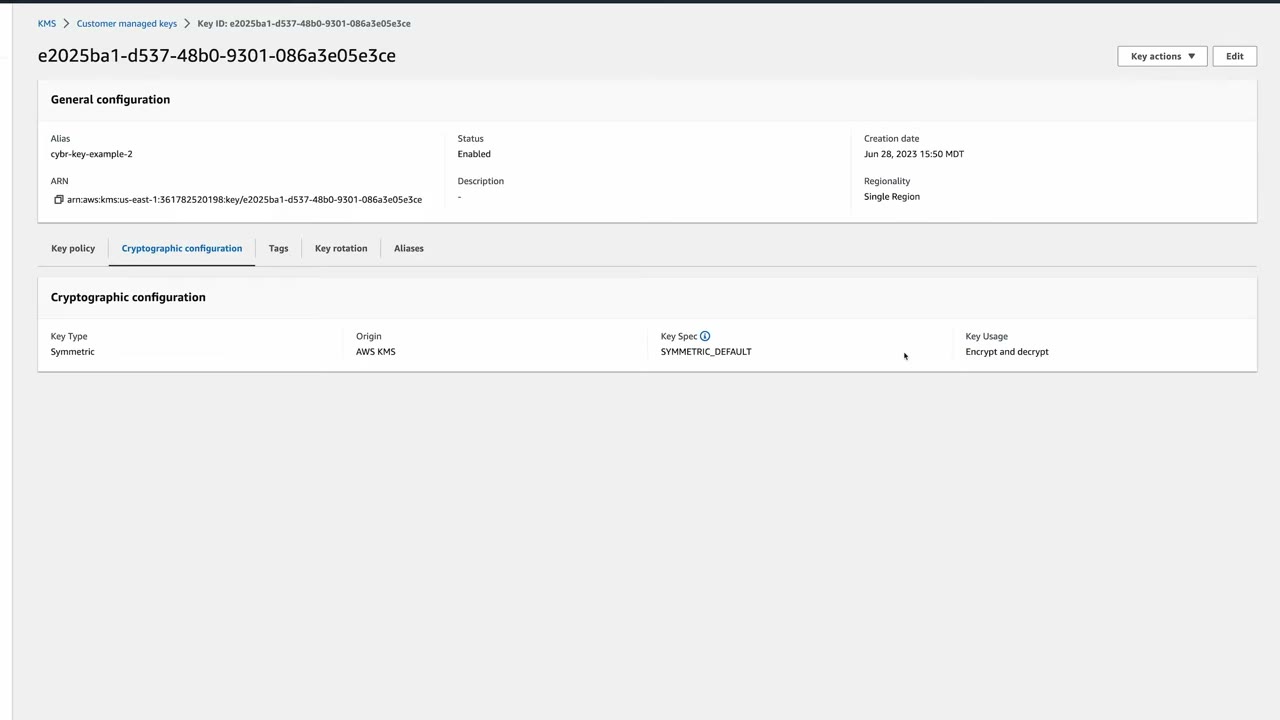
- Check the Region selector (us-east-1) → KMS console → Create a key.
- Key type Symmetric, key usage Encrypt and decrypt, Advanced options: origin KMS, Single-Region key → Next.
- Alias
cybr-key-example(no description/tags) → Next. - Key administrators: Kristoff. Keep Allow key administrators to delete this key checked → Next.
- Key users: Julia. Optionally add other AWS accounts → Next.
- Review the key policy → Finish.
- Open the key → check the ARN, Cryptographic configuration (SYMMETRIC_DEFAULT) and the Key rotation tab (yearly automatic rotation toggle). ▶ #65 07:21
- Key actions → Schedule key deletion → waiting period 7 days → confirm → status Pending deletion. ▶ #65 08:20
Pricing ▶ #65 00:00
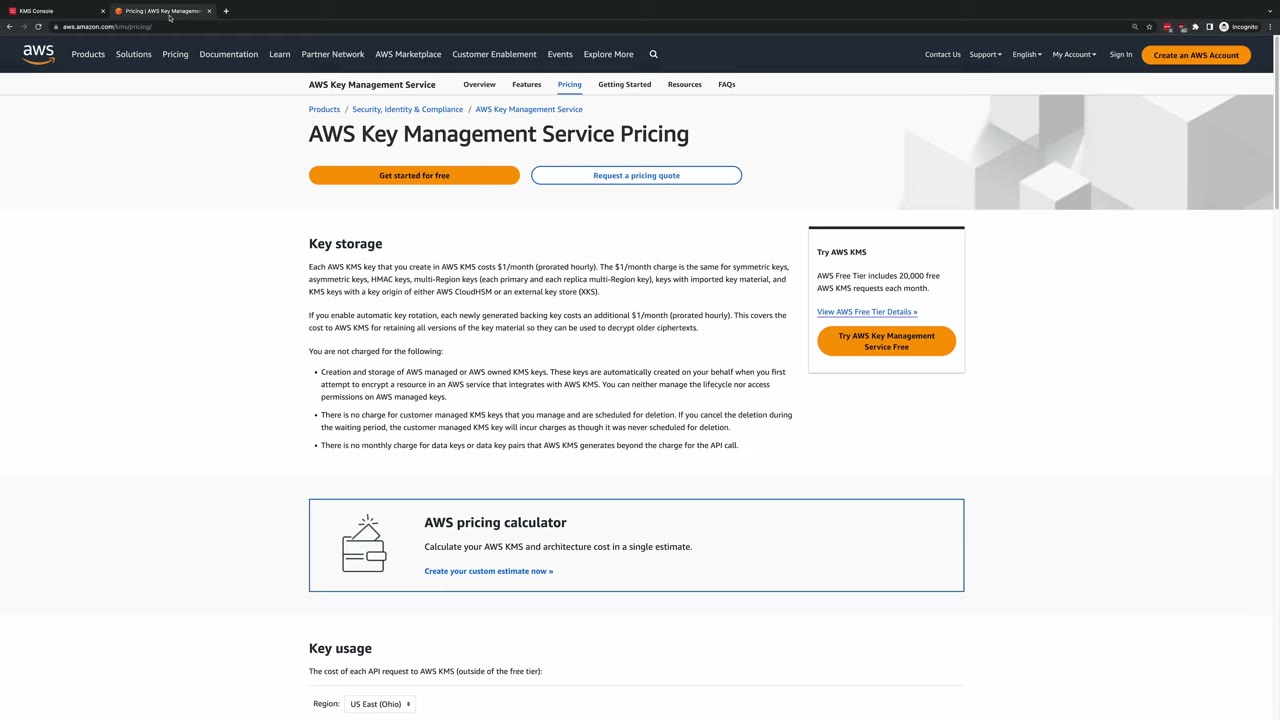
- $1/month per customer managed key, prorated hourly. Create and quickly delete a key and you pay cents (the instructor estimates about 23 cents, matching ~7 days at $1/month).
- The same $1/month applies to symmetric, asymmetric, HMAC, multi-Region (each primary and each replica), imported-material keys, and keys in CloudHSM or external key stores (XKS).
- Rotation charge: the pricing page in the video says each newly generated backing key adds $1/month (prorated), to cover keeping old material for decrypting older ciphertext. See the update box below for current pricing.
- Free: AWS managed and AWS owned keys, customer managed keys pending deletion (if you cancel, it is billed as if never scheduled), and data keys / data key pairs beyond the API call.
- Free tier: 20,000 KMS requests per month. Then ~$0.03 per 10,000 requests.
Quotas: request rate quotas are per account and Region, shared by symmetric cryptographic operations (roughly
5,500–100,000 req/s depending on Region and operation). ThrottlingException on S3 → enable S3 Bucket Keys, use
data key caching, or request a quota increase.
Controlling access: key policies, IAM policies and grants
Three mechanisms control access to a key: key policies, IAM policies and grants. ▶ #61 02:50
| Key policy | IAM policy | Grant | |
|---|---|---|---|
| Kind | Resource-based, attached to one key | Identity-based | Programmatic delegation on one key |
| Scope | Exactly one key policy per key ▶ #61 03:12 | Many keys at once, and operations not tied to a key ▶ #61 04:01 | One key per grant ▶ #61 04:30 |
| Typical use | Who can administer/use this key | kms:CreateKey, broad role permissions |
Temporary access, AWS services (EBS, RDS) |
| Can deny | Yes | Yes | No ▶ #61 04:30 |
Key policies ▶ #61 02:50
- Resource-based policies define who can access a resource and how. Identity-based policies define what a user can access. ▶ #61 03:01
- IAM policies grant access to a key only if the key policy lets the account delegate:
"Principal": {"AWS": "arn:aws:iam::<acct>:root"}withkms:*. Remove that statement and IAM policies stop working for that key, even for admins. Unlike most resources, the key policy is always required. - Key policy lockout: if no statement grants anyone admin access, only AWS Support can recover the key.
IAM policies ▶ #61 03:20
- Can control any KMS operation, including ones not tied to a key.
kms:CreateKeycan only be controlled by IAM, because the key doesn’t exist yet. ▶ #61 03:31 - Can cover multiple keys at once and grant permissions for operations of several related services. ▶ #61 04:01
Grants ▶ #61 04:10
- Let AWS principals use keys in cryptographic operations. Flexible, often for temporary permissions, and mostly used by AWS services (EBS, RDS). ▶ #61 04:10
- Create a grant, use it and delete it without changing key or IAM policies. ▶ #61 04:30 API:
CreateGrant,RetireGrant,RevokeGrant. - Grants never expire on their own: retire or revoke them, and set a timeline or conditions for retirement whenever you create one. ▶ #61 04:40
- Grants are eventually consistent, so use a grant token to use a grant immediately. A grant can name a principal in another account.
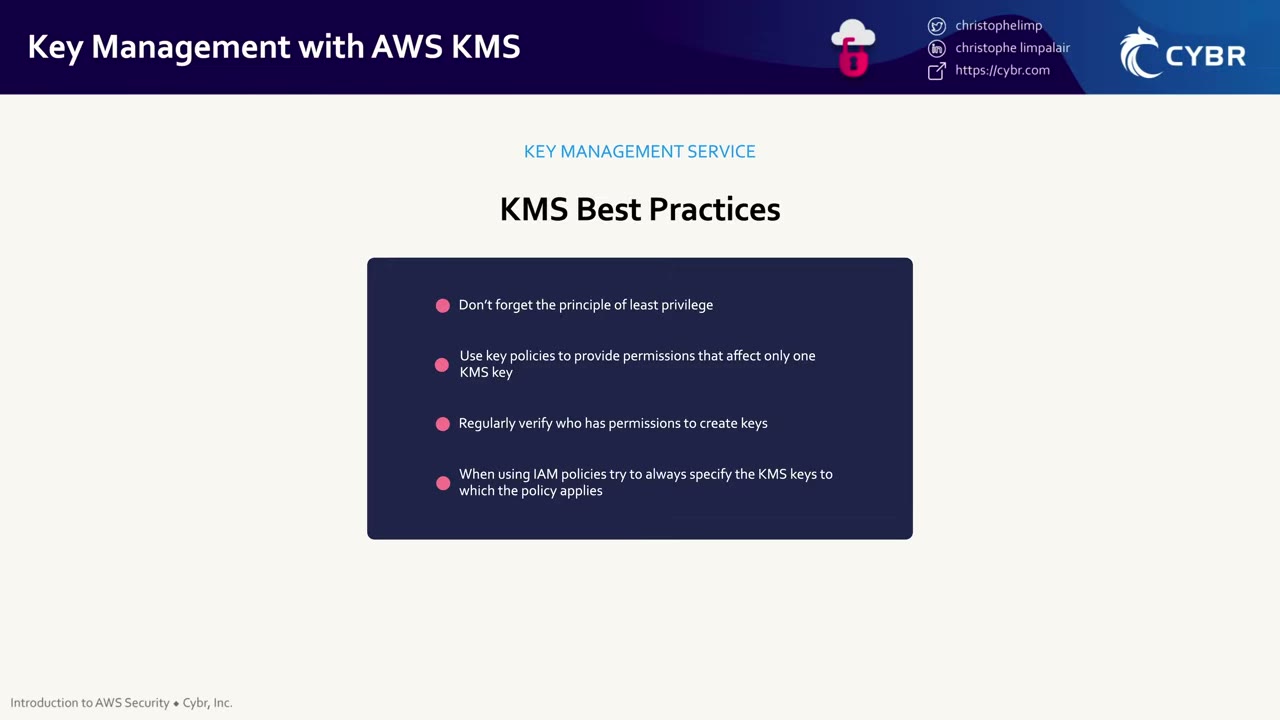
Best practices ▶ #61 05:10
- Least privilege: only the permissions needed. ▶ #61 05:10
- Use key policies for permissions that affect only one key. ▶ #61 05:20
- Be careful who can create keys, and regularly verify who has that permission. ▶ #61 05:31
- In IAM policies, name the key ARNs. If that’s hard, limit scope by other values such as account or Region. ▶ #61 05:41
Useful condition keys
| Condition key | Use |
|---|---|
kms:ViaService |
Key usable only through a given service, e.g. s3.eu-west-1.amazonaws.com |
kms:CallerAccount |
Restrict the calling account |
kms:EncryptionContext:<key> |
Require a specific encryption context |
kms:GrantIsForAWSResource |
Let integrated services (EBS/RDS) create grants on a user’s behalf while blocking ad-hoc grants |
kms:RequestAlias / kms:ResourceAliases |
Control access by alias (see Aliases) |
kms:KeySpec |
Restrict which key specs can be created |
aws:PrincipalOrgID |
Share a key org-wide safely |
Encryption context: a non-secret key/value pair used as additional authenticated data (AAD). It must match exactly on decrypt and is logged in plaintext in CloudTrail, so never put secrets in it. Use it to bind ciphertext to a resource and to scope policies. It becomes the “for what purpose” audit field.
Envelope encryption: Encrypt handles at most 4 KB of plaintext. For bigger data:
- Call
GenerateDataKey. It returns a plaintext data key + the same key encrypted under the KMS key. - Encrypt the data locally with the plaintext key.
- Discard the plaintext key and store the encrypted one with the data.
GenerateDataKeyWithoutPlaintext is for components that only store keys.
Key lifecycle: states, rotation and deletion
A poorly managed key can make data inaccessible. ▶ #62 00:12 The lifecycle from the AWS docs diagram: ▶ #62 00:22
| # | State | Meaning |
|---|---|---|
| 1 | Creation | Key created, initial material generated ▶ #62 00:32 |
| 2 | Enabled | Usable for cryptographic operations ▶ #62 00:40 |
| 3 | Rotation | New material generated, backward compatible ▶ #62 00:40 |
| 4 | Disabled | Unusable but re-enable any time, not deleted ▶ #62 00:50 |
| 5 | Pending deletion | Scheduled, waiting period min 7 days, default 30 ▶ #62 01:01 |
| 6 | Deleted | Permanent: cannot be recovered, not even by contacting AWS, and nor can the data encrypted with it ▶ #62 01:10 |
Disabled ▶ #62 04:11
- Temporarily prevents use without deleting. Useful before deletion to make sure nobody depends on the key.
- Any use fails with an error. Set a CloudWatch alarm on attempted uses to see who still uses it.
- Re-enable any time: immediately available, no waiting period. ▶ #62 04:41
- Disabling a key used by EBS/RDS: running resources may continue until restart/reattach and then fail. Find consumers first (CloudTrail
Decryptcalls with that key ID).
Rotation
Rotation limits how much data is encrypted under one version of key material, reducing the impact of a compromise. ▶ #62 04:51 Three types: automatic, on-demand, manual. ▶ #62 05:10
| Automatic | On-demand | Manual | |
|---|---|---|---|
| For | Customer managed symmetric keys with AWS-generated material ▶ #62 05:20 | Same keys (and since 2025 single-Region imported-material keys) | Everything else |
| Schedule | Yearly by default, configurable 90–2,560 days | Immediately (RotateKeyOnDemand), up to 25 per key ▶ #62 06:40 |
When you choose |
| Key ID / ARN / alias | Same ▶ #62 05:31 | Same | New key, re-point the alias |
| Effect on automatic schedule | n/a | Doesn’t disable or interfere with it ▶ #62 06:40 | n/a |
- KMS keeps all previous material versions indefinitely inside the same key, so existing ciphertext needn’t be re-encrypted. On decrypt, KMS picks the right version automatically. Transparent to applications. ▶ #62 05:52 That is why rotation never breaks encrypted data. ▶ #62 08:20
- Rotation does not re-encrypt existing data and does not rotate data keys already generated. To limit the blast radius of a leaked data key, re-encrypt the data.
- AWS managed keys rotate automatically every year. This can’t be disabled or changed. ▶ #62 06:20
- On-demand is for a security event or a compliance need. ▶ #62 06:51
GetKeyRotationStatus/ListKeyRotationsshow config and history. CloudTrail showsRotateKey(AWS-initiated) /RotateKeyOnDemand.
Manual rotation ▶ #62 07:21
- Create a new KMS key.
- Update apps to encrypt with it, ideally by re-pointing an alias (
UpdateAlias) so code doesn’t change. - Keep the old key enabled to decrypt old data.
- Once old data is migrated or no longer needed, schedule the old key for deletion.
Required for asymmetric keys, HMAC keys, keys in custom key stores, and keys with imported material (including multi-Region imported keys). ▶ #62 08:01 Since 2025 KMS also supports on-demand rotation of symmetric keys with imported material (single-Region only when #66 was recorded, and you supply new material every time), but the alias-swap answer is still valid.
Deletion
- Deleting a key makes all data encrypted with it permanently inaccessible: the same as deleting that data. ▶ #62 08:52
- So there is a mandatory waiting period of 7–30 days (default 30) during which you can reverse it. ▶ #62 09:10 AWS doesn’t let you delete a key immediately “for fear that customers would accidentally delete a key”. ▶ #65 00:12
- In pending deletion the key can’t decrypt, can’t be enabled, can’t be rotated, but you can cancel any time (
CancelKeyDeletion, then re-enable). ▶ #62 09:31 - After the period KMS deletes the key: permanent and irreversible. ▶ #62 09:51
- Prefer disabling (
DisableKey, reversible) first and alarm on attempted use. - Crypto-shred quickly: 7-day deletion, or for imported material delete the material (immediate).
- Multi-Region keys: a primary can’t be deleted until its replicas are. Each replica has its own waiting period.
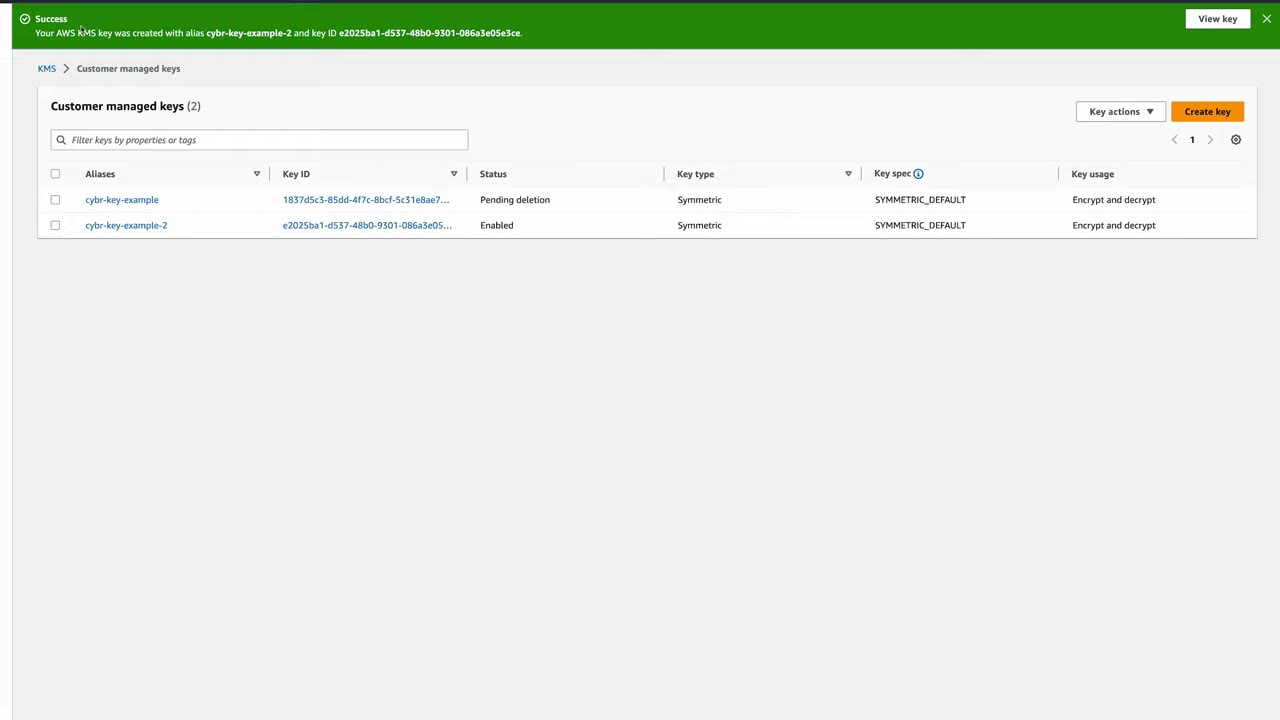
Monitoring the lifecycle: state changes are logged in CloudTrail. Use it as the data source → CloudWatch
metrics and alarms → SNS for keys entering pending deletion, keys disabled, failed attempts to use a
disabled or deleted key, and rotation events. ▶ #62 10:11 In practice: a CloudTrail trail → CloudWatch Logs metric
filter { $.eventSource = kms.amazonaws.com && ($.eventName = DisableKey || $.eventName = ScheduleKeyDeletion) } →
alarm → SNS, or an EventBridge rule on aws.kms events (KMS CMK Rotation, KMS CMK Deletion, KMS Imported Key Material Expiration) and CloudTrail API calls.
Likely exam scenarios ▶ #62 10:51
- “Temporarily stop encrypting new data but still decrypt existing data” → a disabled key can’t decrypt either. Don’t disable: deny
kms:Encrypt/GenerateDataKey*in the key policy while allowingkms:Decrypt, or point apps at a new key. - Minimum waiting period before deletion → 7 days.
- Data encrypted with an old version after rotation → still decryptable; KMS uses the stored older material.
Aliases
Key IDs (UUIDs) aren’t user-friendly. An alias is a friendly name like alias/database-key or
alias/app-encryption-key that points to one key. ▶ #64 00:11
Why use them
- Simpler code: reference the alias instead of hard-coding a key ID that might change or that nobody recognizes. ▶ #64 00:32
- Re-point an alias to a different key to change the key apps use, without redeploying code (manual rotation). ▶ #64 00:40
- Multi-Region architectures: create the same alias name in each Region, each pointing to a Region-specific key, for Region-independent code. ▶ #64 01:00
How they work ▶ #64 01:21
- Aliases are independent AWS resources with their own ARNs, not properties of keys. Actions on an alias don’t affect the key.
- An alias is a pointer: create, update (re-point) or delete it without touching the key. ▶ #64 01:42
- One alias → exactly one key at a time, in the same account and Region. ▶ #64 01:50 One key → many aliases. ▶ #64 02:10
- Names must start with
alias/and can’t start withalias/aws/. Alias changes are eventually consistent (up to ~5 min). - Aliases are not replicated with multi-Region keys. Create them in each Region.
AWS managed key aliases ▶ #64 02:20
- AWS creates aliases for the AWS managed keys of services you’ve used, always
aws/<service>, a reserved namespace:aws/s3,aws/dynamodb,aws/rds,aws/sns,aws/ebs… - You can’t create, update or delete AWS managed keys or their aliases, and you can’t attach your own aliases to AWS managed keys. ▶ #64 02:50
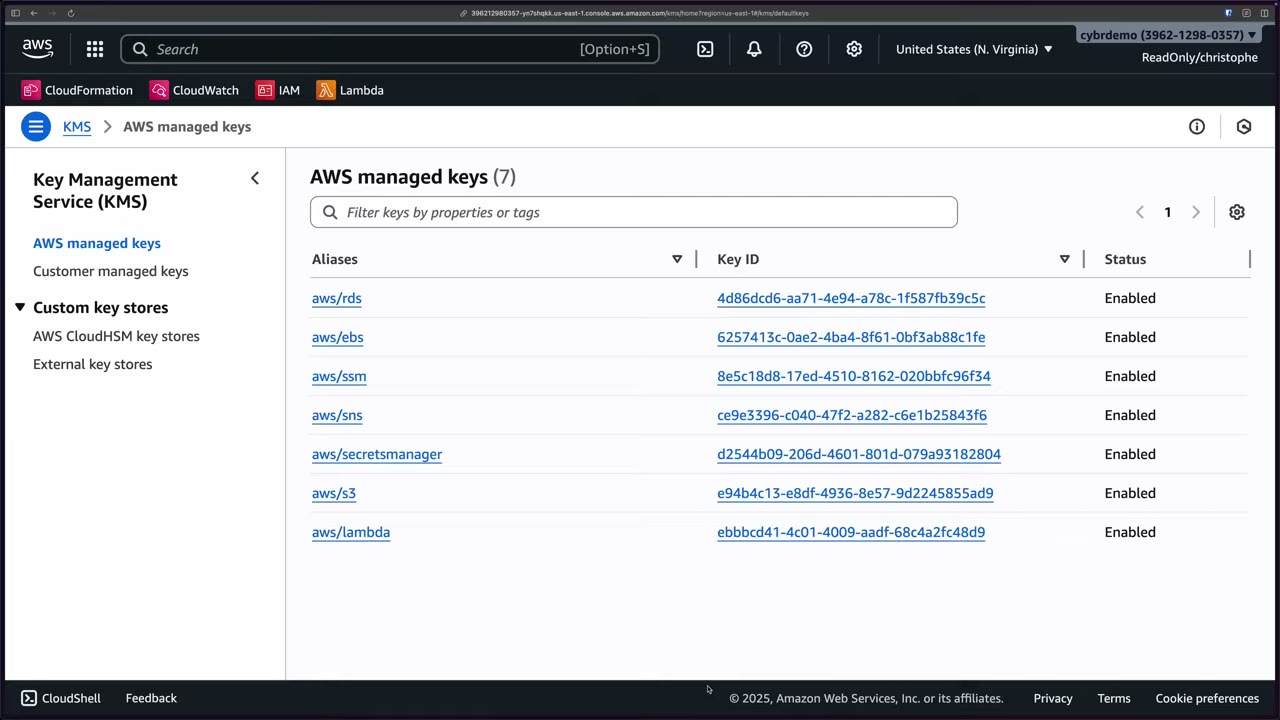
Using aliases in operations ▶ #64 03:12
# key ID
aws kms encrypt --key-id 1234abcd-12ab-34cd-56ef-1234567890ab --plaintext fileb://data.txt
# alias
aws kms encrypt --key-id alias/app-encryption-key --plaintext fileb://data.txt
- Not accepted by every operation. Many management operations need the key ID or ARN:
EnableKey,DisableKey,ScheduleKeyDeletion. ▶ #64 03:21 - Alias names don’t work for a key in another account. ▶ #64 03:50 The alias ARN (
arn:aws:kms:us-east-1:111111111111:alias/app-key) does work for cryptographic operations. UpdateAliasneeds permissions on the alias and both the old and new keys. Re-pointing doesn’t re-encrypt: ciphertext embeds the key ID, so keep the old key enabled.
Aliases and IAM authorization ▶ #64 03:50
- You can’t use alias names or alias ARNs as the
Resourcein an IAM policy to grant access to a key. That policy applies to the alias resource itself (e.g.kms:CreateAlias/UpdateAlias), not the key. - To control key access by alias, use condition keys: ▶ #64 04:21
| Condition key | Matches on | Operator |
|---|---|---|
kms:RequestAlias |
The alias used in the request (only if the caller actually passed it) | Single-valued: StringEquals |
kms:ResourceAliases |
All aliases associated with the key, even if not in the request | Multi-valued: ForAnyValue: |
{
  "Effect": "Allow",
  "Action": ["kms:Decrypt", "kms:GenerateDataKey"],
  "Resource": "arn:aws:kms:*:111111111111:key/*",
  "Condition": {
    "ForAnyValue:StringEquals": {
      "kms:ResourceAliases": "alias/finance-key"
    }
  }
}
- Alias-based ABAC: lock down who can
CreateAlias/UpdateAlias, otherwise someone can grant themselves access by adding an alias. Tag-based alternative:aws:ResourceTag/....
Likely exam scenarios ▶ #64 05:00: rotate keys without updating application code → re-point the alias. Region-independent encryption logic → same alias name in each Region. ▶ #64 05:10
Cross-account access and multi-Region keys
Cross-account access
Scenario: resources in one account must encrypt/decrypt with a key in another account. ▶ #63 00:12 Both are required, otherwise AccessDenied: ▶ #63 00:20
- A key policy in the owner account granting the external account or specific principals in it.
- An IAM policy in the external account allowing its users/roles to use the key (
kms:Decryptetc. on the key ARN).
Both accounts explicitly agree to the access. ▶ #63 00:51 Example: Account A owns the key, Account B needs it. The key policy in A grants B, and IAM in B grants specific users/roles. ▶ #63 01:02
- Only customer managed keys work cross-account.
- The caller must use the full key ARN (or alias ARN).
- Granting
arn:aws:iam::222222222222:rootin the key policy delegates to Account B’s admins, who decide via IAM which principals get it. In a key policy"Resource": "*"means “this key”.
Key policy statement in Account A (111111111111):
{
  "Sid": "AllowAccountBUseOfTheKey",
  "Effect": "Allow",
  "Principal": {"AWS": "arn:aws:iam::222222222222:root"},
  "Action": [
    "kms:Encrypt",
    "kms:Decrypt",
    "kms:ReEncrypt*",
    "kms:GenerateDataKey*",
    "kms:DescribeKey"
  ],
  "Resource": "*"
}
IAM policy attached to a role in Account B (222222222222):
{
  "Version": "2012-10-17",
  "Statement": [{
    "Effect": "Allow",
    "Action": [
      "kms:Encrypt",
      "kms:Decrypt",
      "kms:ReEncrypt*",
      "kms:GenerateDataKey*",
      "kms:DescribeKey"
    ],
    "Resource": "arn:aws:kms:us-east-1:111111111111:key/1234abcd-12ab-34cd-56ef-1234567890ab"
  }]
}
Multi-Region keys
- Purpose: encrypt in one Region, decrypt in another. A normal key is Region-specific: data encrypted with a us-east-1 key must be decrypted in us-east-1. ▶ #63 01:31
- Functionally identical keys in multiple Regions. Main use case: disaster recovery and continuity. If us-east-1 is down and your only key is there, you can’t decrypt. ▶ #63 01:52
- Structure: a primary key in one Region, then replica keys (
mrk-prefix) in others. ▶ #63 02:12
| Shared by primary and replicas | Independent per key |
|---|---|
| Same key ID, so apps use one ID in any Region ▶ #63 02:22 | Key policy, grants, aliases, tags ▶ #63 02:40 |
| Same key material, which makes cross-Region decrypt possible ▶ #63 02:31 | Enable / disable / delete state ▶ #63 03:01 |
| Rotation (set on the primary, syncs) | ARN (differs by Region) |
- Per-key settings give fine-grained per-Region control, but more management and auditing complexity. ▶ #63 02:40
- Disable, enable or delete replicas independently. Deleting a replica doesn’t affect the primary or other replicas. Promote a replica to primary (
UpdatePrimaryRegion); only one primary at a time. ▶ #63 03:01 - They are not a “global” key: they are separate resources that replicate the key only, not data. ▶ #63 03:31
- Multi-Region is chosen at creation: a single-Region key can’t be converted. Still not exportable.
- Use cases: DynamoDB global tables / S3 CRR with client-side encryption, active-active apps, signing in several Regions. For S3 Replication with SSE-KMS you don’t need them: S3 re-encrypts with a destination-Region key you specify.
- Cost: each replica is billed as a separate key ($1/month).
Imported key material and custom key stores
In Create key → Advanced options → Key material origin there are four origins: KMS – recommended, External (Import key material), AWS CloudHSM key store, External key store (XKS). ▶ #66 00:21 KMS is by far the easiest and the recommended option. ▶ #66 00:52 Know the other three for the exam “even if you never plan on using the others on the job”. ▶ #66 01:00
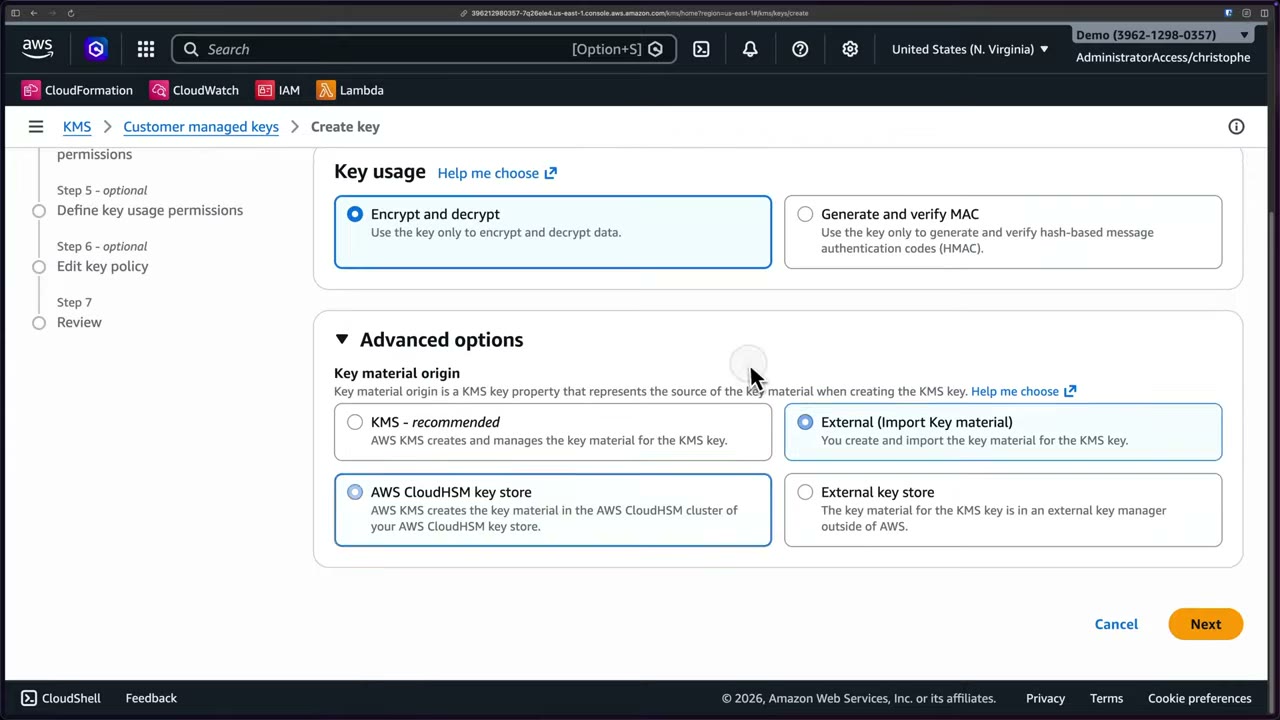
The 2026 console wizard also has optional steps for admin permissions, usage permissions and Edit key policy before Review, and the asymmetric option now mentions “deriving shared secrets” (key agreement).
Imported key material (BYOK)
KMS creates the key object (metadata, key ID, ARN, policies…) but doesn’t generate the cryptographic bits: you import them. ▶ #66 01:11
- KMS creates the key with origin
EXTERNALin a disabled state, more precisely Pending import, because it has no material. ▶ #66 01:40 - You download a public wrapping key and an import token (valid 24 hours), which protect the material during import. ▶ #66 01:50
- You generate the 256-bit material locally and wrap it with the public wrapping key. ▶ #66 02:00
- You upload the wrapped material with the import token. ▶ #66 02:10
- You choose whether the material is permanent or expires at a set time. ▶ #66 02:10
CLI: create-key --origin EXTERNAL → get-parameters-for-import (e.g. RSA_AES_KEY_WRAP_SHA_256, RSA_4096) → wrap
with OpenSSL → import-key-material --expiration-model KEY_MATERIAL_DOES_NOT_EXPIRE|KEY_MATERIAL_EXPIRES.
- At expiry, or after
DeleteImportedKeyMaterial(immediate, no waiting period), the key becomes unusable at once (PendingImport). Restore it by re-importing the same material. ▶ #66 02:20 - Pro tip: CloudWatch alarms before expiration ▶ #66 02:33: metric
SecondsUntilKeyMaterialExpiration(namespaceAWS/KMS) and the EventBridge event “KMS Imported Key Material Expiration”. - You own durability (keep a copy). Imported material can’t be extracted. Different material can never be imported into the same key, except via the 2025 rotation feature.
- Use cases: compliance requires generating keys in your own infrastructure, or identical keys in AWS and on-premises. ▶ #62 03:31
- Imported material doesn’t support automatic rotation. ▶ #62 03:42 It supports on-demand rotation (same key ID and ARN), at recording time only for single-Region keys, and you must supply new material for every rotation. ▶ #66 02:40
- On-demand ≠ manual rotation: on-demand keeps the same key ID; manual = a completely new key (new ID), usually by re-pointing an alias. ▶ #66 03:10
| Imported material | AWS-generated material | |
|---|---|---|
| Generation | You | AWS KMS |
| Expiry | You can set one | None |
| Immediate deletion | Yes (DeleteImportedKeyMaterial) |
No (7–30 day wait) |
| Durability | You | AWS |
| Automatic rotation | No | Yes |
AWS CloudHSM key store
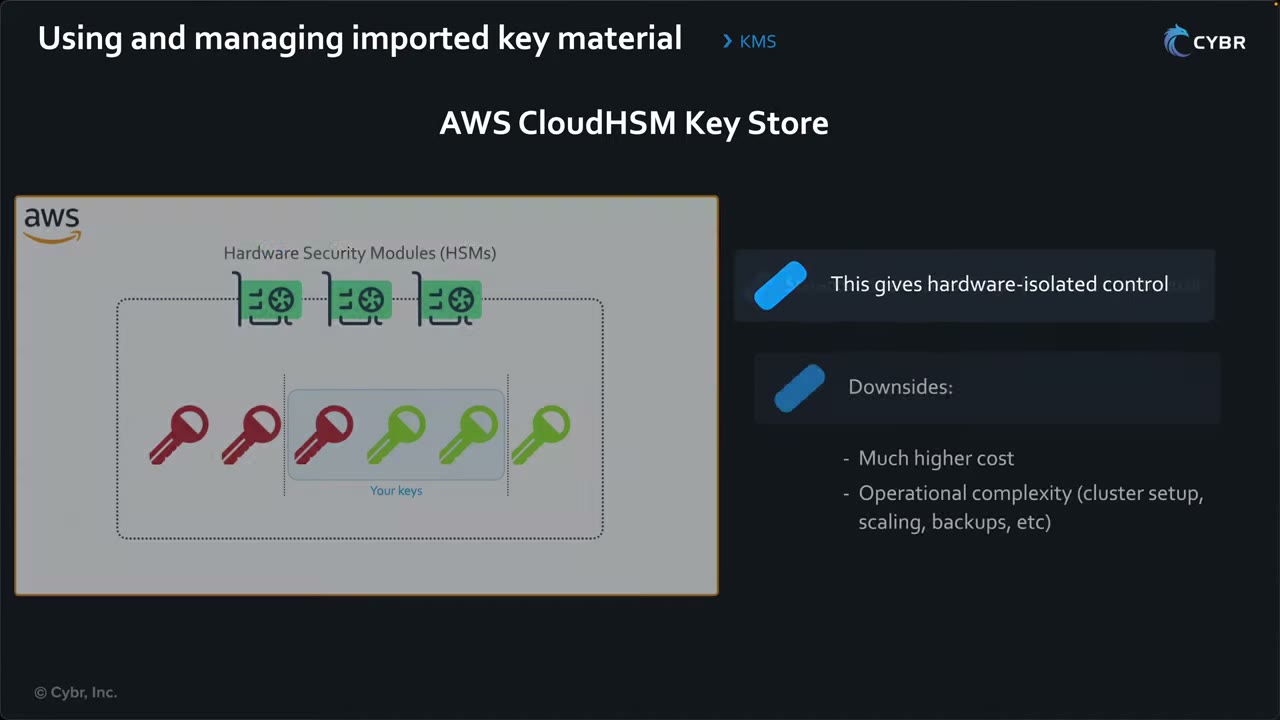
- KMS still generates the material, but creates and stores it inside your CloudHSM cluster in your VPC. Crypto operations run in your HSMs. ▶ #66 03:31
- Requires ≥2 active HSMs in different AZs. Symmetric encryption keys only, no automatic rotation.
- Benefit: hardware-isolated control (single-tenant HSMs). ▶ #66 03:50
- Downsides: much higher cost (~$1.45+/HSM-hour × 2) and operational complexity: you set up the cluster, scaling, backups, and run the HSMs. ▶ #66 04:01
- Exam keywords: “customer-managed HSM”, “dedicated cryptographic hardware on AWS”. ▶ #66 04:11 If the question says on-prem, think XKS, not CloudHSM. ▶ #66 04:31
External key store (XKS, HYOK)
- Goes further: the key material never leaves your environment. Keys are generated and stored in your own HSM / external key manager outside AWS, reached through an XKS proxy that you provide. ▶ #66 05:02
- The proxy can run on-prem, or in a VPC behind a Network Load Balancer, linked to the external key manager over Direct Connect (or the internet). ▶ #66 05:10
- Flow: the key is generated in the external manager → KMS sends requests (encrypt, decrypt…) over a secure channel → the external manager enforces its own policies, logging and controls. ▶ #66 05:31 Called Hold Your Own Key (HYOK). ▶ #66 05:52
- KMS still uses double encryption (KMS HSM material + external key). Symmetric only. The external manager can revoke access at any time (kill switch).
- Availability risk: losing connectivity to the external manager means AWS can’t encrypt or decrypt, which probably means an outage. ▶ #66 06:02 You own availability, latency (KMS timeout ~250 ms per XKS call) and durability.
- Very complex. Only for strict regulatory or sovereignty requirements. ▶ #66 06:21 Usually not the answer unless the question says the key can’t be stored in the cloud or must be kept on-prem. ▶ #66 06:41
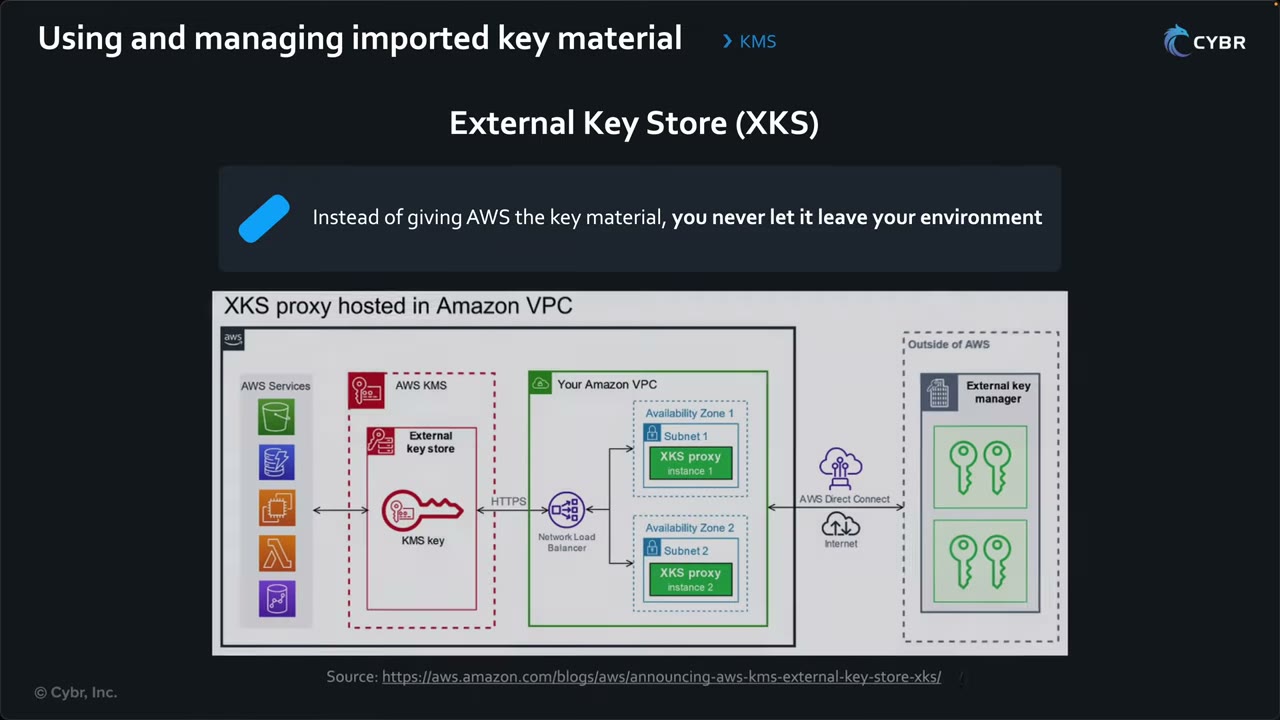
- AWS services (S3, DynamoDB, EC2, Lambda…) call AWS KMS. The KMS key lives in an external key store.
- KMS sends requests over HTTPS to a Network Load Balancer in your VPC.
- The NLB spreads them across XKS proxy instances in two AZs (subnets 1 and 2, for HA).
- The proxies reach the external key manager outside AWS over Direct Connect or the internet.
- The external key manager holds the keys and performs the cryptographic operation.
Every hop is a potential failure point, which is the availability risk. (Source: AWS blog “Announcing AWS KMS External Key Store (XKS)”.)
Choosing a key material origin
| Option | Who generates material | Where it lives | Rotation | Pick it when… |
|---|---|---|---|---|
| KMS (default) | AWS KMS | KMS HSMs | Automatic (and on-demand) | Default for almost everything, least operational overhead |
| Import (BYOK) | You | KMS (copy) + your source | On-demand (you supply material; single-Region) or manual | You must generate the material yourself, control its expiry, or delete it instantly |
| CloudHSM key store | AWS KMS, inside your cluster | Your CloudHSM cluster in a VPC | Manual only | “Customer-managed / dedicated HSM in AWS”, single-tenant hardware |
| External key store (XKS) | Your external key manager | Outside AWS | In the external manager | Key must never be stored in AWS / must stay on-prem (sovereignty) |
Monitoring keys and encryption
The exam asks how to track key usage, detect suspicious activity and ensure compliance: who used the key, when, and for what purpose. ▶ #67 00:00 “The challenge is knowing which tool to use for which scenario.” ▶ #67 00:20 Main tools: CloudTrail, CloudWatch Logs, CloudWatch alarms, EventBridge, plus AWS Config. ▶ #67 00:30
| Scenario | Tool |
|---|---|
| Who used key X, when, from where, with what encryption context; failed decrypt attempts | CloudTrail (Event history / trail → Athena / CloudTrail Lake) |
| Usage trends, spikes, most-used keys | CloudWatch metrics (+ anomaly detection) |
| Notify when a pending-deletion key is used | CloudTrail → CloudWatch Logs metric filter → alarm → SNS |
| React automatically to rotation / expiry / deletion | EventBridge → Lambda / SNS / SSM |
| Prove resources are encrypted (EBS, RDS, S3, DynamoDB, CloudTrail) and auto-fix | AWS Config managed rules + SSM Automation |
CloudTrail
- CloudTrail logs every KMS API call automatically, as management events (including Encrypt/Decrypt/GenerateDataKey). There’s no separate data-event configuration: everything is captured unless you explicitly exclude it. ▶ #67 01:01
- You can’t cherry-pick KMS events: all or nothing. ▶ #67 01:12 The only filters are excluding all KMS events from a trail (a cost lever and an audit gap) or read-only/write-only.
| You can see ▶ #67 01:20 | You cannot see ▶ #67 01:40 |
|---|---|
| Who made the call (IAM principal) | The plaintext being encrypted/decrypted |
| Which key was used | Key material and ciphertext |
| The encryption context, if provided | Key policy contents from GetKeyPolicy responses |
| Success or failure | |
| Source IP and time |
The docs page Examples of AWS KMS log entries notes that KMS writes entries when you call an operation, when an AWS
service calls one on your behalf, and when KMS calls one itself, e.g. the final DeleteKey after the waiting
period. ▶ #67 02:01
Forensic clues: errorCode: AccessDenied and KMSInvalidStateException (disabled or pending-deletion key) on Decrypt
show which app broke after a key was disabled.
CloudWatch metrics and alarms
- CloudTrail = audit trail of who did what and when. CloudWatch metrics = operational trends and usage patterns. ▶ #67 02:01
- KMS publishes metrics for key usage and health. ▶ #67 02:10 The instructor’s example is a “successful request” metric counting successful cryptographic operations per key, to find the most-used keys. ▶ #67 02:20
- Anomaly example: a key that normally does ~100 operations/hour spikes to 10,000/hour, which could mean data exfiltration or ransomware. ▶ #67 02:41 Use anomaly detection alarms. ▶ #67 02:51
- Alarm when someone uses a key pending deletion: CloudTrail → CloudWatch Logs (metric filter) → CloudWatch alarm → SNS. ▶ #67 03:01 If it fires, something still depends on the key: investigate and probably cancel the deletion. ▶ #67 03:20
- Also alert on
DisableKey,ScheduleKeyDeletion,PutKeyPolicy,CreateGrantandDeleteImportedKeyMaterial.
EventBridge
- Triggers automated responses in near real time, from events sent by CloudTrail and Security Hub CSPM. ▶ #67 03:40
- KMS events: key material rotated (automatic or on-demand), imported material expired, a key scheduled for deletion actually deleted. ▶ #67 03:50 Detail-types: “KMS CMK Rotation”, “KMS Imported Key Material Expiration”, “KMS CMK Deletion”, plus “AWS API Call via CloudTrail”.
- Targets include AWS Lambda. ▶ #67 04:00
AWS Config and other compliance tools
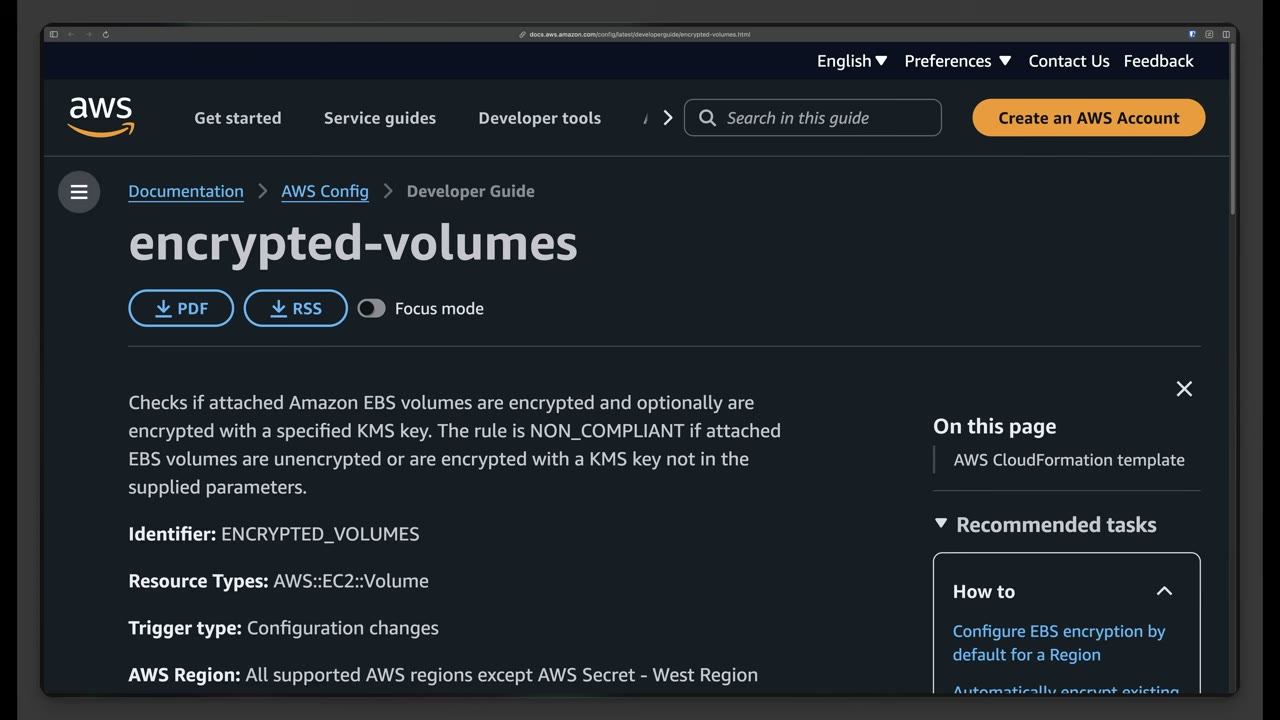
encrypted-volumes(identifierENCRYPTED_VOLUMES) checks that attached EBS volumes are encrypted, optionally with a specified KMS key. NON_COMPLIANT if unencrypted or encrypted with another key. Resource typeAWS::EC2::Volume, trigger Configuration changes. ▶ #67 04:20- AWS managed rules already cover RDS snapshot, CloudTrail, S3 bucket and DynamoDB table encryption ▶ #67 04:31:
cmk-backing-key-rotation-enabled,kms-cmk-not-scheduled-for-deletion,s3-default-encryption-kms,rds-storage-encrypted,cloud-trail-encryption-enabled,dynamodb-table-encrypted-kms. Custom rules are possible too. - Non-compliant resources can be auto-remediated with SSM Automation. Config and SSM Automation “are often hand-in-hand”. ▶ #67 04:50
- Security Hub CSPM controls KMS.1–KMS.4 (KMS.3 = no unintended deletion, KMS.4 = rotation enabled).
- IAM Access Analyzer finds keys shared outside your zone of trust.
EBS volume encryption with KMS
A scenario “the exam absolutely loves to ask about”. ▶ #68 00:00 (See also Amazon EBS encryption, Part 4.)
What gets encrypted (“this is important to remember”): ▶ #68 00:41
- Data at rest in the volume.
- All data moving between the volume and the instance.
- All snapshots created from the volume.
- All volumes created from those snapshots.
It’s transparent, done at the storage layer with AES-256-XTS, so apps need no changes. ▶ #68 01:10 No performance penalty on Nitro.
Which key and how EBS gets permission ▶ #68 01:21
- The AWS managed key
aws/ebsor a symmetric customer managed key. - EBS gets access through the key policy and a grant, which lets it generate and use data keys on your behalf. ▶ #68 01:40
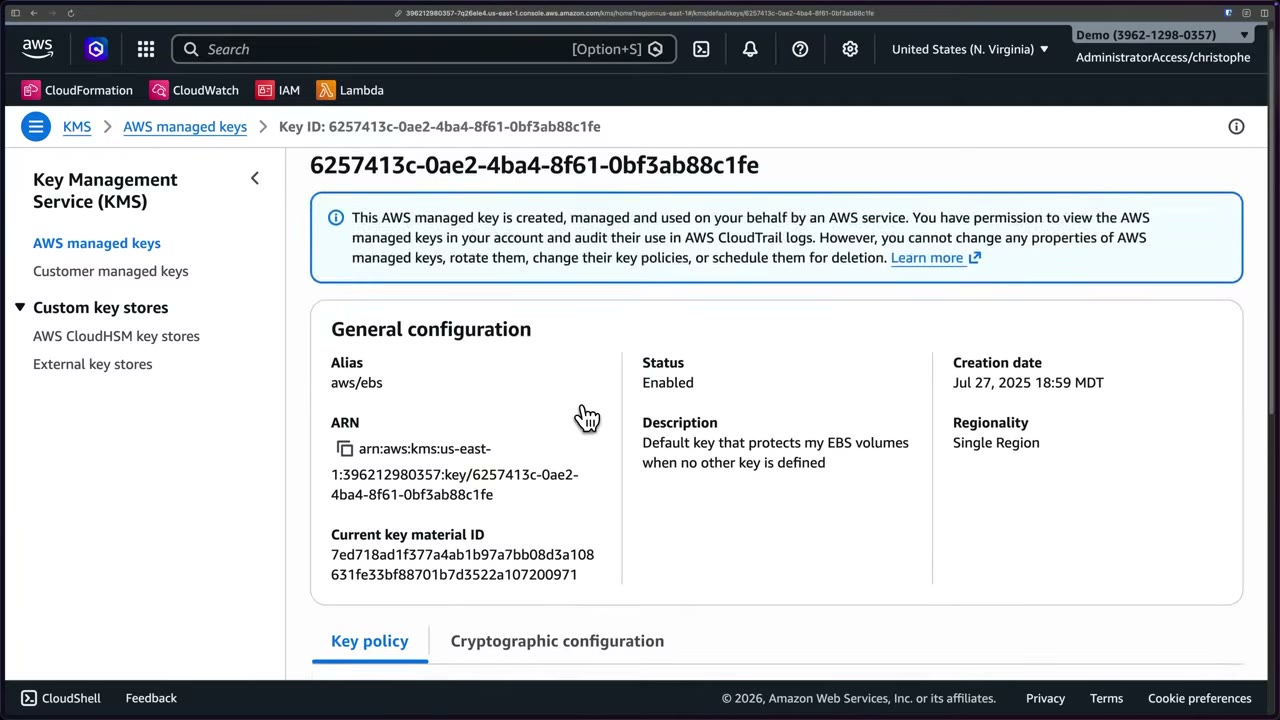
The aws/ebs key page says: “you cannot change any properties of AWS managed keys, rotate them, change their key
policies, or schedule them for deletion”. Its description is “Default key that protects my EBS volumes when no other key
is defined”. ▶ #68 01:43
EBS encryption by default
- An account-level, Regional setting. New EBS volumes and snapshot copies are encrypted automatically with your default KMS key for EBS in that Region. ▶ #68 02:11
- Enable it in each Region and in every account. ▶ #68 02:22
- Not retroactive: existing volumes and snapshots must still be encrypted separately. ▶ #68 02:30
- Changing the default key re-encrypts nothing.
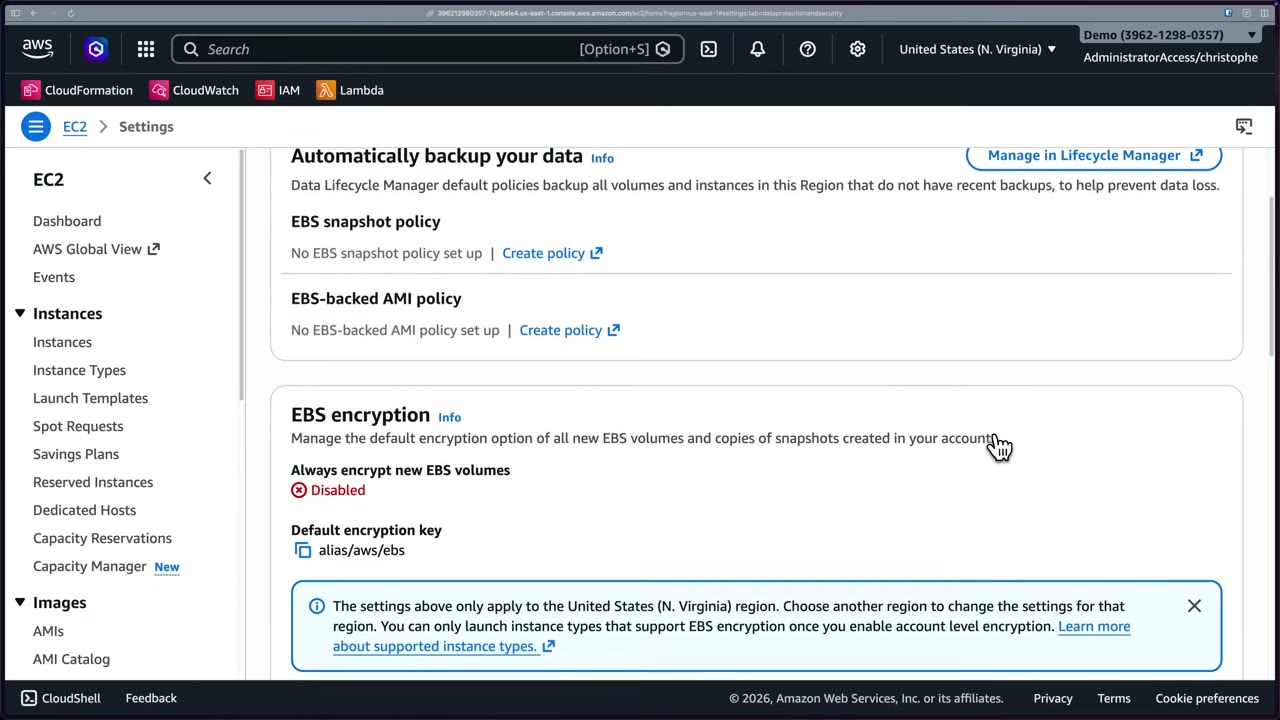
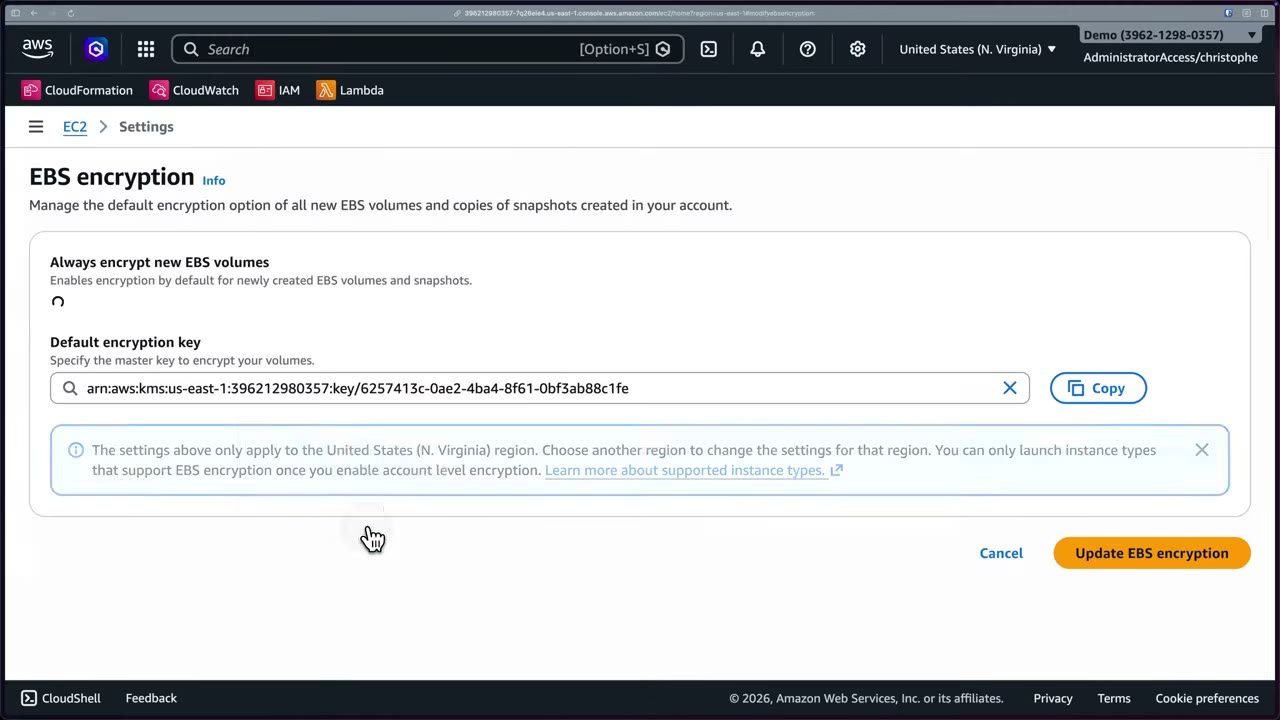
Console: EC2 → Settings → Data protection and security → EBS encryption → Manage → toggle Always encrypt new EBS
volumes, set the Default encryption key (default alias/aws/ebs, or paste a CMK ARN) → Update EBS encryption.
The banner warns that settings apply only to the current Region, and that once account-level encryption is on you can
only launch instance types that support EBS encryption.
Encrypting existing unencrypted volumes
“You can’t directly encrypt an existing unencrypted volume.” ▶ #68 02:50 Make an encrypted copy:
- Snapshot the volume. Stopping the instance isn’t required but is recommended for consistency. ▶ #68 03:01
- Copy the snapshot with encryption, specifying the KMS key. This is the step that encrypts. ▶ #68 03:10
- Create a new volume from the encrypted snapshot (encrypted automatically). ▶ #68 03:20
- Detach the old volume and attach the new one. ▶ #68 03:30
- A root volume can be swapped without technically stopping the instance, but needs a reboot: seconds to minutes of downtime. ▶ #68 03:41
- With encryption by default on, snapshot copies are encrypted automatically. ▶ #68 03:41
- Shortcut: create an encrypted volume directly from an unencrypted snapshot, or launch from an AMI with encryption in the block device mapping.
- Root volume swap without detaching: the Replace Root Volume task (reboots, keeps IPs/ENIs).
Hundreds of volumes: AWS Prescriptive Guidance pattern Automatically encrypt existing and new Amazon EBS volumes. ▶ #68 04:12
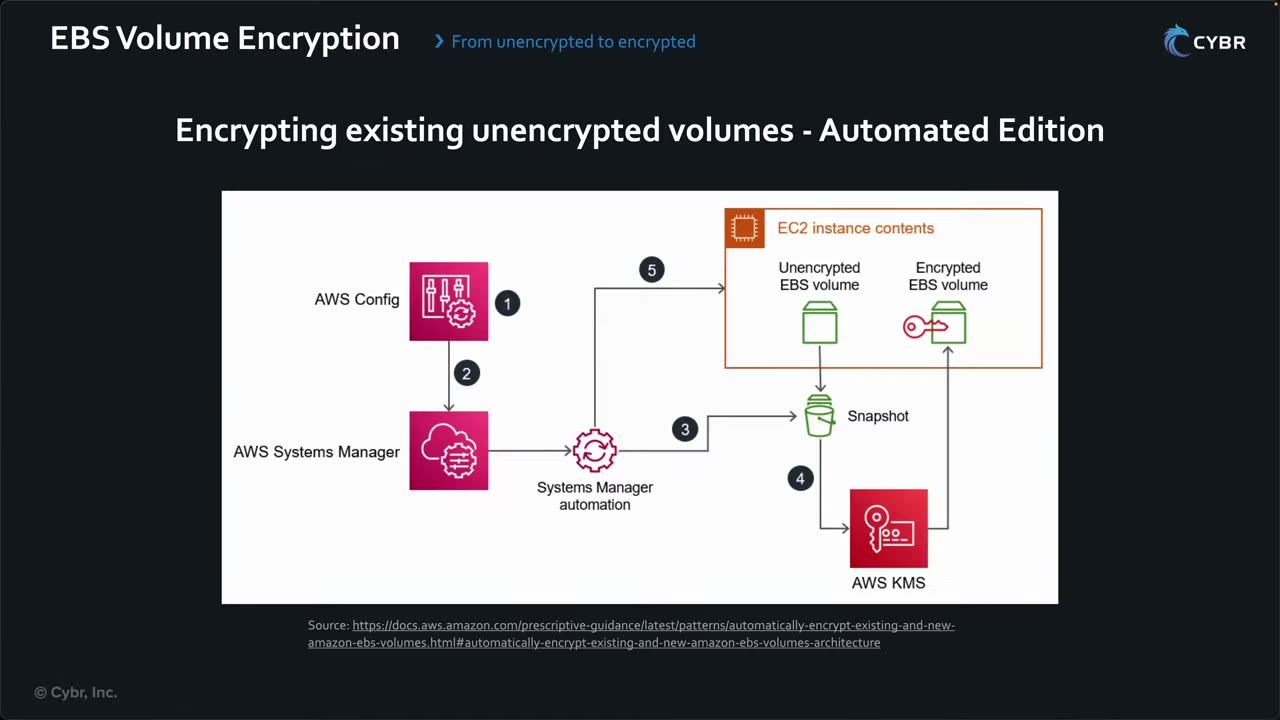
- AWS Config detects unencrypted volumes. ▶ #68 04:30
- An administrator manually triggers the remediation, sent to Systems Manager, because the instance may need stopping. Fully removing humans is possible but probably not advisable. ▶ #68 04:51
- SSM Automation snapshots the unencrypted volume. ▶ #68 05:11
- It uses KMS to create an encrypted copy of the snapshot. ▶ #68 05:20
- It stops the instance if running, attaches the new encrypted volume, and starts the instance again. ▶ #68 05:31
Sharing and copying encrypted snapshots
- Snapshots can be public, but never snapshots of encrypted volumes. Encrypted snapshots can only be shared with specific accounts. ▶ #68 05:51
- You can’t share snapshots encrypted with
aws/ebs, because you can’t modify that key’s policy. ▶ #68 06:01 - To share: use a customer managed key and share the key via cross-account permissions in the key policy. ▶ #68 06:11
- Use cases: migrations, DR, data retention and auditing, expansion. Plan for the limits up front. ▶ #68 06:42
- Cross-account checklist: CMK (not
aws/ebs) → key policy allows the target accountkms:DescribeKey,kms:CreateGrant,kms:Decrypt,kms:ReEncrypt*,kms:GenerateDataKey*→ snapshot permissions add the account → the target’s IAM allows the same KMS actions → the target copies the snapshot with its own key. - Cross-Region: attaching an encrypted volume in another Region fails. Copy the snapshot to that Region first ▶ #68 07:42; the copy re-encrypts with a key in the destination Region (or a multi-Region replica).
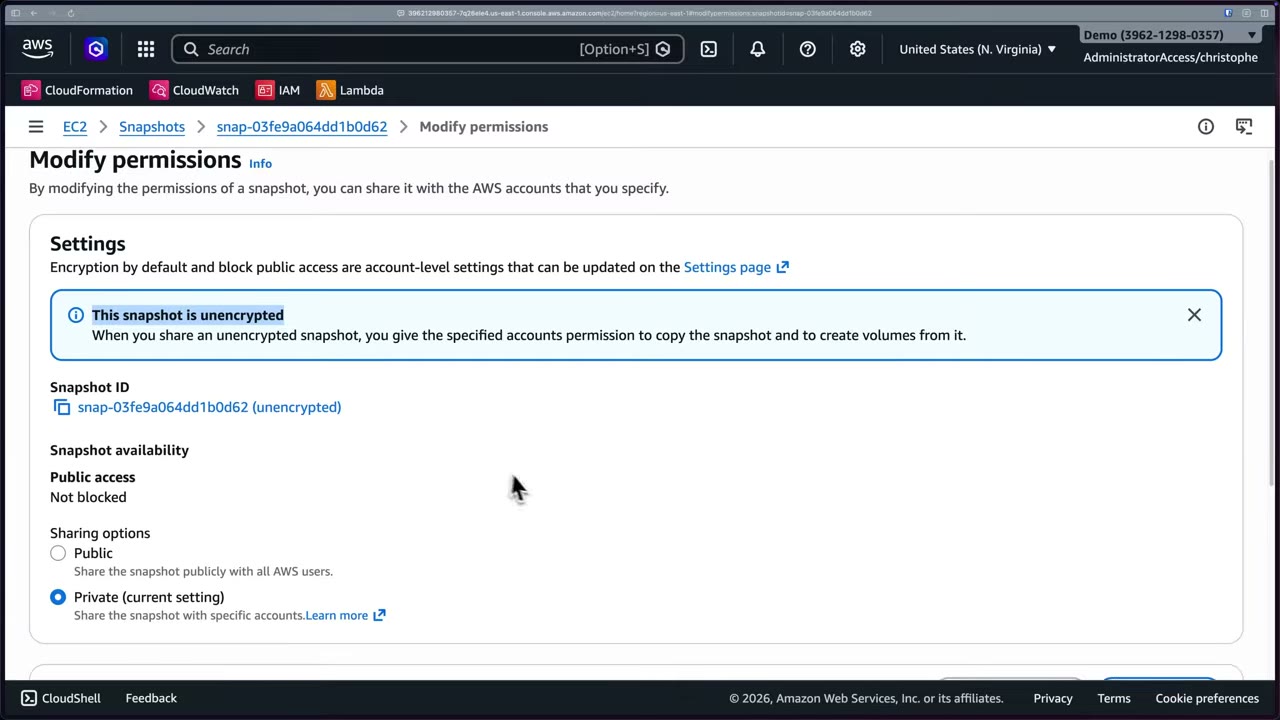
Console: Snapshots → select → Actions → Modify permissions. For an unencrypted snapshot: “When you share an unencrypted snapshot, you give the specified accounts permission to copy the snapshot and to create volumes from it.” Options Public / Private, then Shared accounts → Add account (ID without hyphens). Public access shows “Not blocked” because the account-level block public access for snapshots setting is off. ▶ #68 05:51
- The user lacks the required KMS permissions. ▶ #68 07:11
- The KMS key grant doesn’t allow EC2 to use the key.
- The snapshot is encrypted with the AWS managed key
aws/ebsand you’re trying to share it. - The CMK is disabled or pending deletion: the instance can’t start or attach the volume (
Client.InvalidKMSKey.InvalidState). - Attaching in another Region: copy the snapshot to that Region first. ▶ #68 07:42
Enforce and detect: an SCP denying ec2:CreateVolume / ec2:RunInstances when ec2:Encrypted is false; Config
encrypted-volumes / ec2-ebs-encryption-by-default; Security Hub EC2.7. “Block public access for EBS snapshots”
can be enforced with a declarative policy.
- EC2 → Volumes (empty, us-east-1) → KMS console → AWS managed keys → open
aws/ebsto show it’s AWS-managed and non-editable. - EC2 Dashboard → Settings (Data protection and security) → EBS encryption shows Disabled with default key
alias/aws/ebs. - Manage → tick Always encrypt new EBS volumes, keep or choose the default key → Update EBS encryption.
- EC2 → Snapshots: two 5 GiB snapshots,
encrypted-with-aws/ebsandunencrypted. - Select
unencrypted→ Actions → Modify permissions → Public/Private options → Add account (ID without hyphens) → Modify permissions. Theaws/ebs-encrypted snapshot can’t be shared.
From the instructor
- Know the three key types and how they differ: deletion, rotation, scope, policy ownership. ▶ #61 00:52
CreateKeycan only be governed by IAM policies, not key policies. ▶ #61 03:41- Grants can’t deny, apply to one key, and never expire on their own: retire or revoke them. ▶ #61 04:30
- In IAM policies, scope to specific key ARNs, or at least account/Region. ▶ #61 05:41
- Deleted keys are gone forever, and so is the data. AWS can’t recover them. ▶ #62 01:10
- Disable first and alarm on usage before scheduling deletion. ▶ #62 04:21
- Waiting period 7 (min) – 30 (default/max) days, cancelable while pending deletion. ▶ #62 09:10
- Asymmetric, HMAC, custom key store and multi-Region imported keys need manual rotation. ▶ #62 08:01
- Cross-account AccessDenied → check both sides: key policy (owner) and IAM (consumer). ▶ #63 00:51
- Multi-Region keys replicate the key only, not your data, and each replica has its own key policy. ▶ #63 03:31
- Expect scenarios on sharing encrypted data across accounts and keeping encryption across Regions for DR while keeping costs low. ▶ #63 03:40
aws/is reserved for AWS managed keys. Aliases aren’t accepted by all operations or cross-account, and aren’t an IAMResource: usekms:RequestAlias/kms:ResourceAliases. ▶ #64 03:50- Many AWS services that integrate with KMS require symmetric keys. ▶ #65 00:51
- Multi-Region keys cost more (per Region) and bring compliance, access control and auditing considerations. ▶ #65 02:40
- “Understanding how to use and manage imported key material is important for the exam, especially… how to rotate imported key material, as well as how to manage and configure external key stores.” ▶ #66 00:00
- “Remember that on-demand rotation and manual rotation are two separate things.” ▶ #66 03:10
- “If they mention on-prem, I don’t want you to think CloudHSM, I want you to think XKS.” ▶ #66 04:31
- XKS: connectivity loss = outage. Not the answer unless compliance requires keys outside the cloud. ▶ #66 06:41
- CloudTrail captures KMS by default, all or nothing, and never shows plaintext or
GetKeyPolicycontents. ▶ #67 01:12 - Spike from 100 to 10,000 ops/hour = possible exfiltration or ransomware. ▶ #67 02:41
- Encrypted snapshots: never public;
aws/ebssnapshots can’t be shared; share via a CMK. ▶ #68 06:01 - “Make sure you’re quite familiar with that process because you might see some questions related to that process on your exam.” ▶ #68 08:00
Keyword → answer
| If the question says… | Answer |
|---|---|
Admin has kms:* in IAM but gets AccessDenied |
The key policy doesn’t delegate to the account, or an explicit deny exists |
| Cross-account AccessDenied | Check both the key policy (owner) and IAM (consumer) |
| Share encrypted EBS/RDS snapshot or AMI with another account | Must use a customer managed key, and share that key. The AWS managed key can’t be shared |
| Shared AMI fails to launch / “You are unauthorized to perform this operation” | Missing KMS permissions, the grant doesn’t allow EC2, or the snapshot uses aws/ebs |
| Attach encrypted volume in another Region | Copy the snapshot to that Region first |
| Encrypt an existing unencrypted EBS volume | No in-place encryption: snapshot → encrypted copy → new volume → swap |
| Ensure every new volume is encrypted in all accounts | EBS encryption by default in each Region of each account + SCP on ec2:Encrypted |
| Rotate key yearly with no app change | Enable automatic rotation (same ARN), not a new key |
| Rotate keys without updating application code (asymmetric/imported/custom store) | New key + re-point the alias |
| Region-independent encryption code | Same alias name in each Region |
| Re-encrypt old data with new key material | Rotation doesn’t do this. Use ReEncrypt or re-copy the data |
| Data encrypted with an old key version after rotation | Still decryptable; KMS keeps old material |
| Immediately make data unreadable, then possibly restore | Imported material: DeleteImportedKeyMaterial, then re-import. AWS-generated: DisableKey |
| Stop encrypting new data but keep decrypting existing data | Don’t disable. Deny kms:Encrypt/GenerateDataKey* while allowing kms:Decrypt, or point apps at a new key |
| Minimum waiting period before deletion | 7 days (default 30) |
| Key accidentally scheduled for deletion | CancelKeyDeletion within the window, then re-enable |
| Imported key suddenly unusable | Material expired: re-import the same material |
| Restrict a key so only S3 in this Region can use it | kms:ViaService |
| Same ciphertext must decrypt in the DR Region | Multi-Region key (one key replicated, no re-encryption, low cost) |
| Who can create keys? | Only IAM controls kms:CreateKey |
Alias used as IAM Resource doesn’t grant key access |
Use kms:RequestAlias / kms:ResourceAliases |
| Keys must never leave on-prem / sovereign control | XKS |
| Dedicated / customer-managed HSM with KMS integration | CloudHSM key store |
| Generate material ourselves / set expiry / delete immediately | Imported material |
| Least operational overhead | KMS-generated material |
| Need automatic rotation with imported, CloudHSM or XKS keys | Not available |
| Alarm when someone uses a key pending deletion | CloudTrail → CloudWatch Logs metric filter → alarm → SNS |
| React automatically to rotation / expiry / deletion | EventBridge |
| Prove resources are encrypted and auto-fix | Config + SSM Automation |
| Which keys are accessible from other accounts | IAM Access Analyzer |
ThrottlingException from KMS on S3 |
S3 Bucket Keys, data key caching, or a quota increase |
- ▶ #61 01:52 says AWS managed keys rotate every 3 years. Since 2022 they rotate every year (as ▶ #62 06:20 says), and this can’t be disabled or changed.
- Since 2024 the automatic rotation period for customer managed keys is configurable from 90 to 2,560 days (default 365); the videos mention only the yearly default. On-demand rotation (
RotateKeyOnDemand, up to 25 per key) is supported for symmetric keys. Only symmetric keys with AWS-generated material support automatic rotation. - In a key policy, the
arn:aws:iam::<acct>:rootprincipal means the account, not only the root user. IAM policies grant nothing on a key unless the key policy delegates to the account this way. - ▶ #64 03:50 says aliases can’t be used for keys in another account. That’s true of the alias name; cryptographic operations do accept the alias ARN cross-account.
- ▶ #67 02:20 describes a per-key “successful request” KMS metric. It could not be confirmed in the docs. Documented KMS metrics include
SecondsUntilKeyMaterialExpirationand XKS metrics (XksProxyErrors,XksProxyHsmLatency,XksProxyCertificateDaysToExpire). Request rates are inAWS/Usage(CallCount). Per-key usage counts usually come from CloudTrail (metric filters, Athena, CloudTrail Lake). - Rotation pricing: rotation now adds $1/month only for the first and second rotations (later ones are free). The older pricing page in ▶ #65 00:00 says $1/month per rotated backing key.
- Since 2025 symmetric keys with imported material support on-demand rotation (single-Region only when ▶ #66 02:40 was recorded).
Real-world practice
- One CMK per data classification and app, not one for everything. Separate key administrators (manage, no use) from key users (use, no manage). Use customer managed keys for anything regulated or shared cross-account, AWS managed keys for low-sensitivity convenience.
- Create keys per workload account with IaC (CloudFormation/Terraform): key admins = platform/security role, key users = application roles.
- SCP: keys can’t be deleted, disabled or have their policy changed outside a security / break-glass role (
kms:ScheduleKeyDeletion,kms:DisableKey,kms:PutKeyPolicy), and alarm on any attempt. Ransomware actors sometimes schedule key deletion or re-encrypt data with their own external keys. - Monitor CloudTrail for
ScheduleKeyDeletion,DisableKey,PutKeyPolicy,CreateGrant,UpdateAlias. An attacker re-pointing an alias to a key they control silently redirects new encryptions. SCP idea: denykms:UpdateAlias/kms:DeleteAliason production aliases except from the pipeline role. - Audit open grants periodically (
ListGrants) and retire stale ones. - Retiring a key: query CloudTrail (Lake/Athena, last 90 days) for principals calling
Decrypt/GenerateDataKeyon it, disable first, watch for failures, then schedule deletion. Use 30-day waiting periods in production, 7 days only in sandboxes. - Aliases: name them
alias/<env>/<app>/<purpose>, manage them in IaC, reference aliases for encrypt and rely on embedded key IDs for decrypt. - Shared keys in Organizations: keep them in a central security/data account, grant via
aws:PrincipalOrgID+ specific role paths, review with IAM Access Analyzer. - Multi-Region keys: replicate only to SCP-allowed Regions, keep replica key policies in IaC, verify in DR tests that apps decrypt with the local replica (CloudTrail
Decryptin the DR Region), and document theUpdatePrimaryRegionrunbook. - Imported material: track expiry with an alarm or calendar (expired-material outages are common), and keep the material in an HSM or escrow: you own durability.
- XKS in production: proxies in several AZs/sites, redundant Direct Connect links, failover tests. Vendors (Thales, Fortanix, Entrust, HashiCorp) provide XKS proxies.
- Logging: an organization trail including KMS events, delivered to the Log Archive account and encrypted with its own KMS key. KMS calls are high-volume management events: the first copy is free, extra trails pay per event.
- Deploy encryption Config rules org-wide as conformance packs from the delegated admin, with SSM Automation documents (e.g.
AWS-EnableEbsEncryptionByDefault) for remediation. - EBS: turn on encryption by default in every account and Region (Control Tower / StackSets / account vending) with a per-account CMK rather than
aws/ebs, so snapshots and AWS Backup copies can go to backup/DR accounts. Bulk swaps change volume IDs: update backup selections, monitoring and tags, and test runbooks on non-prod. - Cost levers: S3 Bucket Keys and data key caching for high-volume workloads.
{
  "Version": "2012-10-17",
  "Statement": [
    {
      "Sid": "EnableIAMPolicies",
      "Effect": "Allow",
      "Principal": {"AWS": "arn:aws:iam::111122223333:root"},
      "Action": "kms:*",
      "Resource": "*"
    },
    {
      "Sid": "KeyAdmins",
      "Effect": "Allow",
      "Principal": {"AWS": "arn:aws:iam::111122223333:role/KeyAdmin"},
      "Action": [
        "kms:Create*", "kms:Describe*", "kms:Enable*", "kms:List*", "kms:Put*",
        "kms:Update*", "kms:Revoke*", "kms:Disable*", "kms:Get*", "kms:Delete*",
        "kms:TagResource", "kms:UntagResource",
        "kms:ScheduleKeyDeletion", "kms:CancelKeyDeletion", "kms:RotateKeyOnDemand"
      ],
      "Resource": "*"
    },
    {
      "Sid": "AppUseViaS3Only",
      "Effect": "Allow",
      "Principal": {"AWS": "arn:aws:iam::111122223333:role/app-role"},
      "Action": ["kms:Encrypt", "kms:Decrypt", "kms:ReEncrypt*", "kms:GenerateDataKey*", "kms:DescribeKey"],
      "Resource": "*",
      "Condition": {
        "StringEquals": {
          "kms:ViaService": "s3.eu-west-1.amazonaws.com",
          "kms:CallerAccount": "111122223333"
        }
      }
    },
    {
      "Sid": "AllowCrossAccountDecrypt",
      "Effect": "Allow",
      "Principal": {"AWS": "arn:aws:iam::444455556666:role/reader"},
      "Action": ["kms:Decrypt", "kms:DescribeKey"],
      "Resource": "*"
    }
  ]
}
The cross-account reader also needs an IAM policy in 444455556666 allowing kms:Decrypt on this key’s ARN.
- Create a symmetric CMK with alias
alias/lab-scs. Enable rotation and set the period to 180 days. aws kms encrypt --key-id alias/lab-scs --plaintext fileb://<(echo hi) --encryption-context app=lab, then decrypt without the context and watch it fail.- Find the
Encrypt/Decryptevents in CloudTrail Event history and look atencryptionContext. - Cleanup:
aws kms schedule-key-deletion --key-id alias/lab-scs --pending-window-in-days 7and delete the alias.
AWS CloudHSM
Dedicated, single-tenant HSMs in your VPC. You hold the crypto users and keys. AWS manages the hardware but cannot access your keys.
What it is and who does what
- KMS’s default HSMs are AWS-managed and shared. If you need more, CloudHSM gives you your own dedicated HSM cluster, and you are responsible for generating, storing, importing, exporting and managing the keys. ▶ #61 06:31
- Users: the crypto officer (CO) manages users. The crypto user (CU) owns and uses keys. If you lose the credentials, AWS cannot recover the keys.
- High availability = a cluster with ≥2 HSMs in different AZs. Keys sync across the cluster. Backups go to S3 automatically (encrypted).
FIPS level is no longer the differentiator
| CloudHSM | KMS | |
|---|---|---|
| Validation | Current HSM type hsm2m.medium is FIPS 140-3 Level 3 (older hsm1 was FIPS 140-2 Level 3) |
KMS’s own HSMs are also FIPS 140-3 Level 3 |
| Tenancy | Single-tenant, exclusive control | Multi-tenant, keys logically isolated |
| AWS service integration | None directly (only through a KMS key store) | Native |
| Cost / ops | High: you run the cluster | Low |
So “FIPS L3” alone is no longer a reason to pick CloudHSM. Single tenancy / exclusive control is.
APIs and use cases
- Standard APIs: PKCS#11, JCE, OpenSSL Dynamic Engine, Microsoft CNG/KSP.
- Use cases: TLS offload on web servers, Oracle TDE, Microsoft SQL Server TDE / AD CS, document signing, custom asymmetric crypto that KMS doesn’t support.
Using CloudHSM from AWS services: the KMS CloudHSM key store
CloudHSM is not integrated with AWS services directly. Integration happens via a KMS CloudHSM key store:
- KMS still generates the key material, but creates and stores it inside your CloudHSM cluster, and crypto runs in your HSMs. ▶ #66 03:31
- Requirements and limits: symmetric keys only, ≥2 active HSMs in different AZs, no automatic rotation.
- Benefit: hardware-isolated control. Downsides: much higher cost and operational complexity. ▶ #66 03:50
| Question keywords | Answer |
|---|---|
| “Single-tenant”, “exclusive control”, “AWS can’t access”, “PKCS#11/JCE/CNG”, “SSL offload”, “Oracle TDE” | CloudHSM directly |
| “Customer-managed HSM”, “dedicated cryptographic hardware on AWS” + S3/EBS integration | CloudHSM key store ▶ #66 04:11 |
| “On-prem” | XKS, not CloudHSM ▶ #66 04:31 |
From the instructor
- Need dedicated HSMs → CloudHSM. ▶ #61 06:31
- “If they mention on-prem, I don’t want you to think CloudHSM, I want you to think XKS.” ▶ #66 04:31
Keyword → answer
| If the question says… | Answer |
|---|---|
| AWS services (S3/EBS) must use keys in a single-tenant HSM | KMS custom key store on CloudHSM, not CloudHSM directly |
| Need automatic key rotation | Not available for custom key store keys |
| Lowest cost / least ops | KMS, not CloudHSM |
| Keys must stay on-premises | KMS external key store (XKS), not CloudHSM |
Real-world practice
- Use it only when a regulator or a contract requires exclusive HSM control, or for PKCS#11 workloads.
- Run ≥2 HSMs, keep CO/CU credentials in a break-glass process, and send HSM audit logs to CloudWatch Logs.
- Budget roughly $1.45+ per HSM-hour × 2 minimum, about $2k+/month before KMS charges.
Skip it, or keep it short: it costs roughly an hour of HSM time. Read the “Getting started” flow instead:
- Create a cluster.
- Initialize it.
- Activate it.
- Create a crypto user (CU).
- Cleanup: delete the HSMs and the cluster.
AWS Secrets Manager
Stores, encrypts (with KMS), rotates and audits secrets: DB credentials, API keys, OAuth tokens. Apps fetch them at runtime instead of hard-coding them, so a change is made in one place and nothing leaks into Git.
- Exam skills: manage & rotate secrets (5.3.1) · encryption at rest (5.2.1) · multi-Region keys & replication (5.3.5, 5.2.4) · cross-account resource policies (4.2.1) · SCP/RCP guardrails (6.1.3) · Access Analyzer (4.2.5)
- Videos: ▶ #69 Secrets Manager · ▶ #70 Rotating secrets · ▶ #71 Replication · ▶ #72 Cross-account access
- Cost: $0.40 per secret per month (each replica too) + $0.05 per 10,000 API calls
Why it exists: instead of hard-coding credentials in code or config files, apps retrieve them at runtime. When a credential changes you update one central place instead of hunting every copy, and nobody accidentally pushes credentials to Git. ▶ #69 00:12
Secret types: managed vs “other”
The console’s Store a new secret wizard offers five types: Credentials for Amazon RDS database, …DocumentDB database, …Redshift data warehouse, Credentials for other database, and Other type of secret (API key, OAuth token, other). ▶ #69 01:02
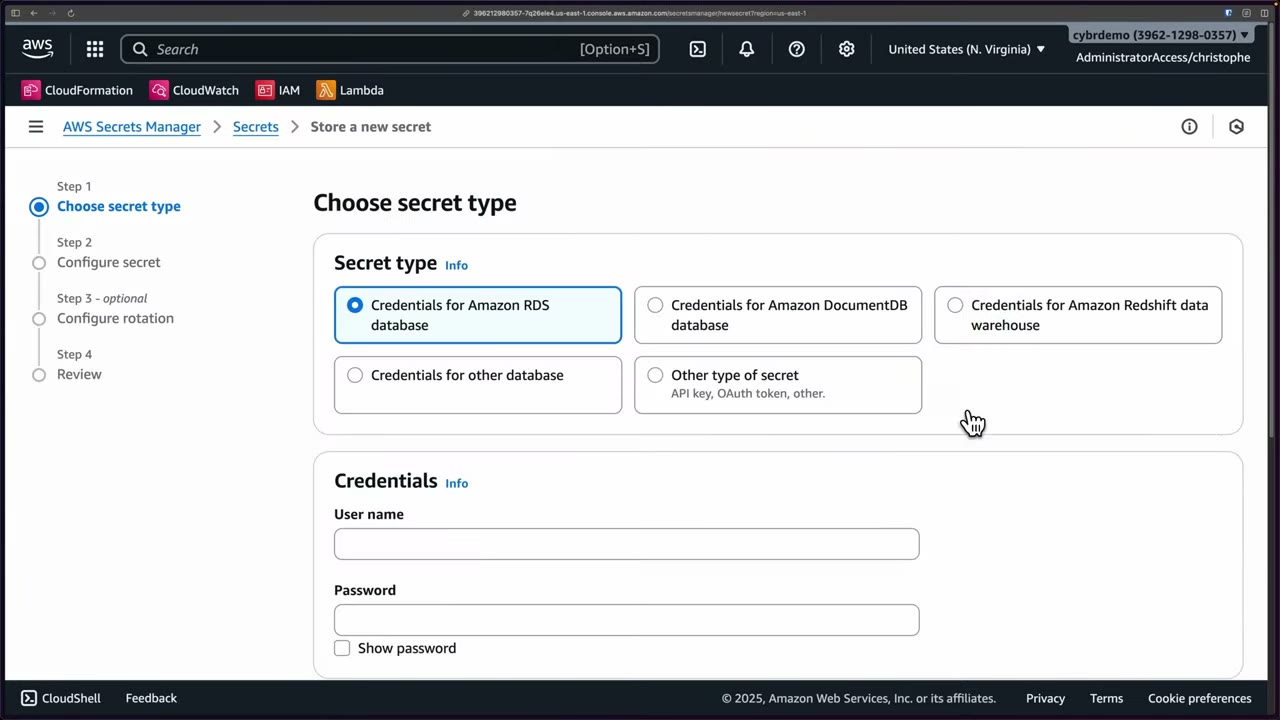
| Managed secret | Other type of secret | |
|---|---|---|
| Who creates it | The owning service (RDS, Aurora, DocumentDB, Redshift, App Runner, CodeBuild, DataSync…) | You |
| Examples | RDS master user password (--manage-master-user-password, name prefix rds!) |
API keys (Stripe, SendGrid, Twilio), OAuth/refresh tokens, service-account creds, SSH private keys, app encryption keys |
| Rotation | Some get managed rotation automatically | You set up rotation (Lambda) |
| Extras | Service enforces dependencies, so you can’t delete a secret still in use | Key/value or plaintext JSON |
- Secrets Manager knows the credential structure of managed secrets and can configure rotation automatically for some of them. The owning service manages the lifecycle. ▶ #69 02:00
- “Other” secrets are stored as Key/value pairs or Plaintext (a free string or JSON). Switching from JSON plaintext back to key/value auto-fills the pairs. ▶ #69 03:11
- Managed secrets can only be created by the service that manages them. That’s why the console’s RDS type won’t continue until you select a database. ▶ #69 05:12
- Names can be hierarchical with
/(prod/AppBeta/MySql). That helps with thousands of secrets and lets IAM scope by path. ▶ #69 06:12 - Tags are “extremely important”:
environment,owner,cost-center,compliance. They drive ABAC (aws:ResourceTag/owner=${aws:PrincipalTag/team}). Also restrictaws:RequestTagonCreateSecret/TagResourceso nobody can re-tag a secret to gain access. ▶ #69 06:41
Encryption and the two permissions every consumer needs
- Secrets Manager encrypts the secret with KMS:
aws/secretsmanagerby default, or a customer managed key (CMK). It uses envelope encryption with encryption contextSecretARN. - The encrypted secret is stored.
- On
GetSecretValueit decrypts with KMS and returns plaintext. ▶ #69 09:51
So the caller needs both secretsmanager:GetSecretValue and permission to use the KMS key. ▶ #69 10:21
With a CMK, your roles and Secrets Manager itself need key permissions. ▶ #69 04:51
- On AWS compute (EC2, ECS, Lambda) the SDK picks up temporary credentials from the attached IAM role. Outside AWS, use IAM Roles Anywhere. ▶ #69 10:42
- Resource-based policies attach directly to the secret, like S3 bucket or KMS key policies, and grant actions such as
secretsmanager:GetSecretValue/DescribeSecret. ▶ #69 08:00 Use them for:- least privilege,
- sharing across accounts without making the secret public,
- letting a service role read it (ECS task role, Lambda),
- delegating management to another team or a client. ▶ #69 08:10
- Private access: interface VPC endpoint
com.amazonaws.<region>.secretsmanager+ endpoint policy, andaws:SourceVpcein the secret policy. - Clients should cache secrets (caching libraries, Lambda Parameters & Secrets extension, Secrets Manager Agent, ECS/EKS injection), but refresh on auth failure. Never cache forever.
- Secrets Manager → Store a new secret.
- Type Other type of secret → Key/value tab → switch to Plaintext and enter
my-api-key-12345, or paste JSON{"username": "admin", "password": "…"}. Switching back to Key/value fills in the pairs. - Encryption key: the default
aws/secretsmanager, or a CMK (or Add new key, then refresh). - Switch the type to Credentials for Amazon RDS database → enter credentials → Next stays blocked until you select a database. Switch back to Other.
- Next → Secret name (e.g.
prod/AppBeta/MySql), description, Tags (environment, owner, cost-center, compliance). - Resource permissions → Edit permissions: a resource policy, e.g. grant
GetSecretValue/DescribeSecretto another account or role. - Replicate secret → Region eu-north-1 → error: the SSO role is “not authorized to perform
kms:ListAliases… with an explicit deny in a service control policy” (Region-restriction SCP). - Rotation and review continue in ▶ #70.
Rotation
Two mechanisms, and the difference matters: ▶ #70 00:11
| Managed rotation | Rotation by Lambda function | |
|---|---|---|
| Applies to | Only some managed secrets: Aurora, ECS, RDS, Redshift ▶ #70 00:50 | Any secret |
| Where the logic runs | Not in your account (fully managed, invisible) | A Lambda in your account: an AWS template from the Serverless Application Repository, or your own code |
| You maintain | Nothing | The function, its network path and its permissions |
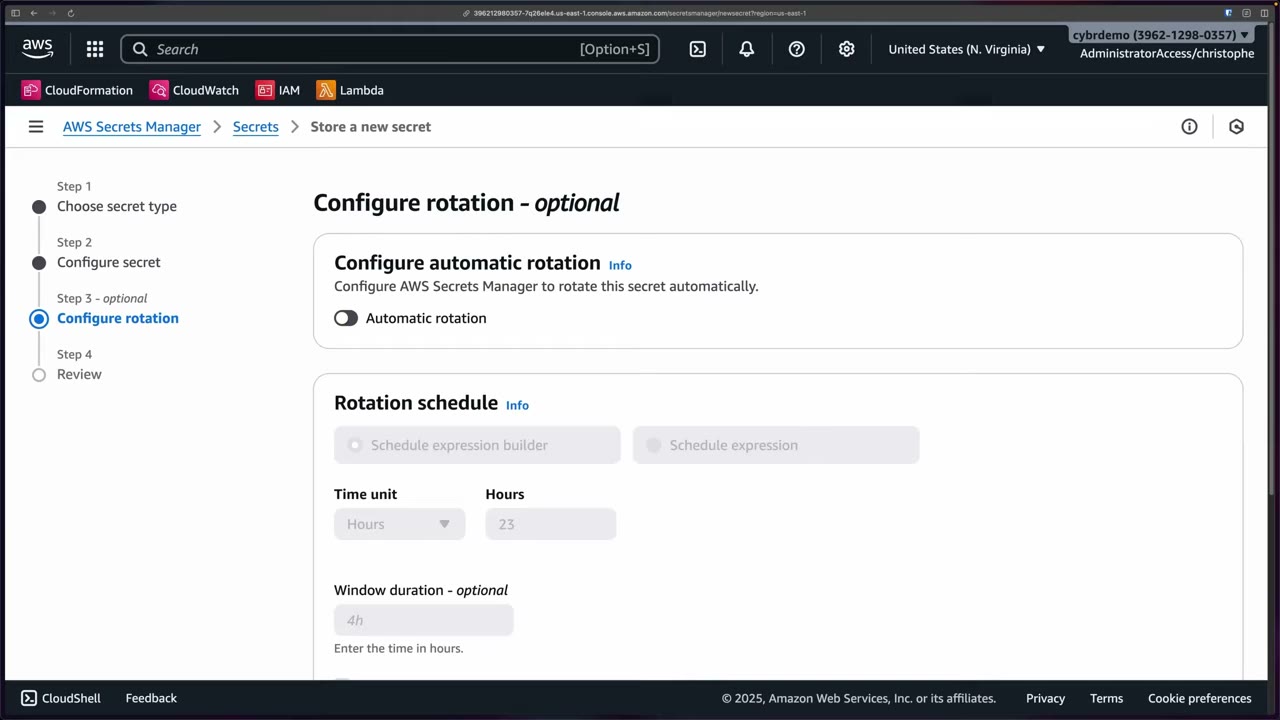
Schedule: rate() in hours/days (as often as every 4 hours) or cron() via the schedule builder, plus an optional
window. ▶ #70 01:21 “Rotate immediately” is on by default when you enable rotation. That can break apps that
hard-coded the initial password.
The 4 Lambda steps (know the labels): ▶ #70 02:41
| Step | What it does | Version label |
|---|---|---|
createSecret |
Generate a new value | new version = AWSPENDING |
setSecret |
Apply it to the target system (change the DB password) | |
testSecret |
Verify the new credentials work | |
finishSecret |
Promote it | new → AWSCURRENT, old → AWSPREVIOUS |
Strategies:
- Single user: change the same user’s password. Simple, but connections can fail briefly.
- Alternating users: a clone user (
user_clone) takes turns with the original, giving no downtime. It needs a superuser secret to runsetSecret.
Manual rotation (RotateSecret from the console, CLI or API) is for a suspected compromise. Regular rotation should always be automated. ▶ #70 03:23
- The Lambda needs a network path to both the database and the Secrets Manager endpoint (interface endpoint or NAT). A timeout almost always means this is missing.
- The DB security group must allow the Lambda’s security group.
- Execution role:
secretsmanager:GetSecretValue,PutSecretValue,DescribeSecret,UpdateSecretVersionStage,GetRandomPassword+kms:Decrypt/GenerateDataKeyon the CMK. - The function’s resource policy must allow Secrets Manager to call
lambda:InvokeFunction. - Read the Lambda’s CloudWatch Logs. CloudTrail shows
RotationStarted/RotationSucceeded/RotationFailed.
Replication across Regions
Secrets are Regional. A replica is a read-only copy (same value and metadata) in another Region of the same account. It’s used for low latency and DR. ▶ #71 00:00
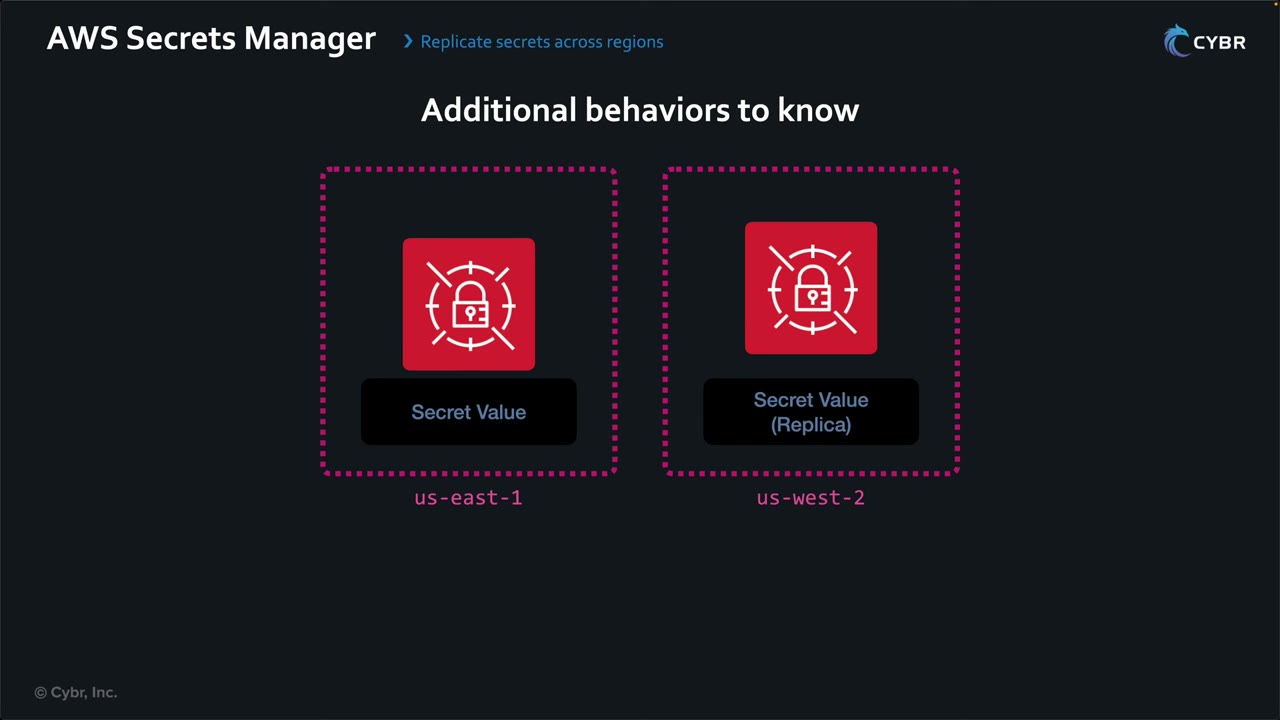
- Each replica is encrypted with a KMS key in its own Region (
aws/secretsmanageror a CMK there). ▶ #71 01:21 - Rotation happens on the primary and propagates to every replica. ▶ #71 02:12
- In a disaster, promote a replica to a standalone secret (
StopReplicationToReplica). This is one-way: it stops receiving updates. ▶ #71 02:02 - The replica ARN keeps the same name and suffix, with the replica’s Region. Resource policies and tags replicate but are managed on the primary. Each replica is billed as a secret.
- You don’t need a replica just to read a secret from another Region. Call that Region’s endpoint, with IAM and the resource policy allowing it. ▶ #71 00:21
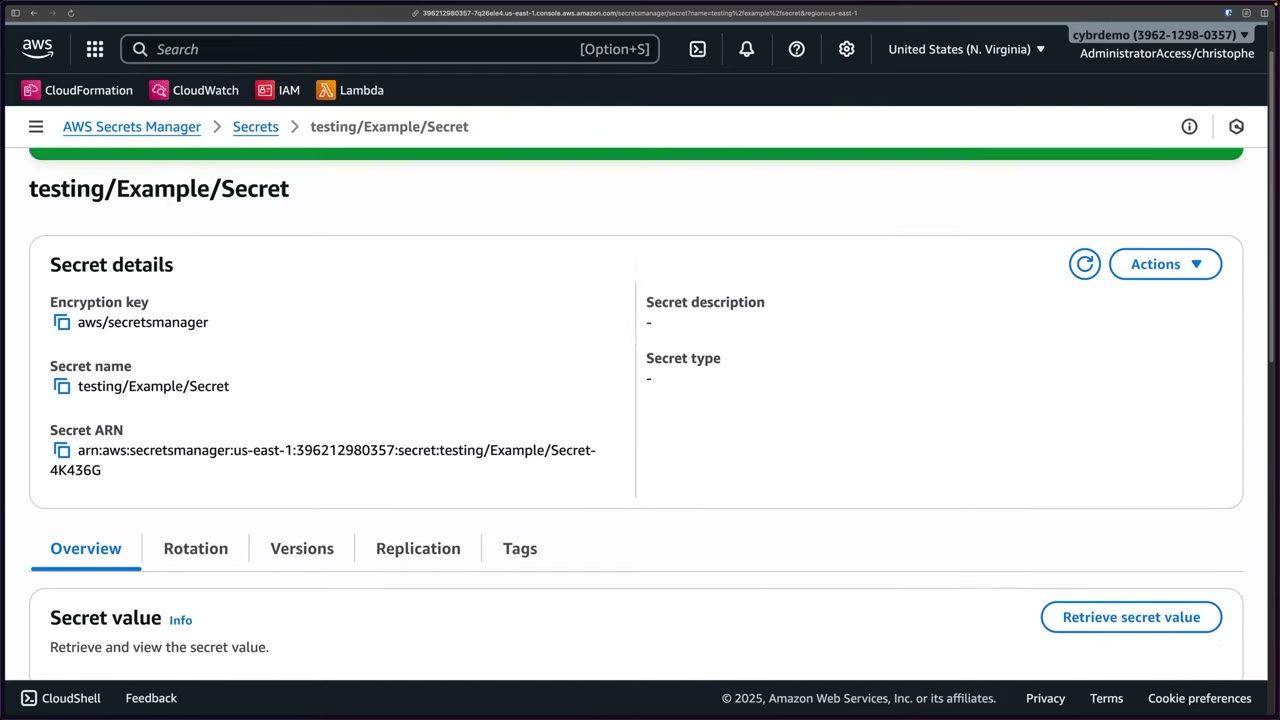
- Open the secret (
testing/Example/Secret) → Replication tab (status Disabled) → Replicate secret to other Regions. ▶ #71 00:52 - Choose a Region, e.g. eu-west-3 (Paris), and an encryption key in that Region:
aws/secretsmanageror your own CMK there. ▶ #71 01:21 - Add Region for more replicas (e.g. eu-west-1) → Replicate secret. A status indicator per Region shows progress until complete. ▶ #71 01:51
- In the demo account both Regions fail with the SCP’s
kms:ListAliasesexplicit deny.
The same can be done with the CLI, SDK or API (ReplicateSecretToRegions).
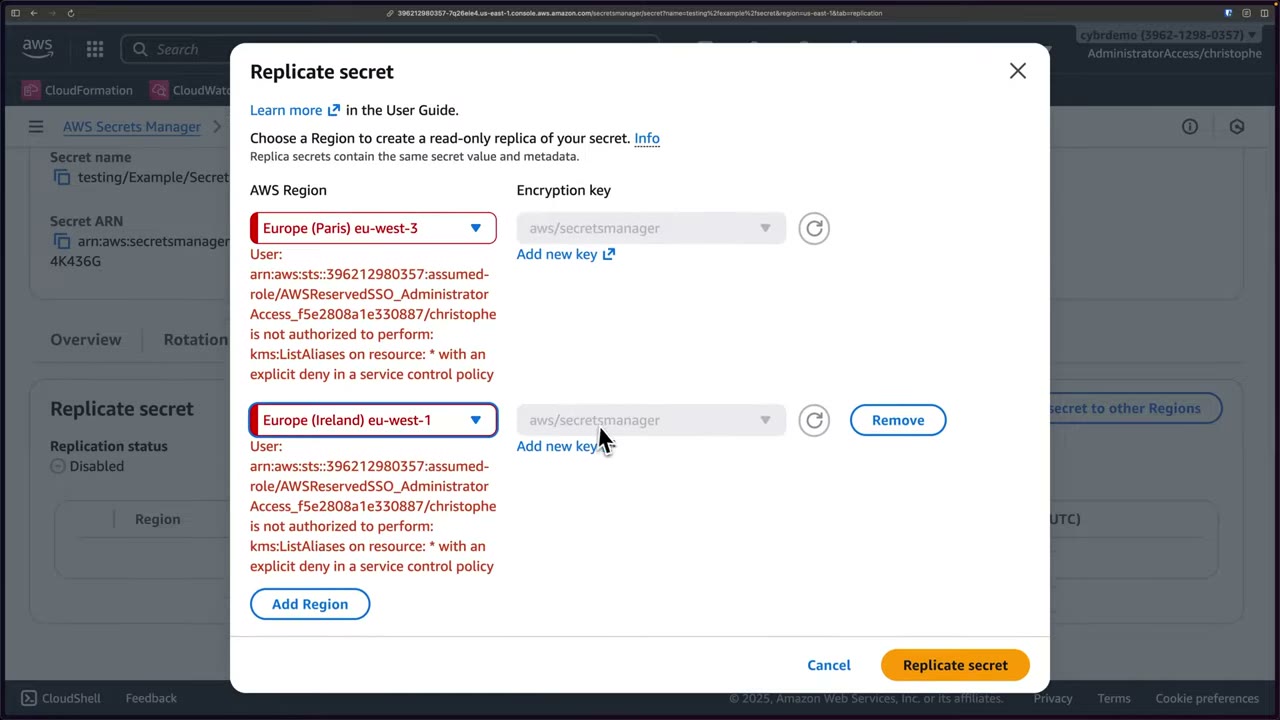
Replication AccessDenied: Secrets Manager must decrypt with the primary key and then re-encrypt in the replica Region:
- missing
kms:Decrypton the primary key → error ▶ #71 02:31 - with CMKs, also
kms:GenerateDataKey+kms:Encrypton the replica key ▶ #71 02:41 - “explicit deny in a service control policy” → a Region-restriction SCP (
aws:RequestedRegion), as in the demo above
Cross-account access
By default only principals in the secret’s own account can use it. ▶ #72 00:00 Cross-account access needs three things together, or you get AccessDenied: ▶ #72 01:21
- A resource policy on the secret (Account A) allowing B’s role.
- A KMS key policy (Account A) letting B’s role decrypt. The key must be a customer managed key: the
aws/secretsmanagerpolicy can’t be edited, so AWS managed keys can’t be used cross-account. ▶ #72 00:40 - An IAM policy in Account B allowing Secrets Manager and KMS actions on A’s resources.
// 1. Resource policy on the secret (Account A)
{
  "Version": "2012-10-17",
  "Statement": [{
    "Effect": "Allow",
    "Principal": { "AWS": "arn:aws:iam::222222222222:role/AppRole" },
    "Action": "secretsmanager:GetSecretValue",
    "Resource": "*"
  }]
}
// 2. Statement in the KMS key policy (Account A)
{
  "Effect": "Allow",
  "Principal": { "AWS": "arn:aws:iam::222222222222:role/AppRole" },
  "Action": ["kms:Decrypt", "kms:DescribeKey"],
  "Resource": "*",
  "Condition": { "StringEquals": { "kms:ViaService": "secretsmanager.us-east-1.amazonaws.com" } }
}
// 3. IAM policy on AppRole (Account B)
{
  "Version": "2012-10-17",
  "Statement": [
    { "Effect": "Allow", "Action": "secretsmanager:GetSecretValue",
      "Resource": "arn:aws:secretsmanager:us-east-1:111111111111:secret:prod/app/db-??????" },
    { "Effect": "Allow", "Action": "kms:Decrypt",
      "Resource": "arn:aws:kms:us-east-1:111111111111:key/<key-id>" }
  ]
}
The consumer must use the secret’s full ARN. The 6-character random suffix means IAM resource ARNs end with -??????.
After switching an existing secret to a CMK, old versions stay on the old key until a new version is written: put a new value or rotate.
Use it for a central security/infrastructure account or for sharing with another organization, such as a client. ▶ #72 00:50
Guardrails against accidental exposure
“Never rely on that complexity as protection.” One "Principal": "*" is the worst case. ▶ #72 02:51
| Guardrail | Applies to | What it does |
|---|---|---|
| BlockPublicPolicy | One PutResourcePolicy call |
Rejects policies granting broad/wildcard access. Enforce it org-wide with an SCP on secretsmanager:BlockPublicPolicy = true. ▶ #72 03:40 |
| SCP | Your principals | e.g. deny PutResourcePolicy except for a security role, stopping internal mistakes. ▶ #72 04:11 |
| RCP | Your resources | Data perimeter: deny when aws:PrincipalOrgID ≠ your org, even if a resource policy is wrong. Not applied to the management account. ▶ #72 04:40 |
| IAM Access Analyzer | Detection | Findings when a secret is accessible from outside your account, allows principals outside your organization, or a principal can reach a secret in another account you didn’t intend. Also policy validation and custom policy checks (CheckNoPublicAccess, CheckAccessNotGranted) for CI. “The main tool AWS recommends.” ▶ #72 05:10 |
Even without a wildcard, a policy can grant more than least privilege. Complexity breeds mistakes, so put guardrails in place instead of trusting each policy. ▶ #72 03:01
{
  "Version": "2012-10-17",
  "Statement": [{
    "Sid": "EnforceOrgIdentities",
    "Effect": "Deny",
    "Principal": "*",
    "Action": "secretsmanager:*",
    "Resource": "*",
    "Condition": {
      "StringNotEqualsIfExists": { "aws:PrincipalOrgID": "o-exampleorgid" },
      "BoolIfExists": { "aws:PrincipalIsAWSService": "false" }
    }
  }]
}
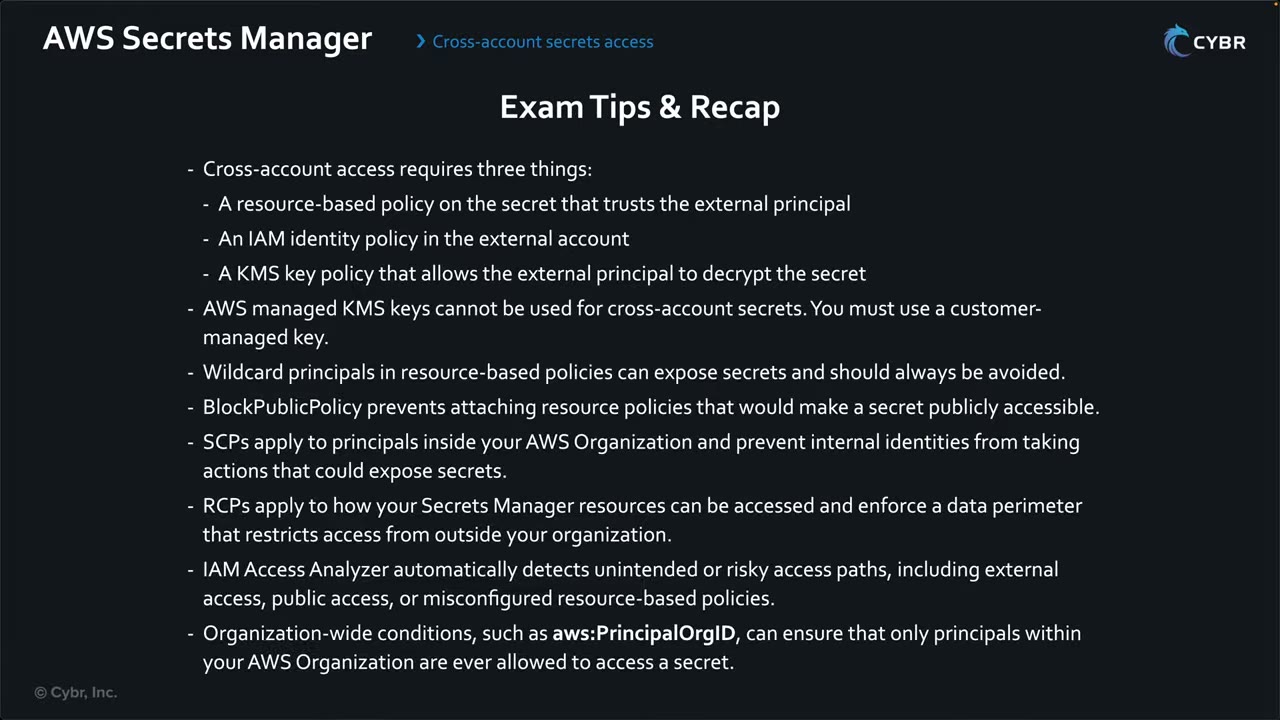
Secrets Manager vs Parameter Store
| Secrets Manager | Parameter Store | |
|---|---|---|
| Built-in rotation | Yes (Lambda / managed) | No (DIY with EventBridge + Lambda) |
| Cross-Region replication | Yes | No |
| Resource policy / cross-account | Yes | Advanced tier only, shared via RAM |
| Generate random password | Yes (GetRandomPassword) |
No |
| Max size | 64 KB | 4 KB standard / 8 KB advanced |
| Cost | Per secret + API calls | Standard free, advanced paid |
| Best for | DB creds, anything that rotates | Config, feature flags, static secrets |
Monitoring, deletion, compliance
- CloudTrail:
GetSecretValue,RotationStarted/Succeeded/Failed,PutResourcePolicy,DeleteResourcePolicy,ReplicateSecretToRegions,StopReplicationToReplica. - Config rules:
secretsmanager-rotation-enabled-check,secretsmanager-scheduled-rotation-success-check,secretsmanager-secret-unused. Security Hub: SecretsManager.1–4. - Deletion: recovery window 7–30 days (default 30).
--force-delete-without-recoverydeletes immediately. - Secrets Manager keeps about 100 versions. Unlabelled versions are cleaned up over time.
From the instructor
- Apps need two permissions: the Secrets Manager API and the KMS key. ▶ #69 10:21
- Managed rotation = Aurora, ECS, RDS, Redshift only. Not every managed secret gets it. ▶ #70 00:50
- Know the 4 Lambda steps and
AWSPENDING → AWSCURRENT → AWSPREVIOUS. ▶ #70 02:41 - “You can’t use AWS managed keys for cross-account secrets because you can’t change their policies.” ▶ #72 00:40
- Access Analyzer is “the main tool AWS recommends to verify cross-account access”. ▶ #72 05:41
Keyword → answer
| If the question says… | Answer |
|---|---|
| Rotate DB credentials automatically, least effort | Secrets Manager (not Parameter Store) |
| Rotation must cause no downtime | Alternating-users strategy |
| Rotation Lambda times out | No route to the Secrets Manager endpoint (add an interface endpoint/NAT), or DB SG blocks the Lambda |
| Other account gets AccessDenied reading the secret | Secret uses aws/secretsmanager → switch to a CMK + key policy. Error names kms:Decrypt → key side; names GetSecretValue → resource/IAM policy |
| Replication fails with AccessDenied | kms:Decrypt on the primary key (+ GenerateDataKey/Encrypt on a replica CMK). “Explicit deny” → SCP |
| Primary Region is down | Promote the replica |
| No external account may read secrets, even if a policy is wrong | RCP with aws:PrincipalOrgID |
| Block resource policies that make secrets public | BlockPublicPolicy |
| Find secrets shared outside the org | IAM Access Analyzer |
| Secret suspected compromised | RotateSecret now, review CloudTrail GetSecretValue |
| Secret deleted by accident | Restore within the 7–30 day window |
| On-prem app must read secrets | IAM Roles Anywhere for credentials |
| Hard-coded password in code/AMI | Move it to Secrets Manager, read it via the role |
- The console’s “Credentials for Amazon RDS database” type is not strictly a managed secret. True managed secrets are created by the service itself (
rds!…), can only be changed through that service, and rotate without a Lambda in your account. - AWS-supplied Lambda rotation templates (deployed into your account) exist for RDS, Aurora, Redshift, DocumentDB and more. That is different from managed rotation, which uses no Lambda in your account and covers Aurora, ECS, RDS and Redshift only.
- The 4-hour minimum rotation interval dates from 2023. Older material says once a day at most.
Real-world practice
- One secret per app per environment, named by path (
prod/payments/db), with path-based IAM ARNs (secret:prod/app1/*) or ABAC onsecretsmanager:ResourceTag/app, and a CMK per environment. - Scope the CMK with
kms:ViaService = secretsmanager.<region>.amazonaws.comandkms:EncryptionContext:SecretARN. - Turn on rotation from day one. Alert with EventBridge on
RotationFailedand onGetSecretValuefrom unexpected principals. - After a compromise: rotate immediately, check CloudTrail for
GetSecretValueby unexpected principals, tighten the resource policy. Replicas get the new value automatically. - DR runbook: test the promote-replica step and make apps Region-aware. If you have a Region-restriction SCP, allow the DR Regions or exempt Secrets Manager (
aws:PrincipalIsAWSService/aws:CalledVia). - Prefer per-account secrets + replication over a central secrets account, to reduce blast radius. If you centralize, use ABAC and
aws:PrincipalOrgIDinstead of ever-growing resource policies (20 KB limit). - Watch cost: hundreds of per-tenant secrets and replicas add up. Use one JSON secret per app where the rotation semantics allow it.
- Create an RDS MySQL instance with
--manage-master-user-password. RDS creates and rotates the secret. - Or create a generic secret, attach a resource policy for a second account, switch it to a CMK, and run
aws secretsmanager get-secret-value --secret-id <full-arn>from the other account. - Try replicating it to another Region with a CMK there, then promote the replica.
- Cleanup:
aws secretsmanager delete-secret --secret-id <arn> --force-delete-without-recovery(otherwise a 7–30 day window applies), and delete the DB.
AWS Systems Manager Parameter Store
A managed, hierarchical key/value store for configuration values and secrets (feature flags, connection strings, API keys, environment variables), part of Systems Manager. Apps read values at runtime instead of hard-coding them: less risk of leaking values into Git, and a single source of truth for configuration. ▶ #73 00:51
- Exam skills: manage credentials and secrets (5.3.1) · encryption at rest (5.2.1) · share resources with RAM (6.2.4) · instance profiles / service roles (3.2.2)
- Videos: ▶ #73 AWS Systems Manager Parameter Store
- Key difference from Secrets Manager: no automatic rotation
What it stores and who reads it
- Also called Parameter Store or SSM Parameter Store: a centralized, secure location for config and secrets. ▶ #73 00:00
- Typical contents: app configuration, feature flags, DB connection strings, API keys, environment variables, any runtime parameter. ▶ #73 00:11
- Native integrations: Amazon ECS, Amazon EC2, AWS Lambda, AWS CodeBuild, AWS CloudFormation. ▶ #73 00:31
- It overlaps with Secrets Manager, so know the pros and cons of both for exam scenarios. ▶ #73 01:00
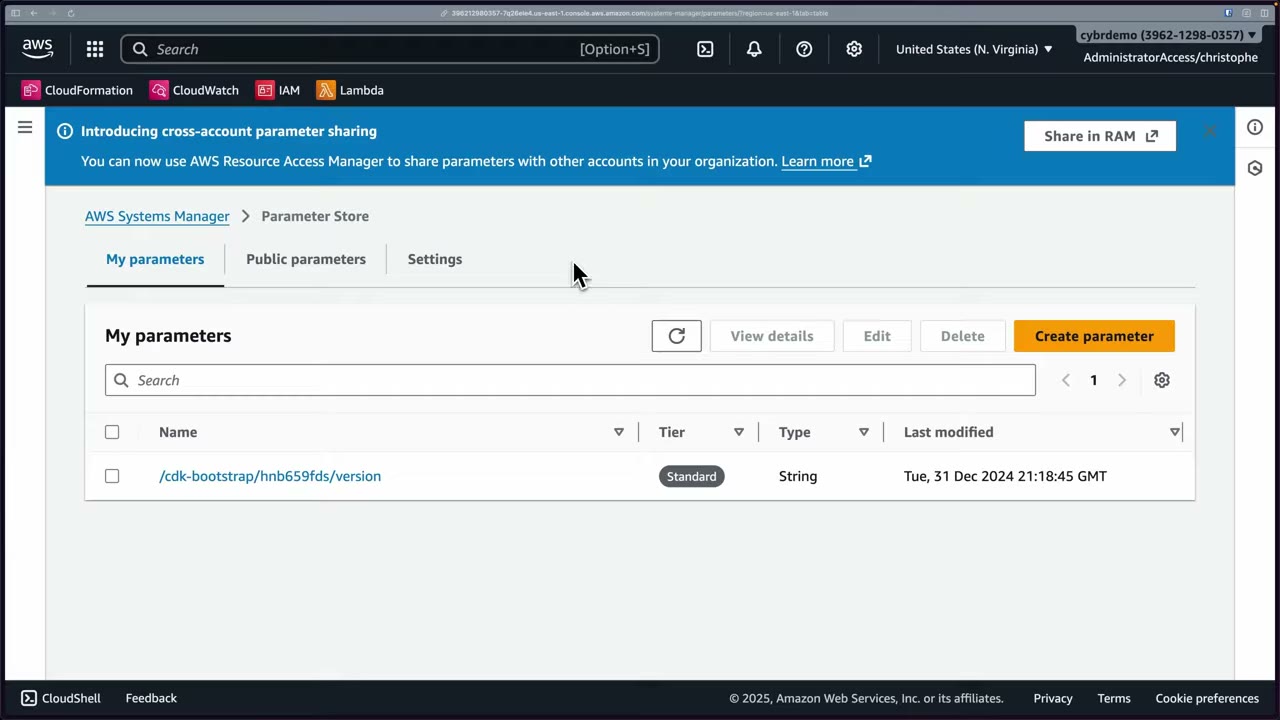
The console page has tabs My parameters, Public parameters and Settings, and a banner: “Introducing cross-account parameter sharing: You can now use AWS Resource Access Manager to share parameters with other accounts in your organization” (Share in RAM). ▶ #73 01:31
Names and hierarchies
- Be descriptive and use
/to build hierarchies, e.g.prod/database/…,staging/…. Demo:/myapp/production/db/password. ▶ #73 01:41 - Read a whole branch with
GetParametersByPath, and scope IAM by path (arn:aws:ssm:*:*:parameter/myapp/prod/*). - Description is optional. ▶ #73 02:10
Standard vs Advanced tier
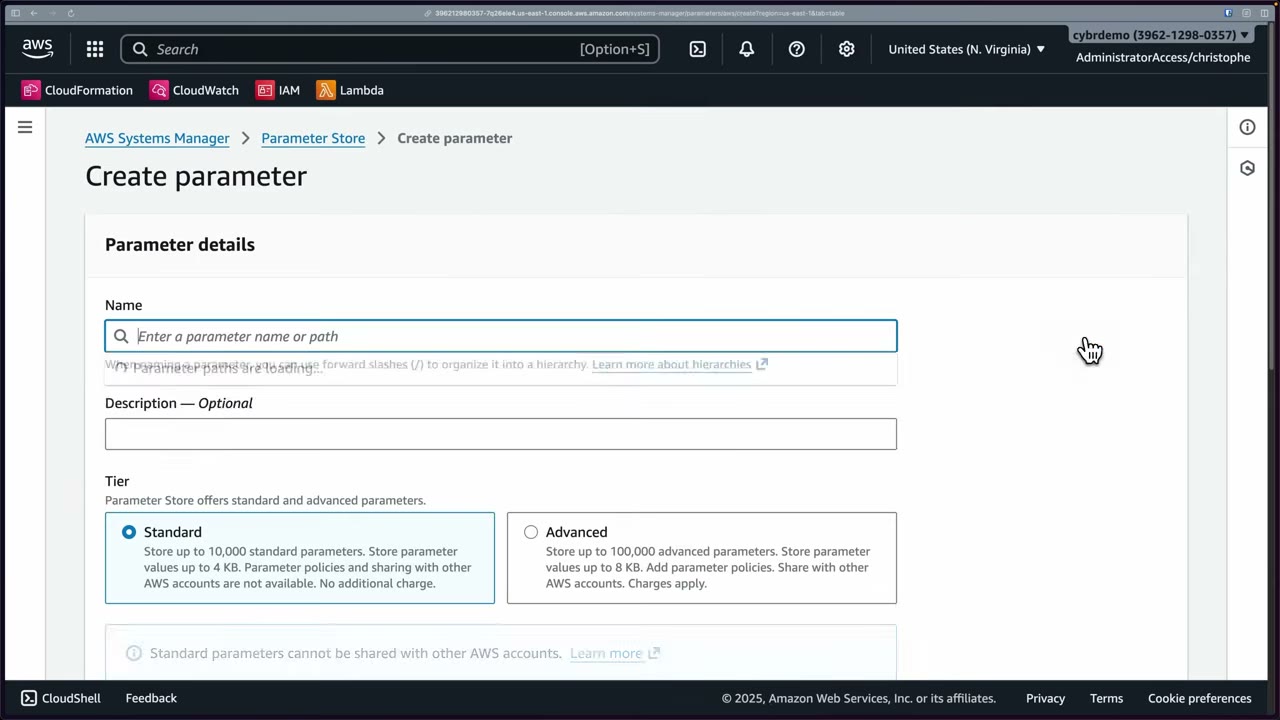
| Standard | Advanced | |
|---|---|---|
| Max parameters | 10,000 | 100,000 |
| Max value size | 4 KB | 8 KB |
| Parameter policies | No | Yes |
| Share with other AWS accounts | No | Yes (via RAM) |
| Cost | No additional charge (KMS still charges if you use a key) | Charged ($0.05 per parameter per month) |
▶ #73 02:10. An Advanced parameter can’t be converted back to Standard without delete/recreate.
Parameter types
| Type | Use for | Example |
|---|---|---|
| String | Non-sensitive config: env vars, feature flags, Region names, file paths, URLs (data type text) ▶ #73 03:00 | api.myservice.com |
| StringList | Several comma-separated values: domains, IP ranges, allow/block lists, multiple ARNs or IDs ▶ #73 03:23 | us-east-1,us-west-2,eu-central-1 |
| SecureString | Sensitive data encrypted with KMS keys from your account or another account: API keys, passwords, DB credentials ▶ #73 04:00 | my-super-secret-db-password |
SecureString encryption
- The KMS key ID is prefilled with
alias/aws/ssm(AWS managed key). You can pick a CMK instead. ▶ #73 04:22 - The value is masked in the form. Click into it to see or edit it. ▶ #73 04:42
- Reading needs
ssm:GetParameterwithWithDecryptionandkms:Decrypt. - With the AWS managed key, by default every principal in this account and Region with Parameter Store permissions can decrypt. For tighter control use a customer managed key with a key policy. ▶ #73 05:31
- Only the parameter value is encrypted. The name, description and other metadata are not, so never put secrets in names. ▶ #73 05:50
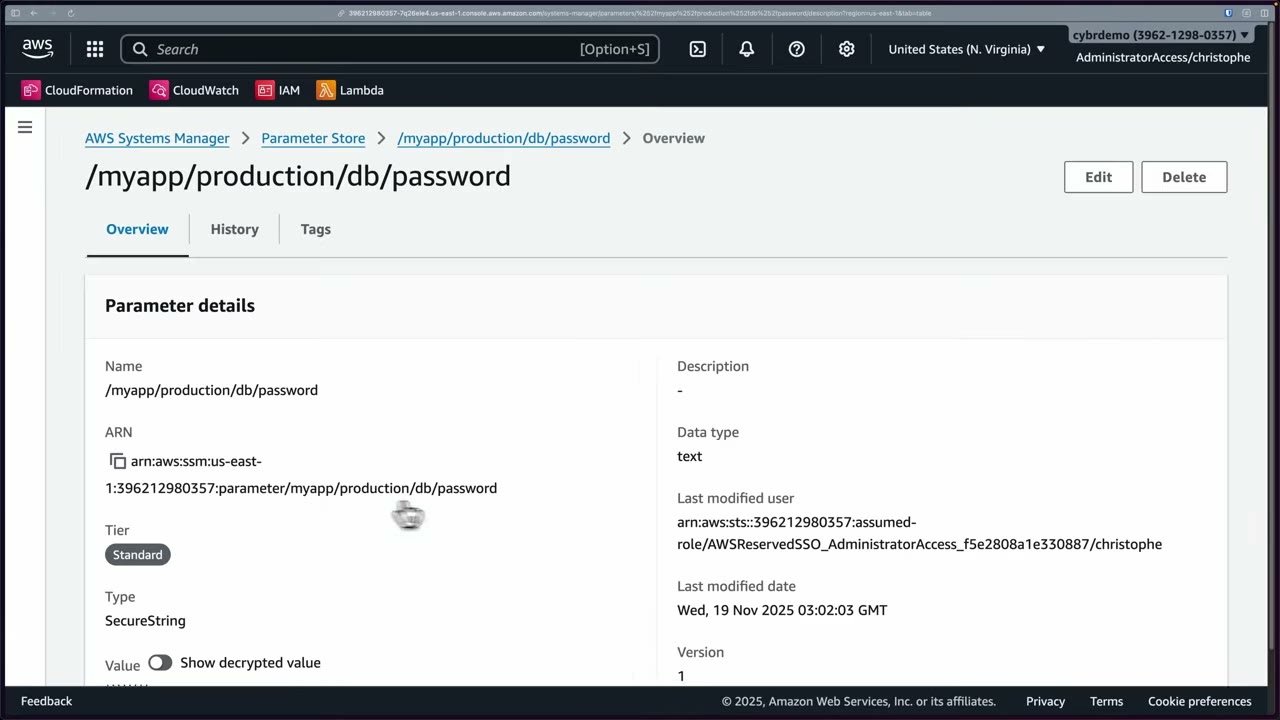
After creation the parameter has tabs Overview / History / Tags. Details: Name, ARN
(arn:aws:ssm:us-east-1:<acct>:parameter/myapp/production/db/password), Tier Standard, Type SecureString, Data
type text, Last modified user (the SSO role session), Version 1. The value stays encrypted until you toggle
Show decrypted value, which requires decrypt access. ▶ #73 06:21
- Systems Manager → Parameter Store → Create parameter.
- Name
/myapp/production/db/password, no description, Tier Standard. - Type: try String (data type text,
api.myservice.com), StringList (us-east-1,us-west-2,eu-central-1), then SecureString. - KMS key source: My current account, key ID
alias/aws/ssm. Value:my-super-secret-db-password. - Create parameter → open it → Overview shows Type SecureString and the Show decrypted value toggle.
- Create parameter
/myapp/db/passwordwith Advanced + SecureString → Parameter policies: Expiration (absolute/relative), ExpirationNotification, NoChangeNotification (not created).
Parameter policies (Advanced tier)
Easily misunderstood as a resource policy that controls access. It is not. ▶ #73 07:01 The demo uses a second
parameter, /myapp/db/password, with Advanced tier + SecureString. ▶ #73 06:50
| Policy | What it does |
|---|---|
| Expiration | No expiration, an absolute date/time, or a relative time (15 hours, 15 days…) ▶ #73 07:11 |
| ExpirationNotification | Notify before the expiration date |
| NoChangeNotification | Notify if the parameter hasn’t changed for a period |
- Each policy has a value and a value type. You can add or remove several.
- This partially mimics rotation but is nowhere near as advanced: nothing rotates, the parameter can only expire. ▶ #73 07:41
- The console says notifications go through “CloudWatch Events”. That service was renamed EventBridge; the console text is outdated. ▶ #73 08:00
Events, versions and other features
- Changes emit EventBridge events (“Parameter Store Change”, “Parameter Store Policy Action”). History keeps up to 100 versions, and labels can pin versions.
- Throughput: default ~40 TPS shared.
ThrottlingException→ enable higher throughput (paid). - Public parameters (e.g.
/aws/service/ami-amazon-linux-latest/…) give the latest AMI IDs, useful in hardened-AMI pipelines. - CloudFormation dynamic references:
{{resolve:ssm:name}},{{resolve:ssm-secure:name}}(limited resource support),{{resolve:secretsmanager:…}}.
Cross-account sharing
- Advanced-tier parameters only, shared through AWS RAM within the organization.
- Shared SecureStrings need a CMK shared with the consumer.
- Consumers get read-only access and must use the full ARN.
Parameter Store vs Secrets Manager
SecureString is the closest equivalent to a Secrets Manager secret, but Parameter Store lacks lifecycle features. ▶ #73 04:53
| Parameter Store (SecureString) | Secrets Manager | |
|---|---|---|
| KMS encryption | Yes (AWS managed key or CMK) | Yes |
| Automatic rotation | No (expiration ≠ rotation) ▶ #73 08:20 | Yes |
| Cross-account sharing | Only Advanced tier via RAM | Resource policy |
| Cross-Region replicas | No | Yes |
| Resource-based policies | No | Yes ▶ #73 05:02 |
| Cost | Standard tier free | Per secret per month |
- If rotation is critical, use Secrets Manager. ▶ #73 08:40
- If you already use Parameter Store, you can store the secret in Secrets Manager and reference it through Parameter Store (
/aws/reference/secretsmanager/<name>withGetParameter --with-decryption), keeping one consistent way of reading values. Otherwise just call Secrets Manager directly. More a practical tip than an exam point. ▶ #73 08:52
From the instructor
- Understand both Parameter Store and Secrets Manager “so that if you’re presented with a scenario on the exam, you know which one to select.” ▶ #73 01:00
- Standard = 10k / 4 KB / free / no policies / no sharing. Advanced = 100k / 8 KB / policies / sharing / paid. ▶ #73 02:10
- Only the value of a SecureString is encrypted, not the name, description or metadata. ▶ #73 05:50
- With
aws/ssm, everyone in the account/Region with SSM access can decrypt. Use a CMK + key policy for control. ▶ #73 05:31 - Parameter policies are not access-control policies. They handle expiration and notification. ▶ #73 07:01
- “CloudWatch Events” in the console = EventBridge. ▶ #73 08:00
- No automatic rotation in Parameter Store. Choose Secrets Manager when rotation matters. ▶ #73 08:20
Keyword → answer
| If the question says… | Answer |
|---|---|
| Need an expiry reminder on a parameter | Advanced tier + parameter policy |
| Cheapest store for a non-rotating secret / config, feature flags, hierarchical config | Parameter Store (SecureString for secrets) |
| Automatic rotation, “rotate RDS credentials every 30 days”, cross-Region replication, resource policy on the secret | Secrets Manager |
| Parameter policy to restrict who reads the parameter | Wrong: parameter policies only handle expiry/notification. Use IAM + KMS key policy |
| Share a parameter with another account | Advanced tier + RAM (+ CMK for SecureString) |
| Secret visible in the parameter name | Only the value is encrypted |
Real-world practice
- Put config in Parameter Store and rotating credentials in Secrets Manager. Many teams mix them through the
/aws/reference/secretsmanager/path so apps have one client. - Inject both into ECS/Lambda via native integrations, never through plaintext environment variables in IaC.
- For ABAC, combine paths with tags (
ssm:ResourceTag/…), and use SCPs denyingssm:GetParameter*on/prod/*for non-prod roles. - Use labels (
LabelParameterVersion) to pin versions for deployments and roll back.
aws ssm put-parameter --name /lab/db-pass --type SecureString --value 'x' --key-id alias/lab-scsaws ssm get-parameter --name /lab/db-pass --with-decryption- Remove
kms:Decryptfrom your role and retry: the read fails. - Cleanup:
aws ssm delete-parameter --name /lab/db-pass
AWS Certificate Manager (ACM) and AWS Private CA
ACM provisions, manages, deploys and auto-renews public and private TLS certificates for integrated AWS services, and can import certificates obtained outside AWS. AWS Private CA runs your own private CA hierarchy (root and subordinate) without managing infrastructure, with HSM-backed CA keys.
- Exam skills: require TLS to resources (5.1.1) · keys & certificates across Regions, Private CA (5.3.5) · edge protection (3.1.2) · network controls, TLS inspection (3.3.1) · Roles Anywhere trust anchors (4.2.1)
- Videos: ▶ #143 Creating and managing certificates
- Cost: ACM public certs are free with integrated services. Private CA: 30-day free trial for the first CA, then per CA per month (~$400 for general-purpose) plus per certificate.
What ACM does and where certificates can be used
- Fully managed: ACM provisions, manages, deploys and renews SSL/TLS certificates. ▶ #143 00:10
- Console options: Request a certificate (public from Amazon, or private from your org’s CA), Import a certificate (obtained outside AWS), Create a private CA. ▶ #143 00:00
- Pricing (console): certificates provisioned through ACM are free with integrated AWS resources like CloudFront. You can also request and export certificates for use outside AWS for an additional fee. ▶ #143 00:00
- Integrated services: CloudFront, Elastic Load Balancers, API Gateway, EKS, Cognito, Elastic Beanstalk, App Runner, OpenSearch, Network Firewall, and more. ▶ #143 03:21
- Network Firewall TLS inspection requires an ACM certificate to decrypt and re-encrypt TLS traffic passing through the firewall. Clients must trust the inspection CA. ▶ #143 03:51
- ACM public certs can’t be installed directly on EC2 the classic way (the private key isn’t exportable). Put ACM on an ELB/CloudFront in front of EC2, or use a Private CA certificate (exportable). ACM added a paid “exportable public certificate” option in 2025.
Regions
ACM certs are Regional:
| Where the cert is used | Region the cert must be in |
|---|---|
| ALB / NLB / API Gateway Regional endpoint | The same Region as the resource |
| CloudFront, edge-optimized API Gateway | us-east-1 |
| One name in several Regions | Request a cert in each Region |
Requesting and validating a public certificate
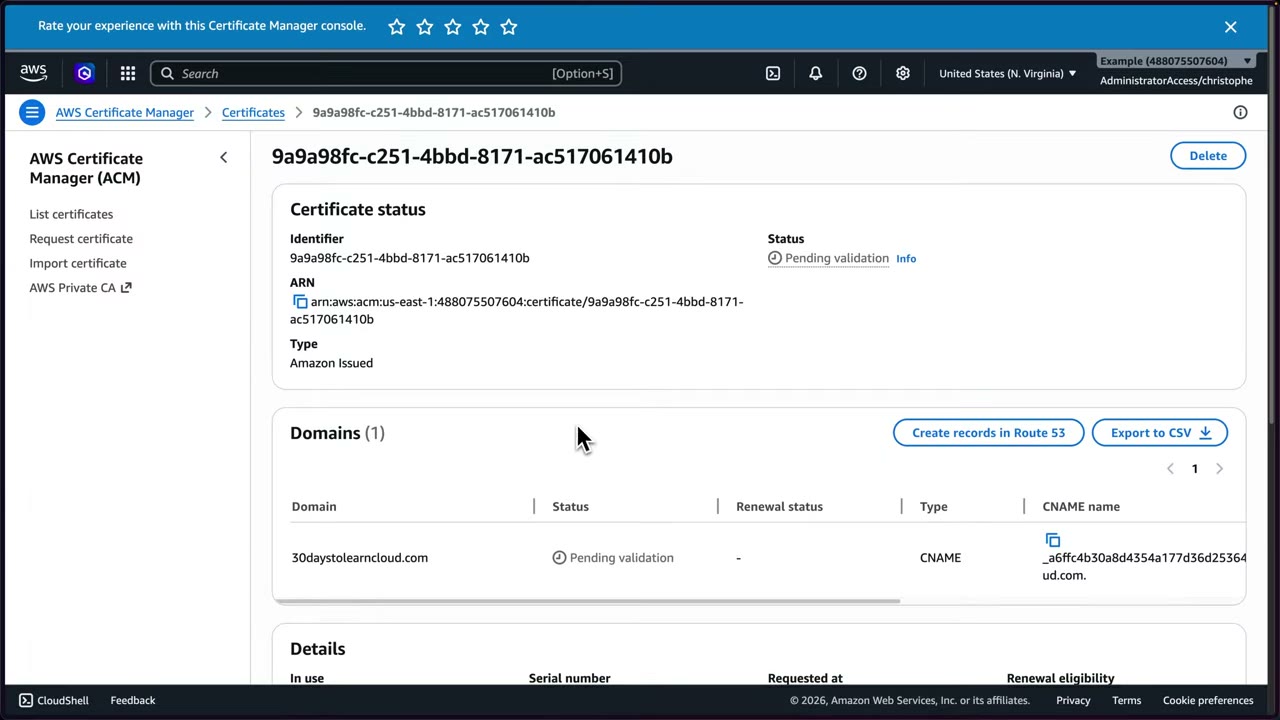
- Certificate type: request a public certificate. Private is disabled until a private CA exists. ▶ #143 00:40
- Fully qualified domain name: a domain you own and can edit DNS for (demo
30daystolearncloud.com), plus more names (SANs) if needed. ▶ #143 00:40 - Export: leave it not exportable.
- Validation method: DNS validation (a CNAME record; Route 53 offers a Create records in Route 53 button) or email validation.
- Key algorithm: RSA 2048 in the demo, or ECDSA P-256/P-384. Several exist because not every service supports every algorithm. ▶ #143 00:40
- After the request the status is Pending validation, type Amazon Issued. The demo domain’s DNS is in Cloudflare, so the CNAME is added there by hand. Validation took a few minutes → Issued.
Renewal and expiry monitoring
| Certificate | Renewal |
|---|---|
| ACM-issued, DNS validation | Automatic, as long as the validation CNAME stays in place |
| ACM-issued, email validation | Needs manual action |
| Imported | Never renewed by ACM. You re-import it |
- ACM sends EventBridge “ACM Certificate Approaching Expiration” events, starting 45 days before expiry by default.
- CloudWatch metric
DaysToExpiry, and the AWS Config managed ruleacm-certificate-expiration-check.
Serving an API over HTTPS: API Gateway custom domain
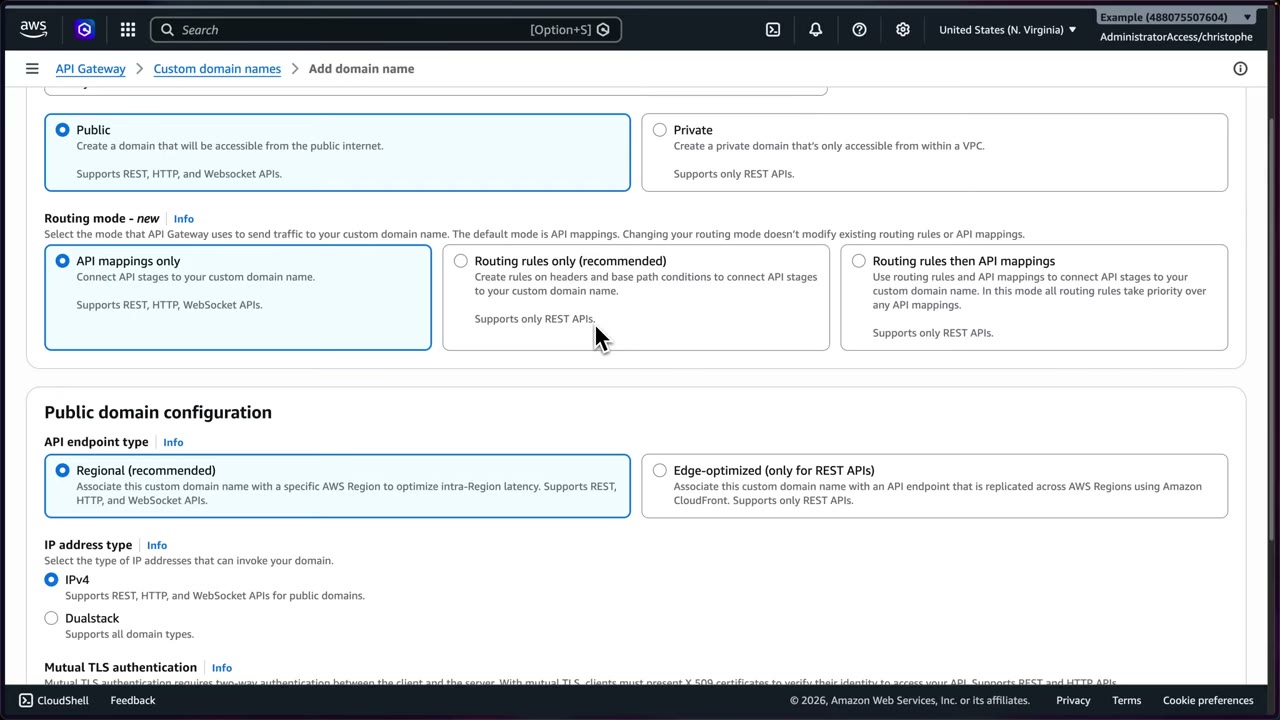
| Setting | Options |
|---|---|
| Domain visibility | Public (internet, REST/HTTP/WebSocket) or Private (only within a VPC, REST only) ▶ #143 04:21 |
| Routing mode (new) | API mappings only (REST/HTTP/WebSocket) · Routing rules only (recommended, header and base-path conditions, REST only) · Routing rules then API mappings (rules win, REST only) |
| Endpoint type | Regional (recommended, REST/HTTP/WebSocket) or Edge-optimized (REST only, replicated with CloudFront) |
| IP address type | IPv4 or Dualstack |
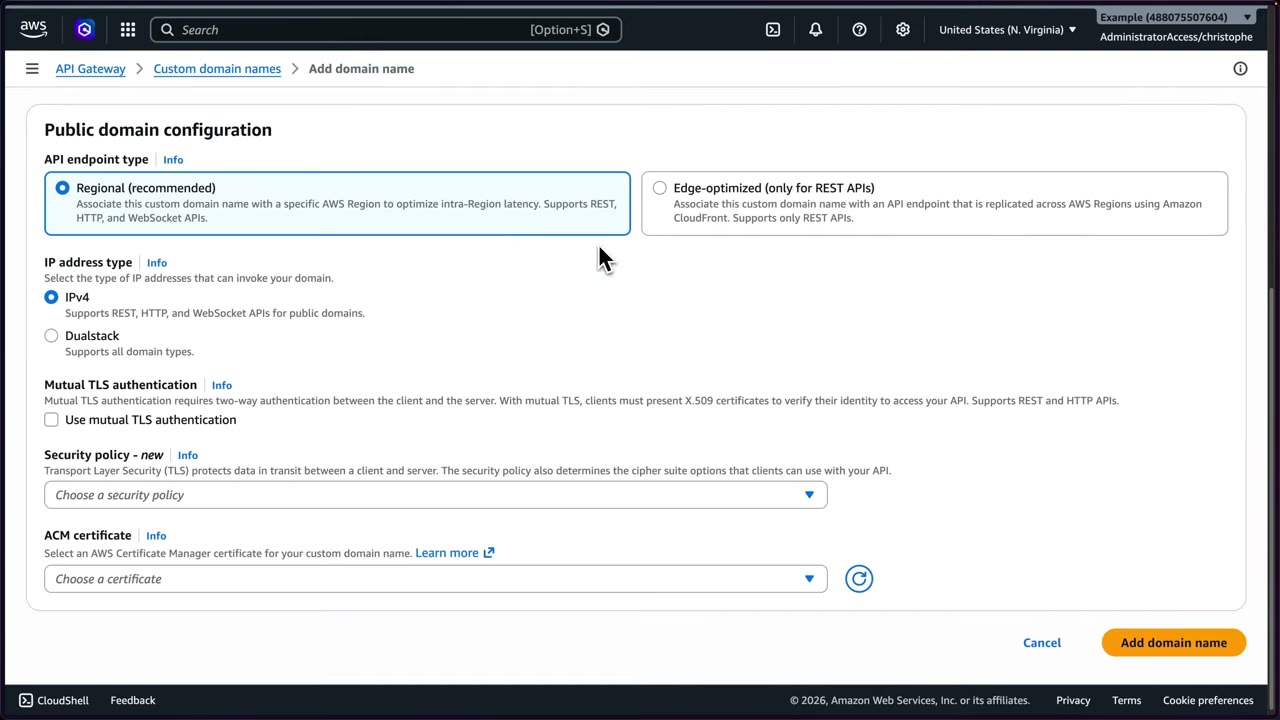
- Mutual TLS authentication: clients must present X.509 certificates. Supports REST and HTTP APIs. ▶ #143 04:21
- Security policy (new): the demo chooses TLS 1.3, shown later as
SecurityPolicy_TLS13_1_3_2025_09.
The last step is a DNS CNAME from the custom domain to the API Gateway domain name. The API is then served over valid TLS on a friendly name instead of the default execute-api hostname.
- ACM → Request certificate → public → FQDN
30daystolearncloud.com→ not exportable → DNS validation → RSA 2048 → Request. - Copy the CNAME name/value into Cloudflare DNS → wait → Issued.
- API Gateway → Custom domain names → Add: public, routing rules only, Regional, IPv4, TLS 1.3 security policy, select the ACM cert → Add domain name → wait until Available.
- Add a routing rule: no conditions (“A rule with no conditions will match all requests”), target the REST API + stage
production, optional Strip base path, priority 1 (several rules are evaluated by priority). - Add DNS CNAME
30daystolearncloud.com→d-ocrzbuiiuh.execute-api.us-east-1.amazonaws.com. - Browse
https://30daystolearncloud.com→{"message":"Hello, World!"}. - Private CA console tour (no CA created).
Enforcing TLS versions and mTLS
- TLS version policies: API Gateway custom-domain security policy (e.g.
SecurityPolicy_TLS13_1_3_2025_09), ELB security policy (ELBSecurityPolicy-TLS13-1-2-…), CloudFront viewer security policy (TLSv1.2_2021). - mTLS: API Gateway custom domain (truststore in S3, REST and HTTP APIs), ALB mTLS (trust store), IoT Core device certs, IAM Roles Anywhere (Private CA or an external CA as the trust anchor, so on-prem workloads get temporary credentials).
AWS Private CA
Not a huge exam topic, but it appears in scenarios about issuing certificates for internal services, mutual TLS (mTLS) and managing a private PKI. “If you see PKI … managing your private PKI within your organization, they’re probably talking about this service.” ▶ #143 08:03
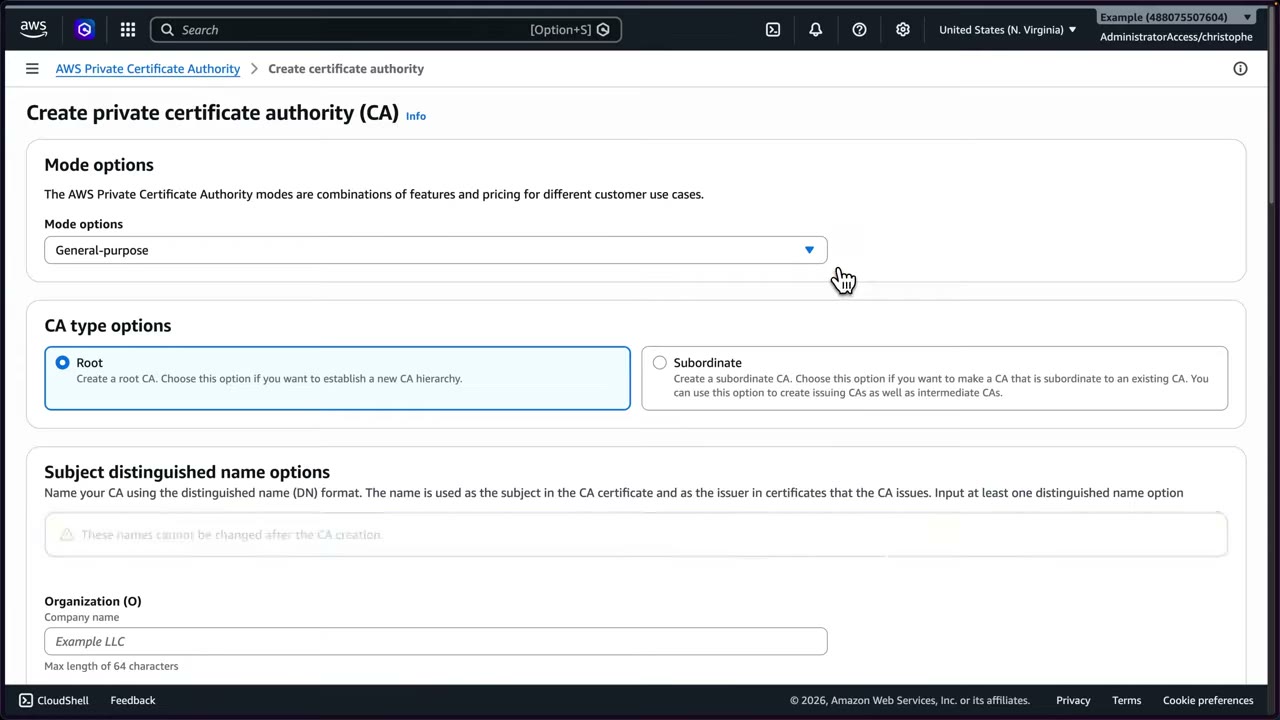
- Mode: general-purpose vs short-lived certificate mode (≤7 days validity, cheaper, no revocation infrastructure needed).
- CA type: Root (new hierarchy) or Subordinate (issuing/intermediate CA under an existing CA). The subject distinguished name can’t be changed after creation. ▶ #143 08:03
- The IT team owns the CAs while developers get limited rights to issue and revoke certificates through IAM. ▶ #143 08:51
- Manage a root + subordinate hierarchy without managing infrastructure.
- Integrates with ACM: developers request certs in ACM, and your private CA issues them.
- Use cases: internal TLS, Kubernetes (cert-manager AWS Private CA Issuer plugin), IoT and mobile device identity, IAM Roles Anywhere trust anchors, code-signing-like internal PKI, enterprises needing full control over issuance.
- Share the CA across accounts with AWS RAM, and restrict issuance with IAM conditions and CA policies.
- Keep the root CA offline-like with tight IAM, and issue from a subordinate CA.
Console features: AWS-managed CA (HA, patching, backups), lifecycle management via ACM (ELB, API Gateway), HSM-backed CA key storage, IAM integration, CRLs published to your S3 bucket and OCSP, cross-account sharing, standalone use without ACM, and audit reports.
ACM vs Private CA
| ACM public | AWS Private CA | |
|---|---|---|
| Trust | Internet-facing, publicly trusted | Internal trust only |
| Cost | Free (mostly) with integrated services | Extra cost per CA and per certificate |
| Complexity | Low | Higher: you design the hierarchy |
| Typical keywords | HTTPS for CloudFront/ALB/API Gateway | “internal services”, “mTLS”, “private PKI” |
This is the key exam distinction. ▶ #143 10:00
From the instructor
- ACM provisions, manages, deploys and renews certificates. ▶ #143 00:10
- Network Firewall TLS inspection requires an ACM certificate for decrypt/re-encrypt. ▶ #143 03:51
- Private CA keywords: internal services, mTLS, private PKI. ▶ #143 08:12
- Private CA lets IT own the CAs while developers get limited issue/revoke rights. ▶ #143 08:51
- ACM = public certs, free or mostly free, internet-facing. Private CA = internal trust, extra cost and complexity. ▶ #143 10:00
Keyword → answer
| If the question says… | Answer |
|---|---|
| Certificate for CloudFront not showing in the list | It was created outside us-east-1 |
| Imported certificate expired and caused an outage | Imported = no auto-renew. Alert with EventBridge/Config, or switch to an ACM-issued cert |
| ACM cert stopped renewing | The DNS validation CNAME was deleted |
| Internal services need mTLS without a public CA, “private PKI” | AWS Private CA |
| Install a TLS cert directly on EC2 | Terminate at ALB/NLB/CloudFront, or use an exportable cert / Private CA |
| Network Firewall must inspect TLS traffic | ACM certificate for decrypt/re-encrypt |
| Share a CA with other accounts | Private CA + RAM |
- The instructor says certificates can be used “in a single Region or multiple Regions depending on the services”. ▶ #143 00:00 In practice ACM certs are Regional: Regional endpoints need the cert in the same Region, CloudFront and edge-optimized API Gateway need it in us-east-1, and one name in several Regions needs a cert requested in each.
Real-world practice
- Use DNS validation via Route 53 so renewal is automatic, and keep the validation records permanently. Deleting them breaks renewal silently until expiry warnings fire.
- Run a central Private CA in a security account: keep the root offline-ish, issue only subordinate CAs, and share subordinates to workload accounts via RAM.
- Consolidate CAs and use short-lived mode where possible to control cost.
- Add a Config rule on expiry and an EventBridge → SNS alert.
- With Network Firewall TLS inspection, distribute the inspection CA to clients (MDM/GPO/AMIs).
- Request a DNS-validated cert in us-east-1 for a domain you own.
- Attach it to a CloudFront distribution.
- Cleanup: detach the cert, then delete it.
Encryption in transit (cross-service)
How to require and achieve encryption in transit across AWS: TLS at load balancers and APIs, private access paths, and encryption between instances, nodes and containers.
- Exam skills: require encryption in transit (5.1.1) · private access: PrivateLink, endpoints, Client VPN (5.1.2) · inter-node encryption: Nitro, EMR, EKS, SageMaker (5.1.3)
- Videos: none dedicated here. Related: ▶ #104 ELB health checks & encryption and ▶ #151 VPC endpoints & PrivateLink (Part 3), ▶ #143 ACM and AWS Private CA, ▶ #68 EBS volume encryption (AWS KMS)
TLS at load balancers and APIs
- ELB terminates TLS with security policies, e.g.
ELBSecurityPolicy-TLS13-1-2-2021-06for TLS 1.2/1.3 only. FIPS policies exist. - End-to-end encryption: an HTTPS listener → an HTTPS target group (the ALB re-encrypts), or an NLB TCP passthrough so the instance terminates TLS. Details: see Elastic Load Balancing (Part 3).
- API Gateway custom domains and CloudFront have their own TLS security policies (see ACM and AWS Private CA, Part 4).
Enforcing TLS in resource policies
| Control | Where |
|---|---|
aws:SecureTransport = false → Deny |
S3, EFS, SNS, SQS resource policies |
s3:TlsVersion |
Minimum TLS version for S3 requests |
Private access paths
- VPC interface endpoints (PrivateLink) and gateway endpoints (S3/DynamoDB), each with endpoint policies.
- Restrict a bucket to an endpoint with
aws:SourceVpce. - Also Client VPN and Verified Access: see Hybrid connectivity and Verified Access (Part 3).
Between instances, volumes and nodes
| Where | How it’s encrypted |
|---|---|
| EC2 ↔ EC2 (Nitro) | Traffic between supported Nitro-based instance types in the same VPC (or peered VPCs) is encrypted automatically at the hardware level (AES-256), with no performance cost. The “no app change” answer |
| EBS ↔ instance | Data moving between an encrypted volume and its instance is encrypted too ▶ #68 00:41 |
| EMR | A security configuration enables in-transit encryption (TLS certs from S3 PEM or a custom provider) plus at-rest encryption for EBS/local disks and EMRFS on S3 |
| EKS | Encrypt Kubernetes secrets with a KMS key (envelope encryption). Pod-to-pod encryption needs a service mesh with mTLS (e.g. Istio/Linkerd) or Nitro instance encryption |
| SageMaker AI | Inter-container traffic encryption flag for distributed training jobs (slower), KMS keys for volumes, output and notebooks, plus network isolation and VPC-only mode |
Keyword → answer
| If the question says… | Answer |
|---|---|
| Encrypt traffic between EC2 instances without changing the app | Nitro instance types that support in-transit encryption, in the same VPC |
| Distributed training data between nodes must be encrypted | SageMaker inter-container traffic encryption |
| S3 access must never traverse the internet | Gateway endpoint + bucket policy aws:SourceVpce condition |
| Secrets Manager / KMS calls from a private subnet without NAT | Interface VPC endpoints |
| Require HTTPS on a bucket/queue/topic | Deny when aws:SecureTransport is false |
Amazon S3 (data security)
Object storage. Security comes from layered controls: Block Public Access, Object Ownership, bucket policy, IAM, access points, Access Grants, encryption and immutability (versioning, Object Lock).
- Exam skills: require TLS & private access (5.1.1, 5.1.2) · encryption at rest (5.2.1) · integrity: Object Lock, versioning (5.2.2) · lifecycle & retention (5.2.3) · replication, backup, ransomware (5.2.4) · resource policies, cross-account & presigned URLs (4.2.1, 4.1.2) · find unintended access (4.2.4, 4.2.5)
- Videos: ▶ #51 Managing access to S3 buckets · ▶ #52 Signed URLs · ▶ #53 Access Points · ▶ #54 Access Grants · ▶ #55 IAM Access Analyzer for S3 · ▶ #57 Object Versioning · ▶ #58 Object Lock · ▶ #59 Storage classes · ▶ #60 S3 Glacier
- Other mapped skills: external IdP (4.1.1), ABAC/RBAC (4.2.2), least privilege (4.2.3), S3 CORS (3.1.2, see Part 3), network segmentation (3.3.4, 3.3.5), log storage (1.2.1), forensic artifacts and recovery (2.2.1, 2.2.4), org policies and noncompliance (6.1.3, 6.3.1).
Access control: policies, ACLs and Block Public Access
As with other AWS services there are two approaches: ▶ #51 00:00
- Resource-based: bucket policies and bucket or object ACLs. ▶ #51 00:10
- Identity-based: IAM policies on users, groups and roles, granting access to buckets and objects. ▶ #51 01:20
Evaluation: same account = union of allows. Cross-account = both sides must allow. An explicit deny always wins.
Bucket policies grant other AWS accounts or IAM users permissions on the bucket and its objects, and can supplement or replace ACL-based access. ▶ #51 00:50
Key bucket policy conditions
| Condition key | Use |
|---|---|
aws:SecureTransport |
Deny HTTP (require TLS) |
aws:SourceVpce / aws:SourceVpc |
Only via a VPC endpoint / VPC |
aws:PrincipalOrgID |
Only principals in your organization |
s3:x-amz-server-side-encryption(-aws-kms-key-id) |
Enforce SSE-KMS (and a specific key) |
aws:SourceIp |
Restrict by IP |
- RCPs (resource control policies) enforce org-wide guardrails on S3 resources, e.g. deny access from principals outside the org.
- “Serve S3 content publicly without making the bucket public” → CloudFront + Origin Access Control (OAC).
ACLs and Object Ownership
An ACL is a list of grants naming the grantee and the permission granted. Each bucket and object can have one. By default all ACLs are disabled and their use is discouraged unless you have to use them. Use case: basic read/write for other AWS accounts. They use an S3-specific XML schema. ▶ #51 00:20
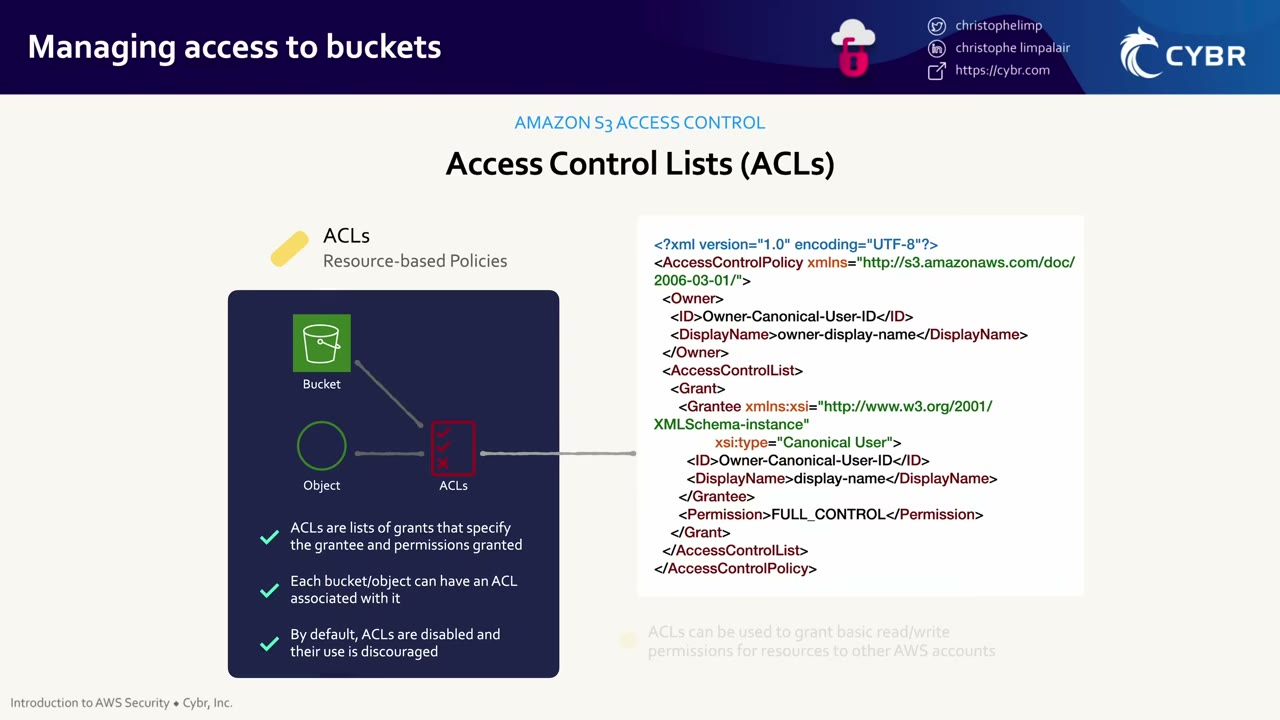
<?xml version="1.0" encoding="UTF-8"?>
<AccessControlPolicy xmlns="http://s3.amazonaws.com/doc/2006-03-01/">
  <Owner>
    <ID>Owner-Canonical-User-ID</ID>
    <DisplayName>owner-display-name</DisplayName>
  </Owner>
  <AccessControlList>
    <Grant>
      <Grantee xmlns:xsi="http://www.w3.org/2001/XMLSchema-instance"
               xsi:type="Canonical User">
        <ID>Owner-Canonical-User-ID</ID>
        <DisplayName>display-name</DisplayName>
      </Grantee>
      <Permission>FULL_CONTROL</Permission>
    </Grant>
  </AccessControlList>
</AccessControlPolicy>
Grantees are identified by canonical user ID (or predefined groups such as AllUsers/AuthenticatedUsers). Permissions: READ, WRITE, READ_ACP, WRITE_ACP, FULL_CONTROL.
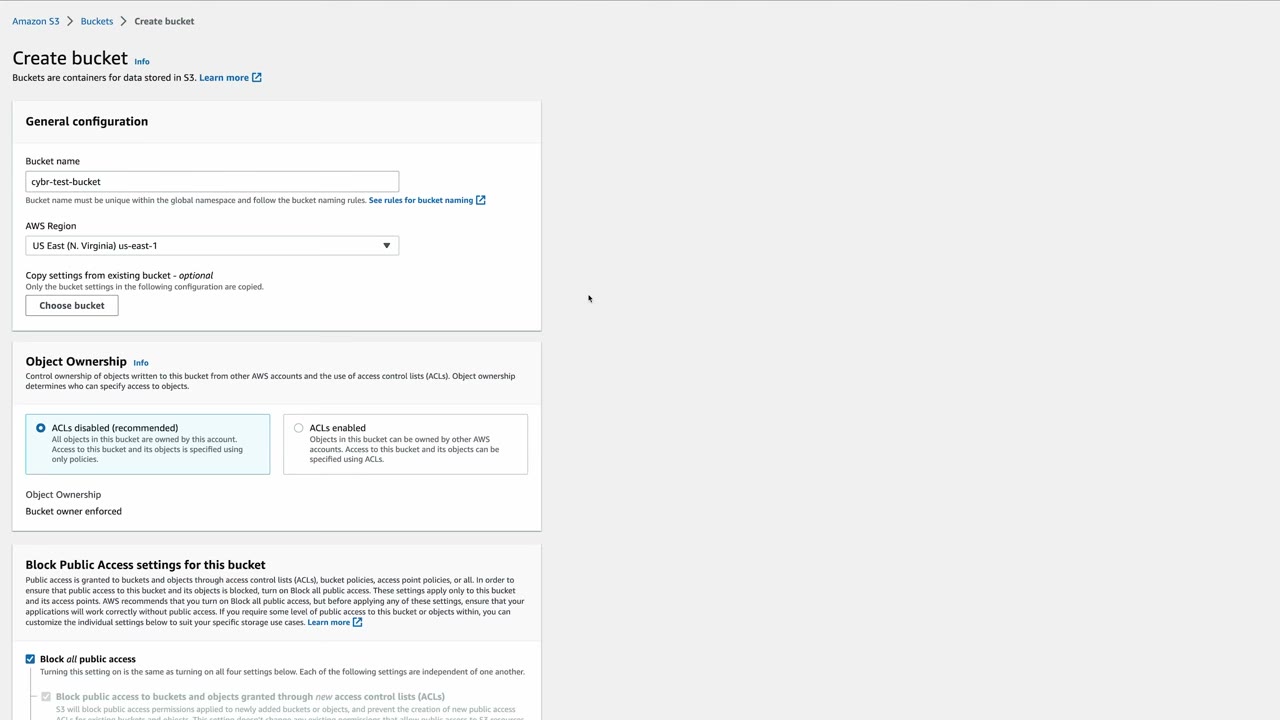
- Object Ownership = Bucket owner enforced (“ACLs disabled (recommended)”) disables ACLs entirely: “All objects in this bucket are owned by this account. Access … is specified using only policies.” It’s the default for new buckets since April 2023. The modern answer: use policies, not ACLs.
- The alternative, ACLs enabled, lets objects be owned by other AWS accounts, with access set by ACLs.
- With ACLs disabled the bucket owner owns every object, so the bucket policy applies to all objects regardless of uploader. The video’s “object permissions apply only to the objects that the bucket owner creates” was true with ACLs enabled (object writer owned the object). ▶ #51 01:01
- Disabling ACLs fails while the bucket policy/ACL still relies on ACL grants: migrate the grants to the bucket policy first.
Block Public Access (BPA)
Enabled by default: new buckets and objects don’t allow public access. Even if users modify bucket policies or object permissions to allow it, BPA overrides them. Buckets accidentally left open to the public were one of the main causes of S3 breaches. ▶ #51 01:40
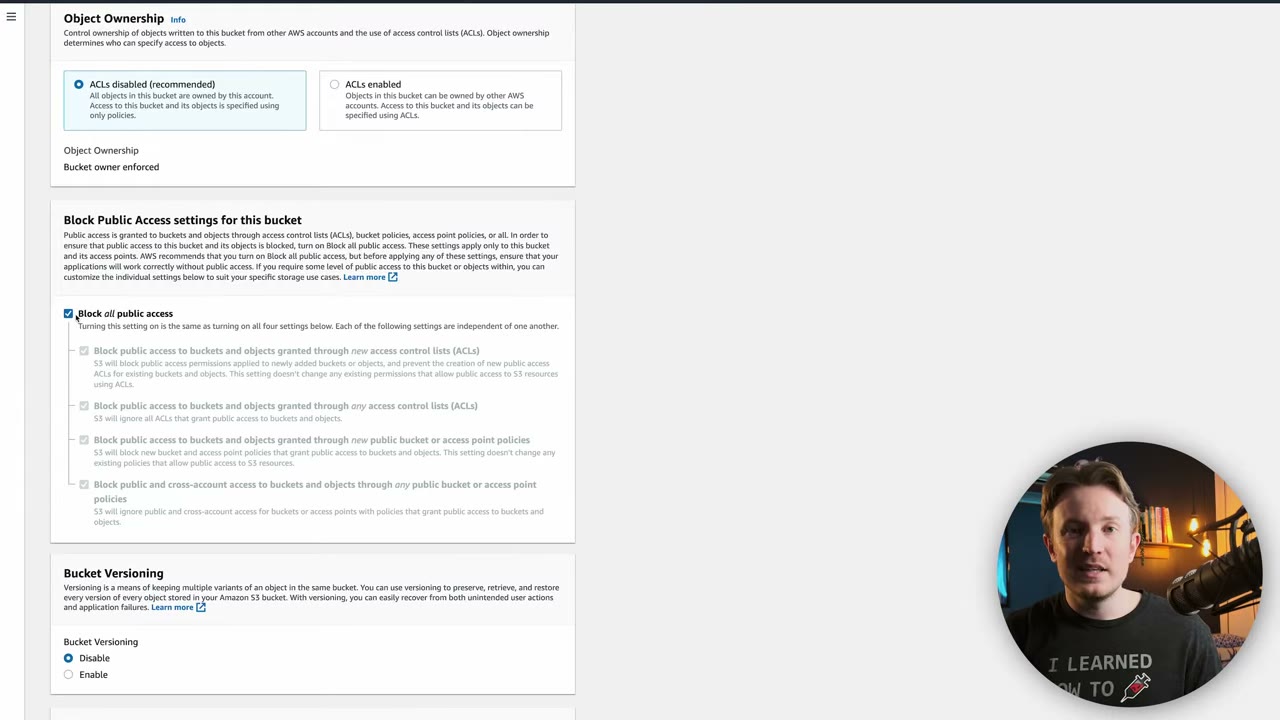
| # | Setting | Effect |
|---|---|---|
| 1 | Block public access through new ACLs | Rejects new public ACLs; existing ones unchanged |
| 2 | Block public access through any ACLs | S3 ignores all public ACLs |
| 3 | Block new public bucket / access point policies | Rejects new public policies |
| 4 | Block public and cross-account access through any public bucket / access point policy | S3 ignores them: only AWS service principals and the owner account |
- Applies at account and bucket level. The account-level setting wins.
- Org-wide pattern: set account-level BPA in every account (StackSets / Control Tower) plus an SCP denying
s3:PutAccountPublicAccessBlock/s3:PutBucketPublicAccessBlockso members can’t turn it off (or a declarative policy).
Presigned URLs
A presigned (“signed”) URL shares an object with someone outside your AWS organization, or lets them upload one, without AWS credentials or IAM permissions for the recipient. After expiry the URL stops working. ▶ #52 00:00
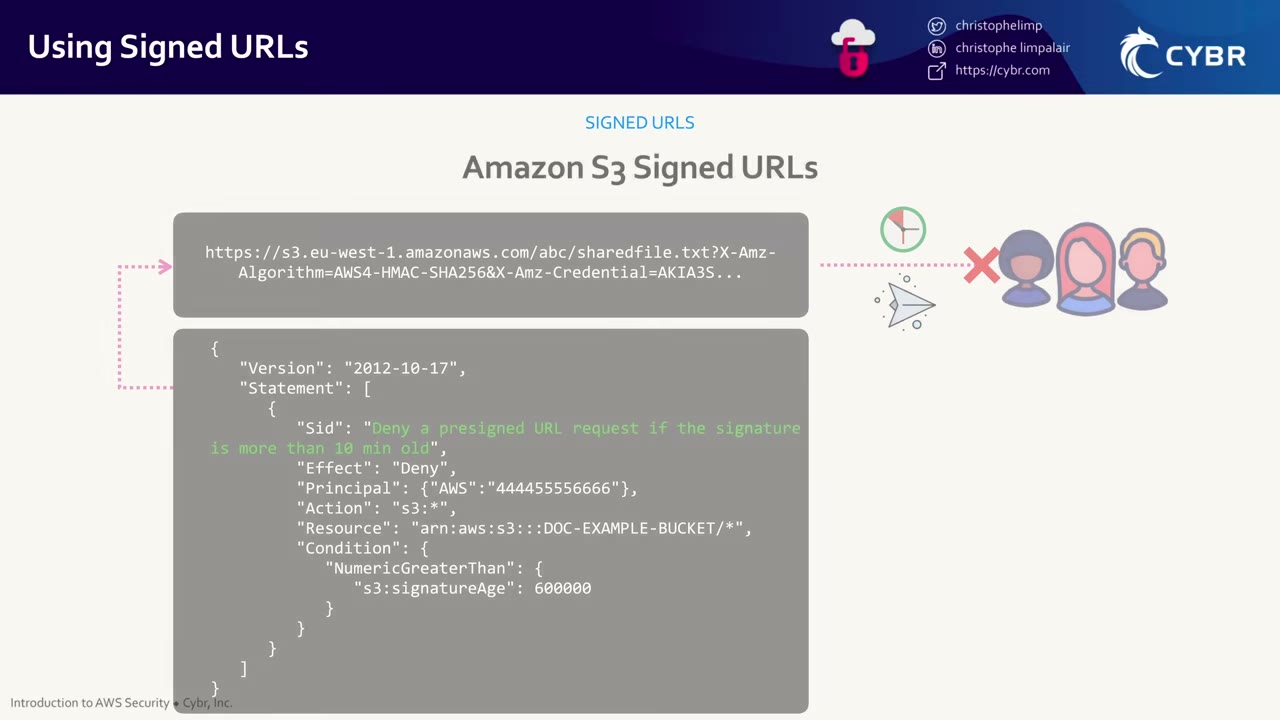
The URL (https://s3.eu-west-1.amazonaws.com/abc/sharedfile.txt?X-Amz-Algorithm=AWS4-HMAC-SHA256&X-Amz-Credential=AKIA3S…)
carries the SigV4 algorithm, the signer’s access key ID, date, expiry and signature.
How it really works
- A presigned URL carries no JSON policy of its own. It’s signed with the creating principal’s credentials (SigV4) and inherits that principal’s permissions at request time, limited to one operation (GET/PUT) on one object until
X-Amz-Expires. The video describes “creating a JSON policy with a validity period”: that model belongs to CloudFront signed URLs/cookies (custom policy withDateLessThan,IpAddress). The JSON on the slide is a bucket policy restricting presigned requests. ▶ #52 00:10 - Max validity: 7 days (SigV4 with IAM user keys).
- Effective lifetime = the shorter of
X-Amz-Expiresand the signer’s credential lifetime (role session e.g. 1 h, instance-profile creds ~6 h). With a role or STS the URL dies when the session credentials expire, even if the expiry is set longer. - Console-generated URLs: up to 12 hours or until the console session expires (1–720 minutes). ▶ #57 01:50
- Revoke by removing the signer’s permission or deactivating its key.
- With SSE-KMS objects the signer also needs
kms:Decrypt(GET) /kms:GenerateDataKey(PUT).
Risks: an easy way to share with third parties, but careful with sensitive data. A signed URL is literally just a link: it can be forwarded or leak accidentally, and you have no control over who uses it until it expires. ▶ #52 00:40
Upload use case: a new app user uploads an avatar picture; the app generates a presigned URL that the client uploads to. ▶ #52 01:00
Restrict presigned use centrally with bucket policy conditions: s3:signatureAge (milliseconds), s3:authType
(REST-QUERY-STRING = presigned), aws:SourceIp, aws:SourceVpce, s3:signatureversion (AWS4-HMAC-SHA256). The
slide’s policy denies requests whose signature is older than 10 minutes, even if the URL was generated with a 7-day
expiry: ▶ #52 00:10
{
  "Version": "2012-10-17",
  "Statement": [
    {
      "Sid": "Deny a presigned URL request if the signature is more than 10 min old",
      "Effect": "Deny",
      "Principal": {"AWS": "444455556666"},
      "Action": "s3:*",
      "Resource": "arn:aws:s3:::DOC-EXAMPLE-BUCKET/*",
      "Condition": {
        "NumericGreaterThan": {
          "s3:signatureAge": 600000
        }
      }
    }
  ]
}
600000 ms = 10 minutes.
S3 Access Points
Named network endpoints attached to a bucket (not to be confused with VPC endpoints), each with its own access point policy, network origin (VPC-only or Internet), Block Public Access settings and ARN/alias. They give more control over who or what can reach buckets and objects. Console: S3 → Access management and security → Access Points; also available for Amazon FSx file systems (out of scope). ▶ #53 00:00
The Access Points page has tabs General purpose buckets / Directory buckets / Multi-Region / Object Lambda and columns name, data source type, data source ID and Access Point alias.
Use case: a bucket must only be accessed by apps inside specific VPCs → create one access point per VPC with network origin VPC only and the VPC ID. ▶ #53 00:30
Creating one: ▶ #53 00:50
- Name: unique per account per Region.
- Data source: a bucket in this account or in another account (cross-account access points). Can’t be edited later.
- Network origin: VPC (no internet access; requests over AWS private networks from that VPC only) or Internet (non-VPC apps). ▶ #53 01:01
- VPC ID (starts with
vpc-). - Block Public Access for the access point: the same four settings, available in either network mode, not editable after creation. ▶ #53 01:30
- Access point policy (optional): JSON like a bucket policy. The resource is the access point ARN, which you only know after creation, so you’d usually add it afterwards. ▶ #53 01:41
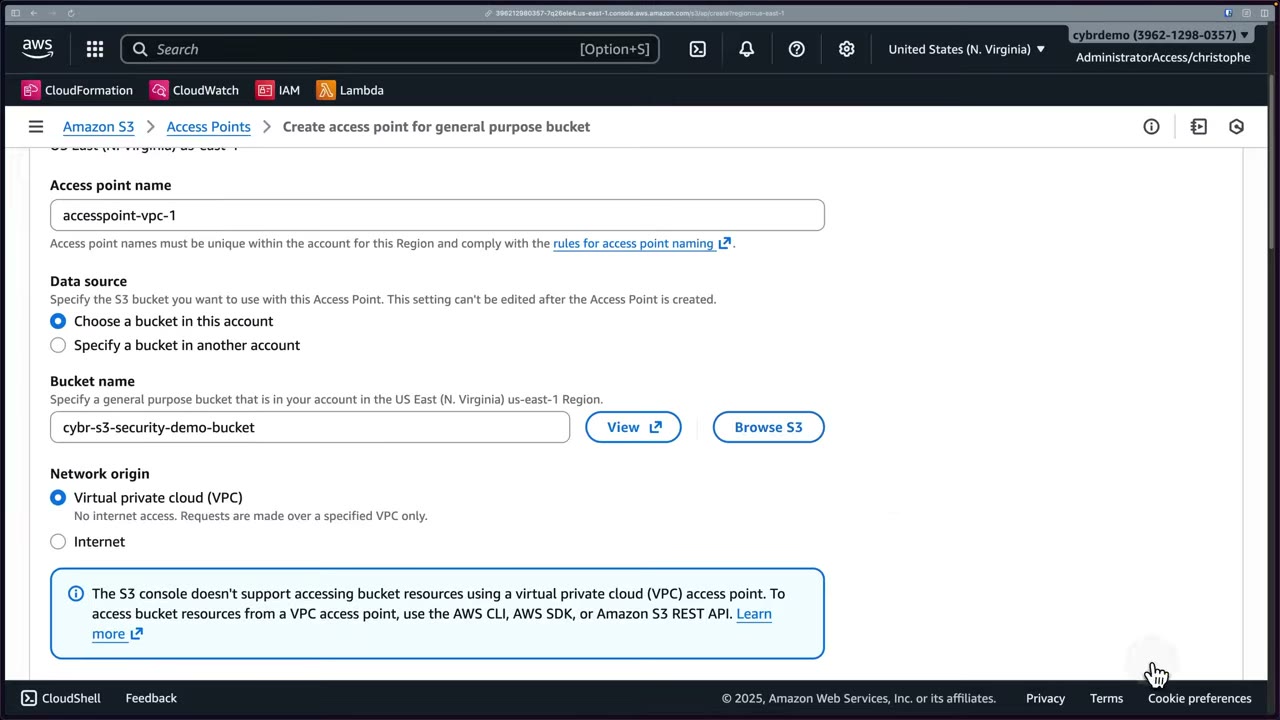
Note on the form: “The S3 console doesn’t support accessing bucket resources using a VPC access point. Use the AWS CLI, AWS SDK, or Amazon S3 REST API.”
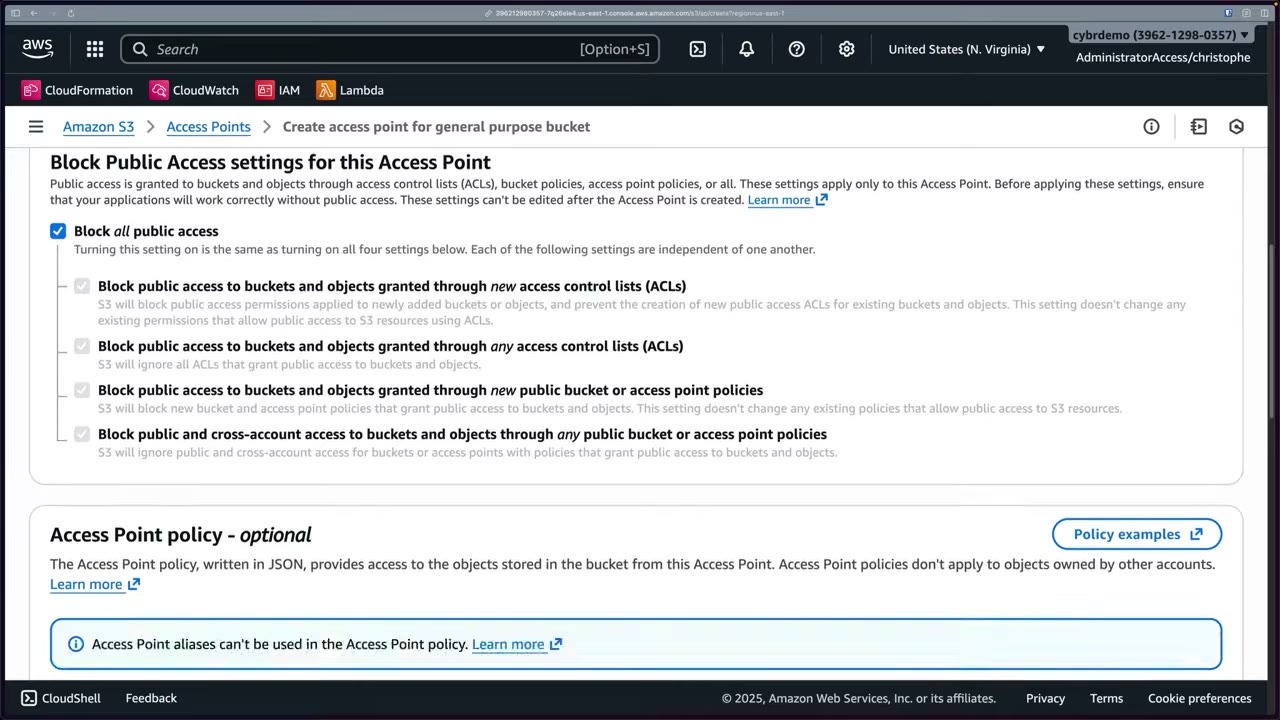
The policy section warns: “Access Point policies don’t apply to objects owned by other accounts” and “Access Point
aliases can’t be used in the Access Point policy.” The editor shows the ARN to use:
arn:aws:s3:us-east-1:396212980357:accesspoint/accesspoint-vpc-1.
Bucket policy vs access point policy
- You can have both, only a bucket policy, or only an access point policy. ▶ #53 02:20
- The instructor’s version: AWS recommends only using access point policies when you create access points (e.g. a bucket used only by 5 VPC apps through 5 access points), or making both policies identical, “otherwise they will conflict”. ▶ #53 02:30
- More precisely: a request through an access point must be allowed by the access point policy and the bucket policy (plus IAM). AWS’s recommended pattern is delegating access control to access points: the bucket policy allows
*only when the request comes through an access point owned by your account ("Condition": {"StringEquals": {"s3:DataAccessPointAccount": "<account-id>"}}), and fine-grained rules live in each access point policy. You don’t delete or duplicate the bucket policy. - Other condition keys:
s3:DataAccessPointArn,s3:AccessPointNetworkOrigin.
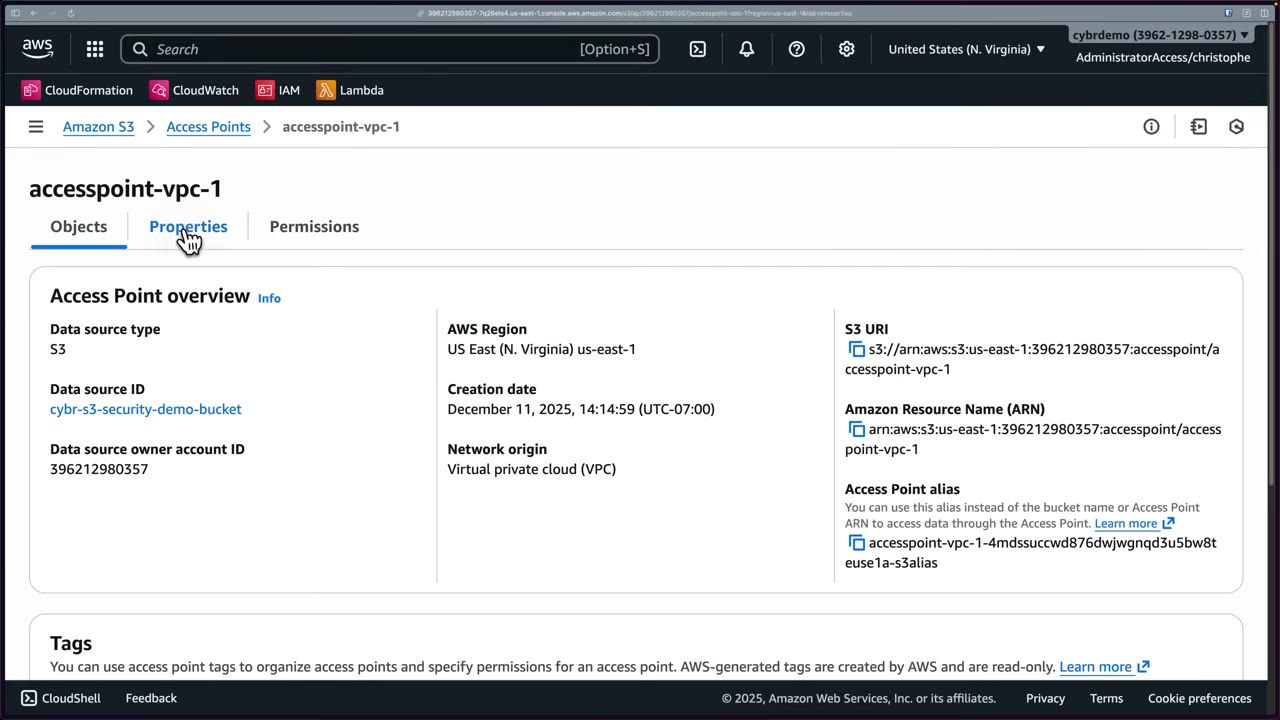
Using it: after creation, Properties show the S3 URI (s3://arn:aws:s3:us-east-1:…:accesspoint/accesspoint-vpc-1),
ARN and alias (accesspoint-vpc-1-…-s3alias, usable wherever a bucket name is expected). Hand these to the apps;
they call S3 through the access point. ▶ #53 03:11 If clients hit the bucket directly, the access point and its policy
aren’t evaluated, which defeats the purpose: restrict the bucket to access-point-only use. ▶ #53 03:40
Why not just bucket policies? ▶ #53 04:11
- Network origin enforcement: with VPC only, AWS automatically blocks connections not from the specified VPC, even if your policy is over-permissive. A fail-safe extra layer. ▶ #53 04:30 The VPC still needs an S3 gateway/interface endpoint whose endpoint policy allows the access point ARN. To force VPC-only access, deny requests where
s3:AccessPointNetworkOrigin≠VPC(SCP or bucket policy). - A dedicated resource policy per access point. ▶ #53 04:50
- Many access points per bucket: each app/VPC gets an isolated access configuration. With Internet origin, e.g. on-prem or data engineering teams each governed by their own policy. ▶ #53 05:01
- Each app gets its own URL and ARN, so you can cut off access without editing policies: delete the access point and access stops immediately. ▶ #53 05:21
- Helps protect against accidental data exposure. ▶ #53 05:42
Limits: access points are for object operations (and limited bucket ops such as ListObjects), not bucket management
like PutBucketPolicy. Each policy up to 20 KB; up to 10,000 access points per account per Region by default. Name, data
source and BPA settings can’t be edited after creation. Multi-Region Access Points give a single global endpoint
with failover; Object Lambda access points transform data on read.
- S3 → Access Points → Create access point. ▶ #53 00:50
- Name
accesspoint-vpc-1; data source: bucket in this account →cybr-s3-security-demo-bucket. - Network origin VPC; VPC ID
vpc-12345(made up). ▶ #53 01:01 - Leave Block all public access on. ▶ #53 01:30
- Optional access point policy. The one on screen wasn’t captured; an example:
{
  "Version": "2012-10-17",
  "Statement": [{
    "Effect": "Allow",
    "Principal": {"AWS": "arn:aws:iam::396212980357:role/AppRole"},
    "Action": ["s3:GetObject", "s3:PutObject"],
    "Resource": "arn:aws:s3:us-east-1:396212980357:accesspoint/accesspoint-vpc-1/object/app1/*"
  }]
}
- Create → open it → Properties shows the S3 URI, ARN and alias to hand to applications. ▶ #53 03:11
S3 Access Grants
Gives users direct access to S3 using their identity from an external identity system. Instead of managing bucket policies or IAM roles per user, it maps identities to S3 permissions automatically. ▶ #54 00:00 Best for thousands of users with identities in Microsoft Entra ID or Okta, federated through IAM Identity Center. ▶ #54 00:20
Use case: data scientists, analysts and data engineering teams need different slices of data in the same buckets, often with end-to-end CloudTrail auditing. ▶ #54 00:32
The problem without it: corporate identities → shared roles → permissions. Since everyone uses the same roles, CloudTrail can’t easily tell which human did what, and you end up building custom solutions. ▶ #54 01:10
What it does: ▶ #54 01:30
- Directory users/groups and IAM principals access S3 directly, without new roles/users.
- Access is defined as a grant (READ / WRITE / READWRITE on a bucket, prefix or object) and grants vend just-in-time temporary credentials. ▶ #54 01:43
- Per-end-user access history in CloudTrail, because users aren’t assuming shared roles. ▶ #54 01:52
- An Access Grants instance gives you a unique domain and a grant manager handling identity → permission mapping. ▶ #54 02:40
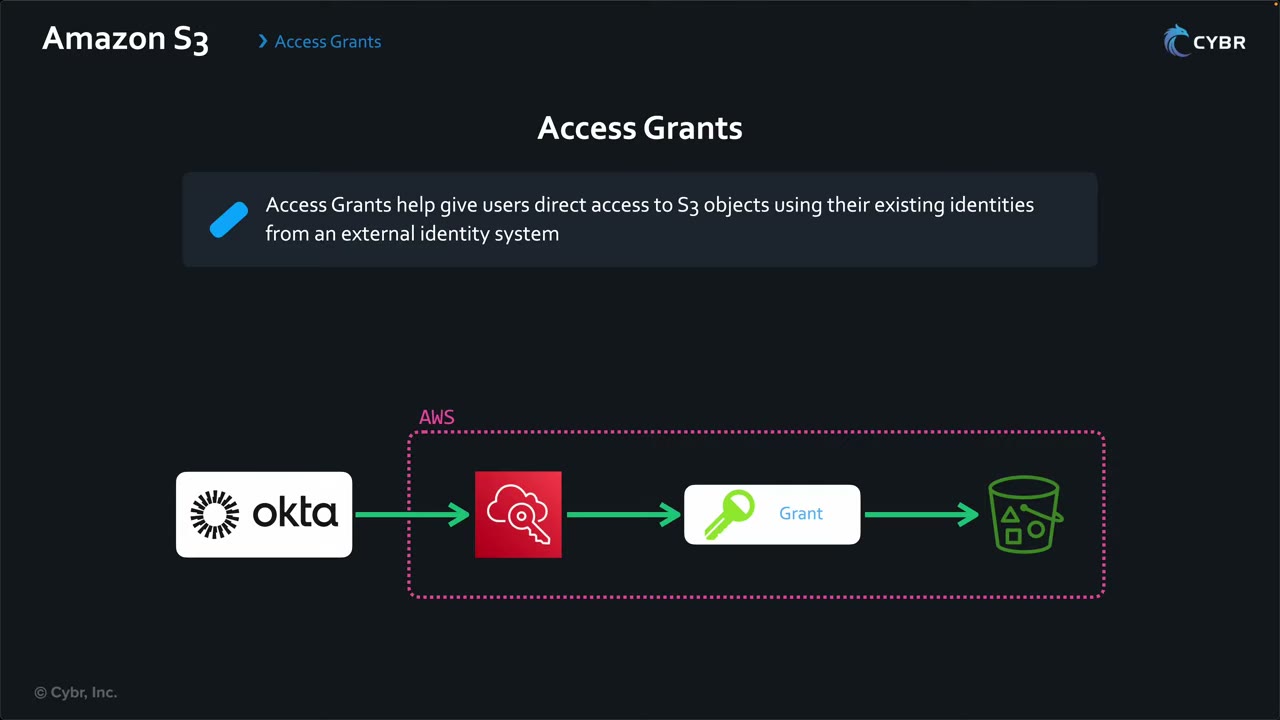
Flow:
- The app calls
GetDataAccess. Identity Center users first get an identity-enhanced session via trusted identity propagation. - S3 matches a grant.
- Access Grants assumes the location’s IAM role and vends credentials scoped down to the grant.
- Location role trust policy: principal
access-grants.s3.amazonaws.comwithsts:AssumeRole,sts:SetSourceIdentity,sts:SetContext. CloudTrail records the directory user (onBehalfOf/sourceIdentity), so per-user audit works. - One instance per Region per account, up to 100,000 grants, shareable cross-account via RAM. Grants are additive; explicit Denies in bucket policy, SCP or RCP still apply to the vended session.
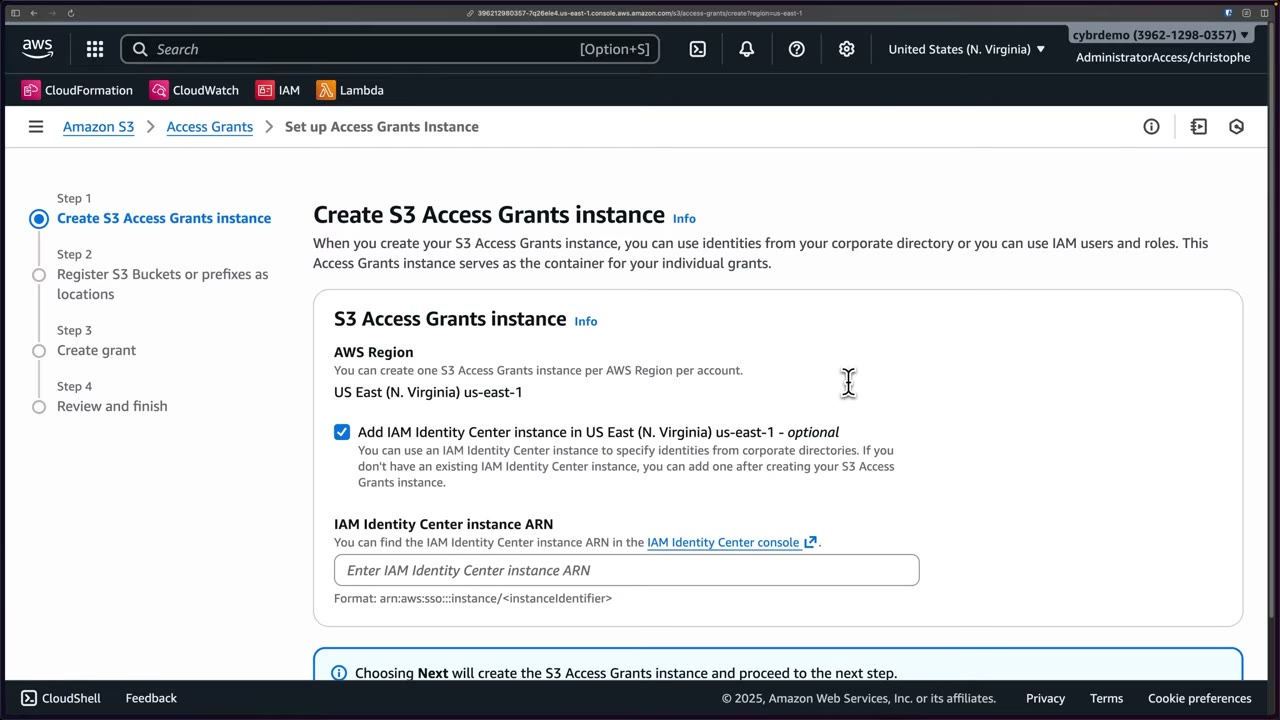
The wizard: 1 Create instance → 2 Register buckets or prefixes as locations → 3 Create grant → 4 Review and finish. The
Identity Center instance (arn:aws:sso:::instance/<instanceIdentifier>) must be in the same Region as the Access
Grants instance.
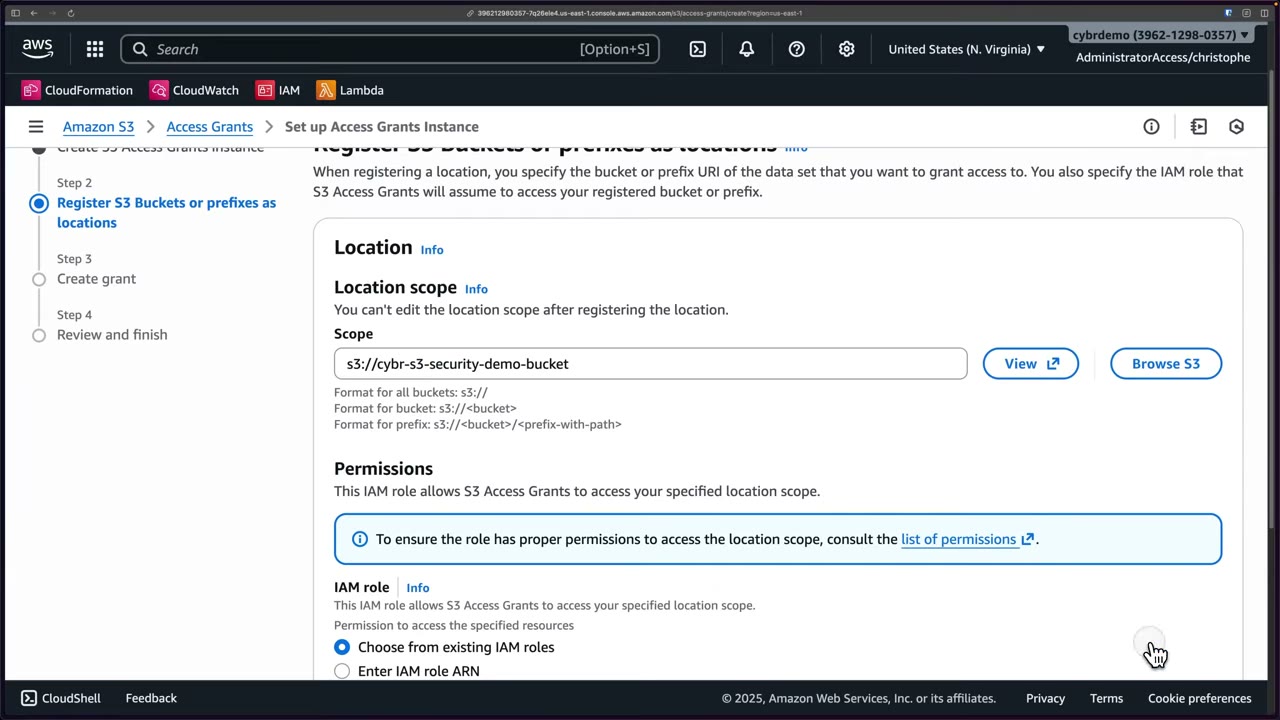
Location scope formats: all buckets s3://, a bucket s3://<bucket>, a prefix s3://<bucket>/<prefix-with-path>.
Can’t be edited after registering. The console lists the permissions the location role needs.
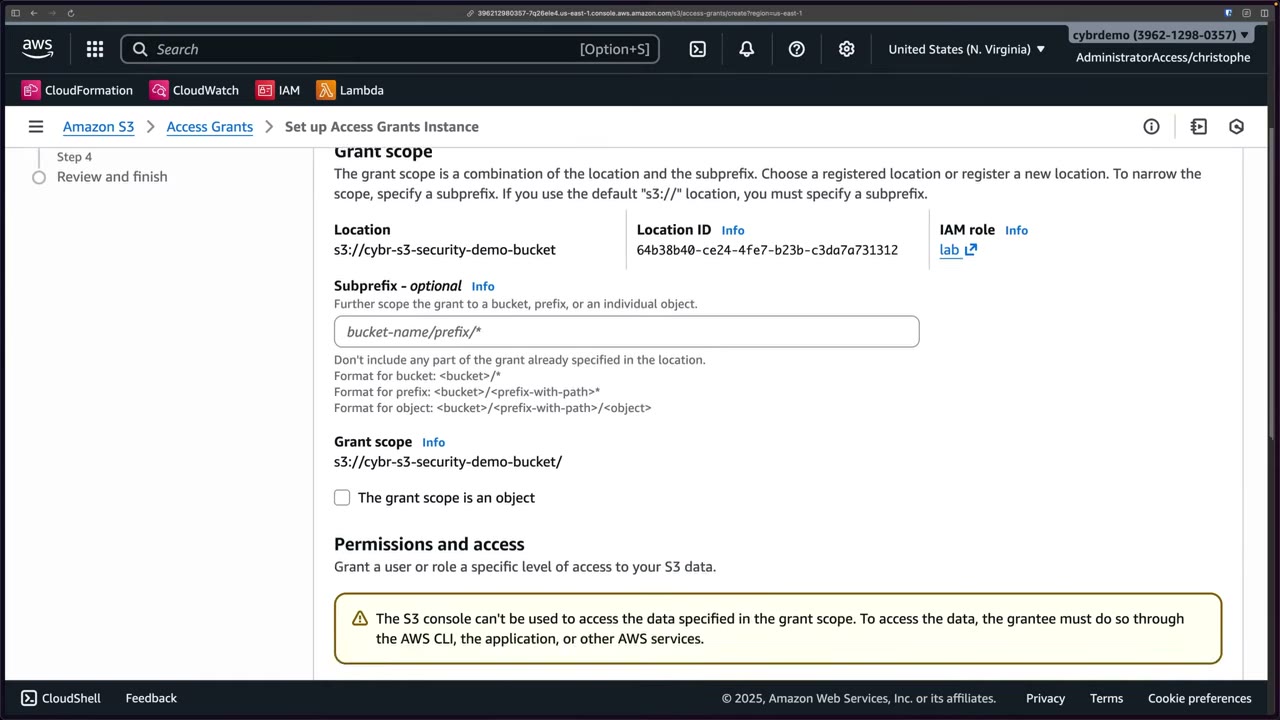
Grant scope = location + optional subprefix: bucket <bucket>/*, prefix <bucket>/<prefix-with-path>*, object
<bucket>/<prefix-with-path>/<object> (tick “The grant scope is an object”). With the default s3:// location a
subprefix is mandatory. Warning: “The S3 console can’t be used to access the data specified in the grant scope. …
the grantee must do so through the AWS CLI, the application, or other AWS services.”
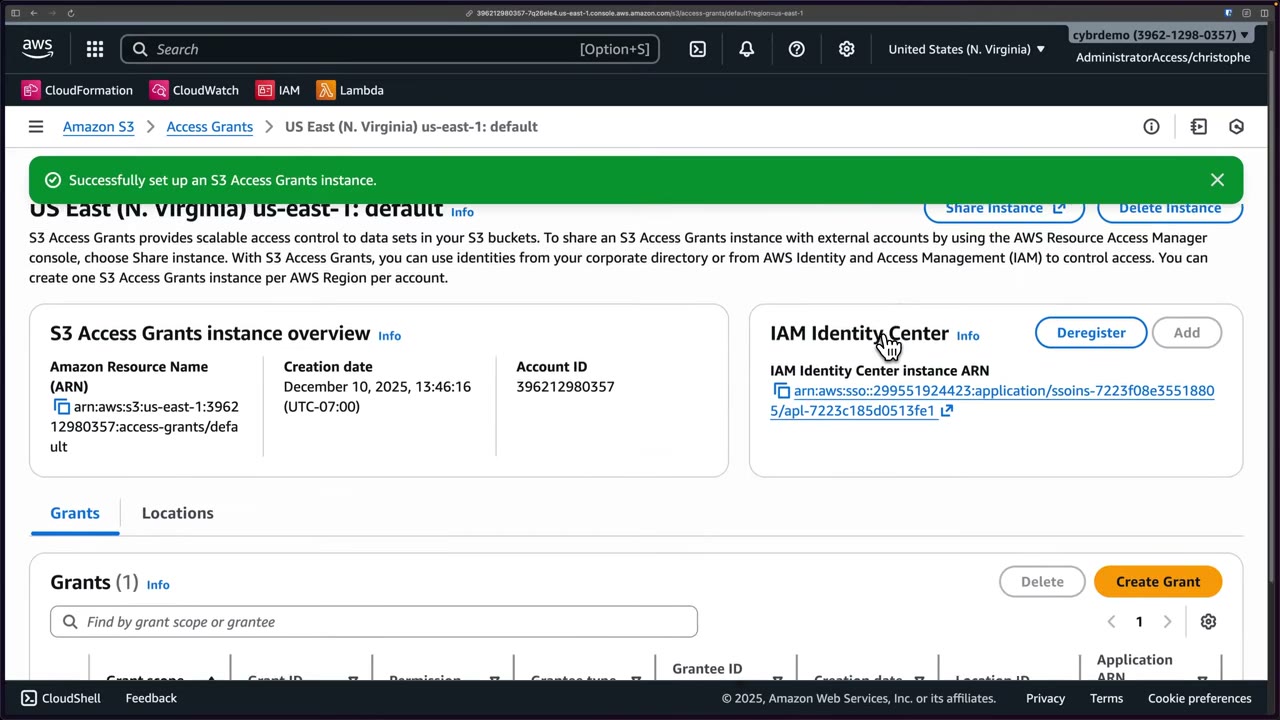
The instance page (arn:aws:s3:us-east-1:<acct>:access-grants/default) offers Share instance (RAM), Delete instance,
Identity Center Deregister/Add, and tabs Grants (scope, grant ID, permission, grantee type/ID, location ID,
application ARN) and Locations.
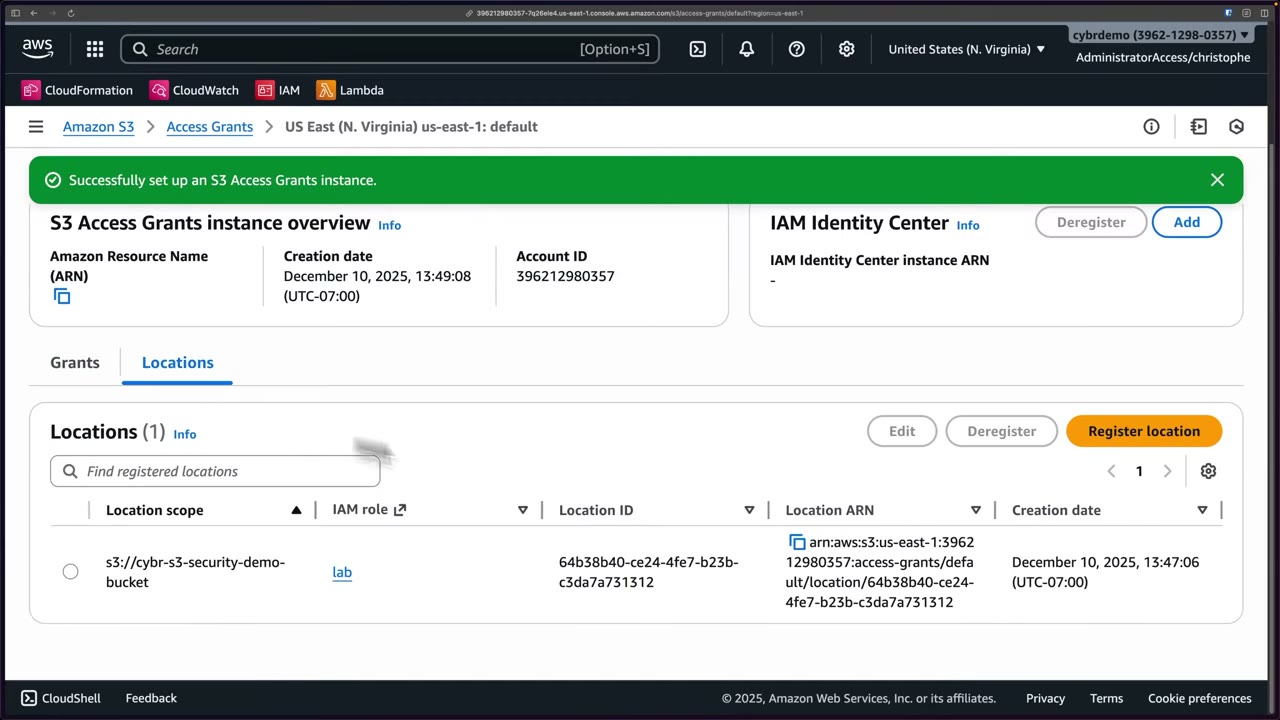
- S3 → Access Grants → read “Getting started” → Create S3 Access Grants instance. ▶ #54 02:52
- Tick Add IAM Identity Center instance, paste the instance ARN copied from the Identity Center console → Next (the instance is created now). ▶ #54 03:02
- Register location: Browse S3 →
cybr-s3-security-demo-bucket, no prefix filter. IAM role: existing pre-created rolelab→ Next. ▶ #54 03:40 - Create grant: path in bucket; permission Read and/or Write; grantee type = IAM principal (user or role) or directory identity from IAM Identity Center (user or group). Selected role
lab. ▶ #54 04:10 - Forgot the permission → set Read. The subprefix had to be
/*(shown as optional, but the wizard wouldn’t proceed without it) → Review → Finish. ▶ #54 04:51 - Instance page: share, delete, deregister Identity Center; Grants list; Locations tab. ▶ #54 05:11
IAM Access Analyzer for S3
Answers “who can access my S3 buckets?”, from outside your account or within your account and organization. ▶ #55 00:22 It is not enabled by default: the S3 console page “IAM Access Analyzer for S3” is empty until you create an analyzer in IAM (IAM → Access Analyzer → Create analyzer). ▶ #55 00:31
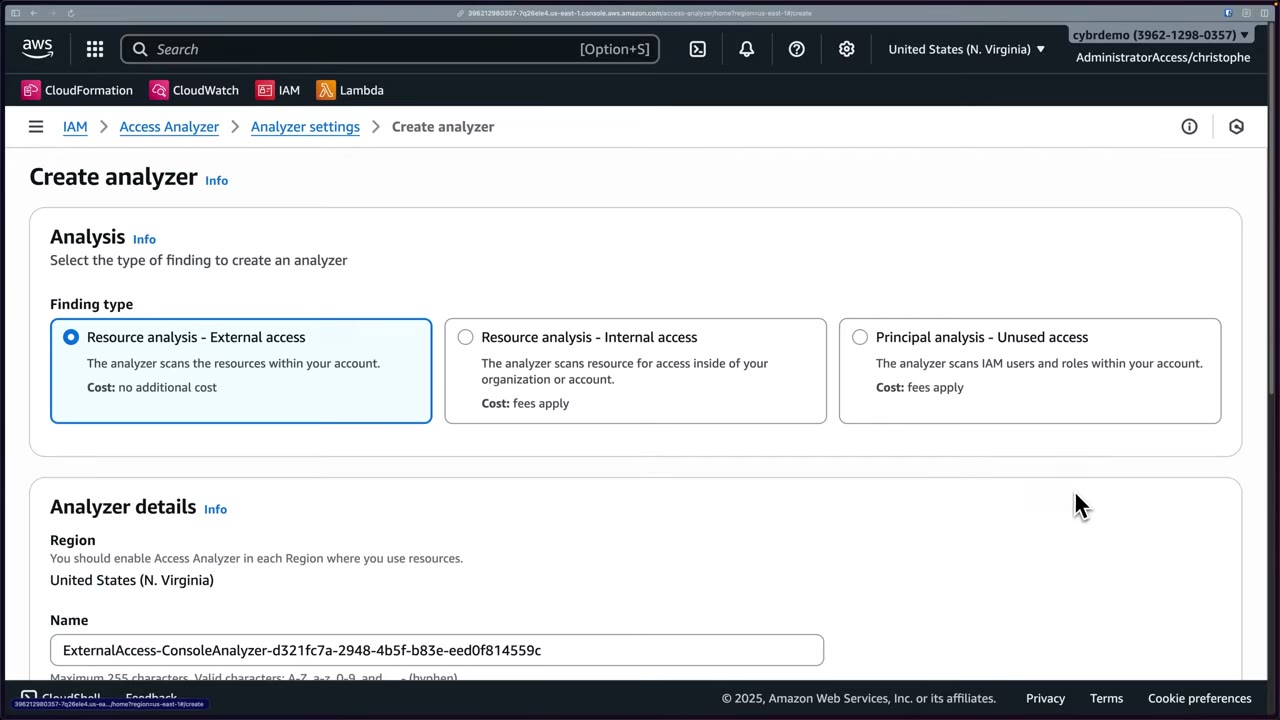
| Analyzer type | Finds | Cost |
|---|---|---|
| Resource analysis – External access | Access from outside the zone of trust (other accounts, public) | Free |
| Resource analysis – Internal access | Which principals inside the account/org can reach selected resources | Paid; can be significant with many resources and roles |
| Principal analysis – Unused access | Unused access of IAM users and roles | Paid |
- Analyzers are Regional: “You should enable Access Analyzer in each Region where you use resources”. ▶ #55 01:41
- Zone of trust = current account or organization (org analyzer in the management or delegated admin account).
- A service-linked role gives Access Analyzer permission to read resources. Optional tags (up to 50). ▶ #55 01:51
- Evaluates bucket policies, access point policies, bucket ACLs, Multi-Region Access Point configs and account-level BPA. ▶ #55 05:00
- Timing: policy / access point policy / ACL changes → findings within 30 minutes. Account-level BPA or MRAP changes → up to 6 hours. ▶ #55 05:31
- External-access resource types include S3 (and directory) buckets, IAM role trust policies, KMS keys, Lambda, SQS, SNS, Secrets Manager, EBS/RDS/DocumentDB snapshots, ECR, EFS, DynamoDB streams/tables.
- Other features: policy validation, custom policy checks (
CheckNoNewAccess,CheckAccessNotGranted,CheckNoPublicAccessin CI/CD), policy generation from CloudTrail, access preview for bucket policy changes. Findings go to EventBridge and Security Hub. - It reasons about policies (what could access), not traffic. For what did access, use CloudTrail data events.
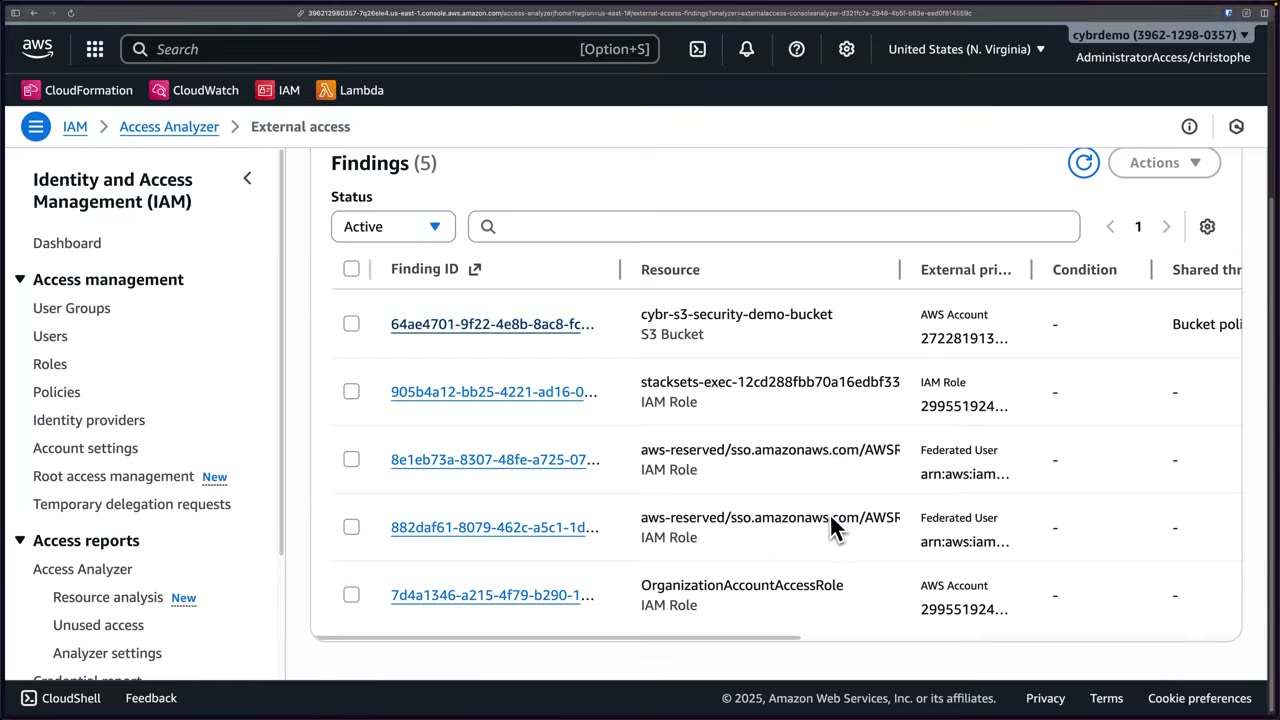
Findings columns: finding ID, resource, external principal, condition, shared through (e.g. bucket policy),
access level (read, write, both; also tagging), RCP restriction, last updated, status. ▶ #55 03:00 Role trust
policies are resources too, so cross-account role trusts (StackSets execution role, Identity Center AWSReservedSSO_…
roles as Federated user, OrganizationAccountAccessRole) show up as external access.
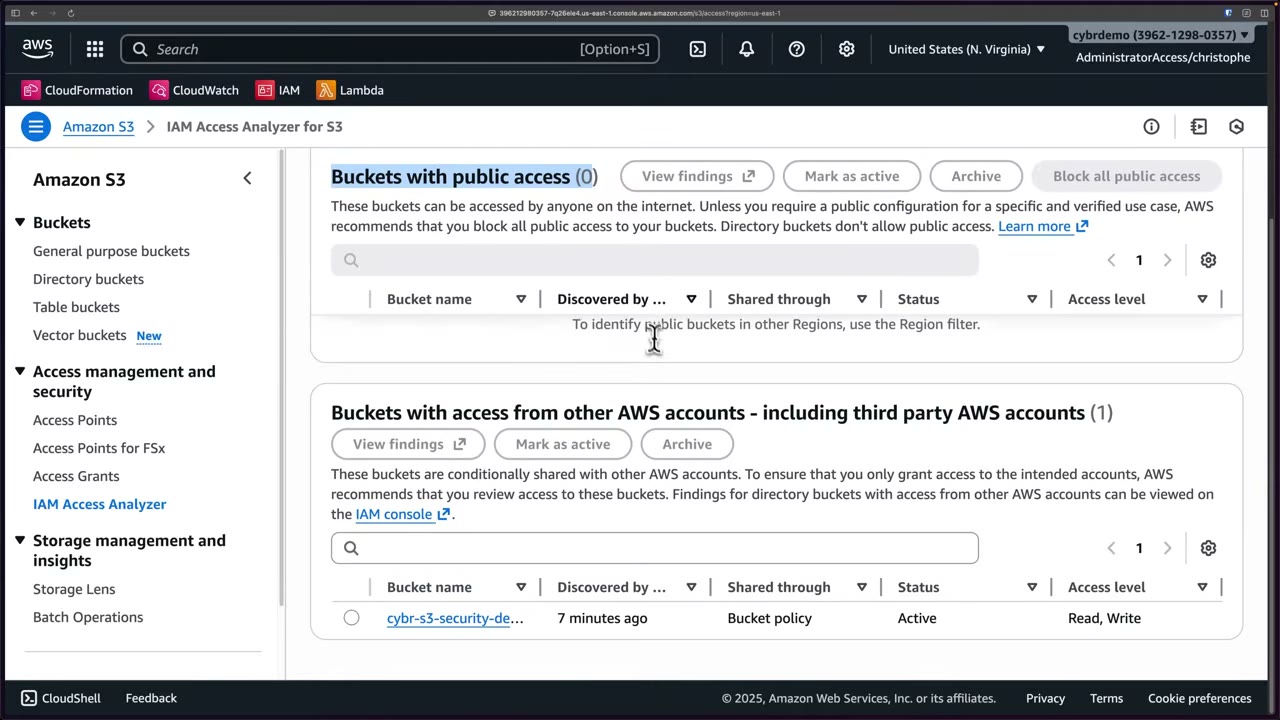
The S3 console view has two tables: Buckets with public access (0, good) and Buckets with access from other AWS accounts – including third-party accounts (the demo bucket, shared through the bucket policy, Read and Write). ▶ #55 03:51 Buckets with private access are not listed. Actions: View findings, Mark as active, Archive, Block all public access (one click), Download report (CSV).
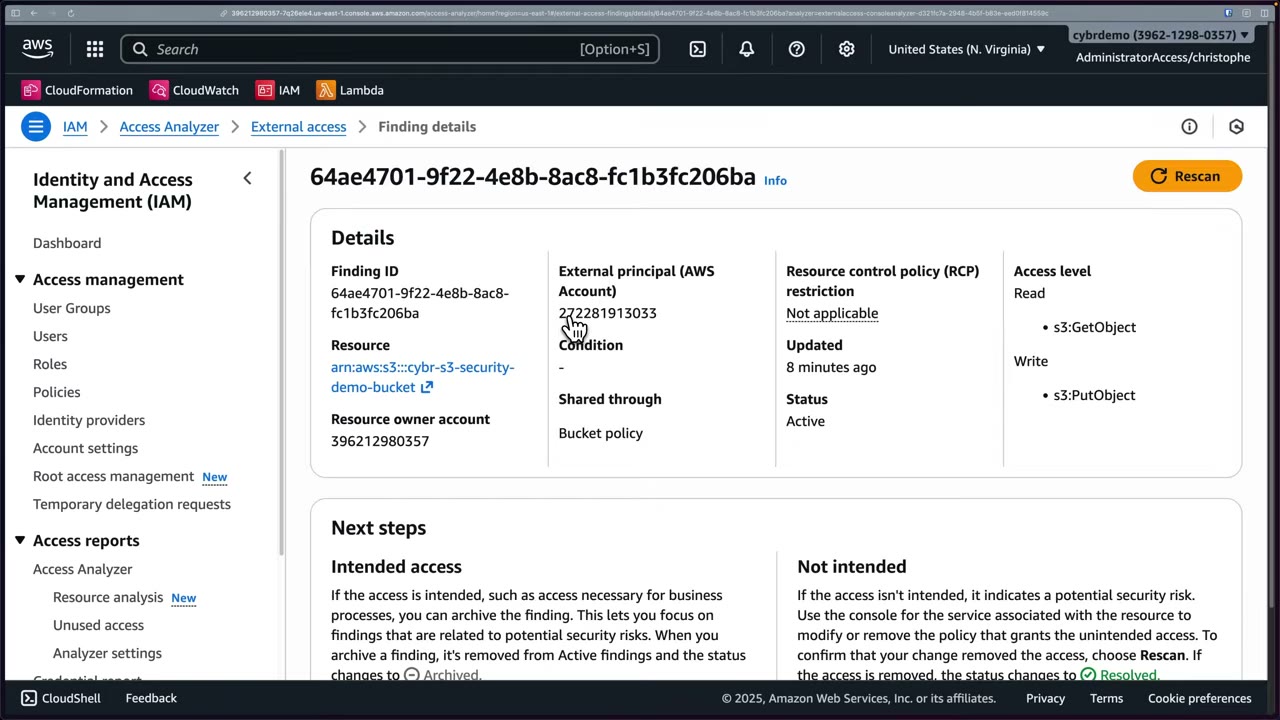
- Finding details show the exact actions, e.g.
s3:GetObject(read) ands3:PutObject(write). ▶ #55 04:40 - Intended access → Archive (status Archived) to reduce noise, or use archive rules. ▶ #55 04:20
- Not intended → modify/remove the policy in the service console, then Rescan. If the access is gone, status → Resolved.
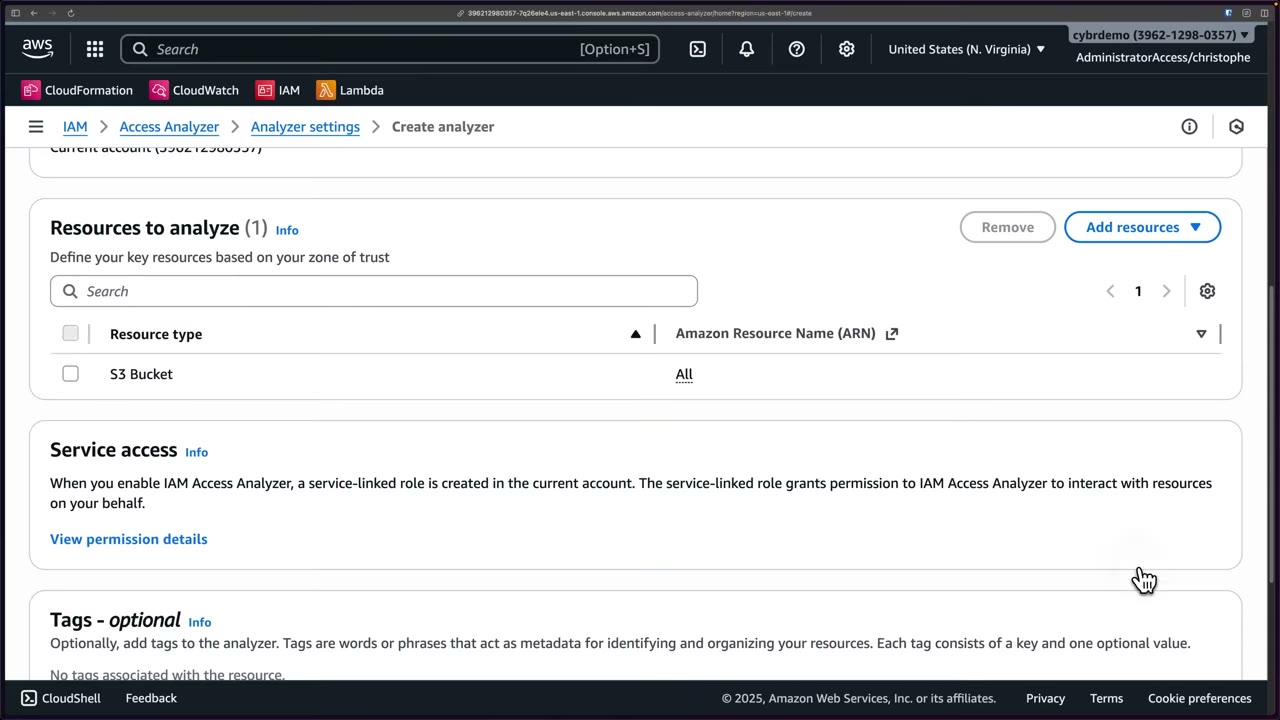
Internal access analyzer: create a separate analyzer, then Resources to analyze → Add resources by CSV upload, pasted ARNs (very selective), or by account with all supported types or specific ones (e.g. S3 Bucket). The picker also offers DynamoDB streams/tables, RDS DB (cluster) snapshots and S3 Express directory buckets. ▶ #55 05:50 “You are only charged for the resources you configure for analysis.” Scope it to control cost and alert floods. ▶ #55 06:32
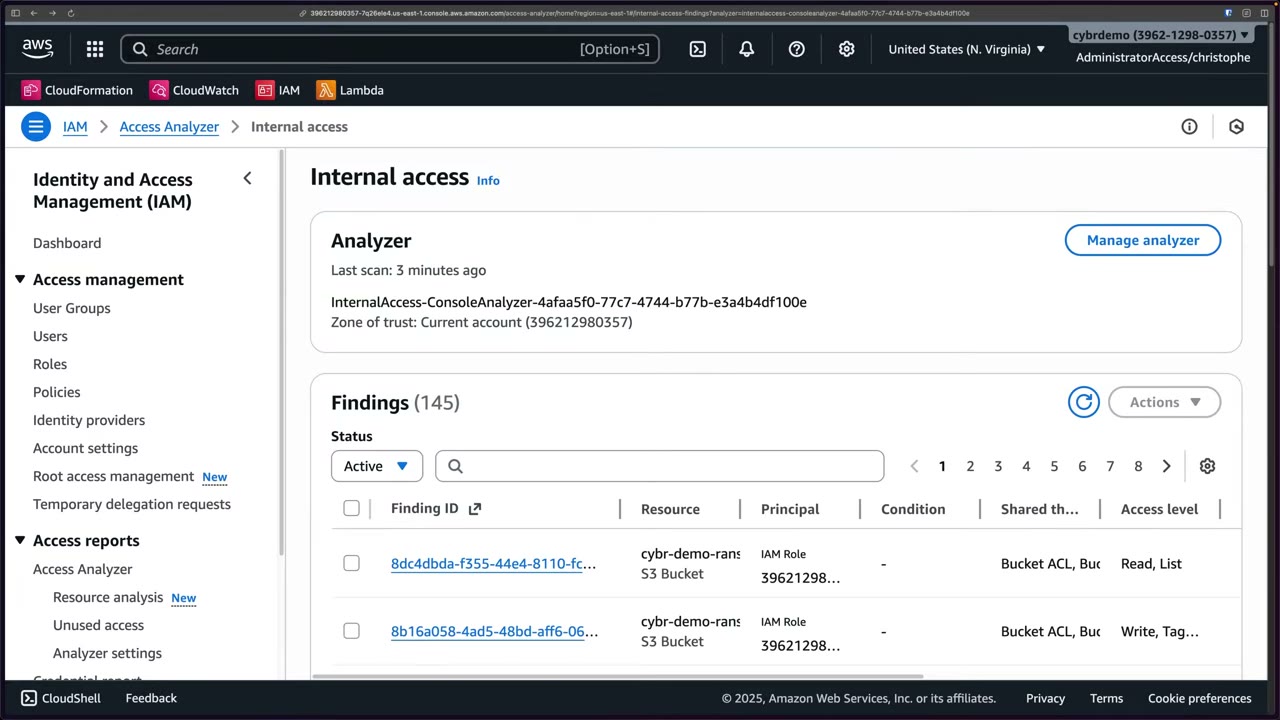
After 2–3 minutes: 145 findings, many more than external as expected. Same columns, but principal instead of external principal (mostly the same IAM role). ▶ #55 07:01
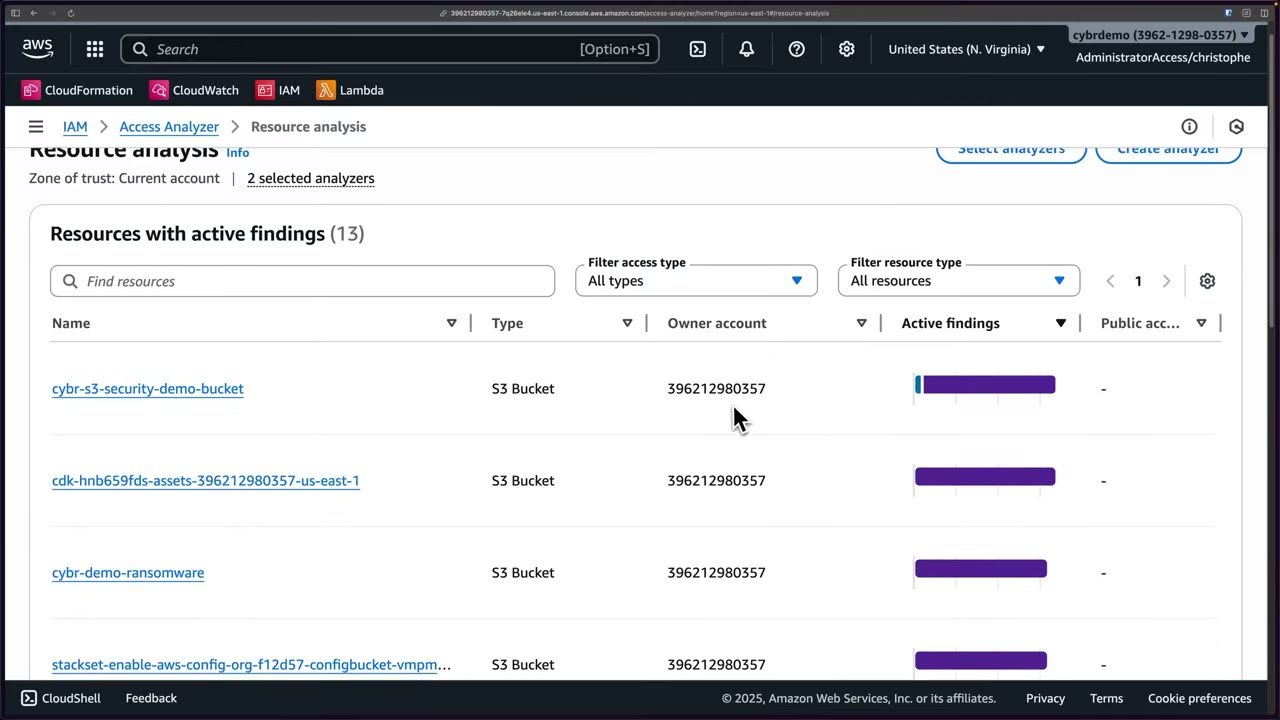
Resource analysis (new at recording): all affected resources from your analyzers, active findings (hover for external vs internal split), resource type, owner account. A good high-level overview. ▶ #55 07:41
- S3 → IAM Access Analyzer: empty, not enabled. ▶ #55 00:22
- IAM → Access Analyzer → Create analyzer → External access → name default (
ExternalAccess-ConsoleAnalyzer-<uuid>), zone of trust current account → Create. ▶ #55 01:31 - Refresh after ~2 minutes → 5 findings. ▶ #55 03:00 (02:10–02:59 of the video is a sponsor segment, not exam content.)
- S3 → IAM Access Analyzer for S3 → public (0) and cross-account (1) tables → View findings / Archive. ▶ #55 03:51
- Open the finding → actions
s3:GetObject,s3:PutObject. ▶ #55 04:40 - Create analyzer → Internal access → Add resources → by account → specific type S3 Bucket → Add → Create (paid warning). ▶ #55 05:50
- After 2–3 minutes → 145 internal findings. ▶ #55 07:01
- Access Analyzer → Resource analysis overview. ▶ #55 07:41
Encryption
| Option | Key facts |
|---|---|
| SSE-S3 | Default for all new objects since Jan 2023 |
| SSE-KMS | Audit trail in CloudTrail. Caller needs kms:GenerateDataKey (PUT) and kms:Decrypt (GET). Encryption context = bucket/object ARN |
| DSSE-KMS | Two layers of encryption, for compliance requiring multi-layer encryption |
| SSE-C | You send the key with every request, HTTPS only; S3 stores only an HMAC of it. Lose the key = lose the data |
| Client-side | Encrypt before upload (S3 Encryption Client / AWS Encryption SDK) |
- S3 Bucket Keys: a bucket-level data key cuts KMS calls by up to 99%. The CloudTrail encryption context becomes the bucket ARN, not the object ARN.
- Changing default encryption does not re-encrypt existing objects. Use S3 Batch Operations (copy in place).
- Objects under
aws/s3can’t be shared cross-account: use a CMK and grant the other account decrypt.
Baseline bucket policy: deny non-TLS, deny old TLS, and force SSE-KMS with a specific key.
{
  "Version": "2012-10-17",
  "Statement": [
    {
      "Sid": "DenyInsecureTransport",
      "Effect": "Deny",
      "Principal": "*",
      "Action": "s3:*",
      "Resource": ["arn:aws:s3:::example-secure-bucket", "arn:aws:s3:::example-secure-bucket/*"],
      "Condition": {"Bool": {"aws:SecureTransport": "false"}}
    },
    {
      "Sid": "DenyOldTLS",
      "Effect": "Deny",
      "Principal": "*",
      "Action": "s3:*",
      "Resource": ["arn:aws:s3:::example-secure-bucket", "arn:aws:s3:::example-secure-bucket/*"],
      "Condition": {"NumericLessThan": {"s3:TlsVersion": "1.2"}}
    },
    {
      "Sid": "DenyWrongEncryptionHeader",
      "Effect": "Deny",
      "Principal": "*",
      "Action": "s3:PutObject",
      "Resource": "arn:aws:s3:::example-secure-bucket/*",
      "Condition": {
        "StringNotEqualsIfExists": {"s3:x-amz-server-side-encryption": "aws:kms"},
        "Null": {"s3:x-amz-server-side-encryption": "false"}
      }
    },
    {
      "Sid": "DenyWrongKmsKey",
      "Effect": "Deny",
      "Principal": "*",
      "Action": "s3:PutObject",
      "Resource": "arn:aws:s3:::example-secure-bucket/*",
      "Condition": {
        "StringNotEqualsIfExists": {
          "s3:x-amz-server-side-encryption-aws-kms-key-id": "arn:aws:kms:eu-west-1:111122223333:key/1234abcd-12ab-34cd-56ef-1234567890ab"
        }
      }
    }
  ]
}
- Set default encryption = SSE-KMS with that key + Bucket Key, so clients that send no header still comply. The two encryption statements reject only requests that ask for a different algorithm or key.
- The older pattern “deny if the header is missing” (
"Null": {"s3:x-amz-server-side-encryption": "true"}) still appears in exam answers. It works, but breaks clients that rely on default encryption.
Versioning and MFA Delete
Versioning keeps every version of every object, so overwrites and deletes are recoverable: a simple yet effective control against accidental loss, tampering and ransomware. ▶ #57 00:00
- Enable: bucket → Properties → Bucket Versioning → Edit → Enable → Save. The other option, Suspend, “suspends the creation of object versions for all operations but preserves any existing object versions”. ▶ #57 00:20
- Once enabled it can only be suspended, never removed. Suspended: existing versions stay, new writes get version ID
null. - Allow about 15 minutes after enabling before relying on it. ▶ #57 01:00
- After saving, the console suggests lifecycle rules “to transition, archive, or delete older object versions”.
- A plain
DELETE(no version ID) only adds a delete marker; remove the marker to “undelete”. Permanent deletion =DeleteObjectwithversionId(s3:DeleteObjectVersion). - Versioning is a prerequisite for replication and Object Lock.
- Trade-off: more versions = more storage cost. ▶ #57 04:00 Control it with
NoncurrentVersionExpiration/NoncurrentVersionTransitionand expired-delete-marker cleanup. - Ransomware resilience: deny
s3:DeleteObjectVersionands3:PutBucketVersioning(bucket policy/SCP). GuardDuty S3 Protection flags mass deletes or disabling versioning.
MFA Delete requires MFA for changing the versioning state or permanently deleting object versions. ▶ #57 00:31 If an attacker could disable versioning and delete prior versions, they could erase traces of tampering; MFA makes that much harder. ▶ #57 00:41
- Can’t be enabled from the console: use the CLI/API, and only the root user can enable it (with the root MFA device). ▶ #57 00:50
- Per AWS docs it can’t be used together with S3 Lifecycle configurations. “Nobody may permanently delete versions” is more often answered with Object Lock compliance mode.
aws s3api put-bucket-versioning \
  --bucket cybr-lab-example \
  --versioning-configuration Status=Enabled,MFADelete=Enabled \
  --mfa "arn:aws:iam::<account-id>:mfa/root-account-mfa-device 123456"
Restoring a previous version — two approaches: ▶ #57 02:50
- Copy the previous version over the same key; it becomes current.
- Permanently delete the current version (by version ID); the prior version becomes current automatically. ▶ #57 03:00
The version-specific presigned URL includes versionId=… and X-Amz-Security-Token (temporary session credentials).
“Anyone can access the object with this presigned URL until it expires, even if the bucket and object are private.” “Time
intervals for presigned URLs can be restricted by your IAM policy.”
- Bucket
cybr-lab-example→ Properties → Bucket Versioning → Edit → Enable → Save. Wait ~15 minutes. ▶ #57 00:20 - Upload
test-object.txt(“Test”) → Versions tab: one version, marked Current version. ▶ #57 01:10 - Edit it to “Test version 2” and re-upload with the same key → two versions, told apart by size (14 B vs 4 B). Toggling Show versions in the bucket list shows the same. ▶ #57 01:20
- Object actions → Share with a presigned URL → 10 minutes → open → “Test version 2”. Repeat on the prior version ID → “Test”. Each version can be linked individually to compare without restoring. ▶ #57 01:50
- Versions tab → tick the current version → Delete → type
permanently delete→ Delete objects. ▶ #57 03:11 - One version remains; opening it shows “Test”. ▶ #57 03:31
Object Lock (WORM)
Object Lock stores objects as WORM (write once, read many): once a version is locked, no one can overwrite or delete it until the lock expires. Strictly, “not even root or admins” holds only in Compliance mode. ▶ #58 00:20
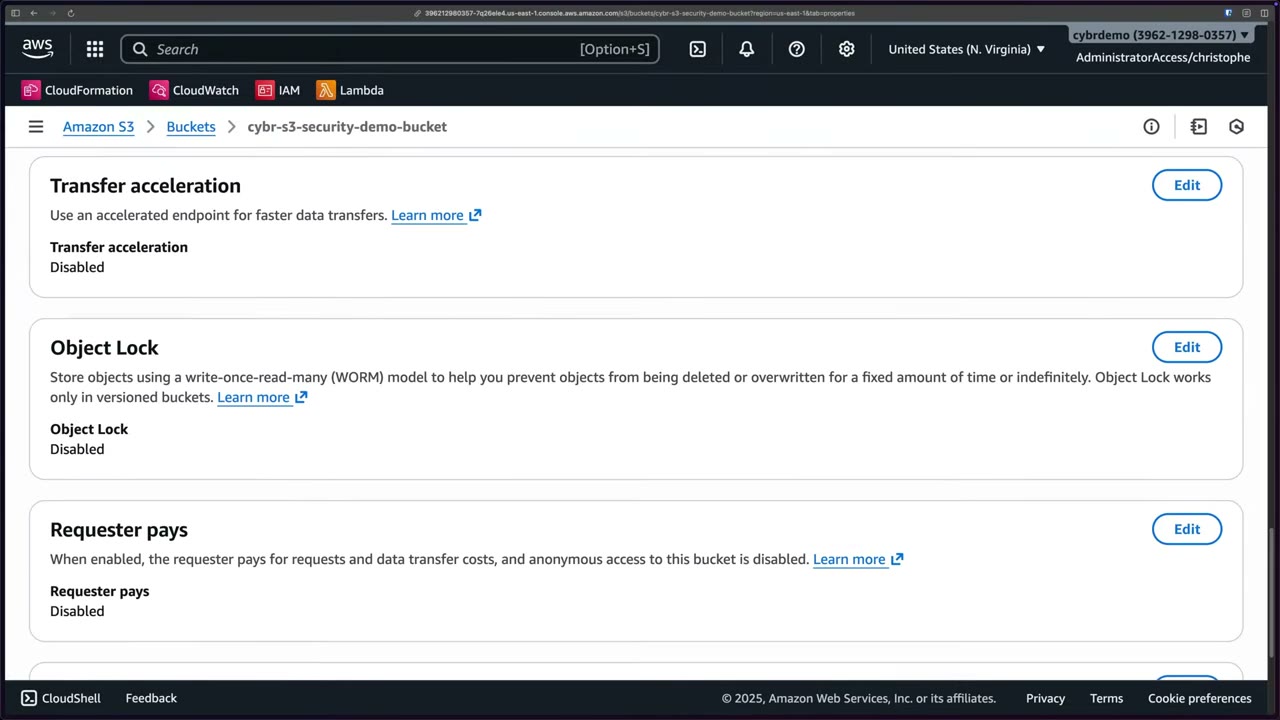
- Bucket → Properties → Object Lock → Edit. Disabled by default and works only on versioned buckets. Can be enabled on existing buckets. ▶ #58 00:42
- Enabling is irreversible: “After you enable Object Lock for a bucket, you can’t disable Object Lock or suspend Versioning for that bucket.” You must tick an acknowledgement.
- Default retention (mode + period in days or years, e.g. 30 days, 1 or 2 years) applies only to new objects. ▶ #58 03:40 Existing objects need retention set via S3 Batch Operations. Setting retention needs
s3:PutObjectRetention.
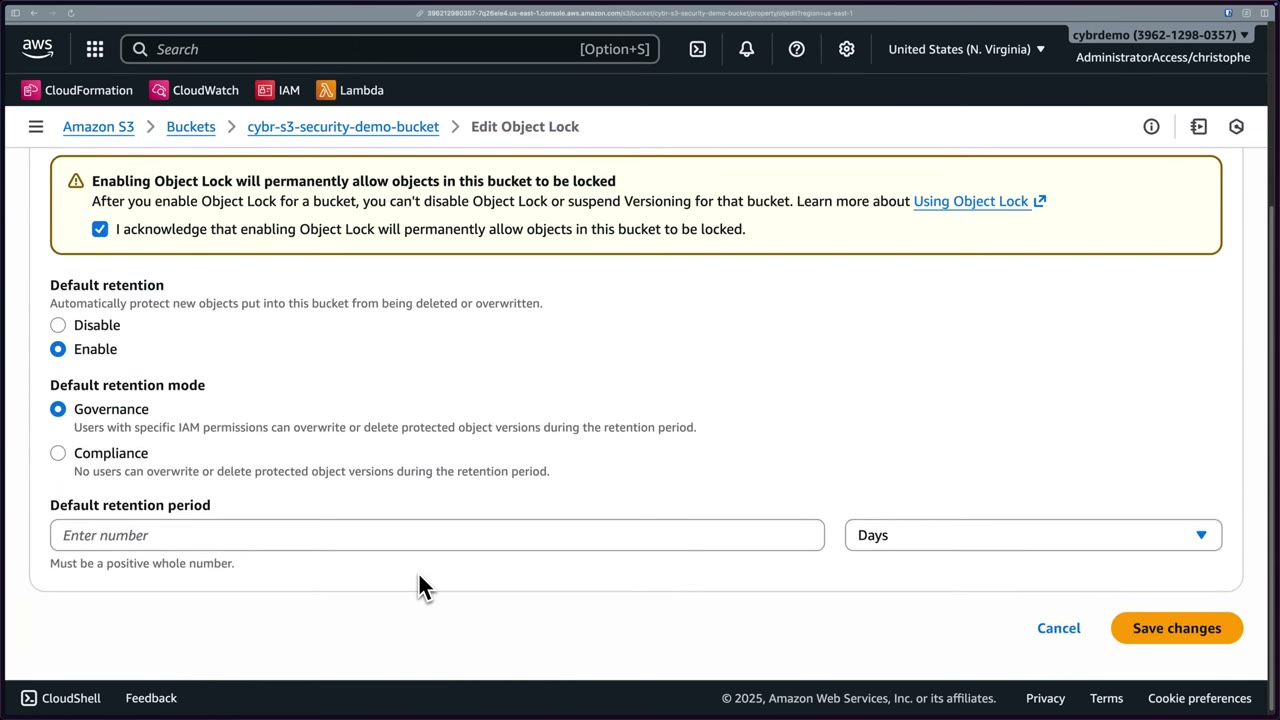
| Governance mode | Compliance mode | Legal hold | |
|---|---|---|---|
| Who can delete/overwrite | Users with s3:BypassGovernanceRetention (header x-amz-bypass-governance-retention:true) |
Nobody, root included, until retention expires | Anyone with permission to remove the hold |
| Change retention | Privileged users | Can be extended, never shortened (only way out early: close the account) | No expiry date |
| Use for | Protection against accidental deletion/ransomware; testing retention before Compliance ▶ #58 01:40 | Regulatory requirements, immutable backups ▶ #58 01:11 | Investigations, litigation, external audits: unknown end date ▶ #58 02:51 |
Legal hold details: ▶ #58 02:51
- Placed on an object version, with no fixed duration: it stays until removed.
- Toggled with
s3:PutObjectLegalHold/ thePutObjectLegalHoldAPI. ▶ #58 03:40 - A version can have a legal hold and a retention period at the same time; they’re independent. ▶ #58 03:10
- Not supported on directory buckets or S3 on Outposts.
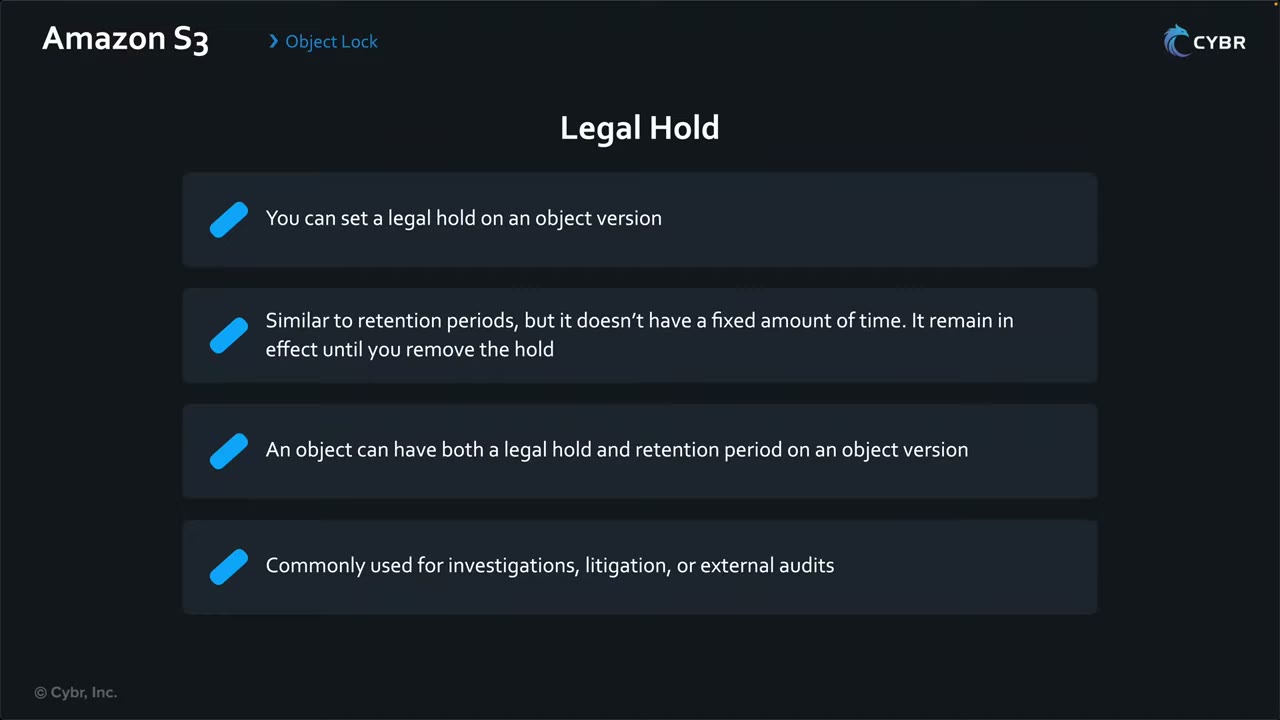
Behaviors to know
- Locks apply to versions: a plain DELETE still “succeeds” by adding a delete marker; the locked version stays.
- Lifecycle can’t delete locked versions early.
- Replicating locked objects needs Object Lock on the destination too.
Scenarios from the instructor:
- Protect CloudTrail logs from deletion/tampering: a dedicated bucket in a dedicated (log archive) account + Object Lock in Compliance mode + retention (e.g. 6 months, 1 year). Attackers can’t cover their tracks even if they compromise the central account. ▶ #58 04:00
- Immutable backups against ransomware: same steps, Governance or Compliance depending on strictness. In Governance, an attacker with bypass permissions could still delete. ▶ #58 04:30
- Forensics / legal investigations: legal holds, because the end date is unknown. ▶ #58 05:01
- S3 → bucket
cybr-s3-security-demo-bucket→ Properties → Object Lock → Edit. ▶ #58 00:42 - Select Enable; tick “I acknowledge that enabling Object Lock will permanently allow objects in this bucket to be locked.”
- Default retention → Enable; mode → Governance or Compliance; period → number + Days/Years. ▶ #58 02:32
- Save. Newly uploaded objects inherit the default retention.
- Legal holds are applied per object version via
PutObjectLegalHold(docs page shown). ▶ #58 03:40
Glacier Vault Lock (legacy vaults): a vault lock policy is initiated (in progress for 24 hours to test or abort), then completed → immutable. New archives use S3 Glacier storage classes + S3 Object Lock instead.
Storage classes
All classes have 11 nines (99.999999999%) durability. For this exam you mainly need to recognise the classes and know that Lifecycle rules enforce retention/deletion. ▶ #59 05:51
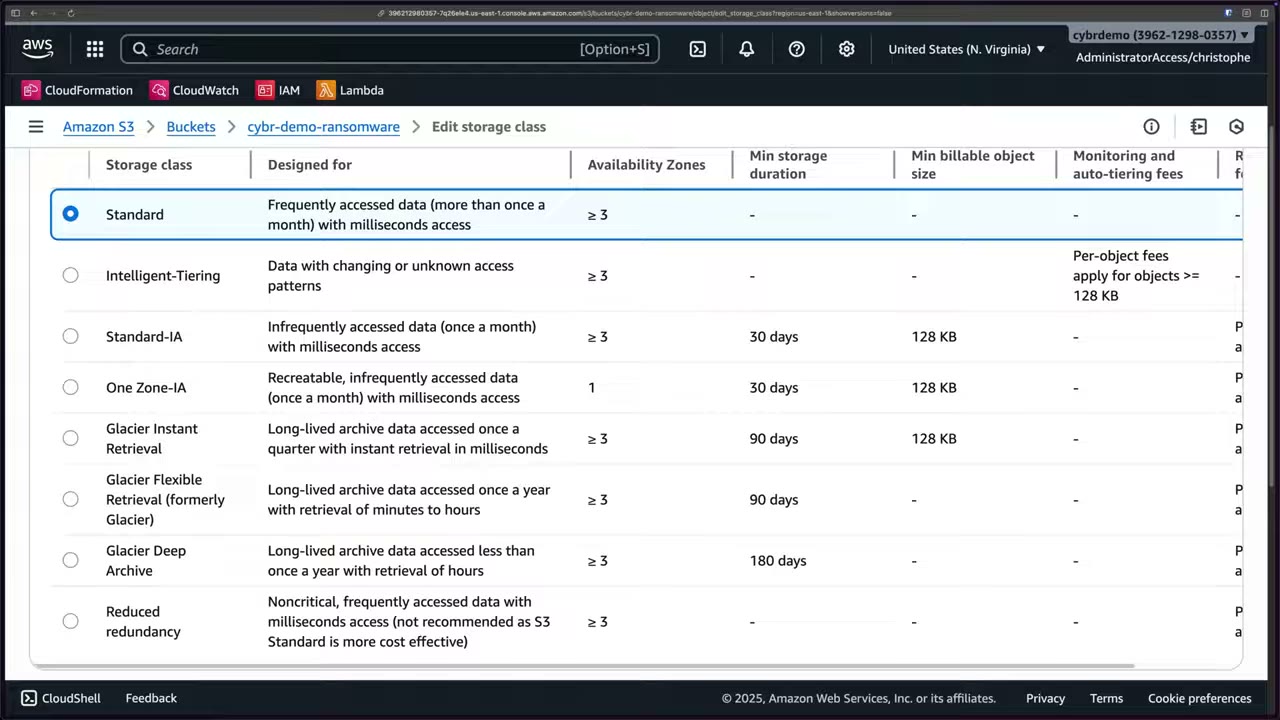
| Class | Designed for | AZs | Min duration | Min billable size | Retrieval / notes |
|---|---|---|---|---|---|
| Standard | Frequent access (> once a month, even daily); the default and safe choice when unsure | ≥3 | – | – | ms; designed for 99.99% availability, 99.9% SLA |
| Intelligent-Tiering | Unknown or changing access patterns; S3 moves objects between tiers | ≥3 | – | – | ms; per-object monitoring fee (objects ≥128 KB) |
| Standard-IA | ~once or twice a month; backups and DR files | ≥3 | 30 d | 128 KB | ms; per-GB retrieval fee; 99.9% availability, 99% SLA |
| One Zone-IA | Re-creatable data, secondary backups; ~20% cheaper than Standard-IA | 1 | 30 d | 128 KB | ms; 99.5% availability, 99% SLA; lost if the AZ is lost |
| Glacier Instant Retrieval | Archive accessed ~once a quarter | ≥3 | 90 d | 128 KB | ms; 99.9% availability |
| Glacier Flexible Retrieval (formerly “Glacier”) | Archive ~once a year; backups/DR | ≥3 | 90 d | – | Expedited 1–5 min, Standard 3–5 h, Bulk 5–12 h; 99.99% availability |
| Glacier Deep Archive | < once a year; compliance retention, tape replacement | ≥3 | 180 d | – | Standard ≤12 h, Bulk ≤48 h |
| Reduced Redundancy (RRS) | Noncritical, frequent (not recommended) | ≥3 | – | – | Legacy: ignore it |
- Standard: used whenever you don’t choose a class. ▶ #59 00:00
- Intelligent-Tiering: the monitoring charge means that if you already know the access pattern, picking the class yourself is cheaper. ▶ #59 01:00
- Standard-IA: same durability, throughput and latency as Standard, but lower availability/SLA, a 30-day minimum and per-GB retrieval charges. Cheaper overall unless accessed often. ▶ #59 01:42
- One Zone-IA: if the AZ is destroyed (earthquake, fire…) the data is lost permanently. ▶ #59 02:42
- RRS: legacy; Standard is now cheaper and better. “You can probably just forget that this class exists.” ▶ #59 03:51
- Early deletion is billed for the remaining minimum duration. Restores from Flexible/Deep Archive are temporary copies (
RestoreObjectfor N days).
Glacier classes
The standalone Amazon Glacier vault service is being retired for new customers; archival storage now lives in three S3 storage classes. ▶ #60 00:00
Banner: “Amazon Glacier (original standalone vault-based service) will no longer accept new customers starting on December 15, 2025 … Your existing data will remain secure and accessible in Amazon Glacier indefinitely … we recommend S3 Glacier storage classes which provide a superior experience with S3 APIs, full AWS Region availability, and lower costs.”
- Glacier Instant Retrieval: significant savings vs Standard-IA, but retrievals are charged, so only for data accessed once or twice a quarter at most. 90-day minimum, early-deletion fees, millisecond access. Use cases: long-lived but rarely used app data, user archives occasionally requested, medical images needed quickly. ▶ #60 00:50
- Glacier Flexible Retrieval: up to ~10% cheaper than Instant, retrieval in minutes to hours. 90-day minimum, retrieval charges. Use cases: long-term backups and DR, e.g. secondary backups in case primary backups (in a faster class) fail or are compromised. ▶ #60 02:11
- Glacier Deep Archive: the lowest-cost class, ~75% cheaper than Flexible. At most ~once a year, 180-day minimum, retrieval in hours. Use cases: data kept for years for compliance (financial services, healthcare, media, public sector); replacement for on-prem physical tape. ▶ #60 03:21
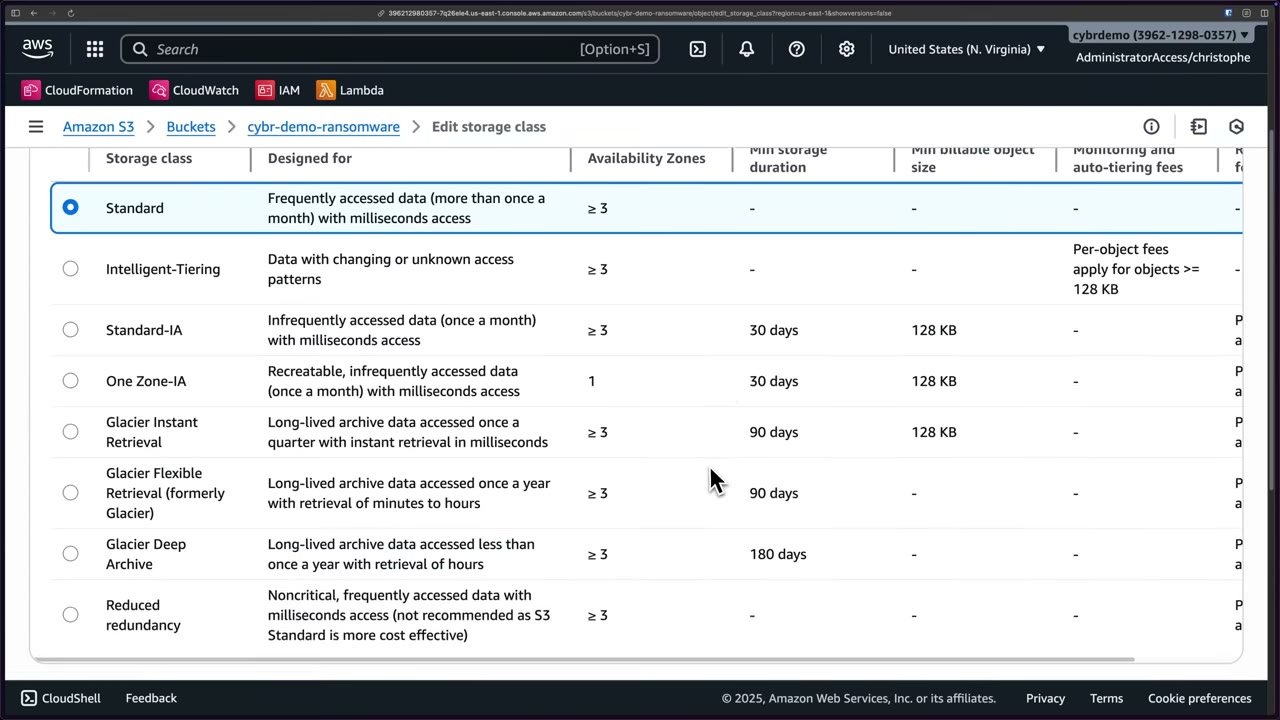
Lifecycle rules
Use lifecycle when objects should move e.g. Standard → Standard-IA → Glacier as they age (without Intelligent-Tiering), or be deleted after a set period (e.g. 30 days). ▶ #59 04:10
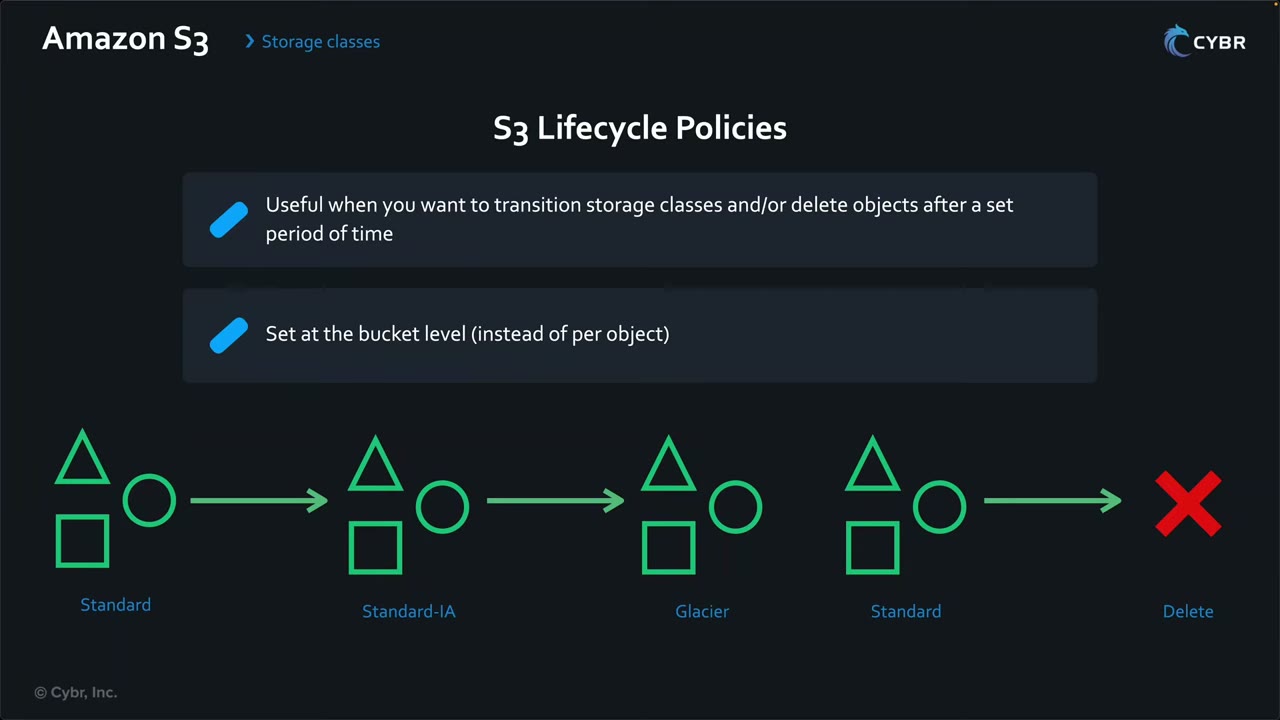
- Storage class is per object, but lifecycle configuration is set at the bucket level. Rules run once per day.
- Scope: filter by prefix, object tags, object size, or all objects. ▶ #59 05:00
- Actions: ▶ #59 05:10
- Transition current versions between storage classes
- Transition noncurrent versions between storage classes
- Expire current versions
- Permanently delete noncurrent versions
- Delete expired object delete markers or incomplete multipart uploads
- Transitions are a waterfall: you can’t go back up to Standard.
- On versioned buckets, expiring a current version only adds a delete marker: add
NoncurrentVersionExpirationto actually remove data. - Security relevance: cost and data hygiene, not keeping data longer than needed. ▶ #59 05:41
The Management tab → Create lifecycle rule; columns show rule name, status, scope, current and noncurrent version actions, expired delete markers, incomplete multipart uploads. Replication rules live on the same tab.
Replication (CRR/SRR)
- Needs versioning on both buckets.
- KMS-encrypted objects replicate only if you enable it in the config and give the replication role decrypt on the source key and encrypt on the destination key.
- Can change replica ownership to the destination account.
- Replication Time Control (RTC): SLA of 99.99% of objects within 15 minutes.
From the instructor
- ACLs are disabled by default and discouraged. Block Public Access overrides permissive bucket policies and ACLs; accidentally public buckets are a leading cause of breaches. ▶ #51 01:50
- Best way to learn S3 access: practice the different methods and see what works. ▶ #51 02:20
- Presigned URLs share objects without credentials or IAM permissions for the recipient, but links can be forwarded or leak, and you can’t control access until expiry. ▶ #52 00:40
- Access points ≠ VPC endpoints. VPC-only network origin blocks non-VPC traffic even if policies are too permissive. ▶ #53 04:30
- Clients must use the access point ARN/alias; going to the bucket directly bypasses the access point policy. Deleting an access point is an instant kill switch. ▶ #53 03:40
- Access Grants maps external identities directly to S3 prefixes without large, repetitive policies; designed for many human users in a corporate directory. ▶ #54 05:41
- “If you have a scenario about evaluating who or what can access your S3 buckets and their objects, the answer is probably IAM Access Analyzer.” ▶ #55 08:12
- External access analysis is free; internal and unused access cost money. Archive intended findings to reduce noise. ▶ #55 01:01
- MFA Delete protects versioning settings and permanent version deletion; CLI/API only. ▶ #57 00:50
- “If the exam question mentions strict retention with tamperproofing or that not even the root user can delete … it’s going to be compliance mode. If the scenario mentions being able to override settings, it’s probably governance mode.” ▶ #58 02:10
- Object Lock requires versioning; retention periods and legal holds can both be set. ▶ #58 05:21
- “You just need to be aware that there are different storage classes and that you can use S3 lifecycle policies.” ▶ #59 05:51
- Map scenarios to a class by “retrieval time requirements, compliance retention, access frequency, and also cost sensitivity”. ▶ #60 04:21
Keyword → answer
| If the question says… | Answer |
|---|---|
| Prevent any object ever being public across the org | Account-level BPA + SCP denying s3:PutAccountPublicAccessBlock changes |
| Objects uploaded by another account are inaccessible to the bucket owner | Object Ownership Bucket owner enforced (or require bucket-owner-full-control) |
| Serve content publicly without a public bucket | CloudFront + OAC |
| Presigned URL stopped working after 1 h although expiry = 7 days | It was signed with role/STS credentials |
| Temporary access to a private object without AWS credentials | Presigned URL |
| Restrict premium content globally / many files / paths | CloudFront signed URLs or cookies |
| Browser form upload with size/content-type limits | Presigned POST with policy conditions |
| Cap presigned URL lifetime centrally | Bucket policy Deny on s3:signatureAge |
| Revoke presigned URLs already issued | Remove the signer’s permission or deactivate its key |
| Bucket reachable only from specific VPCs, even if a policy is too permissive | Access point with VPC network origin (+ deny on s3:AccessPointNetworkOrigin) |
| Many apps share one bucket, bucket policy near 20 KB | Access points |
| Transform data on read | Object Lambda access points |
| Single global endpoint with failover across Regions | Multi-Region Access Points |
| Thousands of corporate-directory users need prefix-level access with per-user audit | S3 Access Grants |
| Table/column-level data lake access | Lake Formation |
| Evaluate who or what can access S3 buckets and objects | IAM Access Analyzer |
| Who actually accessed | CloudTrail data events |
| Find sensitive data in S3 | Macie |
| WORM; even admins and root must not delete for 7 years / SEC 17a-4 / immutable / tamper-proof | Object Lock compliance mode |
| WORM, but a special team can delete in emergencies / test retention first | Governance mode |
| Retain until the litigation ends (unknown date) | Legal hold |
| Protect CloudTrail logs even if the central account is compromised | Dedicated log-archive bucket + Object Lock compliance + retention |
| “Users can still delete Object Lock objects” (distractor) | They only add a delete marker; the locked version survives |
| Prevent anyone from permanently deleting versions | Object Lock compliance (more often than MFA Delete) |
| KMS throttling / high KMS cost on S3 | S3 Bucket Keys |
| Other account gets AccessDenied on KMS-encrypted objects | Grant cross-account decrypt on a CMK; aws/s3 objects can’t be shared |
| Must survive an AZ failure / only copy of critical data | Not One Zone-IA |
| Delete logs after N days | Lifecycle Expiration |
| Keep logs N years cheaply | Transition to Glacier / Deep Archive |
| 7–10 year regulatory retention, 48 h retrieval acceptable | Deep Archive |
| Millisecond retrieval, accessed quarterly | Glacier Instant Retrieval |
| Occasionally need data within minutes | Flexible Retrieval Expedited |
- Object Ownership: “object permissions apply only to objects the bucket owner creates” (▶ #51) was true with ACLs enabled. With Bucket owner enforced (default since April 2023) the bucket owner owns every object, so the bucket policy applies to all of them.
- Presigned URLs carry no JSON policy (▶ #52): they’re SigV4-signed with the creator’s credentials and inherit its permissions, max 7 days. The JSON-policy-with-expiry model is CloudFront signed URLs/cookies.
- Bucket policy vs access point policy (▶ #53): you don’t need identical policies. Both must allow; AWS recommends delegating from the bucket policy with
s3:DataAccessPointAccount. - Object Lock (▶ #58): “not even root can delete” is true only in Compliance mode.
- S3 Standard availability (▶ #59): designed for 99.99%, with a 99.9% SLA (the spoken “99.9% availability” was a slip).
- Amazon Glacier (standalone vaults) stops accepting new customers on 15 Dec 2025. Use S3 Glacier storage classes + S3 Object Lock; Vault Lock may still appear for legacy vaults.
Real-world practice
- Public access: keep BPA on at account level in every account; put anything that must be public in a separate “public assets” account or behind CloudFront OAC. Check
aws s3api get-bucket-policy-status/ Access Analyzer findings in CI. Avoid object-level ACLs entirely: they’re hard to audit at scale. - Baseline bucket policy: deny non-TLS, deny unencrypted uploads (or rely on default SSE-KMS with Bucket Keys), restrict to org principals.
- Presigned URLs: generate them server-side with a dedicated, narrowly scoped role (
s3:GetObjecton one prefix) and a short expiry (minutes). Validate uploads afterwards (S3 event → Lambda type check, GuardDuty Malware Protection for S3). Never log full presigned URLs: they’re bearer tokens. CloudTrail attributes presigned requests to the signer, so log the end user in the application. - Access points: in data lakes, one access point per consumer team scoped to its prefix, VPC origin for in-AWS consumers, bucket policy only delegates. Name them after the consuming app and tag for ownership. Access Analyzer evaluates access point policies too. SDKs accept ARNs; older tools may need the alias. Names are part of DNS (
<name>-<account>.s3-accesspoint.<region>.amazonaws.com): no sensitive info in names. - Access Grants: grant to groups, not users, so joiner/mover/leaver is handled in the IdP. EMR, Glue, Athena, SageMaker Studio, the Hadoop/Spark plugin and the SDK credentials provider call
GetDataAccesstransparently. Keep the location role scoped to the registered prefix (it caps every grant there). WatchGetDataAccessvolume per user in CloudTrail as an exfiltration signal. - Access Analyzer: create an organization external analyzer in the delegated admin (security tooling) account in every Region and route findings to Security Hub. Use tight archive rules (principal account + resource) so new unexpected grants still alert. Scope paid internal-access analysis to crown-jewel buckets/KMS keys. Account-level analyzers show Identity Center and StackSets roles as “external”; an org-zone analyzer removes that noise.
- Versioning: enable it on all non-ephemeral buckets via IaC plus the Config rule
s3-bucket-versioning-enabled(Security Hub control S3.14). Always pair it with noncurrent-version lifecycle rules. Point-in-time restore of many objects needs scripting (list-object-versions+ copy) or AWS Backup for S3. Replicate to a backup account with “change owner” so a compromised source account can’t delete replicas. - Object Lock: pair it with MFA-protected break-glass roles, an SCP denying
s3:PutBucketObjectLockConfiguration/s3:BypassGovernanceRetentionoutside a security role, and a bucket policy denyings3:DeleteBucket*. Test with governance first: a mistaken multi-year compliance default locks in storage you can’t delete. For CloudTrail org trails: bucket in the Log Archive account, Object Lock + SSE-KMS, restricted key policy. - Lifecycle and storage classes: add “AbortIncompleteMultipartUpload after 7 days” to every bucket. Log buckets: Standard → Standard-IA (30 d) → Glacier (90 d) → expire per retention policy; tag filters let one bucket hold several retention classes. Intelligent-Tiering is poor for millions of tiny objects (<128 KB aren’t monitored). Transitions into Glacier classes cost per object: aggregate small log files or use a size filter.
- Glacier: archives stay encrypted with the bucket’s SSE-S3/SSE-KMS setting; deleting the KMS key makes them unrecoverable, so protect keys for the whole retention period. Migrating legacy vault archives to S3 Glacier classes is a documented AWS Solutions pattern.
- Create a bucket with versioning and default SSE-KMS + Bucket Key. Apply the baseline policy above.
aws s3 cp f s3://bucket/ --sse AES256→ denied. The same with no flag → allowed (the default applies).- Create a presigned URL with
--expires-in 300and test it with curl. - Create a second bucket with Object Lock, governance mode, 1-day retention. Try deleting a version with and without the bypass header.
- Cleanup: remove retention (governance bypass), delete all versions, delete the buckets. Don’t use compliance mode in a lab: you can’t delete those objects until retention ends.
Amazon EBS encryption
Block storage volumes for EC2. Encryption uses KMS envelope encryption and is applied on the Nitro host.
What encryption covers
- Encryption covers the volume, data in transit between the instance and the volume, snapshots, and volumes created from those snapshots.
- It is done on the Nitro host, with negligible performance impact.
- Encryption by default: an account-level, per-Region setting with a chosen default key. It doesn’t affect existing volumes.
- EBS volumes attach to one instance (except io1/io2 Multi-Attach). Shared Linux file storage → Amazon EFS; SMB/AD → FSx for Windows.
Encrypting an existing volume or changing its key
You can’t encrypt an existing unencrypted volume in place.
- Take a snapshot of the volume.
CopySnapshot --encrypted --kms-key-id <key>.- Create a volume from the encrypted copy.
- Swap it for the old volume.
Alternative: create a volume from the unencrypted snapshot with encryption turned on. Changing the key also goes through a snapshot copy with the new key.
Sharing encrypted snapshots and AMIs
- The snapshot must use a customer managed key. Snapshots encrypted with
aws/ebscan’t be shared. - Share both the snapshot and the key (key policy, plus
kms:CreateGrant). - The target account should copy it with its own key.
Snapshot lifecycle: DLM
Data Lifecycle Manager (DLM) does policy-driven creation, retention, cross-Region and cross-account copy of EBS snapshots and EBS-backed AMIs, targeted by tag. ▶ #134
- It lives in the EC2 console (Elastic Block Store → Lifecycle Manager), is free (you pay for snapshots), and its scope ends at EBS snapshots and AMIs. Anything else → AWS Backup. Details in AWS Backup, DLM, DataSync, FSx backups (Part 4). ▶ #134 03:11
Keyword → answer
| If the question says… | Answer |
|---|---|
| Ensure every new volume is encrypted, no app change | EBS encryption by default (each Region) + SCP/Config rule encrypted-volumes / ec2-ebs-encryption-by-default |
| Shared AMI fails to launch in another account | The target can’t use the KMS key: grant it in the key policy (plus kms:CreateGrant) |
| Encrypt an existing unencrypted volume | Snapshot → encrypted copy → new volume |
| Scheduled EBS snapshots, cheapest/simplest | DLM |
| Central backups across many services/accounts | AWS Backup |
Real-world practice
- Turn on encryption by default in every enabled Region via StackSets or Control Tower. In the Organizations declarative-policy era this can also be enforced centrally.
- Use DLM or AWS Backup for snapshot retention.
- DLM default policies are a cheap safety net for EBS but overlap with AWS Backup: avoid double snapshots. Fast snapshot restore is billed per AZ-hour per snapshot.
- Create an unencrypted gp3 volume.
- Snapshot it.
- Copy the snapshot encrypted with
alias/lab-scs. - Create a volume from the encrypted copy.
- Cleanup: delete both volumes and both snapshots.
Amazon RDS (data protection)
Managed relational databases: AWS patches, backs up and replicates them. Security is still shared responsibility: network placement, encryption, authentication, snapshots and logging are yours. ▶ #149 00:00
- Exam skills: require TLS to the database (5.1.1) · encryption at rest (5.2.1) · credential rotation (5.3.1) · IAM DB auth / temporary credentials (4.1.2) · network controls (3.3.1) · log sources (1.2.1)
- Videos: ▶ #149 Securing Amazon RDS
Network placement
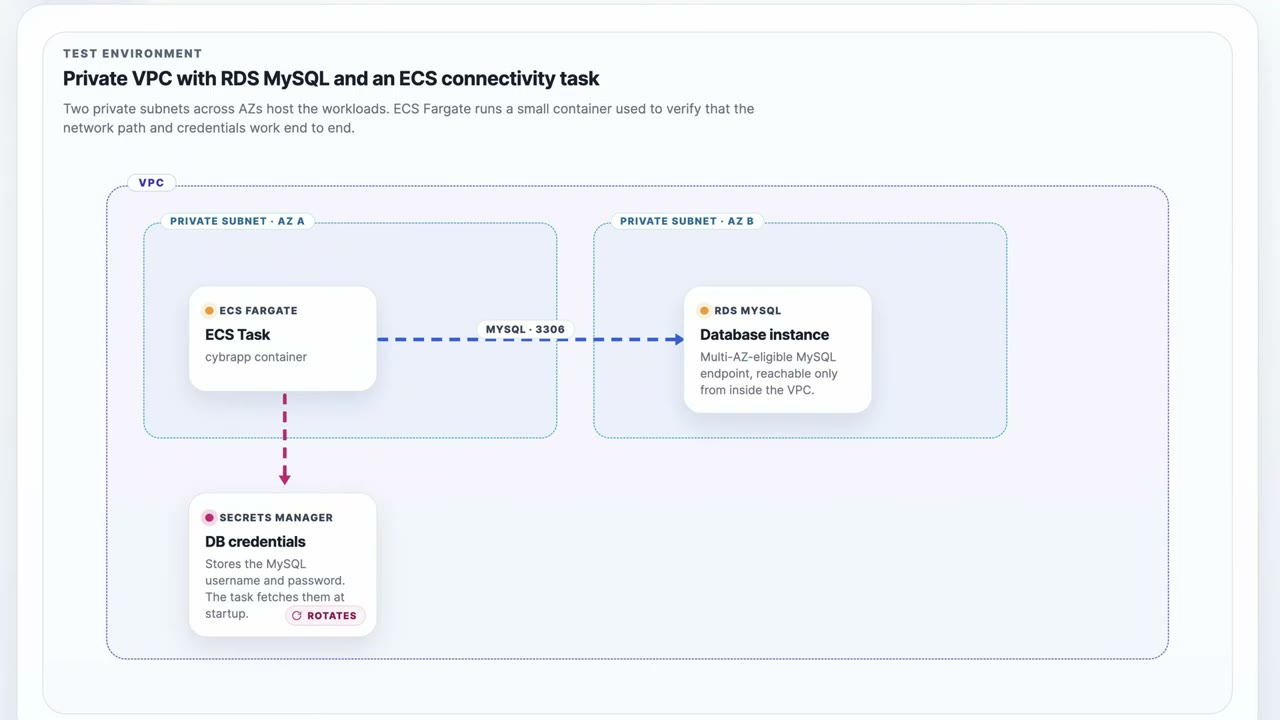
The demo environment: ▶ #149 00:32
- A VPC with two private subnets (AZ A, AZ B).
- An ECS Fargate task (
cybrappcontainer) in AZ A connects on MySQL 3306 to the RDS MySQL instance in AZ B, a “Multi-AZ-eligible MySQL endpoint, reachable only from inside the VPC”. - Secrets Manager holds the DB username/password. The task fetches it at startup and the secret rotates.
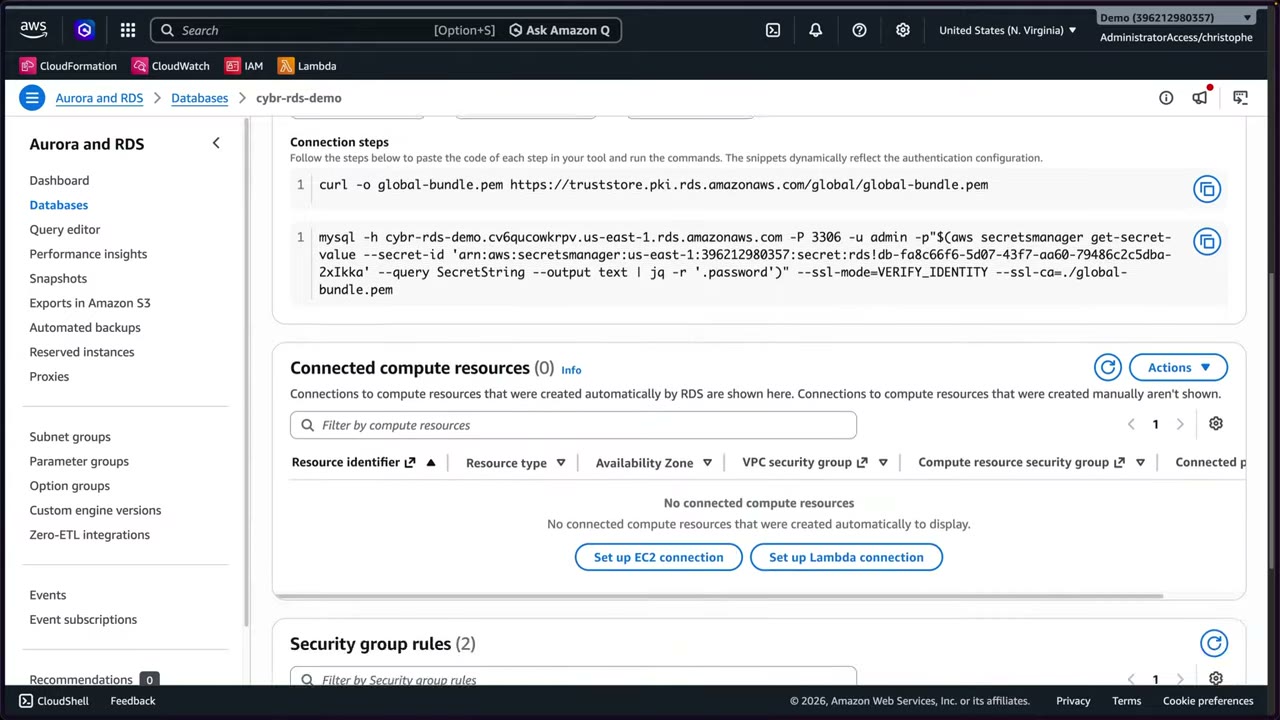
- Internet access gateway: Disabled (
PubliclyAccessible=false). DBcybr-rds-demo, MySQL Community 8.0.45,db.t3.micro, us-east-1a. ▶ #149 01:11 - Security group: outbound unrestricted, inbound only from the ECS task’s security group: “I really only want traffic incoming from ECS, nothing else.” ▶ #149 01:11
- Rule of thumb: private subnets, SG allowing only the app SG, not publicly accessible.
Encryption at rest
Encryption at rest is chosen at creation only. You can’t enable or disable it on an existing instance, and you can’t decrypt an encrypted DB in place either. ▶ #149 03:21
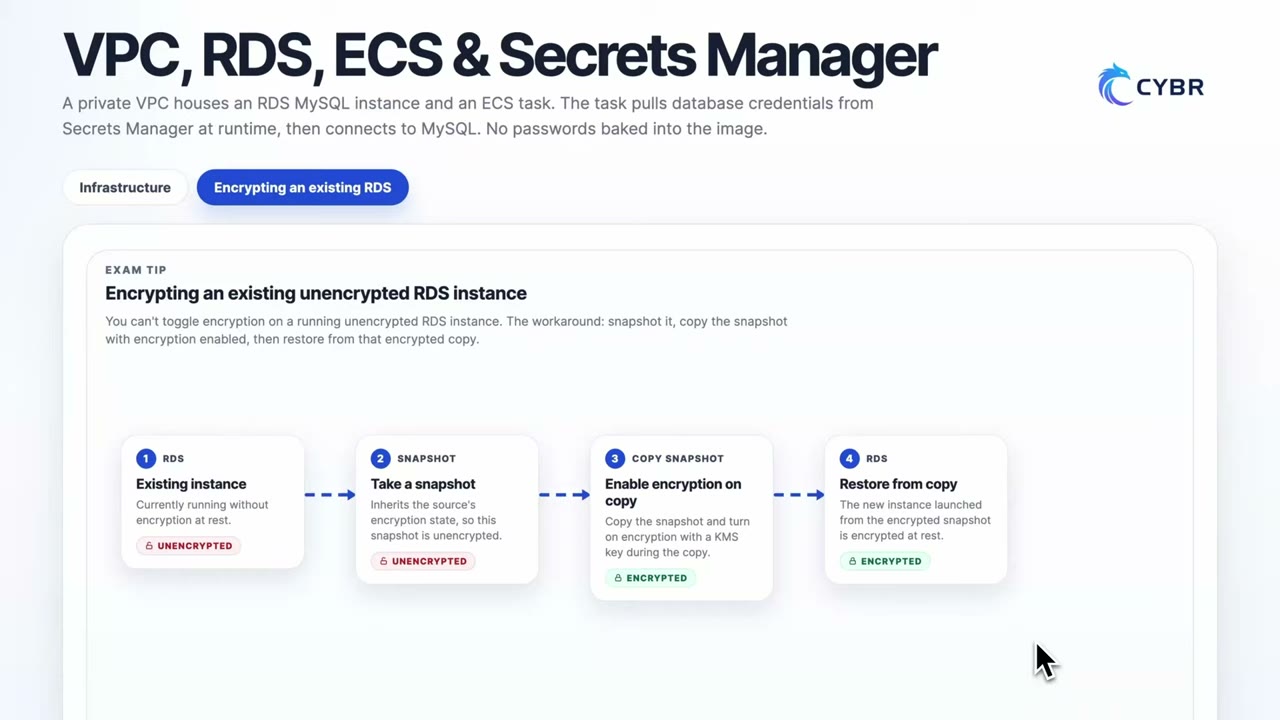
To encrypt an unencrypted DB: ▶ #149 03:21
- Start from the existing (unencrypted) instance.
- Take a snapshot. It inherits the source’s state, so it is unencrypted.
- Copy the snapshot and enable encryption with a KMS key during the copy. The copy is encrypted.
- Restore a new instance from the encrypted copy, then cut over.
“You’re very likely to see scenarios on the exam” about this. ▶ #149 03:31
- Encryption covers storage, automated backups, snapshots, logs and read replicas: they inherit it automatically. ▶ #149 04:30
- A cross-Region replica or snapshot copy needs a KMS key in the destination Region.
- A read replica of an unencrypted DB can’t be encrypted.
- TDE for Oracle / SQL Server is available via option groups (Oracle TDE can integrate with CloudHSM).
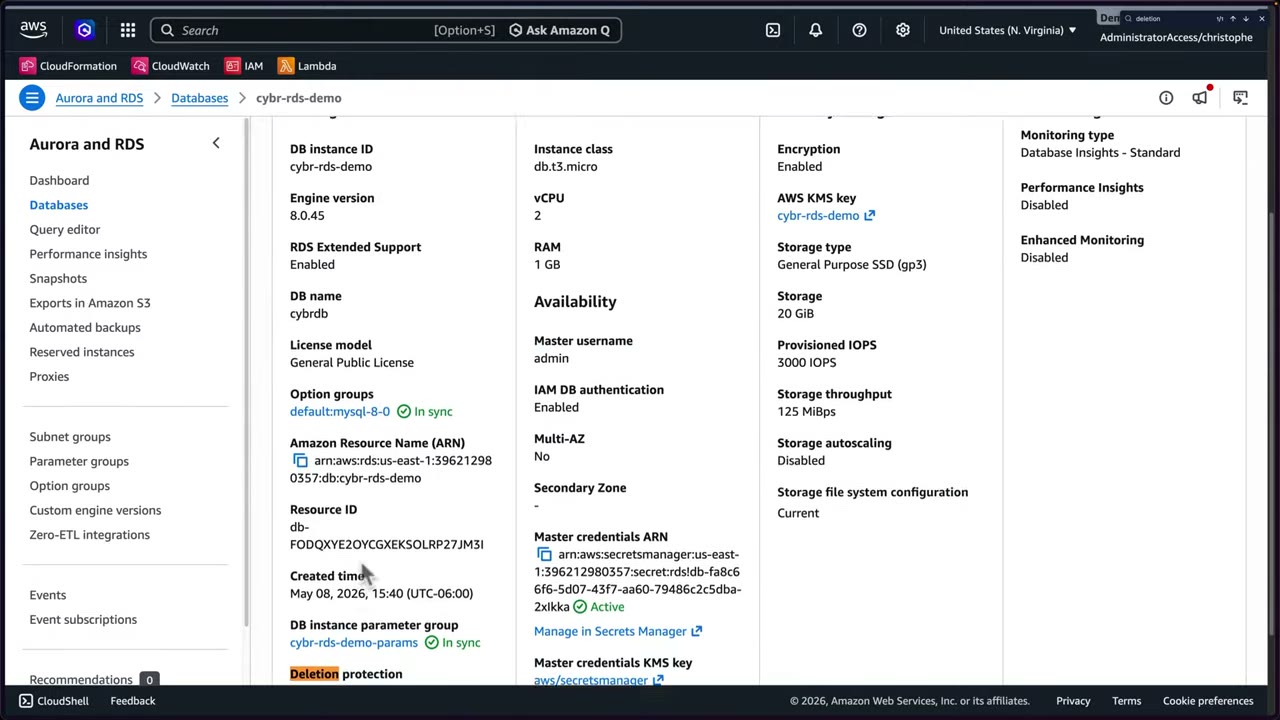
The demo DB’s Configuration tab: Encryption: Enabled with customer managed key cybr-rds-demo, IAM DB authentication:
Enabled, master username admin with credentials managed in Secrets Manager (encrypted with aws/secretsmanager),
Deletion protection: Enabled. Also visible: Multi-AZ No, gp3 20 GiB, Performance Insights and Enhanced Monitoring
disabled, monitoring type Database Insights – Standard. ▶ #149 02:30
Encryption in transit (force TLS)
| Engine | Parameter |
|---|---|
| PostgreSQL / SQL Server | rds.force_ssl = 1 |
| MySQL / MariaDB | require_secure_transport = ON |
- Clients use the RDS CA bundle (
https://truststore.pki.rds.amazonaws.com/global/global-bundle.pem) and verify with--ssl-mode=VERIFY_IDENTITY. - Plan CA certificate rotation (
rds-ca-rsa2048-g1etc.).
The console’s connect code snippets let you pick authentication type Secret Manager or IAM authentication; the generated steps download the CA bundle and connect with TLS: ▶ #149 01:11
curl -o global-bundle.pem https://truststore.pki.rds.amazonaws.com/global/global-bundle.pem
mysql -h cybr-rds-demo.cv6qucowkrpv.us-east-1.rds.amazonaws.com -P 3306 -u admin \
  -p"$(aws secretsmanager get-secret-value --secret-id 'arn:aws:secretsmanager:us-east-1:<acct>:secret:rds!db-…' \
      --query SecretString --output text | jq -r '.password')" \
  --ssl-mode=VERIFY_IDENTITY --ssl-ca=./global-bundle.pem
IAM database authentication
Passwords can be stolen, reused, and never expire unless rotated; even with Secrets Manager rotation, phished credentials work until the next rotation. With IAM DB auth the app generates a short-lived token (valid 15 minutes), verified by RDS against IAM, not against a password stored in the engine. No passwords to store. ▶ #149 04:40
- Supported on MySQL, PostgreSQL (incl. Aurora) and MariaDB. TLS is required.
- The token (
aws rds generate-db-auth-token) is valid 15 minutes for opening connections. Guideline: ~200 new connections/sec.
Three requirements: ▶ #149 05:31
- IAM DB authentication enabled on the instance.
- A database user mapped to IAM auth. MySQL:
CREATE USER cybrapp IDENTIFIED WITH AWSAuthenticationPlugin AS 'RDS'; - An IAM policy granting
rds-db:connecton the DB resource ID and user, attached e.g. to the ECS task role so the container can generate tokens:
{
  "Version": "2012-10-17",
  "Statement": [{
    "Effect": "Allow",
    "Action": "rds-db:connect",
    "Resource": "arn:aws:rds-db:us-east-1:<acct>:dbuser:db-FODQXYE2OYCGXEKSOLRP27JM3I/cybrapp"
  }]
}
Resource format: arn:aws:rds-db:<region>:<acct>:dbuser:<DbiResourceId>/<db-user>. (Policy reconstructed from the
narration and the resource ID shown on screen.)
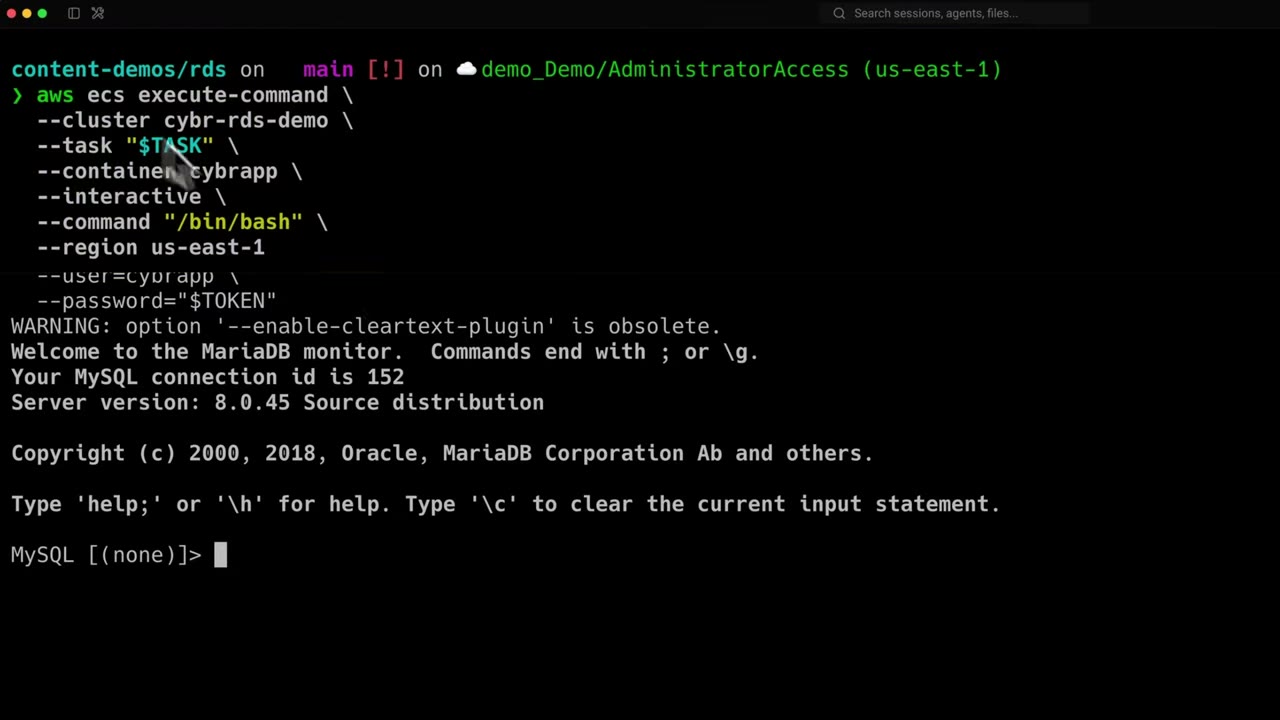
- Open a shell in the container with ECS Exec. ▶ #149 06:11
- Generate a token and connect with it as the password:
aws ecs execute-command --cluster cybr-rds-demo --task "$TASK" \
  --container cybrapp --interactive --command "/bin/bash" --region us-east-1

# inside the container
TOKEN=$(aws rds generate-db-auth-token --hostname "$DB_HOST" --port "$DB_PORT" \
  --region us-east-1 --username cybrapp)
mysql --host="$DB_HOST" --port="$DB_PORT" --ssl … --enable-cleartext-plugin \
  --user=cybrapp --password="$TOKEN"
- Connected (MySQL connection id 152, server 8.0.45).
SELECT CURRENT_USER();→cybrapp@%, andSHOW DATABASES;works. No long-term username/password involved. ▶ #149 06:11
RDS Proxy can require IAM auth from clients and fetch DB credentials from Secrets Manager: good for Lambda.
Secrets Manager integration
For when you still need long-term DB credentials. ▶ #149 07:21 ManageMasterUserPassword means RDS creates and
rotates the master secret.
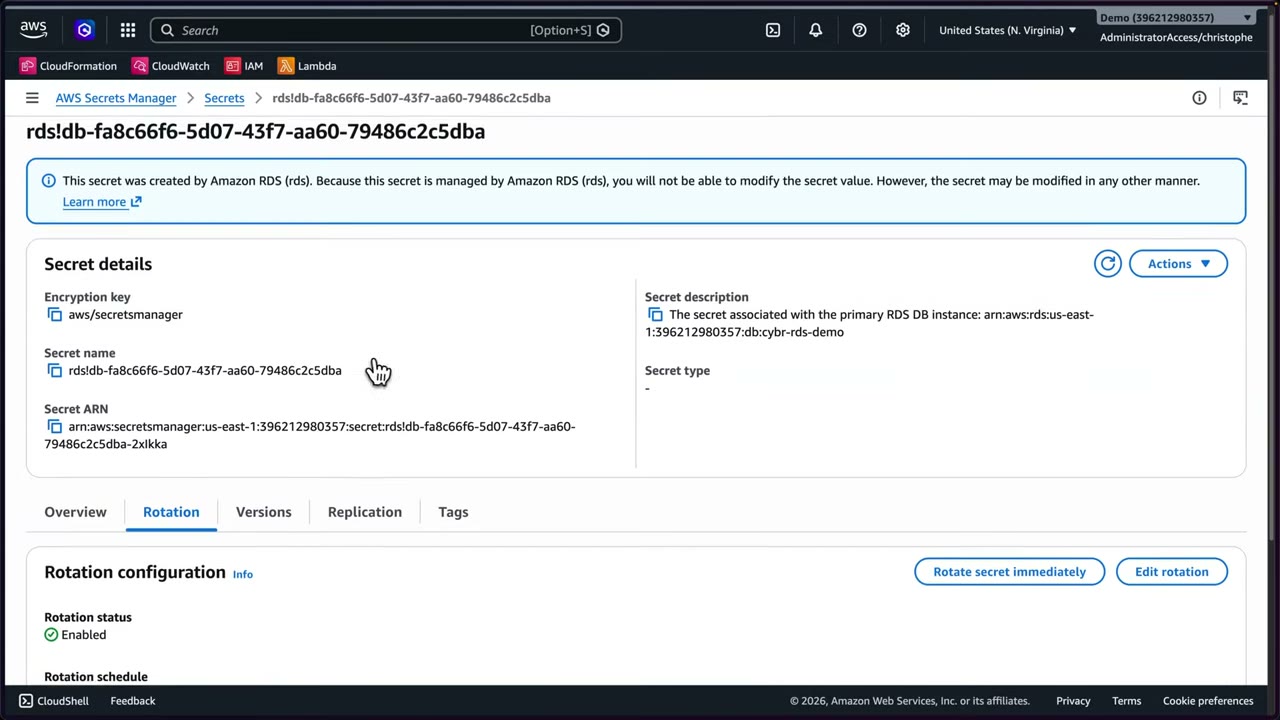
- The secret
rds!db-…says “This secret was created by Amazon RDS… you will not be able to modify the secret value”. Encryption keyaws/secretsmanager. ▶ #149 07:21 - Rotation: enabled, every 7 days by default, with Rotate secret immediately and Edit rotation. Tabs: Versions, Replication, Tags.
- Overview: Retrieve secret value (needs permission), Resource permissions (resource policy for cross-account access), Sample code (Java, JavaScript, C#, Python3, Ruby, Go, Rust, PHP) calling
GetSecretValueby secret name. - Custom rotation uses a Lambda (single-user or alternating-users). A Lambda in a private subnet needs a Secrets Manager VPC endpoint or NAT.
- Result: no passwords baked into container images, no plaintext credentials in environment variables.
See AWS Secrets Manager (Part 4) for rotation details.
Snapshots and deletion protection
- Deletion protection blocks deletes from the console or API until it is disabled. It guards against human (and “LLM”) accidental deletion. ▶ #149 03:00
- Snapshot tabs: Manual, System, Shared with me, Public, Backup service, Exports in Amazon S3. ▶ #149 09:10
- Snapshots can be made public: anyone with an AWS account could restore your DB. Never do this for private data (Config rule
rds-snapshots-public-prohibited). ▶ #149 09:21 - If the instance is encrypted, its snapshots are too, and anyone who obtains a shared copy can’t read it without access to your KMS key. ▶ #149 09:21
- Sharing an encrypted snapshot cross-account needs a customer managed key (
aws/rdssnapshots can’t be shared): add the target account to the key policy, share, and the target copies it (optionally re-encrypting with its own key).
Monitoring and in-engine activity
- Monitoring tab: 31 CloudWatch metrics (e.g.
BinLogDiskUsage,CPUCreditBalance), alarms, recommendations, a Database Insights banner. Logs & events: alarms, recent events for auditing, error logs. ▶ #149 02:00 - Engine logs (audit, general, slow, error) can be exported to CloudWatch Logs.
- CloudTrail only sees RDS API calls (create/modify instance).
- Database Activity Streams push a near-real-time stream of in-engine activity (SQL statements, connections, authentication events) to Kinesis Data Streams → SIEM or data lake, to detect unusual query patterns. ▶ #149 10:10
- KMS-encrypted; DBAs can’t tamper (separation of duties).
- Aurora PostgreSQL/MySQL, RDS for Oracle and SQL Server. Not RDS MySQL, so it wasn’t demoed (when supported: Actions → Database activity streams).
- GuardDuty RDS Protection detects anomalous login activity on Aurora/RDS.
- Config rules:
rds-storage-encrypted,rds-instance-public-access-check,rds-snapshots-public-prohibited,rds-instance-deletion-protection-enabled.
From the instructor
- Encryption can’t be changed after creation: snapshot → encrypted copy → restore. “Very likely to see scenarios on the exam.” ▶ #149 03:31
- Backups, read replicas and snapshots inherit encryption. ▶ #149 04:30
- IAM DB auth needs the instance setting + a DB user mapped to IAM + an
rds-db:connectpolicy. ▶ #149 05:31 - Deletion protection prevents accidental deletes. ▶ #149 03:00
- Never make snapshots public for private data; encryption protects shared copies. ▶ #149 09:21
- Activity streams vs CloudTrail: in-engine activity vs API calls. ▶ #149 10:40
Keyword → answer
| If the question says… | Answer |
|---|---|
| Encrypt an existing unencrypted production RDS | Snapshot, copy encrypted, restore (needs a cutover). There is no “modify” option |
| Database password must not be stored anywhere | IAM DB authentication |
| Share an encrypted DB snapshot with another account | Copy/re-encrypt with a CMK and grant the key; aws/rds won’t work |
| See which SQL statements run inside the DB / unusual query patterns | Database Activity Streams, not CloudTrail |
| Prevent accidental deletion of the DB | Deletion protection |
| Many Lambda connections + IAM auth / no stored credentials | RDS Proxy |
| Anomalous logins to Aurora | GuardDuty RDS Protection |
| Force TLS on PostgreSQL / MySQL | rds.force_ssl=1 / require_secure_transport=ON |
Real-world practice
- Separate DB master credentials (break-glass, Secrets Manager) from app credentials (IAM auth or a per-app secret).
- SCPs: deny
rds:CreateDBInstancewhenrds:StorageEncryptedis false, and denyrds:ModifyDBSnapshotAttributewithall(public). - Restore-to-encrypt needs downtime/cutover planning. Use DMS or replication for near-zero downtime.
- Enable Performance Insights / Database Insights with a CMK. Set CloudWatch log retention (it costs money).
- Create a
db.t4g.microPostgreSQL instance with--manage-master-user-password. - Set
rds.force_ssl=1in a custom parameter group and attach it. - Connect with
sslmode=disable(rejected), then withsslmode=require(works). - Cleanup: delete the instance without a final snapshot, then delete the parameter group.
Amazon EFS
A fully managed, serverless, elastic NFSv4 file system that many EC2 instances (and other compute, including on-premises servers) mount and share at the same time. Capacity grows and shrinks automatically. ▶ #139 00:20
- Exam skills: require TLS on mount (5.1.1) · encryption at rest (5.2.1) · EFS lifecycle policies (5.2.3) · replication & backup (5.2.4) · resource policies (4.2.1)
- Videos: ▶ #139 Amazon Elastic File System (EFS)
- Pricing: pay for storage used, data read/written and any provisioned throughput; no minimum fee.
What EFS is and when to pick it
- Shared storage: multiple EC2 instances or other compute (incl. on-premises) use the same data at the same time. ▶ #139 00:20
- NFSv4, the standard for shared file storage in Linux/Unix. Instances access files over the network as if on a local disk, instead of each keeping its own copy as with EBS.
- Elastic: no pre-provisioning. Store 10 GB → pay for 10 GB; dump 10 TB the next day → 10 TB. EBS by contrast needs a pre-configured size. ▶ #139 01:10
- Console marketing: “Scalable, elastic, cloud-native NFS file system”, can exceed 10 GB/s for demanding workloads.
- Typical use: web servers behind a load balancer sharing content. Each instance still keeps its own EBS root volume for per-instance data. ▶ #139 09:21
| Need | Service |
|---|---|
| Block storage for one instance (except io1/io2 Multi-Attach) | EBS |
| Shared Linux file system over NFS | EFS |
| SMB / Active Directory | FSx for Windows |
| Objects | S3 |
Creating a file system: availability, backups, encryption
The quick dialog asks for a name (optional, up to 256 chars) and a VPC, and shows recommended settings: Throughput mode Elastic, IA after 30 days, Archive after 90 days since last access, all editable later. The instructor picks Customize (4 steps: File system settings → Network access → File system policy (optional) → Review and create). ▶ #139 01:52
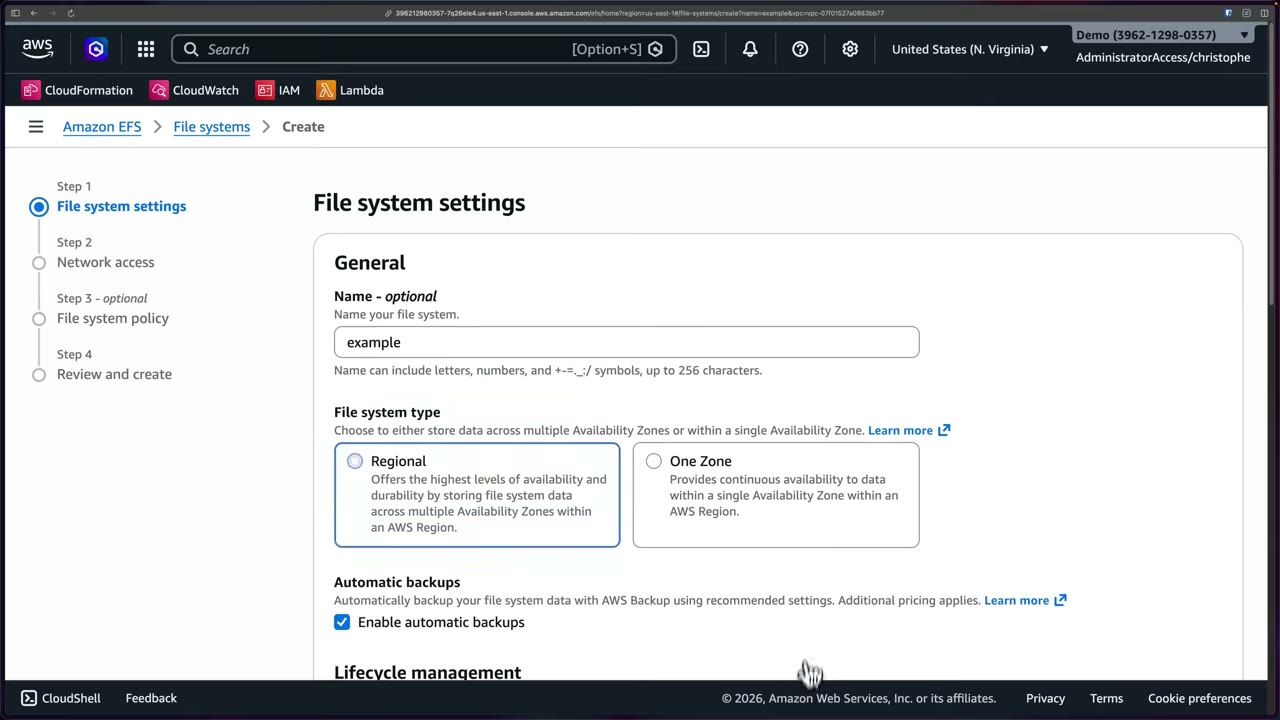
| File system type | Data stored | AZ failure |
|---|---|---|
| Regional | Across multiple AZs: highest availability and durability | Survives |
| One Zone | One AZ | You lose access to your data |
- Automatic backups: on by default and highly recommended. Uses AWS Backup with recommended settings, at extra cost. ▶ #139 02:50
- Encryption at rest (KMS) is chosen at creation. The default key is the AWS managed
aws/elasticfilesystem; paste a customer managed key ARN under Customize. ▶ #139 03:51- To encrypt an existing unencrypted FS: create a new encrypted one and copy the data (DataSync). There’s no in-place option.
- Enforce it with the
elasticfilesystem:Encryptedcondition onCreateFileSystem(SCP) or the Config ruleefs-encrypted-check.
- Performance settings (elastic/bursting throughput, extra performance options) weren’t the focus. ▶ #139 04:20
Lifecycle management
Similar to S3 lifecycle, but for cost, not as a retention guarantee. ▶ #139 03:12
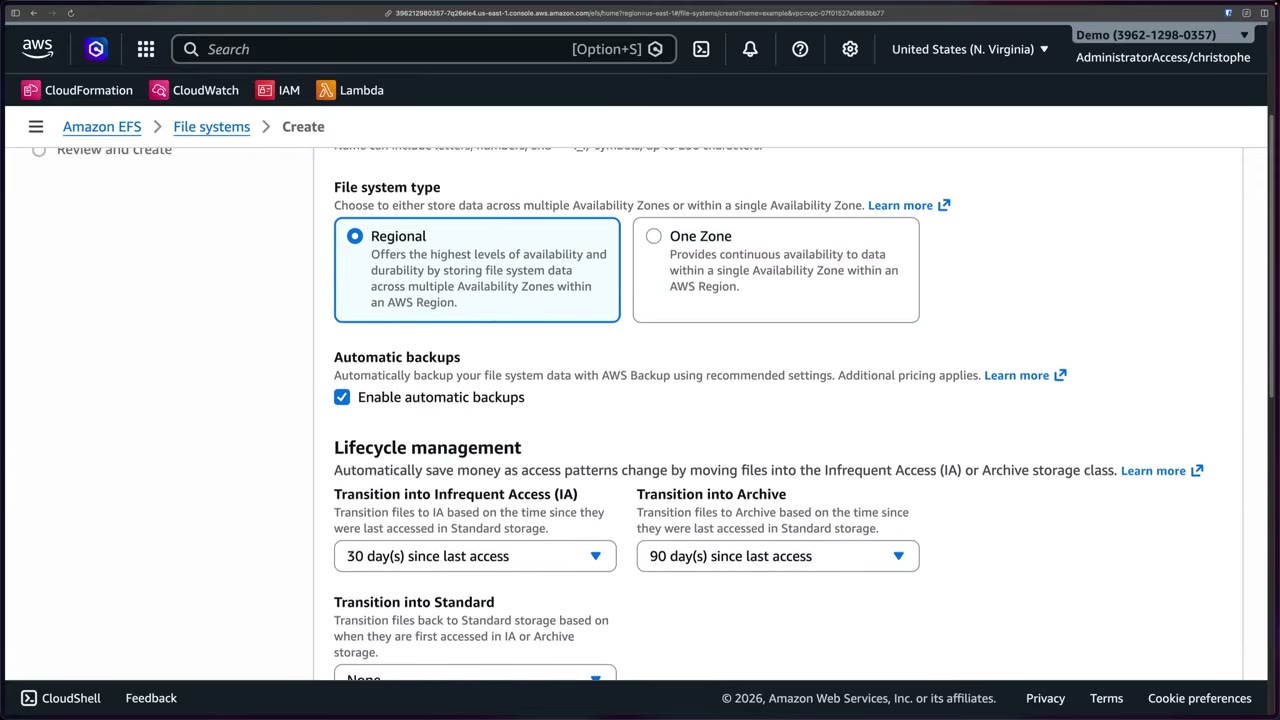
| Transition | Trigger | Recommended default |
|---|---|---|
| Into Infrequent Access (IA) | Time since last access in Standard | 30 days |
| Into Archive | Time since last access in Standard | 90 days |
| Into Standard | First access in IA or Archive | None |
Files can move back and forth. Standard is for active files, IA for rarely accessed data, Archive for long-term cheaper retention. ▶ #139 10:52
Network access: mount targets
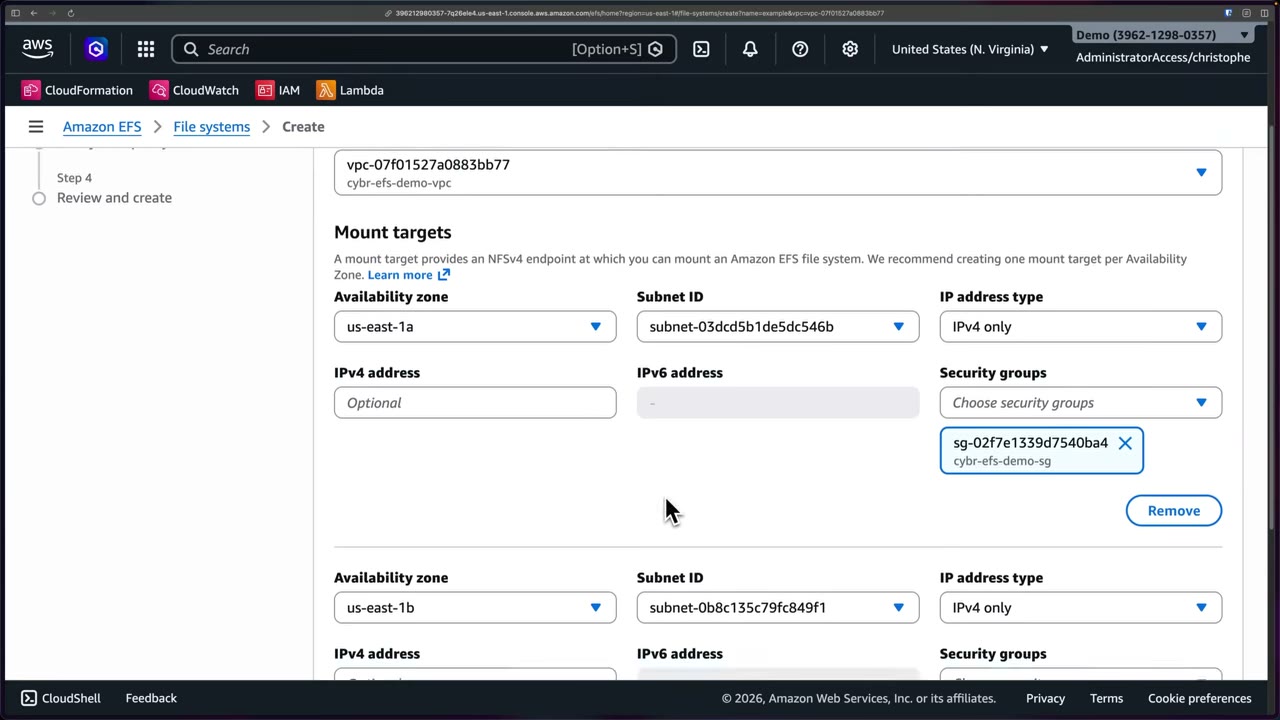
- “A mount target provides an NFSv4 endpoint at which you can mount an EFS file system. We recommend one mount target per AZ.” Demo: us-east-1a and us-east-1b subnets, IPv4 only. ▶ #139 04:31
- The mount target security group is the network firewall: replace the default SG with a custom one (
cybr-efs-demo-sg) allowing NFS TCP 2049 only from the clients’ SG. ▶ #139 04:31 - On-premises servers mount EFS over AWS Direct Connect or Site-to-Site VPN. “Could appear on the exam.” ▶ #139 10:00
File system policy: TLS and IAM authorization
A resource-based policy controlling who/what can access the file system: “an extra layer of security on top of IAM roles and policies.” ▶ #139 05:12
Console checkboxes:
- Prevent root access by default*
- Enforce read-only access by default*
- Prevent anonymous access: allow only when
elasticfilesystem:AccessedViaMountTargetis true - Enforce in-transit encryption for all clients: deny when
aws:SecureTransportis false - *Identity-based policies can override these “by default” options. There’s also “Grant additional permissions”.
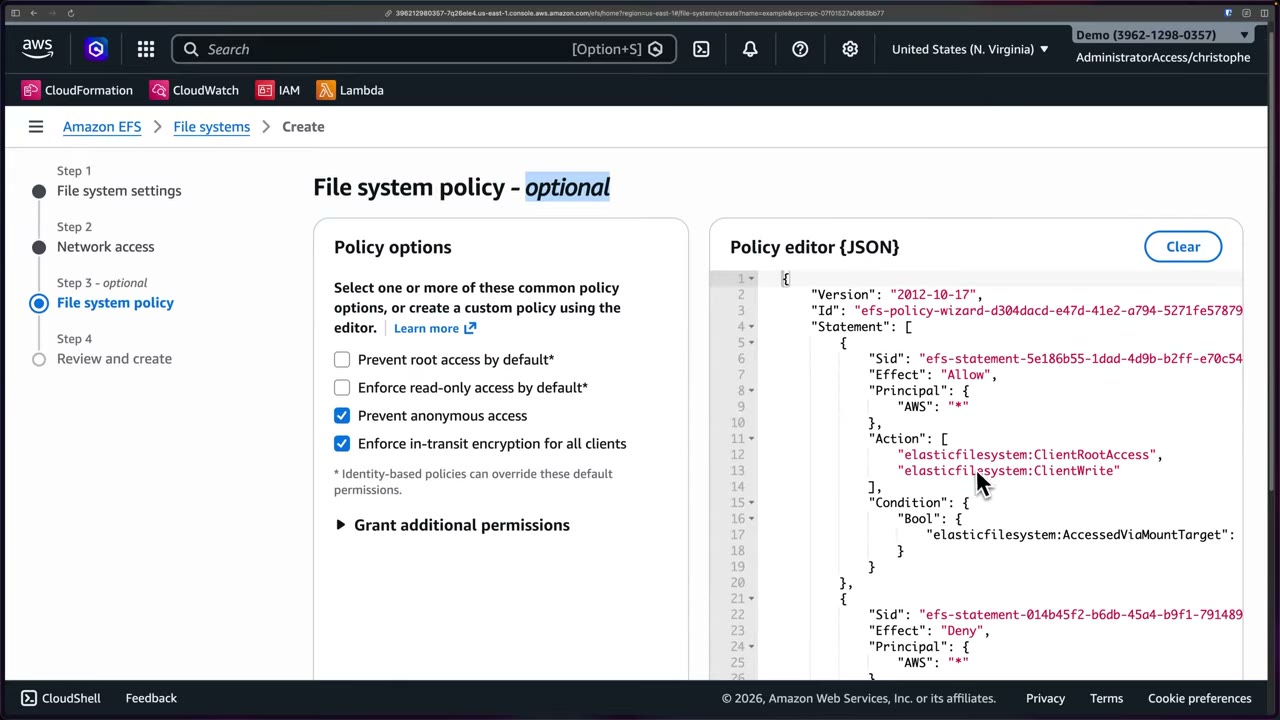
Choosing options pre-populates the JSON. The policy from the demo (second statement completed from the standard template):
{
  "Version": "2012-10-17",
  "Id": "efs-policy-wizard-…",
  "Statement": [
    {
      "Sid": "efs-statement-…",
      "Effect": "Allow",
      "Principal": { "AWS": "*" },
      "Action": [
        "elasticfilesystem:ClientRootAccess",
        "elasticfilesystem:ClientWrite"
      ],
      "Condition": {
        "Bool": { "elasticfilesystem:AccessedViaMountTarget": "true" }
      }
    },
    {
      "Sid": "efs-statement-…",
      "Effect": "Deny",
      "Principal": { "AWS": "*" },
      "Action": "*",
      "Condition": { "Bool": { "aws:SecureTransport": "false" } }
    }
  ]
}
- Encryption in transit: mount with the EFS mount helper,
mount -t efs -o tls fs-id:/ /mnt/efs(stunnel, TLS 1.2). The FS policy above enforces it. - IAM authorization actions:
elasticfilesystem:ClientMount,ClientWrite,ClientRootAccess. - Mount option
-o iammakes the client present its instance/task role, so the FS policy can grant per role.
Access points
Application-specific entry points into a shared file system. Dozens of apps may share one FS but need different data, so create an access point per app for fine-grained access. ▶ #139 06:41
- Each access point enforces a POSIX user/group and a root directory.
- Combine with
elasticfilesystem:AccessPointArnin the FS policy. Common for Lambda/ECS/EKS mounts.
After creation, replication and backup
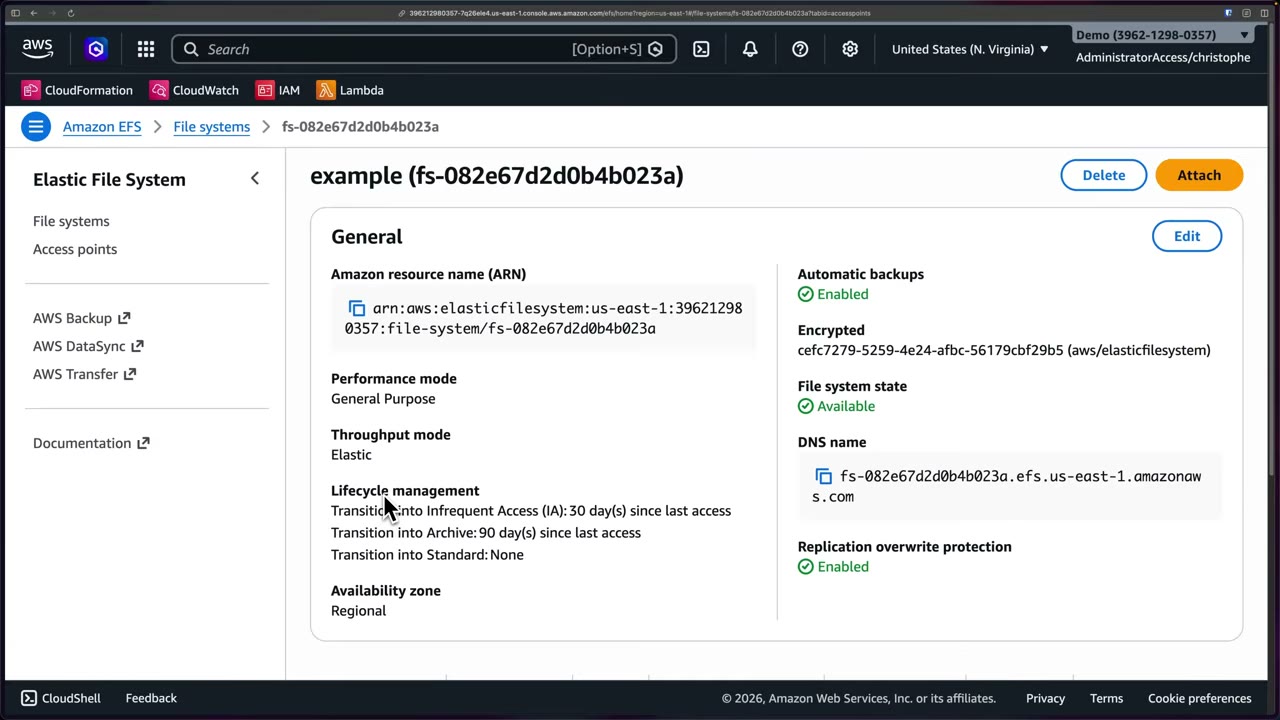
General details: ARN arn:aws:elasticfilesystem:us-east-1:<acct>:file-system/fs-…, performance mode General Purpose,
throughput Elastic, lifecycle IA 30 d / Archive 90 d / Standard None, Regional, automatic backups enabled,
encrypted with aws/elasticfilesystem, DNS name fs-….efs.us-east-1.amazonaws.com, Replication overwrite protection
Enabled. Tabs: metered size, Monitoring (a subset of CloudWatch metrics), Tags, File system policy. ▶ #139 06:00
- Cross-Region DR → EFS Replication (read-only replica). Replication overwrite protection prevents overwriting a destination FS.
- Backups → AWS Backup (cross-account/Region copies, Vault Lock).
- EFS → Create file system → name
example, VPCcybr-efs-demo-vpc→ Customize. ▶ #139 01:52 - Regional; automatic backups on; lifecycle IA 30 d, Archive 90 d, Standard None; encryption at rest on (AWS managed key); default performance. ▶ #139 02:20
- Network: keep mount targets in two AZs, replace the SG with
cybr-efs-demo-sg. ▶ #139 04:31 - File system policy: tick Prevent anonymous access and Enforce in-transit encryption for all clients. ▶ #139 05:12
- Review and create → file system
fs-082e67d2d0b4b023abecomes Available. - Two
t3.microinstances (cybr-efs-demo-instance-a,-b). Their user data installed the EFS mount helper and added an fstab entry, so the FS mounts on boot at/mnt/efs. ▶ #139 07:22 - Connect to instance A via SSM Session Manager (EC2 → Connect → SSM Session Manager tab):
echo "Hello from instance A" > /mnt/efs/test.txt - Instance B via Session Manager:
cat /mnt/efs/test.txt→Hello from instance A. - The Storage tab shows each instance still has its own EBS root volume (
/dev/xvda, 30 GiB).
From the instructor
- “If the question mentions multiple instances sharing the same files or file system over the network, they’re referring to EFS”, not EBS (single-instance block storage) or S3 (object storage). ▶ #139 10:30
- Lifecycle classes: Standard for active files, IA for rarely accessed, Archive for long-term cheaper retention. ▶ #139 10:52
- On-prem access → Direct Connect or VPN. ▶ #139 11:00
- Access points give per-application scoped entry into a shared file system. ▶ #139 11:10
- One Zone: AZ failure = loss of access. Automatic backups are highly recommended. ▶ #139 02:50
Keyword → answer
| If the question says… | Answer |
|---|---|
| Clients may only mount with encryption in transit | File system policy denying aws:SecureTransport = false (+ -o tls) |
| Each app should only see its own directory | EFS access points |
| Multiple instances share the same files over the network | EFS (not EBS, not S3) |
| On-prem servers need to mount the file system | Direct Connect or VPN |
| Encrypt an existing EFS | New encrypted FS + copy (DataSync); no in-place option |
| Must survive an AZ outage | Regional, not One Zone |
| Block anonymous NFS access | FS policy requiring elasticfilesystem:AccessedViaMountTarget |
| Cross-Region DR copy of a file system | EFS Replication |
Real-world practice
- IA/Archive have per-GB read/transition charges: “Transition into Standard on first access” avoids repeated retrieval fees for files that become hot again.
- Use AWS Backup with a central backup policy (Organizations) instead of per-FS automatic backups for multi-account governance.
- Restrict
elasticfilesystem:ClientRootAccessso containers can’t act as root on shared data. One access point per tenant/app. - Monitor
PercentIOLimit,BurstCreditBalance(bursting mode) andClientConnectionsin CloudWatch. Elastic throughput removes credit planning but costs per GB transferred.
- Create an EFS with encryption at rest.
- Add a file system policy denying non-TLS access.
- Mount from EC2 without
-o tls(denied), then with-o tls(works). - Cleanup: unmount and delete the file system.
Amazon DynamoDB (encryption, brief)
Encryption at rest and key choice
| Key | Notes |
|---|---|
| AWS owned (default) | No visibility in your account |
AWS managed (aws/dynamodb) |
Visible in KMS, policy not editable |
| Customer managed | CloudTrail visibility and revocation: disabling the key makes the table inaccessible |
- You can switch between key types at any time.
- Client-side, attribute-level protection: AWS Database Encryption SDK.
Backups and access analysis
- PITR (35 days) + on-demand backups. AWS Backup for cross-account/Region copies. ▶ #134 06:36
- IAM Access Analyzer internal access analysis supports DynamoDB tables and streams. ▶ #55 06:12
Keyword → answer
| If the question says… | Answer |
|---|---|
| Audit key use / be able to revoke access to table data | Customer managed key |
| Protect specific attributes even from DB admins | AWS Database Encryption SDK (client-side) |
| Restore a table to a point in the last 35 days | PITR |
| Cross-account / cross-Region backup copies | AWS Backup |
AWS Backup, Data Lifecycle Manager, DataSync, FSx backups
AWS Backup = central, policy-based backups across EC2/EBS, RDS/Aurora, DynamoDB, EFS, FSx, S3 and more. DLM = EBS snapshot/AMI lifecycle. DataSync = online data transfer and migration. Replicated, immutable backups are a core defense against ransomware, which locks you out of your own data. ▶ #134 00:00
- Exam skills: data integrity (5.2.2) · lifecycle & retention (5.2.3) · replication, backup, ransomware protection (5.2.4) · recover by restoring backups (2.2.4)
- Videos: ▶ #134 Data replication and backups in AWS
Which service when
| Need | Service |
|---|---|
| EBS snapshots / EBS-backed AMIs on a schedule, cheapest/simplest | DLM |
| Central backup across RDS, DynamoDB, EFS, FSx…, multi-account, compliance reporting | AWS Backup (+ Backup Audit Manager) |
| Migrate/replicate NFS/SMB/HDFS/object data from on-prem or other clouds to S3/EFS/FSx | DataSync |
| S3-only immutable copies | S3 Object Lock + S3 Replication (CRR/SRR, RTC) |
“Understand that they exist, understand when to use one over the other, and how it could also help with things like ransomware protection.” ▶ #134 09:41 Other ransomware defenses (e.g. S3 Object Lock) are covered elsewhere in the course.
Amazon Data Lifecycle Manager (DLM)
A feature of Amazon EC2, found under Elastic Block Store → Lifecycle Manager, which tells you its scope: EBS. It automates creation, retention, copying and deletion of EBS snapshots and EBS-backed AMIs. ▶ #134 00:20
Four main capabilities: ▶ #134 00:51
- Automated snapshot and AMI creation on a schedule you define.
- Fast snapshot restore (FSR) integration: restored volumes deliver all provisioned performance instantly (no lazy-load warm-up).
- Built-in cross-Region copy (up to three Regions).
- Cross-account snapshot copy (share + a cross-account copy event policy).
- Pricing: DLM is free. You pay for snapshot storage and optional features like FSR.
- Policy types: custom or default policy; EBS snapshot policy or EBS-backed AMI policy. ▶ #134 01:21
- Scope ends at EBS snapshots/AMIs. Anything else → AWS Backup. ▶ #134 03:11
Default policy settings: ▶ #134 01:21
| Setting | Values |
|---|---|
| IAM role | Default role (auto-created with the required permissions if missing) or choose another |
| Creation frequency | 1–7 days |
| Retention period | 2–14 days, must be ≥ creation frequency |
| Exclusions | Boot volumes, volume types (gp3, gp2, io1, io2, sc1, st1, standard), exclusion tags (key/value) |
| Advanced | Copy tags from volumes, extend deletion to the last snapshot, cross-Region copy |
| Other | Policy tags, policy status Enabled/Disabled |
A default policy backs up every volume in the Region unless excluded. The console warns you to tag volumes you don’t want backed up.
AWS Backup: plans and resource assignment
A centralized backup service with much wider coverage: EC2, EBS, RDS/Aurora, DynamoDB, EFS, FSx, Storage Gateway volumes, S3 and more. “Meant to be the primary backup service in AWS.” ▶ #134 03:23
- Console: Dashboard, Jobs dashboard, Vaults, Backup vault locks, S3 backup tiering, Backup plans, Protected resources, Search, Jobs, Malware protection, Restore testing, Legal holds, Settings, External resources (gateways/hypervisors).
- Pricing: backup storage used + data restored; no minimum fee.
- How it works: Create plans (schedule, retention, lifecycle) → Assign resources (tags or IDs) → Manage, monitor and restore centrally.
- Backup policies in AWS Organizations enforce plans org-wide. Backup Audit Manager does compliance reporting.
Start a plan from a template, build a new plan, or define it in JSON. ▶ #134 03:50 Templates: Daily-35day-Retention, Monthly-1year-Retention, Daily-Weekly-Monthly-5year-Retention, Daily-Weekly-Monthly-7year-Retention, each setting schedule and retention. ▶ #134 04:11
Backup rule options: ▶ #134 04:40
- Backup vault: standard or logically air-gapped (see below).
- Backup window: start time, start within, complete within.
- Point-in-time recovery (PITR): continuous backups for supported services (Aurora, RDS, S3…).
- Lifecycle: transition to cold storage / expire, so costs don’t mount.
- Retention period, backup indexes, backup scan mode (malware scanning).
- Copy to destination: a vault (or logically air-gapped vault) in another Region or account.
Plan-level settings: ▶ #134 06:10
- Malware protection integrates with GuardDuty Malware Protection (extra cost).
- Advanced backup settings: Windows VSS application-consistent backups, S3 backup of ACLs and object tags.
Resource assignment: ▶ #134 06:36
- Name the assignment, pick the rule, then include all resource types (everything enabled in the account) or specific types (e.g. only EFS, EC2, EBS, DynamoDB).
- Narrow to specific table names / volume IDs / instance IDs, or the opposite: exclude specific resource IDs (faster when you want almost everything).
- Optional tag conditions: with several tags, a resource must match all of them.
For this exam, know what AWS Backup does and generally how it works; it’s not a huge focus. ▶ #134 07:51
Vaults, Vault Lock and ransomware protection
- Vault encryption uses a KMS key, independent of the source key for many resource types.
- The vault access policy can deny
DeleteRecoveryPoint. - Vault Lock:
| Mode | Behavior |
|---|---|
| Governance | Removable by sufficiently privileged users |
| Compliance | After a grace time (minimum 72 hours) it becomes immutable: nobody, including root or AWS, can delete recovery points early or change the lock |
- Cross-Region and cross-account copy (org-level): copy into a separate backup/security account so a compromised workload account can’t destroy the backups.
- Logically air-gapped vault: recovery points locked and encrypted with an AWS-owned key, shareable via RAM to a recovery account for restore even if the source account is lost. This is the modern ransomware answer. Choosing it applies Vault Lock in compliance mode automatically, so the vault configuration can’t be altered or deleted (like S3 Object Lock compliance mode). Very strong, not suitable for every use case. ▶ #134 04:40
- Legal holds and restore testing (validates recoverability on a schedule) are in the console too.
AWS DataSync
Transfers data between AWS storage services, but shines for on-premises ↔ AWS and other clouds ↔ AWS: on-prem NFS/SMB/HDFS/object storage to S3/EFS/FSx. ▶ #134 08:10
How it works: ▶ #134 08:41
- From on-prem or another cloud, deploy a DataSync agent and associate it with your account. No agent is needed between AWS storage services in the same account.
- Create a task: source location, destination location, options.
- Start the transfer and monitor in the console or CloudWatch.
- Data is encrypted in transit with TLS, with integrity verification. Can run over PrivateLink/VPC endpoints and Direct Connect.
- Use cases: migration, archiving cold data, data protection (“you can never have enough backups”), hybrid data processing.
- Pricing: flat per-GB fee; Enhanced mode adds a per-task-execution fee.
- A tiny part of the exam: know it exists and how it differs from Backup and DLM. ▶ #134 09:31
FSx backups
- Automatic daily backups plus user-initiated backups.
- FSx for Lustre backups apply to persistent file systems, not scratch.
- AWS Backup can manage FSx too.
- EC2 console → Elastic Block Store → Lifecycle Manager → Default policy, EBS snapshot policy → Next step. ▶ #134 01:21
- Description
example, IAM role Default role, creation frequency1day, retention ≥ frequency. - Showed the exclusion options (volume-type dropdown, exclusion tags), then removed them; advanced settings unchecked; status Enabled → Create default policy (not actually executed). Without exclusions it would back up every volume.
- AWS Backup → Create backup plan → Start with a template → Daily-35day-Retention, name
example. Reviewed ruleDailyBackups(vault, logically air-gapped option, window, PITR, lifecycle, copy to destination) and the malware scan option, then created the plan. ▶ #134 03:50 - Assign resources: name
example, default rule, toggled between all types and specific types (DynamoDB “All tables”, volume IDs…). ▶ #134 06:36 - DataSync console: reviewed task types and “How it works”. No deep demo. ▶ #134 08:10
From the instructor
- Know that they exist, when to use one over the other, and how they help with ransomware protection. ▶ #134 09:41
- DLM’s scope ends at EBS snapshots and AMIs; anything else needs AWS Backup. ▶ #134 03:11
- AWS Backup is not a huge exam focus: know what it does and generally how it works. ▶ #134 07:51
- DataSync is a tiny part of the exam: know it exists and how it differs from Backup and DLM. ▶ #134 09:31
Keyword → answer
| If the question says… | Answer |
|---|---|
| Attacker with admin in the workload account must not delete backups | Cross-account copy to a dedicated account + Vault Lock compliance / logically air-gapped vault, plus an SCP |
| Enforce backups for every account in the org | AWS Organizations backup policies |
| Restore must be tested regularly | AWS Backup restore testing |
| EBS snapshots on a schedule, cheapest/simplest | DLM |
| Central backup across many services, multi-account, compliance reporting | AWS Backup (+ Backup Audit Manager) |
| Migrate/replicate on-prem NFS/SMB/HDFS/object data to S3/EFS/FSx | DataSync |
| S3-only immutable copies | S3 Object Lock + S3 Replication |
| Scan backups for malware | AWS Backup malware protection (GuardDuty Malware Protection) |
| Vault lock must be removable by admins later | Governance mode (compliance is immutable after the grace period) |
Real-world practice
- Tag-based plans (
backup=daily). Copy rules → a central backup account in another Region. Vault Lock compliance on that vault. EventBridge alerts on failed jobs andDeleteRecoveryPointattempts. - Org setup: enable AWS Backup cross-account management, delegate an admin account, push backup policies via Organizations, and copy into a dedicated, locked-down backup account (separate credentials and blast radius).
- Encrypt vaults in the backup account with a customer managed KMS key there, so a compromised workload account can’t decrypt or delete the copies.
- DLM default policies overlap with AWS Backup: avoid double snapshots. FSR is billed per AZ-hour per snapshot.
- Test restores regularly: an untested backup is not a backup.
- Create a backup plan (daily, 7-day retention) assigned by tag.
- Run an on-demand backup of an EBS volume, then restore it.
- Add a governance Vault Lock (not compliance in a lab).
- Cleanup: delete the recovery points, the plan, the lock and the vault.
Sensitive-data masking: CloudWatch Logs and SNS data protection
Policies that detect sensitive data (PII, credentials, financial and health data) with managed or custom data identifiers and audit, mask or block it as it flows through CloudWatch Logs log groups and SNS topics. Macie (Part 2) discovers PII in S3; these two protect data in flight through logs and messages.
CloudWatch Logs data protection policies
Policies automatically detect and mask sensitive information before it is exposed to users viewing your logs: IP addresses, email addresses, leaked credentials and more, for compliance and privacy. ▶ #108 00:20
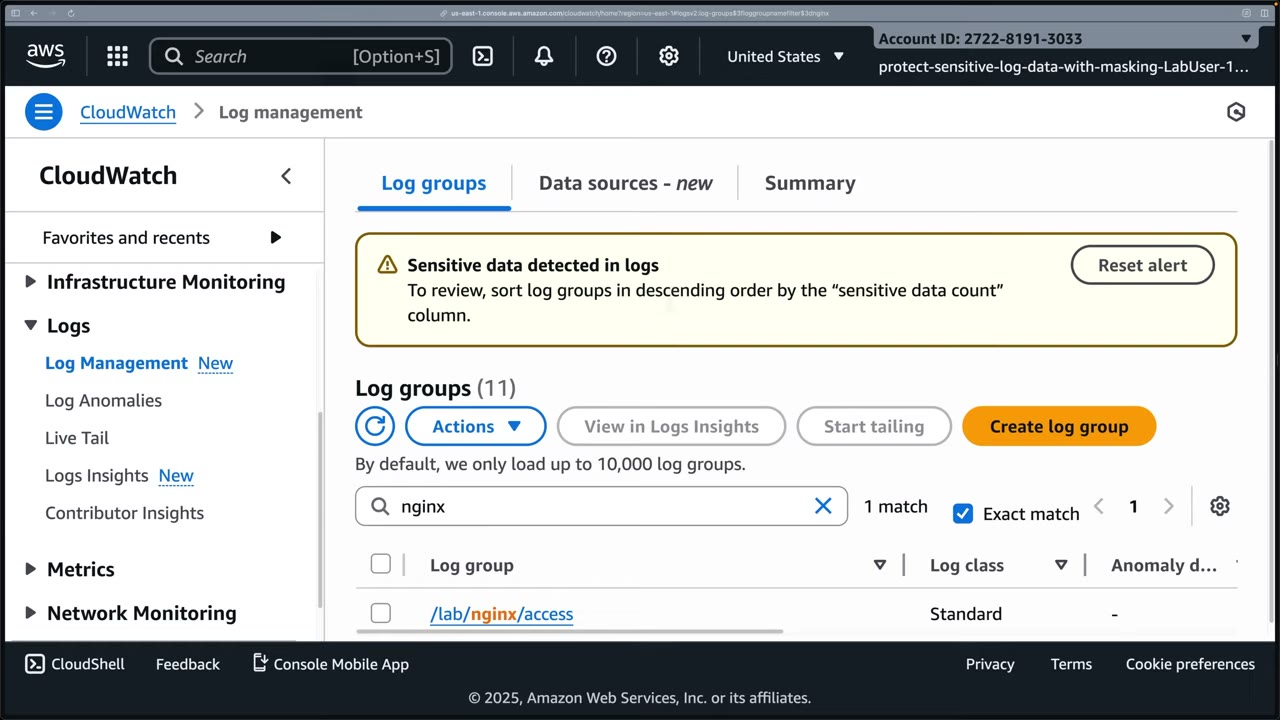
CloudWatch even shows a banner once sensitive logs arrive: “Sensitive data detected in logs — To review, sort log groups in descending order by the ‘sensitive data count’ column”. ▶ #108 00:32
How a policy works
- Managed data identifiers: credit card, SSN, email, AWS keys,
IpAddress, etc. Custom data identifier = name + regex, for data AWS doesn’t cover. ▶ #108 02:41 - Matching data is masked when viewed in the console, APIs and queries (
GetLogEvents,FilterLogEvents, Logs Insights). - Optional audit findings go to CloudWatch Logs, Data Firehose or S3. ▶ #108 03:02
- Scope: one log group, or an account-wide policy (
PutAccountPolicywith typeDATA_PROTECTION_POLICY) that covers existing and future log groups and combines with any log-group policy. ▶ #108 03:20 - Policy JSON has two statements, each listing
DataIdentifierARNs likearn:aws:dataprotection::aws:data-identifier/IpAddress:"Operation": {"Audit": {"FindingsDestination": {...}}}"Operation": {"Deidentify": {"MaskConfig": {}}}
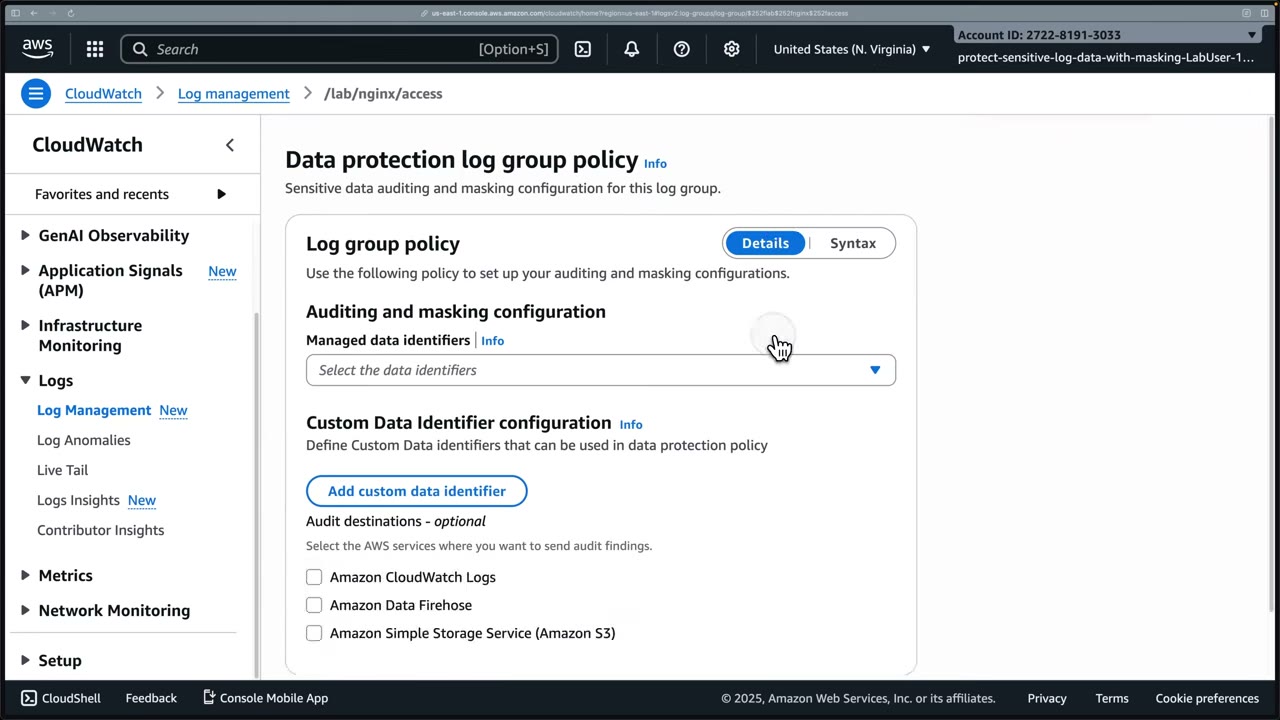
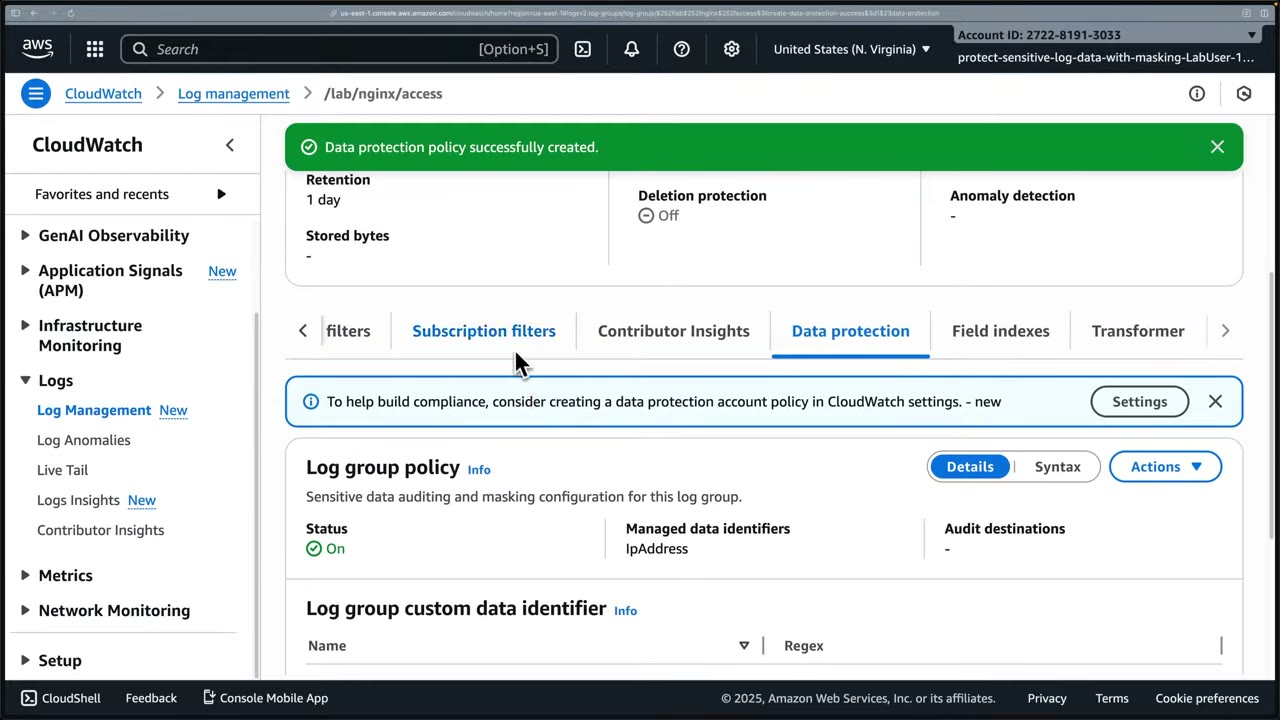
Masking is not retroactive, and data is still stored
- Only events ingested after the policy is active are masked. Right after activation the existing events look the same, but the policy did work. ▶ #108 03:51
- The full data is still stored; it’s masked on read.
- Masking happens only in CloudWatch: the file on the source host is untouched. ▶ #108 04:22
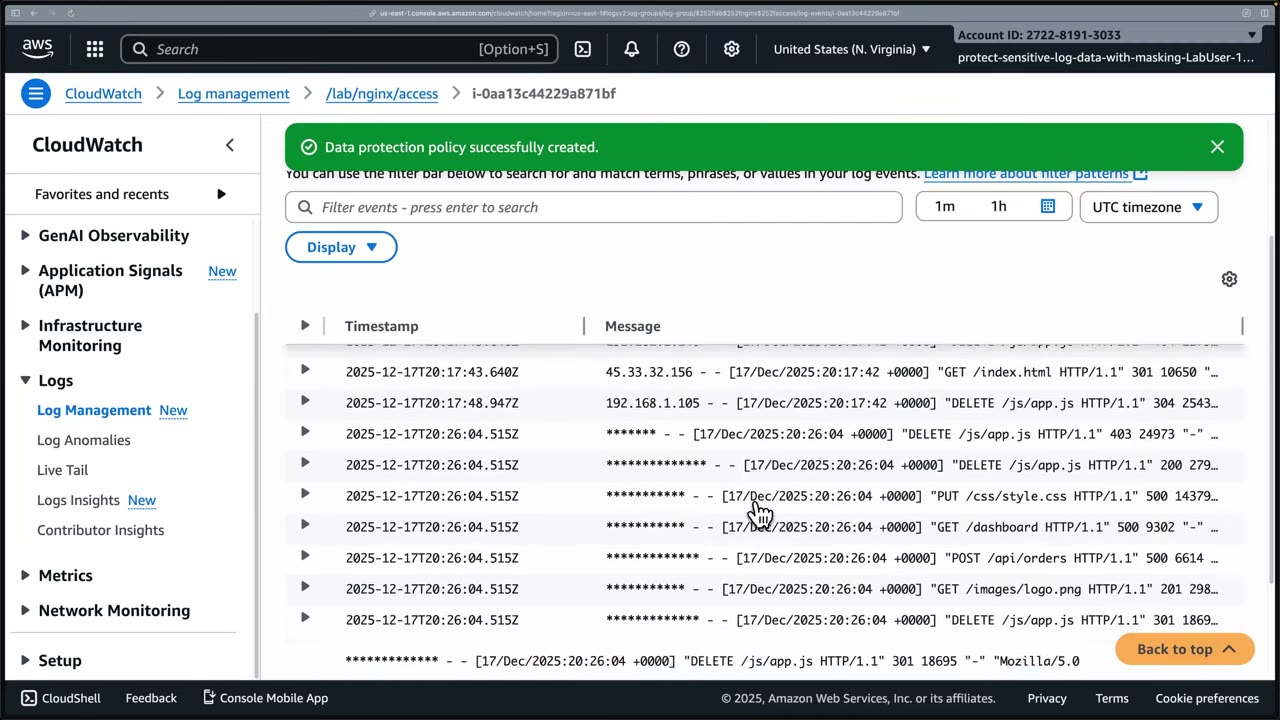
Who can see the data: logs:Unmask
- Support, security team and sysadmins without unmask permission can’t see masked values in CloudWatch Logs. They might still log into the instance, but that’s a different access-control problem. ▶ #108 04:50
- Authorized users (e.g. a team lead) use Display → Temporarily unmask protected data, which requires the IAM permission
logs:Unmask. The page reloads with values visible; they can mask again. ▶ #108 05:22 - Result: less accidental data exposure while keeping full log fidelity for authorized users. ▶ #108 05:41
Setup: an EC2 instance (Amazon Linux 2023) simulating nginx and real web traffic. ▶ #108 01:00 Access log
/var/log/nginx/access.log lines include client IP, date/time, method and path, status, bytes, user agent: ▶ #108 01:30
8.8.8.8 - - [17/Dec/2025:20:17:42 +0000] "GET / HTTP/1.1" 403 6773 "-" "Mozilla/5.0 (Windows NT 10.0; Win64; x64) AppleWebKit/537.36"
151.101.1.140 - - [17/Dec/2025:20:17:42 +0000] "DELETE /js/app.js HTTP/1.1" 404 11794 "-" "Mozilla/5.0 (iPhone; CPU iPhone OS 14_0 like Mac OS X)"
192.168.1.105 - - [17/Dec/2025:20:17:42 +0000] "DELETE /js/app.js HTTP/1.1" 304 25431 "-" "curl/7.68.0"
cat /var/log/nginx/access.logon the instance: IPs in clear.- CloudWatch → Log management → log group
/lab/nginx/access(stream = instance ID): full IPs visible. ▶ #108 01:52 - At the log group level: Actions → Create data protection policy. ▶ #108 02:21
- Managed data identifier IpAddress; no custom identifier; no audit destination. ▶ #108 02:41
- Activate data protection → “Data protection policy successfully created”. The Data protection tab shows Status On. The console suggests “consider creating a data protection account policy in CloudWatch settings”. ▶ #108 03:10
- Old events unchanged. Run the traffic generator script (10 new nginx lines). ▶ #108 04:10
- Refresh the stream: new events show
*************in place of the IP, also when expanded. ▶ #108 04:31 - Display → Temporarily unmask protected data (needs
logs:Unmask) → IPs visible again → re-mask. ▶ #108 05:22
SNS message data protection
SNS recap: fully managed pub/sub messaging for application-to-application (A2A) and application-to-person (A2P). Publishers send to topics, subscribers receive from them over HTTPS, email, SMS, etc. Integrates with Lambda, SQS, CloudWatch; fan-out for parallel processing; dead-letter queues for unavailable endpoints. ▶ #99 00:40 Encryption is “a given now”, plus message data protection. ▶ #99 01:40
- A topic-level policy (standard topics) that discovers and protects sensitive data in messages. ▶ #99 02:02
- 25+ data types at recording time: names, US SSNs, physical addresses, credit card numbers, driver’s licenses, passports, emails, IP addresses, healthcare info like prescription drug codes, and more.
- Detection uses pattern matching + machine learning. ▶ #99 02:30
- SNS encryption at rest = SSE with KMS. In transit = topic policy denying
aws:SecureTransport= false.
| Action | What it does | Use when |
|---|---|---|
| Audit | Reports findings to S3 (archival), Firehose (analytics) or CloudWatch Logs (monitoring/alerting), with a SampleRate ▶ #99 02:51 |
Compliance monitoring, security audits, understanding data flows |
| Mask (de-identify) | Replaces characters, keeps the format: 4111 1111 1111 1111 → XXXX… (or #, ., -…) ▶ #99 03:30 |
Downstream needs the data type but not the value; testing with production-like data |
| Redact (de-identify) | Removes the data entirely ▶ #99 04:22 | Stronger, but can break consumers that rely on the format |
| Deny | Blocks transmission if sensitive data is present, inbound and/or outbound ▶ #99 04:41 | Strict compliance: keep data from entering or leaving |
Direction matters:
- De-identify applies only to outbound delivery.
- Inbound can be audited or denied. An inbound deny makes
Publishfail for that principal. - An outbound-only deny lets SNS receive the message but not deliver it (e.g. the email isn’t sent). ▶ #99 04:51
- Statements use
DataDirection(Inbound/Outbound),DataIdentifier(managed identifier ARNs),Operation, andPrincipal/NotPrincipal, so trusted publishers can be exempted.
Only an SNS dashboard and a title slide were captured for this video; the content is from narration.
Choosing a tool
- There are several ways to filter or mask sensitive data: SNS data protection alone, or EventBridge filtering / input transformer, which drops or reshapes fields before the target. Evaluate the scenario to choose. ▶ #99 05:21
- Map where the data lives to the service: S3 at rest → Macie; logs → CloudWatch Logs data protection; messages → SNS data protection; events → EventBridge input transformer.
From the instructor
- “If you ever see any question on the exam related to masking sensitive data within CloudWatch Logs, then this is probably the feature they’re referring to.” ▶ #108 05:51
- Policies are not retroactive. ▶ #108 03:51
- Masking happens only in CloudWatch, not on the source host. ▶ #108 04:31
- Unmasking requires
logs:Unmask. ▶ #108 05:22 - Policies apply to one log group or account-wide. ▶ #108 03:20
- SNS: know the four actions: audit (observe), mask (replace), redact (remove), deny (block). ▶ #99 02:40
- Deny can apply inbound and/or outbound; outbound deny still lets SNS receive the message. ▶ #99 04:51
- Both SNS data protection and EventBridge transformations exist: pick based on the scenario. ▶ #99 05:31
Keyword → answer
| If the question says… | Answer |
|---|---|
| Developers must troubleshoot logs but must not see card numbers | CloudWatch Logs data protection policy; only the security team gets logs:Unmask |
| Mask sensitive data within CloudWatch Logs | Data protection policy (log group or account-wide) |
| Policy applied but old log events still show PII | Expected: not retroactive |
| Least privilege to view PII in logs | Deny logs:Unmask broadly (SCP / permission boundary), grant to a small group |
| Sensitive data must never be stored at all | Remove it at the source (app logging) or with a log transformer / Firehose Lambda; masking still stores it |
| Prevent PII from being published to a topic | SNS data protection, Deny on inbound |
| Downstream needs the type/format but not the value | Mask |
| Remove the data completely | Redact |
| Block delivery to email subscribers but keep receiving | Outbound Deny |
| Find PII stored in S3 | Macie |
- CloudWatch Logs masking is not retroactive and the data is still stored: it’s masked on read (console,
GetLogEvents,FilterLogEvents, Logs Insights), and only in CloudWatch, not on the source host. - SNS de-identify (mask/redact) applies only to outbound delivery. Inbound messages can only be audited or denied; an inbound deny makes
Publishfail for that principal.
Real-world practice
- CloudWatch Logs: subscription filters and exports generally receive masked data unless the caller can unmask (check current docs per export path).
- Send audit findings to S3/Firehose for a cheap inventory of which log groups leak PII, then fix the apps.
- Data protection costs per GB scanned: scope account policies in high-volume environments. Deploy an account policy via StackSets/Organizations so new log groups are protected by default.
- SNS: start in audit mode to measure false positives before enabling deny (deny can silently break critical notifications).
- Enable it on topics carrying customer data, not every infra alert topic (per-GB cost).
- Masked messages keep their shape, but consumers that validate formats (e.g. Luhn checks) may need updates.
- Create a log group and attach a data protection policy with the
EmailAddressidentifier. - Put a log event containing an email address and view it: it’s masked.
- Call
get-log-events --unmaskwith a role that haslogs:Unmask: it’s visible. - Cleanup: delete the log group.
Part 5 – Governance & Incident Response
AWS CloudFormation
AWS-native infrastructure as code (IaC). A YAML/JSON template describes resources, and CloudFormation creates them as a stack it manages as one unit, with dependency handling, safe updates and rollbacks. StackSets push one template to many accounts and Regions in a single operation, which makes CloudFormation the standard way to roll out a security baseline.
- Exam skills: IaC with StackSets, cfn-guard, cfn-lint (6.2.1) · Organizations (6.1.1) · delegated administrators (6.1.4) · central policy enforcement (6.2.3) · detect/remediate noncompliance (6.3.1) · automated assessments (1.1.5) · service & execution roles (3.2.2) · data integrity, versioning (5.2.2) · deploying security tools for IR (2.1.2)
- Videos: ▶ #74 About CloudFormation · ▶ #75 Deploying resources · ▶ #76 Multi-account & multi-Region (StackSets) · ▶ #77 Detecting and fixing drift
- See also ▶ #90 under AWS Config (a StackSet that enables Config in every member account).
IaC instead of ClickOps
Rebuilding everything by hand (steps, configuration, troubleshooting) takes a long time, and you might not get it exactly right. ▶ #74 00:11 ClickOps means configuring services by clicking around the console. IaC turns those actions into simple, repeatable code. ▶ #74 00:21
You write a template describing the resources you want (EC2 instances, RDS DB instances, Lambda functions, almost anything in AWS), and CloudFormation provisions and configures them. ▶ #74 01:13 It lets you treat infrastructure as code, deploy consistently and repeatably, manage dependencies between resources, and update and roll back safely. ▶ #74 01:31
Code goes into GitHub/GitLab, can be scanned for vulnerabilities and security misconfigurations, and can be deployed to any other account easily. ▶ #75 13:01
| Component | What it does |
|---|---|
| Stack | A collection of resources managed as a single unit, defined by the template. Update, replicate or remove whole infrastructure with a few clicks or commands. ▶ #74 02:02 |
| StackSet | Create, update or delete stacks across multiple accounts and Regions in a single operation, e.g. deploy required AWS Config rules to every account at once. ▶ #74 02:31 |
| Exports / imports | Cross-stack references: a networking stack exports the VPC ID and subnet IDs, an application stack imports them instead of recreating them. ▶ #74 03:21 |
| Infrastructure Composer | Visual drag-and-drop designer that automatically generates the template, which you can deploy directly. Most useful when getting started; the instructor prefers code, especially with generative AI. ▶ #74 04:00 |
| IaC generator | Creates templates from existing resources built via ClickOps or another IaC tool, to recreate them elsewhere or manage them with CloudFormation. ▶ #74 04:40 |
| Registry | Resource types, modules and hooks, AWS-provided and third-party. You can publish private types and modules for your organization. ▶ #74 05:21 |
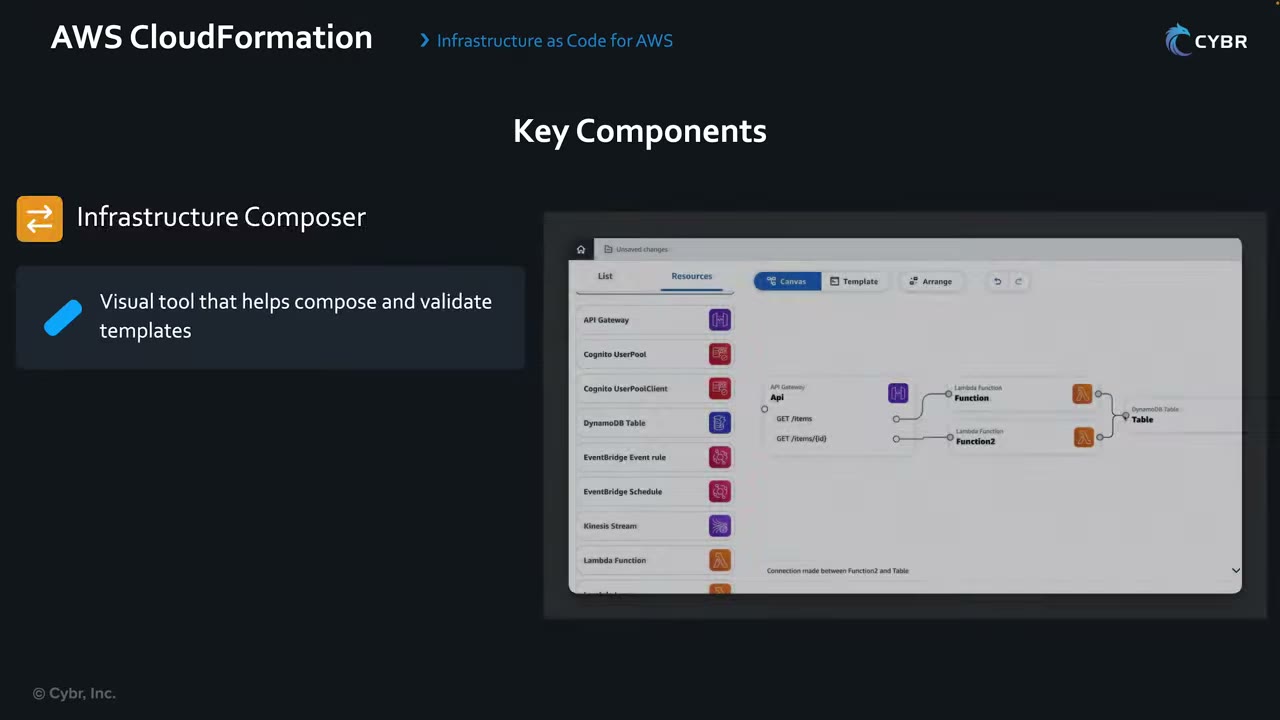
The palette on the left lists resources (API Gateway, Cognito UserPool/UserPoolClient, DynamoDB Table, EventBridge rule/Schedule, Kinesis Stream, Lambda Function…). The Canvas / Template / Arrange tabs switch between the diagram and the generated template. Drawing a connection (“Connection made between Function2 and Table”) adds the IAM permissions and env vars to the template.
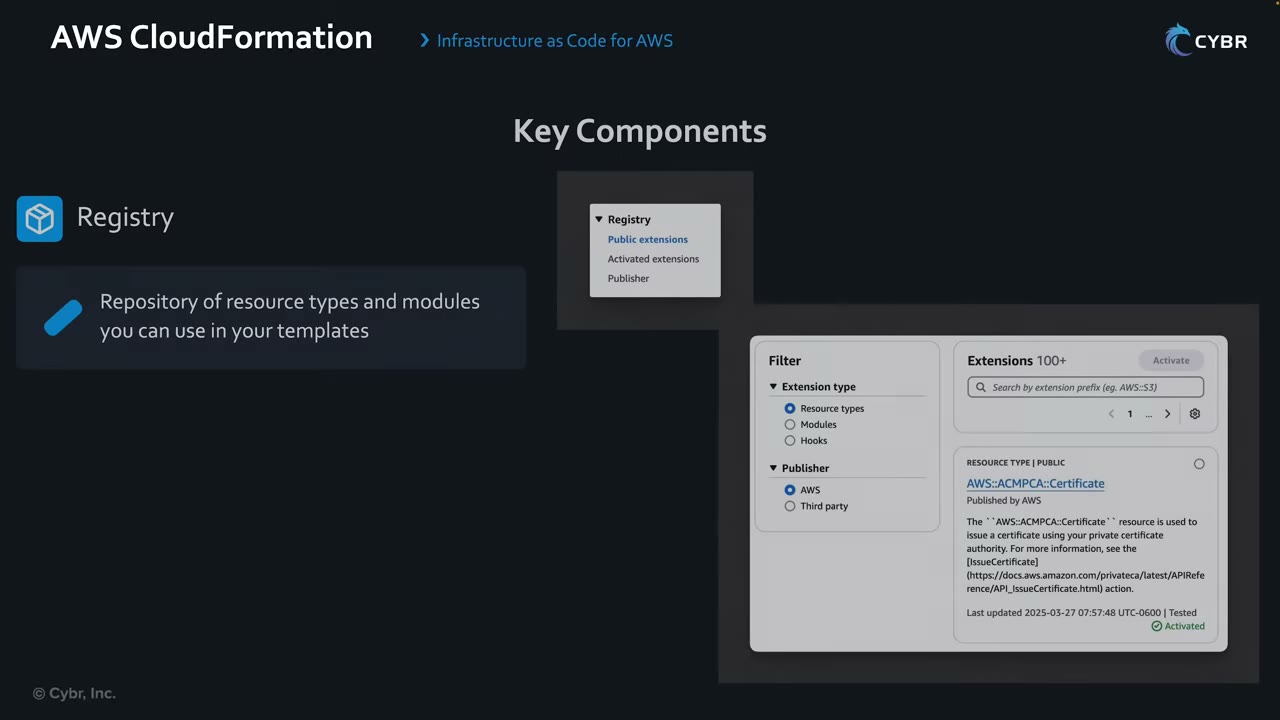
The Registry menu has Public extensions, Activated extensions and Publisher, with “Extensions 100+”, e.g.
AWS::ACMPCA::Certificate (an AWS resource type that issues a certificate from a private CA, Activated).
Writing a template and deploying a stack
Template skeleton. Templates start with AWSTemplateFormatVersion: 2010-09-09 and a Description. The Resources
section defines each resource and its exact configuration. ▶ #75 01:02 Files can be .yaml, .json, even .template or
.txt; YAML vs JSON is personal preference. ▶ #75 00:41 The demo code is on GitHub at Cybr-Inc/cybr-cloudformation-templates
(folders lambda, s3-bucket/s3.yaml, vpc). ▶ #75 00:00
AWSTemplateFormatVersion: 2010-09-09
Description: Our first template

Resources:
  ExampleS3Bucket:            # logical ID, not the bucket name
    Type: AWS::S3::Bucket
    Properties:
      BucketName: this-is-an-example-s3-bucket
ExampleS3Bucketis the logical ID, not the bucket’s name. ▶ #75 03:40- Indentation matters in YAML: “I’m not just adding them to make it look pretty.” ▶ #75 03:51
- For S3, no properties are required. Omit
BucketNameand CloudFormation generates a unique name. ▶ #75 04:00
Template reference (User Guide → Template reference) covers resource types and properties, resource attributes
(e.g. DeletionPolicy), intrinsic functions, pseudo parameters, transforms (macros), helper scripts (Python
scripts to install software/start services on EC2), resource specifications and provider schemas. ▶ #75 01:40 Type
identifiers look like service-provider::service-name::data-type-name, e.g. AWS::S3::Bucket. ▶ #75 02:01 Each property
lists Required, Type, Allowed values and Update requires. ▶ #75 02:41
AWS::S3::Bucketnotes: the bucket is created in the stack’s Region;DeletionPolicycan Retain or Delete it; “You can only delete empty buckets. Deletion fails for buckets that have contents.”AccessControl(AuthenticatedRead | AwsExecRead | BucketOwnerFullControl | BucketOwnerRead | LogDeliveryWrite | Private | PublicRead | PublicReadWrite) is a legacy property. Buckets are created with ACLs disabled, so anything butPrivatefails unlessOwnershipControlsenables ACLs. Use bucket policies instead.
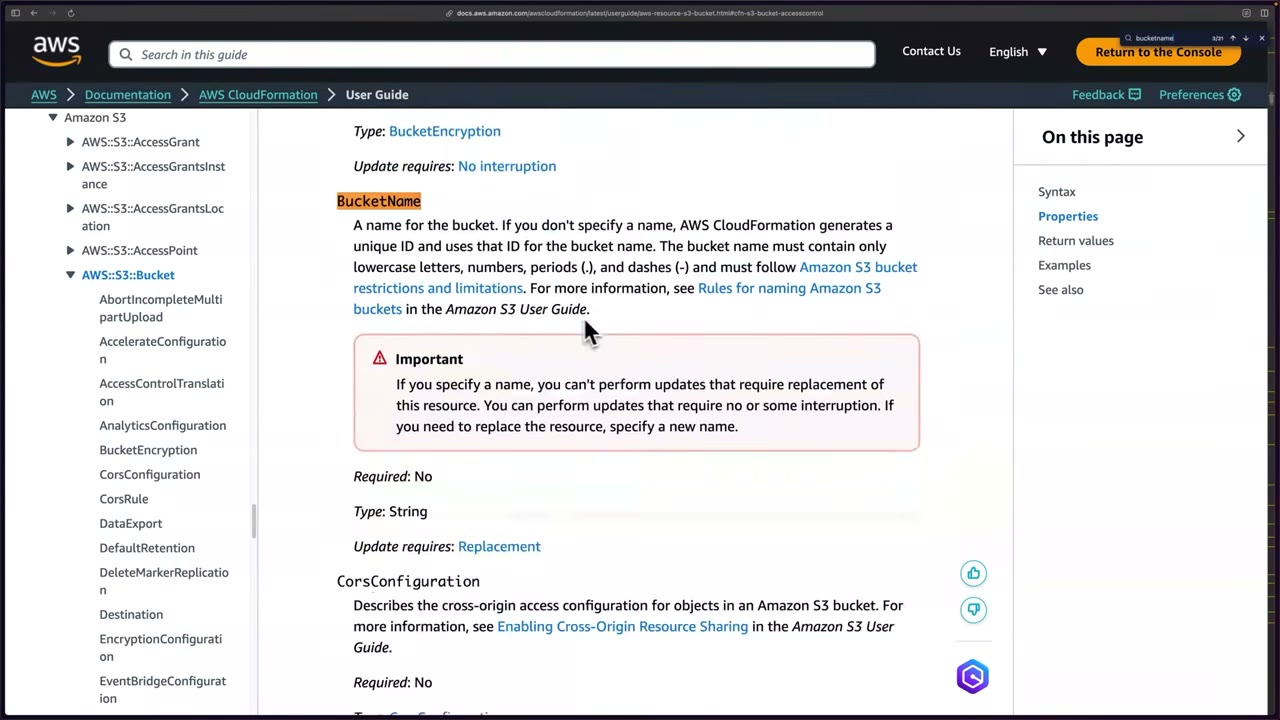
BucketName allows lowercase letters, numbers, periods and dashes and must follow S3 naming rules. If you specify a
name, you can’t perform updates that require replacement (Update requires: Replacement). ▶ #75 04:20 Add
letters/numbers to keep it globally unique. ▶ #75 05:00
Deploy, fail, fix. Authenticate the CLI with access keys or aws configure sso / aws sso login (IAM Identity Center). ▶ #75 05:20
The demo role is admin-level; S3 permissions would suffice. ▶ #75 05:50
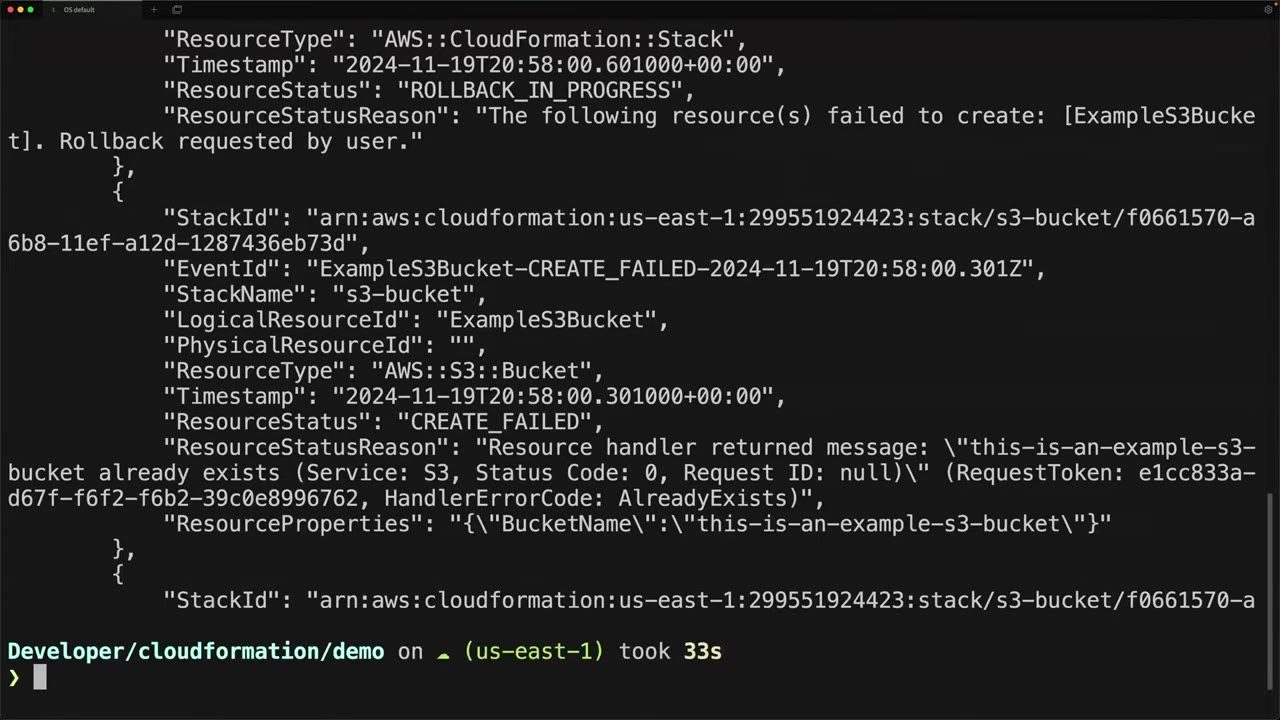
deployprints “Waiting for changeset to be created..” → “Waiting for stack create/update to complete” → fails. ▶ #75 06:30describe-stack-eventsshowsExampleS3BucketCREATE_FAILED (“already exists… HandlerErrorCode: AlreadyExists”) and the stack ROLLBACK_IN_PROGRESS (“Rollback requested by user”). PhysicalResourceId is empty because nothing was created. ▶ #75 06:51- Bucket names are unique across all of AWS, so rename to
this-is-an-example-s3-bucket-12345. ▶ #75 07:21 - Redeploy → ValidationError: “Stack … is in ROLLBACK_COMPLETE state and can not be updated.” A stack whose creation failed must be deleted first. ▶ #75 07:40
aws cloudformation help | lesslists the commands (create-change-set, continue-update-rollback, delete-stack…). ▶ #75 08:00delete-stack, then redeploy → success.
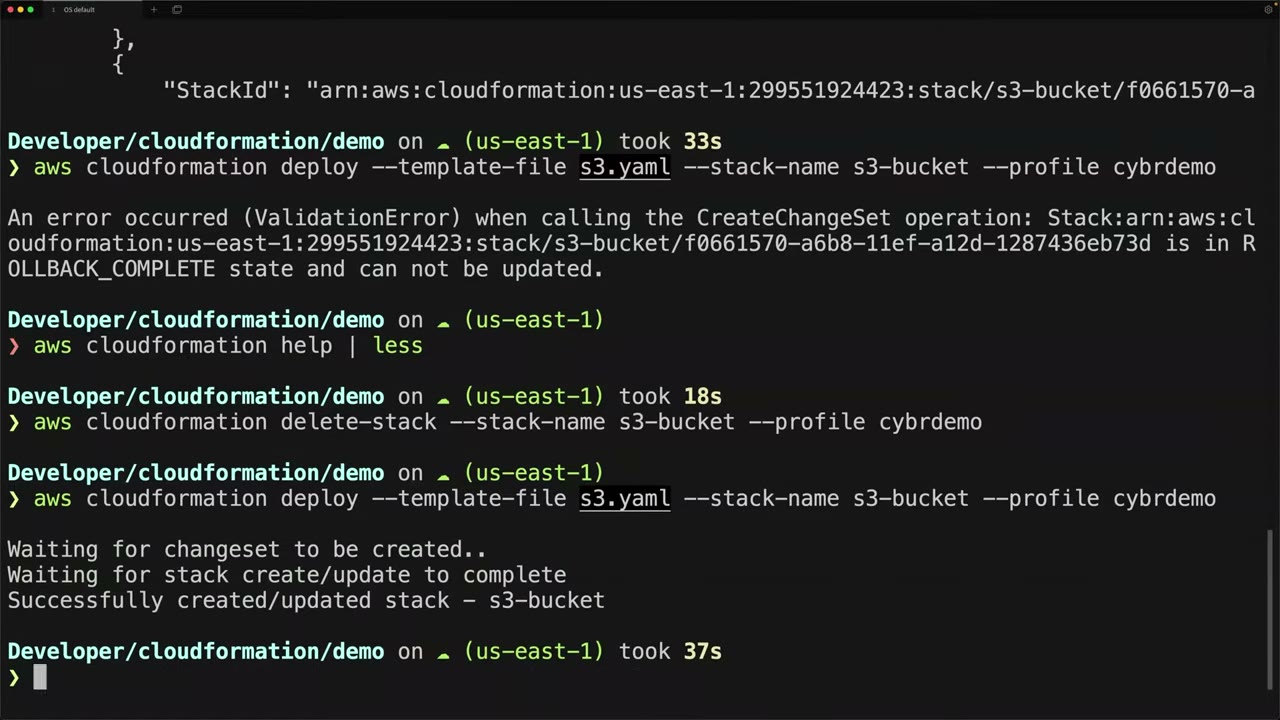
The console shows stack events too, but the CLI is faster and works without console access. ▶ #75 08:50
touch s3.yaml→code .→ write the skeleton +ExampleS3BucketwithBucketName: this-is-an-example-s3-bucket.aws sts get-caller-identity --profile cybrdemo→assumed-role/AWSReservedSSO_AdministratorAccess_…/christophe.aws cloudformation deploy --template-file s3.yaml --stack-name s3-bucket --profile cybrdemo→ failure.aws cloudformation describe-stack-events --stack-name s3-bucket --profile cybrdemo→AlreadyExists.- Rename the bucket to
…-12345→ redeploy →ROLLBACK_COMPLETEValidationError. aws cloudformation delete-stack --stack-name s3-bucket --profile cybrdemo→ redeploy → “Successfully created/updated stack - s3-bucket”.aws cloudformation list-stacks --profile cybrdemo→ the new stackCREATE_COMPLETE, the deleted oneDELETE_COMPLETE(deleted stacks stay listed for a while), bothStackDriftStatus: NOT_CHECKED. ▶ #75 09:31aws s3 ls --profile cybrdemo(it failed first withInvalidAccessKeyIdbecause--profilewas missing) → the CloudTrail logs bucket,cf-templates-j0j4kouf5qz9-us-east-1and the new bucket. ▶ #75 10:30- Add
VersioningConfiguration: Status: Enabled→ re-run the samedeploy→aws s3api get-bucket-versioning --bucket this-is-an-example-s3-bucket-12345 --profile cybrdemo→{ "Status": "Enabled" }.
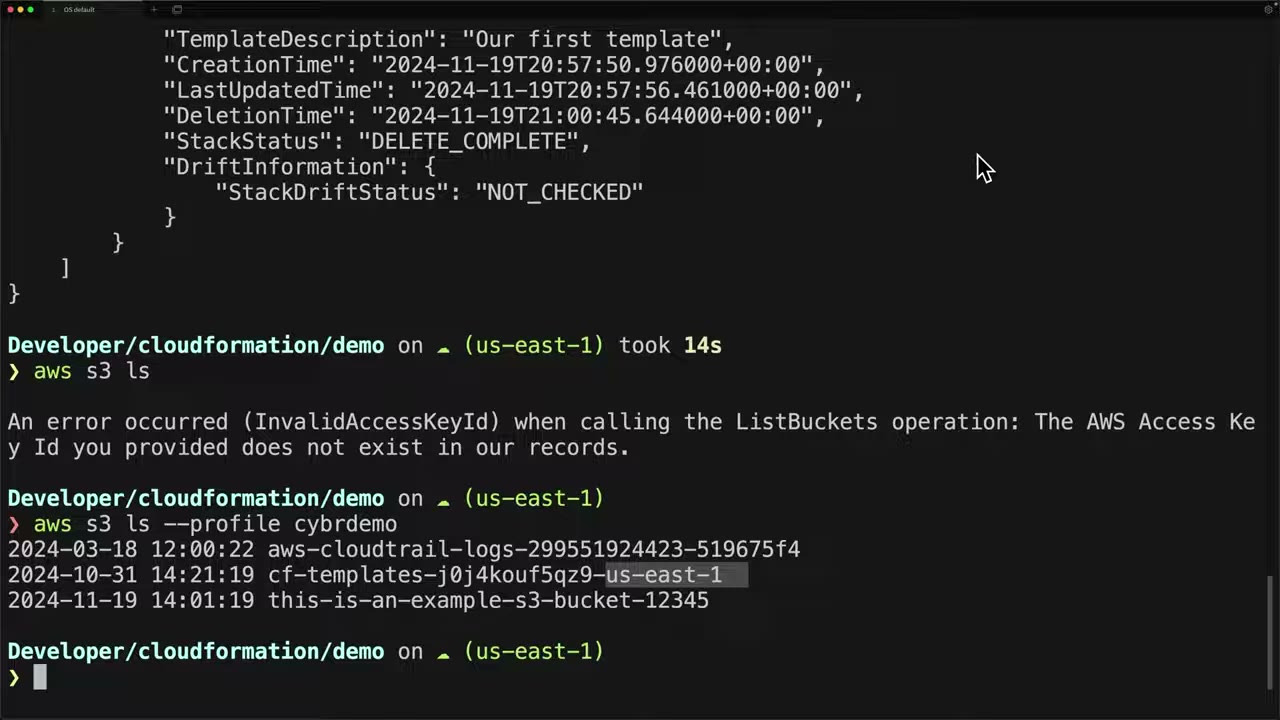
The instructor describes cf-templates-<random>-<region> as the bucket CloudFormation creates to upload the template
and run deployments from. ▶ #75 10:41 (It is actually created by the console on template upload; see Updates.)
Keep related resources in one stack and unrelated ones in separate stacks, so they are managed independently or per team. ▶ #75 10:02
Updating a stack. A new requirement says versioning must be on. Add the property and re-run the same deploy.
CloudFormation creates a change set, compares deployed vs new configuration and applies only what changed. ▶ #75 11:50
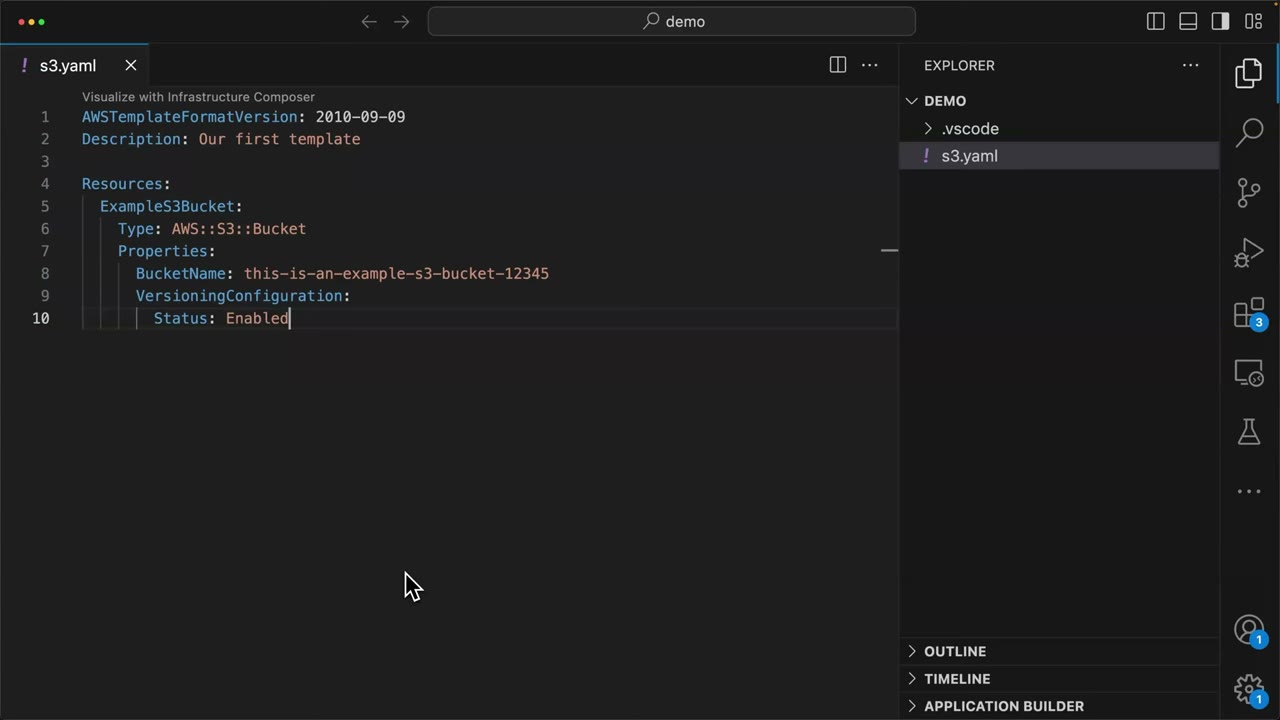
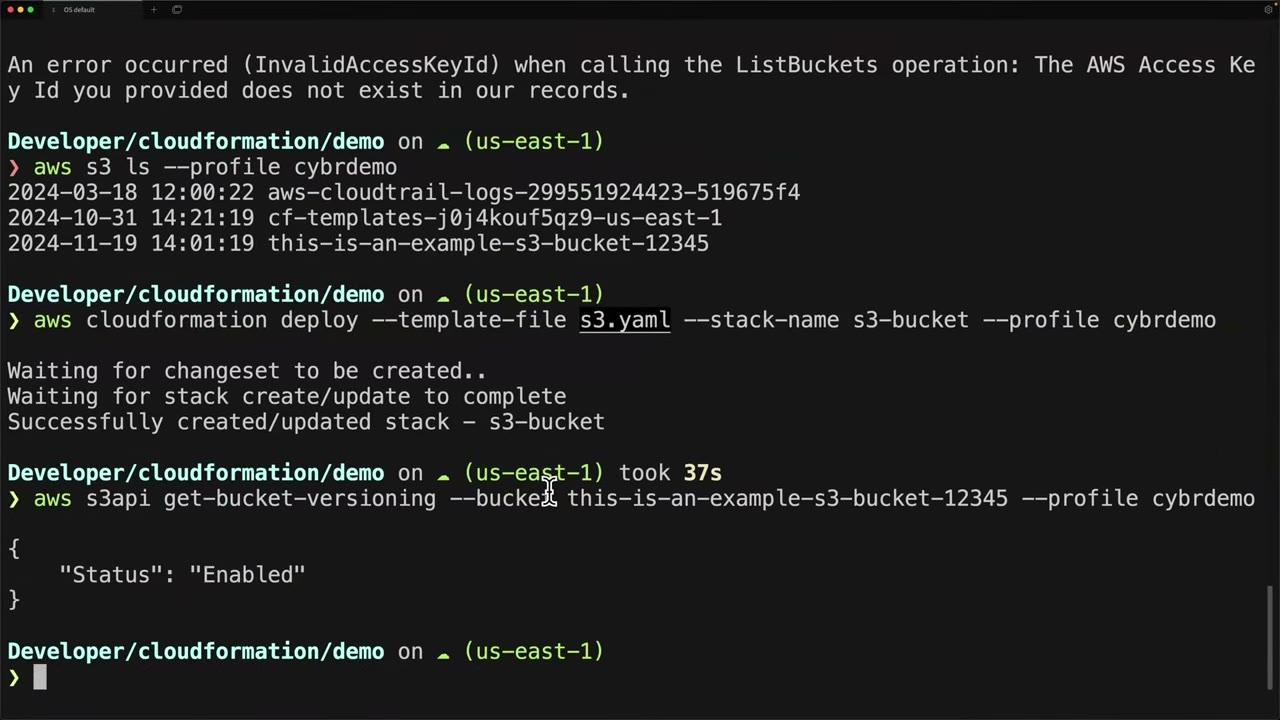
Stack safety controls
| Control | What it protects |
|---|---|
| Change set | Preview changes (especially Replacement: True) before executing. The answer for “safely review infrastructure changes”. deploy uses one implicitly; create-change-set + execute-change-set makes the review explicit. |
| Stack policy | JSON that blocks updates to the resources it names during stack updates. Once set it can’t be removed, only changed; you can override it temporarily for one update. |
| Termination protection | Blocks deleting the stack. Nested stacks follow the root stack’s setting. |
DeletionPolicy Retain / Snapshot |
Keeps data (RDS, EBS, S3) when the stack is deleted. Add UpdateReplacePolicy: Retain so a replacement doesn’t destroy data either (and avoid the “bucket not empty” delete failure). |
Service role (--role-arn) |
CloudFormation acts with that role, so users need only iam:PassRole plus CloudFormation permissions (least privilege). |
| Dynamic references | {{resolve:secretsmanager:...}} or {{resolve:ssm-secure:...}}, plus NoEcho parameters. Never hard-code secrets. |
Stack states:
| State | Meaning | What to do |
|---|---|---|
CREATE_FAILED → ROLLBACK_COMPLETE |
Creation failed | Delete the stack and recreate |
UPDATE_ROLLBACK_COMPLETE |
Update failed and rolled back | Stack is still usable |
UPDATE_ROLLBACK_FAILED |
Rollback itself failed | continue-update-rollback, optionally skipping resources |
Other template facts:
- Secure S3 bucket properties:
BucketEncryption(SSE-KMS +BucketKeyEnabled),PublicAccessBlockConfiguration,OwnershipControls: BucketOwnerEnforced,VersioningConfiguration,ObjectLockConfiguration(requiresObjectLockEnabled: trueat creation),LoggingConfiguration, and anAWS::S3::BucketPolicydenyingaws:SecureTransport = false. - Exports are Regional and can’t be deleted or changed while imported. Use SSM parameters for looser coupling.
- Pseudo parameters:
AWS::AccountId,AWS::Region,AWS::Partition,AWS::StackName,AWS::URLSuffix,AWS::NoValue. Use!Sub ...${AWS::AccountId}so globally unique names don’t collide across accounts.
StackSets: permission models and trusted access
So far CloudFormation deployed to one account and one Region; organizations span many. A StackSet deploys individual stacks (stack instances) to targets, so you manage one StackSet instead of many stacks. ▶ #76 00:00
| Service-managed (preferred) | Self-managed (console: “Self-service permissions”) | |
|---|---|---|
| Requires | Organizations with all features + trusted access | Nothing; works without Organizations |
| Roles | Created for you: AWSServiceRoleForCloudFormationStackSetsOrgMember (service-linked) and stacksets-exec-<id> in each member; …CloudFormationStackSetsOrgAdmin in the management account |
You create AWSCloudFormationStackSetAdministrationRole (admin account) and AWSCloudFormationStackSetExecutionRole (each target, trusting the admin account). Without them AWS can’t deploy ▶ #76 13:10 |
| Targets | OUs or the whole org; automatic deployment to accounts joining an OU, auto-removal when they leave ▶ #76 01:22 | Accounts you list; you deploy and manage manually ▶ #76 01:40 |
| Run from | Management account or a delegated administrator | Any admin account |
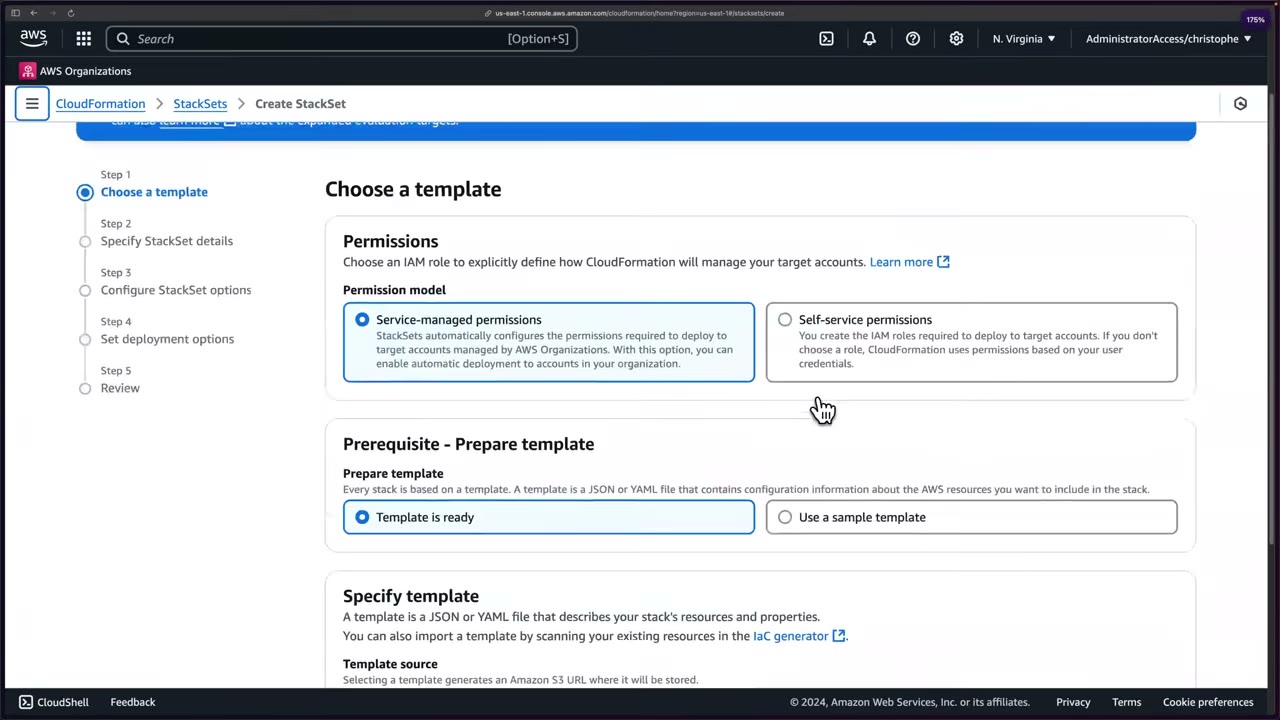
- You start in the management account; administration can later be delegated. ▶ #76 00:41 StackSets shows the banner “Activate trusted access with AWS Organizations to use service-managed permissions”. ▶ #76 01:01
- Prerequisites: Enable all features in Organizations (consolidated-billing-only orgs can’t use service-managed StackSets) and trusted access. The service-linked roles can be modified or deleted only after trusted access is deactivated. ▶ #76 01:22
- Activate trusted access works from here or from the Organizations console; afterwards the setting is changed only through Organizations. ▶ #76 02:00
- Register delegated administrator is preferred, to keep people out of the management account. ▶ #76 02:20 CLI:
aws organizations register-delegated-administrator --service-principal member.org.stacksets.cloudformation.amazonaws.com. Delegated admins pass--call-as DELEGATED_ADMIN. - Service-managed StackSets never deploy to the management account, even when targeting the root.
- SCPs still apply to StackSet execution. A Region-deny SCP makes instances fail (
OUTDATED/FAILED); exempt thestacksets-exec-*role or allow the Region.
StackSets: creating and verifying a deployment
Make the template multi-account safe. A hard-coded unique name (…-12345) would collide, since every account tries to
create the same bucket. ▶ #76 03:20 Use !Sub with the AWS::AccountId pseudo parameter to inject each
target account’s ID at deploy time. ▶ #76 04:01
Resources:
  ExampleS3Bucket:
    Type: AWS::S3::Bucket
    Properties:
      BucketName: !Sub this-is-an-example-s3-bucket-${AWS::AccountId}
      VersioningConfiguration:
        Status: Enabled
Wizard options:
| Step | Option | Choices |
|---|---|---|
| 1 Template | Template source | Amazon S3 URL or Upload a template file (stored in the cf-templates-… bucket automatically) ▶ #76 04:51; or import via the IaC generator |
| 2 Details | Name, description, parameters | Parameters set restrictions or options ▶ #76 05:20 |
| 3 Options | Tags; Managed execution | Inactive (default) or Active, an advanced setting ▶ #76 05:52 |
| 4 Deployment | Add stacks | Deploy new stacks or Import stacks to stack set |
| Deployment targets | Deploy to organization or Deploy to OUs; a parent OU includes child OUs ▶ #76 06:10. Up to 50 OUs. ▶ #76 06:21 | |
| Account filter type ▶ #76 08:00 | None; Intersection (only listed accounts within the OUs); Difference (OUs excluding listed accounts); Union (OUs plus extra accounts) | |
| Automatic deployment ▶ #76 08:31 | Activated: account added to the OU gets a stack instance, removed account gets it deleted. Usually preferred | |
| Account removal behavior ▶ #76 08:50 | Delete stacks or Retain stacks | |
| Regions | Deployed in the listed order; “Add all regions” ▶ #76 09:10 | |
| Maximum concurrent accounts (per Region) | Default 1 = one at a time, slow for hundreds of accounts; raise to 5, 10, 20… ▶ #76 09:30 | |
| Failure tolerance (per Region) | Failures allowed before the operation stops in that Region. 0 = halt at the first failure; a stopped Region doesn’t continue to others ▶ #76 10:00 | |
| Region concurrency | Sequential or Parallel ▶ #76 10:22 | |
| Concurrency mode | Strict (default; lowers concurrency so failures never exceed tolerance +1) or Soft (always runs at configured concurrency) ▶ #76 10:30 |
These settings cascade, so tune them to your use case. ▶ #76 11:00 Operation preferences can also be overridden per operation.
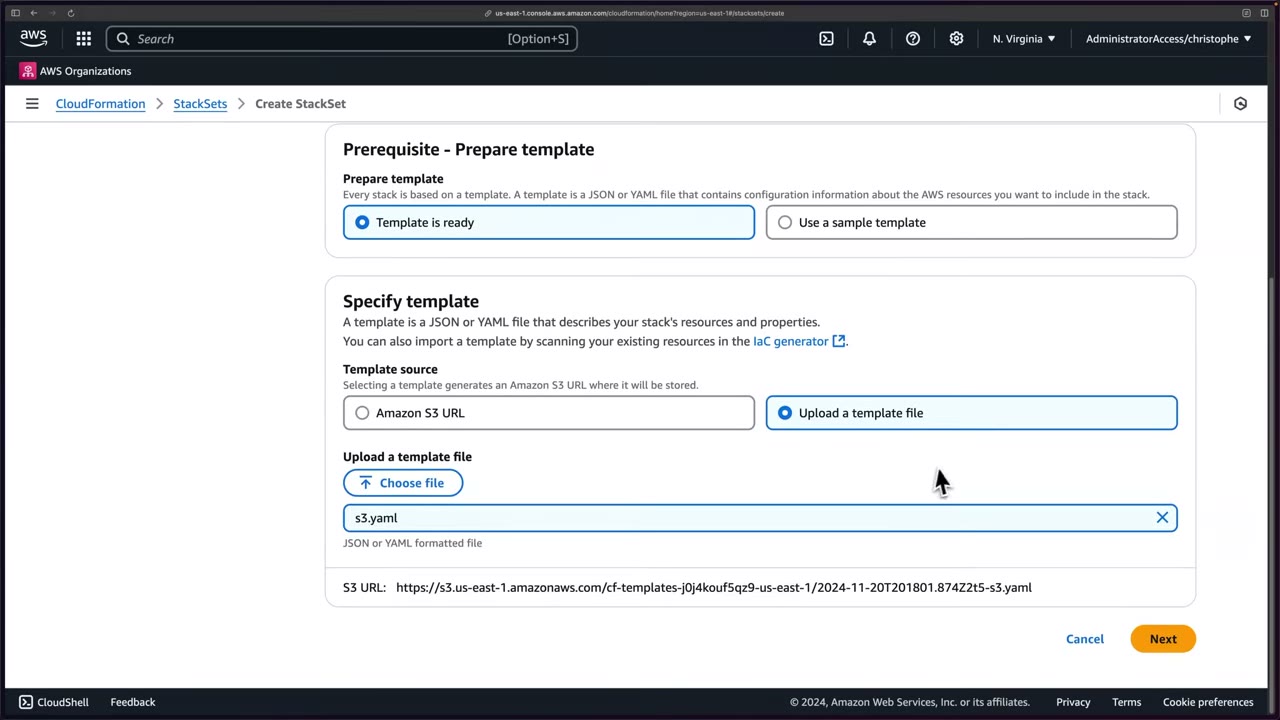
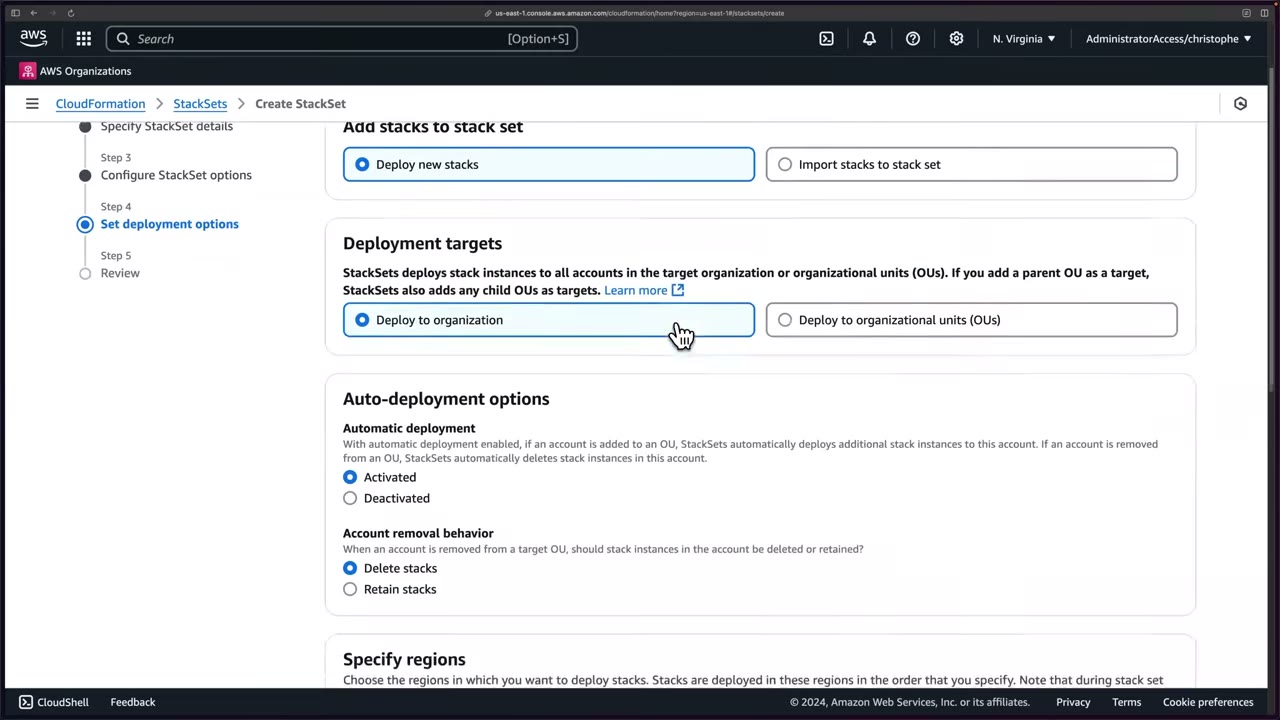
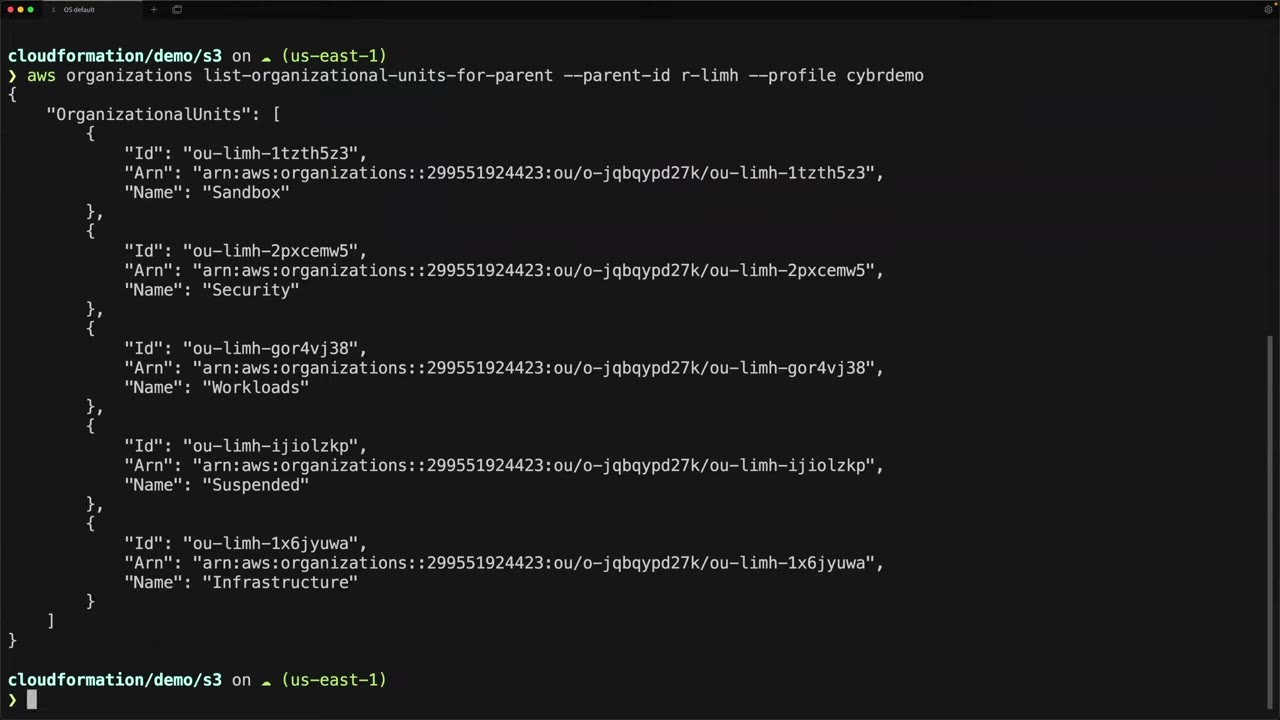
aws sso login --profile cybrdemo
aws organizations list-roots --query 'Roots[0].Id' --output text --profile cybrdemo
# r-limh
aws organizations list-organizational-units-for-parent --parent-id r-limh --profile cybrdemo
# Sandbox ou-limh-1tzth5z3, Security ou-limh-2pxcemw5, Workloads ou-limh-gor4vj38,
# Suspended ou-limh-ijiolzkp, Infrastructure ou-limh-1x6jyuwa
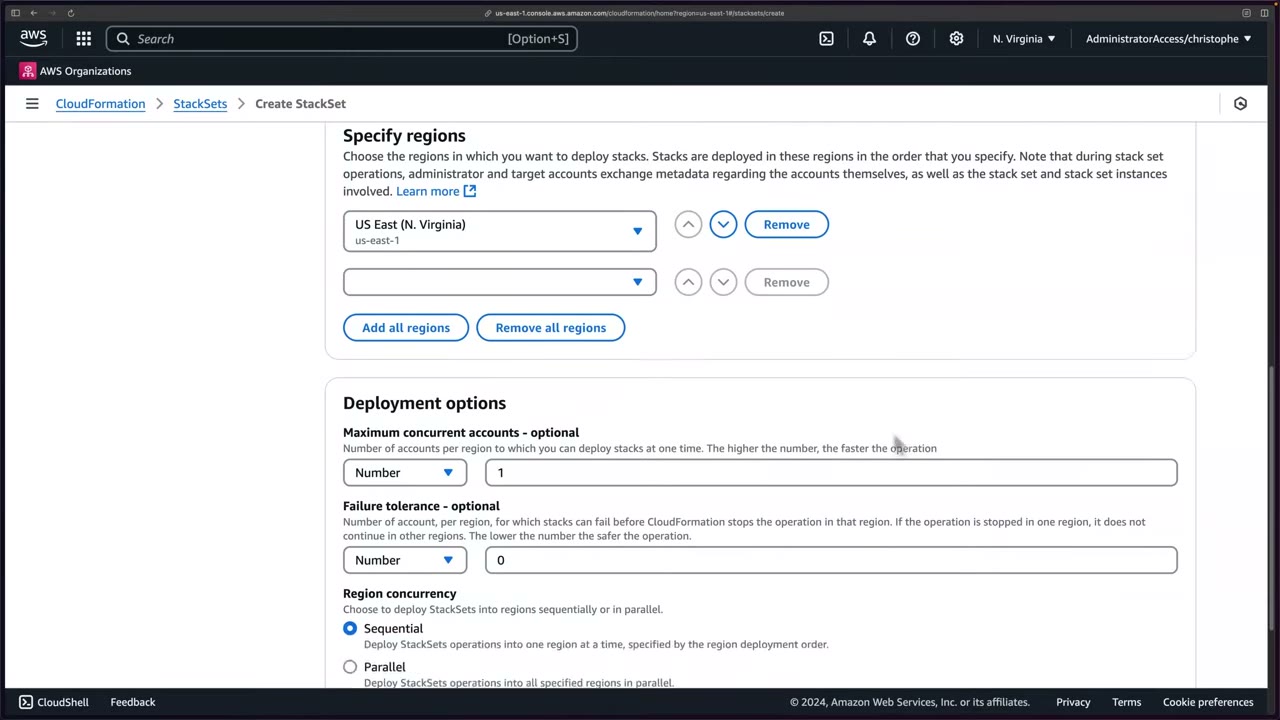
Watching and verifying. The Stack instances tab lists account, Region, stack ID and status. With max concurrency 1, accounts deploy one at a time. ▶ #76 11:30 In a member account (ReadOnly):
- IAM → Roles shows
AWSServiceRoleForCloudFormationStackSetsOrgMemberand the execution rolestacksets-exec-…. With self-managed permissions you’d have to create such roles manually. ▶ #76 12:30 - CloudFormation shows
StackSet-s3-stackset-14ccf567-…CREATE_COMPLETE; instances are namedStackSet-<stackset-name>-<uuid>. ▶ #76 13:30 - S3 shows
this-is-an-example-s3-bucket-396212980357; the other members get their own IDs. ▶ #76 13:50 - Nothing was created in the console except the StackSet, and that could be codified too, making it fully IaC. ▶ #76 14:00
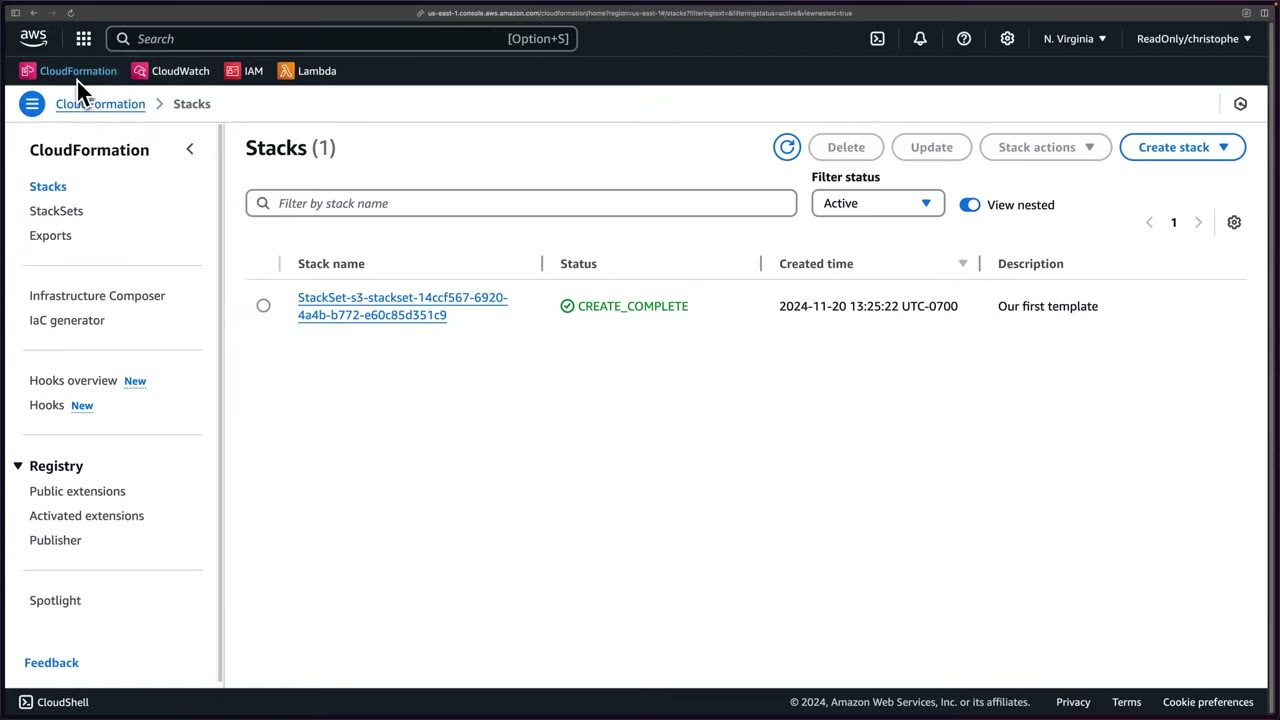
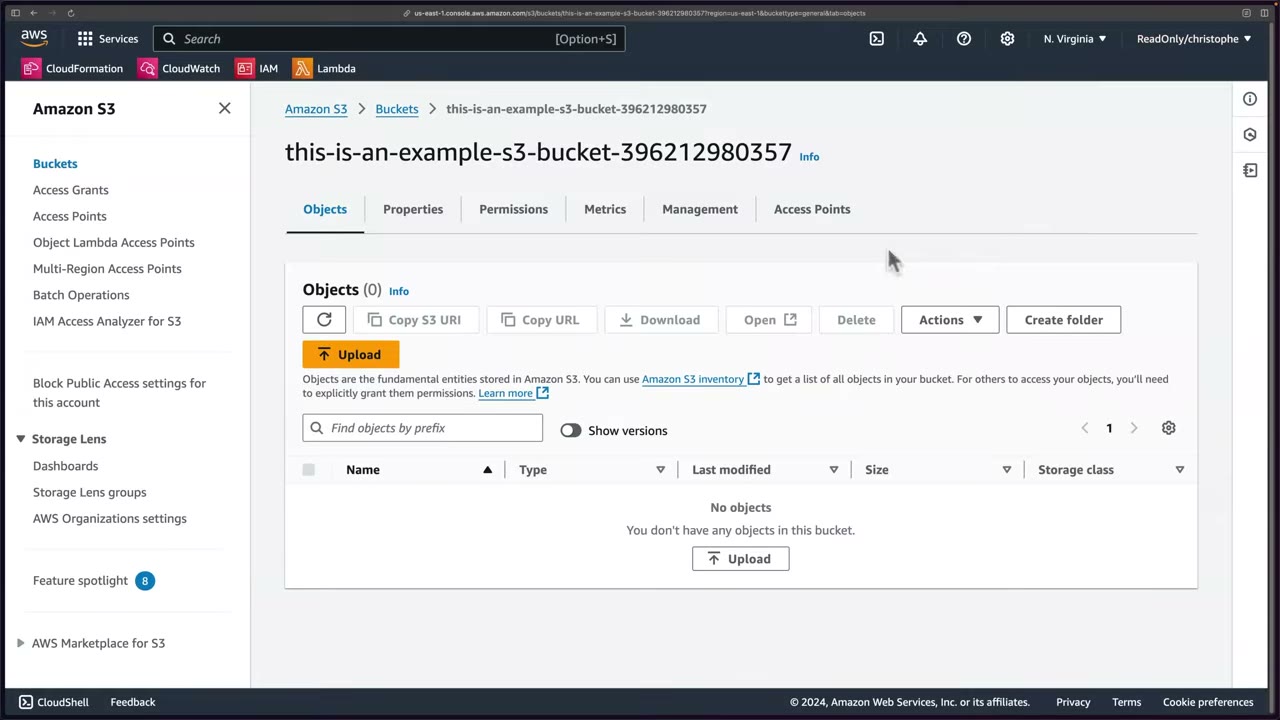
- Access portal → management account (
cybr_demo_management) → AdministratorAccess → CloudFormation → StackSets. - Activate trusted access. Note Register delegated administrator.
- Edit
s3.yaml:BucketName: !Sub this-is-an-example-s3-bucket-${AWS::AccountId}. - Create StackSet → Service-managed → Template is ready → Upload
s3.yaml→ Next. - Name
s3-stackset, description “StackSet that deploys an S3 bucket” → (no parameters) → Next. - No tags, Managed execution Inactive → Next.
- Deploy new stacks → Deploy to OUs → Sandbox OU (
ou-limh-1tzth5z3, 3 accounts) → filter None → Automatic deployment Activated, removal Delete stacks → us-east-1 → defaults (1 concurrent account, tolerance 0, sequential, strict) → Next. - Review → Submit → watch Stack instances deploy one account at a time.
- Member account (ReadOnly): check the IAM roles, the stack instance and the bucket with the account ID.
- Keep the resources for the drift lesson; otherwise delete the StackSet from the management account. ▶ #76 14:20
Drift detection and remediation
Drift = any change outside your IaC. “Drift is a major problem… I guarantee it’s something you’ll run across.” ▶ #77 00:51 A colleague makes a bad security change to your secure bucket via CLI or console; CloudFormation doesn’t tell you, and your IaC is out of sync with reality. That leads to shadow IT and technical and security debt. ▶ #77 01:10
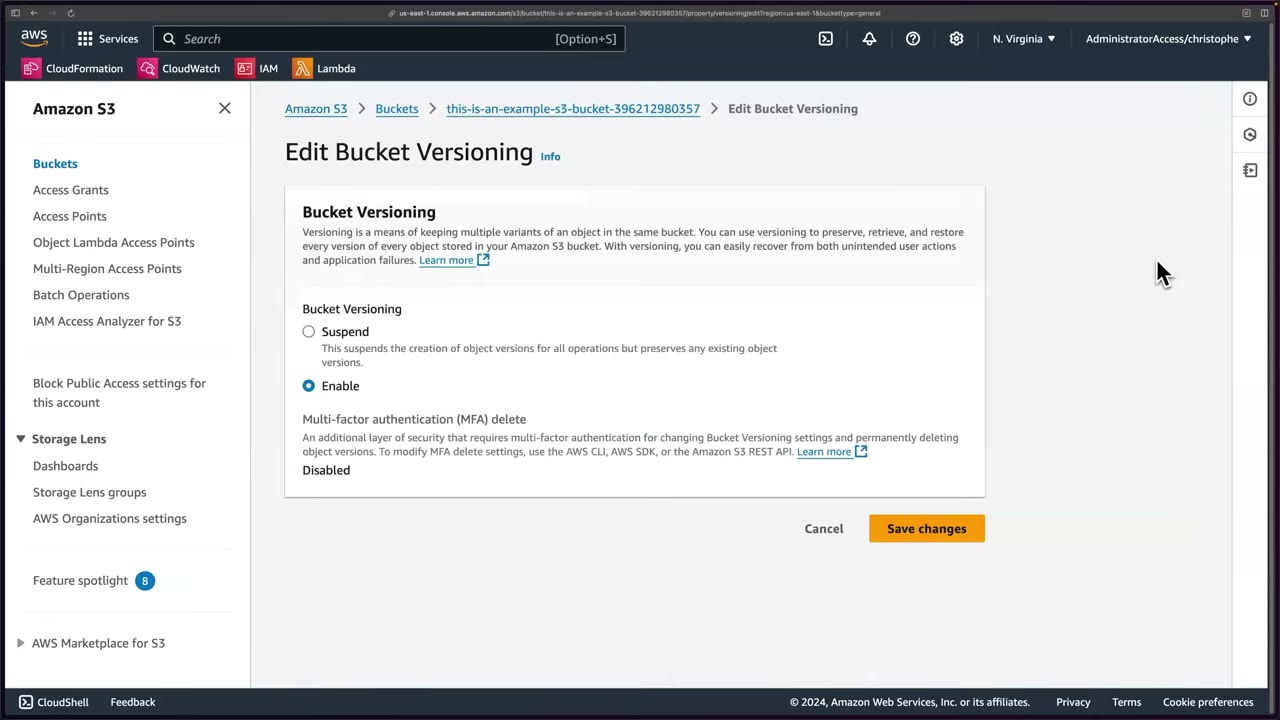
The demo switches from ReadOnly to AdministratorAccess in a member account (ReadOnly’s benefit is that it prevents accidental changes) ▶ #77 00:11 and suspends versioning on the StackSet bucket (“preserves any existing object versions”). MFA delete is only changeable via CLI/SDK/API. ▶ #77 01:30
What drift detection checks:
- Only properties explicitly set in the template, and only for resource types that support it. Resources created outside the stack are not drift; they’re “unmanaged” (find them with the IaC generator or Config).
- Results have a detection status and a drift status separately: SUCCEEDED + DRIFTED = the check worked and found drift. ▶ #77 03:01
- Per resource:
IN_SYNC/MODIFIED/DELETED/NOT_CHECKED, with expected vs actual values. APIs:DetectStackDrift,DetectStackResourceDrift,DescribeStackResourceDrifts,DetectStackSetDrift. - Classic drift detection only detects. Re-deploying the same template doesn’t fix it, because CloudFormation only acts on template changes.
Detecting on a StackSet (management or delegated admin account): select s3-stackset (SERVICE_MANAGED, drift
NOT_CHECKED) → Actions → Detect drift. ▶ #77 02:12 The DETECT_DRIFT operation takes about 1.5 minutes, not “a
few seconds”. ▶ #77 02:41
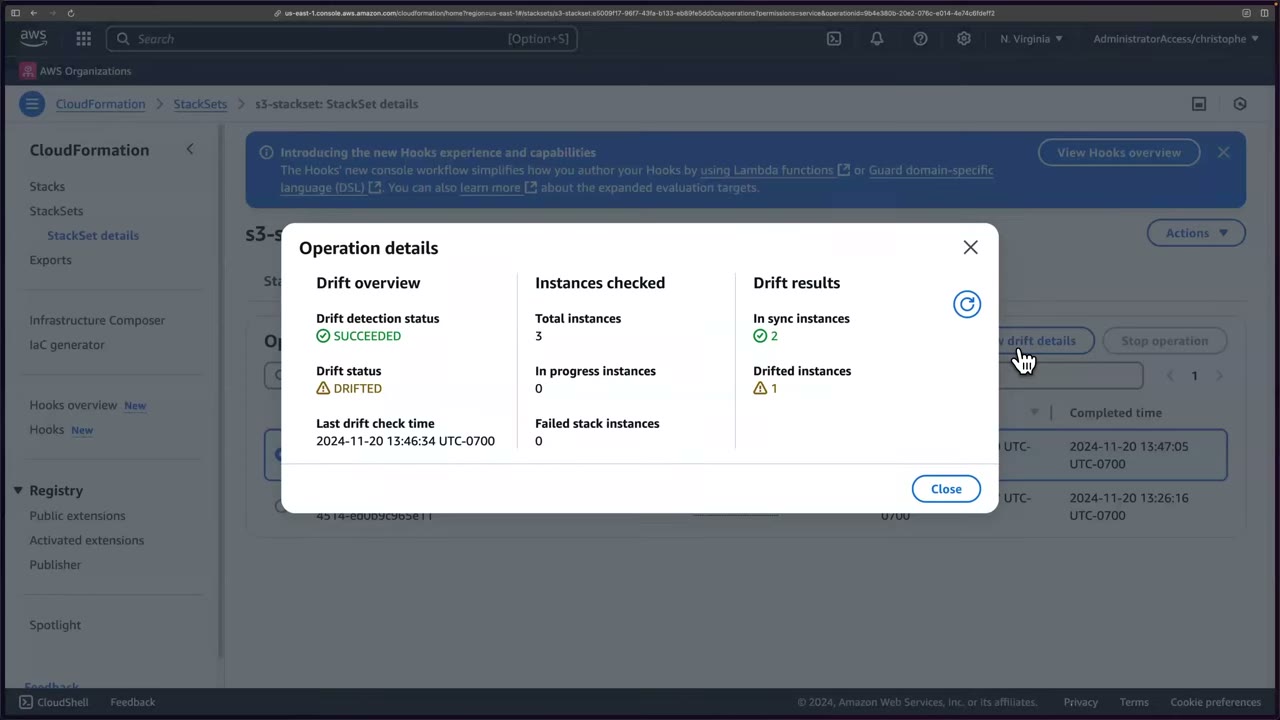
The StackSet info tab and the Stack instances → Drift status column tell you which account drifted. ▶ #77 03:30 After a console refresh, the panel showing which resource and property drifted is no longer under the StackSet operation (“I think they killed it”). ▶ #77 04:12
Remediation options (AWS docs, Resolve drift with an import operation): ▶ #77 05:52
| Option | How |
|---|---|
| Manually revert | Undo the change in the console. Simplest here, since one setting changed, not a whole resource ▶ #77 07:31 |
| Keep the change | 1) add DeletionPolicy: Retain to the drifted resource and update; 2) remove it from the template and update (resource retained); 3) make the template match the live state → Stack actions → Import resources into stack |
| Revert via CloudFormation | Update the template/stack (removing a resource fits this path, not a single setting) ▶ #77 07:10 |
Instructor’s opinion: this is where CloudFormation is “a subpar tool”. Terraform is significantly better at resolving drift. ▶ #77 06:20 After the manual revert, Detect drift again → IN_SYNC, 3 in sync, 0 drifted. ▶ #77 08:10
Automate it. Drift can happen at any time, so schedule checks, e.g. a Lambda that triggers detection, checks
results and notifies you. Highly recommended. ▶ #77 08:51 Options: the Config rule
cloudformation-stack-drift-detection-check (periodic, NON_COMPLIANT on drift) + EventBridge/SNS, or a scheduled
EventBridge rule → Lambda calling DetectStackDrift.
Preventing drift: SCPs or permissions boundaries that deny direct changes except via the pipeline/CloudFormation role
(e.g. aws:CalledVia = cloudformation.amazonaws.com, or tag-based denies).
Cleanup:
- You can’t delete a StackSet with instances: Actions → Delete stacks from StackSet first. ▶ #77 09:20
- It asks for the OU ID (
ou-limh-1tzth5z3), not the organization ID (o-jqbqypd27k); the StackSet page doesn’t show it, which the instructor finds frustrating. ▶ #77 09:30 - “Deleting stack instances from the selected OU does not remove the OU as a target of this StackSet.” Submit →
DELETESUCCEEDED in seconds. ▶ #77 09:52 - Actions → Delete StackSet (permanent). Member buckets are deleted. ▶ #77 10:21
- IAM roles remain in members:
AWSServiceRoleForCloudFormationStackSetsOrgMember(trusted bymember.org.stacksets…) andstacksets-exec-…(trusted by the management account299551924423). Fine for reuse; delete them (after disabling trusted access) only if never needed. ▶ #77 10:40
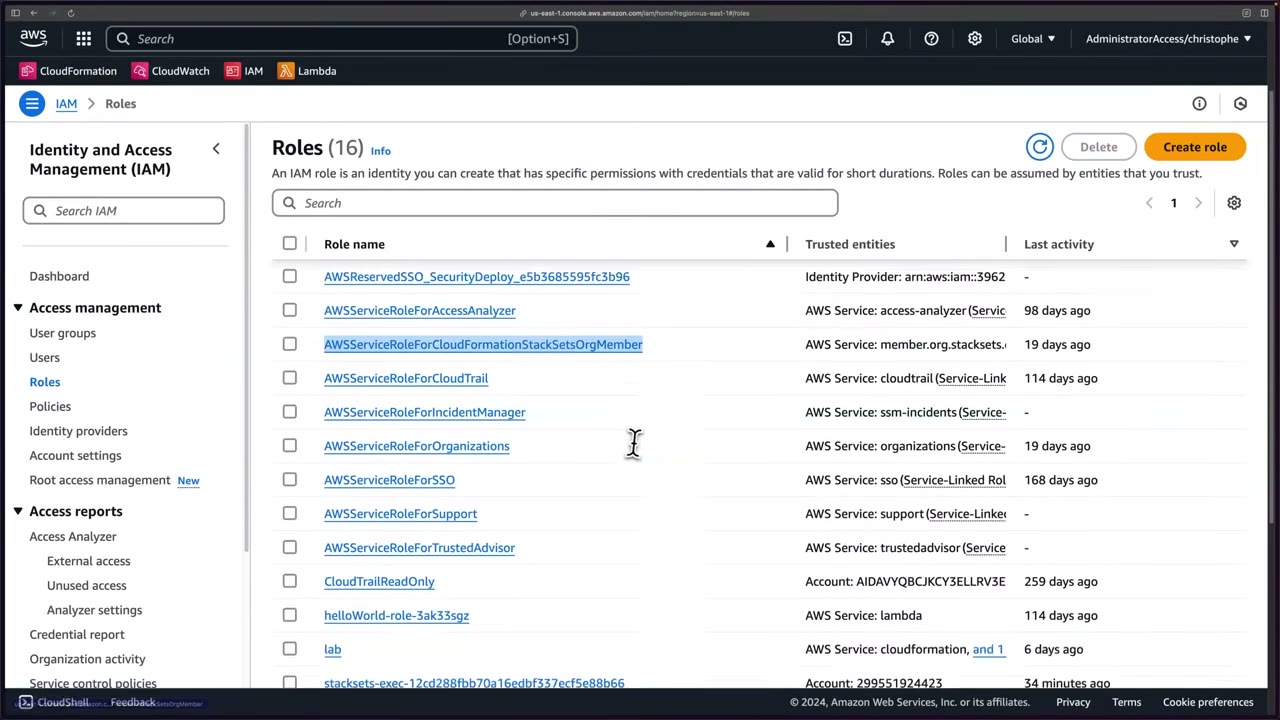
- Demo account → AdministratorAccess → S3 →
this-is-an-example-s3-bucket-396212980357→ Properties → Bucket Versioning → Suspend → Save. - Management account → CloudFormation → StackSets →
s3-stackset→ Actions → Detect drift. - Operations → wait for
DETECT_DRIFTSUCCEEDED → View drift details → DRIFTED (2 in sync / 1 drifted). - StackSet info / Stack instances → Drift status column identifies account 396212980357.
- Review the AWS doc on resolving drift (revert / keep via import / revert via CloudFormation).
- Demo account → CloudFormation stack → Stack actions → Import resources into stack is the “keep” path (not used).
- S3 → re-Enable versioning.
- Management account → Detect drift again → IN_SYNC (3/3).
- Cleanup: Delete stacks from StackSet (OU ID from Organizations) → Submit → Delete StackSet.
Shift-left checks: cfn-lint, cfn-guard, Hooks
| Tool | What it does | Where it runs |
|---|---|---|
cfn-lint |
Validates template syntax and resource properties. Not a security policy tool | Editor / CI |
CloudFormation Guard (cfn-guard) |
Policy-as-code rules, e.g. “every S3 bucket must have encryption”. The same Guard rules power AWS Config custom policy rules | CI pipeline |
| CloudFormation Hooks (Registry) | Check resources before create, update or delete. A failed hook blocks the operation (or only warns, if set to warn) | Inside CloudFormation |
# rules/s3.guard
let buckets = Resources.*[ Type == 'AWS::S3::Bucket' ]
rule s3_encrypted when %buckets !empty {
  %buckets.Properties.BucketEncryption exists
  %buckets.Properties.PublicAccessBlockConfiguration.BlockPublicAcls == true
}
cfn-lint template.yaml
cfn-guard validate --data template.yaml --rules rules/s3.guard
aws cloudformation detect-stack-drift --stack-name prod-network
aws cloudformation update-termination-protection --enable-termination-protection --stack-name prod-network
From the instructor
- IaC’s main benefit: rebuild quickly and exactly, instead of slow, error-prone ClickOps. ▶ #74 00:11
- StackSets = one operation across many accounts and Regions, e.g. org-wide Config rules. ▶ #74 02:31
- IaC generator turns ClickOps resources into templates. ▶ #74 04:40
- The logical ID is not the resource name; YAML indentation is significant. ▶ #75 03:40
- A stack in ROLLBACK_COMPLETE must be deleted before redeploying. ▶ #75 07:40
- Updating = edit the template + redeploy; CloudFormation diffs with a change set. ▶ #75 11:50
- Service-managed permissions are preferred; use a delegated administrator to keep people out of the management account. ▶ #76 01:22 ▶ #76 02:20
- Hard-coded globally unique names break multi-account deployments: use
!SubwithAWS::AccountId. ▶ #76 03:40 - Failure tolerance 0 halts at the first failure; strict mode caps failures at tolerance + 1. ▶ #76 10:00
- Detection status and drift status are separate: SUCCEEDED + DRIFTED = check worked, drift found. ▶ #77 03:01
- Automate drift detection on a schedule. ▶ #77 08:51
- Delete stack instances (by OU ID) before deleting the StackSet; the StackSet IAM roles stay. ▶ #77 09:20 ▶ #77 10:50
Keyword → answer
| If the question says… | Answer |
|---|---|
| Deploy a baseline (Config rules, IAM roles, GuardDuty settings) to every new account automatically | StackSets, service-managed, automatic deployment on the OU (CfCT also correct if Control Tower is mentioned) |
| StackSet deployed to the org root, but the management account has nothing | Expected: service-managed StackSets skip the management account |
| Stack instances fail in one Region in member accounts | SCP Region deny blocking the stacksets-exec role |
| Someone changed a security group by hand; find it | Drift detection; continuously: Config rule cloudformation-stack-drift-detection-check + EventBridge/SNS, or scheduled Lambda calling DetectStackDrift |
| Prevent drift on IaC-managed resources | SCP/permissions boundary denying direct changes except via the CloudFormation/pipeline role (aws:CalledVia) |
| Bucket versioning was suspended (specifically) | Config rule s3-bucket-versioning-enabled + auto-remediation AWS-ConfigureS3BucketVersioning, faster than IaC drift workflows |
| Redeploy the same template to fix drift | Wrong: CloudFormation acts only on template changes (unless drift-aware change sets are used) |
| Stop accidental replacement of the prod DB during stack updates | Stack policy |
| Stop deletion of the whole stack | Termination protection |
| Safely review infrastructure changes before applying | Change set |
Stack is in ROLLBACK_COMPLETE, redeploy fails |
Delete the stack first |
| Block non-compliant templates before deploy | cfn-guard in the pipeline or a Hook (not cfn-lint) |
| Password visible in the template or console | Dynamic reference to Secrets Manager + NoEcho |
| Bring ClickOps resources under IaC | IaC generator (+ resource import) |
- Drift-aware change sets (late 2025) compare the template to the live state and can revert drifted properties during deployment. “CloudFormation can’t fix drift” is no longer strictly true; verify current behavior in the docs.
2010-09-09is the only validAWSTemplateFormatVersion(not just “the latest”), and the key is optional.aws cloudformation deployuploads to S3 only with--s3-bucketor when the template exceeds 51,200 bytes. Thecf-templates-<random>-<region>bucket is created by the console on template upload. Protect it (block public access, restrict writes): in 2024 researchers showed predictablecf-templatesnames could be pre-created by attackers in unused Regions (“shadow resources” / bucket sniping) to inject templates.
Real-world practice
- Keep templates in Git. CI runs
cfn-lint, thencfn-guard validate, then deploys a change set. Production changes go through a reviewed change set (aws cloudformation deploy --no-execute-changesetproduces one for approval). Block console changes in prod with SCPs, and alert on drift. - Deploy the security baseline from a delegated admin account (Security Tooling or Infrastructure) with service-managed StackSets, not from the management account. Control Tower uses StackSets under the hood; CfCT / Account Factory Customization deploy baselines as StackSets.
- Run deployments through a pipeline with a dedicated CloudFormation service role rather than personal admin SSO sessions.
- Prefer generated names (or
${AWS::AccountId}-${AWS::Region}suffixes) to avoid collisions and allow replacement updates. Pair predictable bucket names with bucket policies (aws:ResourceAccount/s3:ResourceAccount) and expected bucket owner checks to avoid bucket squatting. - For many accounts, set max concurrent accounts as a percentage (e.g. 25%) and a failure tolerance above 0 so one broken account doesn’t stall a rollout. Keep tolerance 0 for security-critical baselines where a partial rollout is worse than none.
- Use Retain stacks on account removal for resources holding data (log buckets, KMS keys), so moving an account to a Suspended OU doesn’t destroy evidence.
stacksets-exec-*roles are trusted by the admin account, have broad permissions (AdministratorAccess by default) and remain after the StackSet is deleted. Protect them with SCPs (denyiam:UpdateAssumeRolePolicy/iam:DeleteRoleonstacksets-exec-*for non-admins) and monitor unexpectedAssumeRolecalls.- Terraform’s
planshows drift on every run andapplyreverts it. CloudFormation drift checks are separate API calls, eventually consistent, and can take minutes across many StackSet instances. Schedule StackSet drift checks per OU and route results to Security Hub CSPM (custom findings) or ticketing; pair with read-only-by-default console access. - The IaC generator is good for adopting existing resources (with resource import), but review its output: it often includes defaults and hard-coded IDs.
- Deploy a stack with one security group.
- Add an inbound rule to it in the console.
- Run drift detection and look at the diff.
- Cleanup:
aws cloudformation delete-stack(disable termination protection first if you enabled it).
AWS Service Catalog
An approved catalog of CloudFormation-based products, grouped into portfolios. Employees self-provision pre-approved, compliant stacks with limits on configuration, without broad IAM rights on the underlying services.
- Exam skills: share resources across accounts: Service Catalog, RAM (6.2.4) · IaC (6.2.1) · tagging (6.2.2) · least-privilege policies (4.2.3) · service & execution roles (3.2.2) · secure administrative access (3.2.5)
- Videos: ▶ #78 Service Catalog Part 1 (admin side) · ▶ #79 Service Catalog Part 2 (end-user side)
- Cost: 0–1,000 API calls free, then $0.0007/call. The resources products deploy (VPC, NAT gateways, bastion EC2…) cost extra; delete them when done. ▶ #78 00:42
Why Service Catalog
You need to give employees access to IT services but control which services they use and how they configure them. Full access to Amazon EC2 is not acceptable; you want configuration options with limitations. So you write CloudFormation templates and publish them through Service Catalog. ▶ #78 00:00 It’s “a powerful way of controlling who can launch what services in your AWS accounts.” ▶ #79 05:41
The security value is least privilege by design: end users only need permission to launch the product, while the deployment permissions sit in a separate, admin-controlled role.
Console layout ▶ #78 01:00
| Area | Contents | Who |
|---|---|---|
| Provisioning | Products, Provisioned products | End users |
| Administration | Getting started library, Product list, Portfolios, TagOptions library, Service actions, Preferences, AWS CodeStar Connections | Admins (start here: products and portfolios must exist first) |
| AppRegistry | Introduction, Applications, Attribute groups, Settings |
How it compares
| Tool | Model |
|---|---|
| RAM | Shares existing resources (subnets, TGWs) |
| StackSets | Pushes the same baseline to every account; the central team decides |
| Service Catalog | Users self-serve approved products; users decide when |
| AWS Proton, Registry modules | Other self-service patterns |
Control Tower Account Factory is itself a Service Catalog product.
Portfolios and products
- A portfolio is a collection of products (template versions). It is the unit for access, governance (constraints) and sharing. ▶ #78 01:21
- Demo portfolio: name
Developers Products, description “Products to enable developers to test their applications”, ownerIT. Tags were skipped, but use them in production. ▶ #78 01:52 - Products can be custom or AWS-provided, and can have multiple versions that you deploy separately. ▶ #78 03:10 ▶ #79 05:52
The Getting started library lists 324 pre-built products from AWS (AWS Quick Starts, Service Catalog Reference Architectures). AWS’s four-step flow: ▶ #78 02:06
- Search for a product template: start from a well-architected product instead of from scratch.
- Add the product to a portfolio: to manage access, govern and share it.
- Add constraints and/or tags (optional): make it comply with organization rules.
- Grant end users access: they launch it self-service; the portfolio can also be shared across accounts.
The Amazon VPC product ▶ #78 02:31 “builds a multi-availability zone Amazon VPC with an option to include a single
instance Amazon Linux bastion instance”. Owner AWS Service Catalog, type CloudFormation template, created May 5, 2020,
ARN like arn:aws:catalog:us-east-1:614450566528:product/prod-7hxyzjd3fqeq2. Its support link points to GitHub
(aws-samples/aws-service-catalog-reference-architectures/tree/master/vpc) with template code and docs. Clicking the
version ID shows the full template (copy, download, or open in Designer). ▶ #78 03:32
The template’s Parameters (what end users fill in):
RegionAZ1Name,RegionAZ2Name: typeAWS::EC2::AvailabilityZone::Name.VPCCIDRdefault10.229.0.0/16,ConstraintDescription“CIDR block parameter must be in the form x.x.x.x/16-28”, validated by anAllowedPatternregex.SubnetAPublicCIDR10.229.10.0/24,SubnetBPublicCIDR10.229.20.0/24,SubnetAPrivateCIDR10.229.30.0/24,SubnetBPrivateCIDR10.229.40.0/24, each with the same constraint/pattern.- Further down: bastion instance type with
AllowedValues, EC2 key pair name, latest AMI, whether to enable VPC flow logs, and more. ▶ #78 03:51
The template already restricts input with AllowedPattern / AllowedValues. A template constraint narrows that further
per portfolio without editing the template.
Add to portfolio → Select an existing portfolio → Developers Products → “You successfully copied Amazon VPC to your
products.” The product is copied into your account; its name and description can’t be edited. ▶ #78 04:21 Two steps
remain: governance (constraints) and access (who can deploy). ▶ #78 04:41
Constraints
Created on the portfolio’s Constraints tab, each for one product. Console: “Constraints will be applied to the selected product when it is provisioned. Constraints will not be applied to products that have already been provisioned.” ▶ #78 05:00
| Constraint | What it does (console text) |
|---|---|
| Launch | Assign an IAM role to the product that is used to provision the AWS resources |
| Notification | Stream product (stack event) notifications to an Amazon SNS topic |
| Tag Update | Allow or block updating tags after the product has been provisioned |
| StackSet | Deploy the product across accounts and Regions using CloudFormation StackSets |
| Template | Limit the options available to end users when they launch the product |
Template constraint
JSON with a Rules block (CloudFormation rule functions such as Fn::Contains, Fn::EachMemberEquals), via Text
editor or an interactive editor. ▶ #78 05:11 The Samples button offers three: ▶ #78 05:30
- Enforce instance type to be either
t2.microorm3.medium. - Enforce every subnet to belong to the VPC specified.
- Enforce every subnet-type parameter to belong to the VPC specified.
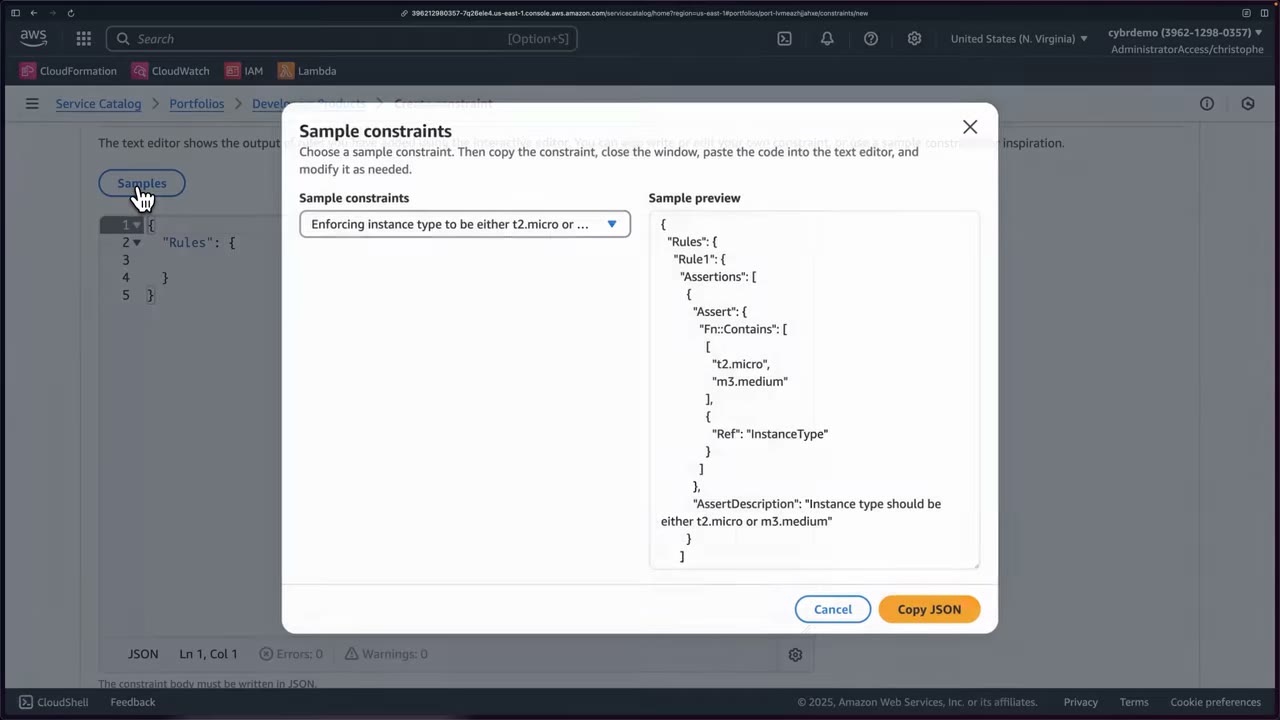
The demo removes m3.medium and changes "Ref": "InstanceType" to "Ref": "BastionInstanceType". The rule must
reference the parameter logical ID used in this product’s template; with the wrong name the launch fails and you
troubleshoot back to the template. ▶ #78 06:02 Description: “Enforce small instance sizes”. ▶ #78 06:40
{
  "Rules": {
    "Rule1": {
      "Assertions": [
        {
          "Assert": {
            "Fn::Contains": [
              ["t2.micro"],
              { "Ref": "BastionInstanceType" }
            ]
          },
          "AssertDescription": "…"
        }
      ]
    }
  }
}
The on-screen sample had ["t2.micro", "m3.medium"], { "Ref": "InstanceType" } and "AssertDescription": "Instance type should be either t2.micro or m3.medium". The final edited description wasn’t shown in full.
Launch constraint
“A launch constraint specifies the IAM role that AWS Service Catalog assumes when an end user launches a product. Only one launch constraint can be applied to each product.” ▶ #78 06:51 Choose by Select IAM role, Enter ARN or Enter role name. ▶ #78 07:00
- With a launch constraint, Service Catalog assumes the role, giving complete control over deployment permissions. End users need only Service Catalog end-user permissions (
AWSServiceCatalogEndUserFullAccess) plus portfolio access, not EC2/RDS rights. ▶ #78 07:12 - Without one, Service Catalog provisions with the end user’s own credentials, so the user needs all the underlying permissions.
- The role needs: ▶ #78 07:21
- permissions for AWS CloudFormation (it deploys a stack),
- permissions for the services the template deploys and uses,
- read access to the template in the S3 bucket where Service Catalog stores it.
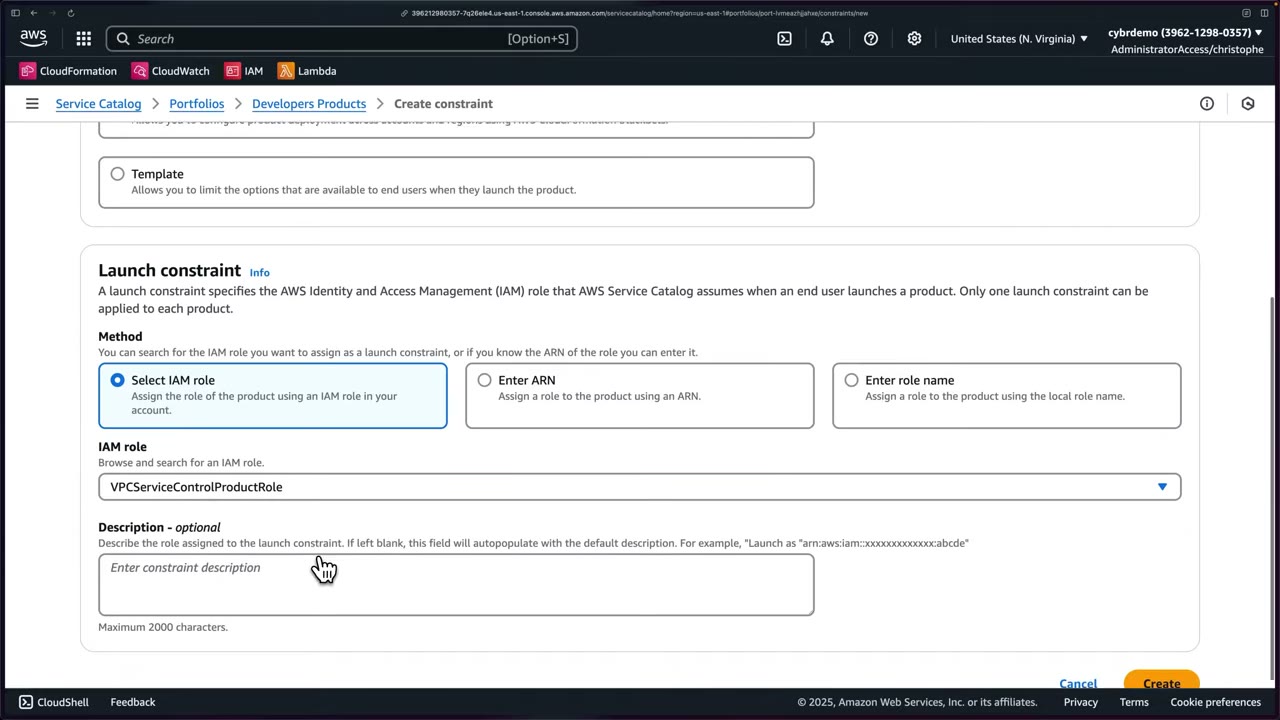
The demo policy VPCServiceControlProduct (in the course show notes) allows CloudFormation, EC2, Service Catalog and SSM
actions, s3:GetObject and some IAM actions. The instructor says it is not least privilege, only a starting point. ▶ #78 08:22
The role dropdown only lists roles whose trust policy allows Service Catalog. ▶ #78 09:21
A typical starting point (adapt to the template; the exact course policy is in its show notes):
{
  "Version": "2012-10-17",
  "Statement": [
    {
      "Effect": "Allow",
      "Action": [
        "cloudformation:CreateStack",
        "cloudformation:DeleteStack",
        "cloudformation:DescribeStackEvents",
        "cloudformation:DescribeStacks",
        "cloudformation:GetTemplateSummary",
        "cloudformation:SetStackPolicy",
        "cloudformation:ValidateTemplate",
        "cloudformation:UpdateStack"
      ],
      "Resource": "*"
    },
    {
      "Effect": "Allow",
      "Action": "s3:GetObject",
      "Resource": "*",
      "Condition": { "StringEquals": { "s3:ExistingObjectTag/servicecatalog:provisioning": "true" } }
    },
    {
      "Effect": "Allow",
      "Action": ["ec2:*Vpc*", "ec2:*Subnet*", "ec2:*Route*", "ec2:*Gateway*", "ec2:RunInstances", "…"],
      "Resource": "*"
    }
  ]
}
Trust policy created by choosing the Service Catalog use case:
{
  "Version": "2012-10-17",
  "Statement": [
    { "Effect": "Allow", "Principal": { "Service": "servicecatalog.amazonaws.com" }, "Action": "sts:AssumeRole" }
  ]
}
Other constraints
- Notification: stack events to SNS. Tag update: may users change tags after provisioning. StackSet: deploy the product across accounts/Regions. ▶ #79 06:40
- TagOptions apply standard tags to launched products. Service Catalog also auto-tags provisioned resources (see below).
Access and sharing
The launch role deploys the product, but users still need access to see and launch it. ▶ #78 09:52 Portfolio Access tab → Grant access:
- IAM principals in this account (groups, roles, users), or
- Principal Names, used when the portfolio is shared; the names are resolved in each recipient account.
With IAM Identity Center, grant the AWSReservedSSO_... roles that permission sets create. The demo grants the instructor’s
own AWSReservedSSO_AdministratorAccess_... role for speed; use dedicated permission sets or test users for real testing.
Sharing (Share tab): to individual account IDs or an organizational node (whole organization or an OU). ▶ #78 10:50 The instructor couldn’t use organization sharing from his account (“not in the right account”) and skipped it.
- Org/OU sharing works only from the management account or a Service Catalog delegated administrator, after enabling AWS Organizations access in Service Catalog settings.
- Account-to-account: sign into the recipient account and import the portfolio (Portfolios → Local / Imported tabs). Source changes propagate. ▶ #79 06:20
- The receiving account grants its own principals access and can add its own launch constraints, which keeps local least privilege.
- You can share with users, groups, roles, other accounts, OUs. ▶ #79 06:10
Portfolios can also be associated with budgets (Current vs. budget / Forecast vs. budget columns).
- Console Home → Service Catalog (us-east-1, sandbox account). ▶ #78 00:30
- Administration > Portfolios > Create portfolio:
Developers Products, “Products to enable developers to test their applications”, ownerIT. ▶ #78 01:21 - Getting started library → search
Amazon VPC→ review details, GitHub link and the version’s template. ▶ #78 02:06 - Add to portfolio → Select an existing portfolio →
Developers Products. ▶ #78 04:21 - Portfolio → Constraints > Create constraint →
Amazon VPC→ Template → Text editor → Samples → “Enforcing instance type to be either t2.micro or m3.medium” → copy, edit, paste → “Enforce small instance sizes” → Create. ▶ #78 05:00 - New tab: IAM > Policies > Create policy > JSON →
VPCServiceControlProduct. ▶ #78 07:50 - IAM > Roles > Create role → AWS service → Service Catalog (default use case) → attach the policy →
VPCServiceControlProductRole. ▶ #78 08:50 - Service Catalog → refresh → Create constraint → Launch → Select IAM role →
VPCServiceControlProductRole. ▶ #78 09:21 - Access > Grant access → Roles →
AWSReservedSSO_AdministratorAccess_…→ “You added access for role(s) AWSReservedSSO_AdministratorAccess_f5e2808a1e330887.” ▶ #78 10:01 - Share tab reviewed but skipped. ▶ #78 10:50
Launching and managing a provisioned product
Prerequisite: the bastion needs an EC2 key pair parameter, so create test-service-catalog. It’s only needed to
create the resource; nobody will SSH in. ▶ #79 00:10
Provisioning → Products → Amazon VPC → Launch product. ▶ #79 00:43 Name TestVpcProduct (or Generate name; start
with a letter or number, - _ . allowed). ▶ #79 01:00 Version v1.0, ID pa-jyrndy7vakkak, Guidance DEFAULT. ▶ #79 01:11
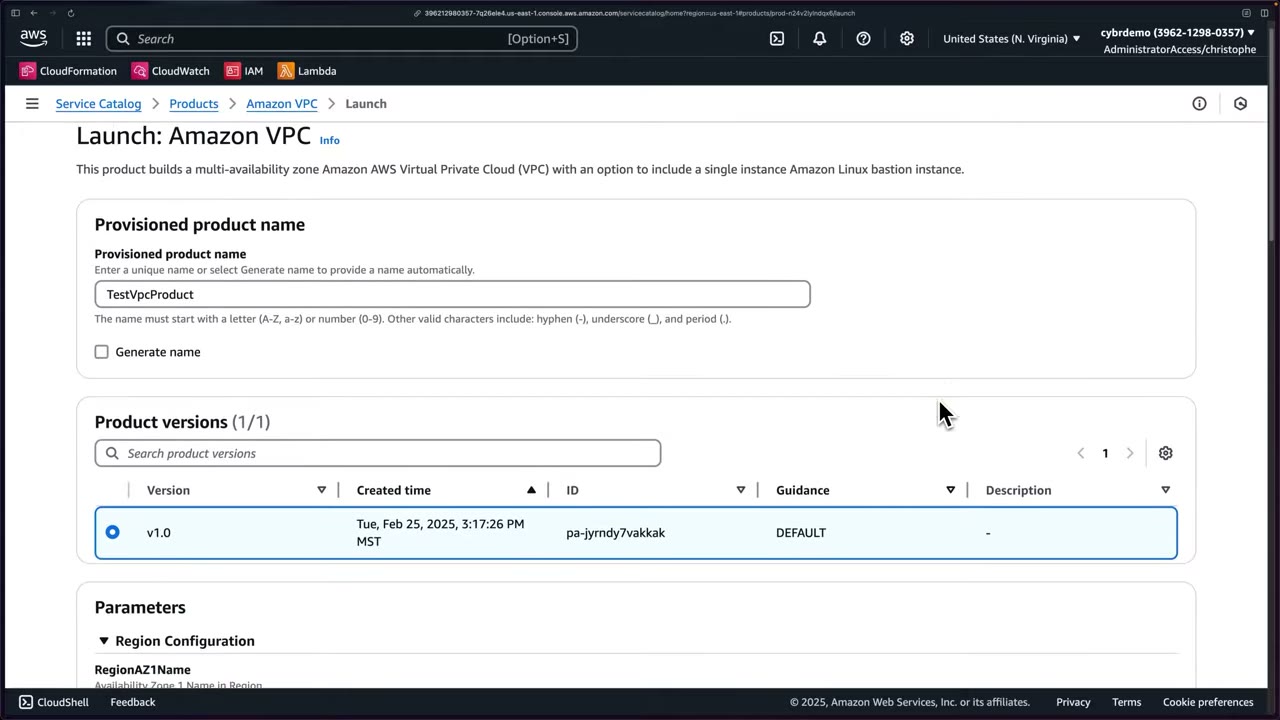
The parameters come from the template’s Parameters: ▶ #79 01:21
| Parameter | Value in demo |
|---|---|
RegionAZ1Name / RegionAZ2Name |
us-east-1a / us-east-1b |
| VPC, public and private subnet CIDRs | Defaults (pre-populated) ▶ #79 01:42 |
| Create bastion instance | true ▶ #79 01:50 |
| Bastion instance type | Only t2.micro, no dropdown, because of the template constraint. With t3.micro also allowed, the user would get a choice ▶ #79 02:01 |
| EC2 key pair | Auto-selected (only one exists) ▶ #79 02:31 |
| Bastion SSH access CIDR | 0.0.0.0/0 to hide his IP: “you would never do this”; use your IP or corporate range ▶ #79 02:40 |
| Latest AMI ID | Default (an SSM public parameter), changeable ▶ #79 03:00 |
| VPC flow logs | false ▶ #79 03:10 |
| Manage tags / Enable event notifications (SNS) | Options available ▶ #79 03:10 |
“That’s really one of the powers of Service Catalog. You can give flexibility, but you can also enforce these types of constraints.” ▶ #79 02:20 Limits are “completely configurable by the admins of that product and of the portfolio.” ▶ #79 03:21
Result: status Under change → Available (“Successfully launched TestVpcProduct…”). ▶ #79 03:50
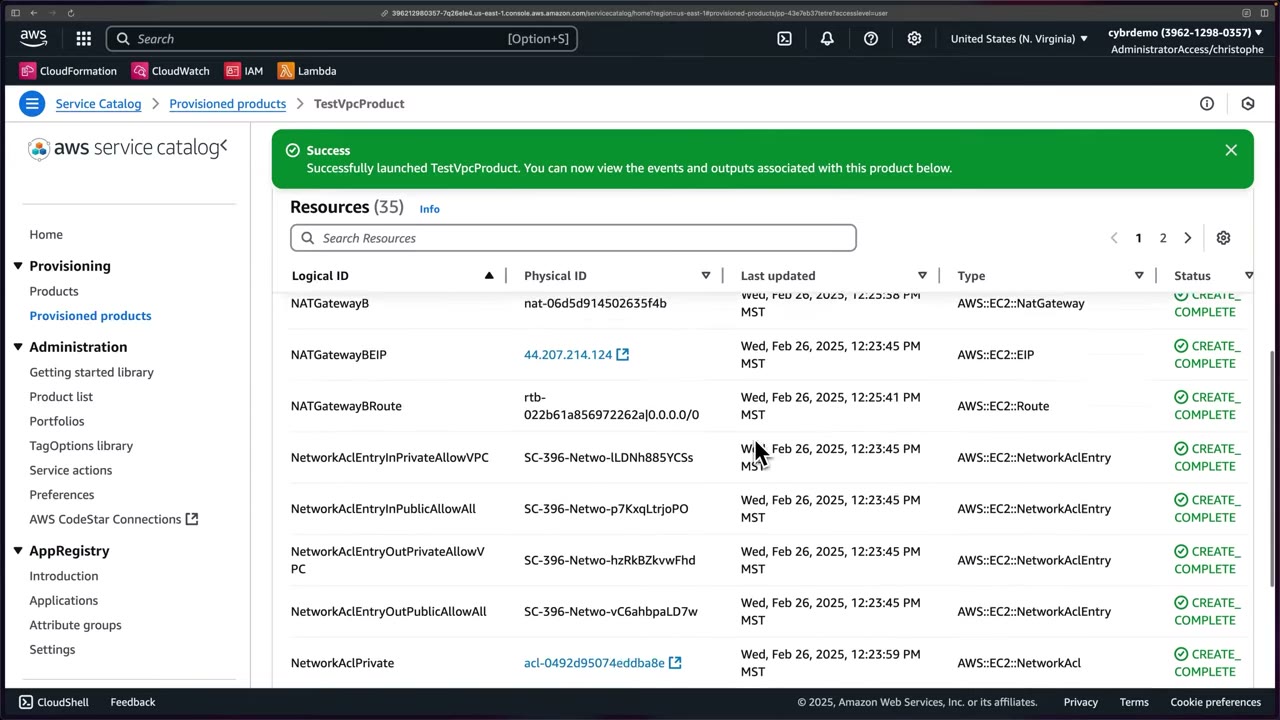
- Resources (35) with logical/physical IDs: bastion, security groups, internet gateway, NAT gateways (
NATGatewayB,NATGatewayBEIP,NATGatewayBRoute), subnets, network ACLs and entries (NetworkAclEntryInPrivateAllowVPC,NetworkAclEntryInPublicAllowAll…), all CREATE_COMPLETE. Physical IDs are prefixedSC-396-…. ▶ #79 04:12 - Events show CloudFormation information including outputs; Outputs show the same values more neatly. ▶ #79 04:33
- Tags: Service Catalog automatically injects its own tags even though tagging was skipped (typically
aws:servicecatalog:portfolioArn,productArn,provisioningPrincipalArn,provisionedProductArn…). ▶ #79 04:51
Provisioned products (Access filter User) list name, product, version, Type CFN_STACK, status and the user
name (SSO role) that launched it. ▶ #79 05:01 Actions: Update, Change owner, Terminate, Import a stack. ▶ #79 05:11
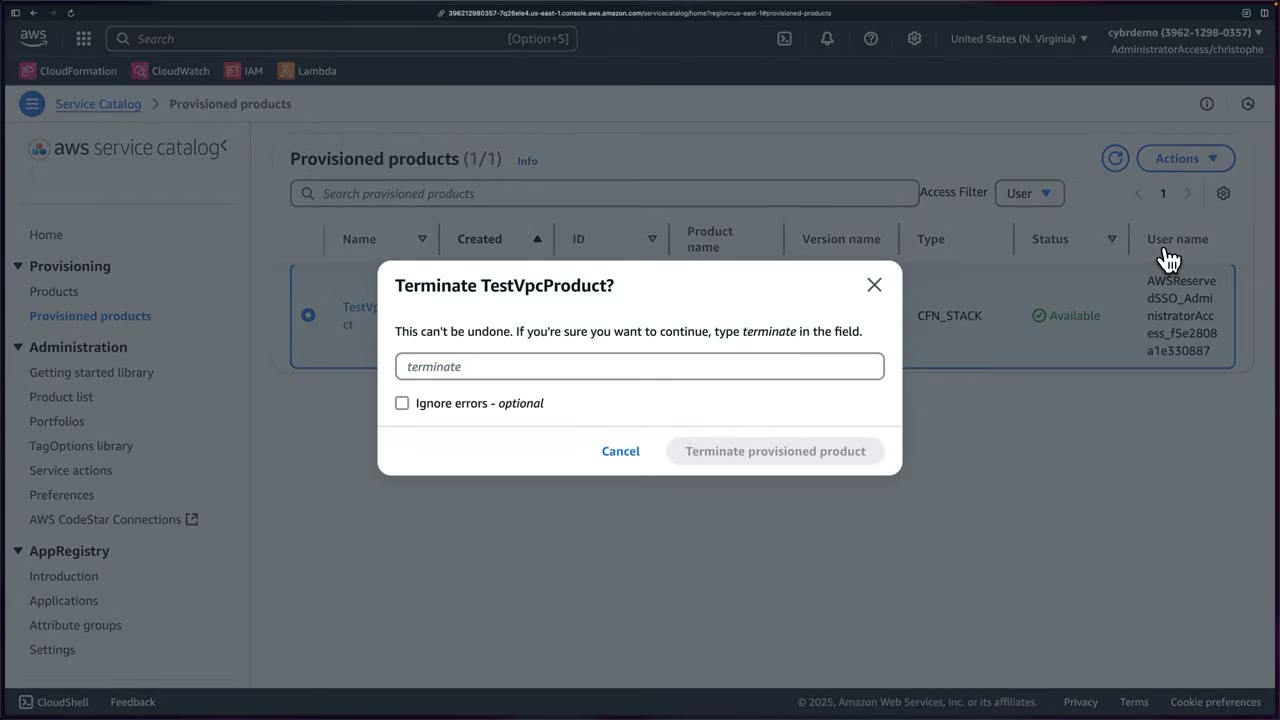
Terminate (type terminate, optional Ignore errors, “This can’t be undone”) so you don’t accrue charges (NAT
gateways) or leave a bastion with SSH open to the world, which “isn’t entirely open” because the key pair is still needed. ▶ #79 05:22
- EC2 → Key pairs → Create key pair
test-service-catalog. - Service Catalog → Provisioning → Products → Amazon VPC → Launch product.
- Name
TestVpcProduct, versionv1.0. - Parameters: AZ1 us-east-1a, AZ2 us-east-1b, default CIDRs, Create bastion = true, t2.micro (locked), key pair auto-selected, SSH CIDR
0.0.0.0/0(demo only), default AMI, VPC flow logs false. - Launch product → wait for Available → review Resources (35), Events, Outputs, Tags.
- Provisioned products → select → Actions → Terminate → type
terminate→ Terminate. - Recap in Portfolios (Local / Imported).
From the instructor
- Service Catalog gives employees self-service access with limits on configuration, instead of full service access. ▶ #78 00:00
- Template constraints must reference the product template’s parameter logical ID (
BastionInstanceType, notInstanceType). ▶ #78 06:10 - With a launch constraint, Service Catalog assumes the role; it needs CloudFormation, the deployed services, and S3 read on the template. ▶ #78 07:12
- The launch role deploys the product, but users still need portfolio access to launch it. ▶ #78 09:52
- Constraints offer flexibility while enforcing limits; here exactly one instance type was left. ▶ #79 02:01
- Never allow SSH from
0.0.0.0/0in real environments. ▶ #79 02:50 - Service Catalog auto-tags provisioned resources. ▶ #79 04:51
- Sharing to another account requires the recipient to import the portfolio. ▶ #79 06:20
- Constraint types: launch, template, notification, tag update, StackSet. ▶ #79 06:40
Keyword → answer
| If the question says… | Answer |
|---|---|
| Developers must launch approved EC2/RDS setups but must not have EC2/RDS IAM permissions | Service Catalog + launch constraint |
| Restrict instance types / parameter values in self-service | Template constraint |
| Enforce tags on everything users launch | TagOptions (+ tag update constraint) |
| Deploy a product into multiple accounts/Regions | StackSet constraint |
| Central team publishes approved products to all accounts | Share the portfolio with Organizations |
| Bastion host with SSH open | Anti-pattern: use SSM Session Manager (no inbound ports, no key pairs, logged) or EC2 Instance Connect Endpoint |
- Constraints apply at provisioning time only; existing provisioned products are not changed retroactively.
- AWS CodeStar Connections has been renamed AWS CodeConnections; the console link label may differ.
- CloudFormation Designer has been superseded by AWS Infrastructure Composer (“view in Designer” opens Composer).
- Organization sharing requires the management account or a Service Catalog delegated administrator, with Organizations access enabled in Service Catalog settings.
Real-world practice
- The platform team owns the portfolio in a shared-services or delegated-admin account and shares it to workload OUs. Use principal names (e.g.
AWSReservedSSO_Developer*, wildcard supported) so access works in every recipient account without per-account grants. - Give the launch role only the permissions the template needs: limit CloudFormation actions, scope resource ARNs, and add a permissions boundary if the template creates IAM roles, otherwise the launch role is a privilege-escalation path.
- For hard enforcement, add an SCP that denies direct
ec2:RunInstancesoutside approved paths. Provisioned products are CloudFormation stacks (SC-<acct>-pp-…): restrict direct CloudFormation access for end users and run drift detection on those stacks. - Bake security into products: VPC flow logs on, SSH CIDR not
0.0.0.0/0(AllowedPatternor a template-constraint rule), IMDSv2-only, encrypted EBS,cfn-guardchecks in the product pipeline. - Build products from versioned templates in a pipeline (cfn-lint, cfn-guard) rather than copying Getting started library products, which can be old (the demo one dates from 2020, with legacy
t2.micro/m3.medium). Manage portfolios as code (AWS::ServiceCatalog::*, Service Catalog Tools/Factory) and deprecate old versions with Guidance: DEPRECATED.
- Create a portfolio with an “Encrypted S3 bucket” product (a template).
- Add a launch constraint role.
- Grant access to a test role with only
AWSServiceCatalogEndUserFullAccess, then launch the product. - Cleanup: terminate the provisioned product, then delete the product and the portfolio.
AWS Resource Access Manager (RAM)
Create resources centrally and share supported ones with other accounts, OUs, the whole organization, or (if allowed) external principals, without copying them. Examples: VPC subnets, Transit Gateways, Route 53 Resolver rules, prefix lists, Private CA, Network Firewall policies, IPAM pools, Incident Manager contacts.
- Exam skills: share resources across accounts: Service Catalog, RAM (6.2.4) · Organizations (6.1.1) · cross-account resource policies (4.2.1) · network segmentation (3.3.4) · response plans & runbooks (2.1.1)
- Videos: ▶ #81 Using AWS RAM to share resources across accounts
- Cost: no additional charge, no setup fees. ▶ #81 00:12
How RAM works
RAM shares resources with any AWS account or through AWS Organizations: create them centrally, then share. ▶ #81 00:12
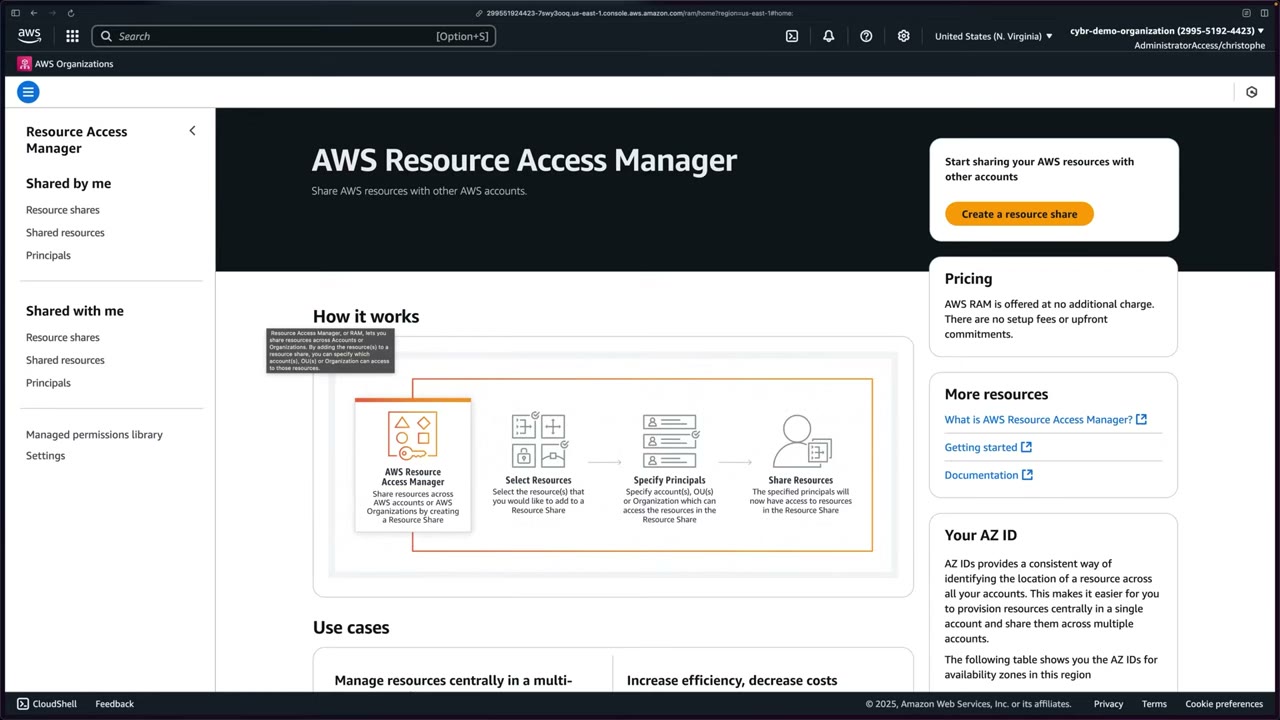
- Select resources.
- Specify principals: accounts, OUs or the Organization.
- Share resources: principals now have access.
The landing page also explains AZ IDs, which identify AZs consistently across accounts (important when sharing subnets). The left nav has Shared by me (Resource shares, Shared resources, Principals), Shared with me (same three), the Managed permissions library and Settings.
Organizations integration:
- Enable sharing with AWS Organizations once, from the management account (RAM → Settings; greyed out once enabled). It turns on RAM trusted access, and shares inside the org then need no invitation. ▶ #81 00:20
- You don’t need the management account to share: any account can share resources it owns. Sharing with individual accounts outside the org requires the recipient to accept an invitation.
What can and can’t be shared
RAM can share across accounts, the organization and even external accounts, but doesn’t support all services and resources. Check the resource-type dropdown. ▶ #81 07:52
| Shareable via RAM (commonly tested) | Not RAM: use resource-based policies |
|---|---|
| VPC subnets, Transit Gateways, prefix lists, IPAM pools | KMS keys (key policy) |
| Route 53 Resolver rules, DNS Firewall rule groups | S3 buckets (bucket policy) |
| Network Firewall policies | Secrets (secret policy) |
| AWS Private CA, License Manager configurations | IAM roles (trust policy) |
| Aurora DB clusters (cloning), Glue Data Catalog / Lake Formation | |
| SSM Parameter Store advanced parameters, Service Catalog AppRegistry | |
| Incident Manager contacts / response plans, EC2 Image Builder components, capacity reservations |
VPC sharing:
- Participant accounts create their own resources in subnets the owner shares.
- The owner manages the VPC (route tables, NACLs, flow logs on the subnets). Participants can’t change the VPC, and the owner can’t change participants’ resources.
- Each account keeps its own ENIs, security groups and billing.
Permissions and guardrails
- Permissions define which actions principals may perform on a shared resource. Each resource type has an AWS managed permission (e.g.
AWSRAMDefaultPermissionSSMContactsContact, SSM = Systems Manager). You can review its policy template or create a customer managed permission for least privilege (e.g. read-only). ▶ #81 04:51 - Principals: Allow sharing with anyone (accounts, roles or users outside your organization, e.g. an IT consulting/services company) vs Allow sharing only within your organization. Choose organization-only unless you really need external principals. ▶ #81 05:31
- Condition keys for guardrails:
ram:AllowsExternalPrincipals,ram:RequestedResourceType,ram:Principal,ram:ResourceShareName.
Demo: share an Incident Manager contact
1. Create the resource. In RAM’s resource list, type Incident Manager Contacts (also Response plans) shows nothing yet, so create one first in Systems Manager → Operations management → Incident Manager. ▶ #81 01:10
First-time Incident Manager setup (described verbally, his account was already set up): ▶ #81 02:10
- Settings → Set up, agree to terms → Next.
- KMS encryption: an AWS owned key for the demo; in production use your own CMK.
- Service access settings: uncheck creating service roles for findings in this account (covered elsewhere).
- Create a contact.
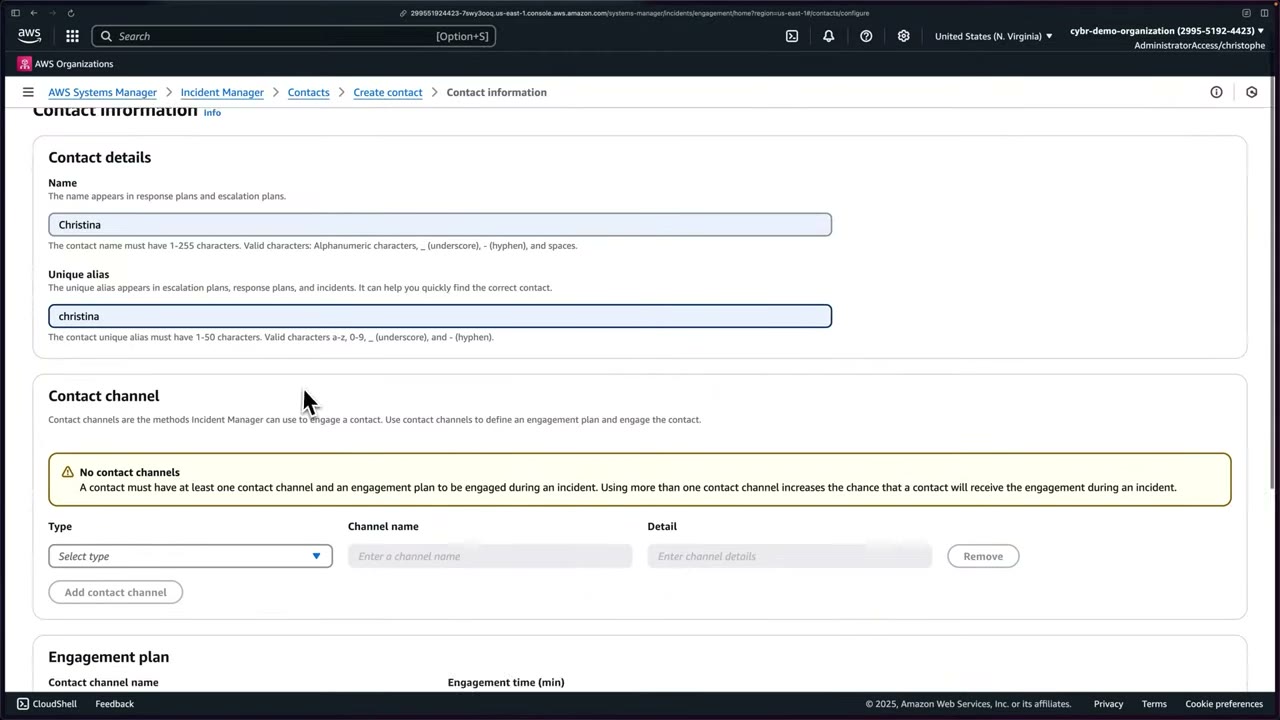
Contacts → Create contact: ▶ #81 03:00
- Name
Christina, unique aliaschristina(1–50 chars, a-z 0-9 _ -). The name appears in response and escalation plans. - Contact channel: type Email / SMS / Voice; name
email; detailsupport@cybr.com(a real person or team in practice). “A contact must have at least one contact channel and an engagement plan to be engaged during an incident. Using more than one contact channel increases the chance that a contact will receive the engagement.” - Engagement plan: the channel plus engagement time (min) after the stage starts, here 0. ▶ #81 03:40
- Create, then activate the channel with the code sent to the email → Finish → “Contact created successfully”. ▶ #81 04:00
2. Create the resource share share-incident-response-contact: ▶ #81 04:21
- Resources: Incident Manager Contacts → Christina (add tags in production). ▶ #81 04:40
- Permissions: keep
AWSRAMDefaultPermissionSSMContactsContact. ▶ #81 05:02 - Principals: organization only → Display organizational structure → Sandbox OU → Example account (488075507604). You could share with the whole OU. ▶ #81 06:01
- Review → Create resource share → “Resource share successfully created”. ▶ #81 06:22
3. Consumer view. In account 488… (listed under Shared principals), RAM defaults to Shared by me (empty). Go to
Shared with me → Resource shares: share-incident-response-contact, status Active. ▶ #81 06:51 Opening it shows
the ID, ARN, creation time and owner. ▶ #81 07:20 Shared with me → Shared resources lists the contact; clicking
it opens Incident Manager → Contacts (URL includes owner account 299551924423 and alias christina). ▶ #81 07:30
Some resources take a few minutes to appear. If missing, check you’re in the right account and the share is active in the owner account. ▶ #81 07:10
- Management account → RAM → Settings → enable sharing with AWS Organizations → Save.
- Systems Manager → Incident Manager → (first time: terms, AWS owned KMS key, uncheck service roles for findings) → Contacts → Create contact: Christina / christina, Email
support@cybr.com, engagement 0 min → Create → enter activation code → Finish. - RAM → Shared by me → Resource shares → Create resource share:
share-incident-response-contact, Incident Manager Contacts → Christina → Next. - Permissions: keep
AWSRAMDefaultPermissionSSMContactsContact→ Next. - Principals: Allow sharing only within your organization → org structure → Sandbox OU → Example account → Next → Create resource share.
- Consumer account 488… → RAM → Shared with me → Resource shares (Active) → Shared resources → click through to the contact.
From the instructor
- Start from the management account and enable sharing with AWS Organizations first. ▶ #81 00:20
- Each resource type has an AWS managed permission defining allowed actions; review the template or create a custom one. ▶ #81 04:51
- Choose organization-only sharing unless you really need external principals (e.g. consultants). ▶ #81 05:41
- Shares may take minutes to appear; check the account and the share status. ▶ #81 07:10
- RAM doesn’t support every resource type. ▶ #81 07:52
Keyword → answer
| If the question says… | Answer |
|---|---|
| Central network team owns the VPC; app teams deploy EC2 into it from separate accounts | VPC sharing via RAM |
| Share a Transit Gateway or Resolver rules with all accounts | RAM |
| Share a KMS key / secret cross-account | Key policy / resource policy + IAM, not RAM |
| Prevent resources being shared outside the org | SCP denying ram:CreateResourceShare / ram:UpdateResourceShare when ram:AllowsExternalPrincipals = true (data perimeter) |
| Workload accounts must engage the central on-call team via shared runbooks | Share Incident Manager contacts/response plans via RAM |
- You don’t need the management account to share: any account can share resources it owns. Only enabling the Organizations integration needs the management account.
Real-world practice
- The network account shares subnets per environment OU (prod subnets to the prod OU only). Pattern: a Network account shares VPC subnets/TGW; a Security account shares DNS Firewall rule groups and Network Firewall policies (often via Firewall Manager, which uses RAM); a Shared Services account shares Private CA and AMIs/components.
- Use an SCP to block
ram:CreateResourceSharewith external principals (ram:AllowsExternalPrincipals = true). - Tag resource shares and manage them as IaC (
AWS::RAM::ResourceShare). Audit withGetResourceSharesand IAM Access Analyzer, and alert onAcceptResourceShareInvitation/CreateResourceSharewith external principals. - Sharing Incident Manager contacts and response plans from a central ops account lets workload accounts start incidents that engage the central on-call team, useful for org-wide IR runbooks.
- In a two-account org, share a subnet to the member account and launch an instance there.
- Notice that the owner account sees the ENI but can’t manage the instance.
- Cleanup: terminate the instance, then delete the resource share.
AWS Firewall Manager
Central management of firewall rules across all accounts in an organization. It applies them automatically to existing and new accounts and resources. Covers WAF, Shield Advanced, security groups, Network Firewall, Route 53 Resolver DNS Firewall, NACLs and third-party firewalls.
- Exam skills: central policy enforcement: Firewall Manager (6.2.3) · delegated administrators (6.1.4) · detect/remediate noncompliance (6.3.1) · edge protection (3.1.2) · network controls (3.3.1) · prepare services for incidents (2.1.2)
- Videos: ▶ #80 About AWS Firewall Manager (conceptual, no policy demo because of cost)
- Cost: $100 per policy per Region per month, plus the resources it creates. ▶ #80 01:41
What it manages
WAF, Network Firewall and security groups can each be configured on their own, but Firewall Manager is the central location to manage all of them. ▶ #80 00:10 You define security policies once and it automatically applies them across services and all accounts, including new accounts and resources as they’re added. ▶ #80 00:41
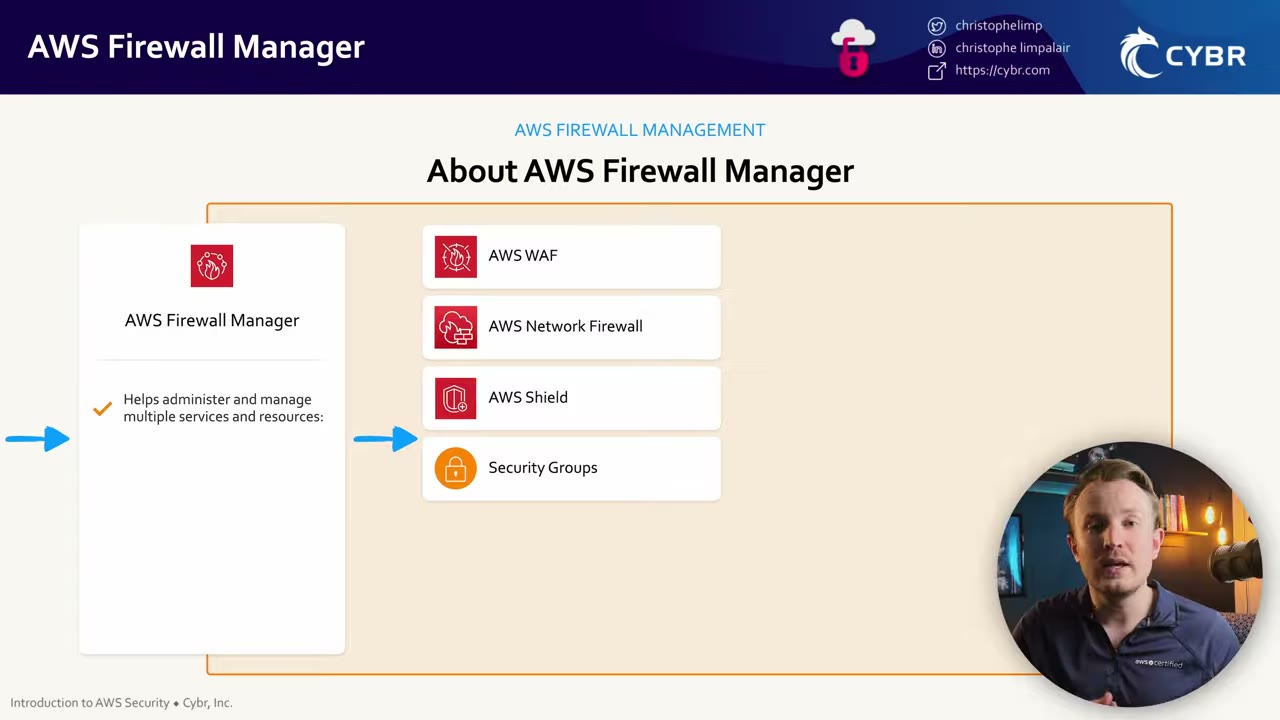
The slide shows WAF, Network Firewall, Shield and security groups; per the narration, NACLs (“And now also Network ACLs!”), Route 53 Resolver DNS Firewall and third-party firewalls (Marketplace) are now included too. ▶ #80 00:33
| Policy type | Notes |
|---|---|
| AWS WAF (Regional and CloudFront) | Combines first rule groups + customer rules + last rule groups, so the central team enforces baseline rules while app teams add their own in the middle |
| Shield Advanced | Deploys protections; can also enable automatic application-layer DDoS mitigation. Shield Advanced is still licensed per org ($3,000/month, covers all accounts under consolidated billing) |
| VPC security groups | Common (push a primary SG to resources), content audit (SG rules must/must not match an audit SG, e.g. no 0.0.0.0/0 on 22/3389), usage audit (find/remove unused or redundant SGs) |
| Network Firewall | Needs RAM |
| Route 53 Resolver DNS Firewall | Needs RAM |
| Network ACLs | |
| Third-party firewalls | Marketplace: Palo Alto Networks Cloud NGFW, Fortinet FortiGate CNF |
Policies are scoped by account, OU and resource tags (include/exclude). Findings go to Security Hub CSPM. Policies use Config under the hood, which is why Config is a prerequisite. The console menu has Getting started, Security policies, Resource sets, Application lists, Protocol lists and Settings.
Prerequisites
A classic exam question. ▶ #80 00:52
- AWS Organizations with all features enabled. ▶ #80 01:01
- A Firewall Manager administrator account to manage policies from (the instructor says “main management account”). ▶ #80 01:01
- AWS Config enabled in every account and Region in scope, with continuous recording (daily recording breaks it; see ▶ #84 under AWS Config). ▶ #80 01:11
- AWS RAM enabled by the management account for all members, for Network Firewall / DNS Firewall policies.
- Marketplace subscriptions for third-party firewalls.
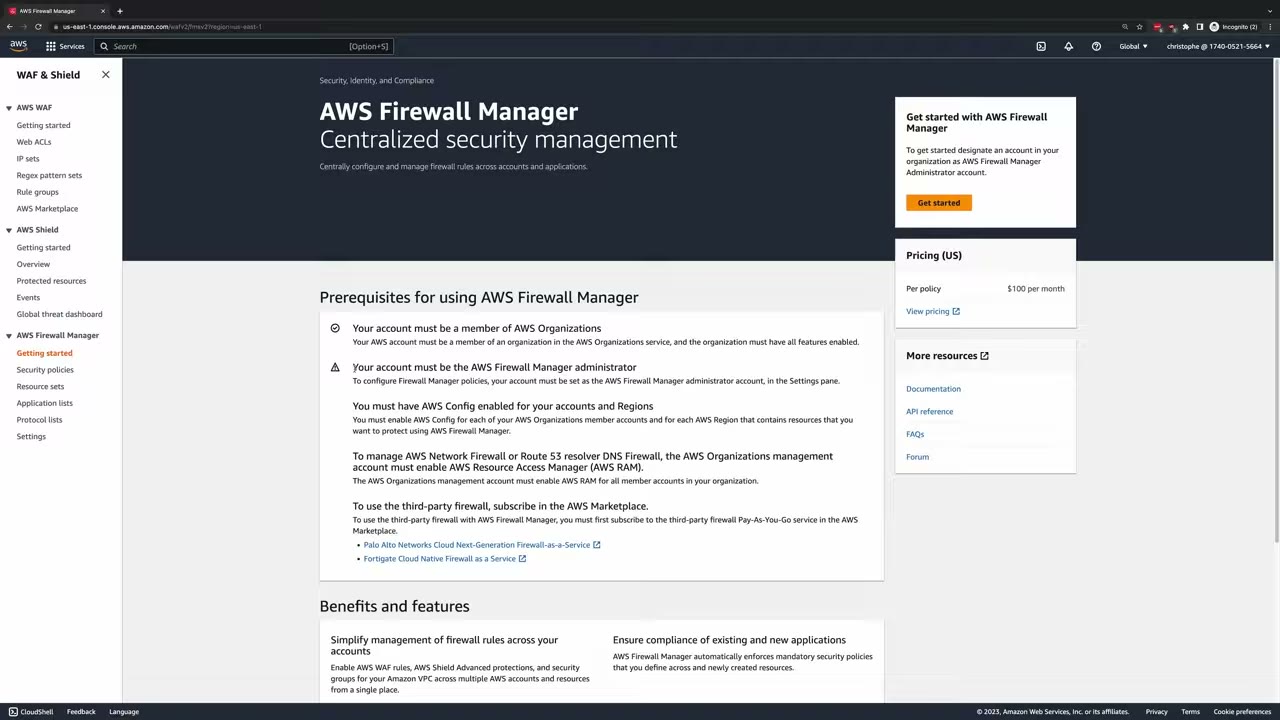
Benefits listed on the page: simplify firewall rule management across accounts; ensure compliance of existing and new applications.
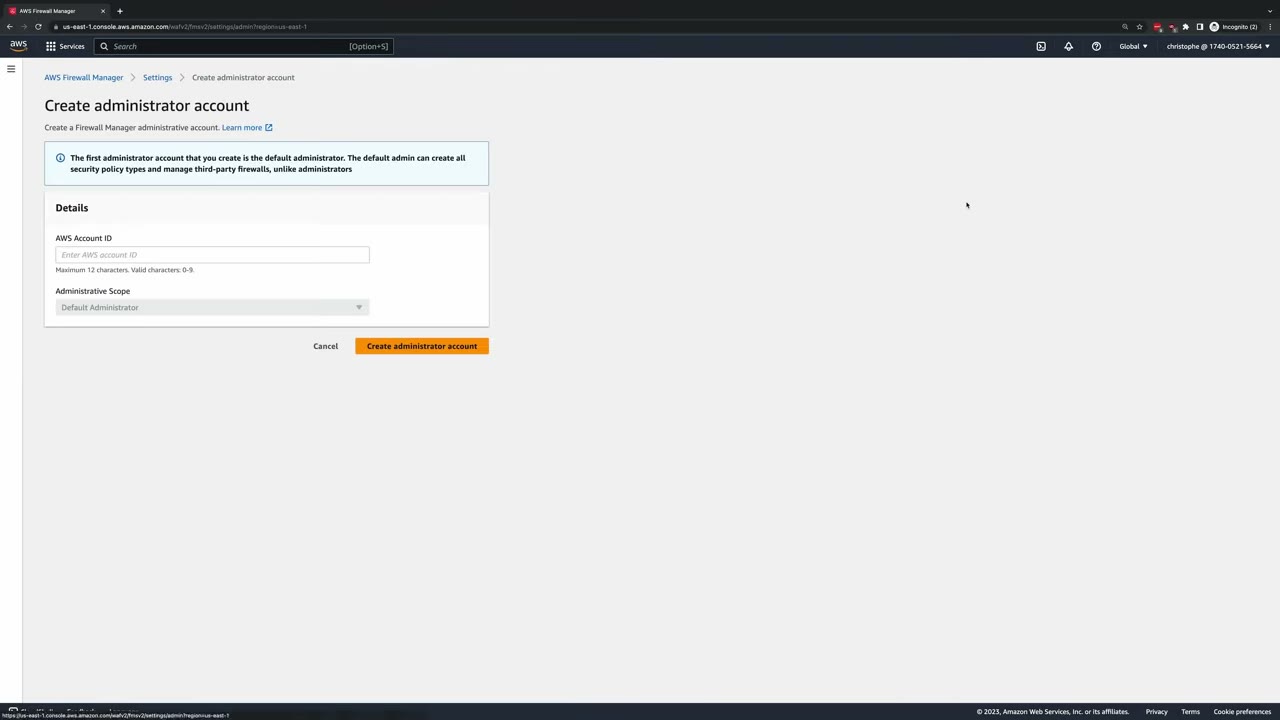
WAF & Shield → AWS Firewall Manager → Settings → Create administrator account: enter the account ID; administrative scope Default Administrator. “The first administrator account that you create is the default administrator. The default admin can create all security policy types and manage third-party firewalls, unlike administrators.” ▶ #80 01:31
Policy modes and rollout
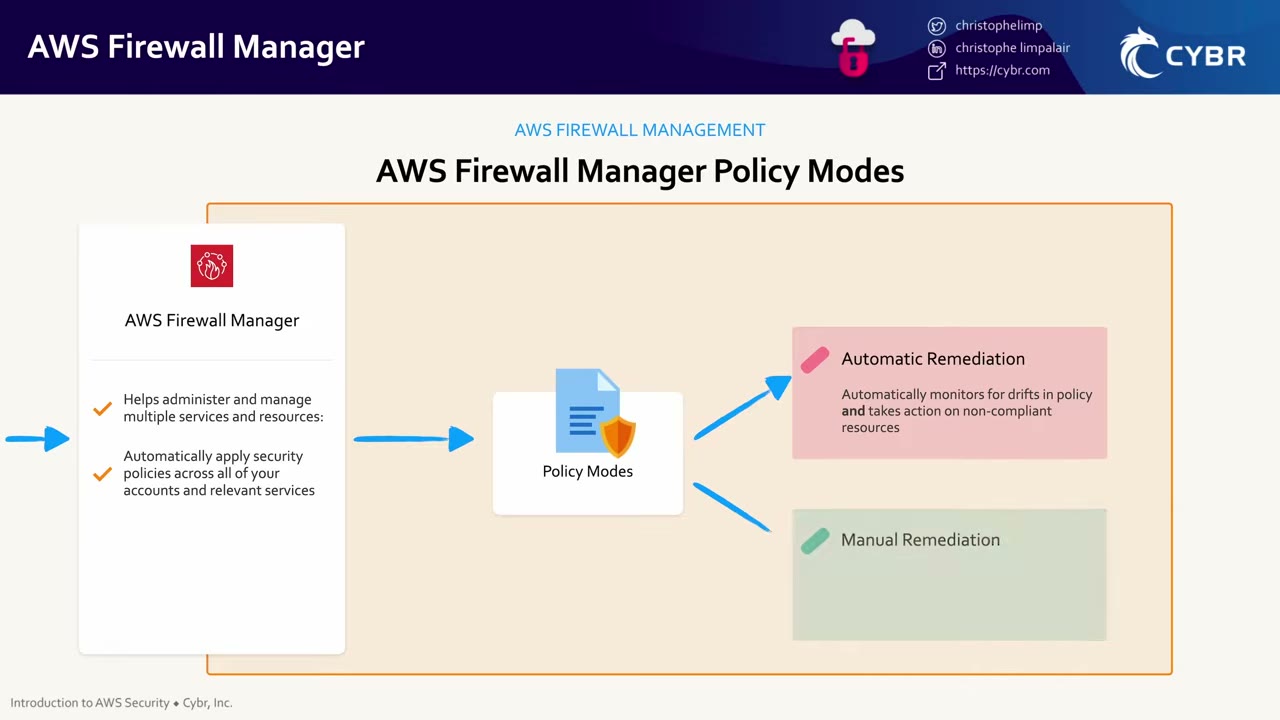
| Mode | Behavior |
|---|---|
| Automatic remediation | Monitors for drift from policy and takes action on non-compliant resources |
| Manual remediation | Monitors for drift but takes no automated action (monitor/report-only) ▶ #80 02:10 |
- Start with manual to fine-tune settings and avoid outages, then automate as much as possible over time. ▶ #80 02:20
- Once enabled, the Security policies tab lists the accounts in scope and whether each is compliant or non-compliant. ▶ #80 02:30
- Further reading: AWS Security Blog How to continuously audit and limit security groups with AWS Firewall Manager (Feb 2021), which addresses item #4 of AWS CISO Stephen Schmidt’s top-10 list, “Limit Security Groups”, e.g. high-risk ports such as RDP and SSH. ▶ #80 02:40
Cost: $100 per policy per month, per Region. Firewall Manager also creates resources that cost money (WAF web ACLs, Network Firewall endpoints, Config rules), which is why there’s no policy demo. ▶ #80 01:52
From the instructor
- Firewall Manager is the central way to manage WAF, Network Firewall, Shield, SGs, NACLs, DNS Firewall and third-party firewalls across all accounts, including new ones. ▶ #80 00:10
- Prerequisites: Organizations, a Firewall Manager admin account, AWS Config enabled. ▶ #80 00:52
- Cost: $100/policy/month/Region plus underlying resources. ▶ #80 01:41
- Start in manual remediation to avoid outages, then automate. ▶ #80 02:20
Keyword → answer
| If the question says… | Answer |
|---|---|
| Every ALB and CloudFront distribution in all current and future accounts must have the WAF baseline | Firewall Manager WAF policy |
| Centrally enforce SGs / deploy Shield Advanced / deploy Network Firewall to all VPCs org-wide | Firewall Manager (a single-account WAF rule → WAF directly) |
| Firewall Manager not applying in an account | Check Config is enabled there (continuous recording), the account is in scope, and the admin account is set |
| Find overly permissive security groups org-wide | SG content audit policy (detection-only alternative: Config rules / Security Hub CSPM) |
- The administrator is normally a delegated administrator member account (e.g. Security Tooling), not the management account; best practice is that it isn’t.
- Since 2024 you can have multiple administrators with scoped administrative scope (by account/OU, Region, policy type).
- RAM (Network Firewall / DNS Firewall) and Marketplace subscriptions (third-party firewalls) are also prerequisites.
Real-world practice
- The Security Tooling account is the Firewall Manager admin.
- Baseline WAF policy: AWS Managed Rules (Common, KnownBadInputs, IP reputation) plus a rate-based rule, logging to a central S3 bucket or Firehose.
- An SG audit policy flags
0.0.0.0/0on admin ports. - Cost model is each policy × each Region: a 10-policy, 4-Region rollout is $4,000/month before WAF/Network Firewall charges. Consolidate policies and scope Regions.
- Roll out in manual (audit) mode first, review non-compliant resources, then enable auto-remediation, ideally with “Replace existing web ACLs” off until teams migrate.
- Watch for conflicts: app teams’ own WAF associations or SG changes get overwritten or flagged. Communicate the policy, use exclusion tags for exceptions, and track exceptions.
Needs an org and costs money (WAF, and Network Firewall especially). Reading the console flow is usually enough.
- If you try it, create one WAF policy scoped to a test OU with a single ALB.
- Cleanup: delete the policy and choose “delete all policy resources”.
AWS Config
Continuously assesses, audits and evaluates resource configurations and relationships over time (configuration items and history), for AWS and some non-AWS resources, and checks them against rules. It is a detective control: it doesn’t block changes.
- Exam skills: detect & remediate noncompliance (6.3.1) · conformance packs / automated assessments (1.1.5) · automated remediation (2.1.4) · delegated admins & Organizations (6.1.4, 6.1.1) · StackSets (6.2.1) · aggregate security events (1.1.3) · central logging account (1.2.2)
- Videos: ▶ #82 About Config · ▶ #83 Delegating Config · ▶ #84 Initial setup · ▶ #86 Remediation with SSM · ▶ #90 Multi-account Config · ▶ #91 Aggregators & advanced queries · ▶ #92 Multi-account conformance packs
- Related videos elsewhere: ▶ #85 About Systems Manager (see AWS Systems Manager) · ▶ #87 Monitoring Config with EventBridge (see Amazon EventBridge)
- Cost: per configuration item recorded and per rule evaluation
What Config does: the five features
Security monitoring includes watching resource configurations and whether they change outside an acceptable range. Config is the native service for this. ▶ #82 00:10 It also shows how resources relate to one another and how relationships and configurations changed over time, for resources in AWS and outside of AWS. ▶ #82 00:31
Benefits: ▶ #82 00:50
- Discover resources you didn’t know existed (less shadow IT), in AWS, on-prem or other clouds.
- Record configurations now and as they change over time. ▶ #82 01:00
- Easier to evaluate compliance throughout the resource lifecycle. ▶ #82 01:10
- Simpler deployment of rules and remediations across Regions, an entire account or multiple accounts. ▶ #82 01:10
When a configuration changes, Config compares it with your desired configuration. If they differ, it can notify you or automatically remediate. ▶ #82 01:21 Remediation runs via SSM Automation or Lambda. ▶ #82 01:31 Integrations: notify via SNS, push events to CloudWatch/EventBridge, store in S3. ▶ #82 01:40
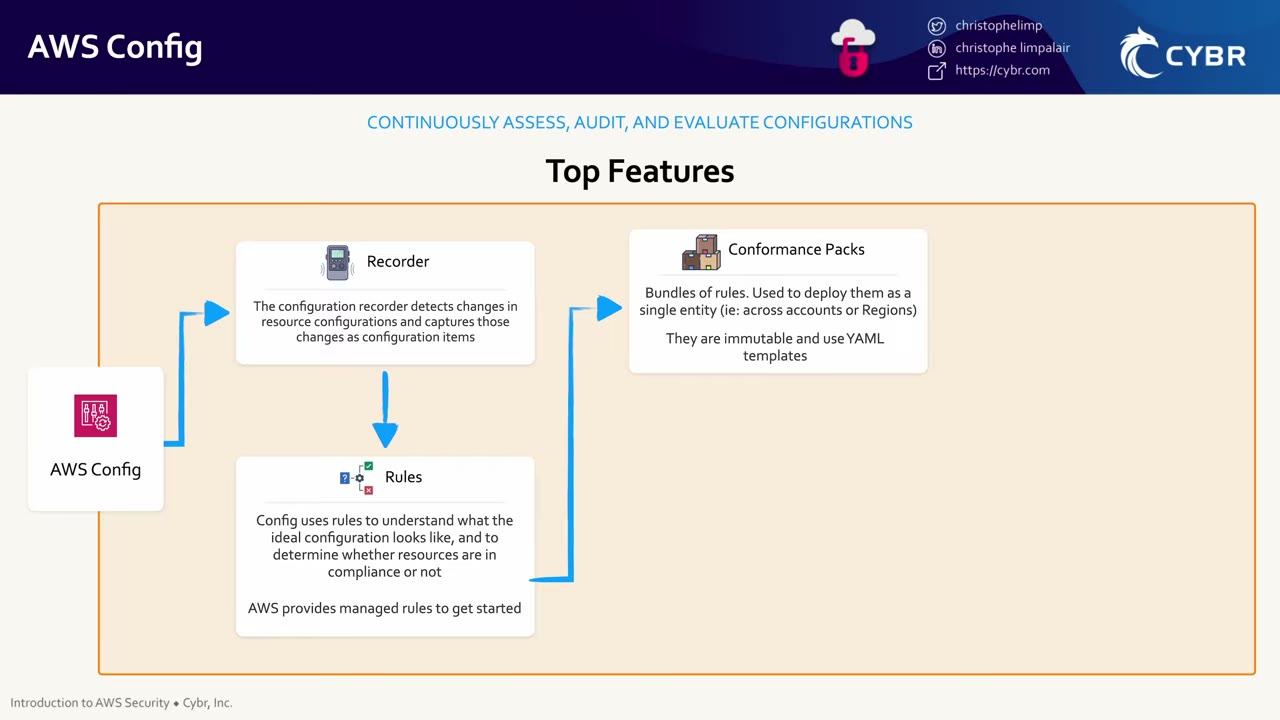
The flow is record → evaluate → package for scale. Aggregators and advanced queries were added to the slide later.
| Feature | What it does |
|---|---|
| Configuration recorder | Detects configuration changes and captures them as configuration items (CIs). By default records all supported types in the Region. Customize the types to reduce cost. ▶ #82 02:11 |
| Rules | Define the ideal configuration. Recorded changes must be evaluated against rules to know if they comply. AWS provides managed rules. ▶ #82 02:31 |
| Conformance packs | Bundles of rules deployed as a single entity (across accounts or Regions). Immutable YAML templates: change them only by updating the pack. ▶ #82 02:50 |
| Aggregators | Collect configuration and compliance data from multiple accounts and Regions, one account across Regions, or a whole organization, into one view. ▶ #82 03:10 |
| Advanced queries | Query a single endpoint with a limited SQL for current resource state. With an aggregator: across accounts and Regions from one central account. ▶ #82 03:40 |
Recorder and delivery channel
- Config is Regional: the recorder must be on in every account and Region you want covered.
- Only one customer-managed recorder per account per Region. Existing ones make StackSet deployments fail. ▶ #90 01:00
- The delivery channel sends snapshots and history to S3, and optionally notifications to SNS.
- History in S3: default retention 7 years (configurable 30 days–7 years). Cross-account delivery needs a bucket policy allowing
config.amazonaws.com(and a KMS key policy if SSE-KMS). Missing permissions → delivery failures (1.3.1 troubleshooting).
First activation in an account/Region offers Get started (full wizard) or 1-click setup (defaults). ▶ #84 00:10
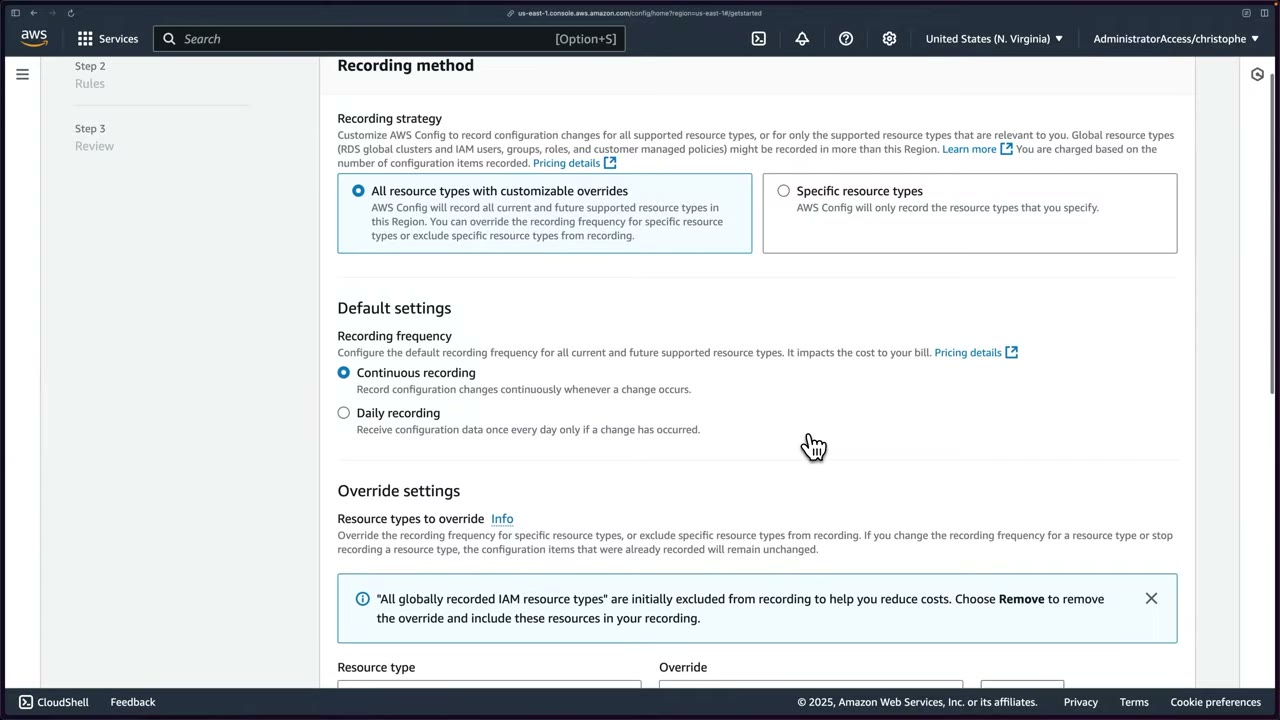
Recording strategy ▶ #84 00:20
- All resource types with customizable overrides (default): all current and future supported types in this Region. Overrides change frequency per type or exclude types.
- Specific resource types: only the types you list.
- Recommendation: record everything, at least while learning. ▶ #84 00:50
- Global resource types (RDS global clusters, IAM users, groups, roles, customer managed policies) may be recorded in more than one Region, and you pay per CI recorded.
Recording frequency ▶ #84 00:54
| Continuous | Daily | |
|---|---|---|
| Records | A CI on every change | Once per day, only if something changed |
| Cost | Higher | Lower (the reason to pick it) |
| Firewall Manager | Required ▶ #84 01:10 | Breaks it |
Overrides ▶ #84 01:31
- A default override exists: “All globally recorded IAM resource types” → Exclude from recording (to reduce cost). Remove it to record IAM resources.
- Add types (e.g. S3 buckets) and choose daily recording or exclude. Limits: 100 frequency overrides, 600 exclusion overrides.
- Changing frequency or stopping recording for a type leaves already-recorded CIs unchanged.
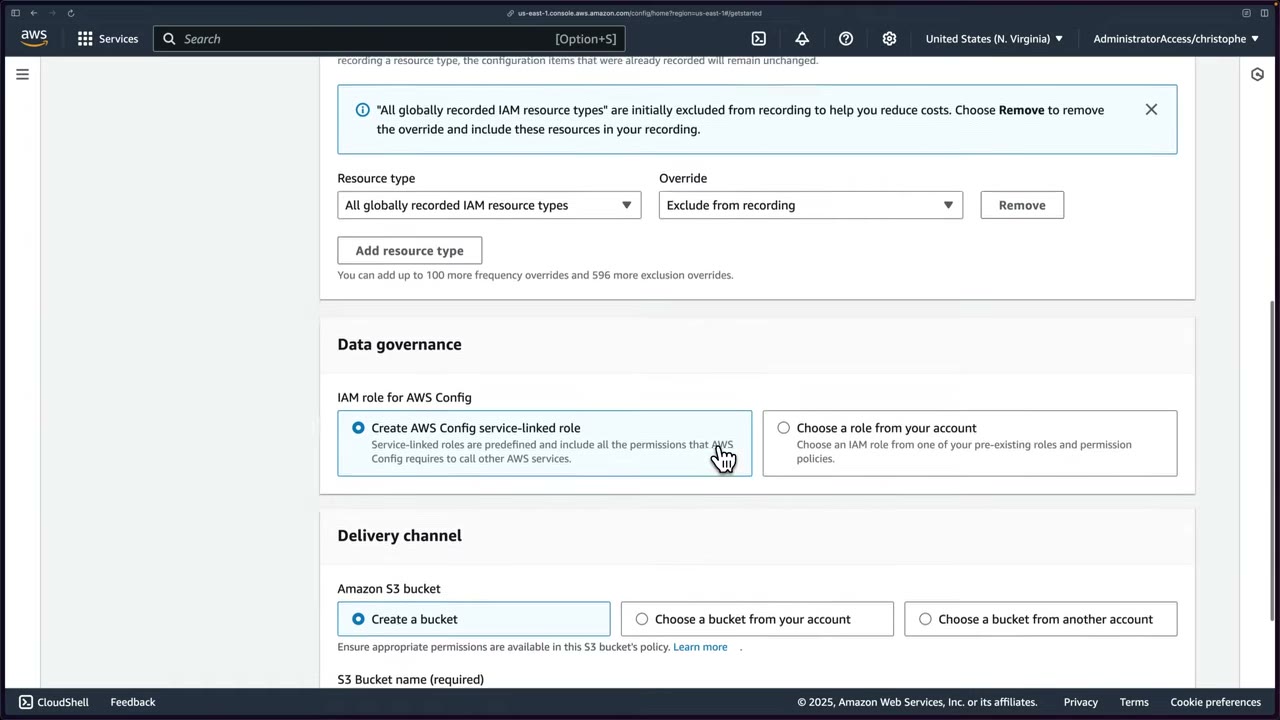
- IAM role: Config needs the service-linked role
AWSServiceRoleForConfigto call other services (create it or choose an existing role). ▶ #84 02:29 - S3 bucket: create one, choose one in this account, or choose one in another account. The ideal is the Log Archive account. ▶ #84 02:41
- SNS topic: the instructor advises not enabling it, you get flooded. Use CloudWatch and EventBridge for targeted alerts. ▶ #84 03:31
The Config Settings page shows recorder status (“Recording is on”, Edit / Stop recording), recording method, the governance role, and tabs for Customer managed recorder and Service-linked recorders. ▶ #84 10:31
- Security tooling account → AWS Config → Get started. ▶ #84 00:10
- Recording strategy: All resource types with customizable overrides. Frequency: Continuous.
- Keep the override All globally recorded IAM resource types → Exclude from recording.
- IAM role: Create AWS Config service-linked role.
- Delivery channel: Create a bucket
config-logs-cybr-demo. SNS topic off. Next. - Rules: browse managed rules (search “waf” →
alb-waf-enabled), select none. Next. - Review (4 resource types with overrides, 407 with default settings) → Confirm: SLR created, bucket created, signing up with Config. ▶ #84 05:31
- Tour: Dashboard → Conformance packs → Rules → Resources → Aggregators → Advanced queries → Settings. The “Amazon CloudWatch Events rule” link redirects to EventBridge (CloudWatch Events console is deprecated). ▶ #84 10:50
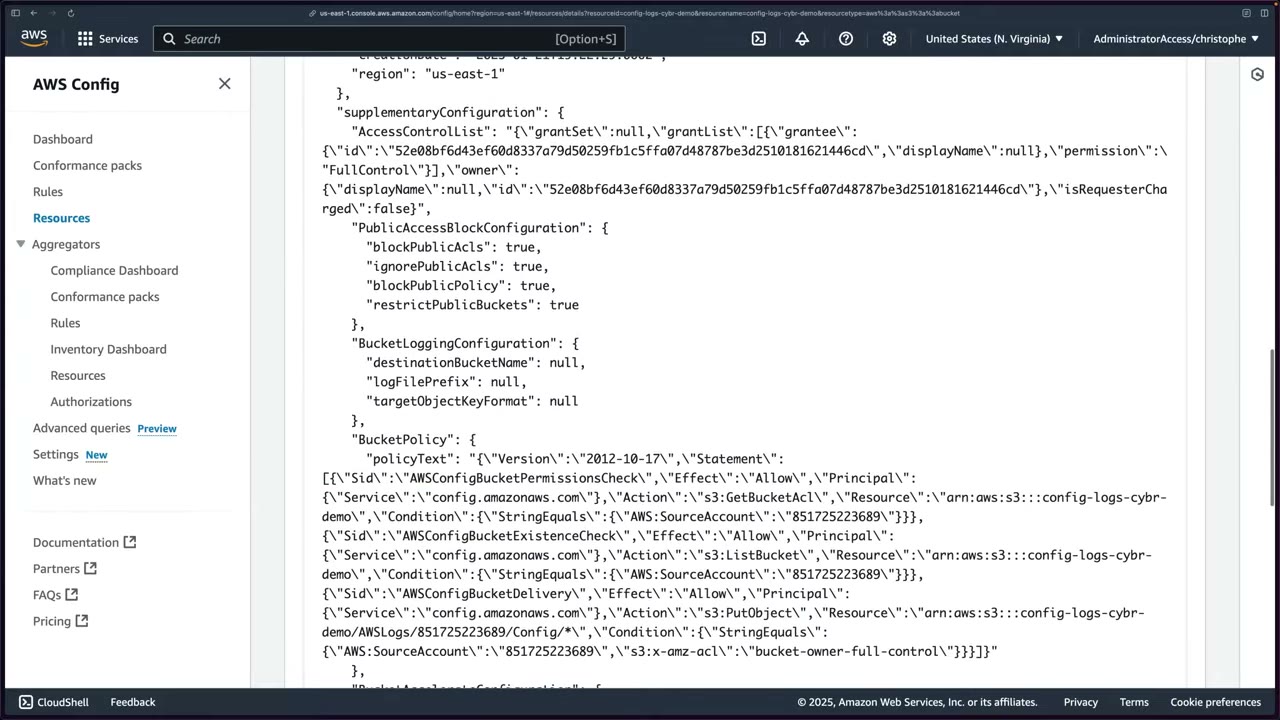
The bucket policy auto-created for Config allows config.amazonaws.com to s3:GetBucketAcl, s3:ListBucket and
s3:PutObject to AWSLogs/<account>/Config/*, conditioned on AWS:SourceAccount and
s3:x-amz-acl = bucket-owner-full-control.
{
  "Version": "2012-10-17",
  "Statement": [
    {"Sid": "AWSConfigBucketPermissionsCheck", "Effect": "Allow",
     "Principal": {"Service": "config.amazonaws.com"},
     "Action": "s3:GetBucketAcl",
     "Resource": "arn:aws:s3:::config-logs-cybr-demo",
     "Condition": {"StringEquals": {"AWS:SourceAccount": "851725223689"}}},
    {"Sid": "AWSConfigBucketExistenceCheck", "Effect": "Allow",
     "Principal": {"Service": "config.amazonaws.com"},
     "Action": "s3:ListBucket",
     "Resource": "arn:aws:s3:::config-logs-cybr-demo",
     "Condition": {"StringEquals": {"AWS:SourceAccount": "851725223689"}}},
    {"Sid": "AWSConfigBucketDelivery", "Effect": "Allow",
     "Principal": {"Service": "config.amazonaws.com"},
     "Action": "s3:PutObject",
     "Resource": "arn:aws:s3:::config-logs-cybr-demo/AWSLogs/851725223689/Config/*",
     "Condition": {"StringEquals": {"AWS:SourceAccount": "851725223689",
                                    "s3:x-amz-acl": "bucket-owner-full-control"}}}
  ]
}
Rules and evaluations
| Rule type | Notes |
|---|---|
| AWS managed | e.g. s3-bucket-public-read-prohibited, restricted-ssh, encrypted-volumes, iam-root-access-key-check, required-tags, ec2-imdsv2-check |
| Custom Lambda | Your code evaluates resources ▶ #84 06:40 |
| Custom policy (Guard) | Written in Guard, no Lambda needed |
- Triggers: configuration change or periodic (1, 3, 6, 12, 24 h).
- Evaluation modes: detective, and proactive (evaluate before provisioning, via CloudFormation Hooks/API) for some rules.
- Config ships with AWS managed rules (instructor says “over 100”, the wizard shows 154). As Config records configurations, it evaluates them and can trigger remediation or a notification. ▶ #84 04:01
- Rules page columns: Name, Remediation action, Type, Enabled evaluation mode, Detective compliance. ▶ #84 06:40
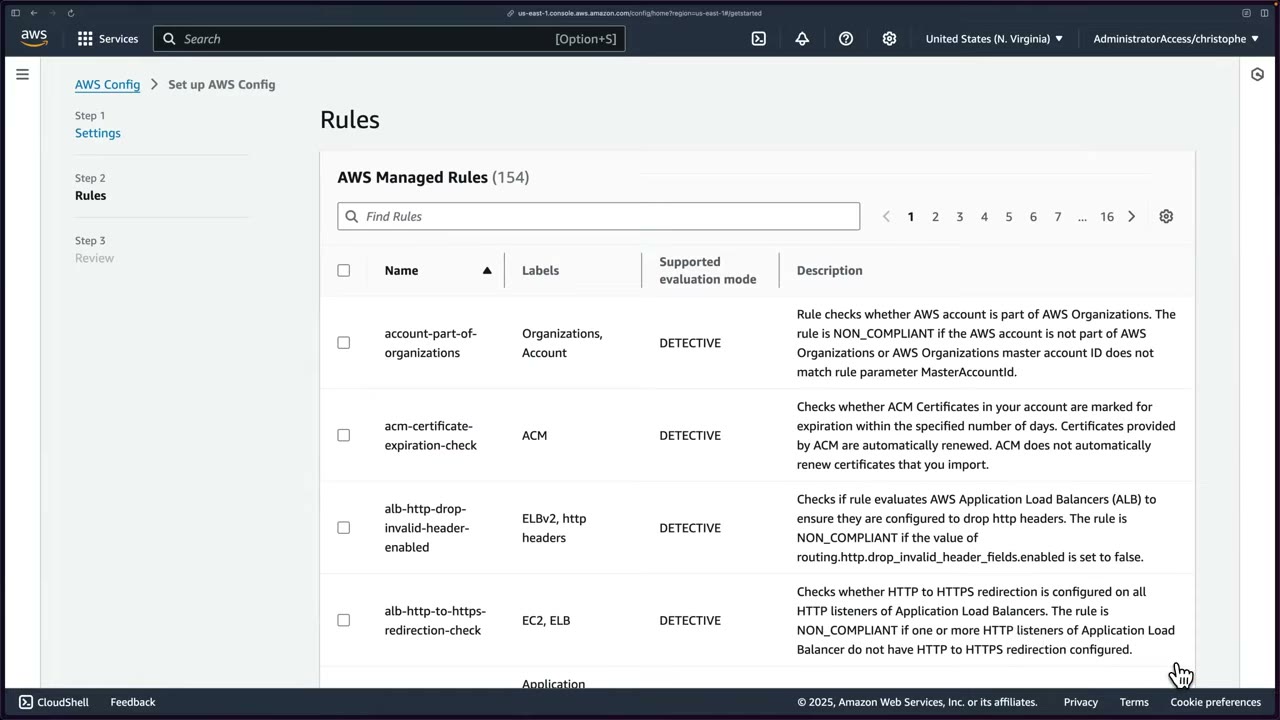
Example managed rules from the demo:
alb-waf-enabled: NON_COMPLIANT if an ALB has no web ACL. ▶ #84 04:20cloudtrail-cloudwatch-logs-enabled,cloud-trail-encryption-enabled,cloud-trail-log-file-validation-enabled. ▶ #84 04:51- RDS backup rules: someone disabling backups in production is “pretty sketchy” and should alert you. ▶ #84 05:01
- Also visible:
account-part-of-organizations,acm-certificate-expiration-check,alb-http-drop-invalid-header-enabled,alb-http-to-https-redirection-check,access-keys-rotated(parammaxAccessKeyAge),acm-certificate-rsa-check(≥2048-bit),acm-pca-root-ca-disabled.
Creating a rule (example ec2-imdsv2-check, identifier EC2_IMDSV2_CHECK: “NON_COMPLIANT if the HttpTokens is set to optional”): ▶ #86 01:21
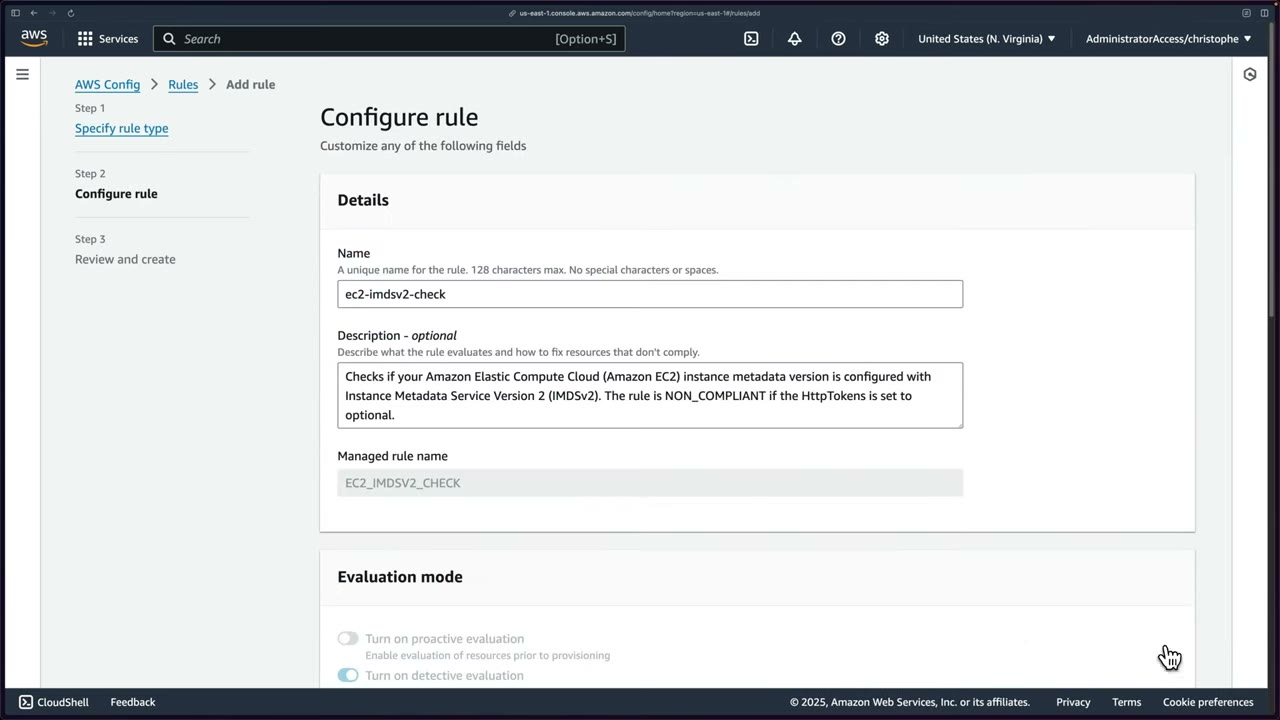
- Rules → Add rule: AWS managed rule, custom Lambda rule, or custom rule using Guard. ▶ #86 01:00
- Scope of changes: All changes (any recorded resource) or Resources (only matching types). Choose Resources → pre-populates EC2 Instance. ▶ #86 01:40
- Resulting rule: mode DETECTIVE, triggers Oversized configuration changes and Configuration changes.
Alerting and integrations
- EventBridge receives
Config Rules Compliance Changeevents. Route them to SNS or Lambda for alerts (not the delivery-channel SNS topic, which floods). - Security Hub CSPM controls are built on service-linked Config rules (
securityhub-*, not editable in Config). Config must be enabled for most Security Hub controls, and for Firewall Manager. AWS::Config::ResourceCompliancemust be recorded for accurate compliance timelines and queries.
Resource inventory and timeline
- Dashboard: conformance packs by compliance score, compliance of rules and resources, noncompliant rules by resource count, resource inventory, usage metrics. Takes time to populate. ▶ #84 05:46
- Resources: all recorded resources, filterable by category, type, compliance status, identifier, “Include deleted resources”. Can take minutes, keep refreshing over ~24 h. ▶ #84 07:11
- Clicking a resource shows the CI in JSON (how Config sees it), applied rules and tags. ▶ #84 08:20
- Resource timeline: configuration changes plus related CloudTrail events with user name and event name (e.g.
CreateBucket,PutBucketPolicy,PutBucketPublicAccessBlock). If a threat actor later adds a bucket policy, you see exactly which identity did it. ▶ #84 08:40
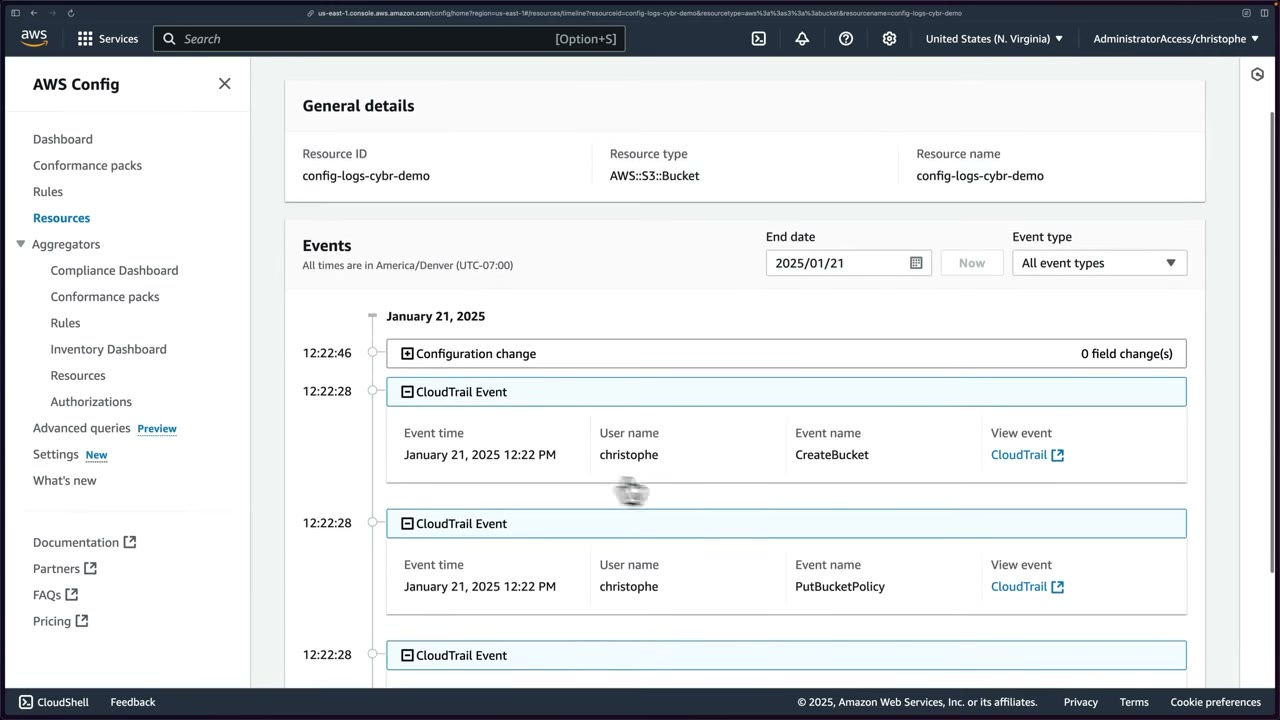
“What did this security group look like last Tuesday / who changed it?” → Config timeline (CI + linked CloudTrail event). “Who made the API call?” alone → CloudTrail.
Remediation with SSM Automation
Remediation uses SSM Automation documents (e.g. AWS-DisableS3BucketPublicReadWrite, AWS-EnableS3BucketEncryption,
AWSConfigRemediation-EnforceEC2InstanceIMDSv2, or custom). It can be manual or automatic, with retries and rate
limits. To call Lambda, wrap it in an SSM document (aws:invokeLambdaFunction). Alternative pattern: compliance change →
EventBridge → Lambda/SSM.
Example 1: unencrypted EBS volume. Config evaluates new volumes against an encryption rule and marks unencrypted ones NON_COMPLIANT. ▶ #82 04:01 SSM remediation: ▶ #82 05:02
- Identify the noncompliant volume.
- Create a snapshot (backup, and the source to encrypt).
- Create an encrypted volume from the snapshot.
- Shut down the instance, detach the unencrypted volume, attach the encrypted one.
- Destroy the unencrypted volume.
- Log results to an S3 bucket.
Example 2: public S3 bucket. A bucket made public is flagged NON_COMPLIANT and shows on the dashboard. ▶ #82 04:30 A Lambda function calls the API to block public access. ▶ #82 05:30 This can happen before a human even logs in. ▶ #82 05:41
Automatic or manual? Automatic remediation is not always preferable: often you want a manual look first. ▶ #82 05:51 The instructor prefers manual in ~90% of real cases, because auto-remediation is hard to get right and can cause outages unless fully tested. But exam answers lean toward automatic. ▶ #86 02:40
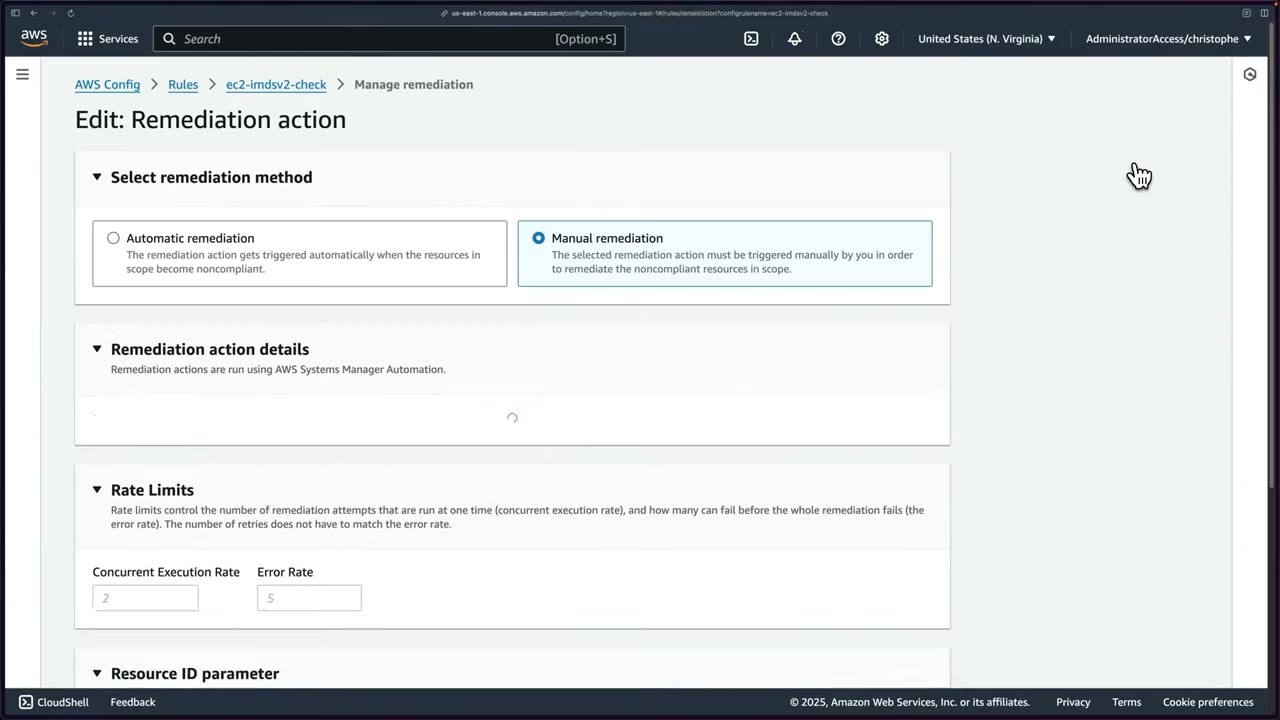
| Setting | Meaning |
|---|---|
| Automatic / Manual | Fire on noncompliance, or notify and wait (default manual) ▶ #86 02:21 |
| Maximum retry attempts | Default 5 (1–25) |
| Retry time window | Default 60 s. “There are costs associated with running a remediation action.” |
| Rate limits | Concurrent execution rate (placeholder 2), error rate (placeholder 5): how many run at once and how many may fail before the whole remediation fails ▶ #86 04:10 |
| Resource ID parameter | Which runbook parameter receives the noncompliant resource’s ID (RESOURCE_ID) ▶ #86 04:20 |
Parameters accept only String and StringList (“custom SSM documents for remediation with other data types are not supported”).
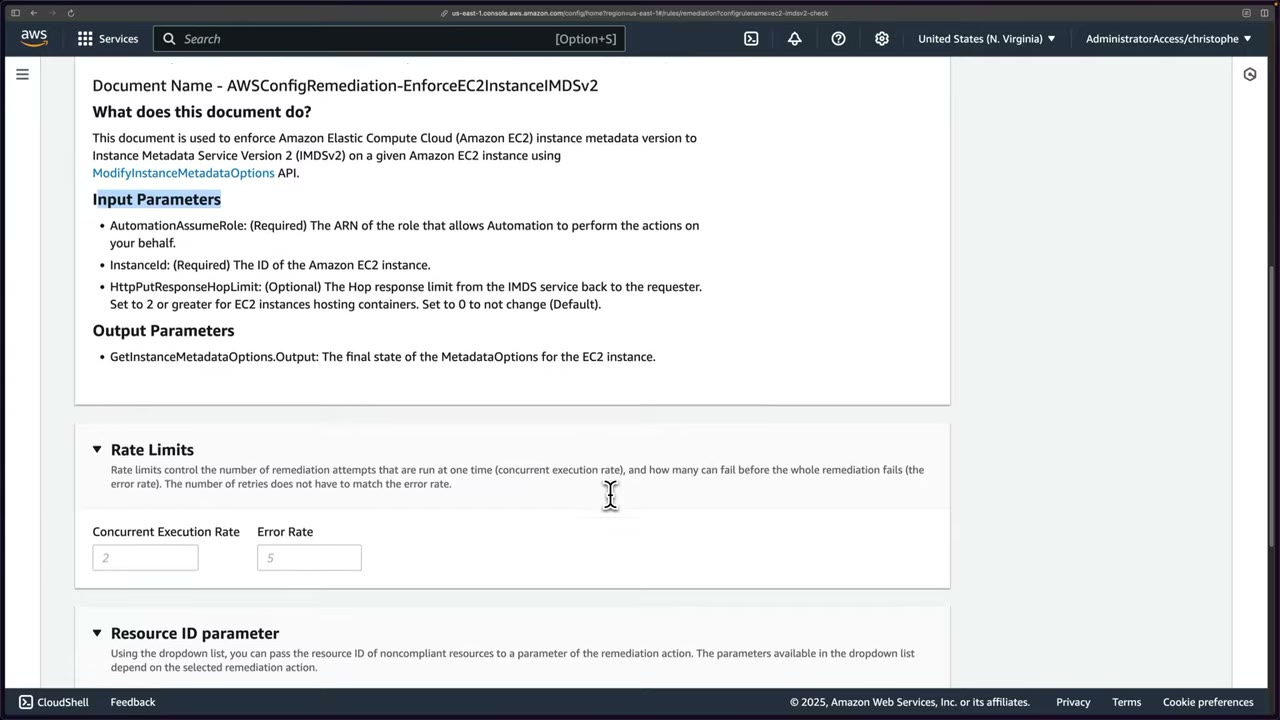
AWSConfigRemediation-EnforceEC2InstanceIMDSv2 uses the ModifyInstanceMetadataOptions API. ▶ #86 03:31
AutomationAssumeRole(required): ARN of the role Automation uses.InstanceId(required).HttpPutResponseHopLimit(optional): 2 or more for instances hosting containers; 0 = don’t change (default). Allowed pattern^([1-5]?\d|6[0-4])$.- Output:
GetInstanceMetadataOptions.Output(final MetadataOptions). - Steps:
aws:executeScriptsetsHttpTokenstorequired, thenaws:assertAwsResourcePropertyverifies it.
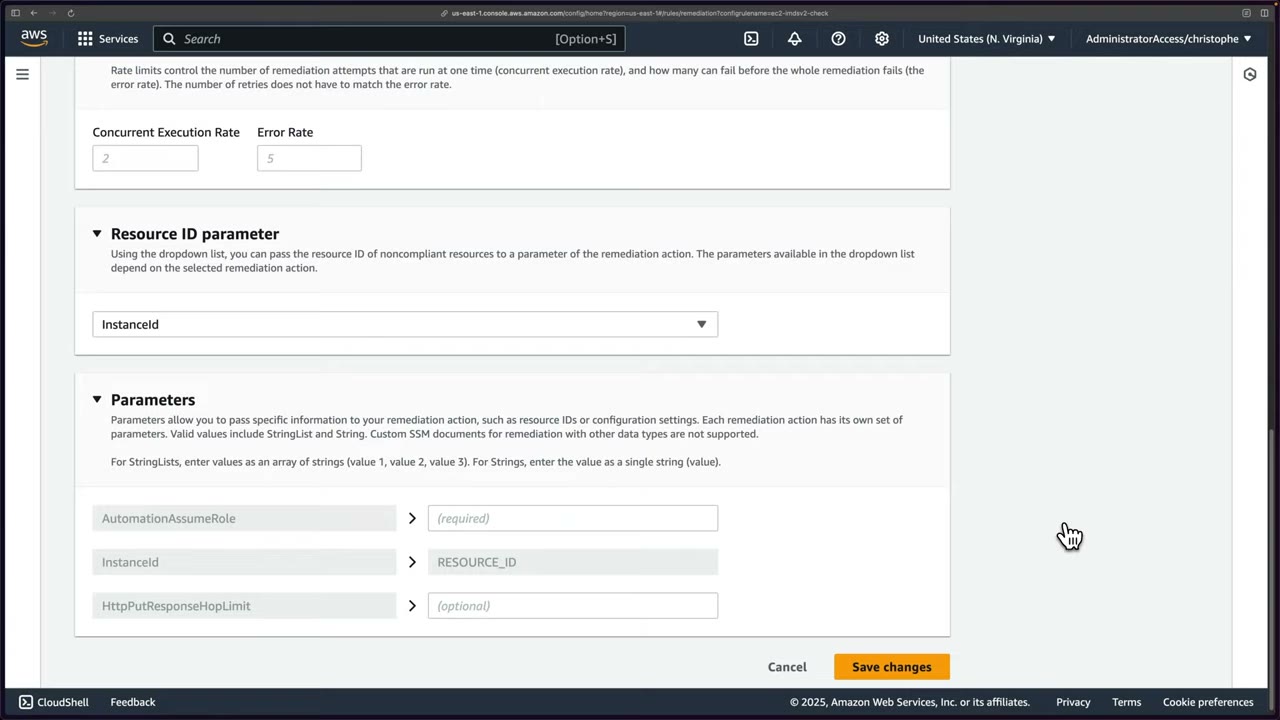
The AutomationAssumeRole must trust ssm.amazonaws.com and have permission to fix the resource. Missing
permissions show as a failed remediation execution status. To find the required actions, search the runbook name in the
SSM Automation runbook reference. ▶ #86 05:41
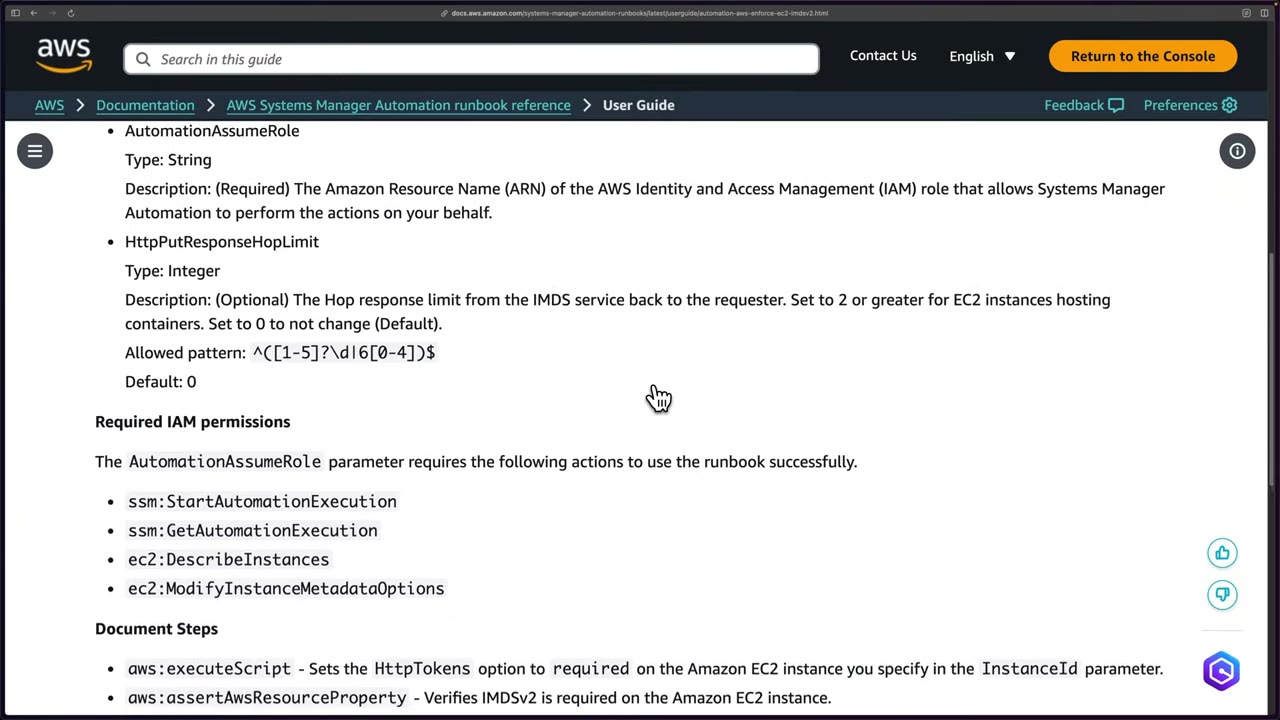
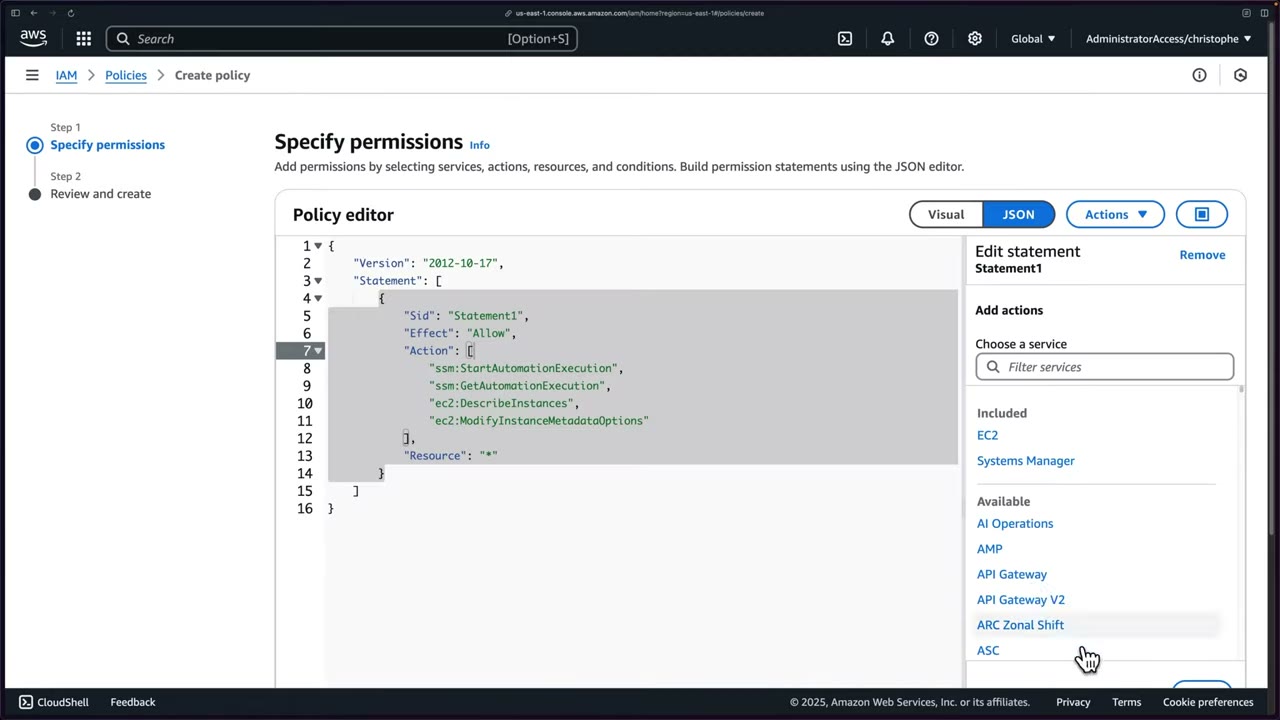
{
  "Version": "2012-10-17",
  "Statement": [
    {
      "Sid": "Statement1",
      "Effect": "Allow",
      "Action": [
        "ssm:StartAutomationExecution",
        "ssm:GetAutomationExecution",
        "ec2:DescribeInstances",
        "ec2:ModifyInstanceMetadataOptions"
      ],
      "Resource": "*"
    }
  ]
}
Use a narrower Resource than * in production. ▶ #86 06:52
Scenario: hundreds of instances moved from IMDSv1 to IMDSv2. IMDS gives software on the instance temporary credentials. IMDSv2 is session-oriented (PUT/GET token headers), IMDSv1 is request/response. When you require IMDSv2, IMDSv1 stops working. Some teams still launch IMDSv1 instances, so the manager wants auto-remediation. ▶ #86 00:20
- Config → Rules → Add rule → AWS managed →
ec2-imdsv2-check→ scope Resources (EC2 Instance), no parameters → Save. ▶ #86 01:40 - Select rule → Actions → Manage remediation → Automatic, retries 5, window 60 s. ▶ #86 02:21
- Action
AWSConfigRemediation-EnforceEC2InstanceIMDSv2, rate limits default, Resource ID parameter InstanceId. ▶ #86 04:20 - IAM → Create role → AWS service → Systems Manager. ▶ #86 05:10 The wizard no longer creates inline policies, so create the customer managed policy SSMRemediationEC2 in another tab. ▶ #86 06:20
- Name the role SSMRemediationEC2 (“Allow SSM to call AWS services on our behalf for Config automated remediation”), copy the ARN (
arn:aws:iam::851725223689:role/SSMRemediationEC2) intoAutomationAssumeRole→ Save. ▶ #86 07:40 - Launch
TestAutomatedIMDSv2Remediation(Amazon Linux 2023, t2.micro, no key pair, default VPC) with metadata version V1 and V2 (token optional). ▶ #86 09:01 - Config isn’t instant: rule → Actions → Re-evaluate, set the “Resources in scope” filter to All. Instance shows Noncompliant. ▶ #86 09:41 EC2 → Modify instance metadata options shows IMDSv2 Optional. ▶ #86 10:21 (A Remediate button exists for manual mode.) ▶ #86 10:41
- Within about a minute: “Action executed successfully” while still Noncompliant. The instance now shows IMDSv2 Required. ▶ #86 11:40 A few minutes later: Compliant. ▶ #86 12:31
- Inspect the resource timeline, then terminate the instance. ▶ #86 15:05
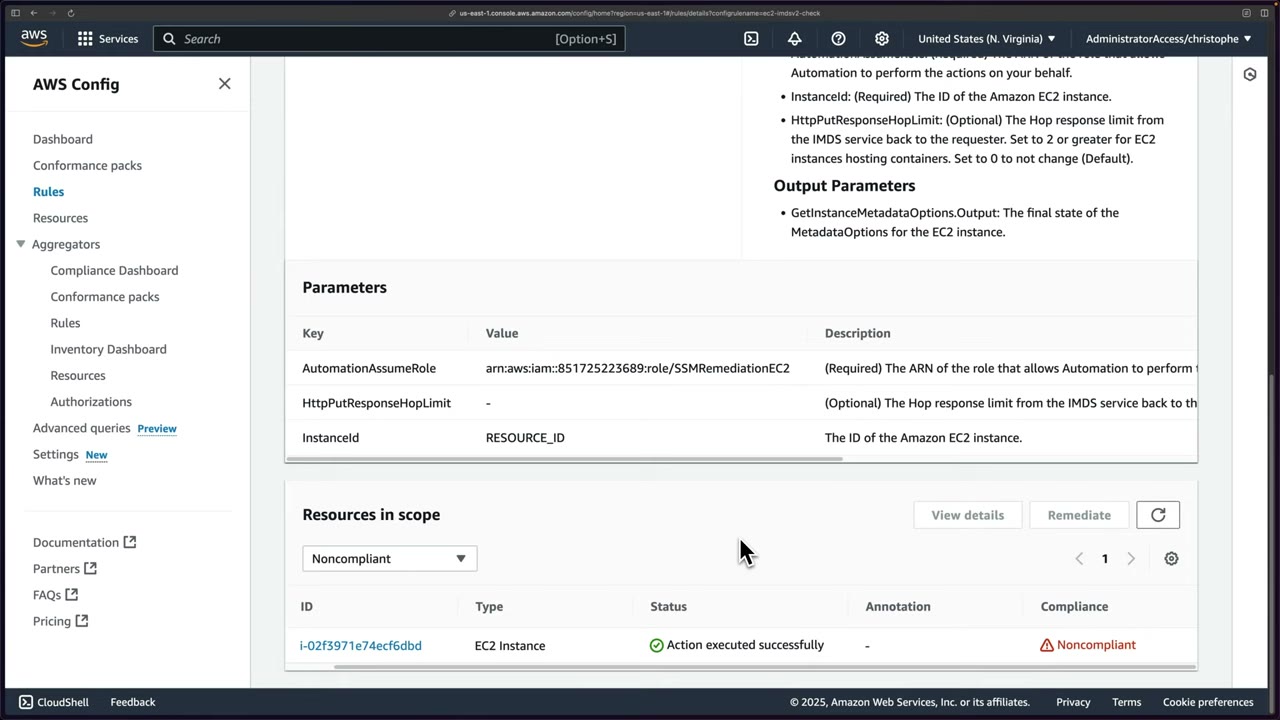
Forcing IMDSv2 can break apps coded against IMDSv1: a concrete auto-remediation risk. The dialog warns to check the
MetadataNoToken CloudWatch metric first. ▶ #86 11:50
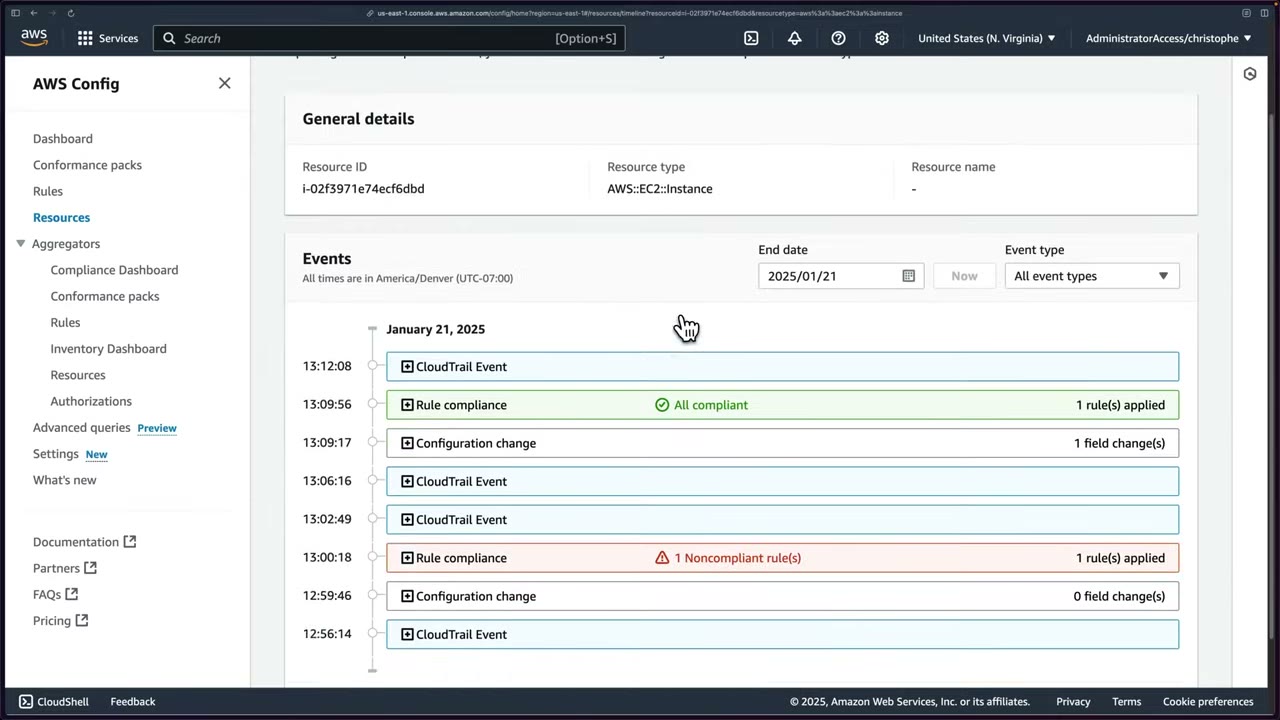
Timeline, oldest to newest: ▶ #86 13:00
- CloudTrail event (launch).
- Configuration change (0 field changes).
- Rule compliance: 1 Noncompliant rule(s) (red).
- CloudTrail events by the Automation principal calling ModifyInstanceMetadataOptions (twice, ~4 minutes apart; reason unknown, check CloudTrail).
- Configuration change (1 field change, JSON diff).
- Rule compliance: All compliant (green).
AutomationAssumeRoletrust policy must allowssm.amazonaws.com.- The role needs every action the runbook lists (runbook reference) on the target resources.
- The Resource ID parameter must map to the runbook’s ID input (e.g.
InstanceId). - At scale, the role must exist in each member account (deploy it with StackSets).
- Config isn’t real-time: Re-evaluate, set the filter to All, wait a few minutes. ▶ #86 09:41
Delegating Config in an organization
In the AWS Security Reference Architecture (SRA), Config runs in practically every account, but it is administered from the Security Tooling account, which hosts the Config aggregator. ▶ #83 00:20
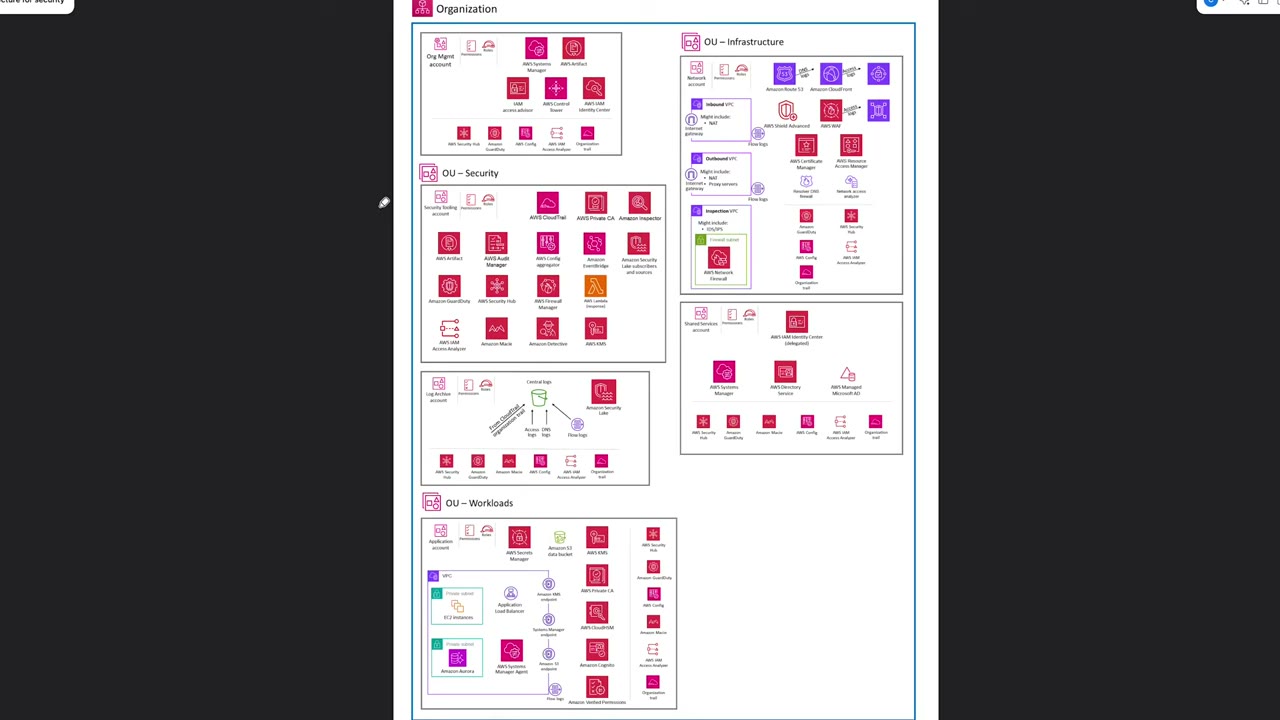
- Org Management account: Systems Manager, Artifact, IAM Access Advisor, Control Tower, IAM Identity Center + the per-account baseline (Security Hub, GuardDuty, Config, Access Analyzer, Organization trail).
- Security Tooling account: CloudTrail, Private CA, Inspector, Artifact, Audit Manager, Config aggregator, EventBridge, Security Lake subscribers, GuardDuty, Security Hub, Firewall Manager, Lambda, Access Analyzer, Macie, Detective, KMS.
- Log Archive account: central log bucket (CloudTrail org trail, access logs, DNS logs, flow logs) and Security Lake.
- Infrastructure OU: Network account (inbound/outbound/inspection VPCs, Network Firewall, Route 53, CloudFront, WAF, Shield Advanced, ACM, RAM, Resolver DNS Firewall, Network Access Analyzer) and Shared Services (delegated Identity Center, Systems Manager, Directory Service, Managed Microsoft AD).
- Workloads OU: application account (EC2 and Aurora in private subnets, ALB, KMS/SSM/S3 endpoints, Secrets Manager, Private CA, CloudHSM, Cognito, Verified Permissions).
Config in member accounts exists to enforce configurations, monitor changes and report to the central aggregator. ▶ #83 00:41 The central account works in a “dual push and pull” model: it pulls data in via the aggregator and pushes conformance packs out. ▶ #83 01:02
Order of operations (any org-integrated service): enable trusted access → register delegated admin (from the management account, CLI/API) → configure from the delegated admin account. Delegation always starts in the management account. ▶ #83 01:20
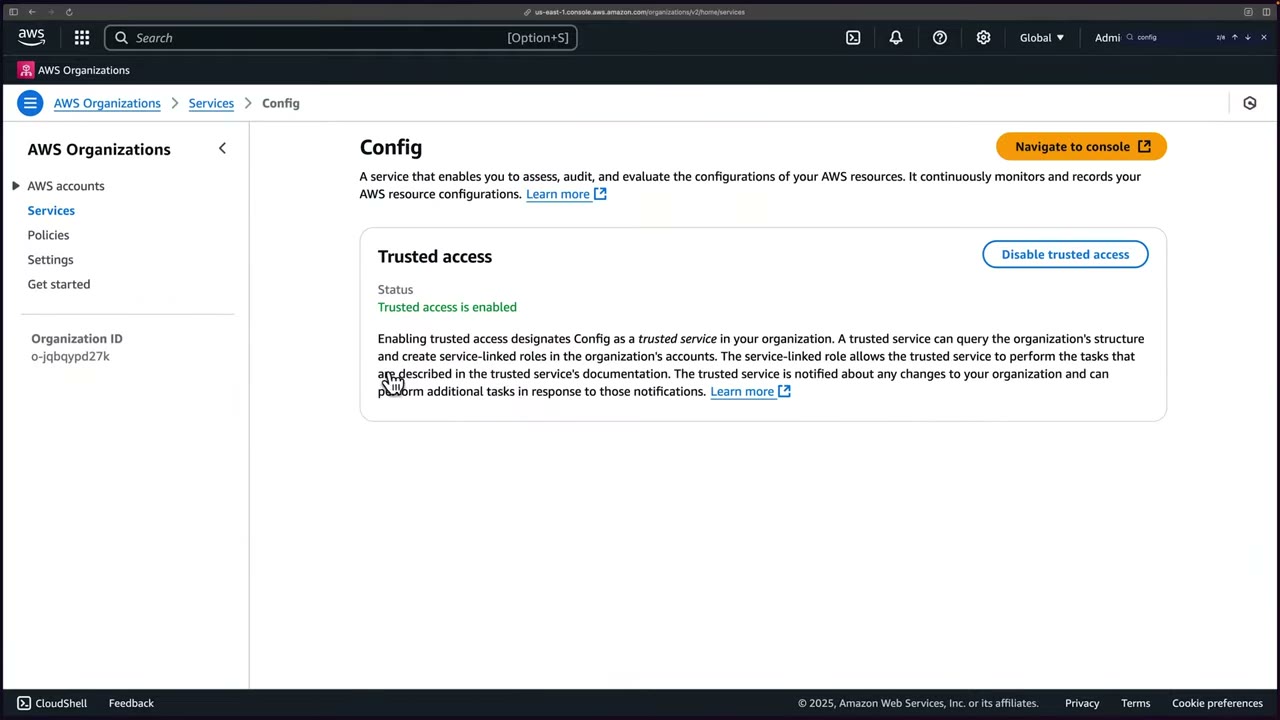
- Console: Organizations → Services → Config (listed without the “AWS” prefix) → Enable trusted access. ▶ #83 01:42 This lets Config query the org structure, create service-linked roles in member accounts, and be notified of org changes.
- Prefer the CLI: registering a delegated admin has no console button on that page anyway. ▶ #83 02:11
Two service principals. Config uses separate principals for org features:
| Principal | Covers |
|---|---|
config.amazonaws.com |
The organization aggregator ▶ #83 03:00 |
config-multiaccountsetup.amazonaws.com |
Organization conformance packs and organization Config rules ▶ #92 07:32 |
If you register only config.amazonaws.com, put-organization-conformance-pack from the delegated admin fails with
OrganizationAccessDeniedException. The instructor: “I have no idea why they set it up that way.” ▶ #92 07:32
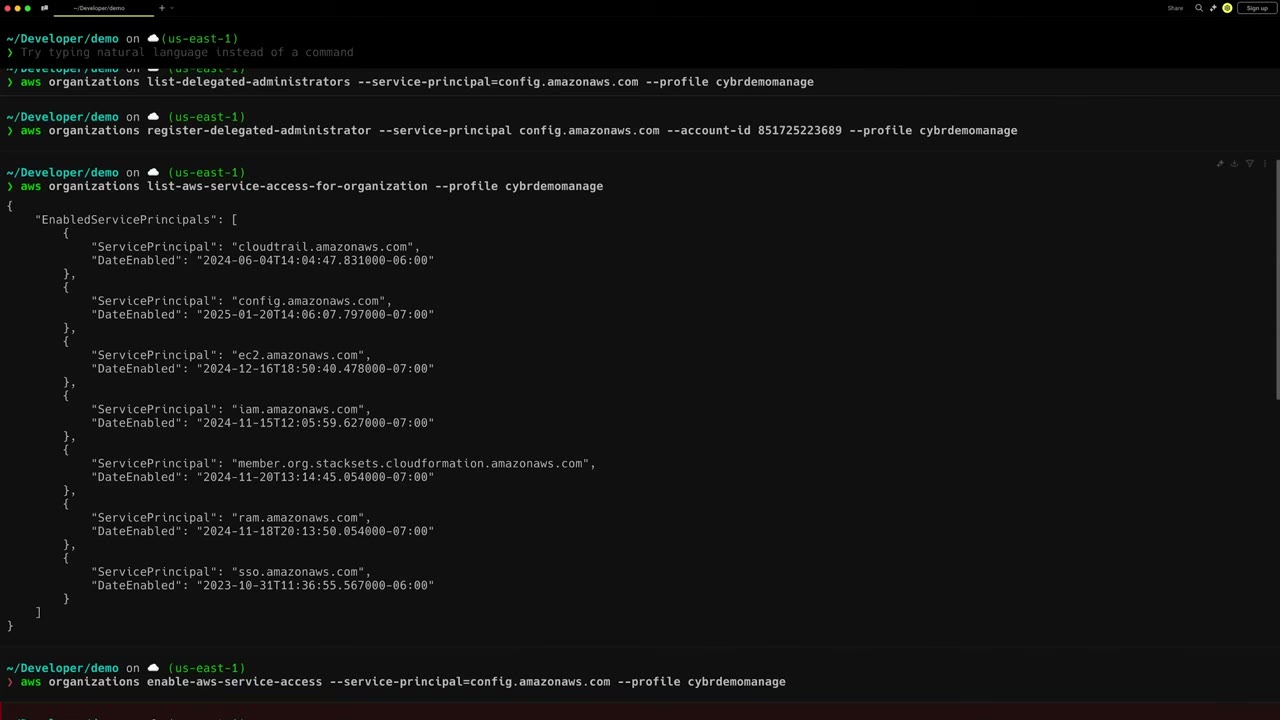
- Authenticate to the management account (profile
cybrdemomanage). ▶ #83 02:20 - Enable trusted access, then verify
config.amazonaws.comis inEnabledServicePrincipals(the demo also listscloudtrail,ec2,iam,member.org.stacksets.cloudformation,ram,sso). ▶ #83 02:40 - Register the Security Tooling account (
851725223689) as delegated admin, then verify. ▶ #83 03:00 - Log into Security Tooling for the next steps. ▶ #83 03:30
aws organizations enable-aws-service-access \
  --service-principal=config.amazonaws.com --profile cybrdemomanage
aws organizations list-aws-service-access-for-organization --profile cybrdemomanage
aws organizations register-delegated-administrator \
  --service-principal config.amazonaws.com \
  --account-id 851725223689 --profile cybrdemomanage
aws organizations list-delegated-administrators \
  --service-principal=config.amazonaws.com --profile cybrdemomanage

# also needed for org conformance packs / org rules (from the management account)
aws organizations enable-aws-service-access \
  --service-principal=config-multiaccountsetup.amazonaws.com --profile cybrdemomanagement
aws organizations register-delegated-administrator \
  --service-principal=config-multiaccountsetup.amazonaws.com \
  --account-id="851725223689" --profile cybrdemomanagement
aws organizations list-delegated-administrators \
  --service-principal=config-multiaccountsetup.amazonaws.com --profile cybrdemomanagement
{
  "EnabledServicePrincipals": [
    { "ServicePrincipal": "cloudtrail.amazonaws.com", "DateEnabled": "2024-06-04T14:04:47.831000-06:00" },
    { "ServicePrincipal": "config.amazonaws.com",     "DateEnabled": "2025-01-20T14:06:07.797000-07:00" },
    { "ServicePrincipal": "ec2.amazonaws.com",        "DateEnabled": "2024-12-16T18:50:40.478000-07:00" },
    { "ServicePrincipal": "iam.amazonaws.com",        "DateEnabled": "2024-11-15T12:05:59.627000-07:00" },
    { "ServicePrincipal": "member.org.stacksets.cloudformation.amazonaws.com", "DateEnabled": "2024-11-20T13:14:45.054000-07:00" },
    { "ServicePrincipal": "ram.amazonaws.com",        "DateEnabled": "2024-11-18T20:13:50.054000-07:00" },
    { "ServicePrincipal": "sso.amazonaws.com",        "DateEnabled": "2023-10-31T11:36:55.567000-06:00" }
  ]
}
Enabling Config org-wide with StackSets
Multi-account Config is “an important part of this exam”. ▶ #90 00:00 Config must be enabled in every member account you want covered (should be all), using CloudFormation StackSets. ▶ #90 00:11 To cover future accounts: a service-managed StackSet with automatic deployment (or Control Tower).
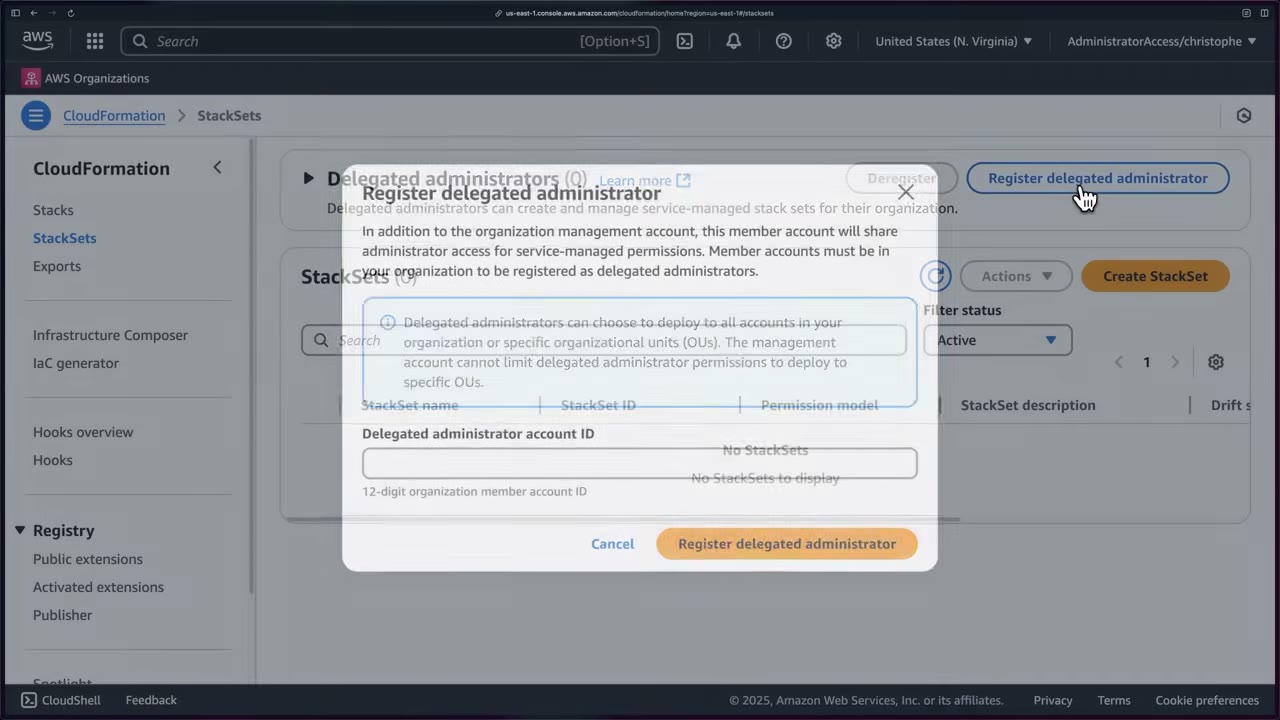
- Delegate StackSets administration so you don’t deploy from the management account. Management account → CloudFormation → StackSets → Register delegated administrator → Security Tooling account ID. ▶ #90 00:40
- The delegated admin shares admin access for service-managed stack sets. It can deploy to all accounts or specific OUs, and the management account cannot limit it to specific OUs.
Pre-cleanup: conflicts ▶ #90 01:00
- Delete the recorder from earlier demos (one customer-managed recorder per account per Region). The instructor says the only way is the CLI.
- IAM roles from earlier demos may conflict with roles the StackSet creates. Delete them, or let the deployment fail, read the role name in the error, delete it, and redeploy. ▶ #90 01:31
aws configservice delete-configuration-recorder \
  --configuration-recorder-name default --profile cybrdemo
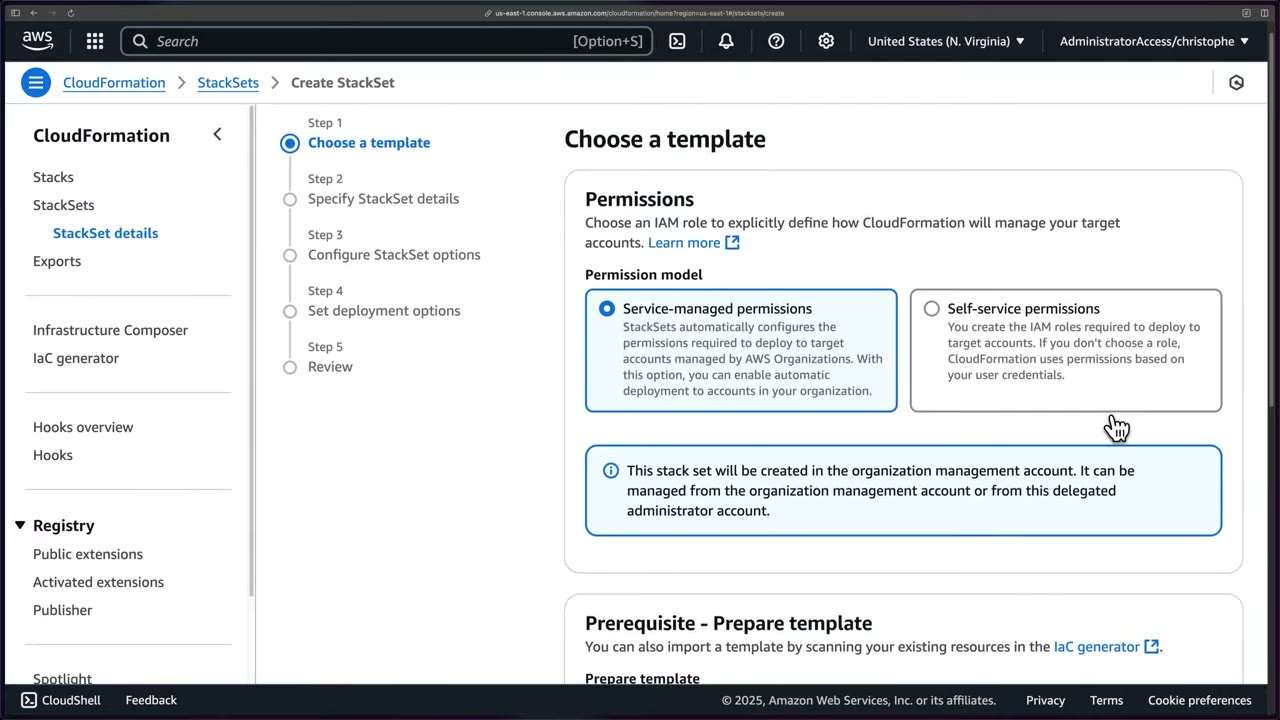
| Service-managed permissions | Self-service permissions | |
|---|---|---|
| Roles | StackSets sets them up via Organizations | You create admin/execution roles |
| New accounts | Automatic deployment | Manual |
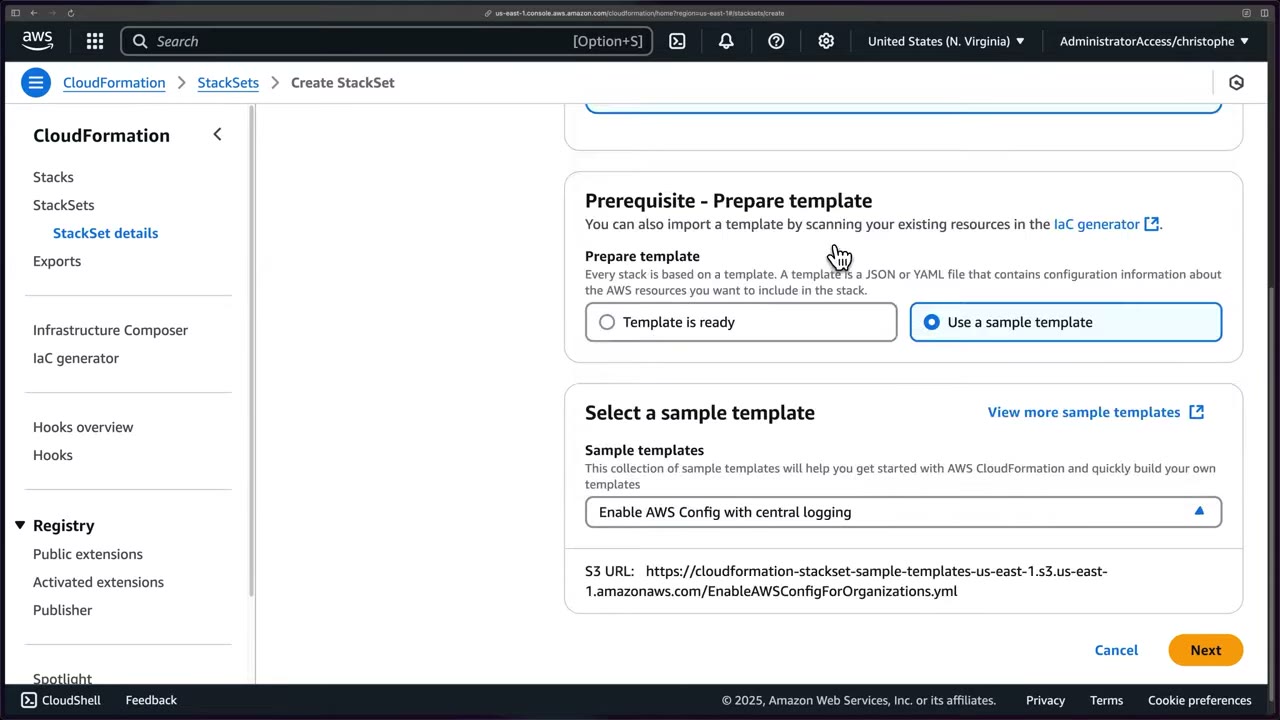
- Management account → StackSets → Register delegated admin (Security Tooling). ▶ #90 00:40
- Security Tooling: delete the old recorder (CLI) and known conflicting IAM roles. ▶ #90 01:00
- StackSets → Create StackSet → Service-managed permissions → sample template Enable AWS Config with central logging (
EnableAWSConfigForOrganizations.yml). ▶ #90 02:01 - Name
enable-aws-config-org(“Enables AWS Config org-wide with centralized logging”). Parameters changed: include global resource types true, SLR Region us-east-1, frequency Continuous (mind cost), SNS false. ▶ #90 02:22 - No Log Archive bucket in the demo (it creates one in Security Tooling). In production, point to the Log Archive bucket. ▶ #90 02:50
- Options: Managed execution → Active. Deployment: whole org, Region us-east-1 → Submit. ▶ #90 03:11
- Failures usually mean resource conflicts: find the name, delete it, Actions → Edit → redeploy. Result: 9 stack instances, all SUCCEEDED. ▶ #90 03:31
- Config → Aggregators → Create aggregator (see next topic). ▶ #90 04:02
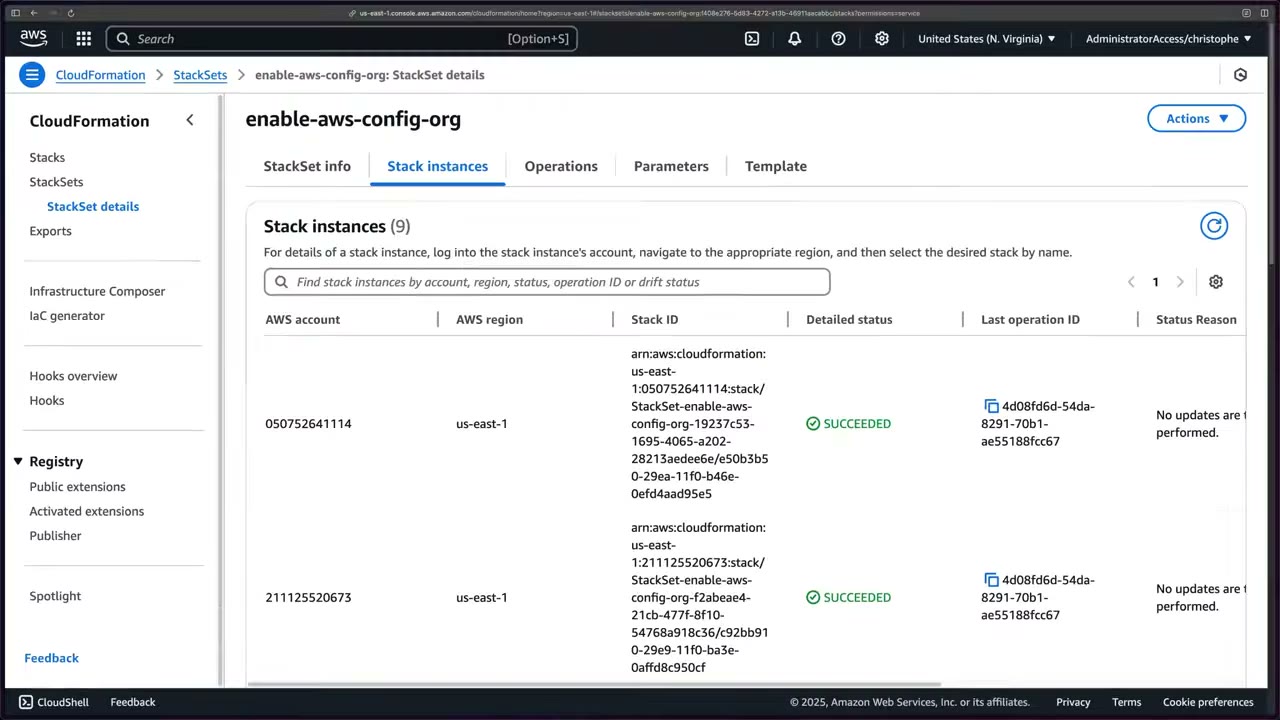
If the scenario mentions Control Tower, don’t add your own recorders (conflict).
Aggregators and advanced queries
An aggregator is a read-only, multi-account, multi-Region view (inventory + compliance). It lives in one Region but can collect from all Regions. It does not deploy rules, remediate or record anything: each account still needs a running recorder. Aggregators are “really important”. ▶ #84 09:20
| Source type | Authorization |
|---|---|
| Organization | None per account. Must be the management account or a registered delegated admin for config.amazonaws.com, with all features enabled ▶ #90 04:21 |
| Individual accounts | Each source account authorizes it (PutAggregationAuthorization) |
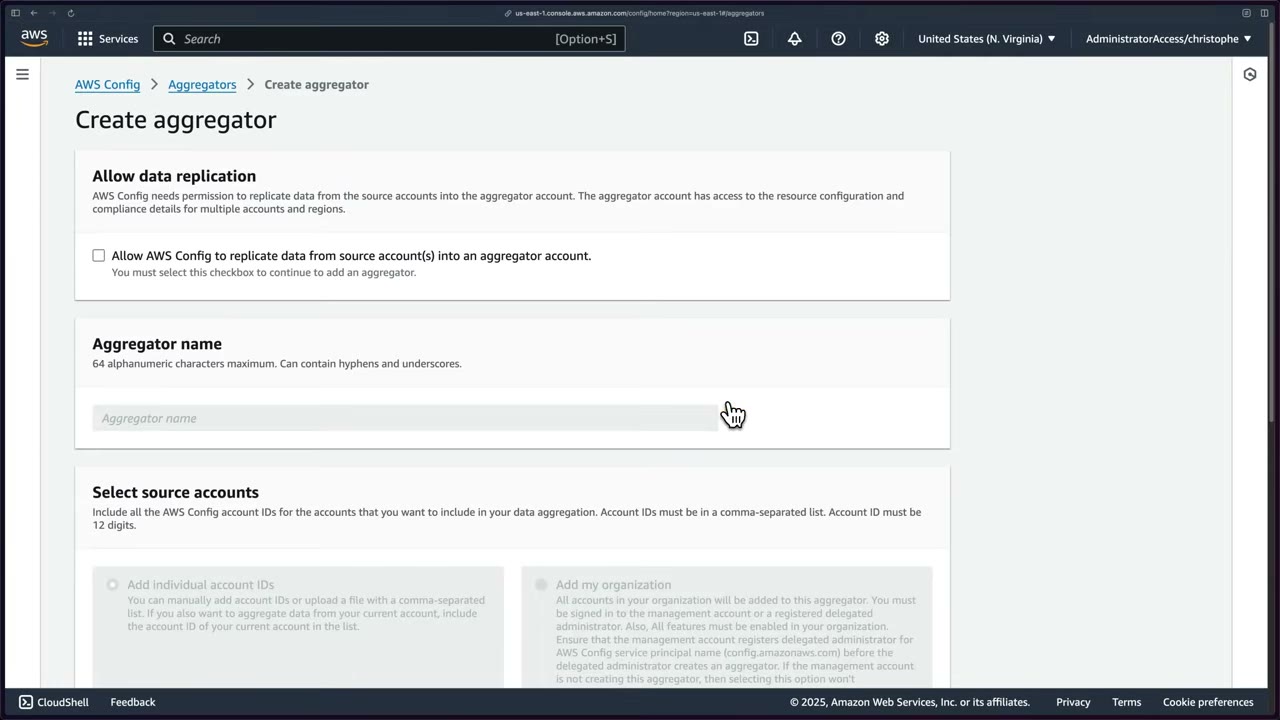
Creating one: ▶ #90 04:02
- Tick “Allow AWS Config to replicate data from source account(s) into an aggregator account” (required).
- Name
MultiAccountAggregator(max 64 alphanumeric chars, hyphens/underscores allowed). - Source: Add individual account IDs (comma-separated or file upload) or Add my organization.
- Role: existing AWSServiceRoleForConfig (created by the StackSet) or a new one. ▶ #90 04:41
- Regions: us-east-1 → Create. Data takes several minutes to arrive. ▶ #90 05:10
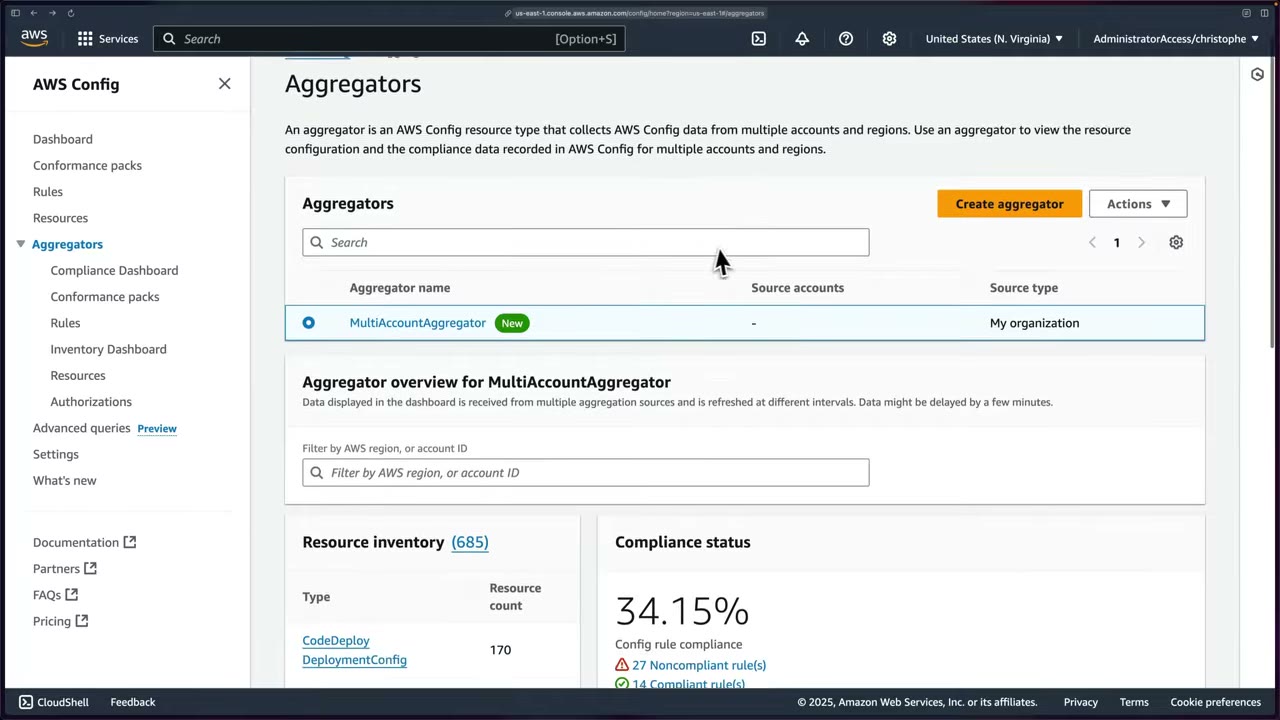
What the aggregator shows (data may lag a few minutes, filter by Region or account): ▶ #91 00:00
- Compliance status: 34.15% (27 noncompliant rules vs 14 compliant). ▶ #91 00:10
- Resource inventory: 685 resources by type (CodeDeploy DeploymentConfig 170, ECS CapacityProvider 20, Config ResourceCompliance 15, EC2 SecurityGroup 12, Athena WorkGroup 10).
- Top 5 noncompliant rules, mostly S3:
securityhub-s3-bucket-logging-enabled-…(7),securityhub-s3-lifecycle-policy-check-…(6),securityhub-cloud-trail-encryption-enabled-…(2),securityhub-root-account-hardware-mfa-enabled-…(1). ▶ #91 00:21 - Accounts by resource count (10 accounts, 59–96 each), by noncompliant rules (account 299551924423 with 27), by noncompliant conformance packs (none). ▶ #91 00:31
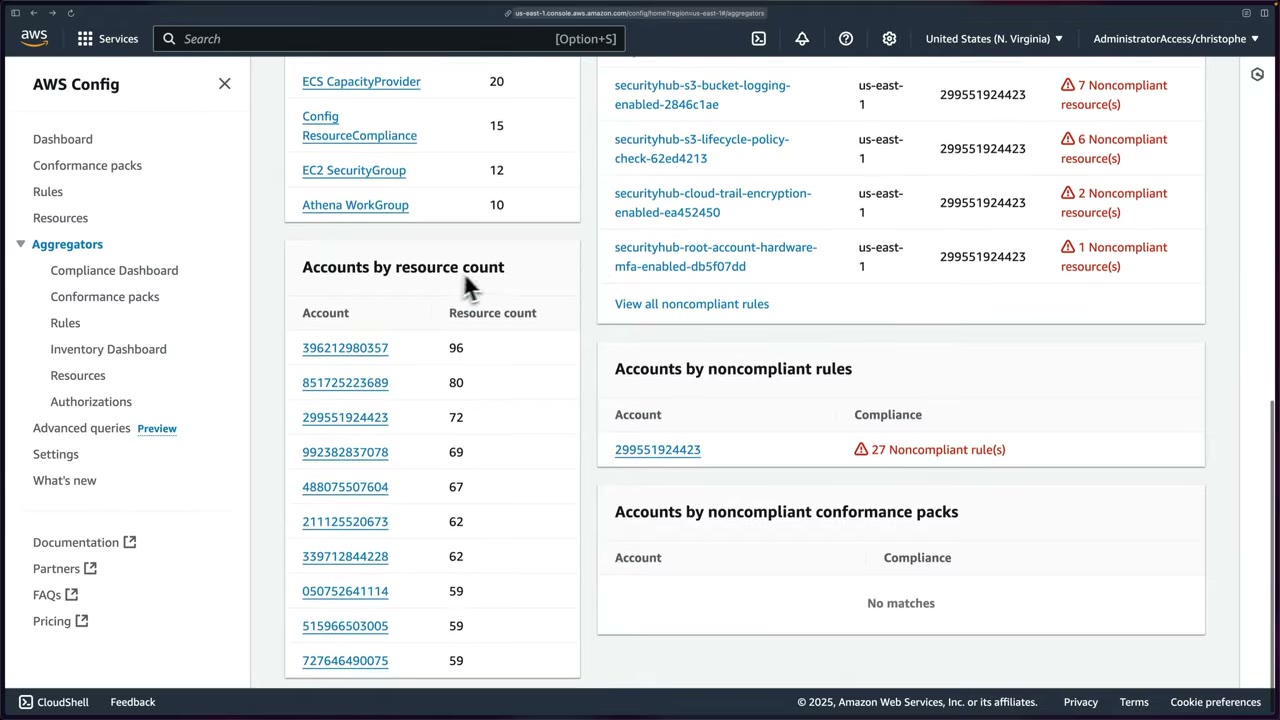
- Compliance dashboard: filter by resource type, Region, account, tags, rule, pack. Pie of COMPLIANT vs NON_COMPLIANT. Top 10 resource types by noncompliant resources:
AWS::S3::Bucket(7),AWS::CloudTrail::Trail(2),AWS::::Account(account-level settings),AWS::Athena::WorkGroup,AWS::EC2::VPCBlockPublicAccessOptions. Also top 10 accounts and Regions. ▶ #91 00:50 - Conformance packs (deployed packs across the aggregator), Rules by compliance. ▶ #91 01:22
- Inventory dashboard: counts by type, by Region (us-east-1 vs global), top 10 accounts, EC2 types (Subnet, SecurityGroup, DHCPOptions, VPCBlockPublicAccessOptions, InternetGateway, NetworkAcl, RouteTable, VPC). ▶ #91 01:42
- Resources: every resource across the aggregator with identifier, type, Region and account. ▶ #91 01:51
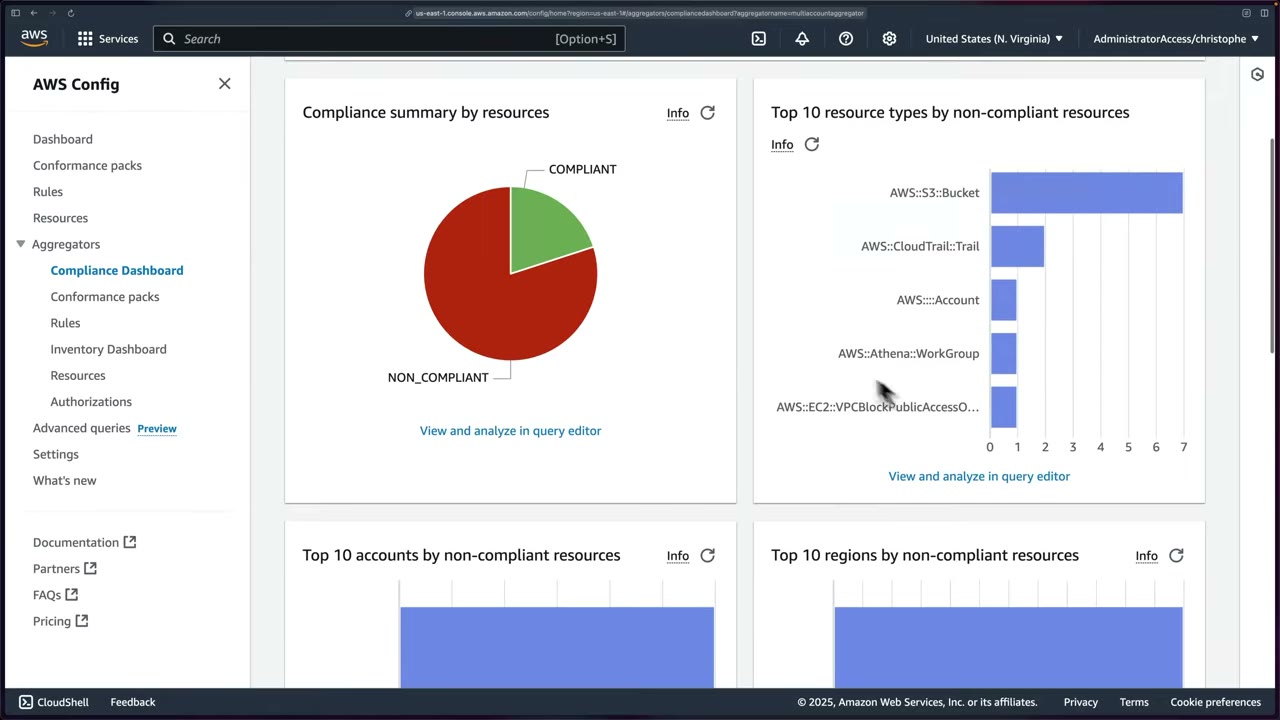
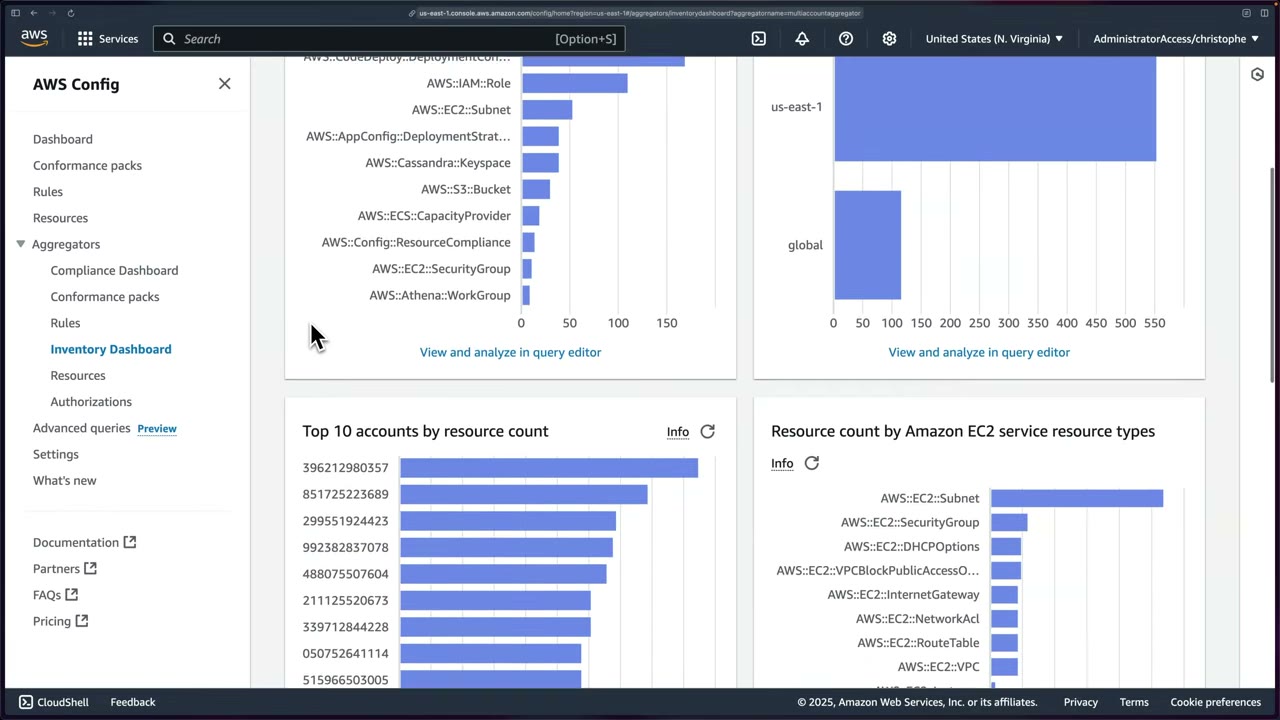
Advanced queries run a SQL-like SELECT over the current configuration (subset: no joins; SELECT/WHERE/GROUP BY/ORDER BY, aggregates), for one account/Region or across an aggregator. ▶ #84 09:51 Historical changes → Config history / S3 snapshots + Athena.
- 58 AWS sample queries, custom queries, and a natural language query processor (generative AI turns plain English into a query). The instructor calls the feature brand new (Preview) and possibly not in the 2024/2025 exam versions. ▶ #84 09:51
- Similar in spirit to CloudTrail Lake / Athena.
- Every aggregator chart has “View and analyze in query editor” showing the query behind it. ▶ #91 02:01
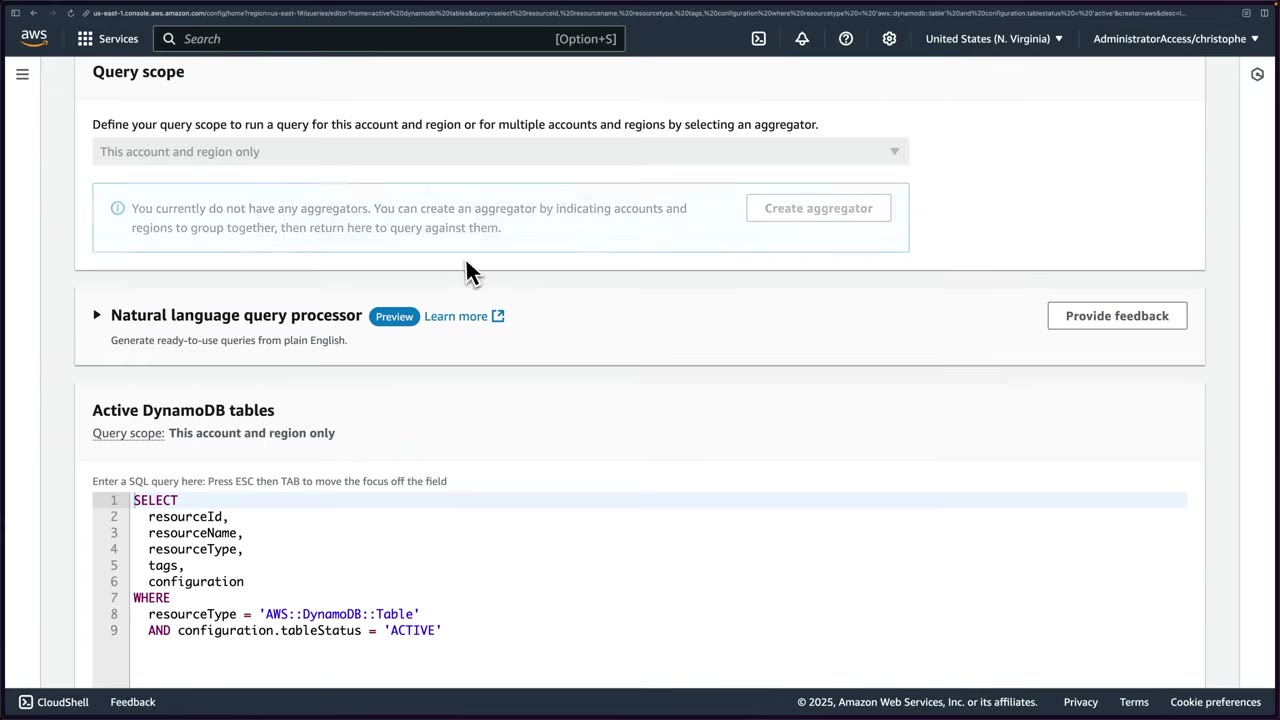
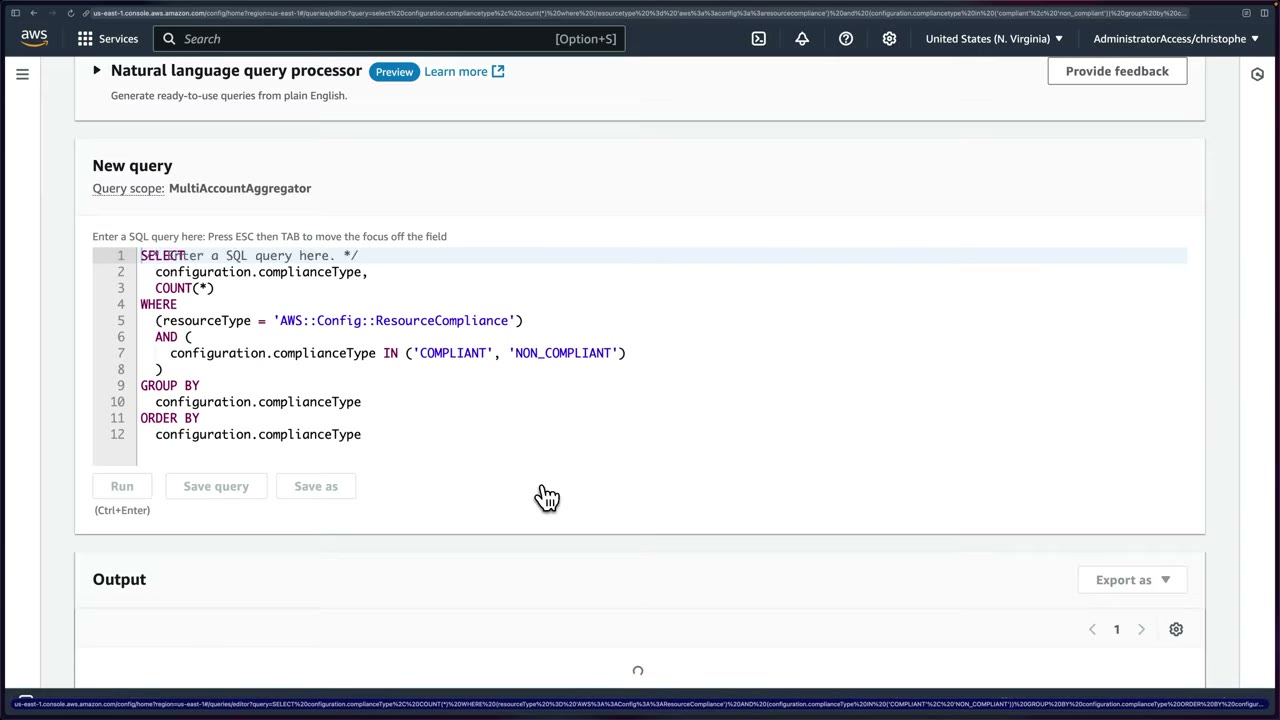
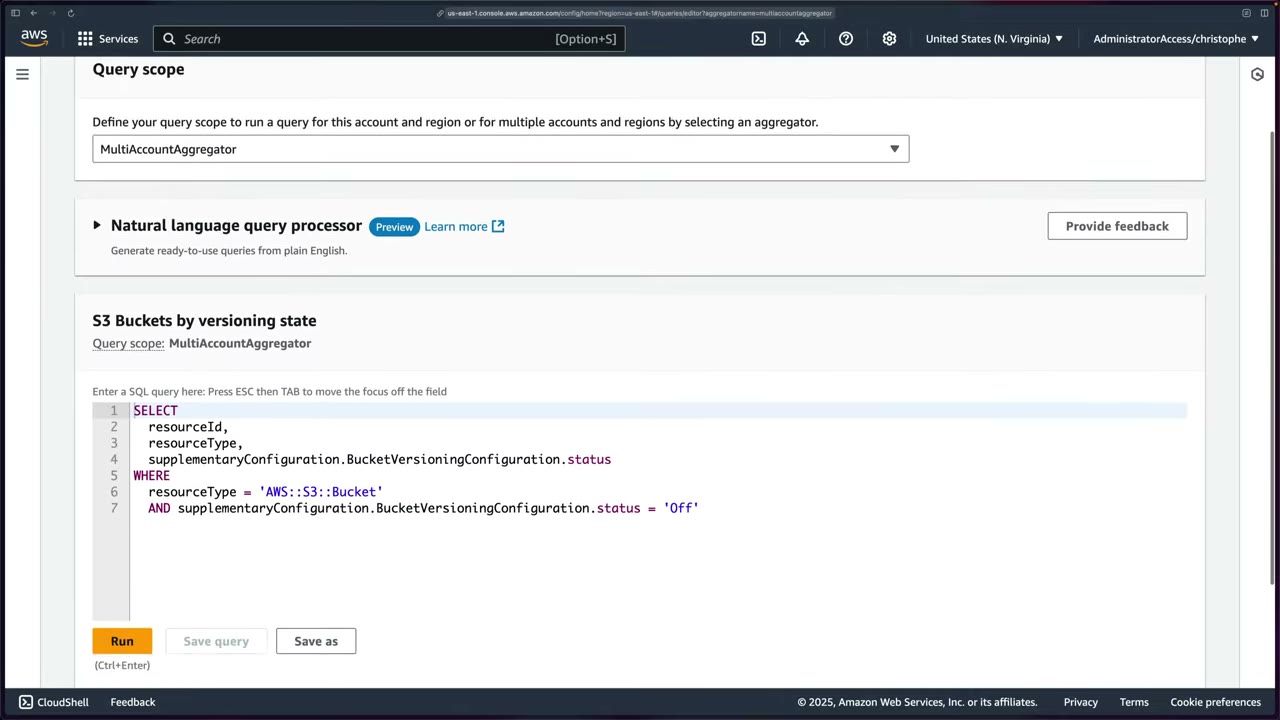
Searching “s3” finds S3 Buckets by versioning state and S3 buckets with no SSE → Copy to editor → scope
MultiAccountAggregator → Run. ▶ #91 02:31 The result is an exact checklist of buckets with versioning off to fix.
No remediation is configured, but versioning is simple enough to automate. ▶ #91 03:01
-- Active DynamoDB tables (sample, [▶ #84](https://youtu.be/xWxE7q1OnS8))
SELECT resourceId, resourceName, resourceType, tags, configuration
WHERE resourceType = 'AWS::DynamoDB::Table'
  AND configuration.tableStatus = 'ACTIVE'

-- behind "Compliance summary" ([▶ #91](https://youtu.be/N0aenRnwkuA))
SELECT configuration.complianceType, COUNT(*)
WHERE resourceType = 'AWS::Config::ResourceCompliance'
  AND configuration.complianceType IN ('COMPLIANT', 'NON_COMPLIANT')
GROUP BY configuration.complianceType
ORDER BY configuration.complianceType

-- S3 Buckets by versioning state ([▶ #91](https://youtu.be/N0aenRnwkuA))
SELECT resourceId, resourceType,
       supplementaryConfiguration.BucketVersioningConfiguration.status
WHERE resourceType = 'AWS::S3::Bucket'
  AND supplementaryConfiguration.BucketVersioningConfiguration.status = 'Off'

-- unencrypted EBS volumes across the org (aggregator scope)
SELECT accountId, awsRegion, resourceId
WHERE resourceType = 'AWS::EC2::Volume' AND configuration.encrypted = false
Conformance packs
A conformance pack is an immutable YAML bundle of Config rules and remediation actions
(AWS::Config::RemediationConfiguration) plus parameters, deployed and scored as one unit: to Regions in one
account, across the org, or across Regions. ▶ #92 00:00 One rule only → organization rules
(PutOrganizationConfigRule / put-organization-config-rule) push it into every member account.
- AWS publishes samples (CIS, PCI DSS, NIST, Operational Best Practices) in
awslabs/aws-config-rules/aws-config-conformance-packs. ▶ #82 02:50 Examples:AWS-Control-Tower-Detective-Guardrails,Operational-Best-Practices-For-NIST-800-181,…-for-ABS-CCIGv2-Material/Standard,…-for-ACSC-Essential8,…-for-ACSC-ISM,…-for-AI-and-ML,…-for-API-Gateway,…-for-APRA-CPG-234,…-for-AWS-Backup,…-for-AWS-Identity-and-Access-Management,…-for-AWS-Well-Architected-Reliability-Pillar. - Org packs deploy service-linked rules that member accounts cannot modify or delete.
- Packs are Regional. They can’t deploy where Config isn’t enabled.
- Console gotcha: two menus named “Conformance packs”. The one under Aggregators only lists deployed packs. Deploy from the top-level one. ▶ #92 00:32
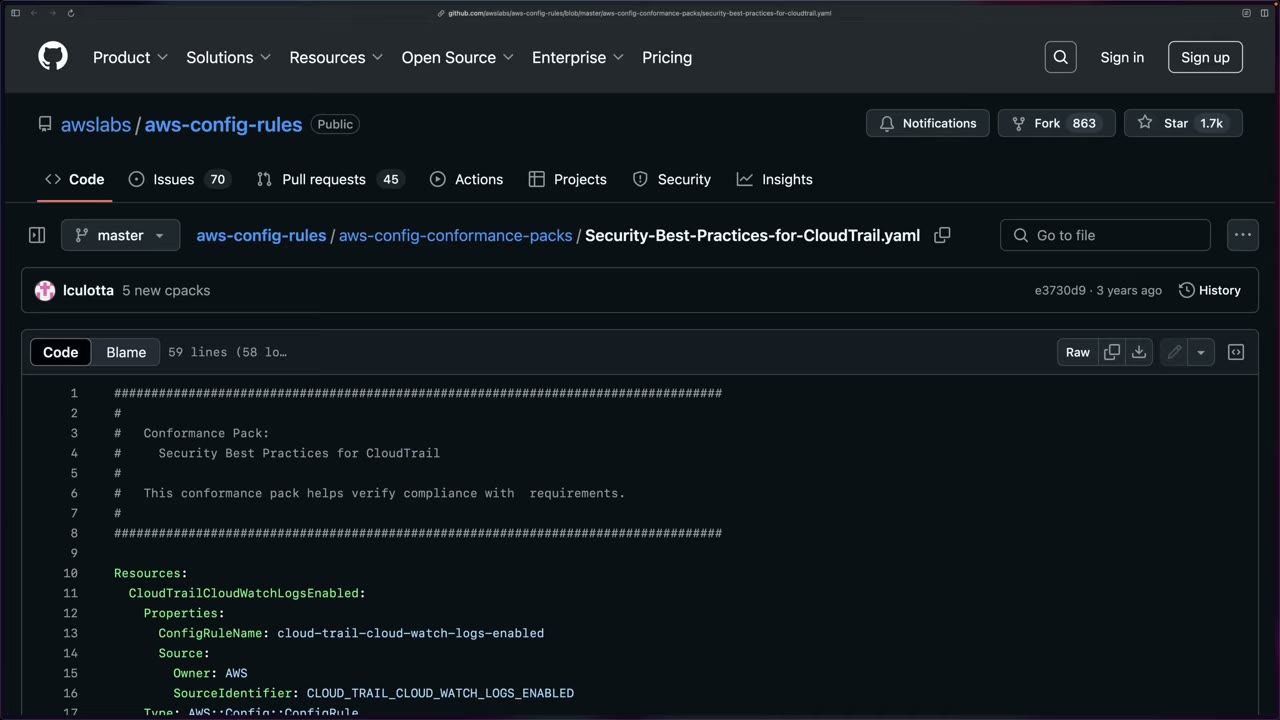
Single-account (console) deployment. Deploy conformance pack → Use sample template → Security Best Practices
for CloudTrail → name CloudTrailConformancePack → Deploy. ▶ #92 01:11 Rules in it: ▶ #92 02:01
cloud-trail-cloud-watch-logs-enabled(CloudWatch Logs integration on trails)cloudtrail-enabledcloud-trail-encryption-enabledcloud-trail-log-file-validation-enabledcloudtrail-s3-dataevents-enabledcloudtrail-security-trail-enabled(checks security best-practice configuration, not just existence)multi-region-cloudtrail-enabled
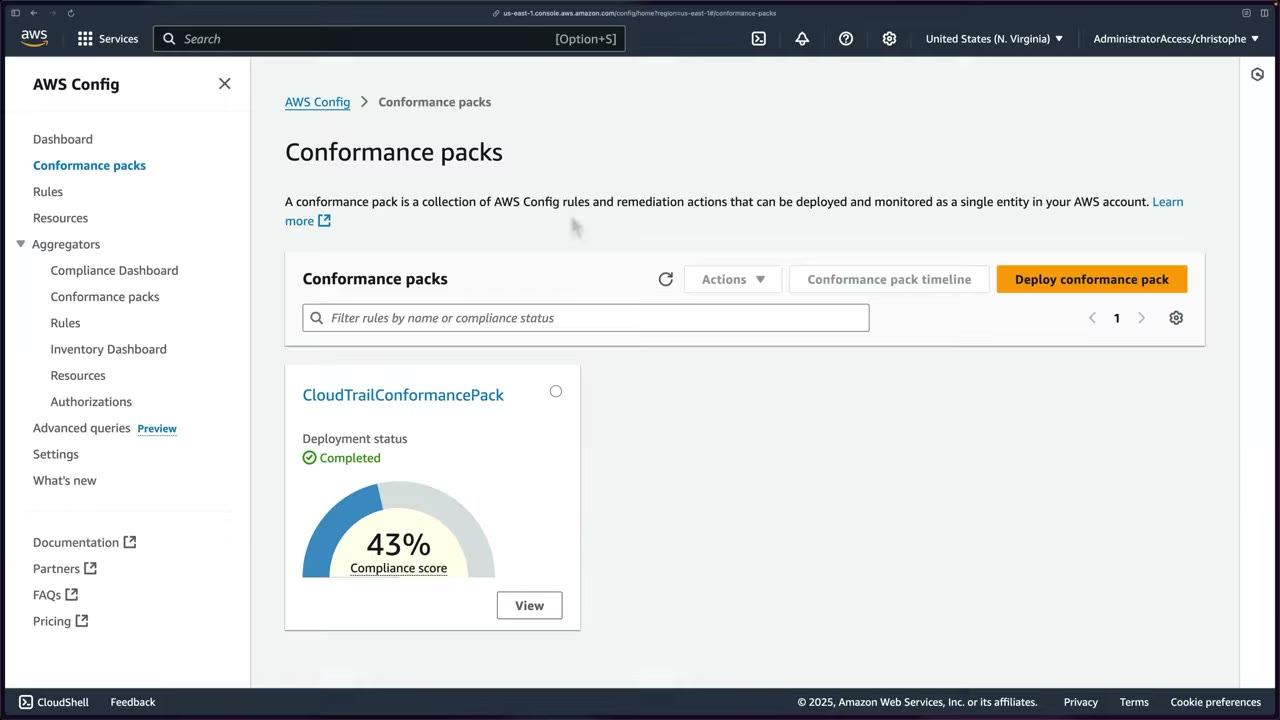
Result: Completed, compliance score 43%. The compliance score timeline takes a day or two to populate. ▶ #92 03:10
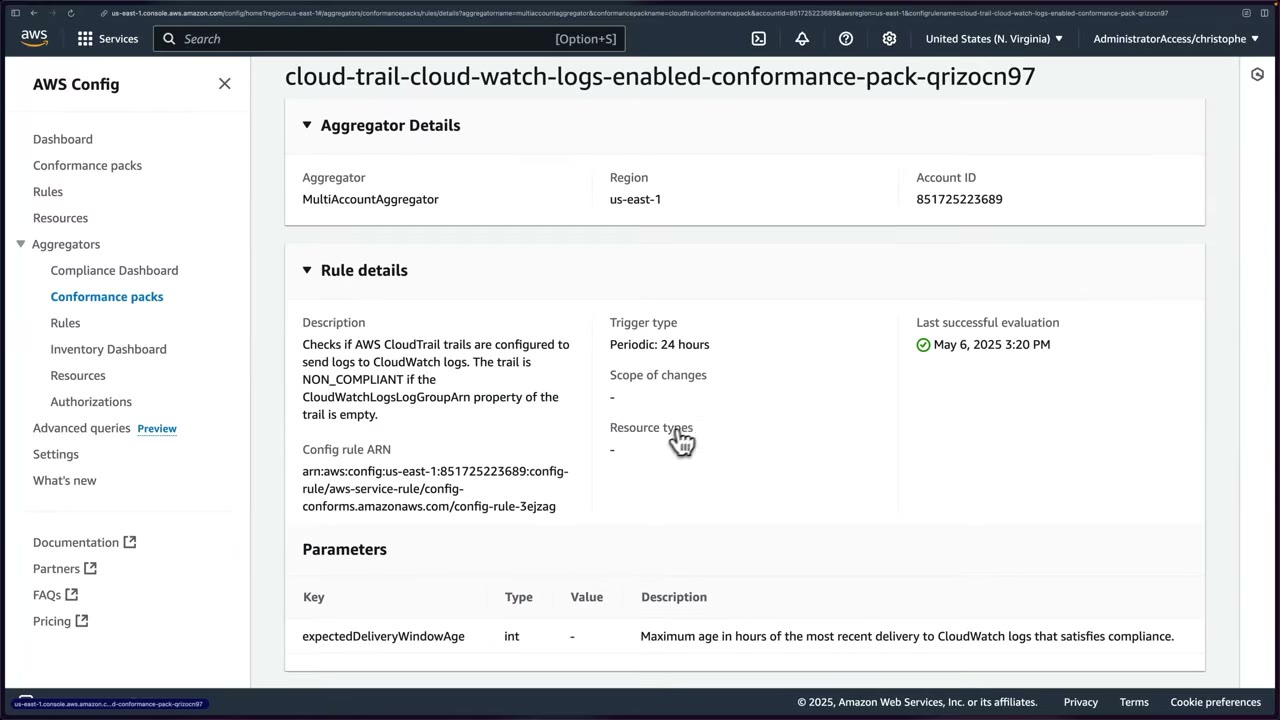
The rule exists only in this account, with ARN …:config-rule/aws-service-rule/config-conforms.amazonaws.com/config-rule-…
(service-linked), trigger Periodic: 24 hours, parameter expectedDeliveryWindowAge. ▶ #92 03:51
Multi-account deployment is not possible from the console: use the CLI/API (put-organization-conformance-pack)
or Systems Manager (store pack templates as SSM documents). ▶ #92 04:20 Delete the single-account pack first to
avoid duplicates. ▶ #92 05:01
Org-wide deployment from the delegated admin hits three classic errors:
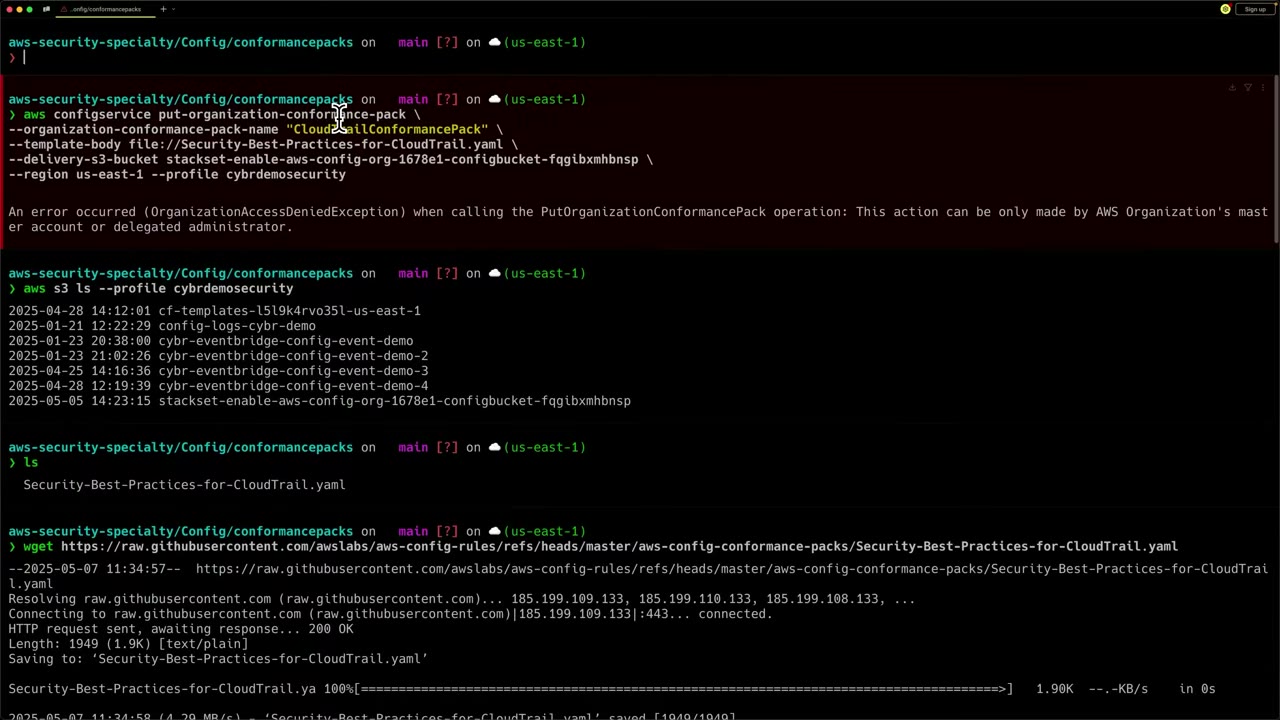
OrganizationAccessDeniedException(“only the master account or delegated administrator”): register the delegated admin forconfig-multiaccountsetup.amazonaws.comtoo. ▶ #92 07:01
- Invalid delivery bucket name (“must starts with awsconfigconforms prefix”): the bucket name must start with
awsconfigconformsand its policy must allow every account in the org. ▶ #92 09:32 Fix: the course templateaws-config-conforms-bucket-setup.yaml(paramsOrganizationId,BucketSuffix) →awsconfigconforms-cybrdemo1234. ▶ #92 10:30
- Management account stuck in
CREATE_IN_PROGRESS: the StackSet targeted OUs, not the management account, so Config wasn’t there. Use--excluded-accountsfor it and handle it separately. ▶ #92 13:11
After rerunning (with a fresh SSO login), the call returns OrganizationConformancePackArn arn:aws:config:us-east-1:851725223689:organization-conformance-pack/CloudTrailConformancePack-yipfdzqp. ▶ #92 12:10
Per-account packs are named OrgConformsPack-CloudTrailConformancePack-yipfdzqp and go CREATE_IN_PROGRESS →
CREATE_SUCCESSFUL (minutes, longer with many accounts). ▶ #92 12:22 The aggregator then lists the pack per account
with drill-down to rule compliance. ▶ #92 14:11
# 0. confirm you are in the security tooling account
aws sts get-caller-identity --profile cybrdemosecurity

# 1. template
wget https://raw.githubusercontent.com/awslabs/aws-config-rules/refs/heads/master/aws-config-conformance-packs/Security-Best-Practices-for-CloudTrail.yaml

# 2. from MANAGEMENT: trusted access + delegated admin for config-multiaccountsetup (see the delegation topic)

# 3. delivery bucket (name must start with awsconfigconforms, org-wide bucket policy)
aws organizations describe-organization --query 'Organization.Id' --output text --profile cybrdemomanagement
aws cloudformation deploy \
  --template-file aws-config-conforms-bucket-setup.yaml \
  --stack-name aws-config-conforms-bucket-stack \
  --parameter-overrides OrganizationId=o-jqbqypd27k BucketSuffix=cybrdemo1234 \
  --profile cybrdemosecurity
aws cloudformation describe-stacks --stack-name aws-config-conforms-bucket-stack \
  --query "Stacks[0].Outputs[?OutputKey=='BucketName'].OutputValue" --output text \
  --profile cybrdemosecurity

# 4. deploy org-wide from the delegated admin (security tooling)
aws configservice put-organization-conformance-pack \
  --organization-conformance-pack-name "CloudTrailConformancePack" \
  --template-body file://Security-Best-Practices-for-CloudTrail.yaml \
  --delivery-s3-bucket awsconfigconforms-cybrdemo1234 \
  --region us-east-1 --profile cybrdemosecurity
#   (should also have added: --excluded-accounts <management-account-id>)

# 5. monitor (empty at first, rerun after ~1 min)
aws configservice get-organization-conformance-pack-detailed-status \
  --organization-conformance-pack-name=CloudTrailConformancePack --profile cybrdemosecurity
The first bucket tried was the StackSet’s stackset-enable-aws-config-org-…-configbucket-…, which failed the prefix check. ▶ #92 06:11
“AWS Config is kind of notoriously hard to set up multi-account.” ▶ #92 11:51 See also ▶ #77 under AWS
CloudFormation (rule cloudformation-stack-drift-detection-check) and ▶ #96 under AWS Audit Manager (Config as an
evidence source).
From the instructor
- Know the five features: recorder, rules, conformance packs, aggregators, advanced queries. ▶ #82 01:50
- Customize the recorder’s resource types to reduce cost. ▶ #82 02:11
- Firewall Manager requires continuous recording. ▶ #84 01:10
- Send Config data to a bucket in the Log Archive account. ▶ #84 02:50
- Don’t enable the delivery-channel SNS topic: use EventBridge. ▶ #84 03:31
- Real life: manual remediation ~90% of the time. Exam: answers lean toward automatic remediation. ▶ #86 02:40
- Find an Automation role’s permissions in the SSM runbook reference. ▶ #86 05:41
- Delegate StackSets administration, don’t deploy from the management account. ▶ #90 00:20
- One customer-managed recorder per account per Region. ▶ #90 01:10
- Org packs need a delegated admin for
config-multiaccountsetup.amazonaws.com, separate fromconfig.amazonaws.com. ▶ #92 07:32 - Pack delivery bucket must start with
awsconfigconformsand allow all org accounts. ▶ #92 09:50 - Packs can’t deploy where Config isn’t enabled: exclude the management account if the StackSet skipped it. ▶ #92 13:21
- “AWS Config is definitely a service you can expect to see questions about on the exam.” ▶ #91 03:30
Keyword → answer
| If the question says… | Answer |
|---|---|
| Detect AND automatically fix public S3 buckets / open SSH / IMDSv1 instances | Config rule + automatic remediation (SSM Automation) |
| Prevent the change from happening | Not Config. SCP/RCP, declarative policies, CloudFormation Hook, proactive rules, Guard in CI |
| Prevent unencrypted volumes | SCP on ec2:Encrypted or EBS encryption by default |
| Enforce IMDSv2 | Prevention first: account IMDS defaults (ModifyInstanceMetadataDefaults), AMI ImdsSupport=v2.0, SCP ec2:MetadataHttpTokens = required on ec2:RunInstances, EC2 declarative policies. Config + remediation catches the rest |
| Single compliance view across 50 accounts and 4 Regions | Aggregator in a delegated admin account |
| Query current config across all accounts (unencrypted EBS, public buckets) | Advanced query with aggregator scope |
| Same rule set org-wide, reported as one score | Organization conformance pack. One rule → put-organization-config-rule |
| Config enabled in all future accounts | Service-managed StackSet with automatic deployment (or Control Tower) |
| Config shows no data for an account | Recorder off/not started, delivery bucket policy, or missing AWSServiceRoleForConfig. A disabled recorder silently drops the account from the aggregator (Security Hub control Config.1) |
| What did this SG look like last Tuesday / who changed it? | Config resource timeline (CI + CloudTrail event) |
| Who made the API call? (only) | CloudTrail |
| Remediation execution failed | AutomationAssumeRole lacks trust for ssm.amazonaws.com or action permissions |
put-organization-conformance-pack → OrganizationAccessDeniedException |
Delegate config-multiaccountsetup.amazonaws.com |
| Org pack stuck in CREATE_IN_PROGRESS for one account | Config not enabled there → --excluded-accounts |
IMDS detail: hop limit 1 blocks containers from IMDSv2 (use 2 on container hosts) but defends against SSRF from
containers. IMDSv2 mitigates SSRF credential theft (GuardDuty UnauthorizedAccess:IAMUser/InstanceCredentialExfiltration).
- AWS has added service-linked recorders (created by other services, e.g. Control Tower manages its own). The one-customer-managed-recorder-per-account-per-Region rule still holds.
- The delivery S3 bucket for org conformance packs is optional. If you specify one, its name must start with
awsconfigconformsand its policy must allow all org accounts. - Correction:
config.amazonaws.comdelegation covers only the organization aggregator. Organization conformance packs and organization rules from a delegated admin also need trusted access + delegated admin forconfig-multiaccountsetup.amazonaws.com, otherwiseput-organization-conformance-packfails withOrganizationAccessDeniedException. - The “Amazon CloudWatch Events rule” link in Config settings now opens EventBridge: CloudWatch Events is deprecated. ▶ #84 10:50
Real-world practice
- Turn on the recorder in every account and Region (Control Tower does this, with a central bucket in Log Archive and an aggregator in the Audit account). Delegate Config admin to the Security Tooling account (Config allows only a few delegated admins, keep one source of truth). Don’t use the management account day to day, but still record Config there for audit.
- Run an org aggregator there, deploy conformance packs per OU, and send compliance changes to Security Hub and EventBridge.
- Cost is per CI recorded and per rule evaluation. High-churn types (ephemeral EC2/ENIs in autoscaling or EKS, Lambda versions) drive cost: use daily recording or exclusions for them, but keep continuous recording for security-relevant types (IAM, SGs, S3, KMS) and don’t exclude types your controls depend on.
- Record global IAM resources in one Region only, and make sure that Region still includes them.
- Central Config bucket in Log Archive: SSE-KMS, Object Lock or tight bucket policies, and a bucket policy allowing
config.amazonaws.comwithaws:SourceOrgID/aws:SourceAccountconditions (the most common cause of org-wide delivery failures). - Auto-remediate low-risk, high-certainty fixes (public S3 block, default encryption, versioning). Use manual approval (SSM Automation
aws:approve) for disruptive ones (an EBS swap that stops instances, forcing IMDSv2 on IMDSv1 apps). CheckMetadataNoTokenbefore enforcing IMDSv2. - At scale deploy rule + remediation via conformance pack or organization rules. The AutomationAssumeRole must exist in each member account (StackSets). Tune concurrency/error rate, scope exceptions by tag, keep Automation execution history as audit evidence.
- Codify the whole chain (delegations, bucket stack, org pack). Org packs auto-deploy to accounts that join later. Monitor
get-organization-conformance-pack-detailed-status(or EventBridge) forCREATE_FAILED(missing recorder, SCP blockingconfig:*, Region not enabled). - A low org compliance score right after enabling Security Hub standards is normal: prioritize by severity and account. Save frequent queries and export results for evidence/ticketing, or run them on a schedule via
SelectAggregateResourceConfig. Aggregated data lags minutes: for IR on one resource, check the source account’s timeline.
- Enable Config with the managed rule
s3-bucket-public-read-prohibitedand the automatic remediation below. - Make a test bucket public, then watch it become NON_COMPLIANT and get fixed.
- Cleanup: delete the rule, stop the recorder and delete the bucket. Config charges per configuration item and per rule evaluation.
// remediation.json  →  aws configservice put-remediation-configurations --remediation-configurations file://remediation.json
[{
  "ConfigRuleName": "s3-bucket-public-read-prohibited",
  "TargetType": "SSM_DOCUMENT",
  "TargetId": "AWS-DisableS3BucketPublicReadWrite",
  "Parameters": {
    "AutomationAssumeRole": { "StaticValue": { "Values": ["arn:aws:iam::111122223333:role/ConfigRemediationRole"] } },
    "S3BucketName":         { "ResourceValue": { "Value": "RESOURCE_ID" } }
  },
  "Automatic": true,
  "MaximumAutomaticAttempts": 5,
  "RetryAttemptSeconds": 60
}]
Tagging strategy & Tag Policies
Consistent key/value metadata used for cost allocation, automation, access control (ABAC), ownership tracking, detecting unauthorized resources and incident scoping. “The effort-to-value ratio of implementing tagging is really, really high.”
- Exam skills: organize resources with tags (6.2.2) · detect/remediate noncompliance (6.3.1) · ABAC & RBAC (4.2.2) · prepare for incidents (2.1.2)
- Videos: ▶ #141 Tagging best practices
- Limits: 50 user tags per resource, key ≤128 chars, value ≤256 chars; the
aws:prefix is reserved. Tag keys are case-sensitive.
Why tag, and what tags enable
Tags help you understand and allocate costs, control access (ABAC), quickly identify what a resource is and who owns it, detect unusual or unauthorized resources, and manage large multi-account environments. ▶ #141 00:00
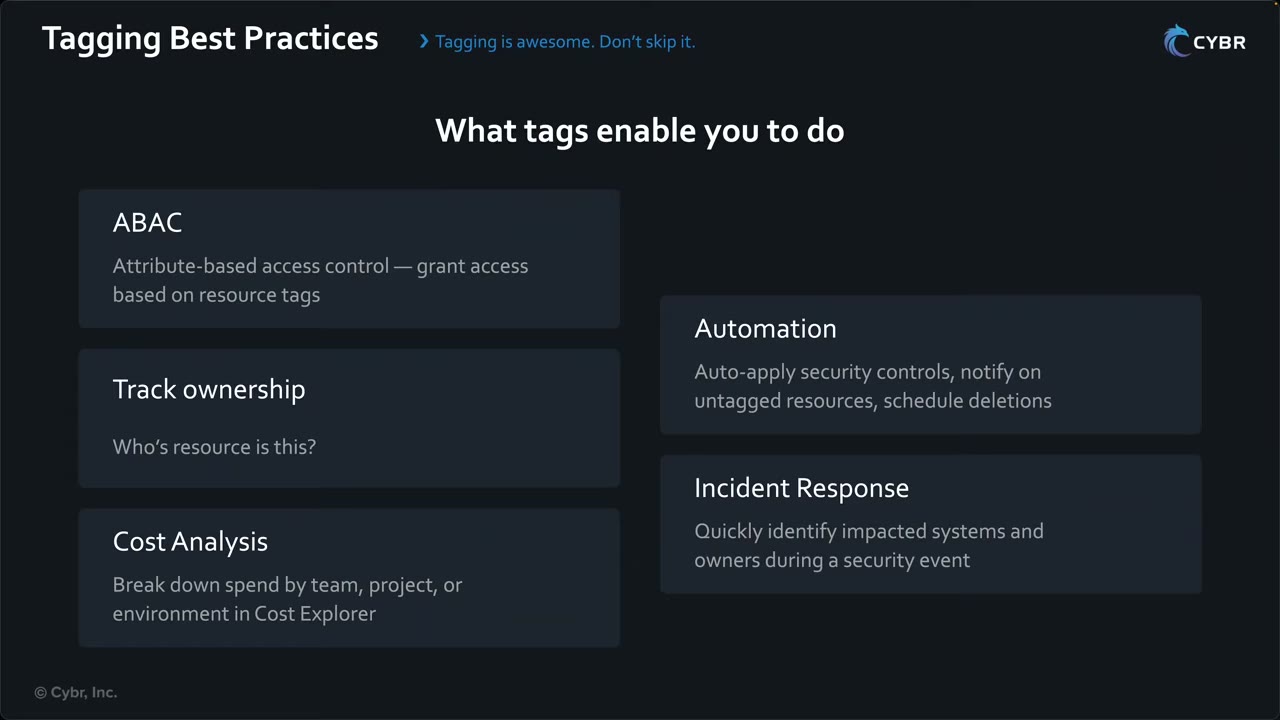
| Use | How tags help ▶ #141 02:40 |
|---|---|
| ABAC | Grant access to resources based on tags (condition keys aws:PrincipalTag, aws:ResourceTag, aws:RequestTag, aws:TagKeys) |
| Track ownership | Who to contact during a problem or incident |
| Cost analysis | Break down spend by team, project, environment (prod/staging/test) in Cost Explorer |
| Automation | Auto-apply security controls; find untagged resources and notify teams, e.g. “this resource will be deleted in 48 hours unless tagged properly” |
| Incident response | Quickly identify impacted systems and owners during a security event, instead of hunting for who owns a resource |
Which tags to use
AWS recommends three required tags on every resource: ▶ #141 00:51
- Purpose: what the resource is for.
- Owner: who is responsible.
- Environment: where it fits (prod vs not).
Example for an IaC-deployed app stack for a dev team in staging:
company:purpose     = <value>
company:owner       = <team/person>
company:environment-type = staging
Additional useful tags: ▶ #141 01:40
| Tag | Why |
|---|---|
| Cost center | Finance tracks spending accurately |
| Project ID | Spend and ownership for a specific project |
| Compliance | Audits, applying specific guardrails |
| Data classification | Enforce stricter controls on sensitive data |
| Managed by | e.g. CloudFormation / Terraform: you know where the configuration lives and how to change it |
AWS-defined tags. Some services apply their own tags. CloudFormation injects aws:cloudformation:stack-name,
aws:cloudformation:stack-id and aws:cloudformation:logical-id on every resource it creates, regardless of your tags.
That’s why AWS recommends a company: prefix for your tags. ▶ #141 05:21 CloudFormation stack-level tags also
propagate to supported resources.
Best practices ▶ #141 06:11
- Never store sensitive data in tags. They are not encrypted and show up in APIs, logs and billing data; anyone with
Describe*/tag:GetResourcescan read them. AWS docs: “Do not add personally identifiable information (PII)…” Use Secrets Manager / Parameter Store instead. - Standardize tag keys and values: if you pick lowercase
env, everyone uses exactlyenv, no capitalization variants. ▶ #141 06:31 - Enforce tagging early: a few hours up front saves much more later.
- Tag everything that supports it: not all services support tags. ▶ #141 07:10
Reference: AWS docs “Tagging AWS Resources and Tag Editor: Best practices and strategies.”
Enforcing tags: tag policies vs SCPs vs Config
| Goal | Tool |
|---|---|
| Standardize keys, allowed values and capitalization | Tag policies (Organizations policy type). With enforcement on for chosen resource types they block non-compliant tagging operations. They do not force a tag to exist |
| Require a tag at creation | SCP or IAM policy denying the create action when aws:RequestTag/<key> is missing (Null condition). aws:TagKeys restricts which keys can be set |
| Detect missing tags | Config required-tags rule (remediate via SSM Automation) |
| Protect ABAC tags | Deny TagResource / UntagResource on those keys (aws:TagKeys) except for admin roles. Otherwise a principal can retag itself or resources → privilege escalation |
| Tags in cost reports | Activate cost allocation tags in Billing before they appear in Cost Explorer / CUR |
{
  "Sid": "RequireOwnerTagOnRunInstances",
  "Effect": "Deny",
  "Action": "ec2:RunInstances",
  "Resource": "arn:aws:ec2:*:*:instance/*",
  "Condition": { "Null": { "aws:RequestTag/Owner": "true" } }
}
Finding resources by tag
- AWS Resource Groups: “Find and group your AWS resources by using queries.” Unlimited, single-Region groups, by resource types + tag queries or by CloudFormation stack. Its left nav has Tagging → Tag Editor, Tag Policies. Tag-based groups are targets for SSM commands and patching.
- Resource Groups Tagging API: manage tags programmatically.
- AWS Resource Explorer: centralized search across resources (demo: 442 resources in us-east-1), with a banner to enable cross-Region search via an aggregator index. Query for untagged resources (
tag:none) and pair with Lambda or AWS Config to enforce tagging, e.g. a 48-hour or few-day grace period before deletion. ▶ #141 04:41
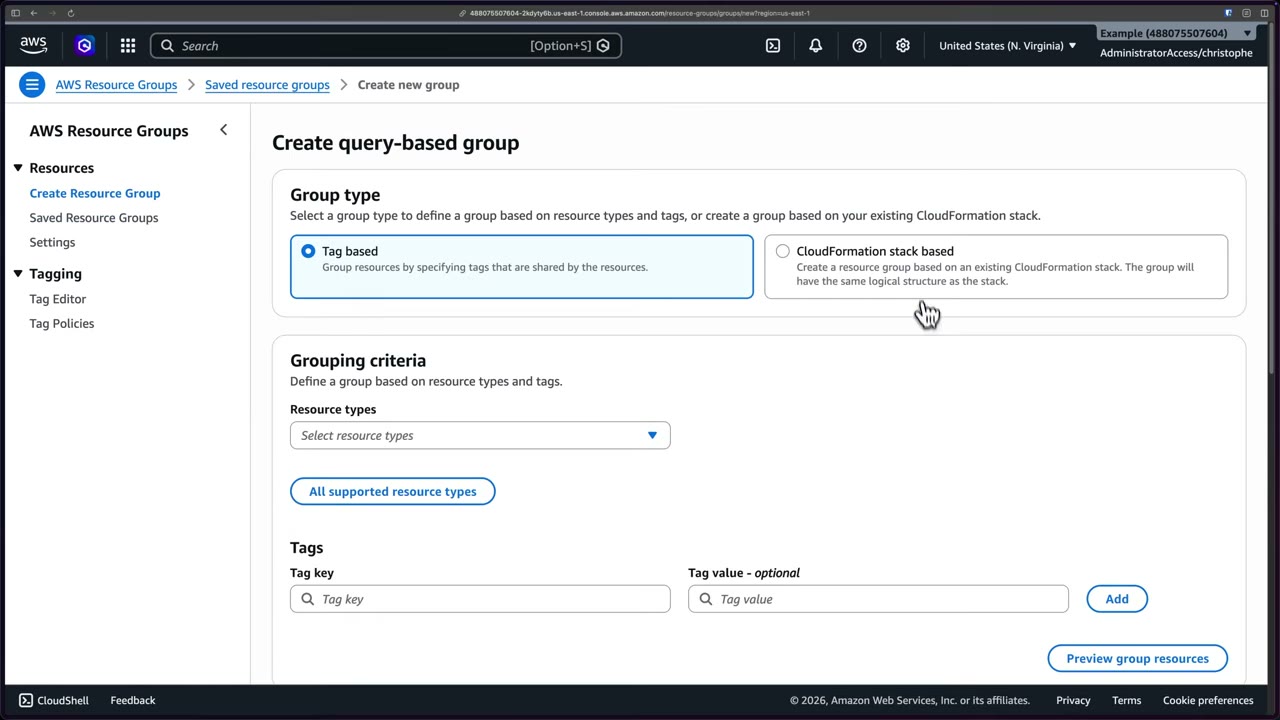
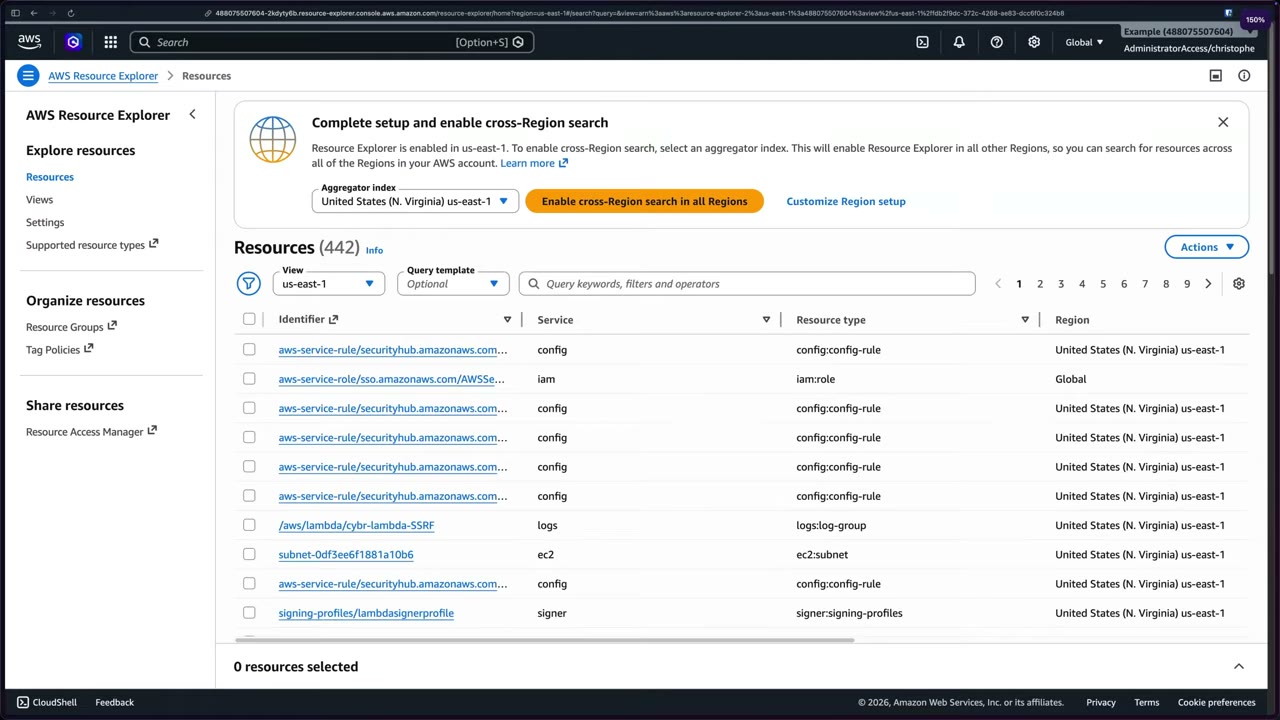
From the instructor
- Minimum tags: purpose, owner, environment. ▶ #141 00:51
- Use a company prefix to separate your tags from AWS-injected ones (CloudFormation stack name/ID/logical ID). ▶ #141 05:51
- Never put sensitive data in tags: unencrypted and exposed in APIs, logs and billing. ▶ #141 06:11
- Standardize keys/values, enforce early, tag everything supported. ▶ #141 06:31
- Resource Explorer finds untagged resources; enforce with Lambda or Config. ▶ #141 04:41
Keyword → answer
| If the question says… | Answer |
|---|---|
CostCenter must use only approved values, case-consistent |
Tag policy |
Every EC2 instance must be launched with an Owner tag |
SCP with aws:RequestTag + Null |
| Find untagged resources | Config required-tags, Tag Editor or Resource Explorer |
| Cost report doesn’t show the tag | Cost allocation tag not activated |
| Store a secret/API key in a tag | Never; use Secrets Manager |
Real-world practice
- During an incident, tag the affected resources, e.g.
SecurityIncident=IR-2026-001. IAM can then deny changes to tagged resources for everyone except the IR role. Quarantine-by-tag is a common IR pattern (tagquarantine=true→ automation swaps the SG / ABAC denies access). - Bake required tags into IaC modules (Terraform
default_tags, CDKTags.of(app).add) so humans rarely tag manually. - Use
aws:ResourceTag/environment = prodconditions to restrict destructive actions on prod resources. - Resource Explorer views can be scoped per team; enable the aggregator index in a central Region and org-wide multi-account search from a delegated admin.
- Attach the
RequireOwnerTagOnRunInstancesSCP above to a sandbox OU. - Launch an instance without the tag (denied), then with the tag (allowed).
- Cleanup: detach the SCP and terminate the instance.
AWS Audit Manager
Continuously collects evidence from your accounts and maps it to compliance framework controls, to prepare for audits. It collects and organizes evidence; it does not assess or certify compliance itself.
- Exam skills: collect audit evidence (6.3.2) · detect & remediate noncompliance (6.3.1) · Well-Architected review (6.3.3) · delegated administrators (6.1.4) · automated assessments with Config & Security Hub (1.1.5) · CloudTrail Lake (2.2.2)
- Videos: ▶ #95 About Audit Manager · ▶ #96 Running assessments · ▶ #97 Evidence & reports
- Cost: resource assessments: first 35,000 per month free, then $1.25 per 1,000 (free tier for the first two months for first-time customers)
What it does (and doesn’t)
Verifying compliance with frameworks and regulations is a lot of work. Audit Manager helps assess risk and compliance of your accounts and workloads by collecting evidence relevant to the frameworks you’re assessed against. ▶ #95 00:00 It does not assess your compliance itself: “a really important distinction”. ▶ #95 00:20 It reduces manual screenshot gathering; it doesn’t replace auditors or legal interpretation. Results vary by time and source: “this is giving you information, you then have to determine what’s going on.” ▶ #97 04:40
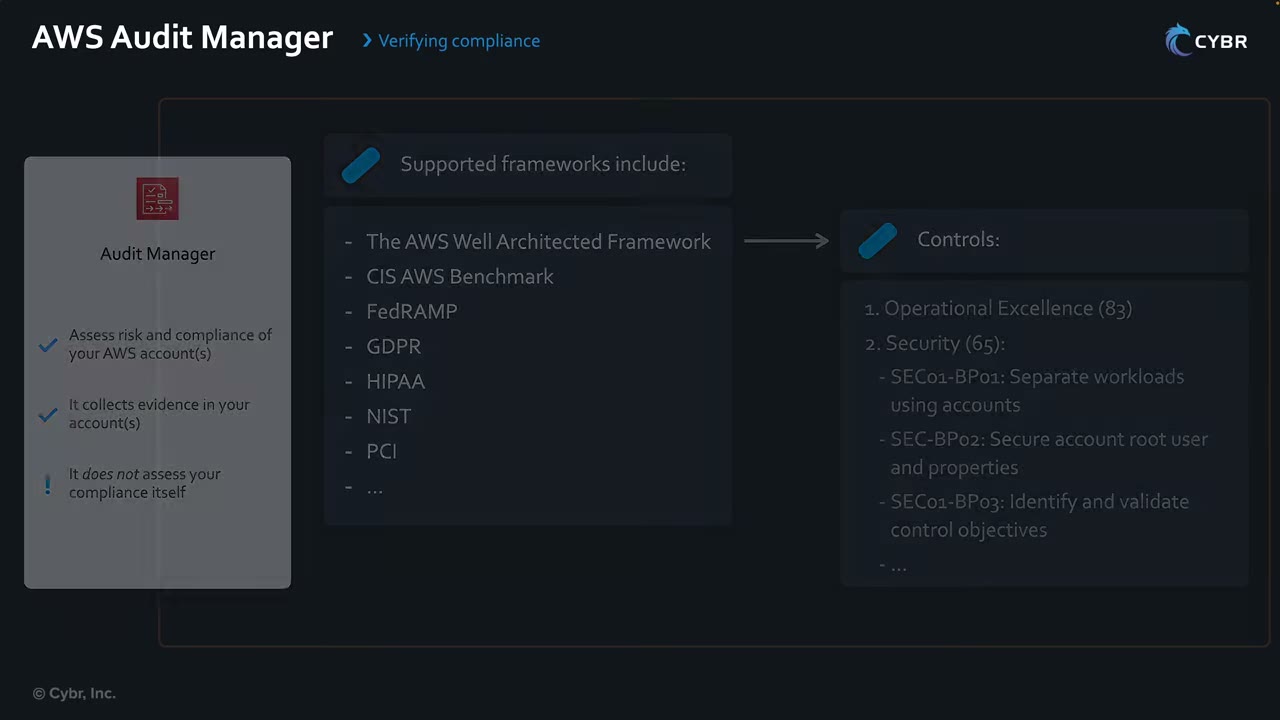
Workflow: ▶ #95 01:01
- Select prebuilt framework(s) or create a custom framework with custom controls.
- Define a scope: the AWS accounts to collect evidence for.
- Audit Manager collects evidence from the scoped accounts.
- Select which evidence to include in your report.
- Generate the assessment report, stored in S3. ▶ #95 01:31
Other integrations: ▶ #95 02:30
- AWS License Manager: aggregate software license usage.
- AWS Control Tower: run a Control Tower audit (prebuilt framework for its guardrails).
- EventBridge: detect Audit Manager events and react automatically.
- SNS: notifications about assessments. ▶ #95 03:02
- Supports Organizations with a delegated administrator (same pattern as GuardDuty, Security Hub, Macie).
Frameworks, controls and control sets
- Frameworks are prebuilt or custom. Out of the box: AWS Well-Architected, CIS AWS Benchmark, FedRAMP, GDPR, HIPAA, NIST, PCI, SOC 2, AWS best practices and many more. ▶ #95 00:31
- Frameworks are made of controls grouped into control sets. Controls define the evidence collected. ▶ #95 00:50
- Slide example (Well-Architected → controls): Operational Excellence (83), Security (65), e.g. SEC01-BP01 Separate workloads using accounts, SEC01-BP02 Secure account root user and properties, SEC01-BP03 Identify and validate control objectives.
- You create assessments from a framework, scoped to accounts and services, with an audit owner.
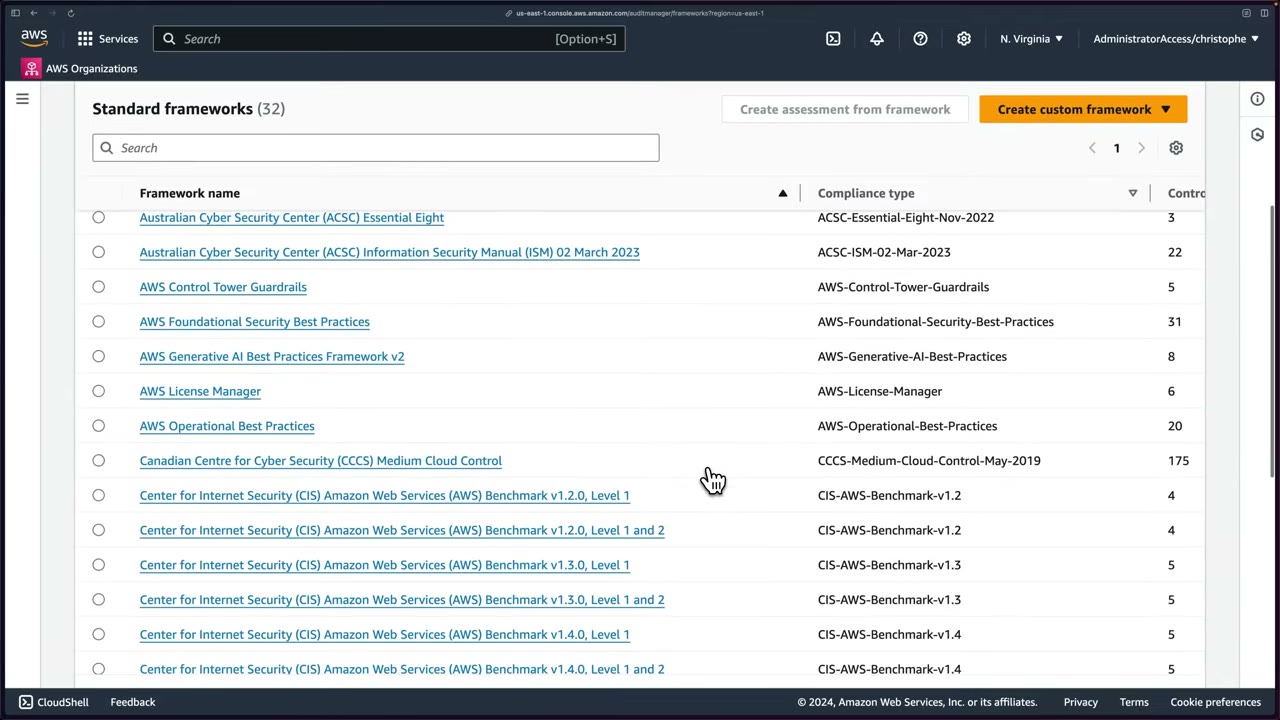
Framework library (left menu: Dashboard, Assessments, Delegations, Evidence finder, Download center, Framework library, Share requests, Control library, Settings, Notifications): ▶ #96 04:11
- 32 standard frameworks at the time, e.g. AWS Audit Manager Sample Framework, AWS-WAF-v10, ACSC Essential Eight, ACSC ISM, AWS Control Tower Guardrails, AWS Foundational Security Best Practices (31 control sets), AWS Generative AI Best Practices v2, AWS License Manager, AWS Operational Best Practices, CCCS Medium Cloud Control (175), FedRAMP Moderate, GLBA, NIST 800-53 Rev 5 (1007 controls).
- CIS AWS Benchmark v1.2.0 / v1.3.0 / v1.4.0, each in Level 1 and Level 1 and 2 variants (Level 2 = more stringent).
- Create custom framework from scratch or as a copy of an existing one.
Evidence sources
| Data source type | From | Evidence type | Verdict |
|---|---|---|---|
| Compliance check | AWS Config rule evaluations (e.g. unencrypted EBS volumes) | Compliance check | Pass / Fail |
| Compliance check | Security Hub findings | Compliance check | Pass / Fail |
| User activity | CloudTrail (who did what) | User activity | — |
| Configuration data | AWS API call snapshots (describe-* results) |
Configuration data | Inconclusive |
| Manual | Uploaded files (policies, procedures) or text responses | Manual | — |
The four automated sources are covered in ▶ #95 01:40.
- Audit Manager depends on Config and Security Hub being enabled in the scoped accounts. They’re “recommended”, not required, but “you’re going to miss a lot of evidence if you don’t enable it”: a soft requirement. ▶ #96 01:21 Missing evidence → check those services.
- Inconclusive vs 0 issues: the issue count reflects Security Hub and Config results. API-call evidence (e.g.
iam:GenerateCredentialReport) can’t produce pass/fail → Inconclusive. Security Hub evidence can, e.g. Pass: no root access key exists. ▶ #97 03:00 - Active assessments collect daily. First evidence can take up to 24 h. ▶ #96 07:20 Evidence retention default 2 years.
Setting up Audit Manager
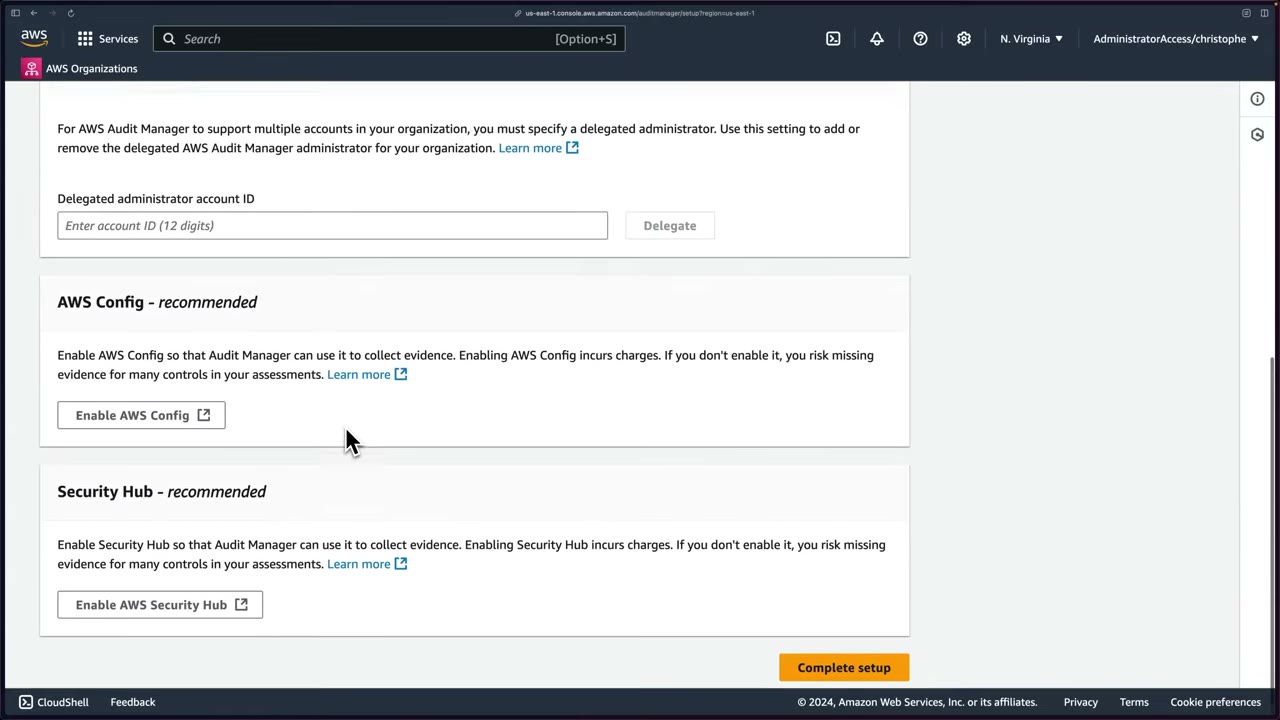
| Step | What to know |
|---|---|
| 1. Permissions | A service-linked role (“no action is required by default”). Its policy is mostly Get*, List*, Describe*: essentially read-only. ▶ #96 00:10 |
| 2. Data encryption | Default: a key AWS owns and manages (the transcript says “AWS managed KMS key”). Customize encryption settings (advanced) → your customer managed KMS key for full control of key and key policy. ▶ #96 00:41 |
| 3. Delegated administrator (optional) | 12-digit account ID → Delegate. Required for multi-account support with Organizations. ▶ #96 01:11 |
| 4. Config & Security Hub (recommended) | Used to collect evidence. Both cost extra. ▶ #96 01:21 |
Enabling Config from the setup page used 1-click setup in the demo (in production use Get started and review
each setting). The review showed: record all resource types with customizable overrides, Continuous frequency, 4
types with overrides and 405 with defaults, delivery bucket config-bucket-<account-id>, 0 rules. Confirm creates the
SLR and bucket (“Signing up with AWS Config”).
Enabling Security Hub ▶ #96 02:40
- It warns you must first enable Config resource recording in every account/Region where you use standards: Security Hub relies heavily on Config. ▶ #96 03:02
- Pricing shown: $0.0010 per check for the first 100,000, $0.0008 for 100,001–500,000, $0.0005 above. 30-day free trial.
- Default standards: AWS Foundational Security Best Practices v1.0.0 and CIS AWS Foundations Benchmark v1.2.0. Others: AWS Resource Tagging Standard v1.0.0, CIS v1.4.0, CIS v3.0.0, NIST SP 800-53 Rev 5, PCI DSS v3.2.1, PCI DSS v4.0.1. “Just remember the names of these.” ▶ #96 03:21
- Results can take up to 2 hours to appear.
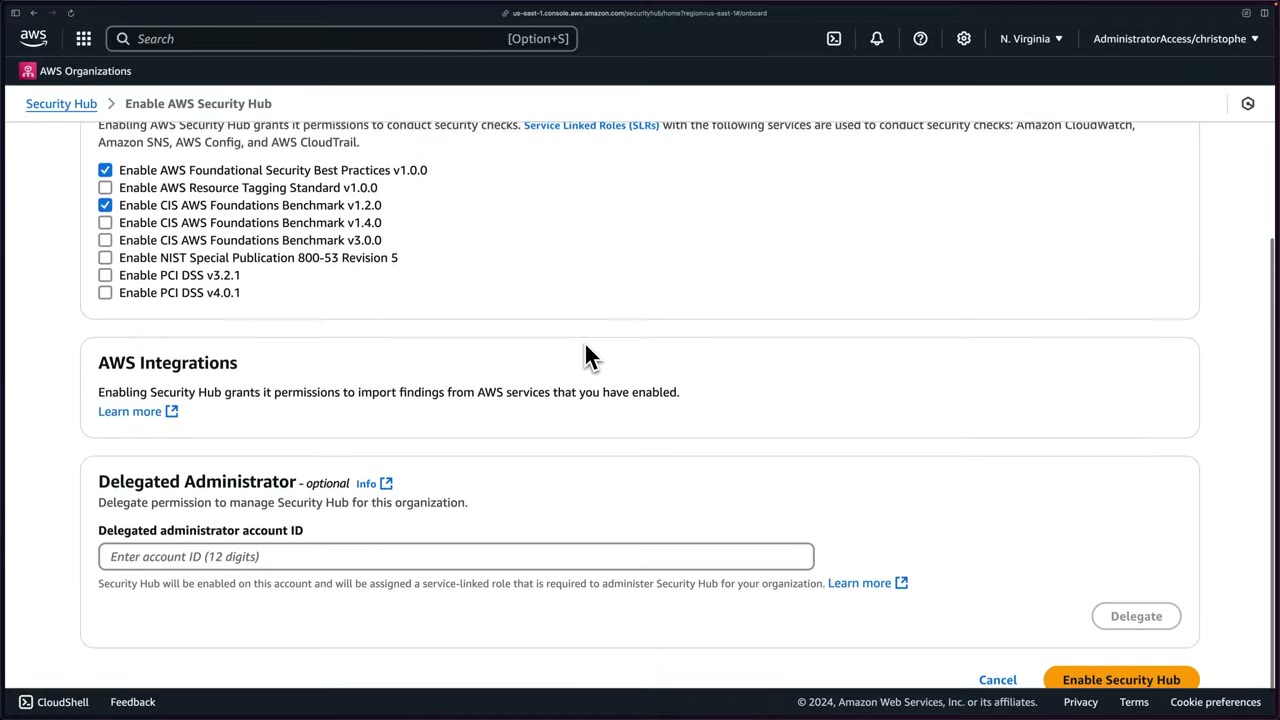
Creating an assessment
From the framework library, select CIS AWS Benchmark v1.2.0, Level 1 and 2 → Create assessment from framework. ▶ #96 05:22
- Assessment details: name
ExampleAssessment, optional description (up to 1000 chars). - Reports destination: the S3 bucket where Audit Manager saves assessment reports (S3 URI, Browse S3 or Create new bucket). Demo bucket
cybr-demo-audit-manager-examplewith defaults (Block Public Access on, SSE-S3, versioning off). - Framework: you can select more than one per assessment.
- Accounts in scope: with Organizations you’d see all member accounts.
- Audit owners: an IAM user or role that manages the assessment, so the audit can be delegated to someone other than the person who set it up.
- Review and create: “evidence will be available within 24 hours”.
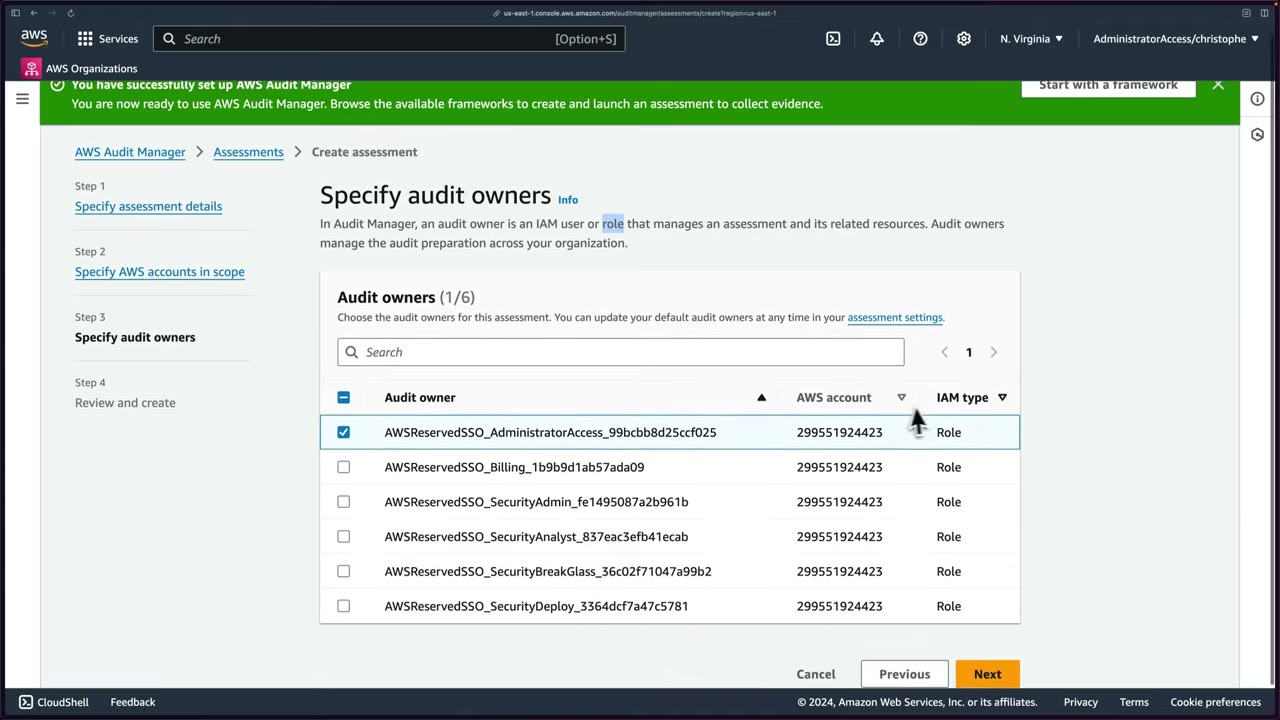
The owner list showed Identity Center roles (AWSReservedSSO_AdministratorAccess_…, …_SecurityAdmin_…,
…_SecurityAnalyst_…, …_SecurityBreakGlass_…). The demo picked AdministratorAccess.
Delegations assign control sets to reviewers.
- Audit Manager → Set up AWS Audit Manager. ▶ #96 00:00
- Permissions: accept the service-linked role (read-only Get/List/Describe).
- Data encryption: default (optionally Customize encryption settings → CMK).
- Delegated administrator: skipped (single account).
- Enable AWS Config → 1-click setup → Confirm (SLR + S3 bucket, continuous recording of all types).
- Enable Security Hub → keep FSBP v1.0.0 + CIS v1.2.0 → Enable.
- Complete setup → Framework library → CIS AWS Benchmark v1.2.0, Level 1 and 2 → Create assessment from framework. ▶ #96 04:11
- Name/description → S3 report destination (new bucket) → account in scope → audit owner (AdministratorAccess role) → Create assessment. ▶ #96 05:22
- Wait up to 24 h for evidence.
Reviewing evidence
After ~12 h the dashboard shows a daily snapshot (“daily” is key: an active assessment re-collects every day): 27 controls with noncompliant evidence, 27 noncompliant evidence, 1 active assessment. ▶ #97 00:21
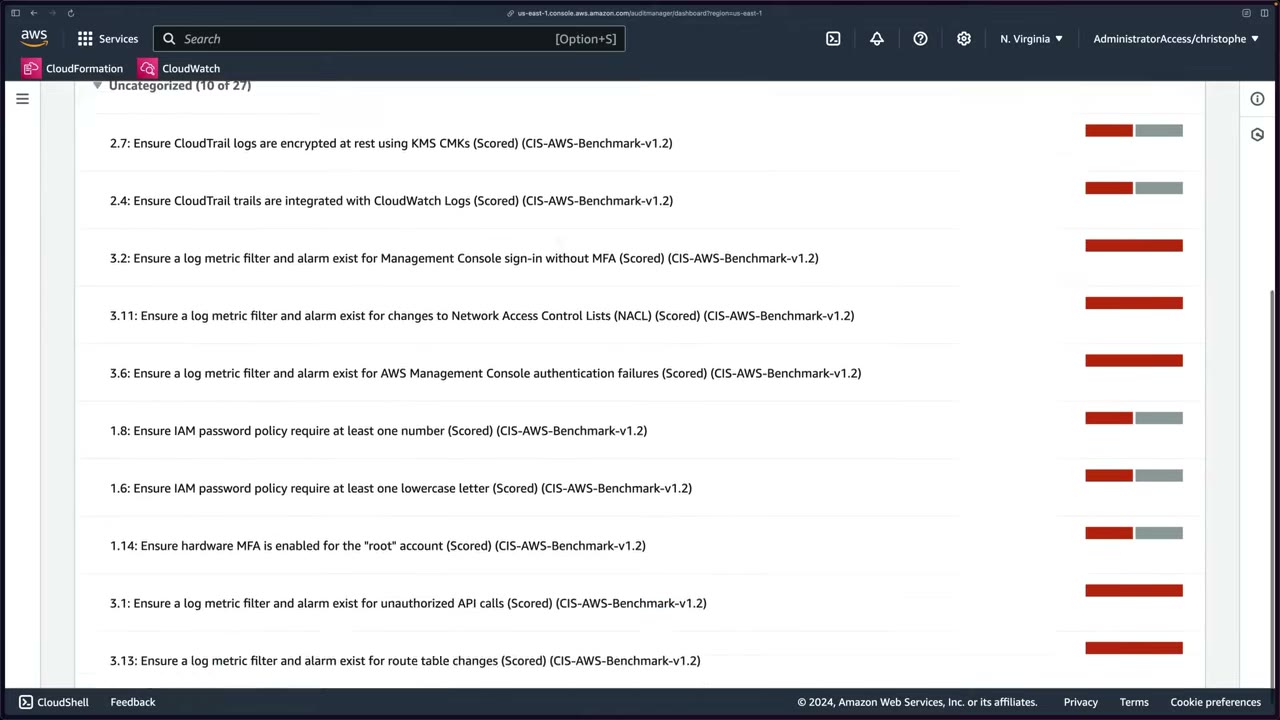
Controls with noncompliant evidence are grouped by control domain, up to 10 per domain (download CSV for all). Shown: 2.7 CloudTrail logs encrypted with KMS CMKs, 2.4 CloudTrail integrated with CloudWatch Logs, 3.2 metric filter/alarm for console sign-in without MFA, 3.11 NACL changes, 3.6 console auth failures, 1.8/1.6 password policy, 1.14 hardware MFA for root, 3.1 unauthorized API calls, 3.13 route table changes. ▶ #97 00:40
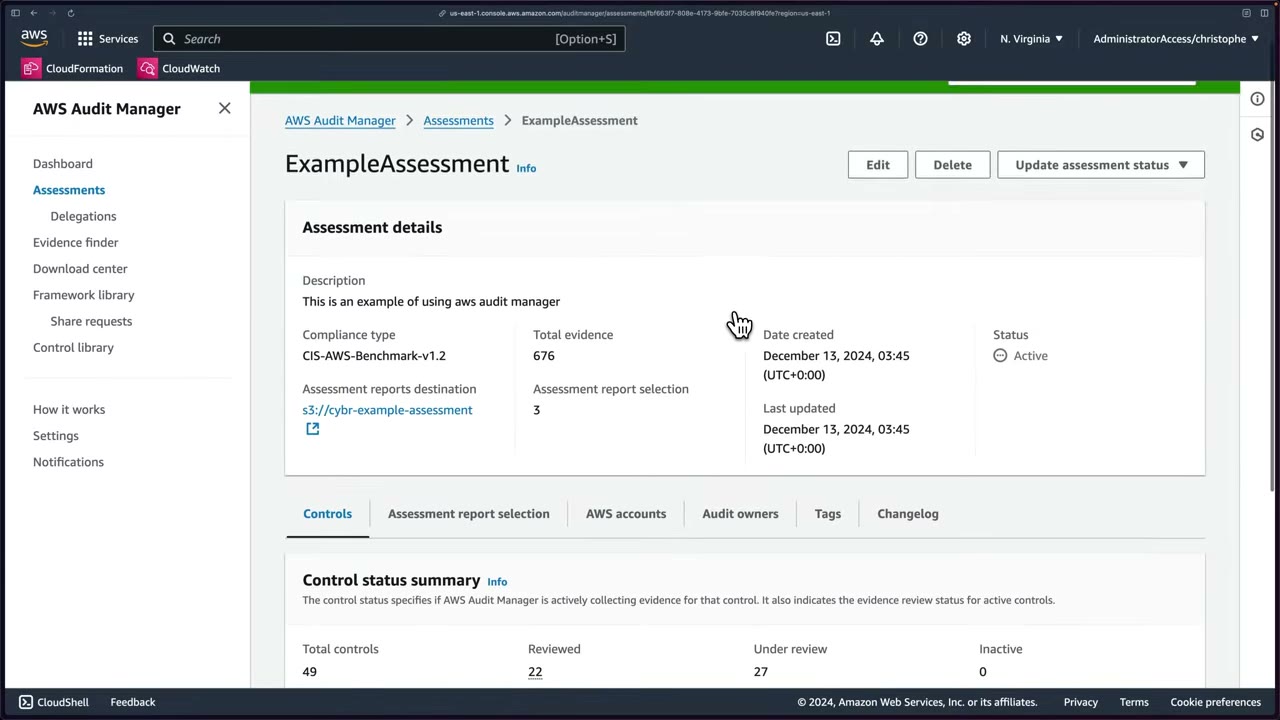
- Assessment
ExampleAssessment: compliance type CIS-AWS-Benchmark-v1.2, total evidence 676, destinations3://cybr-example-assessment, status Active. ▶ #97 00:51 - Control status summary: Total 49, Reviewed 22, Under review 27, Inactive 0. Reviewed isn’t default: the instructor marked control sets with “Complete control set review”. ▶ #97 01:00
- Control 1.12 Ensure no root account access key exists: description, status, tabs Evidence folders, Details, Evidence sources, Comments, Changelog. ▶ #97 01:41
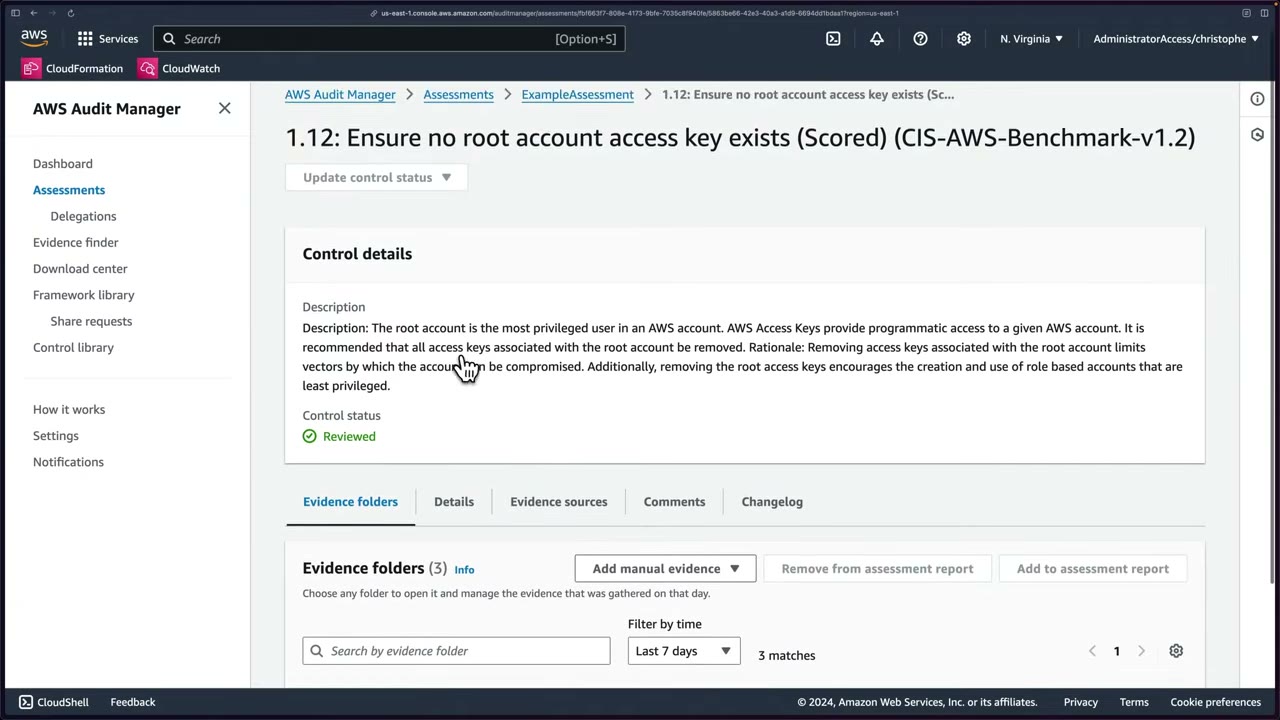
Evidence folders: one per day (collection continues daily unless you pause or stop the assessment). ▶ #97 02:01
- Folder summary: date, total evidence, resources, evidence by type (User activity, Configuration data, Compliance check, Manual), compliance check status. ▶ #97 02:10
- Evidence rows: time, compliance check, evidence type, data source (e.g. Security Hub), event name, event source, report selection.
- Add manual evidence: upload from S3, from the browser, or a text response. ▶ #97 02:31
- Select evidence → Add to assessment report / Remove from assessment report. ▶ #97 03:50
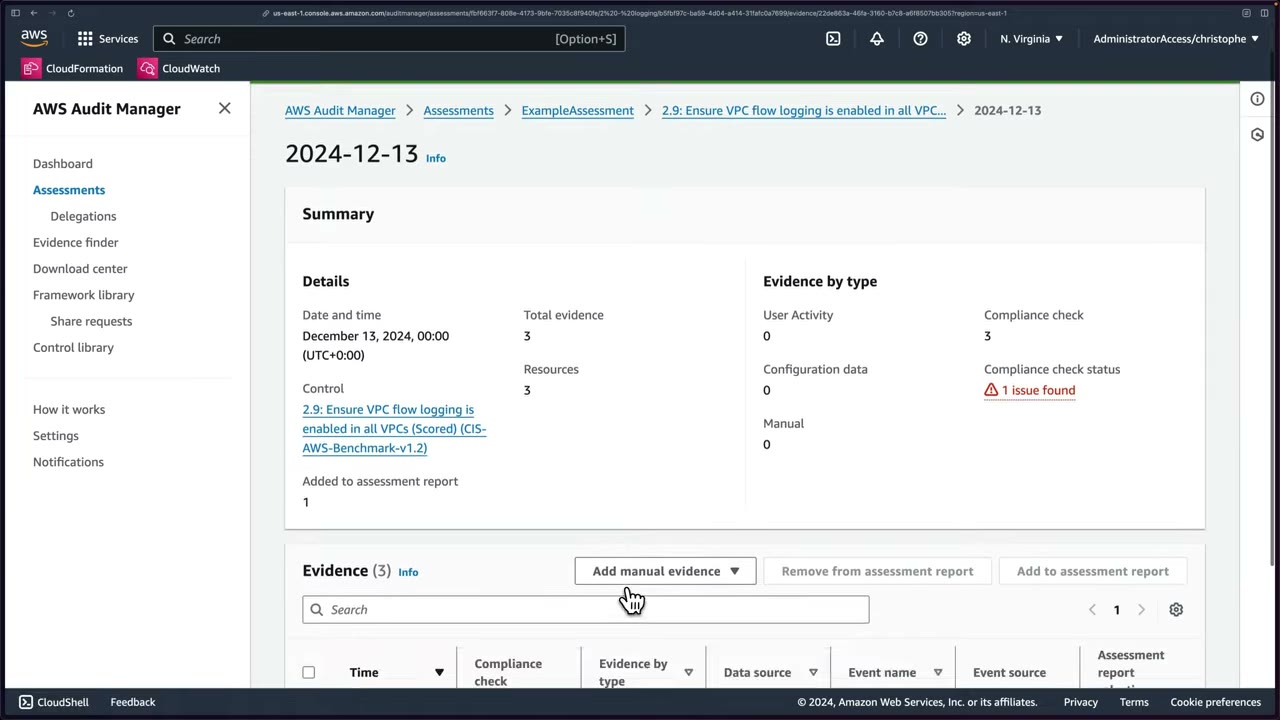
Second example: control 2.9 Ensure VPC flow logging is enabled in all VPCs (Under review), folder 2024-12-13: 3
evidence, 3 compliance checks, 1 issue found: Security Hub on AWS EC2 VPC failed, others passed. ▶ #97 04:10
Evidence finder searches and filters evidence instead of browsing (assessment, date range, compliant/non-compliant/ inconclusive, grouping). It relies on CloudTrail Lake event data stores: enable it in Settings, attach the required permission policy (Audit Manager creates and manages an event data store), optional S3 export. Extra cost. The delegated admin can query aggregated evidence for all member accounts. Not demonstrated. ▶ #97 07:10
Assessment reports and integrity
- Reports go to an S3 bucket you choose. The bucket must be in the same Region. With a customer managed KMS key, the key must be in the same Region and the Audit Manager/user roles need key permissions (the classic “report generation fails” question).
- Assessment → Assessment report selection tab (folders 2024-12-15: 1, 2024-12-14: 1, 2024-12-13: 3) → Generate assessment report. ▶ #97 05:00 Name
ExampleAssessmentReport2. ▶ #97 05:20 - Download center (Assessment reports / Exports tabs): In progress → Ready → Download (zip). ▶ #97 05:40
Report contents (folder ExampleAssessmen-1edeb71c): ▶ #97 06:01
| File | Purpose |
|---|---|
| README.txt | File structure and what each folder/file means |
| digest.txt | Integrity: JSON with signatures and SHA-384 hashes of every file. Invalidated if anything is altered |
| AssessmentReportSummary.pdf | Overview, linked TOC, control descriptions, testing info, evidence per date (“1 issues found out of 2 evidence”) |
| Evidence folders | By control (1.12Ensurenoroot-…, 2.9EnsureVPCflow-…) → data source → date → one PDF per evidence ▶ #97 06:40 |
“Prove the report wasn’t tampered with” → validate with ValidateAssessmentReportIntegrity. Compare CloudTrail log
file validation and S3 Object Lock.
- Dashboard → review the daily snapshot and noncompliant controls. ▶ #97 00:00
- Assessments →
ExampleAssessment→ Controls → IAM control set → 1.12 → evidence folder → Security Hub row (Pass) → Add to assessment report. ▶ #97 01:41 - Logging set → 2.9 VPC flow logs → folder with 1 issue → add evidence. ▶ #97 04:10
- Assessment report selection → Generate assessment report → name/description (“Just an example of exporting an assessment report for Cybr course”) → Download center → Download. ▶ #97 05:00
- Unzip: README, digest.txt, AssessmentReportSummary.pdf, evidence folders. ▶ #97 06:01
- Evidence finder (needs enabling + CloudTrail Lake). Settings → Assessment → SNS topic. ▶ #97 07:41
Notifications and settings
- Notifications page lists sent notifications. Settings → Assessment tab → choose an SNS topic (e.g. a dedicated audit topic). EventBridge can also react to Audit Manager events. ▶ #97 08:01
- Settings also shows the delegated administrator, AWS Config – recommended and Security Hub – recommended (both incur charges), and Disable Audit Manager: evidence is retained 2 years by default, with a “Delete all data” option. ▶ #97 07:41
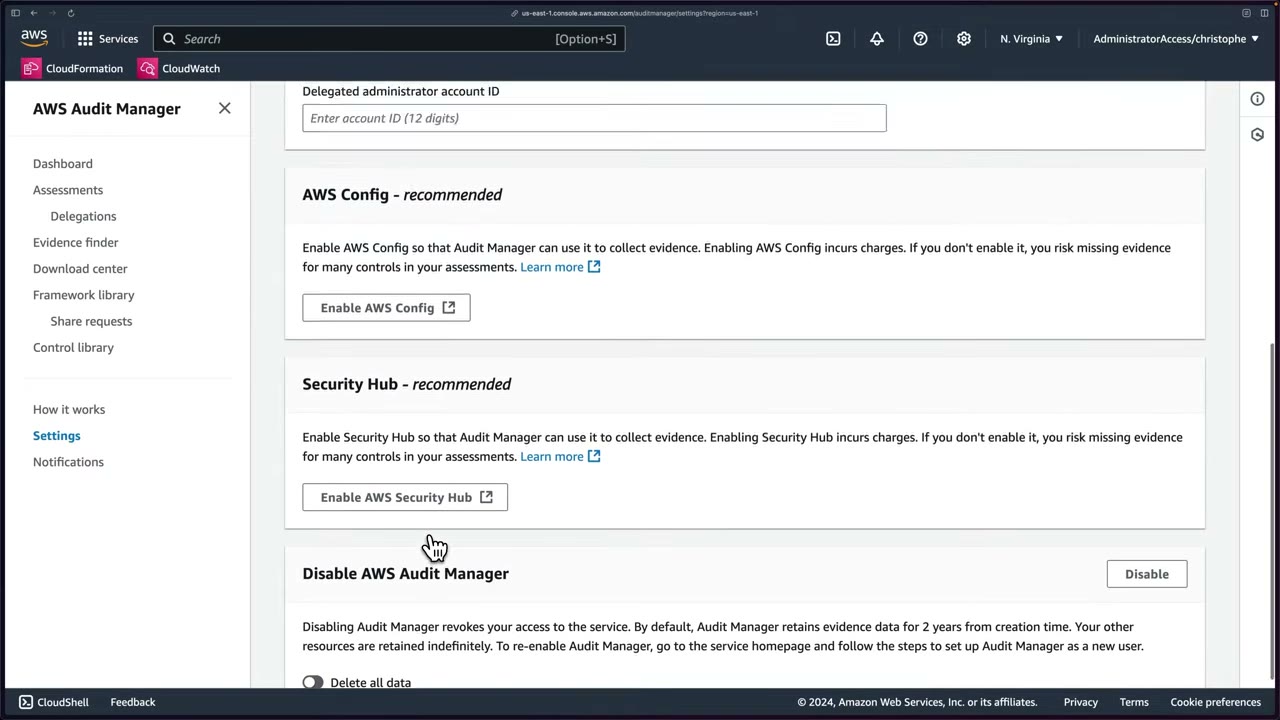
See also ▶ #98 under AWS Artifact (Part 5).
From the instructor
- Audit Manager collects evidence; it does not determine compliance. ▶ #95 00:20
- Know the four data sources: Config, Security Hub, CloudTrail, API calls. ▶ #95 01:40
- Reports are generated and stored in S3. ▶ #95 01:31
- Config and Security Hub are “recommended”, not required, but without them you miss a lot of evidence. ▶ #96 01:21
- Both cost money after the free trial: disable them after a lab. ▶ #96 02:40
- Security Hub relies heavily on Config. ▶ #96 03:02
- Remember the default Security Hub standards: CIS AWS Foundations Benchmark v1.2.0 and AWS Foundational Security Best Practices. ▶ #96 03:21
- Active assessments collect daily. Evidence can take up to 24 h. ▶ #97 00:00
- Inconclusive = the source can’t give a verdict (API snapshots). Config/Security Hub give pass/fail. ▶ #97 03:00
- The report includes a digest file for integrity. ▶ #97 06:21
- Evidence finder needs CloudTrail Lake (extra setup and cost). ▶ #97 07:10
- Notifications via SNS, automation via EventBridge. ▶ #97 08:01
Keyword → answer
| If the question says… | Answer |
|---|---|
| Auditor needs continuous evidence collection mapped to PCI controls | Audit Manager |
| Need AWS’s own SOC 2 / PCI report, or a BAA | AWS Artifact, not Audit Manager |
| Check current resource compliance with rules | Config or Security Hub (Audit Manager consumes them as evidence) |
| Evidence shows Inconclusive | API-snapshot evidence has no compliance verdict |
| Prove the assessment report wasn’t tampered with | digest.txt + ValidateAssessmentReportIntegrity |
| Report generation fails | S3 bucket or CMK in a different Region, or missing KMS key permissions |
| Missing evidence for many controls | Config / Security Hub not enabled in scoped accounts |
| Search evidence across accounts | Evidence finder (CloudTrail Lake) |
- In 2025 the original Security Hub was renamed AWS Security Hub CSPM, with a new unified Security Hub on top. Consoles may differ from the videos.
- Check service availability notices for lesser-used compliance services. Audit Manager remains in the SCS-C03 skill list (6.3.2).
Real-world practice
- Enable Audit Manager from the Organizations management account, delegate admin to the Security or Audit account, and enable Config and Security Hub first (org-wide Config aggregator + Security Hub central configuration): they are the richest evidence sources.
- One assessment per audit scope. Export reports to a locked, encrypted S3 bucket.
- Evidence volume (and cost) grows with scope and controls: scope to in-scope accounts (e.g. the PCI cardholder OU), tailor custom frameworks (copy a standard one, drop irrelevant controls), and keep assessments active only for the audit window.
- CIS v1.2 is old: prefer CIS v1.4/v3.0 or AWS Foundational Security Best Practices. Many CIS metric-filter/alarm controls fail in setups that use EventBridge/Security Hub instead: document compensating controls as manual evidence.
- Create an assessment from the “AWS Foundational Security Best Practices” framework for one account.
- Wait for evidence to collect, then generate an assessment report.
- Cleanup: delete the assessment and disable Audit Manager (it charges per evidence collected). Disable Config and Security Hub too if enabled only for the lab.
AWS Artifact
AWS’s free, self-service compliance document library: AWS’s own compliance reports (SOC 1/2/3, PCI DSS AOC, ISO certificates, FedRAMP…) and agreements such as the BAA for HIPAA. Nothing to deploy or architect. “You’re not going to see that many questions about it”, but know what it is and why it exists. ▶ #98 00:00
- Exam skills: collect audit evidence: Audit Manager, Artifact (6.3.2) · Organizations (6.1.1)
- Videos: ▶ #98 AWS Artifact
- Cost: free.
What Artifact is for
When auditors or your compliance team need proof that AWS meets certain standards, you get the documents here. ▶ #98 00:11 Console: “No cost, self-service portal for on-demand access to compliance reports and for entering into select online agreements.” Menu: Agreements, Reports, Notification.
| Need | Service |
|---|---|
| Proof of AWS’s compliance (SOC 2, PCI AOC, ISO 27001 certificate) | Artifact Reports |
| Legal agreement with AWS (BAA) | Artifact Agreements |
| Evidence of your own controls | Audit Manager |
| Check your resources against PCI/CIS | Security Hub / Config conformance packs |
- Access is controlled with IAM (
artifact:*actions, e.g.artifact:GetReport,artifact:AcceptAgreement). - Some third-party (ISV / Marketplace vendor) reports are also available.
- Notifications (optional) alert you when new reports or agreements are published; otherwise there’s nothing to configure. ▶ #98 02:10
Reports
AWS compliance certifications and audit reports: SOC 1, SOC 2, PCI DSS attestations, ISO certifications, FedRAMP and many others (the console shows 380). ▶ #98 00:30 They are evidence of AWS’s side of the shared responsibility model; they don’t certify your workload.
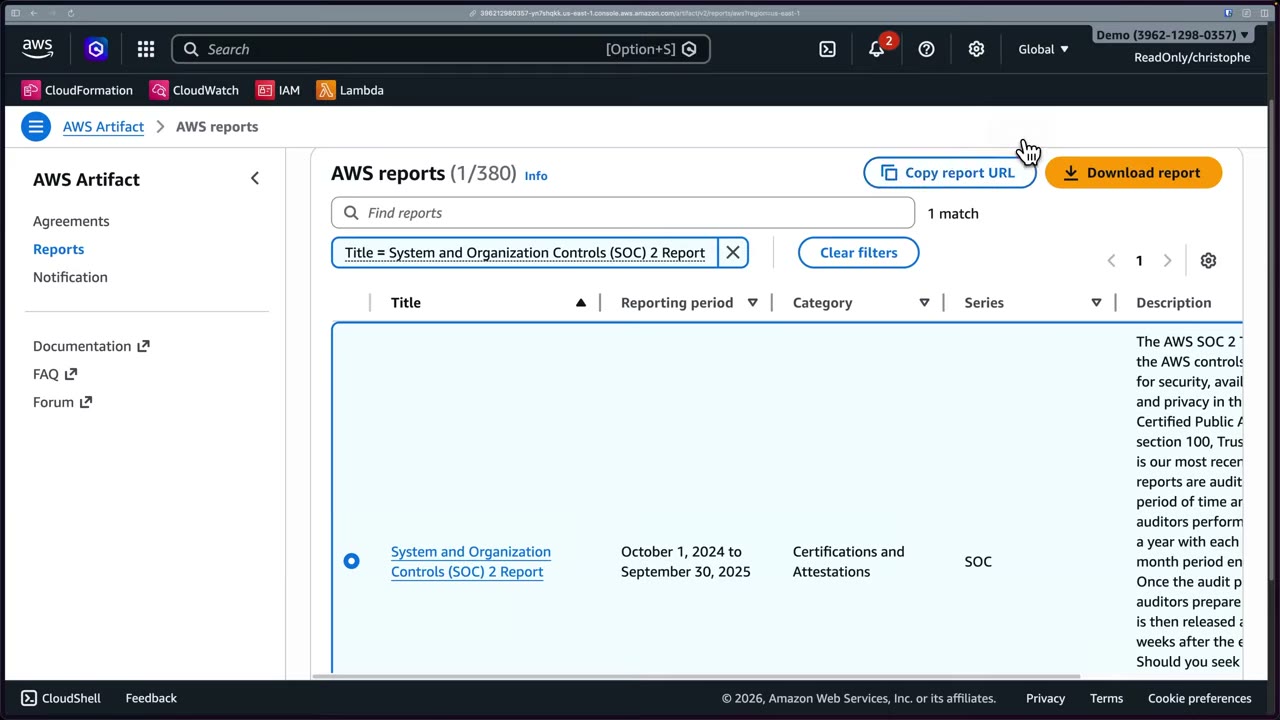
- An auditor asks whether AWS is SOC 2 compliant.
- Find System and Organization Controls (SOC) 2 Report (period Oct 1 2024 – Sep 30 2025, category Certifications and Attestations, series SOC) → Download report. ▶ #98 01:01
- Accept the terms (NDA-style, because the documents contain sensitive information about AWS infrastructure): “I have read and agree to the terms” → “Accept terms and download report”. ▶ #98 01:11 A “Copy report URL” option also exists.
Agreements
Accept legal agreements with AWS (not downloads). ▶ #98 01:21
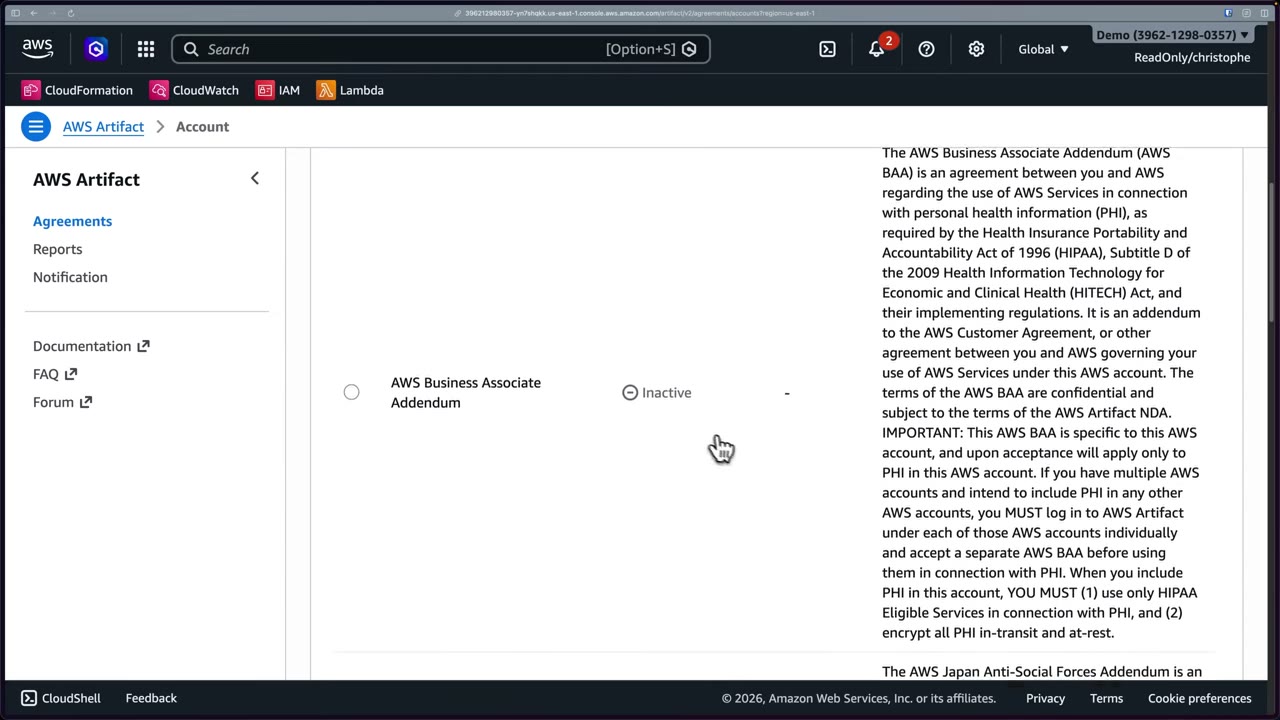
- AWS Business Associate Addendum (BAA) (also an Australian BAA variant) covers AWS services used with personal health information (PHI) under HIPAA / HITECH. ▶ #98 01:30
- Handling healthcare data under HIPAA → you must have a BAA in place: review and accept it for your account, or at the organization level from the management account. ▶ #98 02:01
- On-screen BAA text: it is account-specific, so if several accounts hold PHI, accept a BAA in each (or org-level). With PHI in the account you must use only HIPAA Eligible Services and encrypt all PHI in transit and at rest. Status shown: Inactive (not yet accepted).
From the instructor
- “AWS Artifact is where you get compliance reports and where you accept agreements like the BAA for HIPAA.” ▶ #98 02:20
- Reports need terms/NDA acceptance before download. ▶ #98 01:01
- Agreements can be accepted per account or org-wide. ▶ #98 02:01
Keyword → answer
| If the question says… | Answer |
|---|---|
| Auditor wants proof AWS data centers are SOC 2 compliant / PCI AOC / ISO 27001 certificate | Artifact Reports |
| Must sign a BAA before storing health data, for all accounts | Artifact org agreement from the management account |
| Collect evidence of our controls | Audit Manager |
| Check our resources against PCI/CIS | Security Hub / Config conformance packs |
Real-world practice
- Grant the compliance team a read-only Artifact role. Accepting agreements is a legal act: limit
artifact:AcceptAgreementto legal/compliance roles. - Track agreement acceptance as part of onboarding a regulated workload. Accept the BAA at org level only if you intend PHI anywhere; otherwise scope it to the PHI accounts and enforce HIPAA-eligible services with SCPs.
- Artifact Notifications alert the compliance team when new SOC/PCI reports are published, useful for annual vendor-risk reviews.
- Open Artifact and download one SOC report.
- Review the Agreements tab.
- Nothing to clean up.
AWS Well-Architected Tool (Security Pillar)
A free console tool to review a workload against the Well-Architected pillars and lenses. It produces risks (high or medium) and an improvement plan.
- Exam skills: evaluate architecture against AWS security best practices (6.3.3)
- Videos: none in the course (knowledge-based section)
Security pillar, lenses and milestones
| Security pillar areas | |
|---|---|
| Security foundations | Infrastructure protection |
| Identity & access management | Data protection |
| Detection | Incident response |
| Application security |
- Lenses add domain-specific questions (e.g. Serverless, SaaS, custom lenses).
- Milestones snapshot a review over time. Reviews can be shared with other accounts.
Keyword → answer
| If the question says… | Answer |
|---|---|
| Evaluate a workload’s architecture against AWS security best practices and track improvements | Well-Architected Tool (not Trusted Advisor, which checks resource-level things) |
Real-world practice
- Run a Security-pillar review before go-live and once a year after.
- Save a milestone and turn high risks into tickets.
- Define a workload.
- Answer the Security pillar questions and save a milestone.
- Cleanup: delete the workload.
IR lifecycle & ordered response procedures
The incident response life cycle AWS recommends (NIST SP 800-61), how each phase maps to AWS services, the difference between playbooks and runbooks, and the ordered steps for the classic incidents: compromised EC2 instance, leaked IAM access key, exposed S3 data.
- Exam skills: response plans & runbooks (2.1.1) · prepare for incidents (2.1.2) · auto-remediate (2.1.4) · logs as forensic artifacts (2.2.1) · validate & scope findings (2.2.3) · contain, eradicate, recover (2.2.4) · root cause analysis (2.2.5) · SG & NACL controls (3.3.1)
- Videos: ▶ #129 IR planning basics · ▶ #131 Playbooks and runbooks · ▶ #132 EC2 incident containment
- Golden rule: never terminate or stop first. Shutting down is almost always the last resort. ▶ #132 00:20
The NIST incident response life cycle
AWS recommends the industry-standard NIST SP 800-61 framework. ▶ #129 00:20 The classic (Rev. 2) model has four phases:
- Preparation: people, access, tooling, logging, runbooks.
- Detection & Analysis: findings, triage, scoping.
- Containment, Eradication & Recovery.
- Post-incident activity: lessons learned, root cause, improving controls.
The course splits phase 3 into three, giving six phases: Preparation, Detection & Analysis, Containment, Eradication, Recovery, Lessons learned. The process is iterative, not linear: you move back and forth between phases. ▶ #129 00:31
NIST changed the life cycle shortly after the lesson was recorded. All phases map to the new model, and NIST itself says to use whichever life cycle fits your organization. ▶ #129 00:50
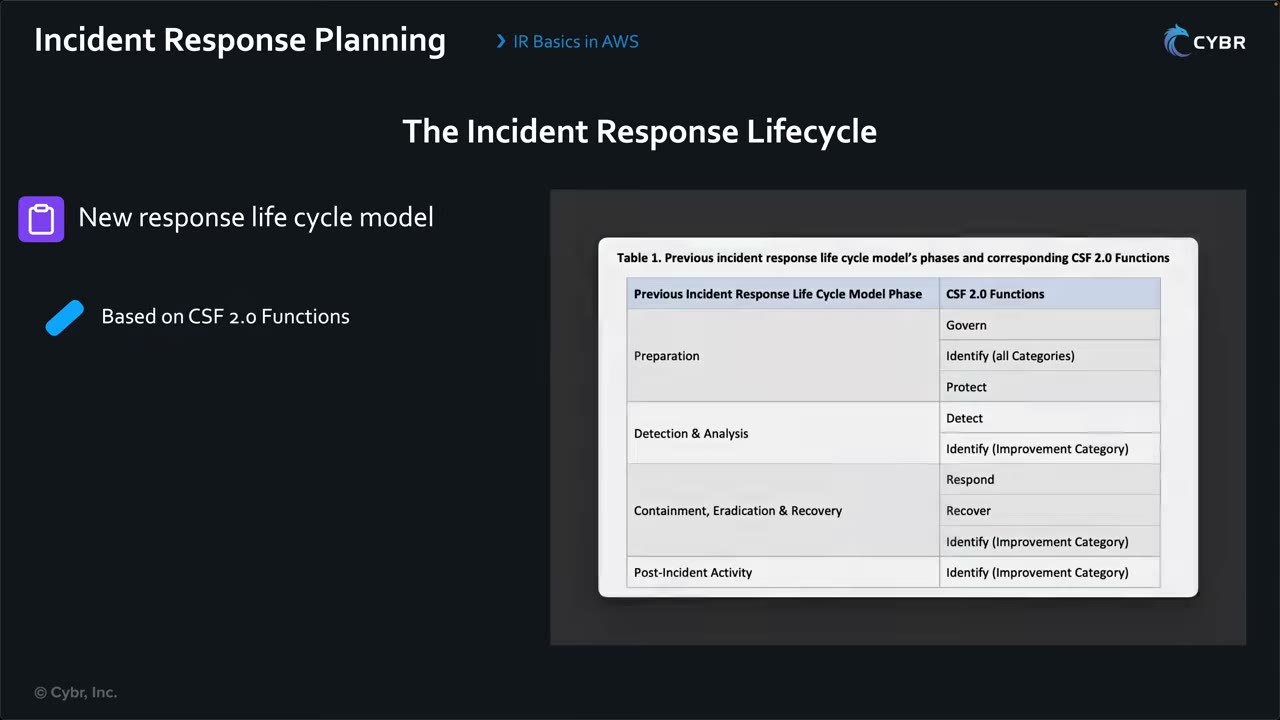
| Previous phase | CSF 2.0 Functions (NIST SP 800-61r3 Table 1) |
|---|---|
| Preparation | Govern, Identify (all categories), Protect |
| Detection & Analysis | Detect, Identify (Improvement category) |
| Containment, Eradication & Recovery | Respond, Recover, Identify (Improvement) |
| Post-Incident Activity | Identify (Improvement category) |
Each phase in AWS
During an incident you don’t want to scramble over what to do, which tools to use, what data to collect and who to talk to. Have a step-by-step plan. ▶ #129 00:00
1. Preparation: everything before an incident, so environments are ready to detect and respond. ▶ #129 01:21
- Logging on before incidents: CloudTrail to S3 (an org trail), VPC Flow Logs, DNS logs, S3 data events where needed.
- GuardDuty for threat detection, AWS Config to track resource changes, Security Hub to centralize findings, plus Detective, all with a delegated admin. ▶ #129 01:21
- A dedicated Security Tooling and Forensics account, with an isolated analysis VPC.
- Pre-provisioned IR roles (cross-account read-only, forensic), plus break-glass access (Identity Center permission set or IAM role, with MFA).
- Playbooks and runbooks written ahead of time. Doing it mid-incident is too late, stressful and slow. ▶ #129 01:51 Test them (SSM Automation, Incident Manager or OpsCenter) with game days (FIS). Set up Shield Advanced/SRT.
- Small blast radius: multi-account, least privilege.
2. Detection & analysis: triggered by something suspicious, such as a GuardDuty finding, an unusual CloudTrail event or a spike in IAM permission errors. ▶ #129 02:11
| Tool | Role in detection & analysis |
|---|---|
| GuardDuty | Threat-intel-driven alerts |
| CloudTrail | API call tracking. Query with CloudTrail Lake, or Athena (which can also query other sources) |
| AWS Config | Configuration drift |
| Macie | Discover and label sensitive data, alert on publicly accessible sensitive content |
| Inspector | Vulnerabilities |
| Security Hub | Pulls everything together (aggregation) |
| Detective | Scope and root-cause visualization |
| EventBridge | Automation trigger |
How findings are generated in your environment is important for the exam. ▶ #129 03:20
3. Containment: AWS’s three containment categories. ▶ #129 03:30
| Category | What it does |
|---|---|
| Source containment | Block access from specific sources using filtering and routing |
| Technique and access containment | Remove unauthorized access to the affected resources |
| Destination containment | Prevent access to the target resources |
In practice: SSM Automation documents to isolate resources, change security groups or NACLs, revoke IAM credentials and modify permissions, tag compromised resources for tracking. The goal is to stop the attacker and preserve evidence. ▶ #129 04:31
Decision factors: effectiveness (partial vs full), permanence (reversible vs irreversible), duration (emergency, temporary, permanent). ▶ #129 04:42
4. Eradication: remove the root cause. Deactivate or delete compromised IAM credentials and access keys, delete malicious Lambda functions, remove unauthorized roles or policies, patch vulnerable resources. Often coordinated across IAM, Secrets Manager, EC2, Lambda, Systems Manager, Config and service consoles/APIs. ▶ #129 05:01
5. Recovery: restore EBS snapshots or other backups, redeploy from known-good CloudFormation/Terraform templates, validate IAM permissions and security controls. Faster, more automated recovery means less downtime. ▶ #129 05:51
6. Lessons learned: use Detective to visualize attacker behavior start to finish, save CloudTrail Lake / Athena queries for reuse, update runbooks and playbooks, and plan the alerting and automation you wish you’d had. It’s often overlooked. Don’t skip it. ▶ #129 06:21
Playbooks vs runbooks
Detection tooling isn’t enough. Playbooks and runbooks help a team respond quickly, consistently and effectively. ▶ #131 00:00
| Playbook | Runbook | |
|---|---|---|
| Level | Strategic ▶ #131 00:30 | Tactical ▶ #131 01:00 |
| Contains | Decision framework per incident type, roles and responsibilities, communication protocols, escalation, general response flow | Step-by-step procedure for one task: exact commands, scripts, detailed instructions |
| Answers | Who do we notify? When do we involve legal? What are the containment priorities? | How exactly do I do this step? |
| Example | “Suspected EC2 compromise” | “Isolate instance”, often an SSM Automation document |
In short: playbooks give who to contact, how to escalate and desired outcomes; runbooks give the precise steps to get there. ▶ #131 03:01
Executable runbooks. AWS lets you chain services so IR documentation becomes an automated workflow. ▶ #131 01:31 The model chain for malware on EC2: ▶ #131 01:50
- GuardDuty detects malware on an EC2 instance.
- The finding is forwarded to Security Hub.
- An EventBridge rule matches the finding and triggers the workflow.
- Step Functions orchestrates:
- SNS: notify the incident response team.
- Systems Manager: create an EBS snapshot for forensics.
- AWS Config with SSM remediation: isolate the instance (associate an isolation security group).
- Lambda: collect more forensic data and log artifacts, and tag the instance as quarantined.
This replaces a 30+ step manual runbook with a repeatable workflow that runs in minutes instead of hours. ▶ #131 02:50
AWS-native places to attach runbooks: SSM Incident Manager (response plans, engagement and escalation, chat channels) and OpsCenter (OpsItems with runbooks). AWS Security Incident Response is a managed service for triage and AWS CIRT engagement.
Containing a compromised EC2 instance
Why not just shut it down? Shutting down loses volatile data: memory, process lists, open connections, network buffers. That is key evidence for root cause analysis. Early on you don’t understand the compromise, and you can’t predict how the malware or actor will react. ▶ #132 00:13 Preserve before destroy: capture memory before stopping or terminating, and snapshot before rebuilding.
Choose a layer based on the control you need, what you know about the threat and the impact of containment. ▶ #132 01:20
| Layer | How | Trade-off |
|---|---|---|
| 1. Instance | Stop it, or use SSM Automation (shell/PowerShell) to enable a host firewall such as iptables ▶ #132 01:51 |
Fastest but riskiest: adds your footprint, may trigger the malware to spread or exfiltrate, may destroy information ▶ #132 03:01 |
| 2. Security group | Swap to an isolation SG (two-step) | Usually the recommended first step ▶ #132 03:50 |
| 3. Subnet / NACL | Rule #1 deny all, or a quarantine NACL | Immediate, but blocks the whole subnet ▶ #132 07:11 |
| 4. VPC / route tables | Remove IGW routes, attach an empty route table to all subnets | Extreme, high impact, hard to reverse ▶ #132 07:20 |
Security groups are stateful. They let existing connections continue even after the rules that allowed them are
removed, so deleting SG rules does not cut established traffic. ▶ #132 03:50 First make the connections
untracked by allowing all traffic 0.0.0.0/0 (all ports, both directions), then remove those rules. That blocks
future and ongoing connections.
- Option A, modify the existing SGs: ▶ #132 04:52
- Identify the SGs attached to the instance.
- Delete all inbound and outbound rules.
- Add one rule in each direction:
0.0.0.0/0, all ports. Traffic becomes untracked. - Delete those rules. All connections end.
- Option B, dedicated isolation SGs: ▶ #132 05:20
- Create
isolation-SG-step1with one inbound and one outbound rule0.0.0.0/0, all ports. - Replace the instance’s SGs with
isolation-SG-step1. - Immediately replace it with
isolation-SG-step2, which has no rules.
- Create
NACL (subnet) containment. You can’t move a running instance to another subnet without stopping it, but you can change the subnet’s NACL. ▶ #132 06:11 Either add rule number 1 (highest precedence) DENY all traffic, all ports, inbound and outbound, or associate the subnet with a new NACL (default deny-all). NACLs are stateless, so changes take effect immediately with fewer steps than SGs. The downside: every resource in the subnet is blocked.
VPC containment. Remove internet gateway routes from all route tables and attach a custom route table with no routes to all subnets. This blocks internet traffic and cross-VPC traffic over peering or Transit Gateway. Very high impact and costly to reverse: use only with a clear recovery plan. ▶ #132 07:20
Isolation (forensics) VPC. For a full investigation with specialized tooling, move the instance to a separate VPC with tight access. The instance must be stopped and an AMI created, which loses volatile data, so collect memory, process and network data first and snapshot if possible. ▶ #132 08:21
Credentials, not just the network:
- “Revoke active sessions” adds an inline deny (
AWSRevokeOlderSessions) onaws:TokenIssueTimeolder than now. Credentials already issued stay valid until expiry unless denied this way. - Network isolation does not stop stolen instance-profile credentials used elsewhere (GuardDuty
UnauthorizedAccess:IAMUser/InstanceCredentialExfiltration.OutsideAWS). For an EC2 role you can also deny onec2:SourceInstanceARN. - GuardDuty Malware Protection for EC2 does agentless EBS scans. The finding type contains
Execution:EC2/MaliciousFile.
Tips: tag resources (quarantined=true) for automation and visibility (Lambda is handy), and automate containment
with Lambda + SSM Automation documents to minimize delay. ▶ #132 09:13
# Isolation SG (create once per VPC, no ingress; remove default egress)
SG=$(aws ec2 create-security-group --group-name ir-isolation --description "IR isolation - no traffic" \
      --vpc-id vpc-0abc --query GroupId --output text)
aws ec2 revoke-security-group-egress --group-id "$SG" \
  --ip-permissions '[{"IpProtocol":"-1","IpRanges":[{"CidrIp":"0.0.0.0/0"}]}]'

# Contain instance
aws ec2 modify-instance-attribute --instance-id i-0123 --disable-api-termination
aws ec2 create-tags --resources i-0123 --tags Key=SecurityIncident,Value=IR-2026-001
aws autoscaling detach-instances --instance-ids i-0123 --auto-scaling-group-name web-asg \
  --no-should-decrement-desired-capacity
aws ec2 modify-instance-attribute --instance-id i-0123 --groups "$SG"

# Preserve disk (crash-consistent, all volumes)
aws ec2 create-snapshots --instance-specification InstanceId=i-0123 \
  --tag-specifications 'ResourceType=snapshot,Tags=[{Key=SecurityIncident,Value=IR-2026-001}]'
“Revoke active sessions” style policy (attach to the role or user):
{ "Version": "2012-10-17",
  "Statement": [{ "Effect": "Deny", "Action": "*", "Resource": "*",
    "Condition": { "DateLessThan": { "aws:TokenIssueTime": "2026-11-18T10:00:00Z" } } }] }
Ordered procedures (for ordering questions)
A. Compromised EC2 instance
- Confirm and scope the finding (GuardDuty, Security Hub, then pivot in Detective).
- Enable termination protection and tag the instance (
SecurityIncident=<id>). Record metadata: instance ID, ENIs, IPs, role, AMI. - Detach from the Auto Scaling group (
detach-instancesorenter-standby, or suspend processes) and deregister from load balancer target groups, so the ASG doesn’t terminate evidence or send it traffic. - Isolate the network: swap to an isolation SG with no rules using the two-step technique. Add a NACL deny if active sessions must drop now.
- Revoke the instance role’s sessions (deny older tokens), or detach or replace the instance profile.
- Capture memory while it runs (SSM Run Command with LiME or AVML).
- Snapshot all EBS volumes and copy or share them to the forensics account. If they use a CMK, share the key too.
- Analyze in an isolated forensics VPC: create volumes from the snapshots and attach them to a forensic workstation.
- Eradicate: terminate, rebuild from a patched or hardened AMI, rotate secrets that were on the host.
- Recover service, then run the post-incident review and update controls and runbooks.
B. Compromised IAM access key (IAM user)
- Identify the key and principal: GuardDuty finding, AWS Health or Support exposed-key notice (AWS may attach the
AWSCompromisedKeyQuarantinemanaged policy), or a secret-scanning alert. - Deactivate the access key (inactive, not deleted yet) so evidence and attribution survive.
- Invalidate temporary credentials created from it: attach a deny-all with an
aws:TokenIssueTimecondition. Revoke sessions on any roles it assumed. - Investigate: query CloudTrail (Athena or CloudTrail Lake, all Regions) for every call made with the key. Scope with Detective.
- Remove persistence: new IAM users, keys, roles or trust policy changes, EC2, Lambda, cross-account shares. Check billing.
- Rotate or delete the key and issue new credentials if still needed. Better: move to roles or Identity Center.
- Post-incident: SCPs and guardrails, secret scanning in CI, Access Analyzer unused-access review.
C. S3 data exposure (public bucket or leaked object access)
- Confirm: IAM Access Analyzer external-access finding, Macie or Security Hub finding, GuardDuty S3 Protection finding.
- Contain: turn on S3 Block Public Access (bucket and account), remove the public bucket policy or ACL statement, revoke the offending principal or presigned-URL credentials.
- Preserve evidence: copy the current bucket policy and ACLs, keep CloudTrail S3 data events and server access logs.
- Scope: Macie to check whether exposed objects hold sensitive data, Athena over data events or access logs for
GetObjectfrom outside principals. - Recover: restore modified or deleted objects from versioning or AWS Backup (ransomware case).
- Post-incident: an SCP that stops anyone disabling Block Public Access, plus a Config rule with auto-remediation.
From the instructor
- AWS recommends NIST 800-61. The process is iterative, not linear. ▶ #129 00:31
- Prepare playbooks and runbooks before incidents. ▶ #129 01:51
- Know how findings are generated across GuardDuty, Config, Macie, Inspector and Security Hub. ▶ #129 03:20
- Containment must stop the attacker and preserve evidence. ▶ #129 04:31
- Don’t skip lessons learned. ▶ #129 07:10
- Playbook = strategic decision framework, runbook = tactical step-by-step. ▶ #131 00:30
- GuardDuty → Security Hub → EventBridge → Step Functions (SNS, SSM, Config/SSM, Lambda) is the model automated response. ▶ #131 01:50
- Shutting down is almost always the last resort. Instance-level containment is fastest but riskiest. ▶ #132 02:11
- SGs are stateful: removing rules doesn’t kill established connections. Use the untracking trick or the two-step isolation SG. ▶ #132 03:50
- NACL changes are immediate but affect the whole subnet. ▶ #132 07:11
- Route-table isolation of a VPC is very high impact: have a recovery plan. ▶ #132 08:02
- Moving to an isolation VPC requires stop + AMI: capture volatile data first. ▶ #132 08:50
Keyword → answer
| If the question says… | Answer |
|---|---|
| First step after a GuardDuty EC2 finding | Contain/isolate and preserve. Not terminate |
| Need volatile memory | Capture before stop or terminate. Stopping loses RAM |
| Move the instance to an isolation VPC | Needs stop + AMI, so collect memory, process and network data first |
| ASG keeps replacing or terminating the suspect instance | Detach it from the ASG (or Standby) first |
| Removed SG rules but the attacker’s session is still alive | SGs are stateful. Two-step isolation SG or NACL deny |
| Immediate cut, impact on neighbors acceptable | NACL (blocks the whole subnet) |
| Compromised key still works after deactivation | Temporary STS credentials it created. Revoke with aws:TokenIssueTime |
| Compromised IAM user key | Deactivate (don’t delete, preserve evidence) + explicit deny |
| Strategic doc: who to notify, when to involve legal | Playbook. “Exact commands” → runbook |
| Reduce mean time to respond with consistent steps | Automate with EventBridge + Step Functions or SSM |
| Human approval required before isolation | Step Functions callback step or Security Hub custom action |
| Who keeps evidence and where | Separate forensics account, S3 with Object Lock, restricted access |
- NIST SP 800-61 Rev. 3 (April 2025) replaces the four-phase model with the CSF 2.0 functions (Govern, Identify, Protect, Detect, Respond, Recover). The old phases map onto it. AWS’s own Security Incident Response Guide uses Preparation → Operations (detect, analyze, contain, eradicate, recover) → Post-incident activity.
- SSM Incident Manager is closed to new customers (see the SSM section). AWS Security Incident Response (managed service, 2024) handles triage and AWS CIRT engagement.
- Connection tracking: AWS docs say traffic allowed by
0.0.0.0/0(or::/0) inbound and all-port outbound rules is untracked, so removing those rules interrupts flows at once. Tracked flows (e.g. a specific-CIDR SSH rule) persist after rule removal until they time out (TCP established idle timeout default 5 days, configurable through ENI connection tracking timeouts). ICMP is always tracked. That’s why the two-step technique works. - The exact EC2 order varies between sources. #131 and #148 put evidence capture (memory, snapshot) before isolation changes that may stop processes. #132’s typical exam sequence is termination protection → memory → snapshot → isolate SG/NACL → detach from ASG and ELB → tag → analyze in a forensics account. The constants: never terminate or stop first, protect against termination early, capture volatile data before anything that loses it.
Real-world practice
- Write runbooks as SSM Automation documents or Step Functions so they are executable, version-controlled and tested, not wiki pages. Keep playbooks next to the automation (same repo) with a decision matrix (severity × asset criticality → automatic or manual containment).
- Pre-create the security/forensics account with snapshot sharing, KMS key grants and a locked-down analysis VPC. You can’t build that quickly mid-incident.
- Pre-create the isolation SGs and a quarantine NACL in every VPC with IaC, so responders only swap associations. Deploy the automation role via StackSets so a central Step Functions workflow can assume it cross-account.
- Incident tag schema (
IR-Status=Quarantined,IR-Case=…) plus SCP or IAM conditions that block changes to quarantined resources. - Keep evidence immutable: S3 Object Lock for exported logs and snapshot metadata, separate KMS keys, CloudTrail log file validation.
- Expect side effects: a NACL quarantine on a shared subnet takes down neighbors; an SG swap on an ENI shared with other services needs care.
- SSM-based containment needs the agent and its endpoint path. A fully isolated SG also cuts SSM unless SSM interface endpoints are reachable, so allow only those endpoints if you need post-isolation access.
- Record every containment action (timestamps, who, what) for chain of custody. CloudTrail captures API changes but not why.
- Test runbooks in game days. Broken IAM permissions in the remediation role are the most common failure.
- Launch a t3.micro in an ASG of 1.
- Run procedure A steps 2–7 (skip memory capture or use a test tool) and confirm the ASG launches a replacement.
- Cleanup: terminate the isolated instance, delete the snapshots, the isolation SG and the ASG.
Forensic artifact storage & Automated Forensics Orchestrator for Amazon EC2
Where evidence lives and how it gets there. A forensics account (Security OU) receives copied evidence and runs the analysis. The Automated Forensics Orchestrator for Amazon EC2 (and EKS) automates acquisition, isolation and investigation from Security Hub findings.
- Exam skills: logs as forensic artifacts (2.2.1) · auto-remediate (2.1.4) · contain, eradicate, recover (2.2.4) · hardened AMIs with EC2 Image Builder (3.2.1)
- Videos: ▶ #148 Automatically remediating incidents · ▶ #132 EC2 incident containment · ▶ #130 Automated incident response (full notes in the EventBridge + Lambda / Step Functions and IR lifecycle sections)
The forensics account and evidence bucket
The forensics account is isolated (Security OU). Evidence is copied there and analyzed there.
| Control | Why |
|---|---|
| S3 Object Lock, compliance mode (requires versioning) | Nobody, not even admins, can modify or delete evidence during retention |
| SSE-KMS with a key restricted to IR roles | Only responders can read evidence |
| Block Public Access on | No accidental exposure |
| CloudTrail data events on the bucket | Every access is logged |
- Chain of custody: hash artifacts at capture (e.g. SHA-256). Record who, what and when with tags or metadata.
- Snapshot sharing: to share an encrypted snapshot cross-account you must share the CMK. Snapshots encrypted with the AWS-managed
aws/ebskey can’t be shared, so re-encrypt them with a CMK. - Analysis environment: an isolated VPC with no internet, or tightly controlled egress. Moving a live instance there needs stop + AMI, so capture volatile data first. ▶ #132 08:21
Automated Forensics Orchestrator
AWS Solutions Library guidance (guide + sample code), not a separate service: a deployable, customizable reference architecture for EC2 instances and EKS clusters on EC2, multi-account and multi-Region. Triggered by Security Hub findings, it uses Step Functions, Lambda and SSM to acquire memory and disk, isolate the instance, investigate and report, storing artifacts in the forensics account. ▶ #148 03:30
Flow: Detect → Acquire (volumes and memory to secure storage) → Isolate → Investigate (automated, on the acquired data) → Report (notify by email). ▶ #148 03:30
| Step in the scenario | Service ▶ #148 05:21 |
|---|---|
| Build and deploy a forensic AMI in the forensics account | EC2 Image Builder |
| Detect the compromised EC2/EKS | GuardDuty and/or AWS Config, findings to Security Hub (aggregated in the security tooling account) |
| Route the finding | EventBridge rule in the security tooling account → cross-account to an event bus in the forensics account |
| Orchestrate | Step Functions: triage flow; acquisition and isolation flow (memory to S3, EBS snapshot and volume, isolation security group); investigation and notification flow with a human in the loop (SNS) |
| Run forensic scripts on a forensic instance with the snapshot volume attached | SSM documents + Run Command |
| Track the state of each step | DynamoDB + AppSync, or an SSM OpsCenter OpsItem linking the Step Functions execution history |
Cross-account EventBridge needs a resource policy on the target event bus allowing the source account or org. Detective adds the full scope of an incident during analysis. ▶ #130 02:11 For the diagrams and full walkthrough, see EventBridge + Lambda / Step Functions auto-remediation (this part).
From the instructor
- Forensics AMI in a forensics account → EC2 Image Builder. Automate the investigation → SSM documents + Run Command. Track steps → DynamoDB + AppSync or OpsCenter. ▶ #148 12:41
- Moving to an isolation VPC requires stop + AMI: capture volatile data first. ▶ #132 08:50
Keyword → answer
| If the question says… | Answer |
|---|---|
| Evidence must not be modified or deleted, even by admins, for N years | Object Lock compliance mode. Governance mode can be bypassed with s3:BypassGovernanceRetention |
| Sharing an encrypted EBS snapshot with the forensics account fails | It uses the AWS-managed key. Copy it with a CMK and grant the forensics account in the key policy |
| Automate memory + disk capture at scale from Security Hub findings | Automated Forensics Orchestrator for EC2 (or a custom Step Functions + SSM workflow) |
| Create a forensics AMI with tooling in the forensics account | EC2 Image Builder |
| Automate the forensic investigation on the acquired volume | SSM documents + Run Command on a forensic instance |
Real-world practice
- Create the forensics account at org setup time. An SCP stops anyone other than the IR role from deleting objects or snapshots there. Pre-stage an IR role in every account (via StackSets) that the forensics account can assume.
- Keep forensic and security-tooling accounts separate from workloads. Forensic S3 buckets with Object Lock + a KMS CMK, access for the IR team only.
- Memory acquisition on Linux typically uses AVML or LiME via SSM. Make sure the SSM agent is healthy: a compromised host may tamper with it.
- Create a bucket with Object Lock in compliance mode with 1-day retention.
- Upload a file and try to delete the object version (denied).
- Cleanup: wait 1 day, then delete. Use a short retention in labs. Compliance mode can’t be shortened.
AWS Systems Manager for IR — OpsCenter, Explorer, Incident Manager, Automation
Systems Manager’s Operations Tools (CloudWatch dashboard, Explorer, Incident Manager, OpsCenter) plus Automation runbooks give you a ticket queue for security issues with the context and the fix attached.
- Exam skills: response plans & runbooks, OpsCenter (2.1.1) · auto-remediate with SSM (2.1.4) · contain, eradicate, recover (2.2.4) · automated assessments, State Manager (1.1.5)
- Videos: ▶ #137 Incident management with OpsCenter and Explorer · (#85 About Systems Manager, #86 Config remediation with SSM: full notes in their own part)
- Watch out: Incident Manager is closed to new customers. AWS points to OpsCenter.
The Operations Tools
Systems Manager → Operations Tools: CloudWatch dashboard, Explorer, Incident Manager, OpsCenter. ▶ #137 00:00
| Tool | What it is |
|---|---|
| OpsCenter | A central queue of OpsItems (tickets for operational and security issues), each bundling related resources, metrics, Config details, CloudTrail events and runnable runbooks |
| Explorer | Customizable multi-account, multi-Region operations dashboard of OpsData and OpsItems |
| Incident Manager | Response plans, escalation plans, on-call schedules, contacts, chat channel, runbooks, post-incident analysis. Closed to new customers |
| Automation | Runbooks (SSM documents) that run multi-step actions with an assume role |
The exam guide names OpsCenter for response plans and runbooks (2.1.1) and SSM Automation for auto-remediation (2.1.4). “Track and remediate security findings as operational work items with attached runbooks” → Security Hub → OpsCenter OpsItems + Automation runbooks.
OpsCenter and OpsItems
OpsCenter is the central place to view, investigate and resolve OpsItems: essentially tickets for anything that needs attention, including security incidents. ▶ #137 01:00
- Sources: a CloudWatch alarm that fired, an EventBridge event, GuardDuty detecting something malicious, Security Hub flagging a finding, AWS Config, or manual entry. Once configured (Configure sources), they create OpsItems automatically and notify the response team. ▶ #137 01:21
- Organization-wide: “OpsCenter now supports centrally managing OpsItems across your organization.” A central account views issues in other accounts, sees diagnostics and runs runbooks. Set it up from the management account’s Cross-account tab in OpsCenter Settings.
- Operational insights banner: finds duplicate OpsItems, noisy event sources and the resources with the most OpsItems (creates a service-linked role).
- The OpsItems list defaults to type
/aws/issue, status Open and In progress.
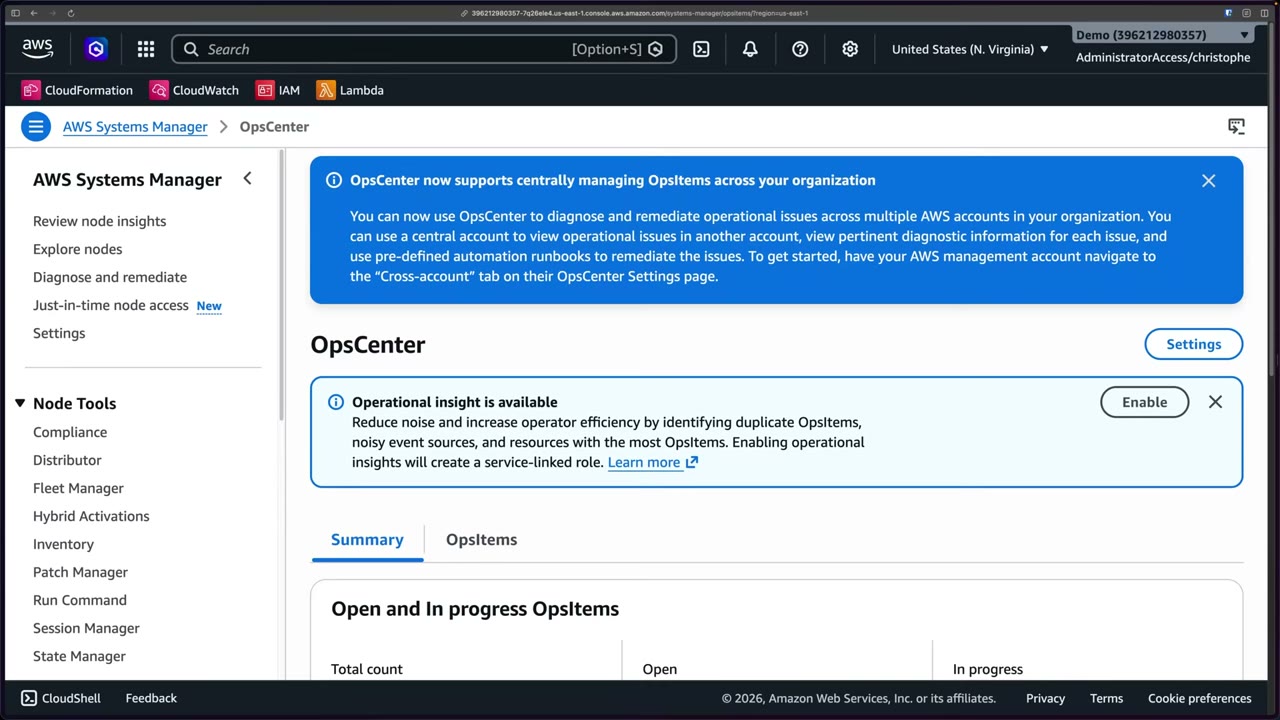
Settings: the Security Hub findings integration auto-creates OpsItems for findings (“there is a cost associated with creating OpsItems”), and default OpsItem rules are EventBridge rules that create OpsItems for common events.
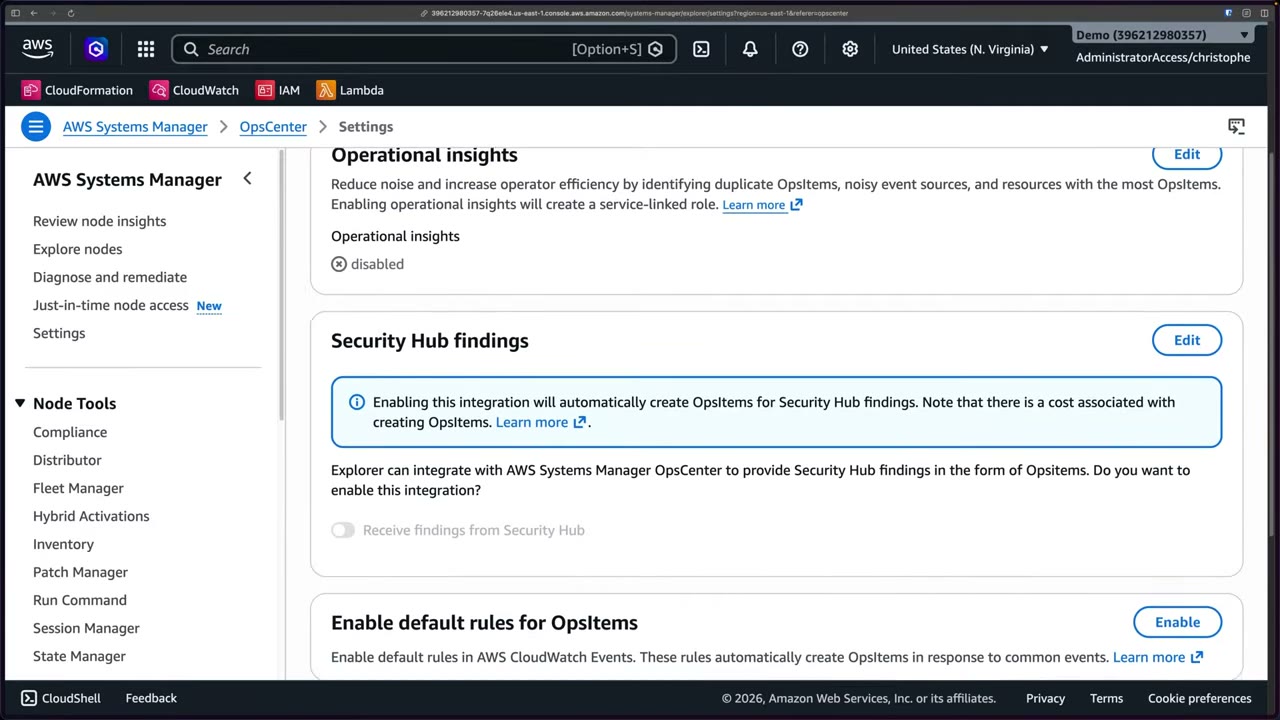
OpsItem fields:
| Field | Values |
|---|---|
| Title, description | Free text |
| Source | AWS service or SSM capability that generated it (e.g. EC2) |
| Priority | 1–5 |
| Severity | 1 (Critical) … |
| Category | Security, Recovery, Performance, Cost, Availability |
| Deduplication string | Optional. Stops repeated alarms creating ticket storms |
| Notifications | An SNS topic ARN for updates on this OpsItem |
| Related resources | Resource type (Elastic IP, NACL, VPC, AWS::EC2::Instance, …) + resource ID |
| Status | Open → In progress → Resolved ▶ #137 05:12 |
The OpsItem’s context, “the superpower”. ▶ #137 03:41 Each OpsItem shows related resources (ARN + type, add more if affected), Automation executions in the last 30 days, a Runbooks list, Similar OpsItems and Operational data (your own key/values). The Related resource details tab pulls CloudWatch metrics for the resource type (CPU, network, disk), the resource configuration, AWS Config details and CloudTrail events, with buttons Open session, Run automation and View resource in original console. You focus on the response instead of hunting across dashboards. ▶ #137 04:20
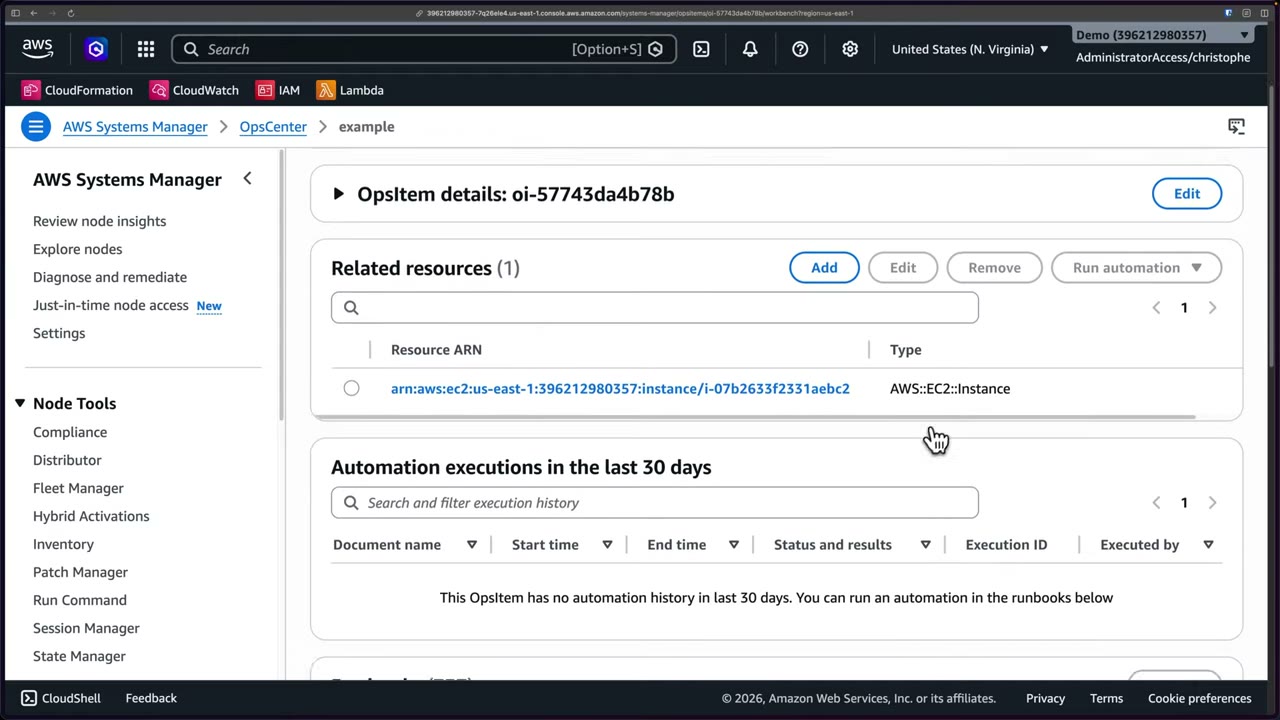
- Systems Manager → OpsCenter → OpsItems. Review Configure sources and Settings (Security Hub integration, default OpsItem rules).
- Create OpsItem ▶ #137 02:03: title
example, sourceEC2, priority 1, severity 1, category Security, descriptionexample OpsItem, deduplication string skipped, optional SNS topic ARN, related resourceAWS::EC2::Instancewith IDi-07b2633f2331aebc2→ Add → Create OpsItem. Result:oi-57743da4b78b. - Review related resources, automation history, runbooks, similar OpsItems, operational data, then Related resource details for metrics, config and CloudTrail.
- Set status → In progress. The OpsCenter summary shows the item in progress, by source and age.
- Run automation (filtered for the resource type, or from the Runbooks section on Overview). ▶ #137 05:31 Inspect
AWS-QuarantineEC2Instance(Description, workflow, Content YAML, Versions, Details). - Run
AWS-StopEC2Instancewith theInstanceId→ Submit → the Automation execution shows In Progress (2 steps executed) → EC2 showscybr-patch-web-1stopped (3 running → 2).
Automation runbooks
Prefer quarantine over stop when you need to keep memory. ▶ #137 06:30
| Runbook | What it does |
|---|---|
AWS-StopEC2Instance |
Stops the instance (loses memory) |
AWS-QuarantineEC2Instance |
Isolates a suspected-compromised instance and keeps it running (Amazon-owned, Windows/Linux/macOS, created 30 Sep 2024) |
AWSSupport-ContainEC2Instance |
Restrictive SG, optional AMI backup, reversible |
AWS-DisableS3BucketPublicReadWrite |
Removes public S3 access |
AWS-DisablePublicAccessForSecurityGroup |
Closes open SG rules |
AWS-PublishSNSNotification |
Notifies |
AWS-CreateSnapshot |
Snapshots a volume |
AWSConfigRemediation-* |
Config fixes, e.g. AWSConfigRemediation-RevokeUnusedIAMUserCredentials |
AWSSupport-Collect… |
Log collection |
The workflow is: prepare quarantine (create snapshot) → verify snapshot → modify instance attributes, with failure branches. Its minimum permissions reveal what it does: snapshot, create an isolation SG with no rules, swap it onto the instance, and detach it from the Auto Scaling group.
description: |-
  ## Name
    Quarantine EC2 instance which are suspected of being compromised.

  ## What does this document do?
    Automation document to isolate EC2 instance which are suspected of being compromised.
  ## Minimum Permissions Required
    * `ec2:DescribeInstances`
    * `ec2:DescribeSecurityGroups`
    * `ec2:CreateSecurityGroup`
    * `ec2:RevokeSecurityGroupIngress`
    * `ec2:RevokeSecurityGroupEgress`
    * `ec2:CreateSnapshot`
    * `ec2:DescribeSnapshots`
    * `ec2:ModifyInstanceAttribute`
    * `autoscaling:DescribeAutoScalingInstances`
    * `autoscaling:DetachInstances`
schemaVersion: '0.3'
assumeRole: '{{ AutomationAssumeRole }}'
parameters:
  InstanceId:
    type: String
    …
Writing and running runbooks:
- Custom Automation documents (YAML) use steps such as
aws:executeAwsApi,aws:runCommand,aws:approve(a human approval gate) andaws:executeScript. - Automation runs as an
AutomationAssumeRolethat trustsssm.amazonaws.com. - Automation can run multi-account, multi-Region from a central account.
- Run Command executes commands on managed instances (memory capture, log collection). Instances need the SSM Agent and an instance profile with
AmazonSSMManagedInstanceCore.
- SSM Agent missing on the instance.
- No instance profile, or it lacks
AmazonSSMManagedInstanceCore. - No route to SSM endpoints: private subnets need VPC endpoints
ssm,ssmmessages,ec2messages. - Runbook AccessDenied: fix the assume role’s permissions or its trust (
ssm.amazonaws.com).
Explorer
A central, customizable operations dashboard with an aggregated view across your account and organization. ▶ #137 08:32
- Data sources: Patch Manager patch compliance, State Manager association compliance, AWS Config, Trusted Advisor, Compute Optimizer, Security Hub.
- Dashboard actions: configure dashboard, add widgets, reset layout. Configure Dashboard toggles each source Enabled/Disabled.
- Settings: OpsItem rules (rule, category, severity, state), Configure data export (OpsData queries as CSV to S3, optional SNS notification, creates a service role), resource data sync, tags.
- Multi-account Explorer needs resource data sync (aggregates from Organizations).
Incident Manager (legacy)
“Incident Manager is no longer open to new customers. For capabilities similar to Incident Manager, explore AWS Systems Manager OpsCenter.” ▶ #137 00:21 Exams lag about 18 months, so it may still appear. It offered response plans, escalation plans, on-call schedules, contacts and settings. It was likely retired for low usage; OpsCenter overlaps but has a different aim. ▶ #137 09:51 Explorer and OpsCenter are how you design and implement response plans and runbooks for security incidents.
From the instructor
- Incident Manager is closed to new customers but may show up: remember response plans, escalation plans, on-call schedules, contacts. ▶ #137 09:51
- OpsItems = tickets, auto-created from CloudWatch alarms, EventBridge, GuardDuty, Security Hub. ▶ #137 01:11
- OpsItems bundle CloudWatch metrics, Config and CloudTrail context and runnable runbooks: no dashboard hopping. ▶ #137 04:20
- Prefer quarantine over stop when you need to keep memory. ▶ #137 06:30
- Explorer = aggregated ops dashboard across account/org. ▶ #137 08:40
Keyword → answer
| If the question says… | Answer |
|---|---|
| Runbook needs a human approval step before terminating | Automation aws:approve step |
| Track security incidents with linked runbooks in one console | OpsCenter |
| Response plans, escalation plans, on-call schedules | Incident Manager (legacy; new customers → OpsCenter or AWS Security Incident Response) |
| Contain an instance but keep memory | AWS-QuarantineEC2Instance, not AWS-StopEC2Instance |
| Config rule should trigger a fix | Config remediation with an SSM Automation document |
| Runbook fails with AccessDenied | Fix the assume role’s permissions or trust (ssm.amazonaws.com) |
| Repeated alarms create ticket storms | OpsItem deduplication string |
| Aggregated ops dashboard across account and org | Explorer (with resource data sync) |
| Run Command fails on an instance | SSM Agent, instance profile / AmazonSSMManagedInstanceCore, or VPC endpoints ssm, ssmmessages, ec2messages |
- Incident Manager is no longer open to new customers; AWS points to OpsCenter. For security-specific case management, triage of GuardDuty/Security Hub findings and AWS CIRT engagement, the newer answer is AWS Security Incident Response (2024).
Real-world practice
- Route Security Hub high and critical findings to OpsCenter via EventBridge, with the IR runbooks attached.
- OpsItems from the blanket Security Hub integration cost money per item. Filter to HIGH/CRITICAL, or use EventBridge rules with specific patterns instead.
- Integrate OpsCenter with your ITSM (ServiceNow or Jira Service Management connectors) if the org already lives there. Otherwise OpsCenter becomes a second ticket queue nobody watches.
- Keep runbooks in Git and deploy them with StackSets. Version and pin custom runbooks and test them in a sandbox account:
AWS-QuarantineEC2Instancechanges SGs and detaches from ASGs, which may trigger replacement capacity. - Explorer + Patch Manager/State Manager compliance gives a quick org-level view of unpatched or non-compliant nodes, often the root cause found in lessons learned.
- Run
AWS-StopEC2Instancemanually from Automation with an assume role. - Create an OpsItem from a Config compliance change (or manually, as in ▶ #137) and open its related resource details.
- Cleanup: terminate the instance and resolve the OpsItem.
EventBridge + Lambda / Step Functions auto-remediation
Event-driven incident response. A finding (GuardDuty, Security Hub, Config, Macie, Access Analyzer, Inspector) becomes an EventBridge event, and a rule sends it to Lambda, SSM Automation, Step Functions or SNS. EventBridge is “the glue”.
- Exam skills: auto-remediate incidents (2.1.4) · response plans & runbooks (2.1.1) · logs as forensic artifacts (2.2.1) · search & correlate logs (2.2.2) · contain, eradicate, recover (2.2.4) · root cause analysis (2.2.5) · aggregate security events (1.1.3) · hardened AMIs with Image Builder (3.2.1)
- Videos: ▶ #130 Automated incident response · ▶ #144 Step Functions for security workflows · ▶ #148 Automatically remediating incidents · (#87–89 EventBridge, see Part 2)
- Rule of thumb: one quick action → Lambda. Branching, retries, human approval → Step Functions.
The three layers of an IR pipeline
Knowing how to chain services is as important as knowing each one, especially for this exam. ▶ #130 00:10
| Layer | Services and their role |
|---|---|
| Detection ▶ #130 00:32 | CloudTrail: audit trail of all API calls, source of truth for forensics. CloudTrail Lake: CloudTrail from multiple accounts and Regions, queryable with SQL. Athena: SQL over a wider variety of data (CloudTrail, VPC Flow Logs, Route 53 DNS queries, more). CloudWatch: metrics, logs, anomaly detection via custom alarms. GuardDuty: threat detection over Flow Logs, DNS logs, CloudTrail. Config: changes that indicate compromise or misconfiguration. Macie: sensitive data exposure and unusual access. IAM Access Analyzer: unintended resource access |
| Aggregation & correlation ▶ #130 02:11 | Security Hub: centralizes findings in ASFF. Detective: correlates events to see the full scope of an incident |
| Response & remediation ▶ #130 02:51 | Systems Manager: Automation documents and Run Command for complex/privileged tasks (snapshots, revoking access). Lambda: tag resources, modify SGs, enrich events before notifying. EventBridge: routes events from Security Hub, GuardDuty, Inspector; rules match findings and trigger actions, “really good glue”. Step Functions: complex multi-step processes. SNS: alerts |
- CloudTrail Lake = CloudTrail only, multi-account/Region SQL, long retention. Athena = broader sources (CloudTrail, VPC Flow Logs, Route 53 DNS logs, Security Lake). ▶ #130 00:51
- GuardDuty severity bands: Low 1.0–3.9, Medium 4.0–6.9, High 7.0–8.9, Critical 9.0–10.0.
Security Hub, ASFF and the finding flow
Security Hub consumes findings from integrated AWS services and third-party products and normalizes them into the AWS Security Finding Format (ASFF), which derives from JSON Schema. No more time-consuming data conversion. ▶ #130 04:13 Example: GuardDuty detects a threat, Config flags a violation, Macie finds sensitive data; each sends a finding to Security Hub, which normalizes it to ASFF JSON. You get consistent alerting, reporting and automated response whatever the source, and you can build custom third-party integrations that send ASFF. ▶ #130 05:11
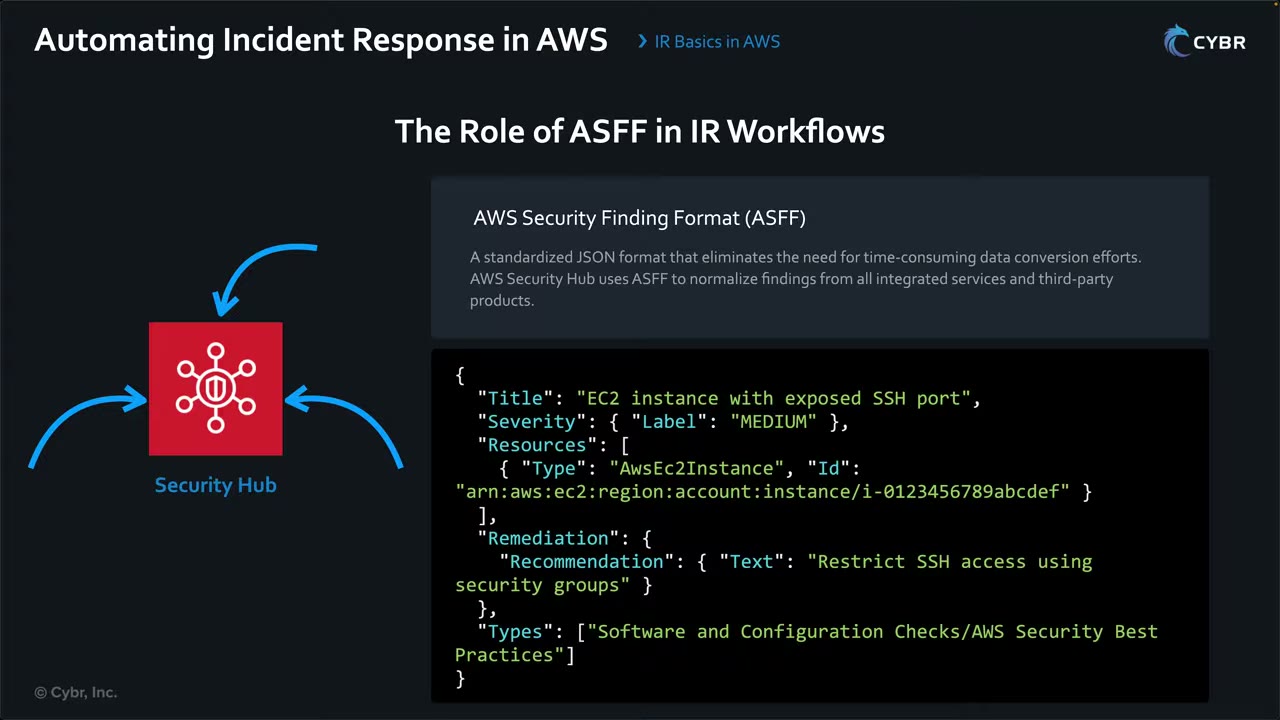
{
  "Title": "EC2 instance with exposed SSH port",
  "Severity": { "Label": "MEDIUM" },
  "Resources": [
    { "Type": "AwsEc2Instance", "Id": "arn:aws:ec2:region:account:instance/i-0123456789abcdef" }
  ],
  "Remediation": {
    "Recommendation": { "Text": "Restrict SSH access using security groups" }
  },
  "Types": ["Software and Configuration Checks/AWS Security Best Practices"]
}
- Required ASFF top-level fields include
SchemaVersion,Id,ProductArn,GeneratorId,AwsAccountId,Types,CreatedAt,UpdatedAt,Severity,Title,Description,Resources. Custom/third-party findings go in withBatchImportFindings.
Finding flow (from the open-source AWS Security Services Best Practices guide, GitHub
aws/aws-security-services-best-practices, Security Hub CSPM section, “Figure 2”). ▶ #148 00:31
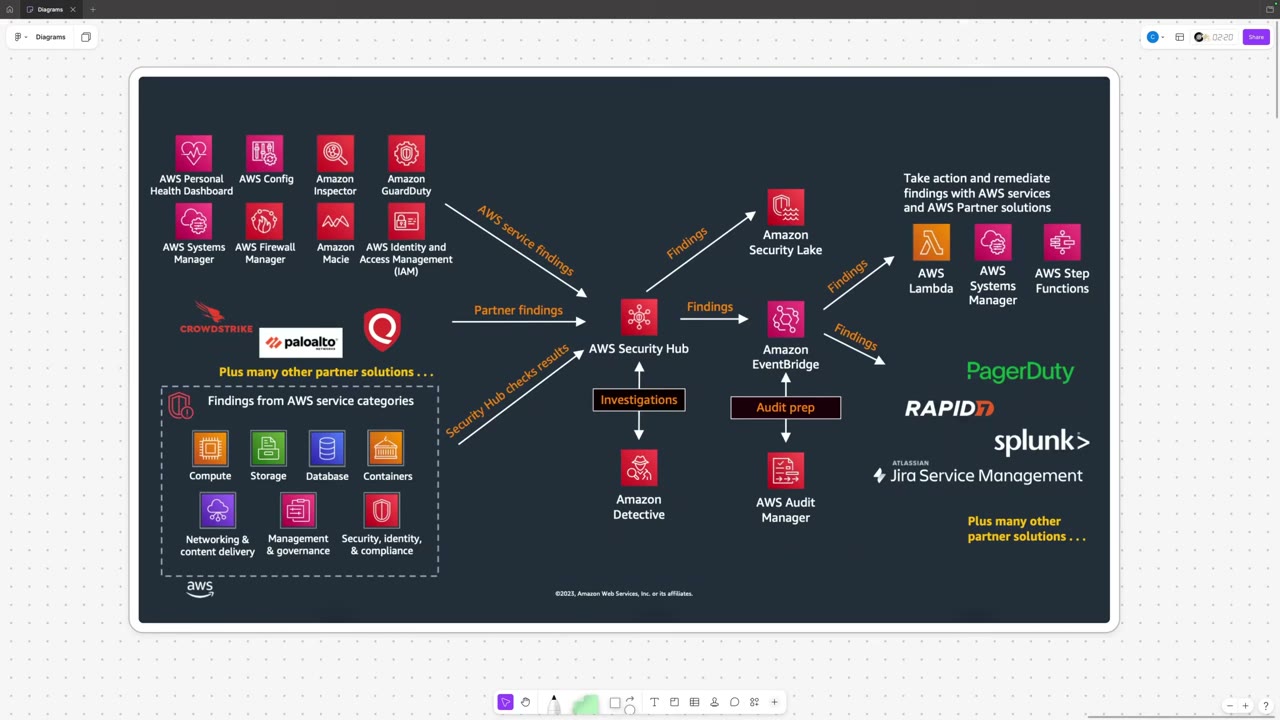
- In: AWS service findings (Personal Health Dashboard, Config, Inspector, GuardDuty, Systems Manager, Firewall Manager, Macie, IAM Access Analyzer), partner findings (CrowdStrike, Palo Alto Networks, Qualys and many more, native or custom via webhooks/
BatchImportFindings), and Security Hub check results across compute, storage, database, containers, networking & content delivery, management & governance, security/identity/compliance. - Out:
- Investigations → Amazon Detective.
- Findings → Amazon Security Lake.
- Findings → EventBridge → audit prep (Audit Manager), partner tools (PagerDuty, Rapid7, Splunk, Jira Service Management), or AWS-native remediation (Lambda, Systems Manager, Step Functions).
Standard pattern: GuardDuty / Inspector / Macie → Security Hub → EventBridge rule (source aws.securityhub,
detail-type Security Hub Findings - Imported) → Lambda / Step Functions / SSM Automation → SNS. GuardDuty can also go
directly to EventBridge (aws.guardduty, GuardDuty Finding).
| Security Hub feature | What it does |
|---|---|
| Custom actions | Send selected findings to EventBridge on demand (Security Hub Findings - Custom Action): “analyst clicks Isolate” |
| Automation rules | Change the findings themselves (suppress, severity, workflow status) as they are ingested, not resources |
Centralize: findings from all accounts go to the delegated admin account (GuardDuty, Security Hub, Detective) with cross-Region aggregation to one home Region, so one EventBridge rule there covers the org. Remediation then assumes a role in the member account. Cross-account EventBridge needs a resource policy on the target bus.
Lambda for remediation
“Lambda is definitely going to be on your exam,” including automatic remediation. Lambda is event-driven compute with no servers: it scales automatically and sits idle until an event fires. Runs are limited to 15 minutes. ▶ #148 10:51
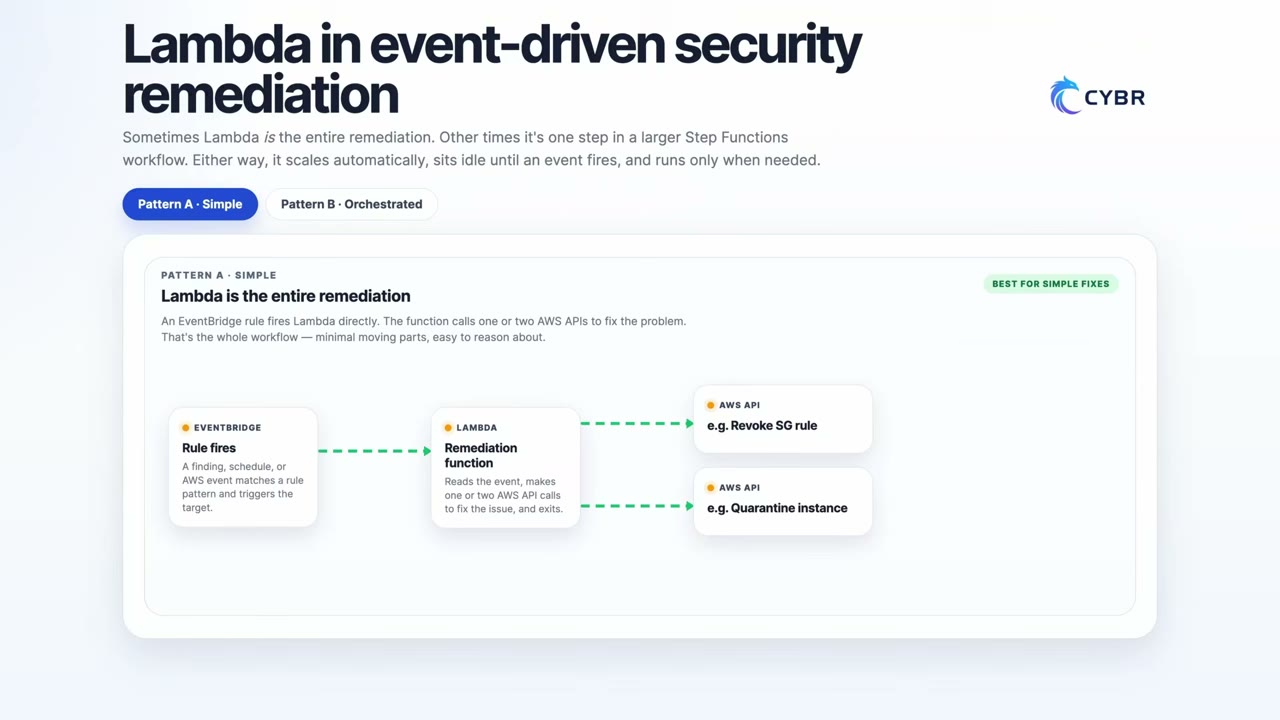
Pattern A, simple: an EventBridge rule fires (finding, schedule or AWS event) → the Lambda reads the event, makes one or two API calls (revoke an SG rule, quarantine an instance) and exits. It may be the whole remediation until a human decides (e.g. false positive).
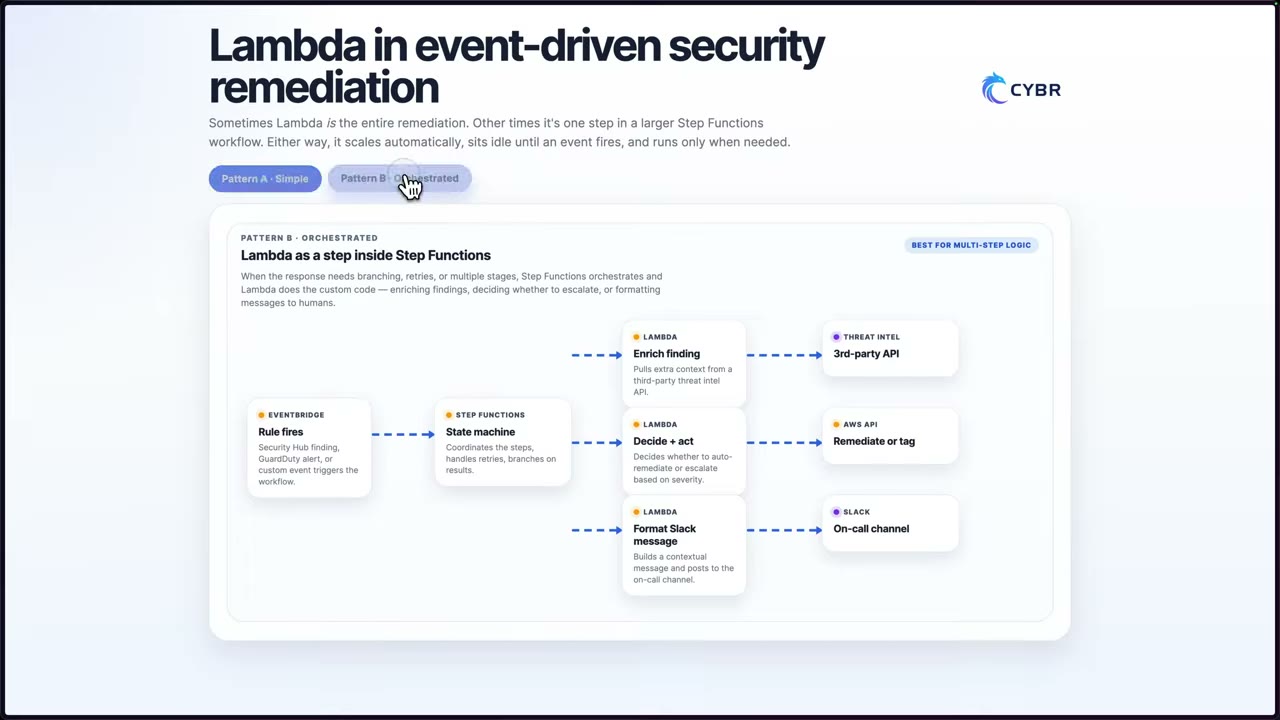
Pattern B, orchestrated: EventBridge (Security Hub finding, GuardDuty alert, custom event) → Step Functions (coordinates, retries, branches) → Lambdas: enrich finding (third-party threat-intel API), decide + act (auto-remediate or escalate by severity → remediate or tag), format Slack message (on-call channel).
Rule pattern for high/critical EC2 GuardDuty findings:
{
  "source": ["aws.guardduty"],
  "detail-type": ["GuardDuty Finding"],
  "detail": {
    "severity": [{ "numeric": [">=", 7] }],
    "resource": { "resourceType": ["Instance"] }
  }
}
Lambda target (sketch):
import boto3, os
ec2 = boto3.client("ec2")
def handler(event, _ctx):
    iid = event["detail"]["resource"]["instanceDetails"]["instanceId"]
    ec2.modify_instance_attribute(InstanceId=iid, DisableApiTermination={"Value": True})
    ec2.create_tags(Resources=[iid], Tags=[{"Key": "SecurityIncident", "Value": event["detail"]["id"]}])
    ec2.modify_instance_attribute(InstanceId=iid, Groups=[os.environ["ISOLATION_SG"]])
Step Functions for multi-step and human-approval workflows
Step Functions coordinates a series of steps automatically. Each step can call AWS services (including Lambda), wait for human input, make a decision (Choice), retry on failure or run in parallel. ▶ #144 00:10 It’s built on state machines, so it always knows which state an execution is in, which suits incident response. The instructor calls it “very underrated”. ▶ #144 00:42 The execution history is a full audit trail.
Use it for branching, retries, waiting for human approval (callback task token), parallel evidence capture, long runs and unpredictable third-party APIs.
| Feature | Detail |
|---|---|
| Callback | .waitForTaskToken + SendTaskSuccess / SendTaskFailure / SendTaskHeartbeat |
| Standard vs Express | Standard can wait up to 1 year. Express (max 5 min) doesn’t support callback or human approval |
| Timeout | Set TimeoutSeconds + Catch on States.Timeout so unattended approvals don’t hang ▶ #144 05:12 |
| SDK integrations | Direct integrations with 200+ services: no Lambda needed for simple calls (e.g. ec2:modifyInstanceAttribute) |
Alternatives for approval: SSM Automation with aws:approve, Security Hub custom actions or automation rules, the
Automated Forensics Orchestrator (built on Step Functions).
Demo: security finding approval workflow ▶ #144 00:51
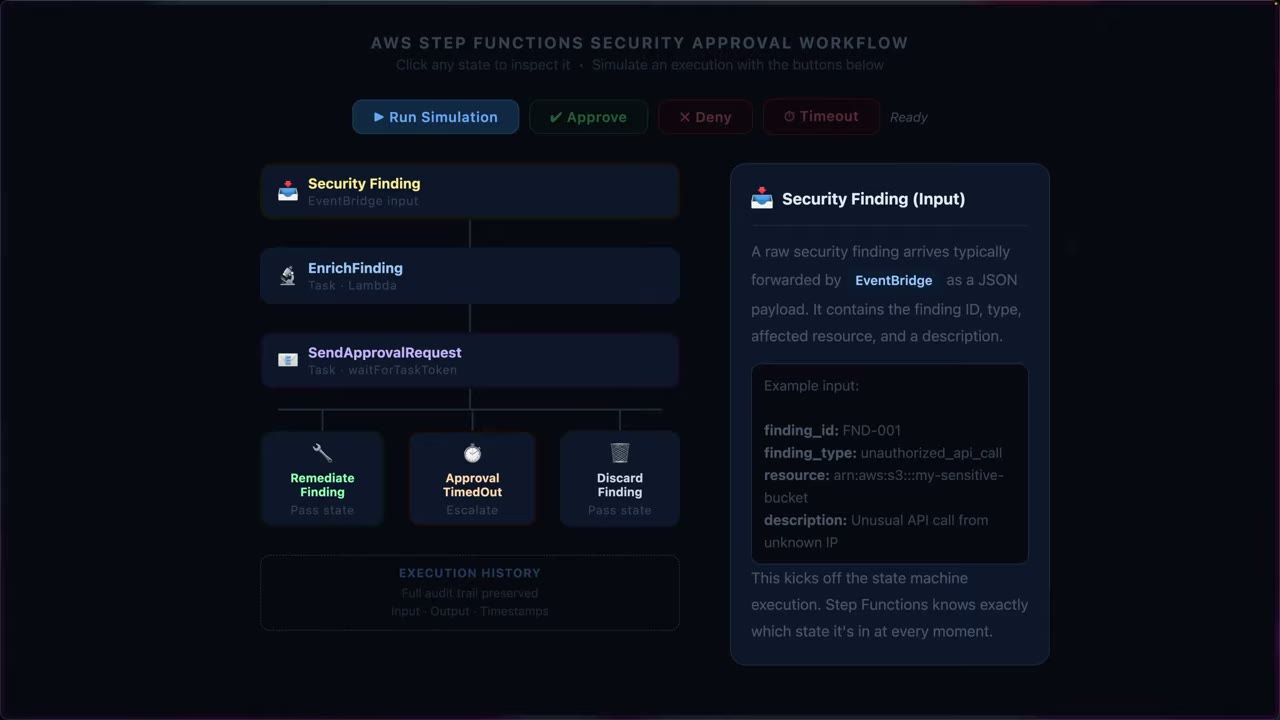
- Security Finding (input): JSON forwarded by EventBridge, mimicking GuardDuty or a third-party tool (
finding_id: FND-001,finding_type: unauthorized_api_call,resource: arn:aws:s3:::my-sensitive-bucket,description: Unusual API call from unknown IP). - EnrichFinding (Lambda task): adds a preliminary severity, a timestamp and the account ID.
- SendApprovalRequest (task with
waitForTaskToken): emails the responder (via SNS) the enriched finding with Approve / Deny links, then pauses. - Outcomes:
- RemediateFinding (a Pass state in the demo): approved. In reality, call another Lambda, service or third-party tool.
- DiscardFinding (Pass): denied, no action.
- ApprovalTimedOut (Escalate): no response within 1 hour, no automated action.
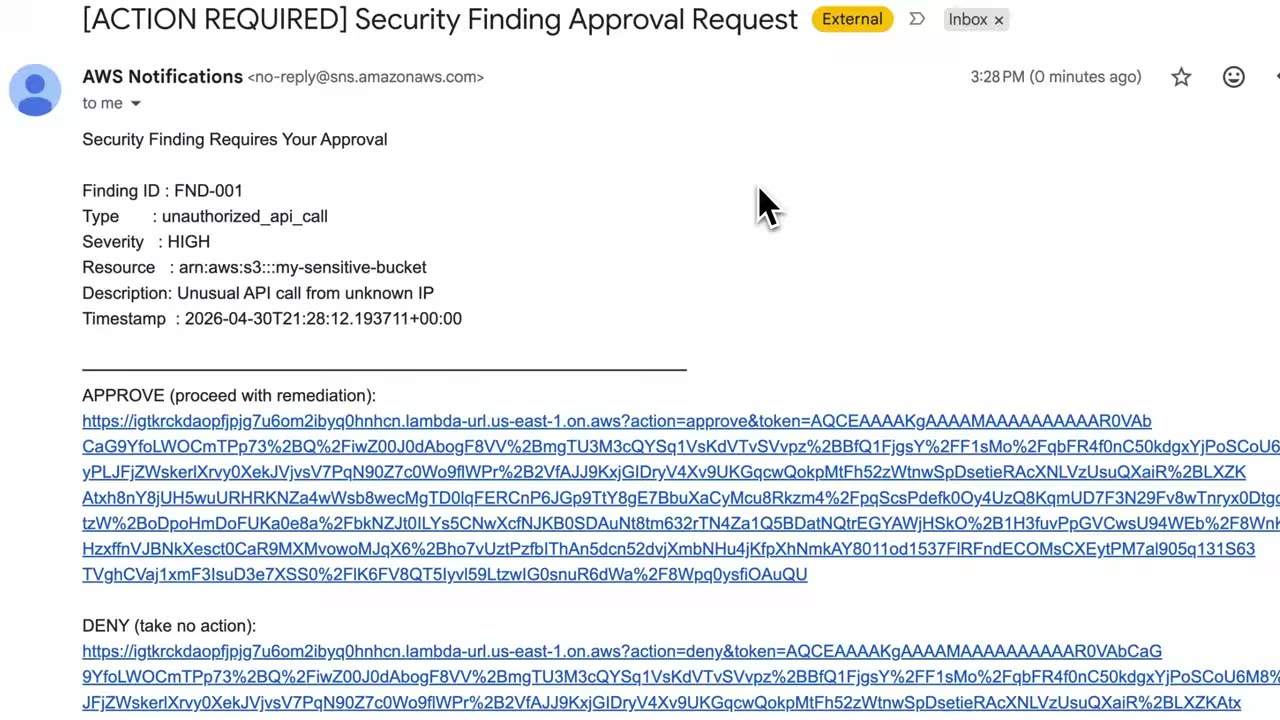
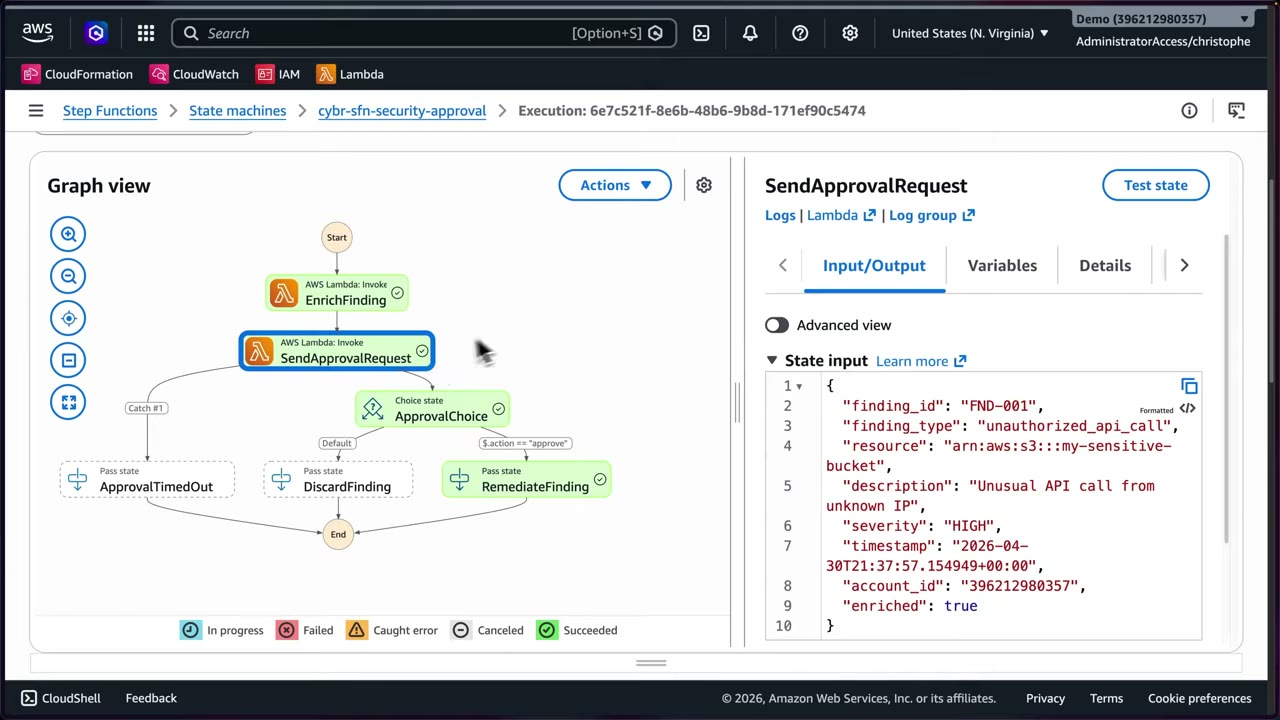
The real state machine: Start → EnrichFinding (Lambda invoke) → SendApprovalRequest (Lambda invoke) → ApprovalChoice
(Choice: $.action == "approve" → RemediateFinding; default → DiscardFinding). A Catch on SendApprovalRequest
routes timeout errors to ApprovalTimedOut. The enriched input shows severity: HIGH, account_id, enriched: true.
- Step Functions → State machines →
cybr-sfn-security-approval(type Standard) → Start execution with JSON simulating a GuardDuty unauthorized API call related to S3. ▶ #144 02:49 - Execution details show status, type, ARN, IAM role ARN, CloudWatch Logs, duration, plus Graph view and Table view. The execution waits at SendApprovalRequest.
- The email arrives: subject “[ACTION REQUIRED] Security Finding Approval Request” from
no-reply@sns.amazonaws.com, with Finding ID FND-001, type, severity HIGH, resource, description, timestamp. Part came from the input, part from the enrichment Lambda. - Links point to a Lambda Function URL with
?action=approve&token=…/?action=deny&token=…. - Click APPROVE → the Lambda calls
SendTaskSuccesswith the token → page “Finding APPROVED. Remediation will proceed.” → the graph turns green: ApprovalChoice → RemediateFinding → End. - Deny → DiscardFinding. No click within 1 h → ApprovalTimedOut.
Enriched state input:
{
  "finding_id": "FND-001",
  "finding_type": "unauthorized_api_call",
  "resource": "arn:aws:s3:::my-sensitive-bucket",
  "description": "Unusual API call from unknown IP",
  "severity": "HIGH",
  "timestamp": "2026-04-30T21:37:57.154949+00:00",
  "account_id": "396212980357",
  "enriched": true
}
Sketch of the wait state (ASL):
"SendApprovalRequest": {
  "Type": "Task",
  "Resource": "arn:aws:states:::lambda:invoke.waitForTaskToken",
  "Parameters": { "FunctionName": "send-approval", "Payload": { "finding.$": "$", "token.$": "$$.Task.Token" } },
  "TimeoutSeconds": 3600,
  "Catch": [ { "ErrorEquals": ["States.Timeout"], "Next": "ApprovalTimedOut" } ],
  "Next": "ApprovalChoice"
}
The exam expects you to design automated IR workflows. Step Functions simplifies human-in-the-loop steps and waits on external APIs whose latency or errors you can’t predict. ▶ #144 05:30
Automated Forensics Orchestrator for EC2 and EKS
The exam tests whether you can architect a forensics/IR flow from a scenario and place each service at the right step. ▶ #148 00:11 “Guidance for Automated Forensics Orchestrator for Amazon EC2 and EKS” is from the AWS Solutions Library (guide + sample code). It is not a separate service but a deployable, customizable reference architecture for EC2 instances and EKS clusters on EC2, multi-account and multi-Region. ▶ #148 03:30
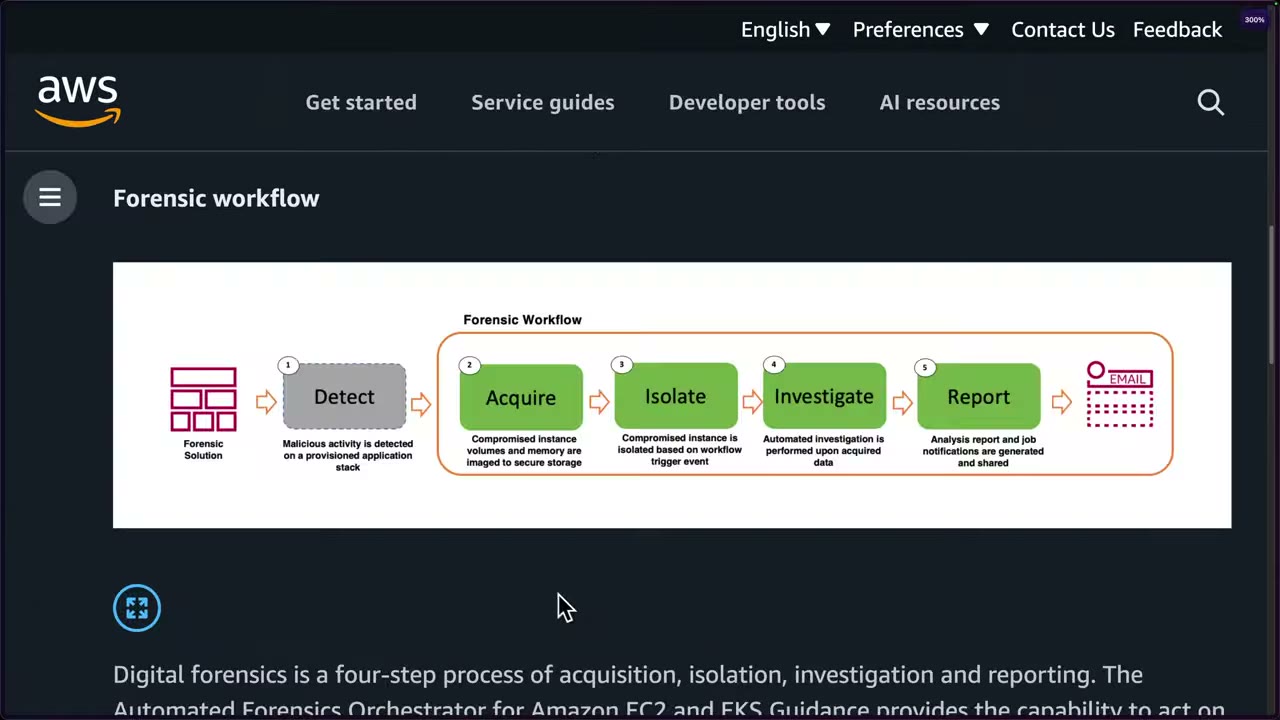
- Detect malicious activity on a provisioned application stack.
- Acquire: image the instance volumes and memory to secure storage, before evidence is destroyed.
- Isolate the instance based on the trigger event.
- Investigate the acquired data automatically.
- Report: analysis report and job notifications (email).
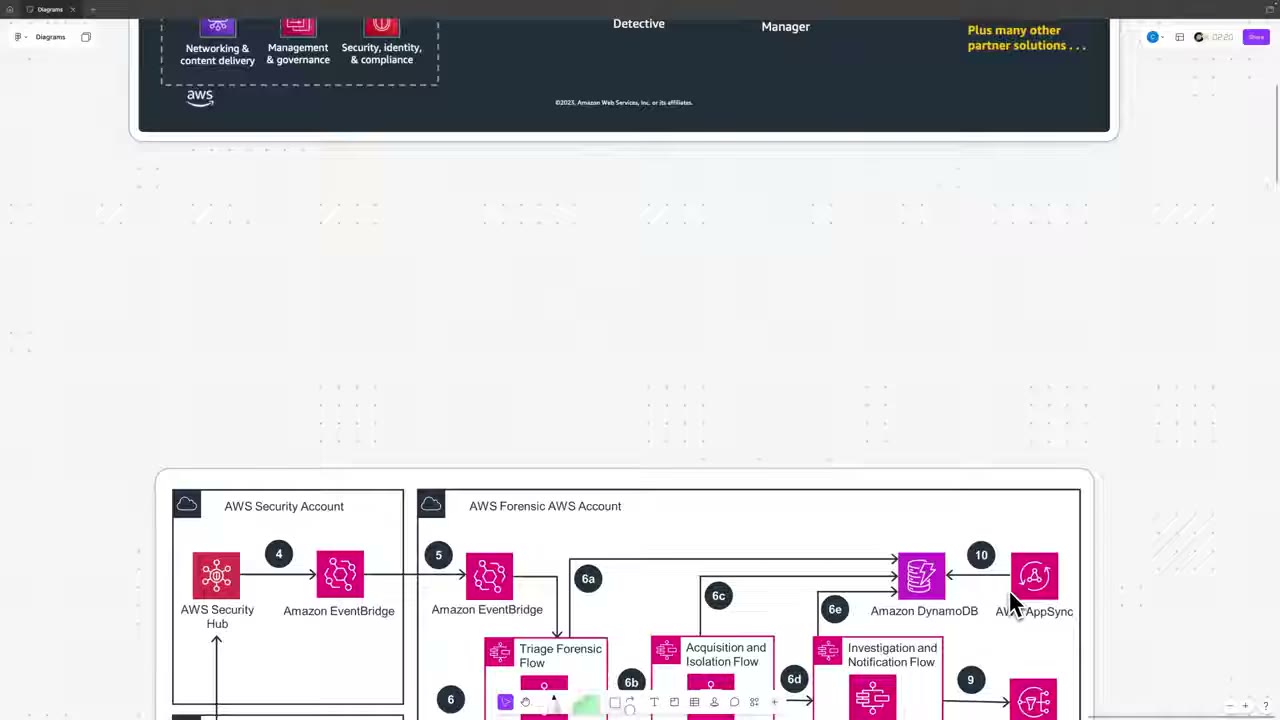
Architecture walkthrough ▶ #148 05:21
- A forensic AMI with your tools is built with EC2 Image Builder in a dedicated forensic account.
- The compromised EC2 instance / EKS cluster in the application account is detected by Config managed rules and/or GuardDuty → finding to Security Hub.
- Security Hub is aggregated in the security tooling account, where an EventBridge rule matches the finding.
- EventBridge forwards cross-account to an event bus in the forensic account.
- That triggers Step Functions:
- Triage forensic flow: gather data, prepare for investigation.
- 6a / 6c: write to DynamoDB and AppSync to track state at every stage and enrich the finding.
- 6b, acquisition and isolation flow: capture memory to S3, create an EBS snapshot and a volume from it, isolate the instance with security groups.
- 6d, investigation and notification flow: bring a human in the loop, notify via SNS (email, SMS, Slack).
- Launch a forensic instance from the forensic AMI and attach the EBS volume.
- SSM documents + Run Command run forensic scripts with the pre-installed tools.
Bonus from the instructor: Step Functions can create an SSM OpsCenter OpsItem with the finding, the actions taken and links to the execution history, so the on-call engineer gets the full picture. “You don’t have to memorize this… understand the role Step Functions plays, the role EC2 Image Builder plays.” Simple cases can just be EventBridge → Lambda. See also Forensic artifact storage (this part).
Application Recovery Controller (ARC)
If an incident hits a whole AZ or Region, the fastest remediation to stay online may be shifting traffic to a healthy environment. Not a big exam topic: know it exists and what it does. ▶ #148 10:10
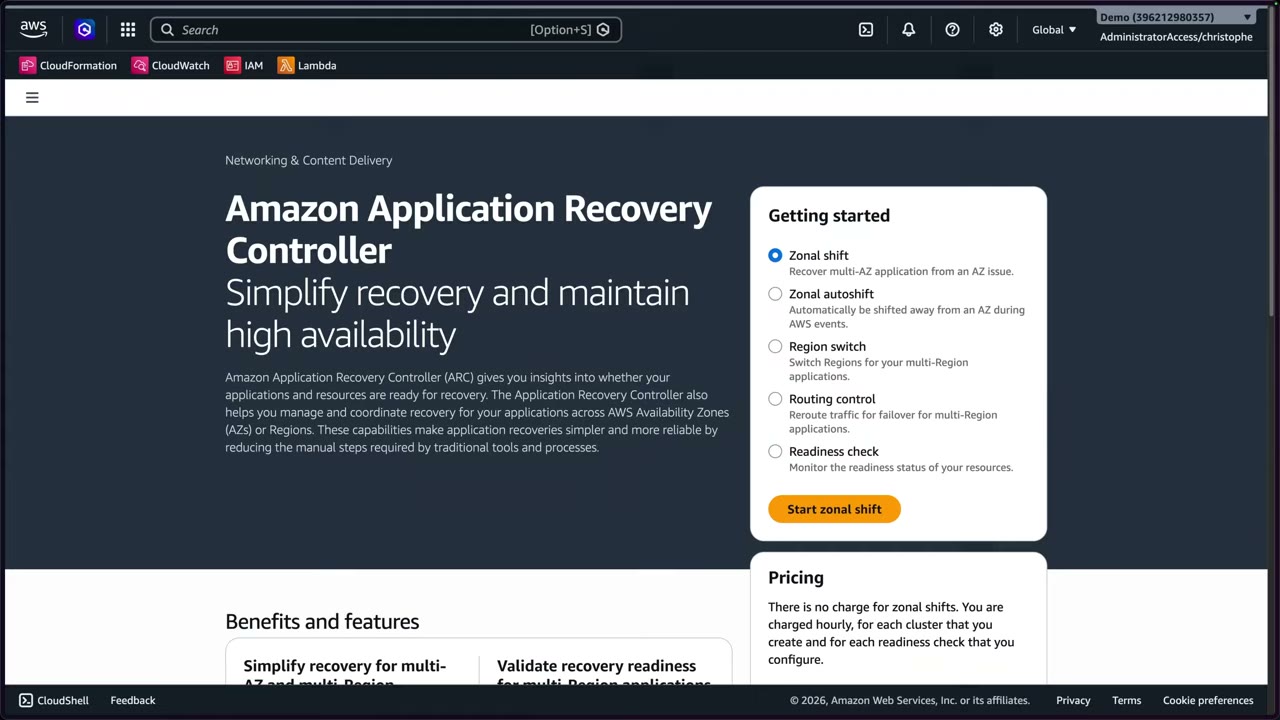
| Option | Use |
|---|---|
| Zonal shift | Recover a multi-AZ app from an AZ issue (free) |
| Zonal autoshift | AWS shifts you away from an AZ during AWS events |
| Region switch | Fail over between Regions |
| Routing control | Reroute traffic for multi-Region failover (clusters billed hourly) |
| Readiness check | Check the standby is ready (billed hourly) |
From the instructor
- How services chain matters as much as each service. ▶ #130 00:10
- CloudTrail Lake = CloudTrail only; Athena = broader data sources. ▶ #130 00:51
- EventBridge is the glue; Step Functions for multi-step orchestration. ▶ #130 03:32
- Security Hub normalizes AWS and third-party findings into ASFF. ▶ #130 04:22
- Configure a timeout so unattended approvals don’t hang. ▶ #144 05:12
- “If you see a question about coordinating automation, especially with human approval checkpoints or third-party APIs, think Step Functions.” ▶ #144 06:01
- Scenario → service: ▶ #148 12:41
- Forensics AMI in a forensics account → EC2 Image Builder.
- Detect compromised EC2/EKS → GuardDuty and/or Config → Security Hub → EventBridge rules.
- Simple workflow → Lambda; resume, error handling, orchestration → Step Functions.
- Isolate → security groups. Automate investigation → SSM documents + Run Command.
- Track steps → DynamoDB + AppSync, or SSM OpsCenter.
- ARC: know it exists for traffic shifting when an AZ/Region is impacted. ▶ #148 10:21
- Do the practice questions right after this lesson. ▶ #148 14:22
Keyword → answer
| If the question says… | Answer |
|---|---|
| Automatically respond to GuardDuty findings | EventBridge rule → Lambda, SSM or Step Functions. GuardDuty can’t remediate by itself |
| Wait for SOC approval, then isolate, snapshot and notify | Step Functions Standard with .waitForTaskToken. Not a single Lambda, not Express |
| Coordinate automation with human approval or third-party APIs | Step Functions |
| Simple one-step fix | Lambda |
| Resume, error handling, orchestration | Step Functions |
| Analyst-triggered response from the Security Hub console | Security Hub custom action |
| Suppress or re-rate findings automatically without code | Security Hub automation rules |
| Send custom findings into Security Hub | ASFF via BatchImportFindings |
| Query flow logs + DNS logs + CloudTrail together | Athena (or Security Lake + Athena) |
| Query only CloudTrail across the org with SQL, long retention | CloudTrail Lake |
| Shift traffic away from an impaired AZ/Region | ARC zonal shift / routing control |
- Security Hub was re-launched in 2025. The classic product is now Security Hub CSPM (ASFF, controls); the new Security Hub correlates signals using OCSF. Expect ASFF in questions on Security Hub CSPM and custom integrations, OCSF for Security Lake.
- The instructor believes Audit Manager is being sunset. Verify before relying on it.
- The
.waitForTaskTokencallback details, Standard/Express limits, direct SDK integrations, required ASFF fields and the direct GuardDuty → EventBridge path are additions beyond the videos.
Real-world practice
- Keep remediation idempotent and reversible. Start notify-only, then semi-automated (custom action), then fully automated for high-confidence findings. Use
Retrywith backoff; route failures to a ticket or on-call (SNS → PagerDuty/Slack). - Use Step Functions for anything with human approval, retries or parallel forensics (snapshot + memory capture + tagging). Run IR state machines in a dedicated security account with cross-account roles into workload accounts (deployed via StackSets).
- Protect approval links: short-lived tokens, SSO/auth on the approval endpoint (not just a bearer link in email), log who approved. Enable CloudWatch Logs + X-Ray on the state machine. Standard workflows bill per state transition, fine for IR volume.
- Route findings by severity/account to different SNS topics or ticketing (Jira/ServiceNow via Security Hub).
- Aggregate findings from all Regions before automating, otherwise the rules must exist in every Region.
- Test the pipeline with GuardDuty sample findings (
CreateSampleFindings) and FIS game days.
- Enable GuardDuty and generate sample findings (
aws guardduty create-sample-findings). - Create the rule pattern above with an SNS target and confirm the email arrives.
- Optional: point the rule at a Standard Step Functions workflow with a
.waitForTaskTokenapproval step (as in ▶ #144). - Cleanup: delete the rule, state machine and topic, and disable GuardDuty if it was only for the lab.
Amazon SageMaker AI notebooks for IR
Managed Jupyter (JupyterLab) notebooks used as repeatable investigation playbooks: prepared cells query CloudTrail or Security Lake through Athena, pivot on IPs or principals, visualize and record the findings. The same notebooks build a custom ML anomaly detection pipeline on Security Lake data, for detections GuardDuty doesn’t cover.
- Exam skills: response plans & runbooks, SageMaker notebooks (2.1.1) · search & correlate logs (2.2.2) · log data lakes, Security Lake (1.2.3) · analyze logs, Athena (1.2.4) · network log sources (1.2.6)
- Videos: ▶ #150 Using SageMaker AI notebooks for incident response
- You don’t need to be a SageMaker notebook expert. ▶ #150 07:51
Notebooks as investigation playbooks
- Run them in the Security Tooling or IR account, with a role that has read-only access to logs (Athena, S3, Security Lake).
- Benefits: repeatable, documented analysis that is shareable with the team (no single-analyst silos) and mixes code with notes.
- They support analysis. They don’t replace detection services.
The AWS Security Blog post “How to improve your security incident response processes with Jupyter notebooks” (Nov 2023) shows how to standardize and collaborate on responses to events such as GuardDuty findings. ▶ #150 05:51 During an alert an engineer can query Security Lake for the exact time window and resources, run focused analysis on that slice, visualize patterns, and call the inference endpoint directly to score specific events. That’s much faster than digging through raw logs.
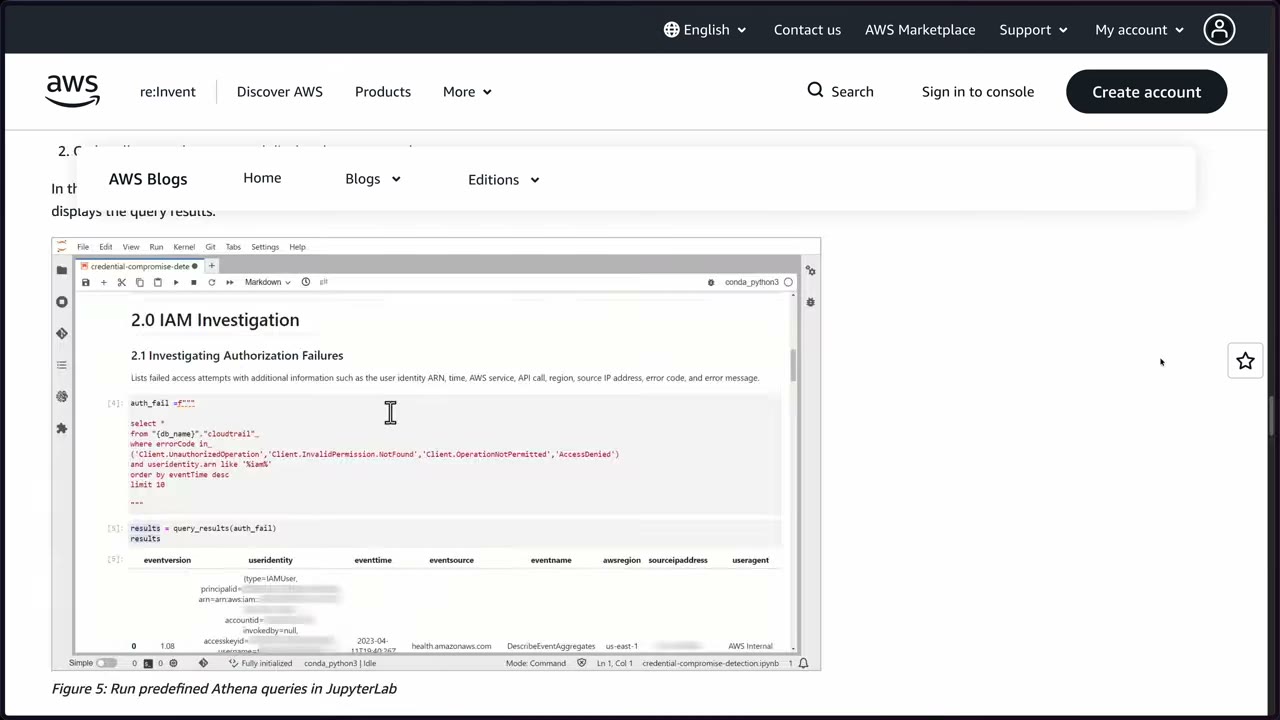
Example notebook “credential-compromise-detection”, section 2.0 IAM Investigation → 2.1 Investigating Authorization Failures: an Athena query on CloudTrail for failed access attempts, returning event version, user identity, time, source, event name, Region, source IP and user agent.
auth_fail = f"""
select *
from "{db_name}"."cloudtrail"
where errorCode in
 ('Client.UnauthorizedOperation','Client.InvalidPermission.NotFound','Client.OperationNotPermitted','AccessDenied')
and useridentity.arn like '%iam%'
order by eventTime desc
limit 10
"""
results = query_results(auth_fail)
results
Blog setup notes: create an Athena table for CloudTrail via the AWS Security Analytics Bootstrap (recommended; works with Organizations + a log archive account) or the CloudTrail console. Grant AWS Lake Formation access if used. Give SageMaker a VPC with NAT or VPC endpoints.
Custom anomaly detection: GuardDuty vs your own model
“GuardDuty is great for detecting common attack patterns, but you need something else for custom detections.” ▶ #150 01:22 Anomaly detection = learn a baseline of normal, then flag significant deviations. What it can catch: ▶ #150 00:11
- An EC2 instance suddenly talking to IP addresses it has never talked to.
- A user signing in from an unusual location or at an unusual time (staff work 9–5, someone logs in at 3 a.m.).
- A spike in outbound traffic that looks like data exfiltration.
- DNS queries to domains associated with known malicious infrastructure.
- Internal services port-scanning across subnets.
Production log volume makes manual review impossible, so this has to be automated.
The Security Lake + SageMaker pipeline
From the AWS ML blog “Identify cybersecurity anomalies in your Amazon Security Lake data using Amazon SageMaker”. ▶ #150 02:01
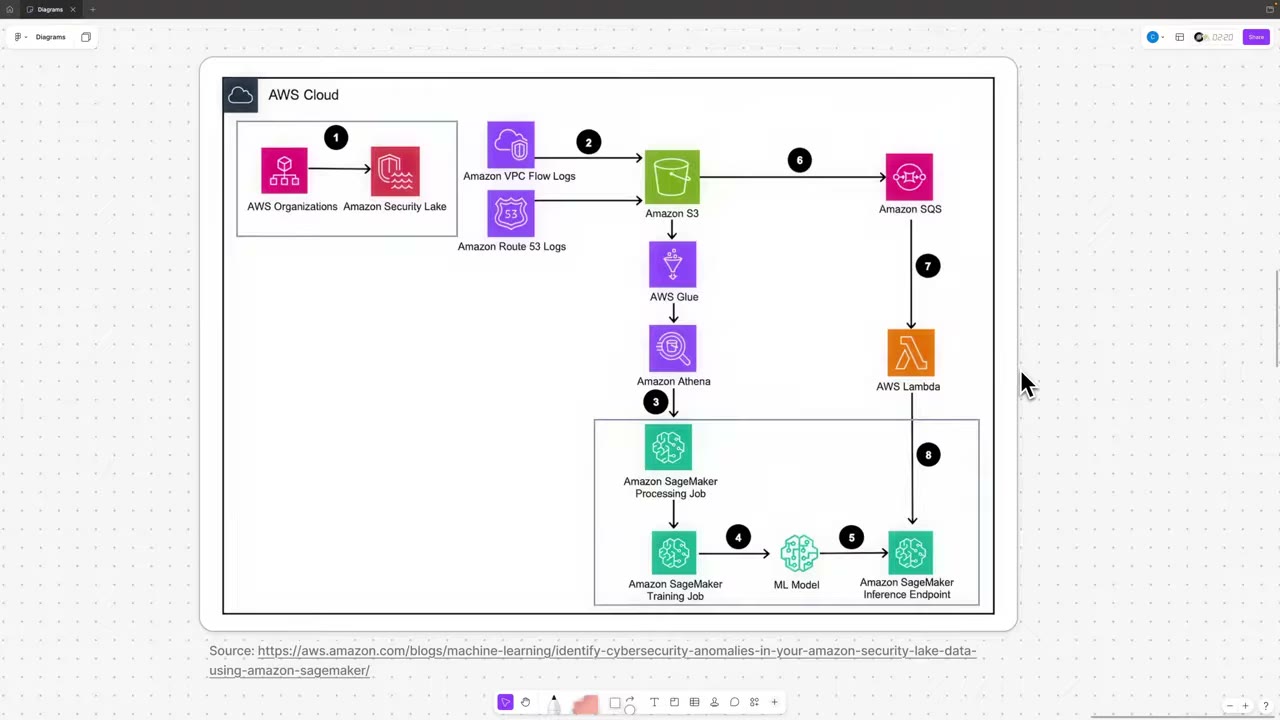
- Organizations → Security Lake collects logs across accounts (and other sources) and normalizes them into OCSF. Everything else builds on it.
- Two sources: VPC Flow Logs and Route 53 logs, stored in the Security Lake S3 buckets. Glue catalogs the data, Athena queries it. SageMaker AI notebooks (managed JupyterLab) are where you write Python, query Security Lake via Athena, explore and visualize, and write the code for the rest of the pipeline.
- A SageMaker Processing job queries Security Lake tables via Athena and cleans and transforms raw logs into ML-ready features.
- A SageMaker Training job trains an anomaly detection model on that history, so the model learns the normal baseline for your environment.
- The model is deployed to a SageMaker inference endpoint: a real-time API that scores a log entry as normal or abnormal.
- New logs land in the Security Lake bucket → events go to SQS.
- An ingress Lambda reads each new entry from the queue.
- Lambda sends it to the endpoint. If the score crosses your threshold: alert, page on-call, or start an automated runbook (SSM OpsCenter).
Security Lake recap: OCSF in Parquet on S3, managed by Lake Formation. Subscribers get either data access (S3 + SQS notifications) or query access (Lake Formation shares, Athena).
Built-in anomaly options without custom ML: CloudWatch Logs anomaly detection, CloudWatch metric anomaly detection, GuardDuty ML findings, Cost Anomaly Detection, OpenSearch anomaly detection.
Secure the notebooks: VPC-only, no direct internet, root disabled, KMS-encrypted volumes, least-privilege execution role. They can query all your security data.
From the instructor
- Recognize that SageMaker AI notebooks can be part of an IR plan, and how. ▶ #150 07:01
- Anomaly detection = learn a baseline, flag deviations. ▶ #150 07:12
- Data flow: Security Lake collects and normalizes → SageMaker trains → the model classifies new logs as normal or suspicious in near real time. ▶ #150 07:21
- Think of this for unusual behavior at scale where GuardDuty alone isn’t enough because it’s custom. ▶ #150 07:41
Keyword → answer
| If the question says… | Answer |
|---|---|
| Documented, repeatable way to query logs during an incident / interactive IR playbooks in code | SageMaker AI notebooks (Jupyter) with Athena |
| Custom ML anomaly detection on security logs | Security Lake + SageMaker |
| Managed threat detection | GuardDuty |
| Investigate and visualize relationships for root cause | Detective |
| Ad-hoc SQL on logs | Athena / CloudWatch Logs Insights |
Real-world practice
- Keep a notebook template per playbook (credential compromise, EC2 compromise, S3 exposure), parameterized by incident window, account and principal, in version control.
- Model drift is real: retrain periodically and track false positives. Route low-confidence anomalies to human triage, not auto-containment.
- Security Lake + Athena cost scales with data scanned. Partition by time, Region and account, and limit queries in notebooks.
- Open a notebook instance (smallest type) and run one Athena query on CloudTrail with
pyathenaor boto3, e.g. the authorization-failure query above. - Cleanup: stop and delete the notebook instance. It is billed while running.
Amazon Detective (root cause pointer)
Detective is the IR investigation tool: it builds a behavior graph so you can scope a finding and find its root cause without writing queries. Full notes are in Amazon Detective (Part 2).
Detective in incident response
- Builds a behavior graph from CloudTrail, VPC Flow Logs, GuardDuty findings, and EKS audit logs when enabled. Use it to scope “what else did this principal or IP touch?”. ▶ #46
- GuardDuty must be enabled first. Open Detective by pivoting from a GuardDuty or Security Hub finding.
- It is an investigation tool. It does not detect or remediate.
- In the IR life cycle it serves analysis, correlating events to see the full scope of an incident ▶ #130 02:11, and lessons learned, visualizing attacker behavior start to finish ▶ #129 06:21.
- Security Hub sends investigations to Detective. ▶ #148 00:31
Keyword → answer
| If the question says… | Answer |
|---|---|
| Find root cause and related activity of a GuardDuty finding quickly, without building queries | Detective |
| Need raw log queries | Athena or CloudTrail Lake |
Testing IR — game days, AWS FIS, Resilience Hub, Application Recovery Controller
How to prove an incident response or recovery plan actually works: tabletop exercises and game days for people, AWS Fault Injection Service (FIS) to break real infrastructure safely, Resilience Hub to check RTO/RPO goals, and Application Recovery Controller (ARC) to shift traffic during recovery.
- Exam skills: test & validate the IR plan, FIS and Resilience Hub (2.1.3) · response plans & runbooks (2.1.1) · auto-remediate and recover (2.1.4) · Well-Architected review (6.3.3)
- Videos: ▶ #146 Test and validate your incident response plans · (ARC also in ▶ #148, see EventBridge + Lambda / Step Functions)
- A small part of the exam: know what each is for and roughly how it works. ▶ #146 04:51
Ways to test an IR plan
| Method | What it tests |
|---|---|
| Tabletop exercise | Discussion-based walk-through of a scenario: people and process |
| Game day / simulation | Real (safe) events, practising the response |
| FIS | What actually happens when something fails, on real infrastructure |
| Resilience Hub | Whether the app will meet its RTO/RPO |
| Sample findings | GuardDuty/Security Hub sample findings test the EventBridge automation |
| Incident Manager drills | Response plans and runbooks |
| ARC zonal shift | Recovery tests |
Test the plan regularly and after major changes. Measure time to detect, contain and recover, and feed the results back into the runbooks.
AWS Fault Injection Service (FIS)
FIS is managed chaos engineering: intentionally introduce failures into AWS environments to find weaknesses and improve performance, observability and resilience in a controlled way, instead of learning from real incidents. It helps security and operational health. ▶ #146 00:20
Use cases:
- Game day simulations: re-create past or plausible issues. “Tabletops and simulated exercises, but with real infrastructure.”
- Delivery pipeline integration: e.g. inject task-level container failures during delivery.
- CPU stress on an instance to see how the app and infrastructure respond.
Building blocks ▶ #146 01:31
| Block | Meaning |
|---|---|
| Experiment (from an experiment template) | The overall test |
| Actions | The faults to inject: raise CPU, stop instances, trigger a failover… |
| Duration | How long each action runs (a few seconds of CPU stress ≠ 10 minutes) |
| Targets | Selected by tags or ARNs, selection mode ALL, COUNT or PERCENT |
| Stop conditions | CloudWatch alarms that halt the experiment and keep the blast radius safe |
| IAM role | The experiment needs one to act on resources |
| Orchestrator → target accounts | Run centrally against resources in one or more other accounts |
Common actions: aws:ec2:stop-instances, aws:ec2:terminate-instances, aws:ssm:send-command (CPU/memory
stress), aws:ecs:stop-task, aws:eks:pod-*, aws:rds:failover-db-cluster, aws:network:disrupt-connectivity, and
the AZ power interruption scenario.
Pricing: $0.10 per action-minute, +$0.10 per action-minute per additional account for multi-account experiments, $5.00 per experiment report, no upfront cost. ▶ #146 01:31
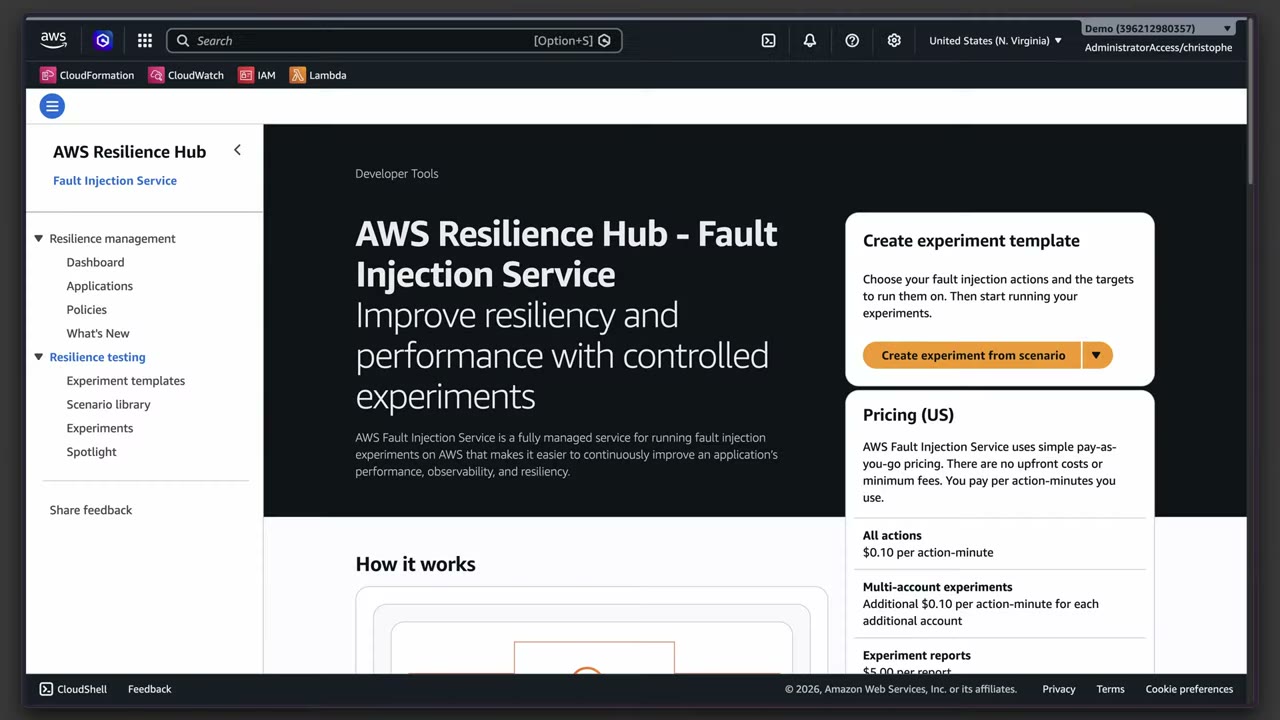
The FIS console now sits inside Resilience Hub under Resilience testing (Experiment templates, Scenario library, Experiments, Spotlight), with “Create experiment from scenario”.
AWS Resilience Hub
Assesses and improves application resilience based on AWS best practices: “define, validate, and track the resiliency of applications”. 6-month free trial for up to 3 applications. ▶ #146 02:21
- Describe the application and its resources: CloudFormation stacks, Terraform state files, resource groups, also AppRegistry/EKS.
- Define resilience policies with RTO (how long until service is restored) and RPO (how much data loss is acceptable) targets.
- Assess the architecture against AWS Well-Architected best practices to find gaps.
- Recommend Systems Manager SOPs (“runbooks”), CloudWatch alarms, monitoring and tests.
- Validate: run tests to confirm the app meets its goals after the changes.
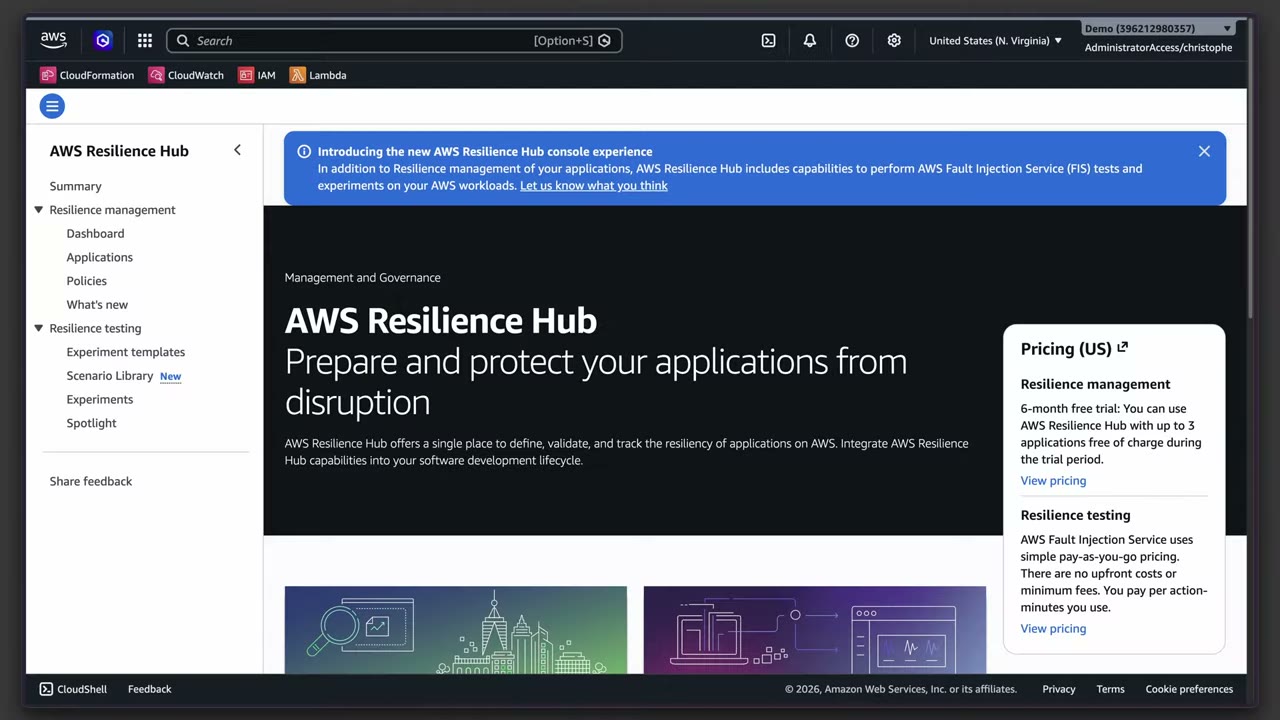
Together: from Resilience Hub you launch FIS experiments, get recommendations from how the app performed, then re-validate after improvements. “Resilience Hub is the framework, FIS is the actual testing engine.” ▶ #146 03:40 Resilience Hub answers “will we meet RTO/RPO?”; FIS answers “what actually happens when X fails?”.
Application Recovery Controller (ARC)
Controlled recovery when an incident hits a whole AZ or Region. ▶ #148 10:10
| Feature | Use |
|---|---|
| Routing controls | Shift traffic between cells or Regions (multi-Region failover) |
| Zonal shift | Move traffic away from an impaired AZ |
| Zonal autoshift | AWS shifts you during AWS events |
| Region switch | Fail over to another Region |
| Readiness checks | Confirm the standby is ready |
From the instructor ▶ #146 04:21
- Simulate failures → Fault Injection Service.
- Evaluate whether the architecture meets recovery goals (RTO/RPO) → Resilience Hub.
- Practice response procedures → tabletop / simulated exercises (may or may not involve a service).
- “These services are a pretty small part of the exam. Know what they are, what they’re used for, and generally how they work.” ▶ #146 04:51
Keyword → answer
| If the question says… | Answer |
|---|---|
| Validate the IR/recovery plan by injecting real failures safely / simulate failures | FIS with stop conditions |
| Assess whether the app meets its RTO/RPO and get recommendations | Resilience Hub |
| Fail over traffic between Regions in a controlled, reliable way during an incident | ARC routing controls |
| AZ issue | ARC zonal shift |
| Check that people and processes work / practice response procedures | Tabletop or game day. Tools alone don’t test people |
Real-world practice
- Run a quarterly game day: simulate a leaked key with GuardDuty sample findings and a canary key, and time the team against the runbook.
- Use FIS to check that the isolation automation works on an EC2 fleet without breaking production. Start in non-prod with tight stop conditions, then graduate to prod game days with stakeholders on call.
- Use a central “resilience” account as the FIS orchestrator with target-account roles. Tag-based targeting avoids hitting unintended resources.
- Feed Resilience Hub assessment results into change management/CI so resilience regressions block releases.
- Create an FIS experiment template that stops one tagged test instance, with a CloudWatch alarm as the stop condition, and run it.
- Cleanup: delete the template and terminate the instance.
Shield Advanced — IR preparation pointer
Shield Advanced and the Shield Response Team (SRT) must be set up before a DDoS attack, so it is an IR preparation item. Full notes are in AWS Shield Advanced (Part 3).
- Exam skills: prepare services for incidents, incl. Shield Advanced (2.1.2) · edge protection (3.1.2)
- Videos: ▶ #128 AWS Shield Advanced
Set up before the attack
- Protect the resources: CloudFront, Route 53 hosted zones, Global Accelerator, ALB/CLB, Elastic IPs. ▶ #128
- Grant the Shield Response Team (SRT) access through an IAM role. The SRT also needs access to the WAF log buckets if you want it to analyze them.
- Add emergency contacts.
- Enable proactive engagement, which requires Route 53 health checks associated with the protected resources.
- Cost protection covers DDoS-related scaling charges. AWS WAF is included for protected resources.
- Deploy across the org with Firewall Manager.
- Shield Advanced/SRT setup is listed as an IR preparation item: do it before the attack, not during (see IR lifecycle, this part). ▶ #129
Keyword → answer
| If the question says… | Answer |
|---|---|
| SRT should contact us proactively during an attack | Proactive engagement + Route 53 health checks + emergency contacts |
| SRT can’t apply WAF mitigations for us | Grant the SRT access role |